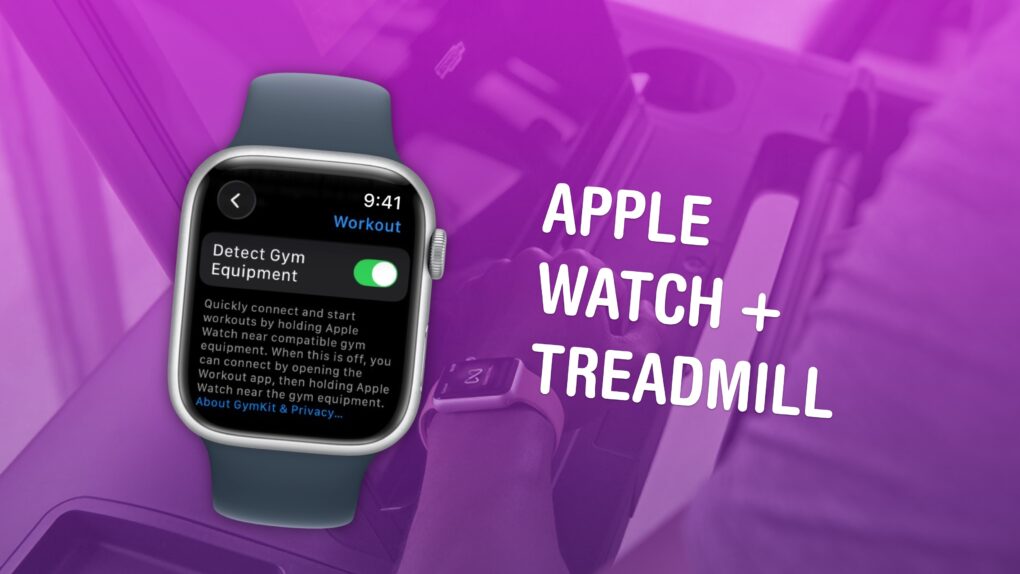
Available in certain gyms and equipment. Image: Apple/D. Griffin Jones/Cult of Mac
You can easily connect your Apple Watch to exercise equipment, like a treadmill at Planet Fitness, to record more accurate health data inside the Fitness and Health apps on your iPhone. After all, if you’re working out, you want to make sure your Apple Watch gives you credit for it.
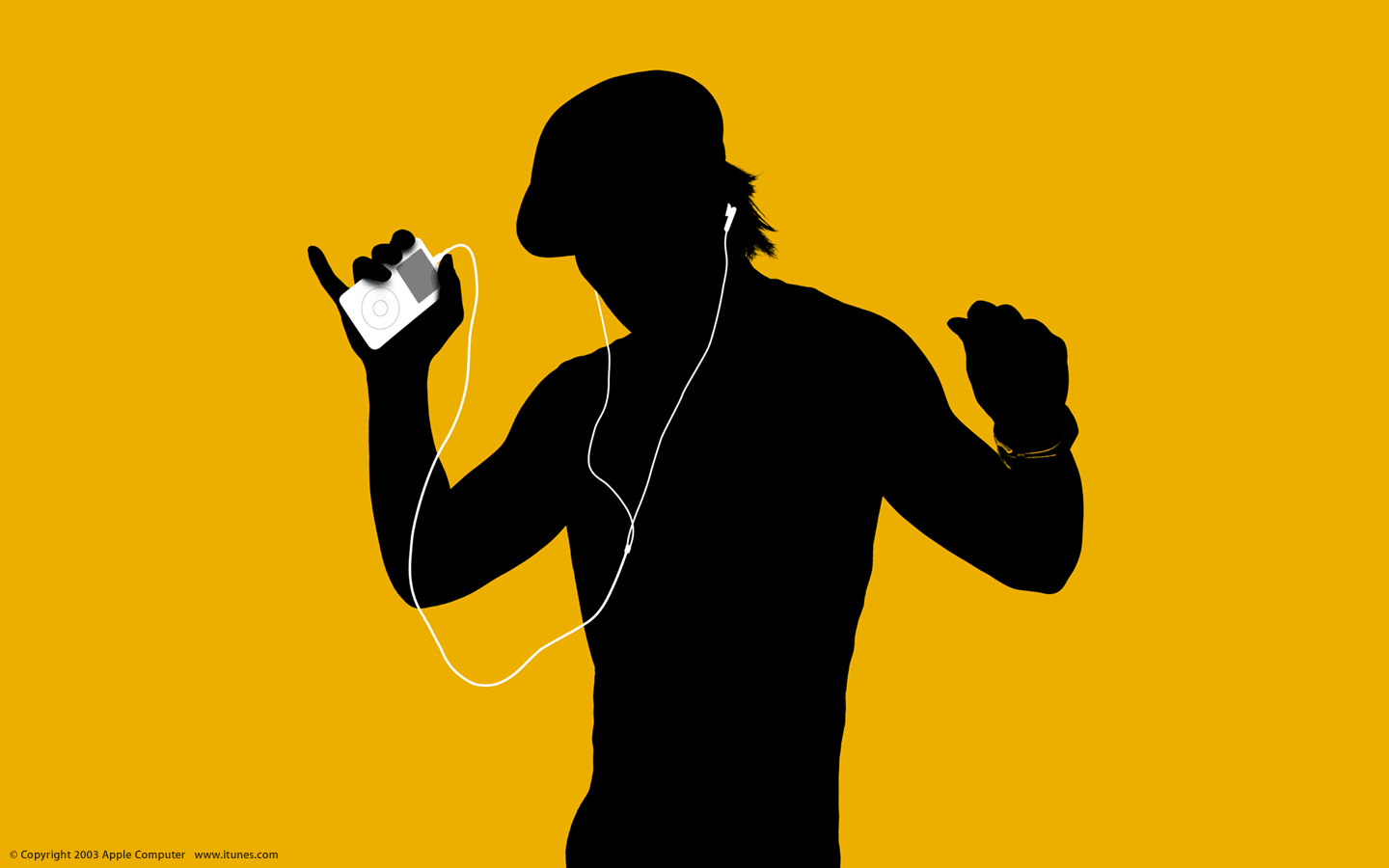
May 5, 2003: Just a week after launching the iTunes Music Store, Apple reaches an incredible milestone with more than 1 million songs sold.
Particularly notable is the fact that more than half the songs purchased are albums. This quickly dispels fears that selling tracks individually at 99 cents apiece will kill the record industry’s dominant format. In addition, more than half of the 200,000 songs initially available in the iTunes library get downloaded at least once.
“In less than one week we’ve broken every record and become the largest online music company in the world,” says Apple CEO Steve Jobs in a press release. “Apple has created the first complete solution for the digital music age — you can purchase your favorite music online at the iTunes Music Store, mix your favorite tracks into playlists with iTunes, and take your entire music collection with you everywhere with the super-slim new iPods.”
It’s a roaring success for Apple’s newest venture!
Moving from Android to iPhone means adjusting to a different way of doing things. AI image: ChatGPT
Ready to switch from Android to iPhone? Before you make the move to an Apple device, you need to know the biggest problems you’ll face during the transition — and how to avoid them.
While some challenges are manageable, others are unavoidable. If you feel ready to jump to Apple’s ecosystem from Google land, here’s what you need to know.
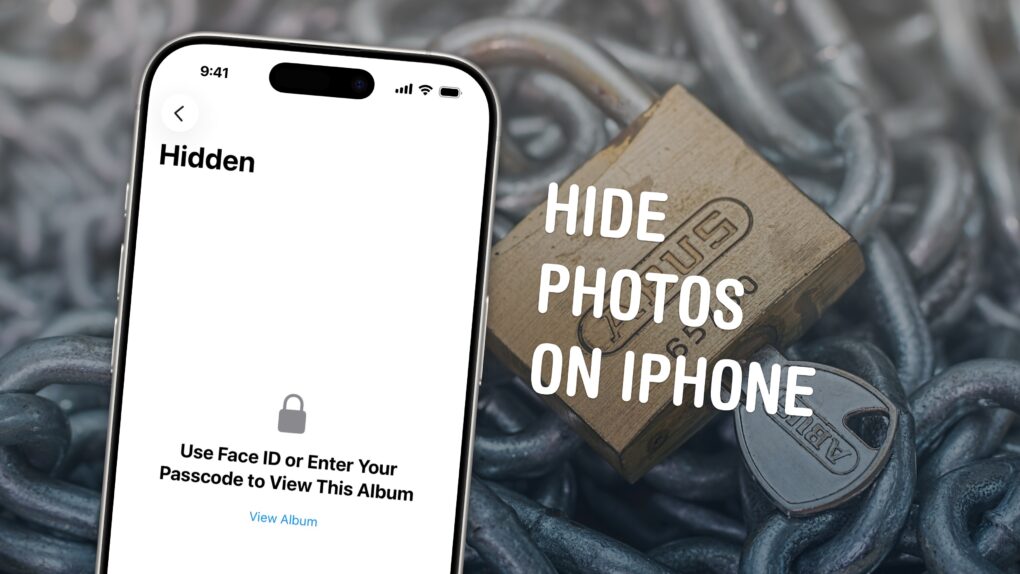
Keep your photos locked up like Fort Knox. Image: D. Griffin Jones/Cult of Mac
You can easily hide photos and videos on your iPhone to keep secret and/or illicit images out of your main Photos library. Hiding items from the camera roll makes sure nobody except you can see your embarrassing pictures, salacious nudes or old selfies with your ex.
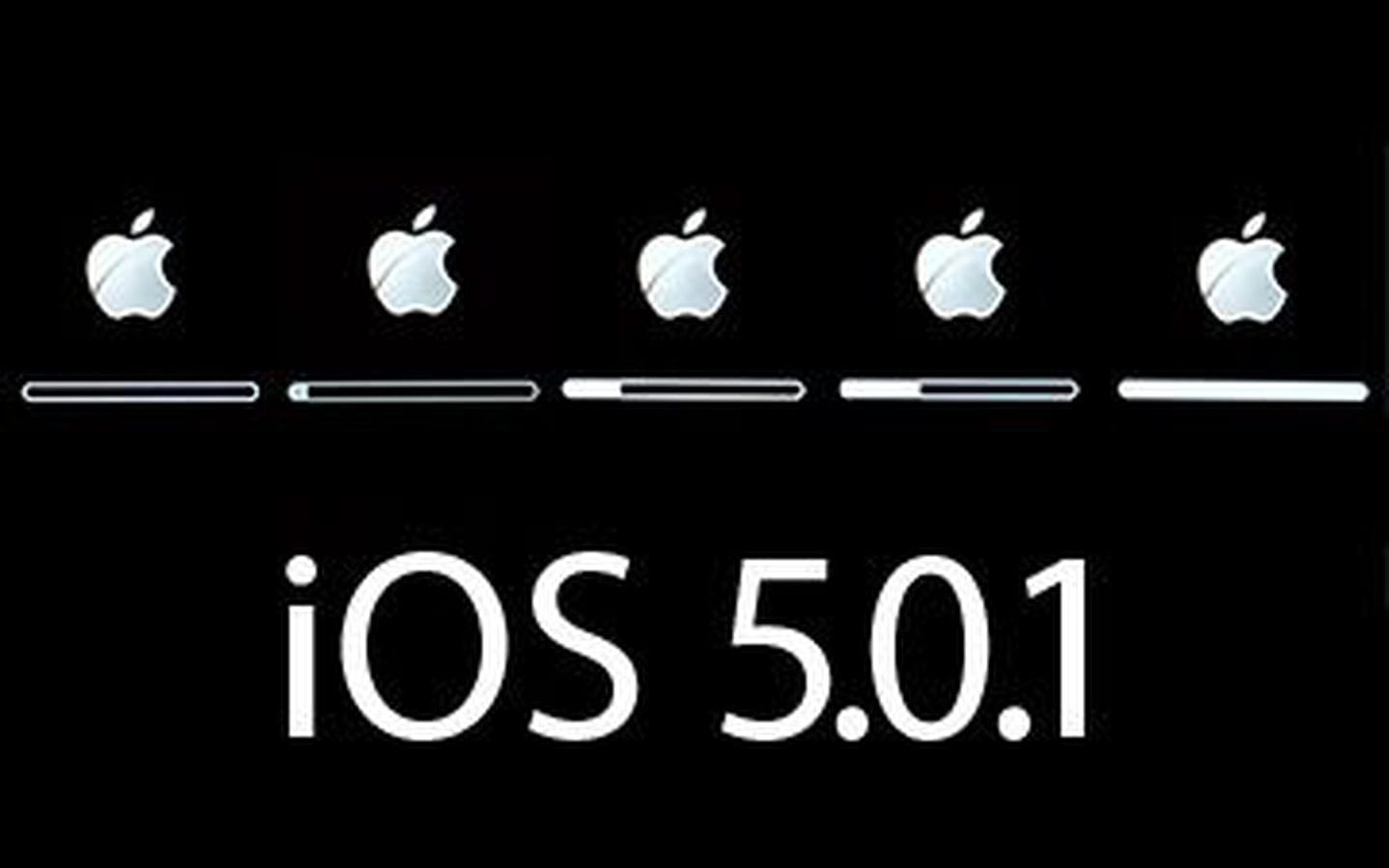
Over-the-air iOS updates took iTunes out of the equation (and leveled the playing field with Android). Photo: Apple
May 4, 2011: Reports circulate that Apple is negotiating with carriers to bring over-the-air updates to iOS, beginning with iOS 5.
Such a move would free iPhone owners from using iTunes to get updates for their devices. That means no more plugging an iPhone into a computer via USB to download the latest version of iOS.
The original Mac was a smash hit. Sort of. Photo: iFixit
May 3, 1984: Apple marks the all-important first 100 days of Mac sales, signaling whether the product launch is a hit with customers.
The results outstrip even Apple co-founder Steve Jobs‘ most optimistic targets. Unfortunately, not everything is as positive as it seems following the successful Mac launch.
An iPhone locked with a passcode is more secure than any bank vault. AI image: ChatGPT/Cult of Mac
A very sad day has come, and a beloved relative has passed away. And it seems Apple is making the experience worse because it refuses to unlock the deceased person’s iPhone!
It’s not that Apple refuses to — it literally cannot. And it all comes down to the way encryption works.
Fortunately, there’s a simple way to prevent this problem. It just takes some preparation.
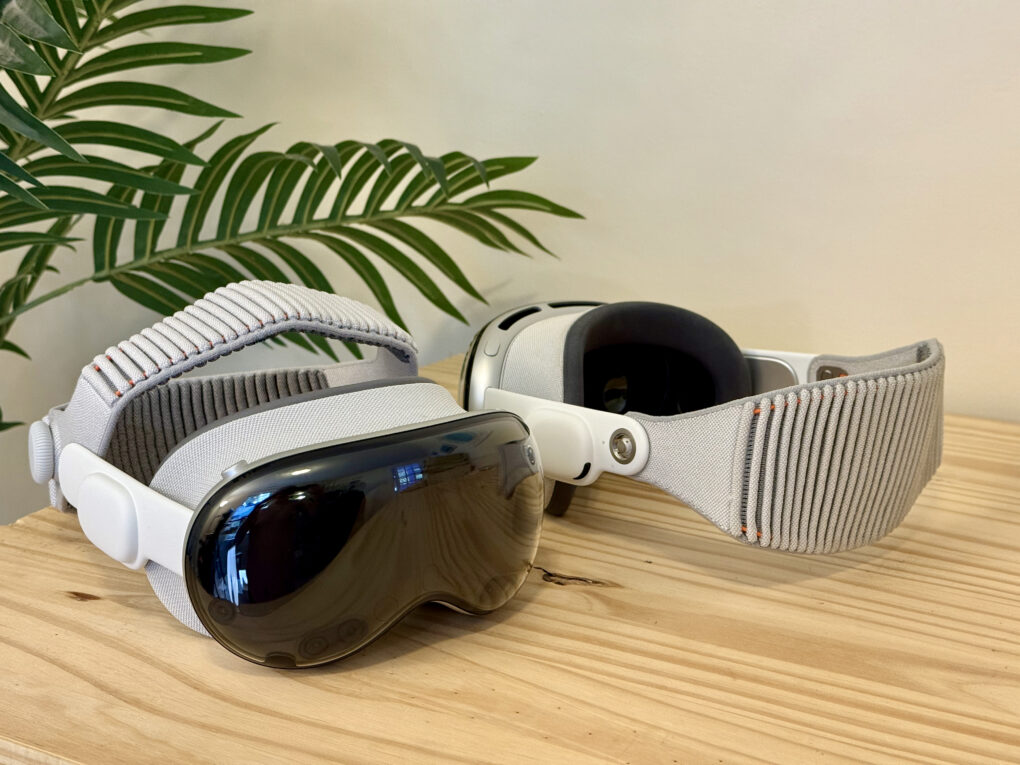
Trick out your Vision Pro with these essentials. Photo: D. Griffin Jones/Cult of Mac
After shelling out well over $3,499 for a Vision Pro, I hope you have some money left over to buy some of the must-have accessories that make Apple’s headset even better.
The experience out of the box is great, but to start, you’ll probably want a case to put your Vision Pro in. If you want to use the headset for browsing the web, messaging, writing or any amount of work, you’ll want a keyboard and trackpad. And for games, you’ll need a controller.
If you don’t have pockets (or the pockets you have prove insufficient), you’ll want a battery holster for walking around. And if you’re walking around, you’ll definitely want a protective cover for that expensive curved piece of glass.
Here are all the accessories I use to make the most of my Vision Pro.
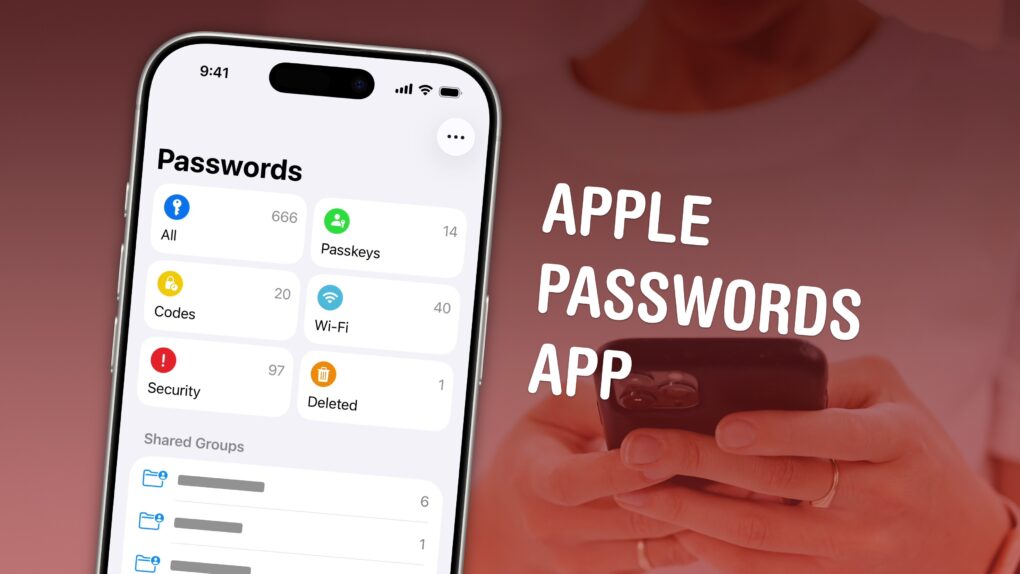
The time has come to stop using the same passwords and use a password manager. Image: D. Griffin Jones/Cult of Mac
The Apple Passwords app makes it easier than ever to save login details for your apps, start using passkeys and create shared groups.
The time of using the same password on all your internet accounts is over. Apple’s password manager is free, syncs everywhere (even with Windows PCs) and is incredibly easy to use. It creates strong passwords and automatically fills them in, so you never need to.
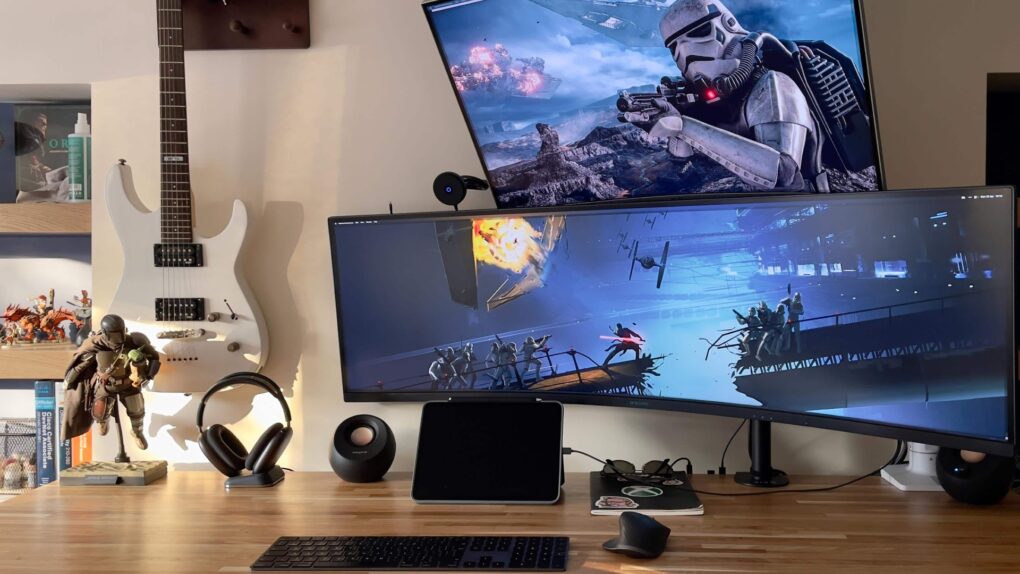
That's a massive amount of screen real estate. Photo: [email protected]
I’ve always noticed a certain breed of Apple enthusiast for whom less is definitively not more. While minimalist setups have their ascetic charm, the rigs below operate on an entirely different philosophy: more computers, more screens, more audio gear — more of everything. These are the top 10 maximalist setups.
They’re the ones that made commenters ask if the owner works at “the money factory making commerce,” for example, or declare, “OP has done it: they’ve finally hit the limit of too much screen space.”
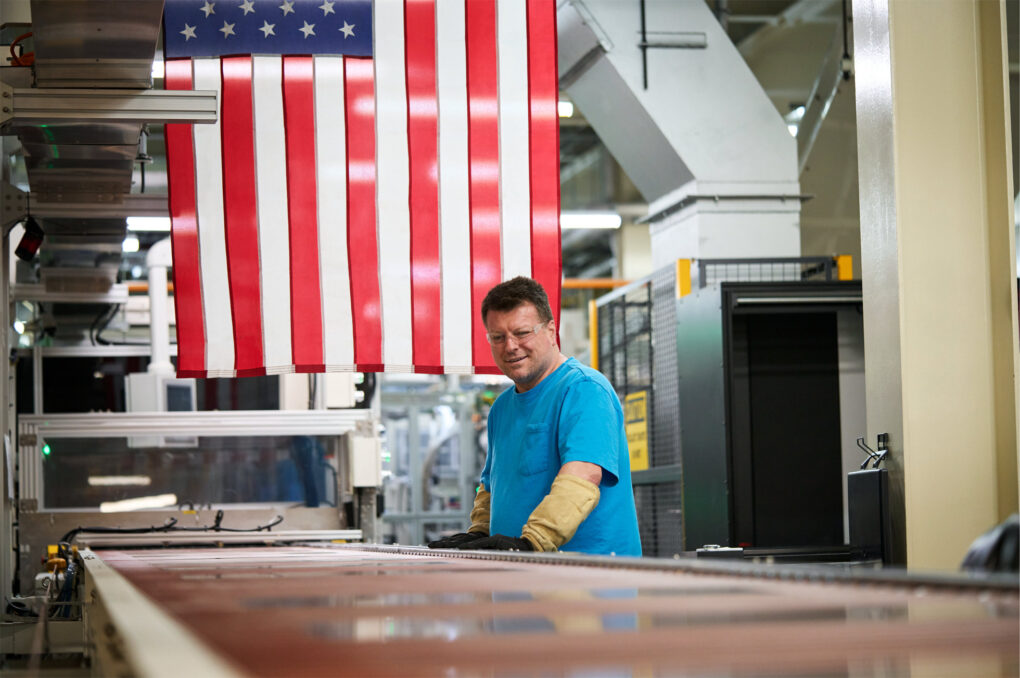
Apple's plan should continue to bolster U.S. manufacturing. Photo: Apple
Apple CEO Tim Cook revealed during Thursday’s quarterly earnings call that the company intends to apply for refunds on tariffs it paid under trade measures that the Supreme Court recently ruled unconstitutional. And has a clear plan for where that money will go: straight into U.S. manufacturing.
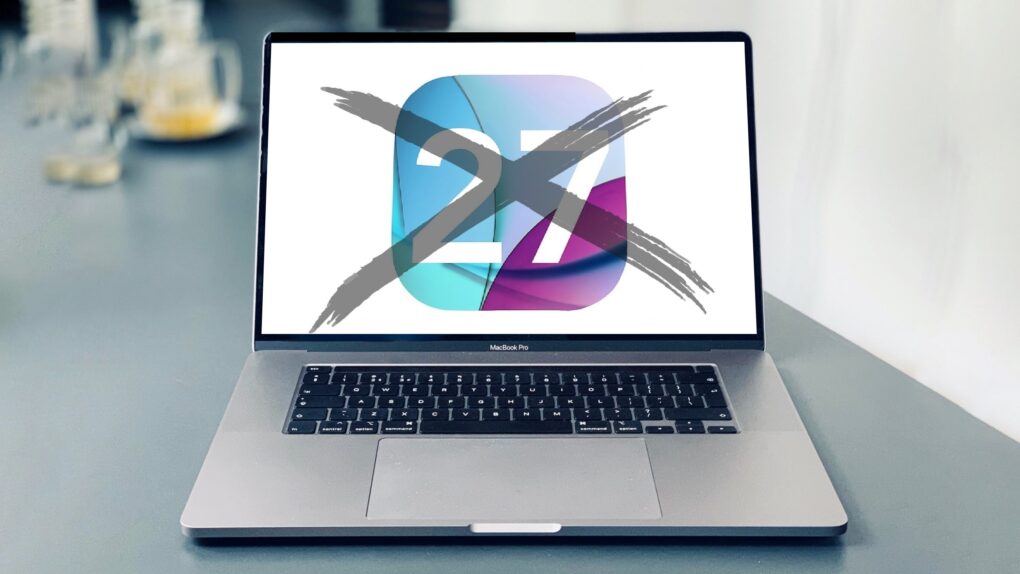
This 2019 MacBook Pro with an Intel chip will not get macOS 27. Photo: Charlie Sorrel/Cult of Mac
Anyone still using an Intel Mac needs to know that when macOS 27 launches this fall, it won’t be available for computers that don’t use Apple’s own processors.
It’s not like your Intel-based Mac will suddenly explode in your face because it’s running an older version of macOS, but the odds of getting hacked go up considerably. Here’s why.
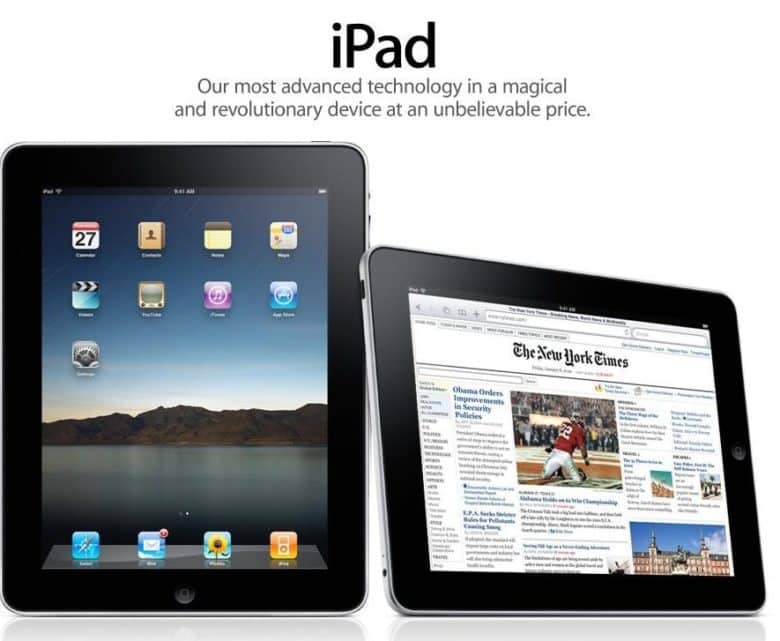
The iPad was the fastest-selling new product line in Apple history. Photo: iPad
April 30, 2010: Almost a month after the first-gen iPad went on sale, the first Wi-Fi + 3G iPads arrive in the hands of U.S. customers.
The devices ship in boxes identical to the Wi-Fi-only models, but with an additional sticker noting their cellular connectivity capability. The tablets come preloaded with micro-SIM cards branded AT&T, the only wireless carrier that initially supports the iPad.
★★★★☆
The DwarfLab Dwarf Mini captures gorgeous pictures of the cosmos, despite its small size. Photo: Ed Hardy/Cult of Mac
The Dwarf Mini smart telescope from DwarfLab cooperates with your iPhone to help you take amazing pictures of the stars — even in locations where you probably think it’s impossible. And it’s all thanks to the miracle of long-exposure images.
Even better, the telescope is comparatively tiny and sets up in minutes.
As a long-time stargazer, I was thrilled to test out the Dwarf Mini. And even more thrilled with the results.
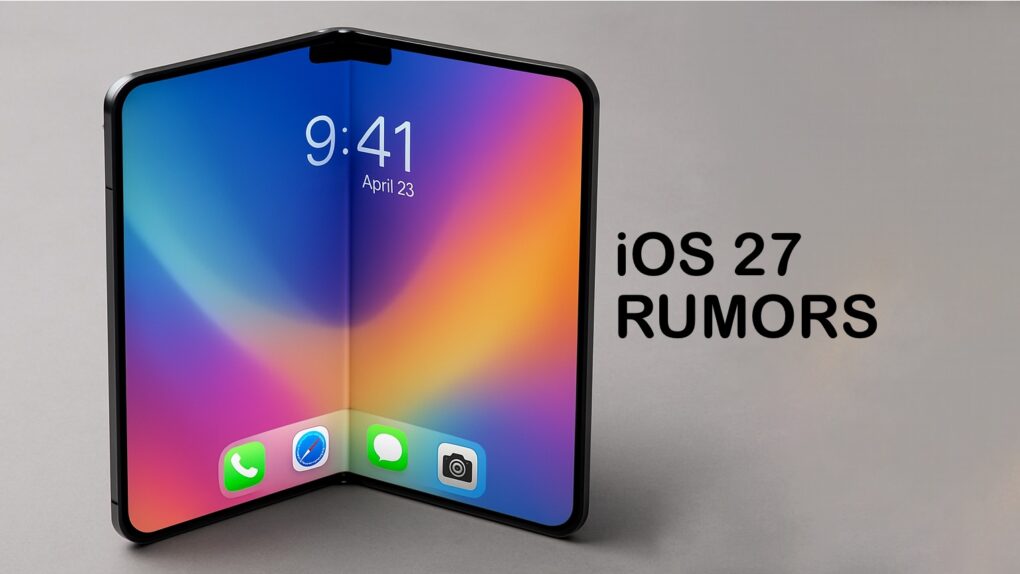
iOS 27 could support an upgraded Camera app with a Siri camera mode plus an overall overhaul of the voice assistant. Photo: Chat GPT/Cult of Mac
Apple will put artificial intelligence front and center in the iPhone camera with a dedicated Siri camera mode coming in iOS 27, according to a new report. The move signals the company’s push to make on-device AI feel less like a hidden feature and more like a core part of the iPhone experience.
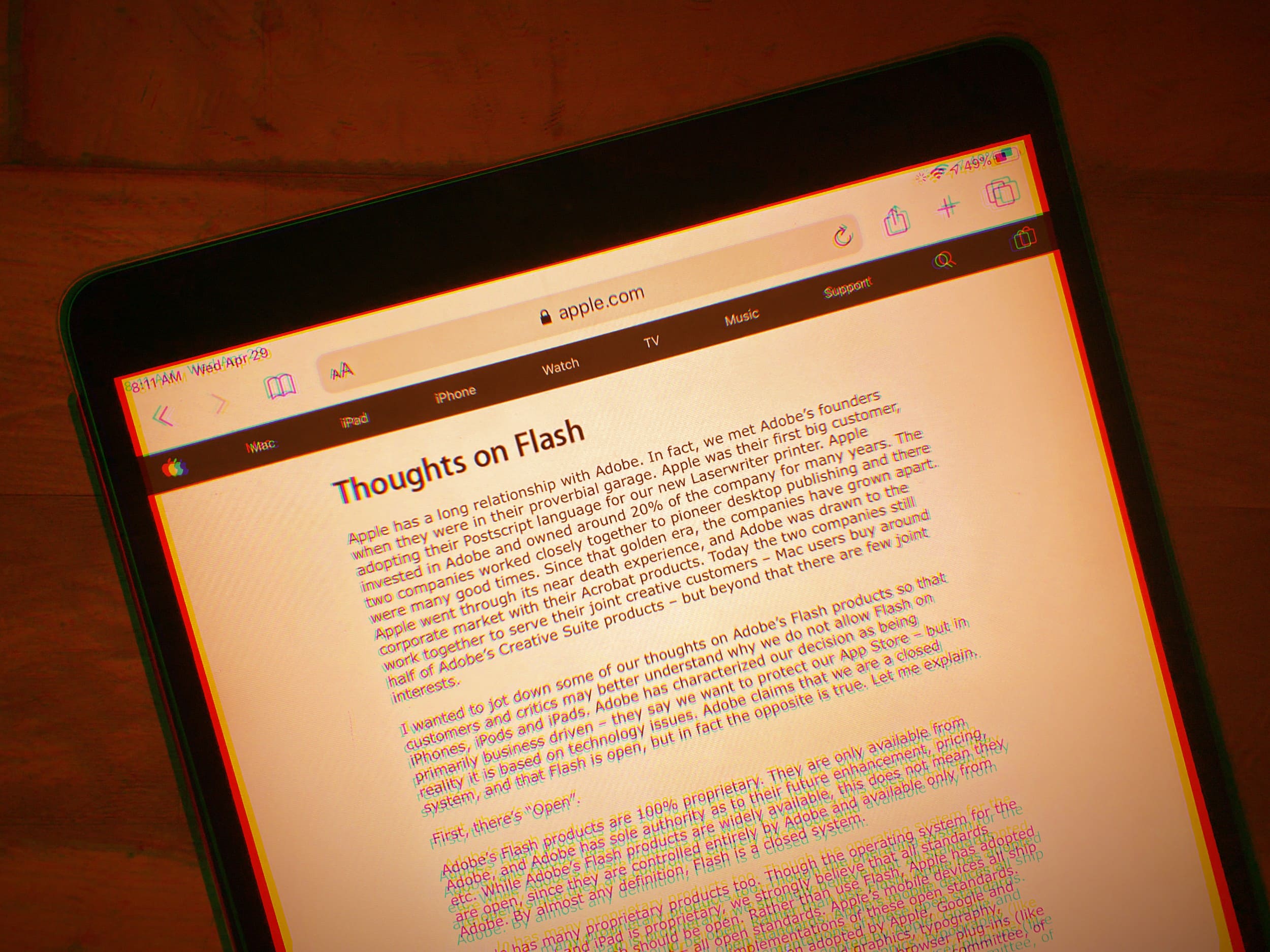
Steve Jobs really didn't care for Flash. Photo: Lewis Wallace/Cult of Mac
April 29, 2010: Apple CEO Steve Jobs pens “Thoughts on Flash,” an open letter to explain why, basically, Adobe Flash kind of sucks. The letter marks the beginning of the end for the once-omnipresent plugin that powered multimedia in internet browsers for years.
Following the devastatingly blunt broadside, Adobe Systems CEO Shantanu Narayen hits back at Apple, arguing against Jobs’ complaints. But the Apple leader has clearly made up his mind: iOS devices will never support Flash. The writing is on the wall.
Epic Games came out ahead in the latest skirmish between the developer and Apple. Image: Killian Bell/Cult of Mac
Apple’s bid to freeze court-ordered App Store changes while it pursues U.S. Supreme Court review got rejected Tuesday as the latest decision in the iPhone giant’s long-running legal fight with Fortnite maker Epic Games. So the clock is now ticking on compliance pending another decision over what Apple can charge in fees.
★★★★★
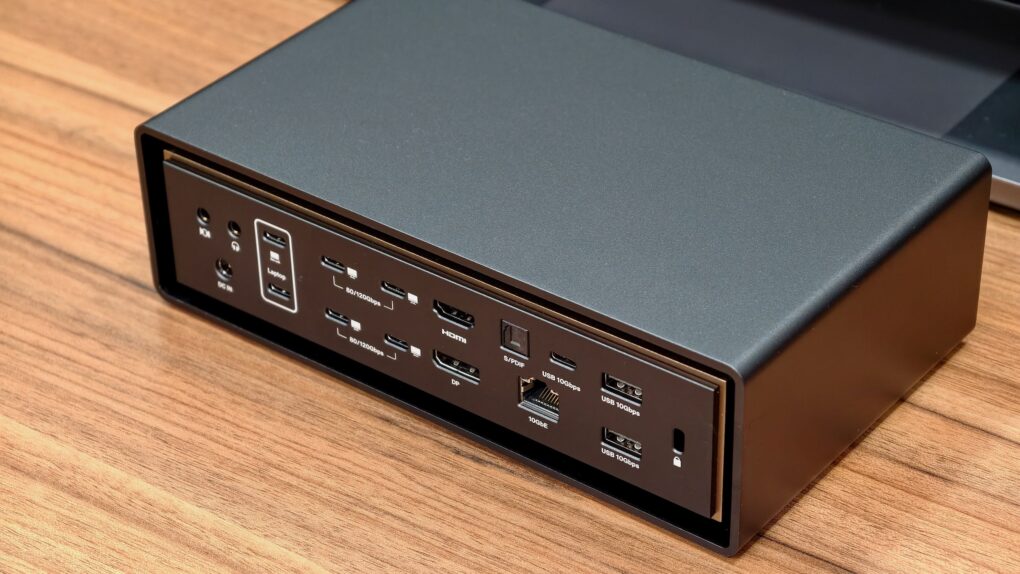
The iVanky FusionDock Ultra currently ranks as the king of Thunderbolt 5 docks. Photo: Rajesh Pandey/Cult of Mac
With plenty of ports, power and bandwidth, Thunderbolt docks form the backbone of a modern MacBook-powered workstation — and the iVanky FusionDock Ultra takes things to the extreme. It packs an absurd number of ports and promises enough bandwidth to handle just about anything you can throw at it.
Find out what makes the iVanky FusionDock Ultra so special in our review.
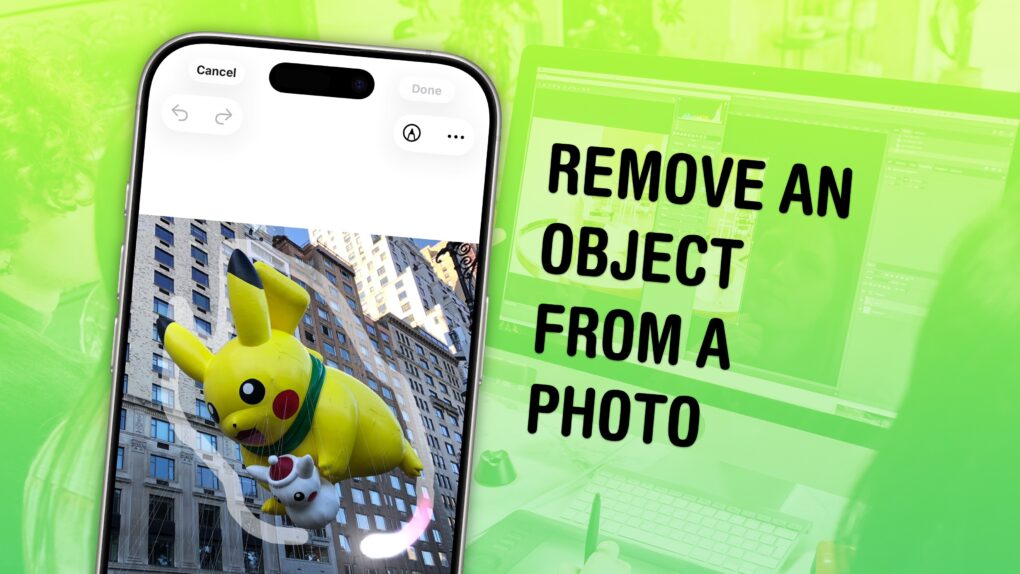
You don’t have to be a Photoshop master to edit things out of your photos. Image: D. Griffin Jones/Cult of Mac
You can easily remove any object from a photo using Apple Intelligence’s free Clean Up tool on your iPhone, Mac or iPad. It works fairly well — but it’s good to know its limitations.
As the only graphic designer among my friends, I’ve frequently been asked over the years to Photoshop unwanted elements out of pictures. Take, for example, a romantic shot of a couple in a gazebo, with a phone sitting on the handrail in an obvious spot. The image might look a lot better if you delete that stray device.
Or imagine a group photo from a fun night out, with someone’s dumpy tote bag sitting by their feet, or a picture from a big conference that shows an ugly lanyard around someone’s neck. With Apple Intelligence’s free Clean Up feature, anyone can make the tote bag and the lanyard disappear, right from their iPhone.
Now, you have the power to clean up your own photos — a chance to make your almost-perfect shots perfect in an instant.
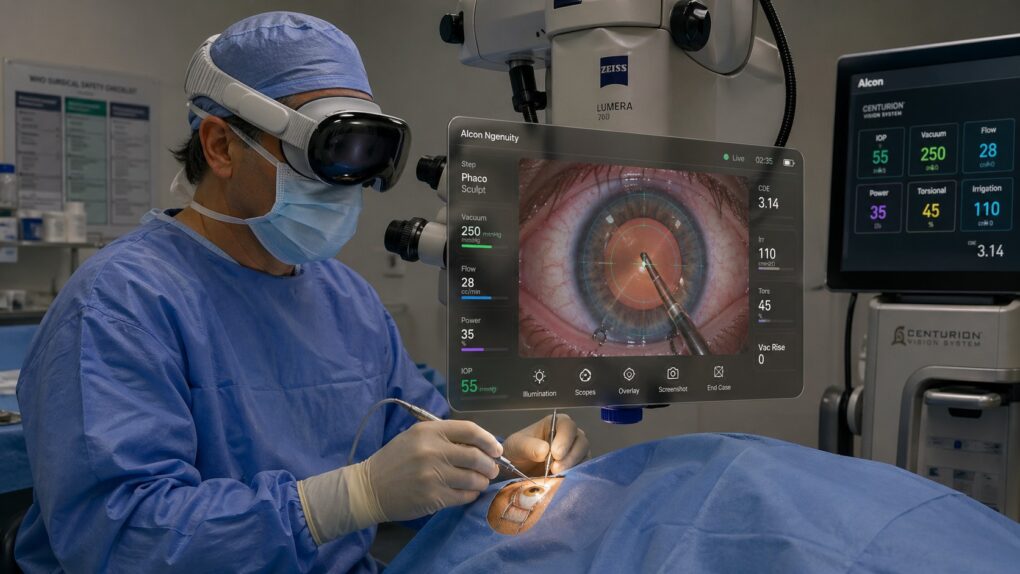
In another medical first, Vision Pro played a crucial role in successful cataract surgery. AI image: ChatGPT/Cult of Mac
A New York ophthalmologist made history recently, becoming the first surgeon in the world to perform cataract surgery using Apple’s Vision Pro headset, according to a new report. It offers a compelling new use case for a device that has struggled to find mass-market traction.
“We are now able to bring the world’s best surgeon into any operating room, at any hour, from anywhere on the planet,” Dr. Eric Rosenberg said. “From residents performing their first cases to surgeons facing unexpected complications, this technology democratizes access to expertise — and that will save vision.”
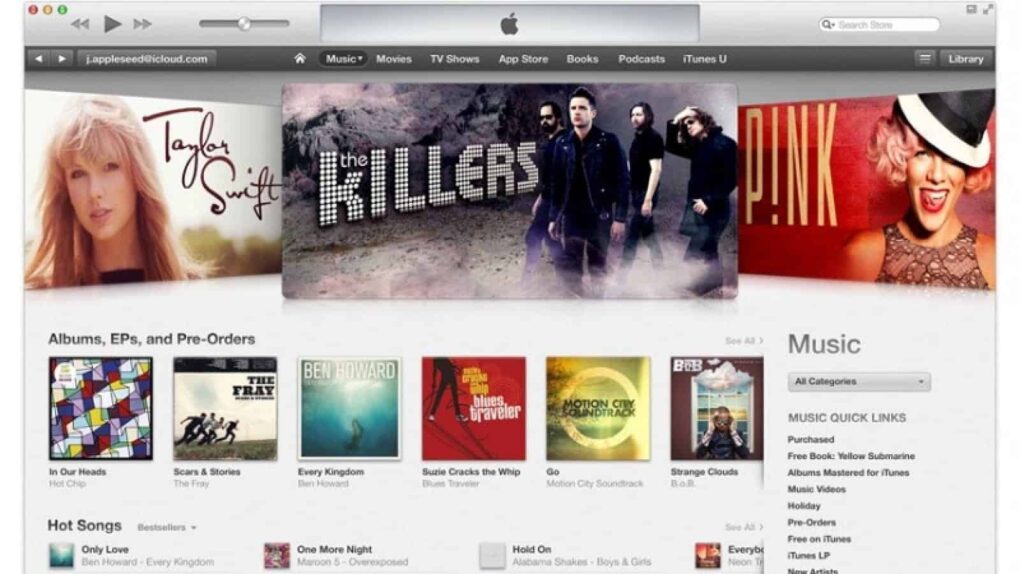
The iTunes Music Store revolutionized the music industry. Photo: Apple
April 28, 2003: Apple opens the iTunes Music Store, revolutionizing the music industry and digital distribution of content.
At a time when getting music online mostly means illegal downloads from pirate services like Napster, iTunes quickly proves that customers will pay for songs — provided the service is good enough.
★★★★☆
Edifier M90 speakers in white replace the inexpensive sound bar I was using to boost my Roku TV's audio. They'd be great with Apple TV, too. Photo: David Snow/Cult of Mac
Apple’s ecosystem has never sounded better — AirPods, HomePods, Apple TV with Dolby Atmos — and yet the humble desktop speaker often remains an afterthought. For Mac users who spend long hours at a monitor or in front of a gaming console or smart TV, the audio situation can range from mediocre built-in speakers to a rat’s nest of half-compatible gear. But this Edifier M90 speaker review explains how the stellar new boxes do a great job of solving any number of audio problems in different settings. They bring potent audio power to practically any gear.
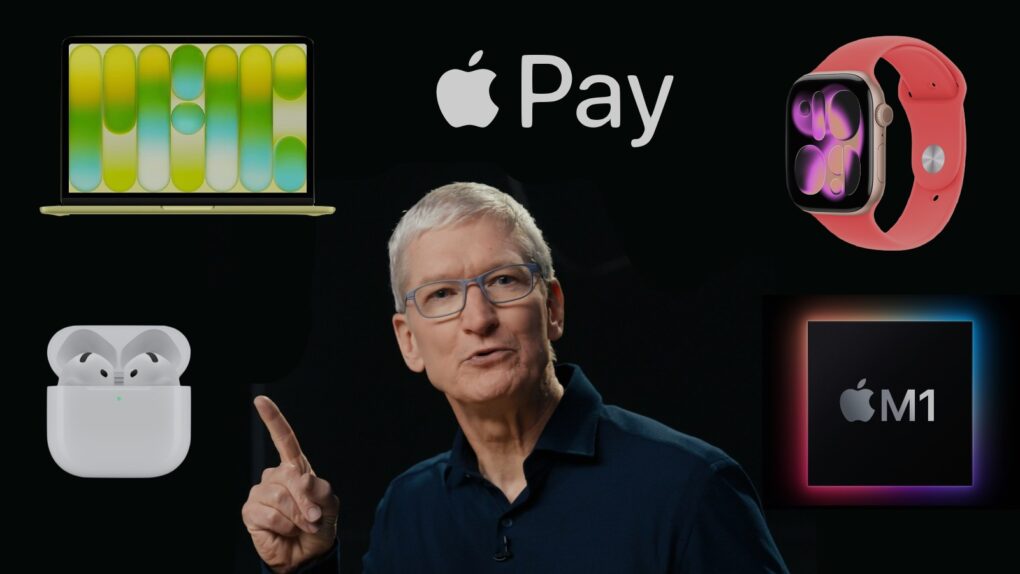
Let's give Apple CEO Tim Cook credit where credit is due. Image: Apple/Cult of Mac
Tim Cook doesn’t get enough credit for launching groundbreaking products as Apple CEO. He quietly oversaw launches that reshaped how people listen, make purchases and monitor their health. He even revitalized the Mac.
With Cook leaving the CEO spot to become chairman of Apple’s board of directors in September, it’s time for some perspective on his time in office. Here are five examples of Cook embedding Apple deeper into our lives than ever before.
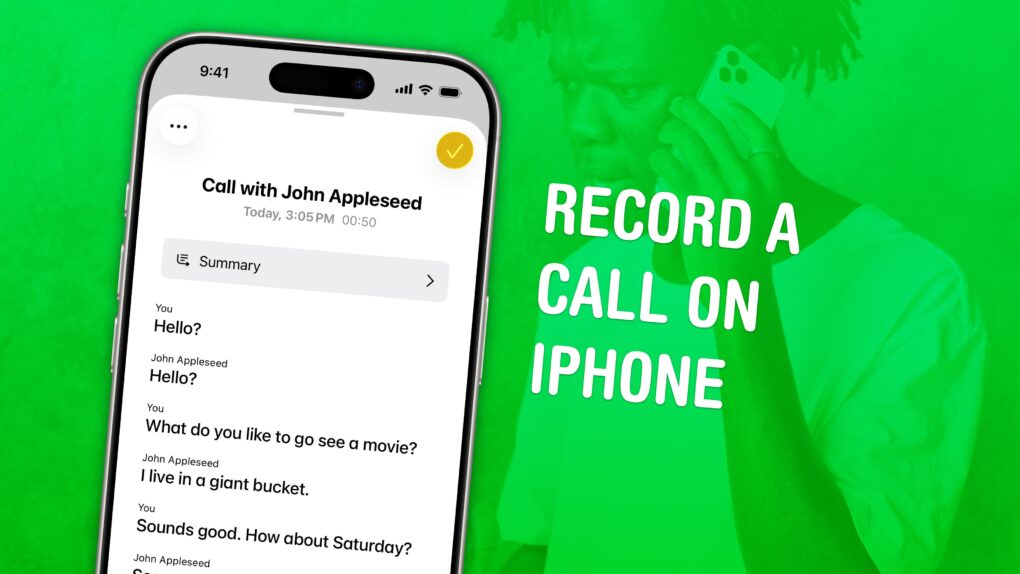
Check back what they really said. Image: D. Griffin Jones/Cult of Mac
You can record a phone call on your iPhone for future reference using a built-in tool. This feature is a great way to refer back to a previous conversation. Who said what? What date did they say? What exactly did you agree to?
If your device supports Apple Intelligence, you’ll get transcriptions of the phone calls, too. They’ll go in a Call Recordings folder in the Notes app.
If you used a shady call recording app before, you can bid it adieu. There’s a convenient button built right into the Phone app. Here’s how it all works.
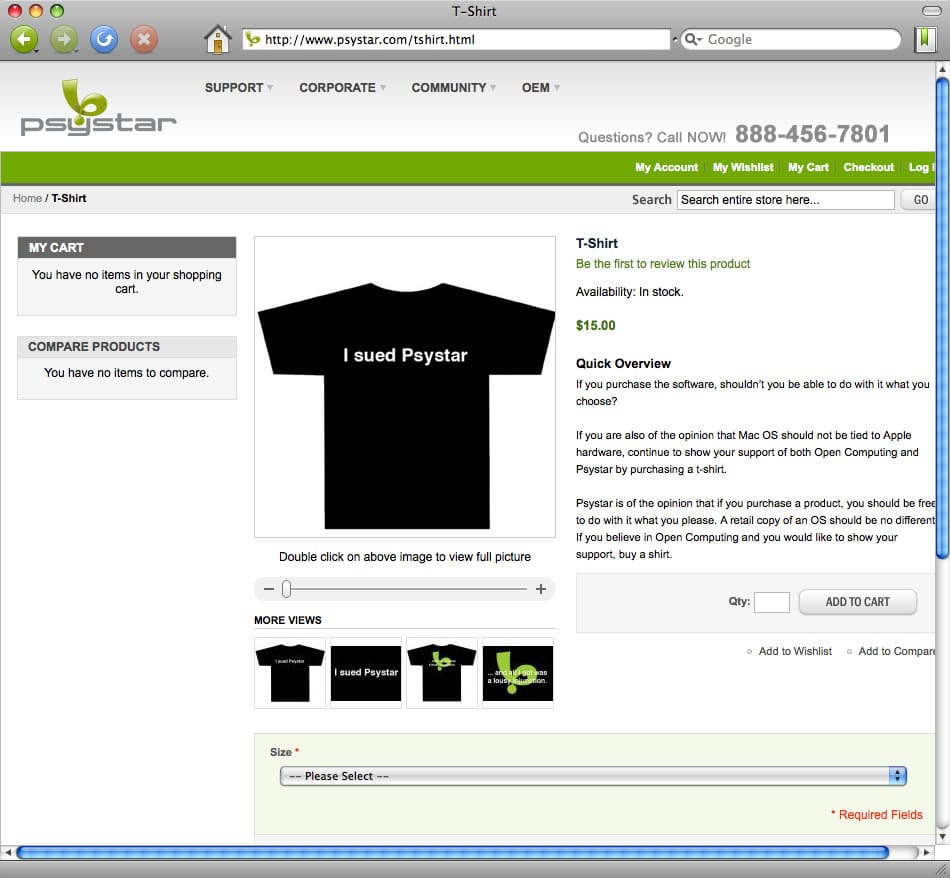
After losing a battle with Apple over Mac clones, this T-shirt became one of Psystar's last products. Image: Psystar
April 27, 2008: Psystar’s first Mac clones ship to customers. The company’s new Open Computer means that, for the first time since the mid-1990s, there’s no need to assemble a “hackintosh” to run OS X on a non-Apple computer.
Unlike previous clone Macs, however, Psystar’s low-priced computers don’t come with Cupertino’s blessing. Naturally, a fight ensues.

 May 5, 2003: Just a week after launching the iTunes Music Store, Apple reaches an incredible milestone with more than 1 million songs sold.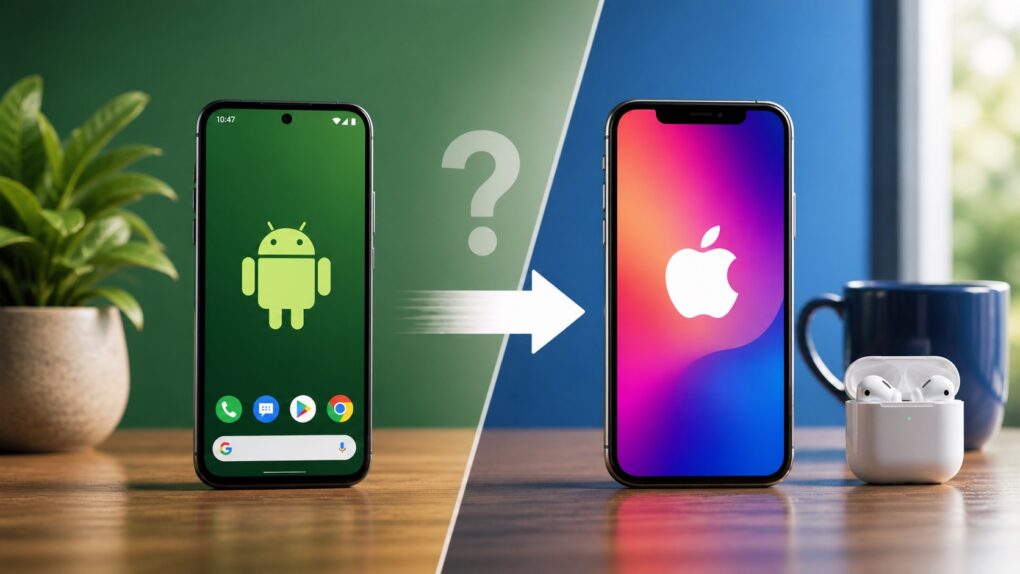
 May 4, 2011: Reports circulate that Apple is negotiating with carriers to bring over-the-air updates to iOS, beginning with iOS 5.
 May 3, 1984: Apple marks the all-important first 100 days of Mac sales, signaling whether the product launch is a hit with customers.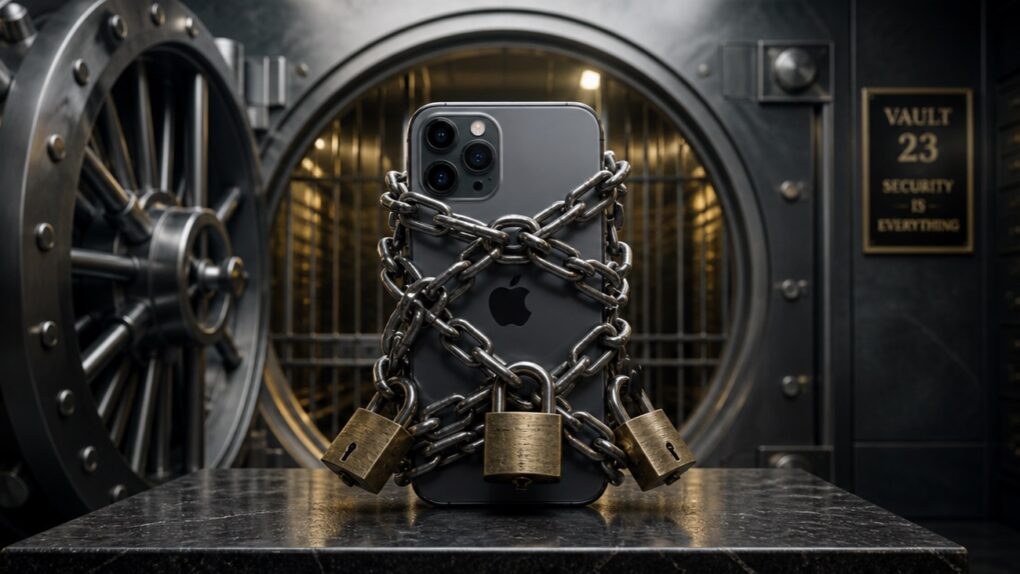
 April 30, 2010: Almost a month after the first-gen iPad went on sale, the first Wi-Fi + 3G iPads arrive in the hands of U.S. customers.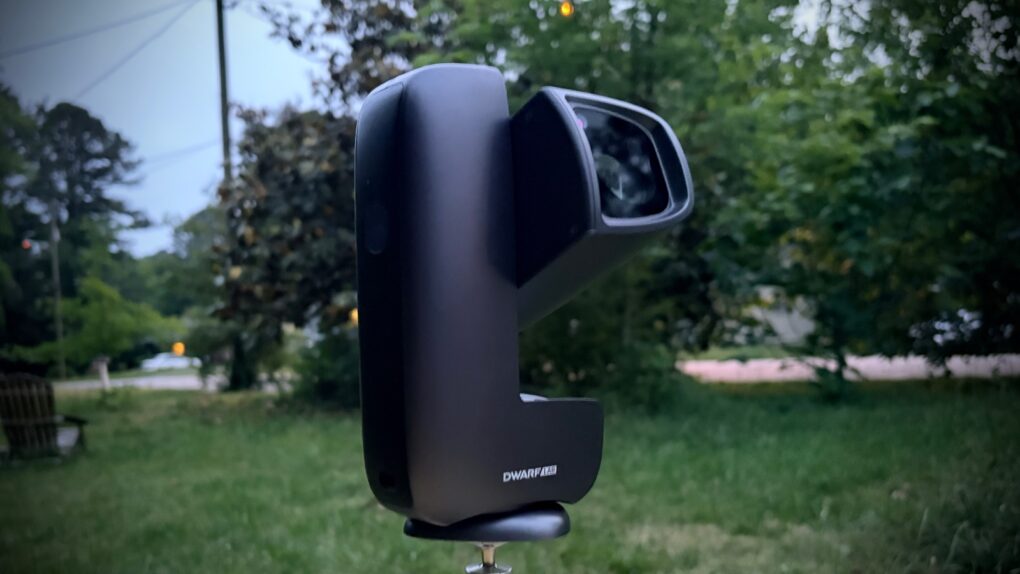


 April 28, 2003: Apple opens the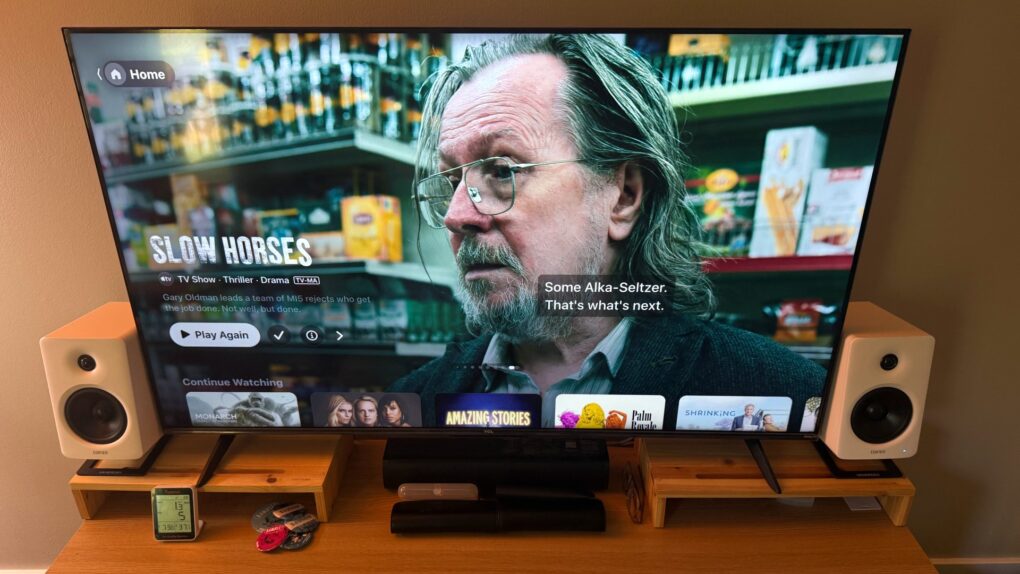
 April 27, 2008: Psystar’s first Mac clones ship to customers. The company’s new Open Computer means that, for the first time since the mid-1990s, there’s no need to assemble a “hackintosh” to run OS X on a non-Apple computer.