Mobile menu toggle

Top stories - page 3

Stop following me! Tweak iPhone location settings to keep spies at bay.

By

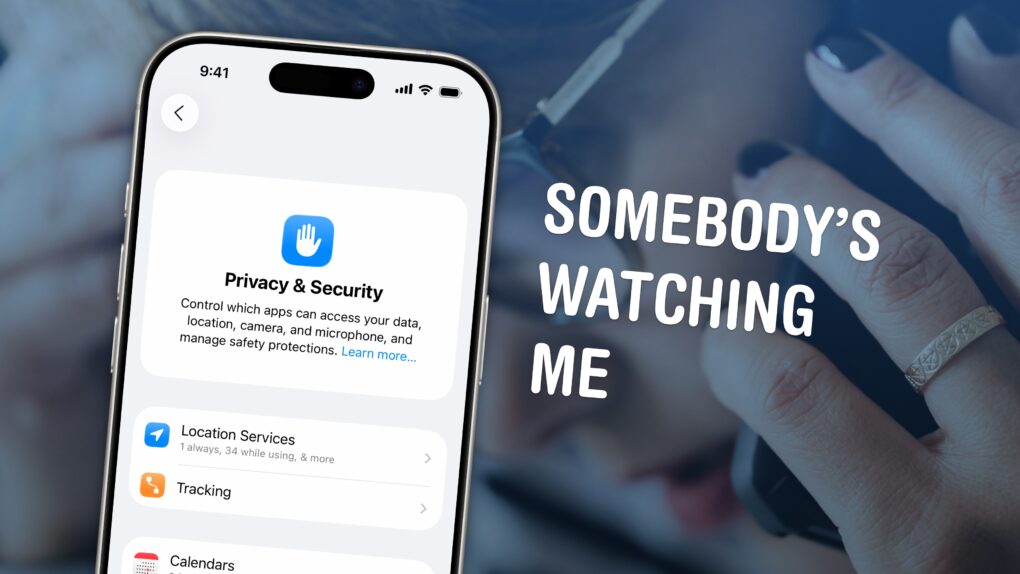
Somebody’s Watching Me
You can see all of the locations your iPhone thinks are significant and turn off the location features in Settings.
Image: D. Griffin Jones/Cult of Mac

If you’re uncomfortable with social media apps tracking your movements, or worried about data falling into the wrong hands, here’s how to stop them using your iPhone’s built-in location settings.

If you find yourself traveling to a country with an authoritarian government, clearing your phone’s location history is a safe bet. Or if you’re moving to a different city or to a new job, it can be annoying seeing travel suggestions to the wrong place. Resetting your location history will start from a clean slate.

These moves may also protect you from shady data brokers, who spy on and sell your movements. Here’s how.

Today in Apple history: The elusive Macintosh Color Classic II ships

By

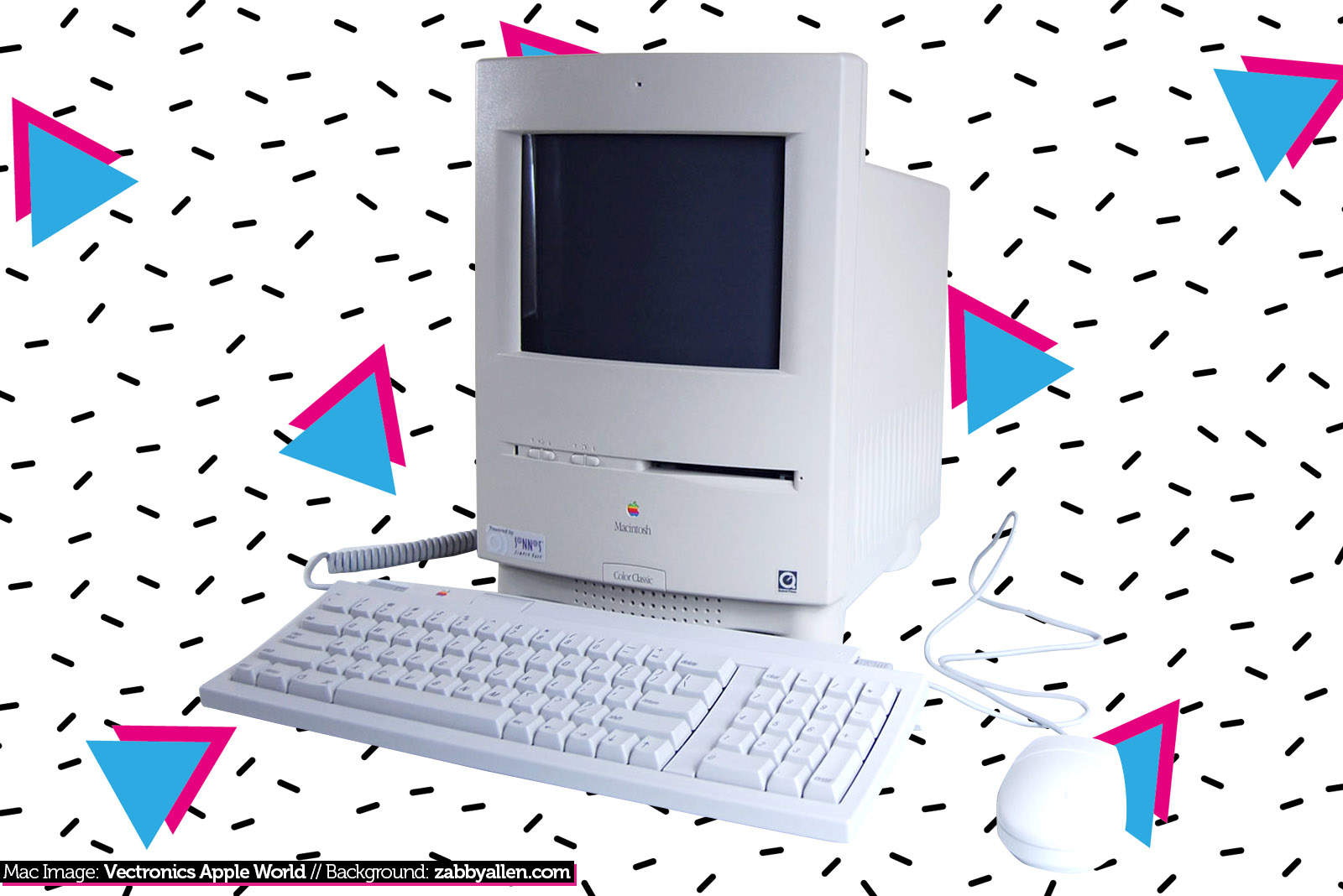
The Macintosh Color Classic II never shipped in the U.S., which makes it hard to find today.
The Color Classic II never shipped in the U.S., which makes it hard to find today.
Photo: Ste Smith/Cult of Mac

October 10: Today in Apple history: The elusive Macintosh Color Classic II ships October 10, 1993: Apple ships its Macintosh Color Classic II, the last of the 9-inch compact Macs.
Also known as the Performa 275, the Color Classic II will eventually become something of a collector’s item, since Apple released it only in Canada, Asia and Europe.

Screen calls on iPhone and you, too, can live in interruption-free bliss

By

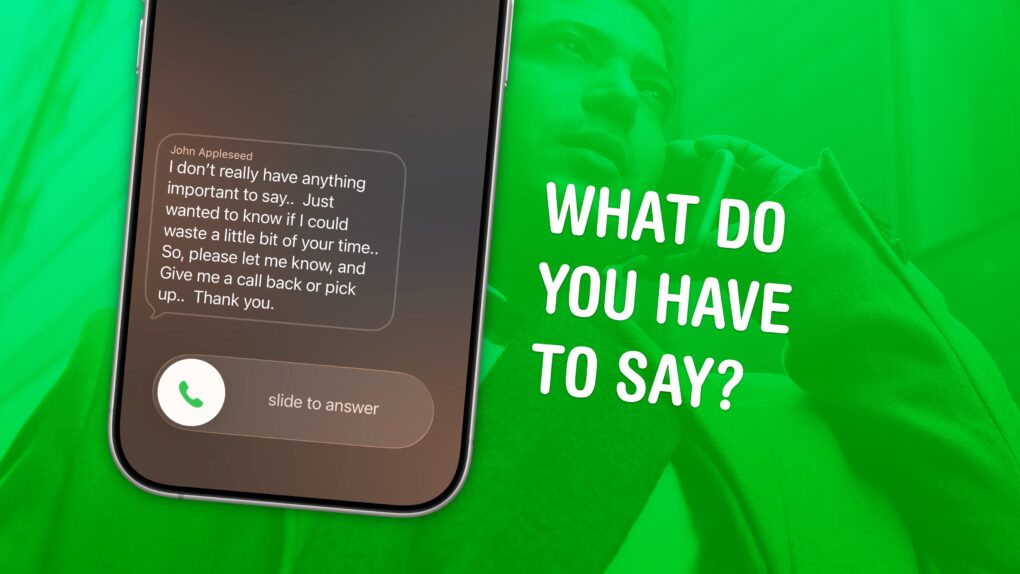
What Do You Have To Say
Decide before you waste your time.
Image: D. Griffin Jones/Cult of Mac

Screening calls on iPhone has finally gotten good. It’s now possible to block and screen all calls from unknown numbers and lead a life of peaceful zen. Apple has added a trio of features to iPhone to screen calls: one aptly named Call Screening, as well as Live Voicemail and Silence Unknown Callers.

Using these features together gives you a great way to stop unknown callers on iPhone. The Call Screening feature pairs very well with Live Voicemail. With both of these turned on, unwanted calls will be far less intrusive, but you will still be able to pick up important calls as they come in.

Here’s how to screen calls and other annoyances without missing any crucial conversations.

Today in Apple history: iPhone 4s opens for Siri-ous preorders

By

iPhone 4s
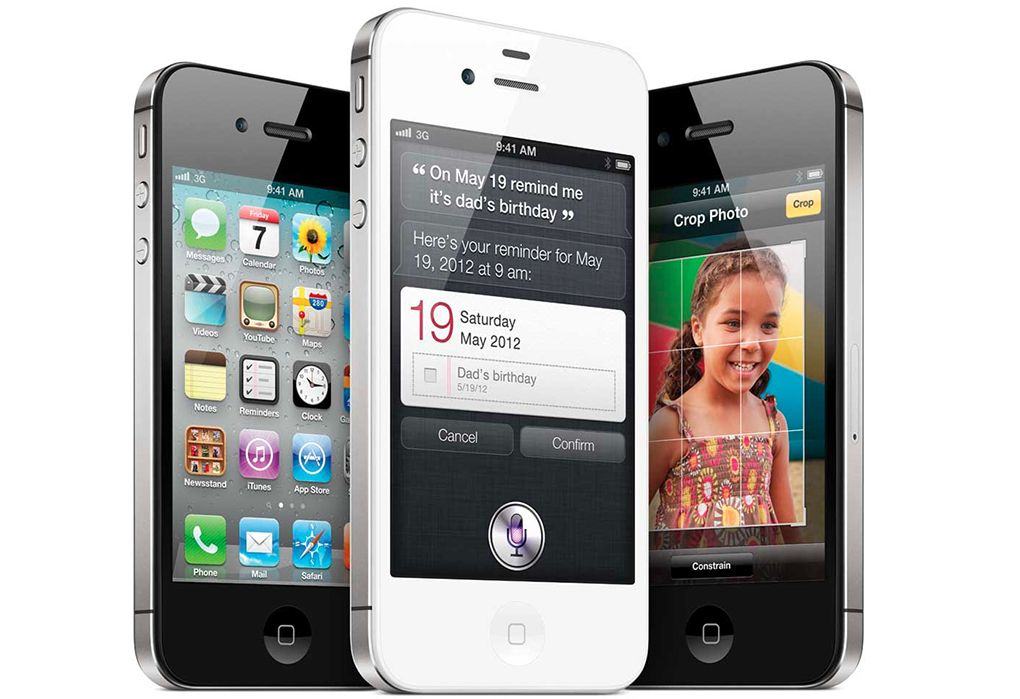
The iPhone 4s was the last iPhone that Steve Jobs directly worked on.
Photo: Apple

October 7: Today in Apple history: iPhone 4s preorders begin and they are Siri-ous October 7, 2011: Two days after the death of Steve Jobs, Apple opens preorders for its next-gen iPhone 4s.

The last iPhone that Jobs worked on directly, the 4s boasts a speedier A5 chip, improved 8-megapixel camera with 1080p HD video recording, and — most significantly — Apple’s new AI virtual assistant, Siri.

Today in Apple history: Michael Dell says he’d shut down Apple

By

Steve Jobs took issue with Michael Dell's comments about Apple
Photo: Oracle PR/Hartmann Studios/Flickr CC

October 6: Today in Apple history: Michael Dell says he'd shut down Apple October 6, 1997: Michael Dell makes an incredibly bleak appraisal of Apple’s fortunes, uttering a quote that will become notorious. Asked what he would do with the struggling company, the founder of Dell Inc. says he would “shut it down and give the money back to the shareholders.”

As incorrect forecasts go, this ultimately will go down as one of the more notable in tech history. But it doesn’t seem that way at the time.

Today in Apple history: Steve Jobs dies at 56

By

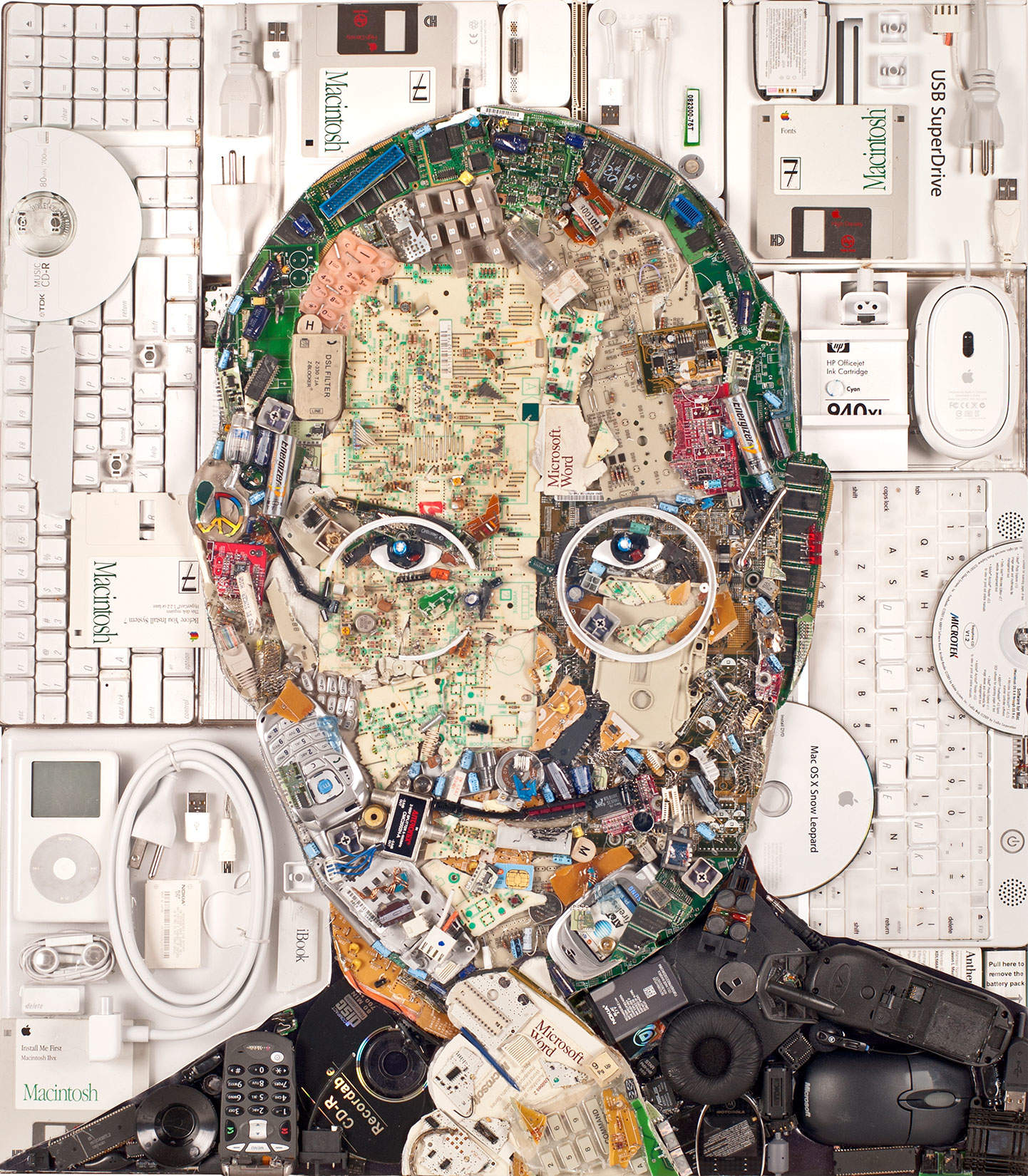
Steve Jobs, creator of the iPad and created on the iPad.
Steve Jobs leaves an enduring legacy at Apple.
Portrait: Jeremy Martin

October 5: Today in Apple history: Steve Jobs dies at 56 October 5, 2011: Apple co-founder Steve Jobs dies at the age of 56 in his home in Palo Alto, California.

Jobs’ official cause of death is respiratory arrest arising from complications related to a rare type of pancreatic cancer. He was diagnosed with cancer eight years earlier, and officially stepped down from his role as Apple CEO in August 2011, just weeks before his death.

Make sense of your epic screen recording by adding a voiceover

By

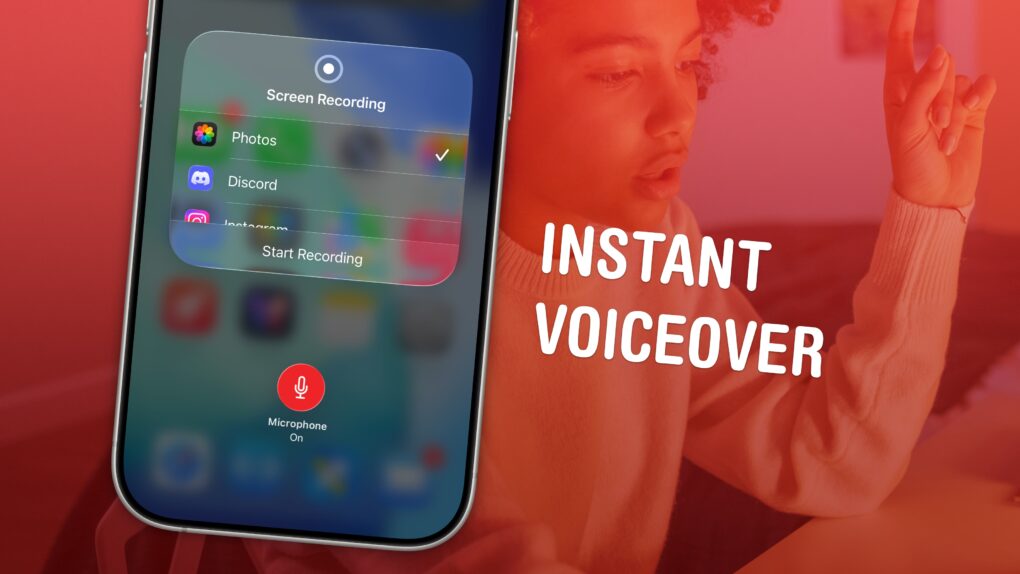
Instant Voiceover
Record your screen, its audio, and your voiceover in one.
Image: D. Griffin Jones/Cult of Mac

You can record your screen with audio (and a voiceover) on your iPhone to talk over your video. This functionality is built right into the iPhone. You don’t need to use a Mac or PC, or pay for an app to do it. 

This can come in handy for making presentations or projects — and you don’t want to waste an hour or more editing a video yourself. You can also make a recording with your voiceover explaining how something works for helping someone out, testing an app, making a tutorial, recording your reaction to watching a video or more. 

Here’s how to record your screen with audio — and add a voiceover — right from your iPhone. 

Today in Apple history: Apple’s own code spills details about iPhone 4s

By

iPhone 4s
While the iPhone 4s name and other key details leaked, Siri remained a surprise.
Photo: Apple

October 1: Today in Apple history: Leak in Apple's own code reveals existence of iPhone 4s October 1, 2011: Just days before Apple plans to unveil the iPhone 4s, the device’s name leaks after the latest iTunes beta inadvertently spills the beans.
The code also reveals that Apple’s new handset will come in black and white color options.

Make your iPhone read text out loud

By

Image of an iPhone with the words
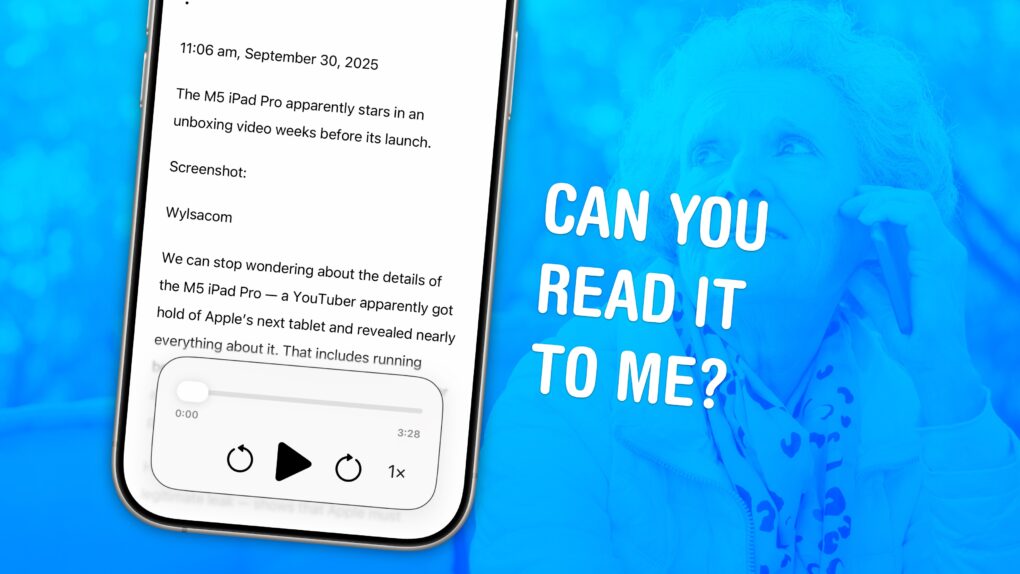
Your iPhone can read text from websites and iMessages (and even words in photos). Here's how to make it happen.
Image: D. Griffin Jones/Cult of Mac

You can have your iPhone read out loud any text on its screen with a useful accessibility feature called Accessibility Reader. Apple designed this feature for people who have trouble reading small text, but you will find it handy even if you don’t — in lots of situations.

For instance, your iPhone can read recipes aloud while your hands are busy cooking. Or you can quickly hear how to pronounce a word you don’t know — that’s what I use Accessibility Reader for most often. You can even hear what you’re typing as you write.

The potential applications for everyday use are incredibly broad. Here’s how to use Accessibility Reader and all of the iPhone’s Read & Speak features. 

9 cool things you can do with an old iPhone

By

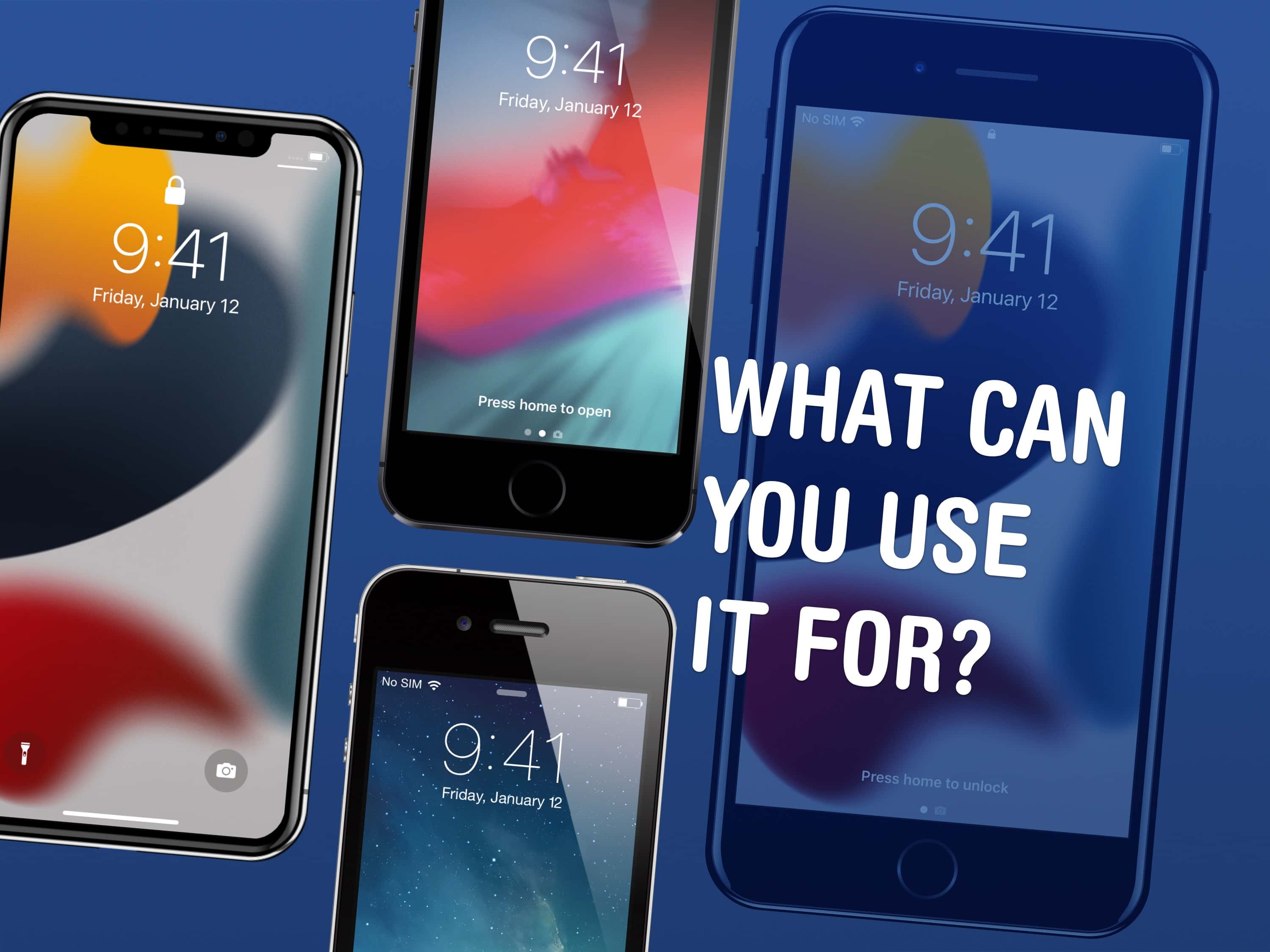
What Can You Use It For?
There are a few things you can use an old iPhone for.
Image: D. Griffin Jones/Cult of Mac

There are a lot of things you can do with old iPhones. In fact, it might be worth keeping them around rather than trading them in. You can use an old iPhone as a DIY HomePod, a games console, a camera, a weather station, a smart display or a digital clock.

Here are the nine things you can do with an old iPhone. Keep reading or watch our video.

Today in Apple history: Steve Jobs reports Apple’s biggest loss ever

By

$1 trillion value
Remember when Apple used to lose money?
Photo: Apfelike

September 26: Today in Apple history: Steve Jobs reports Apple's $161 million loss September 26, 1997: In one of his first tasks after returning to Apple as interim CEO, Steve Jobs reveals the company’s massive quarterly loss of $161 million. It’s Apple’s biggest loss ever.
Giving investors the bad news is miserable, but things are about to change dramatically for Cupertino.

Today in Apple history: Apple lays out its core company values

By

Photo of an iPad with
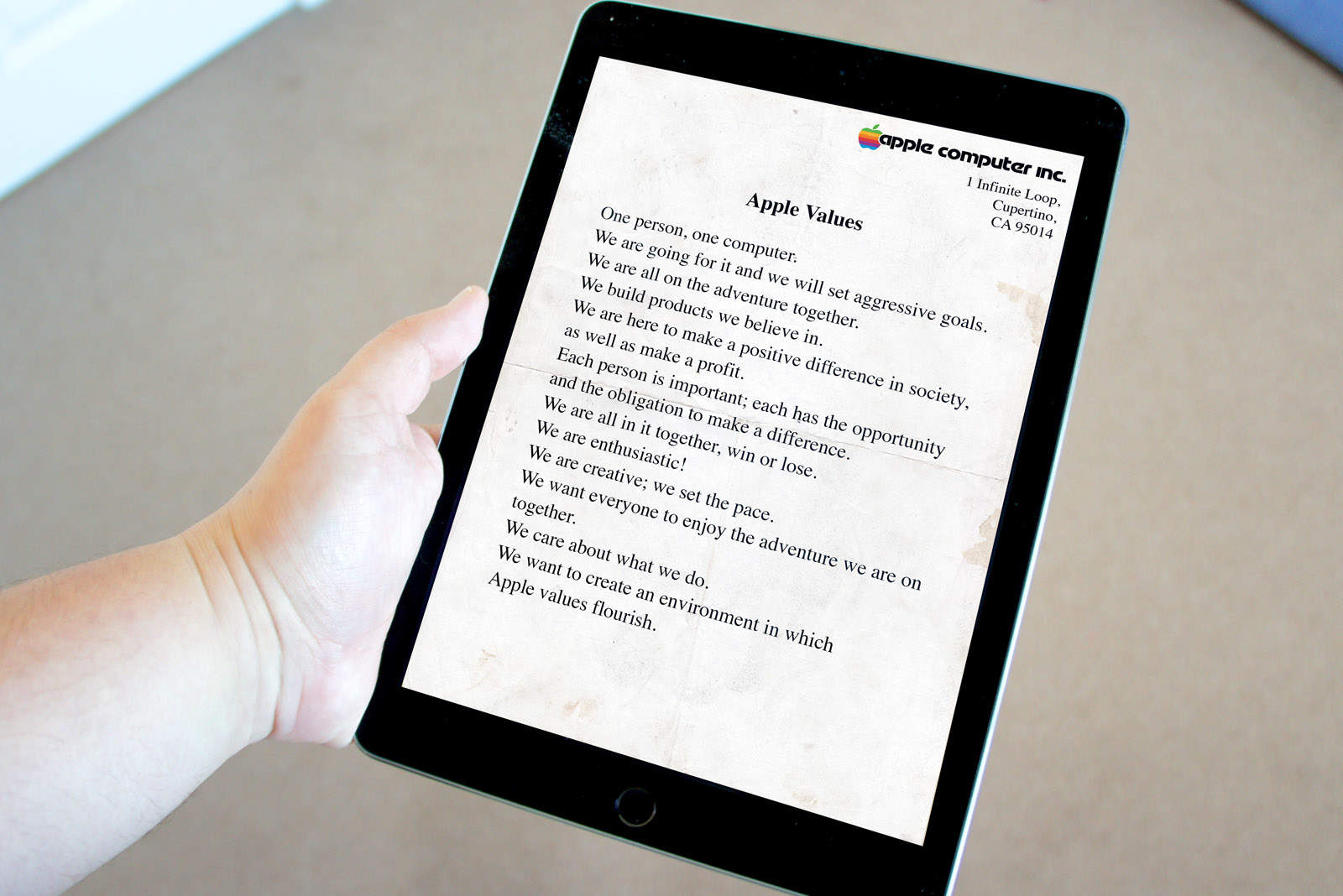
Cupertino sums up "Apple Values" in an exuberant document.
Photo: Ste Smith/Cult of Mac

Sep 23 Today in Apple history: Cupertino lays out its core Apple Values September 23, 1981: Years before Steve Jobs would tell us to “think different” and Tim Cook would say Apple should act as a “force for good,” Cupertino lays out what it calls its “Apple Values.” This mission statement will guide the company for years.
In the memo, management defines Apple Values as “the qualities, customs, standards and principles that the company as a whole regards as desirable. They are the basis for what we do and how we do it. Taken together, they identify Apple as a unique company.”

Today in Apple history: iPhone 6 sells record 10 million units at launch

By

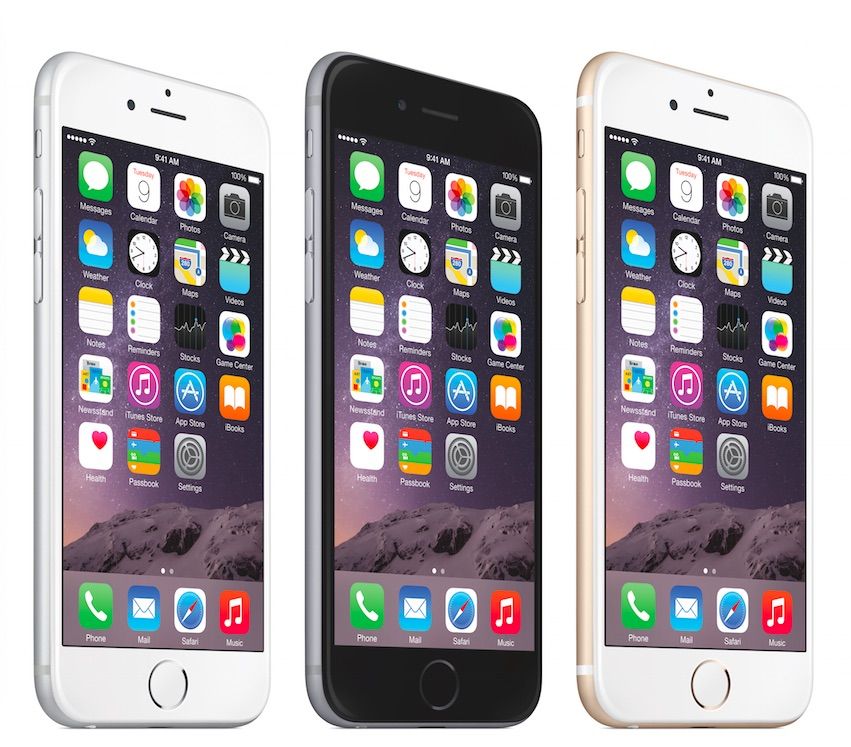
Product image of iPhone 6 Plus, which set a new sales record for Apple by selling 10 million over its launch weekend.
Apple finally cracked the 10 million sales opening weekend benchmark.
Photo: Apple

September 22: Today in Apple history: iPhone 6 sells record 10 million units at launch September 22, 2014: Apple notches a new sales record with the iPhone 6 and iPhone 6 Plus launch, selling an astonishing 10 million units in the first weekend the handsets go on sale.
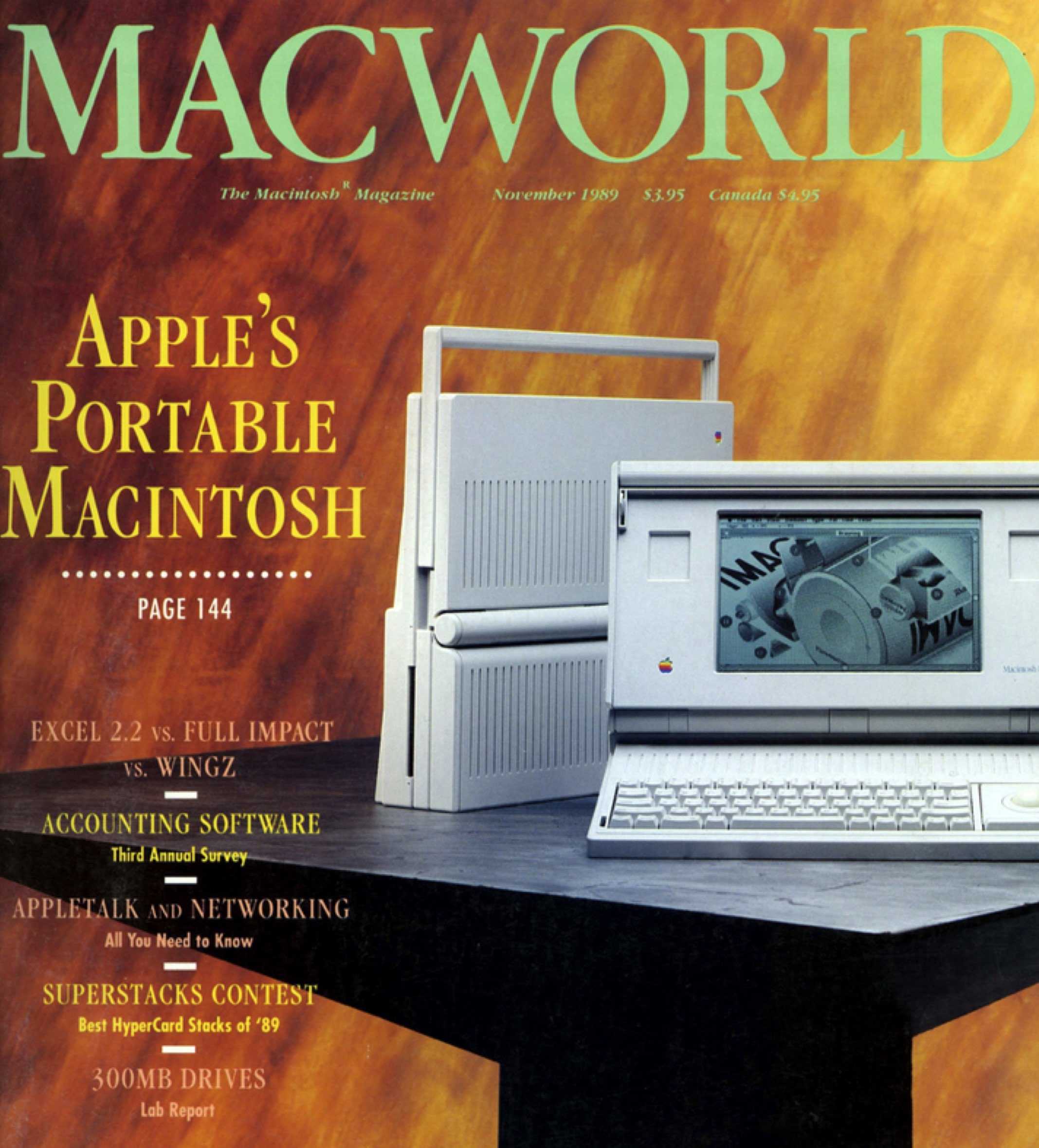
The eagerly anticipated smartphones bring a redesigned form factor that will persist for years. The most obvious change? Larger 4.7-inch and 5.5-inch displays built to lure phablet fans. The iPhone 6 and 6 Plus also boast an A8 chip, improved iSight and FaceTime cameras, and — significantly — Apple Pay for secure mobile payments.

“Sales for iPhone 6 and iPhone 6 Plus exceeded our expectations for the launch weekend, and we couldn’t be happier,” Apple CEO Tim Cook says in a press release. “We would like to thank all of our customers for making this our best launch ever, shattering all previous sell-through records by a large margin.”

Today in Apple history: The first portable Macintosh arrives

By

The Macintosh Portable presaged Apple's move into mobile
The Macintosh Portable offered a (really heavy) glimpse of the future.
Photo: Macworld

September 20: Today in Apple history: Macintosh Portable, the first battery-powered Mac, arrives September 20, 1989: Apple releases the Macintosh Portable, the first battery-powered Mac you could take on the road.
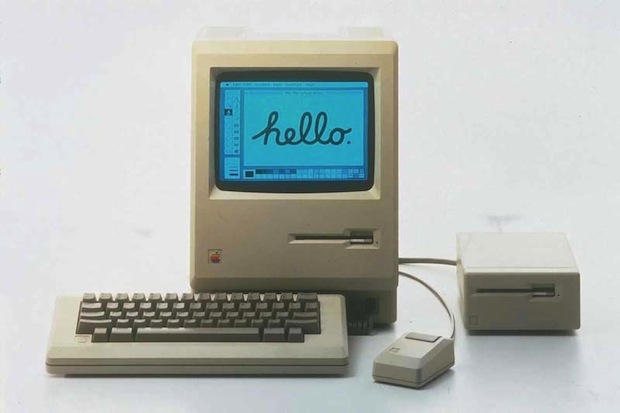
At a time when Tim Burton’s Batman is flying high in theaters, and Madonna is shocking audiences at the MTV Video Music Awards, this ahead-of-its-time product lays the groundwork for Apple’s looming laptop revolution.

Today in Apple history: Macintosh 512K, aka the ‘Fat Mac,’ quadruples the memory

By

Apple Mac
The "Fat Mac" solved one of the original Mac's biggest problems.
Photo: Apple

September 10: Today in Apple history: Macintosh 512K, aka the 'Fat Mac,' quadruples the memory September 10, 1984: Apple ships the Macintosh 512K, the first upgrade to the first-gen Macintosh 128K.
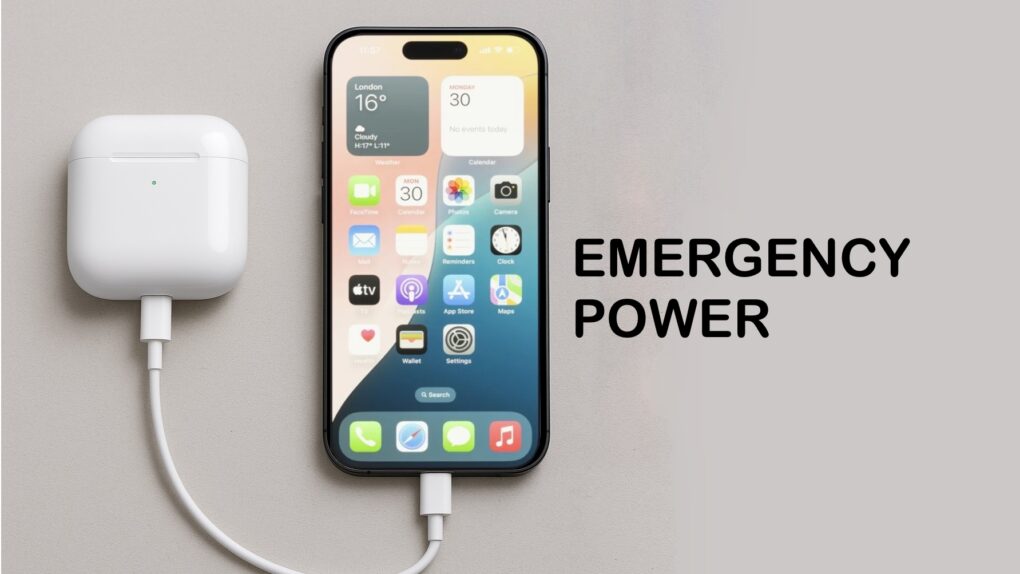
Coming less than eight months after the original Macintosh, the 512K Mac makes no sweeping changes to the computer’s form factor. Instead, the big upgrade is quadrupling the RAM. This leads Apple fans to refer to the computer as the “Fat Mac.”

How to charge AirPods with iPhone

By

charge AirPods with iPhone
Your iPhone can charge your AirPods. It’s easy.
Image: ChatGPT/Cult of Mac

In a pinch, you can charge your AirPods with your iPhone. This feature is very convenient if you know how to use it.  You can also use your iPhone to charge your Apple Watch, or even another iPhone.

Here’s how to take advantage of this capability.

These are the best games on Apple Arcade

By

All The Best Games
These are all the best games on Apple Arcade.
Image: D. Griffin Jones/Cult of Mac

It’s hard to know where to start on Apple Arcade because the service offers so many titles. But we scoured the catalog and found all the best Apple Arcade games so you can get right to the good stuff.

Check out our latest video or keep reading below to see the best Apple Arcade games. And if you like what you see, you can pick up a subscription here.

Today in Apple history: Steve Jobs gets embroiled in stock-backdating scandal

By

Steve Jobs-inspired art
Steve Jobs' stock demands changed some people's view of the tech innovator.
Photo: Jason Mercier

August 29: Today in Apple history: Steve Jobs gets embroiled in Apple stock-backdating scandal August 29, 2001: During a meeting, Apple’s board of directors awards CEO Steve Jobs new stock options that will become part of a stock-backdating scandal several years later.
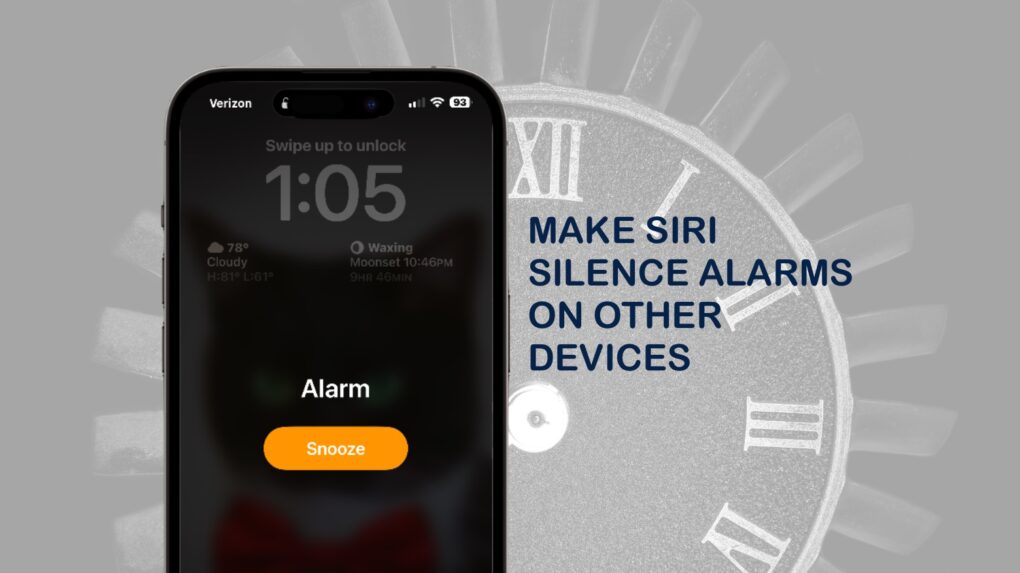
When the matter eventually ends up in court, Apple’s former general counsel pays $2.2 million to settle charges that she backdated stock options for Jobs, herself and others — and created fake paperwork to hide this fact.

How to make Siri silence alarms on other Apple devices

By

Control iPhone alarm sound using Siri
Stop an irritating alarm in another room with a simple Siri command.
Graphic: Ed Hardy/Cult of Mac

Say you’re in the kitchen and you hear an alarm going off on the iPad in your living room. Rather than walking across the house to deactivate it, you can use Siri on your iPhone or HomePod to shut off the alarm. This method also works with timers (and a variety of devices, too).

Here’s how to do a handy trick that everyone should know.

Today in Apple history: Steve Jobs and Bill Gates talk ‘future of the PC’

By

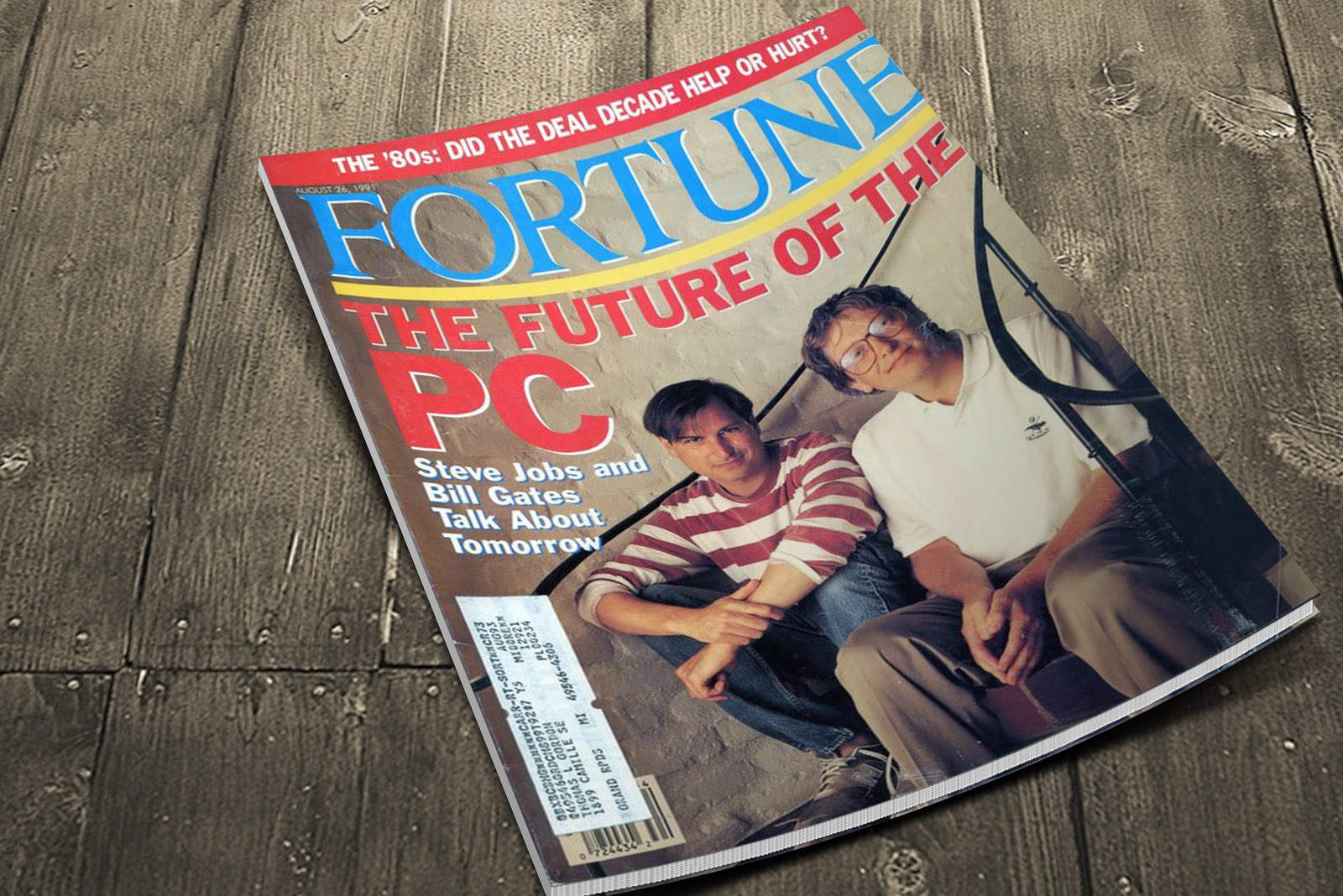
In a rare joint interview, Steve Jobs and Bill Gates trade barbs and debate the
In a rare joint interview, Steve Jobs and Bill Gates discussed computing and traded barbs.
Photo: Cult of Mac (stock image from Reviewsapex)

August 26: Today in Apple historyAugust 26, 1991: In their first joint interview, Steve Jobs and Bill Gates trade barbs and debate “the future of the PC” in Fortune magazine.

The spirited discussion marks 10 years since the first IBM PC shipped. The piece also looks at what the future holds for both men — described as the former “boy wonders of computing, now thirtysomething.”

How to downgrade your iPhone from iOS 26 beta to iOS 18

By

Downgrading iPhone from iOS 26 beta to iOS 18
Yep, you can always go back to iOS 18 from iOS 26 beta.
Photo: Rajesh Pandey/Cult of Mac

Installed iOS 26 public beta on your iPhone to try out Liquid Glass and other new features but regretting the decision due to crashes and bugs? Thankfully, you can easily remove the iOS beta and downgrade your iPhone to iOS 18.

The only catch? You will need to restore an older backup or start from scratch with your setup. If that doesn’t convince you to ride out the bugginess, follow the steps below to revert your iPhone to iOS 18 from the iOS 26 beta.

Today in Apple history: Steve Jobs’ stolen iPad turns up in clown town

By

Kenny the clown
This man briefly owned Steve Jobs' iPad.
Photo: ABC News

August 17: Today in Apple history: Steve Jobs' stolen iPad turns up in hands of Kenneth 'Kenny the Clown' Kahn August 17, 2012: Apple CEO Steve Jobs’ stolen iPad winds up in the hands of a clown called Kenny, who performs kids’ shows in the San Francisco Bay Area.
It’s a bizarre story all around, and fortunately winds up with the iPad being returned.

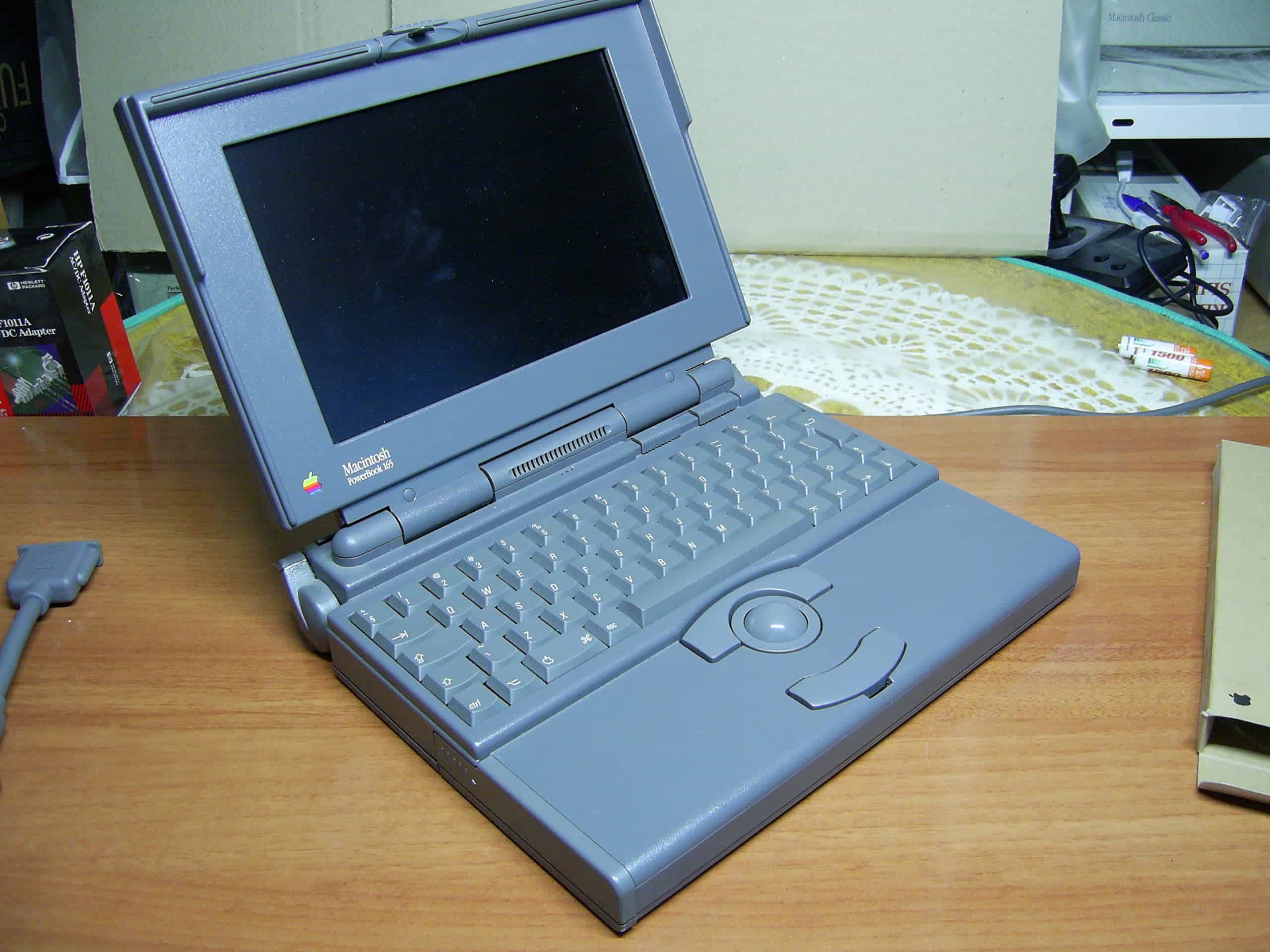
Today in Apple history: PowerBook 165 becomes Apple’s most affordable laptop

By

Photo of a PowerBook 165, Apple's most affordable laptop in 1993.
A less-remembered PowerBook, but an important one.
Photo: Miguel Durán/Wikipedia CC

August 16: Today in Apple history: PowerBook 165 becomes Apple's most affordable laptop August 16, 1993: Apple ships the PowerBook 165, a lower-cost, grayscale version of the PowerBook 165c, which was the company’s first laptop to offer a color display.
The new model lacks the most attention-grabbing feature of the 165c, but it also brings its own claim to fame. The PowerBook 165 is Apple’s most affordable laptop yet.

Find electric car charging stations in Apple Maps

By

Where Can I Plug In?
Find charging stations from Apple Maps.
Image: Ank Kumar/Wikimedia Commons/D. Griffin Jones/Cult of Mac

Apple Maps makes it easy to find EV charging stations while you’re on the road to figure out where you can top up your electric car. Apple added some powerful new features in iOS 17 to simplify this sometimes-daunting process for EV owners.

Now you can see electric car charger availability, charging speeds and connector types in Apple Maps so you can find a way to juice up your vehicle when on a road trip. Here’s how it works.

6 reasons to set up Apple’s Family Sharing ASAP

By

iCloud Family Sharing
Share your services, locations, photos and more over iCloud.
Photo: Denis Lyamuya/Wikimedia Commons/Apple

If you have a family, odds are you share a house, furniture, car and more. But you might not give as much attention to what you share in your digital lives, even if your digital pictures and purchases are equally valuable. Luckily, Apple Family Sharing makes it easy to share photos, movies, apps and more.

It just takes a little bit of setup to share iCloud’s fantastic Family Sharing feature. Here are the top six benefits of using it.