Mobile menu toggle

Top stories - page 10

All the AI features headed for iPhone, Mac and iPad [Updated]

By

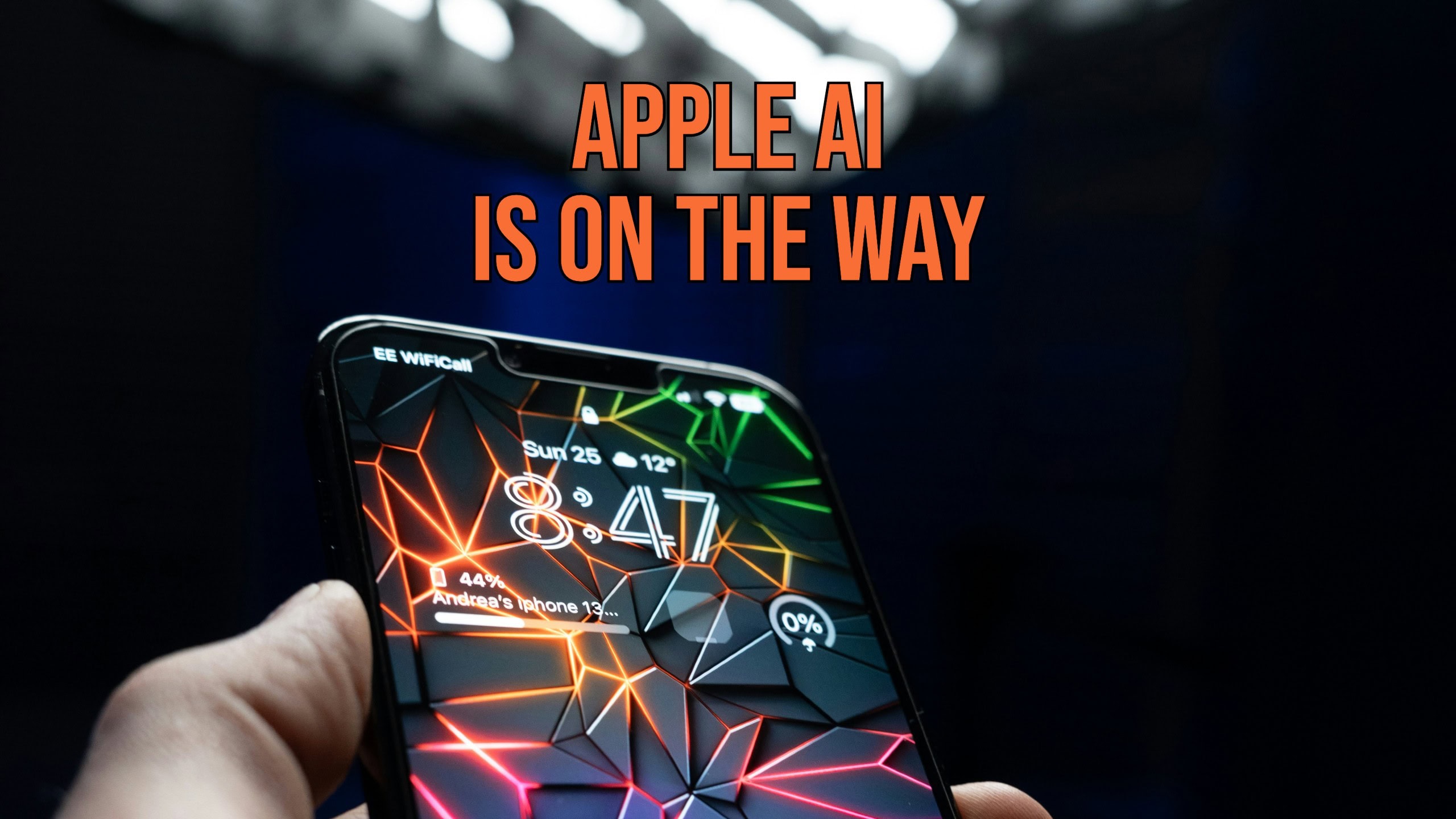
An iPhone with the words
New artificial intelligence features are coming to many of the standard iPhone and Mac applications.
Photo: Andrea De Santis/Unsplash License/Modified by Cult of Mac

New artificial intelligence features are likely to make iOS 18, macOS 15 and iPadOS 18 the biggest upgrades to Apple’s platforms in many years. Leaks say AI enhancements are coming to most of Apple’s standard apps, helping users write, summarize information, clean up images and more. At their announcement coming at next week’s WWDC24, these will all come under the heading of “Apple Intelligence.”

Plus, Siri reportedly will get a significant intelligence upgrade.

What to expect at WWDC24: ‘Apple Intelligence,’ major iOS revamp and more [Updated]

By

WWDC24 Artwork
WWDC24 starts Monday, June 10 with Apple’s Keynote at 10 a.m. PST.
Image: Arne Müseler/Wikimedia Commons/Apple

WWDC24 kicks off on June 10 but you don’t need to wait until then to find out what’s in store for iPhone, Mac and other Apple computers. Leaks already revealed much of what to expect at Apple’s annual developers conference, at least in broad terms. Here’s your WWDC24 spoiler alert: “Apple Intelligence” in the form of AI, AI and more AI.

Here’s what will be on the agenda when Apple unveils iOS 18, macOS 15 and iPadOS 18 next week.

Pitaka MagEZ car mount elevates iPhone charging on the road [Review] ★★★★

By

Pitaka MagEZ Car Mount Pro 2 Qi2★★★★
Pitaka's mount has a strong magnetic grip for your iPhone or other handset.
Photo: David Snow/Cult of Mac

Sometimes people take car chargers for granted as merely functional necessities. But Pitaka challenges that with its new MagEZ Car Mount Pro 2 Qi2, a sleek and innovative device that fast-charges your iPhone or other smartphone and streamlines your in-car experience. It takes up little space as it brings your handset’s screen in sight.

As as a Qi2 device, it gives everyone MagSafe-level charging. And the company also makes a MagSafe edition, of course. It’s a great accessory to keep in the car, especially if the car lacks CarPlay on its infotainment screen.

Don’t miss this major deal on Beats Fit Pro earbuds [45% off]

By

Better listening with these $110 Beats Fit Pro Earbuds.
Save 45% on these $110 Beats Fit Pro Earbuds.
Photo: Cult of Mac Deals

Beats Fit Pro earbuds deliver rich, immersive sound and powerful bass. These noise-canceling earbuds are serious AirPods Pro competitors (see our comparison), and they bring your music, podcasts and calls to life. Grab a pair, and you’ll enjoy every note and beat with clarity and depth, whether you’re using an iPhone or a Samsung Galaxy.

Wirecutter recently called Beats Fit Pro “a great choice for Apple fans who want the easy pairing and ‘Hey Siri‘ voice-control convenience of AirPods, but with a more-secure fit and better controls.” And now you can get these high-quality earbuds at a massive discount, thanks to our new, open-box sale.

For a limited time, snag a pair of Beats Fit Pro earbuds for just $109.99 (regularly $199.99).

Your bedside table deserves this 3-in-1 charging station [Review] ★★★★

By

ESR Qi2 3-in-1 charging station★★★★
ESR's Qi2 3-in-1 charging station can wirelessly fast charge your iPhone, Apple Watch, and AirPods.
Photo: Rajesh Pandey/Cult of Mac

A multidevice charger like the ESR Qi2 3-in-1 Wireless Charging Station is a must-have, especially if you own an iPhone, Apple Watch and AirPods. A 3-in-1 charger removes the hassle of dealing with multiple power bricks and cables, which occupy unwanted desk space and power sockets.

ESR recently launched its Qi2 3-in-1 wireless charging station, which stands out for its Qi2 support and detachable Apple Watch charger. Its small footprint, sturdy design and welcome extras make it a solid contender for a prime spot on your nightstand.

How to find your lost Apple TV remote with your iPhone

By

Screenshot of an iPhone feature that lets you find a lost Apple TV remote. The phrase
A modern solution to an age-old problem.
Photo: D. Griffin Jones/Cult of Mac

Whether it’s wedged between the cushions or kicked far under the couch, a handy-dandy feature in iOS 17 and tvOS 17 lets you find your lost Apple TV remote using your iPhone.

Sure, you can take the L and simply use your iPhone or Apple Watch to control your Apple TV. But I like having the physical remote on hand, too.

The mind races when one imagines how many hours of human life might have been saved if everyone had this feature 30 years ago. Let me show you how to find your AWOL Apple TV remote with your iPhone.

Though cool, Apple Pencil Pro could be overkill for many iPad users [Review]

By

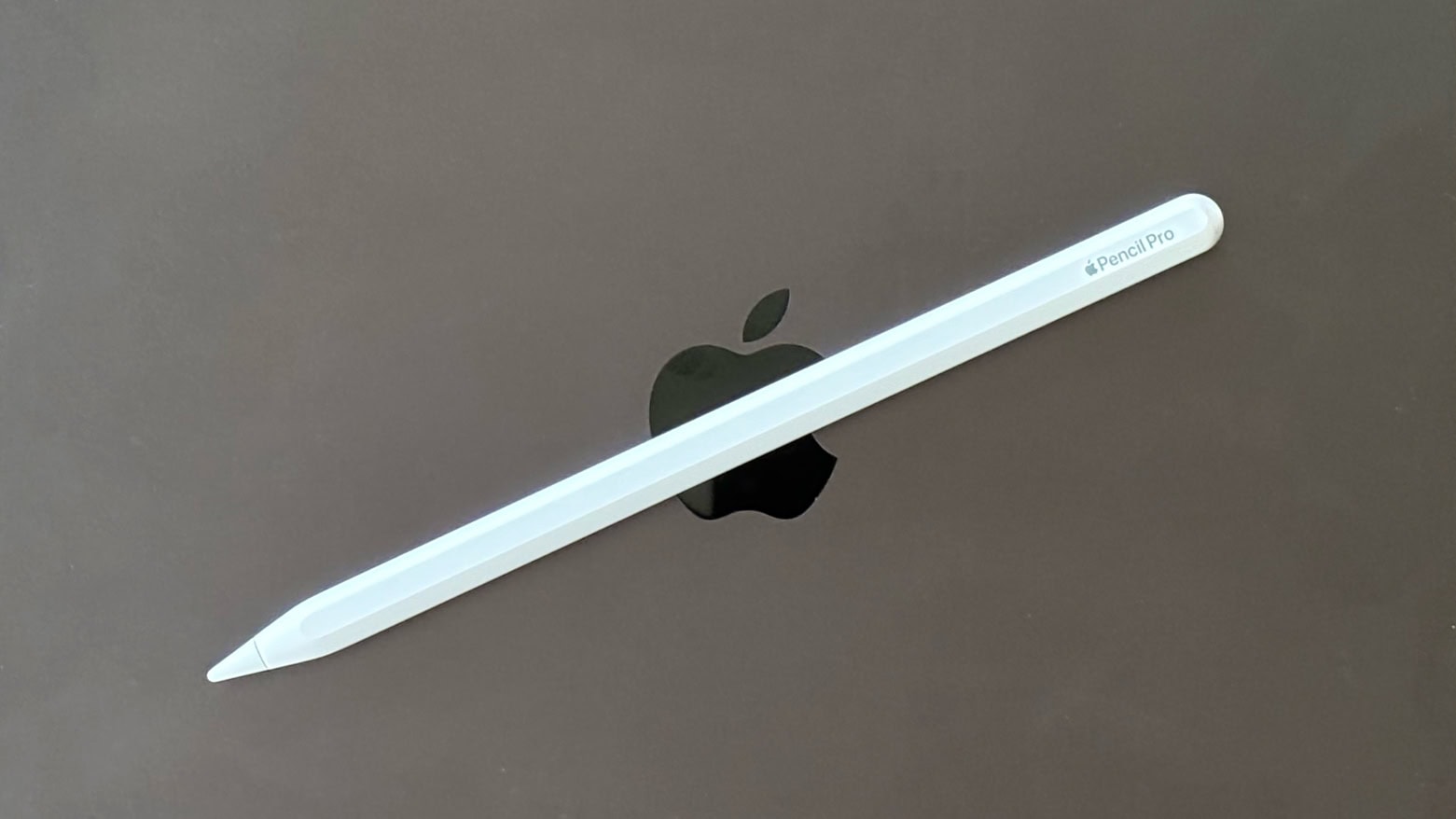
A photo of the new Apple stylus on an iPad illustrates this Apple Pencil Pro review.
Apple Pencil Pro is brilliant for artists, but what about people who simply want to take notes?
Photo: Ed Hardy/Cult of Mac

Apple Pencil Pro is the latest and greatest iPad stylus coming out of Cupertino. It adds a new “squeeze” gesture, an internal gyroscope, haptic feedback and Find My support. I’m not a digital artist, so for this iPad Pencil review, I tested the stylus by writing notes, entering text with Scribble and doing moderate editing of photographs.

Plenty of artists have reviewed the new accessory, so my goal was to answer the question, “Does a typical iPad user need Apple Pencil Pro?” Or would a cheaper alternative suffice?

Marvel’s What If…? shows off the promise of spatial gaming ★★★★☆

By

A promo image for Marvel Studios' ★★★★☆
The free Vision Pro app plunges you in the the Marvel multiverse.
Image: Marvel Studios and ILM Immersive

Marvel Studios’ new What If…? An Immersive Story is a free app for Apple’s Vision Pro headset that combines interactivity with storytelling in a brand-new way. Is it a game? Is it an episode of the What If…? animated TV series? It’s not entirely either. It’s an hour-long story where you’re the main character, casting spells with your hands and collecting the Infinity Stones.

If you aren’t a Marvel fan, you’ll find the story a bit drab. But if you want to see the bleeding edge of what’s possible in gaming when you can seamlessly switch between VR and AR with natural hand controls, you need to check it out.

It’s like no other game I’ve ever played.

3 secret iPhone gestures you need to know

By

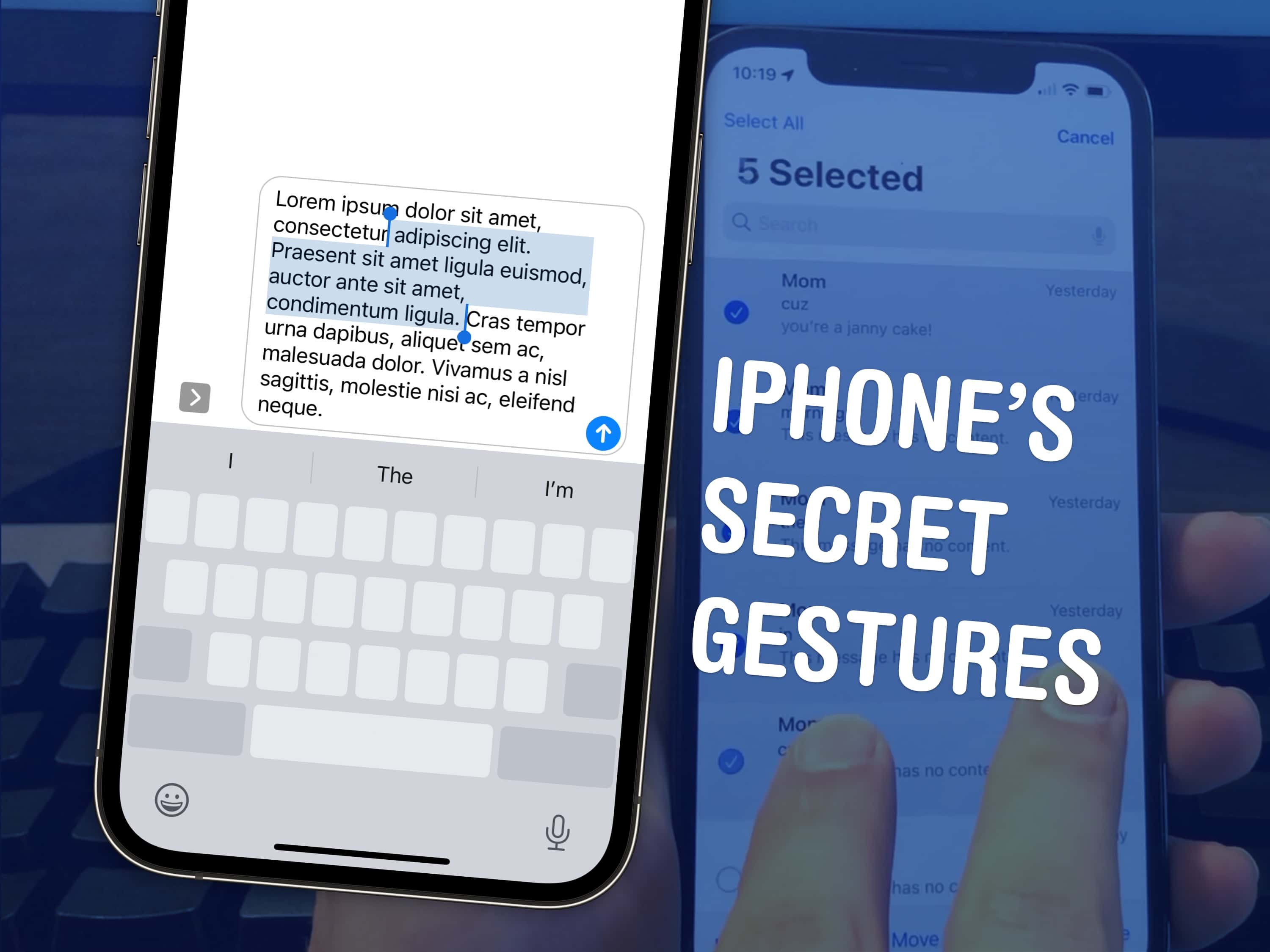
iPhone’s Secret Gestures
Top 3 tips to speed up a few things on your iPhone.
Image: D. Griffin Jones/Cult of Mac

There are a few hidden gestures on your iPhone that you absolutely need to know. You’re typing out a long text on your iPhone and you need to go back to fix a typo. Tapping on the screen to move the cursor feels like a shot in the dark — but there’s a secret gesture to move around and select text.

Here are three top iPhone tips. Also in this article: how to select and delete a bunch of emails, text messages, anything in a list at once; and the secret gestures that undo and redo. Like, for example, if you accidentally delete a bunch of emails.

How and why to use an external webcam with your iPad

By

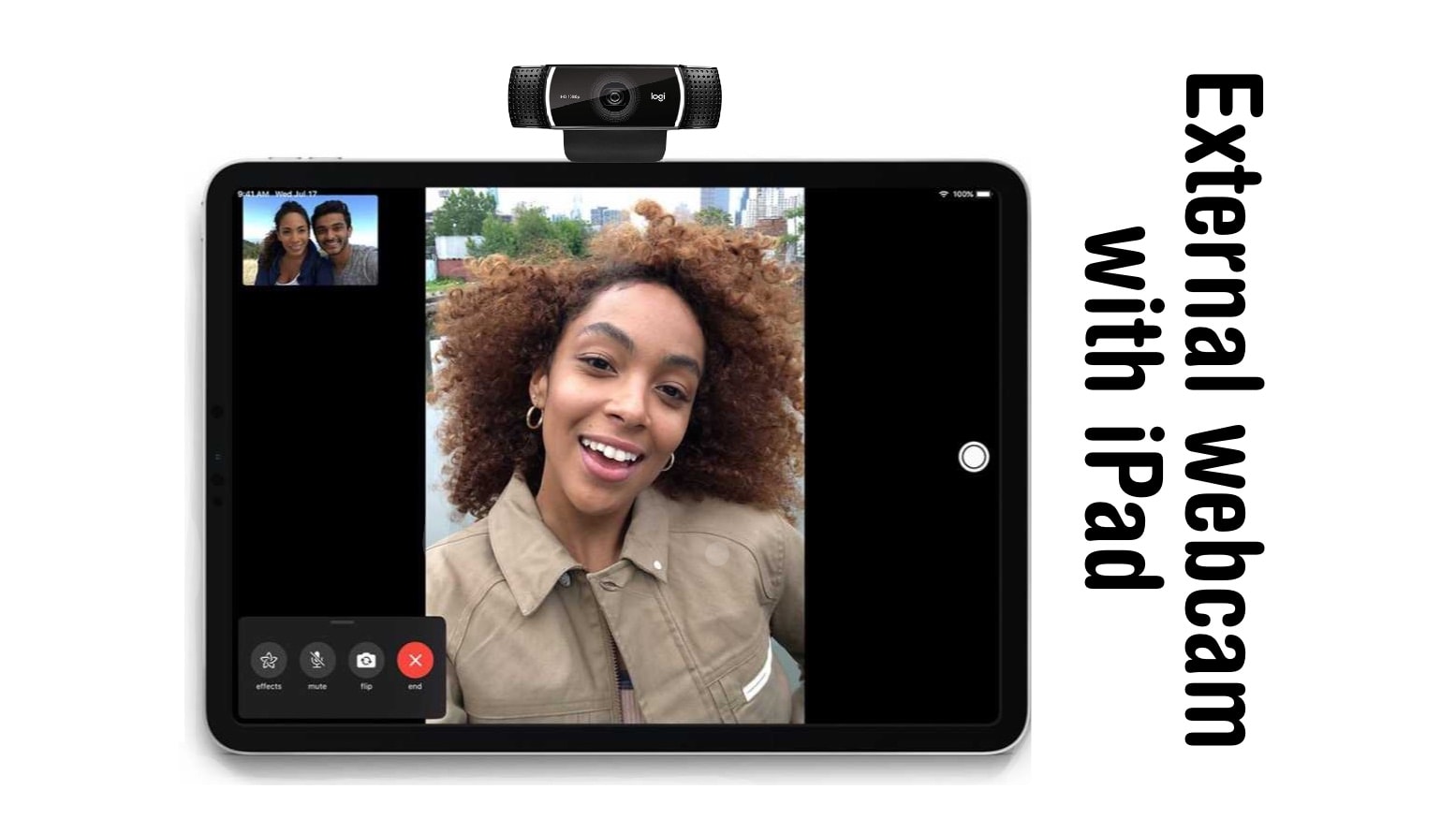
External webcam with iPad How To
There are good reasons to use an external webcam with your iPad. Here's why and how.
Photo: Ed Hardy/Cult of Mac

A trick you might have missed with the release of iPadOS 17 is support for external USB-C webcams. As good as the tablet’s front-facing camera is, it’s now possible to use a webcam with an iPad.

Here’s why you might be interested, and how to connect a webcam to your iPad with a USB-C port.

M2 iPad Pro vs. M2 iPad Air: Should you upgrade?

By

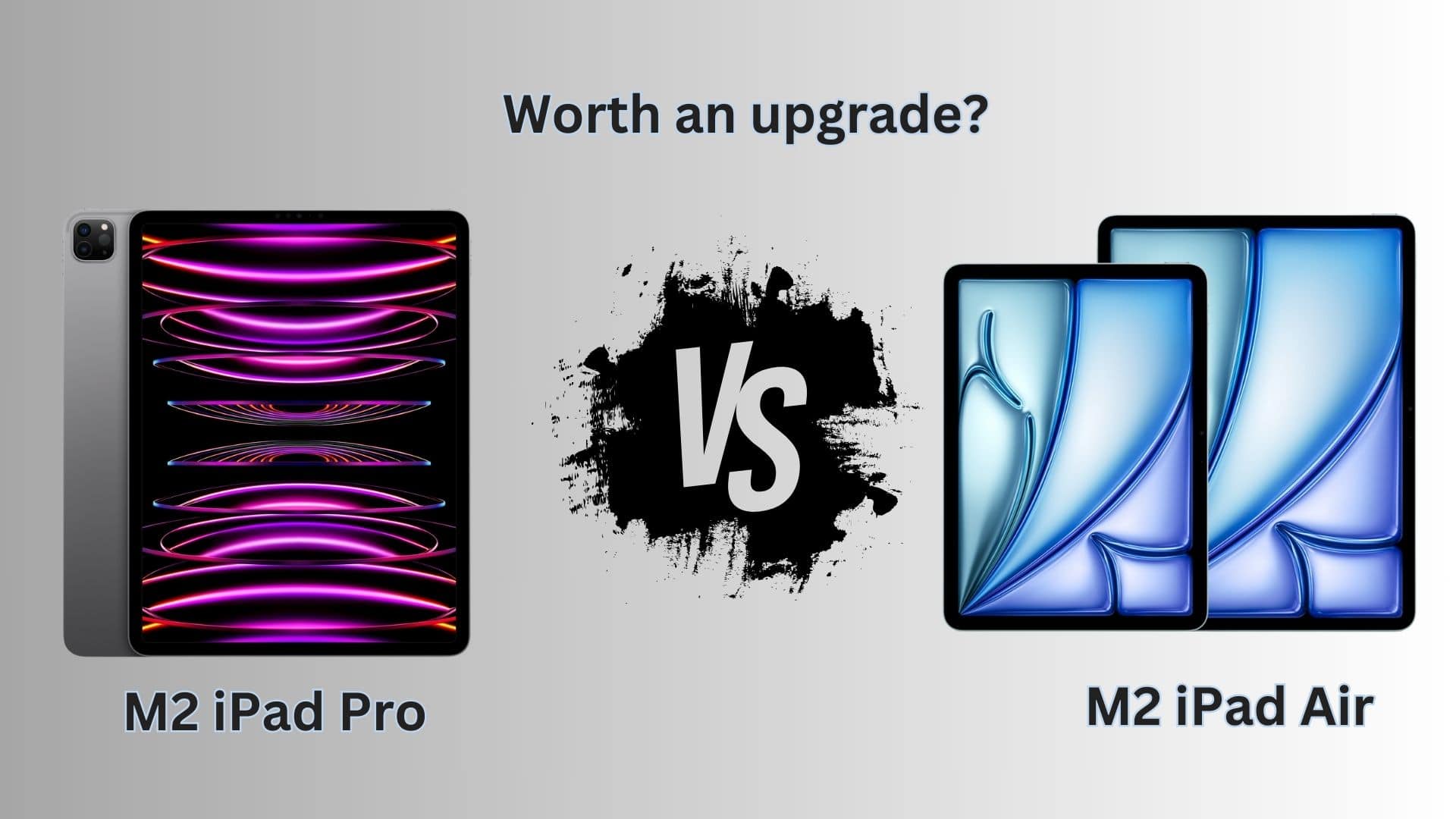
M2 iPad Pro vs. M2 iPAd Air comparison
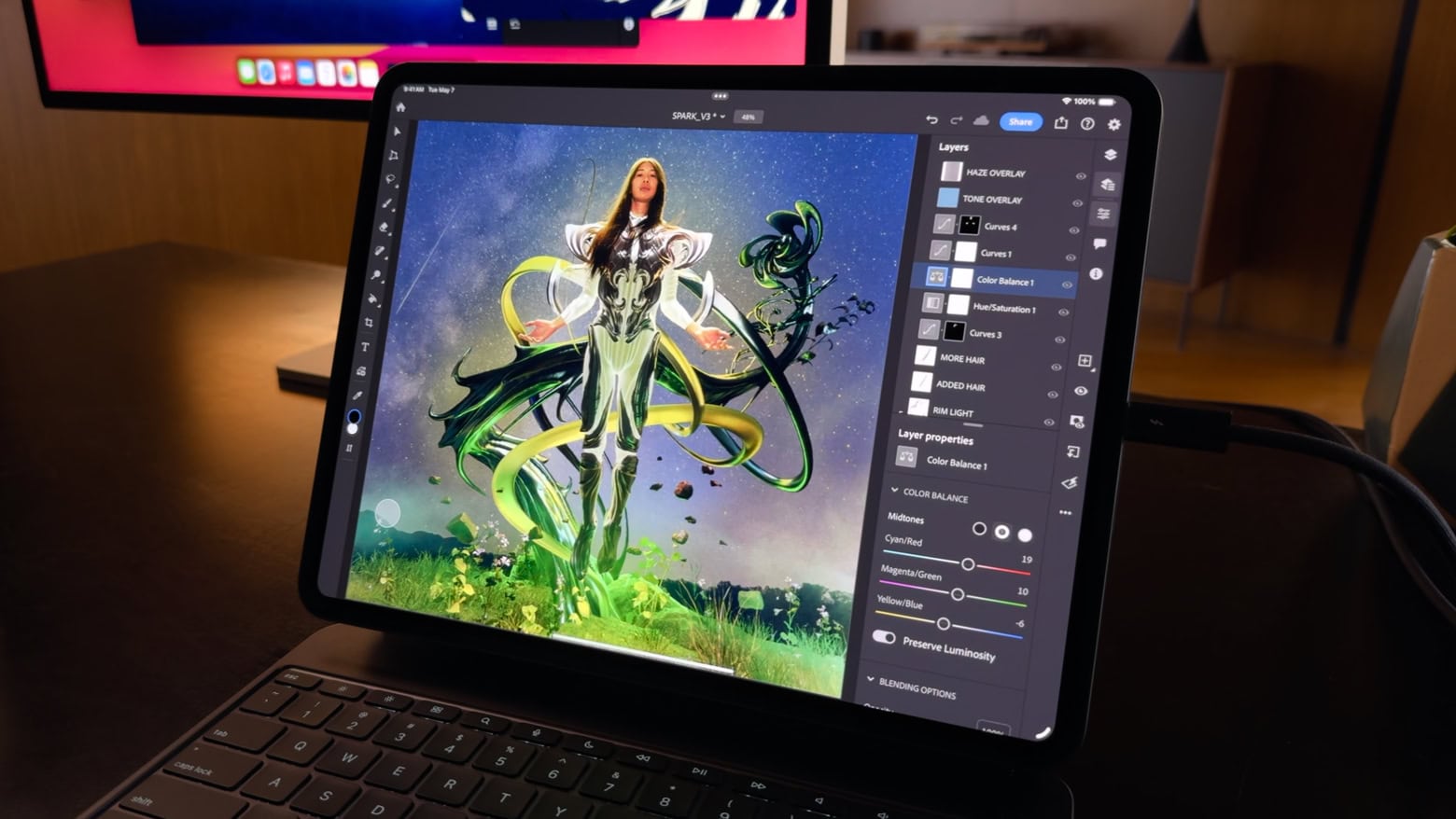
Should you ditch your Pro for the newest Air?
Image: Apple/Rajesh Pandey/Cult of Mac

Apple’s recently released M2 iPad Air packs modest upgrades over its predecessor and the same processor as 2022’s M2 iPad Pro. How do the two Apple tablets with identical M2 chips compare? Find out in our M2 iPad Pro vs. M2 iPad Air comparison.

While the new midrange tablet seems tempting, an iPad Air is still an Air, not a Pro.

Stop the fireworks! Here’s how to turn off webcam video reactions on Mac.

By

Fireworks!!!!
Virtual fireworks are fun. But on some video calls, they prove wildly inappropriate.
Screenshot: D. Griffin Jones/Cult of Mac

How do you turn off the webcam video reactions on your Mac in macOS Sonoma? This feature, which puts full-screen animated effects on your video calls, made a good demo when it was introduced. But after it launched, it confused many people who trigger it accidentally in serious situations.

It works in FaceTime video calls and various other videoconferencing software. However, the Off button isn’t where you might expect. It’s not hiding in Zoom, Skype or Google Meet at all — it’s in the Mac’s menu bar.

Let me show you what’s going on and how you can turn off video reactions on Mac.

Apple Magic Keyboard expands M4 iPad Pro to its full potential [Review] ★★★★

By

Apple Magic Keyboard for M4 iPad Pro★★★★
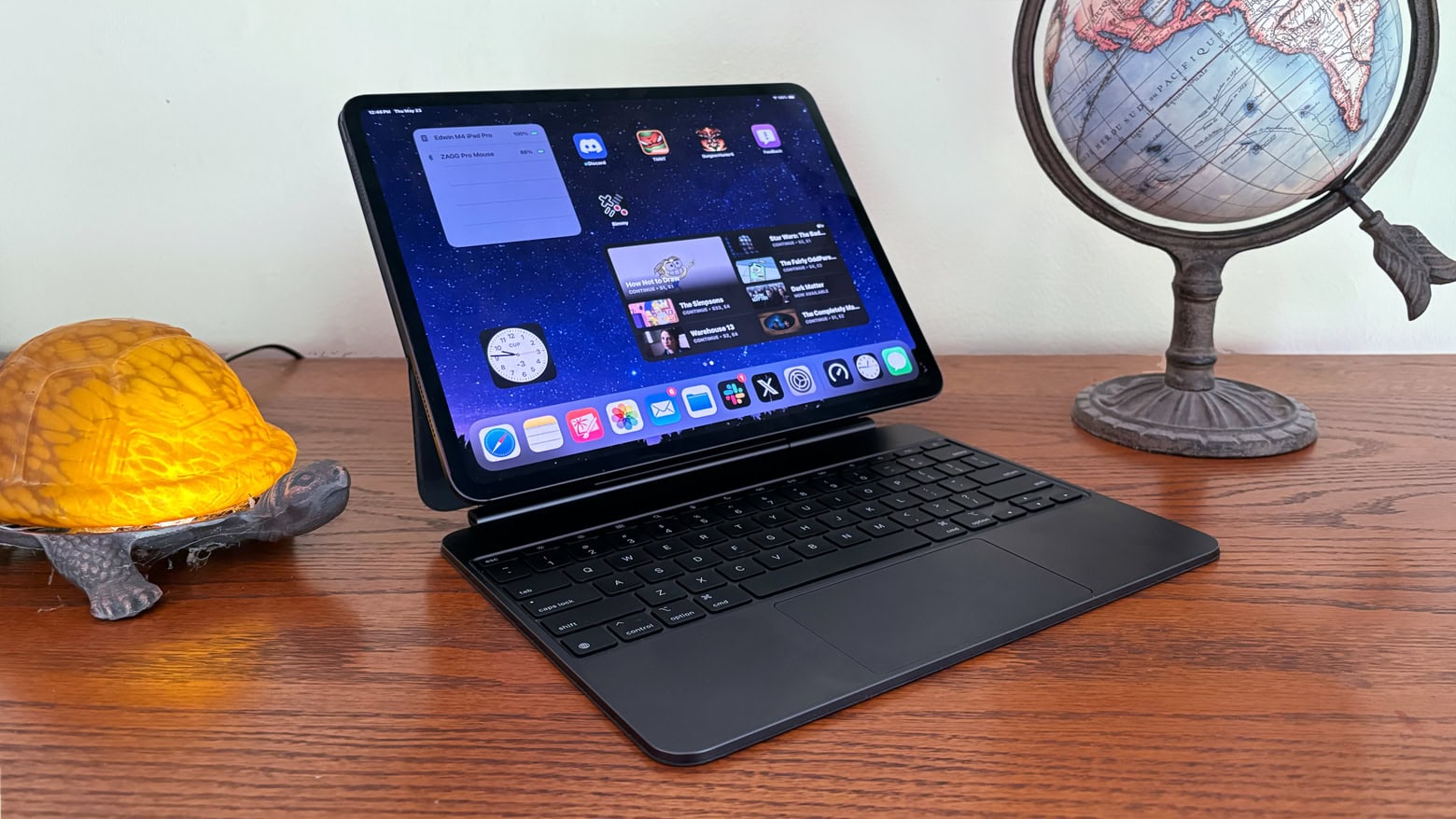
Every M4 iPad Pro buyer should at least consider getting the Apple Magic Keyboard.
Photo: Ed Hardy/Cult of Mac

With its cool cantilever design, Apple Magic Keyboard was a standout iPad Pro accessory even before its recent upgrade. Now that Apple fixed some of the original’s problems by adding a glass trackpad, a row of function keys and an aluminum palm rest, it’s even better. Especially with an improved USB-C port.

But does the functionality (and sheer coolness) justify the epic price of the Magic Keyboard for iPad Pro? Read on to find out.

Ikea Sjöss 45W charger: Why buy anything else? [Review] ★★★★

By

Ikea Sjöss 45W charger review★★★★
The Ikea Sjöss 45W is the best dual USB-C charger you can buy for cheap.
Photo: Rajesh Pandey/Cult of Mac

Plenty of power bricks with dual USB-C ports give you options for charging your Apple devices. But Ikea — yes, the company known for its DIY furniture — has a new offering that trumps them all from a value viewpoint. As you’ll find out in our review of the Ikea Sjöss 45W charger, it packs two USB-C ports and supports all popular fast charging standards.

The effective power adapter stands out for its super-low price, which significantly undercuts the competition. Below is our quick review of the Ikea Sjöss 45W USB-C charger.

How to make stickers from personal photos for fun group chats

By

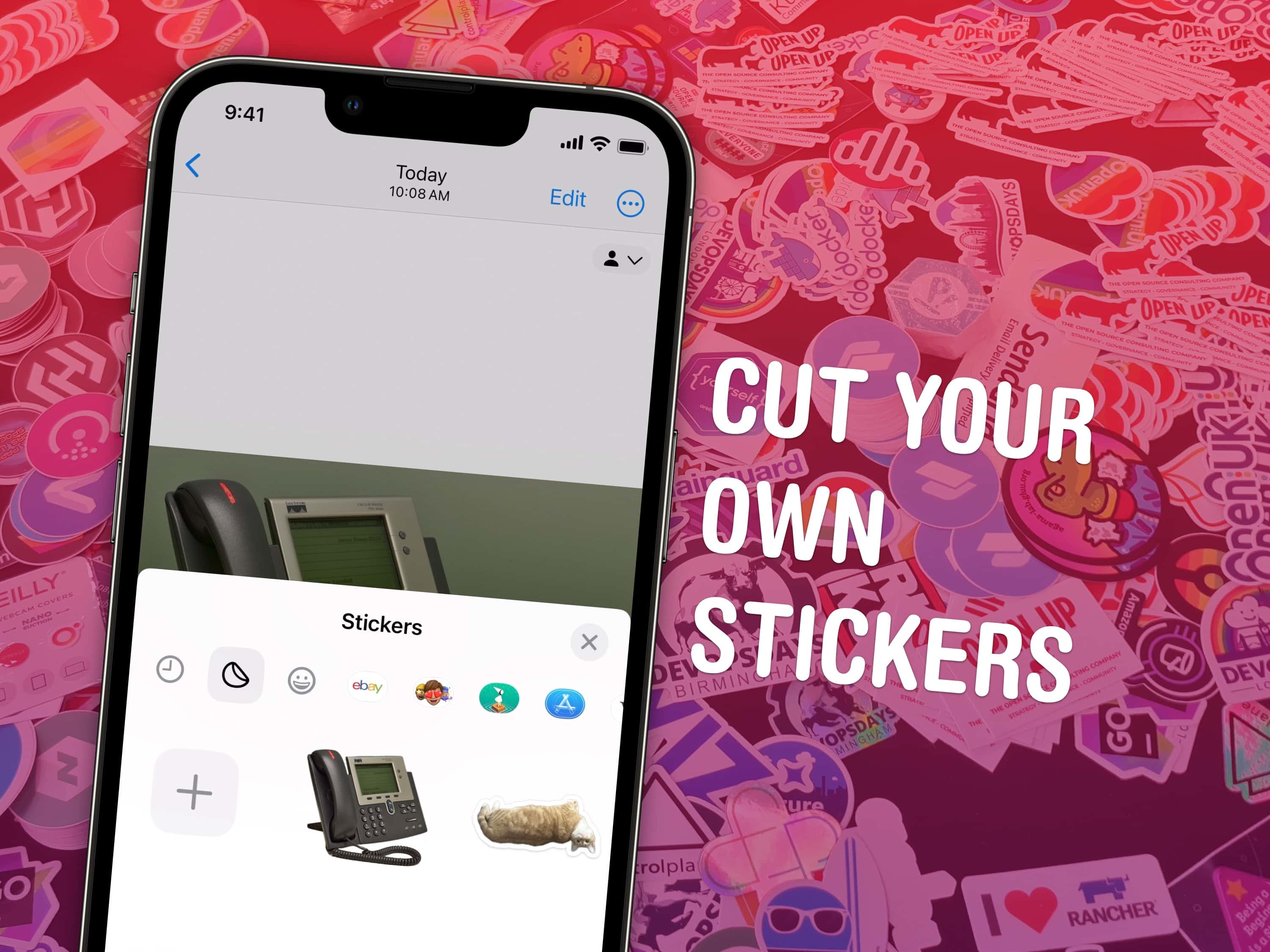
Cut Your Own Stickers
Make your own stickers from your own photos.
Image: Watty62/Wikimedia Commons/D. Griffin Jones/Cult of Mac

You can make custom stickers from photos on your iPhone and send them in iMessage, Snapchat and WhatsApp. Stickers made from your own pictures are a lot of fun to send in group chats. They’re great for sending highly personal reactions using photos of people or pets that everyone knows. You can even add fun sticker effects.

Making these custom stickers from photos stems from an iOS 16 featured that brought the ability to copy and paste the subject from a picture. Now, in iOS 17, it’s easy to collect your personalized cutouts int a set of digital stickers you can use anywhere. I’ll show you how it all works.

OtterBox ‘Cactus Leather’ iPhone case looks good and makes you feel good [Review]

By

OtterBox Cactus Leather iPhone case
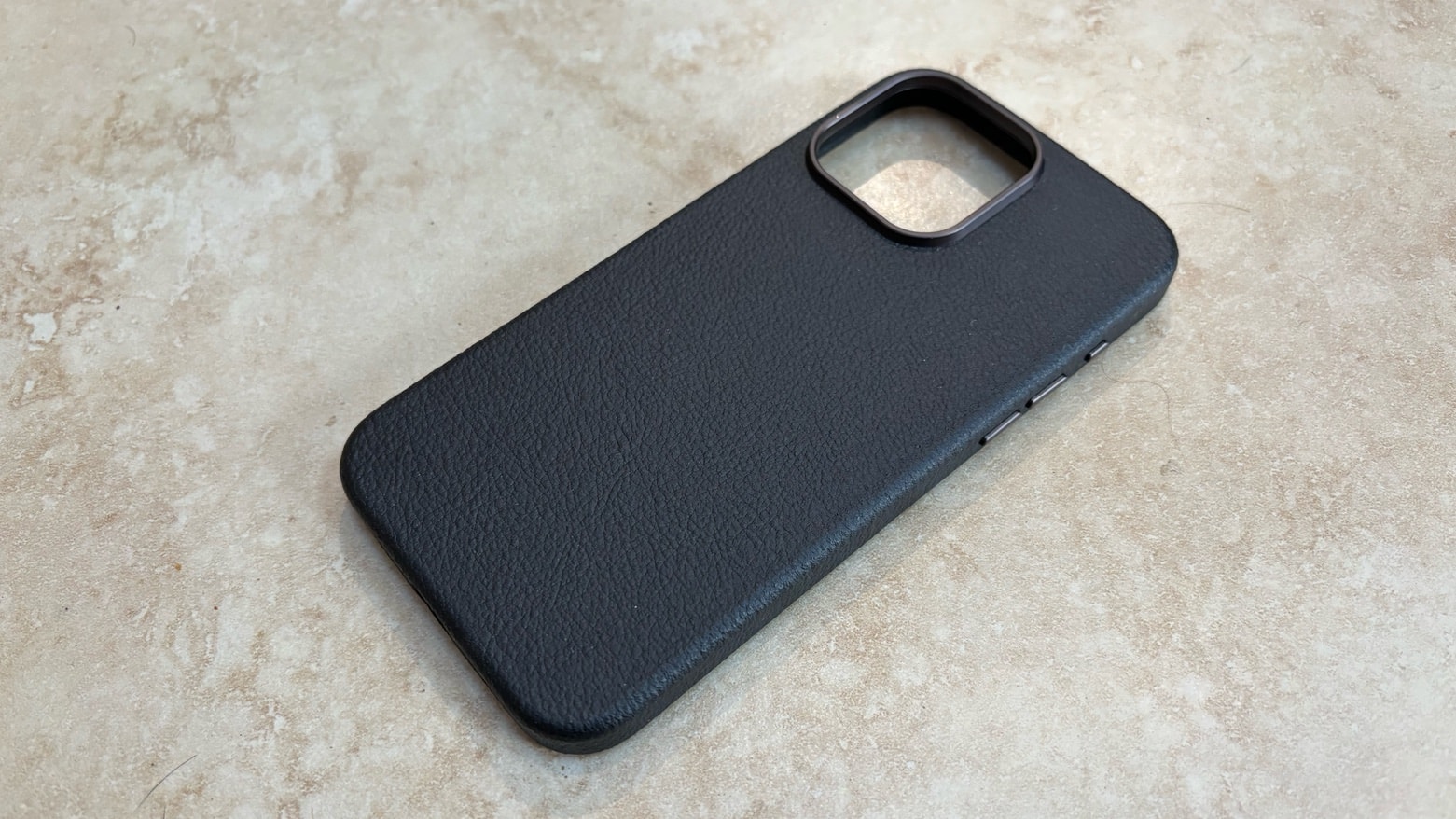
OtterBox's new iPhone cases look like leather but haven't been anywhere near a cow.
Photo: Ed Hardy/Cult of Mac

The just-released OtterBox cactus leather iPhone cases give buyers the option to wrap their handset in a plant-based material rather than traditional leather. In my testing, the cactus-based material looks and feels somewhat similar to cow leather but not identical.

There’s a lot to like about OtterBox Symmetry Series Cactus Leather iPhone cases that are now available starting Monday.

Take a deep dive into the best parts of M4 iPad Pro [Review] ★★★★★

By

M4 iPad Pro review★★★★★
I explain why iPad Pro M4 is so brilliant.
Photo: Ed Hardy/Cult of Mac

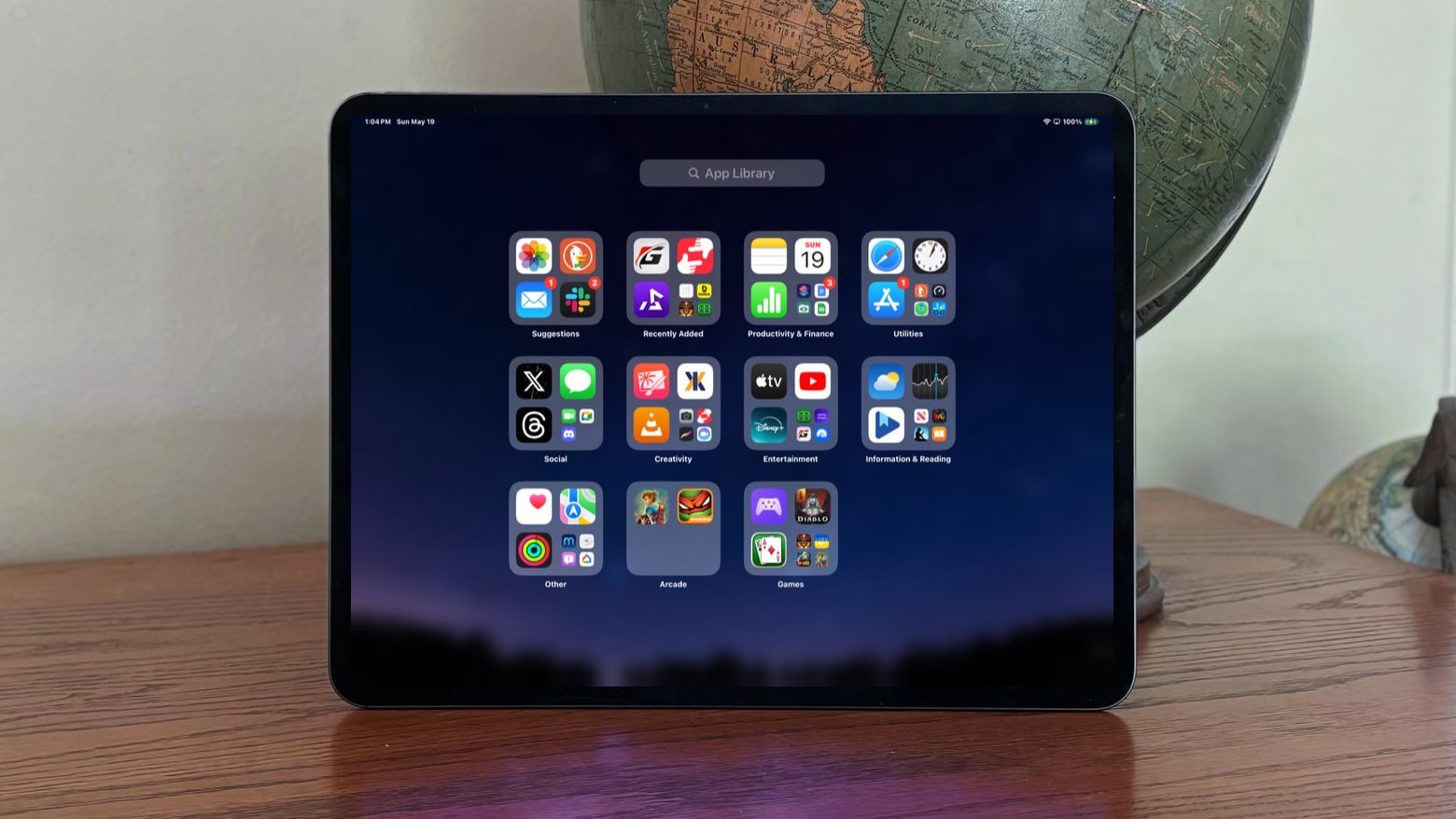
You already know the latest iPad Pro looks pretty and runs fast. Rather than an M4 iPad Pro review that simply goes over those points again, I talked to experts on why the tablet’s new tandem OLED display looks so beautiful. And I also explain why an iPad needs a high-end processor.

Plus, this M4 iPad Pro review serves up the results of my real-world battery life tests, plus my thoughts on The iPadOS Question.

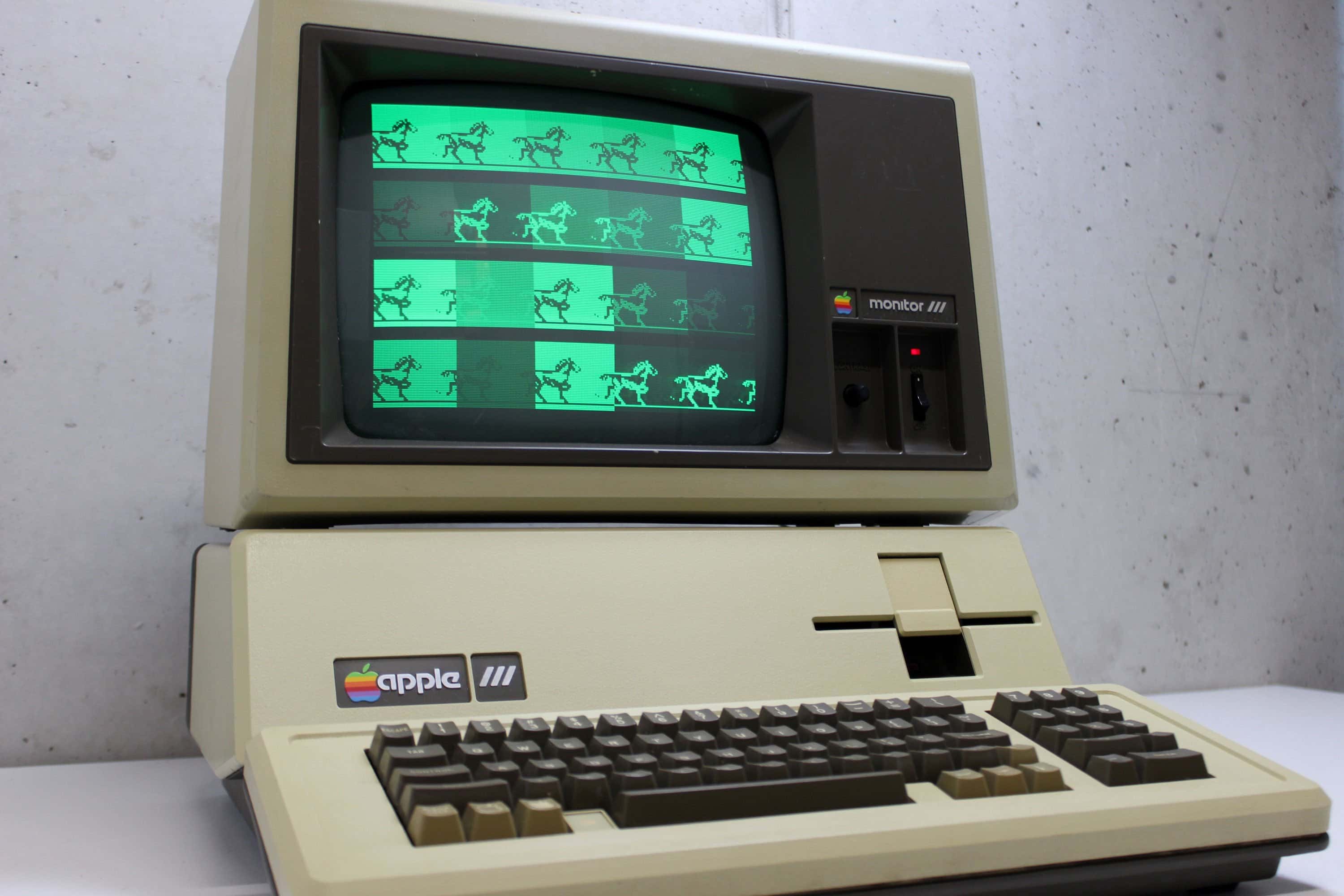
Today in Apple history: Apple introduces the doomed Apple III

By

Apple III
The Apple III should have been a smash hit. It wasn't.
Photo: Alker33/YouTube

May 19: Today in Apple history: Apple introduces the doomed Apple III computer May 19, 1980: Apple introduces the Apple III at the National Computer Conference in Anaheim, California. After two years of development, the business-oriented computer arrives to follow the enormously successful Apple II. However, for a variety of reasons, the Apple III launch turns out to be the company’s first major misstep.

Learn all these gestures and you’ll master your iPad

By

The Guide to iPad Gestures
No more mad swiping at the screen — learn the details of how your iPad works.
Image: Leander Kahney/D. Griffin Jones/Cult of Mac

Gestures are a great way to become an iPad power user. They help you easily navigate through apps, switch between pages, access controls, and reduce multiple taps to a single swipe. iPad gestures prove especially useful for Stage Manager, the iPad’s alternative multitasking environment.

Apple designed these iPad gestures to mimic natural, real-world movements, making them intuitive to use and learn. Swiping, pinching, tapping and other moves feel familiar. You should find them easy to master.

If you use your iPad a lot, these gestures are well worth learning. Your fingers will thank you!

How to download Apple Maps for offline use

By

How to download maps in Apple Maps for offline use
You don't need an internet connection to use Apple Maps with iOS 17.
Image: Ed Hardy/Cult of Mac

iOS 17 allows Apple Maps users to download maps for offline use and generate turn-by-turn directions with them. This can be a lifesaver when traveling in remote areas without a cellular connection.

It’s not complicated, but there are several steps to go through if you want to download Apple Maps of certain cities or regions. Here’s how to do it.

This Apple Pencil Pro feature surprises and delights users

By

Apple Pencil Pro shadow
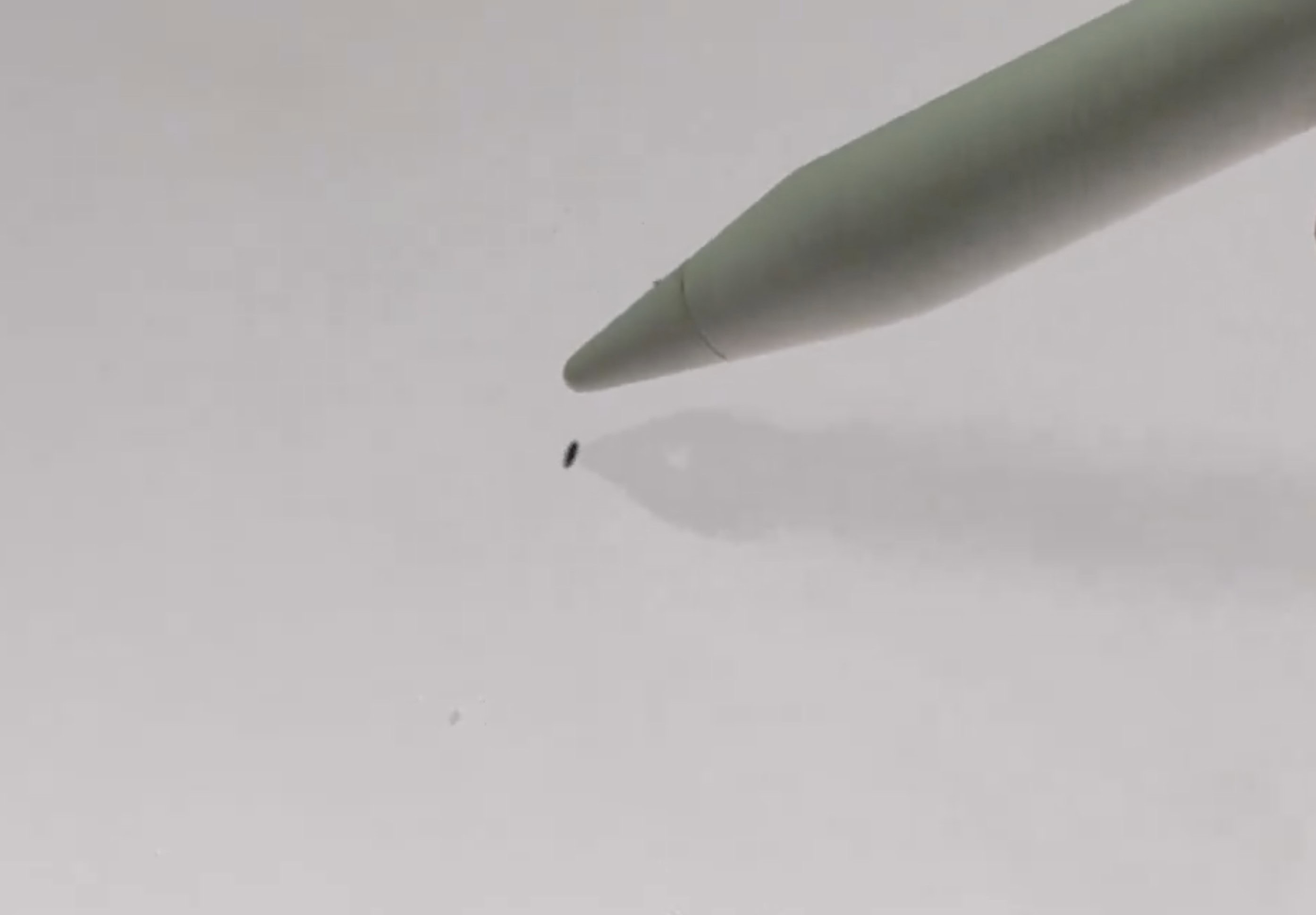
See that? Apple Pencil Pro casts the shadow of the tool selected -- a fountain pen.
Photo: @SnazzyLabs, X.com

M4 iPad Pro and M2 iPad Air users are justifiably excited by Apple Pencil Pro’s fantastic and highly functional new features. But now they’re discovering a delightful feature Apple didn’t highlight at its recent “Let Loose” event. The stylus casts a shadow of the selected tool in use on the screen.

That feature may not equal the functional importance of the new squeeze gesture or haptic feedback, but judging by user reactions in the videos below, it’s pretty much the coolest thing ever.

Best clip-on game controller is ready for the latest iPhone [Review] ★★★★★

By

Backbone One USB-C game controller review★★★★★
Backbone One USB-C game controller makes high-end gaming a pleasure on iPhone.
Photo: Ed Hardy/Cult of Mac

Backbone One USB-C game controller adds real buttons, sticks and triggers to the newest iPhone models, and Androids too.

This is  second-generation version of the wrap-around gaming accessory that’s beenupdated, to better fit handsets in protective cases.

I really enjoyed testing the controller out with the iPhone 15 Plus. It lived up to my high expectations.

M4 iPad Pro review roundup: Slim, gorgeous but a bit limited

By

M4 iPad Pro in use
Early reviews of M4 iPad Pro are full of positives with some negatives.
Screenshot: Apple

The first reviews of the M4 iPad Pro praise its slim design, its beautiful screen and its speedy new processor. But there’s also some criticism of the limitations imposed by iPadOS.

Read on for the highs and lows of early reviews of Apple’s new top-of-the-line tablet.

Should you upgrade to the 2024 MacBook Air M3?

By

Should You Upgrade to the M3 MacBook Air?
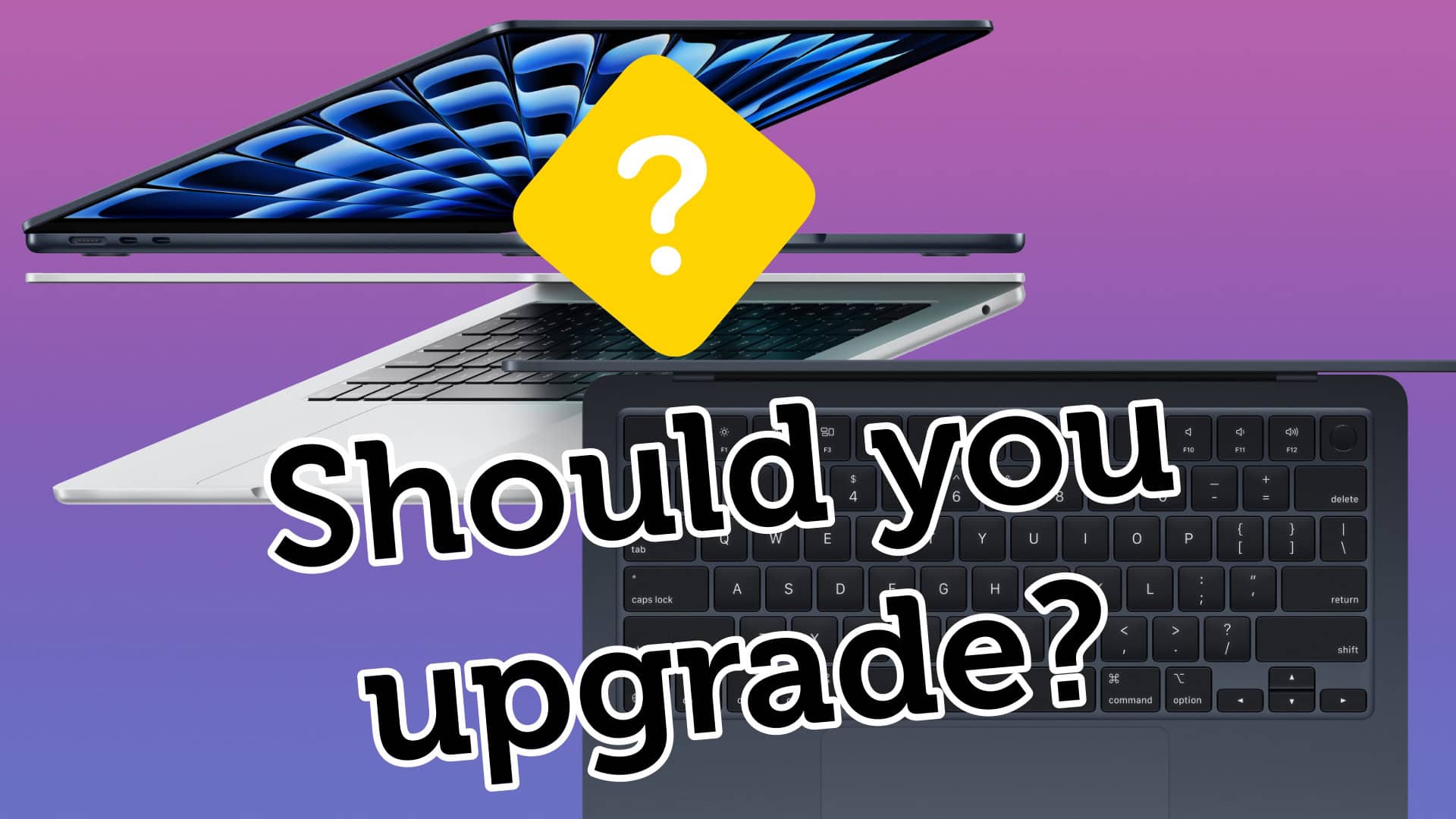
Is your MacBook old enough to justify buying the new MacBook Air?
Image: Apple/D. Griffin Jones/Cult of Mac

If you still own an Intel MacBook Air, it might be time to upgrade to the new MacBook Air with M3. But what about if you own a MacBook Air running on an M1 or M2 chip? In those cases, it’s not as obvious if you should upgrade to the latest model.

Now that the newer models feature efficient and powerful Apple silicon chips, the MacBook Air is the laptop that strikes the right balance of speed and portability for most people. The thin design is easy to slip into a backpack and the battery will last all day — even when juggling dozens of apps.

How badly you need to upgrade to an M3 MacBook Air depends on which model you’re coming from. Our easy guide will help you decide. Check the infographic below or watch the video.

How to use the iPhone’s one-handed keyboard mode (and Reachability)

By

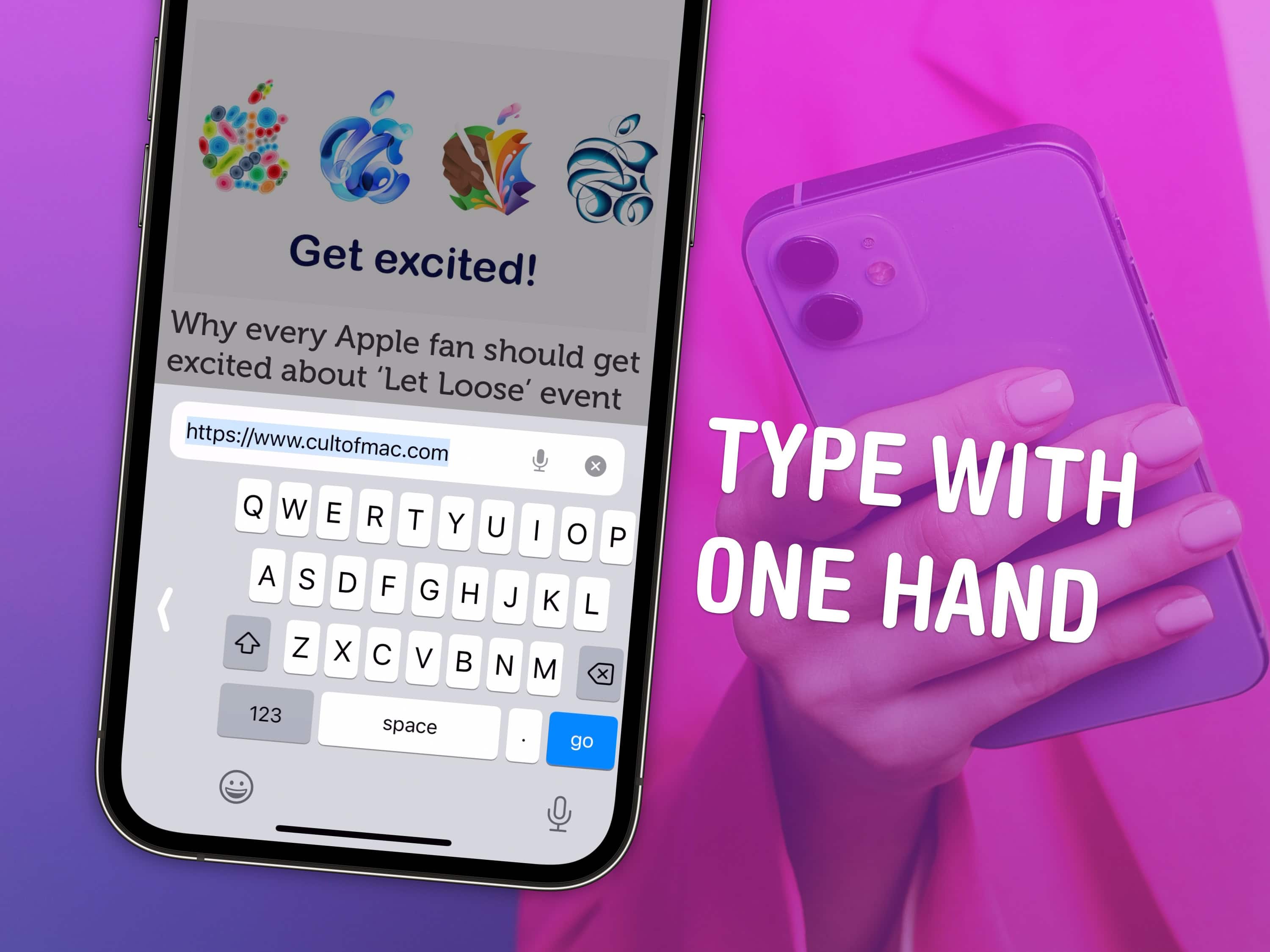
Type With One Hand
Use your phone in one hand without fumbling around.
Image: D. Griffin Jones/Cult of Mac

The iPhone has a one-handed mode for the keyboard and a feature called Reachability for tapping buttons on the top of the screen. Learning how to use both these features can help you shoot out a text or use apps on your phone in one hand while you’re doing something else or walking around with a cup of coffee.

As iPhones continue to get bigger and bigger, these features become ever more important. Here’s how to activate the iPhone’s one-handed keyboard and use Reachability. Keep reading or watch the video.