Mobile menu toggle

Top stories - page 2

How to ping your lost Apple Watch from your iPhone

By

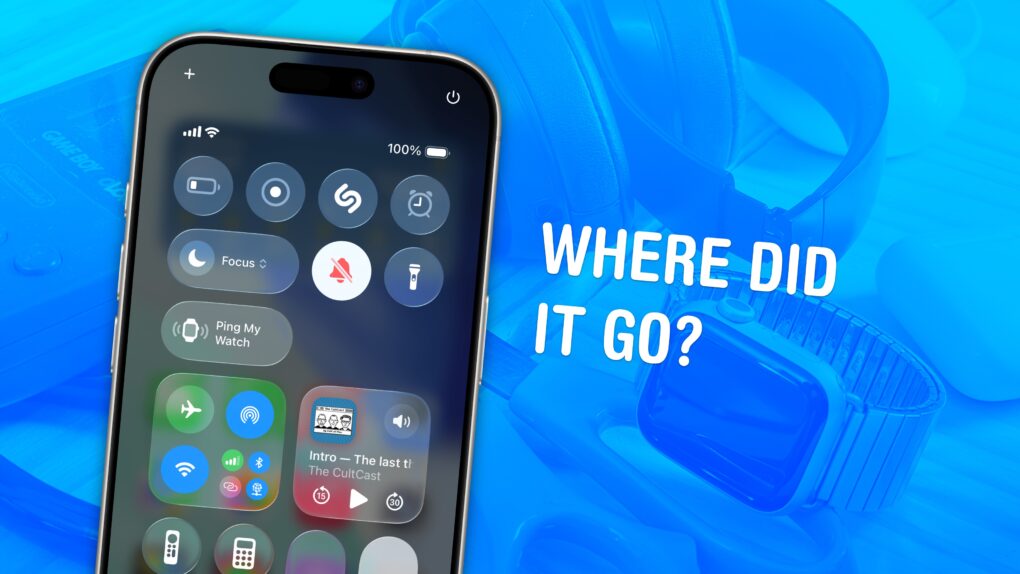
Ping Apple Watch from iPhone: “Where Did It Go?”
It's not easy to find in a pile of miscellaneous clutter.
Image: D. Griffin Jones/Cult of Mac

You can ping a lost Apple Watch from your iPhone, giving you an easy way to find your misplaced wearable.

If you take your Apple Watch off at the end of the day, forgetting to throw it on the charger, you might not remember where you left it the following morning. (The reverse has always been a cool feature of the Apple Watch. Read our post: How to find your lost iPhone with Apple Watch.)

Now, you can find a lost Apple Watch from your iPhone. Here’s how it works.

How to stop your AirPods from switching between devices

By

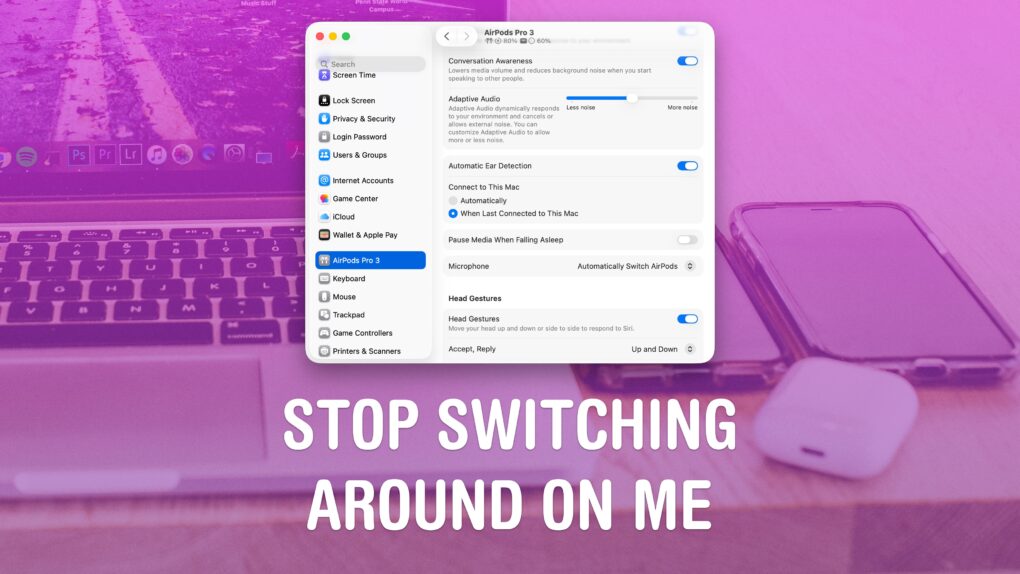
Stop Switching Around On Me
Apple’s “intelligent” AirPods switching can get annoying.
Image: D. Griffin Jones/Cult of Mac

If you’re trying to listen to podcasts or music on your iPhone, it can be annoying when your AirPods keep switching to other devices, like your Mac or iPad.

Personally, I don’t mind this behavior. If I’m sitting at my Mac, I want to use the Music and the Podcasts apps on the Mac. But a lot of people consider their iPhone their primary device — and always want to play audio from their phone, no matter which other device they’re using.

If you want your iPhone to retain supreme control over your ears, here’s how to disable AirPods auto-switching.

Make calls more personal: Your guide to creating custom iPhone Contact Posters

By

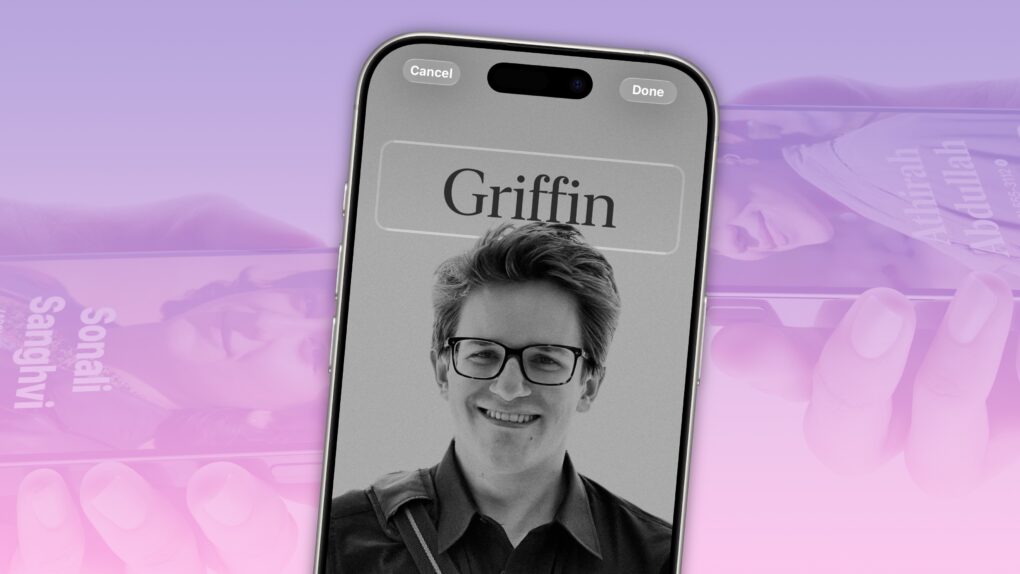
Create A Great Contact Poster on iPhone
How to make a killer contact poster.
Image: D. Griffin Jones/Cult of Mac

Contact Posters let you customize how your Apple contact card looks to other people when you call them. If they have your contact info in their address book, your customized Contact Poster will appear on their iPhone’s screen. 

Done right, Contact Posters look great — way better than the old thumbnail images that preceded them. Plus, it’s really easy to turn an ordinary picture into a gorgeous-looking Contact Poster that makes a real impact.

And once you set one up, everyone with your matching phone number and/or Apple Account will see your chosen contact picture and personalized Contact Poster.

I’ll show you how to set one up; the process might look familiar if you’ve set up a custom Lock Screen.

How to find your music stats with Apple Music Replay 2025

By

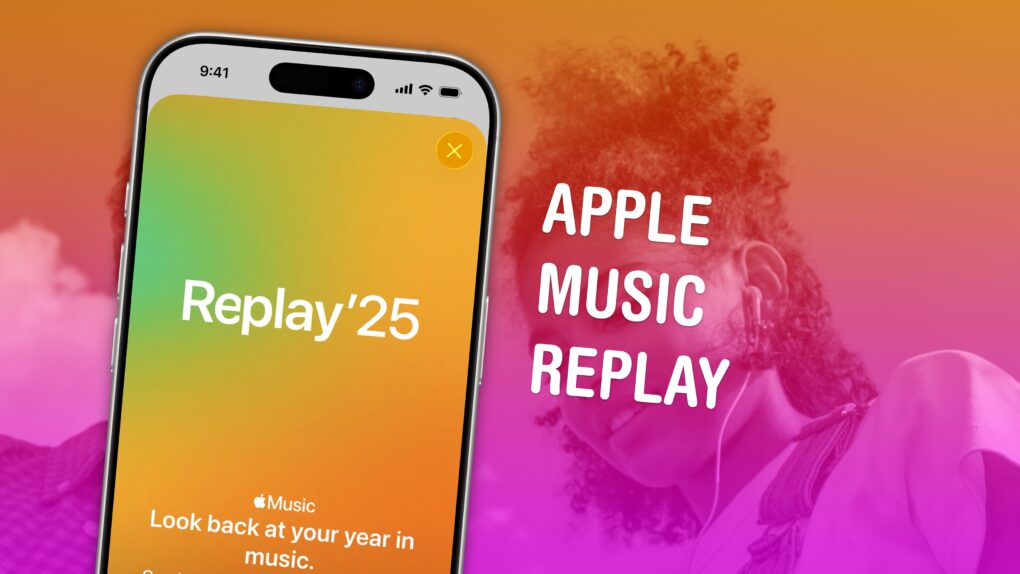
Apple Music Replay graphic
Find your top songs of the year.
Image: D. Griffin Jones/Cult of Mac

Apple Music Replay is a great way to find your music stats for the past year: the most played songs, artists and albums in the last 12 months. Similar to Spotify Wrapped and the like, your annual Apple Music Replay is a fun way to see what tracks you listened to most.

Fun fact: Apple usually publicizes Apple Music Replay in December, but it’s actually updated weekly and available throughout the whole year! You can check in whenever you want to see how your year is shaping up.

We’ll show you how to find it and how to share your top music of the year to your friends and social media.

Master AirDrop: Your ultimate guide to seamless file sharing on iPhone, iPad and Mac

By

How to AirDrop: Drop It My Way
AirDrop is right up there with iMessage as a great Apple-exclusive feature. Learn how to use it.
Image: D. Griffin Jones/Cult of Mac

If you want to know the fastest and easiest way to send someone photos, videos, files and so, so much more, you should know how to AirDrop. There’s no need to send an iMessage — Apple’s slick AirDrop feature will immediately send and open the content on someone else’s iPhone (or other Apple device). There’s no middle step.

AirDrop works iPhone-to-iPhone, iPhone-to-Mac, iPhone-to-iPad, Vision Pro-to-Mac — any combination and permutation of two Apple devices. And, if your friend has a Google Pixel 10, you can AirDrop with them, too!

Keep reading to find out everything you need to know about how to take advantage of AirDrop.

Today in Apple history: Fans queue up as Apple opens Tokyo store, its first outside US

By

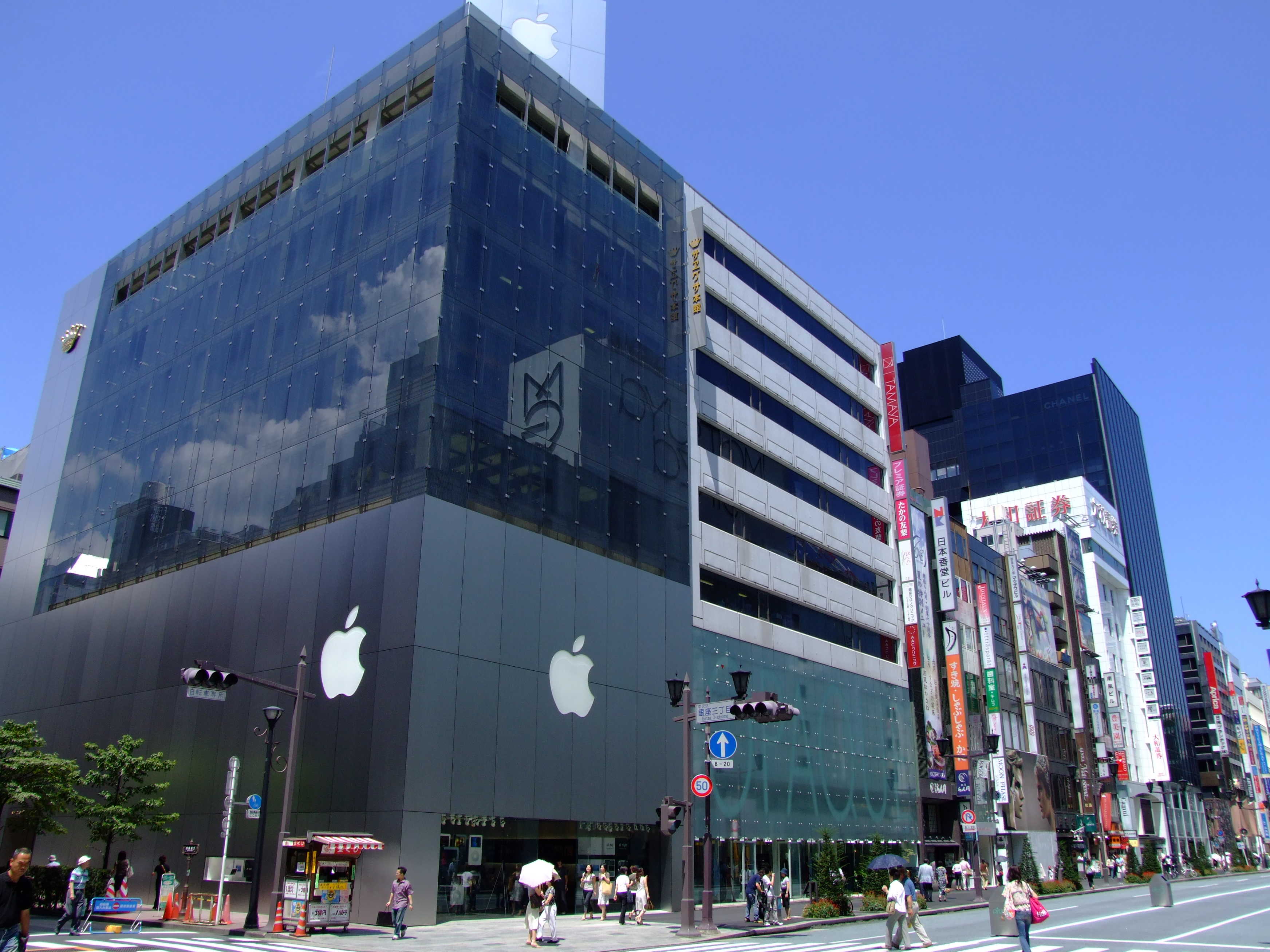
Apple's store in Tokyo's swanky Ginza shopping district.
Apple's first non-U.S. Apple Store was located in Tokyo.
Photo: Héctor García/Kirai CC

November 30: Today in Apple history: Apple opens first store outside U.S. in Tokyo's trendy Ginza shopping district November 30, 2003: Apple expands its retail chain outside the United States for the first time, opening Apple Store Ginza in Tokyo’s trendy shopping district.
On opening day, thousands of Apple fans — possibly the biggest queue in Apple history — line up around the block in the rain to gain early access to the store, which offers five full floors of Apple product goodness.

Apple CEO Steve Jobs does not show up for the opening of the 73rd Apple Store. However, shoppers hear a welcoming speech from Eiko Harada, president of Apple Japan.

Restore your sanity by blocking jerks from calling, texting and emailing

By

Block A Number on iPhone
Here are all the details on how to block a number on iPhone.
Image: D. Griffin Jones/Cult of Mac

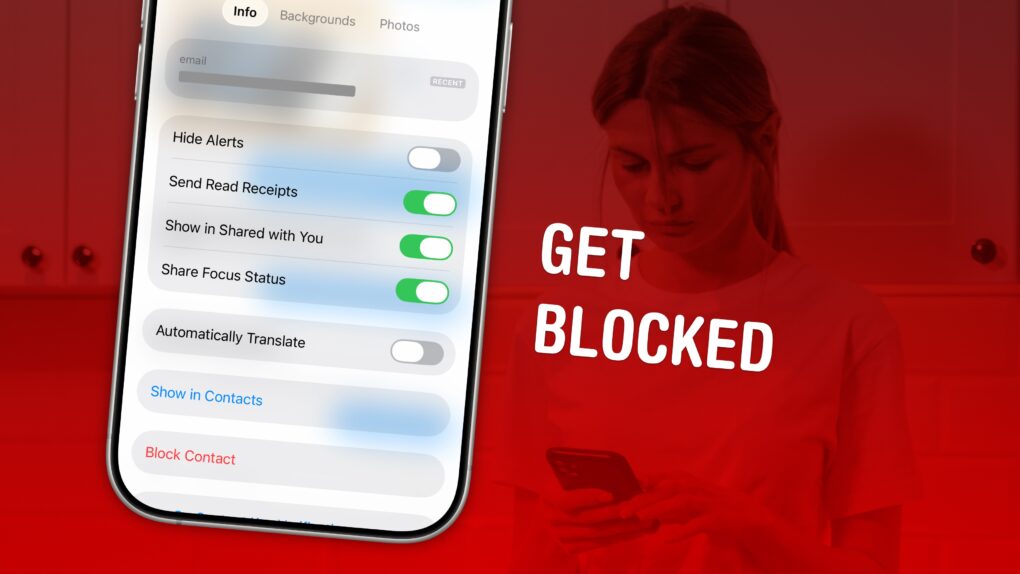
Spam calls and text messages seem absolutely relentless these days — you’ll want to know how to block a number on your iPhone to keep your sanity. Luckily, it’s easy. There are a variety of ways you can stop unwanted calls. You can block an incoming phone call or text message. And you can send unknown callers directly to Live Voicemail.

If you’re blocking a person in your contacts list, it doesn’t matter which app you block them from — Messages, Phone, Contacts, Mail, Settings — they will be blocked everywhere.

Here’s how to block calls from unknown numbers on iPhone and keep spammers at bay.

Today in Apple history: Rare Apple-1 sells for crazy money

By

The Apple-1 sold for what was then the largest amount a personal computer ever earned at auction.
The Apple-1 sold for what was then the largest amount a personal computer had sold for at auction.
Photo: Christie's

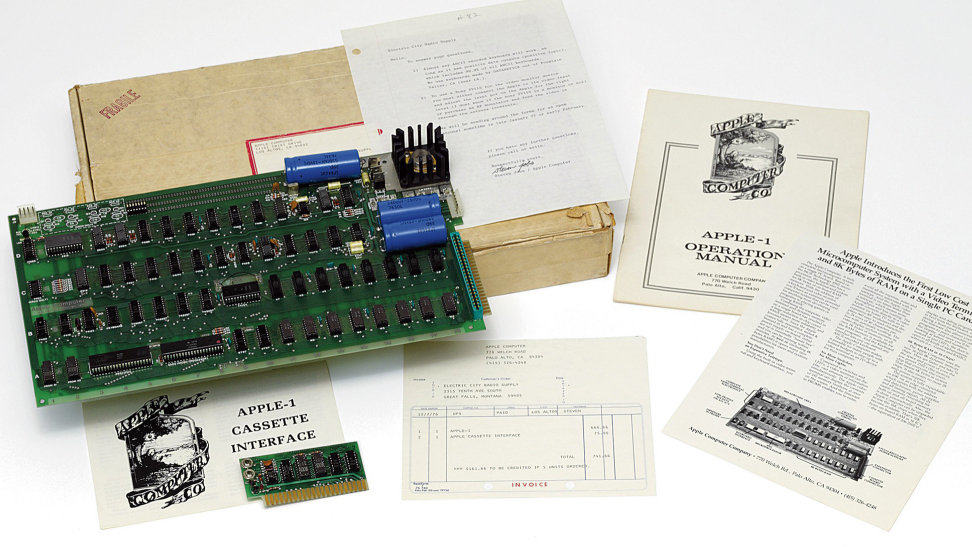
November 23: Today in Apple history: Rare Apple-1 computer sells for $210,000 at auction November 23, 2010: An early Apple-1 computer manufactured in 1976, complete with its original packaging and a letter signed by Apple co-founder Steve Jobs, sells for $210,000.

At the time, it ranks as the most expensive personal computer ever sold at auction. That makes sense, because it’s an incredibly rare find. The working Apple-1 is thought to be one of only approximately 50 still in existence.

10 tricks to kick your iPhone addiction

By

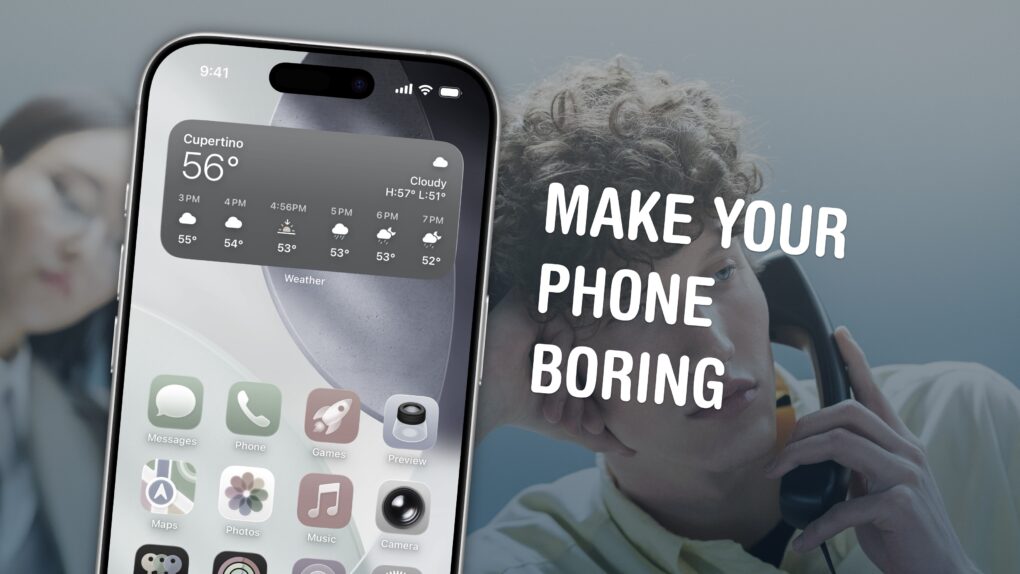
Make Your Phone Boring
Here are my tips for spending less time on your phone.
Image: D. Griffin Jones/Cult of Mac

Phone addiction is real. Constant iPhone use can literally change the makeup of your brain. Sure, people waved similar panic flags about the television, the radio and even the novel, but those were easily left at home. You carry the internet with you, and it’s constantly blasting a firehose of content, everywhere you go.

Luckily, you can make your iPhone less addictive.

If you feel the impulse to unlock your iPhone at every empty moment, or scroll through an app when you feel like you should be getting to bed, here are my tips for making your iPhone a bit more boring. And that, in turn, will help you curb your phone addiction.

How to add your ID to Apple Wallet

By

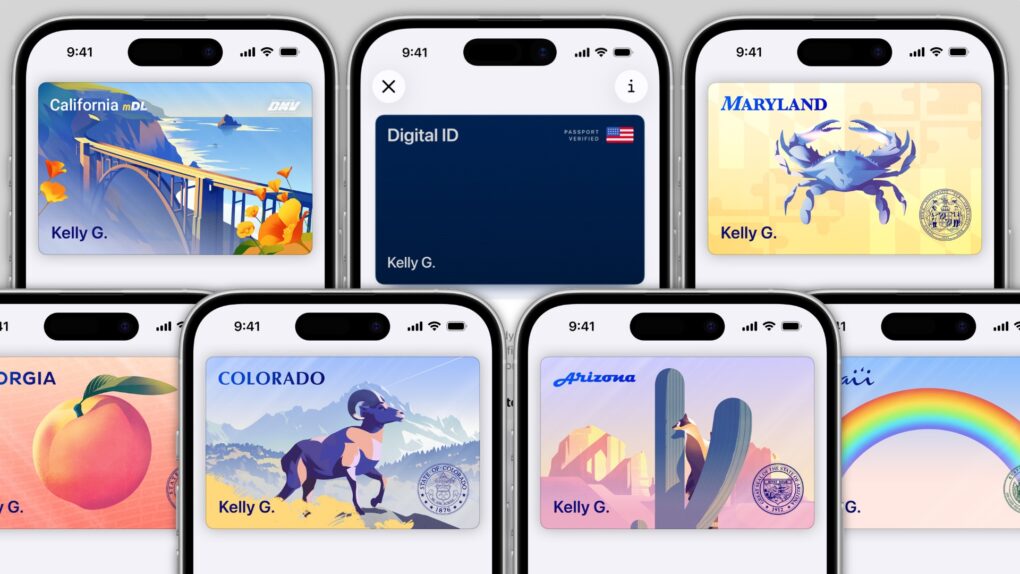
Get a gorgeous ID in Apple Wallet.
Image:

In several states, Apple’s state ID initiative enables iPhones and Apple Watches to hold a digital copy of the user’s driver’s license, in the same way these devices store credit cards and airline tickets. And across the United States, you can create an Apple Digital ID based on your passport that can get you through some airport security checks. 

The day when an iPhone can completely take the place of an old-fashioned wallet remains years away, but it’s a goal Apple is working toward. Apple Pay is making progress on replacing credit cards, you can put airline tickets in the Wallet app, and the same goes for loyalty cards.

But no wallet is complete unless it can hold an ID. And that’s where Apple’s digital ID initiative comes in. Here’s what you need to know to add your driver’s license, state ID or federal passport to your Apple Wallet.

When will your state let you add your ID to Apple Wallet?

By

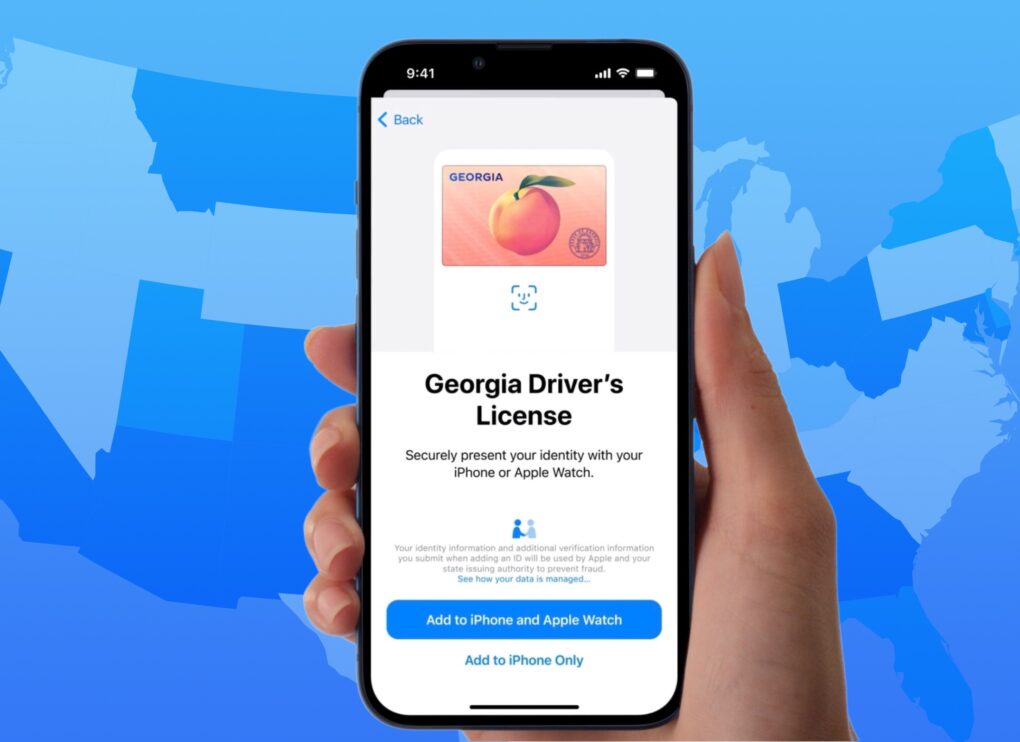
Graphic showing a Georgia digital ID over a map of the United States
13 states or territories, including Georgia, are fully on board.
Image: Apple/D. Griffin Jones/Cult of Mac

When will you be able to add your driver’s license or state ID to Apple Wallet on your iPhone? In the United States, it varies by where you live. It’s not up to Apple: Each state and territory maintains a completely independent registry of drivers and identification cards, so each one must independently pass legislation and implement digital IDs.

If you live in Arizona, California, Colorado, Georgia, Hawaii, Illinois, Iowa, Maryland, Montana, New Mexico, North Dakota, Ohio, Puerto Rico or West Virginia, you can do it today. (Our guide will show you how to add your driver’s license to Apple Wallet.) Otherwise, check our map and lists below to see how likely your state is to let you add your ID to Apple Wallet, and when it might happen.

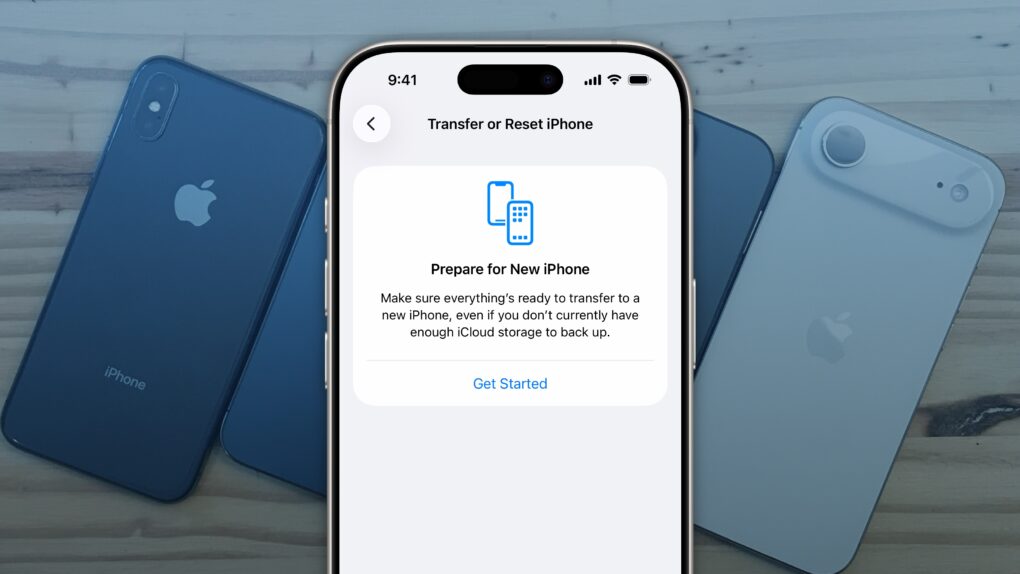
How to reset your iPhone before trading in or selling

By

Factory Reset iPhone
It’s easy to factory reset your iPhone.
Image: D. Griffin Jones/Cult of Mac

You’ll want to reset your iPhone if you’re trading it in, selling it or passing it down to another family member. There’s a right way and a wrong way to do it.

If you don’t fully reset the phone, it’ll still be locked to your Apple Account — and the phone will be effectively useless to anyone who tries to use it.

Follow along to make sure you reset your iPhone the right way.

Today in Apple history: Apple sets up shop inside CompUSA stores

By

Desiring more control over how Macs got sold, Apple turned to CompUSA.
Photo: Coolcaesar/Wikipedia CC

November 4: Today in Apple history: Apple CompUSA November 4, 1997: Apple unveils its plan to open small “store within a store” areas inside CompUSA outlets around the United States. Apple-trained employees will staff these mini-stores and sing the praises of the Mac and other Apple products.

The move gives Cupertino more control over the way its products are displayed and demoed to consumers. While ultimately disappointing, Apple’s CompUSA experiment paves the way for the flagship Apple Stores that will launch four years later and become the world’s most profitable retail outlets.

Watch this stunning folk horror show on Apple TV for a thoroughly creepy Halloween

By

Nell Tiger Free in “Servant,” now streaming on Apple TV+.
Nell Tiger Free plays creepy nanny Leanne in Apple TV+ thriller Servant.
Photo: Apple TV+

M. Night Shyamalan’s wonderfully dark series Servant is the creepiest horror show on Apple TV. The engrossing show, about a supernatural nanny with designs on an upper-class Philadelphia power couple and their missing baby, shines thanks to an amazing array of directorial talent and some fantastic on-screen presences.

Here’s why you should watch all four seasons of this runaway freight train of a show.

Today in Apple history: The world prepares for the NeXT Computer

By

People couldn't wait to discover Steve Jobs' next move at NeXT Computer.
People couldn't wait to discover Steve Jobs' next move.
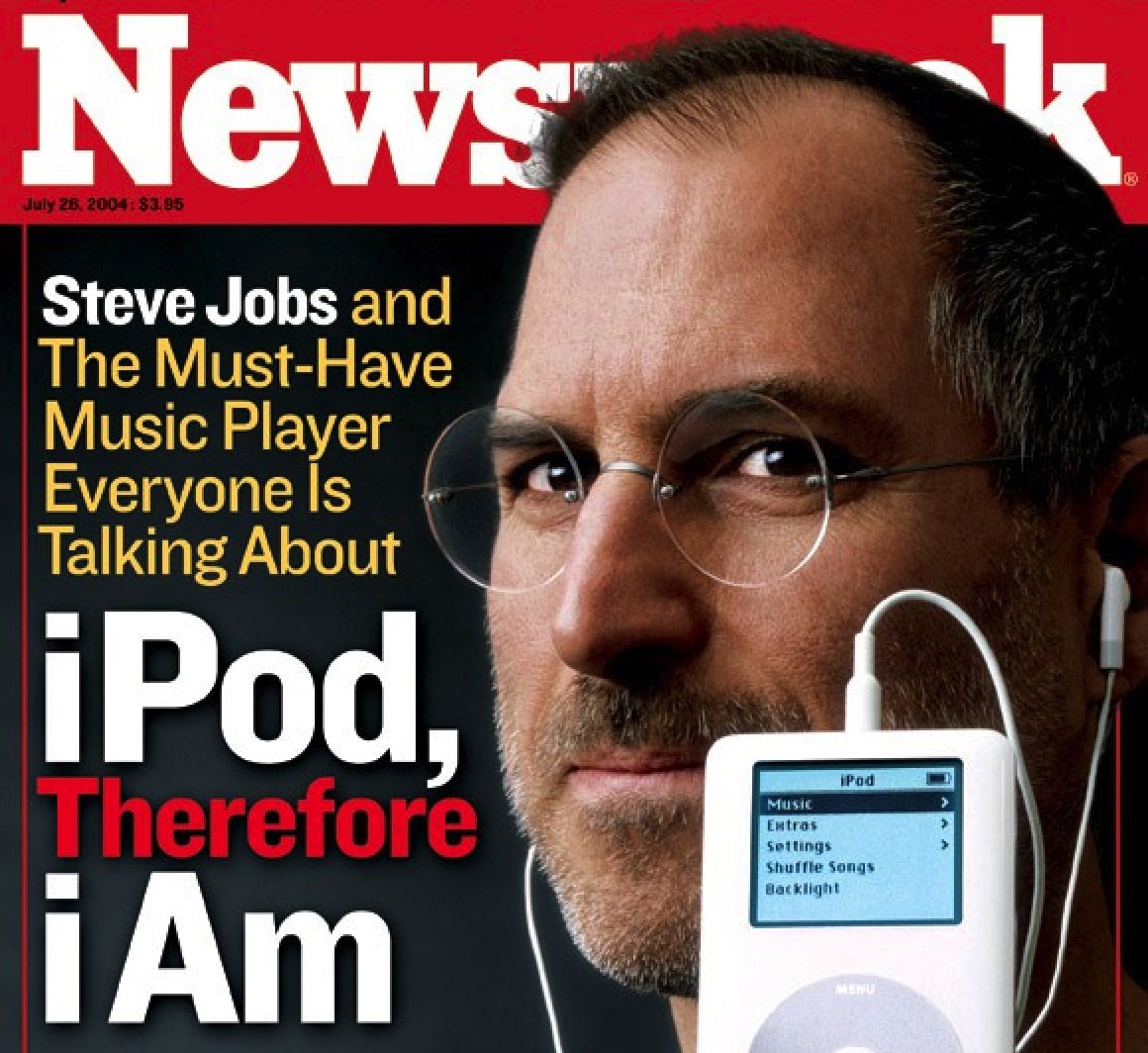
Image: Newsweek

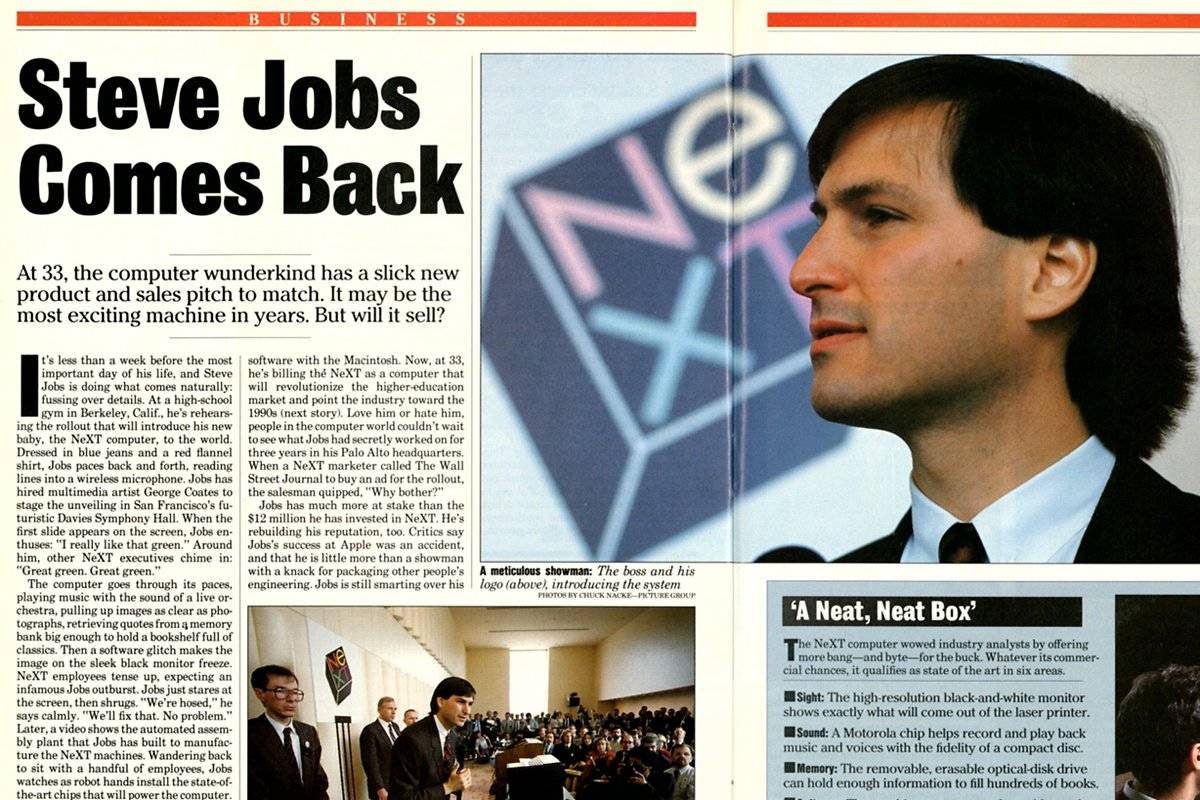
October 24 Today in Apple history: World prepares for the NeXT Computer October 24, 1988: Three years after leaving Apple, Steve Jobs prepares to launch the NeXT Computer, a machine he hopes will cement his reputation as a tech genius and blow away the machines produced by Cupertino.

The new NeXT Computer receives a wave of positive publicity. Fawning stories show exactly what the 33-year-old Jobs has been working on — and what’s coming next.

Today in Apple history: Apple puts 1,000 songs in your pocket with first-gen iPod

By

Today in Apple history: Apple puts 1,000 songs in your pocket with first-gen iPod
Introduced on this day in 2001, the iPod quickly became a cultural phenomenon.
Photo: Newsweek

October 23: Today in Apple history: Apple puts 1,000 songs in your pocket with first-gen iPod launch October 23, 2001: Apple CEO Steve Jobs introduces the first iPod, a device capable of storing an entire music library in a highly portable package.
The first-generation device boasts a 5GB hard drive capable of putting “1,000 songs in your pocket.” That may not sound too dazzling in a world in which people can stream the massive Apple Music library from their iPhones, but it was a game-changer at the time!

How to unsend iPhone messages to avoid blowing up your life

By

Fix Yur Mistaeks
Correct the record.
Image: D. Griffin Jones/Cult of Mac

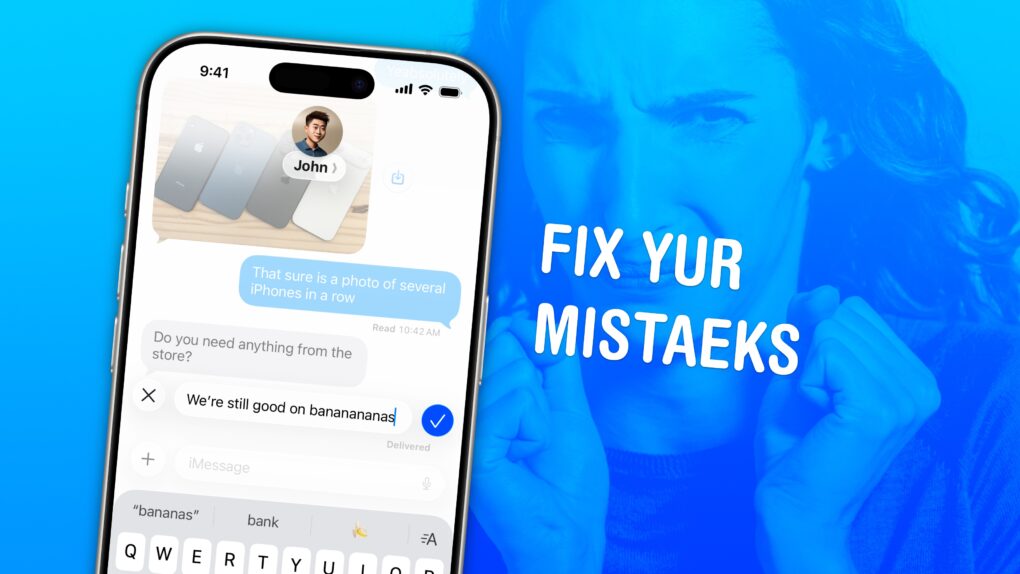
Knowing how to edit or unsend iMessages on your iPhone could come in clutch. Like when you text your mom, “Finally got laid today” when you meant to say “paid.”

Thankfully, it’s easy to rewrite history in iMessage. Let me show you how this lifesaving feature works.

Today in Apple history: PowerBook 100 makes laptops mainstream

By

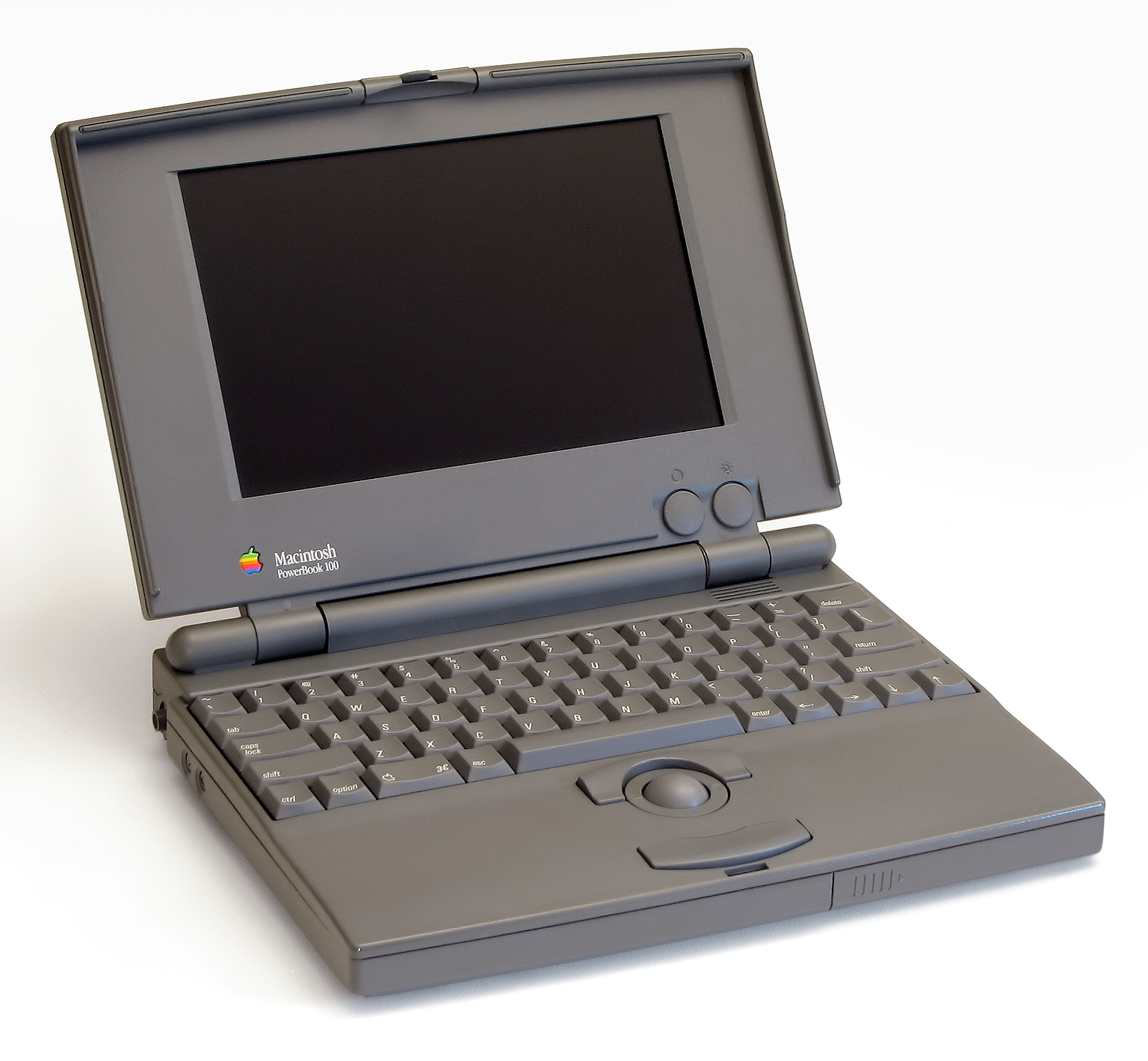
The entry-level PowerBook 100 fueled a laptop revolution.
Photo: Danamania/Wikipedia CC

October 21: Today in Apple history: Apple launches PowerBook 100 series, one of the most important laptops in Apple history October 21, 1991: Apple launches its PowerBook 100 series Macs. The lightweight laptops quickly become one of the most important tech gadgets of all time.
These devices will almost single-handedly turn notebook computers into mainstream technology. Apple’s subsequent success in this category — whether it’s the current MacBooks or even the rise of mobile devices like the iPhone — owes a huge debt to the PowerBook 100 series.

Safety tip: Make your iPhone alert you to breaking glass, smoke alarms and other dangers

By

Stay Alert: Sound and Name Recognition
This feature could save you in a pinch.
Image: D. Griffin Jones/Cult of Mac

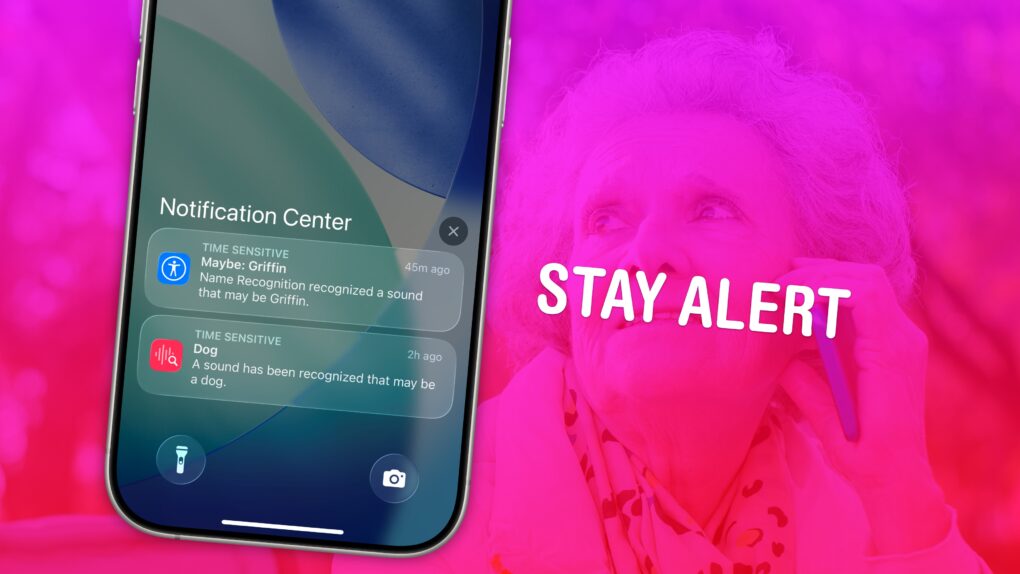
If you have trouble hearing, you might miss the sound of a knock on the door, a barking dog, or even worse — a smoke detector. Or, you might miss someone calling your name when they’re trying to get your attention. It’s less serious, but much more annoying. With Sound Recognition, you can get a prominent alarm and a buzz on your Apple Watch or iPhone when your phone hears the sounds you choose.

When Sound Recognition is enabled, your iPhone will continuously listen for dangerous sounds. It could, literally, be a lifesaving feature for you or a loved one. And Name Recognition lets you train your phone on how to recognize your name. 

Here’s how to use these important safety and productivity features.

How to watch the Charlie Brown Halloween special for free [Too late]

By

Promotional image for Charlie Brown Halloween special,
It's the Great Pumpkin, Charlie Brown is always streaming on the Apple TV service.
Photo: Apple

Update: Sorry, the free weekend to watch It’s the Great Pumpkin, Charlie Brown if you don’t subscribe to Apple TV has passed. But look below for when the Peanuts Thanksgiving and Christmas specials stream for free and add them to your calendar.

Families with a tradition of watching It’s the Great Pumpkin, Charlie Brown can enjoy the classic Peanuts Halloween special on Apple TV for free this weekend. And you can watch it online, not only with an Apple TV set-top box, Mac, iPad or iPhone.

Today in Apple history: iPad sales overtake Macs

By

The iPad quickly became the world's fastest-selling device.
Photo: Yutaka Tsutano/Flickr CC

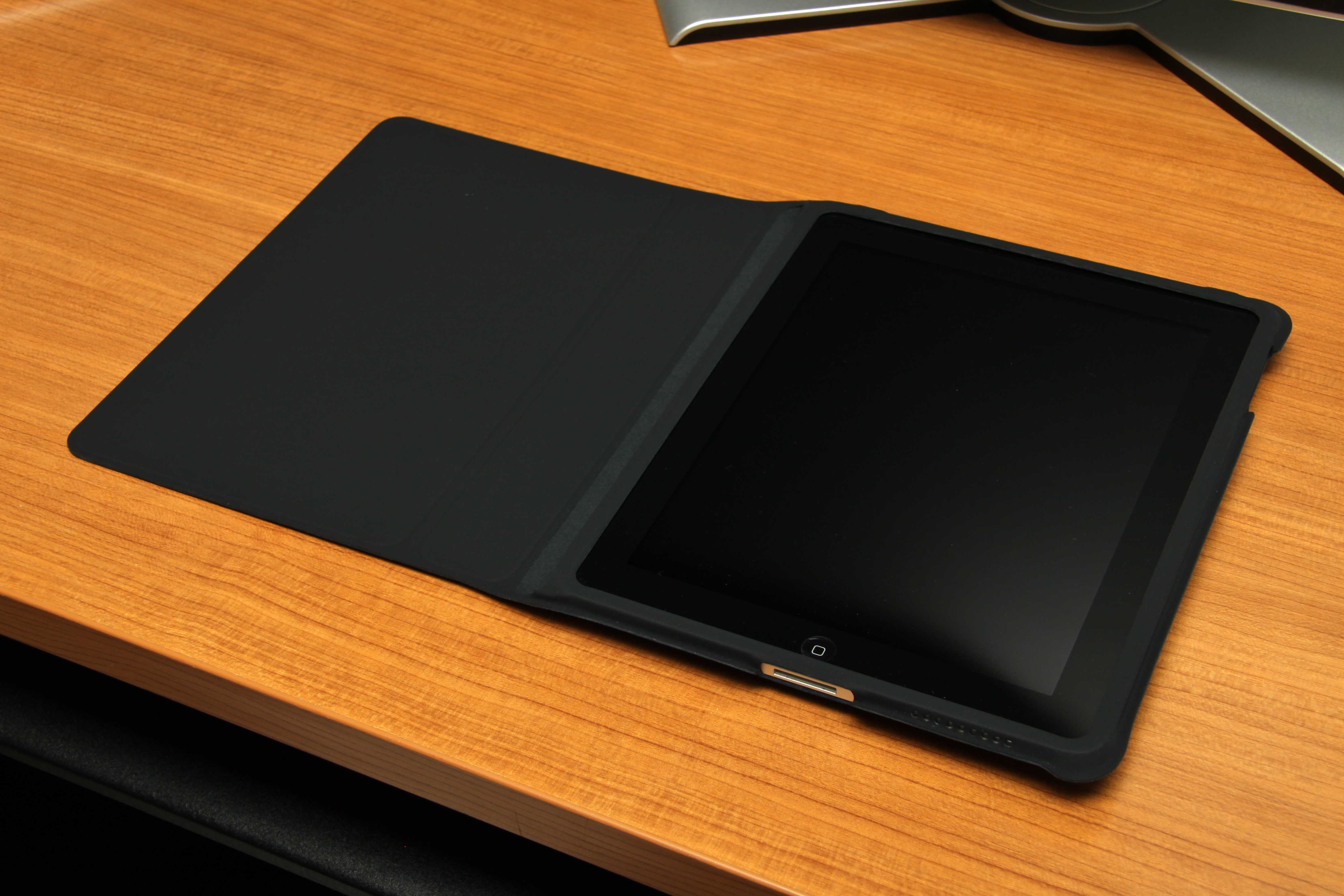
October 18: Today in Apple history: iPad sales overtake Macs October 18, 2010: Just six months after the original iPad debuts, Steve Jobs reveals that Apple’s tablet already outsells the mighty Macintosh computer.
During the company’s fourth-quarter earnings call, Jobs says Apple sold 4.19 million iPads during the previous three months, compared with 3.89 million Macs.

Today in Apple history: Performa 6360 is a low-cost multimedia Mac

By

The Performa 6320CD Mac delivered a great price-to-performance ratio.
The Performa 6320CD Mac delivered great performance for the price, luring new users.
Photo: Shrine of Apple

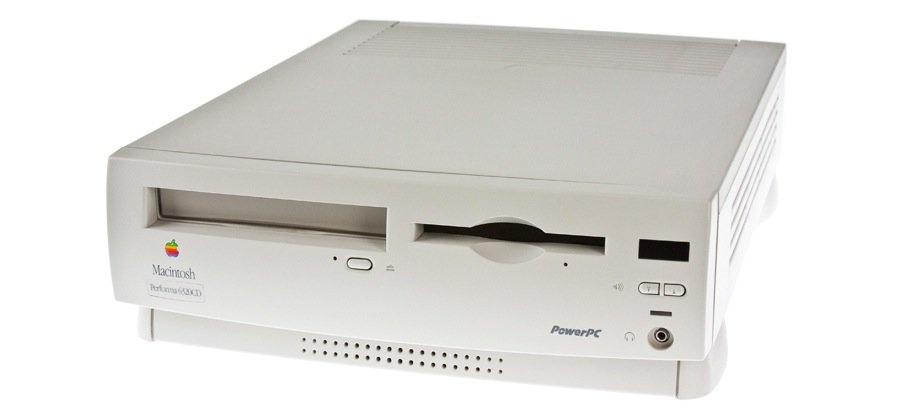
October 17: Today in Apple history: Apple launches Performa 6360, a low-cost multimedia Mac October 17, 1996: Apple launches its Performa 6360 Mac in North America, sold elsewhere as the Power Macintosh 6300/160.

An impressive multimedia Mac, the Performa 6360 comes bundled with a TV/video card. It also lets users make phone calls, listen to CDs, and watch television — all of which seemed amazingly futuristic at the time. As Macs went, it was pretty affordable, too.

Today in Apple history: Former CEO John Sculley bids Apple a $10 million farewell

By

Former Apple CEO John Sculley talks at Web Summit 2015 in Dublin, Ireland.
After Steve Jobs and Tim Cook, John Sculley is Apple's most memorable CEO.
Photo: Web Summit/Flickr CC

October 15: Today in Apple history: CEO John Sculley forced out of Apple October 15, 1993: John Sculley, the former CEO responsible for forcing Steve Jobs out of Apple, is forced to leave the company himself. When Sculley resigns as Apple’s chairman, he leaves with a golden parachute.
His parting gifts include $1 million in severance pay, a one-year consulting fee of $750,000, a commitment from Apple to buy his $4 million mansion and $2 million Learjet, and $2.4 million in stock options. Total take: around $10 million.

Today in Apple history: Bono’s (Product) Red iPod nano fights HIV/AIDS

By

The limited-edition (Product) Red iPod nano raised cash for a worthy cause.
Did you own this special edition iPod?
Photo: Wikipedia/Re-ality CC

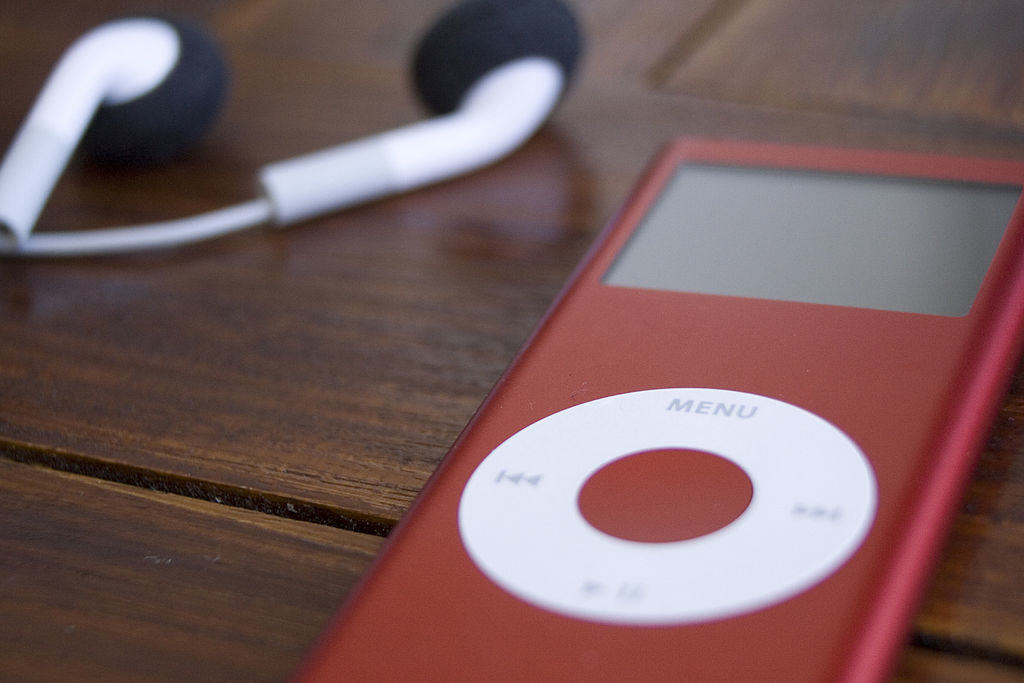
October 13: Today in Apple history: Bono's (Product)Red iPod nano fights HIV/AIDS October 13, 2006: Apple launches a limited-edition iPod nano (Product) Red Special Edition music player in collaboration with U2 lead singer Bono and activist/attorney Bobby Shriver, with 10% of profits going to fight AIDS in Africa.
It’s the first of many Apple philanthropic products. “We’re ecstatic that Apple is giving their customers the choice to buy a red iPod nano and help women and children affected by HIV/AIDS in Africa,” the U2 singer says in a statement.

Today in Apple history: iCloud takes our files and photos to the sky

By

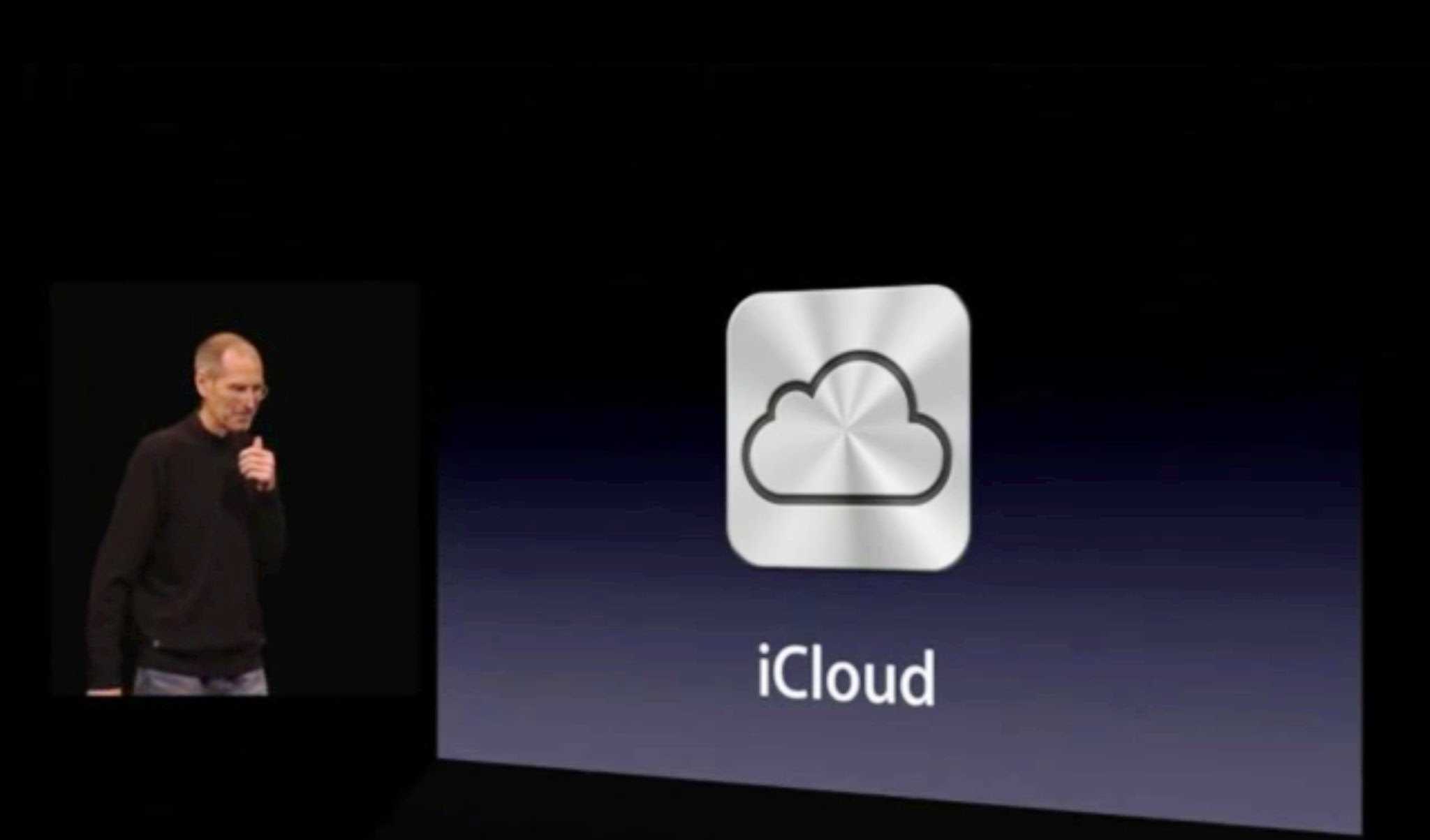
Photo of Steve Jobs onstage at WWDC explaining the iCloud launch
Steve Jobs called iCloud Apple's hard disk in the sky.
Photo: Apple

October 12: Today in Apple history: With iCloud launch, Apple moves beyond its digital hub strategy October 12, 2011: Apple launches iCloud, a service that lets users automatically and wirelessly store content in the cloud and push it to their various devices.

iCloud’s arrival marks the end of Apple’s Mac-centric “digital hub” strategy — and ushers in an age of inter-device communication and non-localized files.