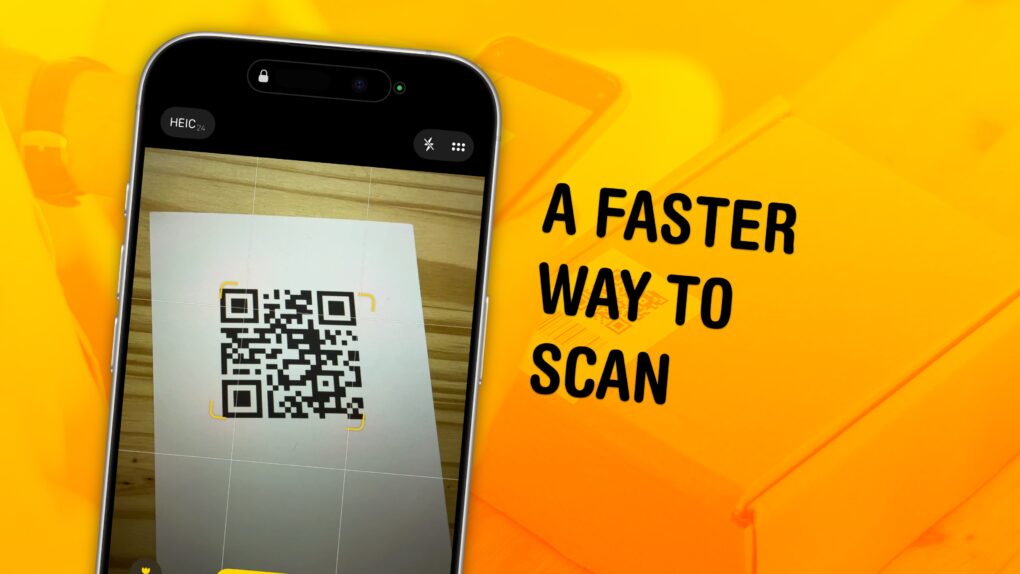
You can scan a QR code directly from your iPhone — you don’t need to download a third-party app to get the information you need. Apple even gives you three ways to do it. You can scan a QR code using your iPhone’s camera, using a shortcut in Control Center, or directly from an image in your Photos library
As QR codes become increasingly prevalent, it’s good to know these methods. If you’re in a restaurant and you want to open the digital menu or join the Wi-Fi network, you don’t want to fiddle with installing a third-party app.
To learn three ways you can scan a QR code using your iPhone, keep reading or watch our short video.