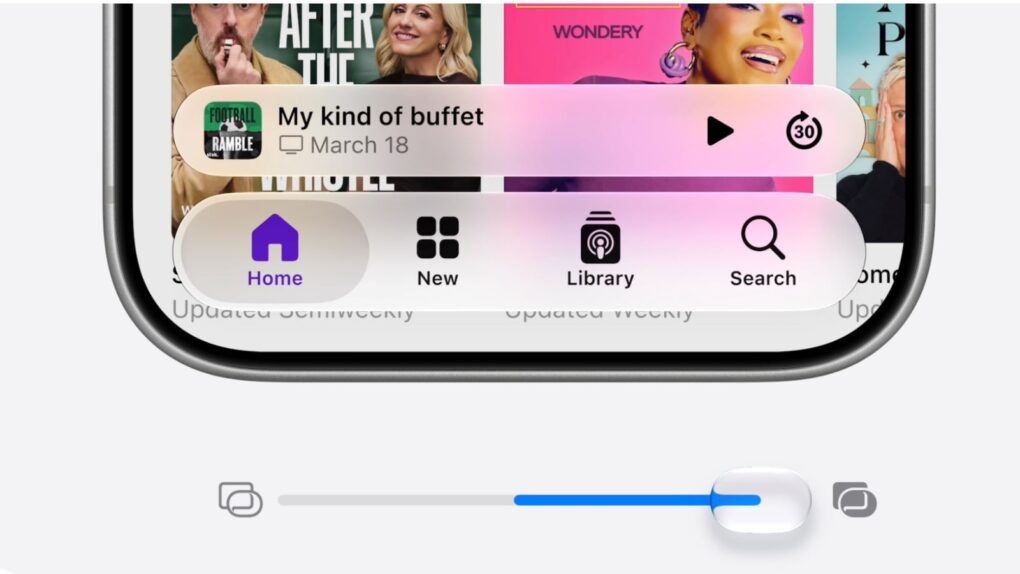
A slider in iOS 27 lets you adjust the look of Apple's Liquid Glass user interface. Image: Apple
Apple released the first iOS 27 public beta Monday, giving everyday iPhone users a chance to experience the latest features.
By most accounts, it’s stable enough to download now and run without too much worry. The biggest bummer is that you’ll still need to get in line to experience the new, improved Siri AI.
Robust demand means iPhone 17 remains the world's top-shipping smartphone. Photo: Rubaitul Azad/Pexels
Apple continued to gain ground in the global smartphone market during the second quarter of 2026, according to new data from a market-analysis firm. The iPhone posted another quarter of year-over-year growth, increasing total shipments by 3% while boosting Apple’s global market share to a quarterly record.
The iPhone 17 series continues to experience strong sales, according to the analysts. One main reason for the success might seem surprising, coming from Cupertino: small price tags! Apple maintained iPhone prices while rivals increased theirs due to sharply rising memory costs.
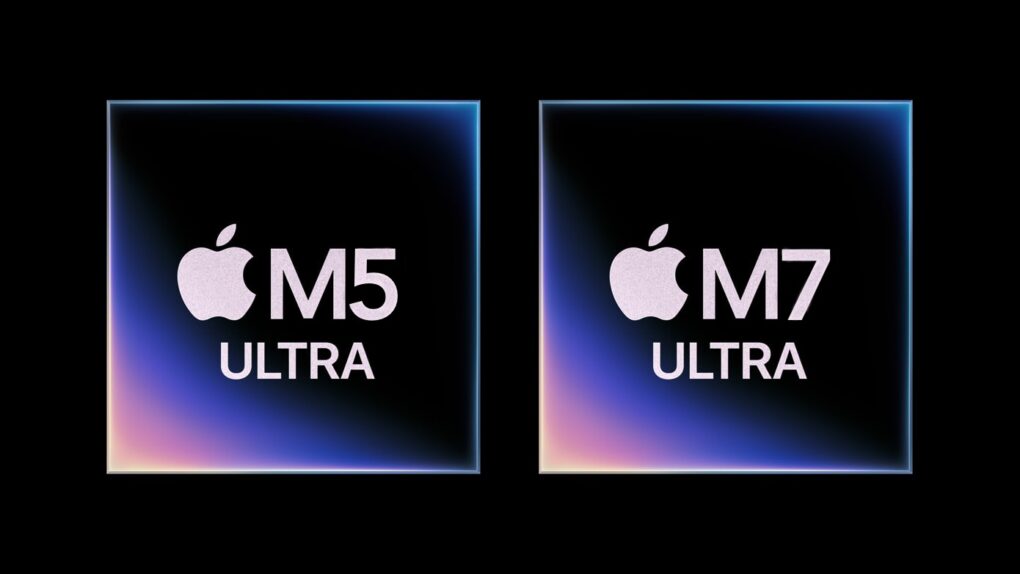
The Mac Studio comes with a serious memory limitation. The M5 Ultra and M7 Ultra could be the solution. Image: Apple/Cult of Mac
The Mac Studio, Apple’s top-of-the-line desktop, delivers extraordinary CPU and GPU performance in a surprisingly compact enclosure — but many users simply cannot add as much RAM as they need.
However, change is apparently on the way. Apple is reportedly developing an M5 Ultra chip that supports more unified memory than the current version. And the subsequent M7 Ultra chip will be even better — it will supposedly handle as much as three times more RAM. That’s a dramatic leap beyond the best of today’s Macs.
Apple’s SigLens acquisition gives Cupertino a dashboard built to hunt down bugs across its sprawling network of interconnected apps. Image: SigLens
Apple just went shopping for a bug hunter. Cupertino scooped up SigScalr, a small startup behind SigLens, an app designed to detect exactly where the software goes wrong — even if the software is basically hundreds of smaller programs working as a single app.
Apple did not announce the acquisition via a press release. It surfaced through the European Union’s paperwork, the same way a lot of Apple’s smaller acquisitions did in the last few years.
But don’t let the quiet rollout fool you. SigLens tackles a problem that’s only getting worse as apps become more complex. And it looks like Apple clearly wants it fixed before it becomes Xcode’s problem too.
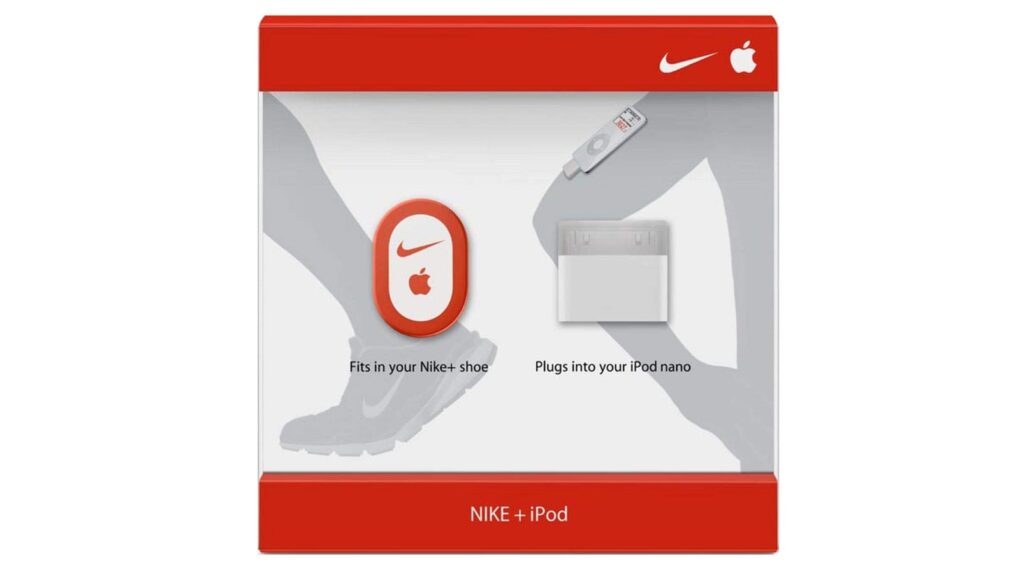
The Nike+iPod Sport Kit was a nifty innovation. Photo: Apple
July 13, 2006: Apple releases its first activity tracker, the Nike+iPod Sport Kit, which combines Cupertino’s popular music player with a smart pedometer that fits in a shoe.
The product marks Apple’s first step toward the kind of mobile health-tracking initiatives it will pursue in the following decade — most notably through its iOS Health app and the Apple Watch.
Save on essential Microsoft software for Mac or PC. Photo: Cult of Mac Deals
Not a fan of monthly fees for software like Microsoft 365? This deal lands you a lifetime license to Microsoft Office Home & Business 2024 for Mac or PC.
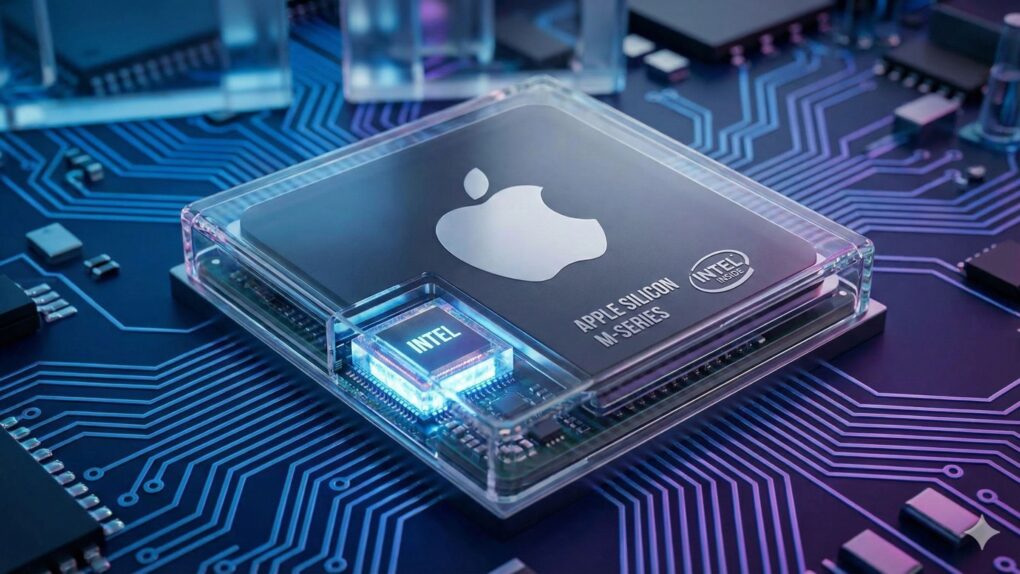
A new report sheds light on how the Apple-Intel chips deal actually came together. AI image: Google Gemini/Cult of Mac
Apple CEO Tim Cook didn’t fly to Washington last summer to talk about Intel. He went there to keep Apple from getting hit with a 100% tariff on every chip the company imports. But somewhere in those meetings, the conversation shifted to an unexpected topic — Intel.
Fast forward a year, and Apple and Intel now have a manufacturing arrangement in the works. And according to a new report, the origin story is less about “engineering roadmap” and more about “the White House brought it up while Apple was trying to survive a tariff fight.”
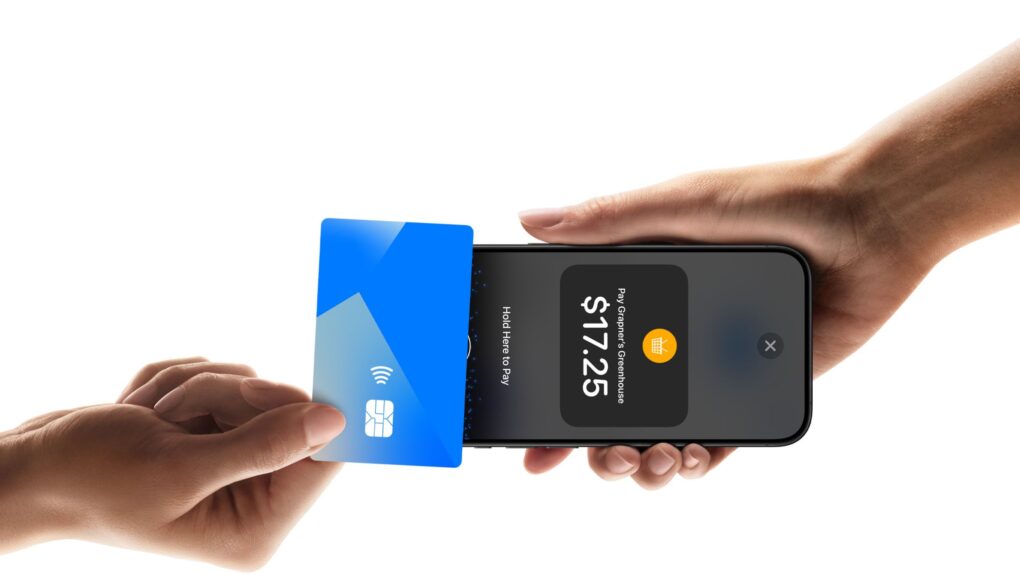
Tap to Pay on iPhone turns it into a checkout counter — no card sled needed. Photo: Apple
The next time an Apple Store employee rings you up, don’t be surprised if you don’t see the traditional plastic card sled. Apple is silently retiring the hardware its retail staff has strapped onto their iPhones for years. The company seems to be betting on the fact that the iPhone is finally good enough to close the sale.
Apple is now reportedly handing out iPhone 16s to its blue-shirted employees to expand Tap to Pay on iPhone. This software feature turns the device into a contactless payment terminal with nothing bolted on. It’s a small hardware swap, but Apple no longer thinks it needs a middleman to take your money.
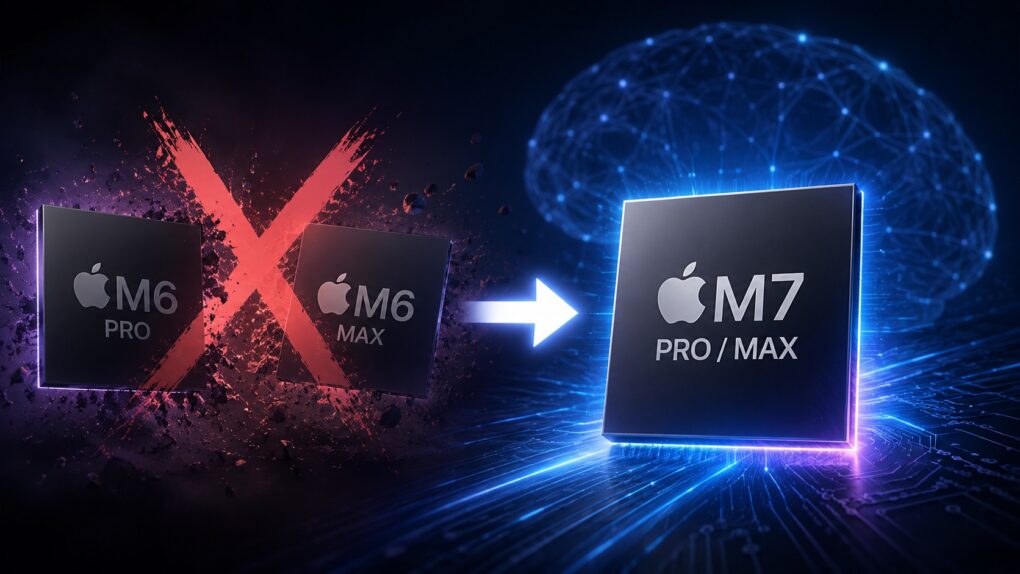
The next leap in Apple silicon may skip a step. AI image: ChatGPT
Apple will supposedly skip launching the M6 Pro and M6 Max chips due to AI. Instead, it will launch an M6-powered MacBook Pro and then directly jump to the M7 Pro and Max chips in 2027.
This move would mark a notable shift from Apple’s long-established Apple silicon release strategy. Since the M1 debuted, every generation expanded from the base chip to Pro and Max variants.
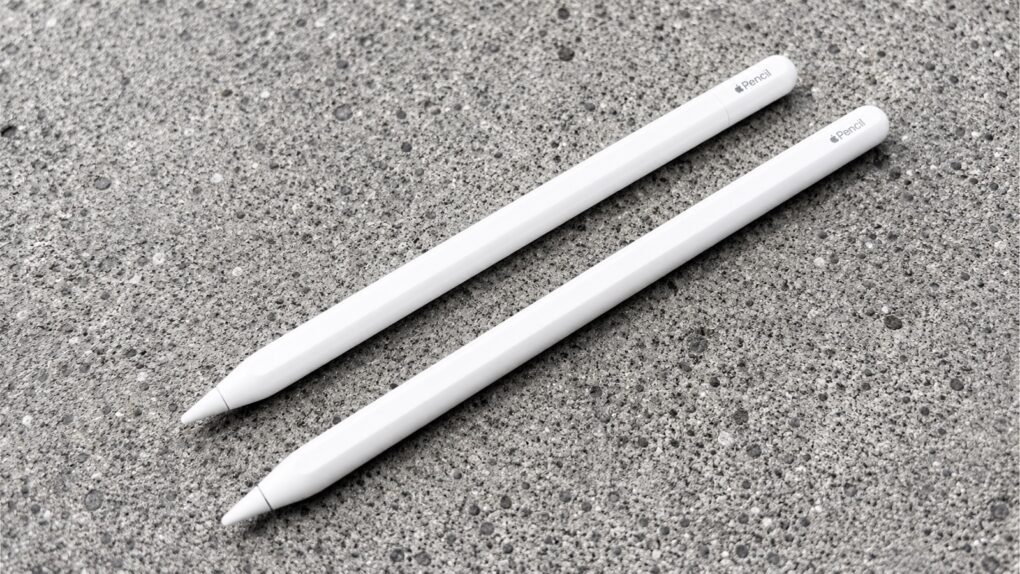
A new leak says iPad users can look forward to fresh Apple Pencil models. Photo: Ed Hardy/Cult of Mac
Apple is reportedly working on two new styli models for launch alongside next year’s iPad Pro refresh. Both the Apple Pencil Pro and the entry-level Apple Pencil with USB-C are back on the drawing board, according to a reliable source of insider information.
One major reason for the redesign could be upcoming European Union rules that will require consumer electronics to use more easily replaceable batteries.
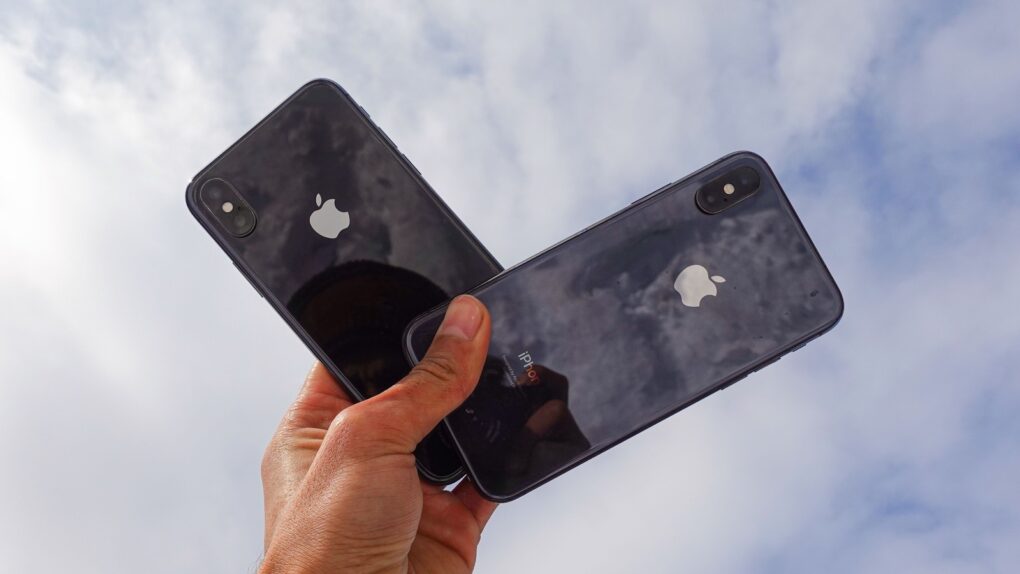
"Antennagate" caused big problems for Apple. Photo: Apple
July 12, 2010: The iPhone 4 suffers a major blow when respected trade publication Consumer Reports says it can’t, in good faith, recommend the new Apple smartphone.
The reason the magazine refuses to give its vaunted “recommended” label to the previously top-ranked device in its devastating iPhone 4 review? A little Apple scandal called “Antennagate.”
The iOS 27 public beta is coming soon — if Apple’s previous release pattern holds up, it could hit your iPhone any day now. Developers have been having all the fun since early June, playing around with Siri AI and the new Liquid Glass slider while the rest of us waited. Now, that wait is almost over.
Once the public beta drops, which should be more stable than the initial developer betas, anyone can install iOS 27 for free. But your iPhone does need some prep first, and there are a few reasons you should think twice before hitting the Install button.
The iPhone 3G brought major upgrades. Photo: Apple
July 11, 2008: The iPhone 3G goes on sale. Expectations for the smartphone sequel run high, and Apple delivers with the addition of GPS, faster 3G data and a higher-quality build. The iPhone 3G launch also brings a new mobile operating system packed with features.
Apple’s second smartphone runs iPhone OS 2, which introduces a better Mail app, turn-by-turn navigation and a little something called the App Store.
From iPhone 18 Pro pricing to the foldable iPhone Ultra, Apple’s next event still holds plenty of mysteries. AI image: ChatGPT
Apple’s iPhone 18 event is only a couple of months away. Thanks to leaks, we already have a fair idea of what to expect. From redesigned hardware to upgraded cameras to even bigger batteries, many of the headline features seem all but confirmed.
Yet, important questions surrounding the new iPhones remain unanswered. And they are the ones that could determine whether the iPhone 18 Pro is worth upgrading to.
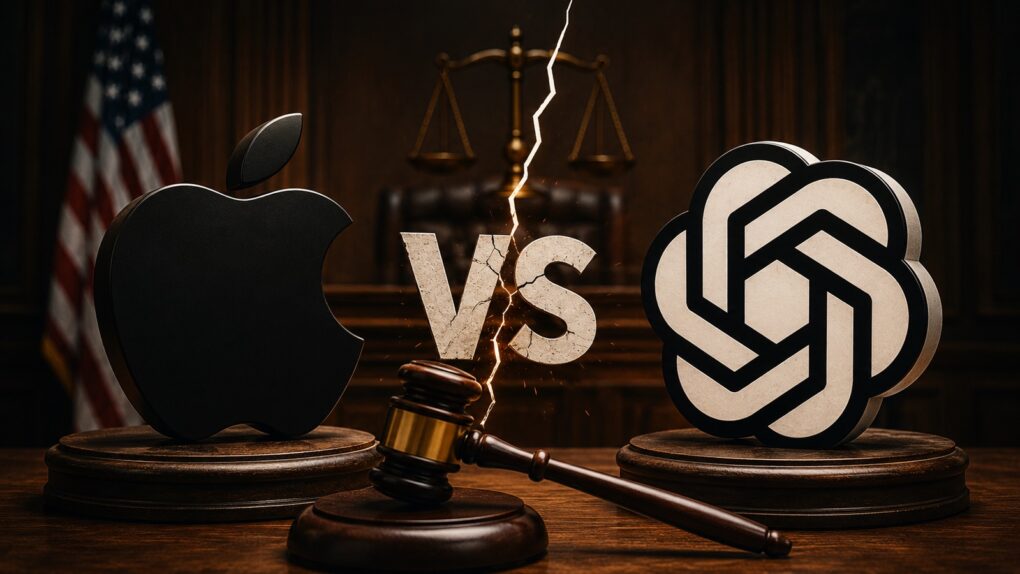
"See you in court" is the message Apple just gave OpenAI. AI image: ChatGPT/Cult of mac
Apple sued OpenAI in federal court on Friday, accusing the ChatGPT maker of orchestrating a broad campaign to obtain Apple’s confidential hardware technology by hiring its former employees.
It relates to an effort by OpenAI to develop its own devices with AI built in — products that might someday replace the iPhone and other smartphones.
OpenAI hasn’t been subtle about its plans to compete with Apple hardware, especially after it began working closely with Jony Ive, Apple’s former design chief.
What was the first app you ever downloaded? Photo: Graham Bower/Cult of Mac
July 10, 2008: Apple launches the App Store, an online hub that lets iPhone owners browse and download apps made by third-party developers. Transforming the iPhone from a locked-down platform to a generative one, the App Store means that every iPhone user can have his or her own “killer app” depending on the software they want — from social networking to composing music to playing games.
One of the most significant launches in Apple history, the App Store opens up a whole new revenue stream for Cupertino. It’s hard to believe that Steve Jobs was originally dead-set against it!
Apple’s first foldable iPhone — possibly dubbed the iPhone Ultra — might come with a smaller battery than previously leaked. AI image: Google Gemini/Cult of Mac
The latest leak about the first folding iPhone says Apple might not deliver the extreme battery capacity that most early rumors indicated.
If you were banking on a foldable with all-day battery life, this is worth pausing on.
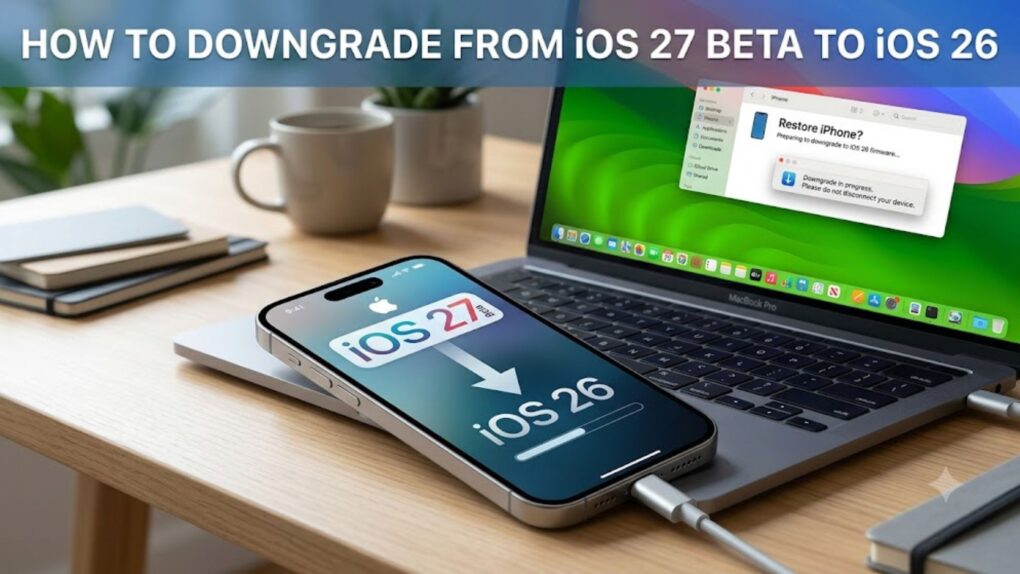
Here’s how to downgrade from the iOS 27 beta back to stable iOS 26. AI image: Google Gemini/Cult of Mac
Beta remorse is real. Maybe an app won’t open, maybe things just feel off, or maybe you just want to go back to a stable daily driver while Apple sorts all the issues. Whatever the reason, you can downgrade from iOS 27 beta to iOS 26, and it’s not even that hard.
PrismML claims it has compressed a 27-billion-parameter AI model down to 4GB — small enough to run on an iPhone 17 Pro. Photo: Unsplash
Apple’s on-device ambitions just got more interesting. The company has reportedly been talking to a startup called PrismML that claims to run a massive, server-grade language model on the iPhone 17 Pro — no cloud required.
If the discussions turn into a deal between Apple and PrismML, it could be a significant upgrade for Apple Intelligence. Here’s why.
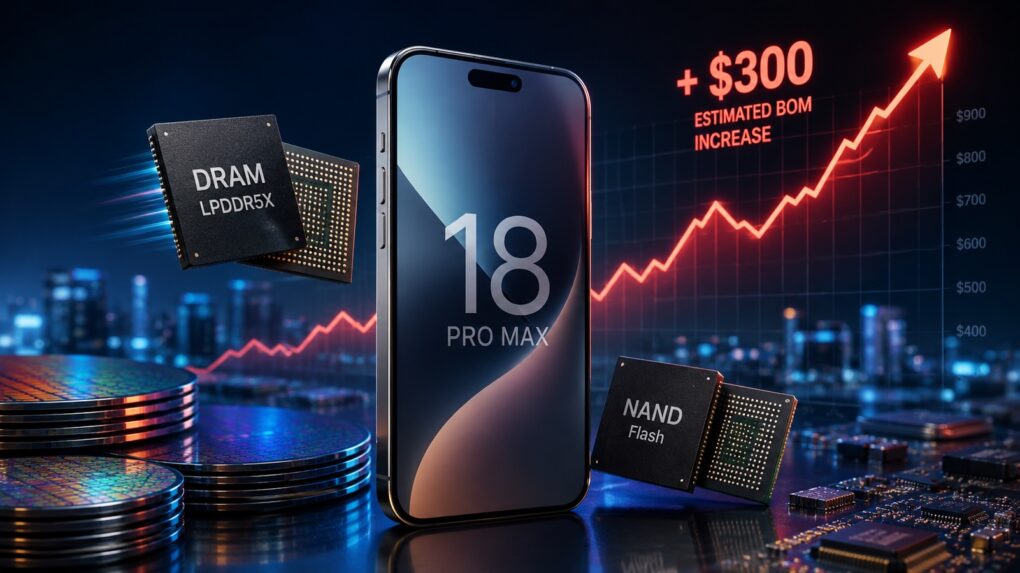
The rising cost of memory chips is something Apple can't simply absorb. AI image: ChatGPT/Cult of Mac
The cost of the components needed to produce the iPhone 18 Pro Max will rise up to 80%, according to a new cost analysis by a market research firm. The sharp increase results from the global shortage in memory chips that’s been in headlines so often recently.
A huge jump in Apple’s bill of materials raises questions about how much of these additional costs Apple will pass on to buyers. It potentially could push up the cost of the iPhone 18 Pro Max by as much as $300.
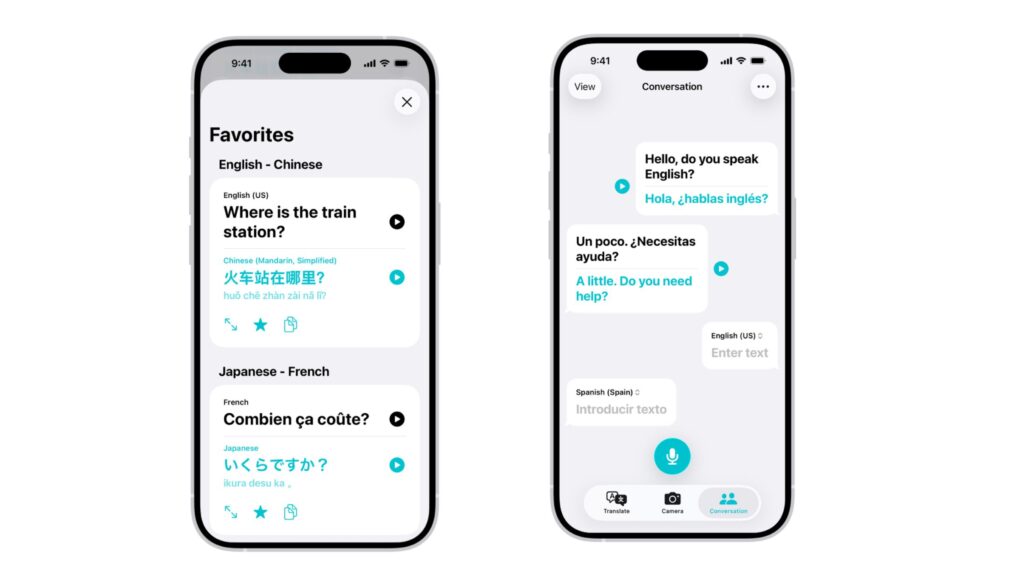
Hebrew, Cantonese and regional Spanish variants are among the new additions landing in Apple Translate in iOS 27. Photo: Apple
The iPhone is about to get a lot more fluent. iOS 27 will bring support for nine new languages and accents to Apple Translate, pushing the app’s total support from 21 up to 30 — the biggest single expansion update Translate has ever received.
Soon, you’ll be ready for, “Dette er den største enkeltstående udvidelsesopdatering, som Apple Translate nogensinde har modtaget.”
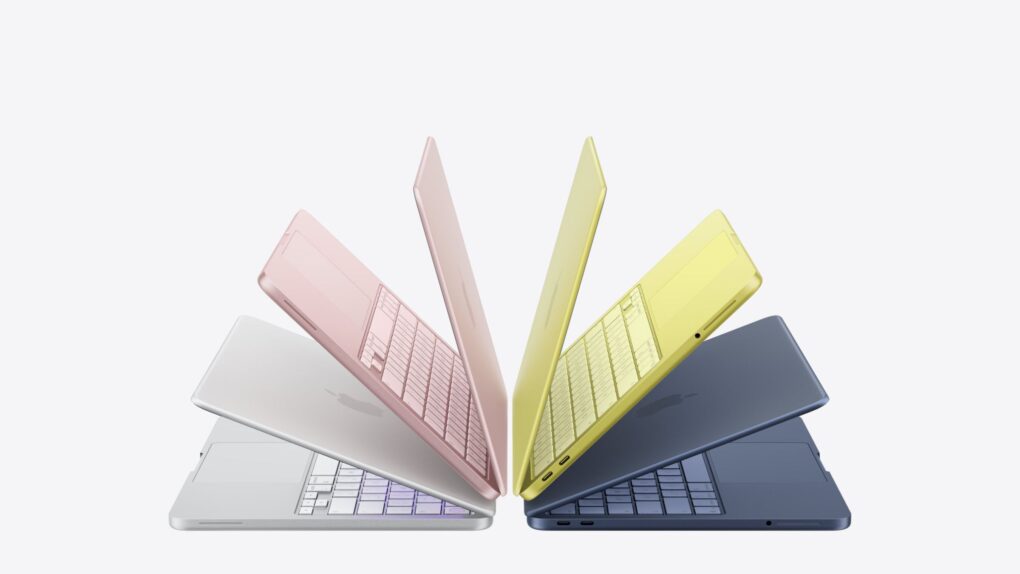
Mac shipments increased by double digits while the rest of the PC market was in decline. Photo: Apple
The PC industry just posted its worst quarter in two years, but the Mac is having a moment. New shipment data shows Mac sales grew by double digits at a time when every other big computer maker was tanking. Unsurprisingly, the reason comes down to the global chip shortage that’s wrecking the whole industry.
This matters because the same memory crunch dragging down Dell, HP and Lenovo is pushing the price up for your next Mac. Apple seems to be weathering the storm better than anyone else, but it isn’t immune, and the discount window for your next Apple hardware could be closing fast.
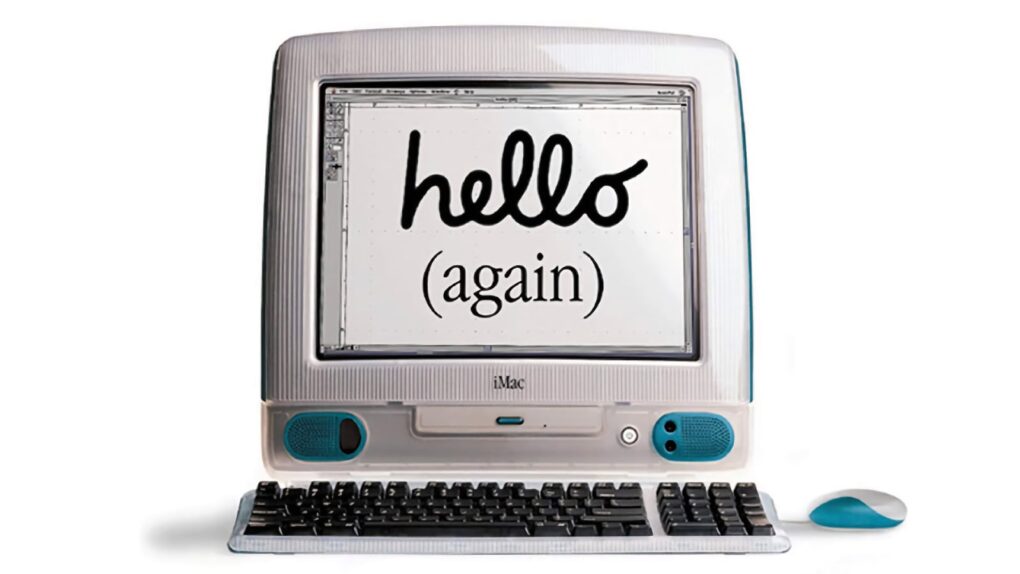
The easy-to-use iMac spurred Apple's return to dominance in schools. Photo: Apple
July 9, 2001: Apple earns the title of No. 1 computer manufacturer in the education market, with twice as many machines in schools as runner-up Dell Computer.
It marks a big turnaround from a couple of years earlier, when Dell overtook Apple and people accused Steve Jobs of abandoning this important market.
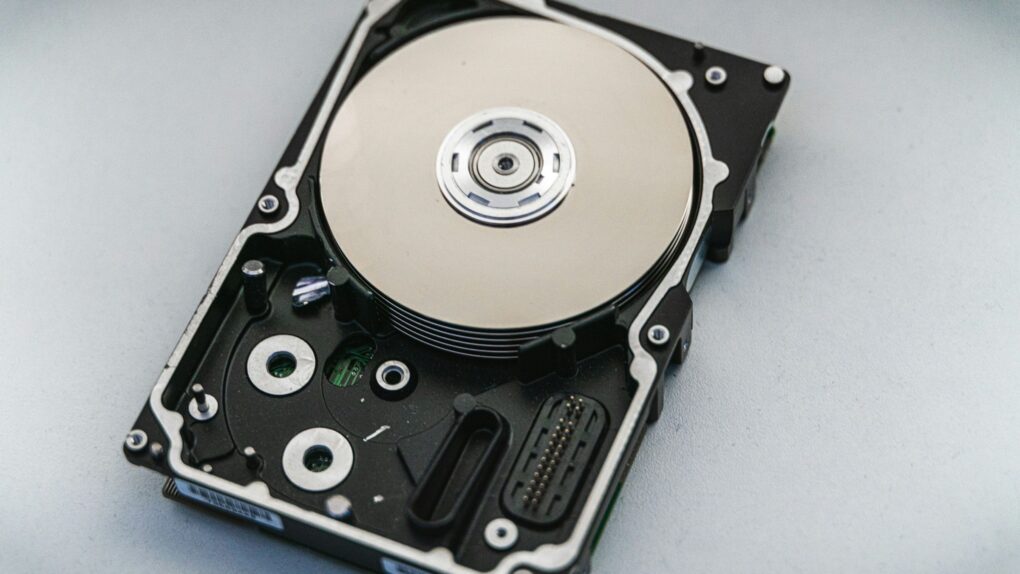
macOS 28 won’t mount your encrypted Mac OS Extended (HFS+) drive. Photo: Unsplash
Got an old encrypted hard drive in a drawer? Apple just put a deadline on it. With the upcoming macOS 28 update, your Mac will flat-out refuse to mount encrypted drives using the old Mac OS Extended file system — so if you’re still holding on to one, now’s the time to deal with it.
This isn’t coming out of nowhere. Apple has been flagging incompatible hard drives by showing warning pop-ups since macOS 26 and has now confirmed a hard cutoff.
So take note: if you still have an old backup or an archive of camera footage stored on an encrypted Mac OS Extended volume in a drawer or cabinet, macOS 28 will lock you out unless you fix it.
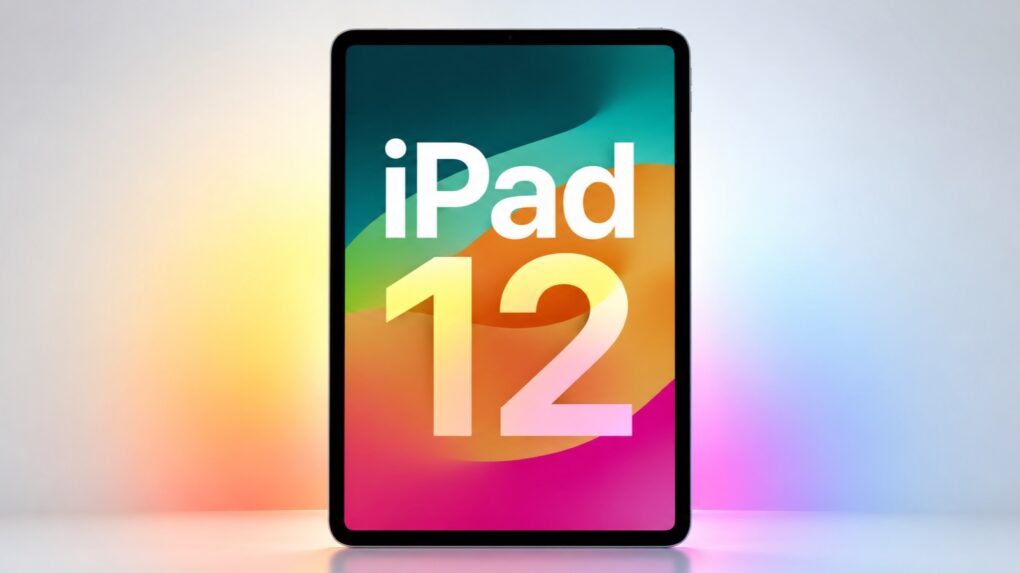
The iPad 12 will bring significant internal upgrades to this budget tablet. AI image: Apple/ChatGPT/Cult of Mac
The basic iPad could become a much smarter buy this fall: the iPad 12 will reportedly get a processor boost that will let the tablet take advantage of Apple’s new AI features.

 July 13, 2006: Apple releases its first activity tracker, the Nike+iPod Sport Kit, which combines Cupertino’s popular music player with a smart pedometer that fits in a shoe.

 July 12, 2010: The iPhone 4 suffers a major blow when respected trade publication Consumer Reports says it can’t, in good faith, recommend the new Apple smartphone.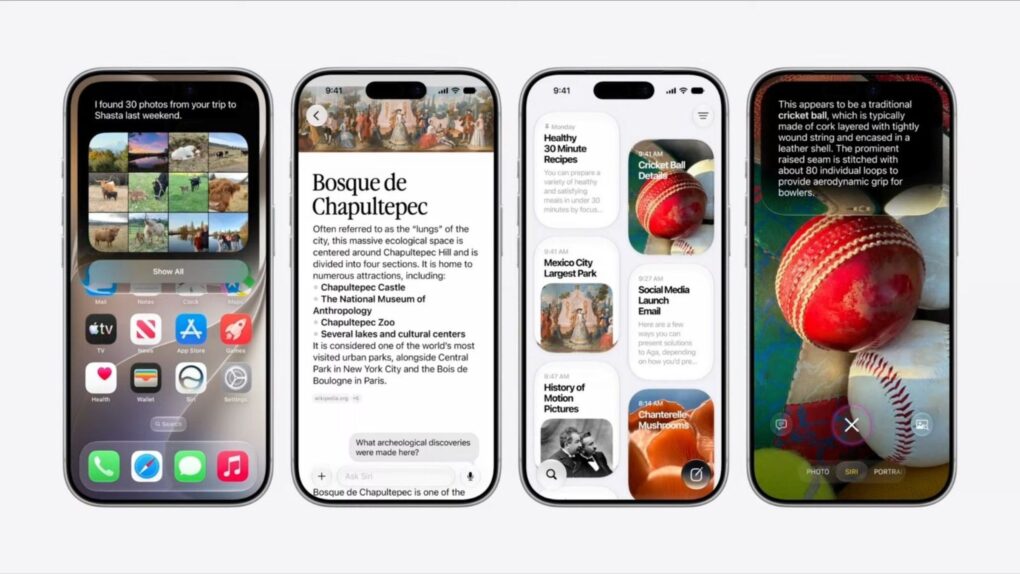
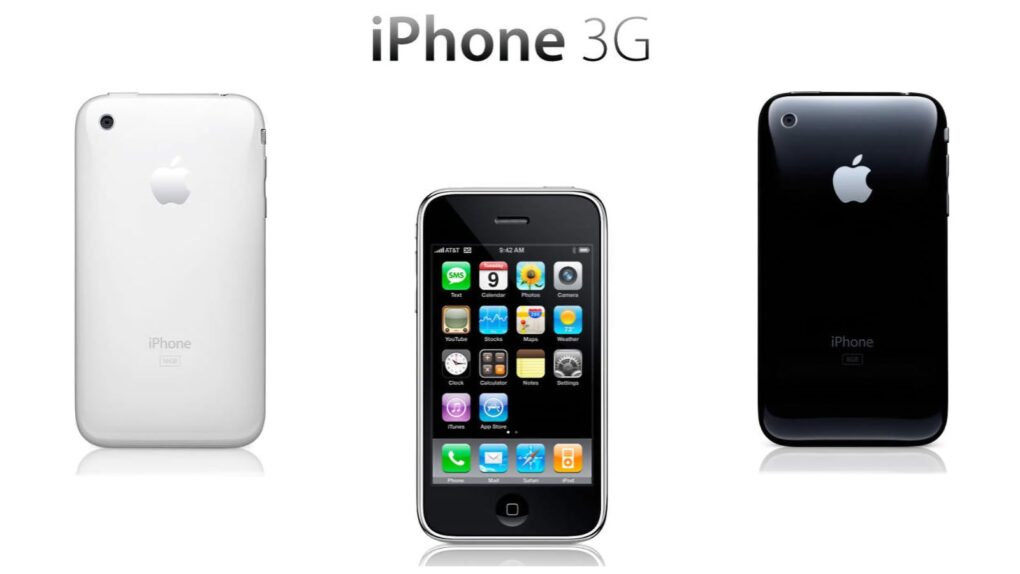
 July 11, 2008: The iPhone 3G goes on sale. Expectations for the smartphone sequel run high, and Apple delivers with the addition of GPS, faster 3G data and a higher-quality build. The iPhone 3G launch also brings a new mobile operating system packed with features.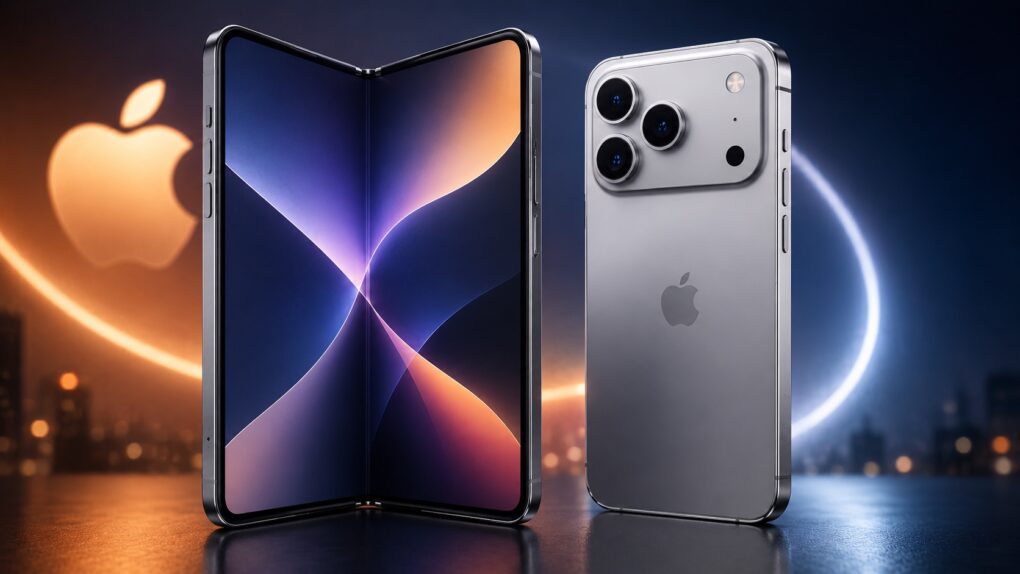
 July 10, 2008: Apple launches the App Store, an online hub that lets iPhone owners browse and download apps made by third-party developers. Transforming the iPhone from a locked-down platform to a generative one, the App Store means that every iPhone user can have his or her own “killer app” depending on the software they want — from social networking to composing music to playing games.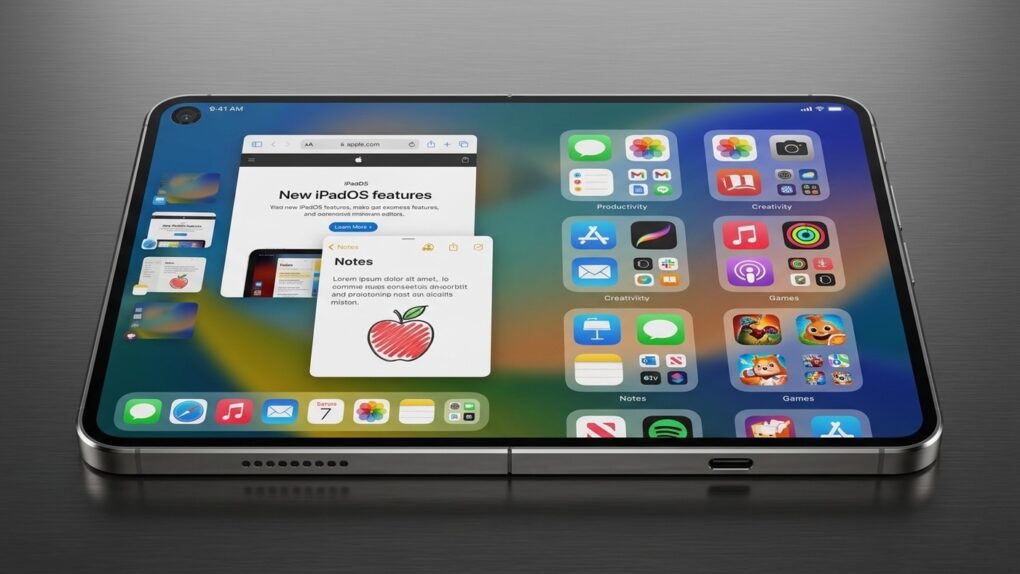
 July 9, 2001: Apple earns the title of No. 1 computer manufacturer in the education market, with twice as many machines in schools as runner-up Dell Computer.