★★★★☆
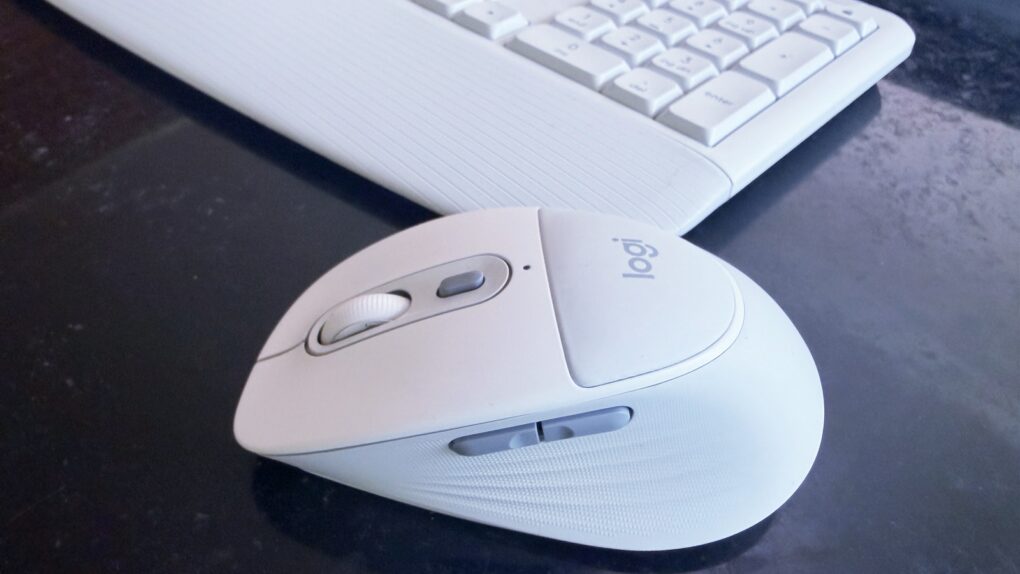
The Logitech Signature Comfort Plus M850 L mouse is also available with a keyboard. Photo: Ed Hardy/Cult of Mac
The new Logitech Signature Comfort Plus M850 L is the company’s first-ever mouse with a palm cushion. It’s all part of making the mouse comfortable to use over the long haul. And it includes silent switches, SmartWheel scrolling and more.
It can be paired with the Signature Comfort Plus MK880 keyboard, which has its own cushion.
I tested both in my home office for this hands-on review.
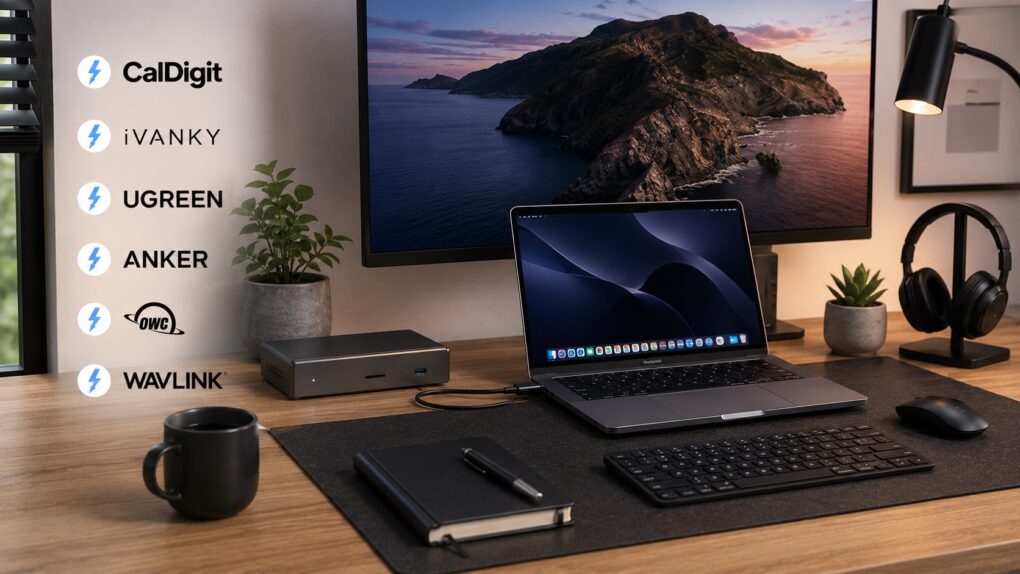
Turn your MacBook into the ultimate one-cable desktop setup with a Thunderbolt 5 dock. AI image: ChatGPT/Cult of Mac
Thunderbolt 5 docks turn your humble MacBook into a full-fledged desktop workstation. They allow for a clean, one-cable setup, with support for multiple monitors, external drives and other USB-C accessories.
There are plenty of Thunderbolt docks on the market, but not all of them are created equal. If you want the fastest speeds, the right mix of ports and seamless compatibility with your Mac, these are the best Thunderbolt 5 docking stations you can buy right now.
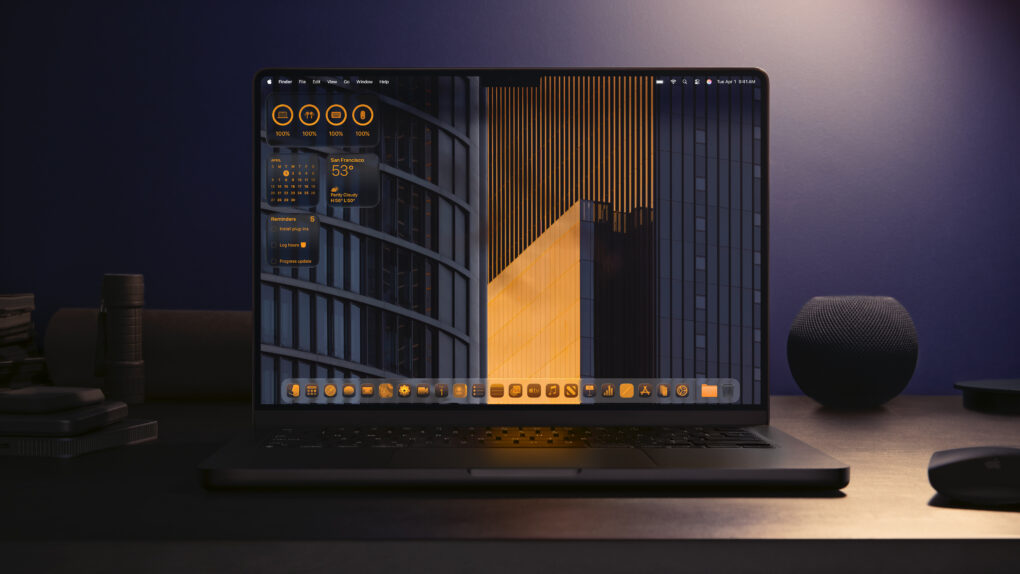
Go all-in on a beautiful theme for your Mac. Photo: Apple
If you learn how to personalize your Mac, you can make your computer feel like home. Every MacBook might look like a boring aluminum rectangle out of the box, but you can match any aesthetic with a few tips and tricks.
For starters, you could cover the backside with stickers or a colorful plastic case. But your work doesn’t end there. You can easily give your Mac’s desktop, app icons, desktop folders and theme colors a coordinated look.
Here’s how to customize your Mac to give it that personal touch.
iPhone users will soon be able to summarize documents using Meta AI in WhatsApp. Photo: WhatsApp/Cult Of Mac
WhatsApp wants to make Meta AI a lot more useful on the iPhone. To that end, Meta is working on a new feature that allows users to upload documents and get AI-powered summaries and answers right in WhatsApp.
For iPhone users, this sounds like a meaningful upgrade. Instead of switching between apps to analyze PDFs, notes, presentations or spreadsheets, users will be able to hand files directly to Meta AI without relying on another chatbot.
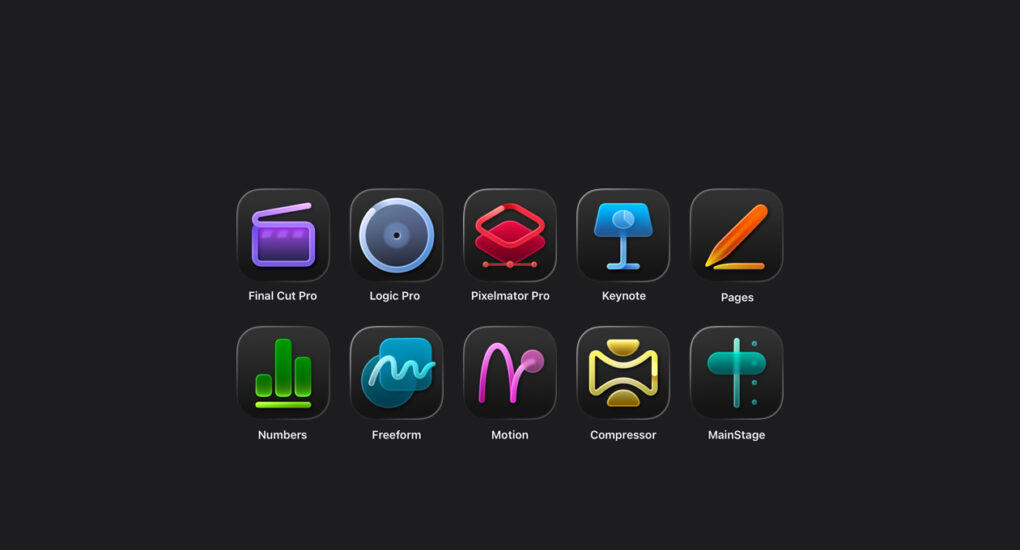
Apple wants users to know how to distinguish Creator Studio apps on the Mac. Image: Apple
An Apple support document published Tuesday helps Mac users figure out which versions of its Creator Studio apps are running on their computers. It’s something no one expected in 2026, but here we are.
Currently, Apple ships two separate versions of Final Cut Pro, Logic Pro, MainStage, Motion, Compressor and Pixelmator Pro. If you happen to be a Mac owner subscribed to Apple’s Creator Studio who also uses the standalone versions of the apps in the bundle, the support document is for you.
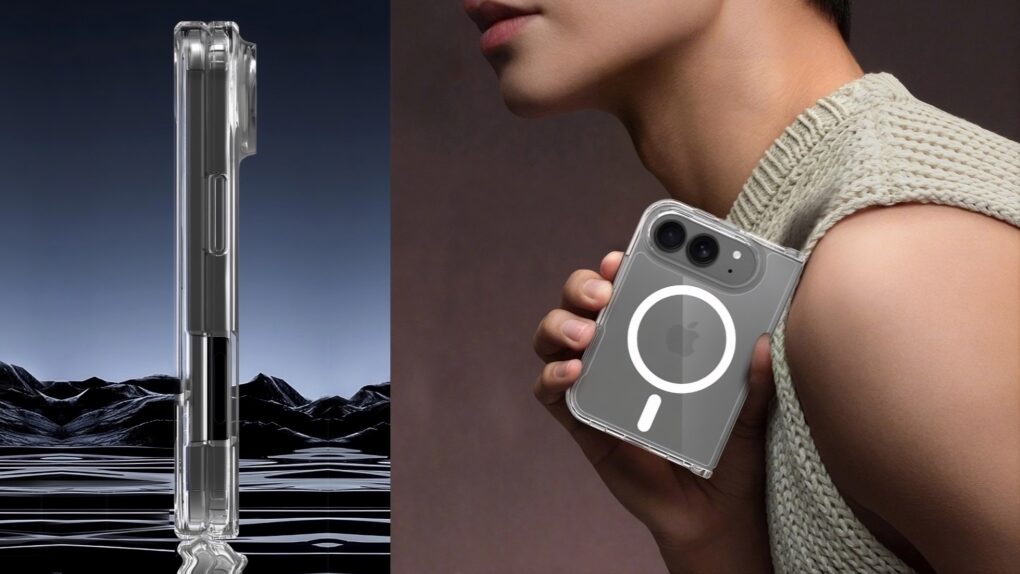
When folded, the iPhone Ultra may be smaller than some people expect. Image: iFun
New images claiming to show Apple’s long-rumored “iPhone Ultra” give Apple fans what may be their best look yet at the company’s first folding iPhone. They come from a company ready with a case for the handset, even though it has yet to be announced.
If the images prove to be accurate, there’s a lot to look forward to this fall.
Every New England fisherman dreads the Sea Hag's embrace. And so will you. Photo: Apple
There’s a moment in the second episode of Widow’s Bay on Apple TV when Mayor Tom Loftis, played by Emmy winner Matthew Rhys, sits in the lobby of a deeply haunted New England island inn and shares drinks and a board game with a stranger. They chat about his upbringing, his dreams for the town, his failures as a father. It sounds cozy. But it isn’t.
Something is very, very wrong with his companion — and with the room itself — and the horror creeps in so gradually and so quietly that by the time it fully lands, you realize you’ve been holding your breath. That scene, in miniature, is what Widow’s Bay is: a show that disarms you with warmth and wit before the floor drops out.
As a born-and-bred New Englander who inexplicably returned to this accursed place after 30 years away, I found the show got me pretty good.
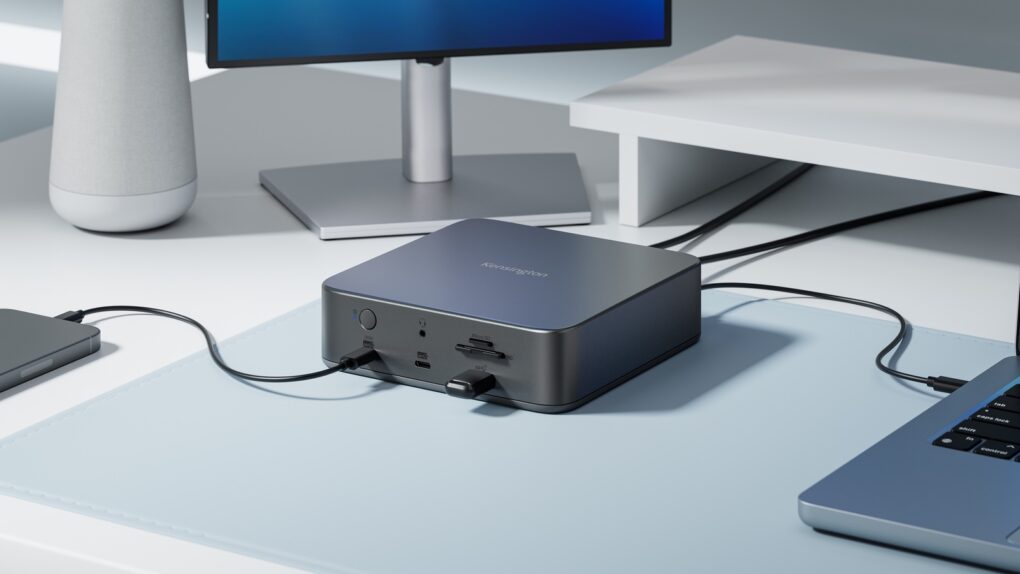
Kensington launched a Thunderbolt 5 docking station that supports up to three 4K monitors. Photo: Kensington
Both Kensington and Plugable just introduced Thunderbolt 5 docks for professionals who need to add multiple high-resolution displays as well as a range of other high-speed ports.
Both the Kensington SD5010T5 EQ Thunderbolt 5 Triple 4K Docking Station and the Plugable TBT-UDH2 offer 80Gbps/120Gbps of data bandwidth. This is the kind of connectivity that consumers don’t really need but pros must have.
Brendan Hunt and Rebecca Lowe ride the World Cup roller coaster together. Photo: Apple
Popular podcast After the Whistle with Brendan Hunt and Rebecca Lowe will return for a third season on June 7, Apple said Wednesday. The show, which stars Ted Lasso alum Hunt and Premier League soccer commentator Lowe, will arrive in time to cover the 2026 FIFA World Cup.
“We are thrilled to bring After the Whistle back for a third season,” said Eddy Cue, Apple’s senior vice president of services and health, in a press release. “Brendan and Rebecca have an incredible ability to capture the energy and passion of the World Cup. Their unique dynamic and deep love for soccer make this show an absolute can’t-miss for fans everywhere.”
Steve Jobs thought ditching ad agency Chiat/Day proved Apple had lost its creative mojo. Photo: Apple and Chiat/Day
May 27, 1986: An exiled Steve Jobs takes a shot at Apple after the company ditches Chiat/Day, the ad agency that created the iconic “1984” Macintosh ad.
In a full-page ad published in The Wall Street Journal, Jobs says the move to competing ad agency BBDO shows that “caretakers,” rather than “builders,” now run Apple.
From his perspective, it confirms that the company he co-founded has lost its revolutionary spirit.
Most Apple devices saw increases in trade-in value. Photo: Pixabay CC
If you’ve been sitting on an older Apple device, now might be a good time to put it toward something new. The iPhone giant has quietly updated its U.S. trade-in estimates, boosting values across most of its current iPhone, iPad, Mac and Apple Watch lineup.
★★★★★
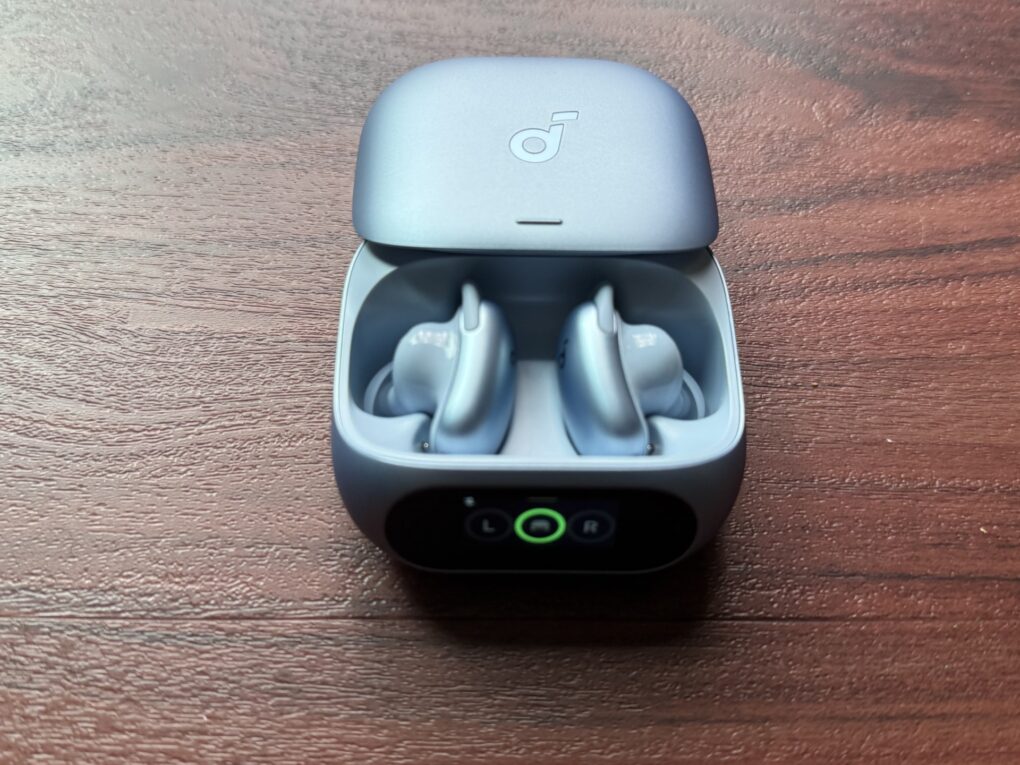
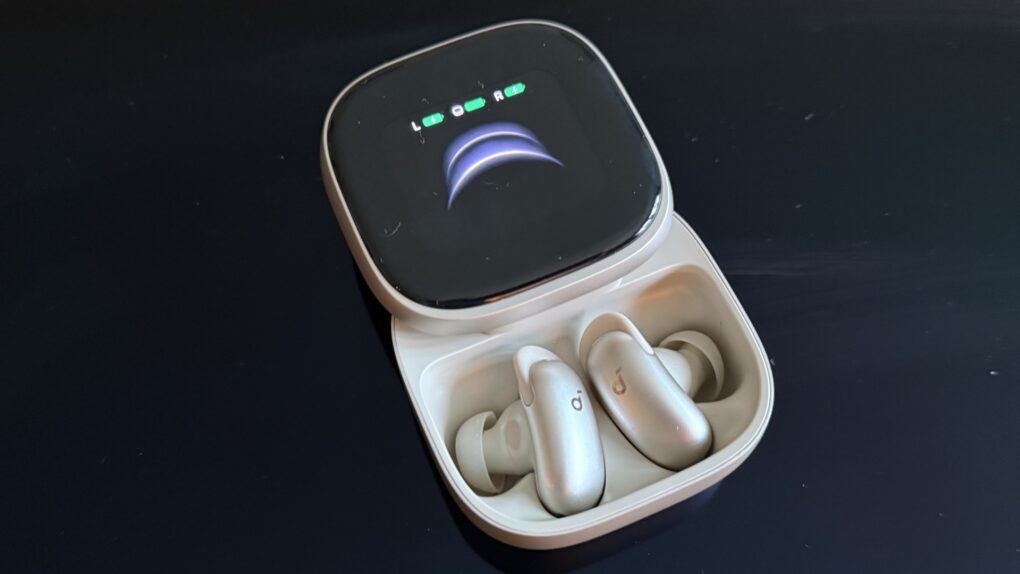
You can tweak lots of settings on the big AMOLED screen, and also access AI Note Taker. Photo: David Snow/Cult of Mac
There’s a well-worn law of consumer electronics: the further you push into “Pro Max” territory, the more you’re paying for marginal improvements that most people don’t need. This Soundcore Liberty 5 Pro Max earbuds review finds the new buds challenge that rule in an interesting way.
The earbuds inside the case are identical to those in the $169.99 Liberty 5 Pro I reviewed yesterday — same drivers, same ANC, same battery life, same call quality. What you’re paying an extra $60 for, almost entirely, is the case. But it’s a truly remarkable case.
If Vision Pro is wrong, I don't want to be right. Photo: Graham Bower/Cult of Mac
Is it weird that I just bought an Apple Vision Pro when everyone says the platform is dead? Maybe. But I have zero regrets.
I’ve always supported the underdog. I guess that’s why I became an Apple fan in the first place. Back in the ’90s, using a Mac really did feel like being part of a “cult.” We believed in the platform when no one else did. And so it is with Vision Pro. It’s actually nice to see Apple as the underdog again, because that’s how Cupertino does its best work.
With iOS 27, casting from your iPhone to standard smart TVs could become as easy as using AirPlay. AI image: Google Gemini/Cult of Mac
The iPhone could get a lot better at casting videos to the big screen, as Apple is reportedly working on native support for Google Cast in iOS 27. That means you could soon beam video, photos and audio to almost all smart TVs on the planet.
Apple’s AirPlay is great if you are into the Apple ecosystem, but Google Cast is almost everywhere. It’s built into nearly all smart TVs sold today, including the hotel TVs you may have struggled with during vacations. Right now, your iPhone can’t natively talk to these devices, but iOS 27 could change that.
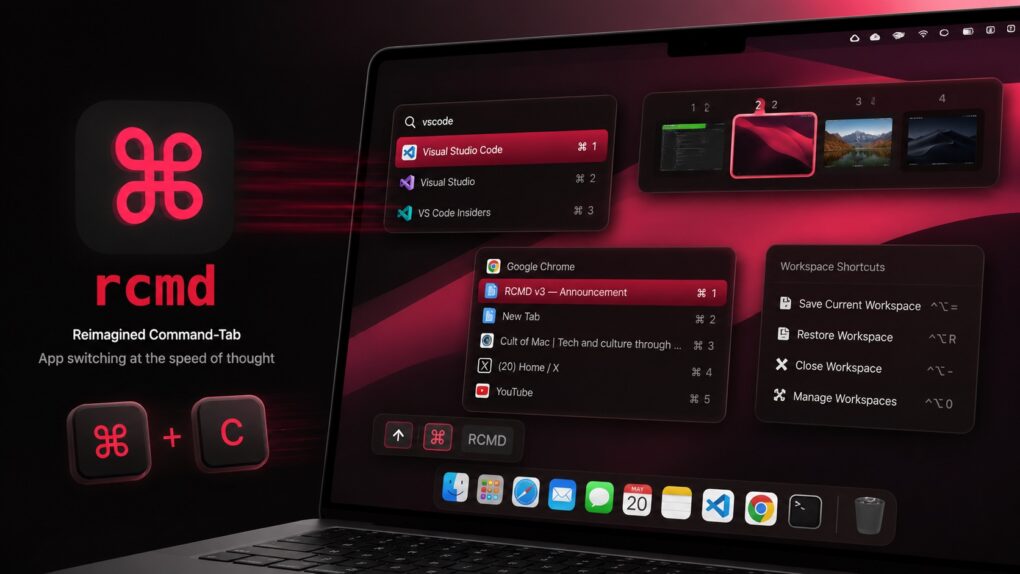
rcmd v3 supercharges window management on Mac. AI image: ChatGPT/Cult of Mac
Plenty of third-party Mac app switchers try to improve the experience, but rcmd is my favorite because of its keyboard-driven approach. Now, with the recently released rcmd v3, the app evolves from a simple app switcher into a more powerful productivity tool, adding features like fuzzy search, workspace switching and more.
Flying with a power bank? Here’s where EasyJet says it must go: in the cabin of the plane. Photo: EasyJet
An airliner took an unscheduled stop, delaying travelers for a day, after the crew learned that a passenger had a power bank in use in their checked luggage.
That happened in Europe, but take this as a reminder that Federal Aviation Administration rules also forbid power banks and other spare lithium-ion batteries from traveling in checked baggage on passenger aircraft. Don’t do it.
At least the color and prancing horse badge are familiar in this shot from Ferrari. Photo: Ferrari
Ferrari officially pulled the wraps off the Luce, its first-ever all-electric vehicle, on Monday — and for Apple fans, this one’s personal. The car’s exterior and interior took design cues from LoveFrom, the creative collective founded by former Apple design chief Jony Ive and longtime collaborator Marc Newson.
The Ferrari Luce is the highest-profile project the duo has taken on since leaving Cupertino, and it’s already dividing opinions. Plus, it’s the closest we’ll ever get to an Apple car.
Never worry about running out of storage (or money) again. Image: Cult of Mac Deals
If you want a reliable place to keep your photos, videos and other files, try Internxt Cloud Storage’s 10TB cloud storage plan. Instead of paying Apple or Google every month for a little extra space, you can get 10TB of secure cloud storage for life for a one-time payment of $269.97.
Yeah, it costs more than any single month of Google Drive or iCloud+, but you only pay once. Take a look at what makes this cloud storage a solid investment.
May 26, 2010: In a massive milestone, Apple passes Microsoft to become the world’s most valuable technology company for the first time.
The changing of the guard proves particularly amazing given that, just 15 years earlier, Apple looked close to dead, while Microsoft dominated the tech world thanks to Windows 95.
★★★★☆
Soundcore Liberty 5 Pro use AI for clear calls and come with a touchscreen charging case. Photo: David Snow/Cult of Mac
Anker’s Soundcore sub-brand spent years punching above its weight in the budget and midrange earbuds market, and Liberty 5 Pro is an ambitious new swing. Released alongside the pricier Liberty 5 Pro Max (reviewed separately tomorrow), these $169.99 earbuds aim squarely at anyone who wants AirPods Pro-level features without paying AirPods Pro prices.
This Soundcore Liberty 5 Pro earbuds review finds them excellent overall. They particularly excel at call clarity.
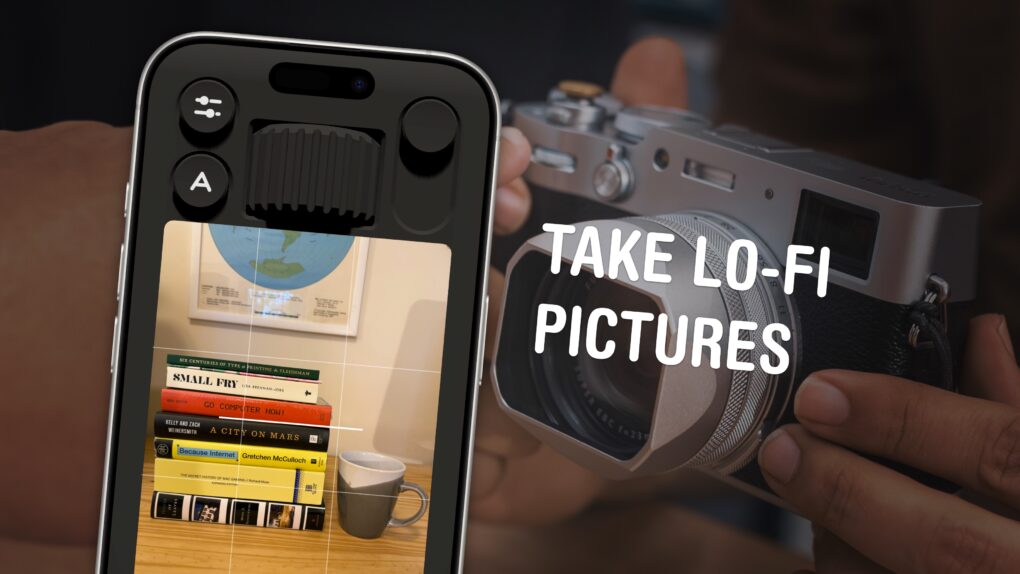
You can use your phone to take lo-fi pictures. You don’t need a separate point-and-shoot camera. Image: D. Griffin Jones/Cult of Mac
If you feel like every photo you take looks boring and overprocessed, you can change your iPhone camera settings to take natural, lo-fi pictures.
Turning down the exposure can prevent the photo from looking unnaturally bright (and more like something shot on an older digital camera). If you have a newer iPhone, you can even change its Photographic Style to “Natural,” for better-looking colors. A few quick trips into the Settings app can turn off the lens distortion on the Ultra Wide and selfie cameras, for that pure fisheye look.
You can even take things a step further and download a different camera app — one that captures totally unprocessed photos straight from your iPhone’s sensor.
Here are my top tips for taking lo-fi iPhone photos.
Stop struggling to make AI produce your desired results. Photo: Cult of Mac Deals
AI prompts generator Prompting Systems turns plain-text directions into effective directives that work with popular models like ChatGPT and Claude.
It makes it simple to get the results you want without burning an afternoon iterating on prompts that don’t deliver the goods. And a lifetime subscription to this tool for AI mastery just dropped to $24 with code PROMPT20 (regularly $360).
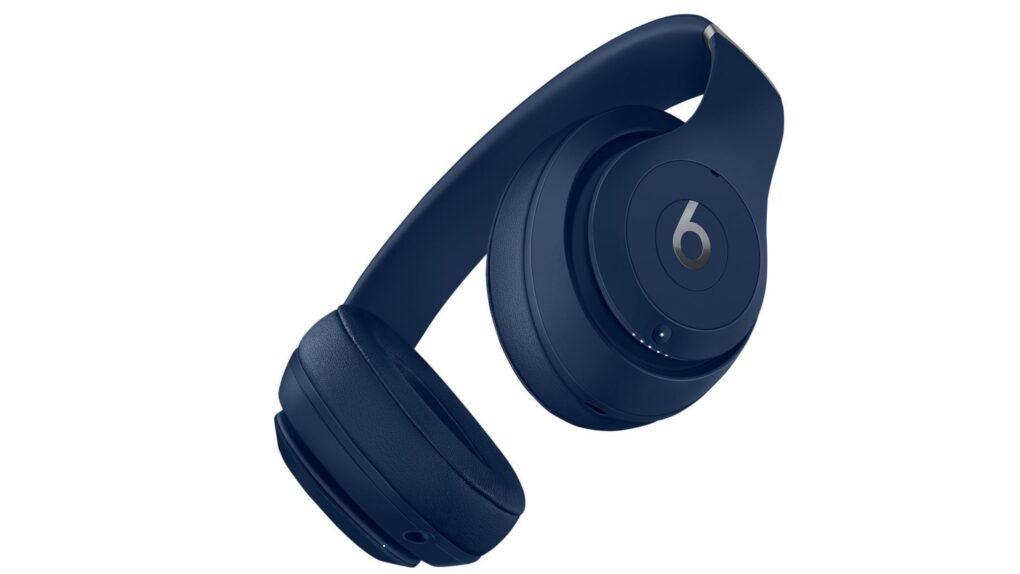
Apple's filing offers little detail, but hints at a new pair of Beats headphones. Photo: Apple
Apple appears to be working on a new pair of over-ear headphones, possibly Beats Studio Pro 2. A recently discovered filing in a Federal Communications Commission database describes an unreleased device as “Bluetooth over-ear headphones” with an antenna, battery and microphone.
The best guess right now is a long-overdue refresh of the Beats Studio Pro, which Apple released in 2023. Apple just released the AirPods Max 2, so it is unlikely the company will announce a new set of over-ear Apple headphones.
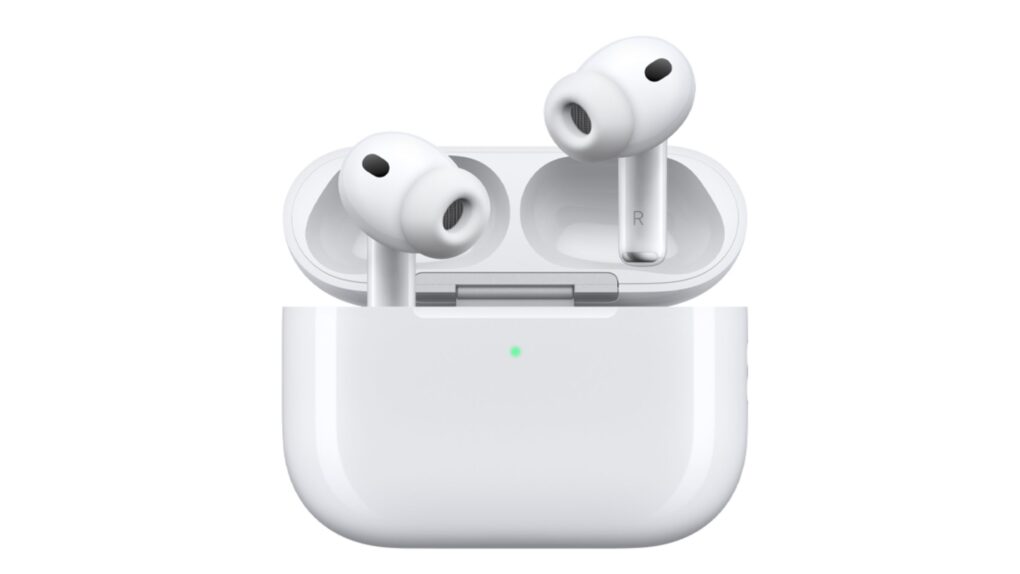
The AirPods' settings page just keeps getting more crowded as Apple adds new features. Photo: Apple
Apple is reportedly preparing to overhaul one of the iPhone’s most cluttered menus: the AirPods settings screen.
Over the years, the AirPods settings screen has grown more cluttered with every new feature Apple introduces to the popular earbuds. That could change with iOS 27, which could come with a completely revamped layout for the AirPods settings.





 May 27, 1986: An exiled Steve Jobs takes a shot at Apple after the company ditches Chiat/Day, the ad agency that created the iconic “1984” Macintosh ad.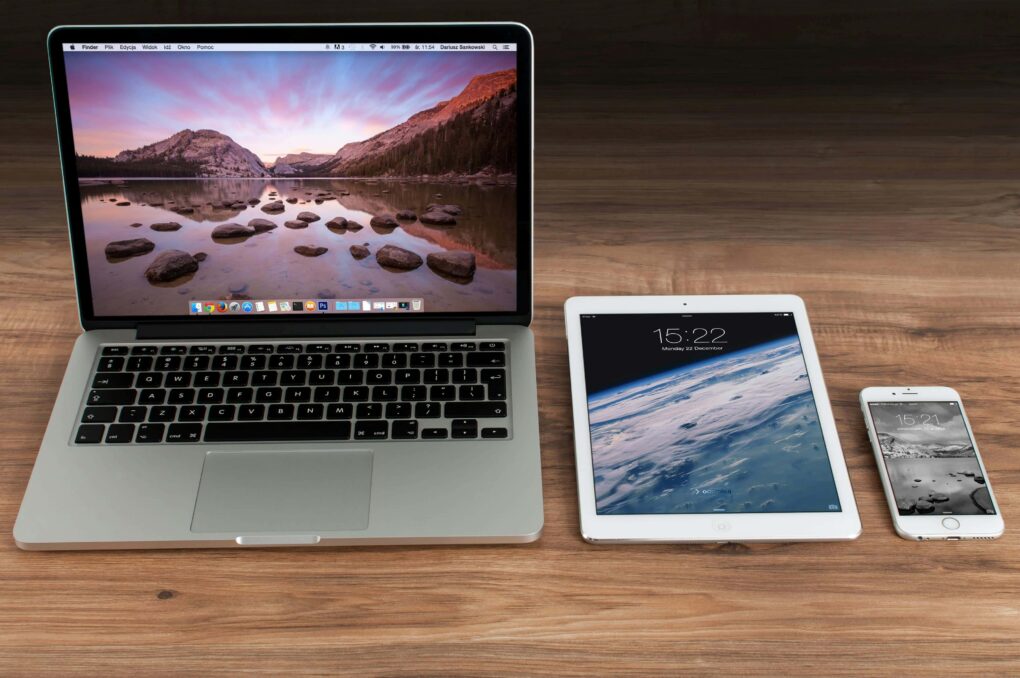







 May 26, 2010: In a massive milestone, Apple passes Microsoft to become the world’s most valuable technology company for the first time.