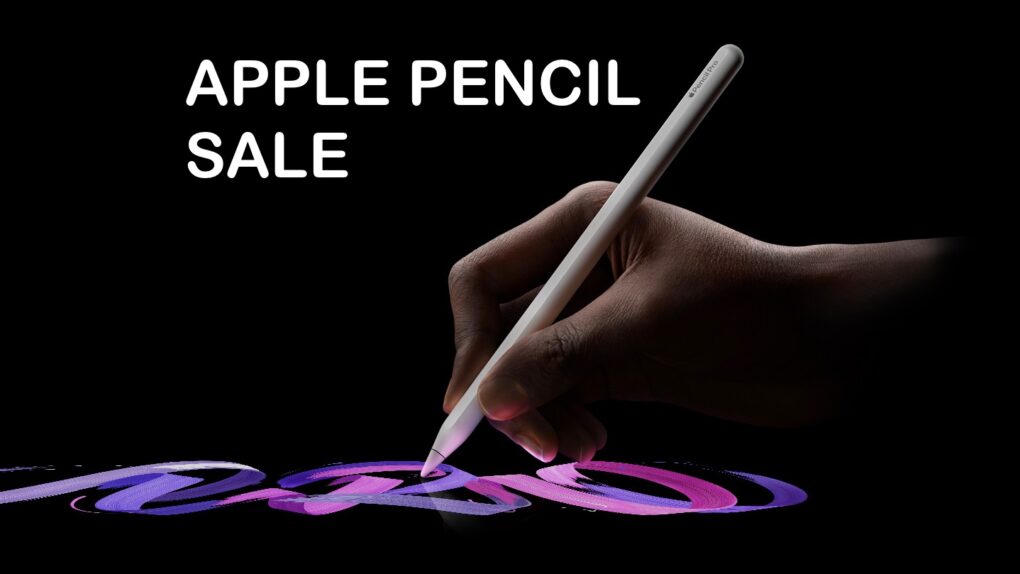
This Apple Pencil Pro deal means you, too, could be making amazing art on your iPad. Photo: Apple/Cult of Mac
Apple Pencil Pro is the best iPad stylus on the market, and a new deal knocks 25% off the regular cost. It’s packed with high-end features, including pressure sensitivity, Find My support and more.
And for those who don’t need all the bells and whistles of the Pencil Pro, the basic Apple Pencil (USB-C) is currently $69.
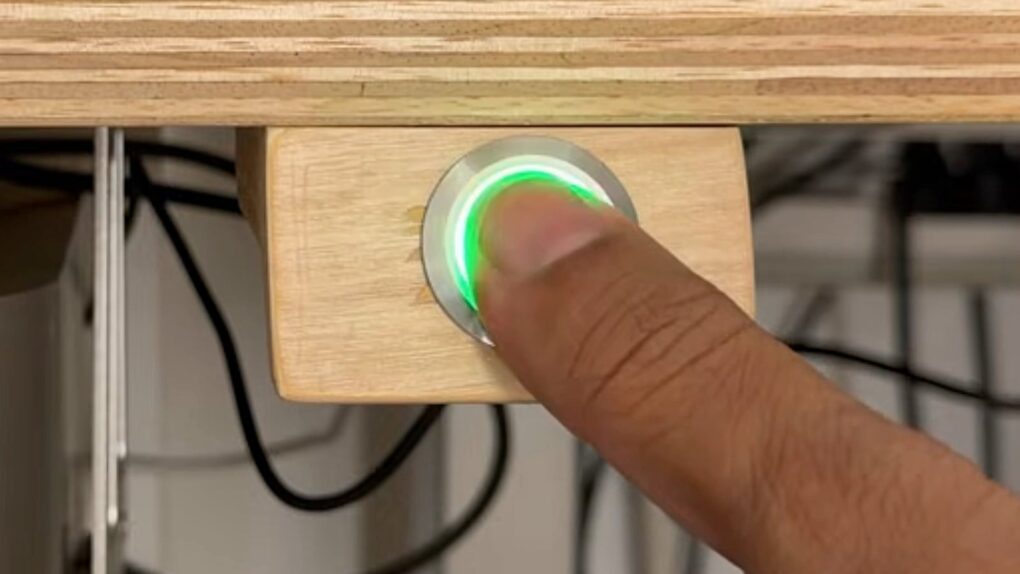
You can mount the DIY Touch ID sensor wherever you like. Photo: Anil Dash
Want to add Touch ID to your Mac without giving up your favorite keyboard? A DIY Touch ID project called the Dashboard Touch shows how you can build your own fingerprint sensor for less than $35.
It’s not as secure as Apple’s own implementation, but Anil Dash’s new DIY Touch ID hack should be safe enough for most users.
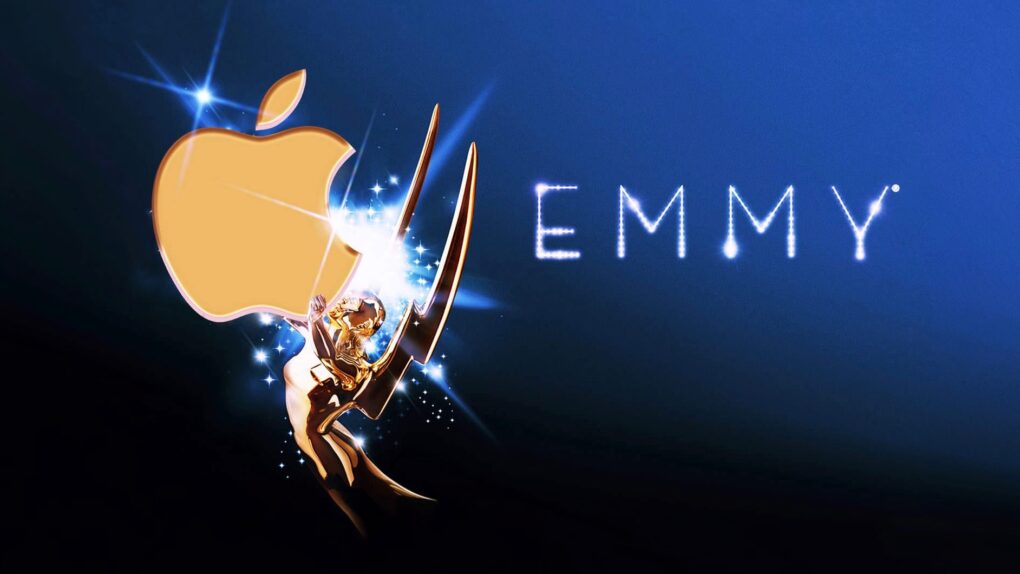
FireWire lands Apple its first Emmy. Photo: The Academy of Television Arts & Sciences/Ste Smith/Cult of Mac
August 22, 2001: Apple takes home a technical Emmy Award for developing FireWire, the high-speed serial port that allows users to transfer data quickly between a Macintosh and another device, such as a digital camera.
“Apple enabled the desktop video revolution with its invention of FireWire,” says Jon Rubinstein, Apple’s senior vice president of hardware engineering, in a press release about the Emmy win.
FireWire plays a key role in Apple CEO Steve Jobs‘ “digital hub” strategy for the company. However, the technology’s origins go back much further than that.
AirPods with cameras weren't the only thing that leaked this week. Image: Cult of Mac
This week on the Cult of Mac podcast: The Apple leaks are getting out of hand! Code in the macOS 26.7 release candidate spills the beans on tons of unreleased Apple products, and that’s just the start.
Tim Cook must be fuming — unless it’s the world’s craziest marketing campaign!
Also on the Cult of Mac podcast:
How the AirPods with cameras will work (and when to expect them).
Apple’s rumored home hub will wow us with widgets.
One more reason not to buy the iPhone 18 Pro: a lack of feature parity with the iPhone 18 Pro Max. Boo! Hiss!
And finally, Graham gives us an update on the race to get Reps & Sets, his strength-training app, pumped up for iOS 27. Developers face this unwelcome task every year, but AI’s making it easier.
Listen to this week’s episode of the Cult of Mac podcast in the Podcasts app or your favorite podcast app. (Be sure to subscribe and leave us a review if you like it!) Or watch the video version, embedded below and also available on our YouTube channel.
Secure your mobile device with this discounted Norton Mobile Security subscription. Image: Cult of Mac Deals
Norton Mobile Security protects iOS and Android devices from many of the modern world’s most insidious tech problems. With AI scam detection, real-time malware defense and Wi-Fi security, it can keep your iPhone from falling prey to bad actors.
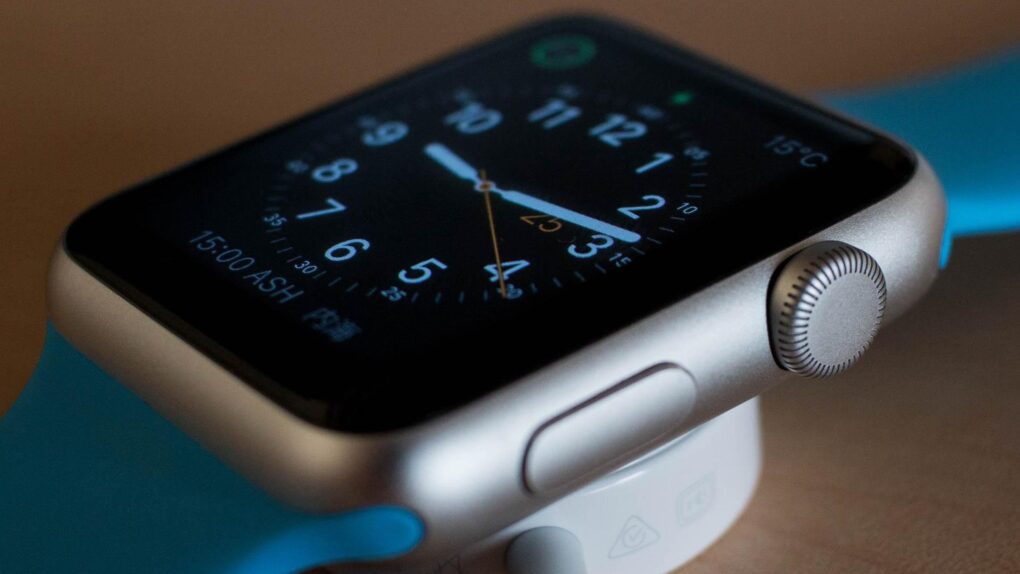
Apple Watch Series 12 is rumored to bring a faster chip and a returning ceramic case option this September. Photo: Pixabay
After years of small updates, Apple Watch Series 12 looks ready to kick things up a notch. Rumors point to a faster chip, a returning ceramic option and new AI-powered features.
The launch of the new smartwatch is mere weeks away. Here’s everything reported so far.
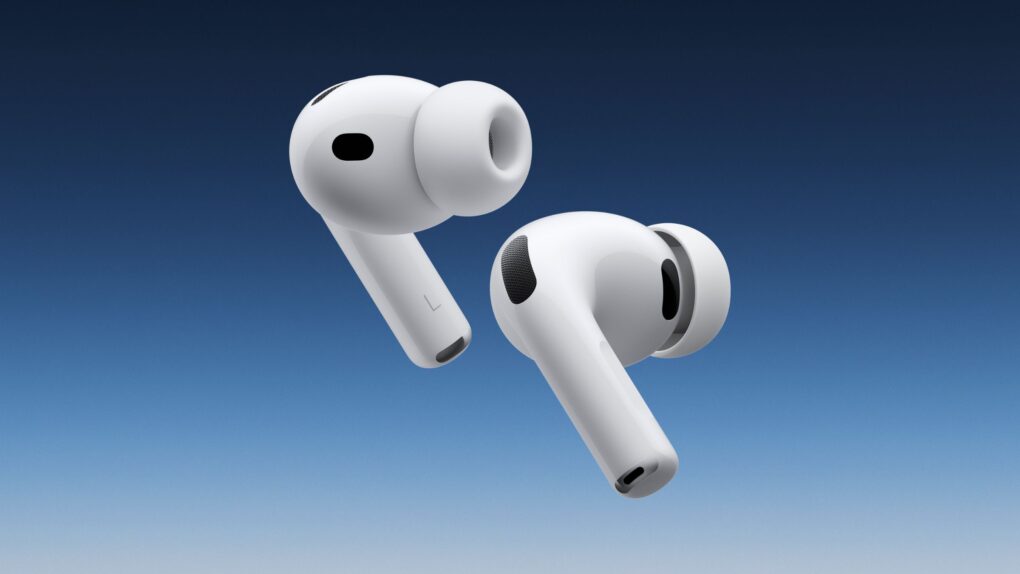
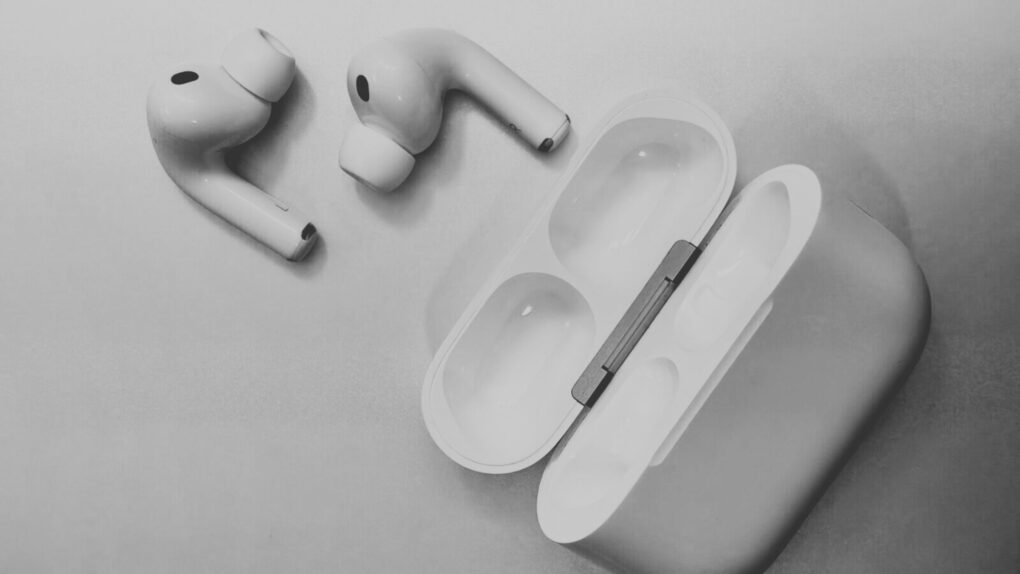
Apple's AirPods with cameras use twin sensors to capture synced images, according to newly uncovered code. Photo: Apple/Cult of Mac
Apple’s AirPods with cameras just got a lot less mysterious. Buried in the macOS 26.7 release candidate’s code is a hidden framework that reveals exactly how the earbuds will perceive and process the world around you.
The discovery goes far beyond the recently leaked demo video spotted in the same code. It details resolution numbers, capture modes, calibration systems and a built-in privacy light. This gives us the clearest picture yet of the long-rumored AirPods upgrade.
"What's the deal with bad advertising?" Photo: Microsoft
August 21, 2008: Microsoft recruits comedian Jerry Seinfeld for a series of ads. It’s a naked attempt to shake the company’s reputation as a stodgy oldster (as opposed to Apple’s trendsetting hipster image).
Microsoft pays Seinfeld a reported $10 million for the ads. However, thanks to the Mac’s appearance in virtually every episode of Seinfeld over the years, the comedian remains the world’s most famous Apple fanboy.
Passkeys are here, and they’re awesome. So much better than passwords. Image: Apple
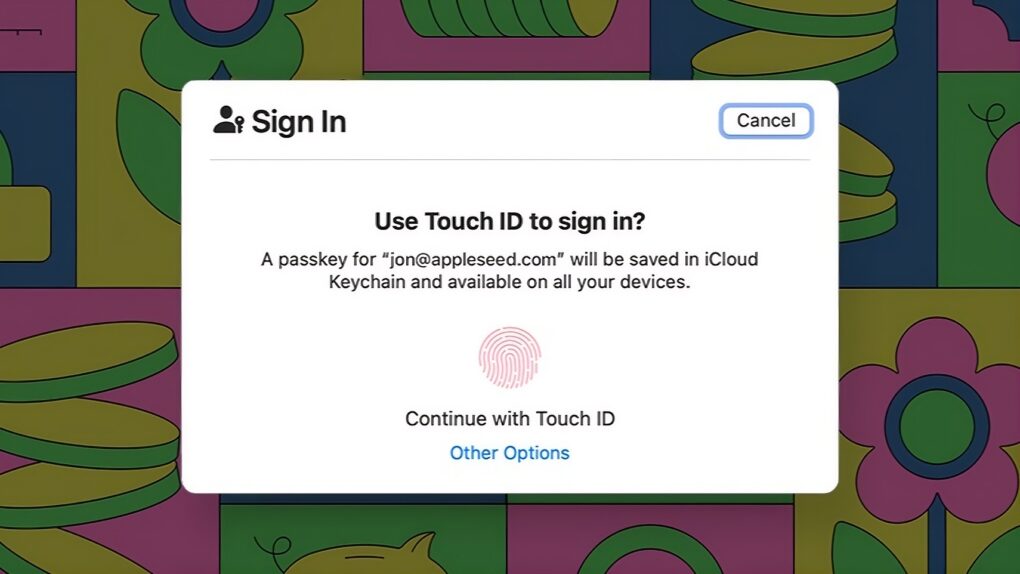
Managing passwords is and always has been a giant pain, but passkeys offer a better way. They are an advanced system that automatically signs you in to online services using your phone’s Face ID (or Touch ID) or your computer’s password.
Switching to biometric authentication or your device’s password means one less thing to remember. Plus, passkeys work without fiddling around with a password manager.
The technology promises a simpler, more convenient and more phishing-resistant way to log in. However, getting started can still feel confusing. Here’s how passkeys work and how to use them across your iPhone, iPad and Mac.
Apple Music’s new “Made With AI” label demands transparency. Photo: Brett Jordan/Pexels
Apple Music will start labeling songs created using AI platforms as “Made with AI.” The company sent a note to its industry partners this week informing them of the change.
The move will require record labels and artists to tag songs if they used artificial intelligence to create a “material portion of the content.”
Apple’s new filing in the Apple OpenAI trade secrets lawsuit accuses OpenAI of relying on distortion and speculation. Photo: Cult of Mac
Apple asked a federal judge to keep its trade secrets lawsuit alive Wednesday, saying OpenAI’s motion to dismiss relied “on distortion, speculation, and improper extrinsic evidence.”
Apple’s 32-page opposition brief, filed Wednesday, doubles down on Apple’s original accusations against two former Apple employees now working for OpenAI. It also sets up a key court hearing scheduled for October.
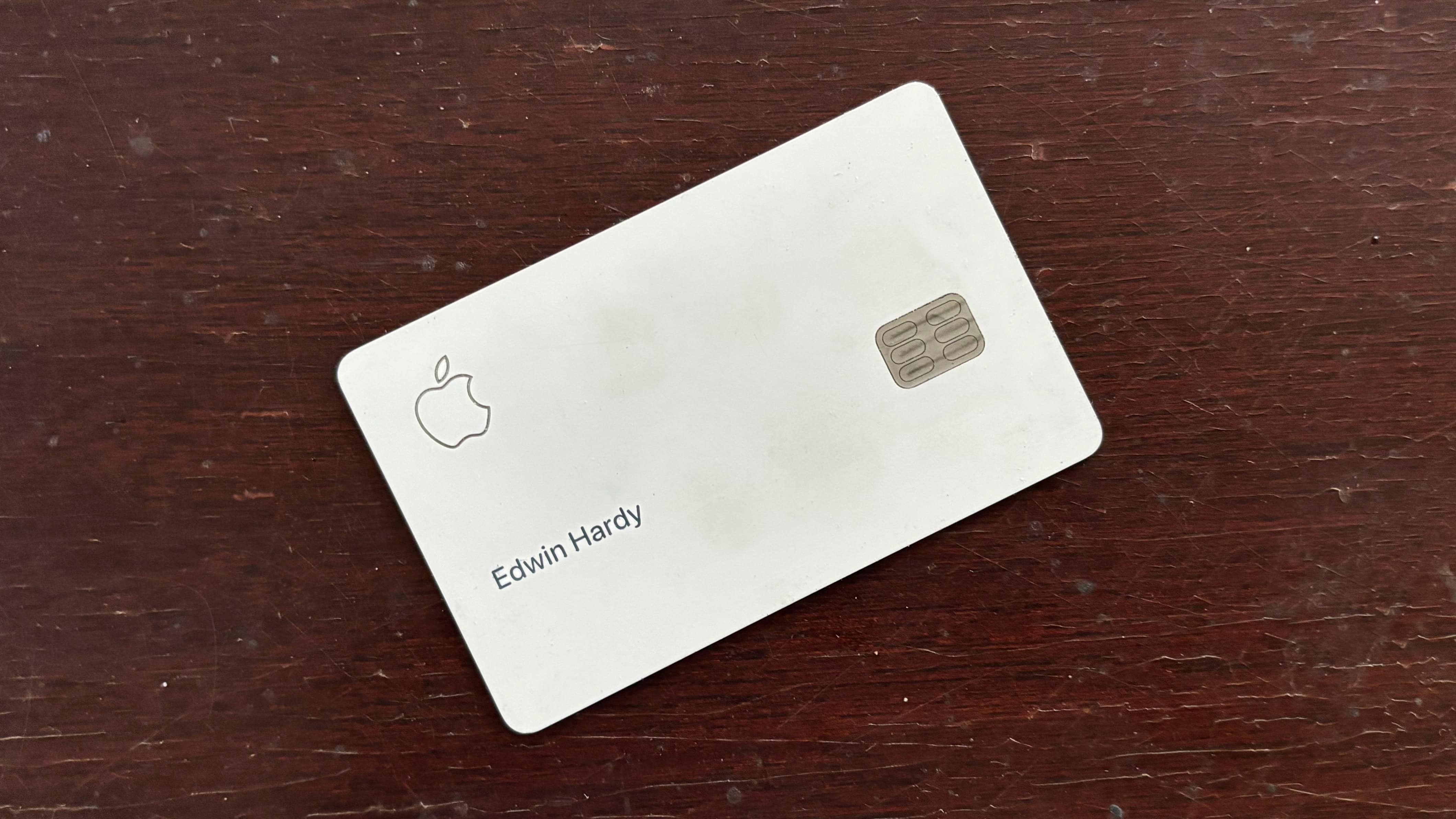
Apple Card debuted in 2019 and is still going strong. Photo: Ed Hardy/Cult of Mac
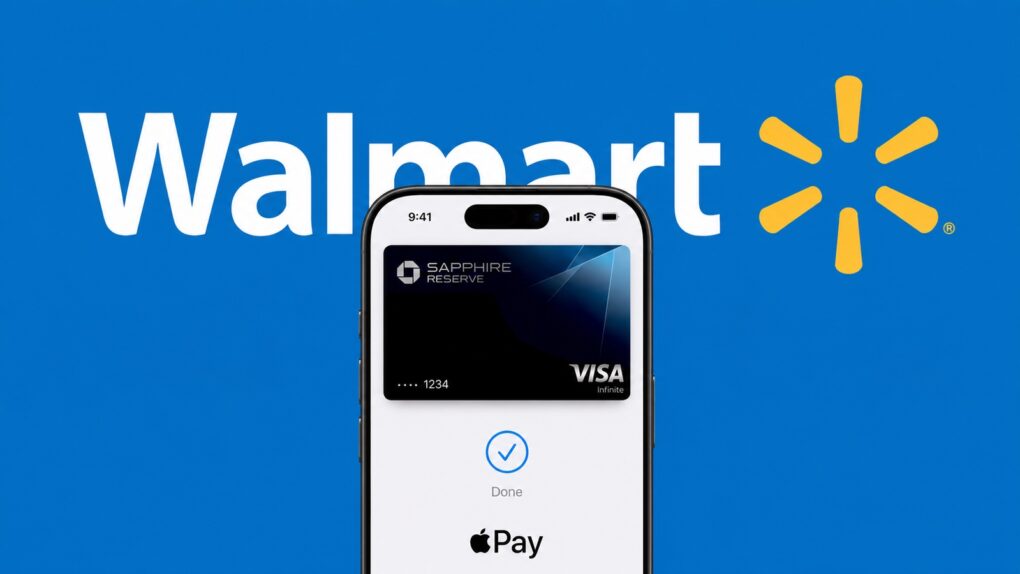
August 20, 2019: The Apple Card launch brings the titanium credit card to U.S. consumers for the first time. It gives them a new option for payments when Apple Pay isn’t available.
The iPhone’s Wallet app handles statements and payments. And the innovative card is “designed to help customers lead a healthier financial life,” according to Apple. Surveys show the card soon becomes beloved.
“We’re thrilled with the overwhelming interest in Apple Card and its positive reception,” says Jennifer Bailey, Apple’s vice president of Apple Pay, in a press release. “Customers have told us they love Apple Card’s simplicity and how it gives them a better view of their spending.”
Pay one low price for a lifetime of secure cloud storage. Image: Midjourney/Cult of Mac
If you want a reliable place to keep your photos, videos and other files, try Internxt Cloud Storage’s 10TB cloud storage plan. Instead of paying Apple or Google every month for a little extra space, you can get 10TB of secure cloud storage for life for a one-time payment of $269.97.
Yeah, it costs more than any single month of Google Drive or iCloud+, but you only pay once. Take a look at what makes this cloud storage a solid investment.
★★★★★
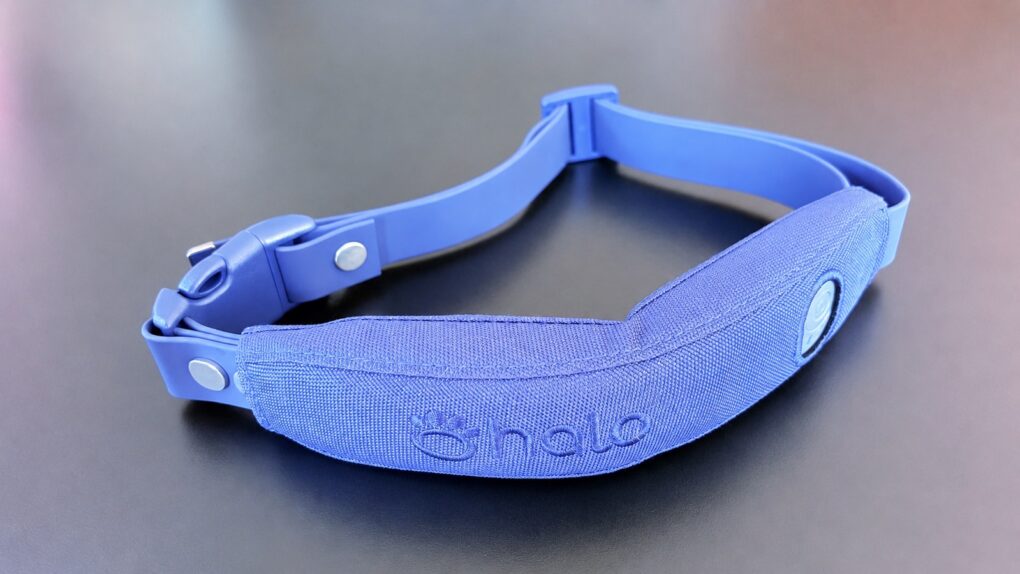
The Halo Collar 5 GPS dog collar added Precision+ for even more accurate tracking. Photo: Ed Hardy/Cult of Mac
When I first reviewed Halo Collar 5 in fall 2025, I called it “simply the best GPS dog tracker.” Imagine my surprise that it got better. Since the product launch, Halo added Precision+, which makes tracking your pet even more exact.
It’s also a real benefit with Holo’s virtual fence feature.
I tested Halo Collar 5 with Precision+ added, and came away even more impressed.
A leaked macOS 26.7 RC build revealed Apple’s camera-equipped AirPods in action, but the product may not launch until 2027. Photo: Cult of Mac
That video of AirPods with cameras built in? Cool. But don’t expect to buy them anytime soon. Despite a leak that made AirPods with cameras look imminent, Apple is still holding the product for 2027. This year’s iPhone event won’t be the moment they show up.
If you were hoping to buy AI-powered earbuds alongside your next iPhone, you’ll have to wait. And that’s actually the more interesting story here: what almost shipped this year, and why it didn’t.
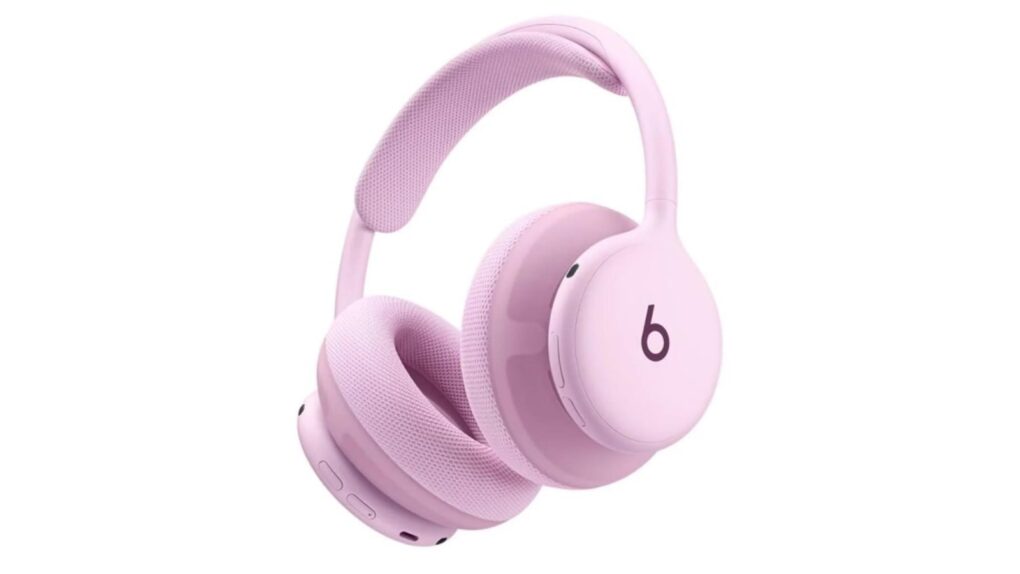
Is this the next pair of Beats headphones? Image: Reddit
Fresh leaks apparently revealed practically everything there is to know about Beats 360 headphones. The as-yet-unannounced headphones feature a fresh new look, with rounder ear cups than previous Beats models and a customization option that sounds both colorful and cool.
The noise-canceling headphones — which Apple looks set to pitch as great for workouts, thanks to sweat- and water-resistance — appeared briefly on various online retailers’ sites Wednesday. Multiple Reddit users spotted them before they disappeared.
Apple might add the controversial Camera Control to the iPad. Image: Apple/Cult of Mac
Apple may be planning to port the iPhone’s Camera Control button to a future version of the iPad. A newly granted patent shows a pressure-sensitive iPhone control mapped onto a tablet-shaped devices. This could hint at where Apple’s photography ambitions are headed next.
Obviously, a patent filing does not mention a release date or even confirm an upcoming product. But it does indicate that Apple already invested time engineering how the button could work on a much bigger device.
Relations between Apple and Google started strong, but quickly deteriorated. Image: Cult of Mac
August 19, 2004: Google floats its initial public offering on the stock market. The Google IPO cements the company’s status as a tech giant, as founders Larry Page and Sergey Brin turn into instant billionaires.
Relations between Google and Apple are good at the time, with Apple CEO Steve Jobs serving as a mentor to the search company’s two young founders. Google’s Eric Schmidt will soon join Apple’s board of directors. However, the peace won’t last long.
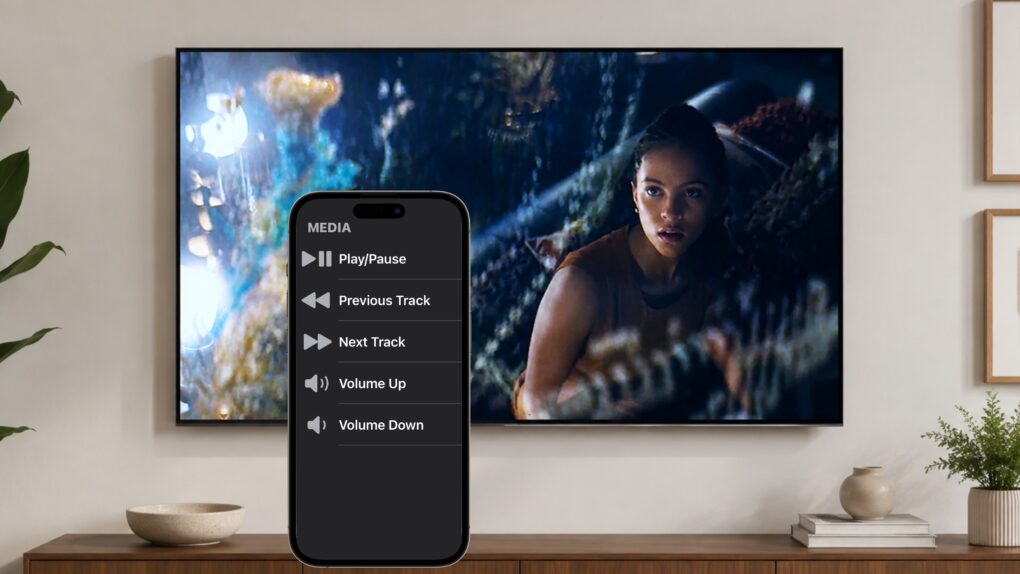
Don't get off the couch! Your iPhone can be a TV remote for your iPad. Image: Ed Hardy/Cult of Mac
Your iPhone can become a remote control for your iPad. It’s a convenient way to control a film or TV show playing on the tablet without having to get up off the couch.
And this doesn’t require a third-party application. All you need is Control Nearby Devices, a feature built into iOS and iPadOS.
Get your own all-in-one AI writing assistant for a discounted price. Photo: Cult of Mac Deals
UmanWrite is an AI writing platform that generates unlimited copy, learns your writing style for personalized results and even humanizes AI drafts.
It checks your grammar and packs AI-detection tools that make sure your final text sounds both professional and human. And you can secure lifetime access for a one-time payment of just $79 (regularly $1,799).
Apple’s home hub gallery widget could let users customize their smart display’s home screen, similar to iPhone and iPad. Photo: Vivint/Apple/Cult of Mac
Apple is reportedly developing a smart display that would act as a smart home hub, and details of the upcoming product’s widget gallery appear in code buried in the latest macOS beta.
The discovery paints a clearer picture of how Apple’s first true smart display might work. It also gives us an idea of how the widget gallery might pull content straight from your iPhone, mixing Apple’s own apps with third-party widgets.
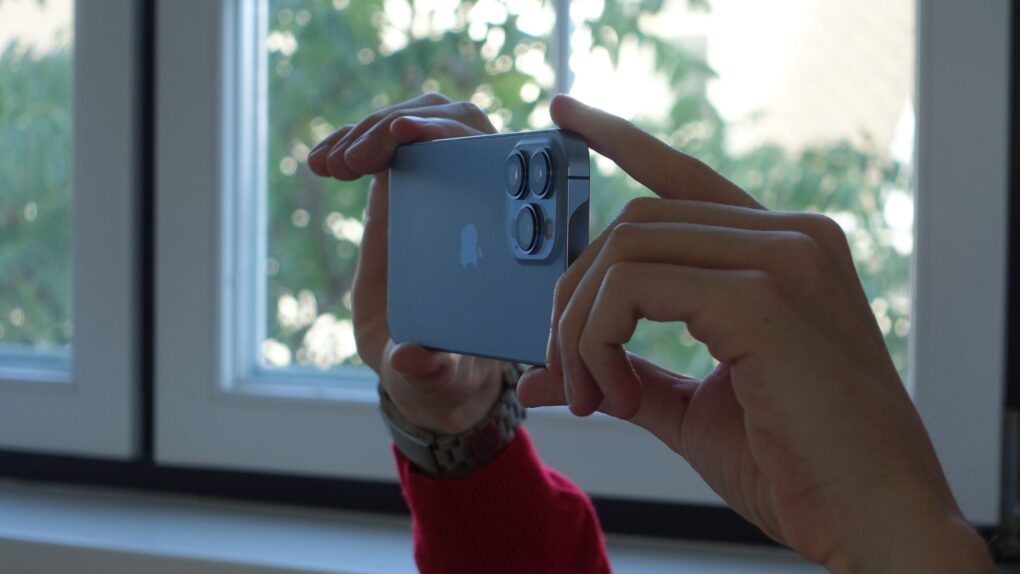
The iPhone 18 Pro Max variable aperture camera is rumored to be exclusive to Apple’s largest phone this year. Photo: Pixabay
A new leak says the iPhone 18 Pro Max’s rumored variable-aperture camera won’t make it to the smaller iPhone 18 Pro.
The claim comes from a Weibo leaker with a strong track record on Apple hardware. The leaker also suggests Apple might limit a rumored upgrade to the Pro Max’s telephoto lens to the bigger phone, further widening the gap between this year’s Pro models.

 August 22, 2001: Apple takes home a technical Emmy Award for developing FireWire, the high-speed serial port that allows users to transfer data quickly between a Macintosh and another device, such as a digital camera.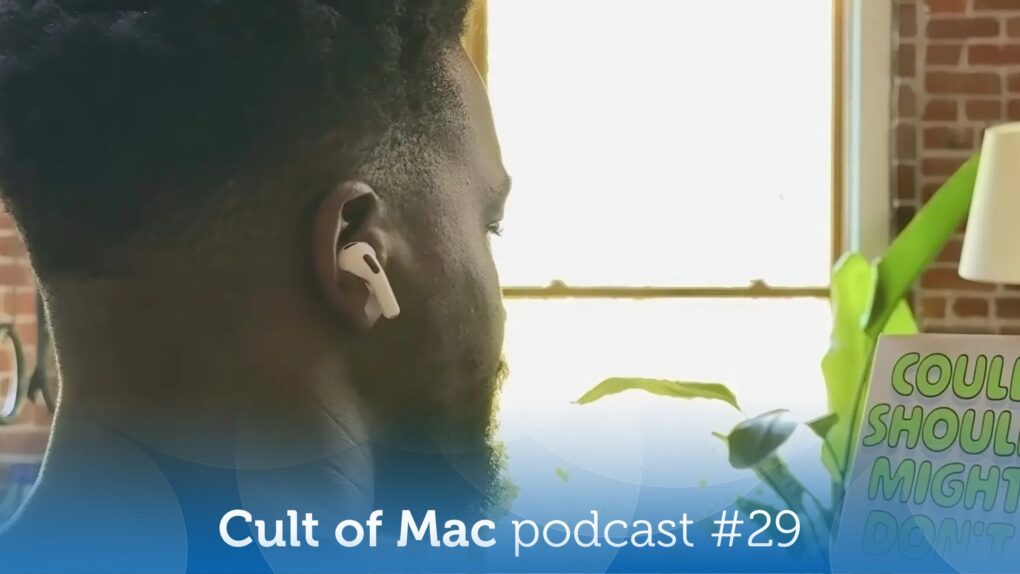


 August 21, 2008: Microsoft recruits comedian Jerry Seinfeld for a series of ads. It’s a naked attempt to shake the company’s reputation as a stodgy oldster (as opposed to Apple’s trendsetting hipster image).
 August 20, 2019: The Apple Card launch brings the titanium credit card to U.S. consumers for the first time. It gives them a new option for payments when Apple Pay isn’t available.

 August 19, 2004: Google floats its initial public offering on the stock market. The Google IPO cements the company’s status as a tech giant, as founders Larry Page and Sergey Brin turn into instant billionaires.