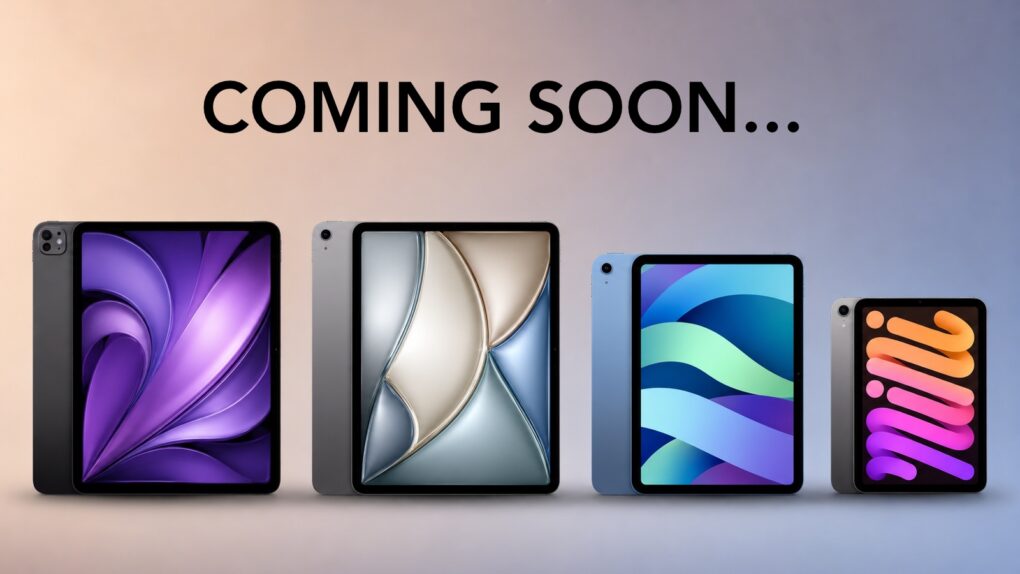
There's so much for iPad fans to look forward to. Image: Cult of Mac/Apple/ChatGPT
Want to know which iPad models will get revamps in the next year? The answer is easy: all of them. Every single one.
An iPad mini upgraded with an OLED is reportedly at the top of the list, and we can look forward it being followed by new versions of the basic iPad, iPad Air and iPad Pro… each before the end of spring 2027.
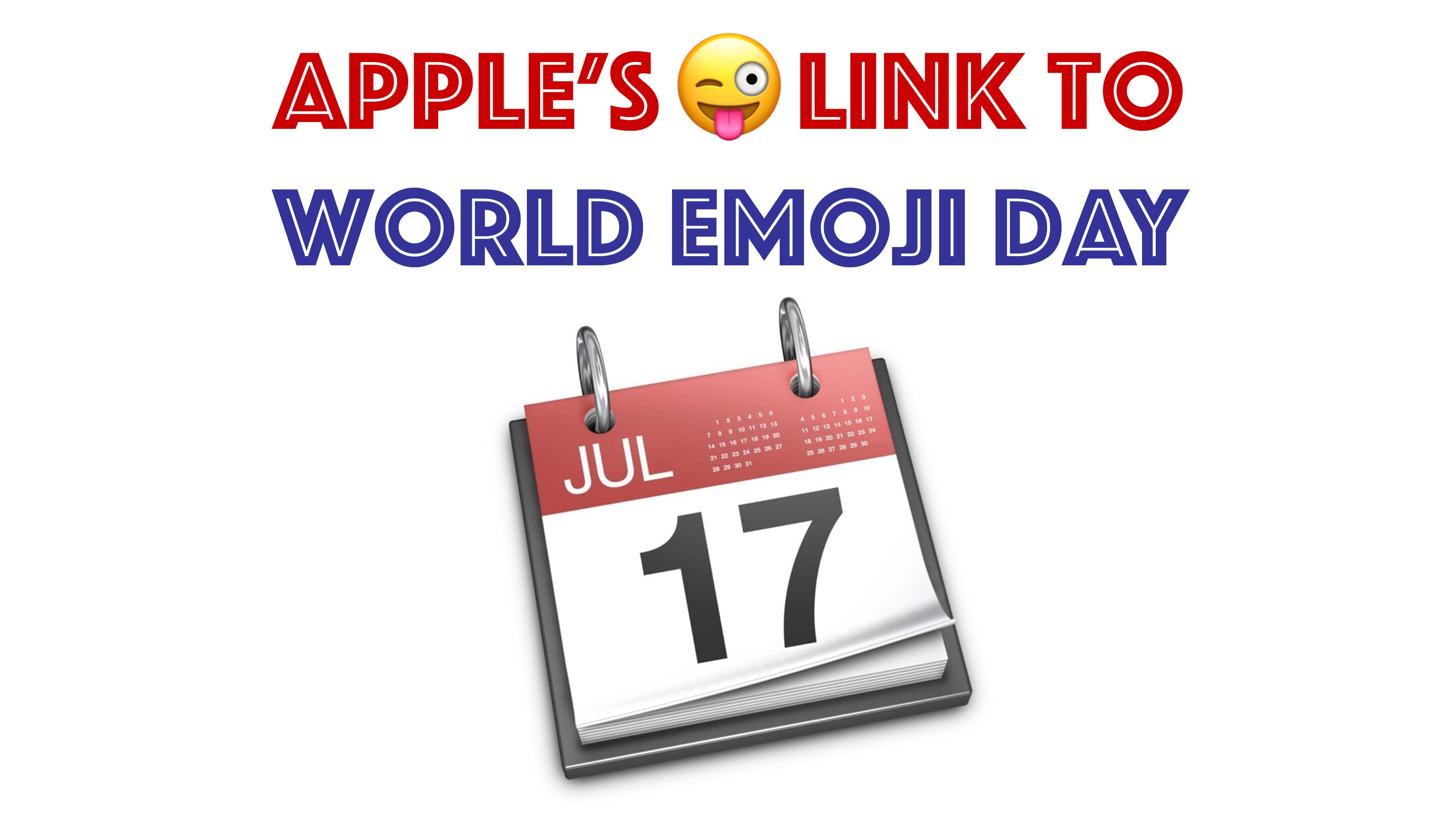
The roots of World Emoji Day go deep into Apple history. Image: Cult of Mac
World Emoji Day happens on July 17 every year — but why? The holiday’s story takes a circuitous path through Apple history, tying together Mac OS X Jaguar, calendar software, Japanese cellphone carriers, Macworld Expo and Emojipedia creator Jeremy Burge.
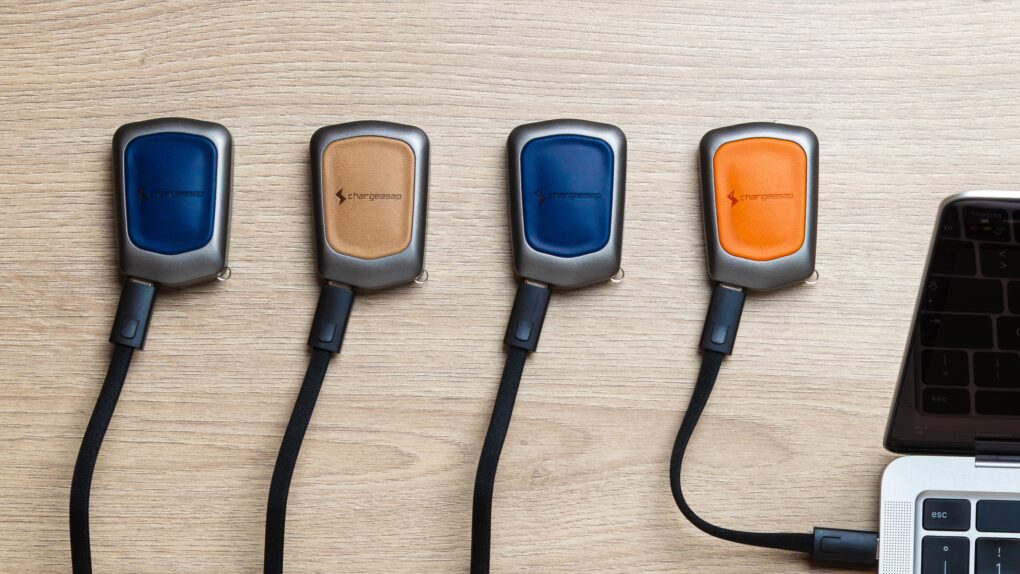
Is this the world's smallest 30W USB-C charger? Photo: Chargeasap
Chargeasap calls its new Miko the world’s smallest 30W charger. It’s so tiny that you can clip it to your keyring along with the bundled USB-C cable, so you won’t ever find yourself without a charger or cable.
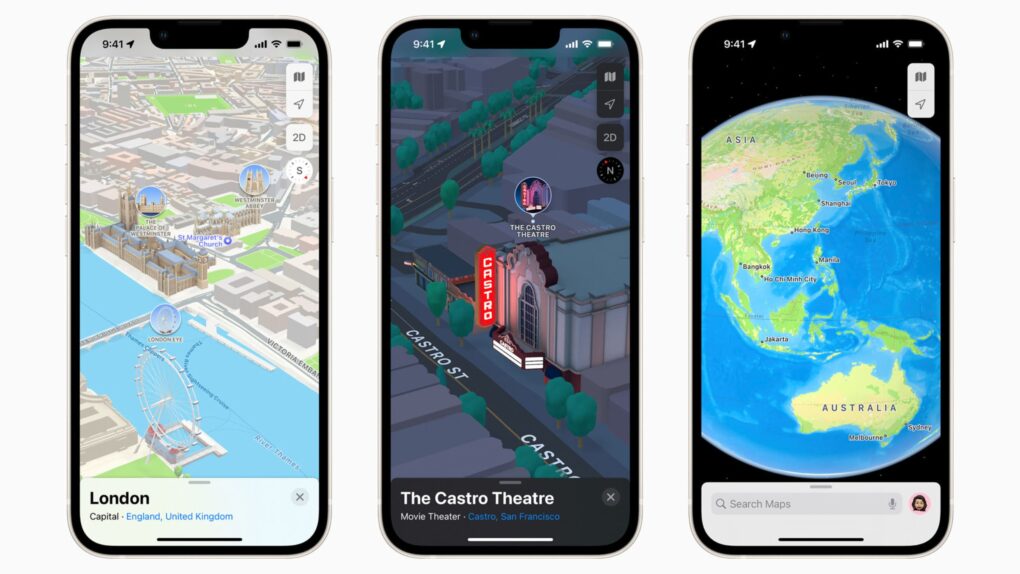
Apple Maps ads will shut out several business categories when they roll out this summer. Image: Apple
Apple is going to be quite picky about the types of ads it shows in Apple Maps. New advertising rules say plumbers, electricians, locksmiths and roofers can’t buy ads on the navigation app — even though Google happily sells them in its mapping app.
That’s a deliberate distinction from Google’s model, in which home services ads make up one of the biggest categories. And that’s just the start of Apple’s restrictions on ads in Apple Maps and its other services.
As it turns out, Apple wants Maps to feel more like a curated storefront than a search engine.
★★★★★
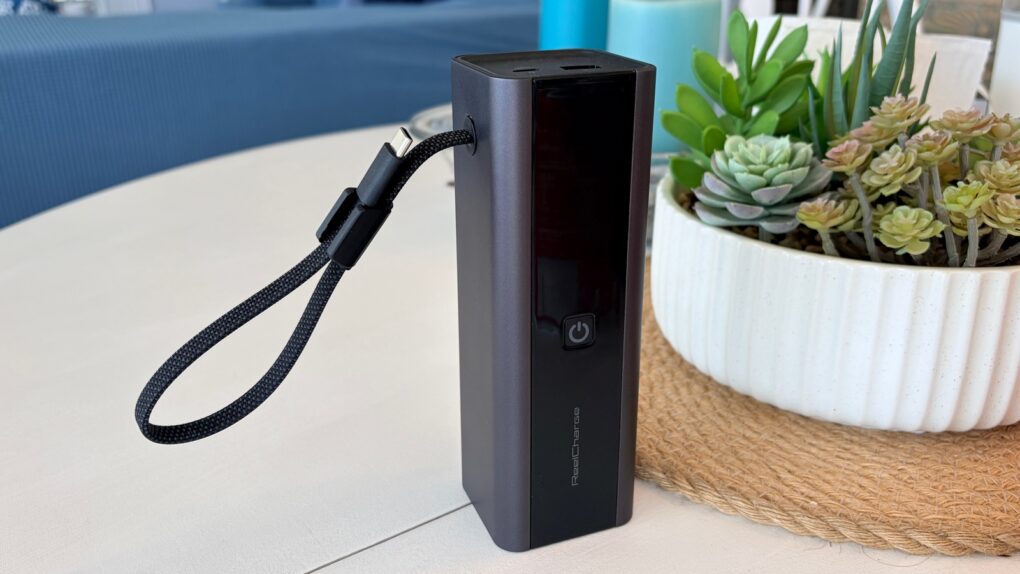
The ReelCharge ReelPro 200W is one of the best power banks I've tested. Photo: Ed Hardy/Cult of Mac
The ReelCharge ReelPro 200W Power Bank holds 27,000 mAh and can pump out up to 200W. But perhaps its standout feature is an integrated USB-C cable that acts as a carrying handle.
The accessory also includes a status screen so you always know how much power is flowing, plus it includes USB-C and USB-A ports.
I put the external battery through weeks of testing, including taking it on a beach vacation. Here’s how it stood up.
The unlocked iPhone loophole for T-Mobile and Verizon financing just got shut down. Photo: Apple
Apple closed the unlocked iPhone loophole for T-Mobile and Verizon buyers. If you’ve financed an iPhone through any of these carriers, it used to stay unlocked. Not anymore.
Every iPhone financed through T-Mobile or Verizon will now stay locked to that carrier until you fully pay it off. This is exactly how AT&T’s financing has always worked. It means no more SIM swapping, joining an MVNO or popping in a travel eSIM on the go.
The United States accused Apple of trying to hurt rival e-book sellers. Photo: Apple
July 16, 2014: Apple agrees to pay $450 million to resolve the Department of Justice’s antitrust case against the company over e-book pricing in the iBooks Store. In the e-books lawsuit, Apple stands accused of conspiring with five major book publishers to fix prices on digital books.
After all five publishers settle their claims outside of court, Apple becomes the only one to go to trial. The e-books lawsuit settlement closes the book on a bad chapter in Apple’s history.
New Mac and iPad buyers are facing an AppleCare+ price increase starting this week. Photo: Apple
Apple is pushing an AppleCare+ price increase, with Mac and iPad owners footing the bill. Sign up for coverage on a new Mac or iPad today, and you’ll pay 50 cents more per month than you would have last week.
The change just went into effect and only affects new AppleCare+ enrollments. If you’re already subscribed, you’ll keep your current rate for now. But Apple hasn’t clarified how long that will last. It’s a small bump, but lands just weeks after Apple hiked hardware prices.
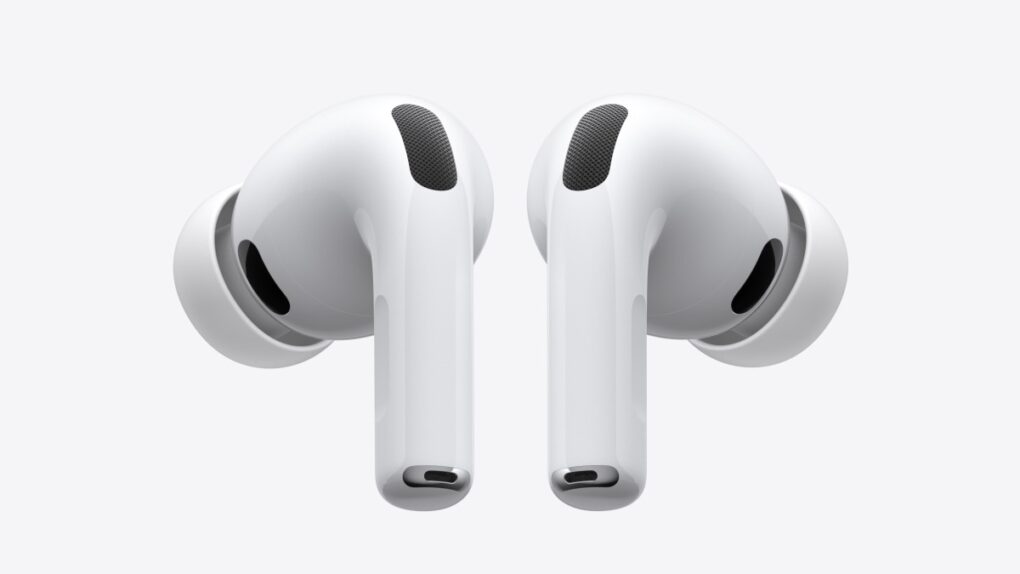
Future AirPods get to keep the trademark slim design. Photo: Apple
Apple’s AirPods appear to have dodged a costly redesign after the European Commission carved out new exemptions to its upcoming replaceable battery rules for portable electronics.
The requirement could have also required changes to the design of the Apple Watch.
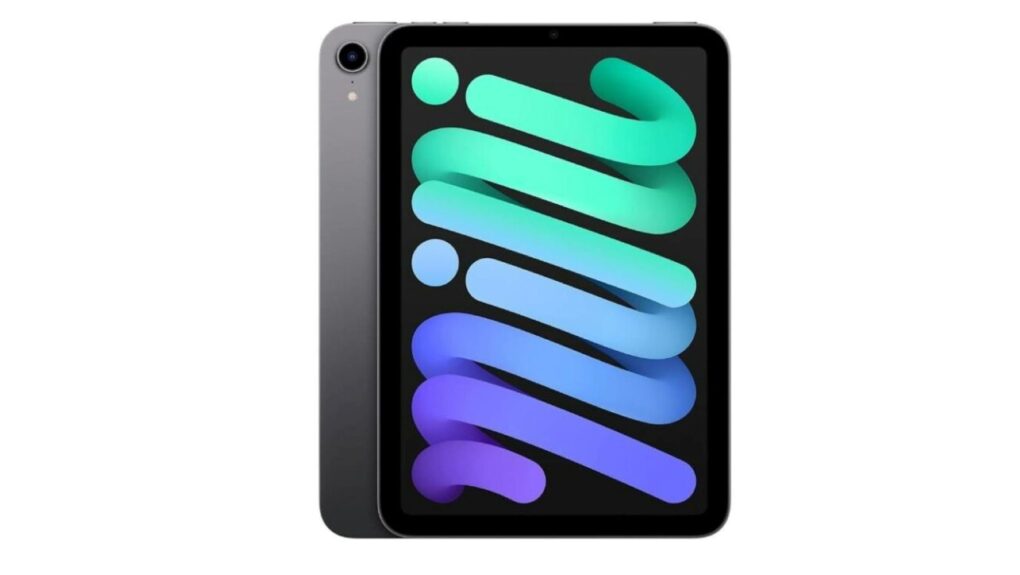
Grab a refurbished sixth-gen iPad mini at a great price. Photo: Cult of Mac Deals
With this refurbished iPad mini 6 deal, you can pick up a tiny Apple tablet for less than 300 bucks. That’s less than half the price of the latest model, the seventh-generation iPad mini, which now starts at $599 after Apple’s recent price hikes.
This sixth-gen iPad mini is slightly older, and it’s used. But if you want a solid slate for less, this is a great buy. Grab a refurbished iPad mini 6 for just $294.99 before they sell out.
Get a free AirTag or AirPods with your new Mac or iPad. AI image: ChatGPT/Cult of Mac
Update: Apple’s Back to School 2026 offer is now available in the United States and Canada. We updated this article with the latest details.
After a slight delay, Apple’s Back to School 2026 offer is now live across most major markets. It first launched in select Asian countries before expanding to the United States and Canada.
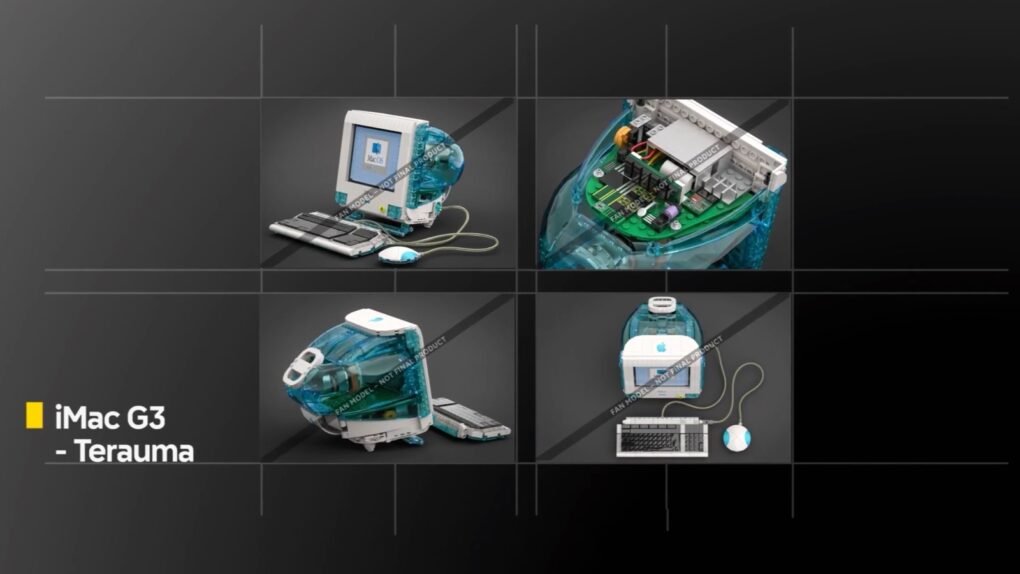
Hope remains alive that a fan-designed iMac G3 will become an official Lego Ideas set. Photo: The Lego Group
The colorful Lego iMac G3 for nostalgic Apple fans just cleared another important milestone on its long journey from fan concept to store shelves.
A Lego version of Apple’s iconic iMac G3 desktop has been working its way through the approval process for almost a year, and the Lego company confirmed on Tuesday that the possibility remains very much alive.
The iOS 2.6.6 malicious message warning tells you when Apple thinks an iMessage is trying to harm your iPhone. AI image: Google Gemini/Cult of Mac
Your iPhone will soon speak up before a booby-trapped text message can do damage. The iOS 26.6 malicious message warning is a new pop-up that tells you when Apple thinks an iMessage is trying to harm your device or steal your data. And it gives you a quick way to send that message straight to Apple for investigation.
The alert hasn’t gone live for anyone yet. It was spotted buried in iOS 26.6 beta 5 code, which means it’s still in the testing phase. But its presence indicates iPhone users will soon get a much more visible security layer that makes it harder to ignore message-based attacks.
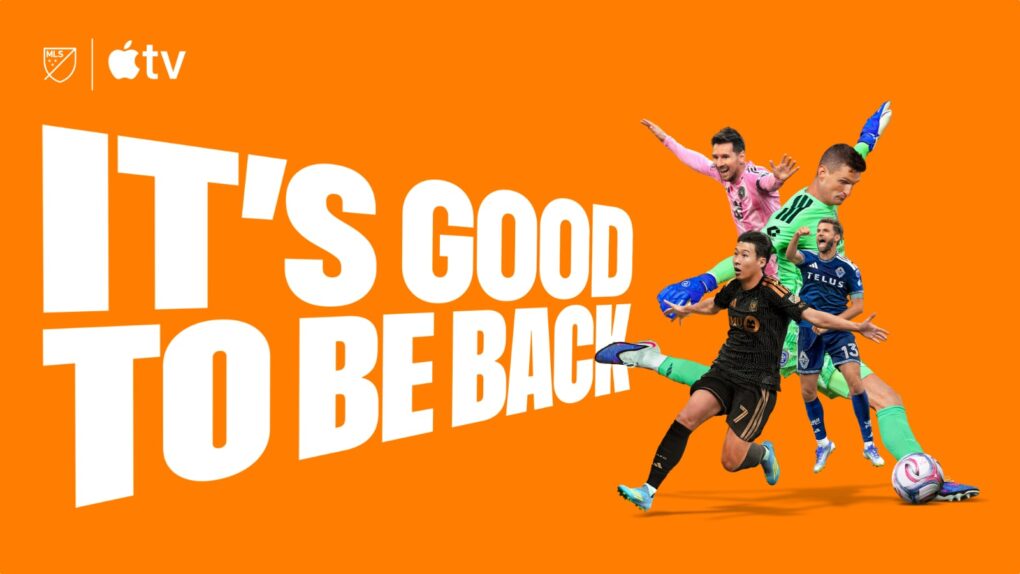
Major League Soccer returns this Thursday, ready to capitalize on World Cup buzz. Image: Apple TV
Major League Soccer returns to Apple TV on Thursday with the resumption of regular-season play after a break for FIFA World Cup insanity. That’s great news for soccer fans new and old.
If you got hooked on the sport after watching World Cup matches during Major League Soccer’s monthlong break, tune into Apple TV for your fix. You should see some familiar faces on the field.
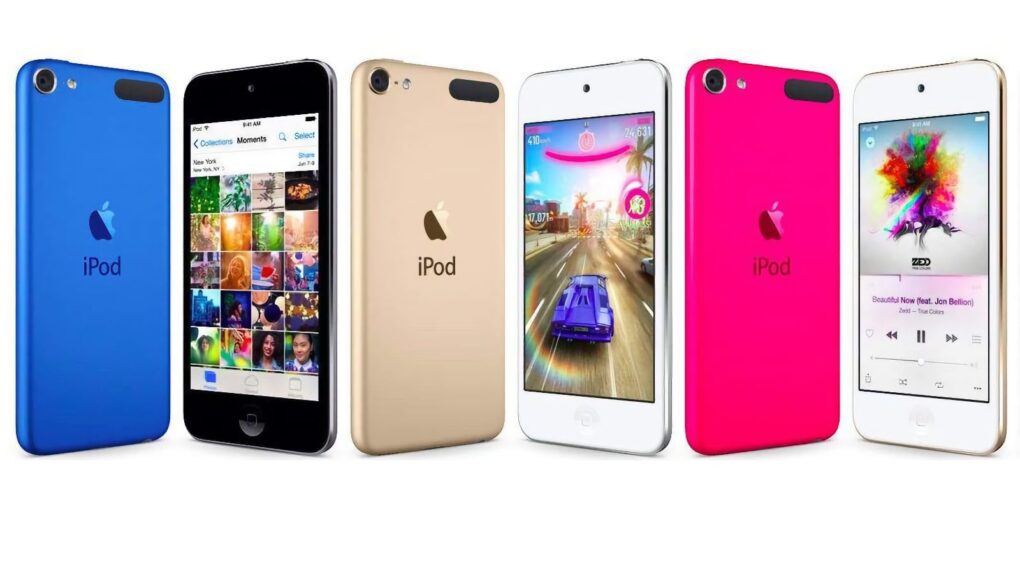
The sixth-gen iPod touch packed big improvements into its incredibly slender case. Photo: Apple
July 15, 2015: Apple introduces the sixth-generation iPod touch, attempting to prove that there’s still a place for the humble music player in the crazy, crazy world of iPhones and Apple Watches.
Apple calls the device “the best iPod touch yet” in a press release, and touts “a new lineup of colors for all iPod models, including space gray, silver, gold, pink and blue.”
The iCloud CSAM lawsuit against Apple is history. Image: Apple
Apple just got a proposed class-action lawsuit wiped off its plate — and it’s a big one. A federal judge on Monday dismissed a case that accused the company of failing to stop child sexual abuse material (CSAM) from spreading through iCloud, a lawsuit that sought as much as $32.8 billion in damages.
U.S. District Judge Noël Wise ruled that Apple would be shielded from the claims by Section 230 of the Communications Decency Act, the 1996 law that protects online platforms from being sued over content their users upload. The judge tossed the case with prejudice, so it’s gone for good.
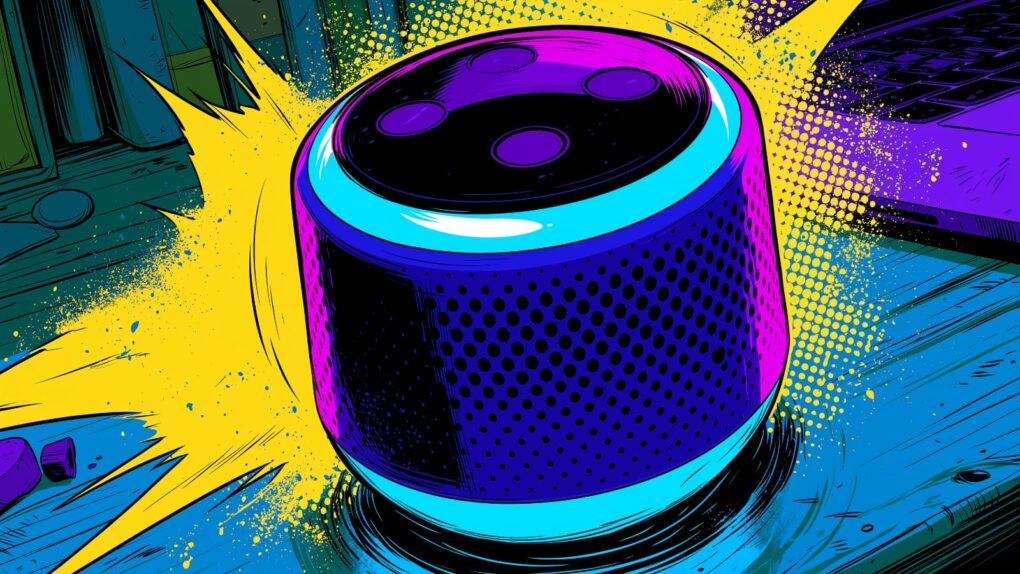
What will OpenAI's super-smart speaker look like? Ask Jony Ive. AI image: Midjourney/Cult of Mac
OpenAI’s probable first device will likely be a portable smart speaker with a winning personality and features that make it seem like a living creature. The company envisions a screenless device that will “serve as a humanlike AI companion that lives in the home,” according to a new report citing anonymous sources.
While previous rumors indicated OpenAI wants to build a device to challenge the iPhone, this sounds like more of a threat to Apple’s HomePod, Amazon’s Alexa devices and other smart speakers.
Oh, and the thing might actually move to make it seem more lifelike. (Let’s hope it doesn’t give off an Existenz game pod vibe.)
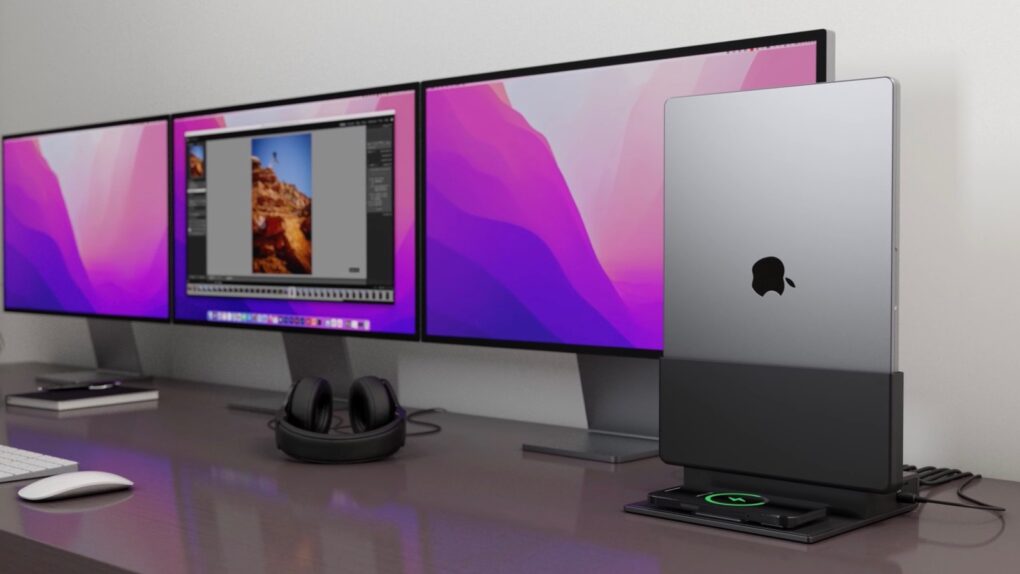
The Brydge ProDock Trio features vertical MacBook docking for workspace optimization. Image: Brydge
Brydge added three new models to its ProDock line of vertical MacBook docking stations on Tuesday. These bring fresh features, including Thunderbolt 5 support, to products that let users slide their Mac into a vertical cradle that takes a minimal amount of space.
Each of the three new models is intended for a different kind of user, with a range of features to match.
The legal battle between Apple and OpenAI could get messy. AI image: Google Gemini/Cult of Mac
Apple seems to have gone to unusual lengths to keep one man out of its trade-secret lawsuit against OpenAI: Jony Ive.
However, the legal battle could end up with Apple’s former design chief taking the stand. And that could rattle Apple’s cordial relationship with Ive, who’s helping OpenAI build AI-powered gadgets that threaten the iPhone’s dominance.
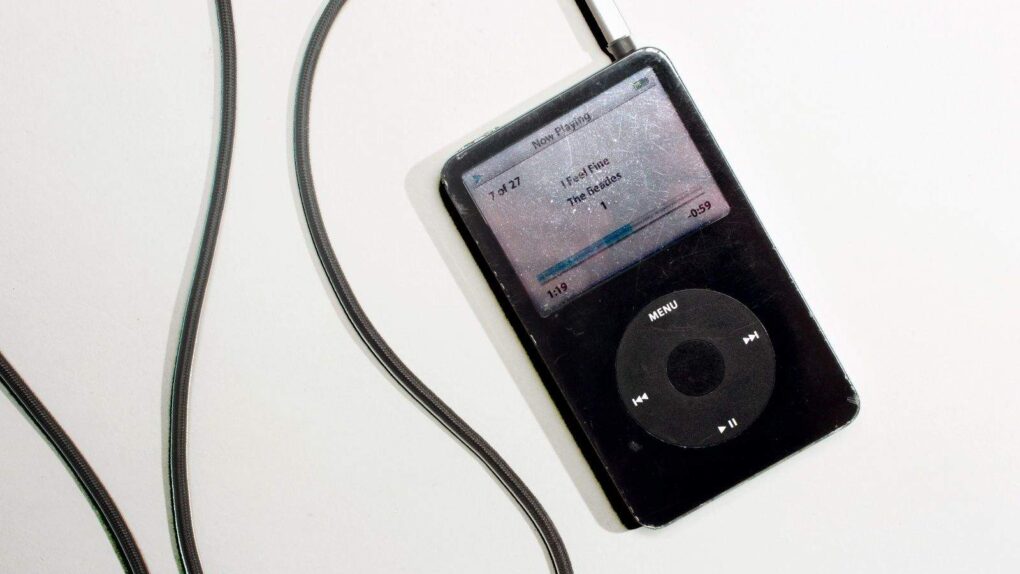
The MP3 made the iPod possible. Photo: Jim Merithew/Cult of Mac
July 14, 1995: The MP3 file format receives its official name as the new .bit file extension gets changed to .mp3. The technology allows the compression of a standard CD audio file to one-tenth its original size, courtesy of some smart algorithms. The format will revolutionize the music industry — and put Apple on the road to world dominance with the iPod.
The MP3 enables easy sharing of music tracks online and makes music more portable than ever. Within a few years, Apple’s iPod will become the world’s best-known MP3 player, quickly capitalizing on the new file format.
CrashStealer malware mimics Apple’s real crash-reporting tool, right down to the icon and name. Image: Jamf Threat Labs
If you see a file called CrashReporter.dmg in your Mac’s Downloads folder, don’t open it. It’s not from Apple — it’s a new strain of malware called CrashStealer. It’s wearing Apple’s own clothing, right down to the icon, name and a fake password box designed to look like standard macOS.
The malware slips past Apple’s security checks and tricks victims into typing their Mac password before draining everything of value on the machine. Anyone who’s opened an unfamiliar app in the past few weeks should pay close attention.

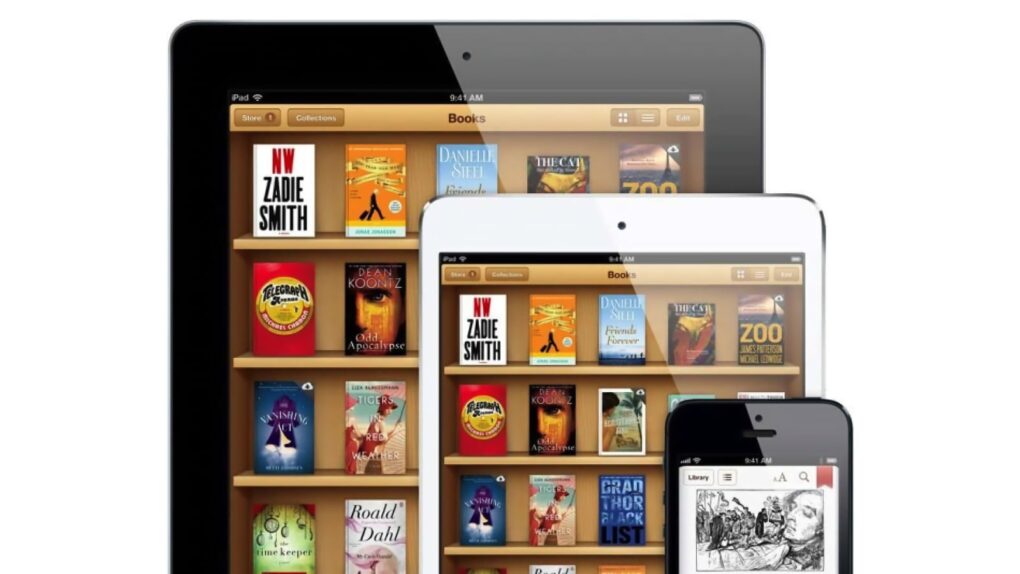
 July 16, 2014: Apple agrees to pay $450 million to resolve the Department of Justice’s antitrust case against the company over e-book pricing in the iBooks Store. In the e-books lawsuit, Apple stands accused of conspiring with five major book publishers to fix prices on digital books.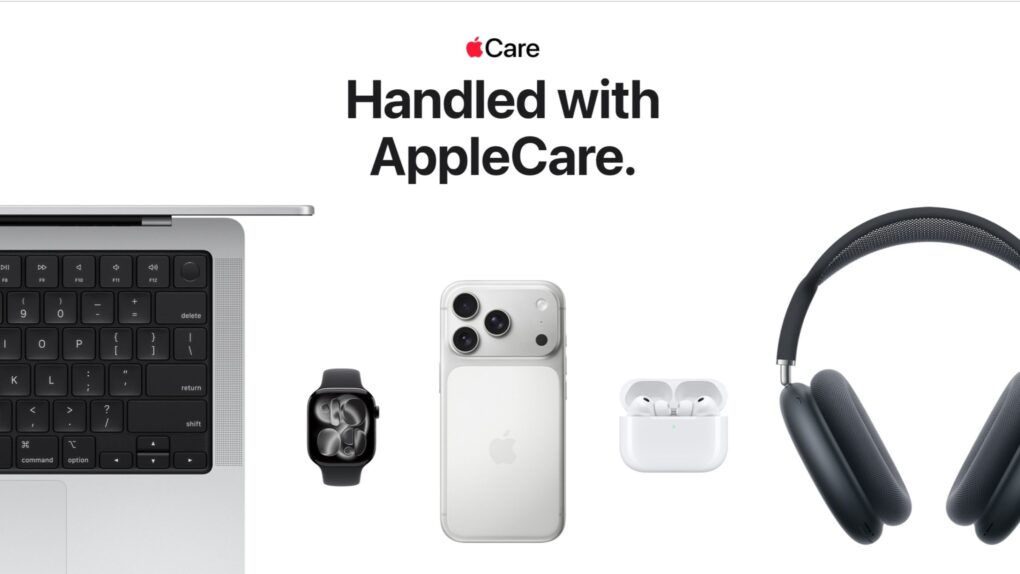



 July 15, 2015: Apple introduces the sixth-generation iPod touch, attempting to prove that there’s still a place for the humble music player in the crazy, crazy world of iPhones and Apple Watches.


 July 14, 1995: The MP3 file format receives its official name as the new .bit file extension gets changed to .mp3. The technology allows the compression of a standard CD audio file to one-tenth its original size, courtesy of some smart algorithms. The format will revolutionize the music industry — and put Apple on the road to world dominance with the iPod.