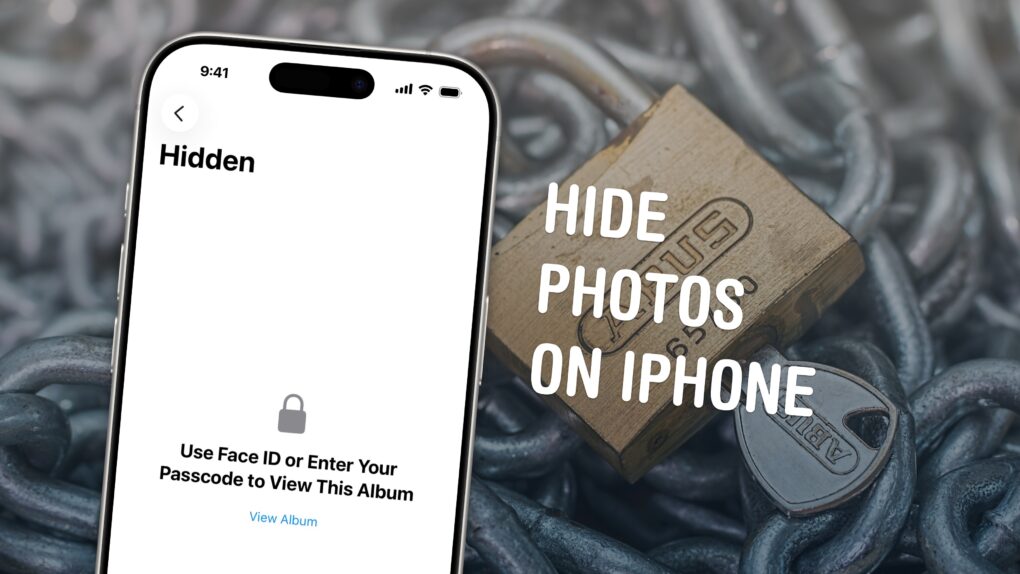
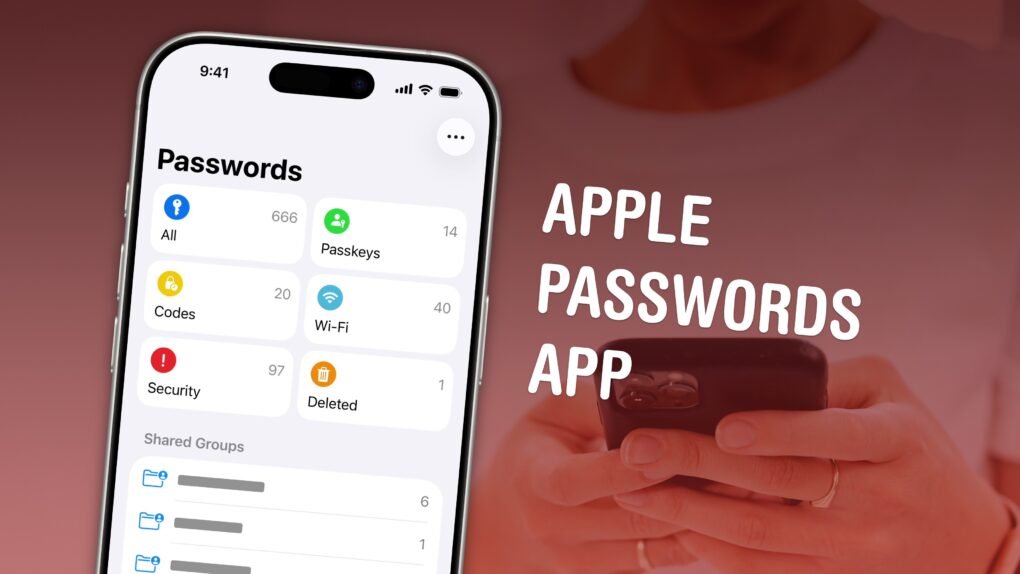
You can easily hide photos and videos on your iPhone to keep secret and/or illicit images out of your main Photos library. Hiding items from the camera roll makes sure nobody except you can see your embarrassing pictures, salacious nudes or old selfies with your ex.
Apple introduced the Hidden photo album years ago in iOS 8. But after Apple redesigned the Photos app in iOS 18, you can no longer find it at the bottom of the Albums tab — because the tab bar is gone. But in iOS 26, it’s back again!
Here’s what hiding photos does to your iPhone, how you can stash those incriminating or mortifying pix, and where to find them.

 May 4, 2011: Reports circulate that Apple is negotiating with carriers to bring over-the-air updates to iOS, beginning with iOS 5.
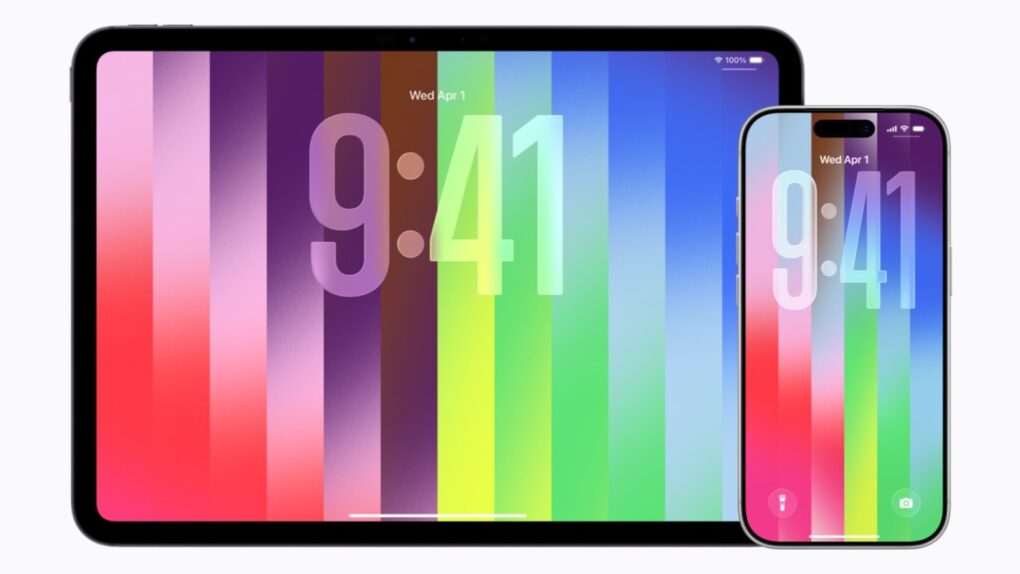

 May 3, 1984: Apple marks the all-important first 100 days of Mac sales, signaling whether the product launch is a hit with customers.
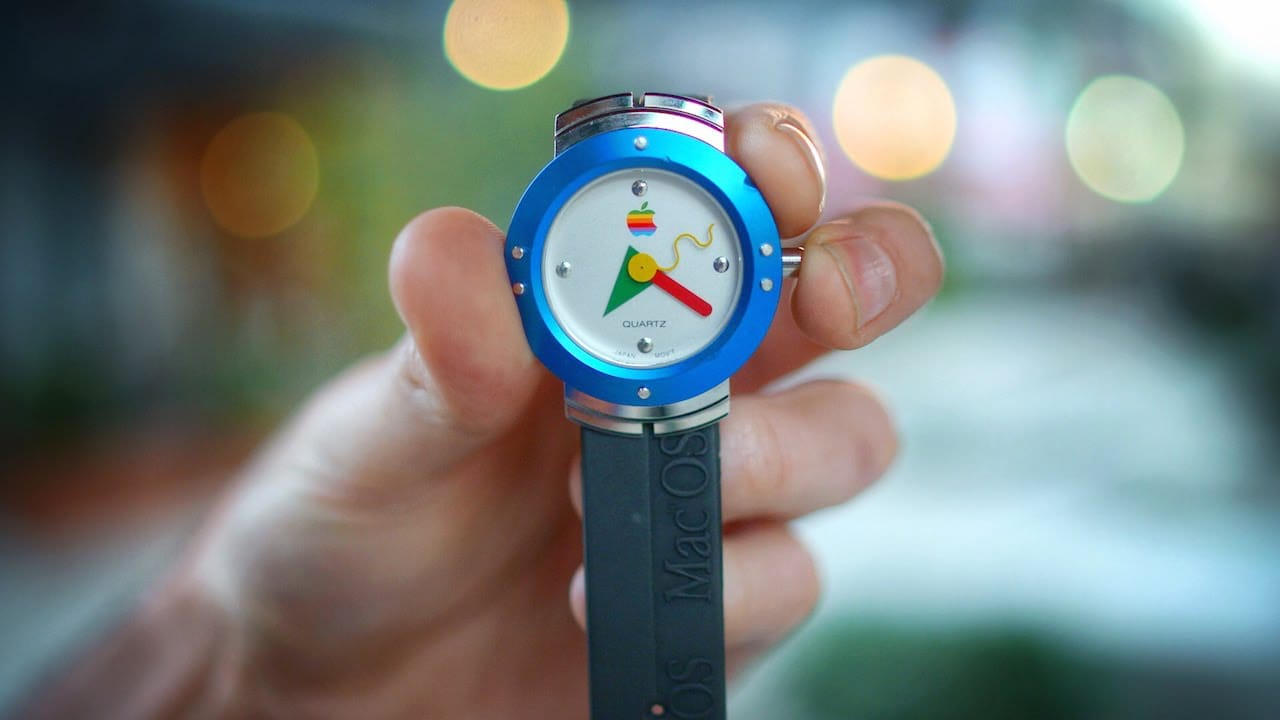
 May 2, 1995: Apple enters the wearables space with its first watch. However, the first Apple watch is a timepiece with no fitness-tracking tech, no on-screen notifications and a whole lot of 1990s styling.

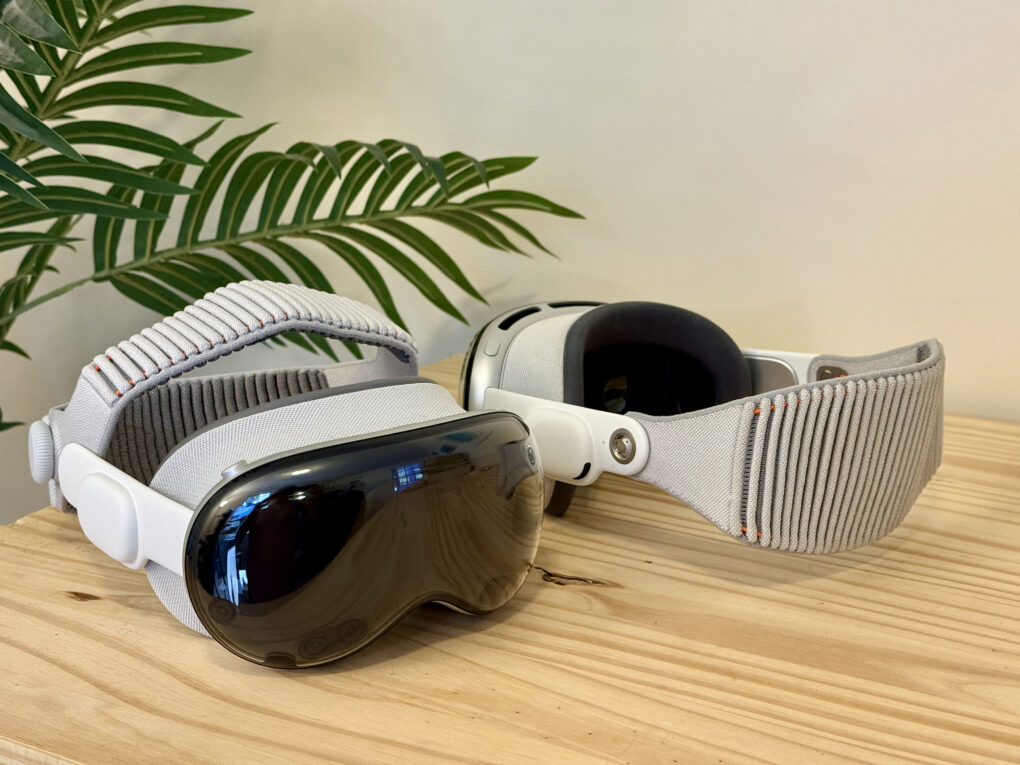


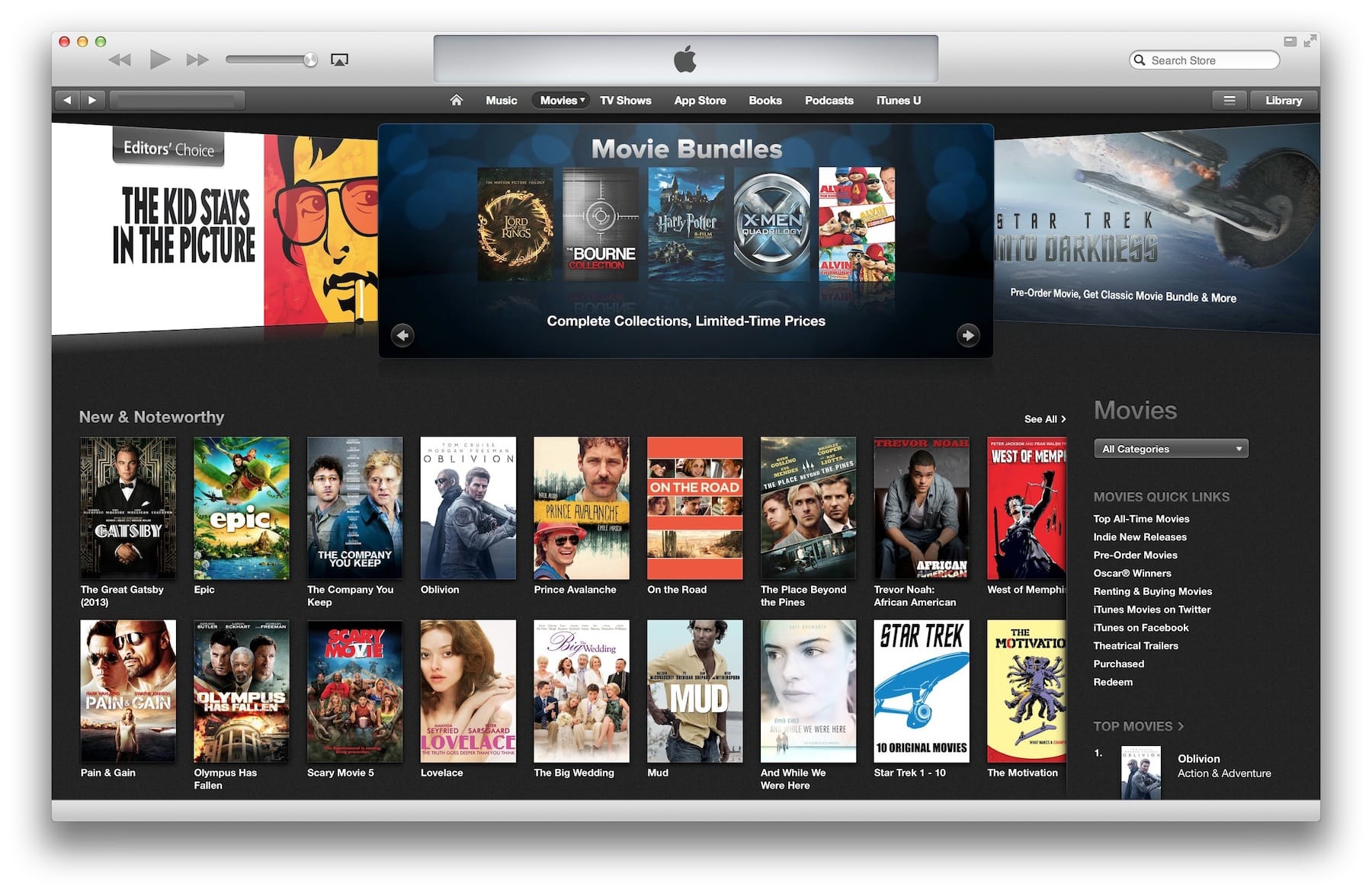
 May 1, 2008: The iTunes Store takes a gigantic step toward cinematic relevancy, selling new movies on the day of their DVD releases for the very first time.





 April 30, 2010: Almost a month after the first-gen iPad went on sale, the first Wi-Fi + 3G iPads arrive in the hands of U.S. customers.