Developer Mode lets you run unsigned code on your iPhone or iPad. Enable it, and you can download and run apps that are not from the App Store (or alternative app marketplaces) or in TestFlight, Apple’s tool that lets developers invite users to beta-test new apps.
If you want to write your own apps in Xcode, you will need to enable Developer Mode on your iPhone or iPad before running your app.
Developer Mode is also essential if you want to sideload apps onto your device from a Mac, using an app like Sideloadly. This could include apps that aren’t allowed on the App Store (such as porn app Hot Tub) or apps that are no longer available from their original developers, like Apollo (the now-shuttered Reddit client). For sideloading to work, you will need to turn on Developer Mode.
Read on to see how to enable Developer Mode on your iPhone or iPad, as well as the potential security implications.
iOS’ handy Developer Mode lets you run your own code on your iPhone
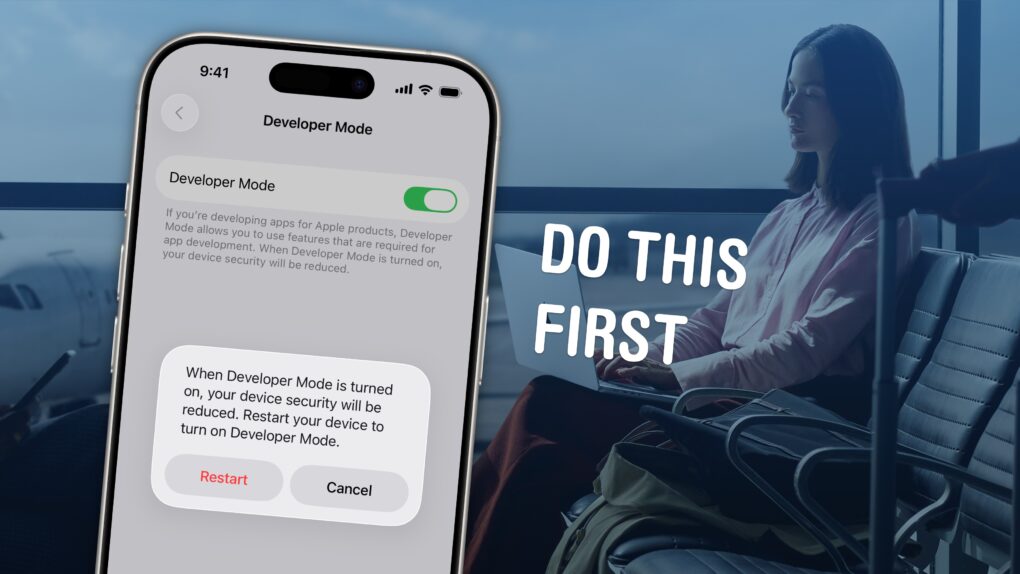
Image: D. Griffin Jones/Cult of Mac


 February 2, 1996: Apple reveals that turnaround artist Gil Amelio will take over from Michael “The Diesel” Spindler as CEO of the struggling company.

 February 1, 2010: The tech-loving world goes into meltdown at the sight of comedian Stephen Colbert using a prerelease iPad to read nominations during the televised Grammy Awards show.
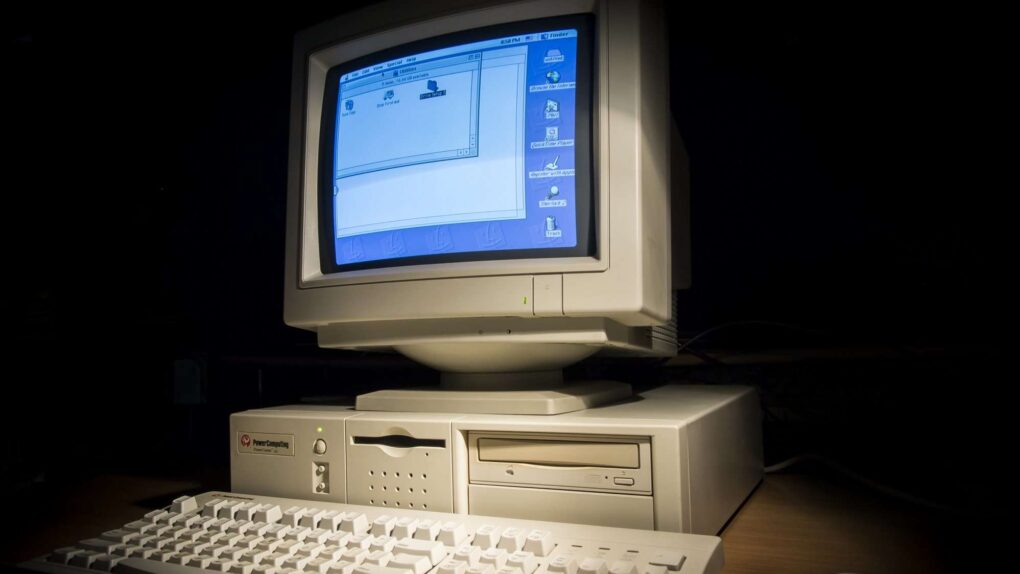
 January 31, 1998: Mac clone-maker Power Computing goes out of business, having auctioned off its office supplies and computers.


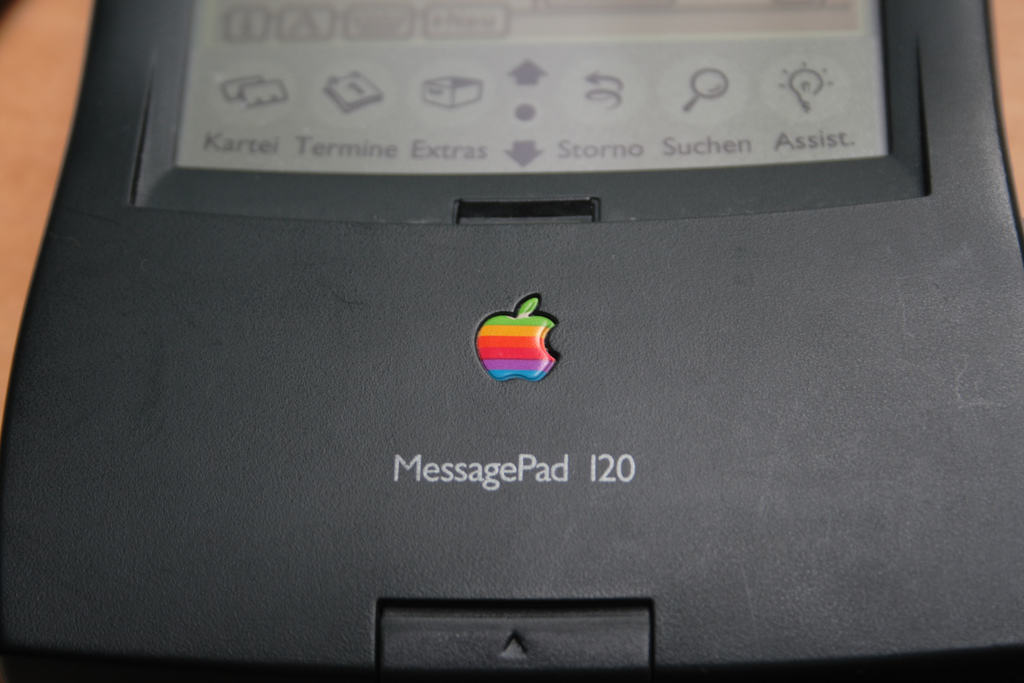
 January 30, 1995: Apple Computer launches the Newton MessagePad 120, the first truly great device in an unfairly maligned product line.




 January 29, 1990: Apple CEO