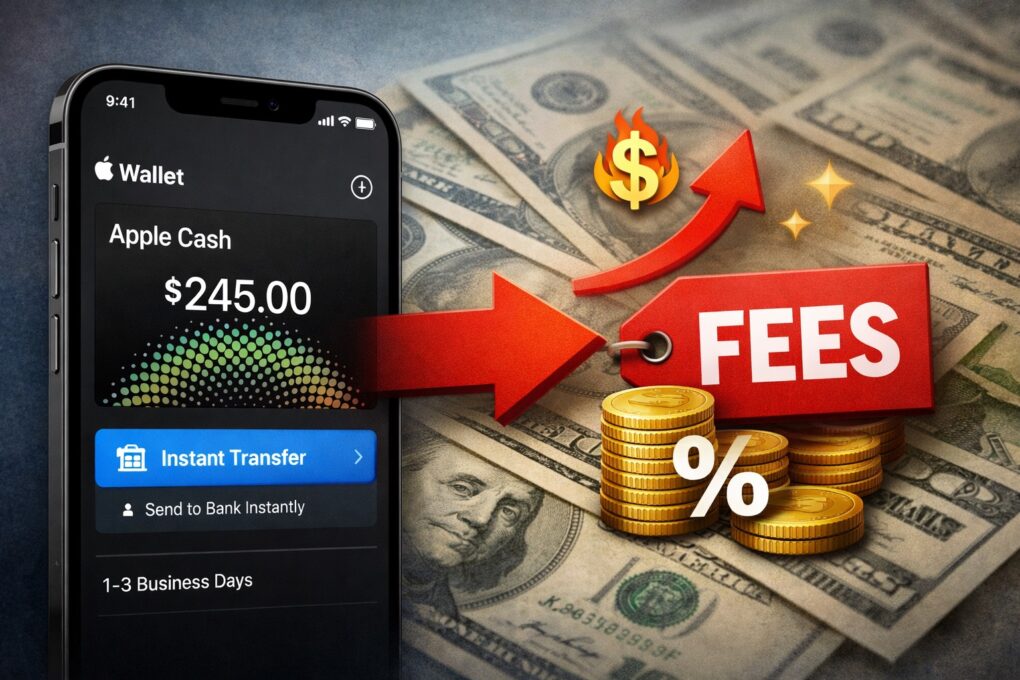
Get ready to pay more for Apple Cash Instant Transfer. AI Image: ChatGPT
Apple Cash’s updated fee structure will make instant transfer pricier for users who want quick access to their money. The change goes into effect in less than a month from now, on February 18, 2026.
From that day, Apple will charge a 1.7% fee for an Instant Transfer.
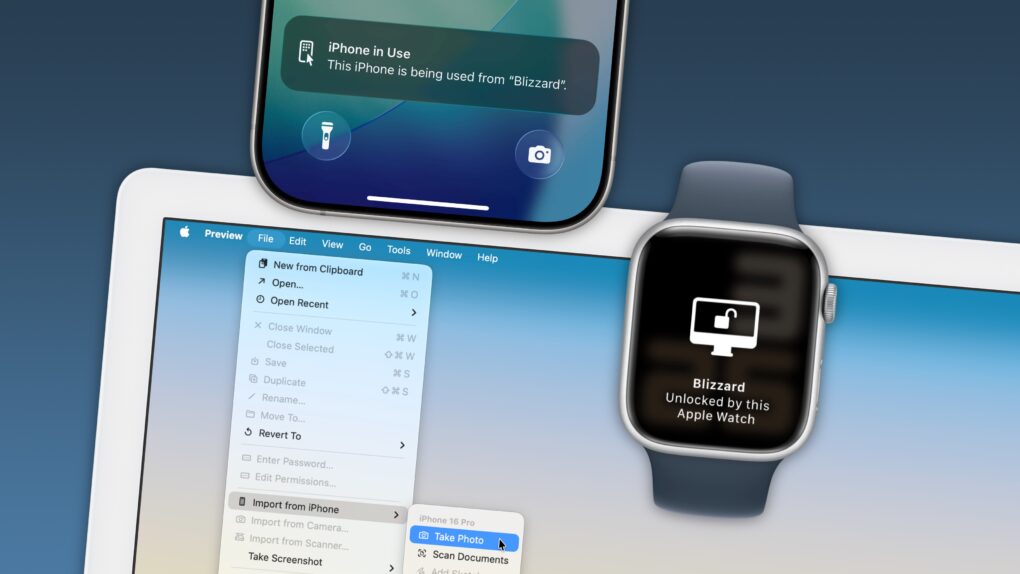
Your Apple devices can work together in more ways than you may expect. Image: D. Griffin Jones/Cult of Mac
Nothing illustrates the power of Apple’s ecosystem like the Continuity features that help your Mac, iPhone, iPad and Apple Watch work seamlessly together.
Thanks to Continuity, your iPhone can serve as your Mac’s webcam — and you can remotely control your iPhone from your Mac. You can start an email on one device and instantly pick it up on another. You can use the same keyboard and mouse with a Mac and iPad, copy and paste across devices and more.
These features flex the power of Apple’s hardware and software — and they would never be possible on a PC.
In this post (and the accompanying video), I will show you some of the time-saving, annoyance-busting Continuity features you can enjoy when you go all-in on the Apple ecosystem.
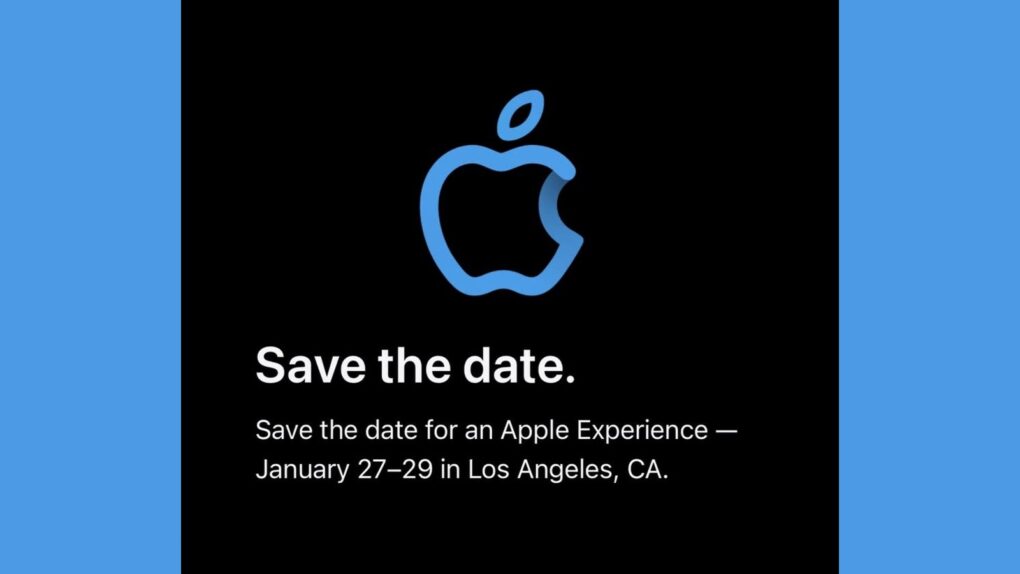
The "Apple Experience" happening January 27 to 29 could include MacBook Pro upgrades. Image: Apple/Petr Mara/Cult of Mac
After Apple invited a select group of content creators to an “Apple Experience” in Los Angeles, speculation arose Friday that the company will use the event to launch an upgraded MacBook Pro with M5 Pro and M5 Max processors.
Appel scheduled its mysterious event for January 27 through January 29 — exactly the time many expect the refreshed Mac laptop to arrive.
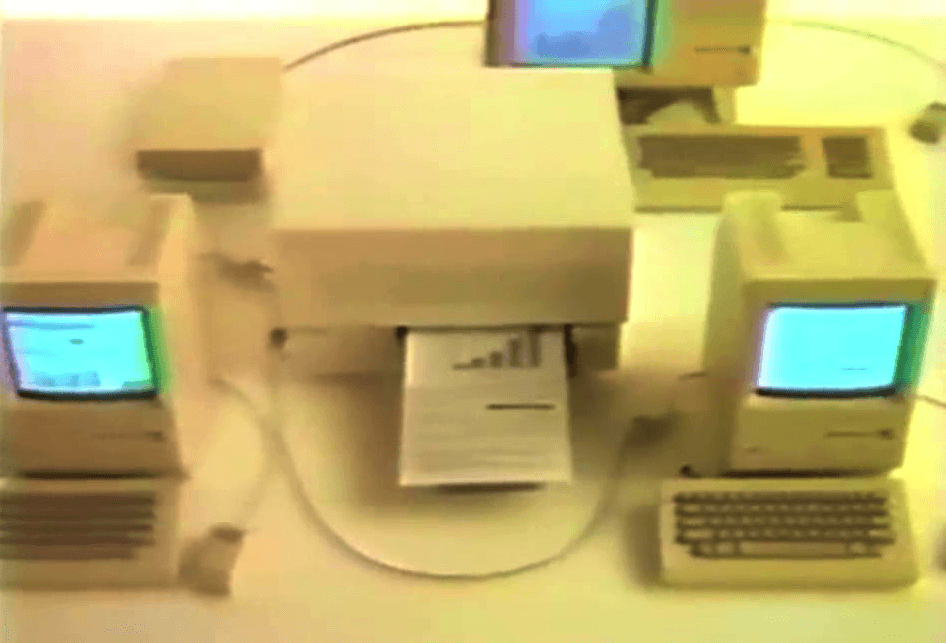
The Macintosh Office delivered on the dream of Macs that could talk to one another. Photo: Apple
January 23, 1985: Apple introduces The Macintosh Office, a combination of hardware and software that represents the company’s first real attempt at cracking the business market dominated by IBM.
Macintosh Office allows Macs to talk to one another. And Apple introduces amazing new devices like the LaserWriter printer that work with the business-oriented platform. Sadly, things won’t work out quite as Apple hopes.
Only a couple days out, this forecast for up to 17 inches of snow might actually come true. But 10 days out, or even five? Not so much. Photo: Apple/Cult of Mac
As a major winter storm barrels across the United States this weekend, iPhone users have once again noticed something peculiar. Well ahead of the actual precipitation, Apple’s Weather app seems to predict wildly different snowfall totals from day to day. It might forecast 18 inches of snow one day, then drop that to 8 inches the next. What’s up with how weather apps mislead users? A new report sheds some light.
★★★★☆
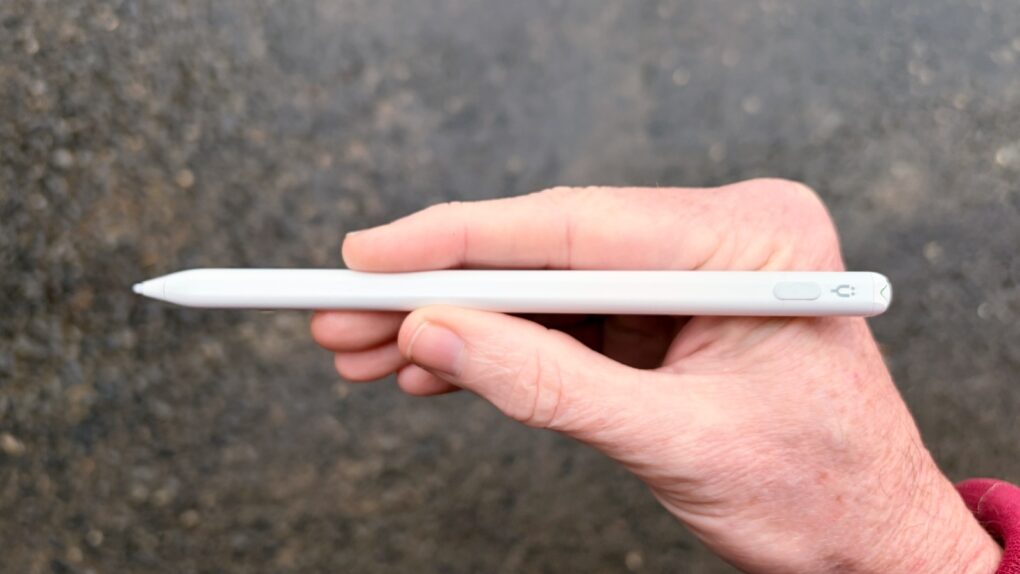
This affordable iPad stylus has a trick no Apple Pencil can match. Photo: Ed Hardy/Cult of Mac
Stop feeling frustrated that Apple Pencil works with iPad but not iPhone. The Tinymoose Pencil Pro Ultra supports Apple tablets and handsets.
Beyond iPhone support, the stylus offers iPad users palm rejection, zero lag, Scribble support, magnetic attachment to the tablet and more.
I tested the affordable accessory with both iPad and iPhone — here are the results.
Modders undo Apple’s eSIM-only iPhone Air. Photo: Univer
A Chinese tech shop has done what Apple chose not to: add a physical SIM card slot to the iPhone Air. There’s a catch, though: to make internal space for the SIM card tray, they removed the vibration motor.
While a notable trade-off, it’s the only way to add a physical SIM card to the iPhone Air.
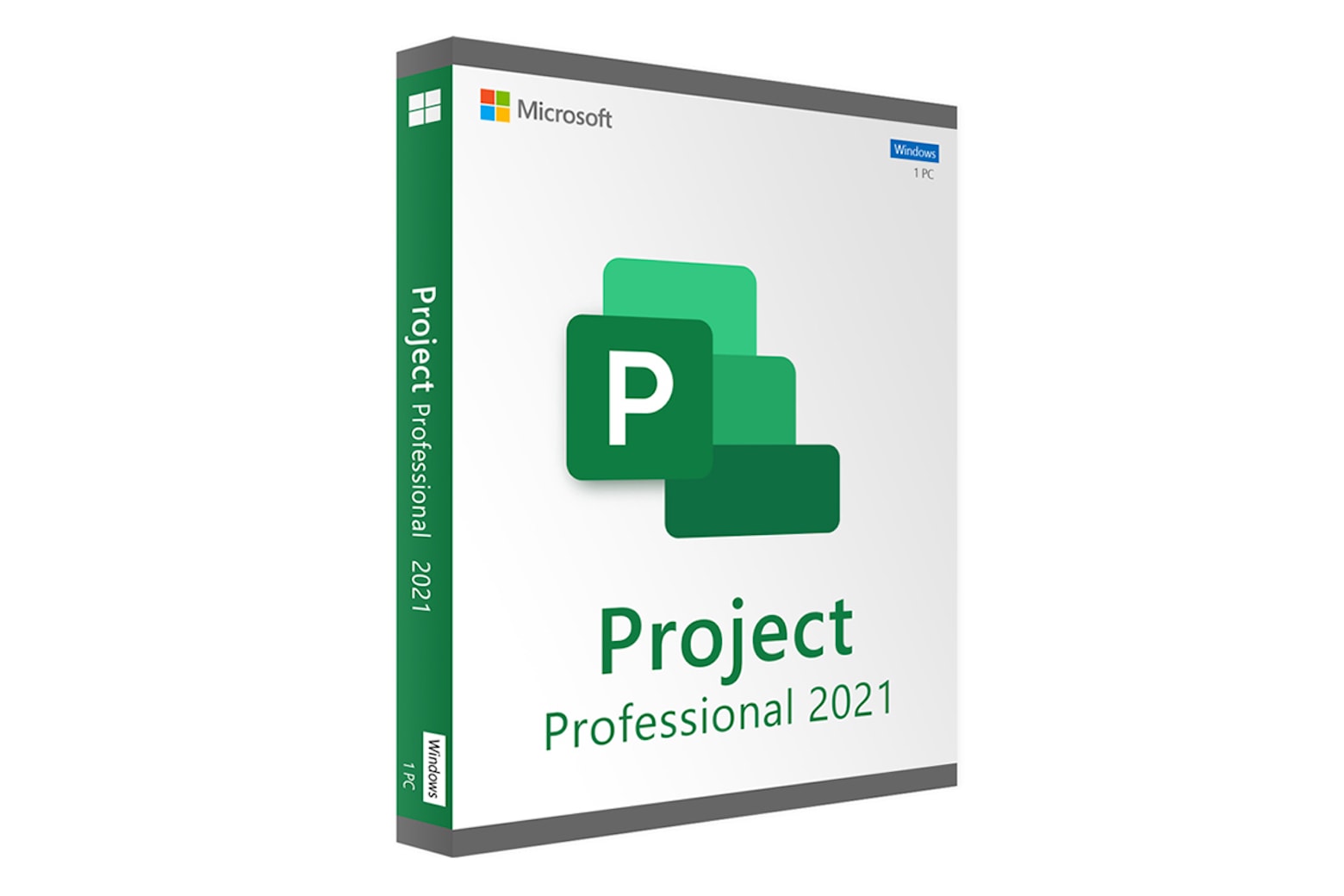
Work smarter with a lifetime of MS Project for just $19.97. Photo: Cult of Mac Deals
Every project needs a good team, but even the best personnel can get tangled when the job sprawls into different areas. That’s when the right software isn’t just a help — it’s a necessity. Microsoft has been helping workers boost productivity for decades with critical software (including early Mac apps). But there’s one tool you won’t find bundled with Microsoft 365, and you can get it in our Microsoft Project sale.
Thanks to this deal, new users can now get a lifetime license to Microsoft Project Professional 2021 for PC for less than $10. That’s a 96% discount off the usual price of $249.99 … and our lowest price ever!
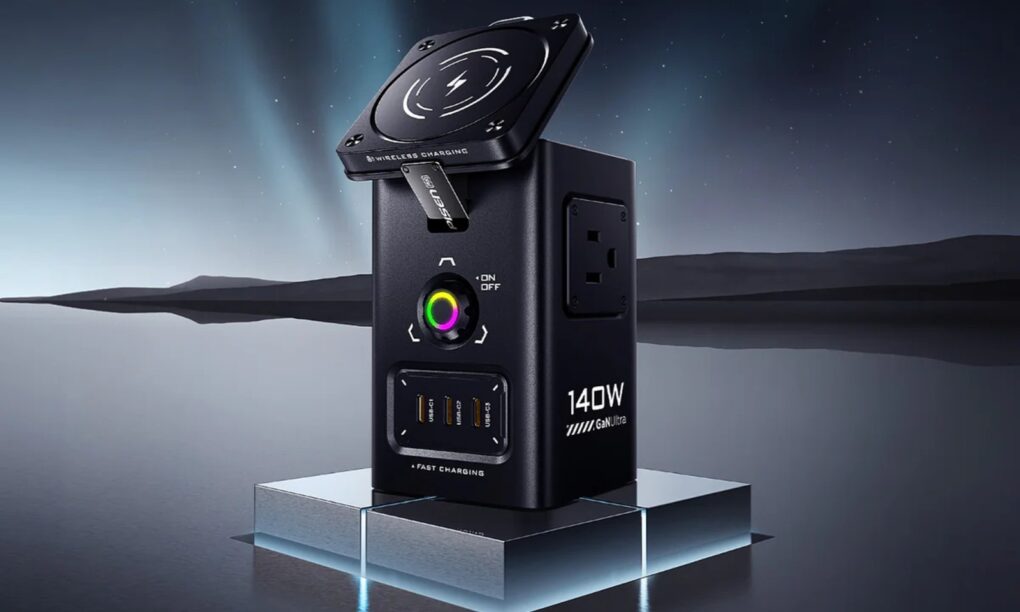
It has magnetic wireless charging, USB-C and USB-A charging and AC outlet charging via good ol' plugs. Photo: Pisen
The new Pisen Qi2 8-in-1 140W Mega Charging Hub — just launched on Amazon — offers Apple users a comprehensive desktop charging solution that combines wireless charging for iPhone and Apple Watch with high-power wired charging for MacBooks and iPads, the company said Thursday.
It features not only a Qi2 MagSafe charging platform for recent iPhones, but a magnetic Apple Watch charger, USB ports and even power outlets for plugs. And you can get it not only in basic black, but in a surprising yellow!
John Ternus is now reportedly managing both Apple's product design and execution. Photo: Apple
John Ternus, Apple’s head of hardware engineering, reportedly just added an even more critical role at the company, being put in charge of design for the first time.
The intent of the change might be to give Ternus the experience needed to someday become Apple CEO.
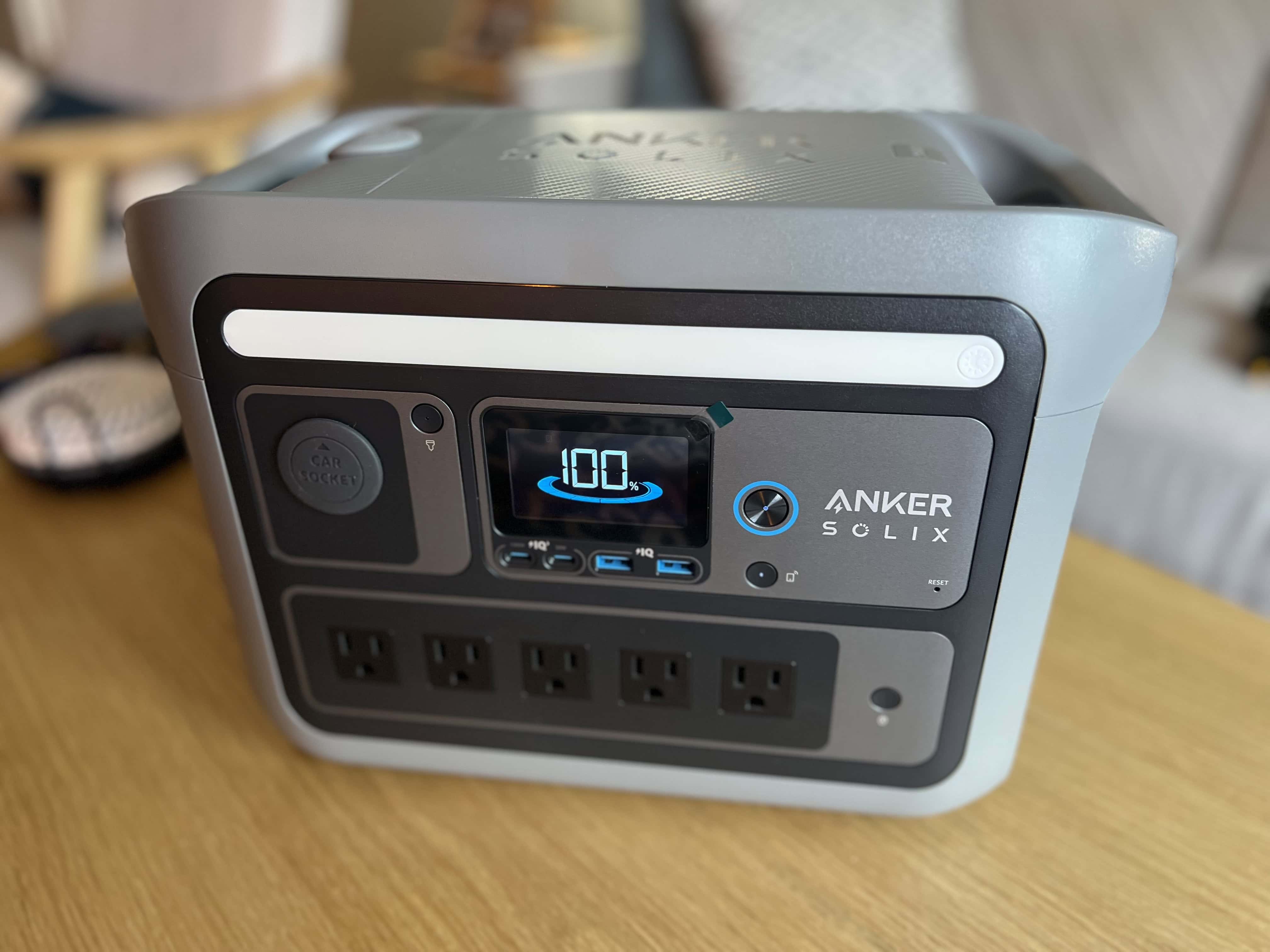
As a condo owner, I don't need more than Anker Solix C800 Plus (now called X) to keep the place going in a power outage. Photo: David Snow/Cult of Mac
Whether you’re working remotely from a coffee shop, camping with your MacBook or preparing for the next power outage, the Anker Solix C800 X Portable Power Station delivers reliable backup power for all your Apple devices. And it’s currently available as a killer deal with savings of $250.
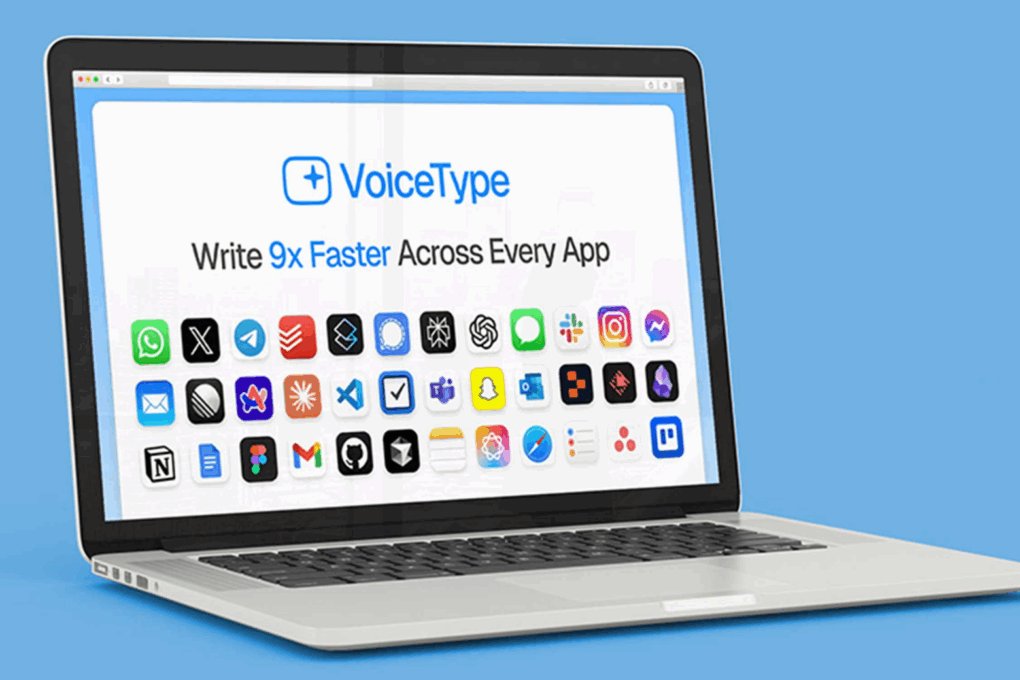
VoiceType AI is on sale right now, save 74%! Photo: Cult of Mac Deals
Switching to an AI speech-to-text tool could be the best productivity shift you make. VoiceType AI is a desktop-based dictation tool that turns your spoken words into clear, well-formatted text with 99.7% accuracy.
Most people type at around 40 words per minute. But VoiceType AI captures speech at up to 360 words per minute, giving you a serious productivity boost without sacrificing quality. And right now, it costs just $24.99 for a lifetime subscription (regularly $154).
Brad Pitt and Damson Idris star in F1, Apple TV's Oscar-nominated racing movie. Photo: Warner Bros.
In a bit of a shocker, Apple Original Film F1: The Movie earned a Best Picture nomination plus three other nods when the 98th Academy Awards nominations came out Thursday. Four out of Apple TV’s six nominations went to the racing drama, while the documentary film Come See Me in the Good Light and the wildfire drama The Lost Bus drew two others.
“With F1, Joe, Jerry, Brad, Lewis and the entire creative team delivered something only they could — the most authentic, visceral and entertaining racing film ever made,” said Jamie Erlicht, Apple’s head of Worldwide Video. “They pushed technical boundaries at every turn, and it’s been a privilege to partner on a project of this ambition. Seeing F1 nominated for Best Picture is a testament to their remarkable artistry, vision and unwavering passion.”
Ridley Scott directed the dystopian ad for the Macintosh 128K, which became Apple's greatest commercial of all time. Photo: Apple
January 22, 1984: Apple’s stunning “1984” commercial for the original Mac airs on CBS during the third quarter of Super Bowl XVIII. Its dystopian theme and epic visuals pitch the Macintosh 128K as a revolutionary computer coming to smash the status quo.
Probably the most famous TV ad for a computer in history, the commercial is directed by Alien and Blade Runner helmer Ridley Scott. It reaches millions of viewers during the big game. However, it very nearly didn’t air at all.
iPhone 17 Pro is good, but the iPhone 18 Pro will be better. AI Image: ChatGPT
Apple delivered some genuinely meaningful upgrades with the iPhone 17 Pro, fulfilling all the fundamentals: better performance, display, battery life and overall polish. Under normal circumstances, this would make an easy upgrade.
Yet, I’m choosing to skip it. If the iPhone 17 Pro nailed the basics, the iPhone 18 Pro looks set to finally push Apple’s Pro lineup forward in a meaningful way.
Save up to 1000 yuan on some popular Apple products this Lunar New Year. AI Image: ChatGPT
To make the most of the upcoming Lunar New Year in China, Apple is running some special offers at its stores. The sale will run from January 24-27, with Apple taking up to 1,000 yuan (~$145) off on select products.
The limited-time promotional offer should help further boost iPhone shipments in the country.
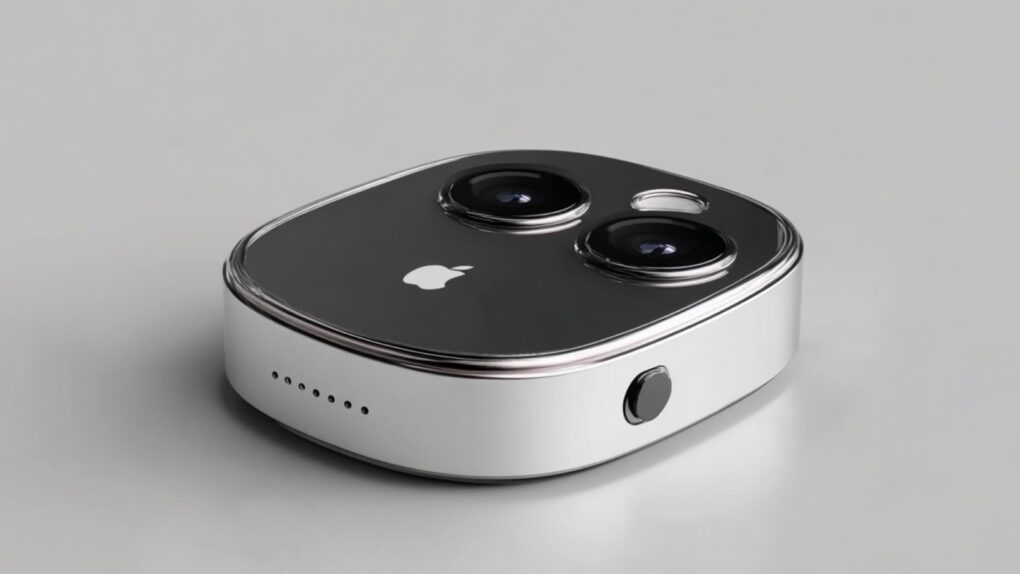
An Apple AI Pin could look something like this concept design. Concept image: Midjourney/Cult of Mac
Apple is reportedly exploring a new category of wearable hardware: an AirTag-sized AI pin designed to clip onto clothing and function hands-free without a screen.
After mostly sitting on the sidelines for years, Apple is apparently jumping into the AI game in a big way.
What if Siri was actually (gasp!) useful? Image: Google Gemini/Cult of Mac
Forget the old, nearly useless Siri — Apple reportedly plans to upgrade the iPhone’s voice assistant into an AI-powered chatbot with iOS 27. Users will supposedly be able to converse with the new Siri, not just give it orders.
If true, this will let Apple compete directly against Android and Windows computers with built-in AI chatbots.
Never worry about running out of storage (or money) again. Image: Cult of Mac Deals
If you want a reliable place to keep your photos, videos and other files, try Internxt Cloud Storage’s 10TB cloud storage plan. Instead of paying Apple or Google every month for a little extra space, you can get 10TB of secure cloud storage for life for a one-time payment of $269.97.
Yeah, it costs more than any single month of Google Drive or iCloud+, but you only pay once. Take a look at what makes this cloud storage a solid investment.
The alleged breach culled huge amounts of secret date, attackers claim. Photo: Apple/Cult of Mac
A major ransomware attack on Luxshare, one of Apple’s most critical manufacturing partners, allegedly exposed over 1TB of confidential data from the iPhone giant and other tech behemoths. Stolen information in the Luxshare data breach includes product designs, engineering documents and employee information spanning from 2019 to 2025, according to a new report.
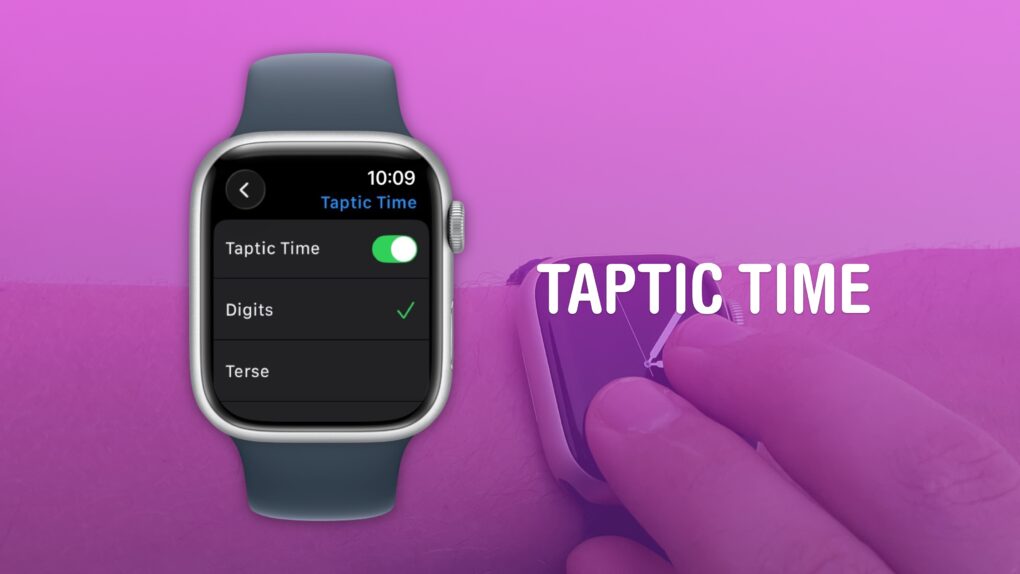
A clock you don’t even need to look at. What a time to be alive. Image: D. Griffin Jones/Cult of Mac
You can get the time without even looking at your Apple Watch using a little-known feature called Taptic Time. Simply hold two fingers on the device’s screen, and the watch will tap out the time on your wrist.
This is handy if you’re in a meeting and need to know the time, but you don’t want to look rude checking your watch. Or maybe you’re in the middle of a presidential debate.
Whatever the situation, turning on this little-known Apple Watch feature — and familiarizing yourself with how it works –can come in handy.
Letterpad was one of the first games we got to see on Apple Watch. Photo: NimbleBit
January 21, 2015: Months before the first Apple Watch goes on sale, users get a glimpse at what playing games might look like on the smartwatch. Thanks to Apple making the WatchKit API available to third parties, game developer NimbleBit releases a mockup of Letterpad, its simple, work-in-progress word game.
Suddenly, we get a peculiar desire to play games on our wrist that we haven’t had since the days of the Nintendo Game & Watch three decades earlier.
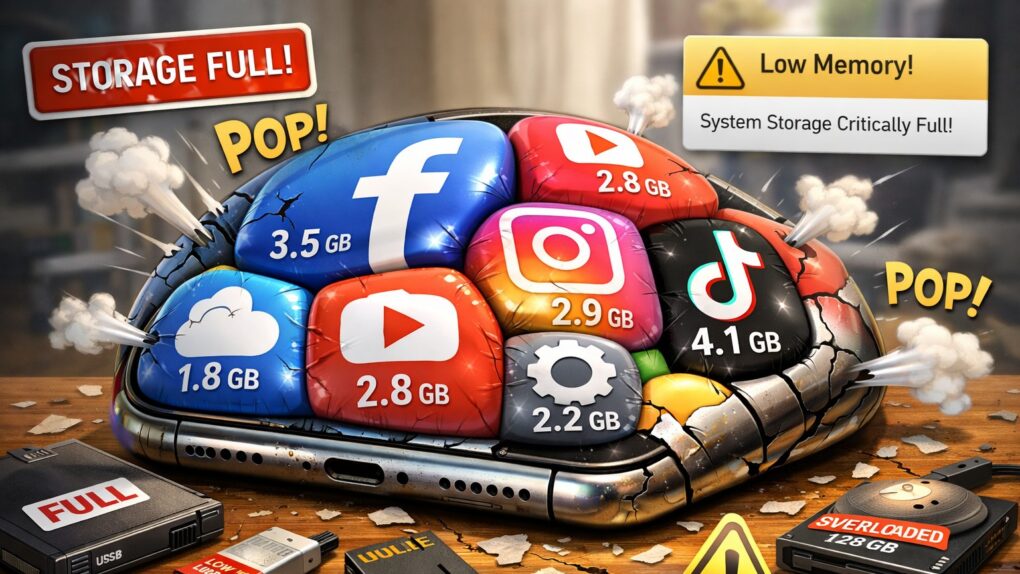
Does it seem like iOS apps keep getting bigger and heavier? It's not your imagination. AI image: ChatGPT/Cult of Mac
If you’ve noticed your iPhone storage filling up faster than it used to, you’re not imagining things. Modern iOS apps now routinely consume hundreds of megabytes, with some reaching multiple gigabytes in size. What’s behind this relentless growth? Why do iOS apps take so much space? And what can you do about it? Read on.
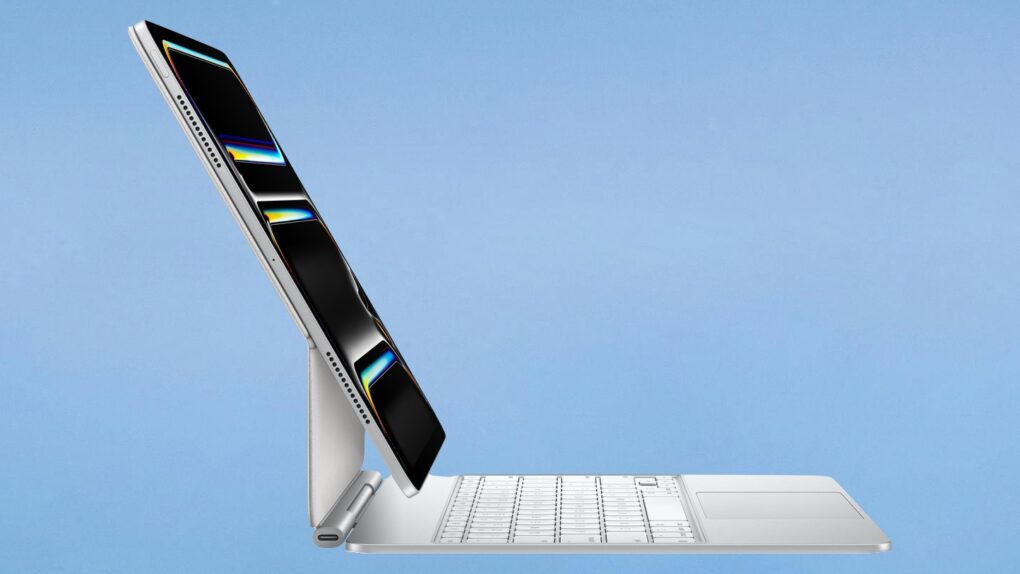
Your Apple Magic Keyboard for iPad might have a firmware update that needs installing. Image: Apple/Cult of Mac
On Tuesday, Apple released firmware updates for the Magic Keyboard designed for the iPad Pro and iPad Air. This is something the company does periodically.
Making sure the accessory is on the latest version ensures it works reliably and remains fully compatible with the latest versions of iPadOS.
Updating is really very easy. Here’s what to do.
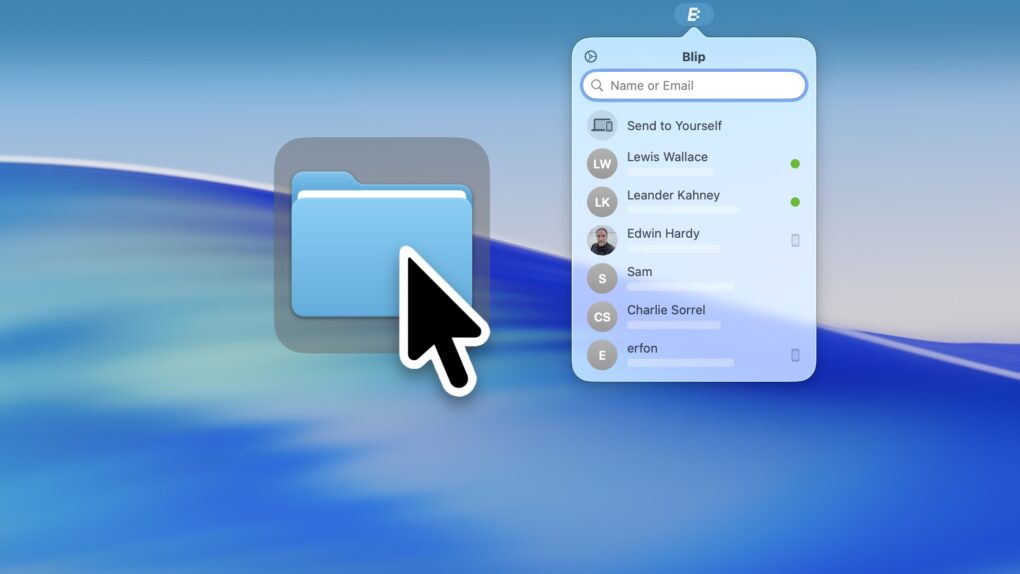
Blip, a handy app for Mac, iOS, Windows and Android, is a better way to transfer files. Image: D. Griffin Jones/Cult of Mac
The Blip file transfer app is a delightful utility that lets you move extremely large files and folders quickly across the internet — directly from your computer to somebody else’s.
With Blip, there’s no middleman uploading to and downloading the file from a cloud, and no pesky web app to sign into. It’s like beaming your files onto someone else’s computer.
It’s the easiest, most straightforward way to send someone large folders of files or complex projects from your Mac, iPhone, PC or Android device. And best of all, it’s totally free and secure. You can get it from blip.net.

 January 23, 1985: Apple introduces The Macintosh Office, a combination of hardware and software that represents the company’s first real attempt at cracking the business market dominated by IBM.




 January 22, 1984: Apple’s stunning “1984” commercial for the original Mac airs on CBS during the third quarter of Super Bowl XVIII. Its dystopian theme and epic visuals pitch the Macintosh 128K as a revolutionary computer coming to smash the status quo.



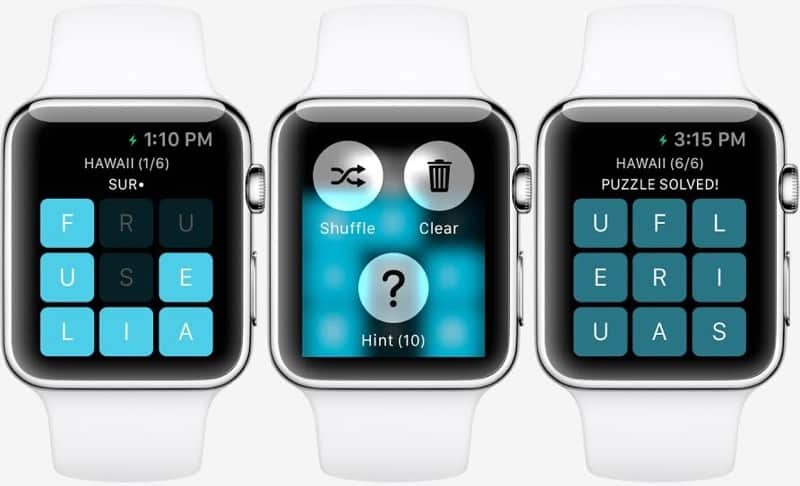
 January 21, 2015: Months before the first Apple Watch goes on sale, users get a glimpse at what playing games might look like on the smartwatch. Thanks to Apple making the WatchKit API available to third parties, game developer NimbleBit releases a mockup of Letterpad, its simple, work-in-progress word game.