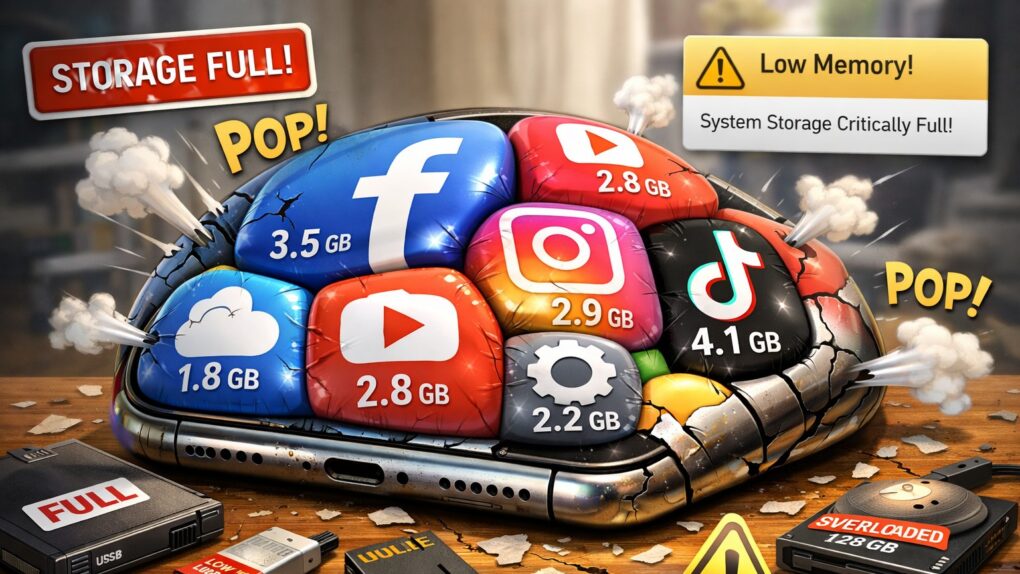
If you’ve noticed your iPhone storage filling up faster than it used to, you’re not imagining things. Modern iOS apps now routinely consume hundreds of megabytes, with some reaching multiple gigabytes in size. What’s behind this relentless growth? Why do iOS apps take so much space? And what can you do about it? Read on.
Why iOS apps take so much space — and what you can do about it
The question has sparked heated debate among Apple users. One Reddit user recently voiced frustration, kicking off a discussion that revealed differing views on whether app bloat stems from poor optimization, Apple’s design choices or simply the natural evolution of software.
“Why are the rest of these apps (and many others) taking up so much storage?” user steelisheavy asked in the r/ios subreddit, noting big games are understandable, but regular apps? Not so much. “Gmail is 677 MB without documents. And the rest … just why? Is it just poor optimization on the developers’ part?”
The perfect storm of storage consumption
Photo: Apple
The explosion in app sizes comes from multiple directions at once. First, there’s the apps themselves. Developers pack in high-resolution images, videos and increasingly complex features — hello, Apple Intelligence? — that users have come to expect. Swift, Apple’s modern programming language, compiles to fully native code that delivers excellent performance but produces larger binaries than some alternatives.
Apple’s development tools can inadvertently enable bloat. According to analysis by Emerge Tools, iOS apps often include unnecessary debugging symbols, duplicate assets and other avoidable bloat that Android development environments seem to handle more efficiently. In some cases, developers have accidentally included files never meant for production, like PSD graphics files, or excessive comments in their code.
But the apps you download are only part of the story. An even bigger culprit lurks in a mysterious category called System Data.
The iOS System Data mystery
System Data functions as iOS‘ catch-all storage bucket, holding caches, logs, temporary files and other resources the system needs. Apple describes it as data that “will fluctuate according to system needs.” But for many users, it only seems to fluctuate in one direction: up.
According to Apple support forums, streaming services like YouTube and Spotify are notorious offenders. Users report apps that start at reasonable sizes but balloon to several gigabytes after regular use. One user discovered their Spotify cache had grown to 3GB, YouTube to 5GB and Discord to 7GB, all categorized under System Data rather than the apps themselves.
The issue isn’t limited to third-party apps. Apple’s own Messages, Safari and Photos apps all contribute to System Data growth through cached images, videos and browsing data. If you’ve set Messages to keep conversations forever, years of photo attachments can accumulate into gigabytes of cached data.
New features demand more space
AI image: Grok/Cult of Mac
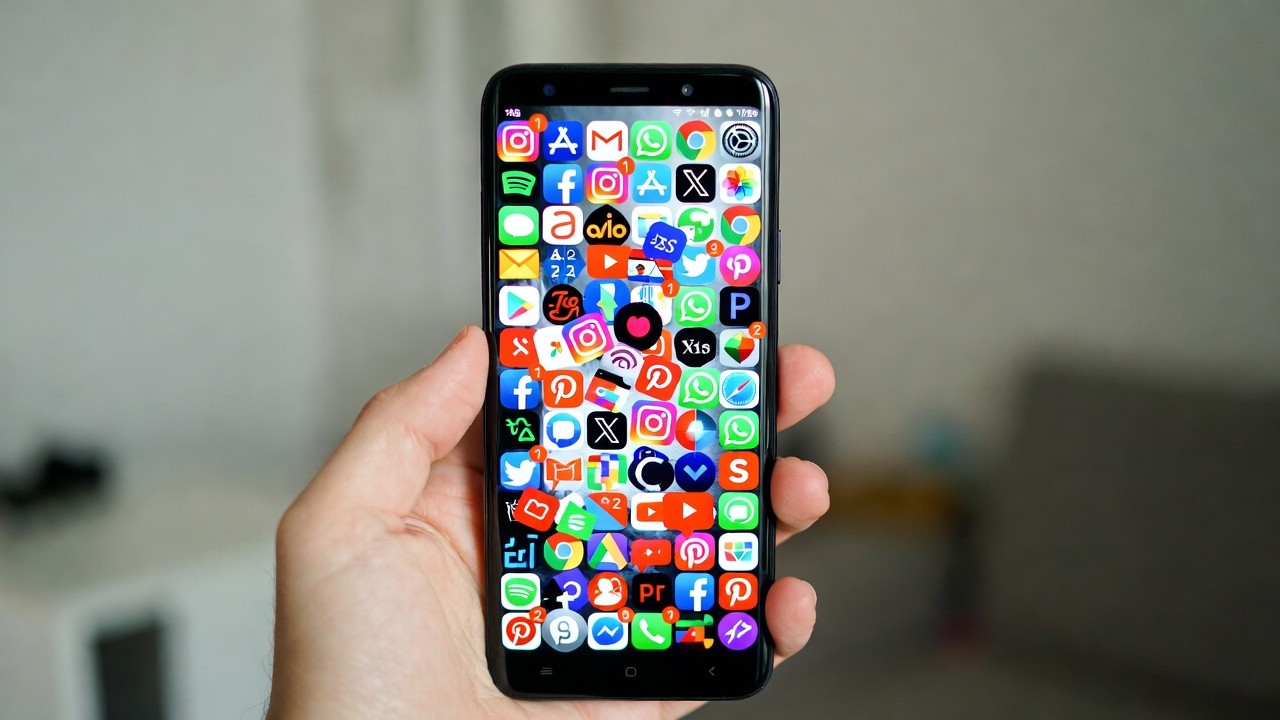
Recent iOS updates have accelerated storage consumption. Features like Apple Intelligence in newer iOS versions consume more than 10GB of space on supported devices. Live translation, enhanced health coaching and improved messaging capabilities all require additional storage for language models and feature assets.
Even routine iOS updates contribute to bloat. The system needs temporary space to unpack and install updates, and this space doesn’t always get properly cleared afterward. Reports from forums suggest this longstanding bug affects iOS up to the latest versions, with some users seeing System Data balloon to 30GB or more.
Why iOS apps take up so much space: What you can do about it
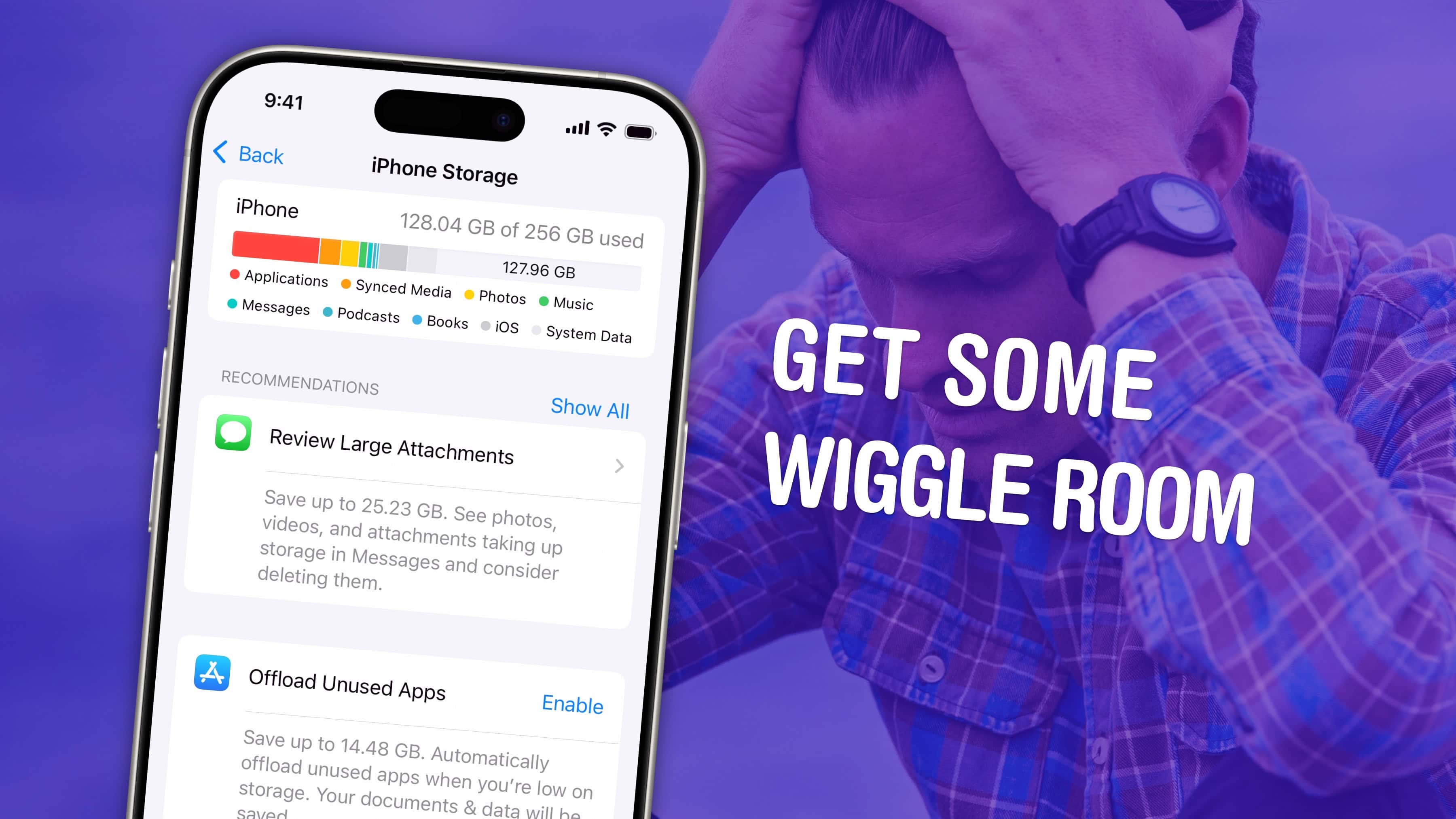
Image: D. Griffin Jones/Cult of Mac
While you can’t completely prevent storage growth, several strategies can help reclaim space:
- Start with the basics. Check Settings > General > iPhone Storage to see what’s consuming space. Clear Safari’s cache through Settings > Safari > Clear History and Website Data. In Messages, change Keep Messages from Forever to 1 Year or 30 Days.
- Target problem apps. Apps like Instagram, Discord and streaming services often hide massive caches in System Data. Deleting and reinstalling these apps can instantly free up several gigabytes of space on your iPhone, though the cache will gradually rebuild with use.
- Restart your iPhone regularly. A simple restart can clear temporary system data. Sometimes this provides significant relief, especially if System Data recently ballooned.
- Use Apple’s tools. Enable Offload Unused Apps in Settings > App Store, which removes apps you don’t use while preserving their data. If you use iCloud Photos, select Optimize iPhone Storage to keep high-resolution versions in the cloud.
- The nuclear option. When System Data truly spirals out of control, backing up your iPhone, performing a factory reset, and restoring from backup often solves the problem. It’s time-consuming and can cause headaches with two-factor authentication apps, but it can successfully clear bloated System Data.
See Cult of Mac‘s full how-to article on dealing with full iPhone storage for much more information.
An industry-wide trend
The storage dilemma reflects a broader shift in software development. As one developer discussion noted, early programmers worked within extreme constraints that demanded efficiency. Modern developers face fewer limitations, enabling faster development but also enabling bloat. When programmer time costs more than storage space, optimization becomes a lower priority.
For users, the solution involves understanding that storage management has become an ongoing maintenance task rather than a one-time setup. Regular cleanup, strategic use of cloud storage, and awareness of which apps consume the most space can help keep your iPhone functioning smoothly.
The good news? iOS attempts to manage System Data automatically, clearing cached files when storage runs low. The bad news? That system doesn’t always work as intended, leaving users to manually intervene when they run out of storage space on their iPhones.

David Snow, an expert on Apple hardware and software, writes on a variety of technological and cultural topics for Cult of Mac. They include Apple news, technology buying guides, and features about computer setups and Apple TV shows and movies.
With 30 years of experience covering technology and other subjects, he has written and edited for numerous print and online publications, including CMP Media, TechTV.com, CNET, Wired News, Red Herring magazine, Law.com, The National Law Journal and Law Technology News magazine. Among other roles, he served as executive editor of the Law.com network of websites and editorial director, technology, for ALM Media.
Snow graduated with a B.A. from Syracuse University with majors in magazine journalism and psychology. While there, he worked as a reporter for The Daily Orange newspaper and associate editor of Equal Time magazine.
Founder of the blog At the Waterline, he can be reached on X (formerly Twitter) via @atthewaterline and on Mastodon via @dsnow.

