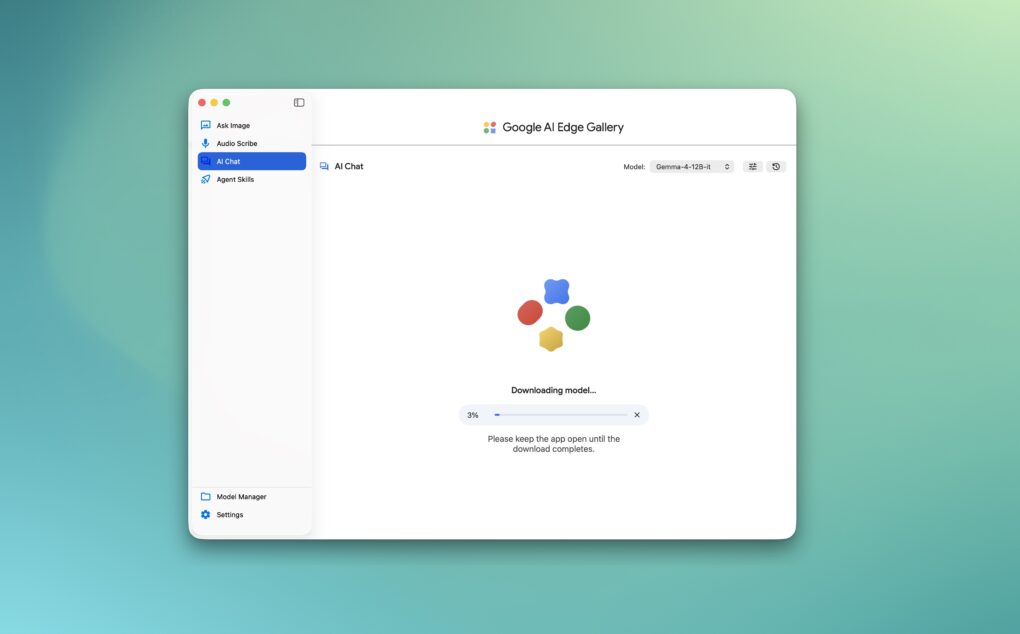
Use Google's new Mac app to run its AI models locally. Screenshot: Rajesh Pandey/Cult of Mac
Google’s new AI Edge Gallery app for macOS lets you run Gemma models locally on your Mac. Instead of relying on the cloud, the app taps into Apple Silicon’s power to process AI tasks directly on your machine.
The app is already available on Android and iOS, with the macOS release bringing the same on-device AI experience to Macs.
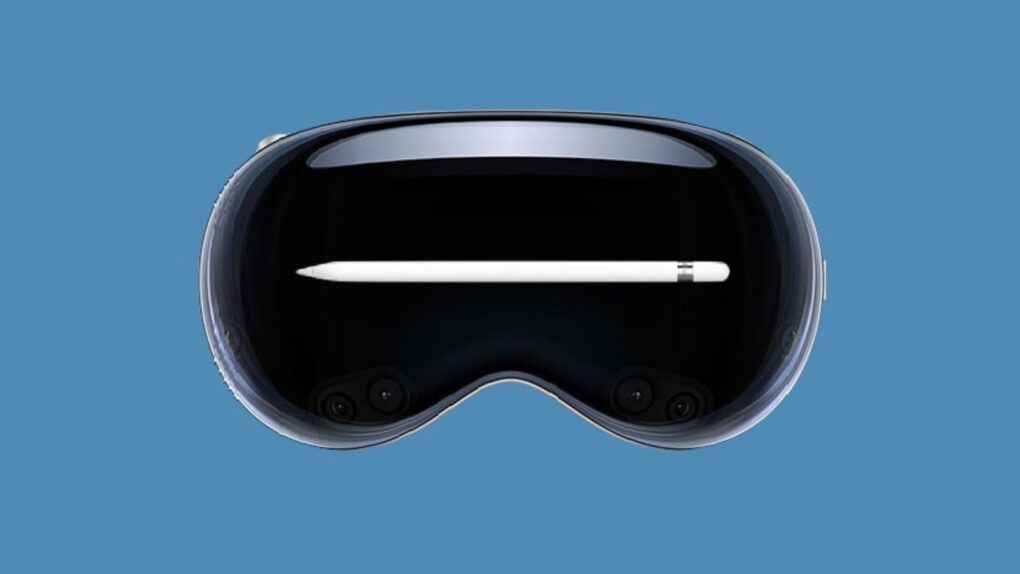
A special Apple Pencil could bring a sense of touch to the Vision Pro headset. Image: Apple/Cult of Mac
While the Apple Vision Pro is one of the best spatial computers money can buy, touch is one sense it can’t fake. But a newly granted Apple patent hints at a new stylus that can simulate the texture of virtual surfaces on your hand.
The Apple Vision Pro is capable of showing virtual surfaces with great clarity, but it lacks haptic feedback. But the new sort of Apple Pencil could close that gap and make the headset’s XR experiences physical for the first time.
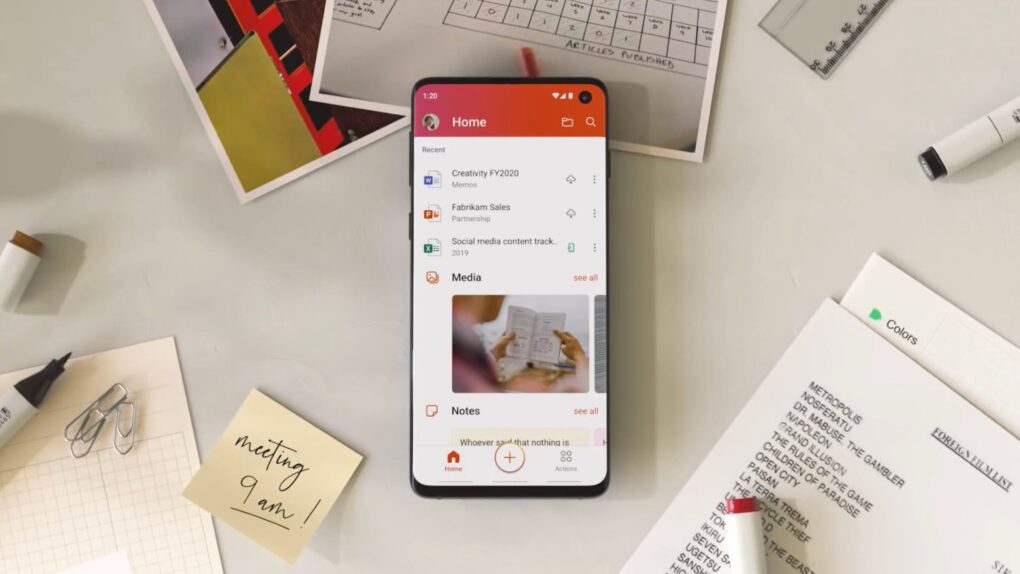
Old iPhones and Macs will soon be unable to edit and create Microsoft Office files. Photo: Microsoft
If you use an older Mac, iPhone or iPad, Microsoft might be about to break your Office apps. Starting July 13, Word, Excel, PowerPoint, Outlook and OneNote will stop letting you edit, save or create new files unless you meet certain requirements. You’ll still be able to open and print documents, but that’s it.
The move affects more people than you might think. If you’re running anything older than iOS 17 or macOS 11 Big Sur, your Office apps will mostly be defunct. Microsoft calls it “reduced functionality mode,” which is a fancy way of saying your Office apps will lose editing functionality.
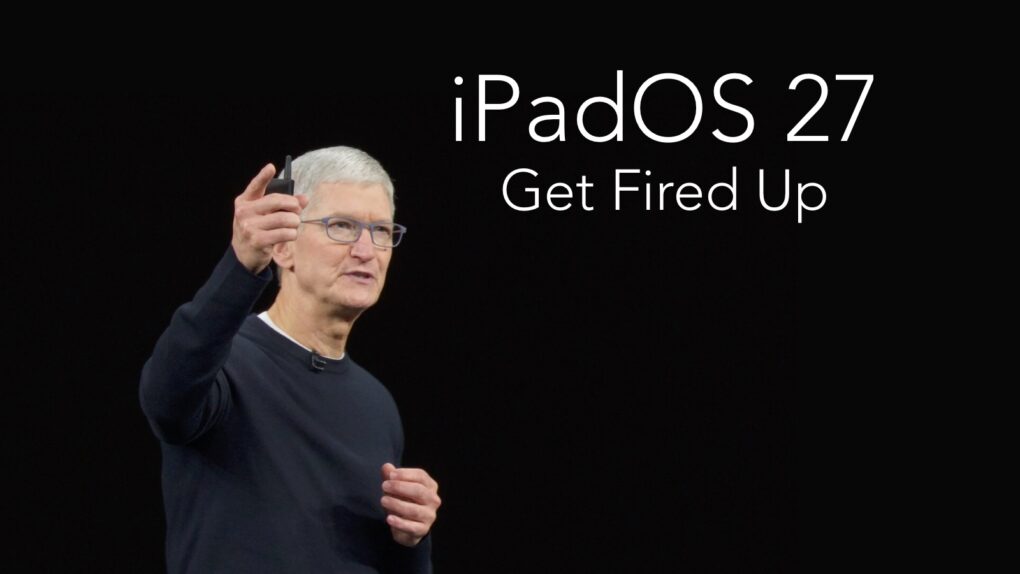
Rumors of iPadOS 27 give iPad users so much to be excited about. Image: Cult of Mac
With Apple’s WWDC26 keynote just days away, the latest iPadOS 27 rumors should give iPad owners plenty of reasons to pay close attention. Beyond the new artificial intelligence features for all Apple devices, tablet users can look forward to Monday’s keynote unveiling of iPadOS 27 enhancements that should make tablets easier to use in multiple ways.
Here are four reasons for iPad users to be eager for these announcements, whether you use your tablet for writing, creative projects or daily multitasking.
RTX Spark laptops will arrive this fall, potentially offering all-day battery life on Windows laptops. Image: Nvidia
Apple has been making some of the best laptop chips for years, but Nvidia’s new ARM-based RTX Spark processor might finally give the MacBook a real fight.
For Mac users, the announcement of an ARM-based rival to Apple silicon could be good news. Not because they will switch to Windows, but because this kind of competition could pressure Apple to step up its game and keep innovating.
Will macOS 27 look as gorgeous as California's Big Bear Lake? Photo: San Bernardino County
With WWDC26 just days away, the annual guessing game over California place-names that could become the new macOS name is in full swing. Various clues and speculation about macOS 27 suggest this year’s leading candidates are Big Bear and Emerald.
June 3, 2011: iOS overtakes Research in Motion’s BlackBerry operating system for the first time, with Apple’s mobile operating system inching past BlackBerry OS.
While Android remains comfortably in the lead in terms of market share, the news marks the beginning of the end for BlackBerry as a smartphone powerhouse.
A new Apple Developer Center is coming to Berlin. It's the first of its kind in Europe. This is the auditorium. Photo: Apple
Apple will open a new Developer Center in Berlin later this year. It’s the first of its kind on the continent and its fifth worldwide, the iPhone giant said Wednesday.
“Europe is home to an extraordinary community of developers who are building apps that create connections, encourage creativity and drive innovation,” said Susan Prescott, Apple’s vice president of Worldwide Developer Relations. “We have always believed that when developers have the right tools and resources to do their best work, incredible things follow. That belief is what this center is built on, and we look forward to seeing what the community continues to develop.”
Leave the cleaning to this very capable robovac. Image: Cult of Mac Deals
The Yeedi Vac Station K781+ vacuums, mops and maps your home — and even empties itself! It’s about as close to a hands-off cleaning experience as you can find.
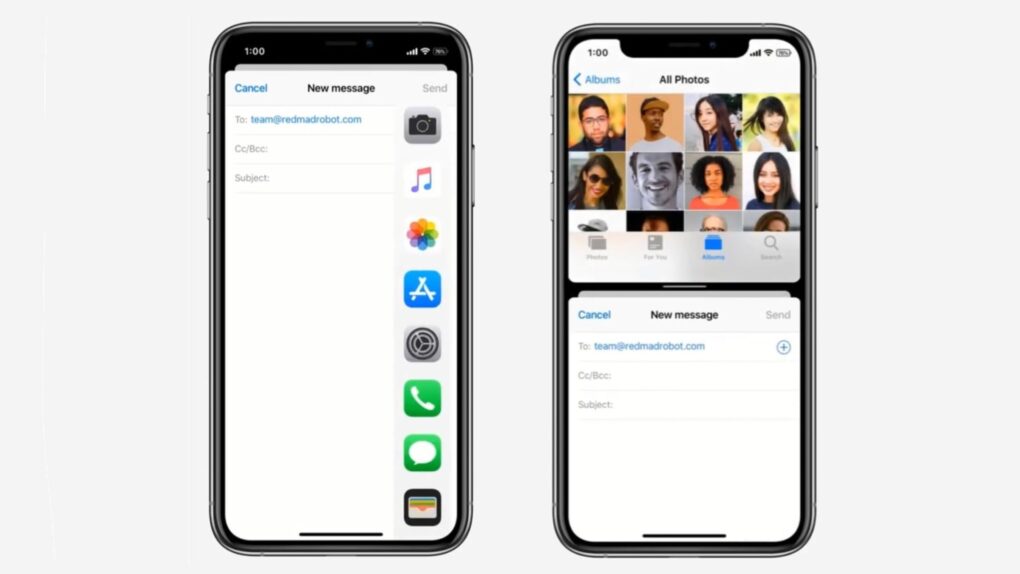
With the iPhone Ultra, Apple might finally bring multitasking to the iPhone. Photo: Techblood.in
Apple is reportedly working on new multitasking features in iOS 27 that would automatically adapt any iPhone app for landscape and split-screen layouts.
With the rumored folding iPhone on the horizon, a lack of multitasking would translate to a waste of screen real estate. But this rumored capability could mean your entire app collection would work instantly, without Apple waiting for developers to redesign their apps.
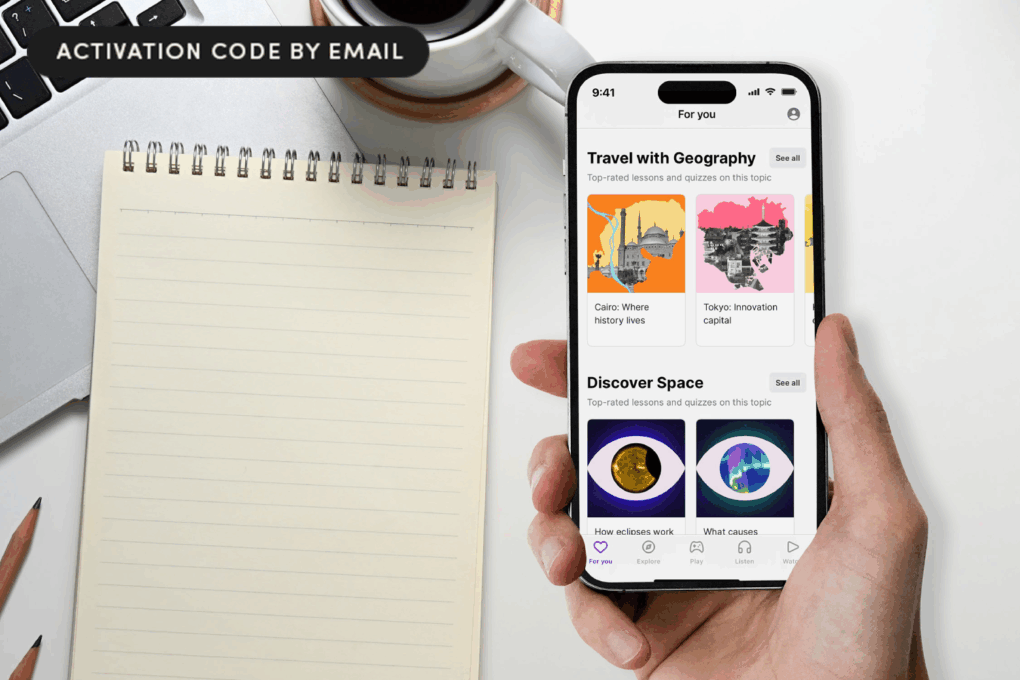
Rather than doomscrolling, spend your idle minutes boosting your brain. Photo: Cult of Mac Deals
With this Nibble app deal, you can turn 10 spare minutes a day into real learning, thanks to bite-size lessons filled with audio and games.
The Nibble app takes those idle moments like waiting in line, commuting or winding down at night, and turns them into small but genuinely satisfying educational wins. And with this deal, you can learn everything that matters for less.
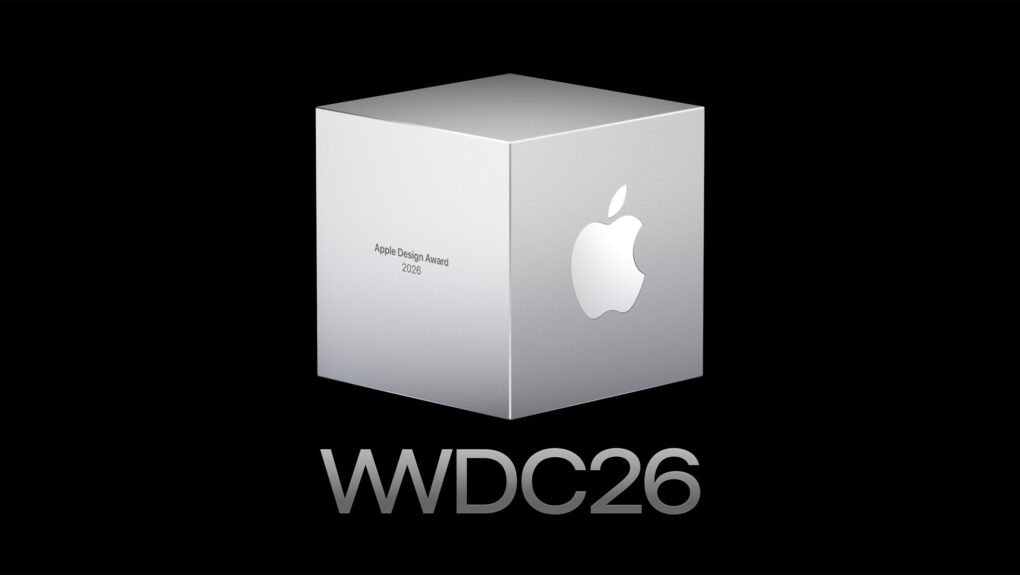
Find out which 12 apps and games took top honors. Photo: Apple
Apple chose 12 apps and games as the best of the best in 2026 from its developer community on Tuesday, honoring titles spanning six award categories for recognition at WWDC26 next week.
“This year’s Apple Design Award winners are a remarkable reflection of how developers are creating exceptional experiences,” said Susan Prescott, Apple’s vice president of Worldwide Developer Relations. She added that honorees “represent the very best of what our platform makes possible.”
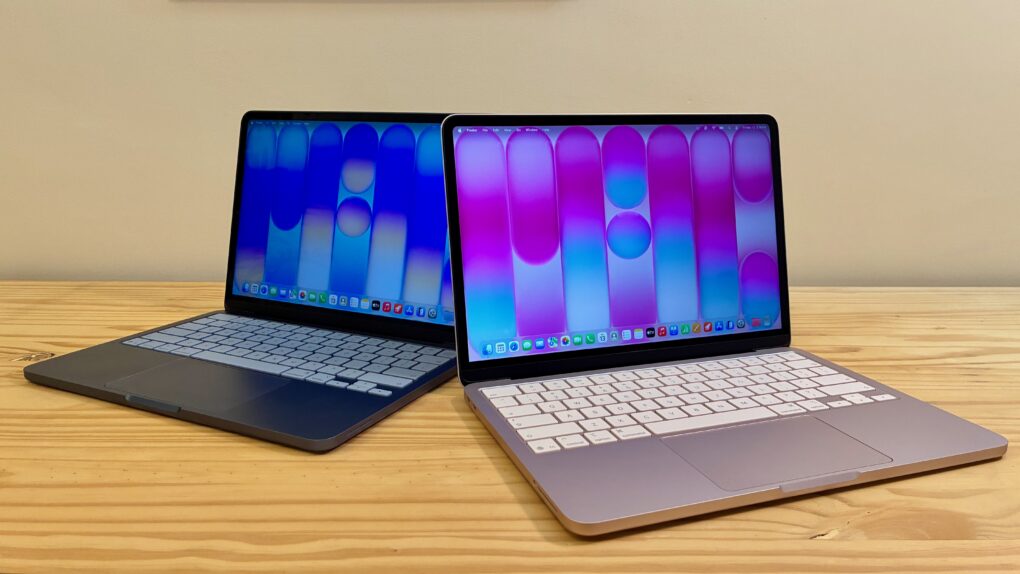
MacBook Neo is a huge hit for Apple. Photo: D. Griffin Jones/Cult of Mac
MacBook Neo outsold every other MacBook in Apple’s lineup in its launch quarter. IDC reports Apple shipped 1.1 million units of its cheapest Mac, higher than the MacBook Air and MacBook Pro.
What’s impressive is that the Neo achieved this feat despite being on sale for only three weeks during the quarter.
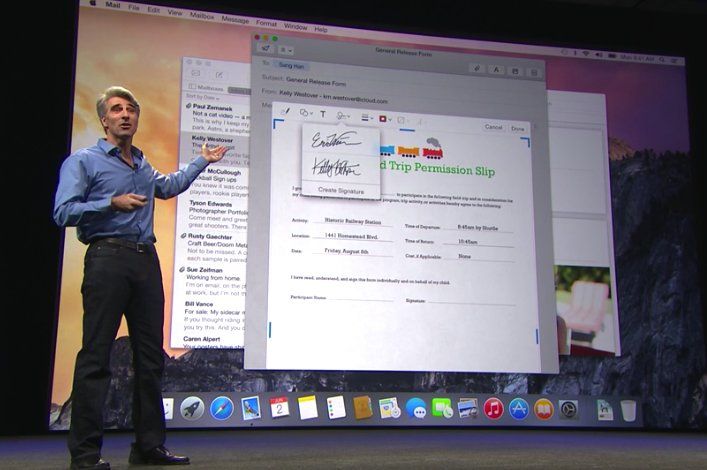
OS X Yosemite more strongly resembled iOS than previous versions of the Mac software. Photo: Apple
June 2, 2014: Apple shows off Mac OS X 10.10 Yosemite for the first time at its Worldwide Developers Conference in San Francisco. Following the Jony Ive-redesigned iOS 7, Yosemite boasts an aesthetic change that brings Apple’s desktop computers closer than ever to the look of the company’s mobile software.
Named after Yosemite National Park, the update follows the previous year’s Mavericks as the second Mac operating system named after a California landmark.
The hinge is a critical component of any foldable, and Apple wants the best technology possible for its first folding iPhone. Photo: Amanz/Unsplash License
Apple is building its long-anticipated folding iPhone around a liquid metal hinge, and the device has now actually reached mobile carriers around the world for compatibility testing, a prominent Apple supply chain leaker said Tuesday.
Commute smarter with the Riley RB1 folding e-bike, now at 23% off. Image: Cult of Mac Deals
Riley Scooters’ RB1 folding electric bike combines a compact design, up to 50 miles of range, removable battery convenience and smart features for a more flexible commute.
Slated for closure, Apple Towson Town Center store in Maryland was the first one to unionize. Photo: Apple
With a letter signed by 40 members of Congress sent Monday, Apple faces increased federal pressure over its plan to shut down the Apple Towson Town Center store in Maryland. The location, set to close on June 20, holds the distinction of being the first Apple retail store in the United States to unionize.
The congressional letter pulls no punches. The lawmakers describe the closure as “unacceptable in its impact, and deeply troubling in its national implications for workers’ rights.”
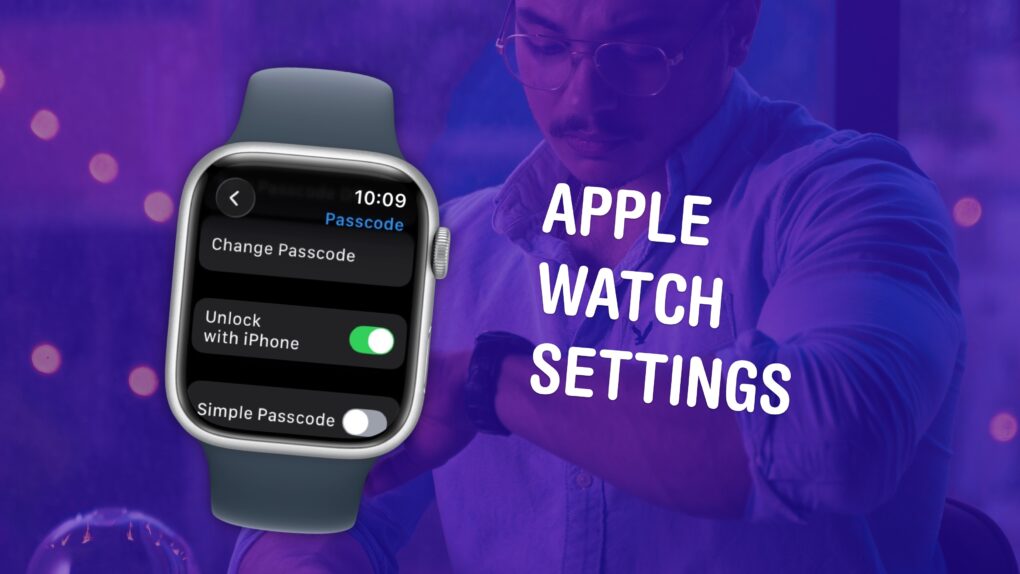
Make sure you have these settings set up correctly. Image: D. Griffin Jones/Cult of Mac
The small size and simplicity of the Apple Watch’s screen might fool you into thinking there aren’t a lot of settings you should tweak. But you would be sorely mistaken. It’s a powerful computer on your wrist, and thus, the Settings app is a deep rabbit hole.
You could lose hours going through every last setting, but I can save you the trouble. There are 10 Apple Watch settings I suggest everyone adjust. I’ll show you what they all do and how to change them.
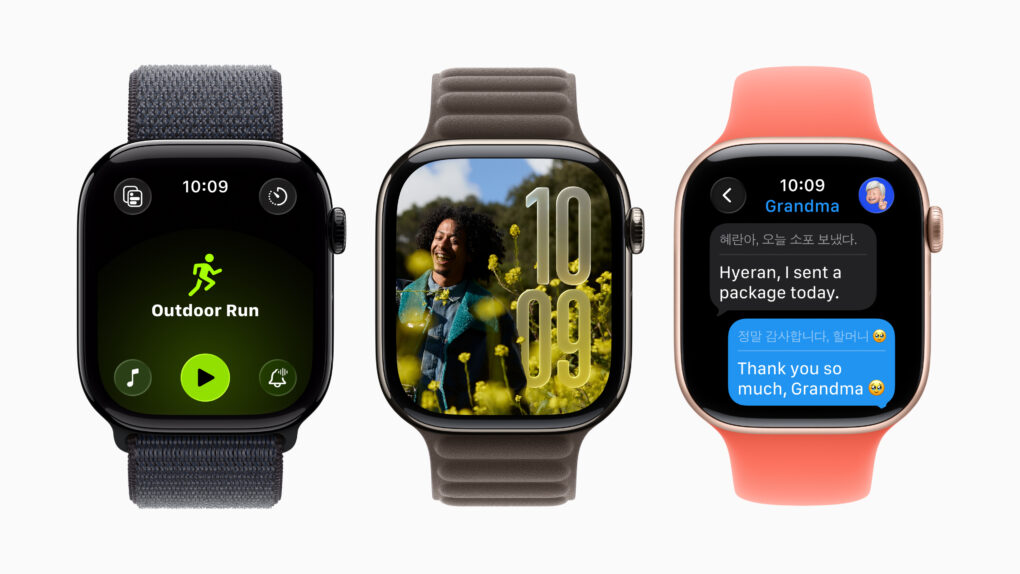
Apple Watch OLED displays are great now, but more advanced tech could boost power efficiency and, therefore, battery life. Photo: Apple
The display in your Apple Watch may already seem pretty great, but a new type of screen technology in development could make models in the next year or two even better by running for longer on a single charge, according to a new report.
iPhone 18 Pro may not impress you with its battery capacity. Photo: Szabó Viktor/Pexels
iPhone 18 Pro’s alleged battery capacities just surfaced online. While the Chinese variant will reportedly pack a 4,056mAh battery, the US model could feature a larger 4,288mAh cell.
If accurate, these capacities are largely similar to the batteries used in the iPhone 17 Pro.
A free Apple Music plan could help the service significantly increase its user base. Photo: Brett Jordan/Pexels
Just a month after Apple Music’s chief called a free tier a “terrible idea,” code found in a beta version of the streaming service’s Android app suggests Apple might be prepping to do just that.
For years, Apple has avoided offering a free or low-cost subscription tier. But as it races to catch up with Spotify, Apple could be reconsidering its stand.
If you're one of the unlucky few the charging problem vexes, here's your solution. Image: Cult of Mac
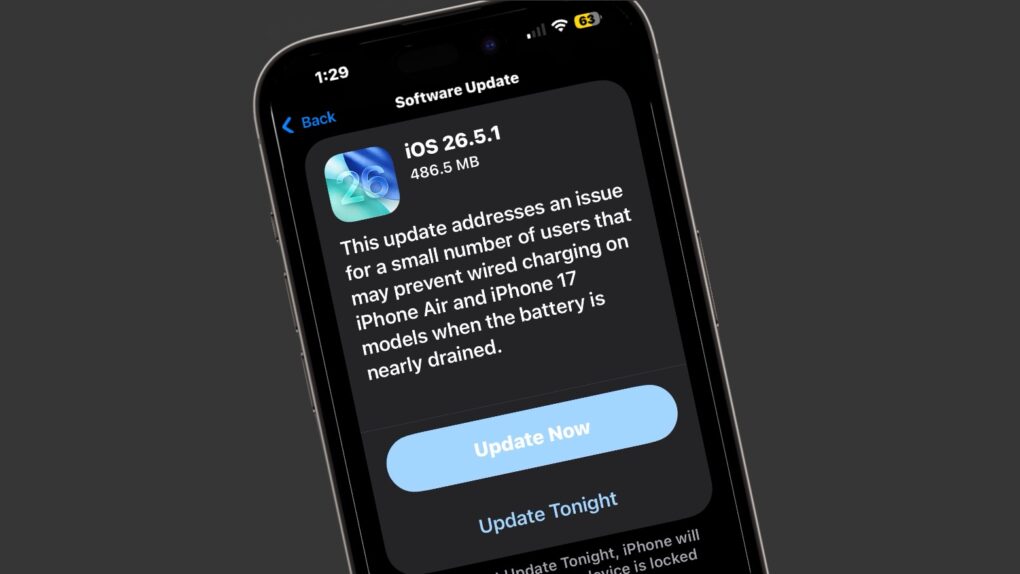
Apple made an update available for its iPhone operating system Monday with iOS 26.5.1. It addresses a wired charging problem some users with iPhone Series 17 or iPhone Air handsets face.
Apple said the problem affects a “small number of users.” But for the few users who face it, the problem probably feels pretty big. The same goes for a Mac glitch fixed by macOS 26.5.1, also released Monday.
Get a lifetime of ad blocking and privacy protection from AdGuard's top-rated family plan. Photo: Cult of Mac Deals
Hackers and malicious viruses are very much a concern when you’re on the web, but the biggest threats to your productivity and your privacy come from everyday internet hazards. AdGuard — an ad blocker for iOS, Mac, Android and Windows — helps protect your privacy by shielding you from the hidden bots that track your every online move and turn your data into currency for advertisers and bad actors both big and small.
When it comes to these threats, regular antivirus software won’t cut it. AdGuard, on the other hand, is specifically designed to deal with both annoying ads and the data crawlers hidden inside them. For a limited time, you can get a lifetime subscription to AdGuard’s family plan for just $15.97.
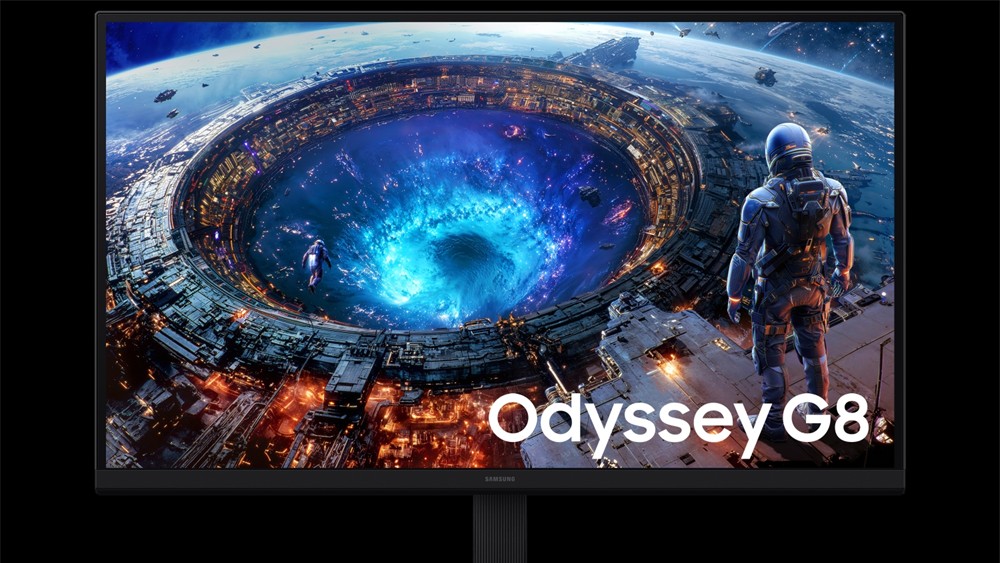
Samsung's new OLED monitors are cheaper than Apple's, and have higher refresh rates. Photo: Samsung
Samsung just launched three new monitors that finally give Mac users a big reason to upgrade, addressing many of the gaps that Apple’s own monitors have left open for quite some time.
The new Samsung monitor lineup includes a 40-inch curved ultrawide and 4K OLED models in two sizes (27-inch and 32-inch). They also come with Thunderbolt 5 ports, built-in KVM switching and faster refresh rates than Apple’s displays.
Soon iOS 27 will make this process a lot smoother. AI image: ChatGPT/Cult of Mac
Apple prepares to bring one of the most-requested social money features directly into iPhone, with a new bill-splitting tool expected to debut as part of iOS 27 this fall, according to a new report Monday. We expect to hear more about it next week at WWDC26.




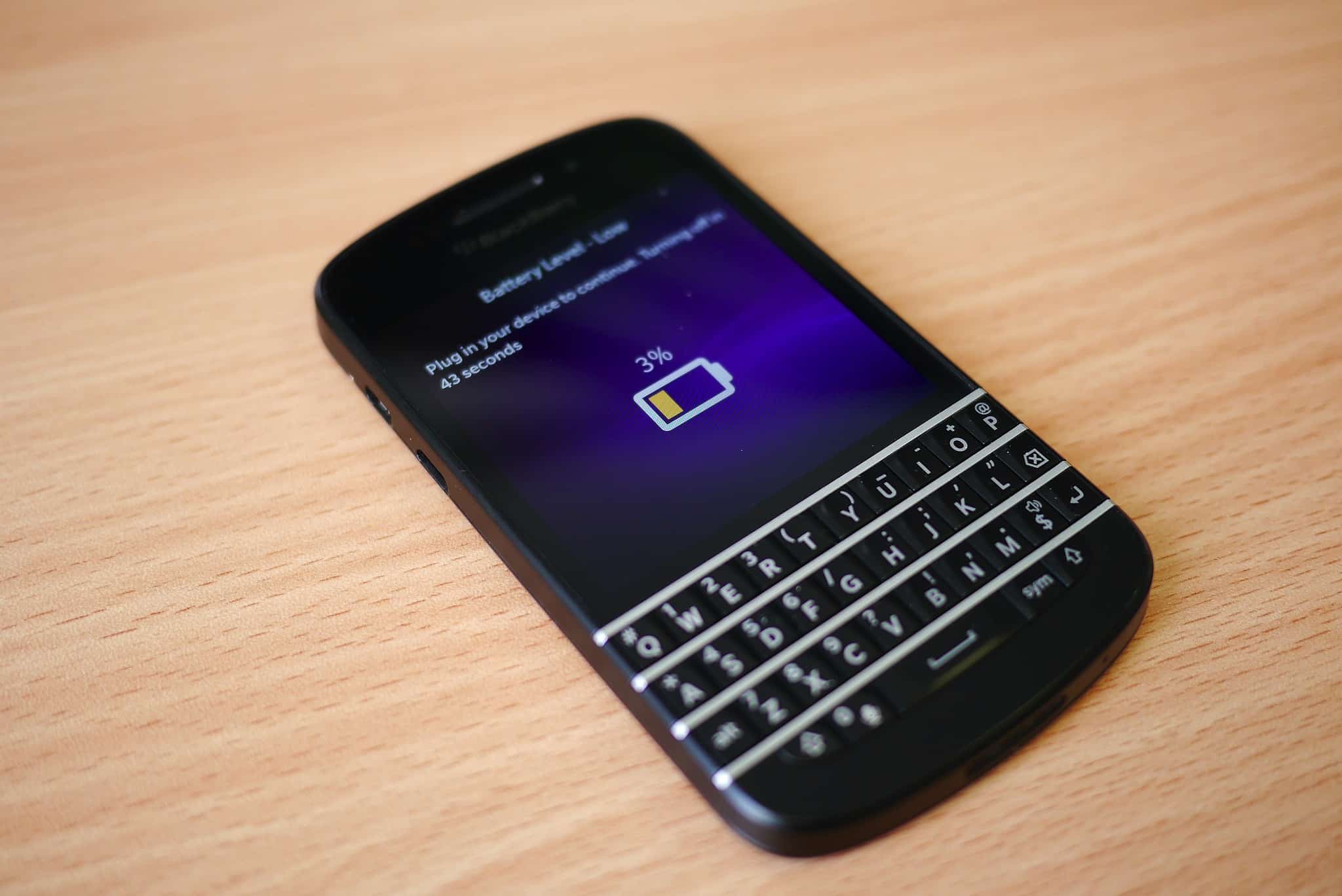
 June 3, 2011: iOS overtakes Research in Motion’s BlackBerry operating system for the first time, with Apple’s mobile operating system inching past BlackBerry OS.

 June 2, 2014: Apple shows off Mac OS X 10.10 Yosemite for the first time at its Worldwide Developers Conference in San Francisco. Following the