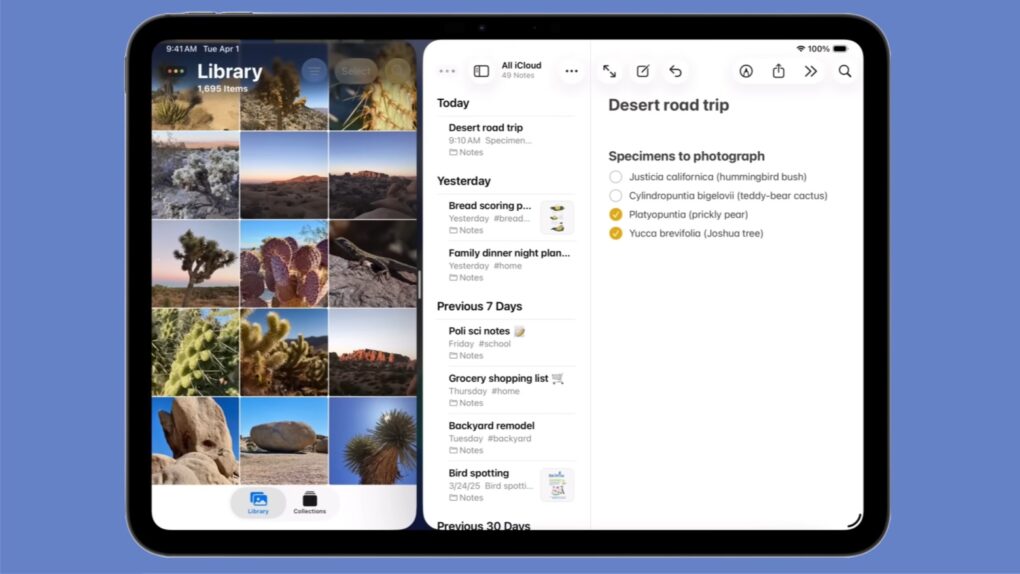
Installing iPadOS 26 doesn’t mean losing Split View from your iPad! Graphic: Apple
Apple kept the iPad’s Split View feature alongside the new multitasking stuff in iPadOS 26, despite what you might have read online. And setting it up is as easy as a couple of flicks of your finger.
Here’s how to keep using Split View on your iPad. Apple even made a video that demonstrates what to do.
AirDrop is right up there with iMessage as a great Apple-exclusive feature. Learn how to use it. Image: D. Griffin Jones/Cult of Mac
If you want to know the fastest and easiest way to send someone photos, videos, files and so, so much more, you should know how to AirDrop. There’s no need to send an iMessage — Apple’s slick AirDrop feature will immediately send and open the content on someone else’s iPhone (or other Apple device). There’s no middle step.
AirDrop works iPhone-to-iPhone, iPhone-to-Mac, iPhone-to-iPad, Vision Pro-to-Mac — any combination and permutation of two Apple devices. And, if your friend has a Google Pixel 10, you can AirDrop with them, too!
Keep reading to find out everything you need to know about how to take advantage of AirDrop.
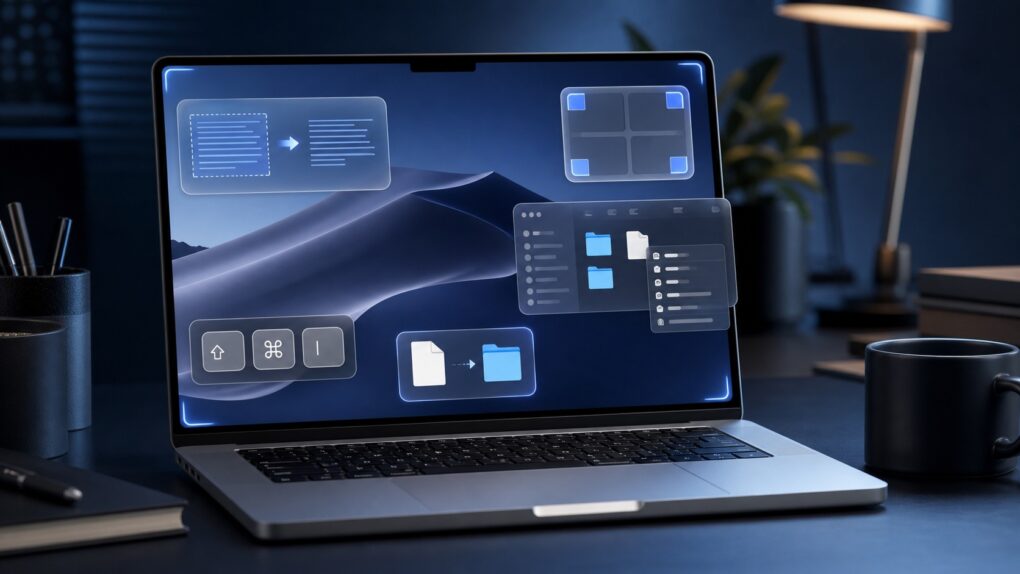
These small Mac tricks are big everyday time-savers. AI image: ChatGPT/Cult of Mac
After using Macs for years, I’ve come across several macOS features that most people overlook or quickly dismiss. But these incredibly useful Mac features have become an integral part of my daily workflow. They help me manage files, navigate my Mac more efficiently, breeze through repetitive text and more.
Even if you have been using macOS for years, chances are you are not using all of its features. And these should become part of your Mac repertoire.
An AirTag in a bag can find a solution to an absolute calamity. Image: D. Griffin Jones/Cult of Mac
Traveling is a lot easier if you can keep track of your stuff with AirTags in your luggage. Placing one in your bag lets you make sure it’s with you all the way along your journey. And if the worst happens, an AirTag can help you quickly find a lost item.
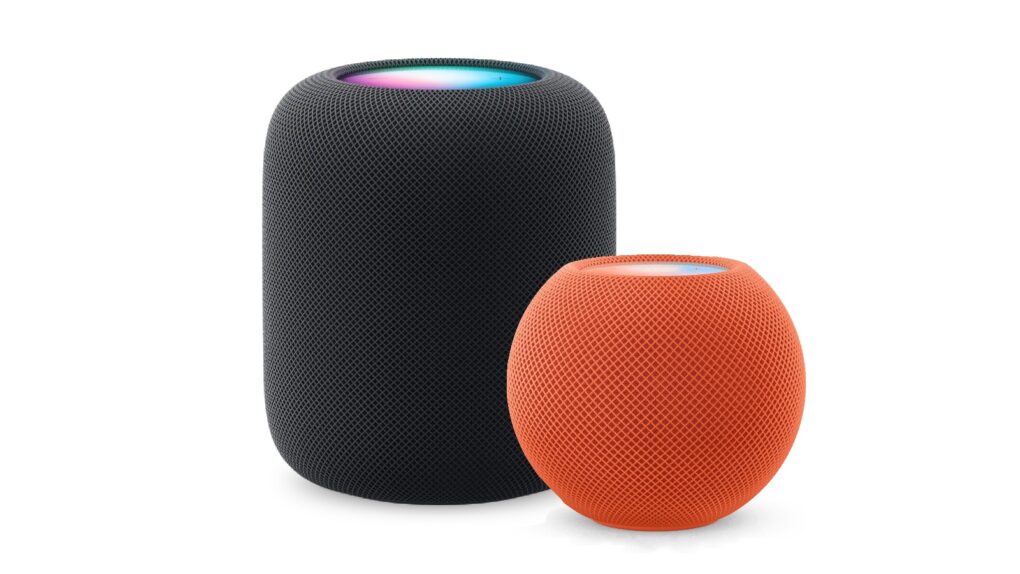
Here’s how to be sure you have the latest HomePod software update. Or stop your smart speaker from updating automatically. Photo: Apple
The HomePod operating system occasionally needs updating, because the device is a lot more than a simple speaker — it’s a computer. Here’s how to make sure your Apple smart speaker has the software version released this week. The new HomePod Software version 26.6 is a simple bug-fix update, but it’s still worth installing. Who wants bugs?
If you depend on automatic updates, it’s possible your smart speaker hasn’t yet installed the update. Here’s how to do so manually.
Your AirPods and Bluetooth speaker compete for audio coming from your iPhone. You can settle the fight. Graphic: ChatGPT
You’re happily listening to music on your AirPods when the audio suddenly gets yanked away by a Bluetooth speaker. Don’t get frustrated. Make a quick tweak to your iPhone settings, and it’ll never happen again.
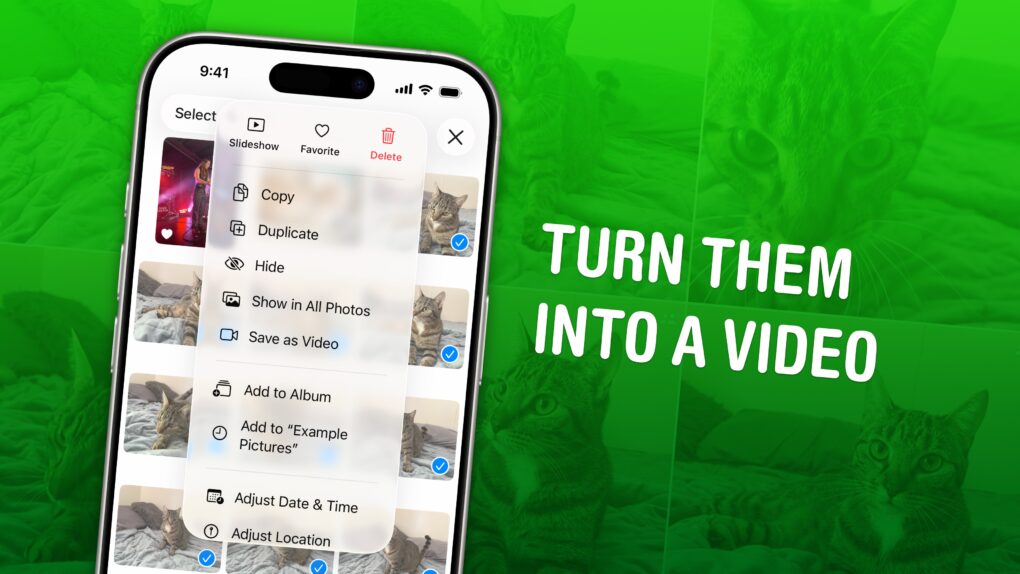
Turn your many, many cat photos into a few great videos. Image: D. Griffin Jones/Cult of Mac
You can turn multiple Live Photos shot on your iPhone into a video. Simply select a group of Live Photos taken in a burst, and you can create a single, stitched-together video that you can save to your library and share on social media. It’s a much more accessible way to enjoy those little snippets of video.
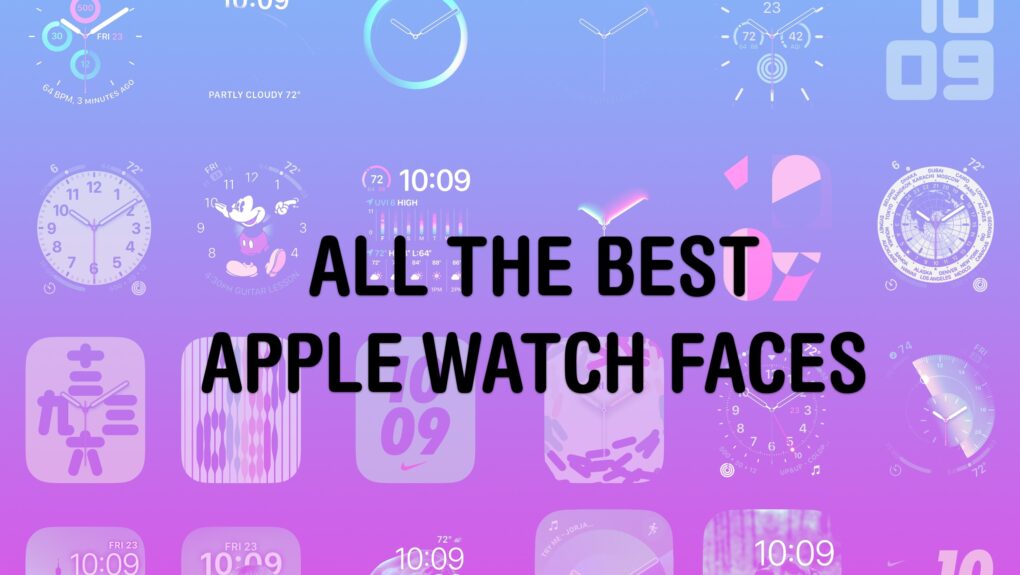
There are so many options — and several great ones. Image: D. Griffin Jones/Cult of Mac
Out of the many dozens of options, which is the coolest Apple Watch face? Every time I see someone wearing an Apple Watch, I try to scope out which watch face they use. Nine times out of 10, they use either the Modular face or the Photo face (with a Sport band).
This is despite the Apple Watch offering dozens of watch faces, allowing for all kinds of customizability.
If you want to spice up and individualize your Apple Watch, here are the best and coolest faces. And in our video, I rank every watch face on a tier list.
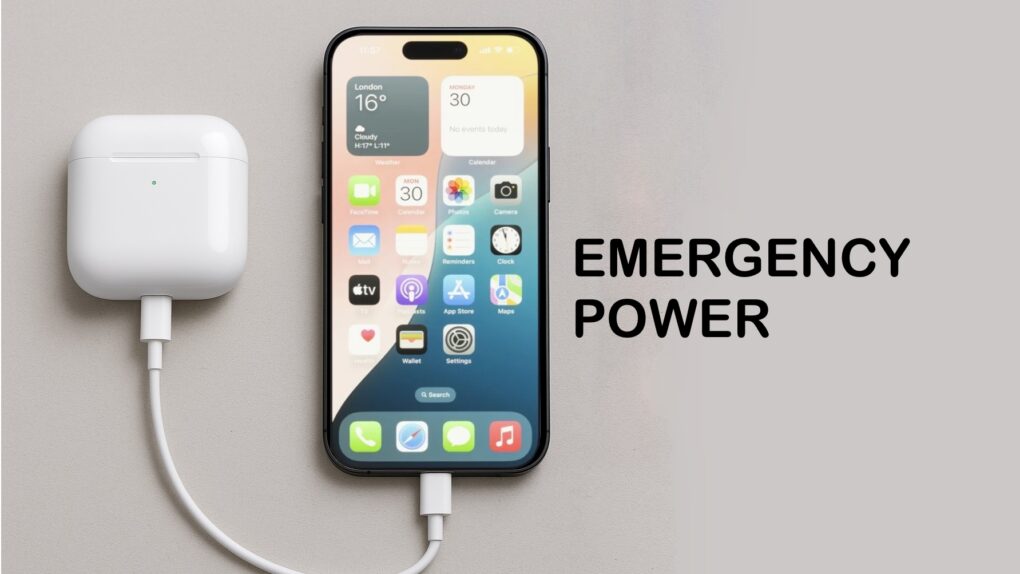
Your iPhone can charge your AirPods. It’s easy. Image: ChatGPT/Cult of Mac
In a pinch, you can charge your AirPods with your iPhone. This feature can prove very convenient if you know how to use it. You can also use your iPhone to charge your Apple Watch, or even another iPhone.
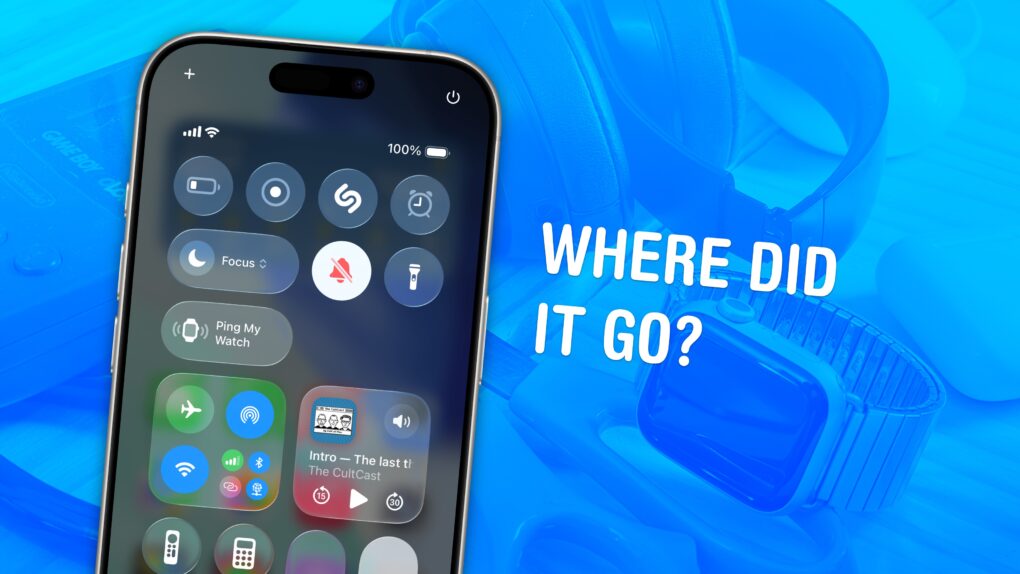
It's not easy to find in a pile of miscellaneous clutter. Image: D. Griffin Jones/Cult of Mac
You can ping a lost Apple Watch from your iPhone, giving you an easy way to find your misplaced wearable.
If you take your Apple Watch off at the end of the day, forgetting to throw it on the charger, you might not remember where you left it the following morning. Luckily, you can find a lost Apple Watch from your iPhone. Here’s how it works.
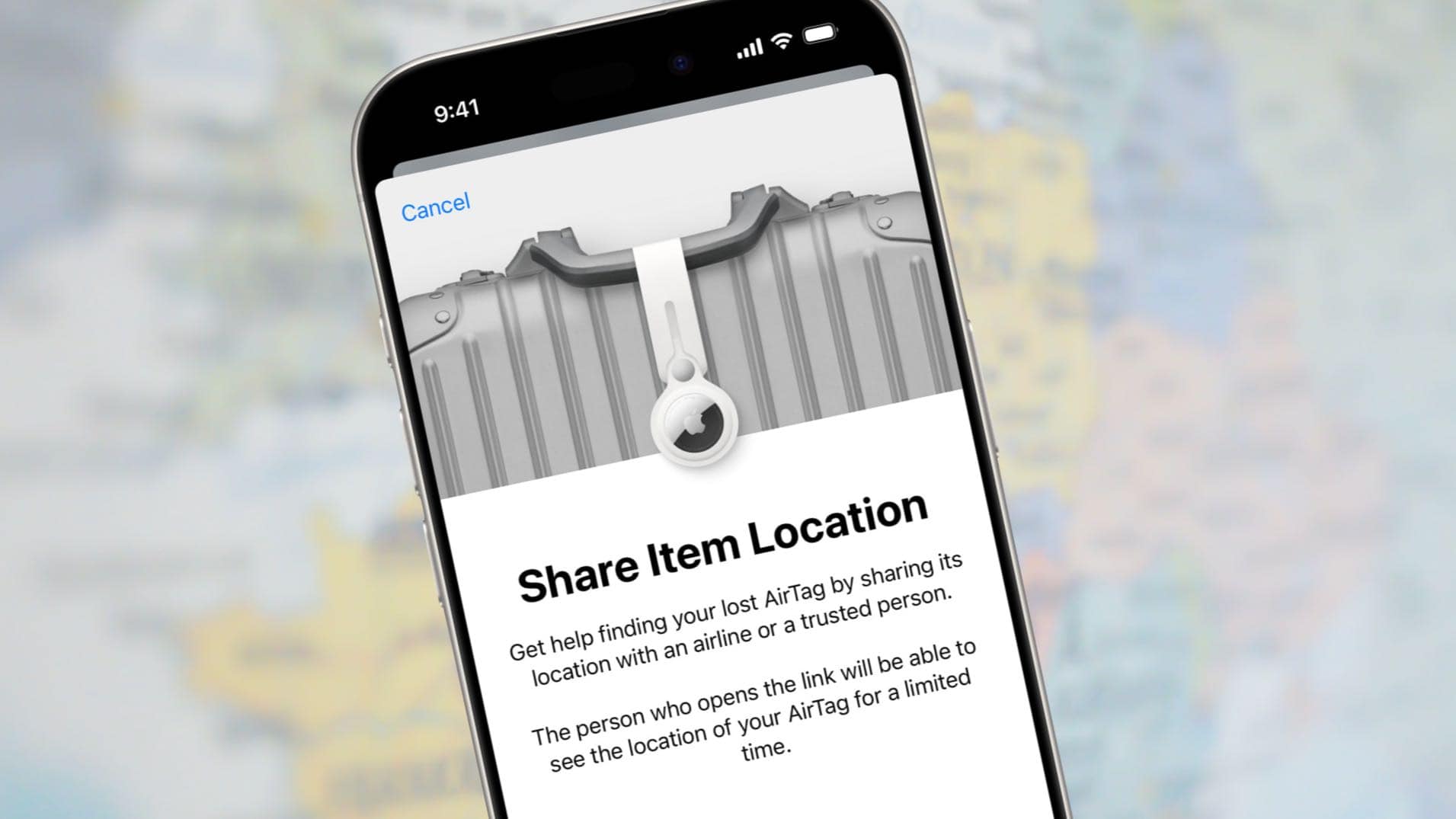
You can temporarily share the location of your lost bag with your airline. Image: Apple/Cult of Mac
Apple added the Share Item Location feature to its Find My app to let AirTag users securely share the exact position of a tracking tag attached to lost luggage with an airline.
Here’s how to use the feature to show an airline employee that your bag is actually just outside Concourse C in the Atlanta airport, not in Denver, where they think it is. They can even see the exact position of the luggage.
The iOS 27 public beta is coming soon — if Apple’s previous release pattern holds up, it could hit your iPhone any day now. Developers have been having all the fun since early June, playing around with Siri AI and the new Liquid Glass slider while the rest of us waited. Now, that wait is almost over.
Once the public beta drops, which should be more stable than the initial developer betas, anyone can install iOS 27 for free. But your iPhone does need some prep first, and there are a few reasons you should think twice before hitting the Install button.
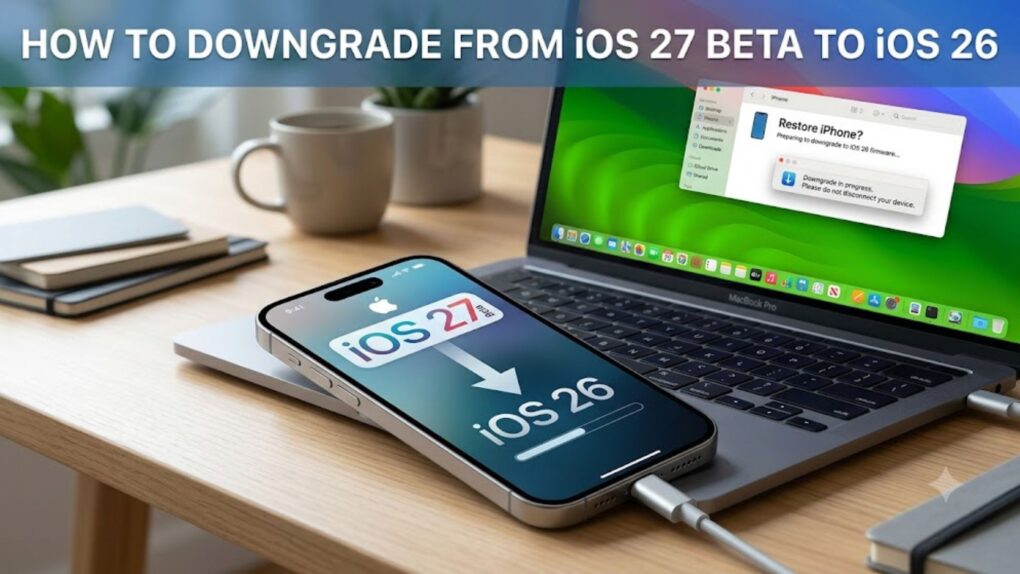
Here’s how to downgrade from the iOS 27 beta back to stable iOS 26. AI image: Google Gemini/Cult of Mac
Beta remorse is real. Maybe an app won’t open, maybe things just feel off, or maybe you just want to go back to a stable daily driver while Apple sorts all the issues. Whatever the reason, you can downgrade from iOS 27 beta to iOS 26, and it’s not even that hard.
With a little know-how, you can photograph fireworks with an iPhone and achieve great results. But just pointing and shooting with no prior planning can lead to blurry, unexciting fireworks photos.
For instance, does this sound familiar? Last year’s fireworks made you say ooh and ahh, but when you look at your iPhone photos from that night, the sound you make is more of an ugh. Don’t blame Siri or some engineer in Cupertino for previous photo fails. The iPhone camera, as mighty as it is, can’t do all the thinking for you — especially in challenging lighting conditions like a fireworks display.
But with a little thought and preparation, you can make this holiday worth reliving on your iPhone camera roll. Below are some simple tips to make your iPhone fireworks photos sizzle.
The Notes app gets more powerful in Apple’s OS 27 updates. Image: Apple/D. Griffin Jones/Cult of Mac
iOS 27 and macOS Golden Gate add a handful of Notes features that will supercharge your note-taking. There are new options for formatting, working with Markdown and even drawing on a Mac for the first time.
It’s not a big year for the popular note-taking app, but the changes Apple added will please plenty of power users. Here’s what’s new.
It’s about damn time. Image: Apple/D. Griffin Jones/Cult of Mac
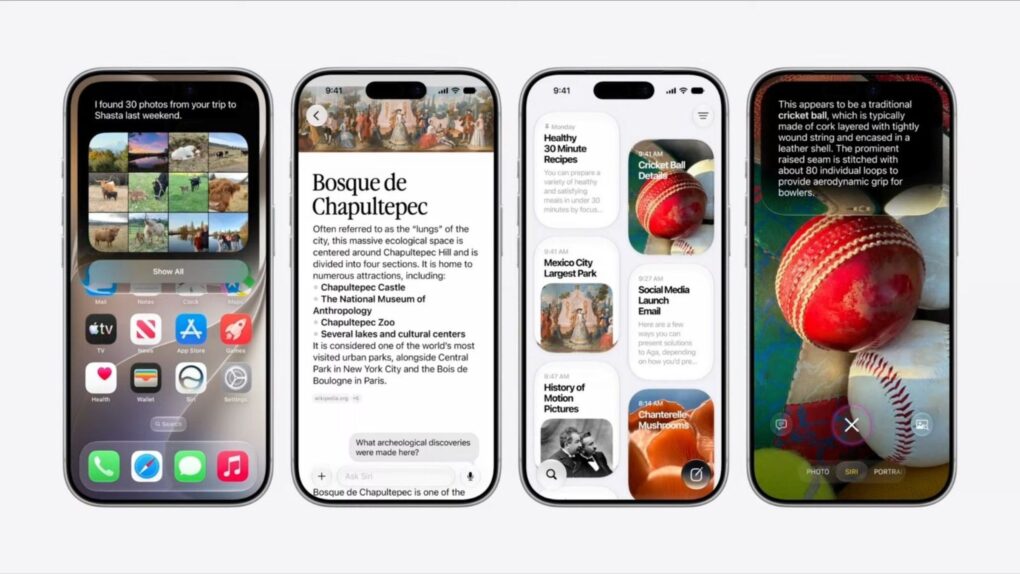
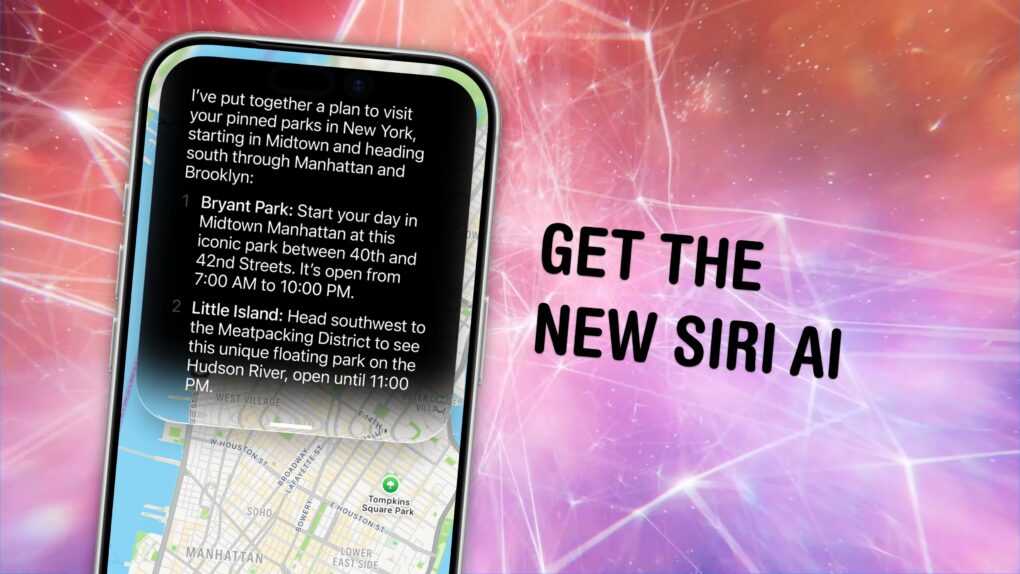
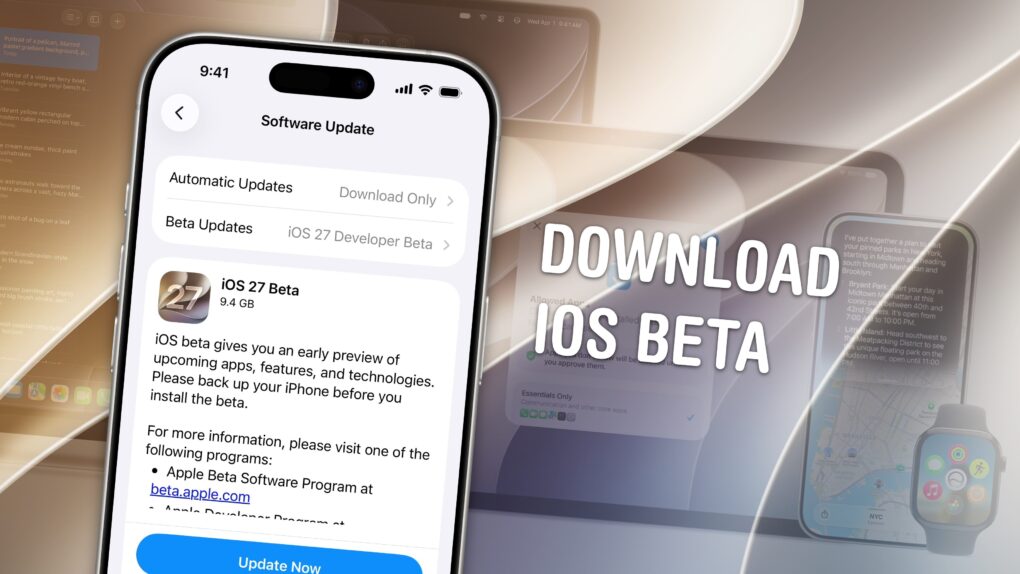
You can get the new Siri AI right now on your iPhone, iPad, Mac, Apple Watch and Vision Pro. All you have to do is update to the iOS 27 developer beta release.
You’ll also get the other Apple Intelligence features: generating Shortcuts and Safari extensions, extensive photo editing tools, realistic generation in Image Playground, systemwide proofreading and much more.
Be warned — to get the hottest feature, Siri AI, there’s another waitlist. You should hop on as early as you can. You might even be able to skip the long wait time — there’s an unconfirmed method people are trying out. Here’s how.
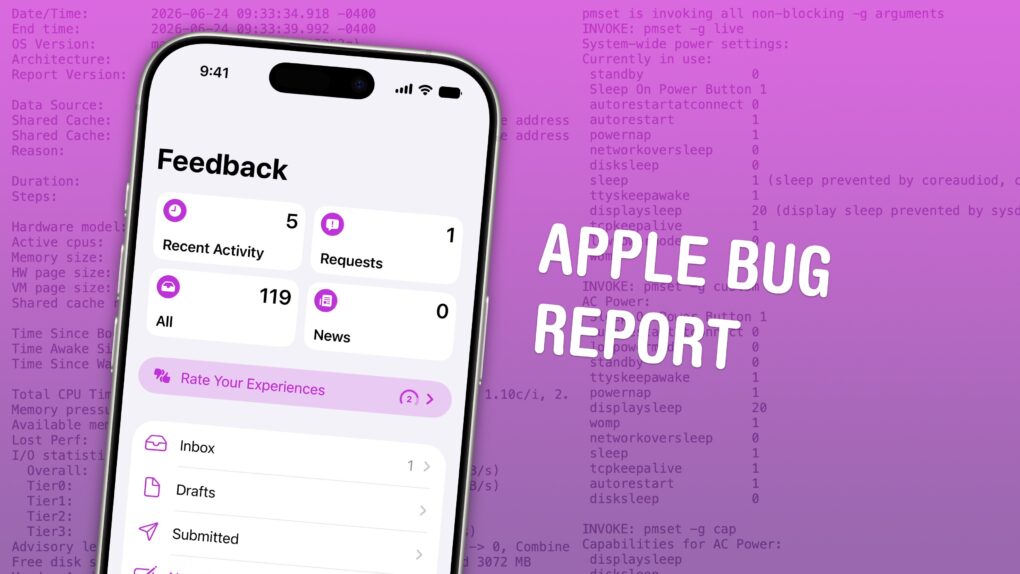
There are unspoken rules and tricks to getting your bug reports fixed. Image: D. Griffin Jones/Cult of Mac
June is the best time of year to give feedback to Apple on betas for iPhone, Mac, iPad and Apple Watch. Just after the company releases the initial betas of its upcoming software updates, this is when Apple engineers have the most time to address bugs and make changes. And that makes this the optimal time to file an Apple bug report.
It won’t be long before Apple engineers’ task lists fill up through the fall, when the new software will be released. After that, teams are rearranged to make the sprint toward the next year’s updates. So if you have any input, you’d best make yourself heard now.
How do you file a bug report or send in feedback to Apple? Apple made a tool called Feedback Assistant that will guide you through the process. It’s available if you’re running a developer or a public beta of iOS, macOS, iPadOS and visionOS. Here’s how.
Your iPhone and Apple Watch can help you track your meds. Image: MorgueFile/Wikimedia Commons/D. Griffin Jones/Cult of Mac
The Apple Health app on your iPhone makes it easy to track your medications — and help you remember to take them on time. It offers many advanced options and covers all kinds of medicines.
You can set up schedules, log your activity and even get advice on drug interactions. Let me show you how to get started.
There’s new firmware for AirPods Pro 3, AirPods Pro 2 and AirPods 4. Get it today. Image: Apple/Cult of Mac
Apple released new firmware for AirPods Pro 3 and AirPods Pro 2 on Tuesday. The new version, 8B41, offers bug fixes for Apple’s high-end earbuds.
Last year, Apple finally explained exactly how to update your AirPods firmware. The process can happen automatically, in the background, but there is a way to speed things up. It’s a good idea to manually check that you’re running the latest version, which brings bug fixes and sometimes great new features.
Read on for more details, and to find all current AirPods firmware versions along with instructions for getting the AirPods update as quickly as possible.
It’s worth the wait. But you also don’t have to wait. Photo: Apple
Even after updating all your devices to the OS 27 betas, you can’t get the new Siri AI right away. There’s a waitlist, and users are reporting that it can take days to get accepted. But on macOS Golden Gate, you can skip the waitlist with a little Terminal command.
First, you’ll need to install macOS Golden Gate. If you want to play it safe by installing it on an external volume, you’ll be disappointed — Apple Intelligence only works when macOS is running from your internal storage. So playing it safe is a little harder, unless you have enough free internal space to make a partition.
Whatever your approach, here’s how you can try out the new Siri on your Mac right now.
Of course, there are a few things you should look out for. Beta software is buggy and can lead to data loss. That being said, iOS 26 has been buggy since September. iOS 27 promises broader system stability — unlike most early betas, in my testing, the system runs smoother than before. But it comes at the expense of odd behavior you may find in third-party apps, since they haven’t been updated to support the new changes to Liquid Glass.
If you want to try it out, you should make sure you have a backup of your most important data with two copies of your photo library before you try installing. I’ll show you how.
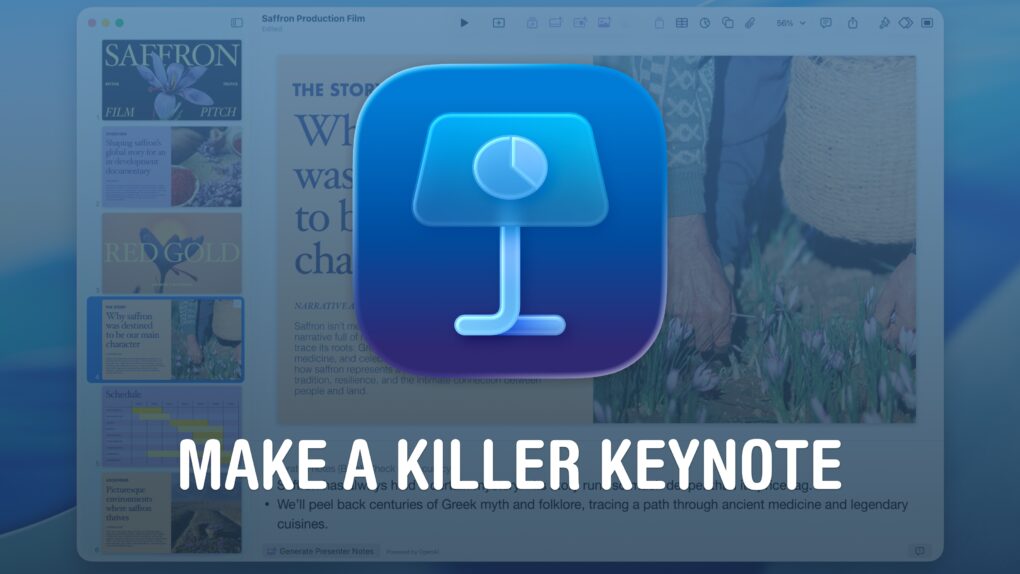
Make a presentation that leaves an impression. Image: Apple/D. Griffin Jones/Cult of Mac
If you want to create the best possible Keynote presentation, you should follow a few simple rules — and ape the style of the keynote GOAT, Steve Jobs.
WWDC26 kicks off June 8, 2026. Photo: Arne Müseler/Wikimedia Commons/Apple
How can you watch the Apple event at WWDC26? You can stream the keynote on YouTube, on the apple.com website or on your smart TV. It starts at 10 a.m. Pacific time on Monday, June 8.
Each spring at its Worldwide Developers Conference, Apple unveils all the software updates that will ship later in the year — typically in September. Apple will show us what the headlining new features will be in iOS, iPadOS, macOS, watchOS, tvOS and visionOS 27.
You'll find it easier to close your Apple Watch exercise rings with these tips. Photo: Atlantic Ambiance/Pexels
The Apple Watch helps people stay more active by encouraging wearers to stand, move around and exercise. But its workout tracking has a few quirks that users should understand.
Knowing about these Apple Watch exercise oddities — and how to work around them — can help you avoid frustration as you get fit.
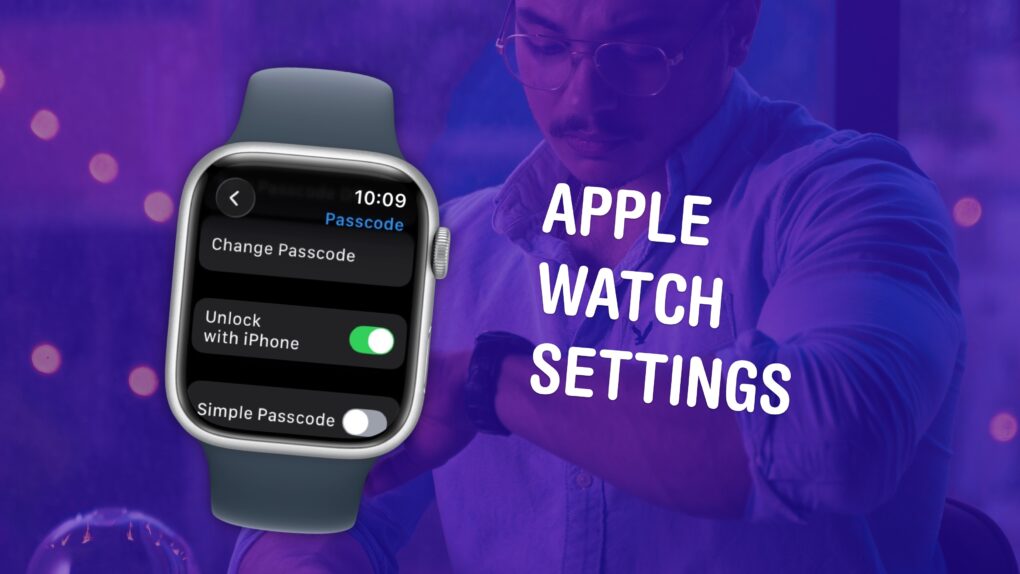
Make sure you have these settings set up correctly. Image: D. Griffin Jones/Cult of Mac
The small size and simplicity of the Apple Watch’s screen might fool you into thinking there aren’t a lot of settings you should tweak. But you would be sorely mistaken. It’s a powerful computer on your wrist, and thus, the Settings app is a deep rabbit hole.
You could lose hours going through every last setting, but I can save you the trouble. There are 10 Apple Watch settings I suggest everyone adjust. I’ll show you what they all do and how to change them.