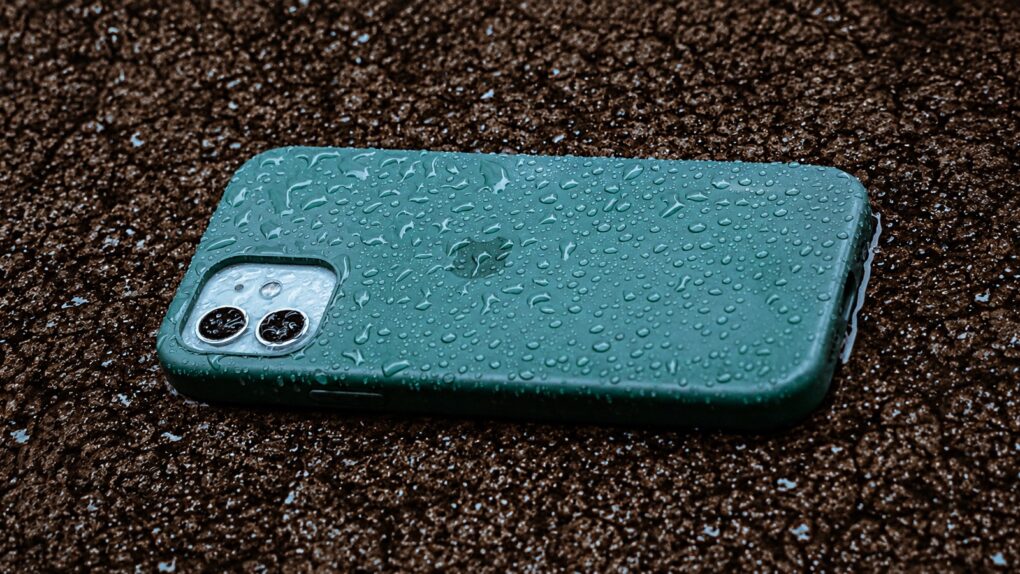
Conventional wisdom says that an iPhone that’s been dropped in water should immediately go into a bowl of dry rice to absorb the excess moisture. Turns out that’s rubbish advice for dealing with a wet iPhone.
Worse yet: It’s actively bad for your device. Here’s what to do instead.
Rice can do more harm than good to your wet iPhone
For years, the internet has offered a deceptively simple solution for rescuing a waterlogged smartphone: Stick it in a bowl of uncooked rice and wait.
It sounds plausible. Rice absorbs moisture, after all. But it’s bogus.
First off, putting your iPhone in a bowl of dry rice can allow tiny particles of rice or dust into the phone’s USB-C port. And that can clog the port’s pin connectors. Plus, rice that’s absorbed water from your wet phone can leave behind a gummy residue that further obstructs the port.
Your iPhone easily handles some water
I mention mucking up the USB-C port with rice because that’s all you really need to worry about. Your iPhone is designed and built to shrug off a bit of liquid. It’s not like the old days when a drop into a pool meant that water was sloshing around inside the phone and it was probably ruined.
iPhone 12 and newer models can survive up to half an hour in water up to 20 feet deep. Some rain, or even a quick dunk, won’t destroy it.
There are limits, of course. The iPhone’s water resistance decreases over time due to normal wear, aging seals and slight internal damage caused by dropping the device. Plus, saltwater and chlorine are worse than fresh water.
But rice is not the answer!
You might get a wet iPhone warning
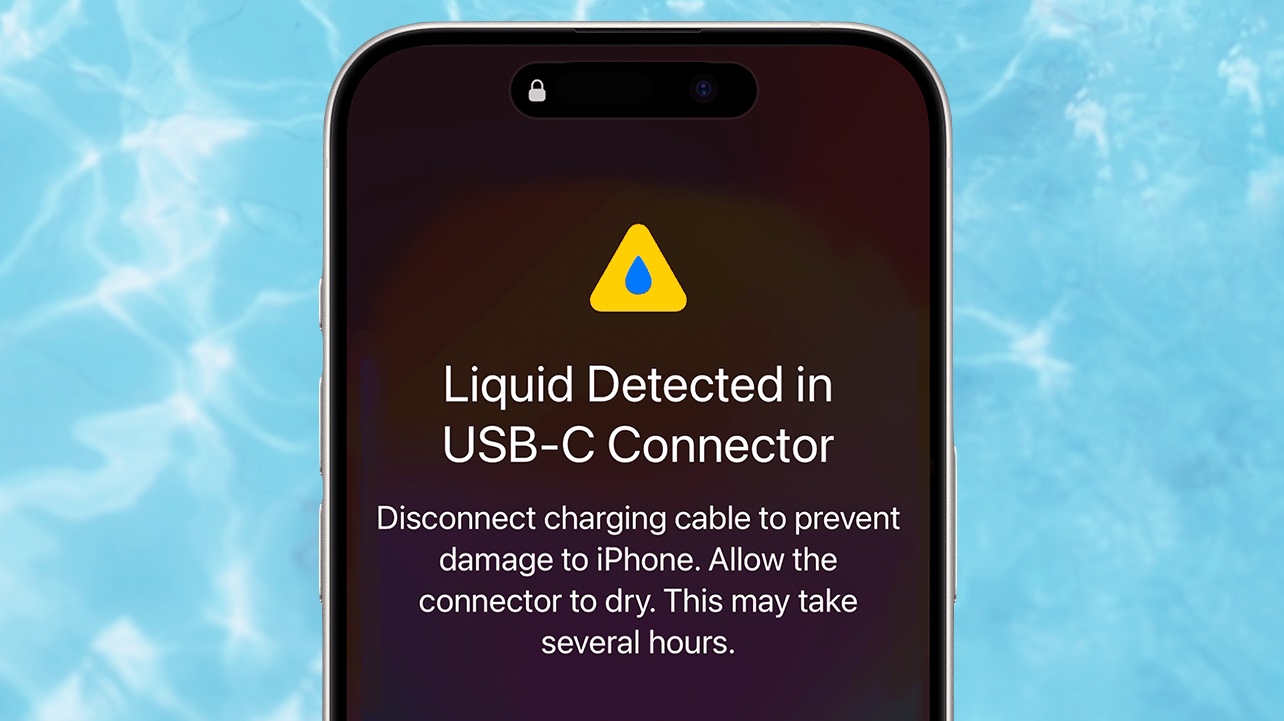
Image: Apple/Cult of Mac
You might be reading this because your iPhone is showing you a warning that says, “Liquid Detected in USB-C Connector.” You’ll only see this if you plug a USB-C accessory into your iPhone and the handset senses water in the port.
Your iPhone won’t charge if it flashes this warning, and you should immediately disconnect any cables. Also, don’t plug the iPhone back in while it remains wet. Charging a device with moisture in the USB-C port is the worst thing you can do.
“If you charge your iPhone while the Lightning or USB-C connector is wet, the pins on the connector or cable can corrode and cause permanent damage,” Apple warns in a support document on the subject.
That said, wireless charging is perfectly safe. Feel free to use a MagSafe charger with your wet iPhone. Just don’t put anything into the phone’s USB-C port.
How to dry off a wet iPhone
When it comes to drying a wet iPhone, the most important thing to do is to calm down and remain patient. The recommended method for dealing with the situation takes time.
To start the drying process, wipe the iPhone off, then gently tap the iPhone against your hand with the USB-C port and speakers facing downward to remove excess liquid. Then leave it in a dry area with some airflow to encourage evaporation.
This is where the patience comes in. Give the port plenty of time to dry completely before plugging anything back in. This can take up to 24 hours.
Even in an emergency, Apple recommends giving a wet iPhone at least 30 minutes to dry. If you see the “Liquid Detected” warning again, you didn’t wait anywhere near long enough. In a real crisis, you can override the “Liquid Detected” warning.
What not to do
Don’t try to speed up the drying process with a hair dryer or another external heat source, Apple says. Blowing compressed air into the USB-C port is also a bad idea.
Also, don’t shove a cotton swab or a paper towel into the port. You can damage it.
Your iPhone doesn’t need a rice bath
Image: Cult of Mac
Notice how none of the recommended methods for drying your wet iPhone involve rice? It’s time to forget that whole idea.
If your iPhone gets splashed or dunked, don’t head for a kitchen cabinet looking for help. Keep the device unplugged, let it dry naturally, and give it plenty of time. Rice is better left for dinner.
If you still have questions, read Apple’s guide on what to do if you see a liquid-detection alert on your iPhone.

Ed Hardy has been writing full-time about tech for 26 years, and using it for much longer than that. His intro to Apple was a Macintosh SE/30 (which he still has), but now he uses a 13-inch iPad Pro as his primary computer.
That’s because he’s a “tablet first” type of guy. Rather than use a Macbook, he connects a keyboard case to the iPad. And instead of a desktop Mac, he connects his tablet to a 27-inch display and full-size keyboard. (So don’t try to tell him that everyone has to use a Mac to be productive.)
Before coming to Cult of Mac, Ed wrote for NotebookReview, TabletPCReview and Brighthand, as well as other sites.


One response to “Why you should never put a wet iPhone in a bowl of rice”
Are people still using rice to dry a phone? I thought we all knew that modern iPhones are fine getting completely immersed. The real advice is that should your phone be immersed in salt water, then be sure to wash it in clean water as soon as possible. Yes, sound advice is to expose your phone to more water because it can handle the water, but the salt is bad. Distilled water would be ideal, but filtered water would still be good, and even plain tap water is better than leaving salt water to dry on your phone’s USB-C pins.