Rajesh has been writing about consumer technology for over a decade, with a strong focus on iPhones, Macs and Apple’s ecosystem. He enjoys digging into Apple software updates, hardware changes, and discovering new Mac apps that make work faster and more enjoyable.
You can reach out to him at mail[at]rajeshpandey.me.
iPhone 17 and Air use Adaptive Power automatically to extend battery life. Image: Apple
iOS 26 introduces a new Adaptive Power mode to extend your iPhone’s battery under load. And Apple’s newest iPhones — iPhone 17, iPhone 17 Pro and iPhone Air — will ship with this feature enabled by default.
On older iPhones, you must manually enable Adaptive Power to boost their runtime.
Everyone wants the iPhone 17 Pro Max. Photo: Apple
Weekend preorder demand for the iPhone 17 family outpaced last year’s iPhone 16, says TF International analyst Ming-Chi Kuo. As per Apple’s production estimates, the analyst says the Pro Max model remains the undisputed demand leader.
The strong iPhone 17 preorder should help boost Apple’s Q3 2025 results.
Apple's Pro iPhone makes a huge leap in just one year. Image: Rajesh Pandey/Cult of Mac
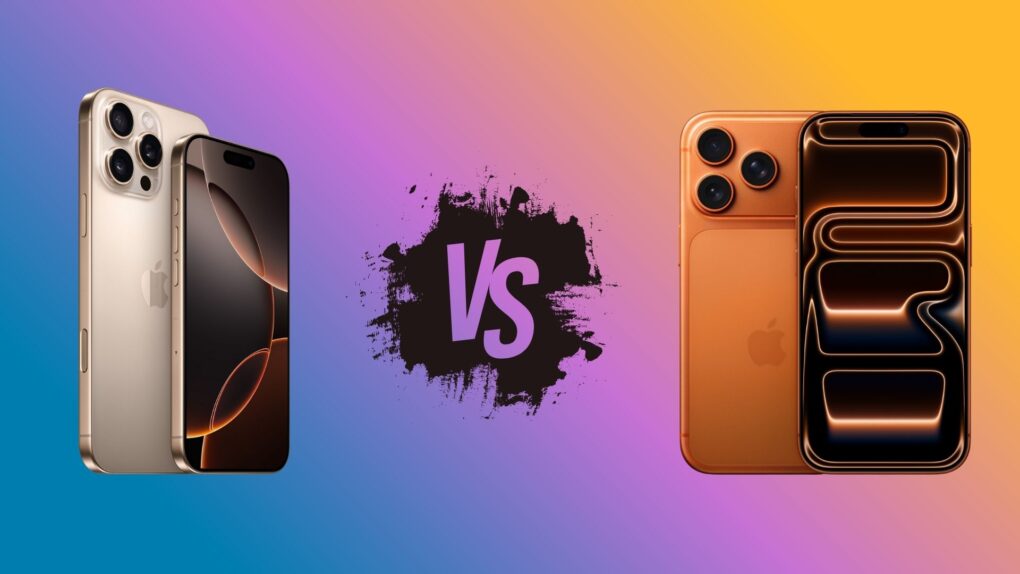
It’s time for a pro showdown, pitting the iPhone 17 Pro vs. the iPhone 16 Pro.
The iPhone 17 Pro brings the biggest leap to iPhones we’ve seen in years, shaking up a lineup that’s often felt too familiar. If you own an iPhone 16 Pro, that raises a pressing question: Is the upgrade worth it? After all, Apple finally seems to be delivering the kind of changes fans have been asking for.
There’s better battery life, an improved camera and even more Pro features. So, time to ditch the iPhone 16 Pro for the iPhone 17 Pro? Find out in our comparison.
iOS 26 is finally ready for public release. Photo: Rajesh Pandey/Cult of Mac
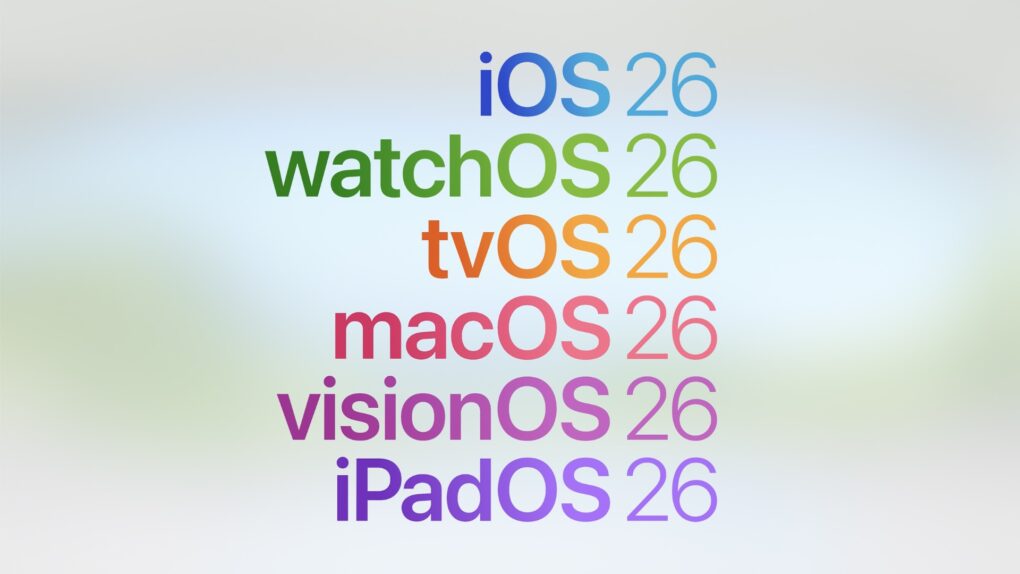
Apple is finally ready to release iOS 26, iPadOS 26, watchOS 26 and macOS Tahoe to the public. After initially showcasing these operating systems at WWDC25 this spring, the company will release the first stable build on September 15.
So when will iOS 26 actually land on your compatible iPhone? With all the new features packed in, you’ll want to be first in line to grab the update. Here’s when iOS 26, iPadOS 26, watchOS 26 and macOS Tahoe go live in your region.
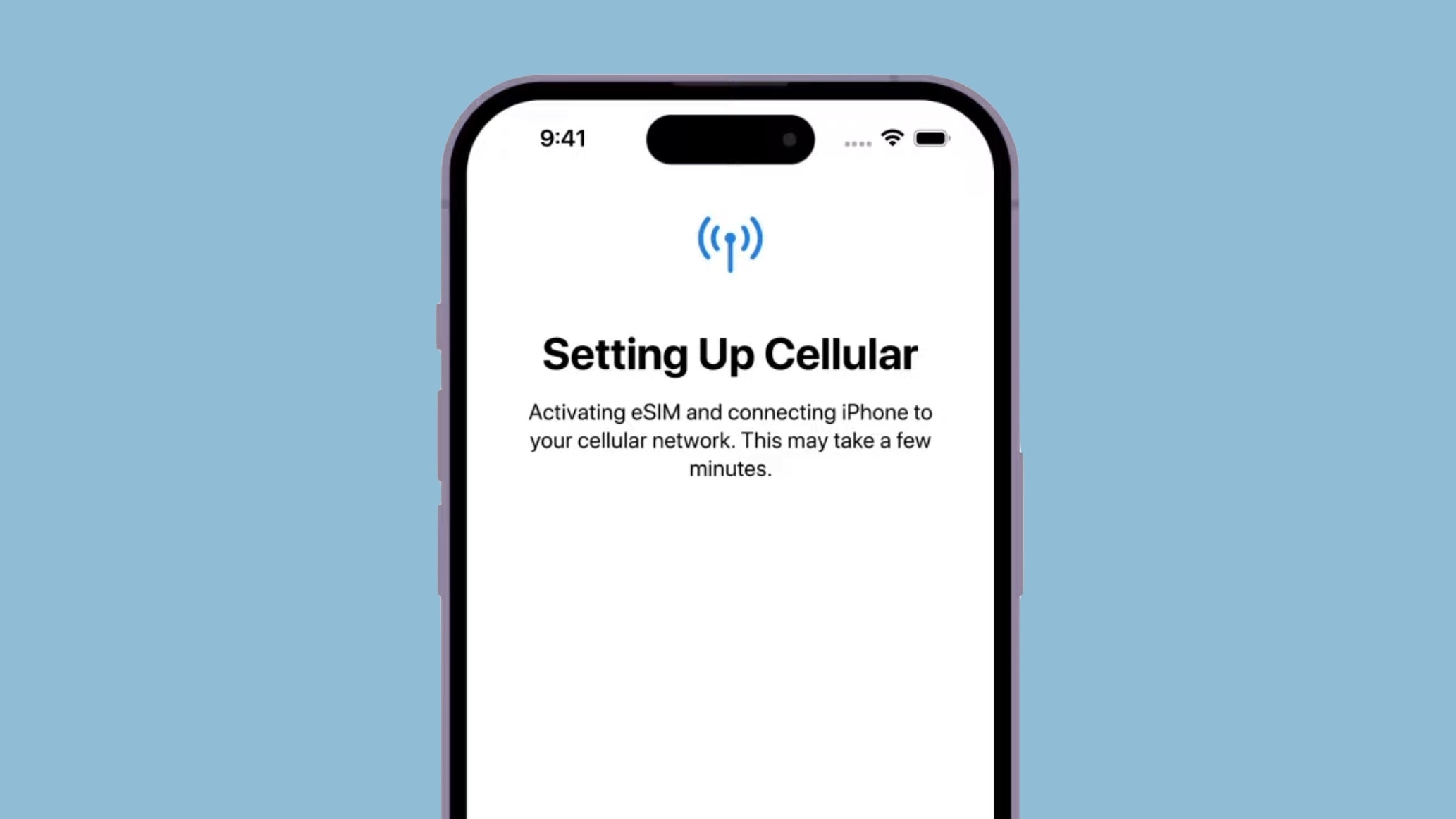
The issue stems from the iPhone Air only supporting eSIM — it lacks a physical SIM slot. So, the company needs additional regulatory approval for the phone’s launch in China.
Update: An hour after the pre-orders started, demand for the iPhone 17 Pro Max is already starting to exceed supply. An order placed now in the U.S. for most configurations of this top-of-line model won’t ship until late September, and others won’t arrive before October.
Apple is already taking preorders for the AirPods Pro 3, Apple Watch Series 11 and Apple Watch Ultra 3. All three will be available at retail starting September 19.
FDA gives Apple Watch's hypertension notification the necessary clearance. Photo: Apple
Ahead of the watchOS 26 release on September 15, Apple has secured FDA clearance for the hypertension notifications feature. The approval came through late Thursday night.
Hypertension notifications will be available in over 150 countries at launch, including the US, the UK, Europe and others.
iPhone 17 Pro or iPhone Air — the answer might not be that obvious. Image: Cult of Mac
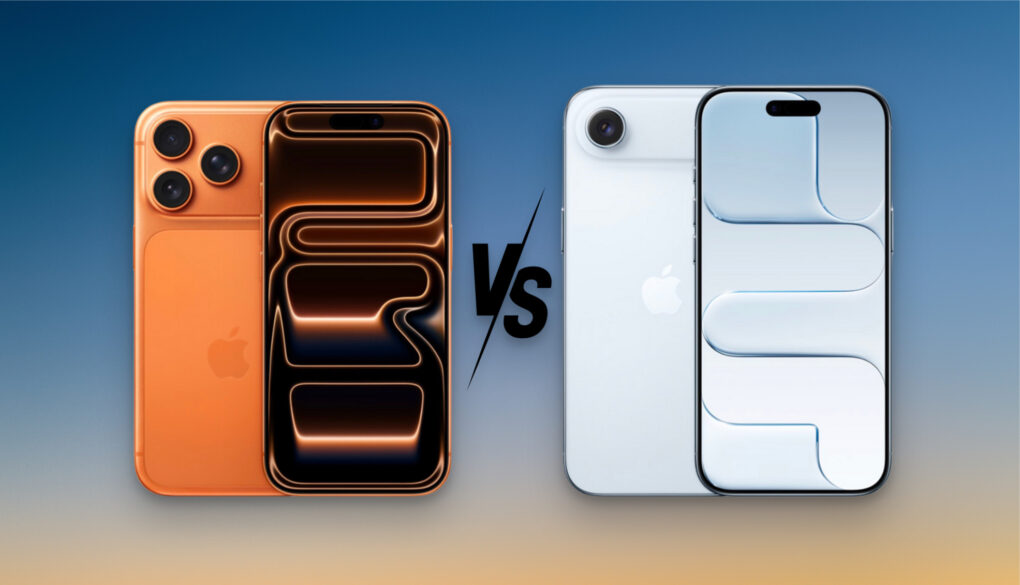
iPhone fans face a bit of a conundrum this year: iPhone 17 Pro vs. iPhone Air. The super-slim iPhone Air shakes up Apple’s phone lineup considerably, with a cutting-edge new design that makes even dedicated iPhone Pro users question their commitment to the highest-end model.
The iPhone Air sits between the iPhone Pro and the base iPhone 17, taking the place of the retired iPhone Plus. So, how does the iPhone Air fare against the iPhone 17 Pro? Should you ditch the Pro and go Air this year?
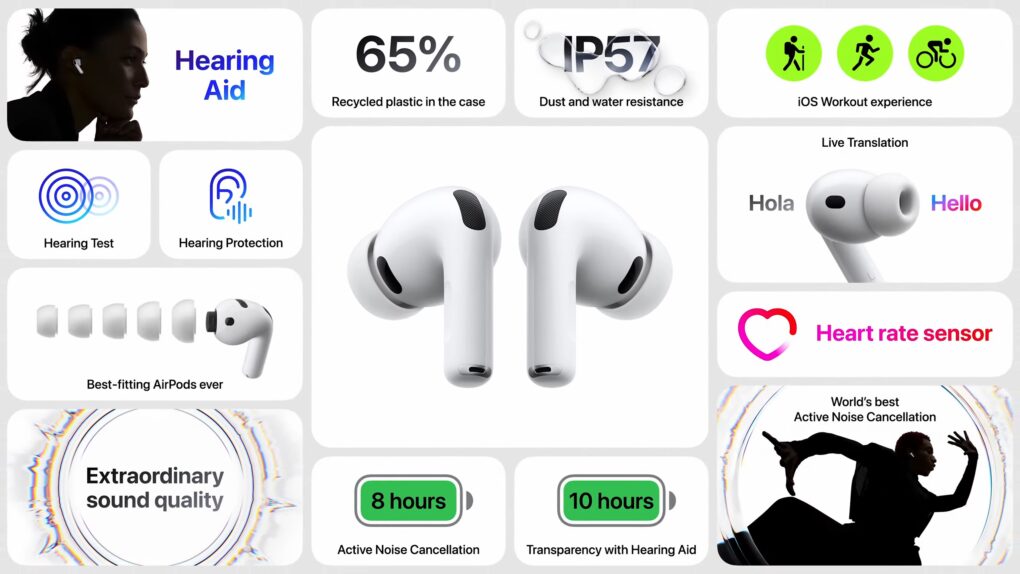
You get everything with the AirPods Pro 3 except a charging cable. Image: Apple
Apple no longer bundles a USB-C charging cable with the AirPods Pro 3. Since the earbuds include a USB-C port and support wireless charging, you are unlikely to rue its absence.
This marks another accessory Apple has dropped after the power brick.
Your iPhone 17, 17 Pro or 17 Pro Max will spend less time on the charger. Photo: Apple
Apple’s iPhone 17 family supports significantly faster wired charging speeds. They can top up to 50% in just 20 minutes — 10 minutes faster than previous iPhones.
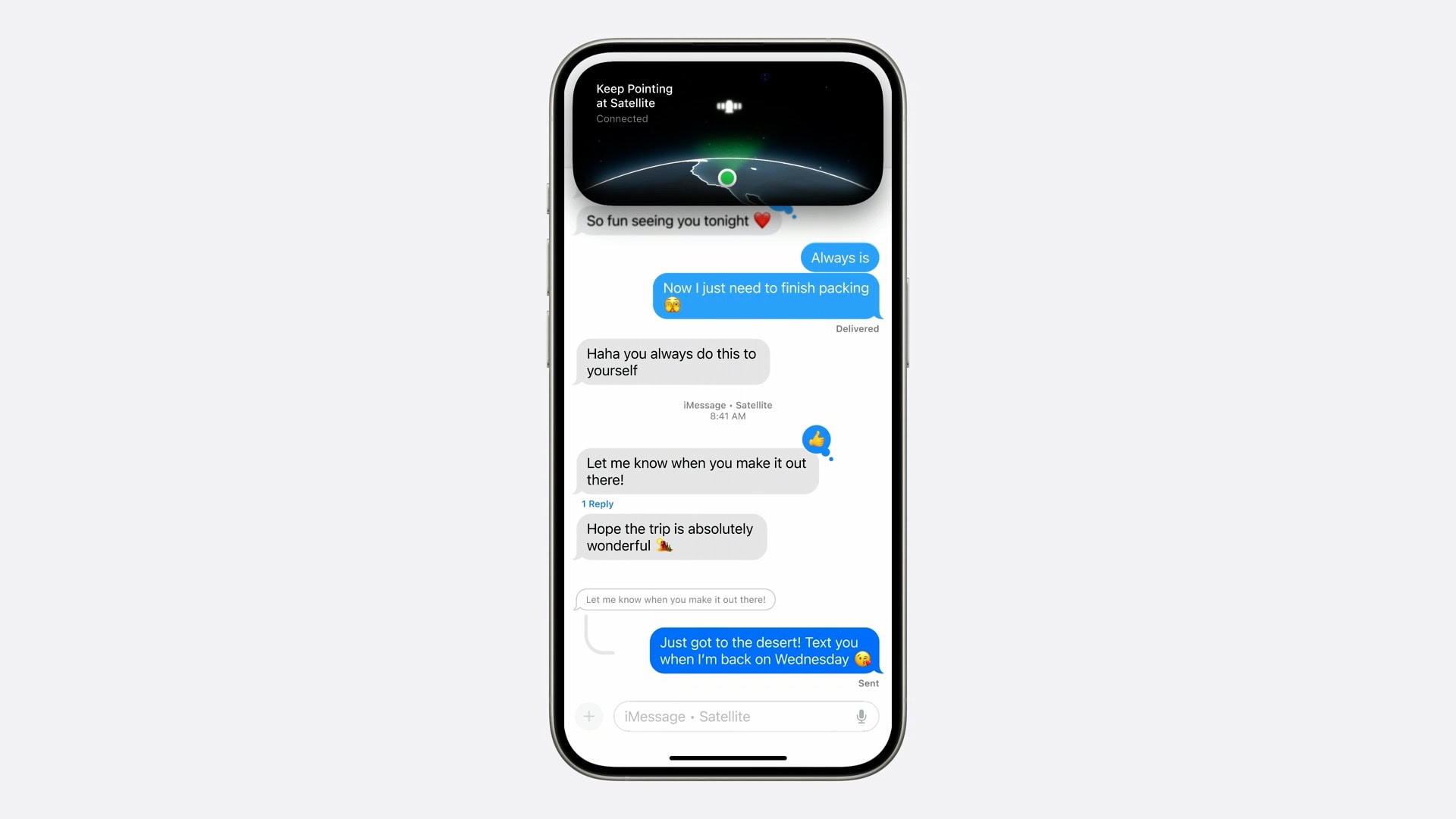
Apple still isn’t charging for a life-saving iPhone 14 and iPhone 15 feature. Image: Apple
iPhone 14 and iPhone 15 owners will get another year of free satellite connectivity. The company did not announce this extension on stage but mentioned it in the footnote of the iPhone 17 Pro press release.
This is the second extension for iPhone 14 since its launch in September 2023.
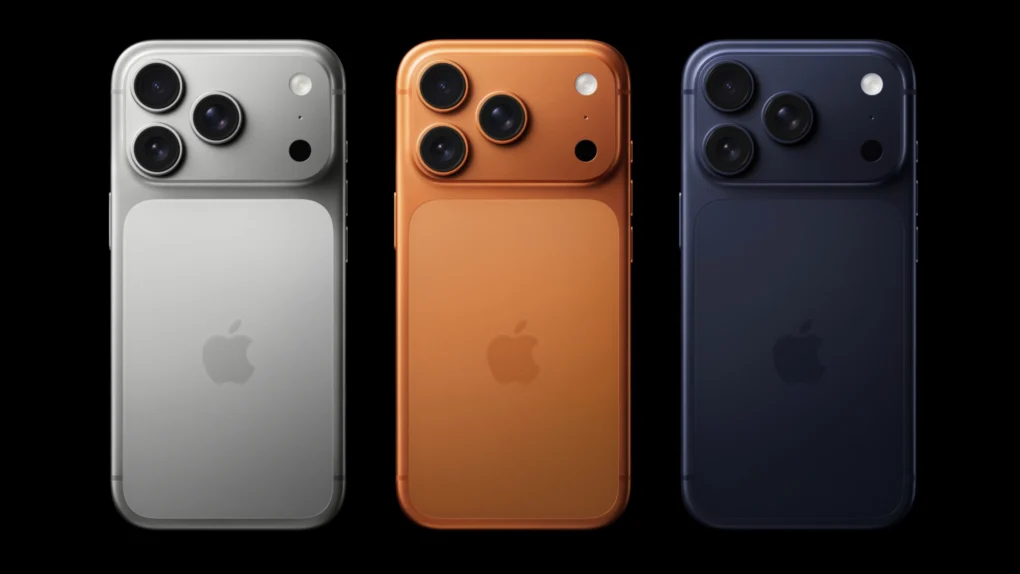
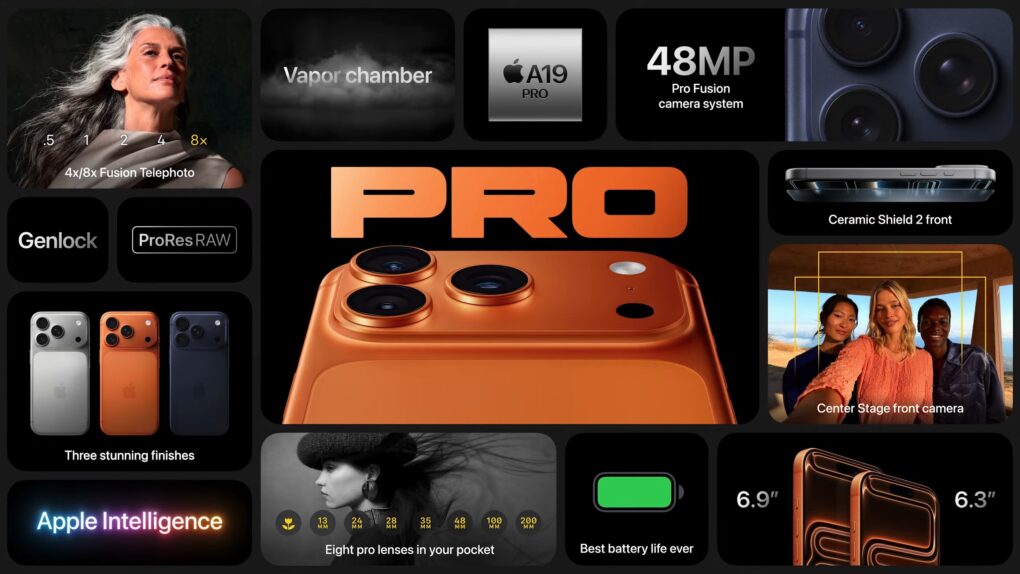
iPhone 17 Pro features a striking new design. Photo: Apple
After months of rumors and leaks, Apple’s newest flagship iPhones are finally here. The iPhone 17 Pro and Pro Max arrive with major design overhauls and powerful internal upgrades.
“iPhone 17 Pro is by far the most advanced iPhone ever, featuring a striking new design and powerful new capabilities,” said Apple CEO Tim Cook during the Awe Dropping event.
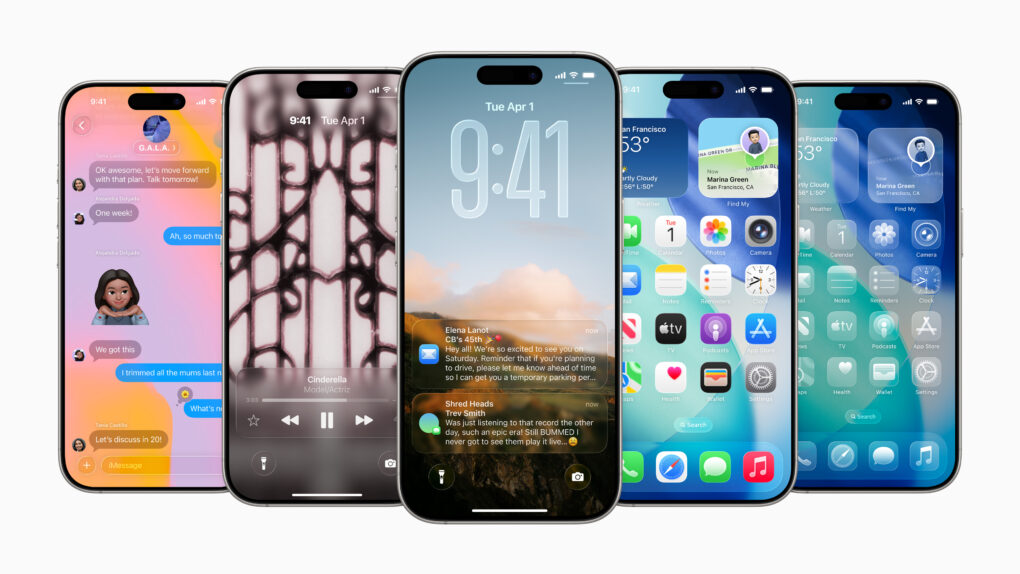
Liquid Glass is coming to your iPhone, iPad and Mac next week. Image: Apple
Following months of beta testing since WWDC25, Apple is finally ready to release iOS 26, iPadOS 26 and macOS Tahoe to the public. These operating systems finally have a release date.
The updates will start rolling out as early as September 15, just a week after Apple’s Awe Dropping event.
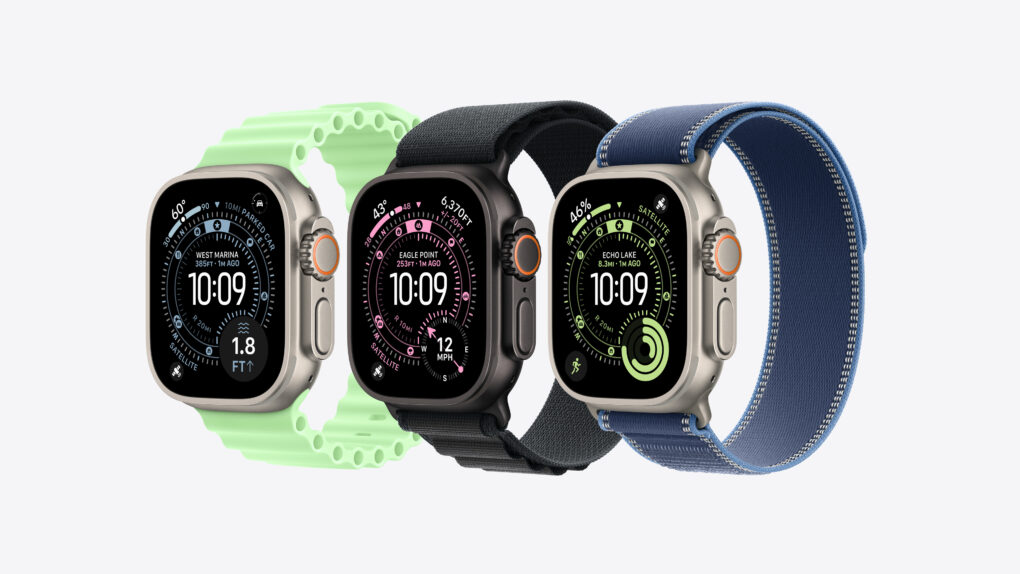
Apple Watch Ultra 3 comes with a new collection of bands. Photo: Apple
Apple unveiled the Apple Watch Ultra 3 at its Awe Dropping event Tuesday, showcasing a bigger display, a faster chip and satellite connectivity.
“Apple Watch Ultra is our most advanced Apple Watch, designed to take users from sports and adventure to the rest of their life, and help them stay active, healthy, connected, and safe, wherever they are,” said Eugene Kim, Apple’s vice president of Apple Watch hardware engineering.
iPhone 17 seems set to deliver significantly longer runtime. Photo: Ed Hardy/Cult of Mac
The alleged battery capacity of the iPhone 17 lineup has surfaced online. It points to Apple using significantly bigger batteries on its upcoming iPhone.
And for the first time since adding eSIM support with the 2017 iPhone X, Apple may equip the eSIM-only models with a larger battery.
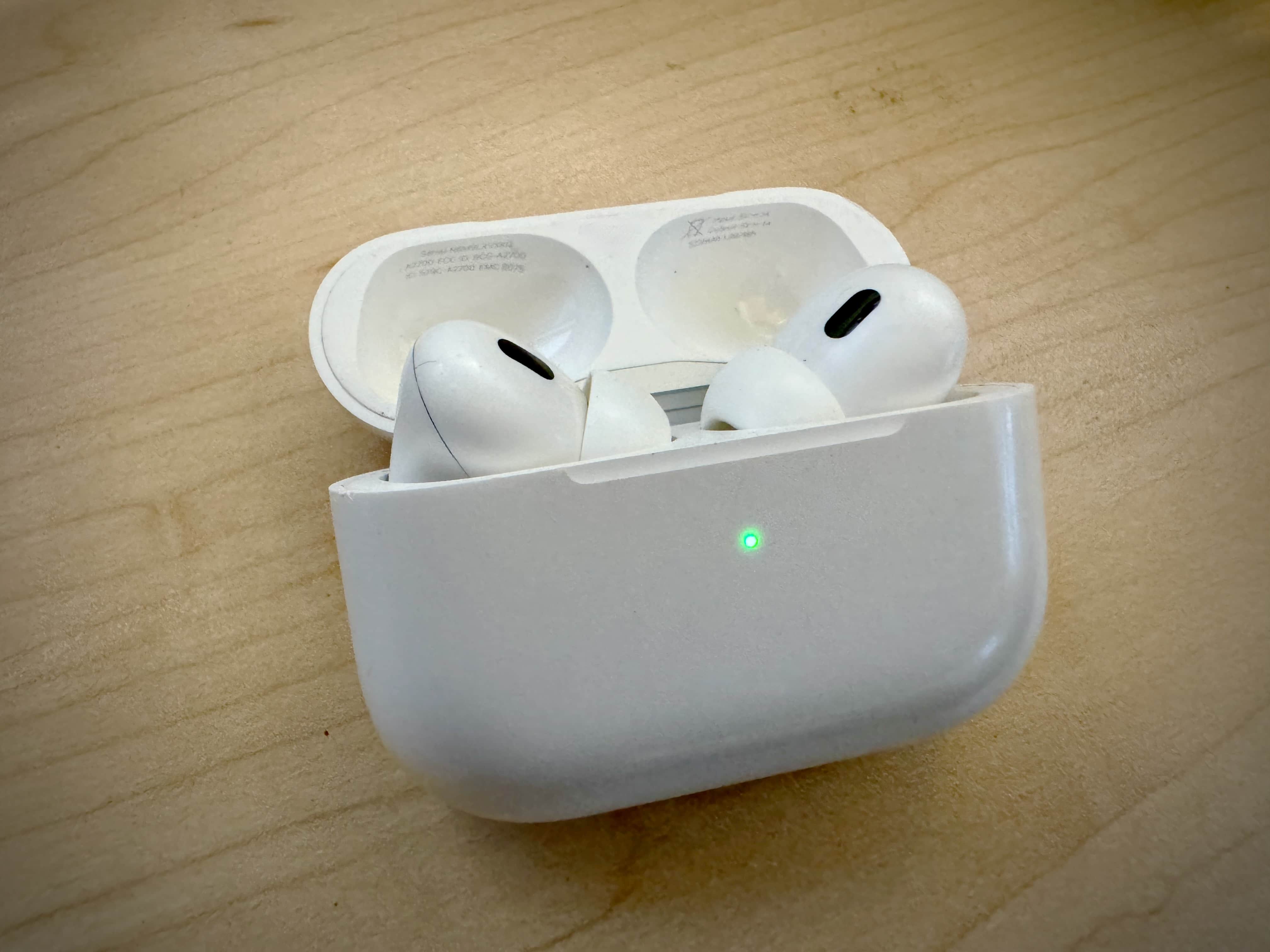
Will the AirPods Pro 3 debut alongside the iPhone 17 on September 9? Photo: Leander Kahney/Cult of Mac
A new rumor suggests AirPods Pro 3 will debut this year, but won’t bring any breakthrough hardware upgrades. The rumored IR-equipped cameras, which supposedly will enable air gestures for interacting with the earbuds, might not arrive until 2026.
Apple could unveil its new flagship AirPods Pro 3 earbuds at Tuesday’s Awe Dropping event.
However, the earbuds won’t pack any breakthrough hardware upgrades, including IR-equipped cameras for air gesture support. That feature supposedly must wait until 2026.
Will you be willing to pay more for the iPhone 17 Pro? Photo: ChatGPT/Cult of Mac
Apple will bump the RAM to 12GB and the base storage to 256GB on at least three iPhone 17 models. Combined with other improvements, TrendForce analysts believe the iPhone 17 Pro will cost $100 more than its predecessor.
Yet, the analysts project the iPhone 17 lineup will see a 3.5% increase in shipments over the 2024 iPhone 16.
Apple’s “World Knowledge Answers” could be baked into a future version of Siri. Image: ChatGPT/Cult of Mac
Apple will reportedly take on OpenAI and Perplexity with its own AI-powered web search. Known internally as the World Knowledge Answers, the feature should launch by next year.
The company will integrate it directly into Siri and may eventually bring it to Safari and Spotlight.
iPhone 17 Pro might run cooler under load. Concept: Ed Hardy/Cult of Mac
Apple’s upcoming iPhone 17 Pro family may use more efficient displays and feature improved thermal efficiency. They will seemingly also pack bigger batteries to deliver long battery life.
The information comes from a Chinese leaker known for his accurate iPhone-related leaks in the past.
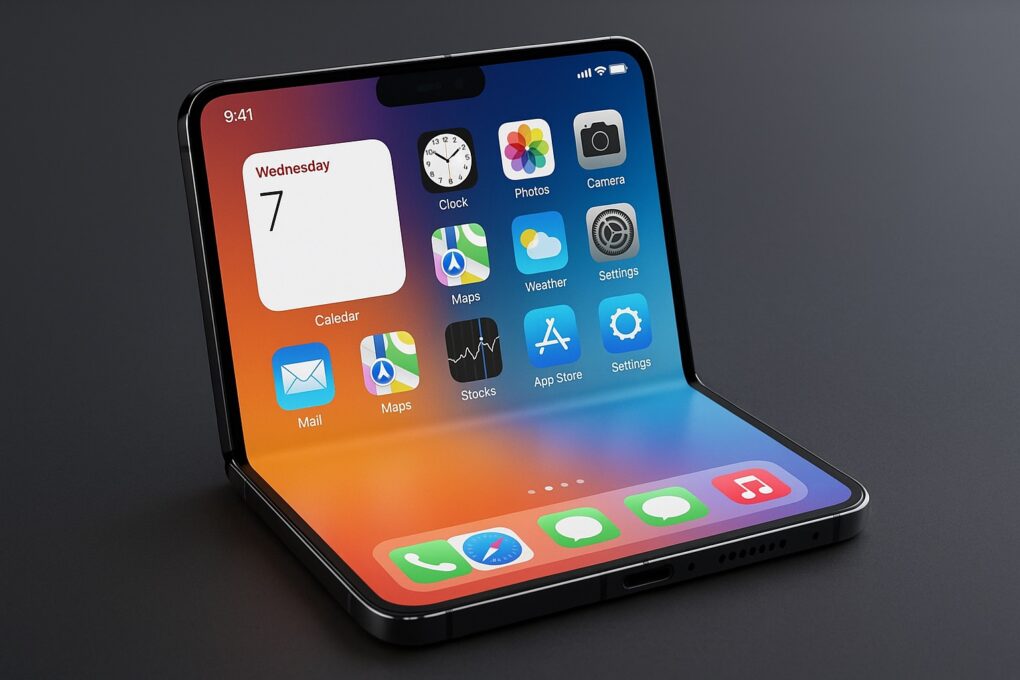
Apple expects foldable iPhone to sell in big numbers. Photo: ChatGPT
Apple’s foldable iPhone won’t launch until at least H2 2026. Yet, the company is seemingly already optimistic about its demand, raising its shipment forecast.
A reputed Apple analyst says Apple has bumped its 2026 and 2027 shipment forecasts by a few million units.
Apple may ditch the physical SIM card in more countries with the iPhone 17. A report points to the company going eSIM-only with its upcoming iPhones in Europe this year.
Apple dropped the physical SIM slot entirely in the US starting with the iPhone 14 in 2022.
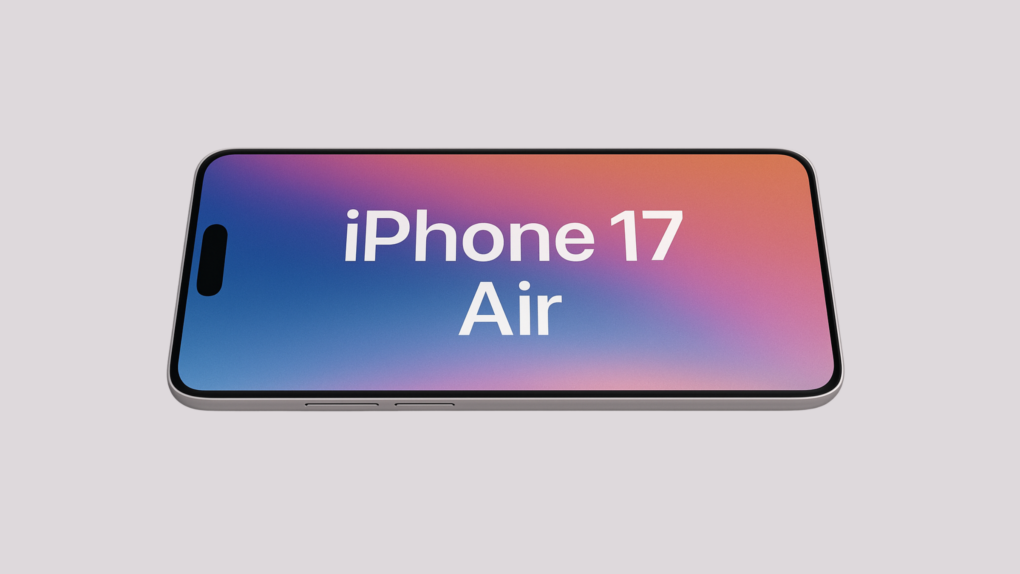
Would you use a bumper case with the iPhone 17 Air? Photo: ChatGPT/Cult of Mac
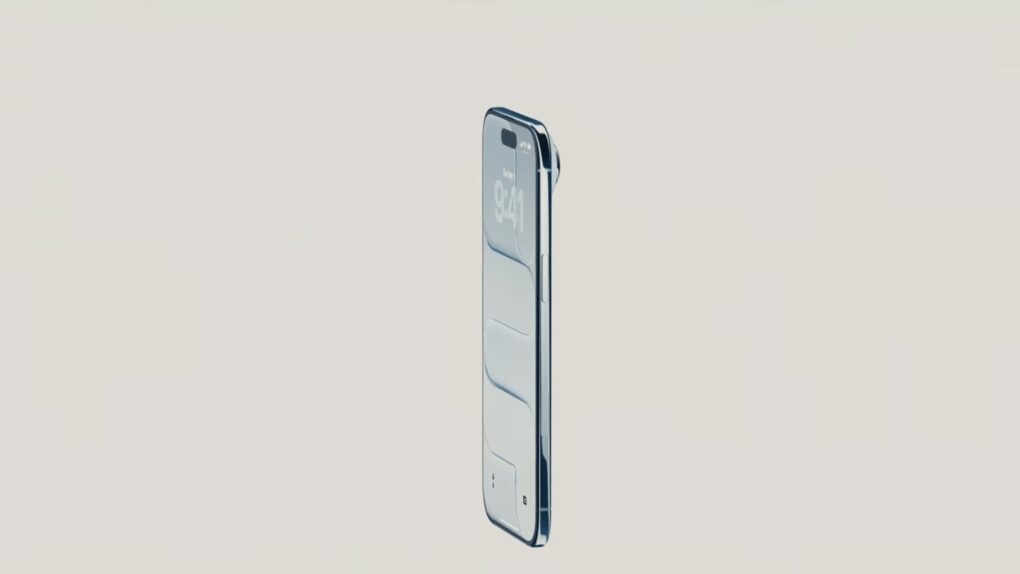
Apple internally tested launching an iPhone 4-style bumper case for the upcoming iPhone 17 Air, according to an unconfirmed report. The slim case would have covered the phone’s edges, leaving the back exposed.
Such a thin case would highlight the iPhone 17 Air’s super-thin design. However, it’s unclear whether Apple will launch the case.
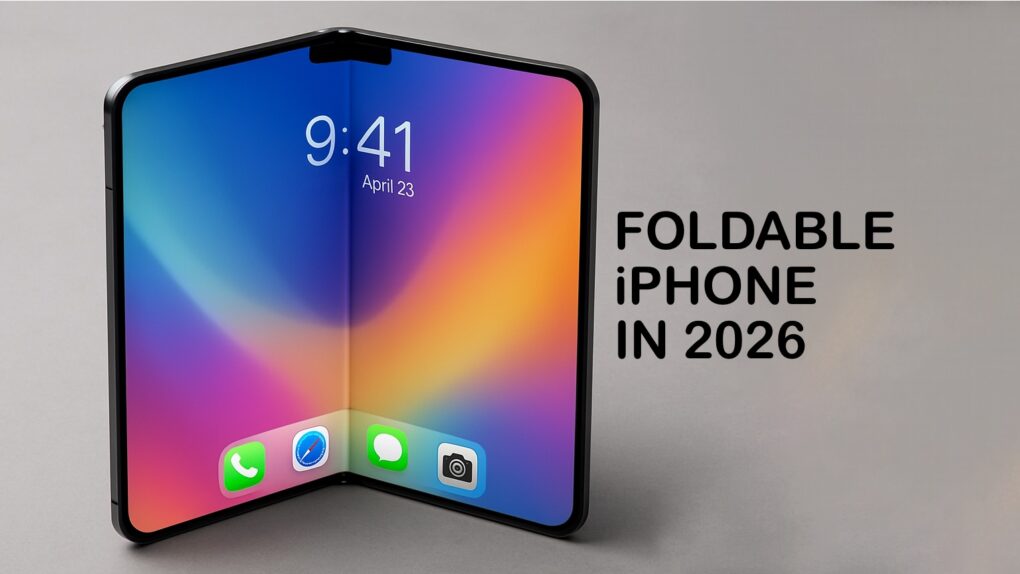
A folding iPhone might be in short supply for a long time. AI concept: ChatGPT/Cult of Mac
The first folding iPhone reportedly will utilize Apple’s in-house C2 modem, switch to an advanced display technology to improve touch accuracy and make the screen crease less visible, and bring back a classic feature: Touch ID.
Codenamed V68, the book-style foldable is on track to debut in 2026