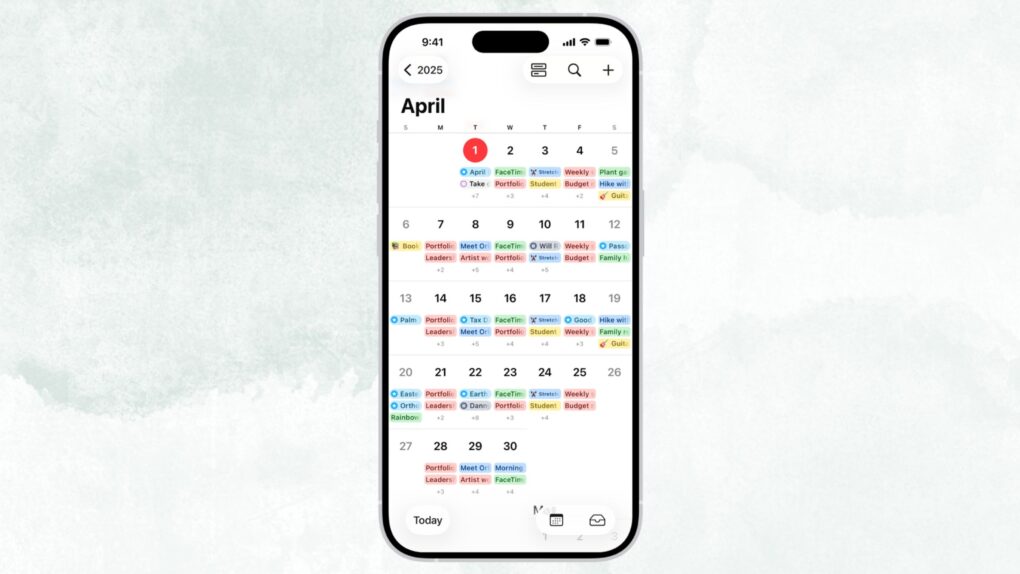
Apple’s Calendar app is just fine — good enough to use, but never good enough to love — but iOS 27 finally changes that. The update brings natural-language event creation to Apple’s stock app, a feature that third-party solutions have made possible for years.
In iOS 27, you can just type in simple English what you want to do, and your iPhone will take care of the rest. No more hopping between date pickers, fiddling with time selectors, and entering a location. The app will understand and build an event for you.
iOS 27 makes adding Calendar events easy
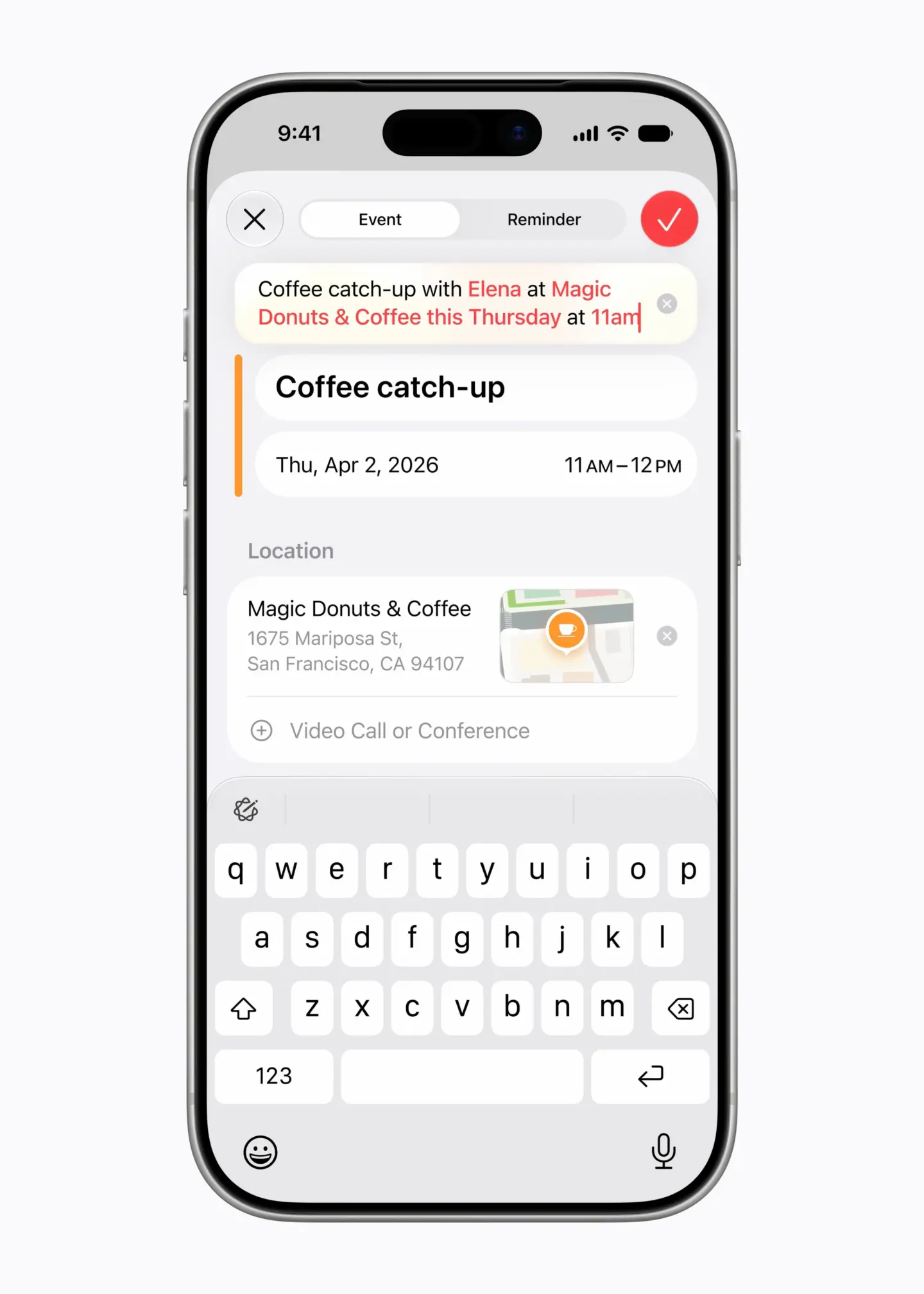
With iOS 27, creating an Apple Calendar event is as easy as describing it. Just hit the “+” button in the app and start typing what your event is about. For example, if you type in “Movies with Paul at 9 PM on Sunday,” the app will automatically pick up the date and time for you.
As you type, you will also see suggestions at the top of the keyboard that let you add an invitee or confirm a location. That means using date pickers, time selectors and other options may soon be a thing of the past. And yes, you can also write “every week” to create a recurring event and edit the description so the app adjusts all future events to match.
Reminders get the same treatment, and you also get Visual Intelligence support
Natural language input isn’t limited to the Calendar app in iOS 27. It also extends to Apple’s Reminders app. Type in “Remind me to go to the grocery store at 2 p.m. on Wednesday,” and the app will set it up at the exact date and time you mentioned.
It isn’t all about typing. With iOS 27, Visual Intelligence now integrates directly with Calendar and Reminders. Soon, you will be able to snap a photo of an event flyer or take a screenshot of a webpage, and these apps will pull out relevant details and add them to the event.
The current version of Siri can technically create an event and add the time and date for you. But as with most things, it messes up a lot. When iOS 27 rolls out to everyone in September, Apple’s Calendar app will finally have a feature third-party calendar apps have had for years.

Anurag Chawake is a tech-focused writer specializing in smartphones, apps and consumer technology. His interest in computers began during the Windows 98 era, eventually leading him to explore everything from operating systems to mobile devices and PC hardware. Anurag previously contributed to The Indian Express, covering Apple, Android, gaming and the broader technology landscape.

