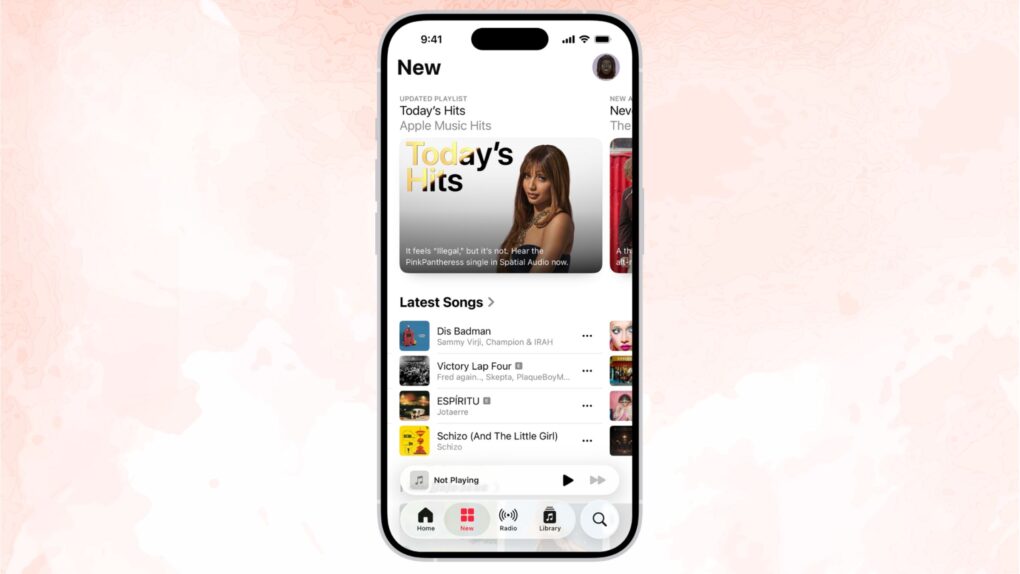
Apple Music will receive one of its biggest overhauls in years with iOS 27, and the changes go deeper than you might expect.
The update covers almost all aspects of the Apple Music app: interface changes, expanded lyrics tools, improved AI-powered mixing, and quality-of-life changes that make the app feel faster. It sounds like a big update for anyone who uses the app daily.
Apple Music in iOS 27: New look, new features
The Apple Music makeover in iOS 27 reflects a broader shift in how streaming services compete these days. With music catalogs largely identical across platforms, the battle is increasingly fought through smarter discovery tools and other advanced features.
Apple’s betting that the future of music streaming isn’t just about what you listen to. It’s about delivering a better listening experience overall.
Aside from Apple Music’s visual overhaul in iOS 27, the biggest upgrade is a smarter AutoMix, the AI-powered feature that matches songs by key and tempo to create seamless transitions like a DJ would. (This feature also will come to Apple Music on tvOS and on HomePod.) If you still use Crossfade, AutoMix might finally be worth switching to after you upgrade.
Apple Music expands Lyrics Translation
Apple Music beefs up its Lyrics Translation feature in iOS 27. You will now able to read English translations of songs in French, German, Italian, Korean and Spanish. Plus, you can translate from French to English and from Japanese to English.
Apple says it uses machine learning “with fine-tuning from language experts” to preserve the emotion and cultural intent for each song, not just the words.
Apple Music’s Lyrics Pronunciation feature is getting a boost, too, with five new language pairings: Arabic to Romanized Arabic, English to Hangul, English to Katakana, Japanese to Hangul, and Mandarin Chinese (simplified) to Katakana.
The fixes you didn’t know you needed
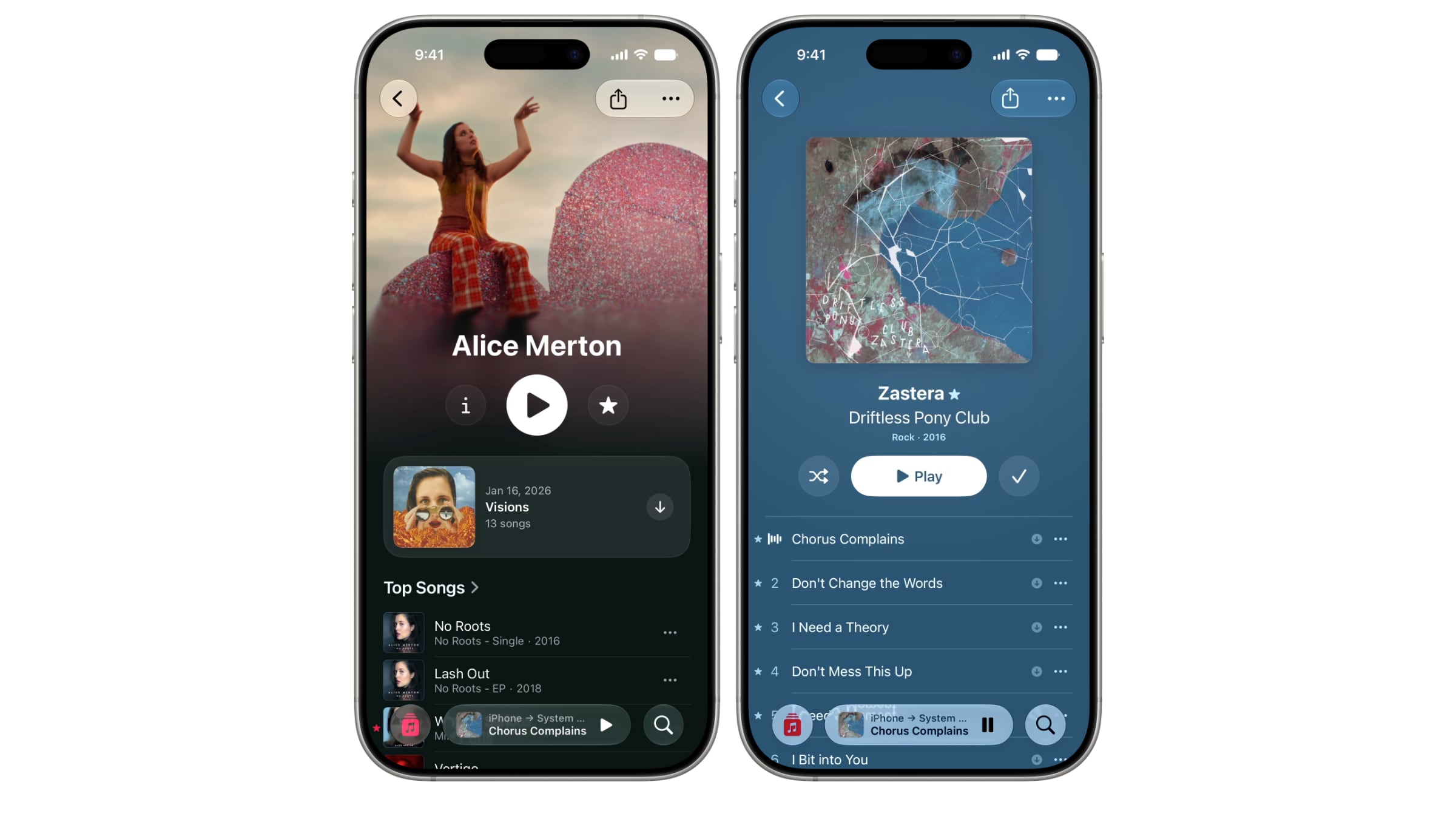
Image: Apple
The app also comes with a fresh layout for artist pages, which makes the shuffle button prominent, along with a cleaner name display. Album pages get a visual upgrade, too. And you can remove Apple Music’s Now Playing widget from your iPhone’s Lock Screen
The Apple Music app is also getting some behind-the-scenes performance upgrades. Apple says it improved the speed at which the Now Playing screen loads and reduced the time taken to start streaming a song after a fresh launch. And increased streaming reliability should translate to fewer playback pauses when your connection is spotty.
Apple Music also works better with the new, smarter Siri in iOS 27. You can ask about an artist, and even ask follow-up questions, without breaking the conversational flow.
The new Apple Music features in iOS 27 are currently in developer beta, with a public release expected later this fall alongside the iPhone 18 lineup.

Anurag Chawake is a tech-focused writer specializing in smartphones, apps and consumer technology. His interest in computers began during the Windows 98 era, eventually leading him to explore everything from operating systems to mobile devices and PC hardware. Anurag previously contributed to The Indian Express, covering Apple, Android, gaming and the broader technology landscape.


2 responses to “Apple Music gets compelling upgrades in iOS 27”
How about if smart lists were fully and seamlessly synced across macOS, iPadOS, and iPhone?
can’t be done