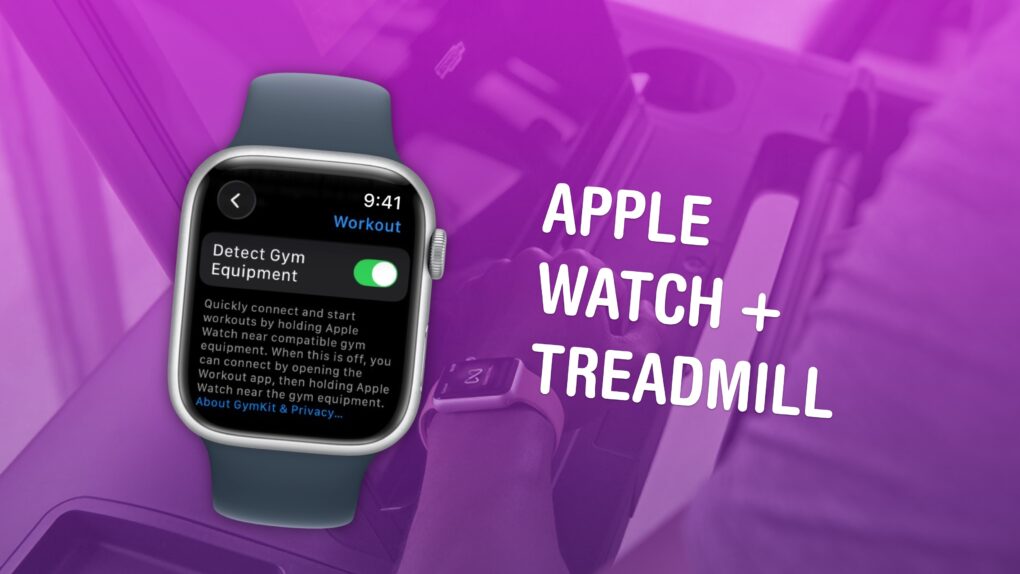
Available in certain gyms and equipment. Image: Apple/D. Griffin Jones/Cult of Mac
You can easily connect your Apple Watch to exercise equipment, like a treadmill at Planet Fitness, to record more accurate health data inside the Fitness and Health apps on your iPhone. After all, if you’re working out, you want to make sure your Apple Watch gives you credit for it.
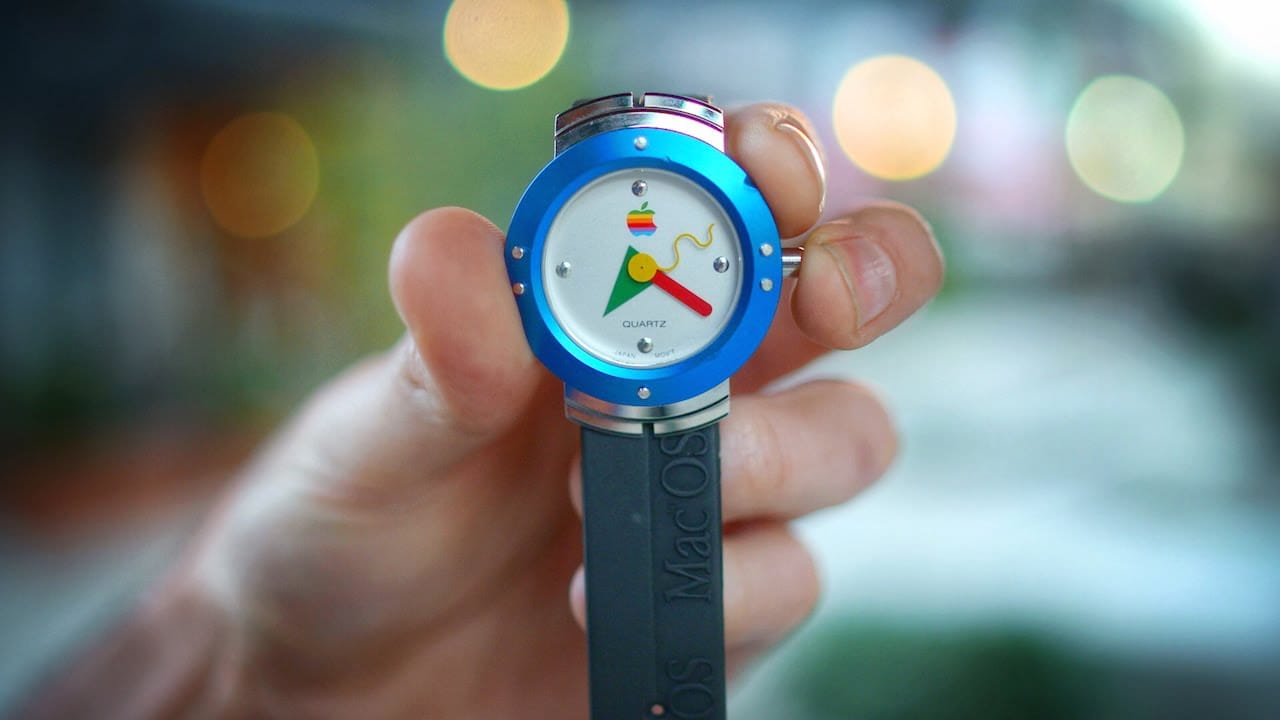
Apple's first watch was ... well, just a watch, actually. Photo: Jonathan Morrison
May 2, 1995: Apple enters the wearables space with its first watch. However, the first Apple watch is a timepiece with no fitness-tracking tech, no on-screen notifications and a whole lot of 1990s styling.
The device comes two decades before wearables actually will become a thing. A regular wristwatch, the freebie gadget is available via a special mail-in offer to Mac OS upgraders.
Let's give Apple CEO Tim Cook credit where credit is due. Image: Apple/Cult of Mac
Tim Cook doesn’t get enough credit for launching groundbreaking products as Apple CEO. He quietly oversaw launches that reshaped how people listen, make purchases and monitor their health. He even revitalized the Mac.
With Cook leaving the CEO spot to become chairman of Apple’s board of directors in September, it’s time for some perspective on his time in office. Here are five examples of Cook embedding Apple deeper into our lives than ever before.
Is sleep tracking with your Apple Watch actually making you more stressed? AI image: Gemini/Cult of Mac
Each morning I wake up and check my sleep score on my Apple Watch. And then I wonder if it’s doing me any good. It’s certainly adding stress and hassle to my day.
That’s why I’m thinking of turning it off. Maybe you should, too.
The Apple Watch is the first major new product launch of the post-Steve Jobs era. Photo: Jim Merithew/Cult of Mac
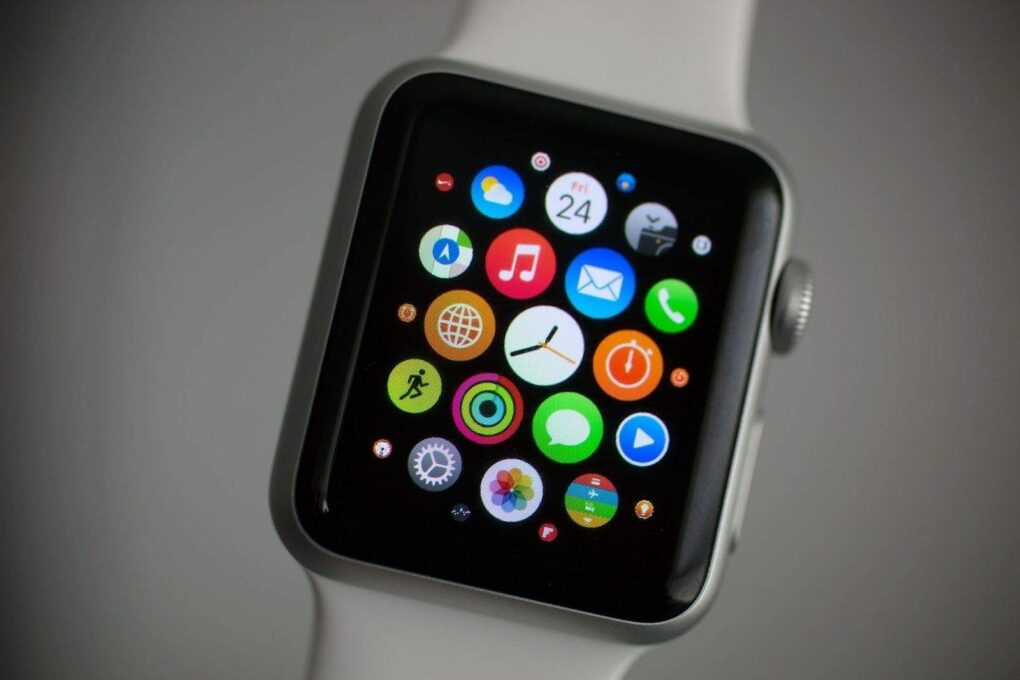
April 24, 2015: The original Apple Watch launch means consumers, who endured a seven-month wait after the device’s unveiling at a keynote the previous September, can finally strap an Apple wearable onto their wrists.
Apple CEO Tim Cook describes the smartwatch as the “next chapter in Apple history.” Behind the scenes, however, the first Apple Watch launch is a moment long in the making.
Can you leave Apple's ecosystem? AI image: ChatGPT/Cult of Mac
What makes the Apple ecosystem so alluring? Individually, the iPhone, iPad, Mac or Apple Watch might not be the best devices in their respective categories. Yet, when combined, they form one of the best ecosystems in the world.
It’s this Apple ecosystem — the so-called walled garden — that makes it almost impossible to ditch Apple devices. But what makes it so good?
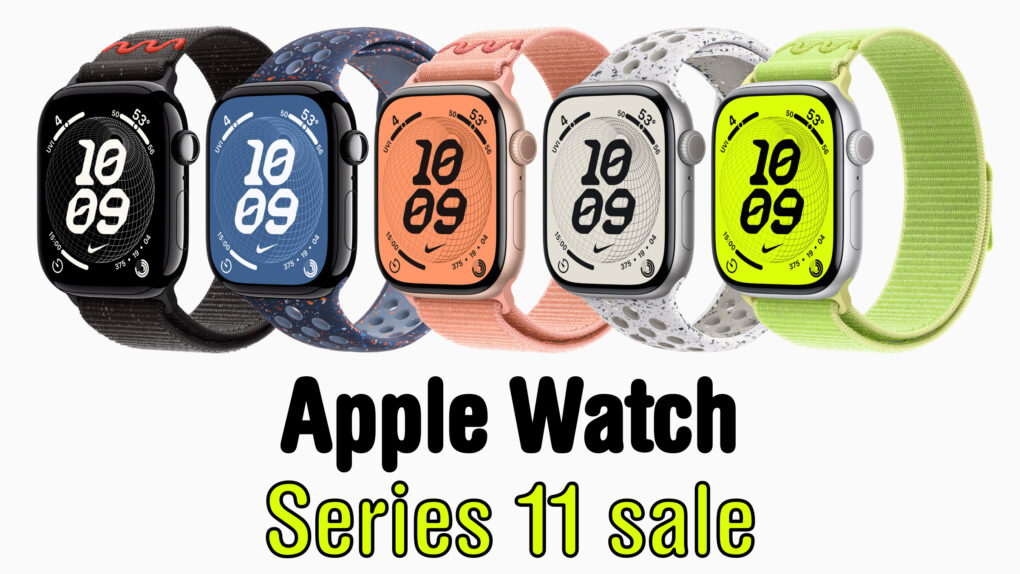
Apple Watch Series 11 comes in a range of colors and combos, but not everything's on sale ... yet. Image: Cult of Mac
A smartwatch can help you get in shape for the summer, and a hot deal on Apple Watch Series 11 drops the cost to only $299 for the smaller 42mm size. That’s a $100 discount off Apple’s MSRP — a whopping 25% off!
The award for completing the Earth Day challenge looks like this. Photo: Apple
Apple will bring two limited-edition Activity challenges to Apple Watch this month, giving users a reason to get moving in the final stretch of April, the iPhone giant said. The occasions are Earth Day on Wednesday, April 22, and International Dance Day on Wednesday, April 29.
As Amazon acquires Globalstar, the Amazon Leo network will meet Apple's satellite needs. Photo: Amazon
Apple secured a new agreement with Amazon ensuring the satellite features millions of iPhone and Apple Watch users depend on — including Emergency SOS — continue to work, even as the company that currently powers them is set to be acquired, the companies said Tuesday.
“This ensures our users will continue to have access to the vital satellite features they have come to rely on, including Emergency SOS, Messages, Find My, and Roadside Assistance via satellite, so they can stay safe and connected while off the grid,” said Greg Joswiak, Apple’s senior vice president of worldwide product marketing, in an Amazon press release Tuesday.
Apple wants to make your iPhone into your car key, if it can keep getting automakers to cooperate. Photo: Apple/Cult of Mac
Update: And just like that, now Lexus enters the fray. Reports indicate the Toyota-owned luxury brand will add support for iPhone car keys in the coming months, according to references found in Apple’s backend code. It joins many others.
From a single BMW model in 2020 to dozens of brands today, Apple Wallet’s digital car key keeps gaining momentum. Could it soon become as standard as a seat belt? It looks to be headed that way, at least — and for good reason.
The new cat tracker is small enough to (probably) not bother your cat. Photo: Tractive
An AirTag with the proper collar can tell you where your cat or dog is. Tractive’s new Cat 6 Mini and Dog 6 XL devices can do that, too, but they also can tell you whether your pet is stressed, scratching themselves too much or breathing differently than usual, the company said Wednesday.
Your dog or cat can’t wear an Apple Watch. These collar-based trackers seem to be the next best thing.
“Since Tractive’s founding, we’ve helped pet parents know where their pets are,” said Michael Hurnaus, CEO and founder of Tractive, in a press release. “Now we’re helping them understand how their pets are doing. ”
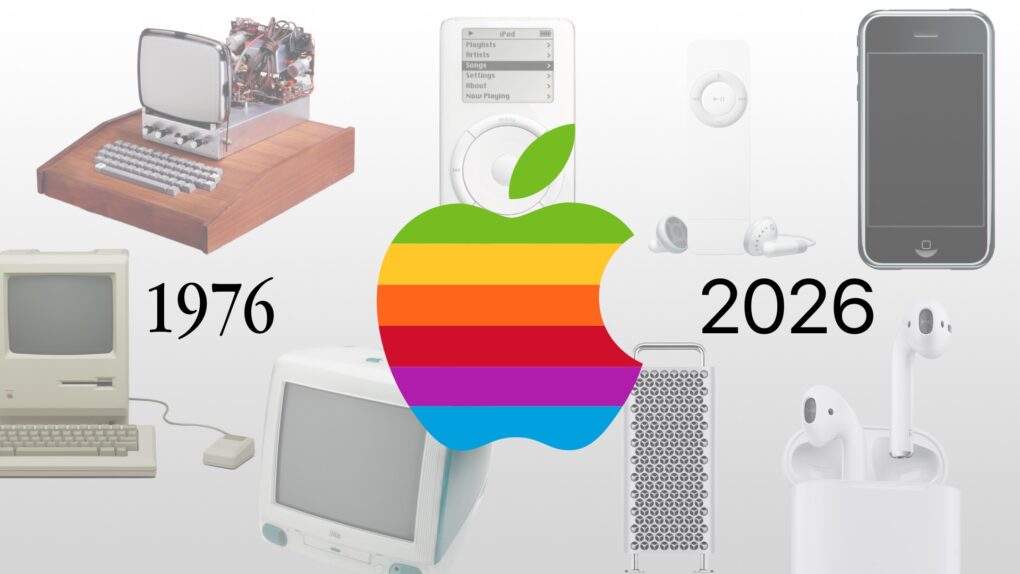
It’s a big birthday for the fruit company. Image: Apple/D. Griffin Jones/Cult of Mac
As Apple turns 50, it’s worth looking back on the company’s greatest accomplishments and lowest moments through history. If you don’t have time for David Pogue’s 600-page epic, Apple: The First 50 Years, maybe you can spare eight minutes to relive the single biggest piece of Apple news every year.
Some of the most important products from Apple's first 50 years might surprise you. Image: Midjourney/Cult of Mac
Apple produced an amazing string of hit products over its 50 years, but to paraphrase Napoleon the pig: Some are more important than others.
Here are the most important products in Apple’s 50-year history. And no, this list is likely not what you were expecting. They’re not necessarily the biggest or the most well-known.
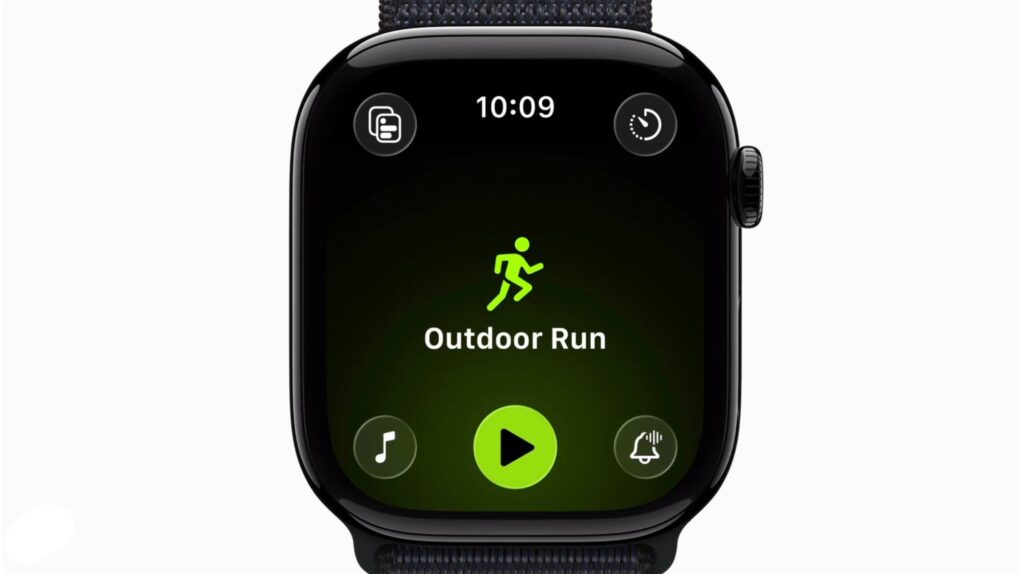
Now you can tap the big workout type icon to start a workout, like god intended. Photo: Apple
When it released watchOS 26.4 on Tuesday, Apple fixed an annoying recent addition to the Workout app. After you update, you can tap on the big fat workout type icon to start recording a workout quickly and easily.
It’s a small thing, but when you’re dealing with a screen the size of the Apple Watch — and especially when you’re outside in the bright sun, getting ready to jump into a workout — the bigger the tap target, the better.
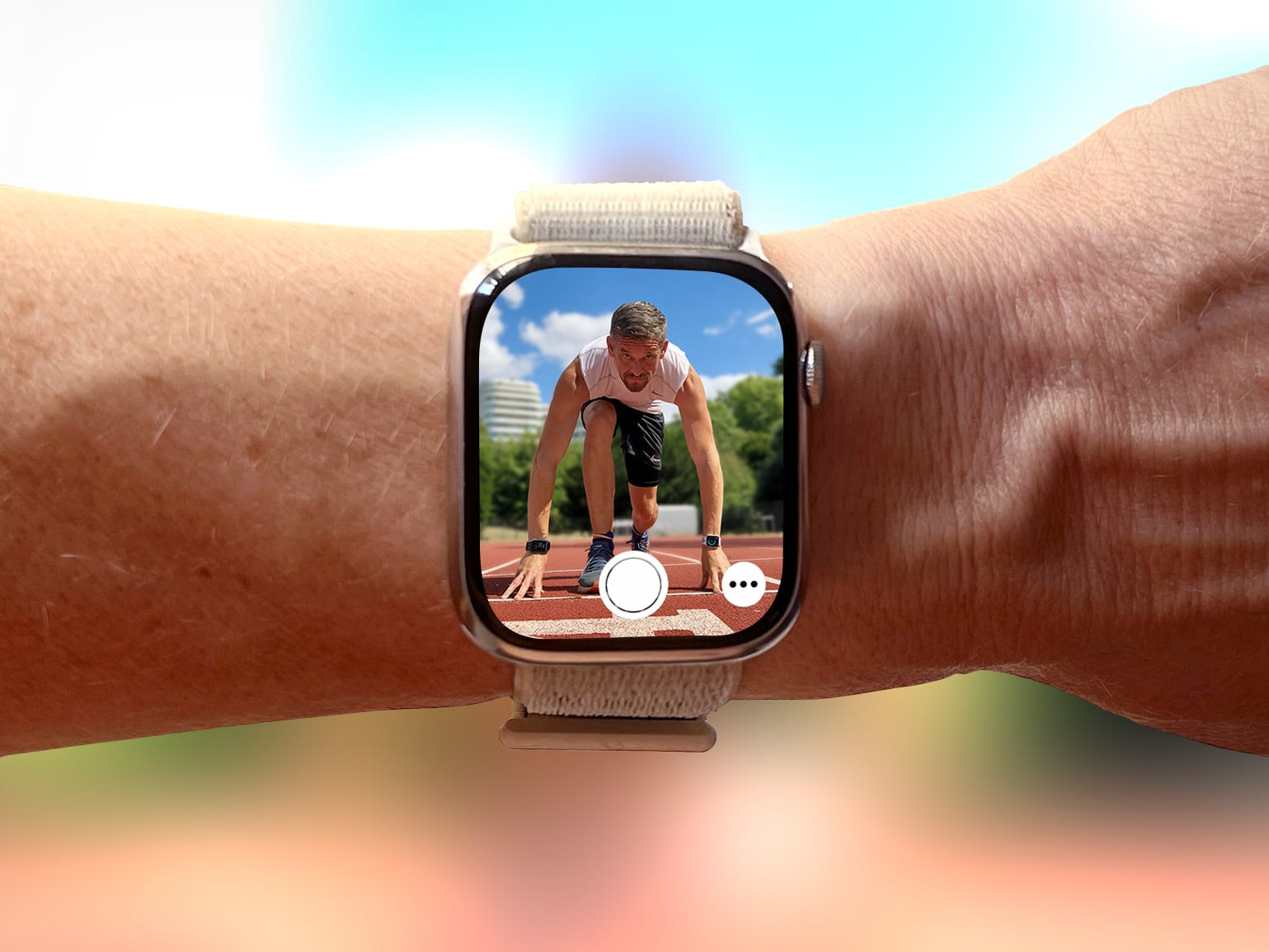
The Camera Remote app will take your selfies to a whole new level. Photo: Graham Bower/Cult of Mac
Everyone knows Apple Watch is an excellent health and fitness companion. But did you know it’s also handy for taking selfies? That’s thanks to Apple Watch’s best-kept secret: the Camera Remote app.
This indispensable Apple Watch app lets you use your iPhone’s best camera to take selfies. Using the app will elevate your selfie game, enabling you to take more flattering shots — with better compositions, more interesting poses and much, much more.
I use it all the time to take photos for Cult of Mac, and I’ve learned a few tricks along the way. So here’s my definitive guide to taking better selfies with Apple Watch.
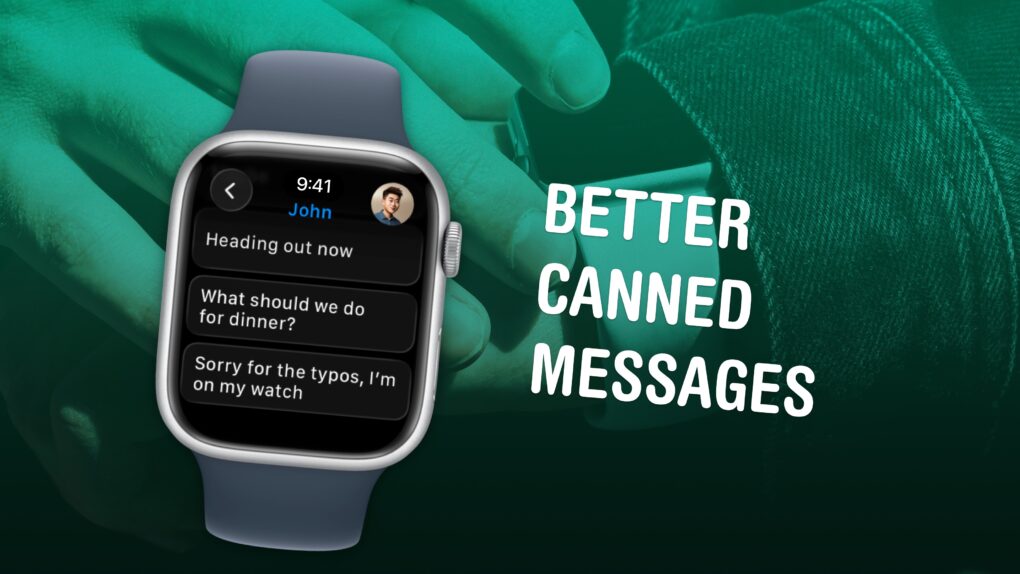
Texts you might actually send to someone. Image: D. Griffin Jones/Cult of Mac
Apple Watch texting is not fun, no matter which way you slice it. But it can be made a lot easier if you spend a few minutes setting up canned messages for you to instantly reply with later. It makes texting much easier. Here’s how to set it up.
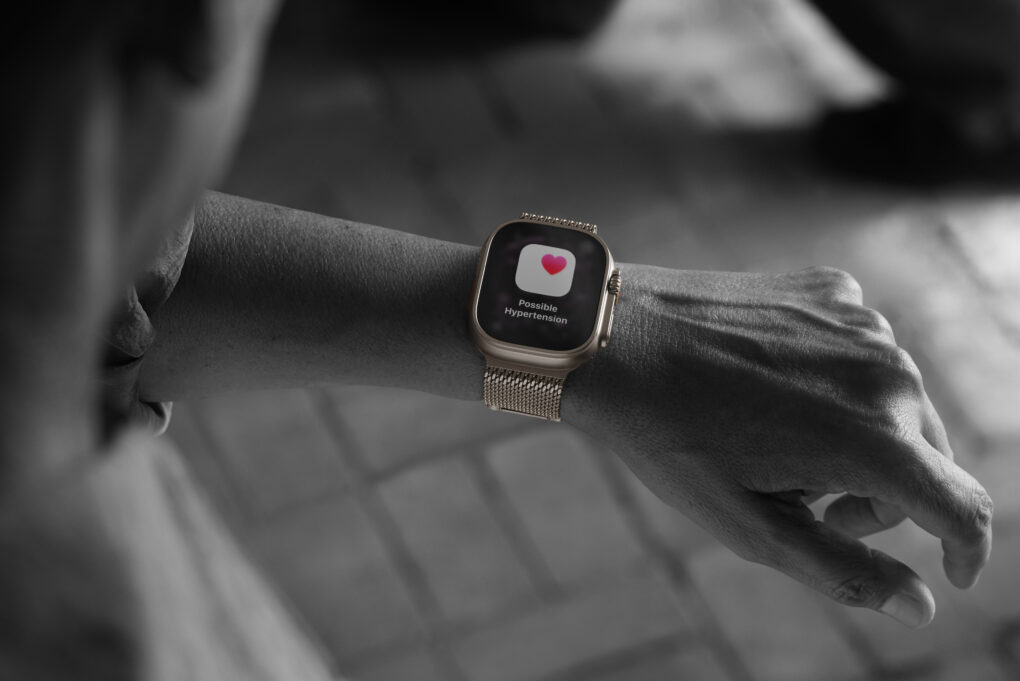
Apple Watch Ultra 3 is one of the models featuring Hypertension Notifications. Photo: Apple
For millions of Apple Watch owners, the Hypertension Notifications Feature available on recent models is a big leap in wearable health monitoring. It promises to alert users to potential high blood pressure before it leads to serious health problems. But how reliable are the alerts, and what should Apple users realistically expect?
I’ve had measurably high blood pressure for years. I wear Apple Watch 10, one of the models with hypertension alerts. And yet I’ve never seen one up close and personal. Apparently my meds are working!
Apple's shocking numbers start with $143.8 billion in gross revenue. AI image: Midjourney/Cult of Mac
“I am proud to say that we just had a quarter for the record books,” Apple CEO Tim Cook said during Thursday’s earnings call, before rattling off numbers that surprised Wall Street analysts — in a good way.
The highly successful quarter was also one for the stat geeks. Apple racked up several all-time highs during the quarter (technically Apple’s Q1 2026). From overall revenue (a new all-time high!) to customer satisfaction ratings (through the roof!), the numbers Apple put up during the 2026 holiday quarter will blow your mind.
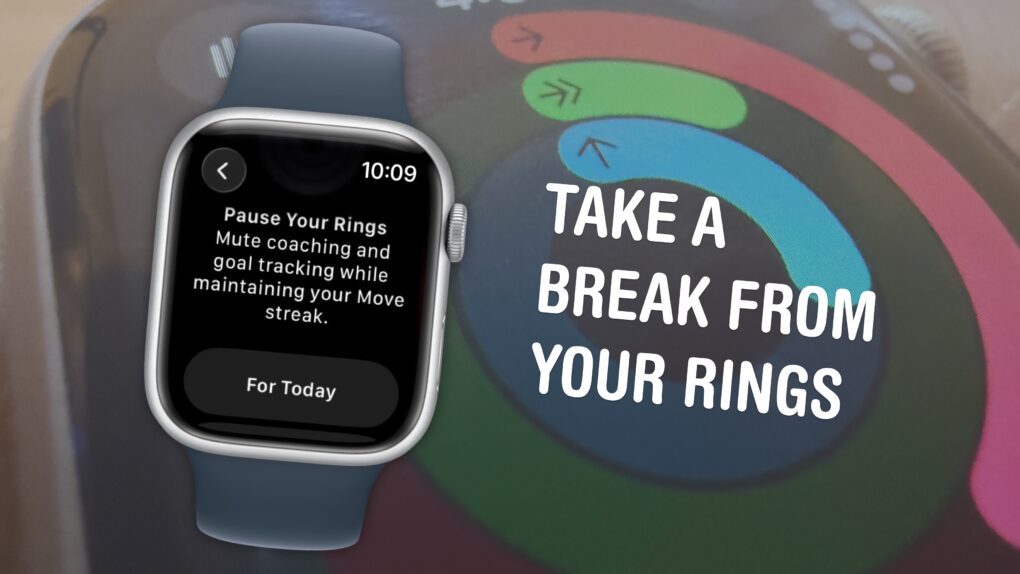
You can pause them without losing your streak. Image: D. Griffin Jones/Cult of Mac
The Apple Watch doesn’t just count your steps — its three Activity rings track different levels of energy you burn throughout the day. And the perpetual challenge to “close your rings” provides a motivational push that gamifies fitness.
Apple’s smartwatch gives you a bunch of options for customizing your Activity rings (and for taking a break when you need it). You can set different goals for each ring for different days of the week to fit your workout schedule. When you want a rest day or if you fall ill, you can take up to a month-long break without losing your streak.
If you’re all-in on the fitness tracking, you can add widgets that show your rings on your Apple Watch face and widgets on your iPhone. Or, on the other hand, if you find it all a bit annoying, you can turn off all the notifications so they won’t bother you anymore.
Here’s everything you need to know about the Apple Watch’s Activity rings.
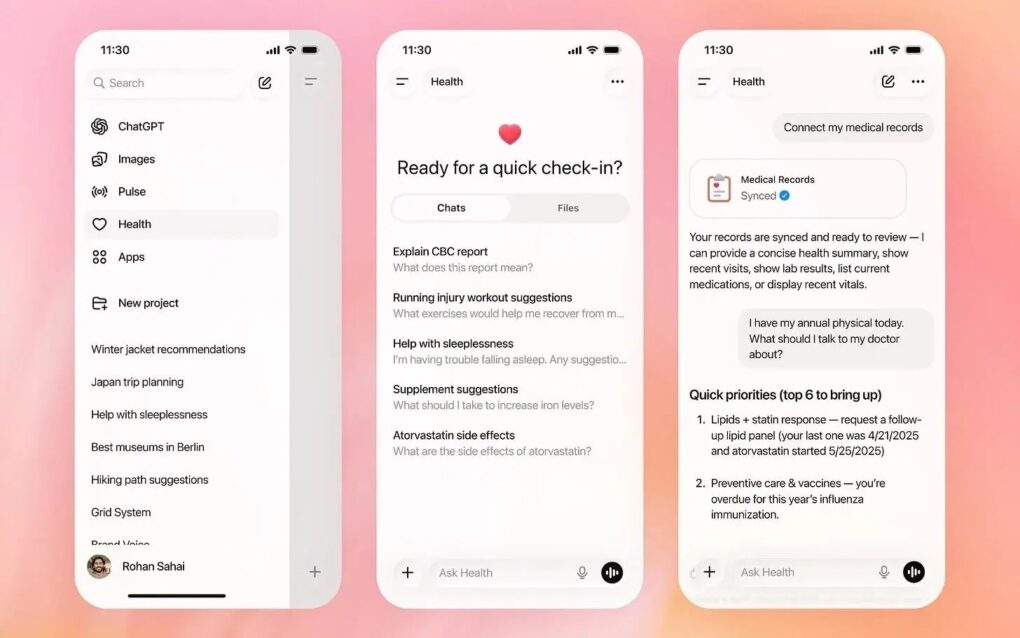
You might want to reconsider handing your health data to an AI bot. Photo: OpenAI
When Washington Post tech columnist Geoffrey A. Fowler gave ChatGPT access to a decade of his Apple Watch data, he expected useful insights. Instead, the AI delivered wildly inconsistent health assessments that left him questioning the readiness of AI-powered health tools.
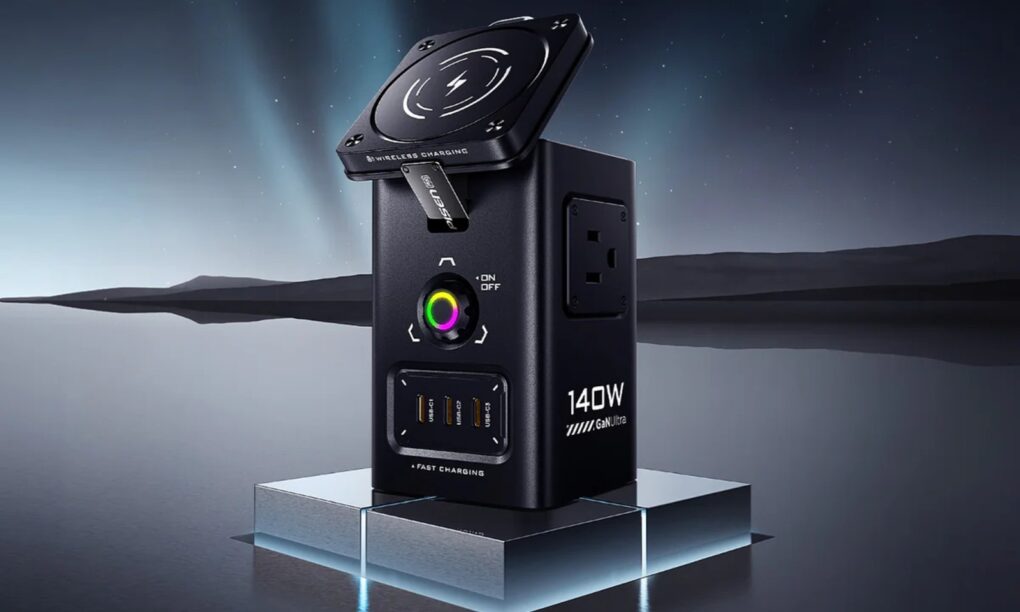
It has magnetic wireless charging, USB-C and USB-A charging and AC outlet charging via good ol' plugs. Photo: Pisen
The new Pisen Qi2 8-in-1 140W Mega Charging Hub — just launched on Amazon — offers Apple users a comprehensive desktop charging solution that combines wireless charging for iPhone and Apple Watch with high-power wired charging for MacBooks and iPads, the company said Thursday.
It features not only a Qi2 MagSafe charging platform for recent iPhones, but a magnetic Apple Watch charger, USB ports and even power outlets for plugs. And you can get it not only in basic black, but in a surprising yellow!
The alleged breach culled huge amounts of secret date, attackers claim. Photo: Apple/Cult of Mac
A major ransomware attack on Luxshare, one of Apple’s most critical manufacturing partners, allegedly exposed over 1TB of confidential data from the iPhone giant and other tech behemoths. Stolen information in the Luxshare data breach includes product designs, engineering documents and employee information spanning from 2019 to 2025, according to a new report.
Letterpad was one of the first games we got to see on Apple Watch. Photo: NimbleBit
January 21, 2015: Months before the first Apple Watch goes on sale, users get a glimpse at what playing games might look like on the smartwatch. Thanks to Apple making the WatchKit API available to third parties, game developer NimbleBit releases a mockup of Letterpad, its simple, work-in-progress word game.
Suddenly, we get a peculiar desire to play games on our wrist that we haven’t had since the days of the Nintendo Game & Watch three decades earlier.
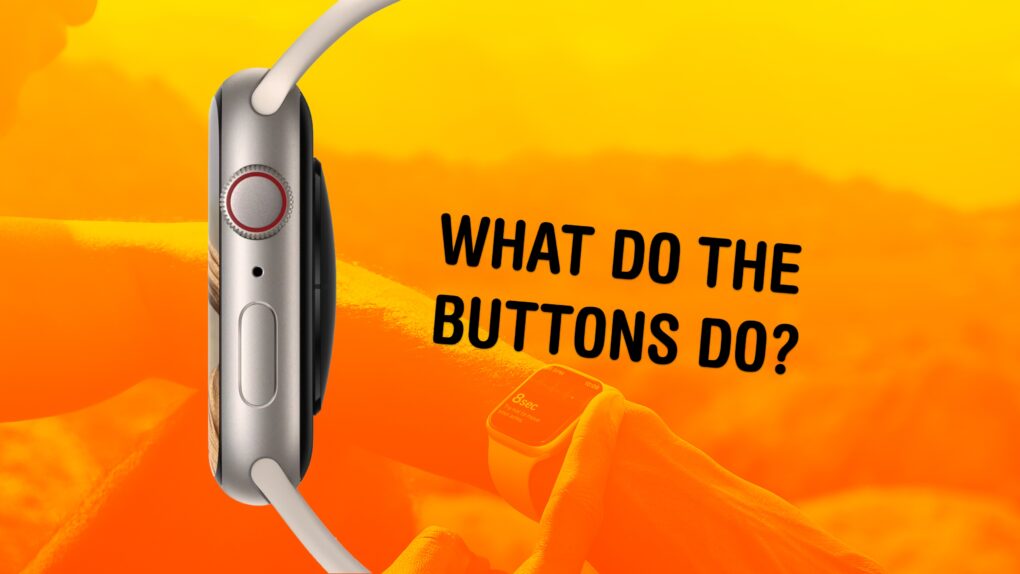
The buttons on the Apple Watch switch apps, activate Apple Pay, open Siri and more. Image: Apple/D. Griffin Jones/Cult of Mac
What do the buttons on the Apple Watch do? The Apple Watch borrows a lot from the iPhone, but the biggest difference between the two devices comes down to the way their buttons work. Each individual button does different things, depending on whether you click, double-click or hold them down.
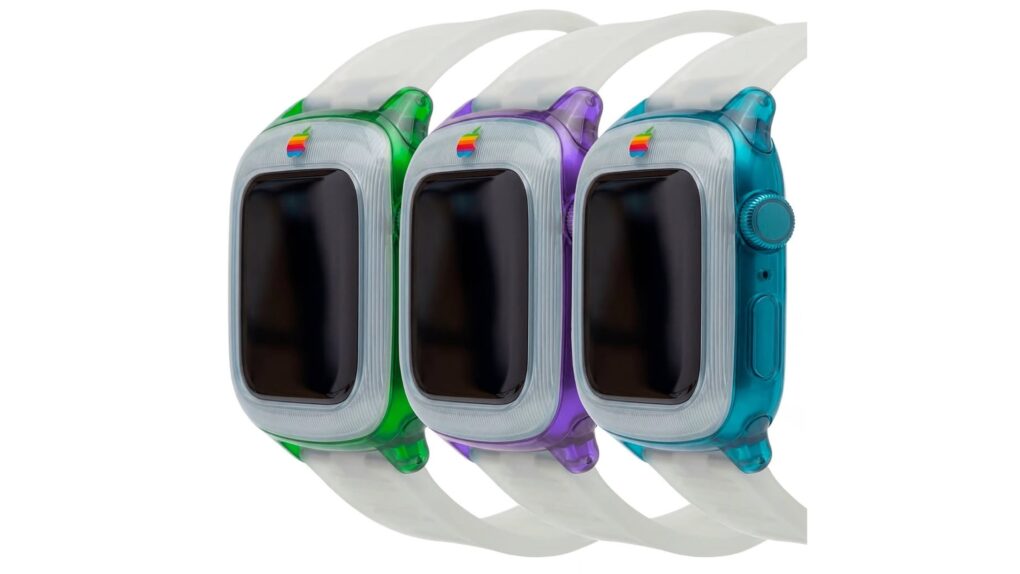
Apple fans are loving this juicy retro Apple Watch concept. Image: SaffyCreatives
A cool, colorful Apple Watch concept that borrows the design language of the original iMac is drawing raves on Instagram.
The instantly recognizable design features translucent plastic in the bright shades of the nonconformist computers that saved Apple’s bacon in the late 1990s.

 May 2, 1995: Apple enters the wearables space with its first watch. However, the first Apple watch is a timepiece with no fitness-tracking tech, no on-screen notifications and a whole lot of 1990s styling.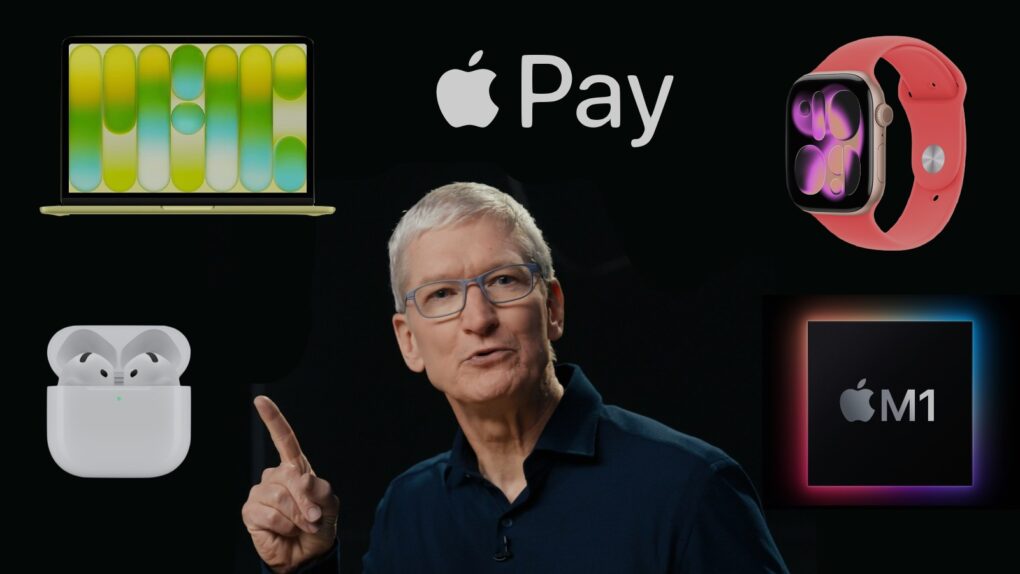

 April 24, 2015: The original Apple Watch launch means consumers, who endured a seven-month wait after the device’s unveiling at a keynote the previous September, can finally strap an Apple wearable onto their wrists.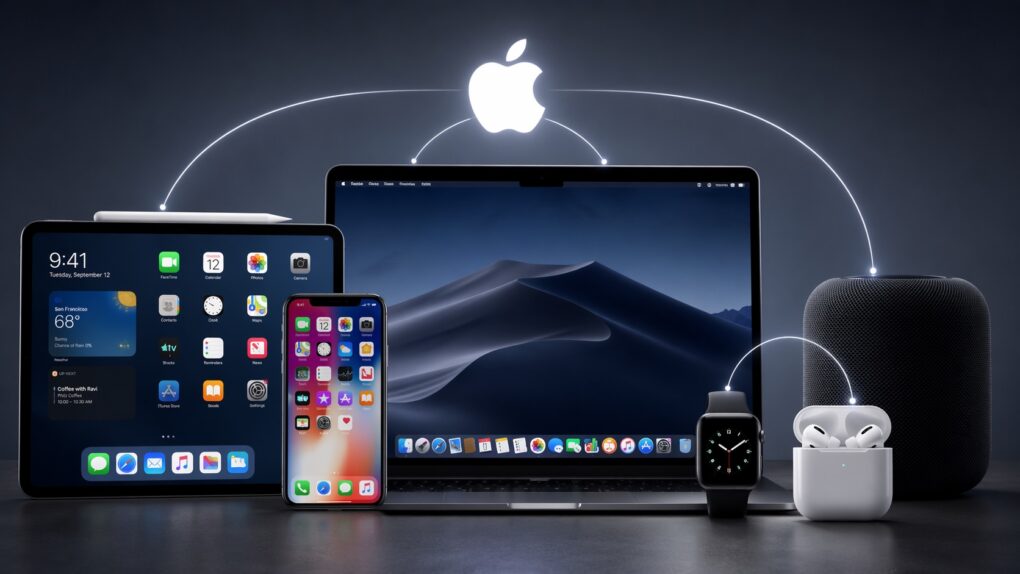



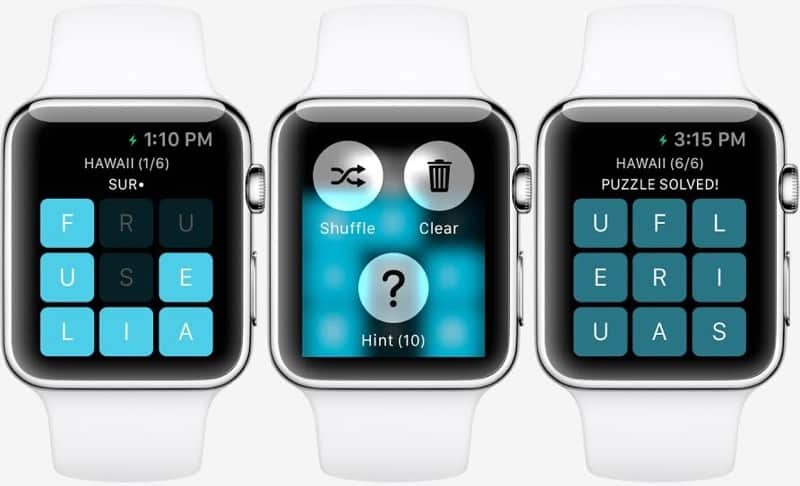
 January 21, 2015: Months before the first Apple Watch goes on sale, users get a glimpse at what playing games might look like on the smartwatch. Thanks to Apple making the WatchKit API available to third parties, game developer NimbleBit releases a mockup of Letterpad, its simple, work-in-progress word game.