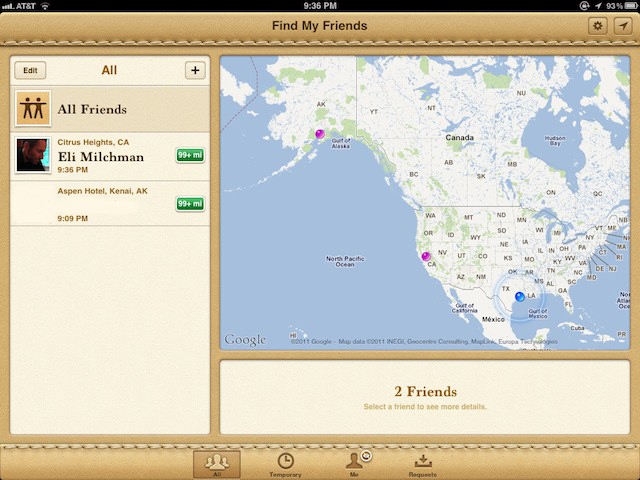
A handy way to link up with friends? You bet. Evil? Quite possibly. Lame? That’s what a friend of mine thought. Find My Friends, Apple’s newest app, is a new location tool that can be used to great effect — or become one huge, scary headache.
Here’s an FAQ with all you need to know about navigating safely through the app.
One of iOS 5’s hidden gems is the ability to create custom keyboard shortcuts, a feature that works like TextExpander on the Mac. In this video, I’ll show you how to create and manage keyboard shortcuts from any iOS 5 device.
Having an uncluttered and minimalistic desktop has several benefits. Not only does it remove visual distractions, it can also actually speed up your Mac. In this video, I’ll show you a few ways to clean up and un-clutter your desktop.
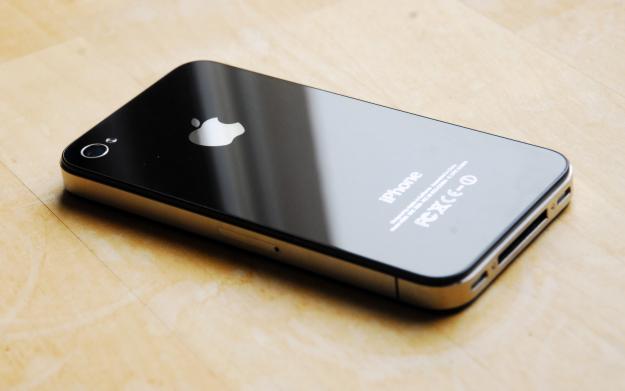
With any luck, you’ve managed to get through Apple’s technical difficulties and order yourself a new iPhone 4S this morning. But what to do with your old iPhone? If you’re looking to sell it, here’s a reminder of four tips that will help you sell your old iPhone like a pro.
Readers continue to contact us with questions about their Macs and iDevices, so we’ve decided to run Ask MacRx more frequently during the week. Today we address one of the most common questions for a Mac consultant, why do I get that spinning beach ball all the time?
It seems like there is never a day goes by that I am not confronted with the Spinning Ball of Death, most often while in Safari (although granted, that is the application that I use most frequently). Lately (post Lion installation) I have even been getting a message “Browser is Not Responding.”
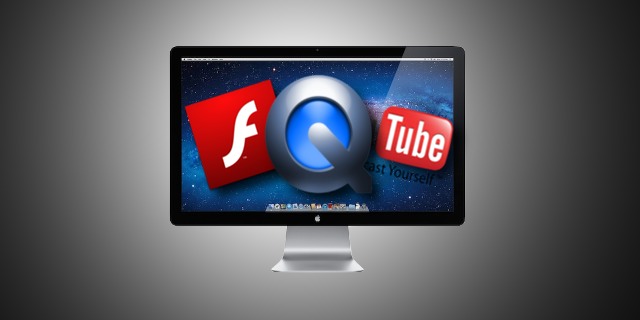
Although it’s by no means immediately obvious, Mac OS X includes a handy tool built right into Safari that enables you to capture streaming video from most websites. In this video I’ll show you how it’s done.
With OS X Lion, Apple announced a new file sharing feature called AirDrop. While the concept of AirDrop is great, it’s lack of support on older Macs cripples it’s functionality for some users. In this video, I’ll show you how to enable AirDrop on your older Mac as well as use some of AirDrop’s lesser known functionality.
Photographer Chase Jarvis is one of those photographers who employs staff. Yeah, that’s when you know you’ve arrived.
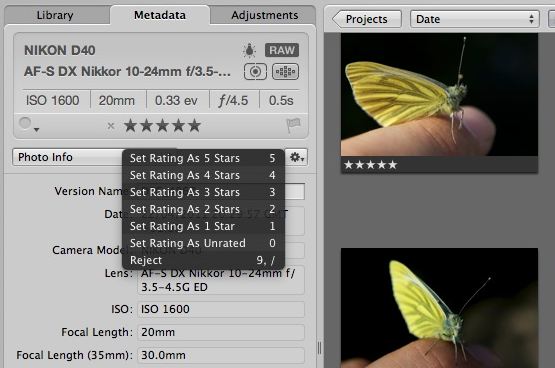
Anyway his lead assistant Scott Rinckenberger wrote a great blog post back in March, explaining how the pros in an office like his plough through many thousands of images to pluck out the best stuff.
In today’s high tech world, sometimes we can all use a bit of assistance. This week we’re launching a new troubleshooting column for Cult of Mac readers, Ask MacRx, to address your questions and issues about Macs and iDevices.
In today’s edition we’ll tackle restoring the Mail Message Preview Pane, more options for overcoming MobileMe sync problems, and questions about duplicates in iPhoto.
Ever since the switch to OS X Lion, there’s been a few little tweaks in the Finder that have annoyed me. Perhaps it’s just that I don’t like change, but either way, I went about looking how to fix these problems. In this video, I’ll show you how to fix little annoyances you may have found with the Finder in OS X Lion.
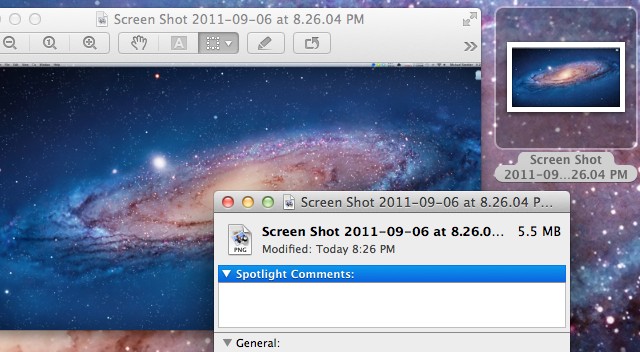
Have you ever wanted to change the default screenshot format in Mac OS X? The default PNG files can end up being huge, especially with higher resolution displays. In this video, I’ll show you how to change the format to anything you’d like, even a PDF.
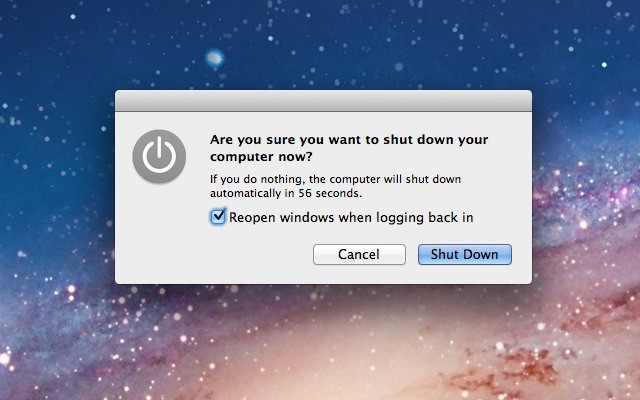
One of the most annoying features in OS X Lion for me has been the little checkbox on the shutdown dialog box that states, “Reopen windows when logging back in.” Going through the trouble of managing this checkbox every time I shut down is a hassle I’d rather not go through. Fortunately, there is a neat little Terminal trick that will allow you to render this button useless, as I’ll show you in the video below.
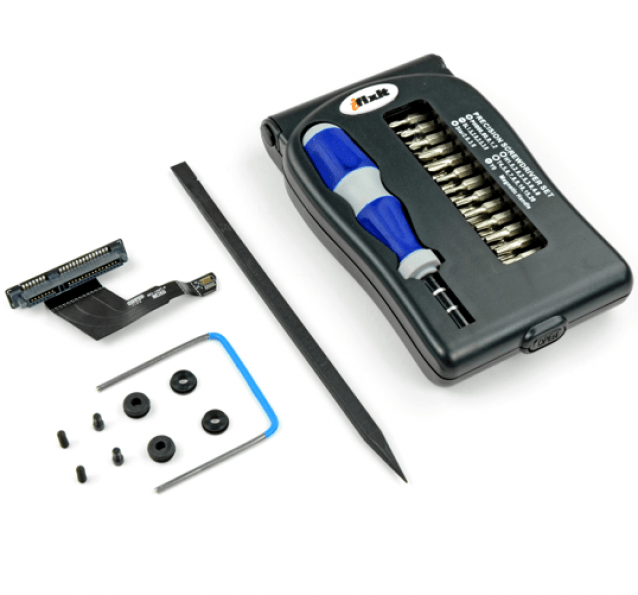
Following the launch of the new Mac mini earlier this year, the guys over at iFixit performed their customary teardown and revealed that the eradication on the system’s optical drive leaves room for a second hard drive. In order to make installing your own a great deal easier, iFixit has launched an awesome little kit that provides everything you need for the job.
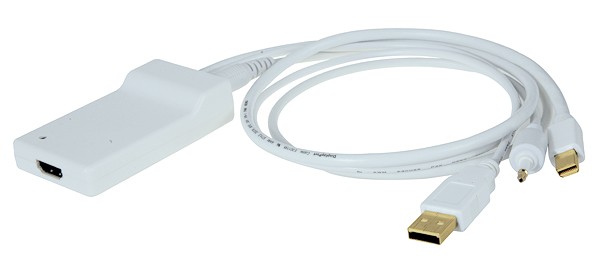
I’ve mostly been very happy with my migration to Lion, but I did get bit with one bug after the upgrade: for the life of me, I couldn’t get sound to output through HDMI when using my Kanex Mini DisplayPort to HDMI Adapter. That meant the days of hooking my 11-inch MacBook Air to my 47-inch 1080p HDTV were at an end.
I wasn’t alone. Apple’s support communities are filled with threads from frustrated Lion upgraders who suddenly lost the ability to pump sound through their HTPCs. HDMI sound also stopped working on my girlfriend’s MacBook when she upgraded to Lion. It’s obviously a widespread problem.
Luckily, today I finally figured out how to fix the issue, and it was remarkably simple. Here’s how to get HDMI sound back into Lion.
Apple has just released the Lion Recovery Disk Assistant, which allows you to turn any USB flash drive into a Lion recovery disk. This useful tool comes in handy in the event of a hard drive failure. In this video, I’ll show you how to set up a Lion recovery drive the right way and how to use it in the event of a hard drive failure.
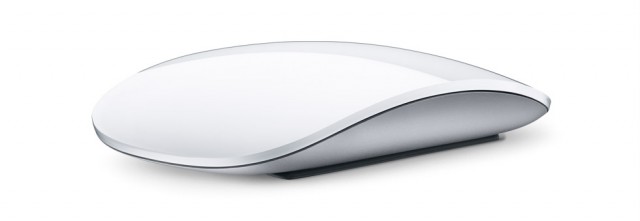
OS X Lion includes a plethora of new gestures to enhance the user experience. While the majority of these gestures are based around the trackpad, the Magic Mouse still has more than a few new gestures. In this video, I’ll show you how you can use Lion’s new gestures to make the most of your Magic Mouse.
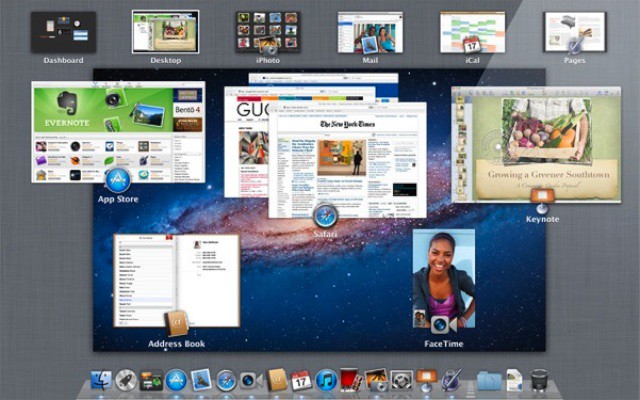
In Mac OS X Lion, Mission Control unifies Spaces and Exposé. Along with this unification comes changes to how Spaces and Exposé work. In this video, I’ll show you the changes with Mission Control and how to use them to your benefit.
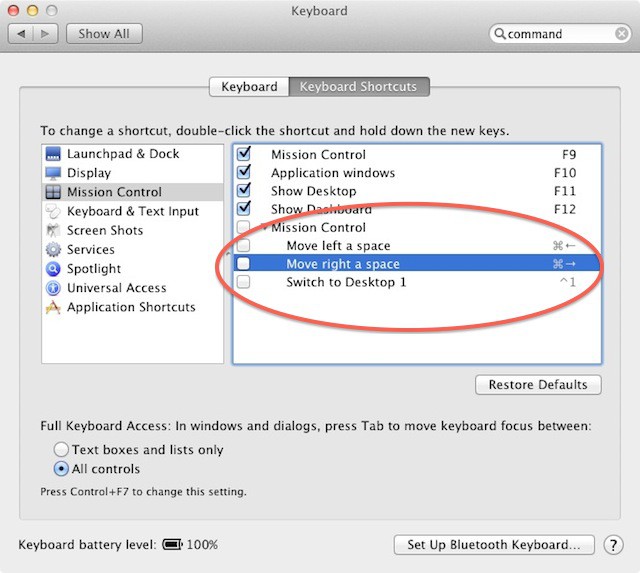
Mission Control is one of the big new features in Lion, and like most new features it brings with it some new keyboard shortcuts. One of these is Command+Left Arrow or Command+Right Arrow to move swiftly between spaces.
It’s a sensible shortcut, but on my machine it conflicted with the shortcut I use dozens of times a day to jump to the end of a line of text. If you’re in a similar position, and you’ve found that Command+Right or Left Arrow no longer does what it used to do, here’s how to fix it.
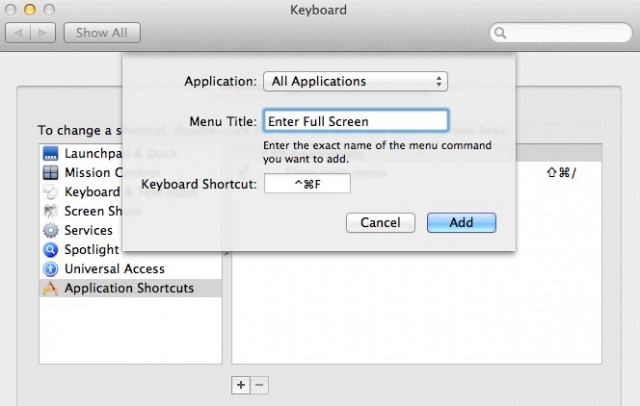
The new full-screen support in OS X Lion is a dream come true for lifehackers looking to squeeze more productivity out of their apps, but one problem for keyboard users is that there’s just no standardized shortcut.
That seems like something of an oversight on Apple’s part, but luckily, there’s an easy to way assign your own universal full-screen shortcut for every app on your machine, even if the devs didn’t provide their own easy keyboard combination for triggering full-screen on your Mac.
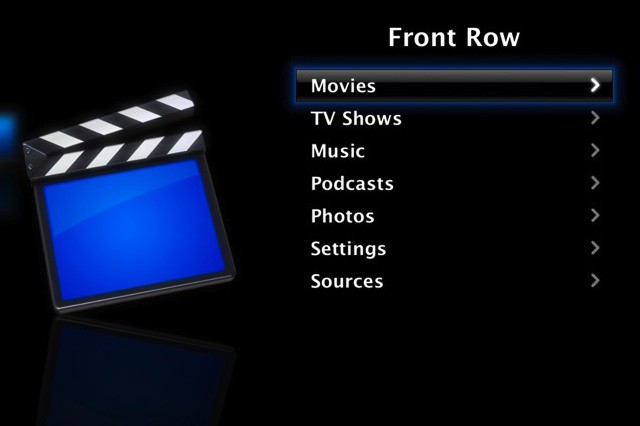
One of the subtle changes in Mac OS X Lion was the removal of Front Row, Apple’s media center application. While not an incredibly important loss, it may frustrate some users who enjoyed using the application. Fortunately, it’s rather simple to get Front Row working on Lion, as I’ll show you in this video.
OS X Lion is the best version of OS X yet, but some of its design choices aren’t without controversy… especially the decision to make the whole operating system more like iOS.
Hate that stuff? Over the next few days, we’ll be posting some tips on taking the iOS inspirations back out of your Mac. Today, we’re going to change the default way Lion handles scrollbars to be less like the way they work on the iPhone.
While OS X Lion offers many improvements and new features, it also takes some away. One that jumped out to me right away was the missing Library folder. By default, Apple now hides this folder to prevent users from messing up their system. While this might not seem substantial to the average user, more advanced users might not like this change. Fortunately, this change can be reversed, as I’ll show you in this video.
OS X Lion is the best version of OS X yet, but some of its design choices aren’t without controversy… especially the decision to make the whole operating system more like iOS.
Hate that stuff? Over the next few days, we’ll be posting some tips on taking the iOS inspirations back out of your Mac. Today, we’re going to focus on how to stop your Mac from handling your text input as if you were typing it out on your iPhone.
Many of us are patiently awaiting the official Facebook app for the iPad to hit the App Store, having tried a number of third-party alternatives that just aren’t quite as good as the official app for the iPhone. Well now the Facebook app for iPad is here — but it’s hidden inside the iPhone app and you’ll need to do a bit of tinkering to install it.
Now that Apple has released new MacBook Airs, you might be tempted to buy one of them (we recommend this one because of the blistering performance that an SSD provides. You should be: once you start computing on an SSD, you’ll never want to go back, and the MacBook Air is a wonderful introducing to the powers of solid state storage.
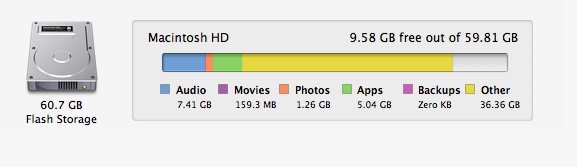
That said, if you’re used to have a 500GB or 1TB hard drive to play around with on your laptop, you might be worried that it’s hard to live in a small 64GB or even 128GB footprint.
Don’t sweat it. I’ve been using a 64GB MacBook Air as my main work machine for the last nine months, and I’ve found it very easy to live within that space, after having learned a few tricks. Here’s how to make the most of your MacBook Air’s SSD.