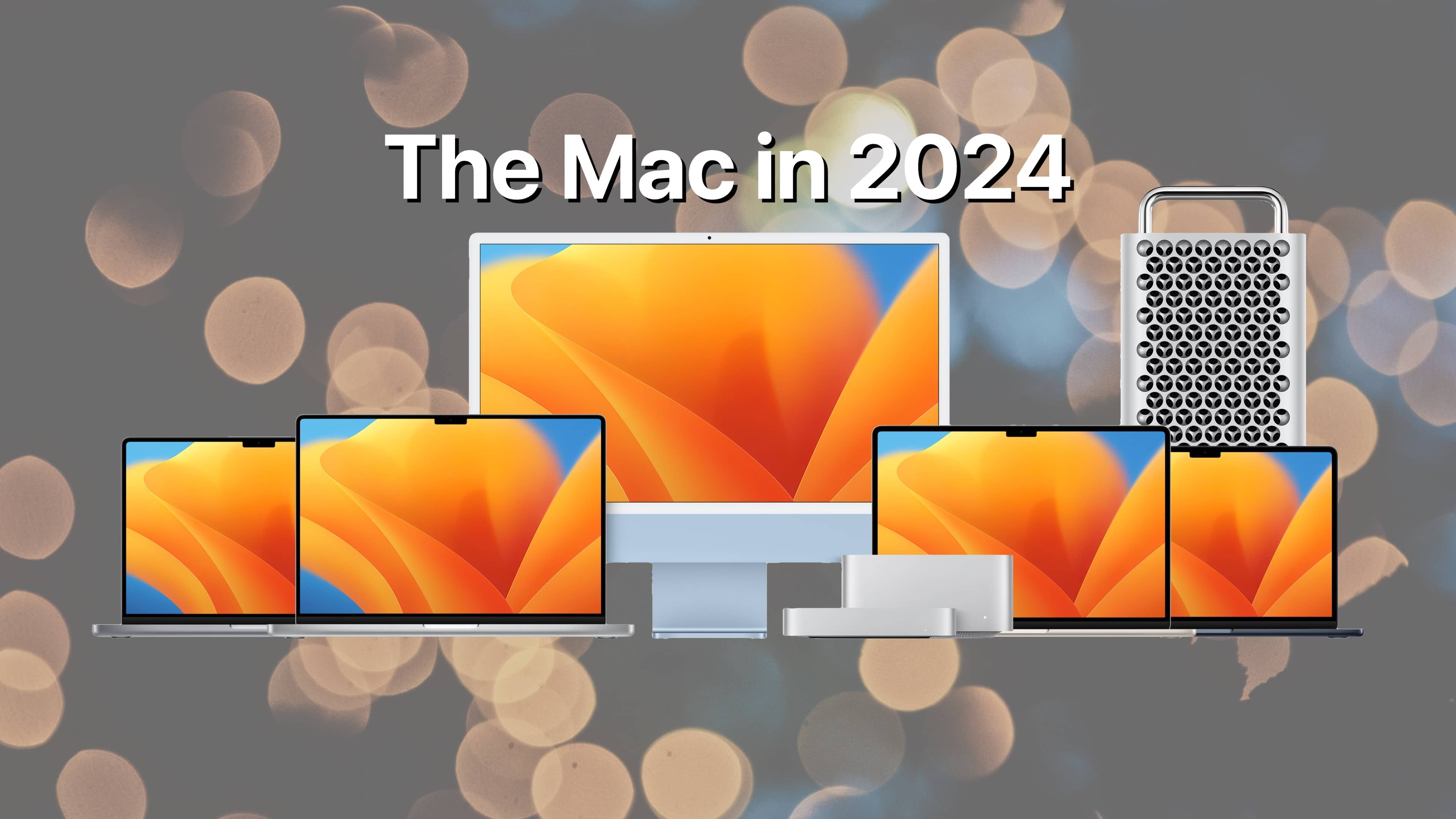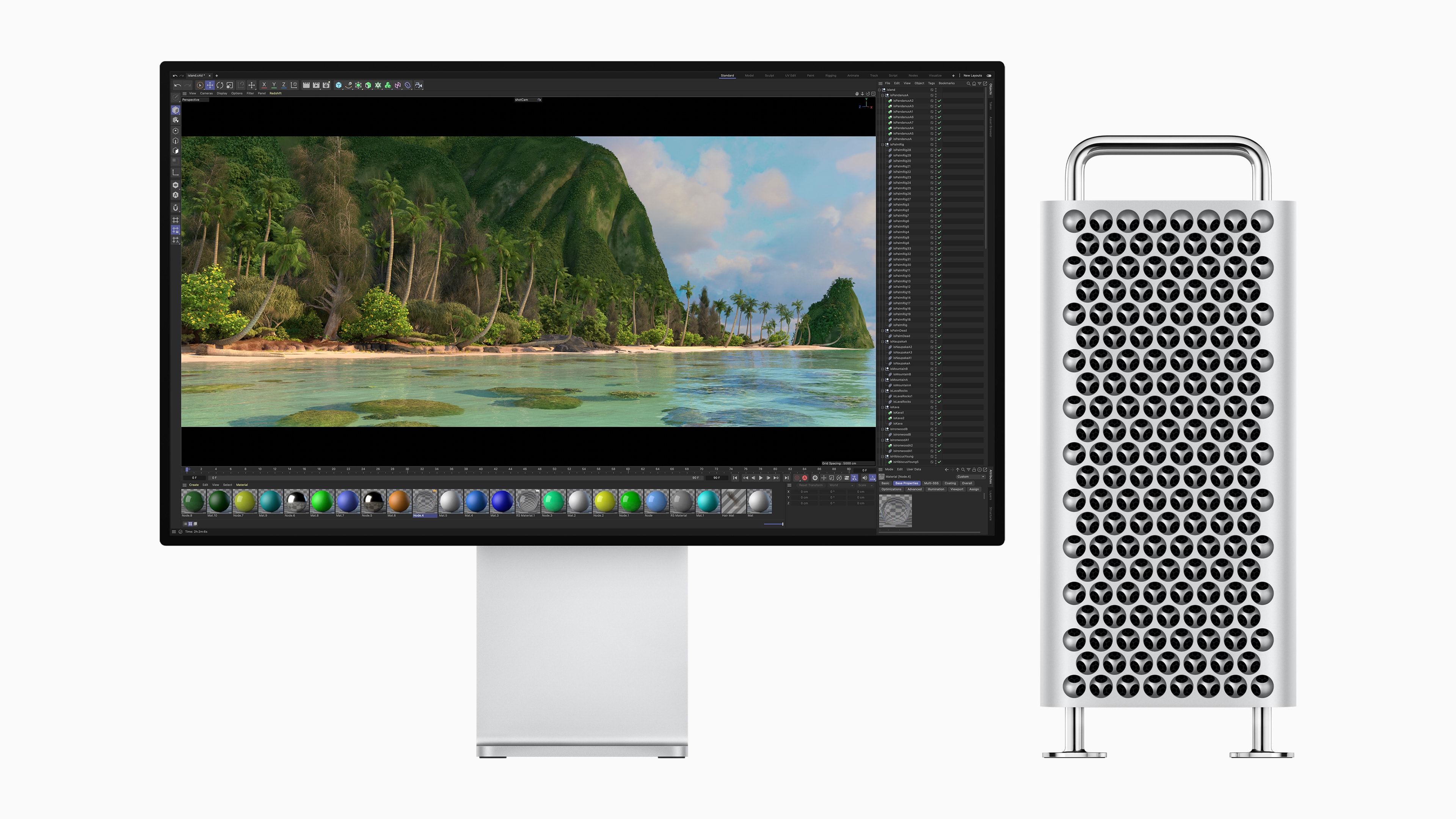
The Mac Pro is Apple’s most powerful desktop computer, designed for professional users who require high-performance computing for tasks such as video editing, 3D rendering, music production, and software development.
Let's get that nice new Mac set up, shall we? Photo: Apple
It’s a great season to get a new Mac, since every model is a great buy. If you’re one of the lucky people to get one this year, here’s how to set up your Mac like a pro.
So rip open that box, tear off that plastic, and let’s get to the good stuff.
Here is Cult of Mac’s guide to setting up your new Mac the right way.
Is Tim Cook really getting ready to do a disappearing act? Image: Cult of Mac
This week on Cult of Mac’s podcast: The latest rumor about Apple CEO Tim Cook‘s retirement says he could step down as early as next January. We discuss the likelihood of that, and Apple’s succession plans, as we debate the company’s future.
Also on The CultCast:
Soon, iPhones will let users trigger voice assistants other than Siri (at least in some countries).
It sounds like Apple might kill the Mac Pro. We pour one out for the distinguished line of high-powered computers — but recognize that maybe their time has come.
Against all odds, the iPhone Pocket is a hit! Time to eat some crow.
You won’t believe what London phone thieves do when they find out they’ve got an Android on their hands.
And finally … we marvel at some super-high-end Apple setups.
Listen to this week’s episode of The CultCast in the Podcasts app or your favorite podcast app. (Be sure to subscribe and leave us a review if you like it!) Or watch the video live stream, embedded below.
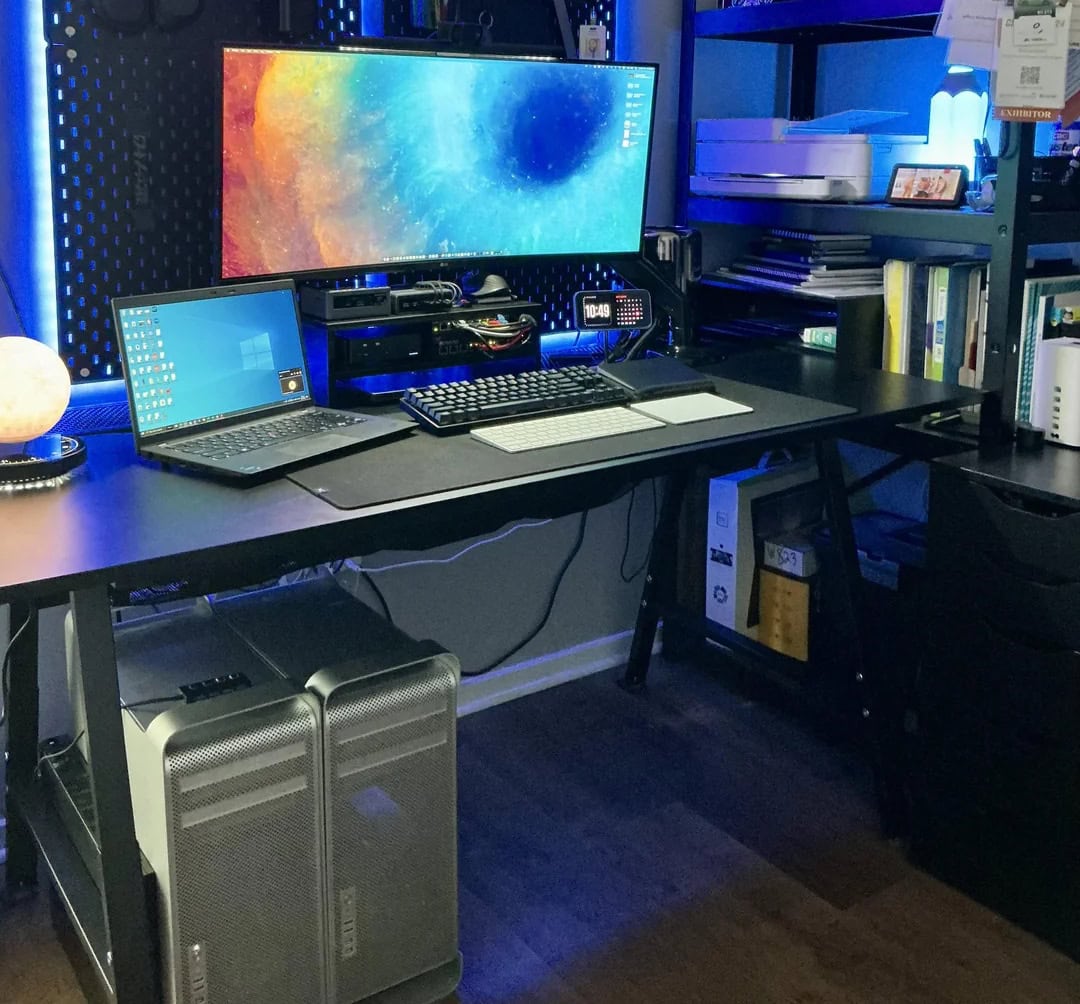
So ... crippled by envy much? This one has a high-end M2 Ultra Mac Pro, a Mac Studio, a Pro Display XDR and two Studio Displays. Photo: [email protected]
For years I’ve showcased cool Apple-centric computer setups for Cult of Mac. I never seem to get tired of drooling over the sweetest of the bunch. Sometimes that’s about the most awesome possible computers and monitors — Mac Pro and Pro Display XDR, anyone? — and sometimes it’s about a whole package, including fabulous audio gear and more. I selected a bunch of drool-worthy setups with stratospheric price tags for you below.
Apple silicon makes towers like the Mac Pro a thing of the past. AI Image: Google Gemini/Cult of Mac
A new report says Apple has “largely written off the Mac Pro,” but before you get mad, you need to understand why Mac tower desktops don’t make sense anymore, and haven’t for years.
It all comes down to the architecture of Apple’s M-series processors.
The original Mac Pro took productivity to new levels. Photo: Apple
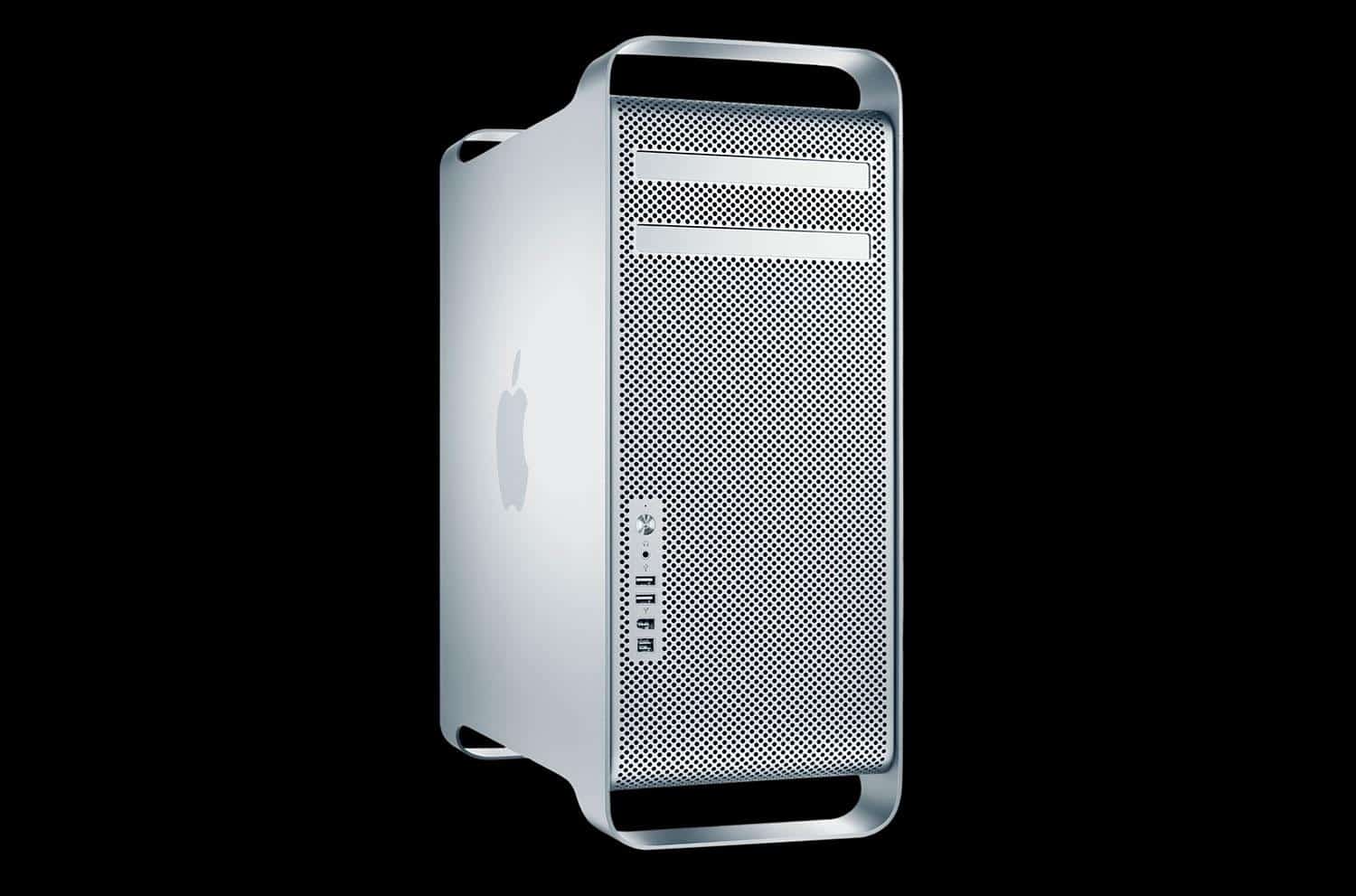
August 7, 2006: Apple unleashes the first Mac Pro, a high-end desktop computer that completes the company’s transition from PowerPC to Intel processors.

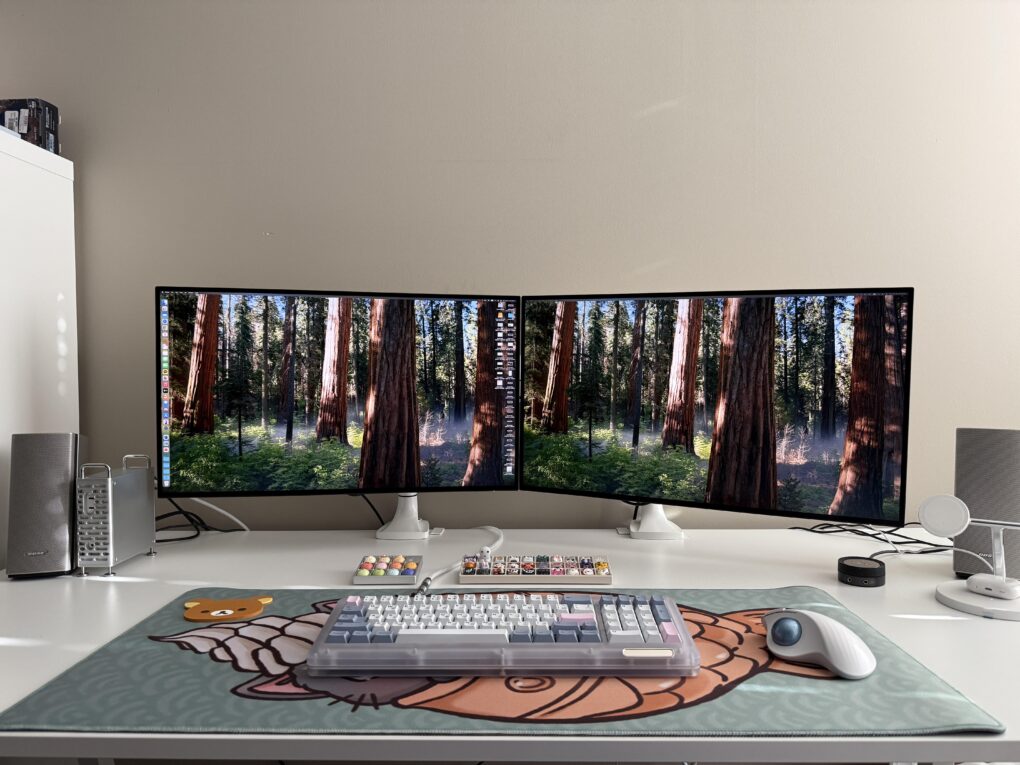
Built for computation-heavy tasks like 3D rendering and professional audio and video editing, the quad-core, 64-bit Mac Pro serves as a replacement for the Power Mac G5 (from which it borrows its aluminum “cheese grater” design).
Three Macs and two PCs work with that 57-inch Samsung curved ultra-wide monitor. Photo: [email protected]
Believe it or not, today’s magnificent featured setup includes five computers — each with a job to do, even the ol’ trash-can Mac Pro — and one absolutely huge computer monitor. It’s a 57-inch curved ultra-wide Samsung. What, 49 inches wasn’t big enough for ya?
And the workstation includes other great features. Those include a Rode PodMic, the same great open-back Sennheiser headphones I own, and powerful Klipsch bookshelf speakers paired with a subwoofer that I wish I owned.
The M4 Mac mini disguised an a toddler Mac Pro sits to the left of the displays. Photo: [email protected]
In my lengthy travels among computer setups displayed on social media, I saw a cool Mac mini case a while back that made the compact M4/M4 Pro desktop computer look like a little Mac Pro. I wondered if it’d catch on as a cool, must-have accessory, but then I never saw it again — until now. Today’s featured M4 Pro Mac mini setup sports one of the snazzy and functional cases in a dual-display workstation.
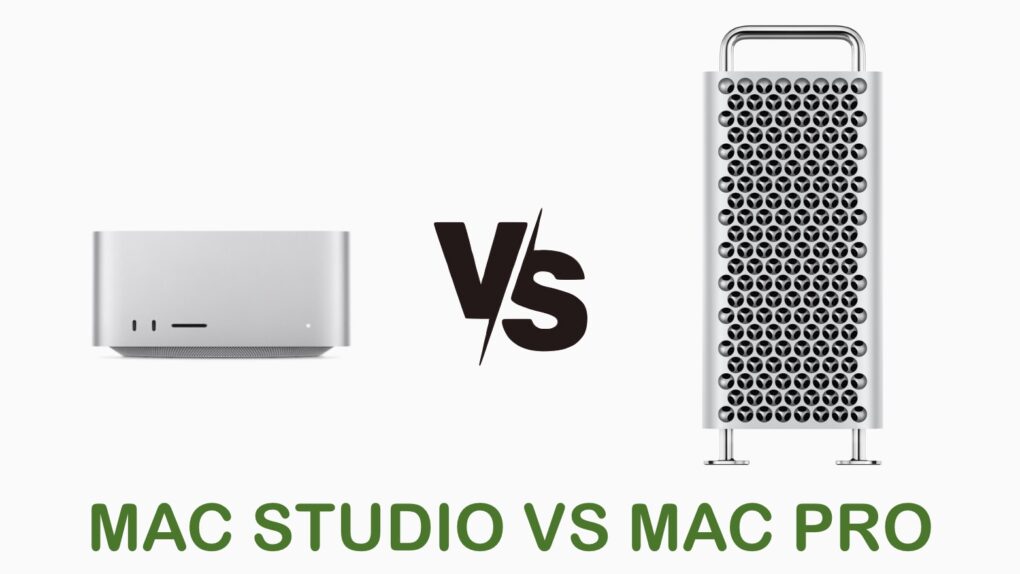
Mac Studio vs Mac Pro: A new champion. Photo: Cult of mac
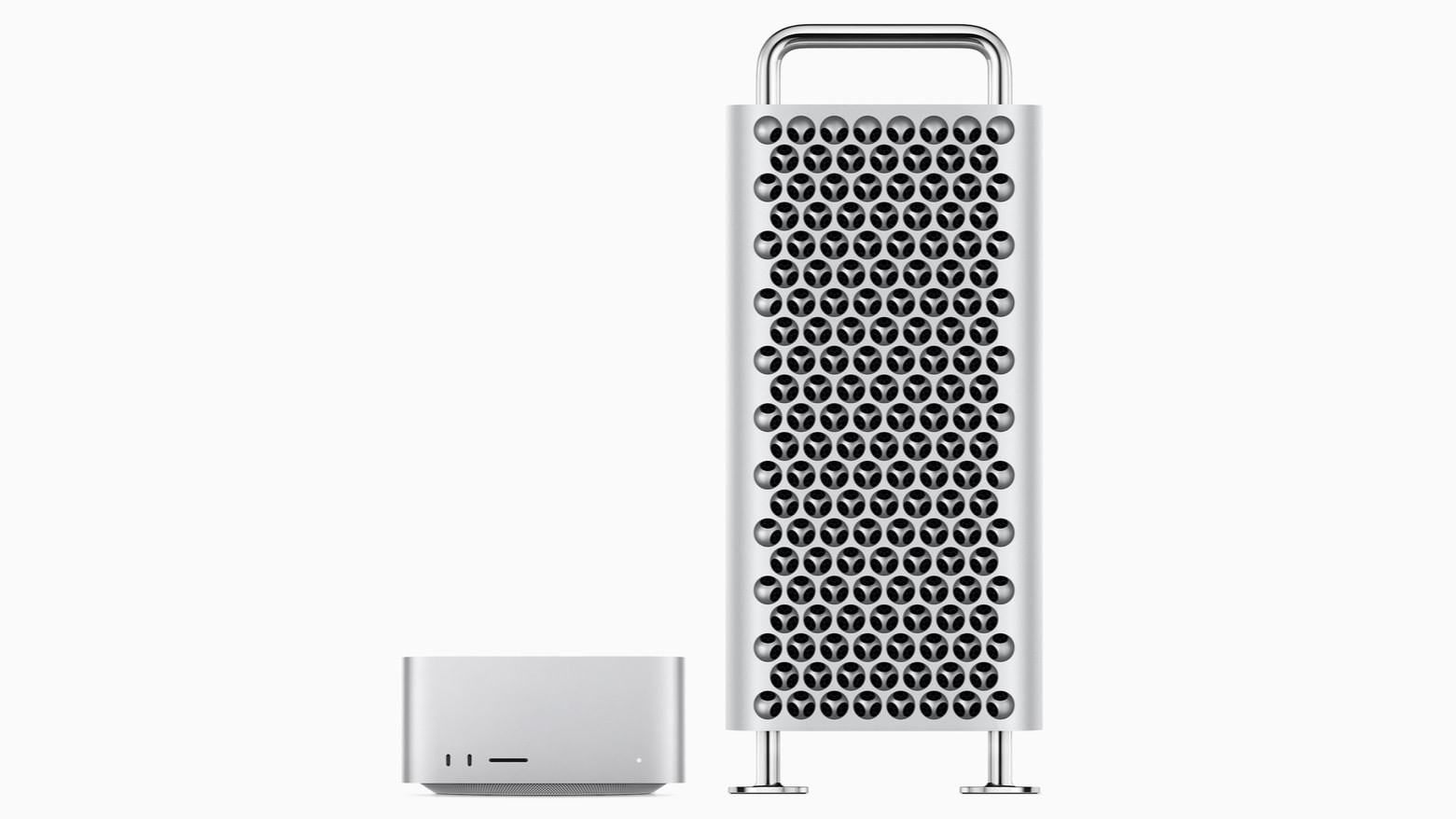
Comparing Mac Studio vs Mac Pro shows the benefits from Apple’s ever-improving processors. Mac Studio just got a major chip upgrade, and can now be configured with an M3 Ultra. The last new Mac Pro version came in 2023, and it’s therefore stuck with an M2 Ultra.
Read on to see how much of a difference that makes. (Spoiler alert: It a big difference.)
What do you do if you need to operate a network of video cameras and store all the footage? Today’s power user not only runs an astounding trio of Mac Pro desktop computers, he piles up stacks of high-capacity UniFi Network Video Recorders — known as UNVRs — for video recording-storage from multiple cameras, plus routers and switches galore.
Logitech's photo shows the natural "handshake" position that can help reduce strain. Photo: Logitech
With all the mousing and typing people do, you’d think products designed for ergonomic comfort — and to help avoid repetitive-strain injuy — would crop up in more computer setups. Well, today’s MacBook Pro and Mac Pro rig answers the call. The user, a smarty-pants undergrad at Harvard, relies on a Logitech MX Vertical wireless mouse setup plus a Logitech Pop Keys Mechanical Keyboard for data input.
An M3 MacBook Pro, 2013 "trash can" Mac Pro and an Intel MacBook Pro crunch the data-science numbers for this Harvard student. Photo:
A university student calling themselves a “broke Harvard undergrad” while showing off a computer setup loaded with older and newer Apple hardware is bound to take some ribbing from social media on various levels. But today’s data-science number-crunching setup makes impressive and thrifty use of newer and older gear, including a 2023 M3 MacBook Pro, a 2013 “trash can” Mac Pro and a 2018 Intel MacBook Pro, plus a 2021 iPad Pro and a PlayStation 5 console.
This guy's a MacBook Pro and PC laptop user, but he's got three Mac Pro machines he wants to work on. Photo: [email protected]
Today’s featured M3 MacBook Pro setup comes from a user who packs not one, not two but three Mac Pro desktop computers (you know, the famously powerful and expensive ones). He uses a “trash can” Mac Pro regularly, but he’s not sure what he’ll do with the other two that he acquired recently for his Mac Pro collection, other than work on them. In the meantime, he’s got his Apple laptop, but his work makes him deal with a PC laptop most of the time, he said.
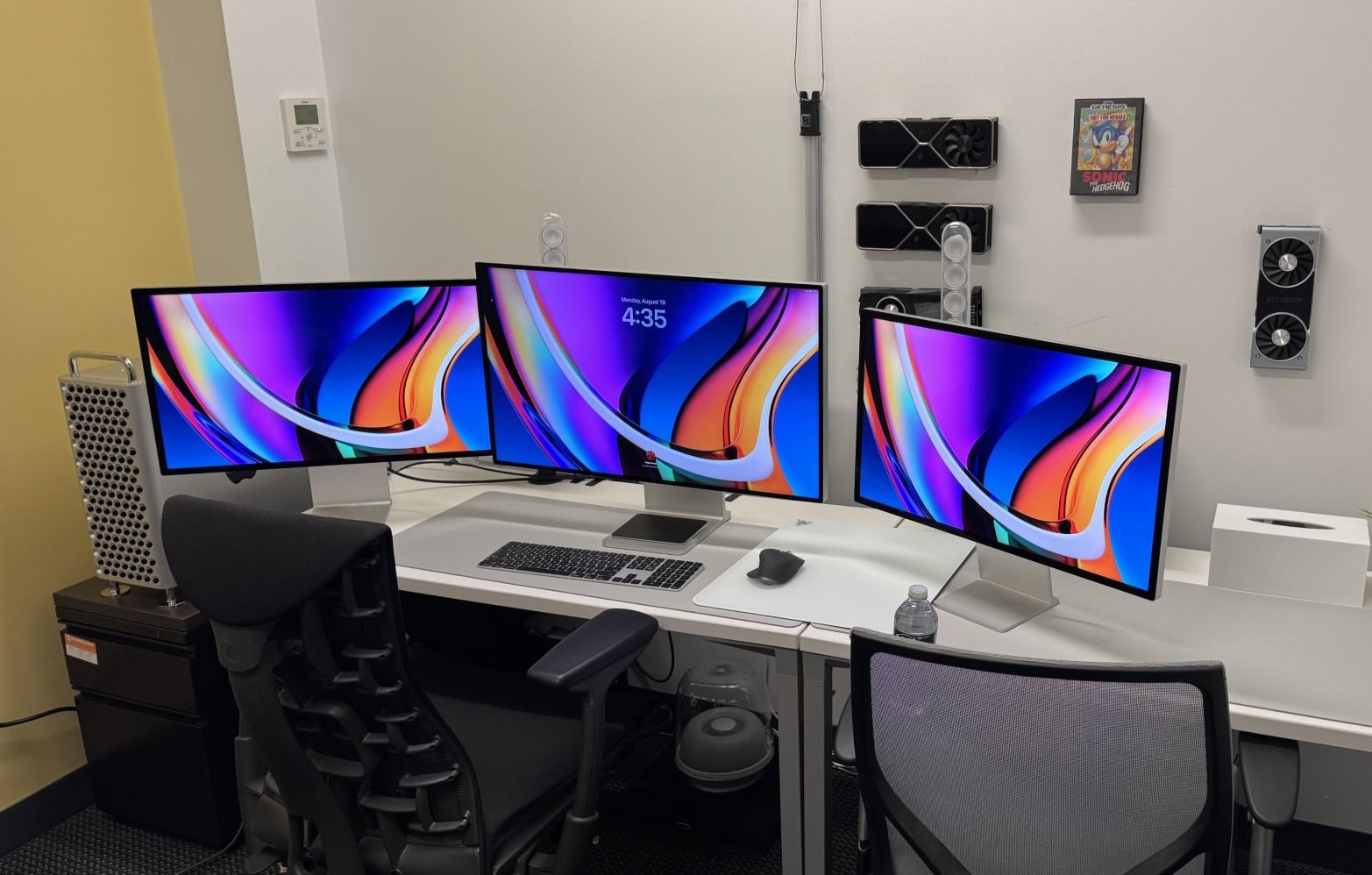
So ... crippled by envy much? This one has a high-end M2 Ultra Mac Pro, a Mac Studio, a Pro Display XDR and two Studio Displays. Photo: [email protected]
Looking at computer setups proudly flaunted on social media sometimes leads to cases of crippling envy. You may have some top-notch Apple gear, but you probably don’t possess treasures like those of today’s world-beating user: a new, high-end M2 Ultra Mac Pro, a Mac Studio, a Pro Display XDR and two Studio Displays. Sheesh. An M2 Ultra Mac Pro with Pro Display XDR is way over the top, but this rig adds another killer desktop machine as backup, plus a pair of Studio Displays!
WWDC24 will apparently focus on AI software, with no hardware announcements expected. Image: Apple
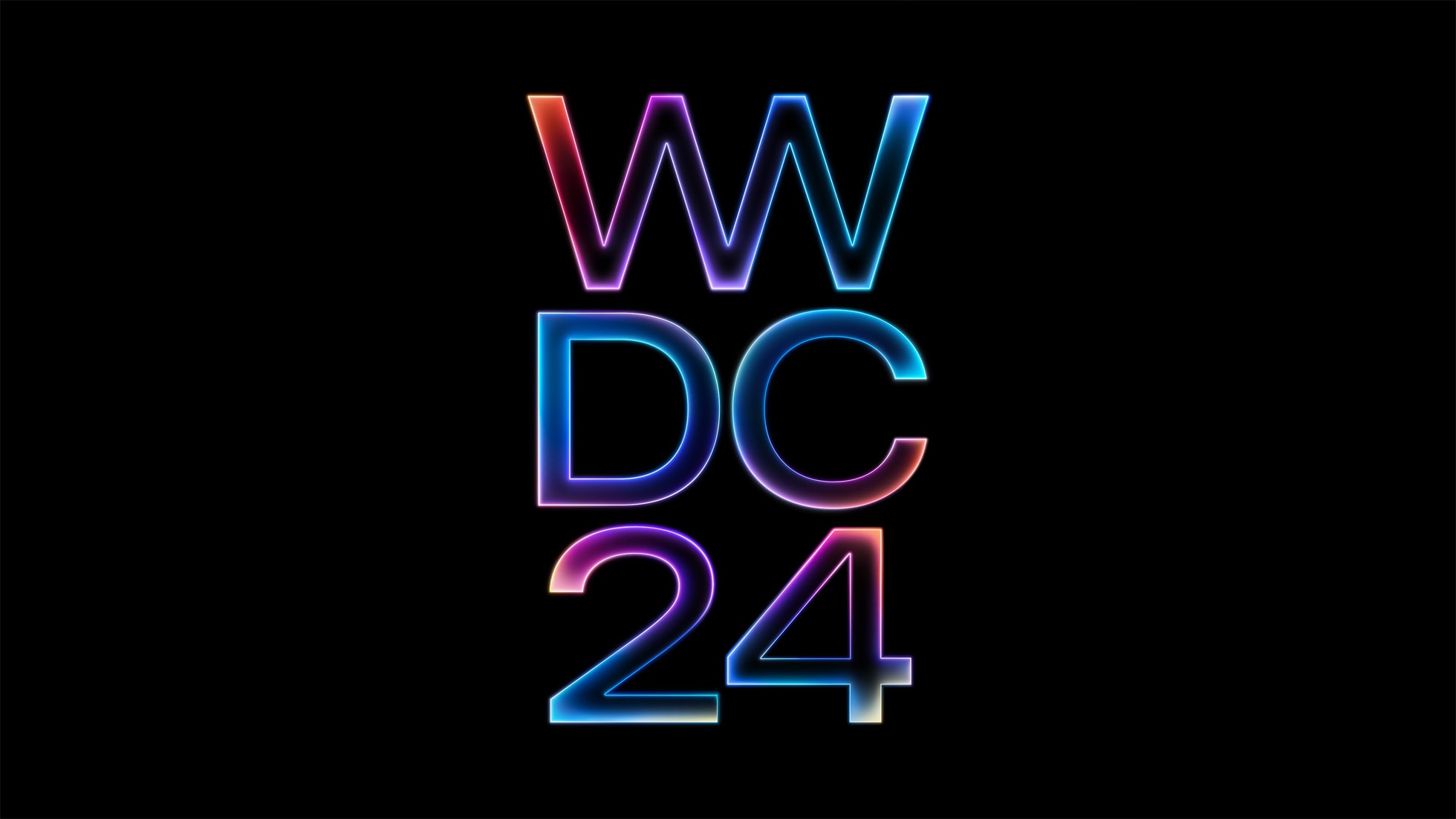
Don’t get your heart set on new Macs launching at WWDC24 next week. A generally reliable tipster predicts that that’ll be none unveiled at Apple’s developer conference.
And not just Macs. Supposedly the agenda includes no new hardware at all.
Mac Studio and Mac Pro could stick with the Apple M2 series processors for a whole extra year. Photo: Apple
Mac Studio and Mac Pro models updated with an M3 Ultra processor that we expected to arrive soon reportedly have been canceled. Apparently, professional Mac users shouldn’t look out for new hardware with faster processors at WWDC24 in June. And the wait might actually stretch until next year’s WWDC25.
It seems Apple already moved on from its M3 series processors, so there are no new chips ready to go into these high-end desktops. However, if you’re interested in the M3 MacBook Pro, you can explore how it compares to other Macs in this in-depth Mac Studio vs. Mac Pro comparison.
The AI-enhanced Apple M4 is coming to every type of Mac, and sooner than some might think. Photo: Apple/Cult of Mac
Mac users won’t need to wait until 2025 for the Apple M4 processor, according to a reputable Apple tipster. The replacement for the current M3 will emphasize AI — and will start appearing in Macs this autumn.
A previous report said improvements in the upcoming Apple A18 iPhone processor, also launching this fall, will focus on artificial intelligence, too.
This photographer said the 42-inch LG C2 smart TV is better than other displays he's tried. Photo: [email protected]
Today’s Mac Pro and smart TV setup is a rare find for two reasons. First, Mac Pro costs so much that we rarely see it in the wild. Second, while big smart TVs used as computer displays continue to gain popularity, we don’t often hear users saying they’re one of the best they’ve ever had. But that’s the case with this LG C2 smart TV setup, used by a photographer and musician.
In it, a powerful cheese-grater Mac Pro drives a gargantuan 42-inch smart TV as an external display.
2024 will bring lots of M3-based Mac desktops, and maybe an M4 MacBook. Image: Apple/D. Griffin Jones/Cult of Mac
After Apple’s thunderous launch of the M3, M3 Pro and M3 Max chips a few months ago, these chips likely will roll out as spec bumps in the MacStudio, Mac Pro, and Mac mini later this year. Additionally, Apple enthusiasts are eager to see how them3 ultra chip will further enhance Mac performance in upcoming releases.
An M4 MacBook Pro remains a possibility for this fall. (I suspect M4 will be the first “must-have” Mac upgrade for anyone still on an M1-series chip.)
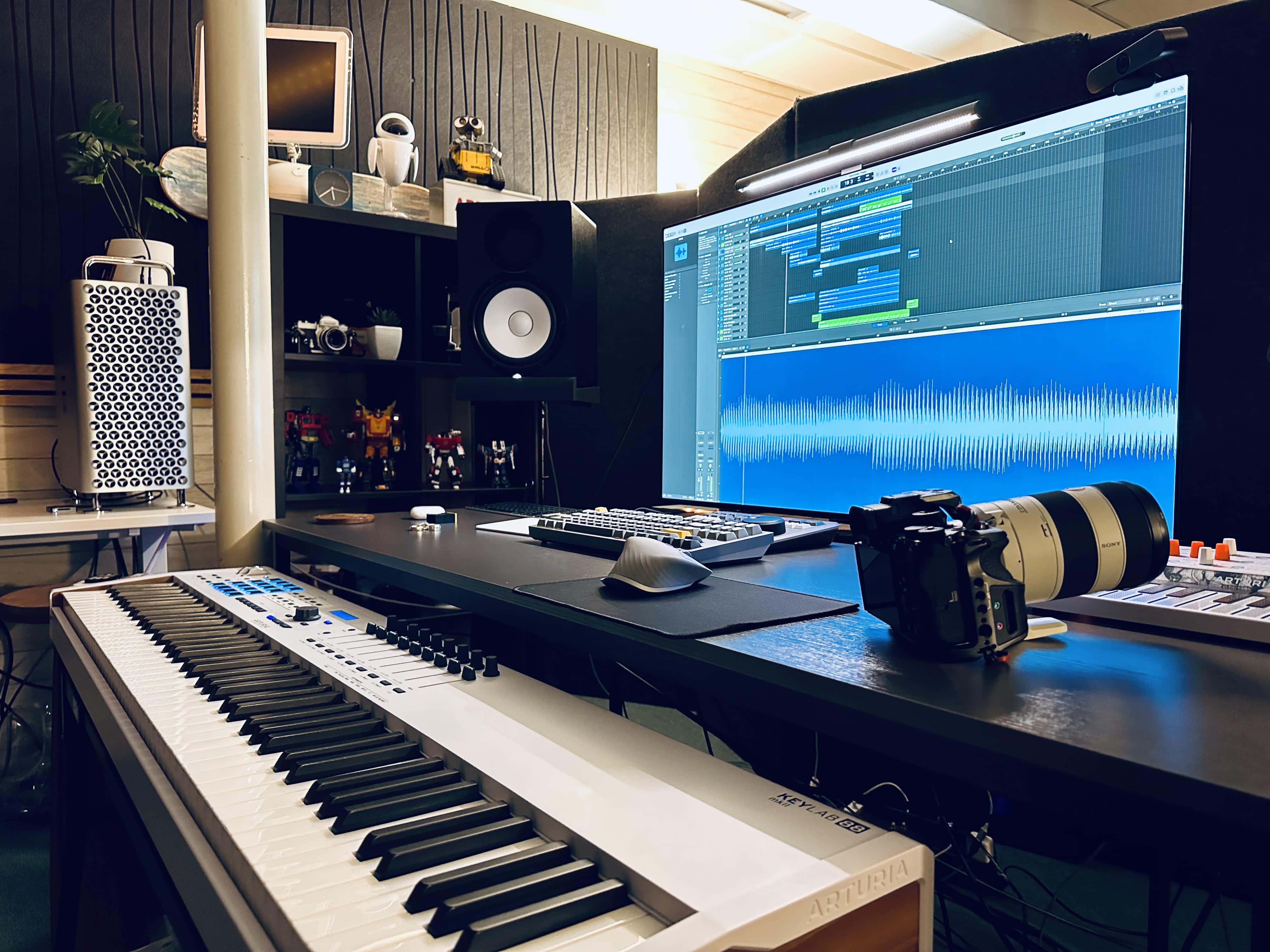
Music and photography appear to big big jobs for this powerful Mac Pro setup. Note the iMac G4 as well as Wall-E and Eve above the cheese grater. Photo: [email protected]
It’s somewhat rare that we come across a Mac Pro setup on social media for the obvious reason that Apple’s top desktop computer costs a fortune. And the ones we see are often older than 2019’s cheese grater design. But today’s Mac Pro and smart TV setup is a welcome exception to that rule.
It sports a powerful cheese-grater Mac Pro driving a gargantuan smart TV as an external display.
And what’s more, a classic iMac G4 that still works and Wall-E and Eve toys from the Pixar movie look on from a shelf!
The M3 Ultra could be the high-performance chip that so many professionals need. Photo: Apple/Cult of Mac
Apple’s upcoming M3 Ultra chip won’t consist of two M3 Max processors merged together, according to information leaking out of Cupertino. The change from its predecessors would free up designers to make the next-gen Apple silicon even more powerful.
It even raises the possibility of an M3 Extreme, a workstation-level processor that would give the Mac Pro a reason to exist. With Apple continuing to push the boundaries of performance, the Apple M3 lineup is expected to redefine computing power—learn more about it in Apple’s unveiling of the M3 Ultra chip.
MacBook Pro models account for a bit more than half of Mac sales. Photo: Apple
MacBook Pro and MacBook Air combine to account for a staggering 90% of Apple’s Mac sales. That’s according to a new report Wednesday about best-selling Macs from Consumer Intelligence Research Partners (CIRP).
The laptops’ dominant popularity over desktop Macs has long been evident. But the new report showing 2023 data really puts an exclamation point on it.
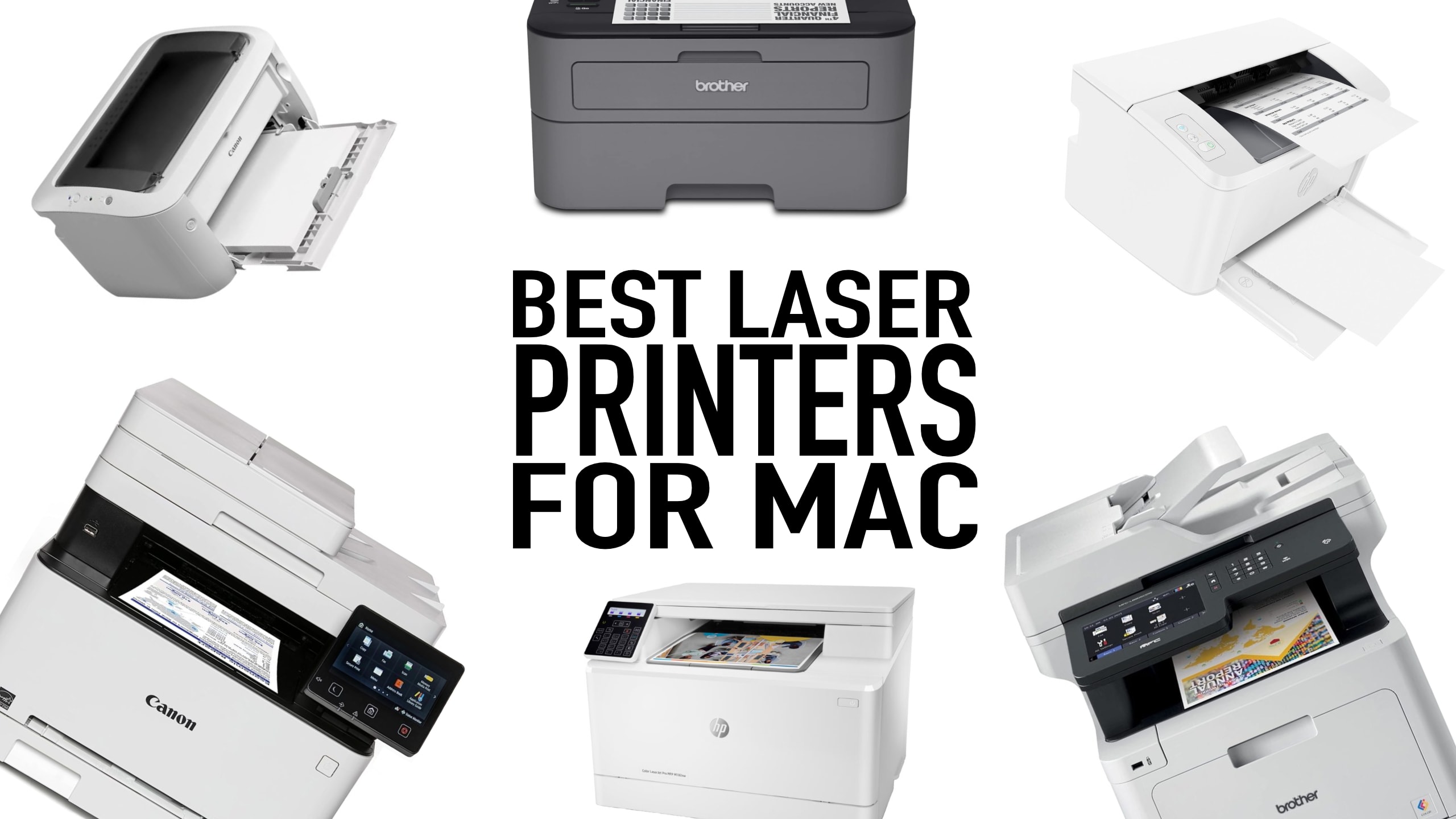
For most cases, laser printers outshine inkjet printers. Here's how to find the best laser printer for Mac. Photo: Cult of Mac
What is the best laser printer for Mac users? When choosing between laser or inkjet, we recommend laser. Laser printers used to be prohibitively expensive, but prices have come down, and you’ll have fewer headaches. Inkjet printers are better for photos but are a pain to own. Replacement ink costs a fortune, the heads clog, and they dry out if the printer isn’t in regular use.
Laser printers, on the other hand, can sit idle for weeks without problems. They cost more up front, but are often cheaper to own in the long-run.
In this guide, we’ll explore which brand of printer works best with Mac and top laser printers that are fully compatible with macOS, whether you need a printer for your personal use, a home office or a small business.
Say what you will about old Apple hardware, it’s cool and it’s got staying power — sometimes to an amazing degree. Today’s featured setup, for example, sports a 16-year-old Mac Pro with some modifications driving a 19-year old Cinema Display (the big one — 30 inches — first released in 2004, a mere 20 years ago).
The user’s just happy she’s getting the venerable desktop machine to run as fast as her spritely young MacBook Pro … from 2012.
We'll help you pick the perfect Mac. Image: Killian Bell/Cult of Mac
When you buy a new Mac, you will spend a decent stack of cash. So, whether you’re shopping for yourself or someone else, ensuring you choose the best Mac is key. While every modern Mac can handle casual computing with ease, some are a much better fit for certain use cases.
In our Mac buying guide, we’ll look at all of the models offered by Apple today, as well as some of the best Mac accessories you can get to go with them.