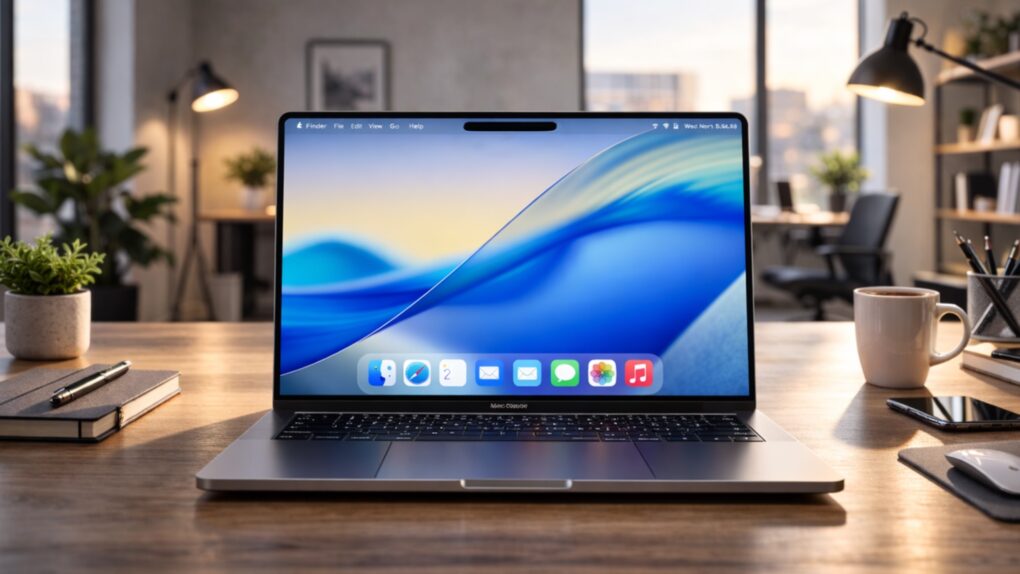
The MacBook Pro is Apple’s high-end laptop. The latest MacBook Pro design features Apple’s best and brightest Mac displays, powerful Apple silicon chips, and a plethora of ports to plug in peripherals. It runs macOS, Apple’s desktop computer operating system.
The latest model is the 2024 M4 model. The 2025 M5-based models are likely going to be announced this November.
It originally launched in 2006 when it replaced the PowerBook G4. It also marked the transition from PowerPC to Intel processors. Now, it runs on Apple silicon chips, giving it industry-leading performance and battery life.
The MacBook Pro runs macOS, Apple’s desktop operating system. It integrates well with other Apple devices and services, like syncing data over iCloud; running all the same apps like Safari, Mail, Messages, Calendar and Reminders; and Continuity features that talk to your iPhone, iPad and Apple Watch.
What sets the Pro above the MacBook Air is its advanced display, higher specs, extra ports and connectivity.
The Liquid Retina XDR display can run up to 1000 nits of sustained brightness — double the MacBook Air — with HDR content at a peak of 1600 nits.
The Pro uses Thunderbolt 5, the latest standard for super fast peripherals and high-resolution displays.
It can be ordered with a Max chip and up to 128 GB of unified memory, far more power and memory than the Air.
The MacBook Pro is the choice for those who want Apple’s greatest amount of power features in a portable form factor.
Function Keys on MacBook Pro
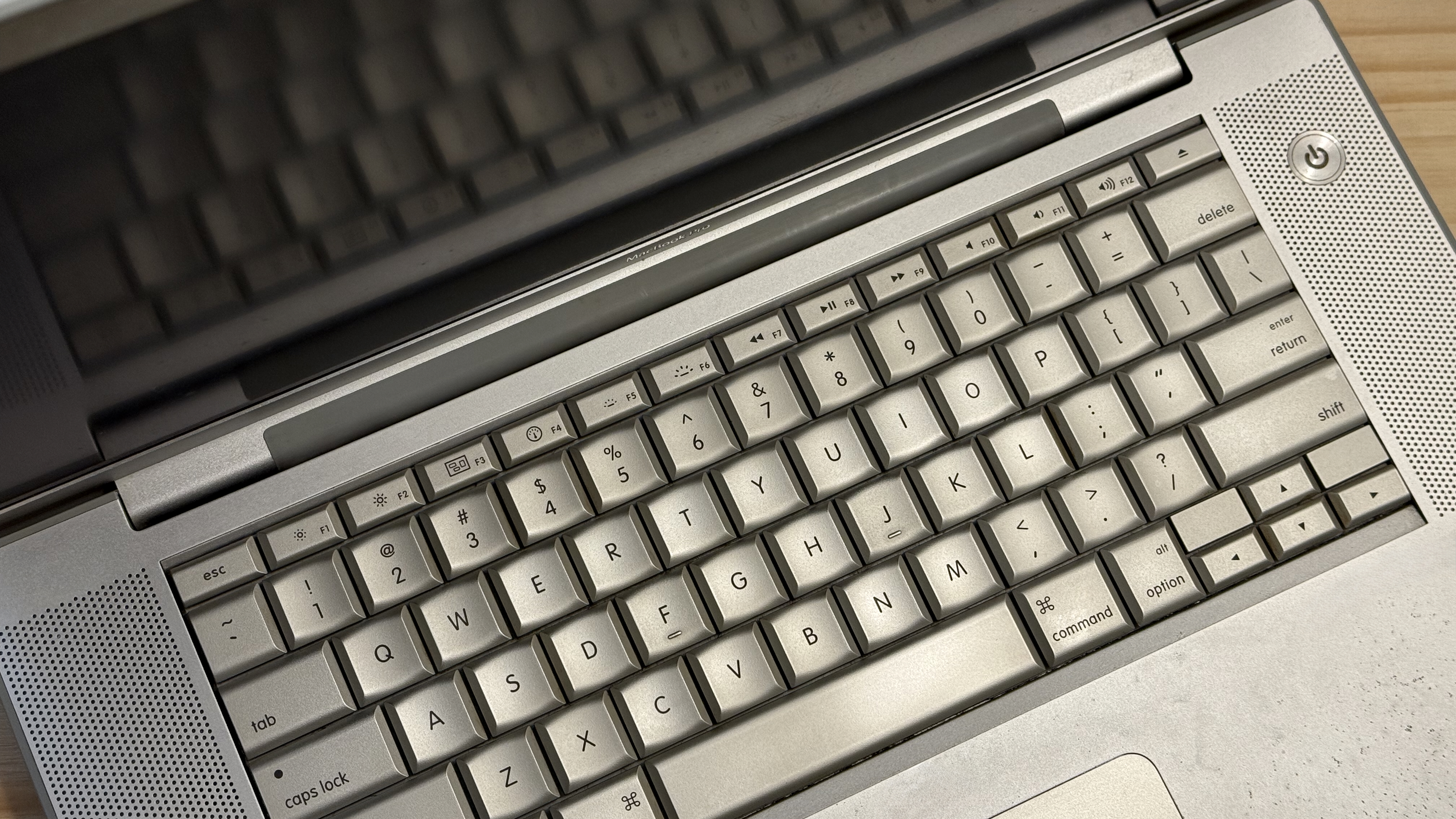
The function keys on an early 2008 model.
The Mac has had function keys since the mid-90s to match PCs. With the PowerBook G4, Apple started using the function keys for special controls like brightness and volume, and later, the backlit keyboard. In early 2008, they added buttons for controlling media playback, evoking Exposé and Dashboard (later changed in 2011 to Launchpad).
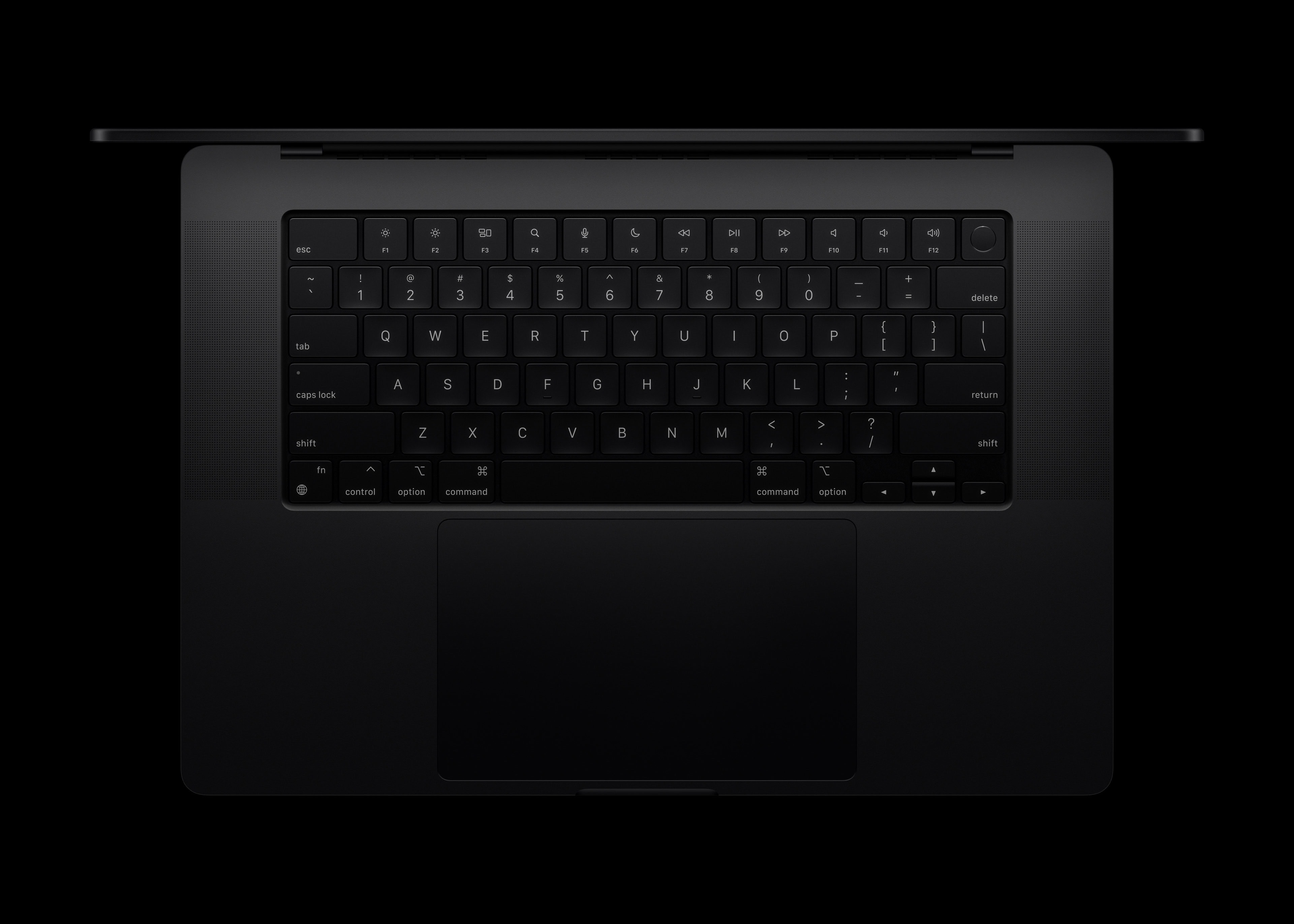
Closeup photo of a modern keyboard from an M4 model.
When the function keys returned after the Touch Bar, the functions were tweaked once again. Not only are the keys full-size, but they were changed to reflect modern macOS features. Launchpad was changed to Spotlight, and the keyboard backlight controls were replaced with Siri and Do Not Disturb; the keyboard backlight is accessible through Control Center.
MacBook Pro Touch Bar
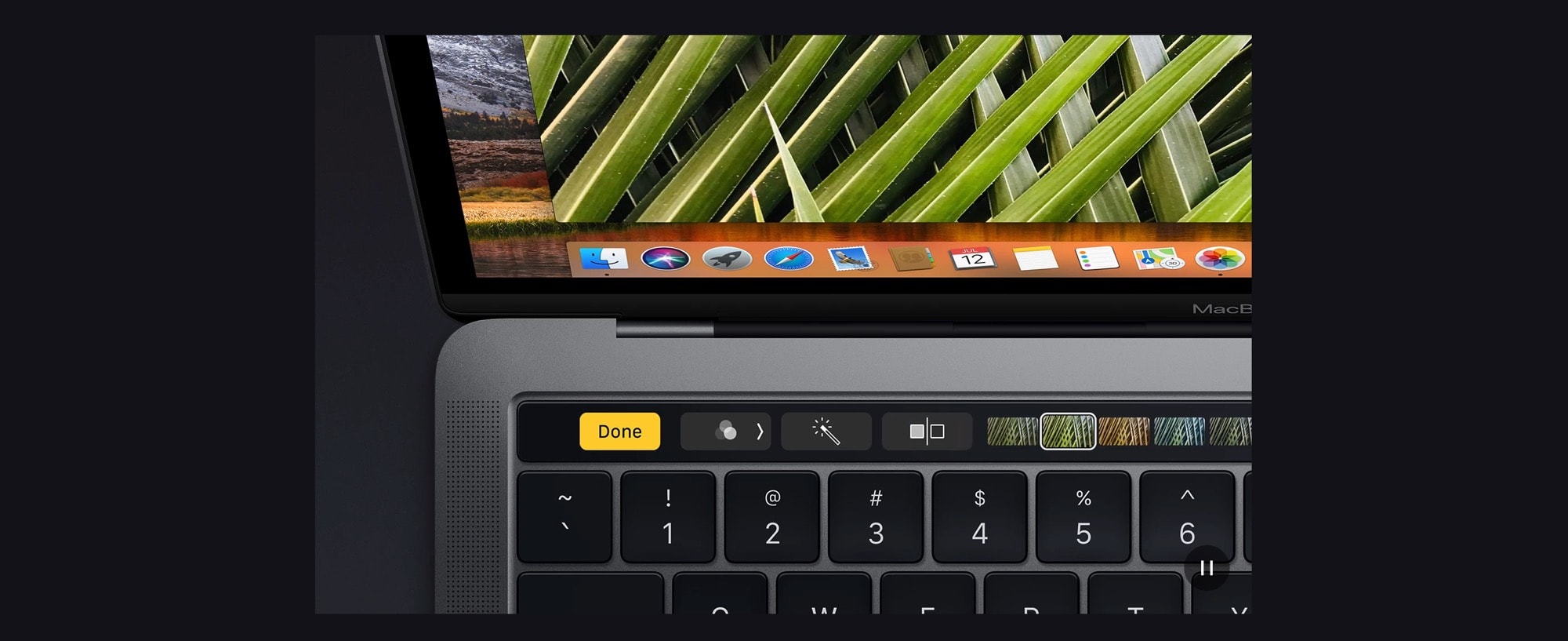
The Touch Bar.
The MacBook Pro Touch Bar was introduced on the 2016 models. It was a thin display above the alphanumeric keys on the keyboard, replacing the function keys. It could play and pause media, adjust brightness and volume, and more. In third-party apps, it could take on special controls: switching tabs in Safari, picking emoji, scrub through a video and more.
The Touch Bar was met with a somewhat mild reaction. It removed the muscle memory of hitting keys for specific functions. Apple eventually added a physical Escape key back to the left of the Touch Bar to alleviate some of the criticism.
The redesigned M1 Pro and Max models in 2021 removed the Touch Bar in place of larger function keys. It was retained on the entry-level M1 and M2 laptops, which continued the same design as the models from 2016, until the M3 model was updated to match the higher-end configurations.
MacBook Pro Models
MacBook Pro M5 (2025)
The M5 MacBook Pro is expected to be announced this fall, in either October or November. This has been the pattern for the last few years (with the exception of the M2 models, which were delayed).
MacBook Pro M4 (2024)
The new MacBook Pro with M4 is a huge leap forward.
The M4 MacBook Pro from 2024 is the latest model. It features numerous significant upgrades over the previous version.
On the M4 Pro and M4 Max models, the ports on the side are Thunderbolt 5 instead of Thunderbolt 4. This latest-generation port is twice as fast at data transfer and supports higher-resolution (and higher-frame rate) displays.
It also upgrades the front-facing camera to a 12MP Center Stage camera. That means that on a video call, it can dynamically zoom in and out to make sure everyone is perfectly framed.
It can also be ordered with a nano texture display. This adds a matte finish to the screen to prevent screen glare and reflections, without compromising the color and contrast.
MacBook Pro M3 (October 2023)
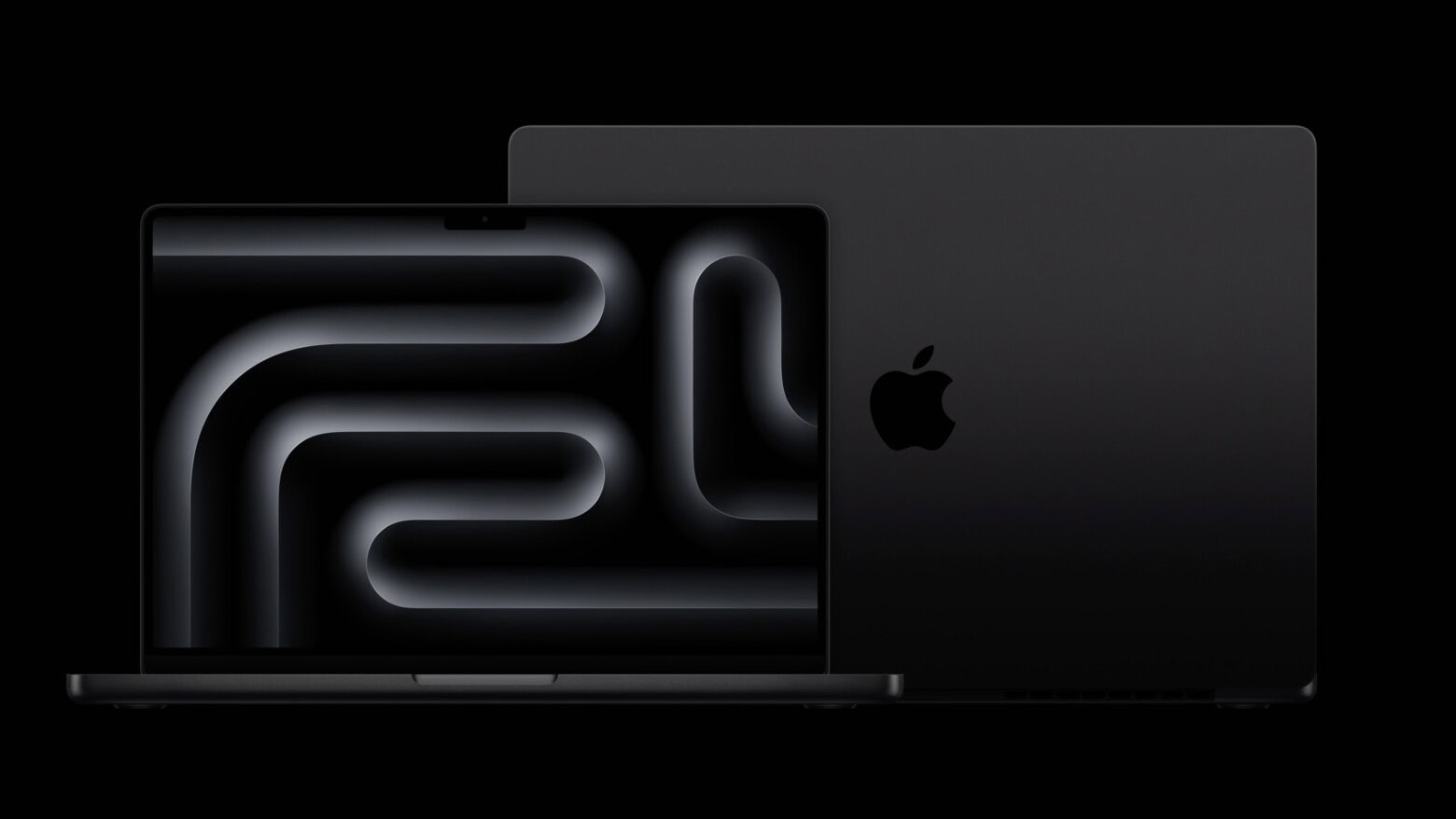
Now in Space Black.
The M3 MacBook Pro from 2023 was a smaller update. The M3, M3 Pro and M3 Max chips inside moved to a three-nanometer process. The Pro and Max models were the first to come in the new Space Black aluminum finish.
It also brought the entry-level M3 model in line with the higher-end models, so all three share the same display and design.
MacBook Pro M2 Pro and M2 Max (January 2023)
Delayed from fall 2022 to January 2023, the updated models with M2 Pro and M2 Max brought more power and once again raised the maximum amount of built-in memory to 96 GB.
MacBook Pro M2 (2022)
Introduced alongside the M2 MacBook Air at WWDC22, this model was a simple spec bump of the prior M1 model. It was the last model with a Touch Bar. It raised the maximum amount of unified memory from 16 GB to 24 GB.
MacBook Pro M1 Pro and M1 Max (2021)
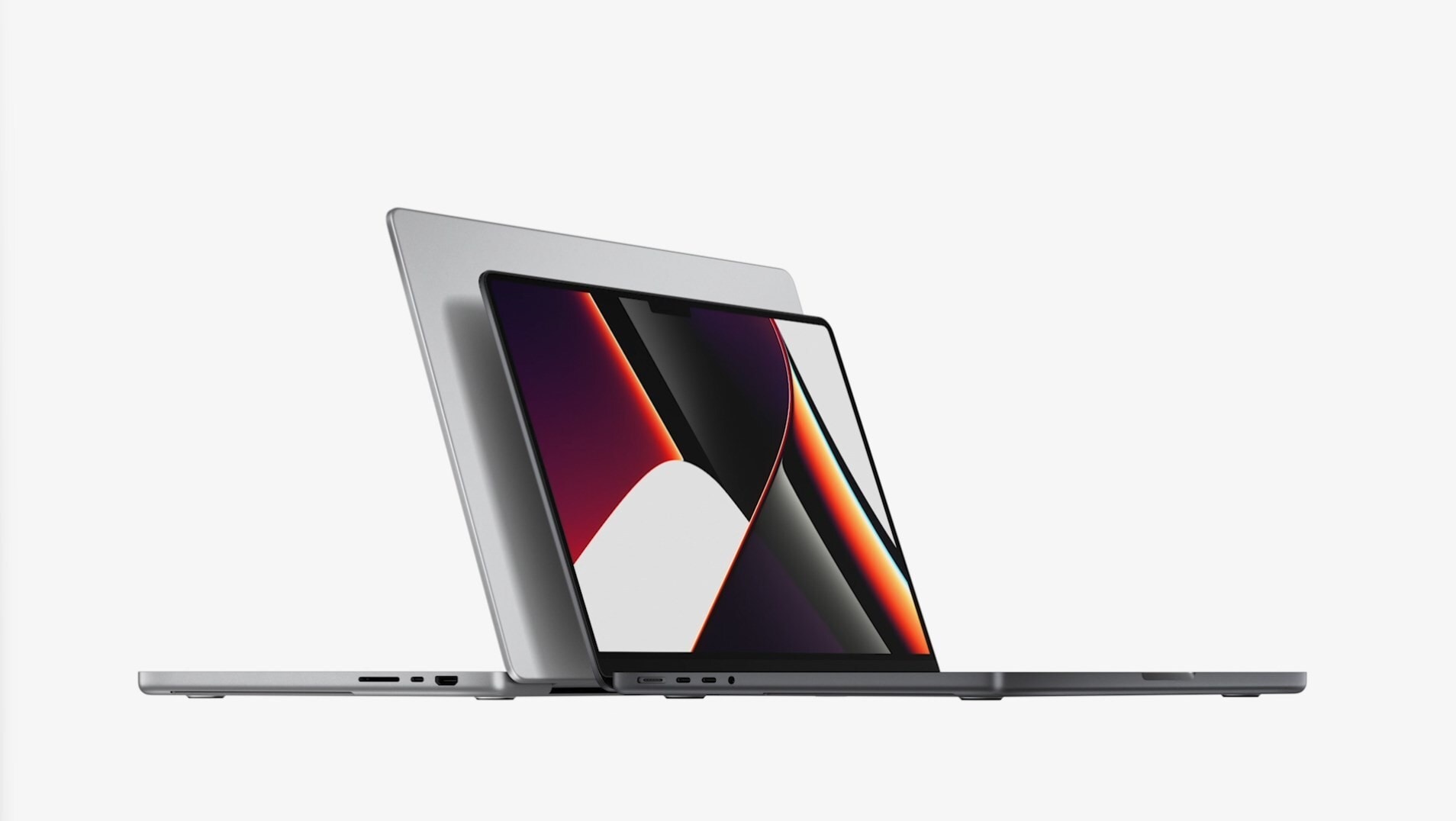
A return to form.
The M1 Pro and M1 Max MacBook Pro from October 2021 introduced a new design that brought back many favorite features from the past. It reintroduced function keys, removed the Touch Bar, introduced MagSafe 3 and brought back the dedicated HDMI port and SD card slot.
It also came with a larger, edge-to-edge display with a notch for the camera. It’s also significantly brighter, and brought ProMotion technology for higher refresh rates.
Before the introduction of the Mac Studio, these MacBook Pros were briefly the most powerful Mac sold by Apple. This is thanks to the speed of Apple silicon, and the 64 GB of unified memory available to order.
MacBook Pro M1 (2020)
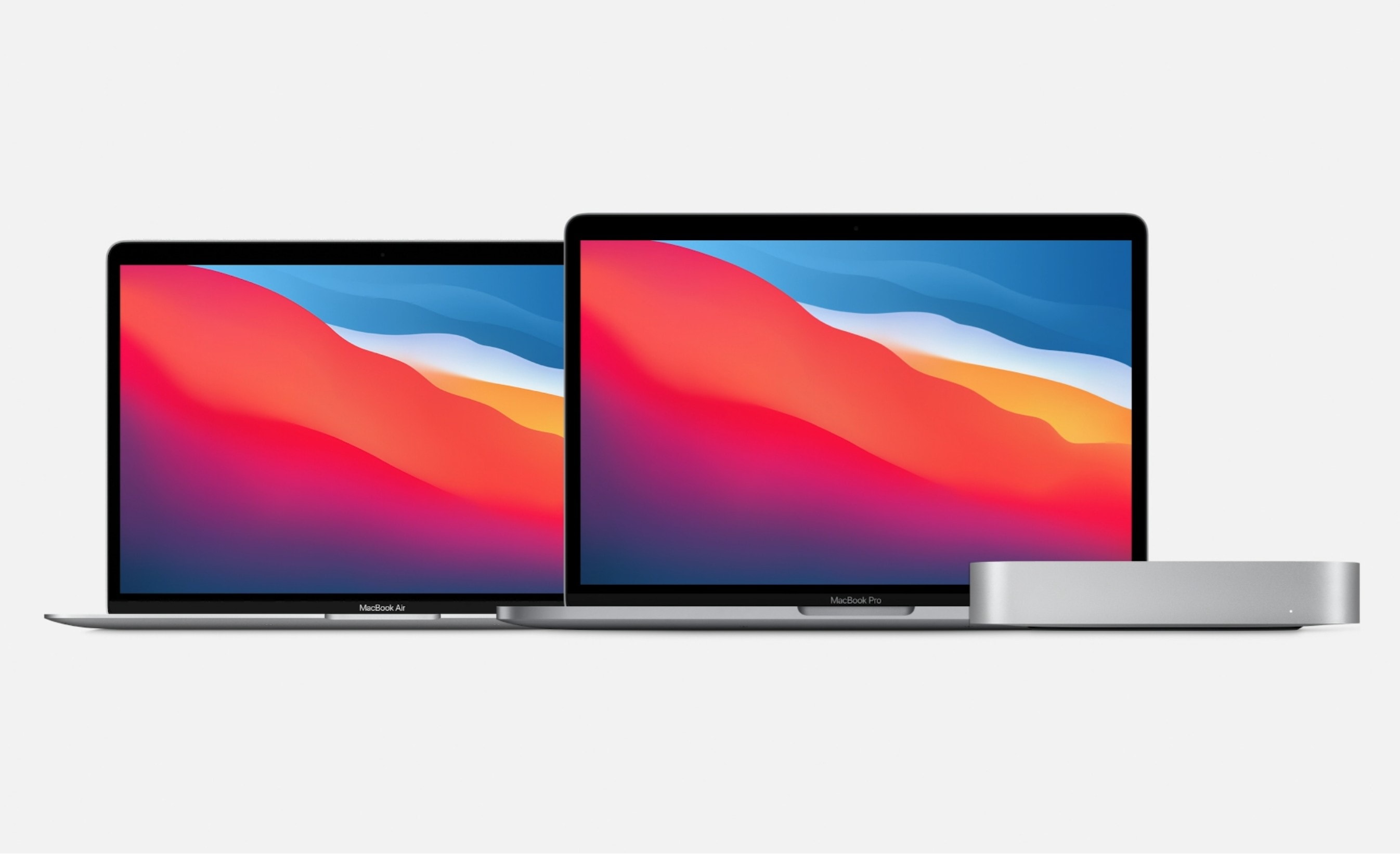
The first three Macs with Apple silicon from 2020.
The M1 MacBook Pro from 2020 was one of the first three Macs to transition to Apple silicon, alongside the M1 MacBook Air and M1 Mac mini.
This model predated the M1 Pro chip, so its performance was very similar to the lower-end M1 MacBook Air. However, both brought a dramatic speed boost compared to the outgoing Intel models with unbelievable battery life. It also had a larger and brighter screen, a Touch Bar and an internal fan for prolonged performance.
MacBook Pro sizes
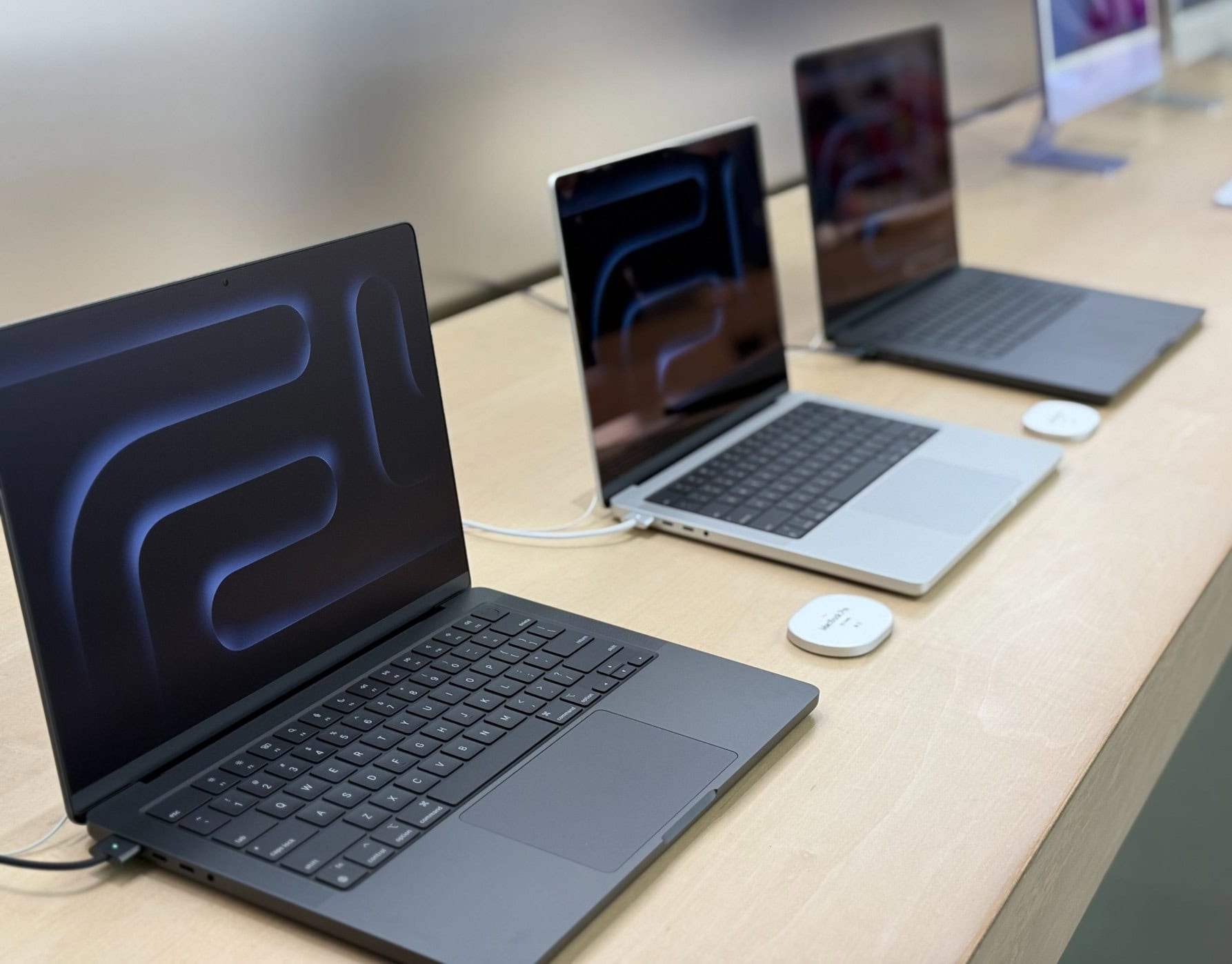
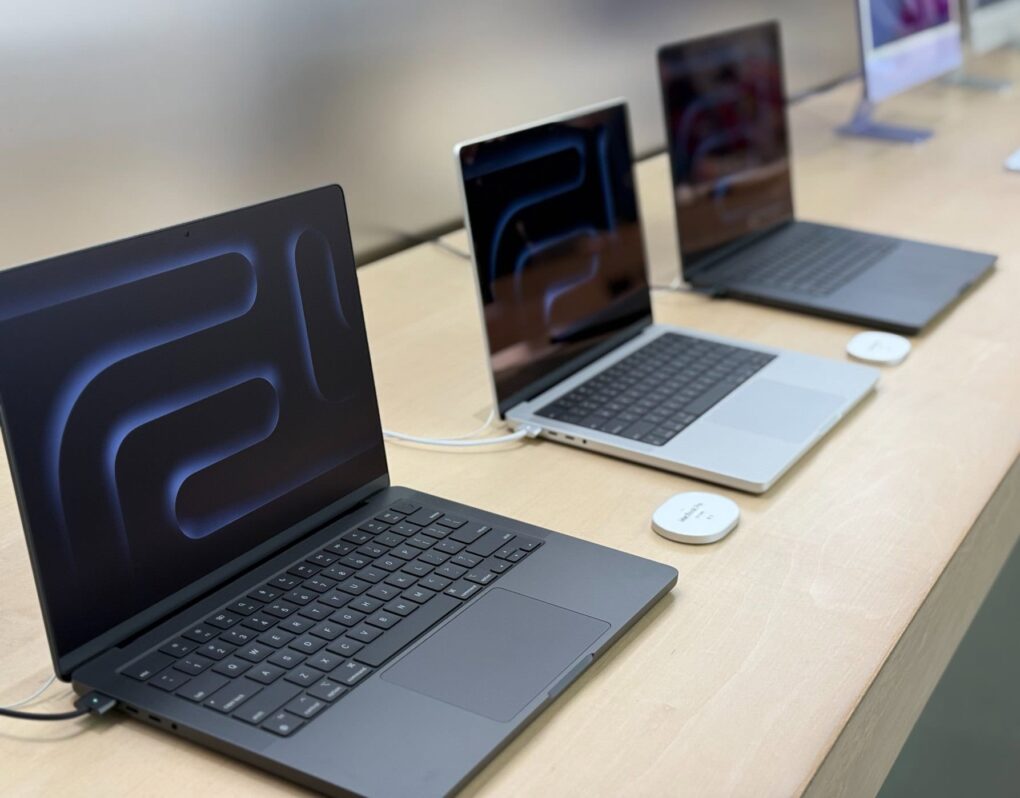
The new M4 MacBook Pro models lined up in an Apple Store.
The MacBook Pro is currently available in two display sizes, 14.2 inches and 16.2 inches. These screen sizes replaced the long-standard 13.3-inch and 15.4-inch displays that had been used since 2009.
From 2004 to 2012, Apple produced a model with a 17-inch display. Originally sold as a PowerBook, this biggest model had an expansive display bigger than any other Apple laptop since. It was affectionately called the “lunch tray.”
MacBook Pro 14
The model with a 14.2-inch display is the entry-level model. It’s a little cheaper. The smaller laptop used to have worse specs than the larger one in the Intel era, but that is no longer true — both can be configured with the same level of power and will perform pretty similarly.
The 14-inch model is smaller and lighter, which is handy for travel.
It has a display resolution of 3024 × 1964. Being a Retina display, it has the effective screen space of 1512 × 982. The display goes to the edge of the lid with a very slim bezel and has a notch on the top for the camera.
It has a ProMotion display, which can run at refresh rates up to 120 Hz. It can also match the frame rate of content you’re watching at 48, 50 and 60 Hz, or lower the frame rate to save battery power.
MacBook Pro 16
The model with a 16.2-inch display costs an extra $500. The larger laptop used to be the only one with a dedicated GPU, but now both sizes have similar specs and performance.
The 16-inch model is larger and heavier, but the extra screen real estate can be handy for getting serious work done on the go.
It has a display resolution of 3456 × 2234. Being a Retina display, it has the effective screen space of 1728 × 1117. The display goes to the edge of the lid with a very slim bezel and has a notch on the top for the camera.
It also has a ProMotion display, which can run at refresh rates up to 120 Hz. It can also match the frame rate of content you’re watching at 48, 50 and 60 Hz, or lower the frame rate to save battery power.
This is a compact, 3-port GaN fast PPS wall charger for MacBook Pro/Air, Pixelbook, Dell XPS, iPad Pro, iPhone 15 Pro/14, Galaxy S23/Note20, Pixel 8, Steam Deck and more.
The MacBook Pro can be charged in two different ways. Models from 2016 onwards can be plugged in via any USB-C port to a charger. The 14- and 16-inch models from 2021 onwards can also be charged with MagSafe 3 to a charger. Every MacBook comes with a color-matched MagSafe cable in the box, and replacements can be ordered online from Amazon.
Ugreen produces a line of USB-C wall chargers. These come in different power levels to keep it charged up whether you have the entry-level model or a powerful Mac with a Max chip.
This display matches the 27-inch size and 5K resolution of the Apple Studio Display for much less. It also features bright P3 color that’s been tested for accuracy.
It also features a built-in Thunderbolt 4 dock, for adding a plethora of ports to your setup within easy reach, and better build quality than other displays we’ve tested.
Our top pick for a third-party monitor is the ViewSonic VP2788. It matches the size and resolution of the Apple Studio Display, but at under $1,000 instead of $1,600. Its body is plastic, but has good build quality. It surpasses Apple’s offering with a 75 Hz refresh rate and a greater selection of ports with its built-in Thunderbolt 4 dock.
Another monitor we’ve tested includes the Asus ProArt PA27JCV, which is cheaper still, but has a creaky and wobbly plastic case and fewer ports. The BenQ DesignVue PD2730S is another option in this price range, but is much chunkier and heavier with fewer benefits.
And of course, there’s also the Apple Studio Display itself. It has a premium aluminum and glass enclosure. It also plays nicely with a Mac, automatically turning on and off, and adjusting brightness from the keyboard. However, it comes at a premium cost — and lacks USB-A ports on the back for plugging in older peripherals.
MacBook Pro Comparison
MacBook Pro versus MacBook Air
While the entry-level has the same chip as the MacBook Air, the Pro has a number of other advantages. The Pro features a bigger, brighter display. It has many more ports; it adds an extra Thunderbolt port, an HDMI port and SDXC card slot.
It can be upgraded with much higher specs than the MacBook Air as well. The M4 Pro and M4 Max chips aren’t available on the MacBook Air. These chips have more CPU and GPU cores for faster performance in intense tasks like video editing, gaming, compiling code, 3D modeling and more.
It can also be configured with more memory and storage space than the MacBook Air and supports more external displays.
However, the MacBook Air is noticeably lighter. The smaller MacBook Air is 2.7 lbs. compared to 3.5 lbs. The larger MacBook Air is 3.3 lbs. compared to 4.7 lbs.
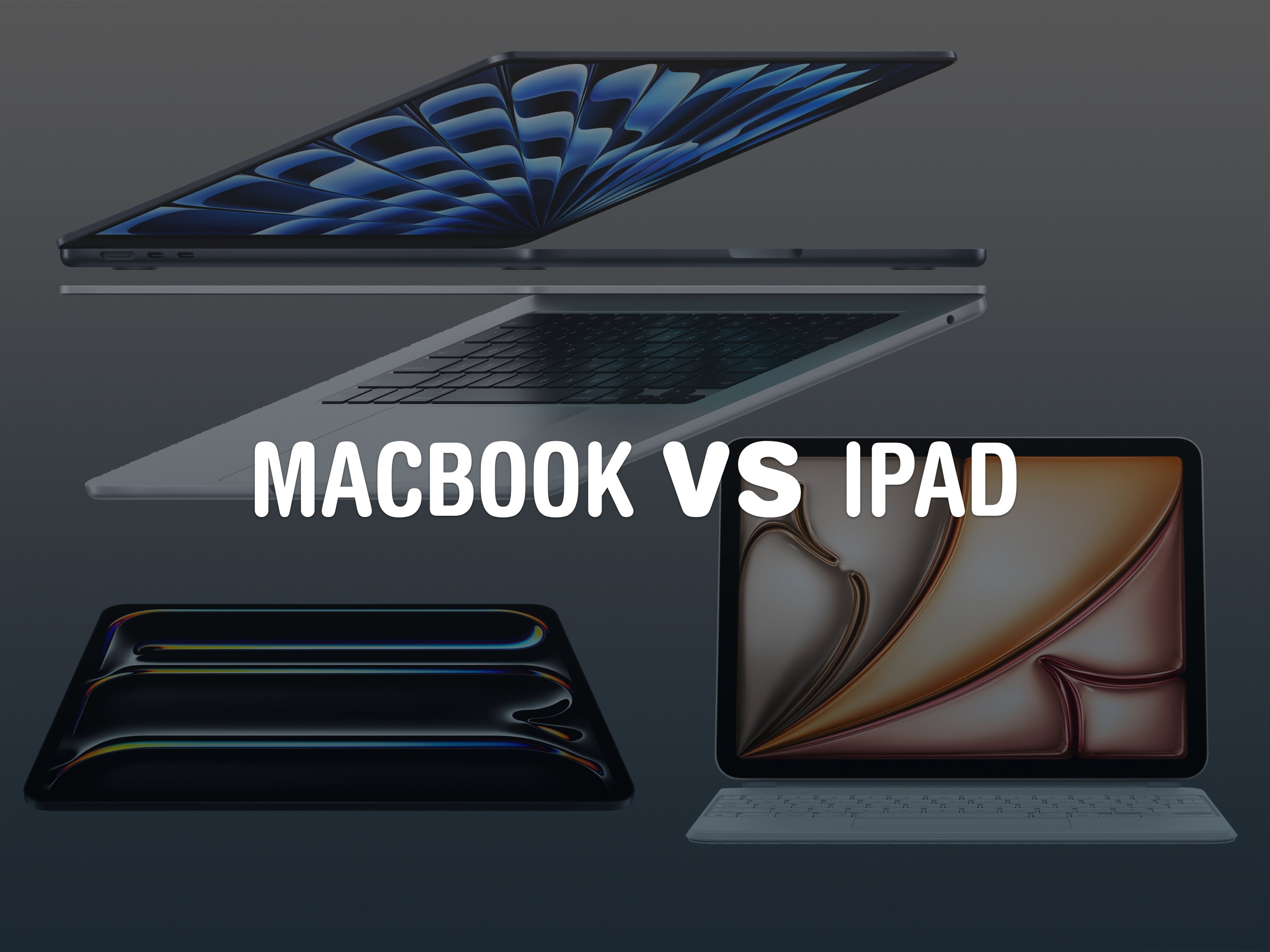
MacBook Pro versus iPad Pro
Which is the better choice these days?
The iPad Pro and MacBook Pro run similar apps made by Apple, like Safari, Messages, Mail, Photos and more. A lot of third-party apps run on both, like Microsoft Word, Google Docs, Notion, Slack. Even advanced apps like Photoshop, Final Cut Pro and Logic Pro have iPad versions, although they aren’t as advanced as their MacBook counterparts.
While the iPad Pro can handle the basics in much the same way, like web browsing and working on documents and files, a Mac can do more advanced tasks. While iPadOS 26 brings some power features like app windowing, local audio and video recording and the Preview app, there will still be some features only possible on a MacBook.
An iPad Pro is still a single-user device, while every Mac supports multiple users. Only a Mac can write code with Xcode or the Terminal.
The iPad Pro supports touch input with your fingers and pen input with the Apple Pencil, where the MacBook Pro does not support either. However, the MacBook Pro supports more external displays and third-party accessories.
The MacBook Pro is often on sale with good deals on Amazon. You can find bigger deals on the more expensive configurations. However, Amazon has a limited number of premade configurations, and does not allow you to fully build-to-order a Mac.
MacBook Pro battery replacement
Replacing the battery on a MacBook Pro can give it a new lease on life.
You can get your battery replaced at an Apple Store, but it may cost a pretty penny. Apple also only works on MacBooks that are under seven years old.
Replacing it on your own is certainly manageable, but is not an operation for the faint of heart. The bottom case easily unscrews, and the battery is mostly unobstructed. You will, however, need to remove the trackpad from the inside to get full access to the battery. The battery is also held in with a lot of glue that can be tricky to remove.
MacBook Pro reset
You need to properly reset your MacBook Pro before you trade, sell or pass it down. That way, the new owner will be able to set it up as brand new, with none of your data left on it.
First, make sure that a recent Time Machine backup is in place. You can check this in System Settings > Time Machine. Make sure that “Backups” shows a recent date and time. Otherwise, right-click on your Time Machine and click Back Up Now.
After setting up your new device, go to System Settings > General > Transfer or Reset, click Erase All Content and Settings and follow the instructions.
Don’t worry about packaging — put your device in the box you’ll get in the mail and use the included return label to send it back for free. You don’t have to send back your charger, either; keep it for yourself.
You can get your money back by a printable e-check, ACH deposit or even a check through the mail.
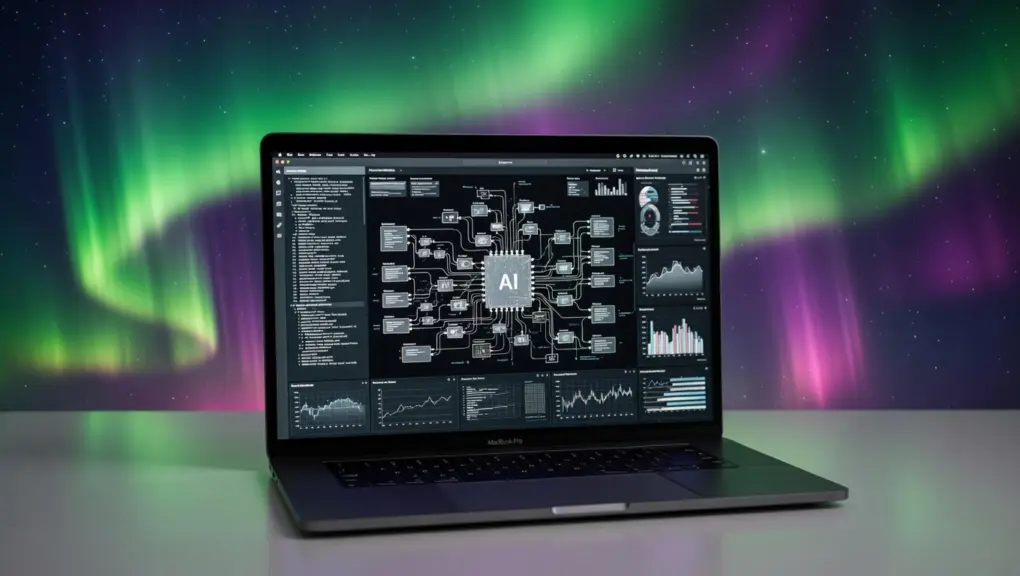
A developer did with a MacBook Pro what usually requires a whole rack of specialized, powerful gear. AI image: Grok/Cult of Mac
Over the past few years, the artificial intelligence race looked like a story about infrastructure. Which company can build the biggest, most power-hungry data center, stock it with the most Nvidia GPUs and spend the most money? OpenAI, Amazon, Google, xAI — they’re all in a competition to build industrial-scale computing factories just to run the most powerful AI models. But it looks like developer Dan Woods just upended that story by running a data-center AI model on MacBook.
And that could mean Apple wins the AI race after all.
The MacBook Neo is even better than we imagined! Photo: Cult of Mac
This week on the Cult of Mac podcast: Griffin goes on a buying spree, snapping up a Studio Display XDR, an iPhone 17e and not one but twoMacBook Neos. He shares his hands-on experience with the latest Apple gear, and Leander’s got plenty of questions!
Also on the Cult of Mac podcast:
PC makers are freaking out over what the MacBook Neo means for the industry.
Next-gen MacBook Pros might come with a MacBook Ultra variant. Will they all come with touchscreens, or just the high-end model?
The latest iOS 26.4 beta gives us a look at Apple’s upcoming emoji. Why are they all facing to the left? (The Hairy Creature emoji definitely needs to be flipped so it matches the iconic Bigfoot sighting!)
Listen to this week’s episode of the Cult of Mac podcast in the Podcasts app or your favorite podcast app. (Be sure to subscribe and leave us a review if you like it!) Or watch the video live stream, embedded below.
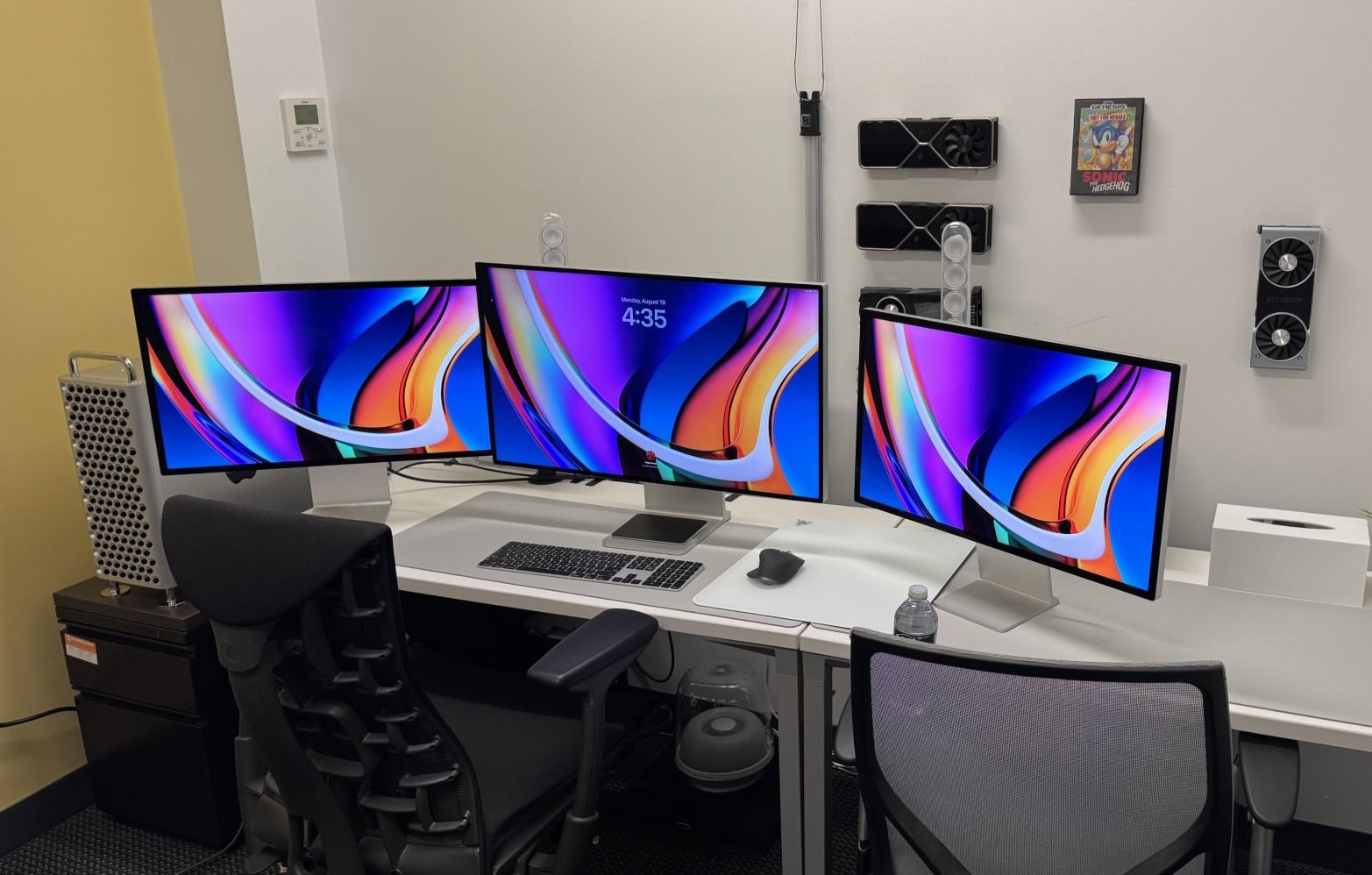
This dream setup features an M4 Pro MacBook Pro and a Studio Display. Photo: [email protected]
MacBook Pro has long been the centerpiece of ambitious, eye-catching workstations. Whether it’s a sleek M4 Pro model driving a pair of 5K touchscreen displays or a still-going-strong M1 Max powering an audiophile-grade sound system, Apple’s flagship laptop has the chops to anchor setups that would make any pro proud. Here are the Top 15 MacBook Pro setups from Cult of Mac’s archive.
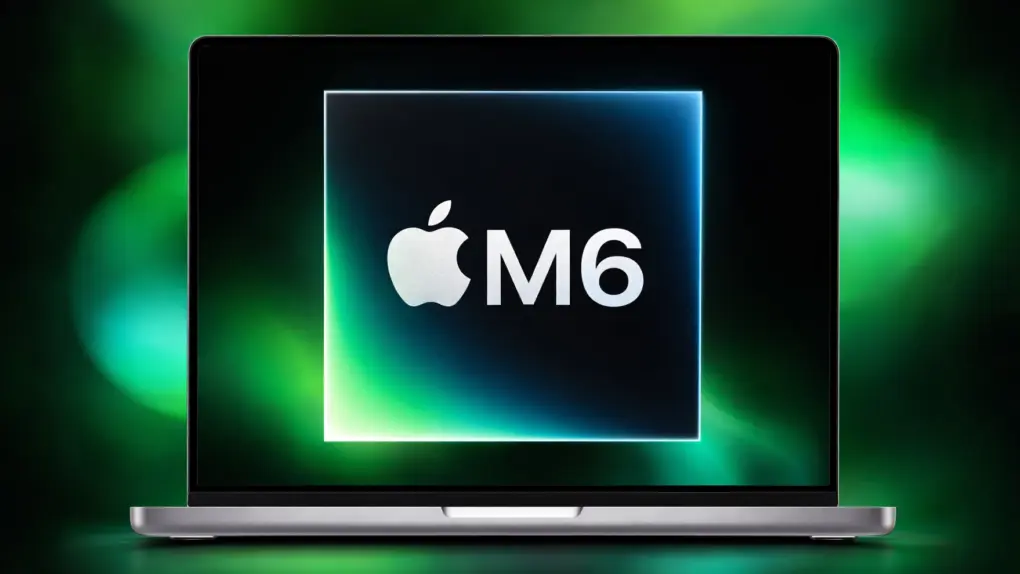
Hold off on a MacBook Pro until you see all the changes coming in the M6 version. Photo: Apple/Cult of Mac
Apple is currently putting the finishing touches on a major step forward for the MacBook Pro line, with advanced features no current MacBook can boast of. And the M6 processor is just the icing on the cake. Here’s why you should wait for it.
Yes, the MacBook Pro just got updated with M5 Pro or M5 Max processors making it the fastest Mac ever. But you should think seriously about skipping it. You’ll kick yourself if you have a relatively new model when something far better comes along in a few months.
Get ready to pay more for OLED MacBook Pro. AI image: ChatGPT
A major revamp to the MacBook Pro lineup should land later this year, featuring an OLED touchscreen display and faster M6 chips. The upcoming model could sit above the current MacBook Pro as an “Ultra” variant, carrying a higher price point.
If accurate, the move would mark a significant change to Apple’s professional laptop lineup in over a decade.
The MacBook Neo looks like a sweetheart for switchers. Image: Cult of Mac
This week on the Cult of Mac podcast: The MacBook Neo is the obvious star that emerged from this week’s tsunami of Apple product announcements. Its potent combo of good looks, surprisingly good performance and an extremely appealing price tag makes it a powerful lure for bringing new people into the Apple world.
We discuss the new laptop’s strong points — as well as some definite drawbacks.
Also on the Cult of Mac podcast:
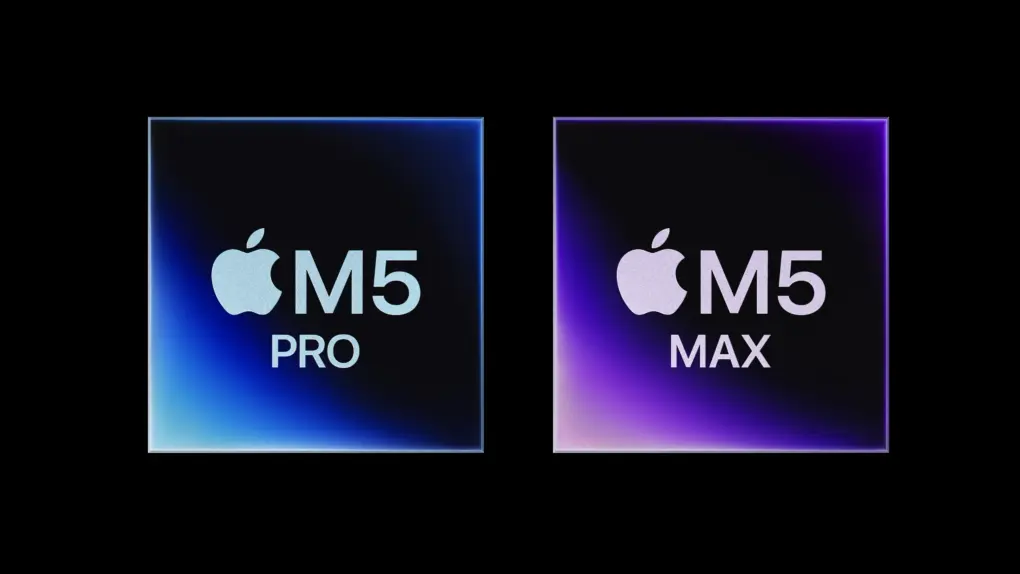
The brawny M5 Pro and M5 Max chips in the latest MacBook Pros sound absolutely mind-blowing.
The iPhone 17e looks like a great upgrade to Apple’s budget handset.
The new Airs (iPad and MacBook) also seem great, if not that surprising.
And we wrap up the show with the results from last week’s predictions game.
Listen to this week’s episode of the Cult of Mac podcast in the Podcasts app or your favorite podcast app. (Be sure to subscribe and leave us a review if you like it!) Or watch the video live stream, embedded below.
You may want to pick up the M5 models instead. Photo: D. Griffin Jones/Cult of Mac
The recently introduced high-end M5 MacBook Pro may be a spec bump update before the M6 models bring radical new changes. But before you commit to sitting this generation out, you should know the M6 models will likely come with some caveats.
An all-new design with new features (like a slimmer chassis and touch screen) usually brings with it an all-new price that’s higher than before. If you’re holding out for the M6 Pro or Max models, you may be waiting for longer than you expect. And if you’re just getting the base model, well, the rumored changes may not come at all.
This isn’t pure speculation; Apple has a proven track record of pulling all these tricks. Here are three reasons why the M5 MacBook Pro may actually be the better choice for you.
As expected, Apple's M5 Max is a performance beast. Image: Apple
The first M5 Max benchmarks surfaced online, again showing Apple silicon’s superiority. Early results show the new chip outperforms every other CPU currently on the market.
The Geekbench listing reportedly comes from a 16-inch MacBook Pro powered by the M5 Max.
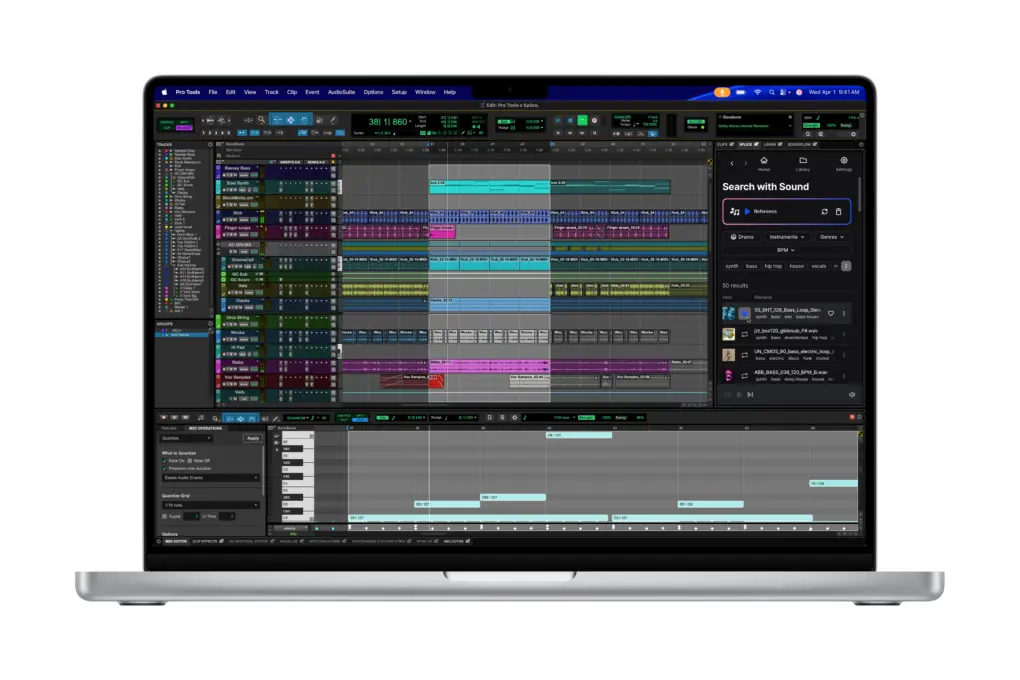
The high-end M5 MacBook Pros is ideal for sound design and composition, in powerful apps like Avid Pro Tools. Image: Apple
As of Tuesday, Apple has refreshed its entire MacBook lineup with M5 silicon. And while the new machines bring meaningful upgrades across the board, buyers should brace for higher prices than last year.
Whether you’re eyeing the new MacBook Air or the pro-grade MacBook Pro, here’s a breakdown of what to expect at every price point.
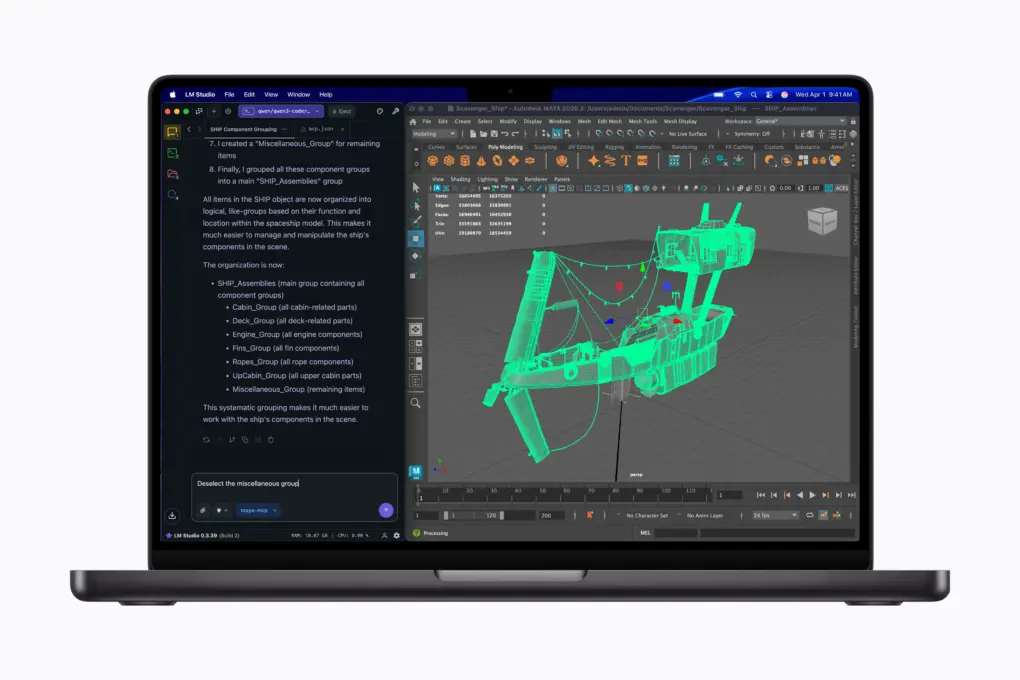
Run local LLMs and powerful 3D modeling software simultaneously on the MacBook Pro. Image: Apple
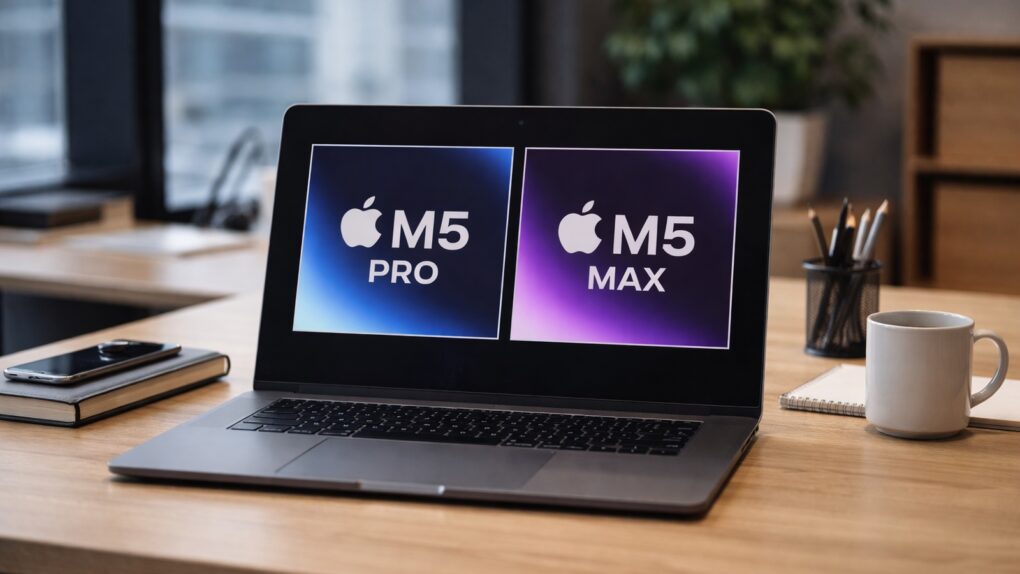
Apple’s long-rumored M5 Pro- and M5 Max-powered MacBook Pros are finally official. The new laptops look visually the same, but pack updated internals that promise a massive leap in performance.
“MacBook Pro with M5 Pro and M5 Max redefines what’s possible on a pro laptop, now up to 4x faster than the previous generation,” said John Ternus, Apple’s senior vice president of hardware engineering, in a press release Tuesday.
The whole point of upgrading the MacBook Pro with the new M5 Pro or M5 Max processors is to boost performance. Although Apple has yet to announce the new high-speed chip variants, we can still make solid estimates of the increase to be expected. Spoiler alert: WOW.
Here’s the hefty CPU and GPU performance jumps to expect from the upcoming M5 Pro and M5 Max processors.
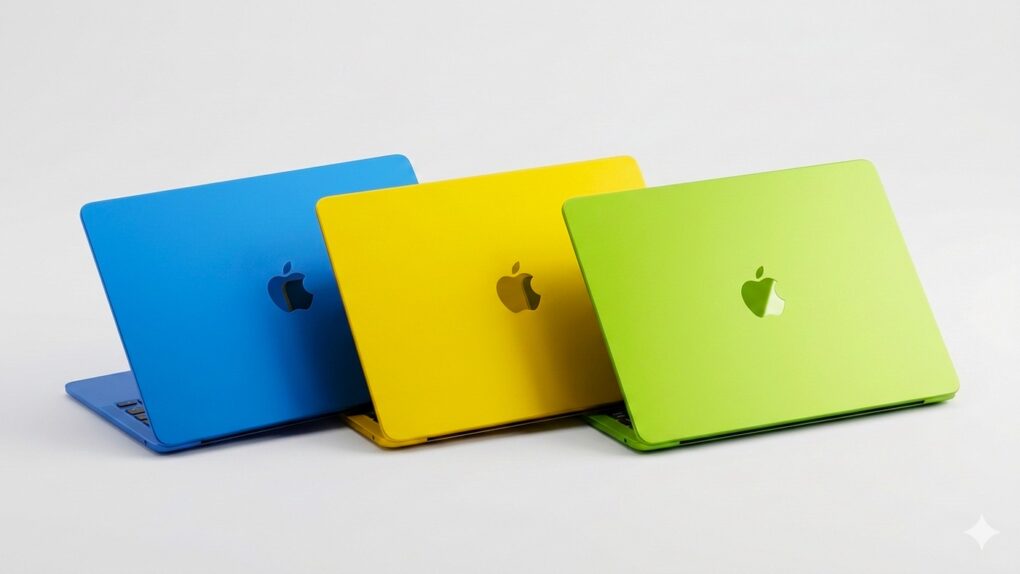
The colorful budget MacBook could be the star of Apple's March product announcements. AI image: Gemini/Cult of Mac
Apple CEO Tim Cook confirmed Thursday what had previously been rumored: The company will launch new products starting Monday, March 2.
The graphic he posted on X hints at the new MacBooks that are expected to be among the announcements. Beyond notebooks, the iPhone 17e, revamped iPads and possibly more could all be unveiled in just a few days.
Rumors suggest a touchscreen-enabled macOS 27 might look something like this concept. AI image: ChatGPT/Cult of Mac
Building a touchscreen into the MacBook Pro coming late this year will require significant changes to macOS 27. Some early details of what Apple has in store for macOS leaked out Tuesday from a generally reliable source.
The upcoming notebooks will supposedly be the first Macs with a Dynamic Island — but that’s just the start of what Apple has planned.
Apple’s upcoming March 4 event may look very different from a traditional keynote. AI image: ChatGPT
Apple will hold a “special Apple Experience” on Wednesday, March 4 — but the company might not announce new Macs or other products at the event.
Instead, Apple might announce the events earlier in the week in a series of press releases. The company apparently does not even intend to hold a keynote on March 4.
An Apple March event is officially on! Image: Apple
Apple on Monday announced a product-launch event scheduled for March 4, inviting select media to attend in person what it describes as a “special Apple Experience.” The invitation offers no details on what to expect, but the company is surely preparing to unveil new hardware as it pushes into the heart of its spring product cycle.
Numerous leaks and rumors point to a busy event. A new MacBook Pro, a new MacBook Air, an entirely new low-cost MacBook, the iPhone 17e, revamped iPads and possibly more could all be on the agenda.
Hold out for the newer, faster MacBook Air coming soon. AI concept: ChatGPT/Cult of Mac
The most powerful MacBook Air ever is just weeks away. Apple is widely expected to be putting the finishing touches on a new model with the speedy M5 processor. The faster chip will be enough for shoppers to question whether they really need the MacBook Pro they have their eye on.
Consider the advantages of a MacBook Air, and why now is a terrible time to buy any Apple laptop.
At least Apple seems determined to get the smarter Siri right. Image: Cult of Mac
This week on the Cult of Mac podcast: If you’ve been waiting with bated breath for Apple to finally deliver on its promise of a smarter Siri, it’s time to exhale. Then take a deep breath of disappointment.
Dashing our hopes, it sounds like Apple is delaying Siri’s AI-powered upgrade again! What does it mean? And will Apple ever get its Siri together? We discuss the latest rumors and ponder whether the delay might actually be a good thing.
Also on the Cult of Mac podcast:
The smarter Siri isn’t the only AI-powered project sucking wind at Apple. Cupertino reportedly pulled the plug on the AI health coach it had been working on.
A new rumor gives us a launch date for the high-end M5 MacBook Pros we’ve been waiting for.
Next-gen AirPods Pro reportedly will pack built-in cameras. But what will they actually do?
And finally, we discuss a multi-Mac setup with the most bizarre keyboard we’ve ever seen.
Listen to this week’s episode of the Cult of Mac podcast in the Podcasts app or your favorite podcast app. (Be sure to subscribe and leave us a review if you like it!) Or watch the video live stream, embedded below.
So ... crippled by envy much? This one has a high-end M2 Ultra Mac Pro, a Mac Studio, a Pro Display XDR and two Studio Displays. Photo: [email protected]
For Apple enthusiasts, one Mac is great — but two or more? That’s when things get seriously interesting. Years of Cult of Mac Setups coverage has showcased hundreds of impressive workstations. But these top 10 multi-Mac setups stand out as particularly fascinating examples of how power users leverage Apple’s ecosystem to its fullest potential.
From new M4-powered machines paired with vintage “trash can” Mac Pros to dual MacBook configurations seamlessly integrated with desktop Macs, these workstations demonstrate that having multiple Macs isn’t just about redundancy. It’s about optimizing workflow, separating concerns and yes, indulging in a bit of Apple-fandom excess.
Reports of Apple launching new M5 Pro-powered MacBook Pros have been circulating for a while now. With shipments of the M4 Pro/Max models delayed by a few weeks, all signs point to an imminent launch.
But exactly when will Apple make its move? Bloomberg’s Mark Gurman has now offered a more concrete timeline.
We apparently won't be waiting until 2027 for an OLED MacBook Pro. AI image: ChatGPT/Cult of Mac
There’s good news Tuesday for those excited about the first MacBook Pro with an OLED display: A new report pegs the laptop’s launch for this fall. Some previous leaks indicated the device might not reach customers until next year.
Beyond the OLED screen — which should make the display noticeably better-looking — the 2026 MacBook Pro is rumored to feature a significant redesign, including a touchscreen.
A MacBook Pro upgraded with M5 Pro and M5 Max is not coming any day now. There'll be a wait. AI image: Apple/ChatGPT/Cult of Mac
There’s tremendous anticipation for a MacBook Pro upgraded with faster M5 Pro or M5 Max processors, but the laptop did not launch this week, despite eager speculation that it would. And we need to be patient because we’re likely to continue waiting well into February and maybe beyond. A critical feature apparently isn’t ready yet: macOS Tahoe 26.3.
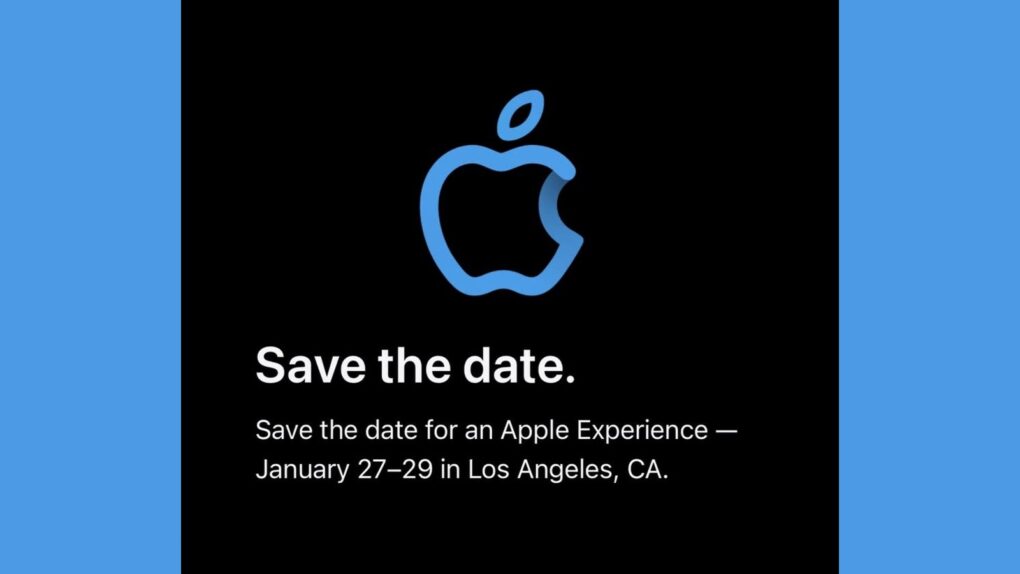
The "Apple Experience" happening January 27 to 29 could include MacBook Pro upgrades. Image: Apple/Petr Mara/Cult of Mac
After Apple invited a select group of content creators to an “Apple Experience” in Los Angeles, speculation arose Friday that the company will use the event to launch an upgraded MacBook Pro with M5 Pro and M5 Max processors.
Appel scheduled its mysterious event for January 27 through January 29 — exactly the time many expect the refreshed Mac laptop to arrive.
You don't need to ask an Apple Genius why you can't find a M4 Pro or Max MacBook Pro in the store. Photo: Apple
Order a MacBook Pro today, and you may never get it at all. But it’s not some horrible scam — Apple is very close to introducing new models, and the company knows you probably won’t want the ones available today once the new ones launch.
That’s why the wait times on many MacBook Pro models with M4 Pro and M4 Max processors stretches out well into February. It gives buyers time to change their orders.
The original MacBook Pro brought innovative features (and stirred up a bit of controversy). Photo: Apple
January 10, 2006: Steve Jobs unveils the original 15-inch MacBook Pro, Apple’s thinnest, fastest and lightest laptop yet.
Building on the previous PowerBook G4 laptop, the new laptop adds dual-core Intel processors for the first time. The MacBook Pro immediately makes waves in the tech community. And did we mention its awesome MagSafe connector?
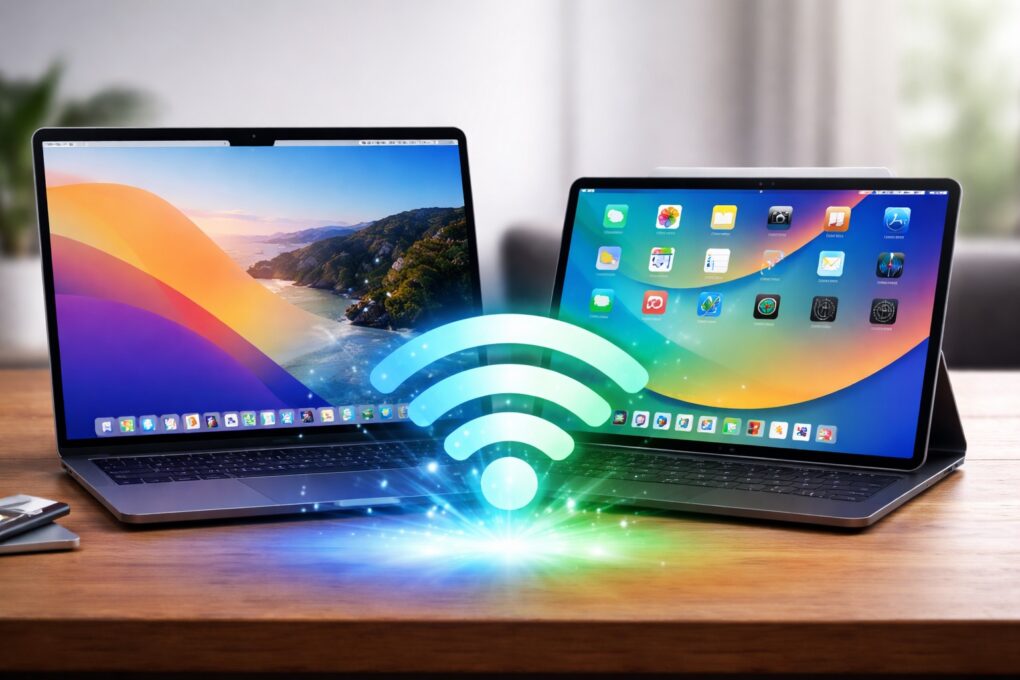
Wi-Fi on your Mac or iPad just got faster. AI image: ChatGPT/Cult of Mac
Apple silently gave some Macs and iPads a Wi-Fi speed boost with macOS Tahoe 26.2 and iPadOS 26.2. The update enables 160MHz channel bandwidth support on 5GHz Wi-Fi networks, eliminating a restriction that tamped down the maximum possible speeds.
The additional bandwidth should let your recent Mac or iPad benefit from higher throughput.











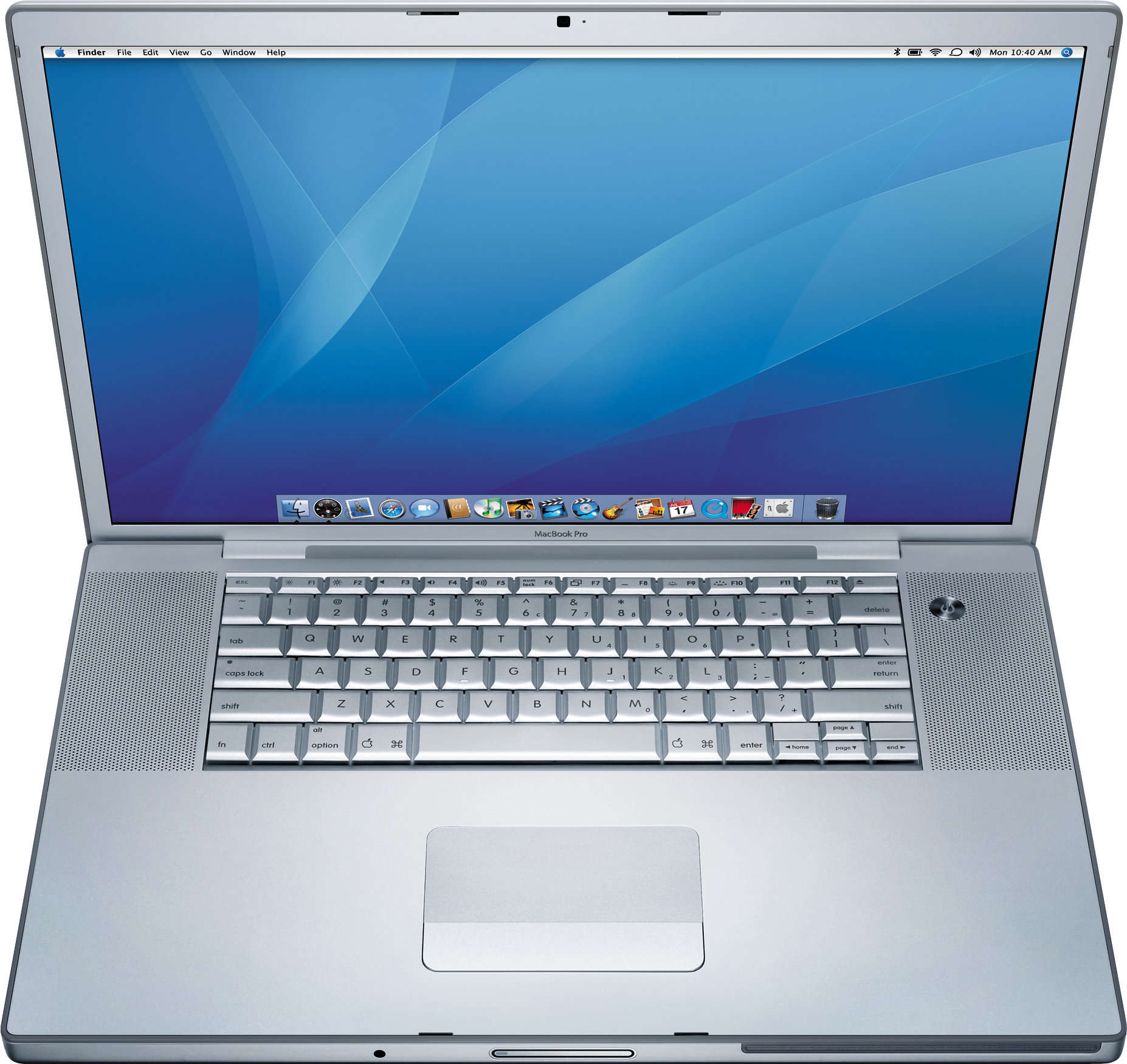
 January 10, 2006: Steve Jobs unveils the original 15-inch MacBook Pro, Apple’s thinnest, fastest and lightest laptop yet.