Mobile menu toggle

Apple Music

Apple Music noted its most popular song and artists of 2022.

Apple Music is a popular streaming service that offers subscribers access to a vast library of over 100 million songs, curated playlists, radio stations, and exclusive content, competing directly with platforms like Spotify and Tidal.

Although available on a wide range of devices — including iPhones, iPads, Macs, Apple Watches, Apple TVs, Windows PCs, and Android devices — the streaming service also integrates seamlessly with Apple’s ecosystem, leveraging features like Siri voice control and iCloud Music Library to sync users’ personal collections across devices.

The service operates on a subscription model, with plans including an individual tier at $10.99 per month, a family plan for up to six users at $16.99 per month, and a student plan at $5.99 per month, alongside a limited free tier that includes access to purchased music and Beats 1 radio.

One of the standout features is its emphasis on human curation, setting it apart from algorithm-heavy competitors. The platform offers expertly crafted playlists tailored to genres, moods, or activities, alongside personalized recommendations driven by listening habits. It also includes 24/7 global radio stations, such as Apple Music 1 (formerly Beats 1), hosted by prominent DJs like Zane Lowe, as well as genre-specific stations like Apple Music Hits and Apple Music Country. Exclusive releases from major artists, live performances, and original content — like music documentaries and artist interviews — further enhance its appeal.

Additionally, Apple Music supports high-quality audio, including lossless streaming and Spatial Audio with Dolby Atmos, providing an immersive listening experience for audiophiles.

The service also integrates with HomePod and CarPlay, making it a versatile choice for Apple-centric households. While it lacks a robust free ad-supported tier compared to Spotify, deep integration with Apple’s hardware, focus on premium audio, and commitment to artist-driven content make it a compelling option for music lovers seeking a polished, all-in-one streaming experience.

Read Cult of Mac’s latest posts on Apple Music:
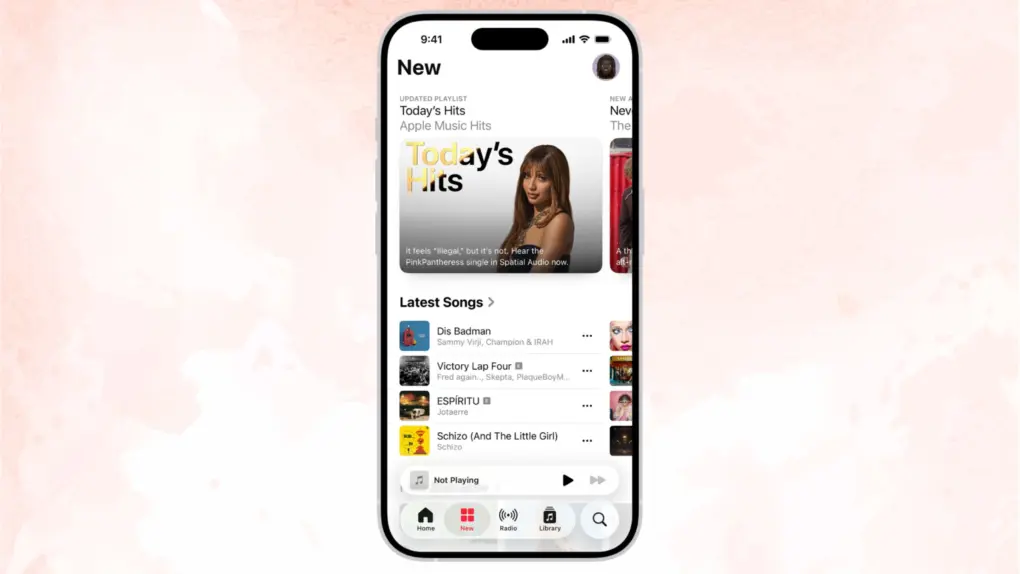
Get started with Apple Music Classical: A simple how-to guide

By

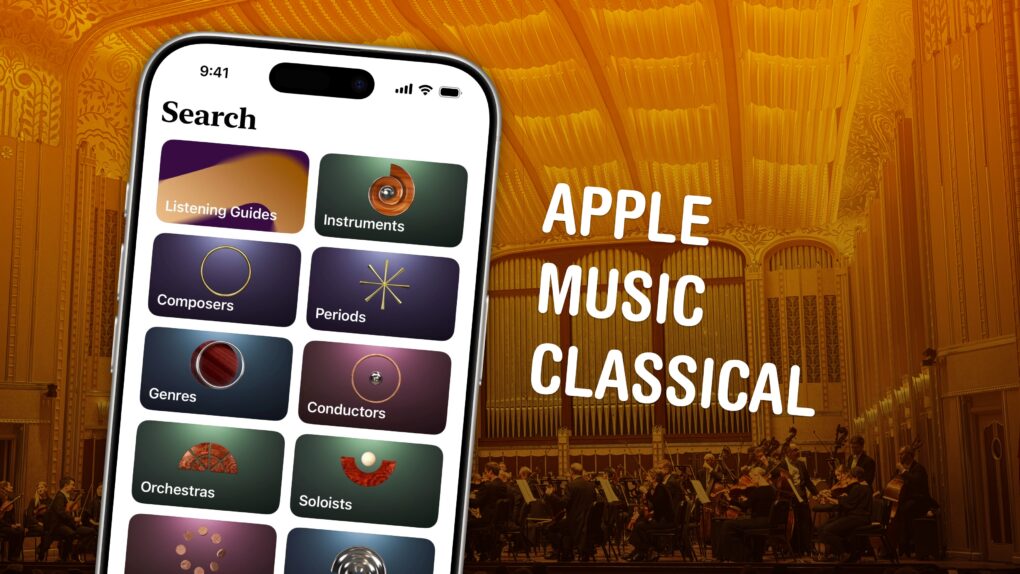
Apple Music Classical graphic, showing the browse features and a photo of The Cleveland Orchestra.
Apple Music Classical is an elegant streaming service for a more civilized age.
Image: D. Griffin Jones/Cult of Mac

Apple Music Classical is an iPhone app specifically designed to deliver a great experience browsing and listening to instrumental music. Apple carefully curated its catalog of millions of tracks, tagging them by composer, work, movement, instrument, orchestra, artist and more.

Why does there need to be a separate app for classical music? Apple says it succinctly on its support page: Classical music “has longer and more detailed titles, multiple artists for each work, and hundreds of recordings of well-known pieces.” This app “is designed to support the complex data structure of classical music.”

This is how to discover, find, add and listen to music in Apple Music Classical.

Use Apple Music Sing to throw your own karaoke party

By

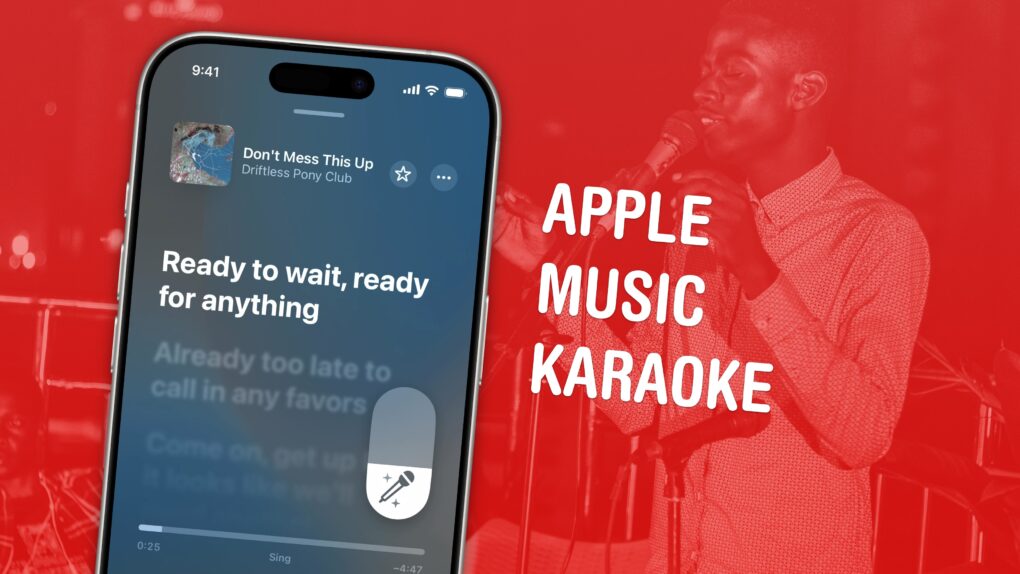
Graphic showing Apple Music karaoke mode, with a photo of a man singing into a microphone
How to use this top party feature.
Image: Ronyyz/Wikimedia Commons/D. Griffin Jones/Cult of Mac

Apple Music comes with a karaoke mode for people who love to sing along as they listen. It’s called Apple Music Sing, and it lets you turn down the lyrics in your favorite songs with just a tap. 

It’s much nicer than searching out karaoke versions of songs on YouTube. Those often don’t use the original backing track, but re-create it (with varying levels of quality). Also, if you’re still learning a song, Apple Music Sing can keep some of the original vocals to guide your singing.

Make an Apple Music playlist automatically with Playlist Playground

By

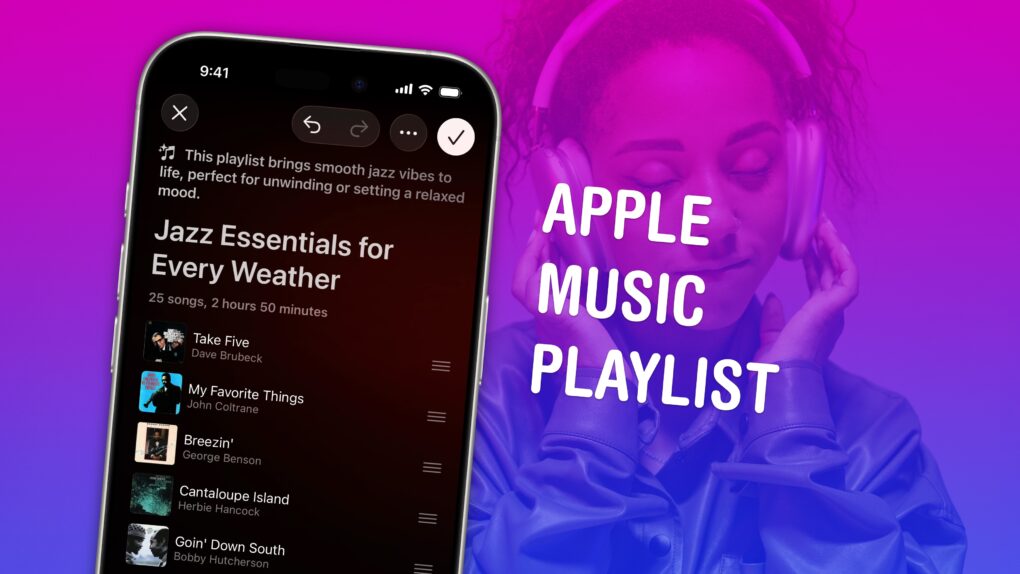
Screenshot of Playlist Playground in Apple Music, with a photo of a woman wearing AirPods Max, captioned “Apple Music Playlist”
Build a soundtrack for specific moods.
Image: D. Griffin Jones/Cult of Mac

Making a playlist in Apple Music is a great way to set the mood for a party, road trip or your own private time. You can create playlists for working, working out, studying, driving, doing dishes, etc. Your friends can contribute to your playlist, too. And you can share your masterpiece on your Apple Music profile.

In iOS 26.4, Apple added Playlist Playground, a new feature that lets you quickly create custom playlists via Apple Intelligence. On supported devices, you can type in any odd request — and your iPhone will do the rest. The results aren’t quite DJ quality, but they’re a good starting point if you want something specific or unique. 

Here’s how to make a playlist by hand — and how to use the new Playlist Playground feature. 

Today in Apple history: Apple goes to war with The Beatles again

By

Beatles
The Beatles' clash with Apple ran for almost 30 years.
Photo: Apple Corps

March 30: Today in Apple history: Apple goes to war with The Beatles again March 30, 2006: A court case begins that once again pits Apple Computer against Apple Corps, The Beatles’ record label and holding company.

The lawsuit caps a long-running legal battle between the two wealthy companies. It’s the final fight in an epic legal battle over music, technology and money.

Apple 50th birthday parties rock around the world [New photos!]

By

iPad art lights up Sydney Opera House
iPad art lights up Sydney Opera House.
Photo: Apple

Apple 50 Years graphic All over the world, Apple enjoys spending its milestone 50th anniversary month in the company of the artists and fans who have made the last five decades extraordinary, the company said recently of its worldwide birthday parties.

The festivities began on March 13 when Grammy Award-winning artist Alicia Keys took to the iconic steps of Apple Grand Central in New York City. Celebrations also rolled in China and South Korea, then London and Sydney, Australia. We’ve added new photos, below. 

iOS 26.4 beta 4 gives us first look at Apple’s new emoji

By

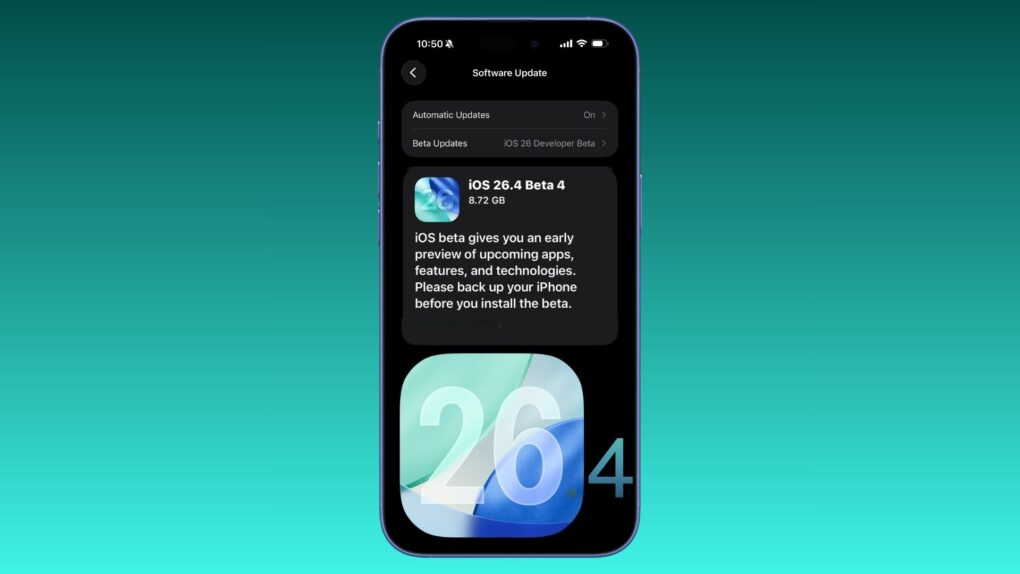
iOS 26.4 beta 4
Another new iOS 26.4 beta is here...
Photo: Rajesh Pandey/Cult of Mac

Apple revealed its versions of eight upcoming new emoji in iOS 26.4 beta 4, which it pushed to developers Monday. Standouts include Distorted Face — sure to become a hit when it arrives to the general public — and Hairy Creature, which looks an awful lot like Bigfoot.

See Apple’s versions of all the new emoji, and all the other changes in the beta, below. 

Save your history and recommendations: Listen to Apple Music in private mode

By

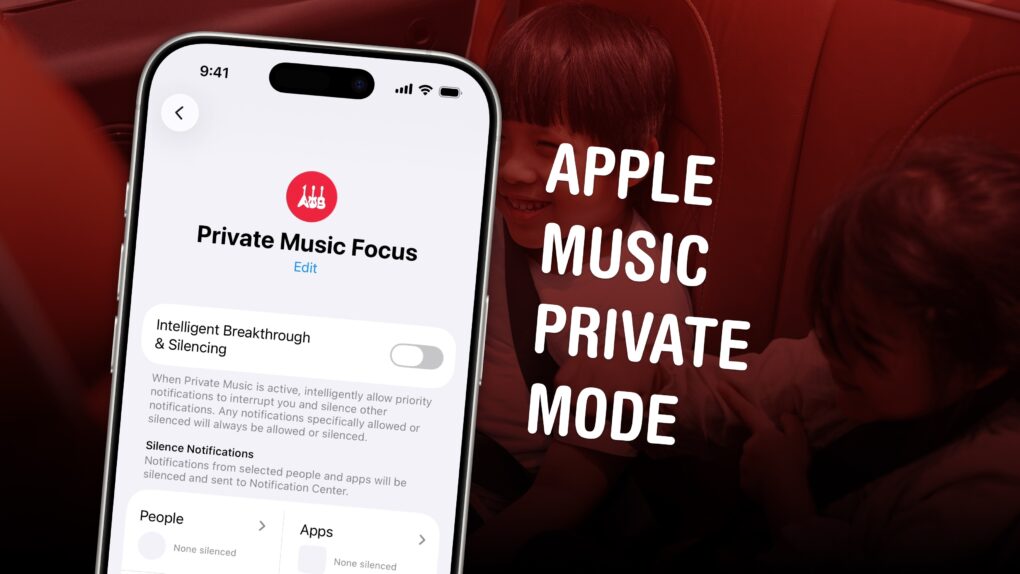
Apple Music Private Mode graphic
It’s not a built-in feature, but you can make it yourself.
Image: D. Griffin Jones/Cult of Mac

If you’re tired of your kids’ or partner’s music polluting your music recommendations and history, there’s a solution. While Apple Music does not offer a built-in private mode, you can make your own using a Focus mode.

Turn on a special Focus mode, and Apple Music will ignore all the songs, artists and albums that play next.

It’s even possible to enable your private mode when you connect to a specific Bluetooth speaker, like a living room sound system. Or when you enter a specific location, like work. Here’s how to set it up — keep reading or watch our quick video.

Never miss a live show in your hometown with Apple Music Concerts

By

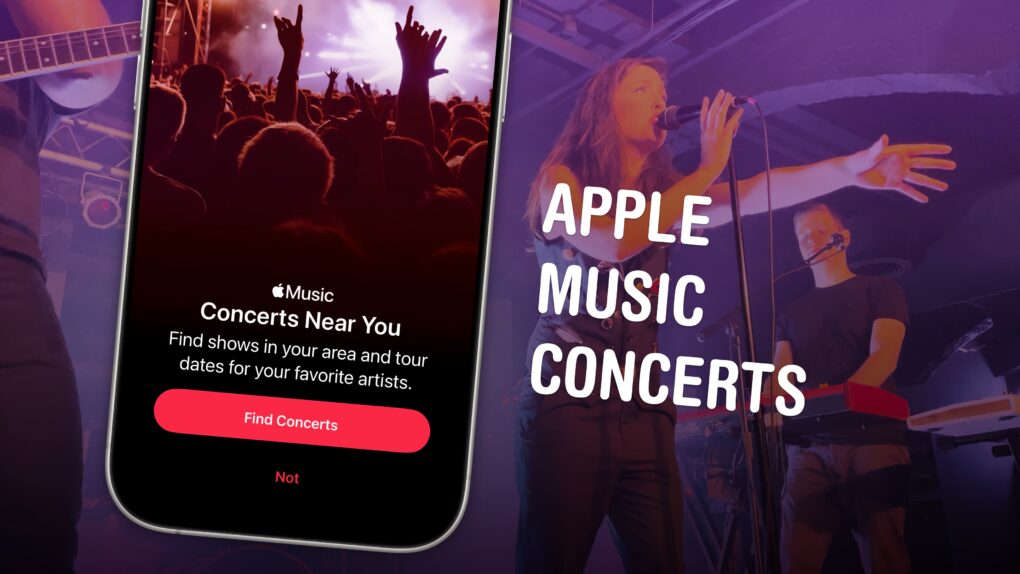
Apple Music Concerts graphic
A great new feature comes to Apple Music.
Image: D. Griffin Jones/Cult of Mac

Upcoming iOS 26 feature Apple Music Concerts solves one of music lovers’ biggest heartbreaks — finding out too late that your favorite artist already passed through your neighborhood on tour, unbeknownst to you.

The feature lets you see shows coming soon to your city, with convenient details on venues, ticketing, set lists and more. You can also look up an artist’s tour and see all their upcoming shows.

Supposedly, Apple Music Concerts will even notify you when a tour is coming nearby. The feature, available now in iOS 26.4 beta 2, hasn’t been out long enough for me to test. But if it works like the Apple Music notifications that alert you about new tracks, it could be a lifesaver.

Unfortunately, though, there’s one serious drawback. Here’s an overview of Apple Music Concerts. 

MLS kicks off 2026 season on Apple TV with new features and World Cup spotlight

By

MLS kicks off 2026 season on Apple TV
Opening weekend matches are all free to Apple TV subscribers.
Photo: Apple

Major League Soccer’s 31st season gets underway Saturday, with all 30 clubs taking the pitch for MLS is Back weekend. And Apple TV subscribers will have a front-row seat to all of it, with all 13 matches available and no blackouts across more than 100 countries and regions, Apple said.

“All eyes are on North America this year as the MLS season kicks off this week and the World Cup approaches,” said Thomas Müller, Vancouver Whitecaps FC attacking midfielder and 2014 FIFA World Cup champion. I’m excited to begin my first full season in MLS, help the team build on what we started, and give fans everywhere the chance to follow our journey on Apple TV.”

Every Apple Music icon explained: Your complete guide to mastering the app

By

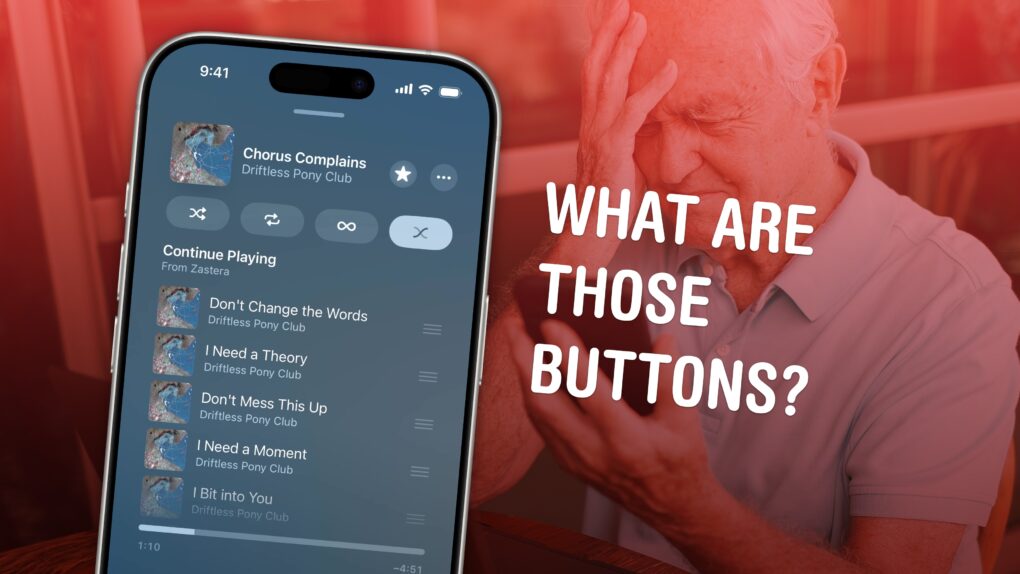
Apple Music Buttons
It's not really obvious what these buttons do.
Image: D. Griffin Jones/Cult of Mac

All the tiny signs, symbols and icons on the Apple Music app’s Now Playing screen lack labels — and it’s not obvious at all what they do. Do you know what tapping the infinity symbol does? How about the two wavy lines? 

This quick guide runs through all the Apple Music buttons and controls, so you can get acclimated to its interface. Keep reading or watch our short video.

Get to know Bad Bunny before his Super Bowl halftime show

By

Get to know Bad Bunny before the Super Bowl
Apple offers plenty of ways to hear, and learn about, the Puerto Rican superstar.
Photo: Apple

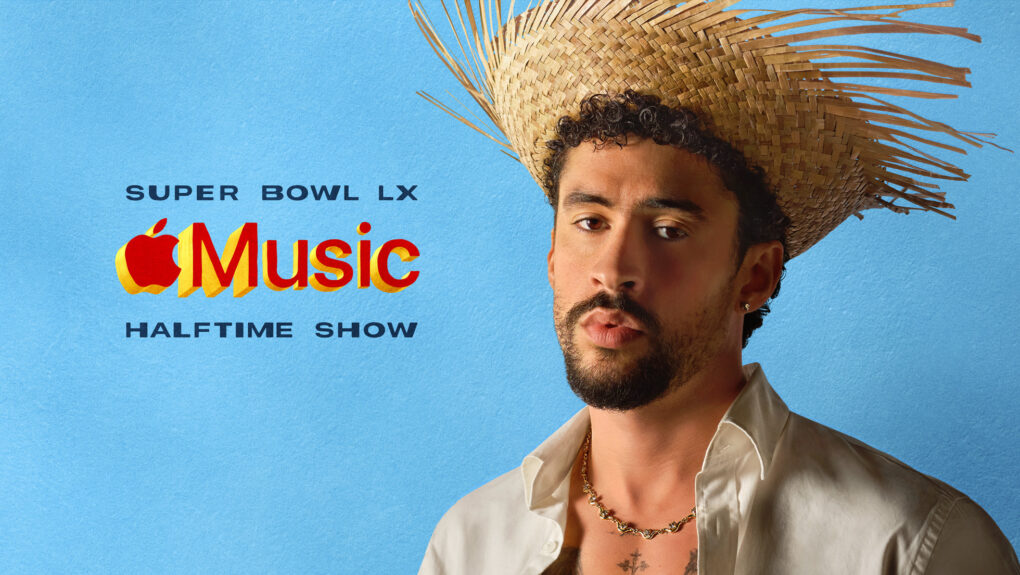
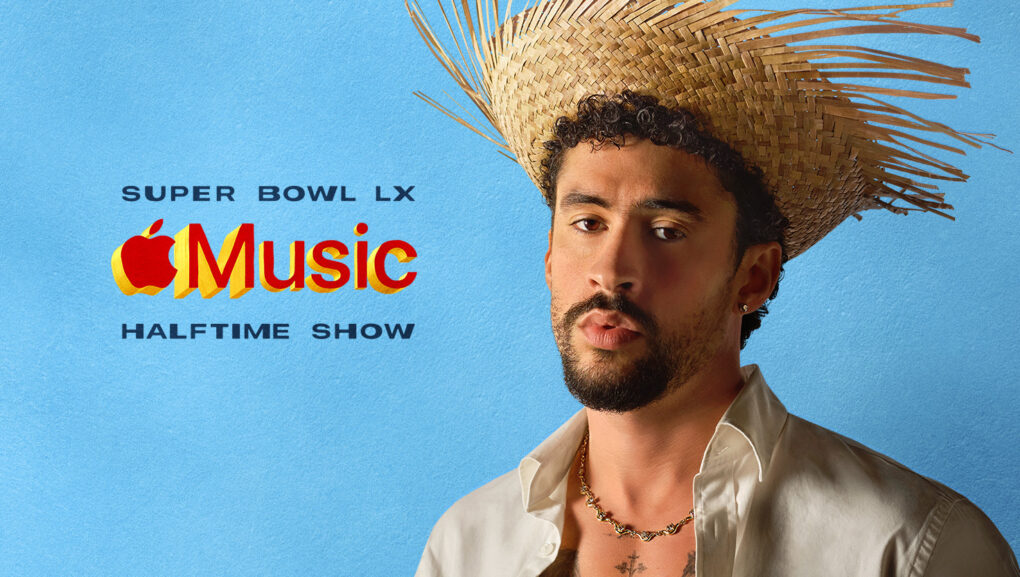
Apple Music rolled out the red carpet Monday for Bad Bunny as the Puerto Rican superstar prepares to headline the Apple Music Super Bowl LX Halftime Show on February 8 at Levi’s Stadium in Santa Clara, California. So here’s your chance to get to know Bad Bunny before the Super Bowl with a variety of special programming.

We love the new AirTag even more than the original [Cult of Mac podcast No. 5]

By

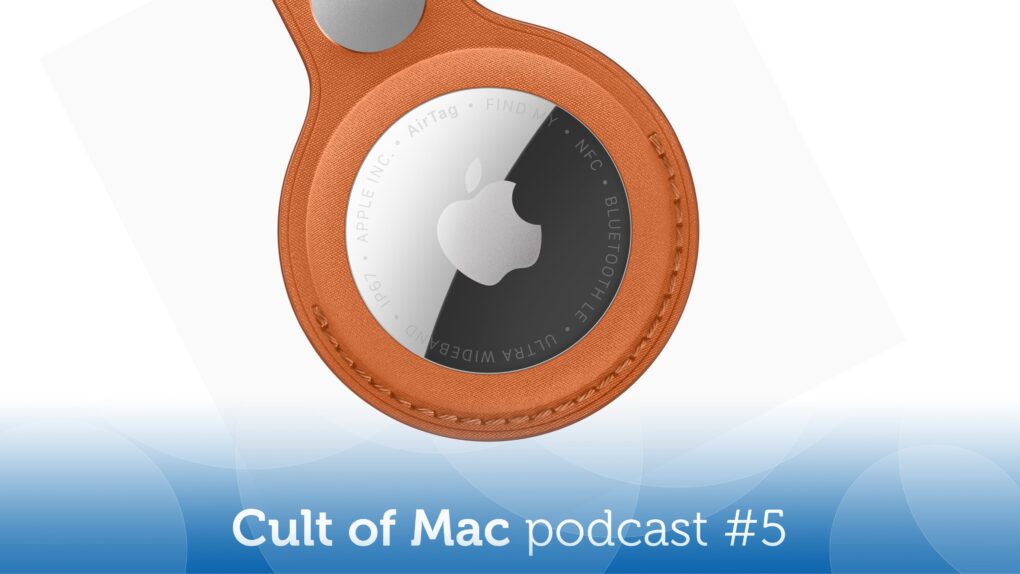
Image of Apple AirTag 2, along with the words
If you're not already on the AirTag bandwagon, it's time to hop on.
Image: Cult of Mac

This week on the Cult of Mac podcast: The second-gen AirTag finally arrives, and it packs some pretty awesome upgrades — although you’d never know by looking at it!

We discuss all the reasons we love AirTags in general, and Cult of Mac writer Ed Hardy joins us for his review of Apple’s upgraded tracking tag.

Also on the Cult of Mac podcast:

  • A quick teardown of an AirTag 2 shows the massive redesign hiding inside the familiar circular form factor.
  • Griffin explains Apple Music‘s killer feature that lets you easily upload your own tracks and sync them to all your devices. Take that, Spotify!
  • A listener mentions my band, Those Darn Accordions, and that prompts a bit of a rabbit hole run through the band’s history (and surfaces a surprisingly popular ancient YouTube video of me sabering a bottle of Champagne back in the day at Wired.com).

Listen to this week’s episode of the Cult of Mac podcast in the Podcasts app or your favorite podcast app. (Be sure to subscribe and leave us a review if you like it!) Or watch the video live stream, embedded below.

Get 3 months of Apple Music free in limited-time Super Bowl offer

By

get 3 months of Apple Music free
The promotion ties to the Apple Music Super Bowl LX Halftime Show with Bad Bunny.
Photo: Apple

Apple just gave new subscribers an extended opportunity to try its music streaming service, offering three months of Apple Music completely free. The promotion to get three months of Apple Music free — which runs through February 24 — greatly expands the standard one-month trial period.
The new offer coincides with Apple’s sponsorship of the upcoming Super Bowl halftime show with musical act Bad Bunny.

How to upload your own music to Apple Music

By

An image of a person with the Apple Music logo and the words
It's surprisingly easy to add custom tracks to your Apple Music library.
Image: D. Griffin Jones/Cult of Mac

If you come across a live concert recording, a demo track or an indie song that’s not already in Apple Music, you can add it to your Apple Music library really easily. It’s simple to upload music to Apple Music and, in fact, you don’t even need an Apple Music subscription — just a computer and your iPhone.
Adding music to your library manually used to be the only way to listen to music on your computer, way back before the iTunes Music Store made paid downloads popular and Apple Music entered the streaming area. Even after 25-plus years, Apple still supports the feature — and thankfully so, because I use it all the time.
It’s the top reason why I don’t use Spotify. While Spotify technically supports custom music as well, it’s a convoluted and clunky process. On Apple Music, it’s dead simple to add your own tracks and only takes minutes. All you need is a Mac or a Windows 10 PC with iTunes.
Here’s how it works — keep reading or watch our quick video

Apple streaming services break records

By

Apple Services: Apple Music, iCloud, Apple TV and more
A variety of Apple services did remarkably well in 2025.
Image: Apple

Apple Music and Apple TV just had their biggest month ever. That strong streaming performance added to a banner year for the collection of products that go under the heading of Apple services.

“2025 was a record-breaking year for Apple Services, marked by remarkable growth, global expansion, and continuous innovation,” said Eddy Cue, Apple’s senior vice president of services, in a press release Monday.

Shazam unlocks what makes chart-topping songs unforgettable

By

Shazam Popular Segments
The Shazam app's new feature is called Popular Segments.
Photo: Apple

Music-recognition service Shazam now features Popular Segments, a data-driven feature that reveals exactly which part of a song resonates most with listeners all over the world, according to an Apple website update Thursday.

Apple and Best Buy pack free subscriptions with every Apple Gift Card

By

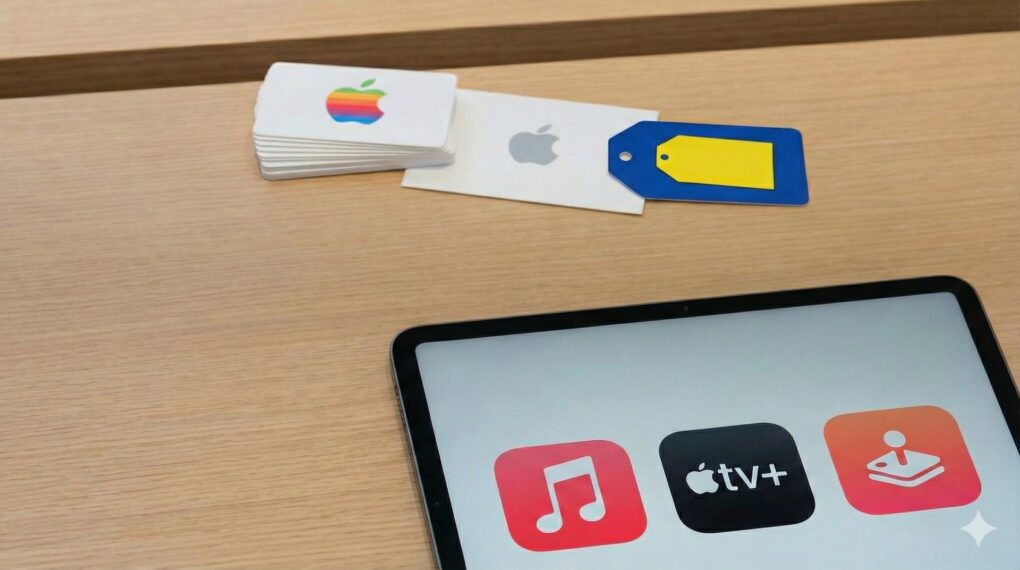
An Apple Gift Card can get you extended trials to several Apple services.
Buy an Apple Gift Card to get extended trials to several Apple services.
AI Image: Google Gemini

Apple is bundling three months of free Apple Arcade access with every Apple Gift Card purchase. Best Buy is running an even better offer, bundling access to Apple Fitness+, Apple Music, Apple Arcade and Apple TV with an Apple Gift Card.

The best part? The offer applies to both new and returning subscribers. 

Shakeup in Apple’s C-suite! [The CultCast]

By

The CultCast logo with a photo of ex-Apple UI design chief Alan Dye and the words,
So long, Alan Dye ... have a Liquid Glass blast at Meta!
Image: Cult of Mac

This week on Cult of Mac’s podcast: With the sudden departure of Apple’s UI design chief Alan Dye — and the prompt naming of a Steve Jobs-era veteran to take his place — are we looking at a software renaissance for iPhones and Macs?

We certainly hope so!

Also on The CultCast:

  • Apple’s AI chief is out — and that could be great news!
  • In another surprise twist, Intel might make chips for Apple again.
  • And finally, it’s that time of year when we look at our Apple Music Replay stats and try not to whimper.

Listen to this week’s episode of The CultCast in the Podcasts app or your favorite podcast app. (Be sure to subscribe and leave us a review if you like it!) Or watch the video version, embedded below.

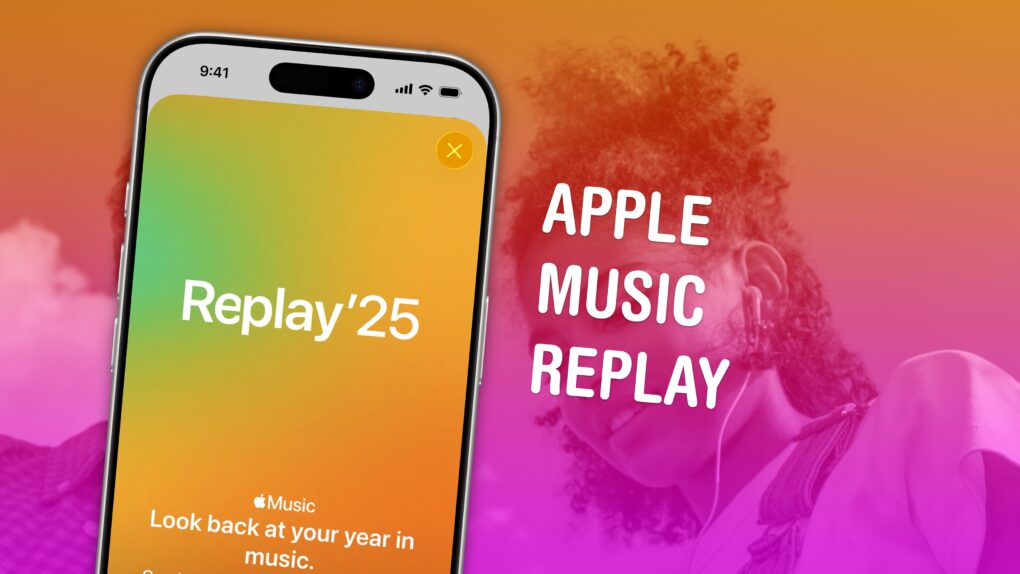
How to find your music stats with Apple Music Replay 2025

By

Apple Music Replay graphic
Find your top songs of the year.
Image: D. Griffin Jones/Cult of Mac

Apple Music Replay is a great way to find your music stats for the past year: the most played songs, artists and albums in the last 12 months. Similar to Spotify Wrapped and the like, your annual Apple Music Replay is a fun way to see what tracks you listened to most.

Fun fact: Apple usually publicizes Apple Music Replay in December, but it’s actually updated weekly and available throughout the whole year! You can check in whenever you want to see how your year is shaping up.

We’ll show you how to find it and how to share your top music of the year to your friends and social media.

Spotify’s latest tool makes switching from Apple Music effortless

By

Spotify Playlist transfer tool
Import your music into Spotify in just a few taps.
Image: Spotify

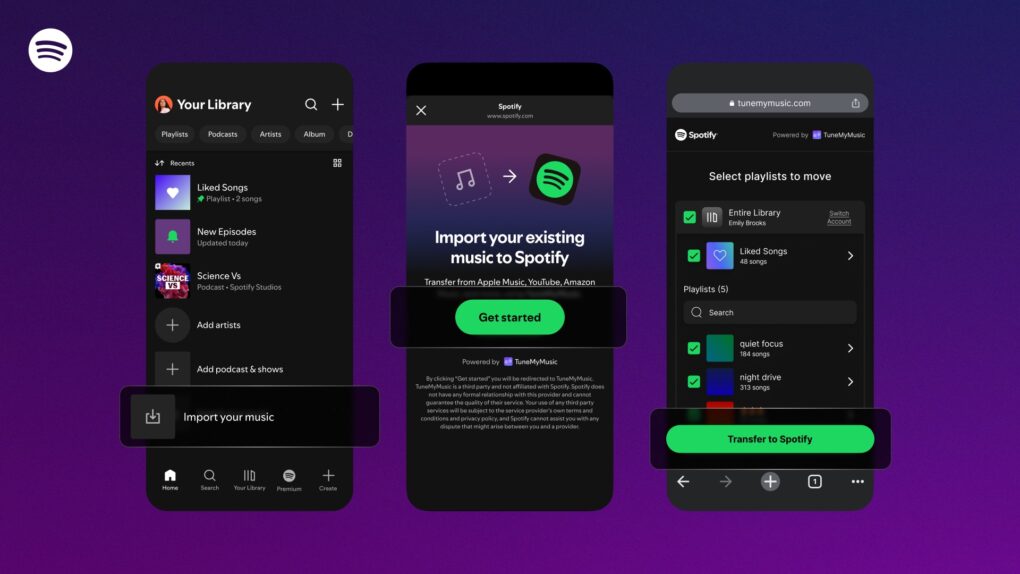
Spotify just made it easier to import your music library from other streaming services. And you can do this directly from its mobile app. 

The company has partnered with popular third-party service TuneMyMusic to integrate this functionality into its app.

Apple Music’s Artist of the Year really is off the charts

By

2025 Apple Music Artist of the Year
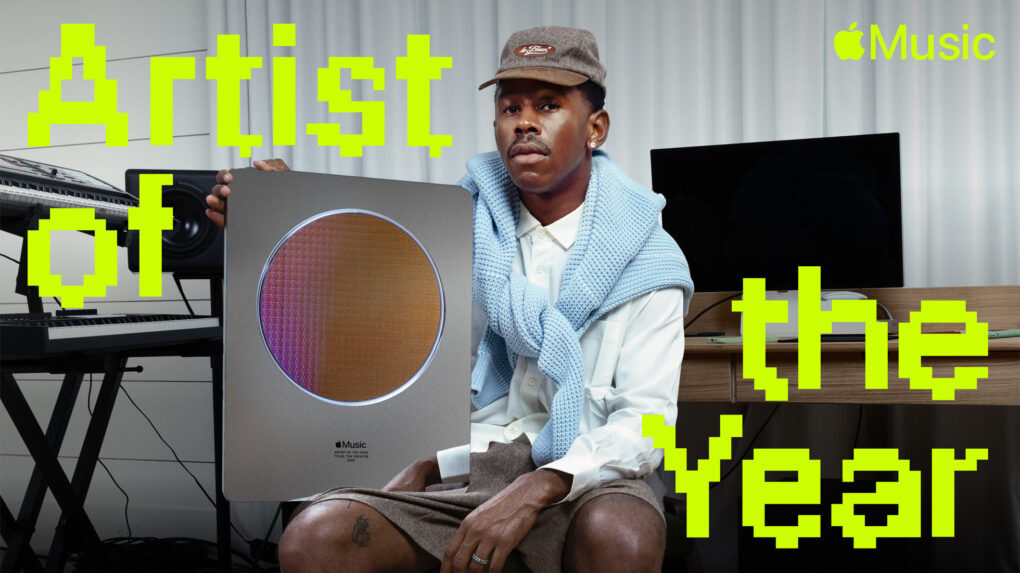
Apple Music celebrated Tyler, The Creator as its 2025 Artist of the Year for the impact he had on music and culture over the past 12 months.
Photo: Apple

Apple Music crowned rapper Tyler, The Creator as its 2025 Artist of the Year on Thursday, honoring the hip-hop innovator’s remarkable creative output and cultural influence over the past 12 months. With streaming minutes numbering in the billions, the guy gives new meaning to “off the charts.”

This year has been Tyler’s most successful to date across Apple Music’s platform. Between November 2024 and October 2025, fans worldwide streamed his music for more than 4.5 billion minutes, marking career highs in plays, listeners and total listening hours on the service.

How to quickly queue songs on Apple Music (and clear the queue)

By

Play This One Next
Your phone can DJ for you.
Image: D. Griffin Jones/Cult of Mac

You can queue songs in Apple Music so the tracks you want to hear play automatically, one after another. You don’t need to wait for the song to end and manually play the next one. And if you want to start over, you can quickly clear the queue as well. 

Plus, you can let friends add songs to the queue from their own phones — even if they don’t have an Apple Music subscription. Watch our video or keep reading below.

Today in Apple history: The Beatles beat Apple in court … again

By

Beatles
Apple versus The Beatles is one of the less-likely feuds in Apple history.
Image: Apple Corps.

October 9: Today in Apple history: The Beatles beat Apple in court October 9, 1991: A court orders Apple to pay $26.5 million to Apple Corps, The Beatles’ record label and holding company, for trademark infringement. The end of this Beatles versus Apple lawsuit marks the second time Cupertino is forced to pay the English rock band.

The ruling comes a decade after Apple swore it would never get into the music business.

Today in Apple history: Ping social network fails to strike a chord

By

Screenshot of Apple webpage for its Ping social music network, which launched with iTunes 10
Apple's music social network starts strong but fails fast.
Photo: Apple

September 1: Today in Apple history: Apple's Ping social network fails to strike a chord September 1, 2010: Apple’s new music-focused social network, Ping, ships as part of iTunes 10. Apple says the service will let users discover new music and more easily follow their favorite artists.

Ping racks up 1 million signups in the first 48 hours. Nevertheless, Apple’s social network is doomed from the start.