It’s like using Apple Pay for people. Because that’s exactly what it is.
What is Apple Cash?
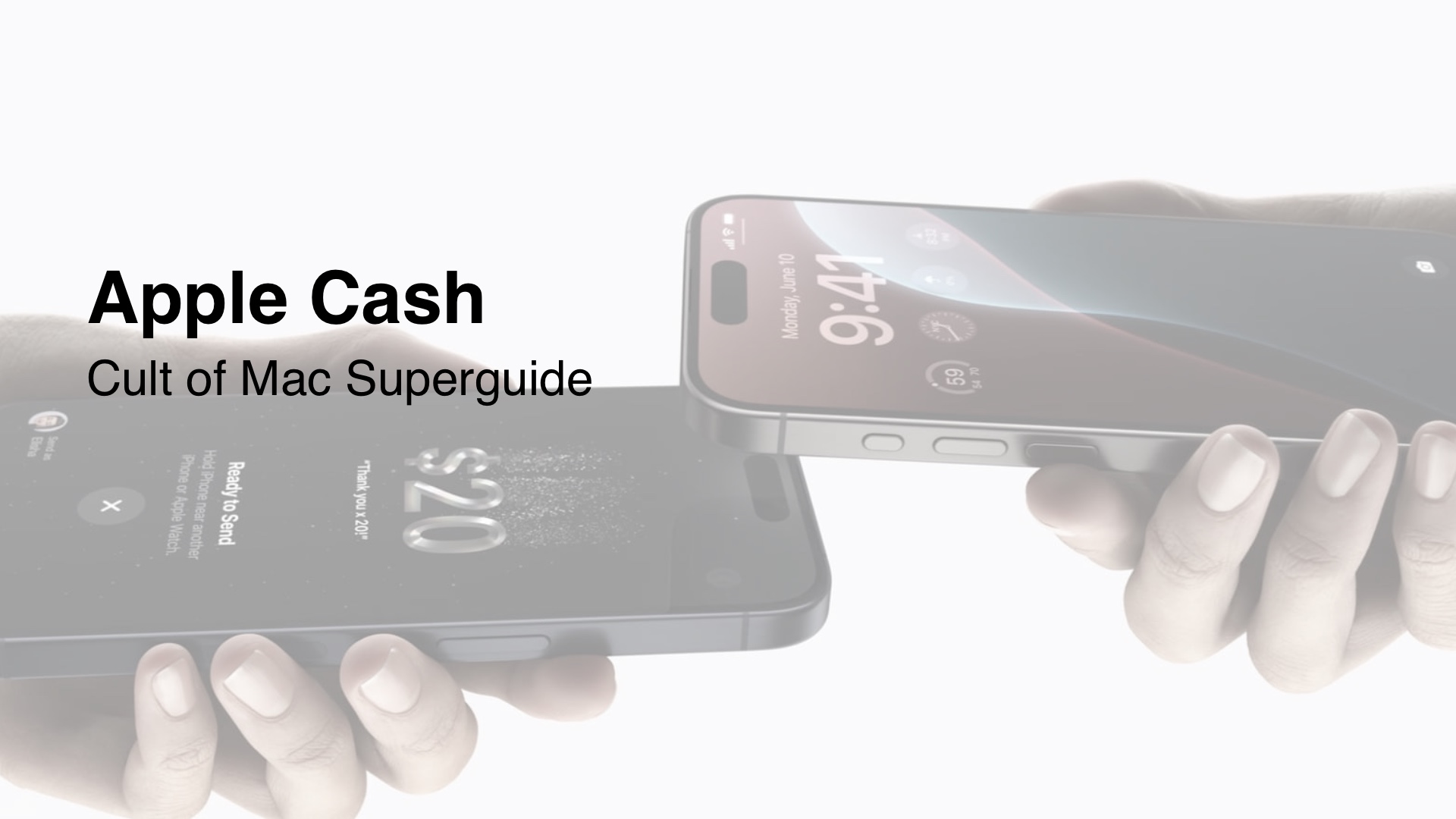
Apple Cash is a quick way to pay friends and family using Apple Pay. You can do it directly from iMessage or by holding two iPhones together (for giving money to someone who’s not in your contacts). It’s fast, convenient and doesn’t require using any third-party apps.
Unlike the Apple Card, which is a credit card backed by Goldman Sachs, this doesn’t require credit approval to use. You use it with an existing credit or debit card that supports Apple Pay.
First, open Settings on your iPhone, tap Wallet & Apple Pay at the bottom of the screen, then turn Apple Cash on. You should see it appear under “Payment Cards” — tap Apple Cash, then Continue to go through the setup process.
You need to be at least 18 years old to use it and your Apple Account needs to use two-factor authentication.
How to send money with Apple Pay Cash
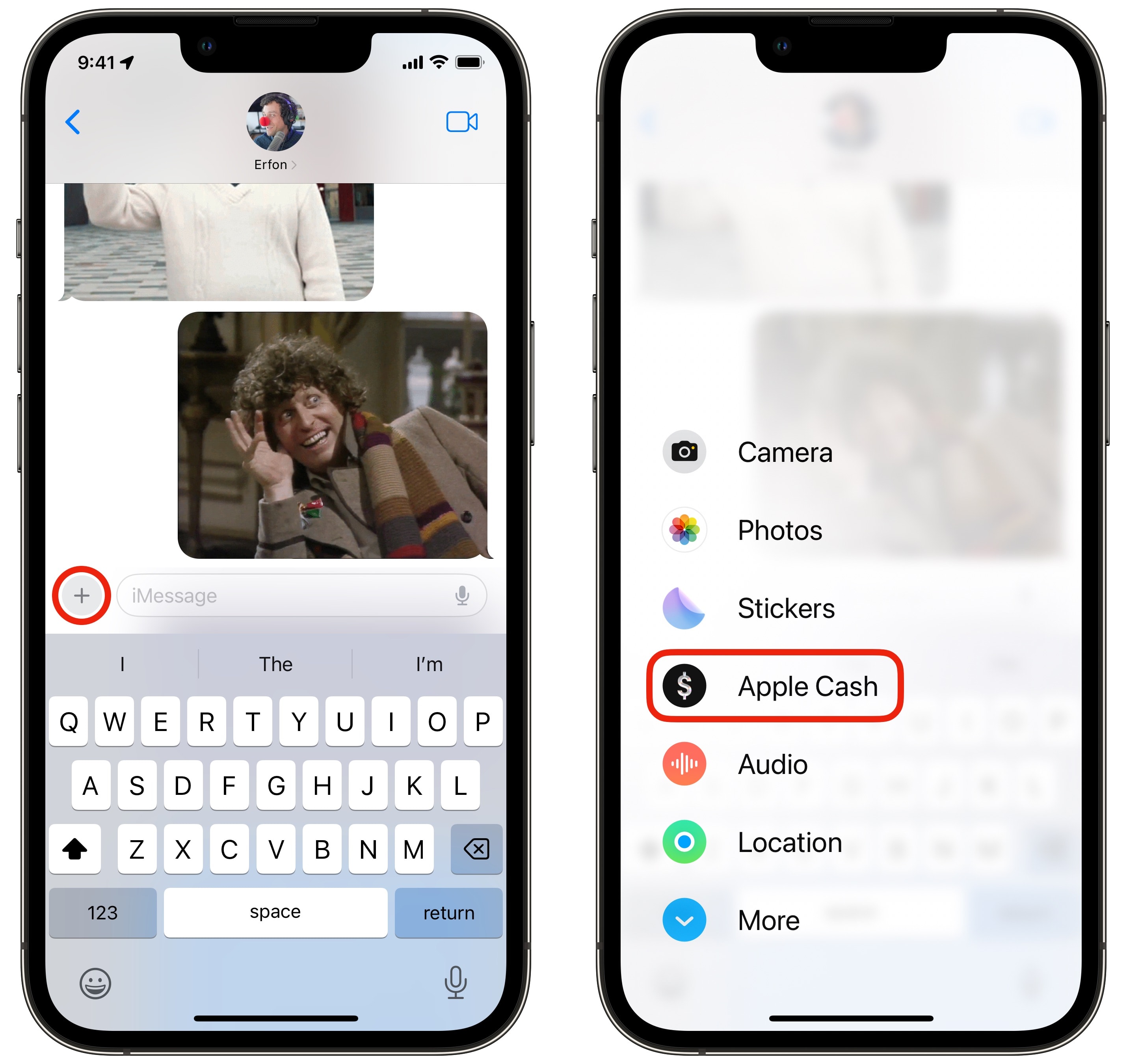
Find Apple Cash from the new iMessage app menu.
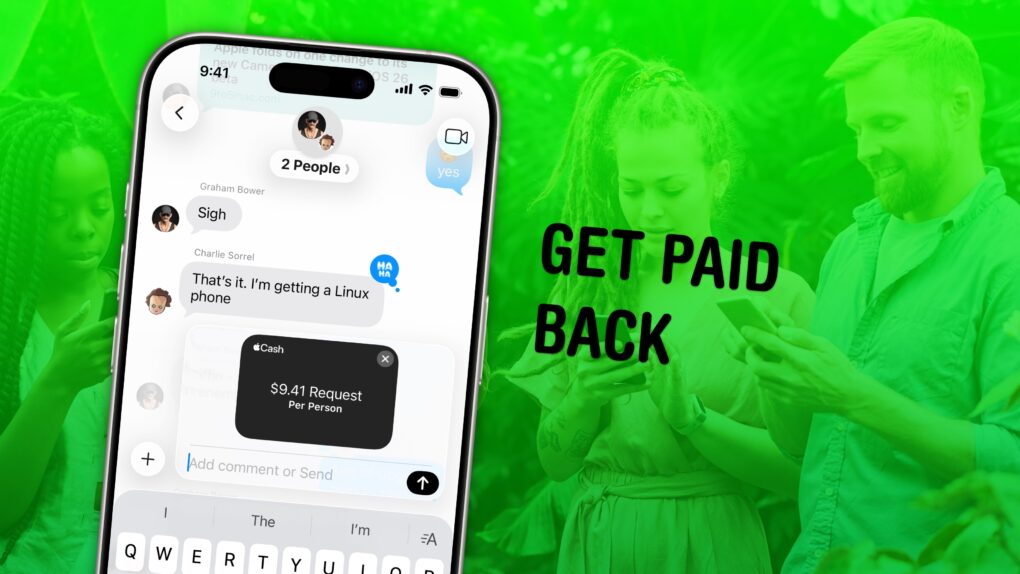
The easiest way to send money to someone is via iMessage. While you’re texting someone, tap the + menu, tap Apple Cash, then enter in the amount of money you want to send. Swipe up on the pop-up panel for a full keyboard. You can tap Send (or Request if you need to be paid back).
If you’re paying, you’ll be asked to authenticate with Apple Pay and choose a payment method. If your Apple Cash balance isn’t enough, you’ll need to select a different bank account or card from your Wallet. Use Face ID, Touch ID or enter your passcode to confirm the payment.
You can type in a message for context, then tap the blue Send button to send the text with your payment (or request).
You can also do this from the Wallet app. Open Wallet, tap on the card, then tap Send or Request. You’ll see a list of suggested names; you can type in a contact or a new phone number. You can also hit Tap to Cash to pay a stranger in-person. Enter in the amount then send it along.
You can also send automatic payments to someone on a recurring schedule. From the pay screen, tap Recurring Schedule to select a frequency, start date and description. You can manage these in the Wallet app by tapping on your card, tapping the More (⋯) button in the upper right, then tapping Recurring Payments.
How to transfer Apple Cash to bank
If you have a balance of money you’d like to put back in your bank account, it’s really easy. Open the Wallet app, tap on the card, tap the More (⋯) button in the upper right, then tap Transfer to Bank. You can enter in a custom amount or transfer the entire balance.
You can transfer it instantly using any debit card number you have (for a small transaction fee) or with a small delay to a bank account for free. If you don’t have a bank account connected, tap Add A Bank Account — you just need the bank’s routing number and your account number.
Authenticate with Face ID, Touch ID or your device passcode to complete the transfer.
Apple Cash physical card
Apple does not make physical cards for this feature. The Apple Card is a credit card backed by Goldman Sachs that comes with a free physical card made of titanium, but that is a credit card, not a debit card.
Apple Cash card number
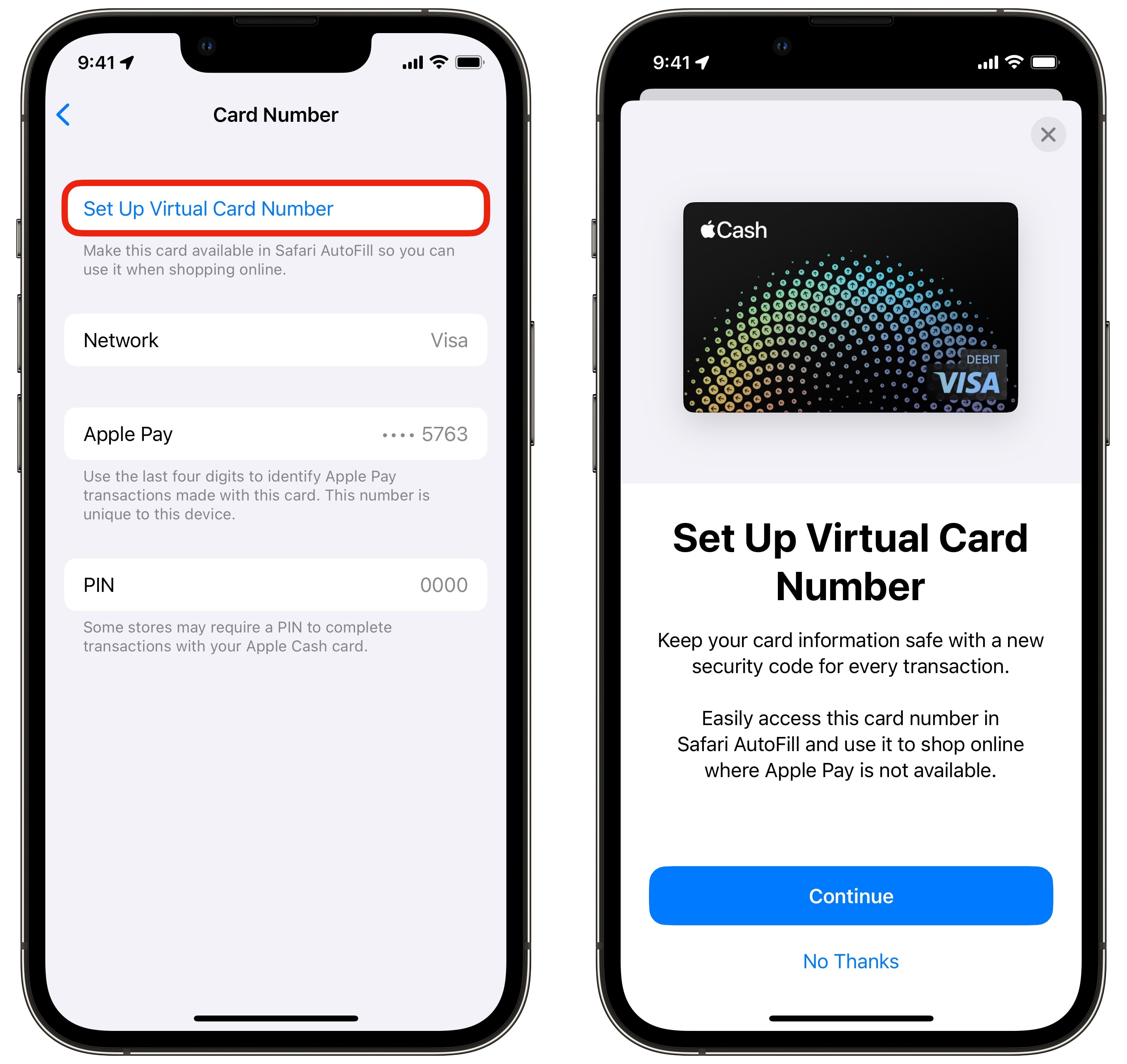
Create a card number here.
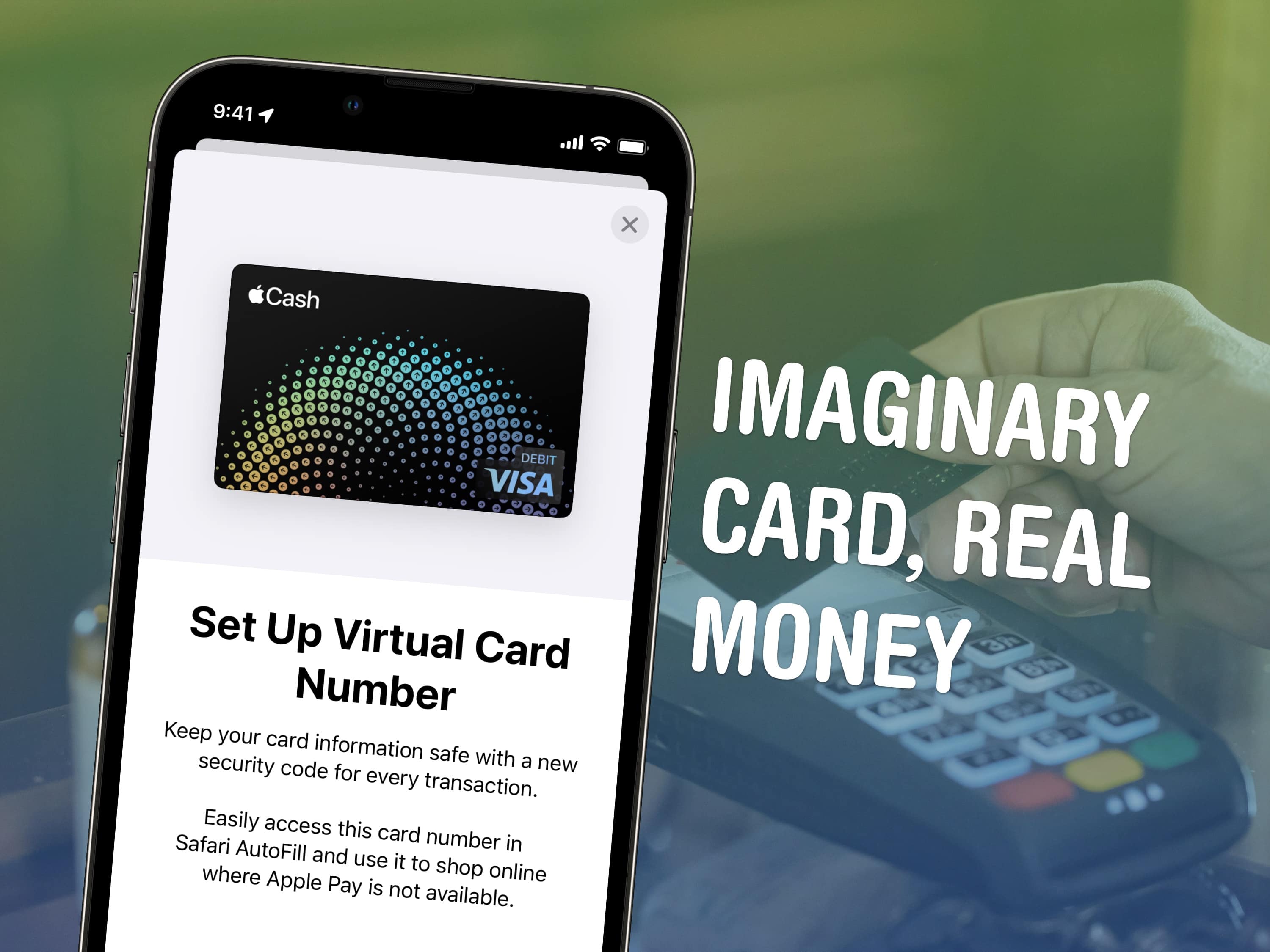
Instead, you can set up a virtual card number to use for online orders. In the Wallet app, tap on the card, tap the More (⋯) button in the upper right, then tap Card Number. Tap Set Up Virtual Card Number if this is your first time. You just need to tap Continue and authenticate with Face ID, Touch ID or your passcode.
The next time you need to enter a card number in an app or in Safari, it will show up as a suggested card you can autofill. If you ever need to find it again, you can go to the same screen as before and copy the number.
Add money to Apple Cash
You’ll have money in the virtual card any time you’re paid. But if you want to pre-load it with money from your bank account to make payments to other friends faster and easier, you can do so from the Wallet app.
Open Wallet, tap on the card, tap the More (⋯) button in the upper right, then tap Add Money. You can enter in any number above $10. Tap Add, then using Apple Pay, you can select an account to draw from.
You can also tap Set Up Auto Reload to automatically add money to your account on a schedule.
How to transfer Apple Cash to Cash App
Unfortunately, there is no easy way to directly transfer your balance directly to Cash App. However, you can transfer money from your balance to your bank account (with the transfer fee if you need it immediately) then add the money to Cash App from your bank.
Apple Cash customer service
You can get customer service and support from Apple. The Get Support page for Apple Cash includes links to explain common problems and features.
You can also call (877) 233-8552 directly from 5:00 a.m. to 8:00 p.m. Pacific time.
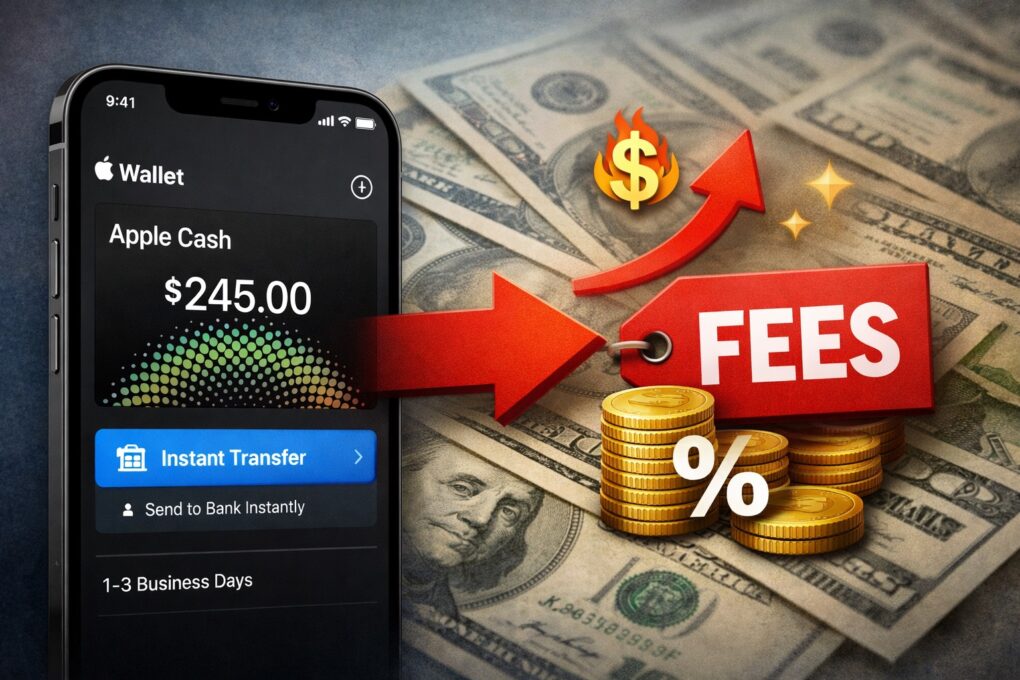
Get ready to pay more for Apple Cash Instant Transfer. AI Image: ChatGPT
Apple Cash’s updated fee structure will make instant transfer pricier for users who want quick access to their money. The change goes into effect in less than a month from now, on February 18, 2026.
From that day, Apple will charge a 1.7% fee for an Instant Transfer.
Get money back from the whole group at once. Image: D. Griffin Jones/Cult of Mac
In iOS 26, you can use Apple Cash in a group chat to make it super-easy to split a bill. You won’t need to chase down everyone separately if you use this incredibly convenient feature.
Here’s how to request money and send payments using Apple Cash from a group chat.
Create a virtual card for your Apple Cash. Image: D. Griffin Jones/Cult of Mac
You can get a temporary debit card number to pay with Apple Cash online in case you want to pay with your balance on a site that doesn’t accept Apple Pay. If you have a lot of money sitting in your Apple Cash account, this can be a convenient way to pay without using your other cards. (It’s also handy if you don’t have any credit or debit cards from other banks.)
In case it’s unclear, Apple Cash is what you receive when someone sends you money via iMessage. It’s not to be confused with the other products with similar names. Apple Card is a highly rated credit card you can apply for. (It’s a physical card, made of titanium.) Apple Card Savings is a high-interest savings account for people with a physical Apple Card. And Apple Pay is a payment method (secured by Face ID, Touch ID or your device’s passcode) that lets you pay with credit/debit cards from other banks.
Previously, you could only pay with your Apple Cash via Apple Pay (or transfer it to your bank). Now, you can tie your Apple Cash to a virtual card number to pay using your Apple Cash balance online. Here’s how to set it up.
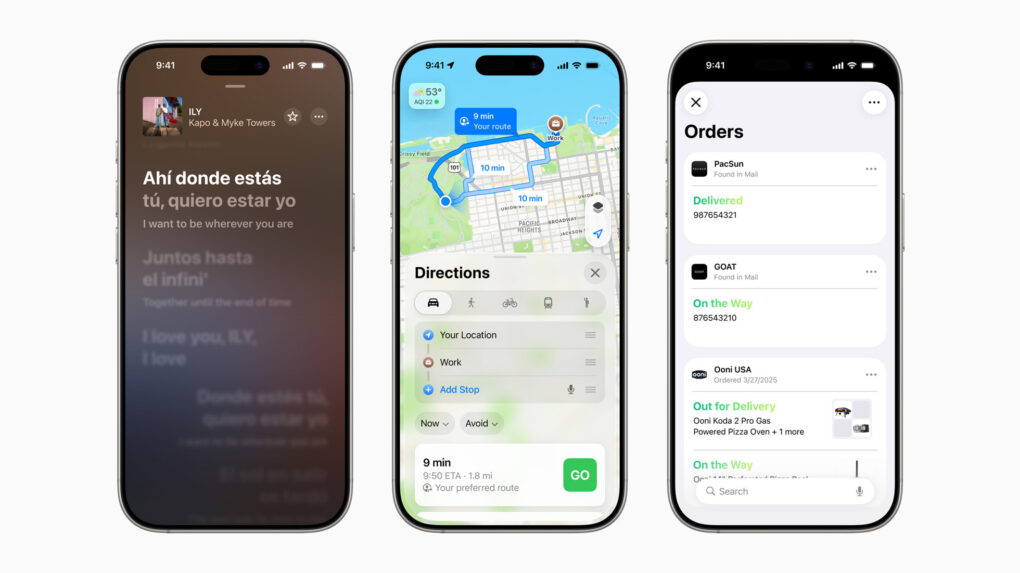
A slew of new features will come in core Apple services across devices this fall. Photo: Apple
Updates coming this fall to core Apple services like Maps, Music and Wallet focus heavily on artificial intelligence integration and personalization. The updates promise to make everyday tasks more intuitive and enjoyable for users across the Apple ecosystem.
Schedule payments using the easiest way to pay someone — Apple Cash. Image: D. Griffin Jones/Cult of Mac
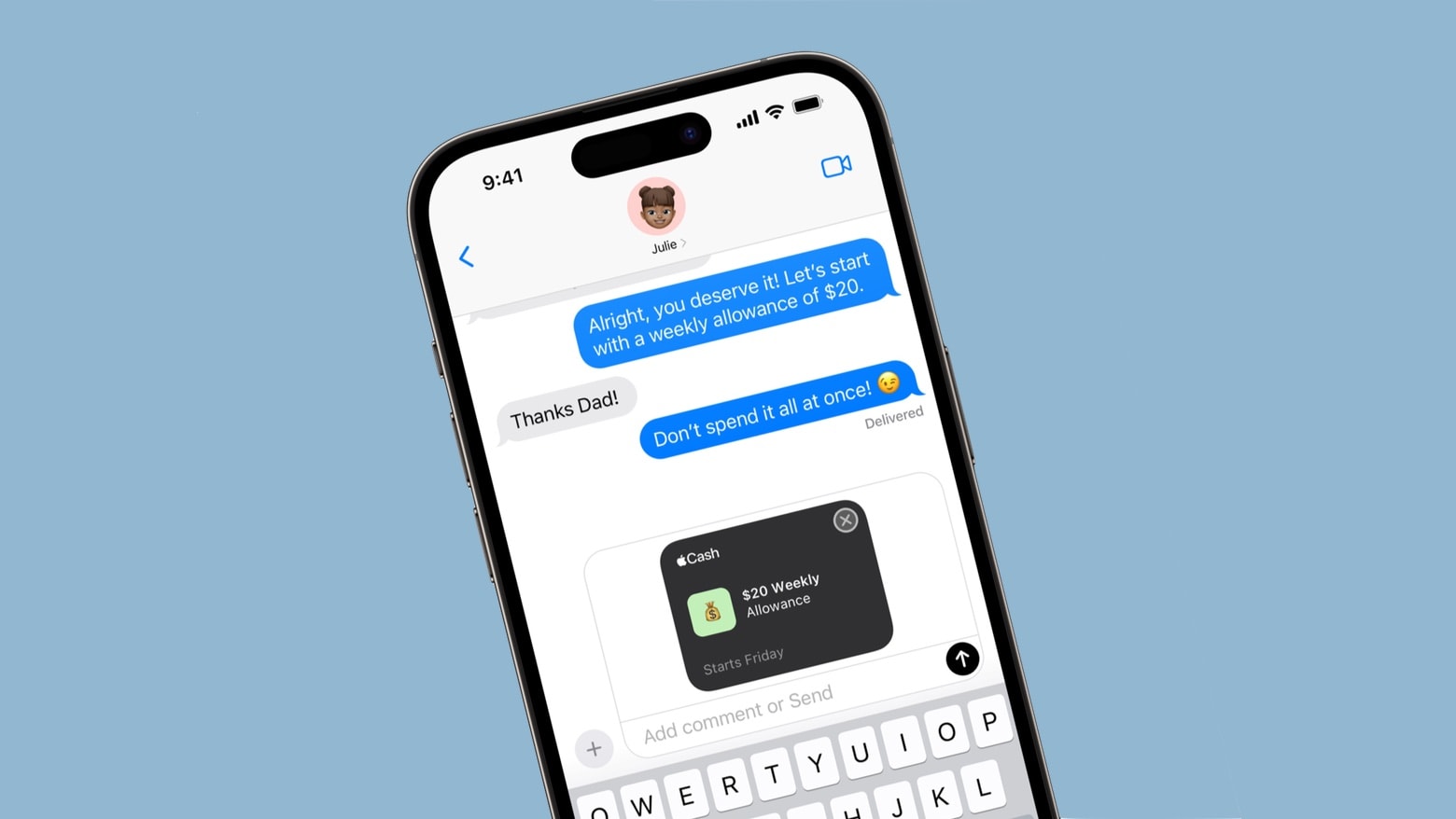
Set up scheduled, automatic Apple Cash payments to send money to your friends or family on a regular basis. You can use this to pay back your housemates for bills, send your kids some money or pay back personal debts.
Tap to Cash allows users to send and receive Apple Cash by holding two iPhone devices together. Photo: Apple
Sending money to another iPhone user is about to get as simple as holding the two handsets near each other. The upcoming feature is called Tap to Cash.
It’s a private and secure payment system. The two users don’t even need to exchange phone numbers.
Apple Wallet will soon be able to turn Apple Cash into a virtual debit card. Image: Ed Hardy/Cult of Mac
Apple Cash will soon give shoppers everything they need to make purchases online. Starting with iOS 17.4, a debit card number can be created for the financial service, along with the usual associated details.
This will be a boon for those who depend on the digital payment system, especially teenagers.
These are smaller features, but they’re no less awesome. Image: D. Griffin Jones/Cult of Mac
iOS 17 has a lot of great headlining features — and many more features Apple didn’t have time to mention during the WWDC23 keynote. Today, I’m going one level deeper: Here are 10 more tweaks and smaller changes that could have a big impact on daily life with your iPhone after you update to iOS 17.
Regularly send money to friends, family, etc. with reoccurring payments, coming to Apple Cash. Photo: Apple
Making regular, reoccurring payments will soon be a feature of Apple Cash. This will make the payment system useful for rent or allowances or other financial transactions that happen each week or month.
Plus, the system will be able to automatically bring in more money when needed.
Send and receive money using your Mastercard. Photo: Apple
Apple Cash now allows you to send money using a Mastercard debit card. The peer-to-peer payments feature, which works with Apple Pay and iMessage, previously required a Visa debit card.
Apple has also confirmed that the cost of making an Instant Transfer using Apple Cash is increasing from August 26, 2021.
Chamath Palihapitiya is impressed with the Apple "cash machine." Photo: CNBC
Apple to many seems to have lost its mojo for innovation. But it knows how to build a pile of cash.
This is the impression of Silicon Valley venture capitalist Chamath Palihapitiya, who told CNBC Wednesday the very thing that feeds the frustrations of Apple fans – innovation in Cupertino is slipping.
iOS 11 changes everything. Photo: Charlie Sorrel/Cult of Mac
In today’s Apple keynote, we got another look at the the new iOS 11 for iPhone and iPad. There are a lot of great new features for both devices — person-to-person Apple Pay, an all-new App Store, improved Siri, and a new kind of social network built around Apple Music. But the iPad is the real winner. iOS 11 brings multitasking features that unchain Apple’s “big iPhone,” and turn it into a computer to rival any Mac or PC.