Mobile menu toggle

Mac accessories

Read Cult of Mac’s latest posts on Mac accessories:

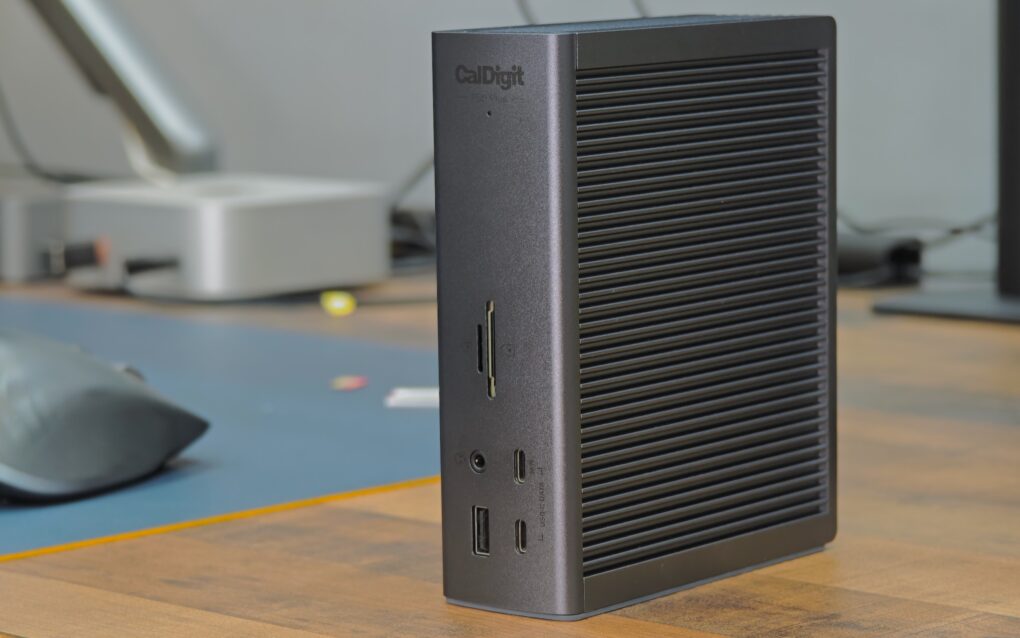
CalDigit TS5 Plus is a Thunderbolt dock without limits [Review] ★★★★★

By

CalDigit TS5 Plus standing vertically on a table★★★★★
CalDigit TS5 Plus is the king of Thunderbolt 5 docks.
Photo: Rajesh Pandey/Cult of Mac

A Thunderbolt 5 dock makes it easy to connect multiple high-bandwidth devices to your MacBook — all with a single cable. While there are plenty of options, as you’ll see from this review, the CalDigit TS5 Plus is the dock for Mac power users.

It stands out from the competition by offering features you’ll not find elsewhere. If you have the budget, the CalDigit TS5 Plus is the Thunderbolt 5 dock to own. Find out what makes it special in my hands-on review.

Tiny, fingerprint-secured SSD keeps your data locked tight but instantly accessible [Review] ★★★★

By

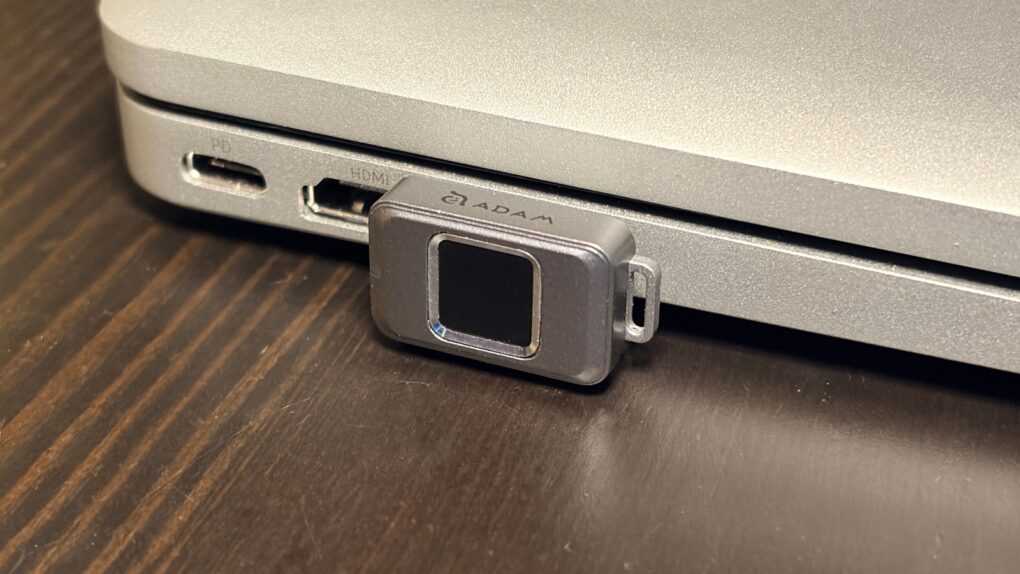
Adam Elements iKlips S review★★★★
Easily secure your privacy with the iKlips S.
Photo: Ed Hardy/Cult of Mac

No one but you can access the files stored on the iKlips S, a tiny SSD from Adam Elements. Simply tap your finger on the drive to unlock it. The biometric security system is similar to Apple’s Touch ID and keeps everything on the SSD private. No passwords are necessary.

File transfers are quick, and the drive uses USB-C, so it works with a broad array of computers, including Mac, iPad and iPhone.

I put the iKlips S through testing for this review and came away quite satisfied with its performance. Just be aware, though, that you’re paying a premium for the extra security. We can get you a 30% discount, though!

Ugreen’s most affordable NAS units will solve your data storage problem [Review] ★★★★

By

Ugreen DH2300 is an entry-level NAS.★★★★
The Ugreen DH2300 will cut down your reliance on cloud storage.
Photo: Rajesh Pandey/Cult of Mac

Ugreen’s DH2300 and DH4300 Plus are network-attached storage devices for people who don’t want to handle the complexity associated with a NAS. They offer tons of local storage, simple setup and a price that makes ditching cloud subscriptions far more appealing.

I wanted a simple setup, since my family would use the NAS for backing up their devices and photos. So I tested both the Ugreen NASync DH2300 and the 4300 Plus to see how well they work.

This Sandisk SSD is so tiny it can live on your MacBook [Review] ★★★★

By

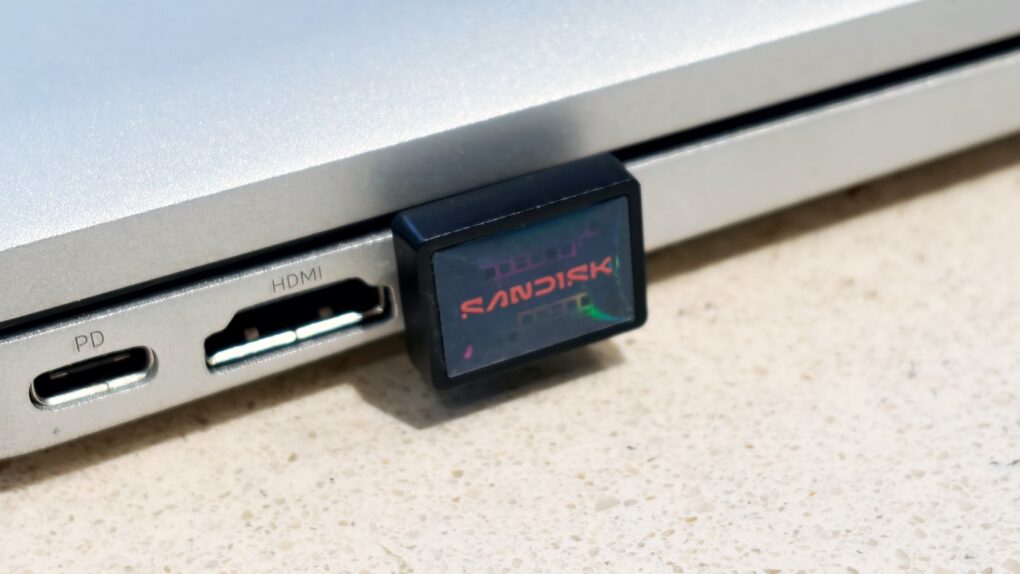
SanDisk Extreme Fit USB-C Flash Drive★★★★
Add a terabyte of storage to your older MacBook with this affordable SSD.
Photo: Ed Hardy/Cult of Mac

Sandisk gives its new Extreme Fit USB-C Flash Drive the crown as “the world’s smallest 1TB USB-C flash drive.” It’s undeniably very, very small — so tiny that you can leave it plugged into your MacBook. That means it can semi-permanently boost the storage capacity of your older notebook — and at quite a good price.

I tested the miniature external SSD with a variety of Apple devices, including my iPhone. Here’s how it stood up to real-world use.

New 8TB Thunderbolt 5 SSD transfers data at a blazing 48GBps

By

OWC Express 1M2 80G
OWC Express 1M2 80G holds up to 8TB, or put in your own NVMe M.2 SSD.
Photo: OWC

Professionals who need an SSD with terabytes of storage and crazy-fast data transfers have a new option: the OWC Express 1M2 80G. The drive offers up to 8TB of capacity, and because it uses Thunderbolt 5, the SSD offers 48GBps real-world data transfers.

It’s available in a range of storage capacities, or users can insert their own NVMe M.2 SSD.

Plugable’s new Thunderbolt 4 dock is designed for Mac

By

Plugable TBT-UDM
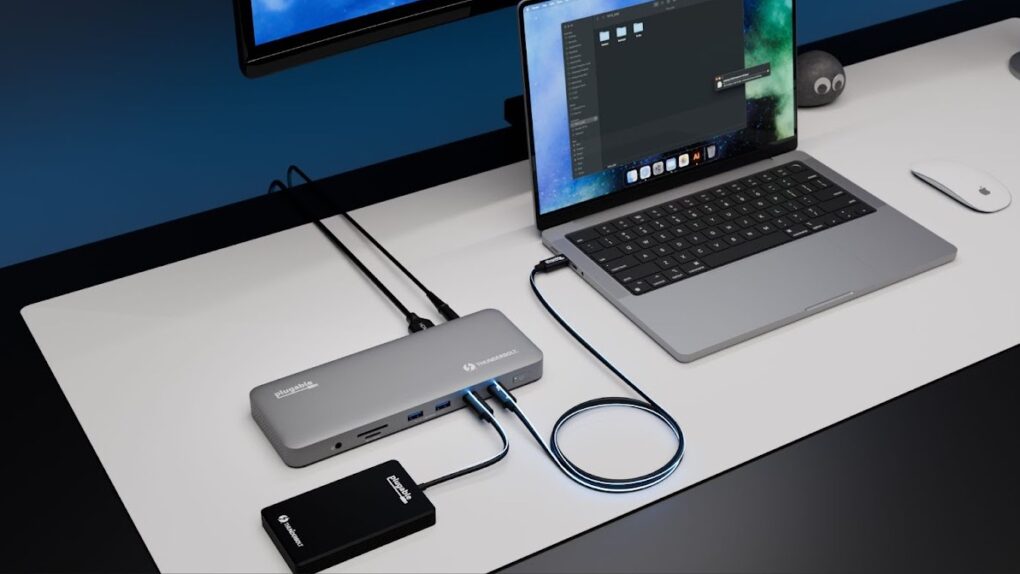
The Plugable TBT-UDM fits with Mac setups while adding 13 ports.
Photo: Plugable

Plugable created the TBT-UDM Thunderbolt 4 dock with Apple users in mind. It offers more than a dozen ports — including dual 4K HDMI — in an aluminum chassis intended to blend into Mac setups.

Just as importantly, it launched Tuesday at a price lower than usual for a Thunderbolt dock.

This portable monitor proves that a smaller screen can be better [Review] ★★★★

By

KYY 14” Portable Monitor★★★★
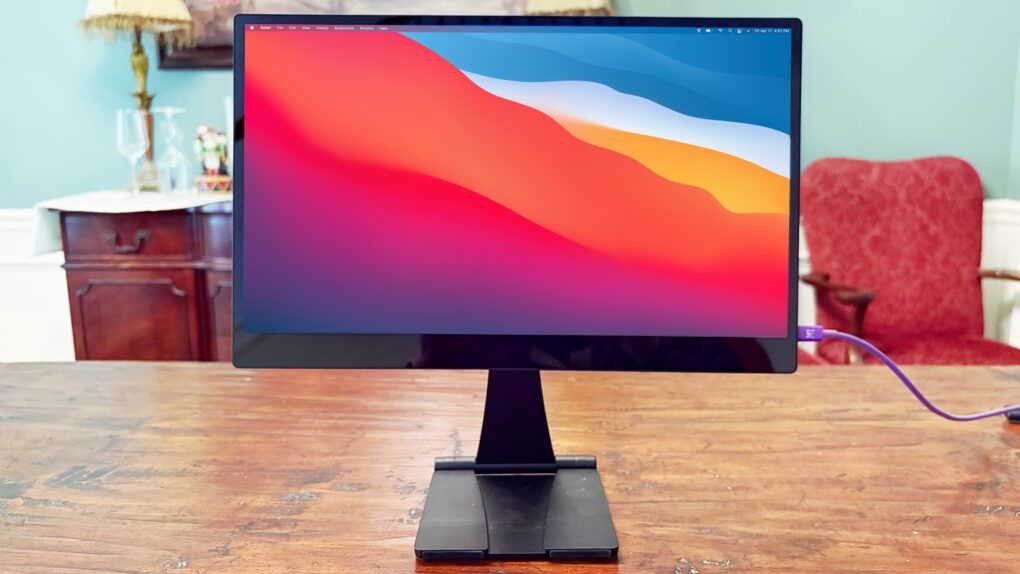
The KYY 14” Portable Monitor pairs well with a 14-inch MacBook or a 13-inch iPad.
Photo: Ed Hardy/Cult of Mac

The KYY 14” Portable Monitor challenges the idea that bigger is always better. It’s much smaller than the external display I usually travel with — and that’s exactly why I love it.

As a bonus, it’s very affordable, especially with an Amazon Prime Day deal.

Hardware-encrypted portable SSD unlocks with its own touchscreen

By

OWC Guardian
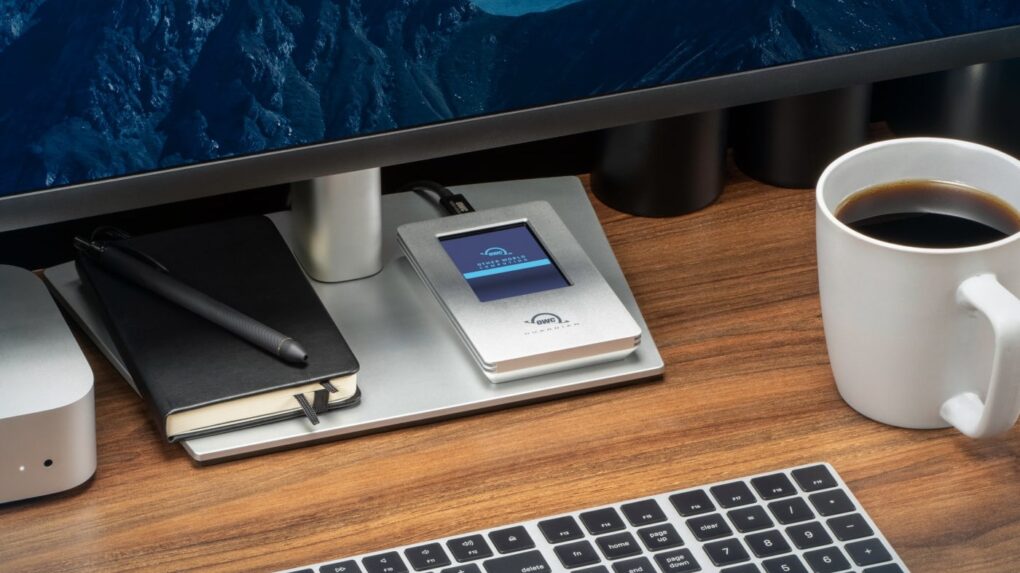
The OWC Guardian encrypted portable SSD unlocks with its own color touchscreen.
Photo: OWC

The OWC Guardian stands out from the pack of SSDs with built-in hardware encryption unlocked with its own touchscreen. No special software is needed.

The USB-C drive works with a variety of computers, offers fast data transfers and is available in up to 4 TB of capacity.

Slim NVMe SSD enclosure pairs perfectly with M4 Mac mini

By

Satechi USB4 Slim NVMe SSD Enclosure
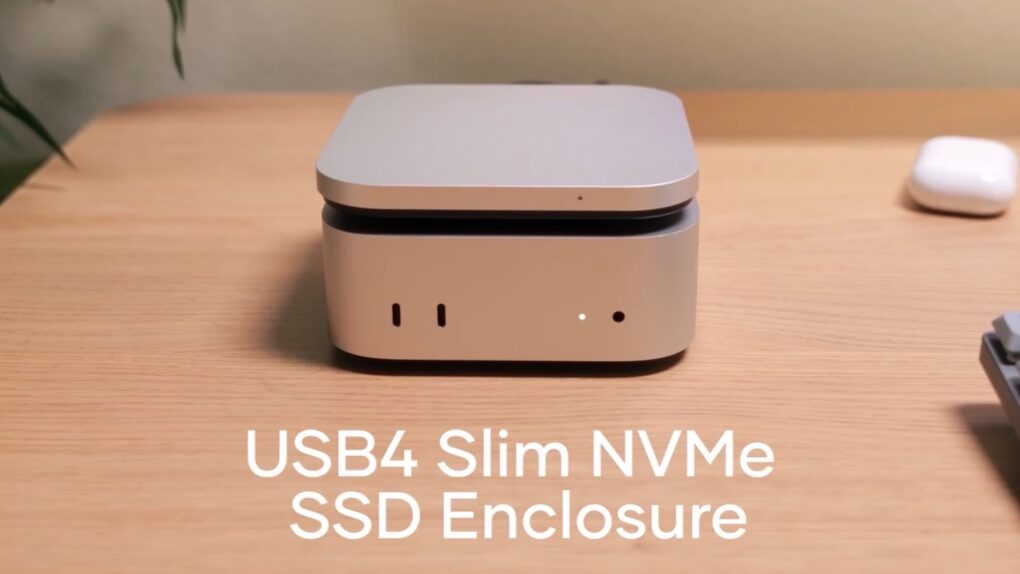
The Satechi USB4 Slim NVMe SSD Enclosure expands Mac mini.
Image: Satechi

Adding a high-speed SSD to the Mac mini M4 just got easier with the Satechi USB4 Slim NVMe SSD Enclosure. It can hold up to 8TB drives and transfer data at up to 5 GB per second.

The accessory hit store shelves Tuesday and comes with a 17% launch discount.

Upgrade your Mac mini with 7 more ports and storage but no extra clutter

By

Macally MminiDock
Add more ports and storage capacity to your M4 Mac mini with the Macally MminiDock.
Image: Macally

Macally designed the new MminiDock with the M4 Mac mini in mind. It sits under the tiny desktop, increasing the selection of available ports with front-facing USB-A, plus 4K HDMI, an audio jack and more without increasing the computer’s footprint. And there’s an SSD enclosure inside for 8TB of additional capacity.

The accessory launched Monday and comes with a 20% off launch coupon.

Tiny external SSD easily plugs into new and old computers

By

PNY Duo Link V3
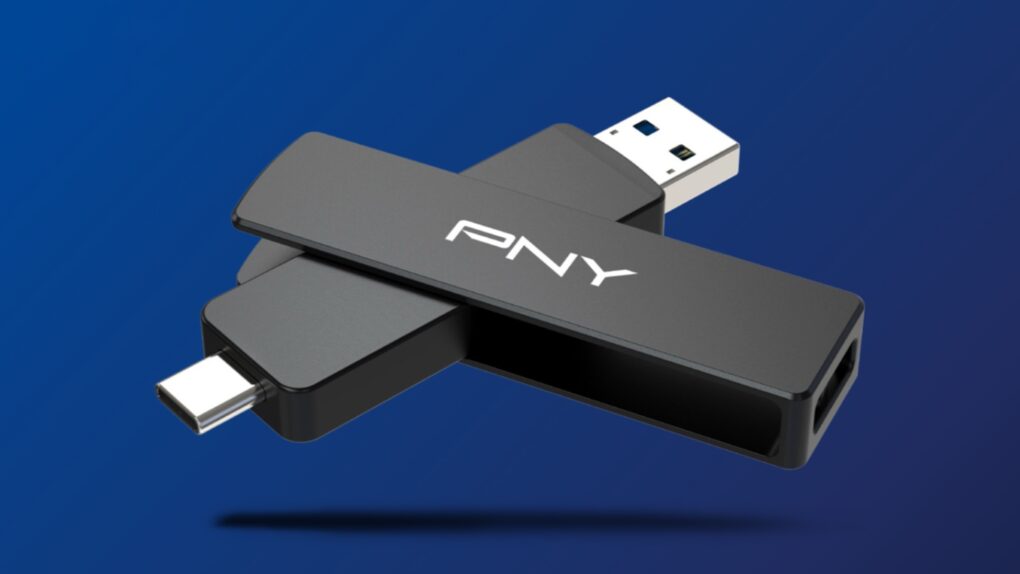
This thumb-size external SSD connects to your Mac or your smartTV, no adapter needed.
Image: PNY

The PNY Duo Link V3 external SSD includes both a USB-C and a USB-A connector. That means the flash drive that launched Thursday can plug into any modern Mac, or it can go into a smartTV or other accessory that lacks a USB-C port — no adapter needed.

Even better, it offers 1,000MB/s data transfers, and capacities go up to 2 terabytes. The price is very competitive, too.

Dump that HDMI cable for this easy-to-use wireless video transmitter [Review] ★★★★

By

Nyrius Orion Prime wireless video transmitter review★★★★
Replace that bulky HDMI cable with a wireless video transmitter.
Photo: Ed Hardy/Cult of Mac

The Nyrius Orion Prime Wireless USB-C to HDMI Video Transmitter & Receiver frees you from needing to string an HDMI cable across your office or living room. Plug one gizmo into your MacBook, iPad, or iPhone, and another into your TV, and they’re connected.

The wireless adapter sends HD video a surprising distance and doesn’t require a Wi-Fi network.

I tested the wireless video transmitter out for myself and came away impressed. That said, it does have a limitation that makes it better for entertainment than work.

Save 14% in a sweet Apple Magic Mouse deal

By

Apple Magic Mouse deal
There is a rare chance to save on an official Apple mouse for your Mac or iPad.
Image: Apple/CUlt of Mac

The Apple Magic Mouse doesn’t go on sale very often, so don’t miss a rare deal from a pair of retailers that saves you 14% on the svelte input device for your Mac or iPad. This new Apple Magic Mouse Deal drops the price to just $67.99.

The sale is on the recently released USB-C version, not the older Lightning model, so it could be a good opportunity to upgrade.

Add a whopping 5 monitors to any Mac with this new dock

By

Plugable UD-7400PD
The Plugable UD-7400PD means your Mac can have five additional screens.
Photo: Plugable

If your job or your dream setup requires connecting five external monitors to your Mac, you need Plugable’s UD-7400PD. It supports up to four 4K displays and one 8K display… even on MacBooks that are supposed to be limited to one external screen. No rival dock can match that.

As a bonus, the dock adds USB-A ports, an Ethernet port and more.

This brilliant portable foldable monitor is like nothing you’ve ever seen [Review] ★★★★★

By

Arovia Splay★★★★★
The Arovia Splay puts a beautiful 25-inch screen anywhere you need one.
Photo: Arovia

The Arovia Splay Portable Foldable Monitor and Projector is a truly remarkable piece of kit. Not only does it promise a 25-inch, 1080p screen that can fold down to the size of a book, it actually delivers… with a surprisingly bright, clear image that doesn’t need a darkened room.

As the name indicates, it can also be used as a small portable projector.

I watched hours of TV shows on the Splay, and used it for work, too. I’m truly impressed with the performance. I’m less pleased about the price, though.

Wireless video transmitter lets you dump the HDMI cable

By

Nyrius Orion Prime Wireless USB-C to HDMI Video Transmitter & Receiver
Replace that bulky HDMI cable with this wireless video transmitter and receiver.
Photo: Nyrius

With the Nyrius Orion Prime Wireless USB-C to HDMI Video Transmitter & Receiver, you don’t need a cable to connect your MacBook, iPad or iPhone to your TV. It can send video up to 150 feet, offers HD resolution, and doesn’t require a Wi-Fi network.

The product launched on Monday.

Satechi Stand & Hub for M4 Mac mini: Sleek and super-useful [Review] ★★★★

By

Satechi M4 Mac mini hub and stand★★★★
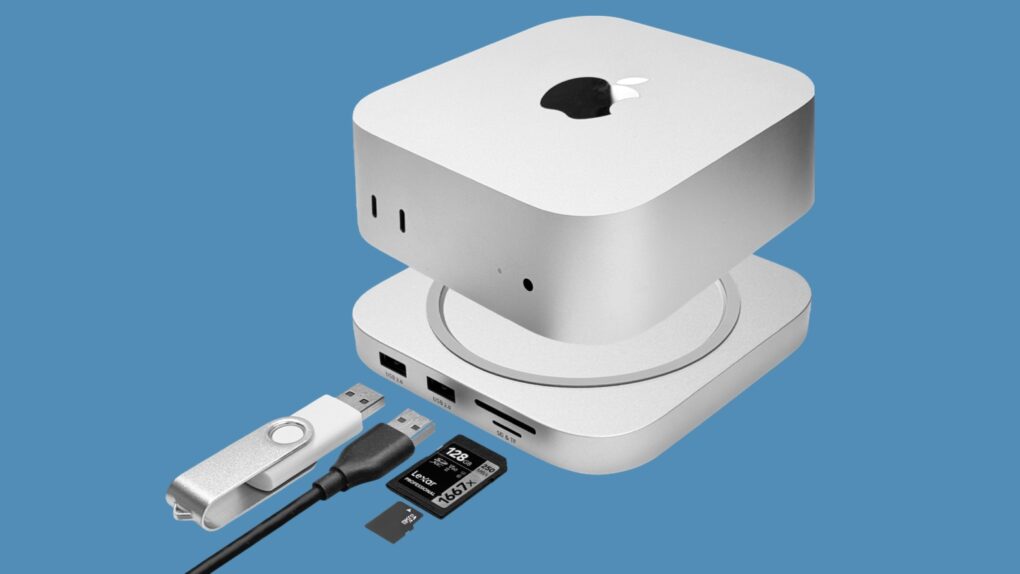
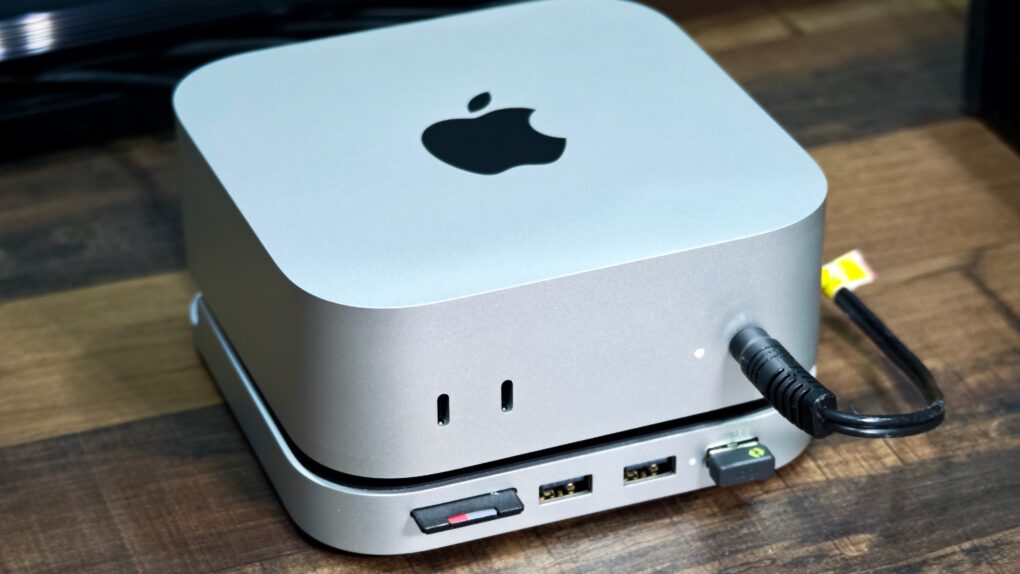
The Satechi Stand & Hub for the M4 Mac mini is a sleek and practical accessory.
Photo: Rajesh Pandey/Cult Of Mac

The M4 Mac mini stands out as one of the best value-for-money Macs in Apple’s lineup. But it’s not perfect, with the lack of an SD card slot and USB-A ports being two major annoyances. Satechi’s Mac Mini M4 Stand & Hub with SSD Enclosure aims to address these flaws while offering a way to expand storage on the cheap.

That’s a bold pitch. So, does the accessory deliver? Here’s what I found.

This portable 4K touchscreen monitor is simply the best [Review] ★★★★★

By

Photo of Espresso 15 Pro touchscreen display for a review★★★★★
The Espresso 15 Pro looks stunning.
Photo: Ed Hardy/Cult of Mac

The Espresso 15 Pro offers everything Apple users want in a high-end portable monitor. 4K? Yes. Gorgeous. Oh, yeah. Touchscreen? Got it. USB-C? Check.

It has an all-aluminum body that makes it look great from any angle. And as a bonus, it comes with an innovative stand that lets you position the screen where you want it, even above your notebook.

I used the Espresso 15 Pro display in my home office and when working remotely, and am simply blown away. Here’s why.

5 Mac accessories I can’t live without

By

Image of a Mac with the word
Improve your Mac experience with these accessories.
Photo: Rajesh Pandey/CultOfMac

Apple makes the best desktop PCs and laptops. But I cannot say the same for its accessories. While I have been using Macs for more than a decade, I rely on these five Mac accessories made by third parties to enhance my experience.

The list ranges from a wireless keyboard to an ergonomic mouse to headphones that will amaze you with their noise cancellation. Read about my five favorite Mac accessories below.

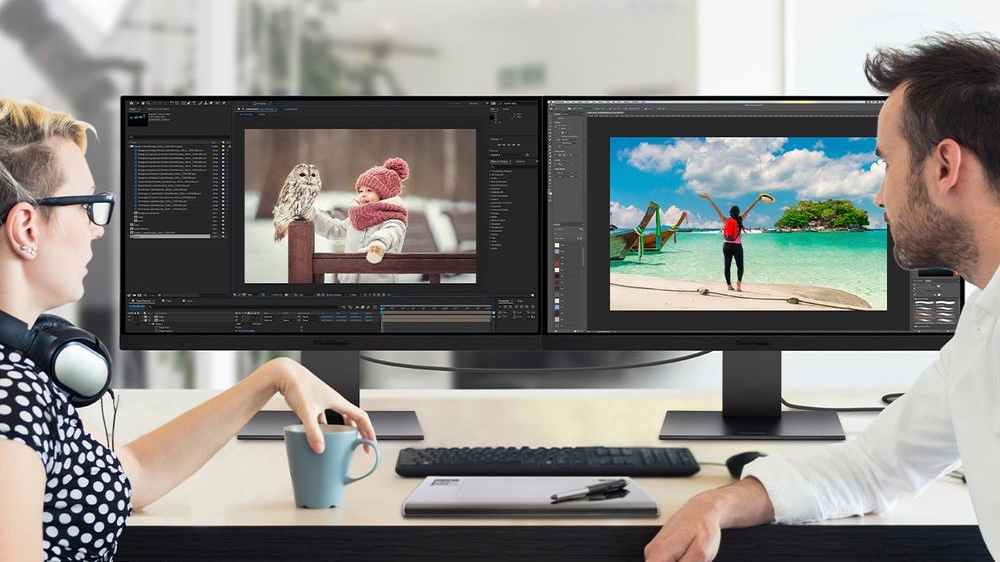
ViewSonic brings out stylish, affordable 5K rival to Apple Studio Display

By

ViewSonic ColorPro VP2788-5K
The ViewSonic ColorPro VP2788-5K can be daisy-chained with Thunderbolt 4.
Photo: ViewSonic

Add ViewSonic to the list of companies making a 27-inch, 5K monitor to compete head-to-head with the Apple Studio Display.

As with so many of the rivals, the ColorPro VP2788-5K is considerably more affordable than Apple’s offering. And it doesn’t look half bad.

Save a sweet 20% on Apple Magic Keyboard for Mac

By

Apple keyboard savings
Don’t pay full price for an Apple Magic Keyboard.
Image: Cult of Mac

This Apple Magic Keyboard deal means you there’s no reason to use an old-fashioned wired keyboard with your Mac. Not when you can get an Apple Magic Keyboard on sale for 20% off, and say goodbye to cables.

Or maybe you’re using a third-party keyboard you don’t like. Perhaps your Apple keyboard is close to wearing out. Whatever the reason, get a new one at a welcome discount.

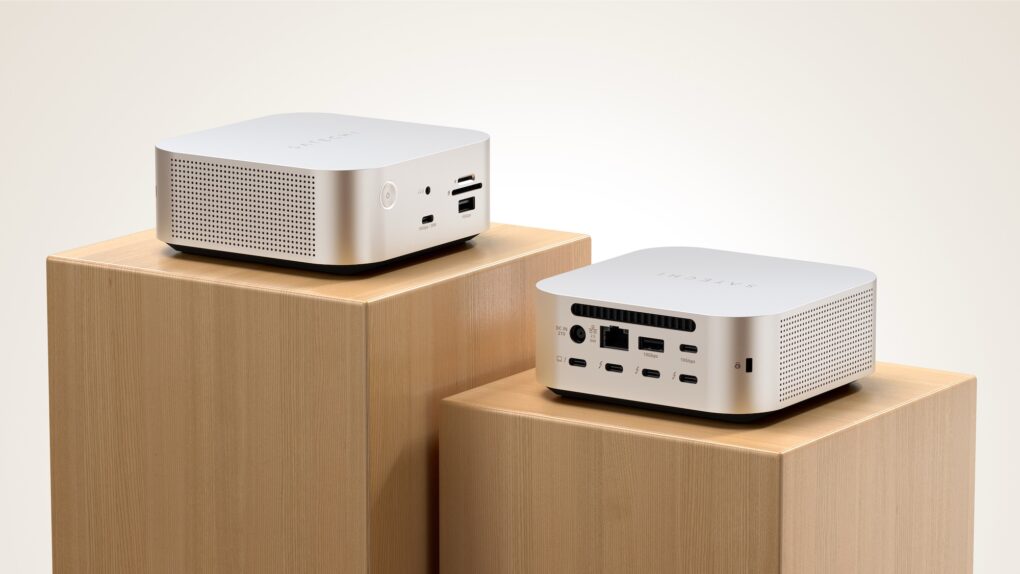
Surprise! M4 Mac mini multiport hub/stand launches early.

By

Satechi Mac mini M4 Stand & Hub with SSD Enclosure
Max out your Mac mini with this hub.
Photo: Satechi

The wait for the Satechi Mac mini M4 Stand & Hub with SSD Enclosure isn’t as long as expected. The accessory — which adds front-facing ports and more storage — can be ordered now, though quantities are limited.

It seems a nice addition for Apple’s tiny new desktop. It even makes pressing the computer’s hidden power button easier.

This one cable charges Apple Watch plus your other gear

By

Nomad Universal Cable for Apple Watch
Nomad Universal Cable for Apple Watch charges your wearable and your Mac at once.
Photo: Nomad

When you need to juice up your iPhone and Apple Watch, a single cable isn’t going to do you much good… unless it’s the latest innovation from Nomad. The new Universal Cable for Apple Watch charges the wearable while also sending current to another USB-C device, like a MacBook or iPad.

It’s not quite like anything else on the market.

Get terabytes of storage on the cheap with speedy new SSD from PNY

By

PNY PRO Elite V3
The PNY PRO Elite V3 might be the affordable external storage you’re looking for.
Photo: PNY

A new mobile SSD called the PNY Pro Elite V3 holds terabytes of data and can transfer that data at up to 1,000MB/s. But perhaps its standout feature is price: the 2TB variant comes in at just $145.

PNY also just introduced two other speedy USB-C drives that top out at 256GB — but cost less than $25.

Another Studio Display alternative for Mac graphic designers [Review] ★★★★☆

By

BenQ PD2730S display, a Studio Display alternative★★★★☆
It fits in nicely in any Mac setup.
Photo: D. Griffin Jones/Cult of Mac

As you’ll read in our hands-on review of the BenQ DesignVue PD2730S, this Apple Studio Display alternative offers similar specs at a lower price. The new BenQ display delivers the same 27-inch screen, 5K Retina resolution, frame rate, color gamut and Thunderbolt connectivity as Apple’s pricey monitor.

This formula might ring a bell — BenQ’s new high-end display is the second Studio Display alternative to hit the market. The BenQ display proves nicer than the Asus ProArt 5K I reviewed two months ago, but it also costs more ($1,199 compared to $799).

One thing is for sure: Both are still a steal compared to the Studio Display, which starts at $1,599. Read on to see how these monitors stack up.