Mobile menu toggle

Apple Music - page 2

MLS kicks off 2026 season on Apple TV with new features and World Cup spotlight

By •

MLS kicks off 2026 season on Apple TV
Opening weekend matches are all free to Apple TV subscribers.
Photo: Apple

Major League Soccer’s 31st season gets underway Saturday, with all 30 clubs taking the pitch for MLS is Back weekend. And Apple TV subscribers will have a front-row seat to all of it, with all 13 matches available and no blackouts across more than 100 countries and regions, Apple said.

“All eyes are on North America this year as the MLS season kicks off this week and the World Cup approaches,” said Thomas Müller, Vancouver Whitecaps FC attacking midfielder and 2014 FIFA World Cup champion. I’m excited to begin my first full season in MLS, help the team build on what we started, and give fans everywhere the chance to follow our journey on Apple TV.”

Every Apple Music icon explained: Your complete guide to mastering the app

By •

Apple Music Buttons
It's not really obvious what these buttons do.
Image: D. Griffin Jones/Cult of Mac

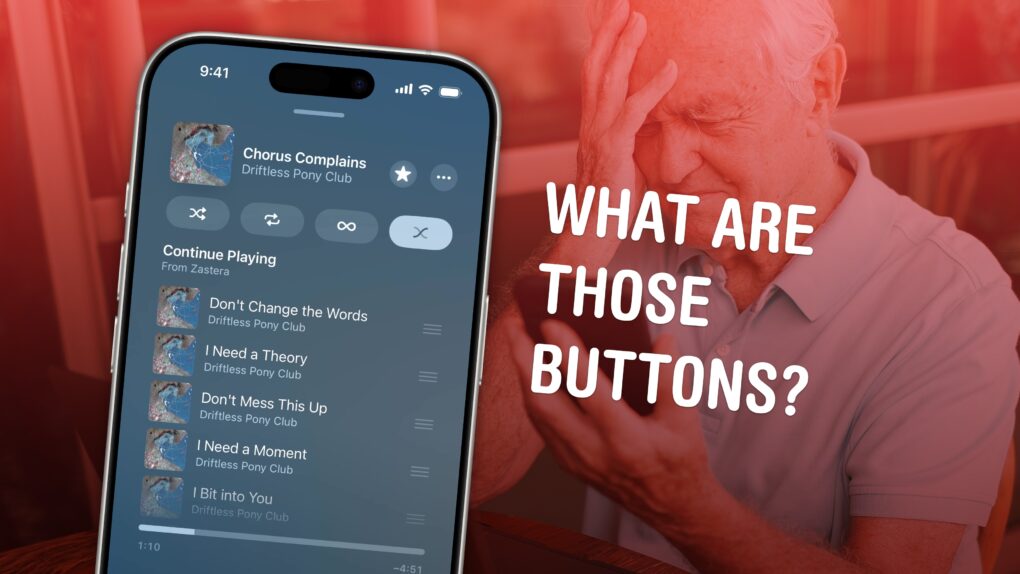
All the tiny signs, symbols and icons on the Apple Music app’s Now Playing screen lack labels — and it’s not obvious at all what they do. Do you know what tapping the infinity symbol does? How about the two wavy lines? 

This quick guide runs through all the Apple Music buttons and controls, so you can get acclimated to its interface. Keep reading or watch our short video.

Get to know Bad Bunny before his Super Bowl halftime show

By •

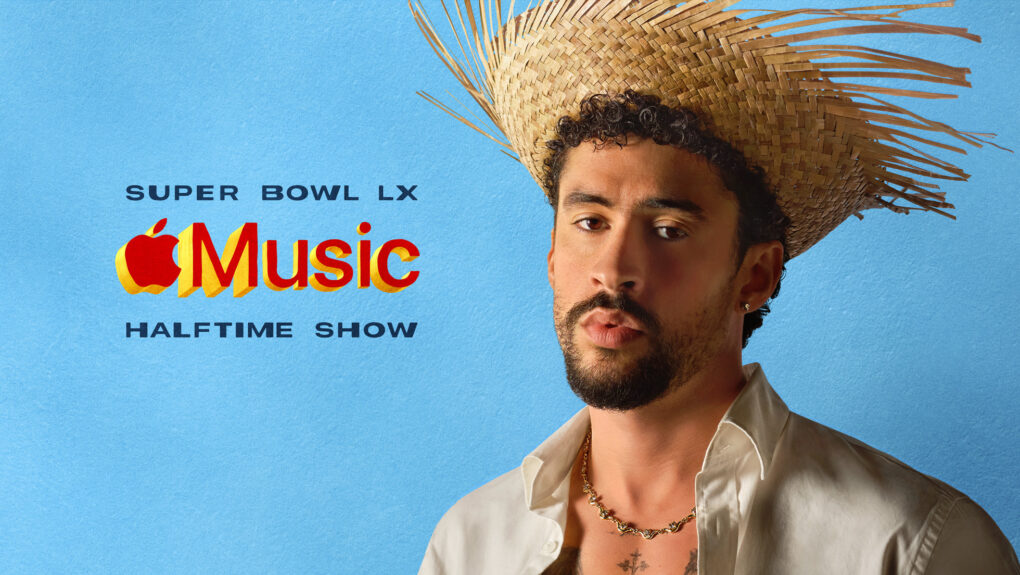
Get to know Bad Bunny before the Super Bowl
Apple offers plenty of ways to hear, and learn about, the Puerto Rican superstar.
Photo: Apple

Apple Music rolled out the red carpet Monday for Bad Bunny as the Puerto Rican superstar prepares to headline the Apple Music Super Bowl LX Halftime Show on February 8 at Levi’s Stadium in Santa Clara, California. So here’s your chance to get to know Bad Bunny before the Super Bowl with a variety of special programming.

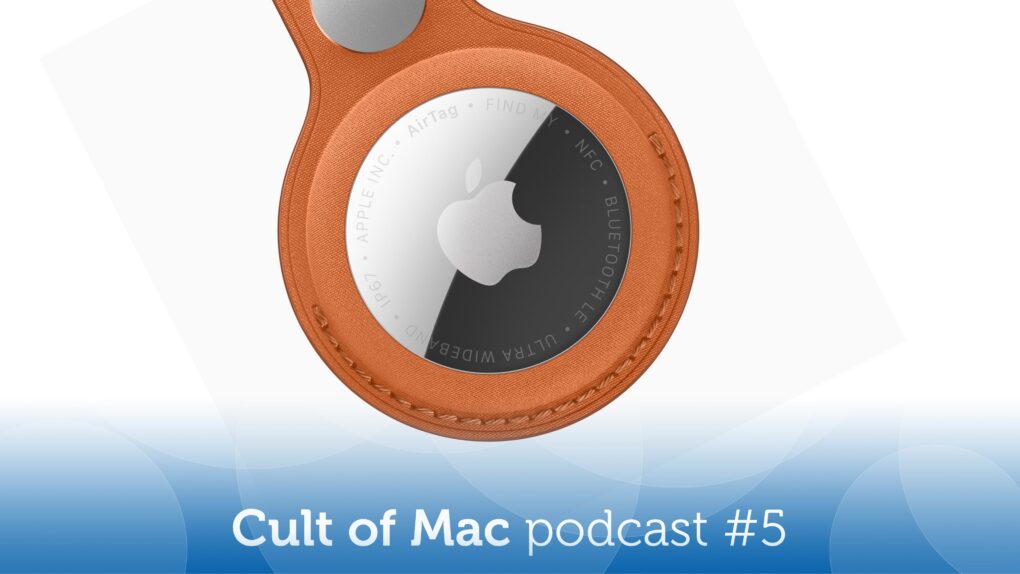
We love the new AirTag even more than the original [Cult of Mac podcast No. 5]

By •

Image of Apple AirTag 2, along with the words
If you're not already on the AirTag bandwagon, it's time to hop on.
Image: Cult of Mac

This week on the Cult of Mac podcast: The second-gen AirTag finally arrives, and it packs some pretty awesome upgrades — although you’d never know by looking at it!

We discuss all the reasons we love AirTags in general, and Cult of Mac writer Ed Hardy joins us for his review of Apple’s upgraded tracking tag.

Also on the Cult of Mac podcast:

  • A quick teardown of an AirTag 2 shows the massive redesign hiding inside the familiar circular form factor.
  • Griffin explains Apple Music‘s killer feature that lets you easily upload your own tracks and sync them to all your devices. Take that, Spotify!
  • A listener mentions my band, Those Darn Accordions, and that prompts a bit of a rabbit hole run through the band’s history (and surfaces a surprisingly popular ancient YouTube video of me sabering a bottle of Champagne back in the day at Wired.com).

Listen to this week’s episode of the Cult of Mac podcast in the Podcasts app or your favorite podcast app. (Be sure to subscribe and leave us a review if you like it!) Or watch the video live stream, embedded below.

Get 3 months of Apple Music free in limited-time Super Bowl offer

By •

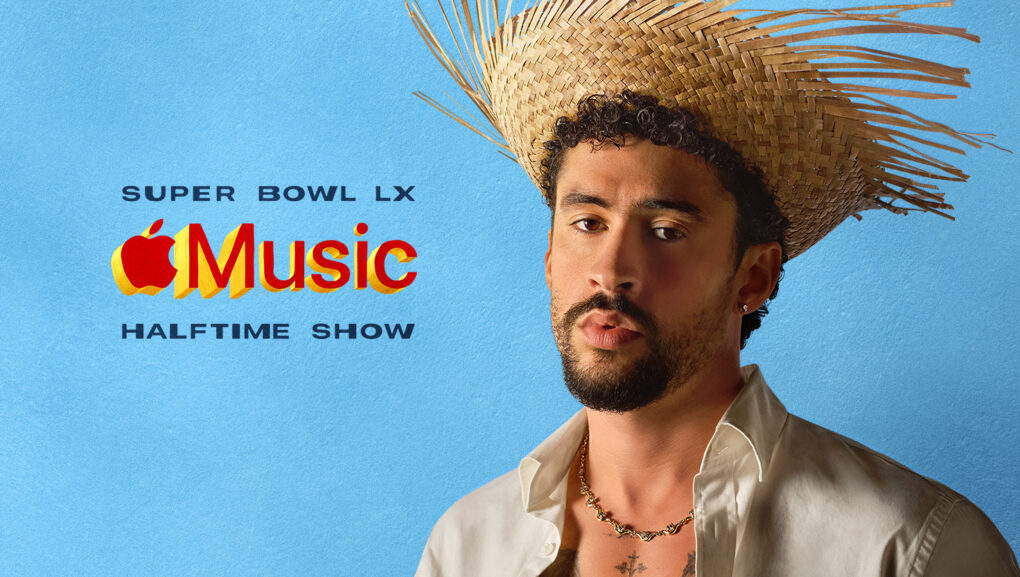
get 3 months of Apple Music free
The promotion ties to the Apple Music Super Bowl LX Halftime Show with Bad Bunny.
Photo: Apple

Apple just gave new subscribers an extended opportunity to try its music streaming service, offering three months of Apple Music completely free. The promotion to get three months of Apple Music free — which runs through February 24 — greatly expands the standard one-month trial period.
The new offer coincides with Apple’s sponsorship of the upcoming Super Bowl halftime show with musical act Bad Bunny.

How to upload your own music to Apple Music

By •

An image of a person with the Apple Music logo and the words
It's surprisingly easy to add custom tracks to your Apple Music library.
Image: D. Griffin Jones/Cult of Mac

If you come across a live concert recording, a demo track or an indie song that’s not already in Apple Music, you can add it to your Apple Music library really easily. It’s simple to upload music to Apple Music and, in fact, you don’t even need an Apple Music subscription — just a computer and your iPhone.
Adding music to your library manually used to be the only way to listen to music on your computer, way back before the iTunes Music Store made paid downloads popular and Apple Music entered the streaming area. Even after 25-plus years, Apple still supports the feature — and thankfully so, because I use it all the time.
It’s the top reason why I don’t use Spotify. While Spotify technically supports custom music as well, it’s a convoluted and clunky process. On Apple Music, it’s dead simple to add your own tracks and only takes minutes. All you need is a Mac or a Windows 10 PC with iTunes.
Here’s how it works — keep reading or watch our quick video. 

Apple streaming services break records

By •

Apple Services: Apple Music, iCloud, Apple TV and more
A variety of Apple services did remarkably well in 2025.
Image: Apple

Apple Music and Apple TV just had their biggest month ever. That strong streaming performance added to a banner year for the collection of products that go under the heading of Apple services.

“2025 was a record-breaking year for Apple Services, marked by remarkable growth, global expansion, and continuous innovation,” said Eddy Cue, Apple’s senior vice president of services, in a press release Monday.

Apple and Best Buy pack free subscriptions with every Apple Gift Card

By •

An Apple Gift Card can get you extended trials to several Apple services.
Buy an Apple Gift Card to get extended trials to several Apple services.
AI Image: Google Gemini

Apple is bundling three months of free Apple Arcade access with every Apple Gift Card purchase. Best Buy is running an even better offer, bundling access to Apple Fitness+, Apple Music, Apple Arcade and Apple TV with an Apple Gift Card.

The best part? The offer applies to both new and returning subscribers. 

Shakeup in Apple’s C-suite! [The CultCast]

By •

The CultCast logo with a photo of ex-Apple UI design chief Alan Dye and the words,
So long, Alan Dye ... have a Liquid Glass blast at Meta!
Image: Cult of Mac

This week on Cult of Mac’s podcast: With the sudden departure of Apple’s UI design chief Alan Dye — and the prompt naming of a Steve Jobs-era veteran to take his place — are we looking at a software renaissance for iPhones and Macs?

We certainly hope so!

Also on The CultCast:

  • Apple’s AI chief is out — and that could be great news!
  • In another surprise twist, Intel might make chips for Apple again.
  • And finally, it’s that time of year when we look at our Apple Music Replay stats and try not to whimper.

Listen to this week’s episode of The CultCast in the Podcasts app or your favorite podcast app. (Be sure to subscribe and leave us a review if you like it!) Or watch the video version, embedded below.

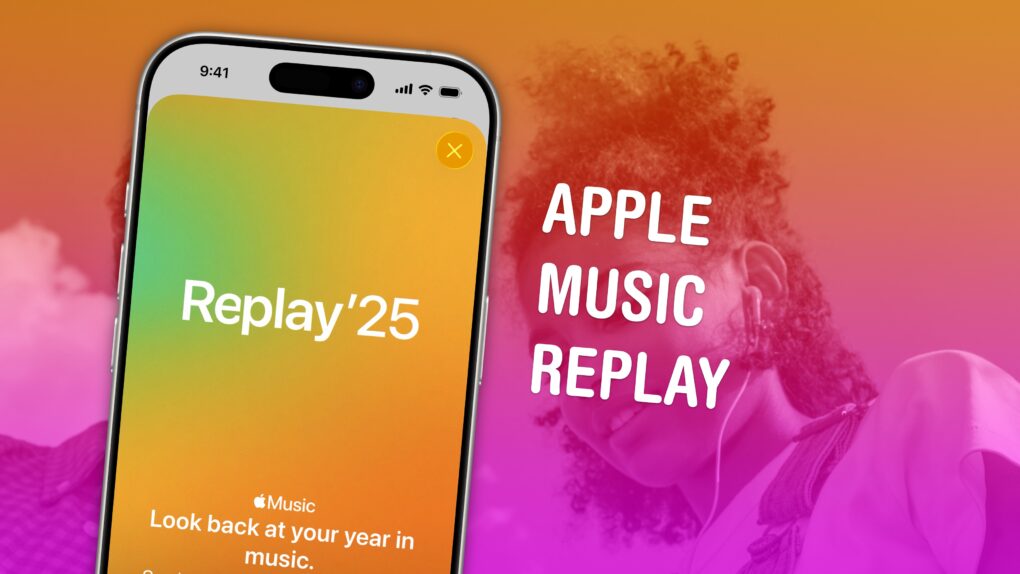
How to find your music stats with Apple Music Replay 2025

By •

Apple Music Replay graphic
Find your top songs of the year.
Image: D. Griffin Jones/Cult of Mac

Apple Music Replay is a great way to find your music stats for the past year: the most played songs, artists and albums in the last 12 months. Similar to Spotify Wrapped and the like, your annual Apple Music Replay is a fun way to see what tracks you listened to most.

Fun fact: Apple usually publicizes Apple Music Replay in December, but it’s actually updated weekly and available throughout the whole year! You can check in whenever you want to see how your year is shaping up.

We’ll show you how to find it and how to share your top music of the year to your friends and social media.

Apple Music’s Artist of the Year really is off the charts

By •

2025 Apple Music Artist of the Year
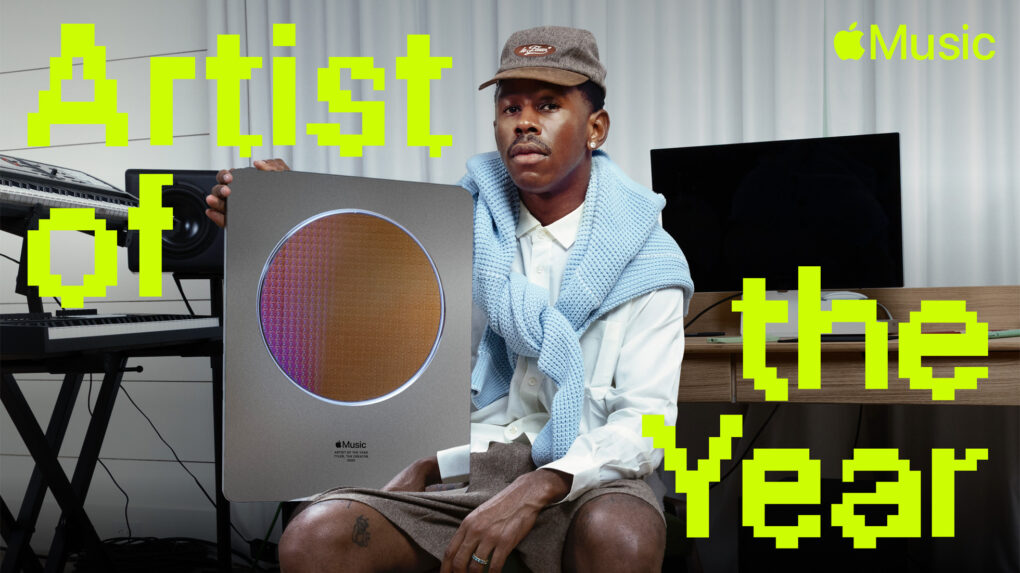
Apple Music celebrated Tyler, The Creator as its 2025 Artist of the Year for the impact he had on music and culture over the past 12 months.
Photo: Apple

Apple Music crowned rapper Tyler, The Creator as its 2025 Artist of the Year on Thursday, honoring the hip-hop innovator’s remarkable creative output and cultural influence over the past 12 months. With streaming minutes numbering in the billions, the guy gives new meaning to “off the charts.”

This year has been Tyler’s most successful to date across Apple Music’s platform. Between November 2024 and October 2025, fans worldwide streamed his music for more than 4.5 billion minutes, marking career highs in plays, listeners and total listening hours on the service.

How to quickly queue songs on Apple Music (and clear the queue)

By •

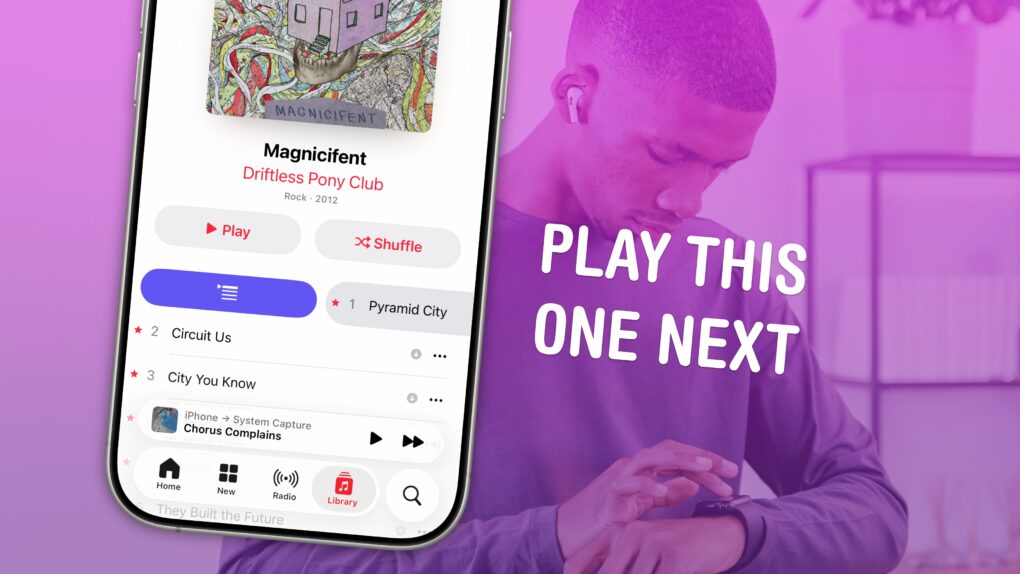
Play This One Next
Your phone can DJ for you.
Image: D. Griffin Jones/Cult of Mac

You can queue songs in Apple Music so the tracks you want to hear play automatically, one after another. You don’t need to wait for the song to end and manually play the next one. And if you want to start over, you can quickly clear the queue as well. 

Plus, you can let friends add songs to the queue from their own phones — even if they don’t have an Apple Music subscription. Watch our video or keep reading below.

New tool lets you easily transfer music from Spotify to Apple Music

By •

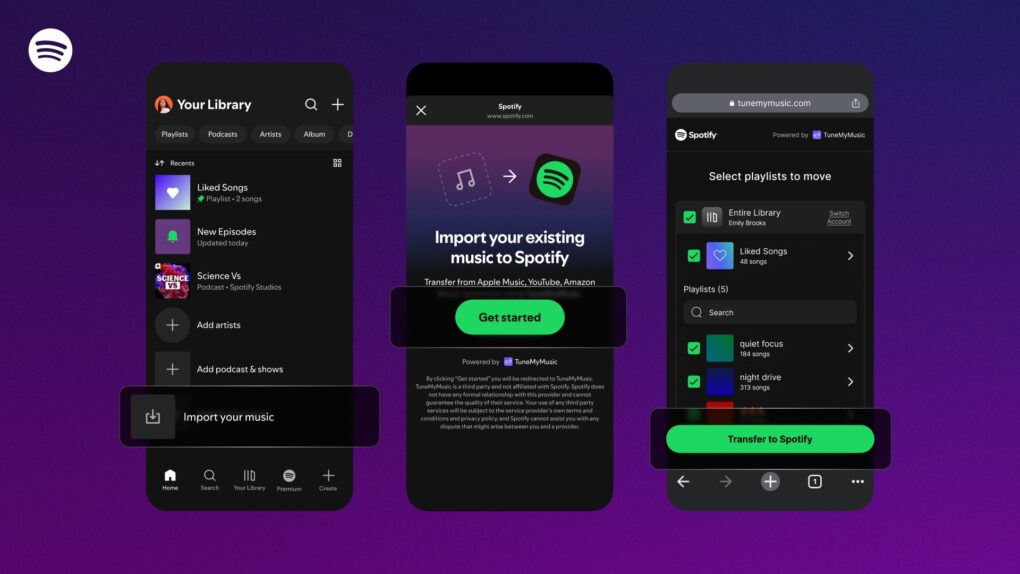
Apple Music migration tool
The Apple Music migration tool makes it easy to transfer music from services like Spotify to Apple Music.
Photo: Apple/Spotify/Rajesh Pandey

Apple significantly expanded availability of its Apple Music migration tool, bringing the service to the United States and eight other major markets this week after months of limited testing. It helps users transfer their music libraries from competing streaming services like Spotify.

Catch US vs. Mexico Leagues Cup soccer action via MLS Season Pass

By •

Leagues Cup on MLS Season Pass
Fans in more than 100 countries and regions can watch every match of the Leagues Cup 2025 tournament via MLS Season Pass on Apple TV.
Photo: Apple

Apple TV’s MLS Season Pass will once again serve as the exclusive global streaming destination for the Leagues Cup, North America’s premier cross-league soccer tournament that kicked off Tuesday and runs through August.

The monthlong competition brings together clubs from Major League Soccer and Mexico’s Liga MX in what organizers call the first in-season club tournament across all men’s professional sports in North America.

Apple Music’s new Replay All Time expands on annual faves list

By •

Apple Music Replay All Time
Apple Music launches Replay All Time, a special version of the annual Replay experience that allows listeners to see and stream the songs they’ve played the most since joining Apple Music.
Photo: Apple Music

Apple Music Replay All Time launched Monday, letting listeners see which tracks they’ve played over their history with the service.

It comes as part of a broader 10th-anniversary celebration for the music-streaming service. Other upgrades include an upcoming top-500 Apple Music tracks countdown, special programming on Apple Music Radio and a new Apple Music studio planned to open in Los Angeles this summer.

Apple Music marks 10 years with new bleeding-edge music studio

By •

Apple Music 10th anniversary
Apple dedicates its new studio space in Los Angeles to artist-driven content, innovation in audio and deeper fan connection.
Photo: Apple Music

Apple Music celebrates its 10th anniversary by opening an ambitious new creative music facility in Los Angeles, in addition to offering special programming on Apple Music Radio, the iPhone giant said Monday. The new studio signals the streaming service’s commitment to supporting artists and expanding beyond traditional music streaming.

“Apple Music Radio has always been a home for storytelling and artistry, serving as a space for bold conversations and surprising moments,” said Rachel Newman, Apple Music’s co-head. “With this new studio, we are furthering our commitment to creating a space for artists to create, connect and share their vision.”

AI updates bring new tricks to Apple Maps, Music, Wallet and more across devices

By •

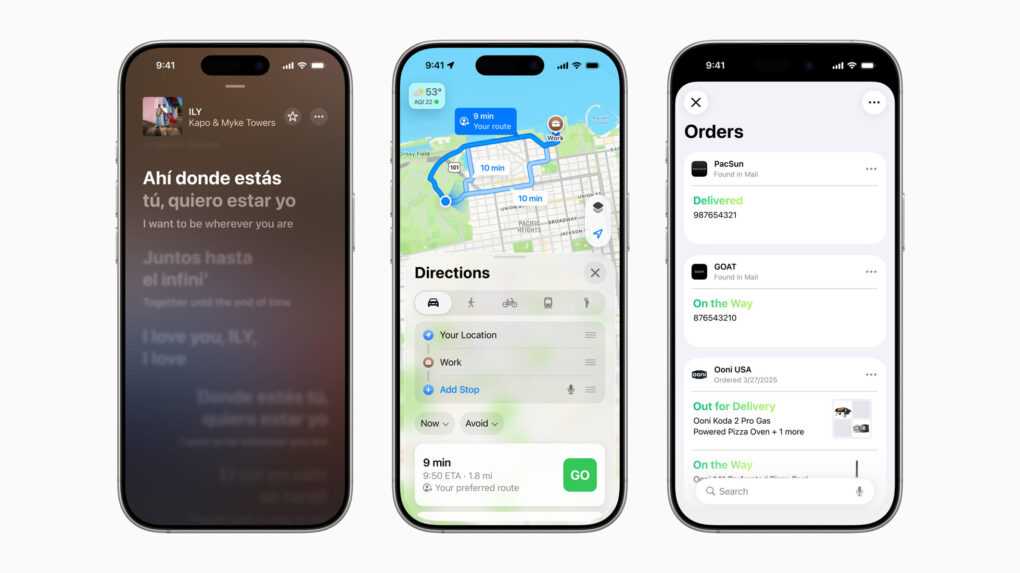
OS 26 AI updates
A slew of new features will come in core Apple services across devices this fall.
Photo: Apple

Updates coming this fall to core Apple services like Maps, Music and Wallet focus heavily on artificial intelligence integration and personalization. The updates promise to make everyday tasks more intuitive and enjoyable for users across the Apple ecosystem.

Apple Music wants to make switching from other music services easier

By •

Spotify to Apple Music migration.
A new tool from Apple makes migrating from Apple Music to Spotify easier.
Photo: Apple/Spotify/Rajesh Pandey

A new tool from Apple will make it easier to import your playlists and library from Spotify to Apple Music. As part of a limited rollout, the company currently offers this feature in Australia and New Zealand.

Apple joined forces with SongShift, a popular playlist transfer tool, to bring this feature to life.

Apple Music’s Sound Therapy enhances songs to help you focus, relax and sleep

By •

Apple Music Sound Therapy
Sound Therapy takes familiar music and ups its therapeutic value.
Photo: Apple

In partnership with Universal Music Group, Apple Music on Tuesday launched Sound Therapy, a collection of specially enhanced tracks designed to help listeners achieve wellness through better focus, deeper relaxation and improved sleep.

It combines the power of your favorite music with cognitive science to improve daily well-being, the companies said in a press release.

“Given Apple’s leadership at the intersection of health and technology, the launch of Sound Therapy represents an important validation of our innovative, science-led Sollos initiative,” said Michael Nash, UMG’s executive vice president and chief digital officer. “We look forward to working closely with the team at Apple to expand the ways that music can be harnessed to improve the wellness benefits for its users.”

Apple soft-launches all-in-one site to follow celebs

By •

Apple Snapshot website
Apple's new Snapshot website offers a limited way to see your favorite celeb's work across Apple entertainment services.
Photo: Apple

With zero fanfare Apple launched a new website Tuesday called “Snapshot.” It appears they designed it as a discovery platform for fans to learn more about celebrities across Apple’s ecosystem of services, like Apple TV+, Apple Music and Apple Podcasts.

While the concept shows promise, the execution leaves much to be desired in its current form because it’s so limited.

9 reasons you should ditch Spotify for Apple Music

By •

Apple Music better than Spotify?
Could it be? Sure, I think so.
Image: D. Griffin Jones/Cult of Mac

Apple Music vs. Spotify: While Apple Music still lags behind Spotify when it comes to paying subscribers, in my opinion, Apple Music is the better service. It offers more advanced features like live lyrics, karaoke, lossless and spatial audio.

And for music aficionados, you can upload your own ripped recordings and MP3s. You have full control over your music library. Plus the Apple Music Classical app gives you a first-class experience learning and discovering classical music.

Here are the nine things keeping me on Apple Music — and why you should switch away from Spotify. You can also watch the video right here.

Get your groove on with iPhone’s free ambient music feature

By •

Ad-Free Ambient Music
Throw on some background sounds without any fuss.
Image: D. Griffin Jones/Cult of Mac

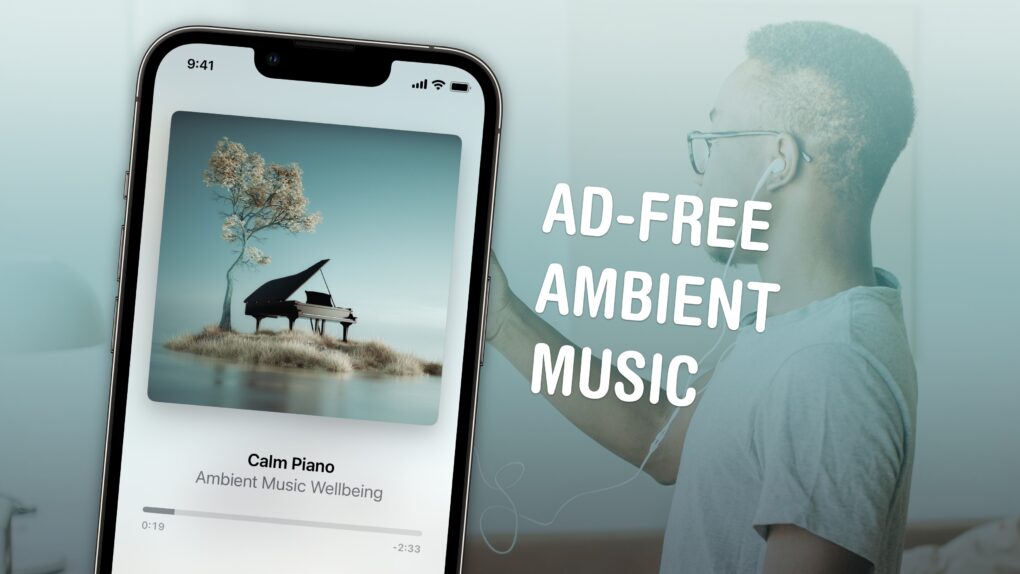
If you like working, sleeping, relaxing or meditating to ambient music — and you own an iPhone — you’re in luck. You can now play background tunes from Control Center on your iPhone. The feature is ad-free and doesn’t require a subscription to Apple Music.

If you usually put on a lo-fi music stream on YouTube, you should give this new feature a shot instead. You don’t need to keep the YouTube app open, and annoying ads won’t interrupt you.

Here’s how the iPhone’s ambient music feature works.