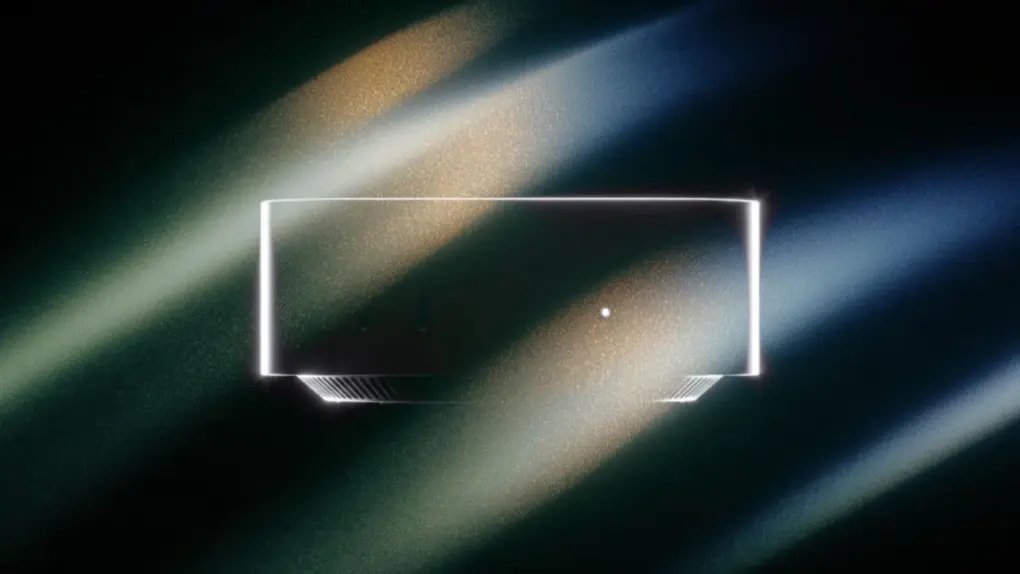
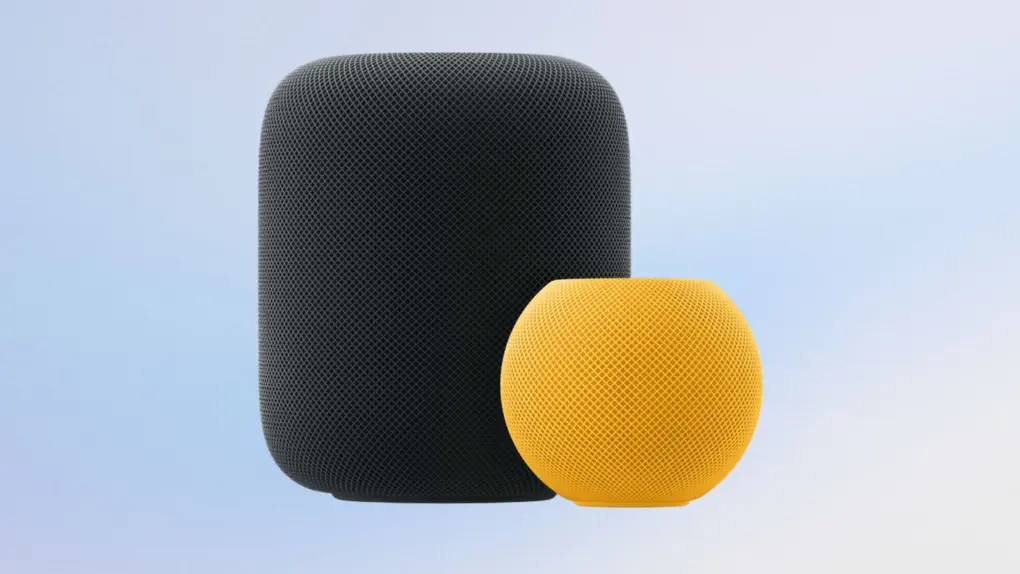
A four-speaker HomePod surround sound system may be in Apple’s pipeline. Photo: Apple
Apple seems to be laying the groundwork for real HomePod surround sound. Hidden code spotted in the latest audioOS 27 beta points to a four-speaker setup that splits audio across front and rear channels.
HomePod owners have waited years for more than just a basic stereo pair. If this ships, it could finally give Apple’s smart speakers a true home theater option. That would put HomePod in more direct competition with dedicated surround setups.
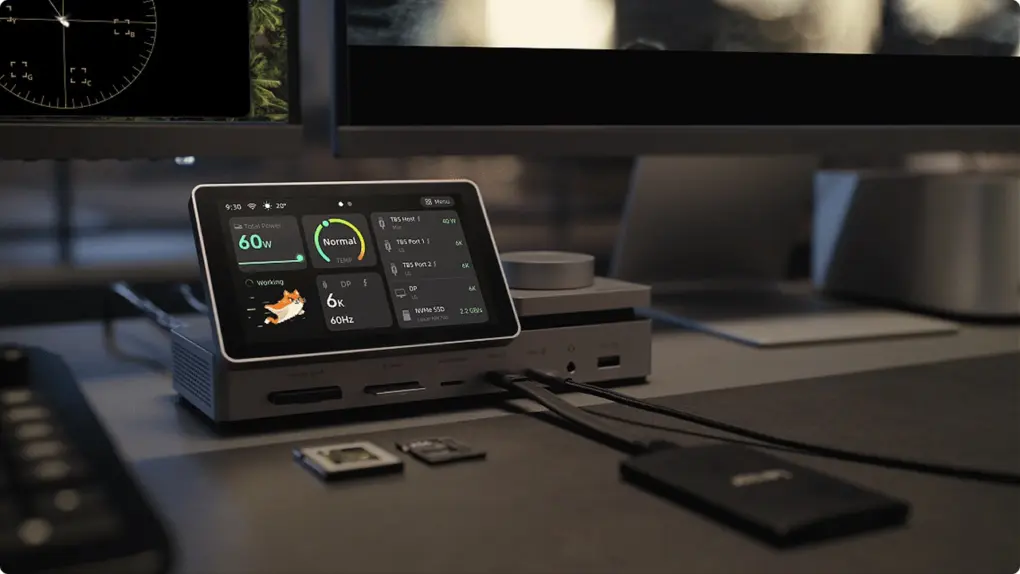
This Thunderbolt 5 dock comes with a 5-inch touchscreen! Photo: Pexar
Chargers with displays have become increasingly common, displaying real-time information like the power output and temperature. Pexar is bringing the same concept to its PexarBolt Ultra Thunderbolt 5 dock.
It pairs a 5-inch touchscreen with 22 ports, up to 140W laptop charging and an integrated NVMe SSD slot.
Ugreen unveiled its MagFlow charging lineup at IFA 2026. Photo: Ugreen
Ugreen’s latest MagFlow lineup promises to solve two of the biggest problems with fast wireless charging and power banks: excess heat and thermal throttling. Its new charging accessories feature an advanced cooling system designed to keep your iPhone cool while delivering fast wired or wireless charging.
The lineup includes the world’s first Qi2 25W magnetic power bank with a micro-pump liquid cooling system.
Popular iPhone accessory maker Ugreen is entering the smart home segment, but with a twist. Instead of relying on the cloud, it’s launching a HomeAgent that will run AI models locally to keep your data private.
The lineup consists of the HomeAgent and the SynCare series of smart cameras.
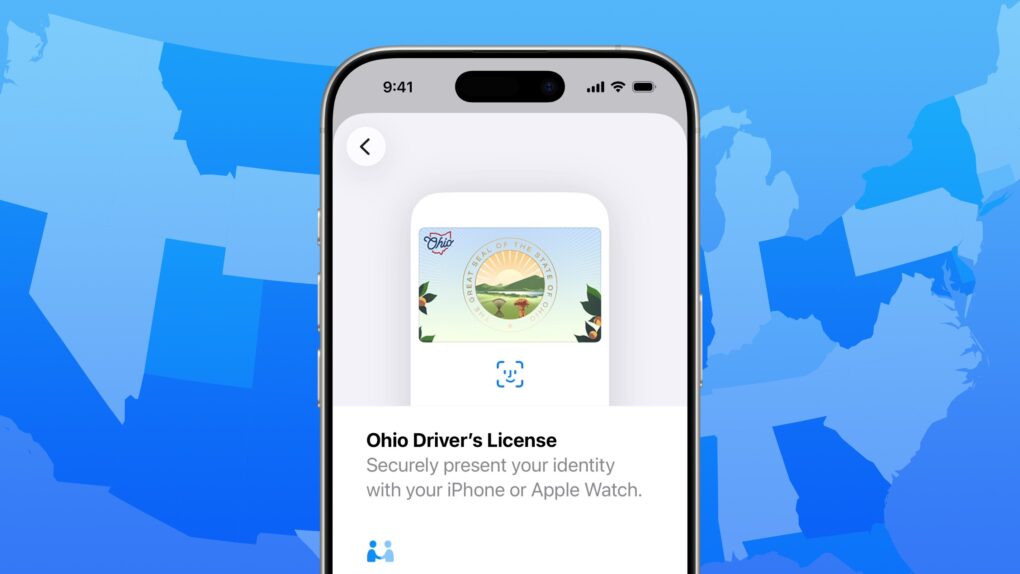
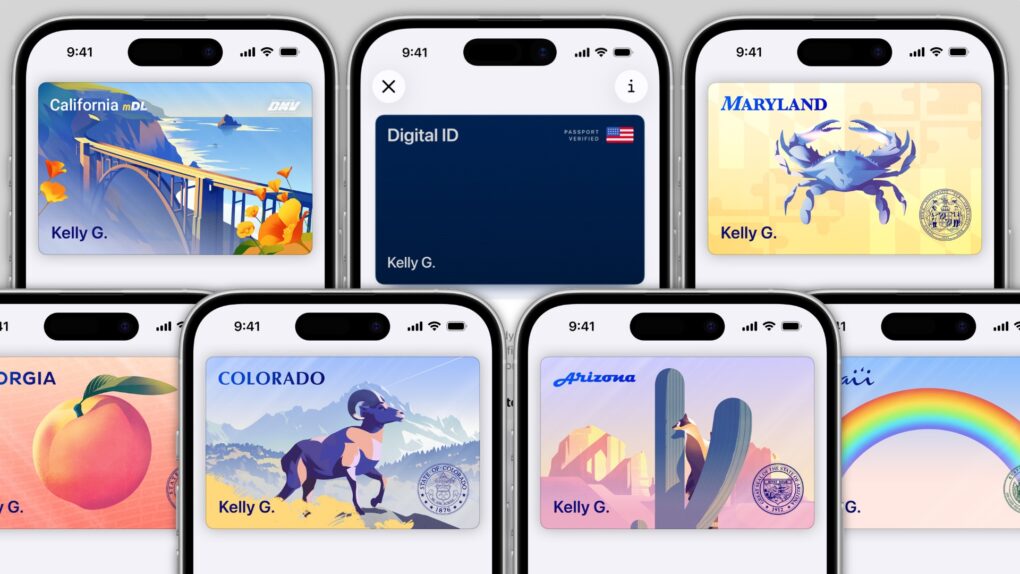
Does your state support digital IDs? Image: D. Griffin Jones/Cult of Mac
When will you be able to add your driver’s license or state ID to Apple Wallet on your iPhone? In the United States, it varies by where you live. It’s not up to Apple: Each state and territory maintains a completely independent registry of drivers and identification cards, so each one must independently pass legislation and implement digital IDs.
If you live in Arizona, Arkansas, California, Colorado, Georgia, Hawaii, Illinois, Iowa, Maryland, Montana, New Mexico, North Dakota, Ohio, Oklahoma, Puerto Rico or West Virginia, you can do it today. (Our guide will show you how to add your driver’s license to Apple Wallet.) Otherwise, check our map and lists below to see how likely your state is to let you add your ID to Apple Wallet, and when it might happen.
In several states, Apple’s state ID initiative enables iPhones and Apple Watches to hold a digital copy of the user’s driver’s license, in the same way these devices store credit cards and airline tickets. And across the United States, you can create an Apple Digital ID based on your passport that can get you through some airport security checks.
The day when an iPhone can completely take the place of an old-fashioned wallet remains years away, but it’s a goal Apple is working toward. Apple Pay is making progress on replacing credit cards, you can put airline tickets in the Wallet app, and the same goes for loyalty cards.
But no wallet is complete unless it can hold an ID. And that’s where Apple’s digital ID initiative comes in. Here’s what you need to know to add your driver’s license, state ID or federal passport to your Apple Wallet.
Intel Mac support took another blow this week. Photo: Cottonbro Studio/Pexls
Apple just made it easier to be a Mac developer: This week, the company told Mac App Store developers that they can build applications for Apple silicon only — they can drop Intel Mac support in their software. The change applies to all macOS apps that require macOS 13 or later.
If you’re still running an Intel Mac, that’s the clearest signal from Apple that your machine is in the final stretch. Developers can now flip a single build setting and stop updating Intel-compatible versions. This means fewer updates reaching Intel hardware from now on.
The Us Festival was Steve Wozniak's first venture outside Apple. Photo: Glenn Aveni/Kickstarter
September 3, 1982: The US Festival, an extravagant music and technology event staged by Apple co-founder Steve Wozniak, kicks off in California. The festival costs $8 million to stage, and boasts appearances from some of the biggest musical acts of the day.
Apple Maps nixed Lake Ontario for U.S. users. Image: Cult of Mac
Apple Maps renamed Lake Ontario to “Lake America” for users in the United States, giving in to pressure from President Donald Trump, who issued an executive order changing the name of the Great Lake last week.
The change puts Apple alongside Google Maps, which made the same switch several days earlier.
★★★★☆
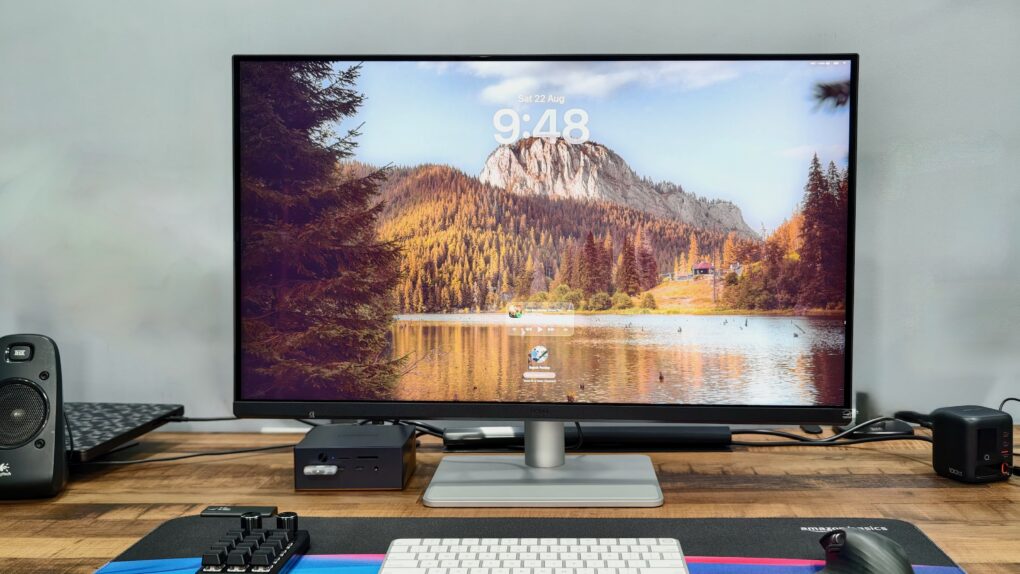
The BenQ MA320UG gives your Mac a bigger, glossier and noticeably smoother canvas. Photo: Rajesh Pandey/Cult of Mac
Finding a great Mac monitor usually means choosing between Retina sharpness, a high refresh rate and reasonable pricing. The BenQ MA320UG tries to strike a better balance with its large 31.5-inch 4K panel, glossy finish and 120Hz refresh rate.
After using it as my primary display for several weeks, I found plenty to like. However, there are also a few compromises that keep it from being the complete Studio Display alternative.
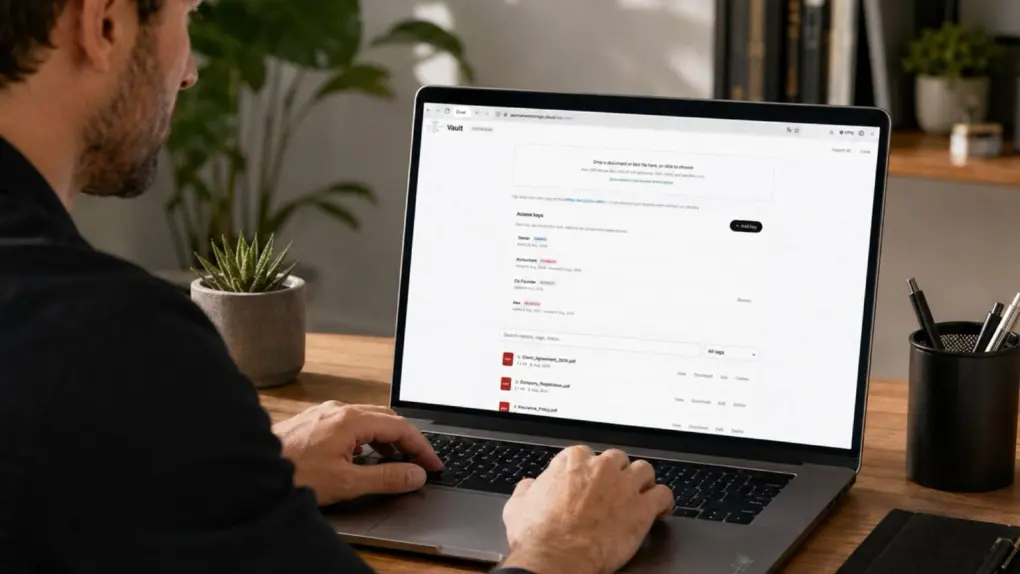
Get this secure cloud space for your files while it's on sale! Photo: Cult of Mac Deals
Your devices hold plenty of everyday files, but contracts, tax records, financial documents, IDs and other important paperwork deserve a super-secure storage place — preferably one that doesn’t come with yet another recurring bill.
For just $39.99 (regularly $499), you can lock in lifetime access to 500GB of Vault cloud storage. It’s specifically designed for long-term document storage with an emphasis on keeping your files as secure as possible.
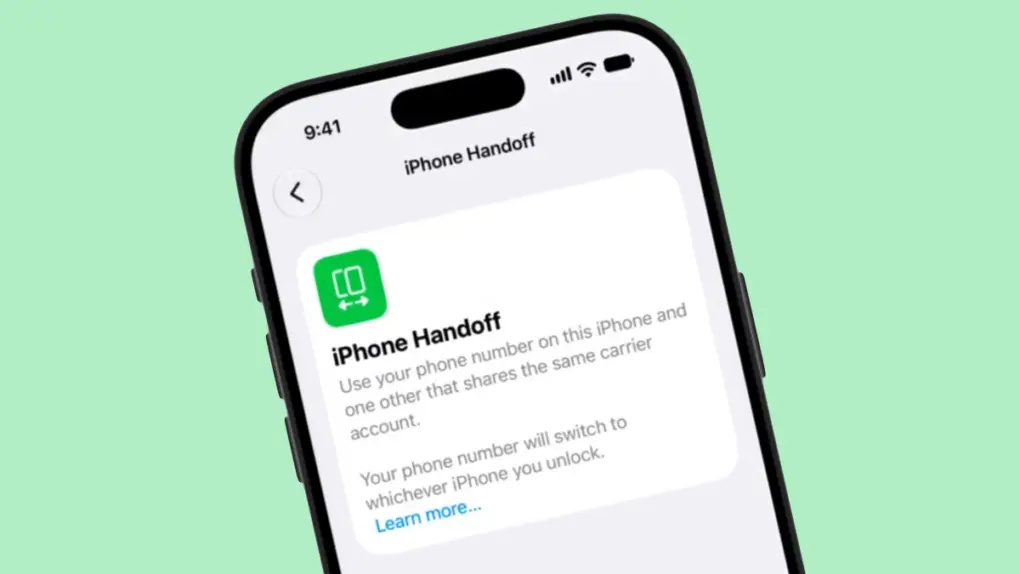
iOS 27’s iPhone Handoff feature could let you move your phone number between a main and companion iPhone. Screenshot: pdfu
iOS 27 will let one phone number work across two iPhones. A new iPhone Handoff feature will soon allow you to swap your cellular line between a main and a companion device, with no SIM swap required.
The feature got the barest mention at WWDC 2026 in June, with zero explanation from Apple. Now, a leaked demo video finally shows how the setup could actually work.
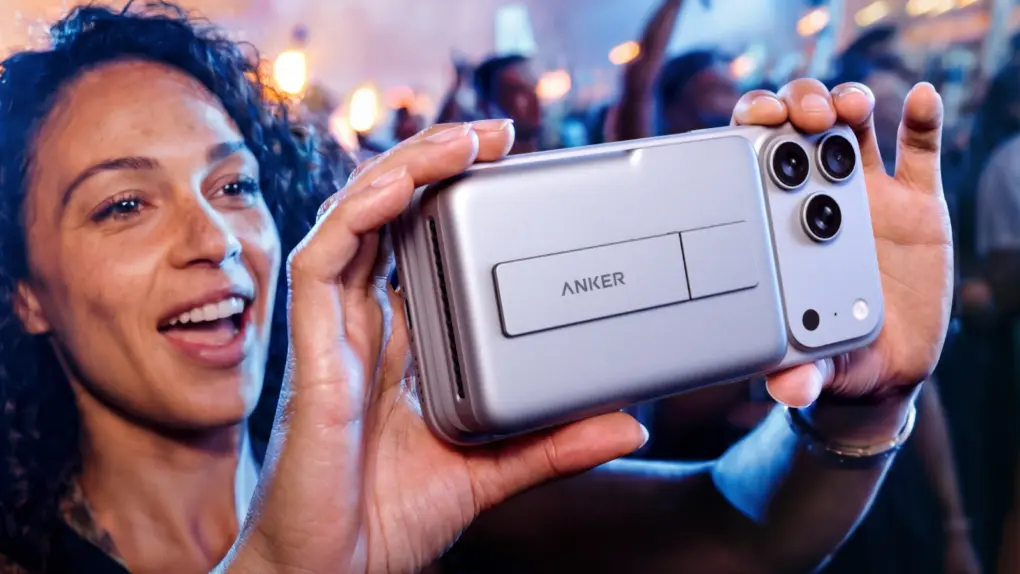
Anker's new pwoer banks will keep your iPhone cool while fast charging. Photo: Anker
Anker is bringing three unusually smart charging accessories to IFA 2026. Its new lineup combines active cooling, displays and device-specific charging profiles designed to protect battery health. The products cover everything from powering an iPhone on the move to charging a MacBook at home.
An artist's conception of the first Anker store, set to open in Berlin this week. Image: Anker
Popular Apple accessories maker Anker Innovations will open its first standalone store this week and pull its five category-based sub-brands under a single banner: Anker.
The idea is to simplify Anker’s product branding and take control of the company’s in-store marketing. It reminds me of what Apple did after Steve Jobs returned to the company in 1997.
“Category brands made sense when categories were separate. They no longer are,” said Steven Yang, founder and CEO of Anker Innovations, in a press release Thursday. Instead, Anker will simply things into “one brand, one promise — Ultimate Innovation, now unified across everything we make.”
The first Anker store will open this week in Berlin, not coincidentally the city that hosts the annual IFA tech conference where Anker and others will showcase their latest wares.
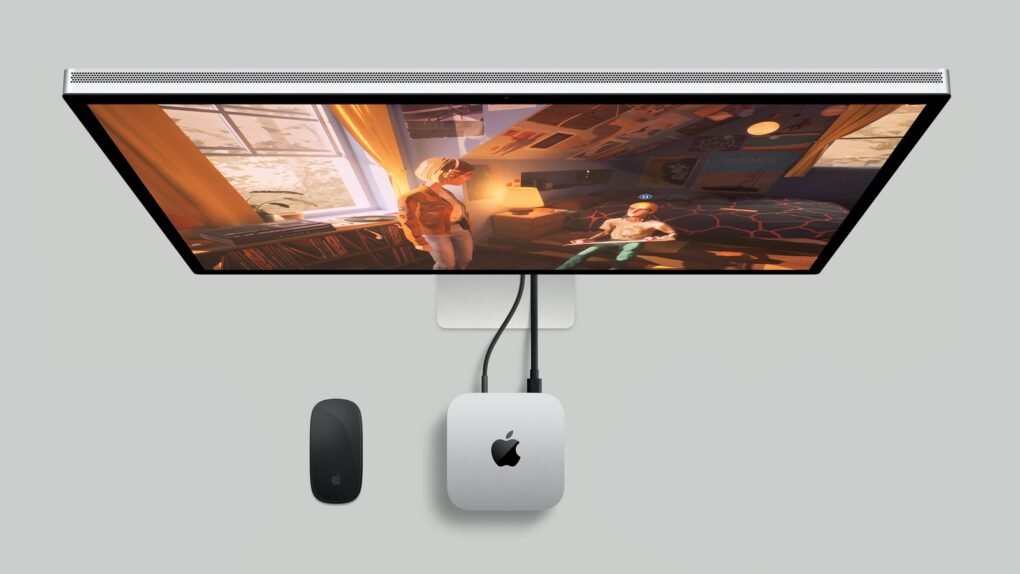
The M6 Mac mini debuted last week but you can get already find it at below the regular cost. Photo: Apple
Surprise! You can get deal prices on an M6 Mac mini even though Apple only unveiled it last week, and the tiny desktop won’t launch until near the end of this month. Admittedly, the deals aren’t amazing, dropping the base model to $879.99, but there’s no reason to pay more than you have to.
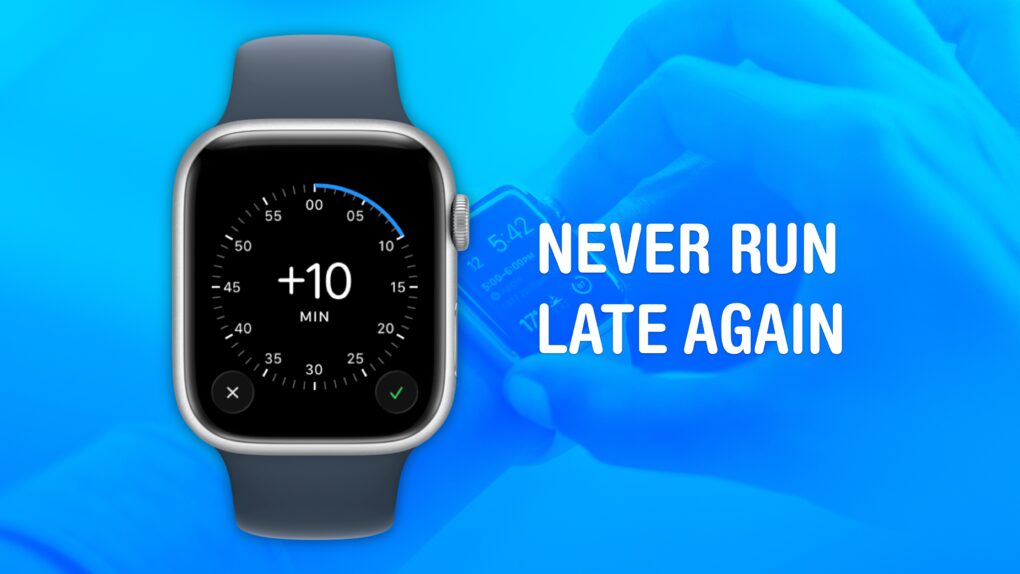
Cult of Mac is not legally responsible if you are still late after turning on this feature. Image: Crew/Wikimedia Commons/D. Griffin Jones/Cult of Mac
Set your Apple Watch time a few minutes ahead of the actual time and you might trick yourself out of running late every day. This is an officially supported feature, not a hack that will produce cascading, annoying side effects. And it doesn’t require you to set your smartwatch out of sync with internet time, which can also cause problems.
What will you gain? By running your Apple Watch a few minutes fast, you might nudge yourself to rush out the door a little earlier. And that might be enough to get you somewhere on time rather than late. If tardiness is a frequent problem for you, this little anti-procrastination tweak could save your skin.
The first folding iPhone apparently won't skip the popular MagSafe feature. Image: Majin Bu
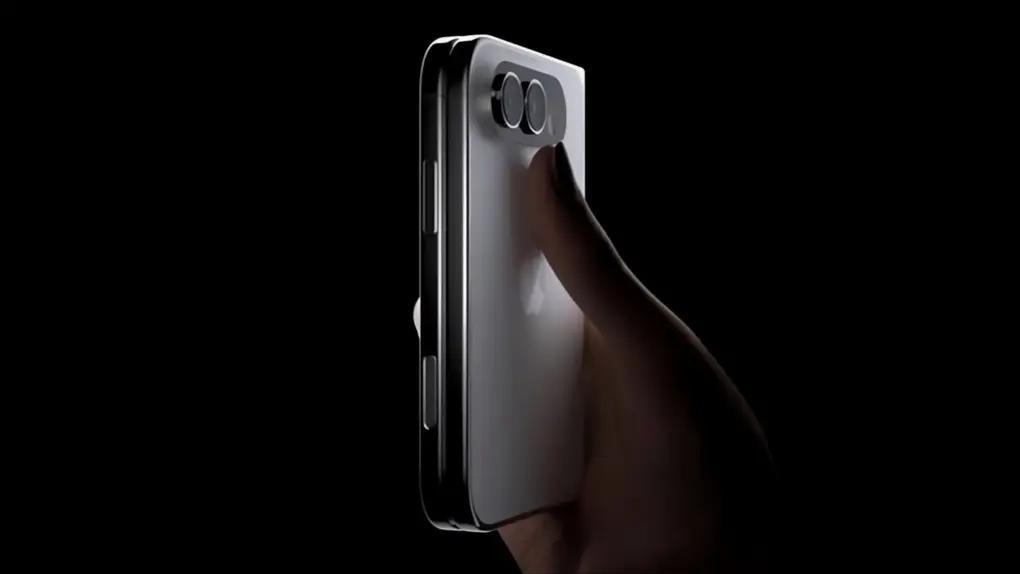
The first folding iPhone will support MagSafe, according to a new report that may finally settle one of the last open questions about the rumored device.
Apple reportedly found some space for MagSafe’s magnetic array despite the thin design of the foldable, likely called the iPhone Ultra. New details also surfaced about pricing, launch timing and where Apple’s folding phone is expected to excel.
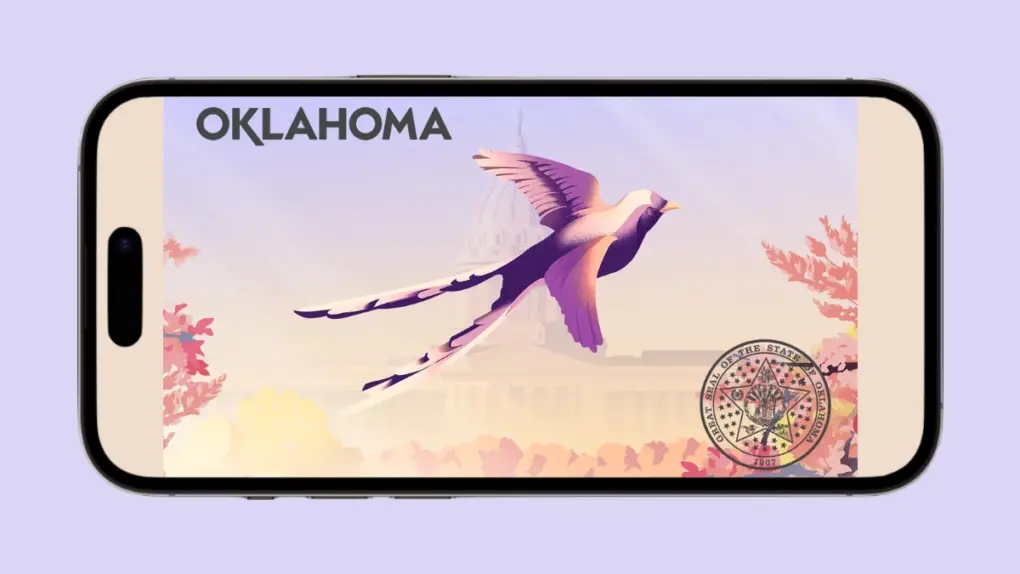
Your Oklahoma diver's license can now be stored on your iPhone or Apple Watch. Image: Reddit/Cult of Mac
Oklahoma residents can finally leave their physical driver’s licenses at home — at least sometimes. The state is now rolling out support for adding driver’s licenses and state IDs to Apple Wallet on iPhone and Apple Watch.
Oklahoma becomes the 16th U.S. state or territory to support Apple’s digital IDs.
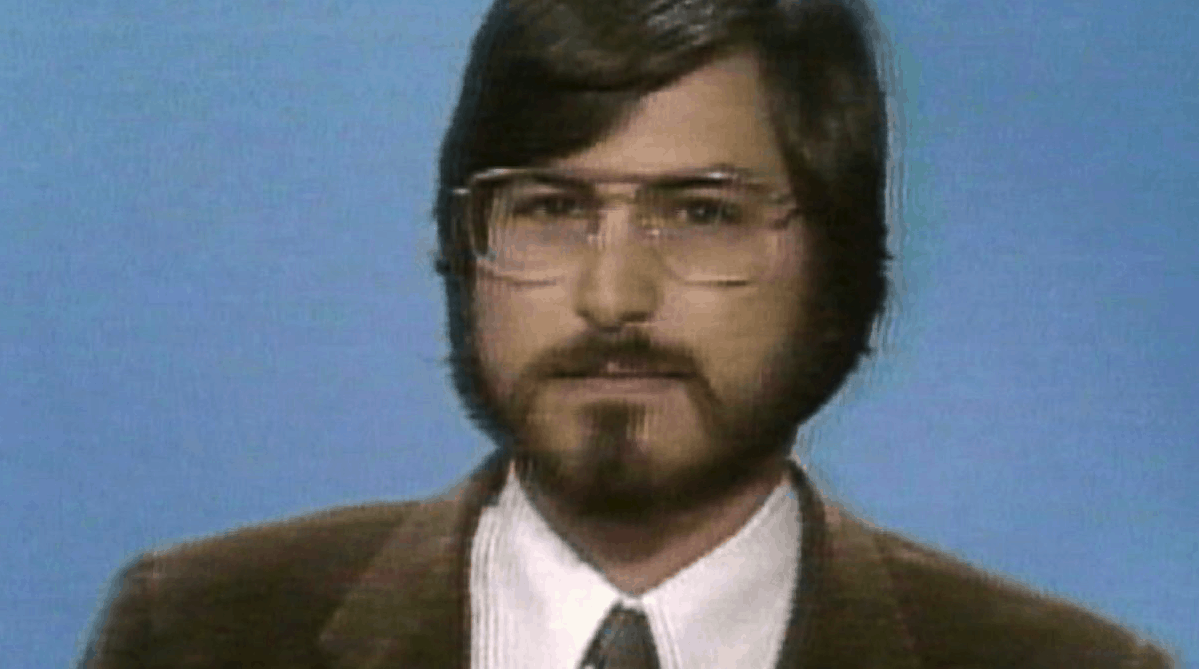
1985 marked a major turning point in Steve Jobs' life as he prepared to leave Apple. Photo: ABC
September 2, 1985: Reports claim Apple co-founder Steve Jobs is on the verge of setting up a new company to compete with Cupertino. The rumors fly after Jobs sells Apple stock holdings worth $21.43 million.
For anyone who thinks speculation about Apple’s future is an invention of the blog era, today’s edition of “Today in Apple history” is a reminder that the tech rumor mill was alive and well in 1985.
Get a refurbished iPhone SE 2 at a huge discount. Photo: Cult of Mac Deals
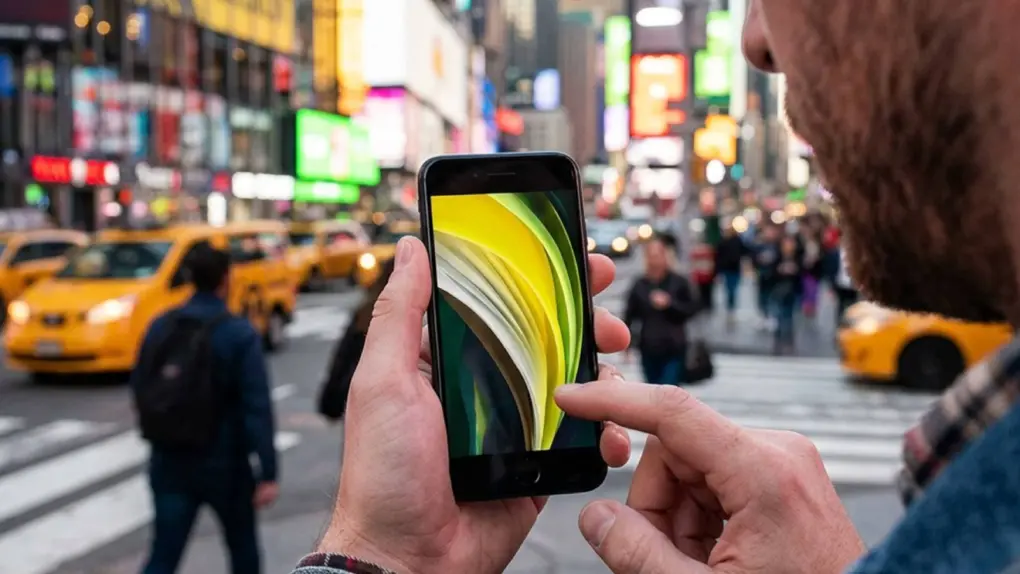
Want an iPhone for less? You can … and we mean for way less. For a limited time, you can pick up a refurbished second-gen iPhone SE on sale for just $89.99.
What’s that, like two and a half sandwiches these days?
Yes, this budget iPhone is a few years old, so it obviously doesn’t have all the latest features. However, it also doesn’t come with the hefty price tag of recent high-end models.
Perplexity Hybrid Compute routes sensitive files to a local model that never leaves your Mac. Photo: Perplexity
Perplexity Hybrid Compute is now live on Mac. The feature splits a single AI task between the cloud and the local model, so all your sensitive files stay on the machine.
“In the newest release of the Perplexity for Mac app, users can now add a compact local model post-trained for Perplexity Computer and choose to run tasks on device on their Mac,” said Perplexity in a press release Tuesday.
Cloud models handle the research and heavy reasoning, while a compact, local AI model on your Mac handles any step that touches private data.
Several under-the-hood upgrades give the latest Mac Studio and Mac mini models a real boost. Photo: Joey Banks/Unsplash License
Apple’s latest Mac mini and Mac Studio computers don’t just come with faster M-series chips. They also pack certain underlying upgrades that make them even more capable and appealing than their predecessors.
That includes faster storage, better connectivity and boosted memory bandwidth. Here are five important Mac mini and Mac Studio upgrades you might have missed.
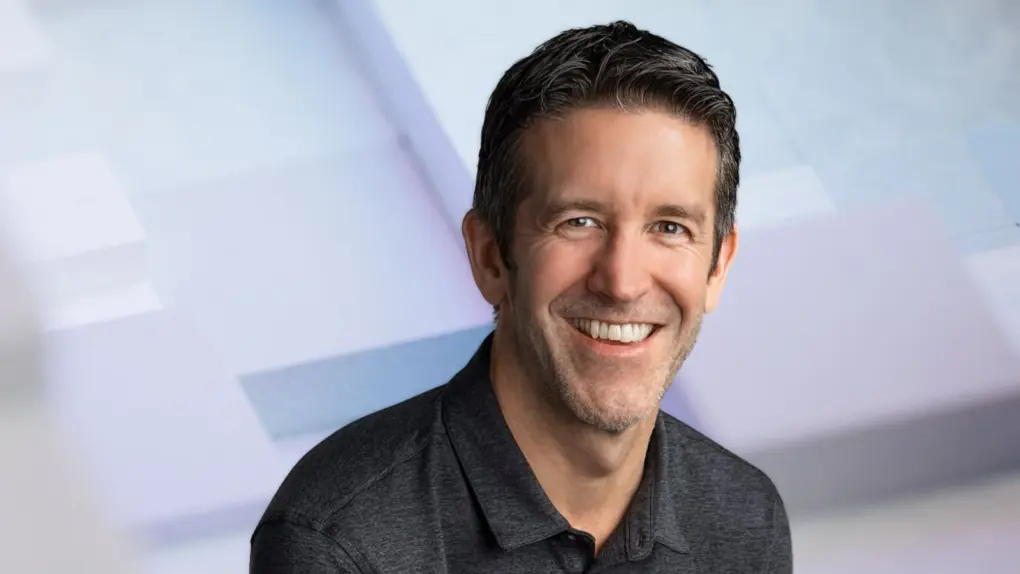
John Ternus brings years of hardware experience to his new role as Apple CEO. Image: Apple/Cult of Mac
John Ternus officially took over as Apple’s CEO on Tuesday, and his key challenge will likely be the classic “innovator’s dilemma.” Should he focus on maintaining Apple’s dominant position or ruthlessly cannibalize the products he helped develop during his 25-year career at Apple?
Ternus, a certified hardware guy, replaced operations whiz Tim Cook, who served as Apple’s CEO for 15 years after taking over from Steve Jobs. Apple updated its website’s leadership page to reflect this gigantic change — and it reveals some of Ternus’ top priorities going forward.
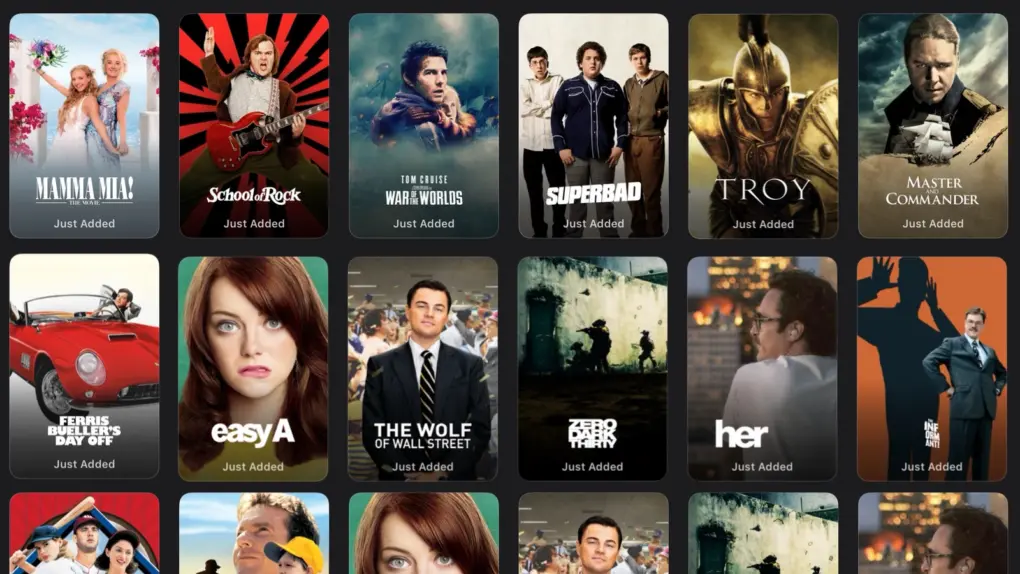
All of these popular films are ready to watch now on Apple TV, no extra charge. Image: Apple TV/Cult of Mac
Apple TV is giving subscribers another reason to stay in and watch a movie this month. The service just added 15 more popular Hollywood movies to its catalog, and they’re included with an Apple TV subscription at no additional charge.
This seems to be a new habit by the streamer: it offered a bunch of big-name Hollywood hits in August, too. Subscribers surely welcome Apple TV expanding beyond its usual lineup of original shows and movies.





 September 3, 1982: The US Festival, an extravagant music and technology event staged by Apple co-founder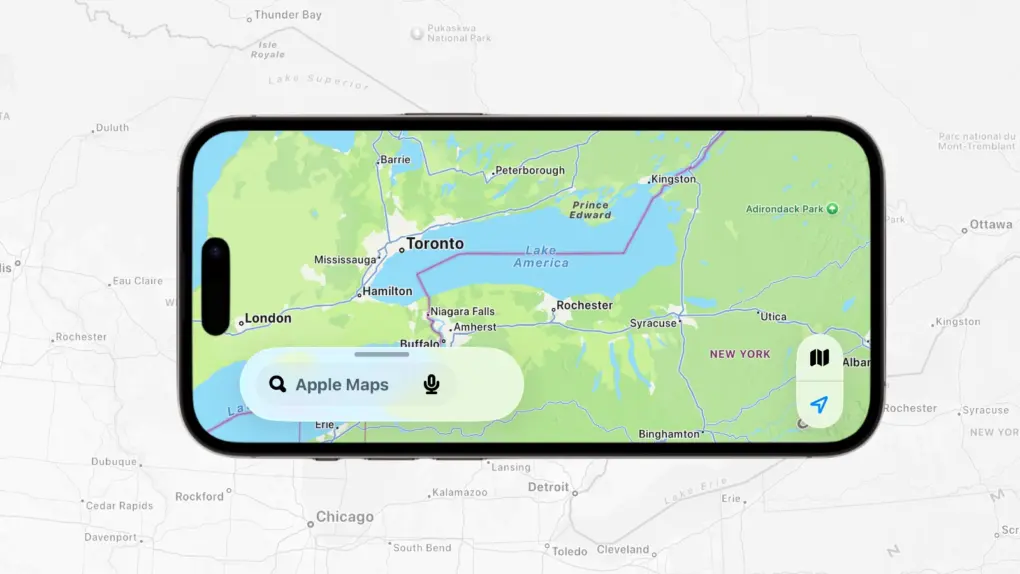


 September 2, 1985: Reports claim Apple co-founder Steve Jobs is on the verge of setting up a new company to compete with Cupertino. The rumors fly after Jobs sells Apple stock holdings worth $21.43 million.