
Apple’s WWDC26 keynote brought a wave of updates to Apple Wallet well beyond cosmetic tweaks. From AI-assisted bill splitting to richer hotel stays, iOS 27 turns Wallet into a more capable everyday tool. Here’s what’s coming.
6 key ways iOS 27 upgrades Apple Wallet
Apple Wallet got a surprising amount of attention in iOS 27 updates unveiled at WWDC26. Check out six cool new upgrades and features, below. And when does all of this arrive? iOS 27 launches as a developer beta now, with a public release expected this fall.
6. New barcode types and featured actions for passes (developers take note)
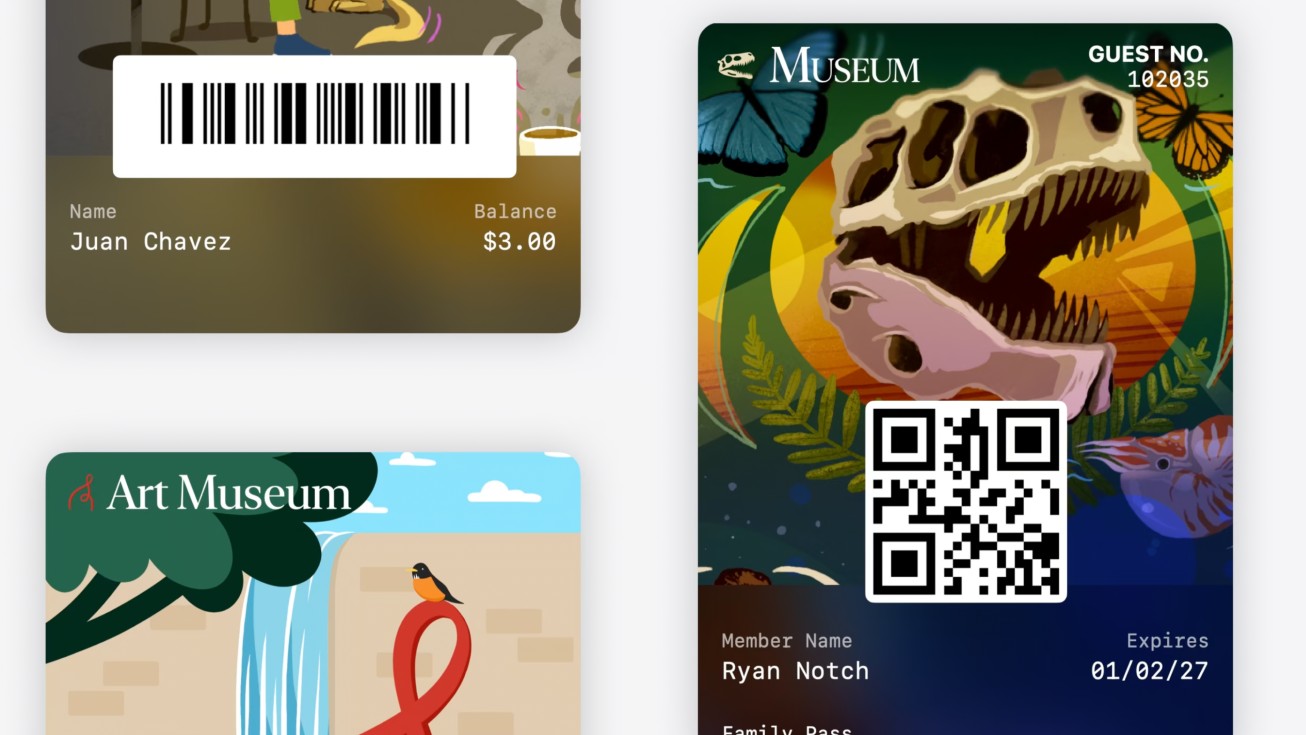
Photo: Apple Developer
Under the hood, iOS 27 widens what Wallet passes can do. Wallet passes now support four new barcode types for developers to play with: EAN-13, Code 39, Codabar and Interleaved 2 of 5 (ITF). Passes can also provide featured actions for all pass styles — up to two actions per pass, such as links to URLs — that devs can define in priority order. In practice, this means passes from your favorite venues, gyms or retailers can surface quick-action buttons (like “View my account” or “Check balance”) right inside Wallet, rather than forcing you to open a separate app.
5. A richer hotel key experience

Photo: Starwood Hotels
With iOS 27, Apple Wallet will offer an enhanced key experience for participating hotels and resorts. The existing key experience already lets guests unlock their rooms and hotel amenities with iPhone or Apple Watch. The new enhanced version also lets them view more details about their trips, receive timely updates about booked activities, access services available during their stay and more — all in one place in Apple Wallet.
Think of it as turning your room key into a mini concierge: trip details, activity reminders and available services surface automatically, without digging through a hotel app.
4. Tap to Share for in-store loyalty
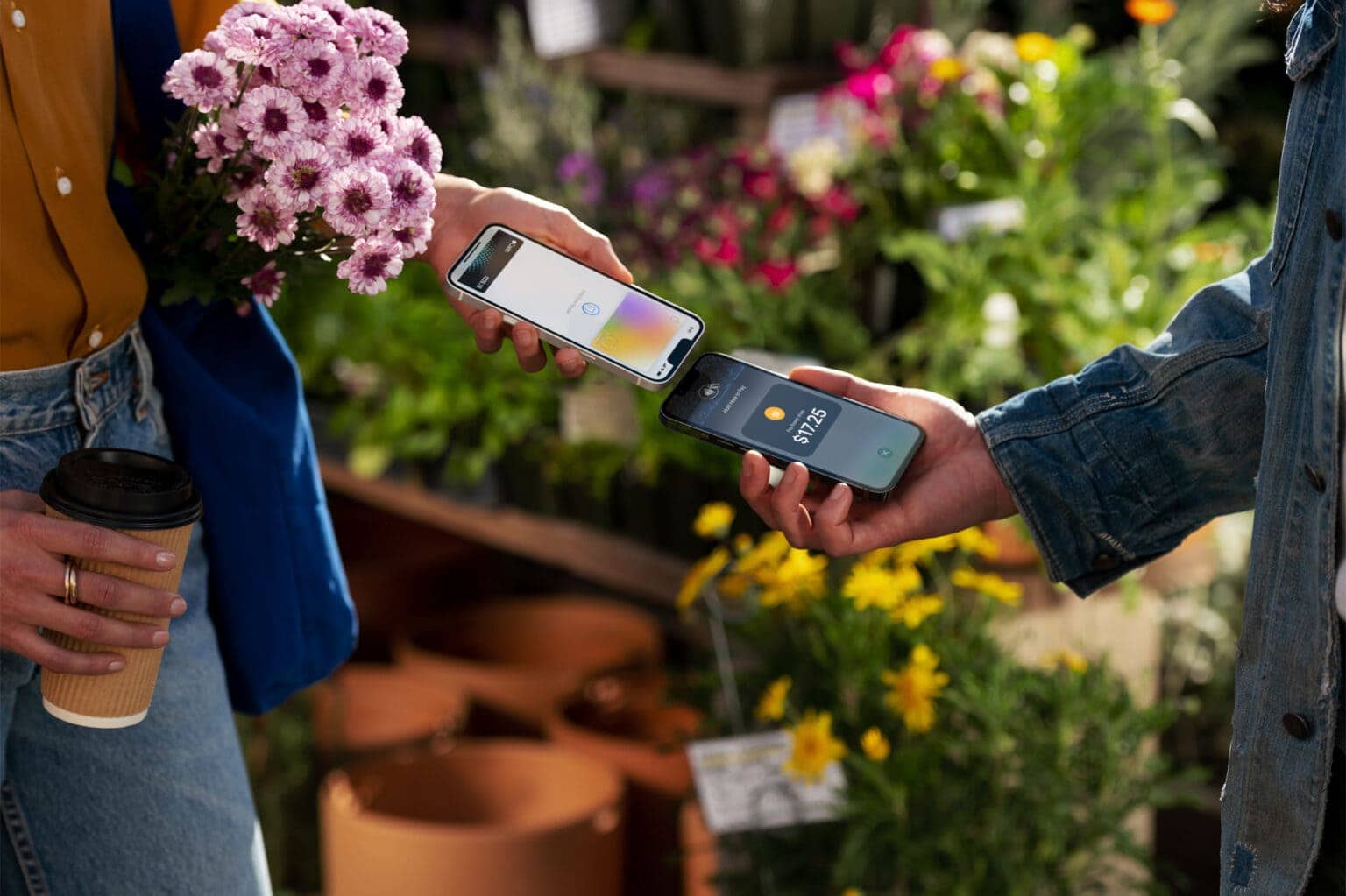
Photo: Apple
A new in-store feature called Tap to Share changes how you connect with merchants at checkout. Tap to Share allows customers to connect to a participating merchant’s iPhone for a more personalized and faster in-store purchase experience and securely share info.
Rather than handing over a loyalty card or reading out a phone number, you tap your own iPhone to the merchant’s device. So you can keep the transaction on your screen and under your control.
3. A smarter Apple Pay checkout experience
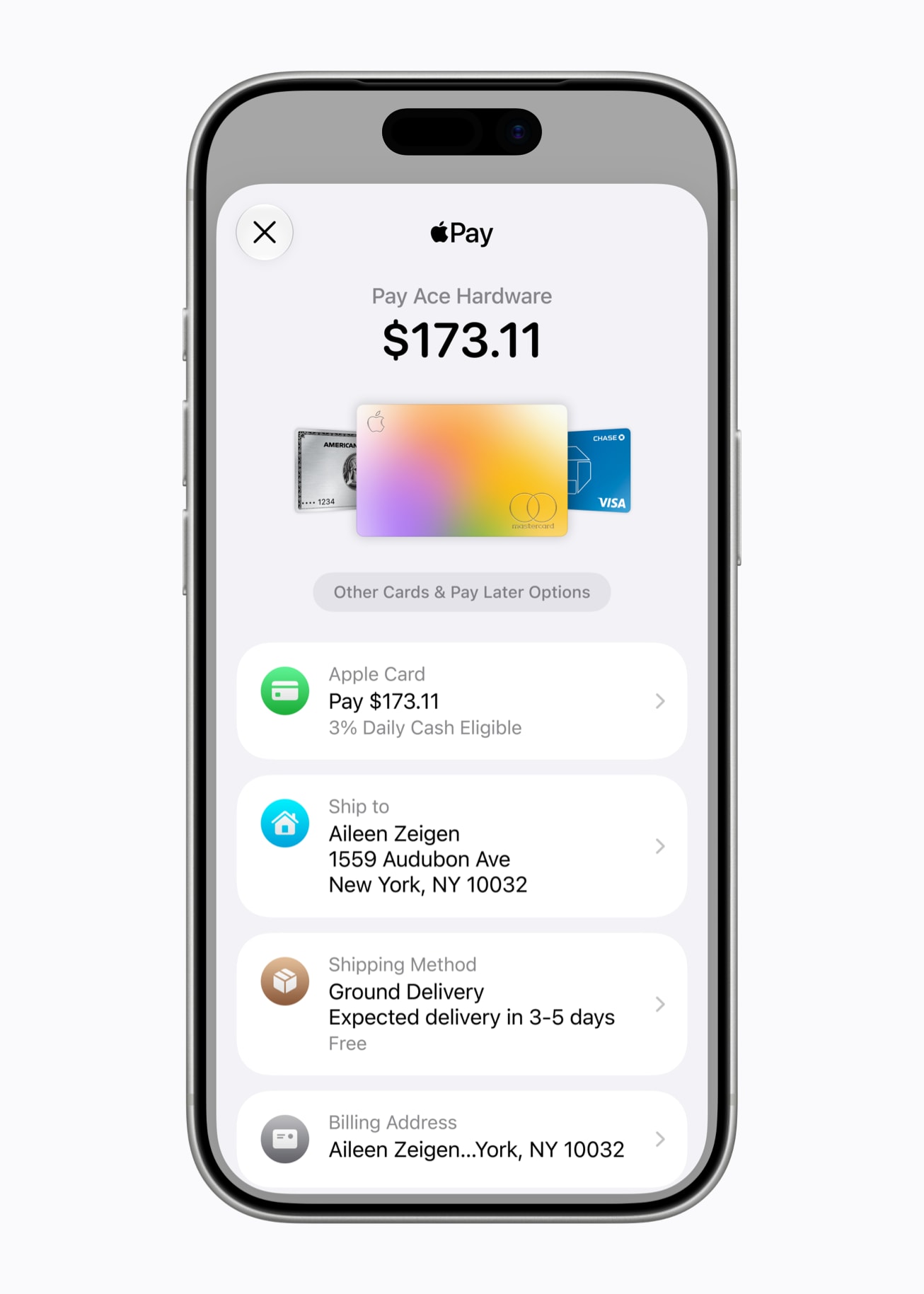
Photo: Apple
Apple will introduce an updated design for users when they check out online and in-app with Apple Pay. The updated design with some new features lets users seamlessly swipe to switch cards. And for those with an eligible card in Wallet, it more conveniently surfaces important information, including rewards balances, debit account balances, pay later options and more.
That means less guessing about which card to use. Your rewards balance and debit balance appear right there in the checkout sheet. Later this year, users will also be able to use Apple Pay to add funds to an eligible debit card directly in Apple Wallet or when checking out online.
2. Turn physical cards and tickets into digital passes
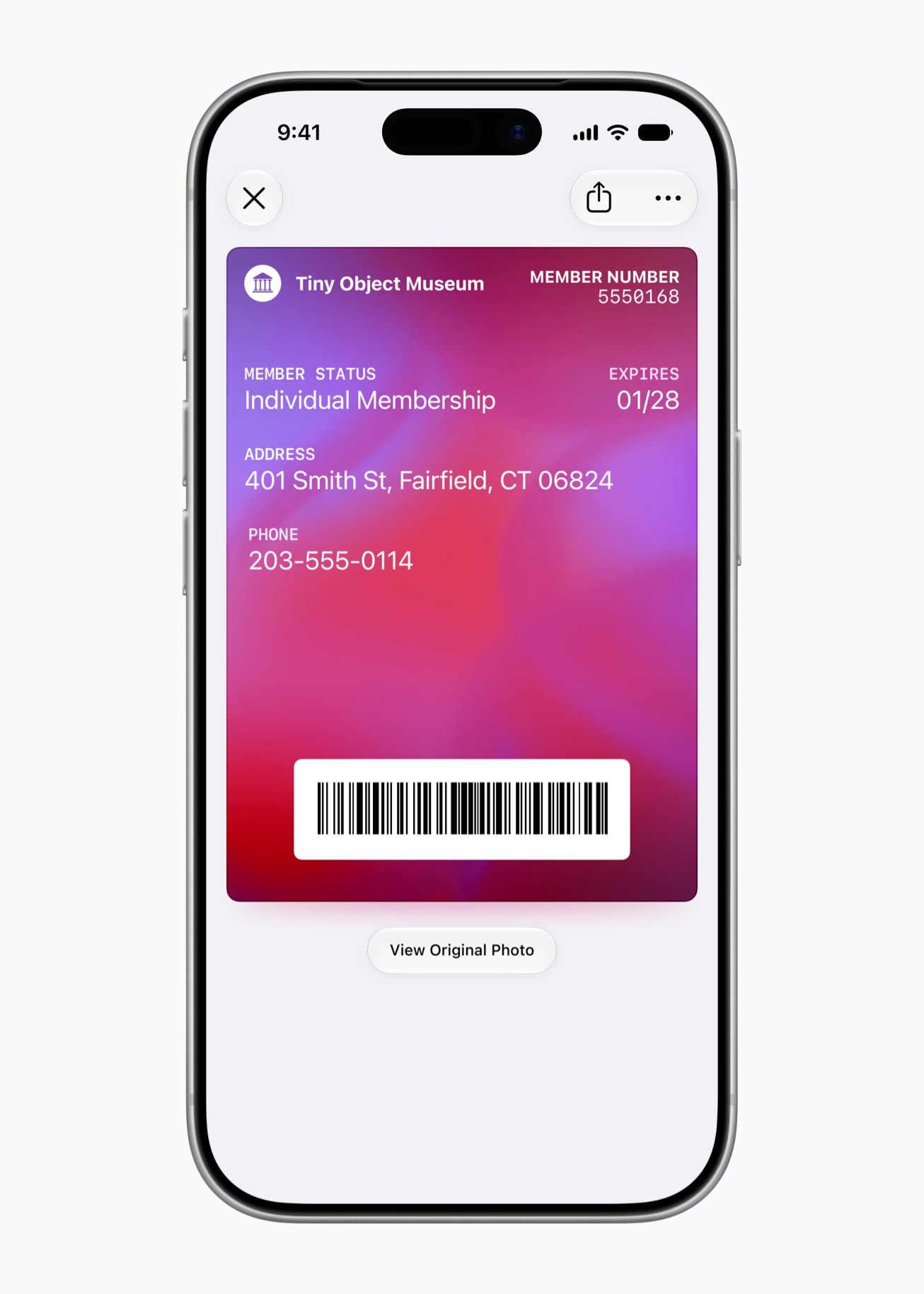
Photo: Apple
Here’s a practical addition for everyday use. You can now create custom passes in Apple Wallet from physical cards, like loyalty or membership cards. With the Siri mode in the Camera app, you can simply point your iPhone at any physical card with a barcode and save it to Apple Wallet. Once added, passes are ready to present as a barcode or QR code right from the iPhone.
You can customize image, colors, style and text for your Wallet passes. Color coding distinguishes types: membership cards in blue, event passes in purple and orange for other pass types. Whether it’s a punch card from your local coffee shop or your gym membership, if it has a barcode, Wallet can hold it.
1. Split restaurant bills by scanning a receipt

AI image: ChatGPT/Cult of Mac
The top Wallet feature for iOS 27 is probably bill splitting. Users can scan or upload a receipt to split a bill with Apple Cash, with Wallet calculating each person’s items, tax and tip. The tool lets users photograph a receipt and assign items to different people, totaling all costs per person including tax and tip share. Once Wallet tallies the amounts, it fires off Apple Cash payment requests to each person. The feature also supports Apple Watch, so you can approve payments right from your wrist.
One small catch: Apple Cash remains a U.S.-only service, so this functionality won’t be available in many countries.

David Snow, an expert on Apple hardware and software, writes on a variety of technological and cultural topics for Cult of Mac. They include Apple news, technology buying guides, and features about computer setups and Apple TV shows and movies.
With 30 years of experience covering technology and other subjects, he has written and edited for numerous print and online publications, including CMP Media, TechTV.com, CNET, Wired News, Red Herring magazine, Law.com, The National Law Journal and Law Technology News magazine. Among other roles, he served as executive editor of the Law.com network of websites and editorial director, technology, for ALM Media.
Snow graduated with a B.A. from Syracuse University with majors in magazine journalism and psychology. While there, he worked as a reporter for The Daily Orange newspaper and associate editor of Equal Time magazine.
Founder of the blog At the Waterline, he can be reached on X (formerly Twitter) via @atthewaterline and on Mastodon via @dsnow.

