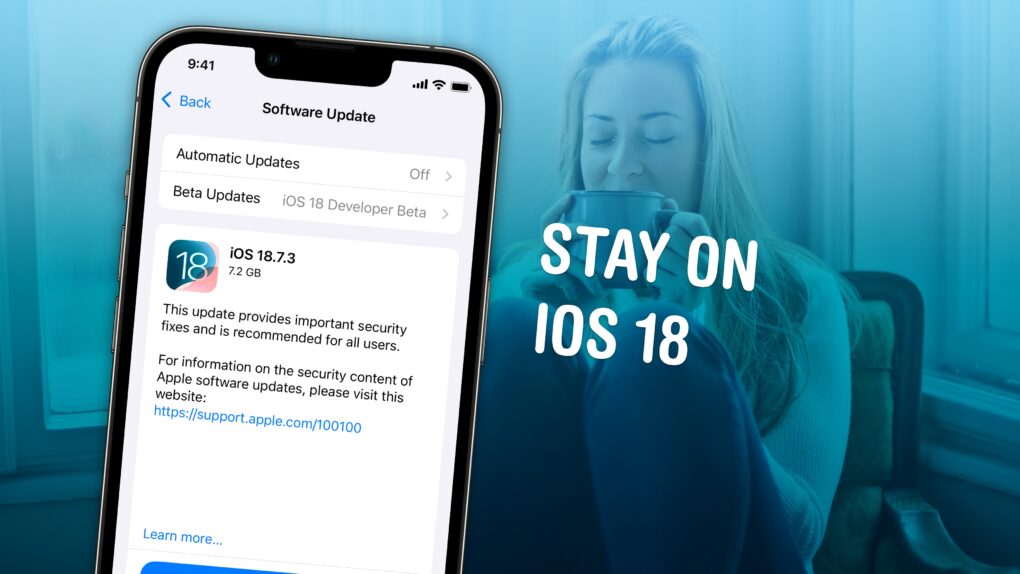
Not ready to take a gamble on iOS 26? You can stop an iOS update in its tracks if you don’t want to be pushed into the latest version.
There are all kinds of reasons you might not want to upgrade. Maybe you like the speed and stability of iOS 18. Perhaps you don’t want Apple’s divisive new Liquid Glass user interface slowing down your aging iPhone.
While Apple is finally starting to push people to update to iOS 26, you don’t need to go along with the crowd. Obviously, you can disable automatic updates to put on the brakes, but it won’t be long before Apple starts sending push notifications and red badges, encouraging you to update.
Luckily, there’s a secret trick to hide those and make sure your phone stays on iOS 18 for as long as you like. Here’s how.




 December 12, 1980: Apple goes public, floating 4.6 million shares on the stock market at $22 per share. The Apple IPO becomes the biggest tech public offering of its day. And more than 40 out of 1,000 Apple employees become instant millionaires.

 December 11, 2013: A Chinese labor rights group calls on Apple to investigate the deaths of several workers at a Shanghai factory run by iPhone manufacturer Pegatron.


 December 10, 2012: Apple fixes an early Apple Maps error that caused several motorists in Victoria, Australia, to become stranded in the remote Murray-Sunset National Park.