If your iPhone won’t install a software update, it’s more than just annoying. You need to install the latest updates to get security patches and take advantage of all the latest iOS features.
You install software updates by opening Settings > General > Software Update. It should be a pretty smooth process, but occasionally, things go wrong. The error messages can be inscrutable and infuriatingly vague.
But there are a few things you can try when your iPhone won’t update. Here’s a step-by-step guide that will show you what to do.

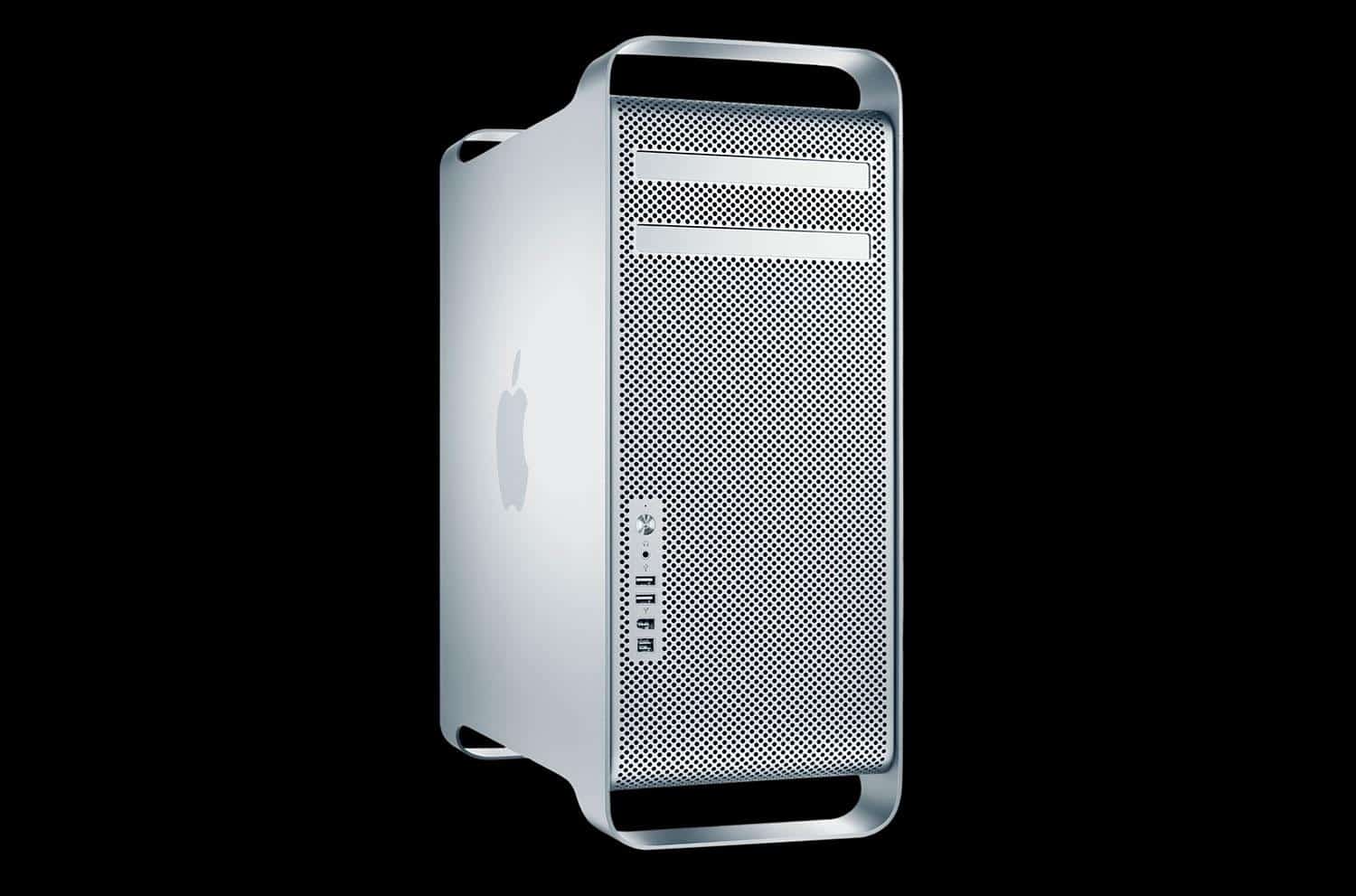
 August 7, 2006: Apple unleashes the first Mac Pro, a high-end desktop computer that completes the company’s transition from PowerPC to Intel processors.
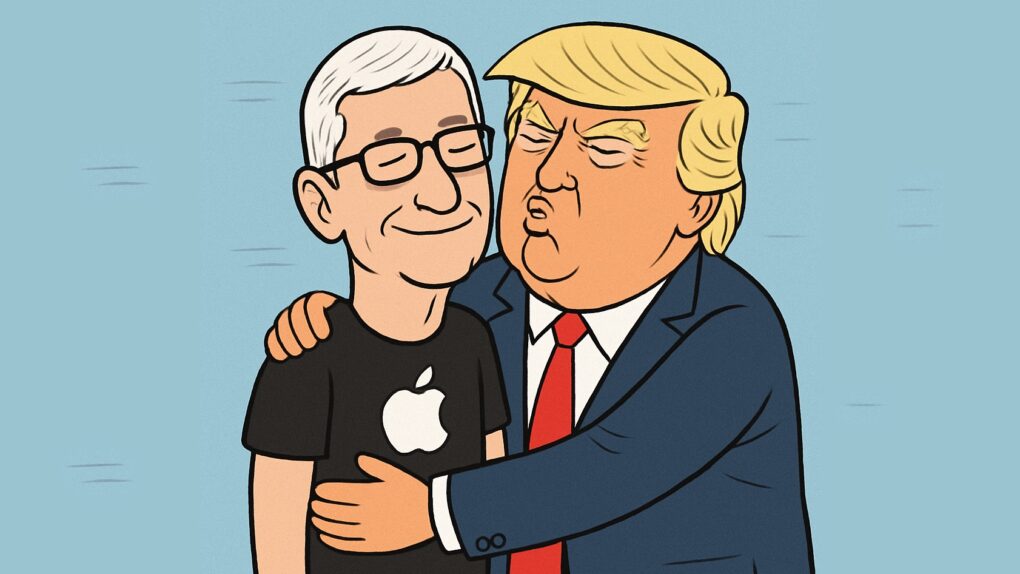



 August 6, 1997: In one of the most famous moments in Apple history, Steve Jobs reveals a $150 million Microsoft investment that saved his company from ruin.




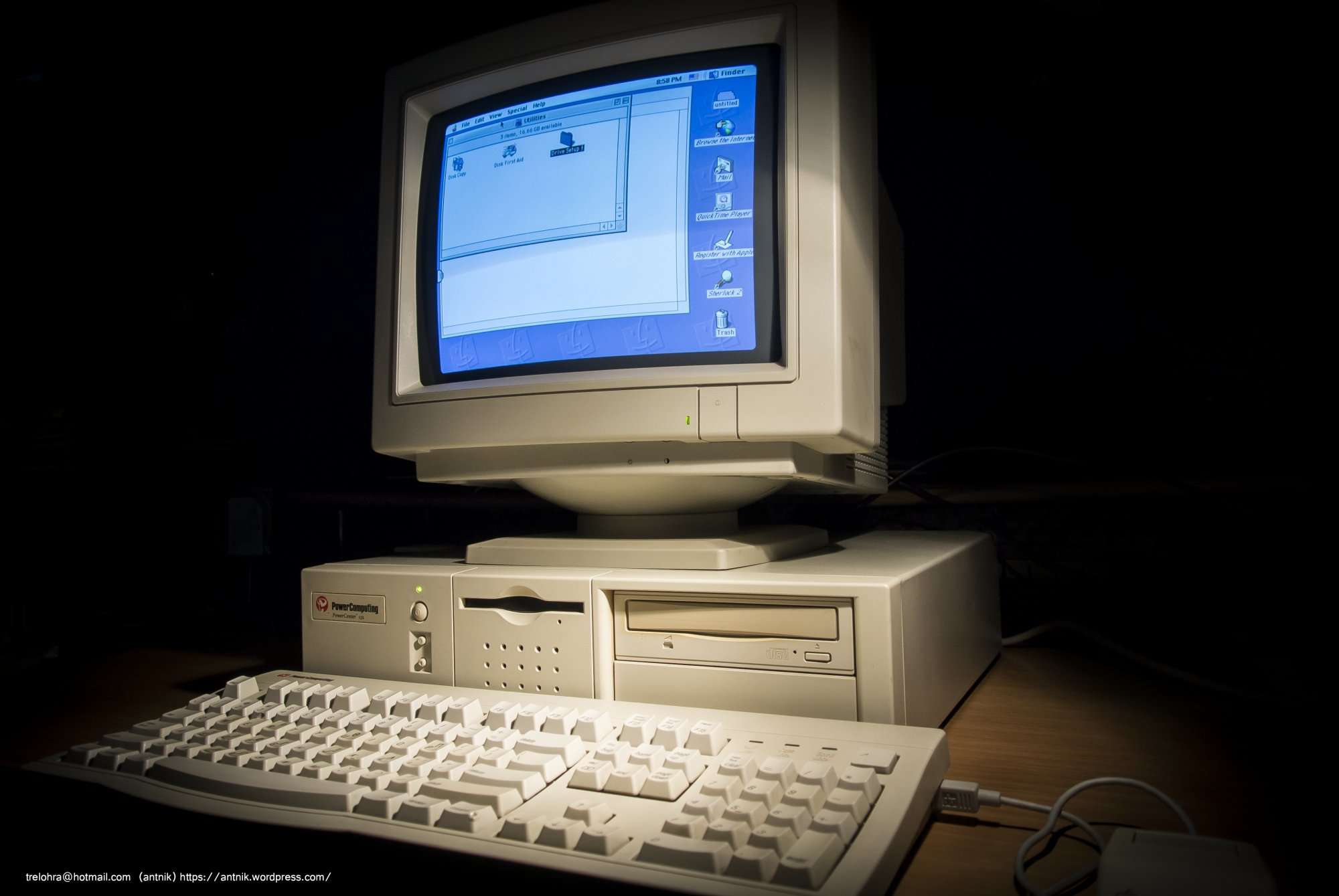
 August 5, 1997: Apple gets into a standoff with Power Computing, a maker of Macintosh clones. A very public clash at the Macworld Expo in Boston marks the beginning of the end for Apple’s mid-1990s strategy of licensing the Mac operating system.