If you want to make your iPhone easier to use, you can customize its Control Center to gain faster access to the buttons and toggles you rely upon to perform frequent tasks.
Plus, you can remove all the junk you never touch from the iPhone Contol Center, putting the vital controls you actually use front and center.
Keep reading to find out how and why you should customize the iPhone Control Center to make the device your own.
How to customize your iPhone’s Control Center for maximum usability
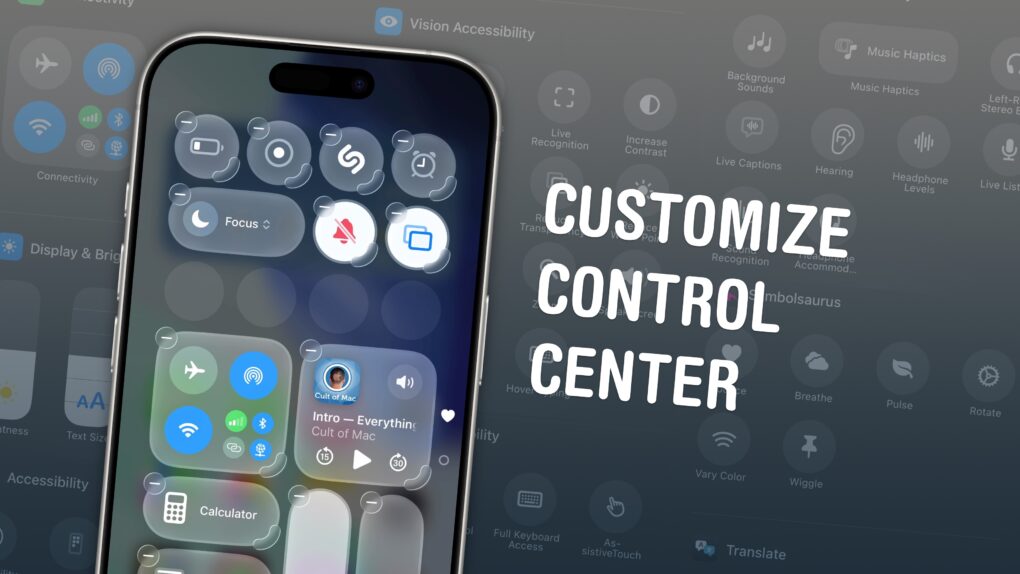
Image: D. Griffin Jones/Cult of Mac

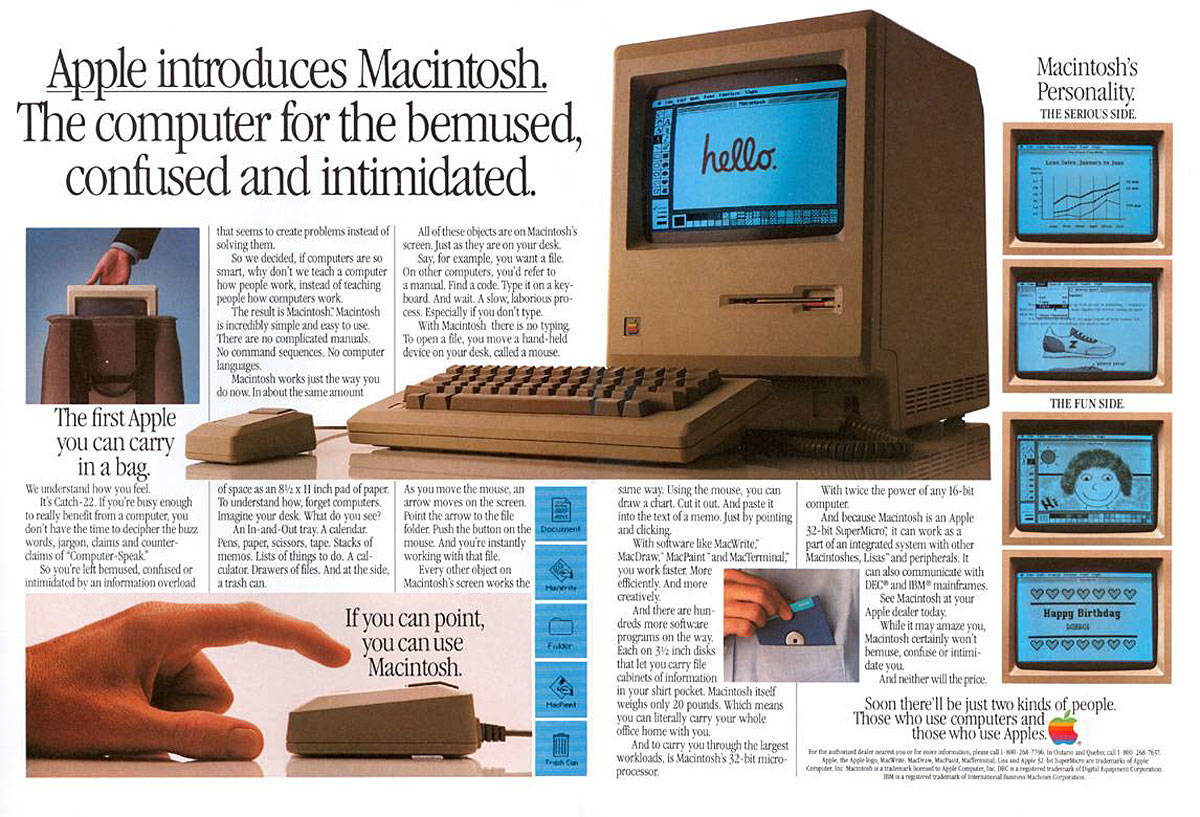
 January 24, 1984: Apple ships its first Mac, the mighty Macintosh 128K.
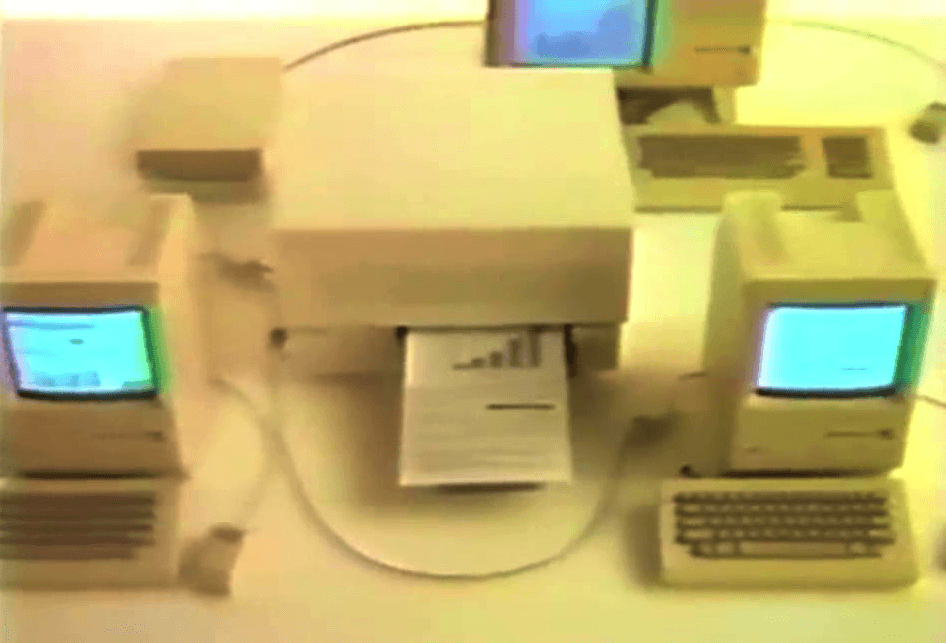
 January 23, 1985: Apple introduces The Macintosh Office, a combination of hardware and software that represents the company’s first real attempt at cracking the business market dominated by IBM.



 January 22, 1984: Apple’s stunning “1984” commercial for the original Mac airs on CBS during the third quarter of Super Bowl XVIII. Its dystopian theme and epic visuals pitch the Macintosh 128K as a revolutionary computer coming to smash the status quo.



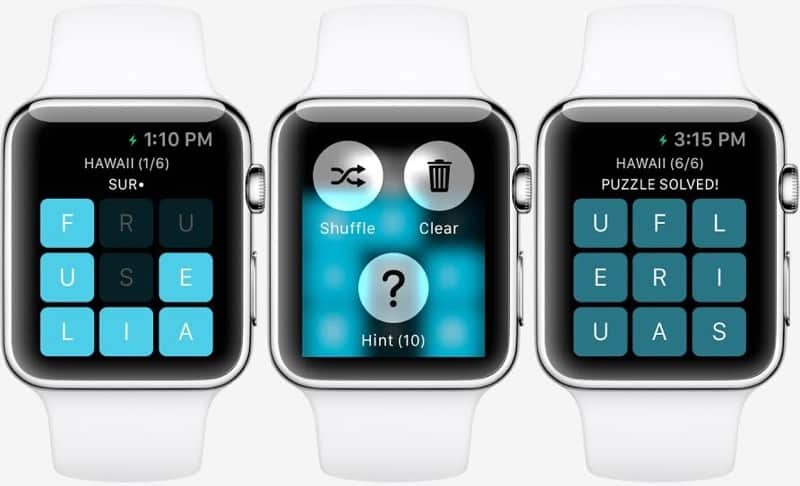
 January 21, 2015: Months before the first Apple Watch goes on sale, users get a glimpse at what playing games might look like on the smartwatch. Thanks to Apple making the WatchKit API available to third parties, game developer NimbleBit releases a mockup of Letterpad, its simple, work-in-progress word game.