Start getting excited about Mac Studios powered by M5 Max and M5 Ultra processors. Image: Apple/Cult of Mac
Buying some configurations of the Mac Studio now means lengthy wait times. While that’s surely frustrating for those shopping for the powerful macOS desktop, this can be taken as a sign that it might be better to hold off on the purchase.
Apple’s upcoming March 4 event may look very different from a traditional keynote. AI image: ChatGPT
Apple will hold a “special Apple Experience” on Wednesday, March 4 — but the company might not announce new Macs or other products at the event.
Instead, Apple might announce the events earlier in the week in a series of press releases. The company apparently does not even intend to hold a keynote on March 4.
Don't settle for a lesser stylus. Get the Tinymoose Pencil Pro Ultra while it's on sale. Photo: Cult of Mac Deals
If you’ve ever tried to sketch on a tablet or jot down quick notes on your phone with a “meh” stylus pen, you know the frustration and disappointment that can bring. The Tinymoose Pencil Pro Ultra fixes all that.
For a limited time, it’s on sale for just $35.95, making creating on your iPad or Android tablet both effortless and affordable.
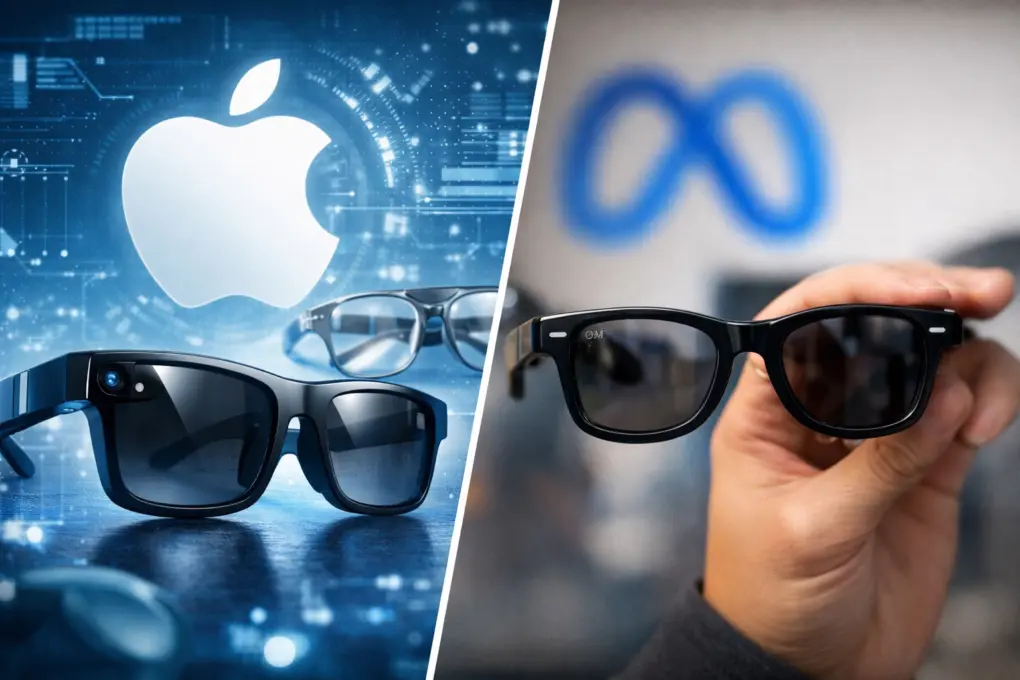
Apple's got an ambitious plan for new AI wearables. Illustration: Midjourney/Cult of Mac
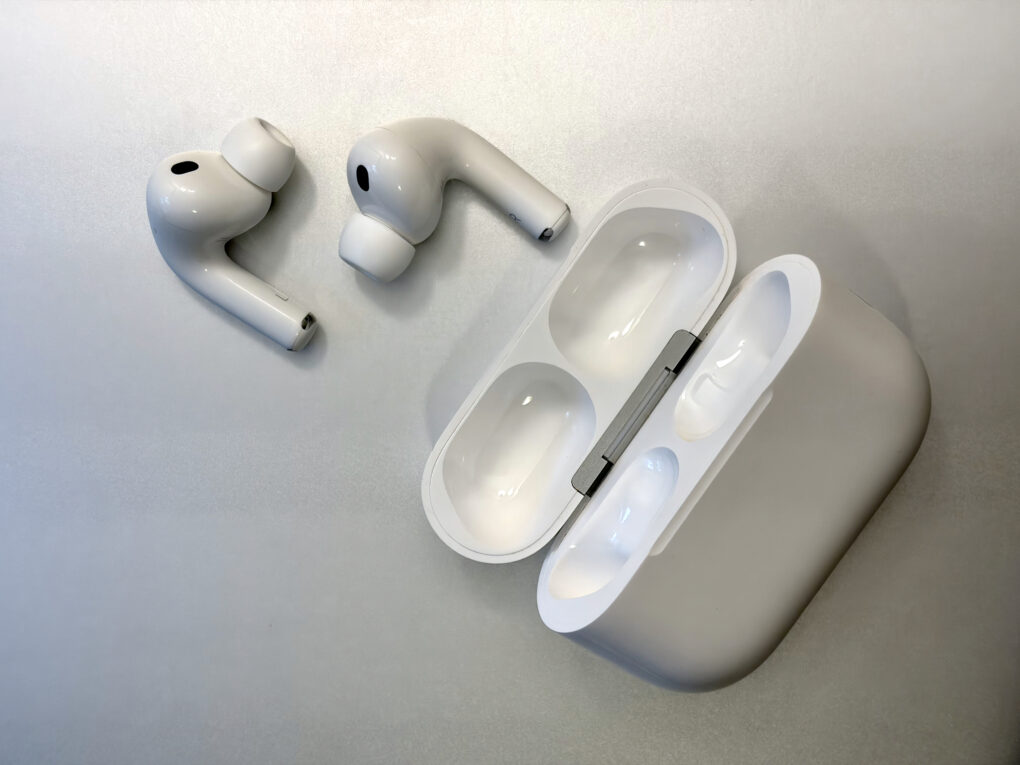
Apple is putting the pedal to the metal as it rushes to produce new types of AI-powered wearable devices. Three products — smart glasses, upgraded AirPods and an AirTag-size pendant — will rely on built-in cameras, the iPhone’s processing power and the upgraded Siri voice assistant to power new AI capabilities.
A new report, based on anonymous sources within the company, sheds light on what the devices will look like, what they will do, and when we can expect them.
The PowerBook 3400 certainly lived up to its name. Photo: Apple
February 17, 1997: Apple launches the PowerBook 3400, a laptop the company calls the fastest portable computer in the world.
After a rough few years for the PowerBook, this model throws down the gauntlet to rivals. It packs a PowerPC 603e processor capable of running at speeds up to 240MHz. While speedier Apple laptops will quickly overtake the PowerBook 3400, at the time, it can keep up with some impressive desktop Macs.
Here’s how to be sure you have the latest HomePod software update. Or stop your smart speaker from updating automatically. Photo: Apple
The HomePod operating system occasionally needs updating, because the device is a lot more than a simple speaker — it’s a computer. Here’s how to make sure your Apple smart speaker has the software version released last week. The new HomePod Software version 26.3 is a simple bug-fix update, but it’s still worth installing. Who wants bugs?
If you depend on automatic updates, it’s possible your smart speaker hasn’t yet installed the update. Here’s how to do so manually.
HLS technology brings video podcasts that let users switch between watching and listening, move to a horizontal full display or download videos for offline viewing. Photo: Apple
A major update to Apple Podcasts will introduce full video podcast support this spring using the company’s HTTP Live Streaming (HLS) technology, the iPhone giant said Monday.
The update promises a seamless experience for both viewers and podcast creators, with new tools for monetization and content distribution that Apple said will set a new standard for the medium.
“By bringing a category-leading video experience to Apple Podcasts, we’re putting creators in full control of their content and how they build their businesses, while making it easier than ever for audiences to listen to or watch podcasts,” said Eddy Cue, Apple SVP of Services.
Take the hassle out of replying to email with this personal productivity tool. Photo: Cult of Mac Deals
Don’t fear your overloaded inbox: Chorde lets you record and send voice messages directly from Gmail and Outlook. It will save you time, boost your recipient’s engagement, and generally make your emails feel more human.
Chorde lets you quickly and easily embed a clickable audio message right inside your email. No attachments. No extra apps. And no “please download this file.” The recipient just clicks and listens — instantly. And you can get a lifetime subscription to Chorde for just $39.99.
Reps & Sets was built with AI coding tools, but it took more than just a few prompts
A year ago, I had no clue how to write an iPhone app. Now I’ve shipped a fully-fledged strength training app, built with AI coding tools, or “vibe coding” as it’s become known.
A lot of people get vibe coding wrong. They think it’s just for prototypes and messing around. It’s not. Used properly, it’s a skill you can learn and master. And with modern AI tools like Cursor, and the new Coding Assistant in Xcode, it’s now more accessible than ever.
So, if you’re curious about vibe coding and keen to give it a go, here are ten lessons I learned the hard way.
You can soon limit your MacBook's maximum battery charge. AI image: ChatGPT
With macOS Tahoe 26.4, Apple will finally bring a long-requested feature to Macs: a battery charge limiter. This will allow you to select the maximum charge level for your MacBook’s battery.
iPhones have offered a similar battery health feature for a few years now, making its absence on the Mac all the more noticeable.
iOS 26.4 beta 1 is here with plenty of changes Photo: Rajesh Pandey/Cult of Mac
iOS 26.4 will bring several new features to the iPhone, as seen in the first beta Apple released to developers Monday. It brings flashy updates to the Apple Music and Podcasts apps, welcome security upgrades and more.
You don't need an in-person course to master the latest topics in AI security. Photo: Cult of Mac Deals
The 2026 AI Security & Cybersecurity Expert Bundle delivers 88 hours of training that covers AI, ethical hacking and real-world defense skills.
This six-course bundle doesn’t assume you’re already a seasoned security engineer (or talk down to those who are). Instead, it builds practical, real-world skills that matter, whether you’re breaking into the field or leveling up inside it. And you get the entire 2026 AI Security & Cybersecurity Expert Bundle for just $19.97 (MSRP $120).
With GameSir GameHub, who needs a gaming PC? Graphic: GameSir
GameSir is bringing its GameHub emulator to macOS, promising “your Mac is now a gaming PC.” The announcement should thrill Mac gamers, as it also promises to support for the Steam gaming platform.
If GameHub lives up to its potential, it could revolutionize Mac gaming by opening up access to large libraries of titles that are not currently playable on Apple computers.
The "Pismo" PowerBook was a brilliant early Steve Jobs-era laptop. Photo: CG Hughes/Flickr CC
February 16, 2000: Apple introduces the “Pismo” PowerBook, the finest of its G3 laptops. In the view of many, it’s one of the best Apple laptops ever.
The Pismo PowerBook is the first model without either SCSI or an Apple Desktop Bus connector. Instead, it utilizes a USB port and Apple’s Emmy Award-winning FireWire. Optional AirPort wireless support, tremendous battery life, and a gorgeous, curvy design make this laptop even better.
An Apple March event is officially on! Image: Apple
Apple on Monday announced a product-launch event scheduled for March 4, inviting select media to attend in person what it describes as a “special Apple Experience.” The invitation offers no details on what to expect, but the company is surely preparing to unveil new hardware as it pushes into the heart of its spring product cycle.
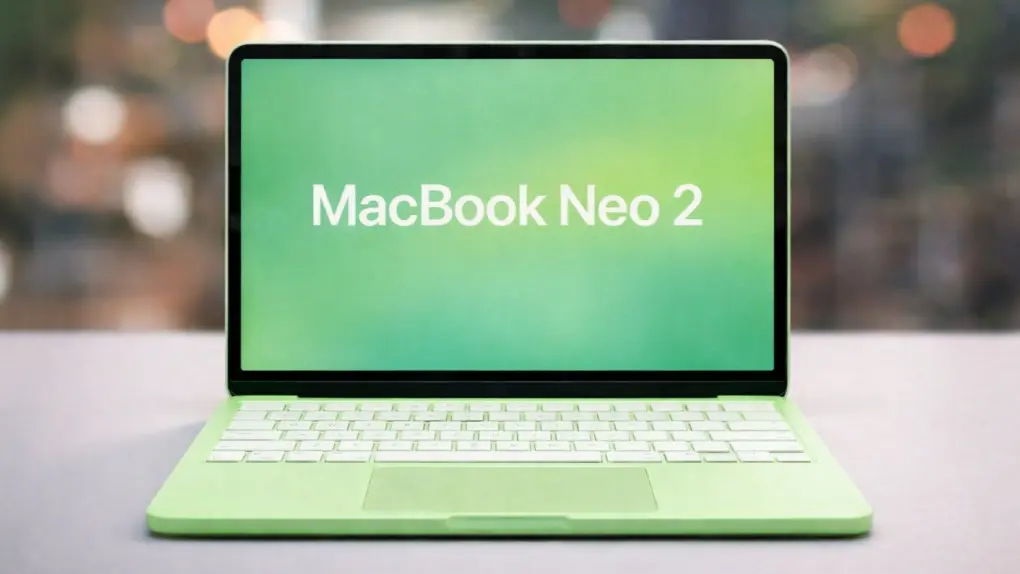
Numerous leaks and rumors point to a busy event. A new MacBook Pro, a new MacBook Air, an entirely new low-cost MacBook, the iPhone 17e, revamped iPads and possibly more could all be on the agenda.
Instead of committing to another recurring bill, OnlineDrive lets you pay once and keep your storage for the long haul. The entry-level plan includes 1TB of cloud storage, with larger lifetime options available if your photo library, video projects or work files keep growing.
A sleek MacBook Air powers this sleek triple-display rig. Photo: [email protected]
Apple’s MacBook Air continues to prove itself as the ultimate portable powerhouse for creative professionals, students and everyday users alike. Whether you’re team M2 or M3 — or you upgraded to the latest M4 chip — these sleek laptops punch well above their weight class when it comes to driving impressive workstation setups. Our collection of the top 10 MacBook Air setups proves that point.
Steve Jobs becomes the face of the 1980s tech boom. Photo illustration: Ste Smith/Cult of Mac
February 15, 1982: Apple co-founder Steve Jobs appears on the front cover of Time magazine for the first time. The lengthy cover story makes Jobs the public face of successful tech entrepreneurship.
The first of many Time covers for Jobs, the article — titled “Striking It Rich: America’s Risk Takers” — casts him as the prototypical young upstart benefiting from the burgeoning personal computing revolution. It also identifies him as part of a surge of freshly minted millionaires running their own businesses.
Hold out for the newer, faster MacBook Air coming soon. AI concept: ChatGPT/Cult of Mac
The most powerful MacBook Air ever is just weeks away. Apple is widely expected to be putting the finishing touches on a new model with the speedy M5 processor. The faster chip will be enough for shoppers to question whether they really need the MacBook Pro they have their eye on.
Consider the advantages of a MacBook Air, and why now is a terrible time to buy any Apple laptop.
iOS 27 could focus on deeper AI integration while improving performance and battery life. AI image: ChatGPT
For iOS 27, Apple reportedly has its priorities clear: deep AI integration and an under-the-hood cleanup for better performance and battery life.
While iOS 26 was all about Liquid Glass design, it also came with a noticeable performance hit, especially on older iPhones. With iOS 27, Apple appears ready to make amends.
Manage your accounting books and finance easily with Intuit QuickBooks Desktop Pro Plus 2024. Photo: Cult of Mac Deals
Whether you’re growing a small business or running an established company, you can benefit from organized, efficient financial management. If you want to track your income, expenses and more with greater ease, consider investing in Intuit QuickBooks Desktop Pro Plus 2024.
This app makes finance tracking easier on your Mac. And that will make tax time a million times easier when it comes around.
iPhone users are installing iOS 26 as the usual pace. Image: Apple
Apple released its own figures showing that iOS 26 adoption tracks closely with previous releases, countering claims that this latest update is seeing an unusual slowdown.
iOS 26 has seen an unusual amount of criticism on social media, but it’s not stopping people from installing the new version.
February 14, 1995: Apple Computer extends a lawsuit against developer San Francisco Canyon Company to include Microsoft and Intel. The lawsuit concerns allegedly stolen Apple code that’s used to improve Microsoft’s Video for Windows technology.
The lawsuit comes to a head with Apple threatening a multibillion-dollar lawsuit against Microsoft. Meanwhile, Microsoft CEO Bill Gates threatens to cancel Office for Mac.
At least Apple seems determined to get the smarter Siri right. Image: Cult of Mac
This week on the Cult of Mac podcast: If you’ve been waiting with bated breath for Apple to finally deliver on its promise of a smarter Siri, it’s time to exhale. Then take a deep breath of disappointment.
Dashing our hopes, it sounds like Apple is delaying Siri’s AI-powered upgrade again! What does it mean? And will Apple ever get its Siri together? We discuss the latest rumors and ponder whether the delay might actually be a good thing.
Also on the Cult of Mac podcast:
The smarter Siri isn’t the only AI-powered project sucking wind at Apple. Cupertino reportedly pulled the plug on the AI health coach it had been working on.
A new rumor gives us a launch date for the high-end M5 MacBook Pros we’ve been waiting for.
Next-gen AirPods Pro reportedly will pack built-in cameras. But what will they actually do?
And finally, we discuss a multi-Mac setup with the most bizarre keyboard we’ve ever seen.
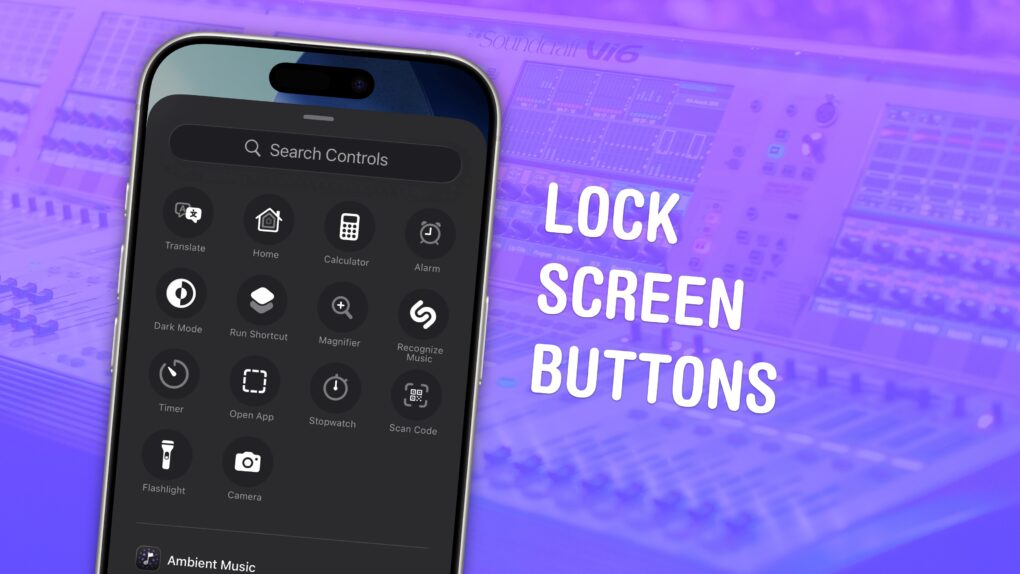
Listen to this week’s episode of the Cult of Mac podcast in the Podcasts app or your favorite podcast app. (Be sure to subscribe and leave us a review if you like it!) Or watch the video live stream, embedded below.
Copy and paste items from ye olden times of ... this morning. Image: D. Griffin Jones/Cult of Mac
Using a clipboard history manager on a Mac is a total game-changer. If you copy something important, then copy something else without thinking, the first item doesn’t disappear. You can go back and get it again. In fact, you can go back and paste things from hours and hours ago, like a link you copied earlier in the day.
You can also copy a bunch of things in a row and quickly paste them elsewhere, without switching back and forth and back and forth.
macOS 26 Tahoe added a built-in clipboard history that does all that for free. Here’s how it works.