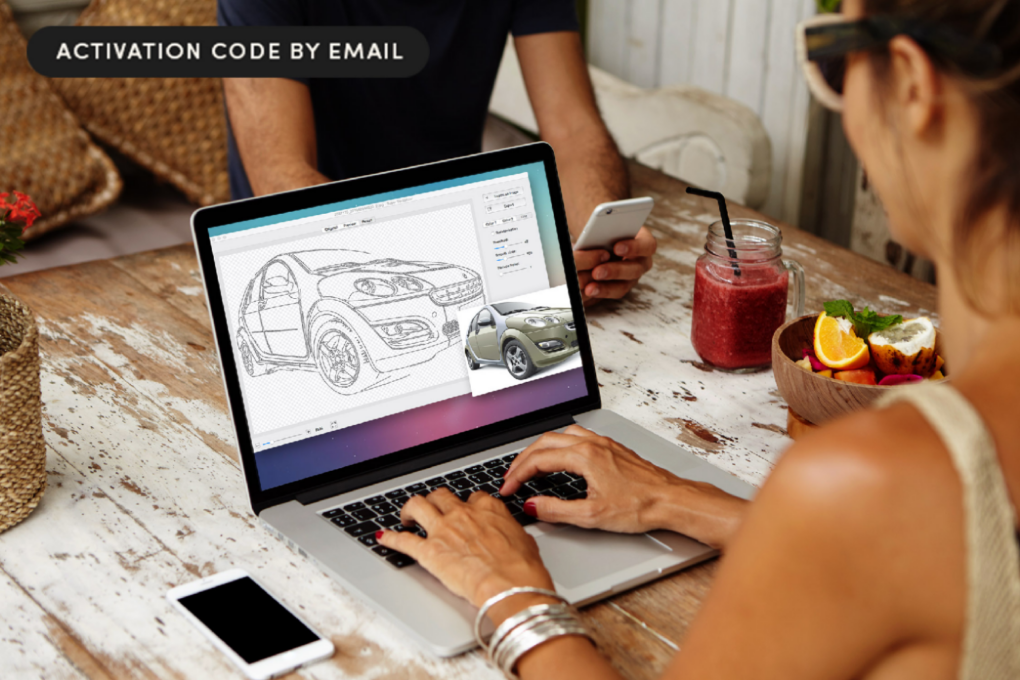
You can convert any bitmap image — think logos, clip art and scanned sketches — into clean, scalable vector graphics with Super Vectorizer Pro. It’s great for rescuing old artwork from the digital trash heap so it can be used for modern pursuits.
A lifetime license to the app, available for Mac and Windows, is on sale now for just $19.99 (MSRP $120).
How does Super Vectorizer Pro work?
Old logos, clip art and scanned sketches almost always fall apart when you try to size them up. It’s frustrating, but it’s also avoidable. Super Vectorizer Pro turns those bitmap images into clean vector graphics you can scale, edit and reuse without everything turning into a pixelated blur.
It works wonders for:
- Cricut and Silhouette users turning clip art into SVG files
- Sign and apparel shops rebuilding old logos
- Small businesses that only have a low-resolution logo but need something that prints well on postcards, shirts or banners.
Many designers also use Super Vectorizer Pro as a fast first pass, then refine the resulting vector file in Illustrator or CorelDraw.
The software, which runs on Mac as well as Windows machines, works with more than 70 input formats, including JPG, PNG, GIF, PSD, RAW and TIFF. Plus, it’s localized in multiple languages. That makes it useful in many settings.
How does it work?
The process of using Super Vectorizer Pro is about as intuitive as it gets. You simply drag and drop a JPG, PNG, scan or other raster file into the app, and it generates a vector version with preset settings so you can see a quick preview.
From there, you can keep the automatic result or adjust a few sliders to get sharper edges, smoother curves or fewer colors, depending on what you need. When you’re happy with it, you export as an AI, SVG, DXF or PDF and open the file in your usual design software.
Super Vectorizer Pro uses a line-tracing engine that places anchor points where they actually prove useful. That makes curves, corners and straight lines easier to tweak later. You can choose edge, color or gray tracing, and you can limit the result to 64 colors if you want cleaner color separation.
The app offers options for skeleton or line-only output when you just need outlines. And segmentation controls help keep neighboring shapes from bleeding into each other on hand-drawn art or inked illustrations.
Save on Super Vectorizer Pro
Right now, it costs only $19.99 to get a lifetime license for Super Vectorizer Pro. That’s a massive 83% discount off the usual price of $120.
Buy from: Cult of Mac Deals
Prices subject to change. All sales handled by StackSocial, our partner who runs Cult of Mac Deals. For customer support, please email StackSocial directly. We originally published this deal on Super Vectorizer Pro on February 26, 2026. We updated the information.

Cult of Mac Deals are brought to you by StackSocial, an e-commerce platform offering flash sales on digital tools, web apps and tech gear. StackSocial breathes, sleeps and would probably eat Mac apps if it were at all possible. Follow StackSocial on Twitter @stacksocial.

