Mobile menu toggle

Top 8 clean setups: Great cable management pays off

By

desk cable management
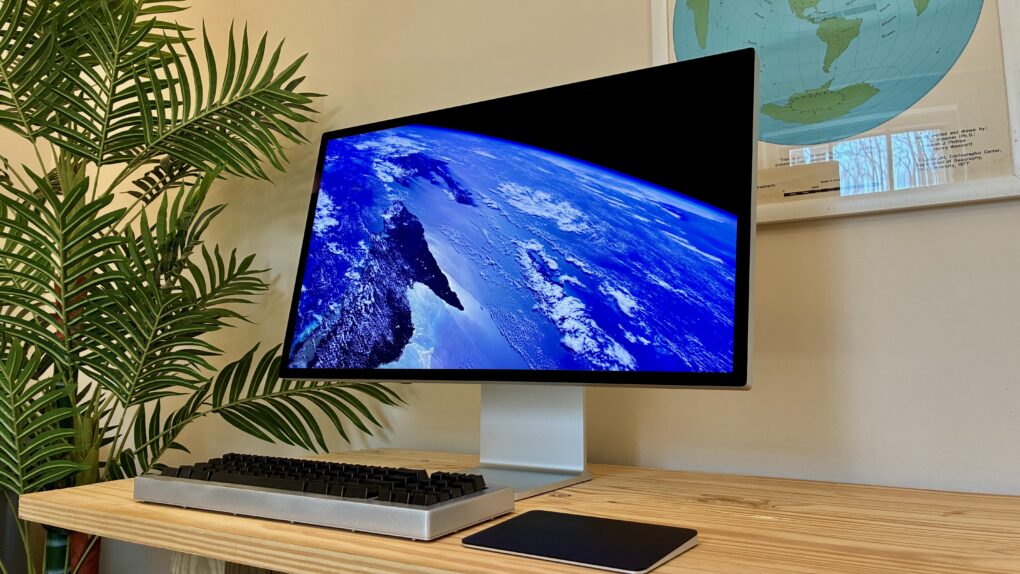
There's a reason this desk and setup look so clean and tidy. And that reason is hidden under the desk.
Photo: [email protected]

Cable management is the invisible infrastructure of every beautiful desk setup. Do it well and your workspace looks effortlessly minimal, almost wireless. Do it badly and a tangle of cords swallows every other design decision you’ve made. Cult of Mac’s Setups section chronicled the most impressive Apple-centric workstations on the internet for years, and cable management — how to hide it, route it, tame it and sometimes eliminate it entirely — is a recurring obsession among Mac owners. Behold the best cable management in setups, below.

Price drop: Learn something new every day with Nibble app (88% off)

By

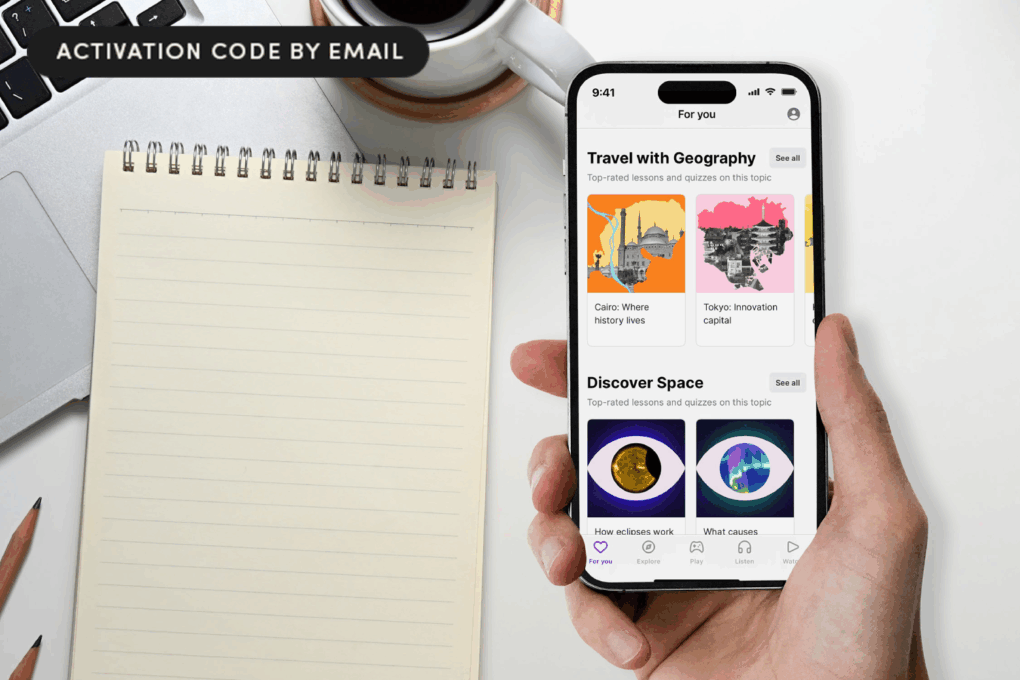
Photo of a hand holding an iPhone with the Nibble app open and a notepad on a table top.
Rather than doomscrolling, spend your idle minutes boosting your brain.
Photo: Cult of Mac Deals

With this Nibble app deal, you can turn 10 spare minutes a day into real learning, thanks to bite-size lessons filled with audio and games.

The Nibble app takes those idle moments like waiting in line, commuting or winding down at night, and turns them into small but genuinely satisfying educational wins. And with this deal, you can learn everything that matters for less.

Just grab a three-year subscription to Nibble for $29.99 (an 88% discount off the MSRP of $269.97) and get your brain in gear.

Cut the cable from your CarPlay life with this tiny wireless adapter

By

Adapter wirelessly connecting the man's phone to his vehicle's infotainment system
Save 41% when you get the Mini Wireless CarPlay/Android Auto Adapter now!
Photo: Cult of Mac Deals

Plug in the Mini Wireless CarPlay/Android Auto Adapter once, then pair it with your phone, and every time you start the car, you’ll enjoy a wireless infotainment experience.

That means no more plugging in your phone — a wireless CarPlay connection happens every time you start the car. And right now, the Mini Wireless CarPlay/Android Auto Adapter is on sale for just $34.99 (MSRP $59.99).

Today in Apple history: Microsoft’s first hardware debuts … on the Apple II

By

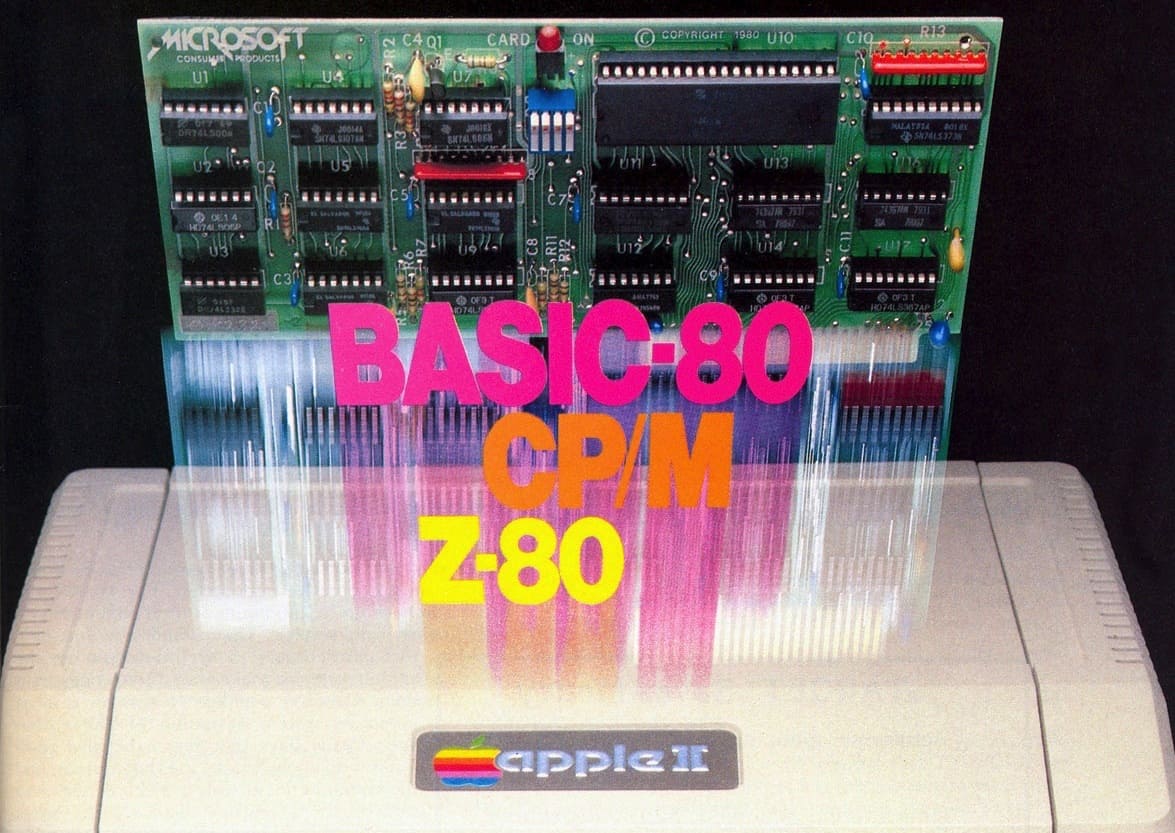
Promotional image for the Microsoft Z-80 SoftCard, the company's first hardware product, worked with the Apple II computer.
The original ad for the Z-80 SoftCard.
Photo: Microsoft

April 2: Today in Apple history: Microsoft Z80 SoftCard, the company's first hardware, debuts on Apple II April 2, 1980: Microsoft releases its first hardware product, the Z-80 SoftCard. A microprocessor card that plugs into the Apple II, it allows the computer to run programs designed for the CP/M, a popular operating system for business software.
Arriving several years before the first version of Windows, the Z-80 SoftCard quickly becomes a big hit for Microsoft.

This power strip clamps onto your desk and won’t let go [Review] ★★★★☆

By

Photo of the Anker Nano Power Strip (10-in-1, 70W, Clamp) used to illustrate a review of the product★★★★☆
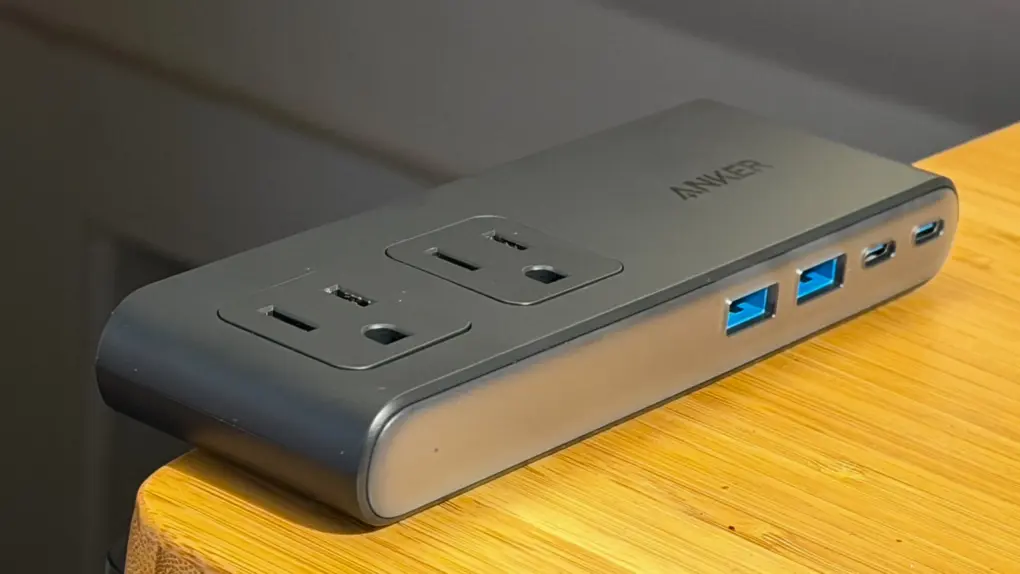
Anker's new Nano Power Strip attaches firmly to the edge of your desk.
Photo: Lewis Wallace/Cult of Mac

Anker’s new Nano Power Strip (10-in-1, 70W, Clamp) thoughtfully reinvents one of the world’s most common electrical accessories to make it play nice with desks.

It comes with some caveats, but for anyone needing to tame cable clutter, it makes a solid addition to a setup.

Apple Sports kicks off crucial updates for World Cup soccer fans

By

Apple Sports 2026 FIFA World Cup
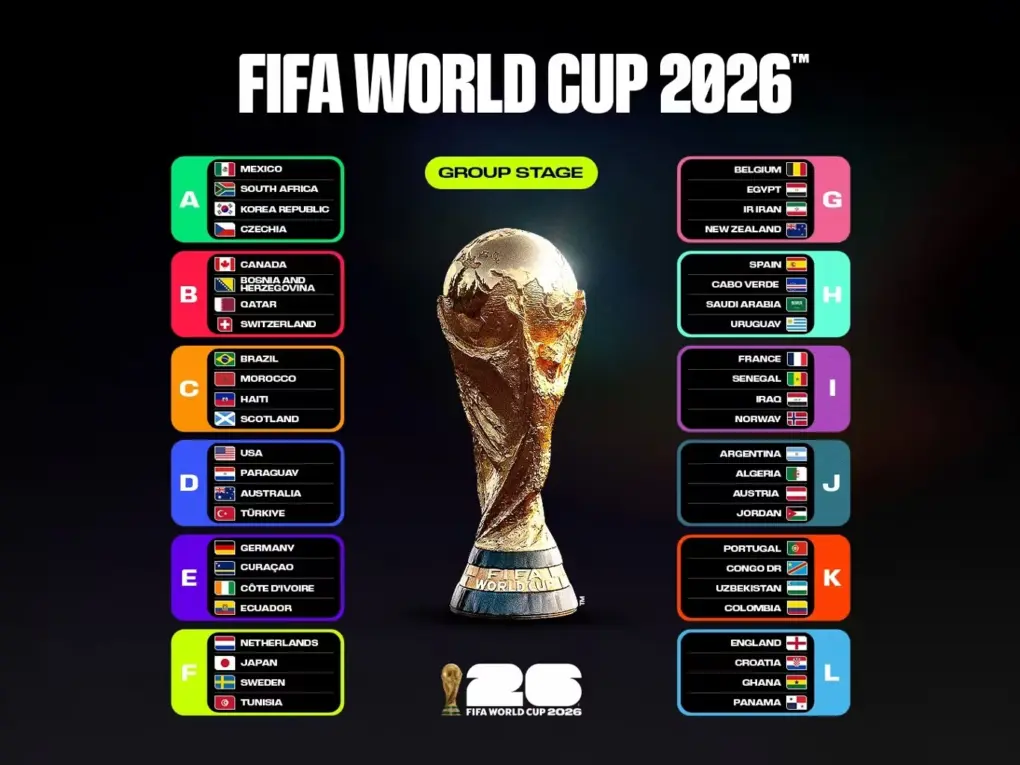
Check out the FIFA World Cup 2026 group stage matches.
Photo: FIFA

Apple updated its free Sports app for iPhone Wednesday to support the upcoming 2026 FIFA World Cup. That gives soccer fans a seamless way to track the biggest sporting event on the planet right from their Lock Screen. With the tournament just over two months away, now is the perfect time to get set up.

Apple’s next 50 years: Reshaping computing again

By

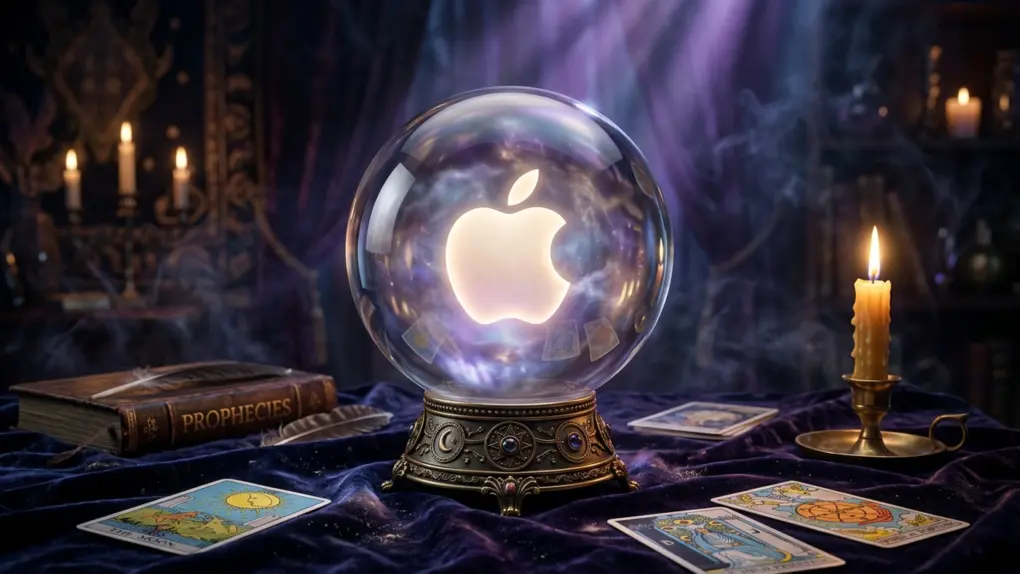
A look into Apple's future: the next 50 years.
Apple's future will bring major changes ... but maybe not as many as you think.
AI image: Perplexity/Cult of Mac

Apple 50 Years graphic Apple just finished its first 50 years, making this an ideal opportunity to look ahead to what we can expect from the next five decades.

Having watched the company progress from the Apple II to the iPhone, I’m as qualified as anyone to peer into the future of computing. Here’s what we can look forward to.

Sinister fishing adventure Dredge sails onto Apple Arcade

By

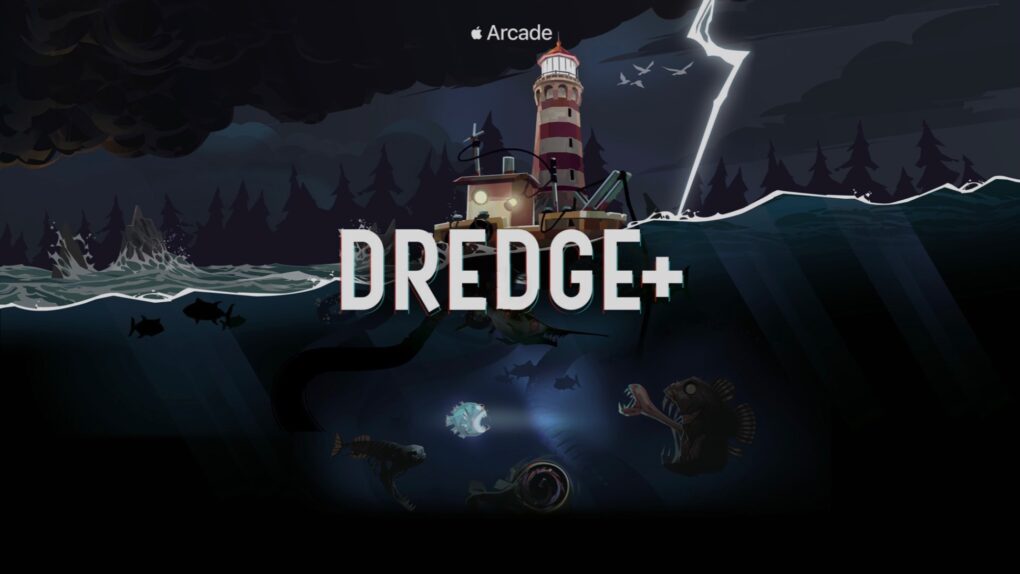
The hit Dredge game sails toward Apple Arcade
Dredge+ mixes fishing with Lovecraftian horror. Seriously.
Image: Apple Arcade

Dredge has been described as “a cosmic horror-fueled fishing game,” so don’t expect a knockoff of Bass Masters when playing it on Apple Arcade. If that doesn’t pique your interest, it got named iPad Game of the Year.

And rather than the usual $25 charge for the app, Apple Arcade subscribers can play for $6.99 per month, plus enjoy hundreds more titles.

Make an Apple Music playlist automatically with Playlist Playground

By

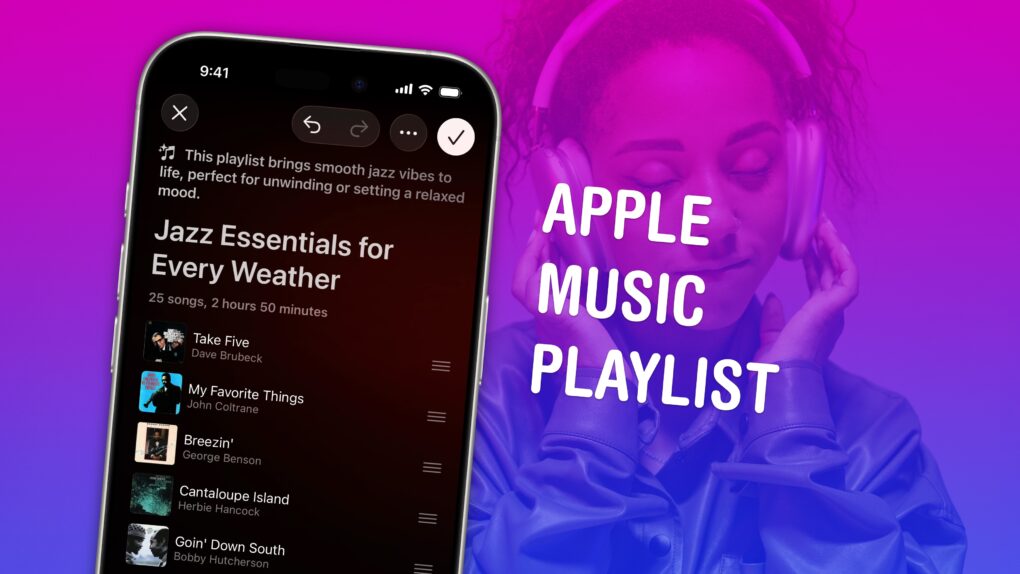
Screenshot of Playlist Playground in Apple Music, with a photo of a woman wearing AirPods Max, captioned “Apple Music Playlist”
Build a soundtrack for specific moods.
Image: D. Griffin Jones/Cult of Mac

Making a playlist in Apple Music is a great way to set the mood for a party, road trip or your own private time. You can create playlists for working, working out, studying, driving, doing dishes, etc. Your friends can contribute to your playlist, too. And you can share your masterpiece on your Apple Music profile.

In iOS 26.4, Apple added Playlist Playground, a new feature that lets you quickly create custom playlists via Apple Intelligence. On supported devices, you can type in any odd request — and your iPhone will do the rest. The results aren’t quite DJ quality, but they’re a good starting point if you want something specific or unique. 

Here’s how to make a playlist by hand — and how to use the new Playlist Playground feature. 

Apple releases critical iOS 18 update for iPhones that didn’t upgrade [Now available]

By

Desert Titanium iPhone 16 Pro
Still on iOS 18? Apple released a new security update you should install right now.
Photo: D. Griffin Jones/Cult of Mac

Apple released an iOS 18 update on Wednesday to patch a major security vulnerability for iPhones that haven’t yet upgraded to iOS 26. The new version, iOS 18.7.7, is presumably intended to protect a range of iPhone models from the serious DarkSword hack.  

This comes amid a recent push from Apple to address newly discovered vulnerabilities across older iOS releases. It has released multiple updates over the past few weeks.

Stay ahead of storms with Weather Hi-Def Radar app’s real-time alerts

By

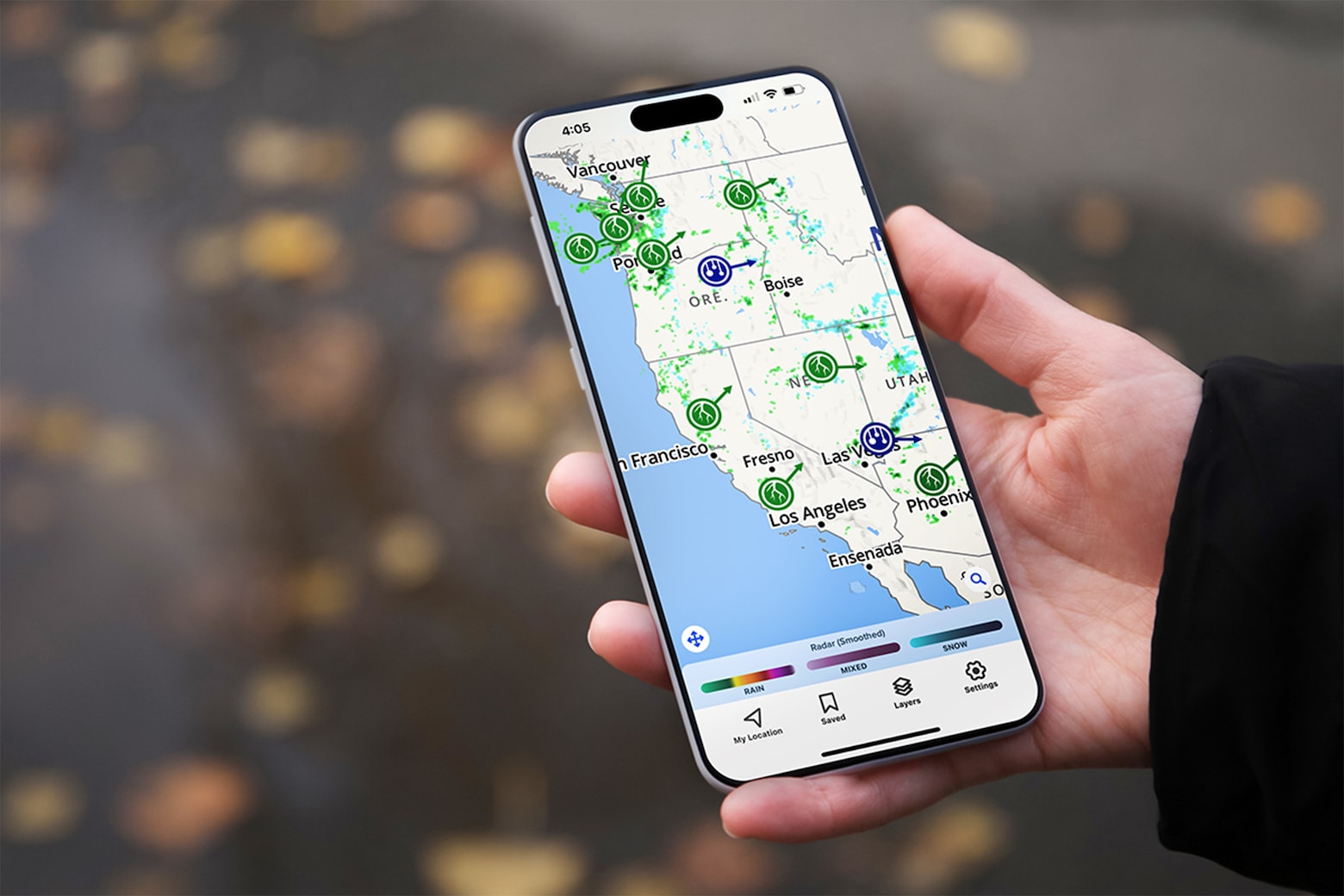
Weather Hi-Def Radar: This $39.99 weather radar app keeps you updated on storms, fires and more.
This advanced weather radar app keeps you updated on storms, fires and more.
Photo: Cult of Mac Deals

With storms and flash floods becoming more prevalent, it’s more important than ever to stay up to date with the weather in your area. And a weather radar app like Weather Hi-Def Radar lets you do just that.

This isn’t just an upgraded version of the bare-bones Weather app on your iPhone. It’s an alert system and interactive map that allows you to plan your day and stay ahead of tornadoes, wildfires and more. And now, the Weather Hi-Def Radar Storm Watch Plus plan is priced at only $39.99 for life.

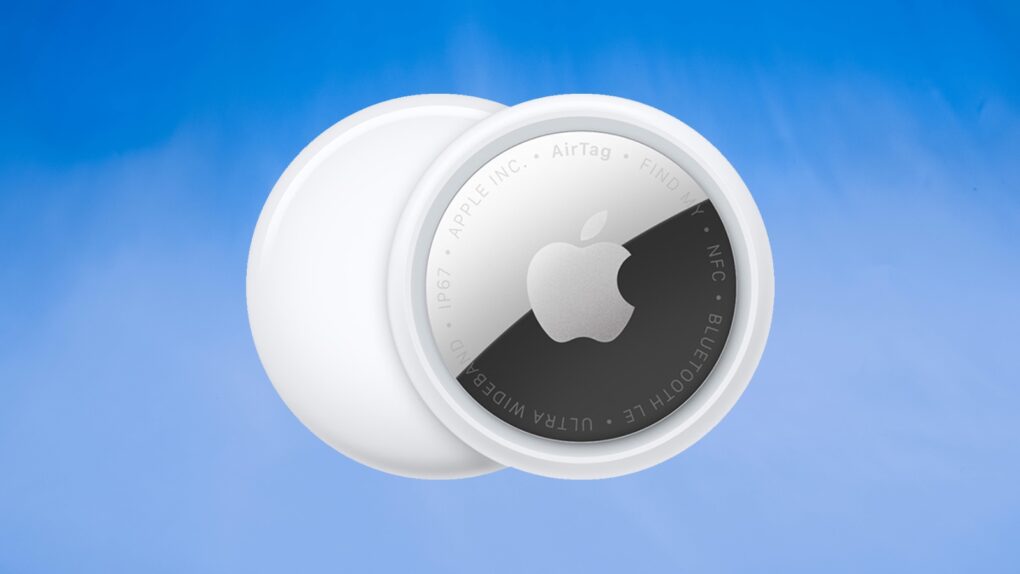
Apple rolls out AirTag update with stronger antistalking protection

By

Apple AirTag 2 firmware update
Updating AirTag firmware is easy. But it requires patience.
Image: Apple/Cult of Mac

Apple is rolling out a firmware update for the AirTag 2 that makes it easier to locate one of the tracking tags if it’s being used to stalk someone.

You’ll probably want it, but it turns out that updating the AirTag’s software is both easy and hard. You don’t need to jump through hoops, but neither do you have much control.

Here’s what you need to do.

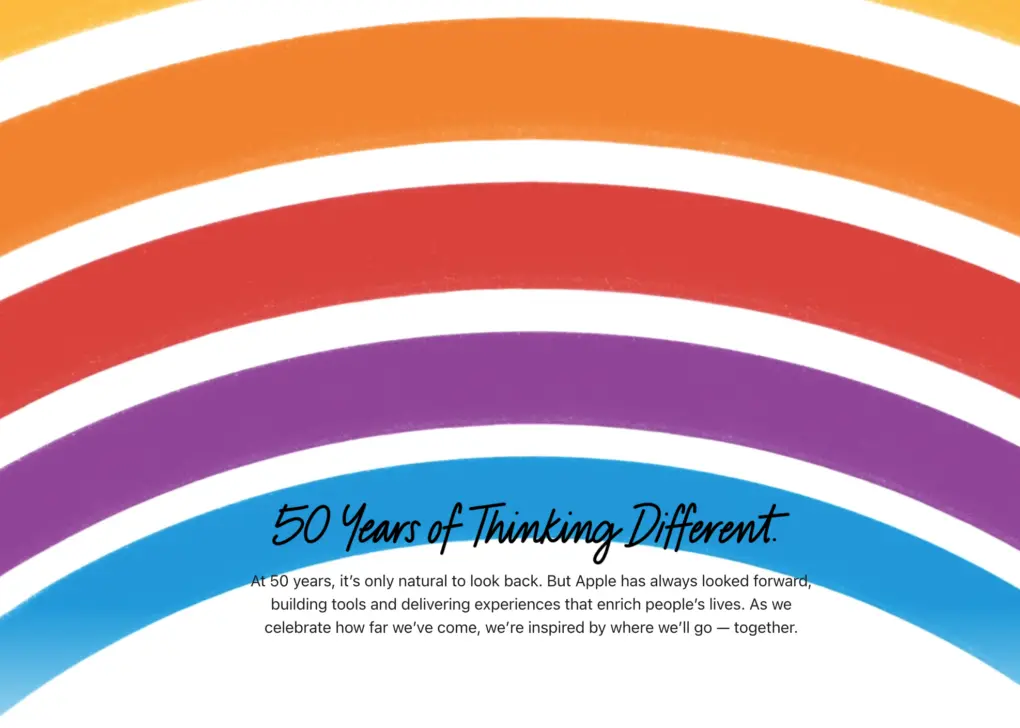
Apple’s flashy homepage takeover touts ’50 years of thinking different’

By

Apple 50th homepage video rainbow logo
Apple's homepage turned into a nostalgic animation on its 50th anniversary Wednesday.
Photo: Apple

Apple 50 Years graphicVisitors to Apple.com Wednesday saw something unlike anything the company has displayed in recent memory: a full-screen takeover on its homepage featuring the iconic six-stripe rainbow Apple logo, the words “50 Years of Thinking Different,” and a quiet, elegant animation befitting a company that has always let its design do the talking.

Super-slim MagSafe power bank is the best I’ve ever used [Review] ★★★★★

By

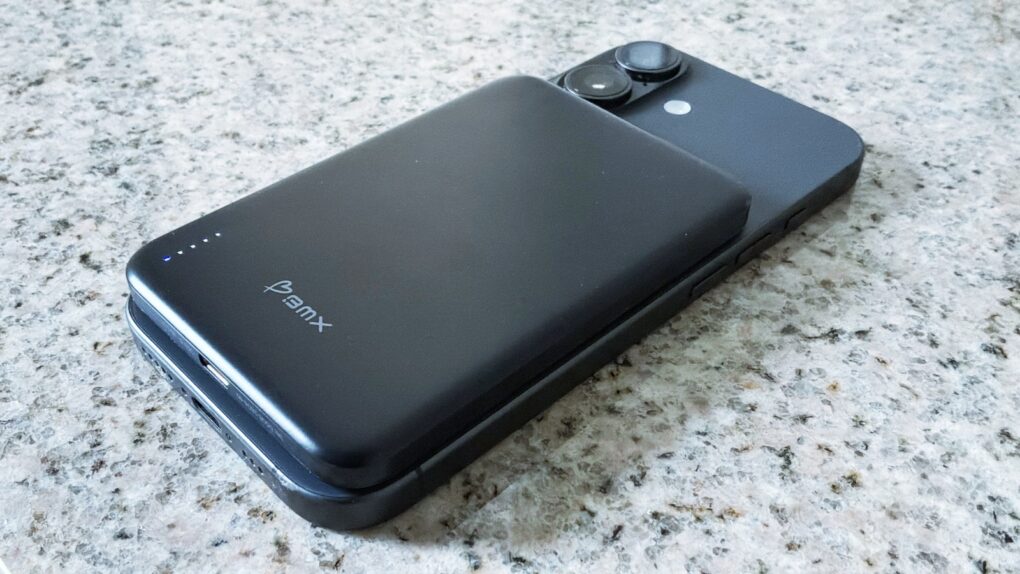
BMX SolidSafe Air with iPhone 17★★★★★
The BMX SolidSafe Air keeps my iPhone 17 going for an extra day.
Photo: Ed Hardy/Cult of Mac

The BMX SolidSafe Air is the MagSafe power bank we’ve been waiting for. It’s a mere 0.27 inches (6.88mm) thin — slimmer than the iPhone 17 I tested it with.

The 5,000mAh iPhone accessory features a semi-solid-state cell design to reduce fire risk and a lightweight titanium build.

Here’s why it was such a pleasure to test out. This is the best MagSafe power bank I’ve ever used.

Our first Apple products: How we joined the Cult of Mac

By

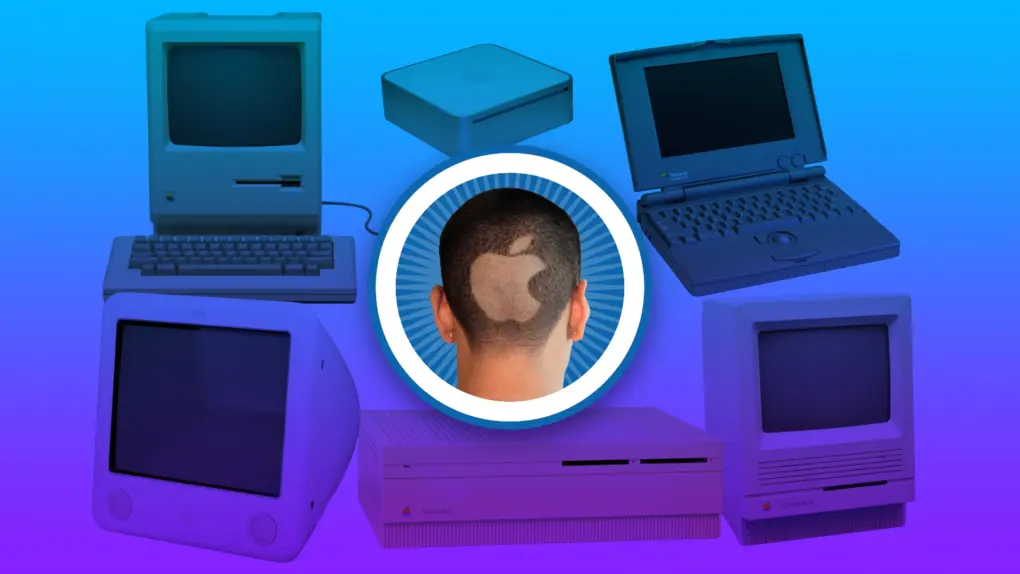
Cult of Mac logo featuring several old Macs from history
You always remember your first.
Image: Apple/D. Griffin Jones/Cult of Mac

Apple 50 Years graphic Apple started exactly fifty years ago, and most of the Cult of Mac staff have been Mac users almost since the beginning. We have 170+ years of experience!

Today’s milestone has us looking back on how we got started using Apple computers, from the original Macintosh to the first PowerBook to the early Mac mini.

Today in Apple history: Apple is founded by Steve Jobs, Woz and Ron Wayne

By

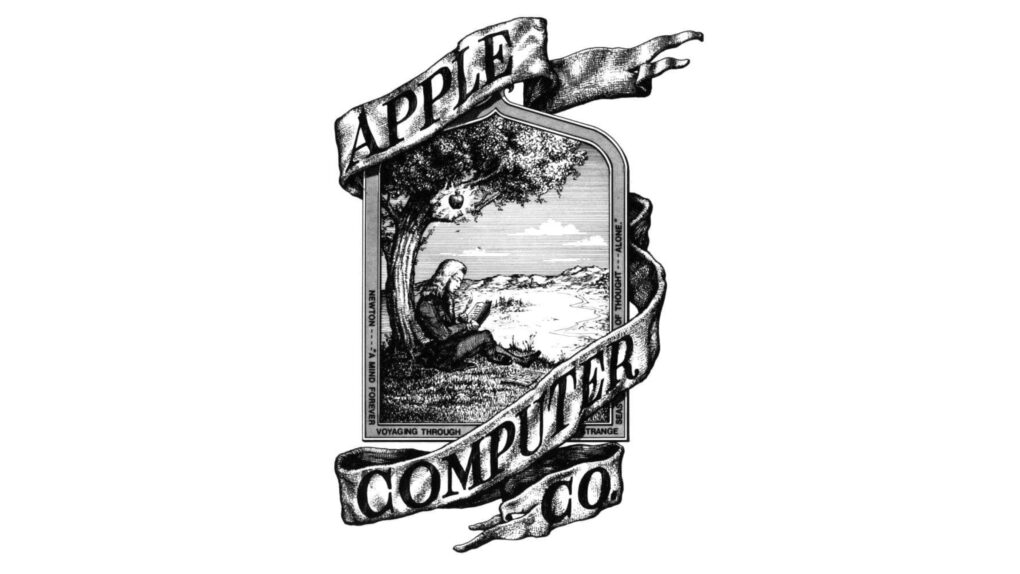
Apple logo at the time Apple Computer Co. was founded on April 1, 1976.
The original Apple logo, designed by Ron Wayne.
Image: Apple

April 1: Today in Apple history: Apple founded by Steve Jobs, Steve Wozniak and Ron Wayne April 1, 1976: The Apple Computer Company is founded by Steve Jobs, Steve Wozniak and Ronald Wayne. The trio sets out to sell the $666 Apple-1 computer.

Apple will not officially become a corporation until January 3 the following year. By that time, Wayne is no longer a part of the business.

Paul McCartney caps Apple 50th with 5 decades of hits

By

Paul McCartney headlines Apple 50th
Paul McCartney plays Apple Park for the iPhone giant's 50th anniversary.
Photo: @Diario_Beatles, X.com

Apple 50 Years graphic Apple turned 50 on Wednesday, but the real party happened the night before. On Tuesday evening, Sir Paul McCartney took the rainbow stage at the heart of Apple Park and delivered a career-spanning performance for thousands of Apple employees.

It closed out weeks of global anniversary celebrations with one of the most storied voices in rock history — and a sky full of fireworks.

The most important Apple announcement every year, from 1976 to 2026

By

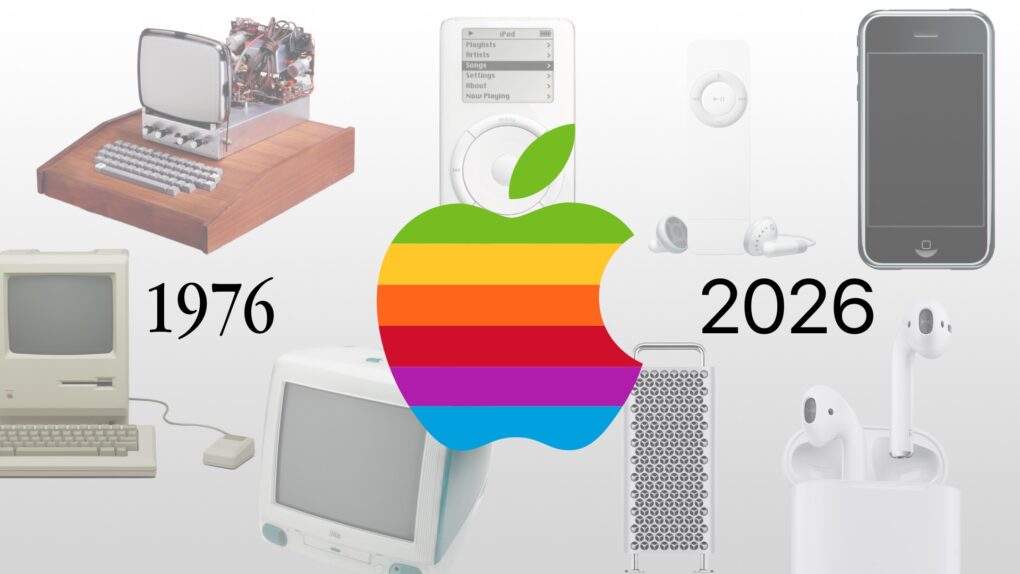
Graphic showing Apple products from 1976 to 2026
It’s a big birthday for the fruit company.
Image: Apple/D. Griffin Jones/Cult of Mac

Apple 50 Years graphicAs Apple turns 50, it’s worth looking back on the company’s greatest accomplishments and lowest moments through history. If you don’t have time for David Pogue’s 600-page epic, Apple: The First 50 Years, maybe you can spare eight minutes to relive the single biggest piece of Apple news every year. 

You can watch 50 years of Apple announcements compressed into a single video. Or, keep reading below for a quick rundown.

Get PDF Expert for Mac at 42% off: The Apple Editors’ Choice PDF editor you need

By

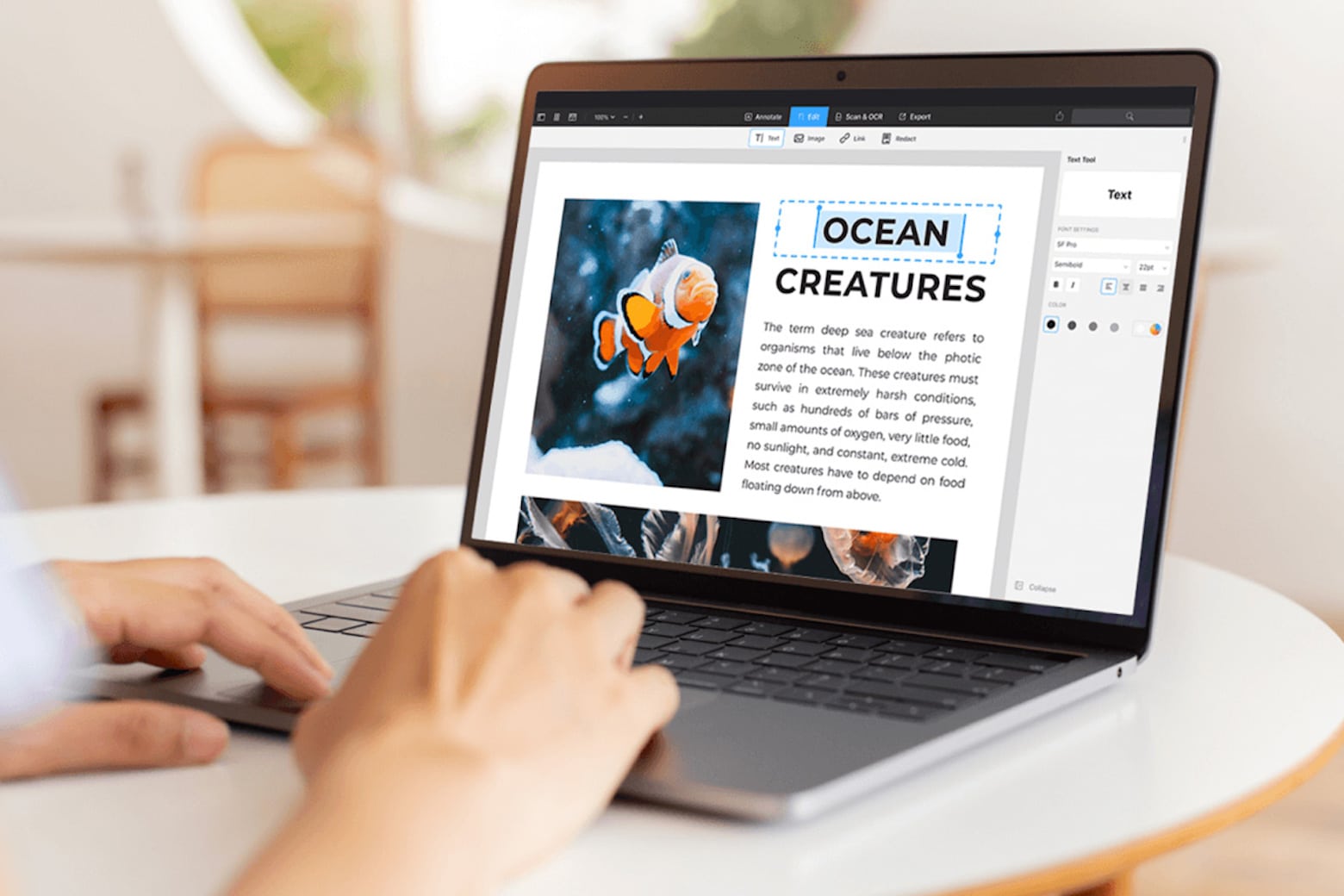
Upgrade your Mac's PDF-handling capabilities this Cyber Week for only $70.
Get PDF Expert, an Apple Editor's Choice winner, for less than $80.
Photo: Cult of Mac Deals

PDFs are arguably one of the most-used document formats by professionals, students and casual users alike. However, while they might be the best way to transmit documents, they’re not entirely easy to work with unless you own a capable PDF editor for Mac like PDF Expert.

Fortunately, this app makes handling, organizing, annotating, merging and editing PDFs effortless. And you can get a lifetime license to this award-winning Mac app for just $79.99 (regularly $139.99).

Apple’s Siri overhaul targets more natural, multistep queries

By

Apple Siri logo under construction
Apple is hard at work creating the new Siri.
AI image: Apple/ChatGPT/Cult of Mac

Apple is working to upgrade Siri so the voice assistant can handle multiple requests at once, according to an unconfirmed report from Bloomberg. The feature would let users combine several commands into a single query instead of issuing them one at a time.

It’s apparently part of a much larger project to inject some real intelligence into Siri. Artificial intelligence.

2 new Sonos AirPlay 2 speakers rock the house [Now available!]

By

Sonos Play and Sonos Era 100 SL speakers
Sonos Era 100 SL features a mic-free design.
Photo: Sonos

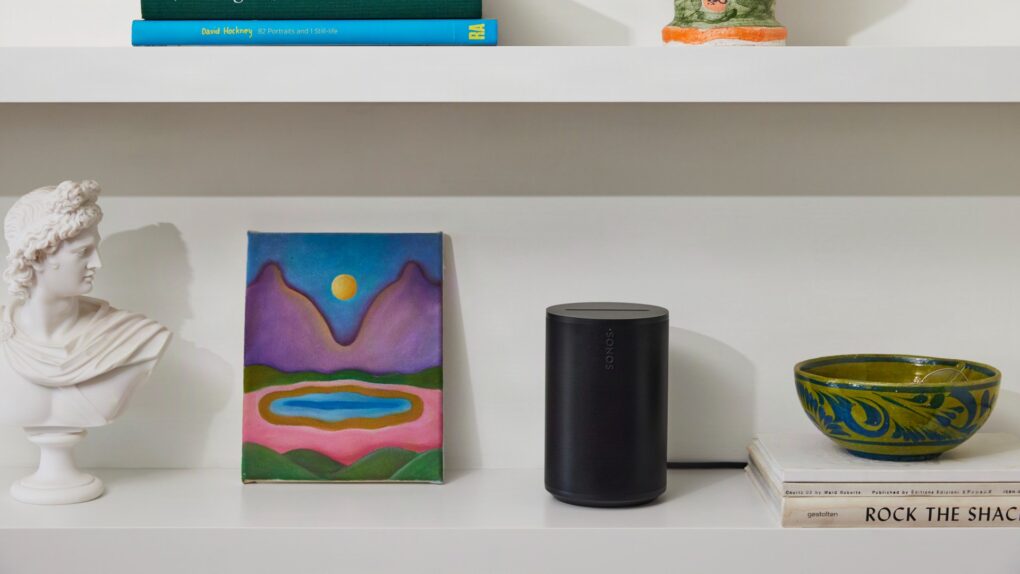
Two new Sonos speakers — one portable, one not — aim squarely at easy home setup for listeners who want room-filling audio without headaches. Both the portable Sonos Play ($299) and mic-free home speaker Era 100 SL ($189), which went on sale Tuesday, work with Apple AirPlay 2. 

“Much of consumer tech promises innovation, yet too often delivers isolation — new devices replacing old ones instead of building on what already works,” said Sonos CEO Tom Conrad. “We believe a great sound experience shouldn’t reset every time you add something new. It should get better.”

Today in Apple history: First iPad reviews hail a true game-changer

By

iPad
Did you own an original iPad?
Photo: Apple

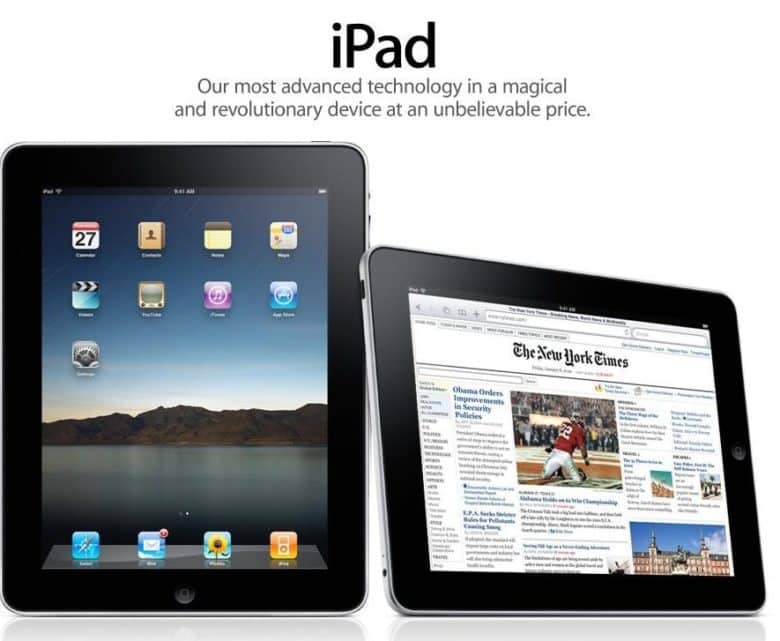
March 31: Today in Apple history: First iPad reviews hail a true game-changer March 31, 2010: When the first iPad reviews hit the internet, the world gets a sense of how Apple’s new tablet measures up.

The consensus? That there’s no Flash, no USB, no multitasking — but Apple’s tablet offers an exciting new computing experience all the same. As USA Today writes, “The first iPad is a winner.”

Best retro Apple accessories for tapping that vintage vibe

By

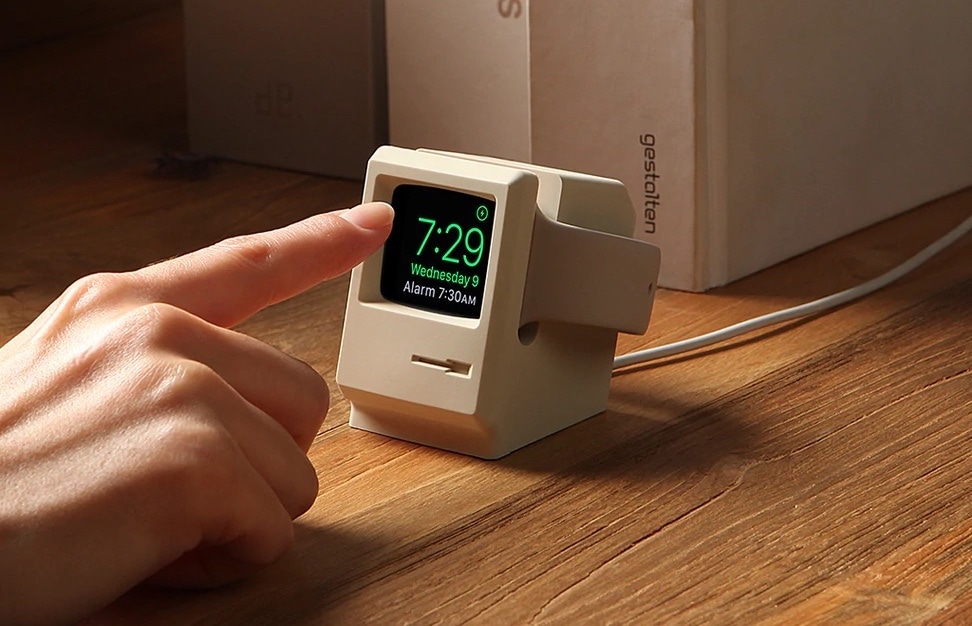
Best retro-futuristic Apple accessories - Elago W3 Apple Watch Stand
The Elago W3 Apple Watch Stand brings to mind a classic Mac.
Photo: Elago

Apple 50 Years graphic April 1 marks a milestone: Apple turns 50. Half a century after Steve Jobs, Steve Wozniak and Ronald Wayne signed the papers in a California garage, Apple has become one of the most valuable companies on Earth — and one of the most design-obsessed in history.

And lucky for gear fans, some of its brilliant products inspired other companies to make some great retro-futuristic Apple accessories.

This $20 bundle teaches you the career skills you need to succeed

By

Promo image for a soft skills courses bundle shows a hand pointing to a glowing “Soft Skills” hexagon on a digital interface with related icons
Learn invaluable career lessons with these soft skills courses.
Image: Cult of Mac Deals

Dial in your career skills with the Job-Ready Advantage: Career Prep & Soft Skills Bundle, a new batch of courses that will teach you to communicate better, interview smarter, and actually land the job you’re eyeing.

At just $19.99, this career-oriented educational bundle gives you the knowledge you need to succeed in today’s competitive employment landscape.