Somewhere along the line, Cult of Mac‘s Setups archive became a catalog of the content-creator condition. The gear tells the story: microphones on boom arms, audio interfaces bridging analog warmth and digital precision, Elgato Stream Decks converting complex workflows to a single keypress, key lights washing faces in flattering warmth for video calls and YouTube recordings, and AI-powered webcams that track subjects and adjust framing automatically. Here are the best Mac setups for streamers and content creators from the past few years.
Best Mac setups for streamers and content creators
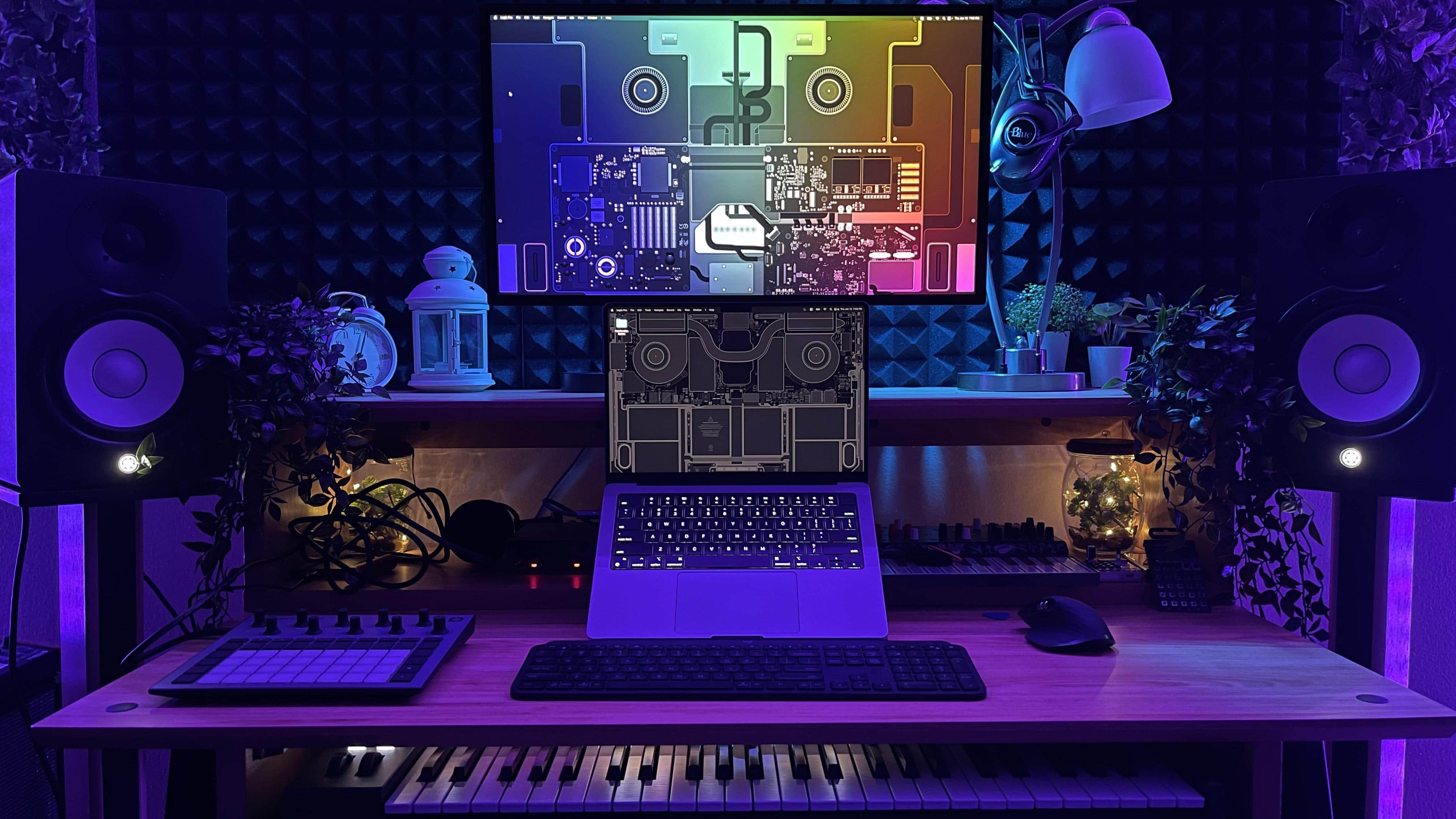
Photo: [email protected]

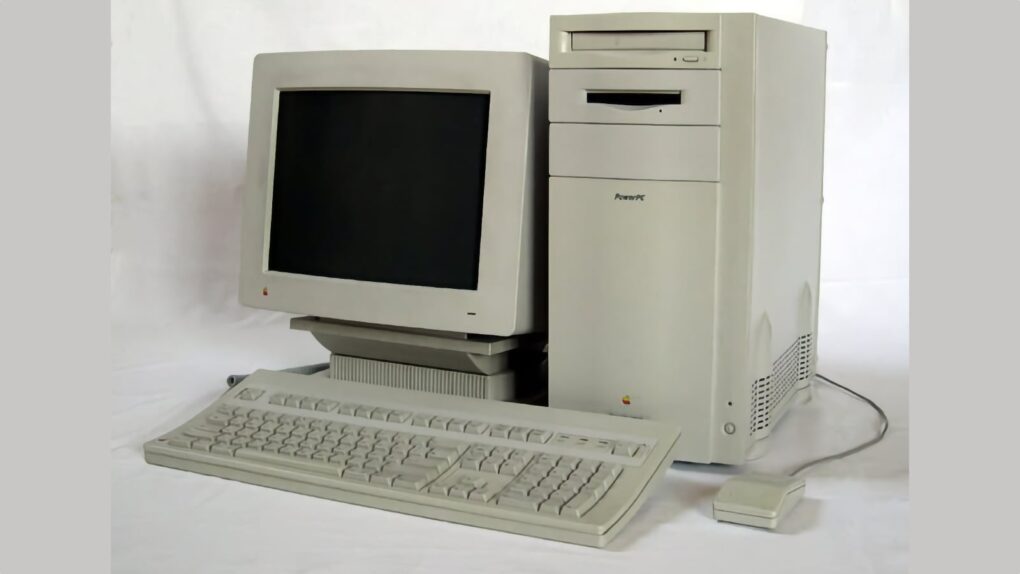
 June 19, 1995: Apple releases the Power Macintosh 9500, a high-end Mac that boasts a second-generation PowerPC chip that’s much faster than its predecessor.

 June 18, 1993: John Sculley, the ex-Pepsi exec recruited by Steve Jobs to “change the world,” steps down as Apple CEO after a 10-year run.


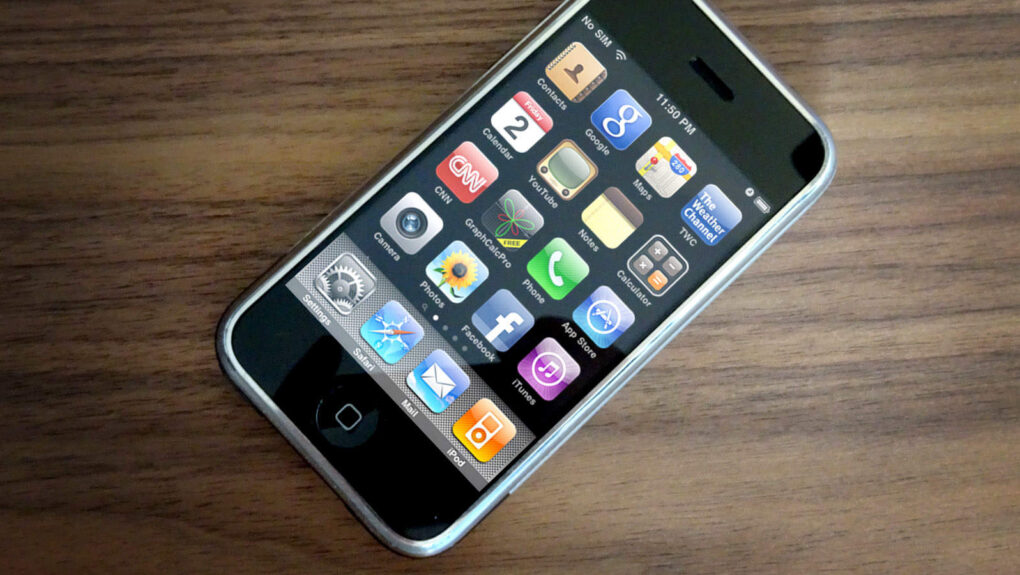
 June 17, 2009: Apple releases iPhone OS 3, the third iteration of its mobile operating system (and the last before a name change to “iOS”). It adds Cut, Copy and Paste functionality, among the most requested features since the original iPhone shipped in 2007.
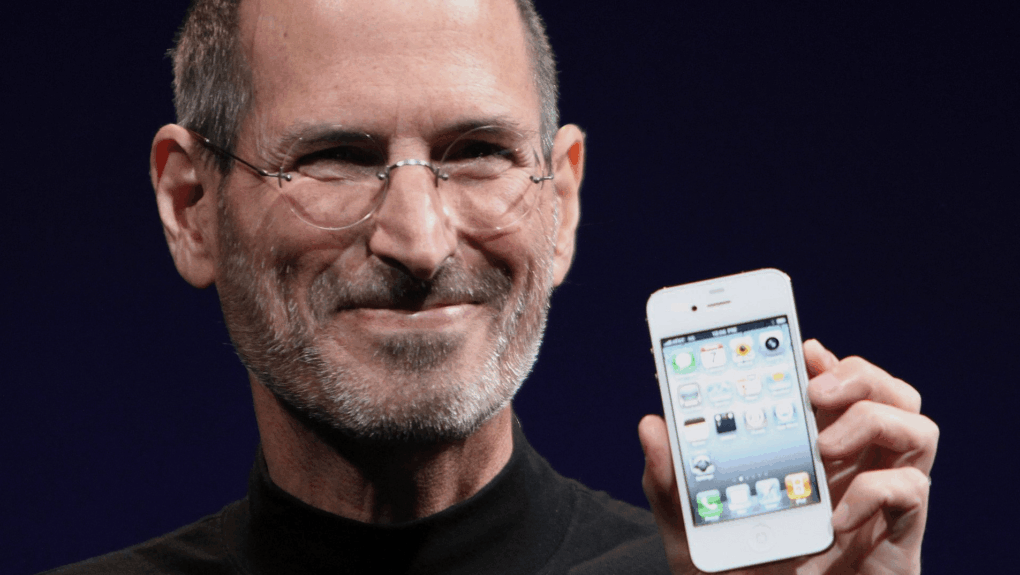
 June 16, 2010: Apple reports a massive surge of interest in its latest smartphone, with iPhone 4 preorders racking up 600,000 sales on their first day.