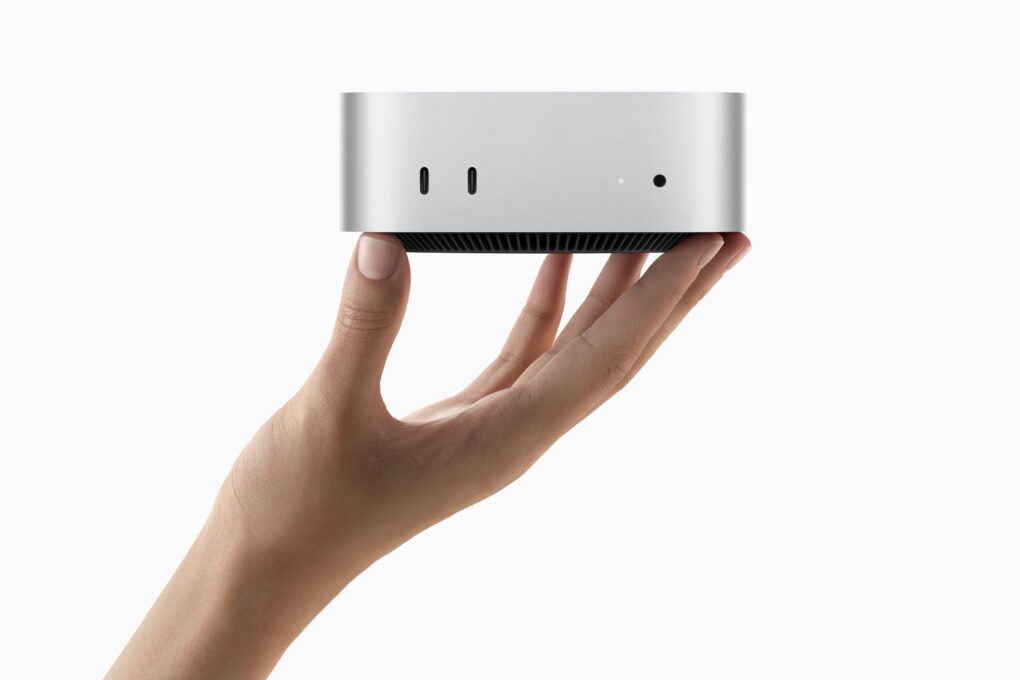
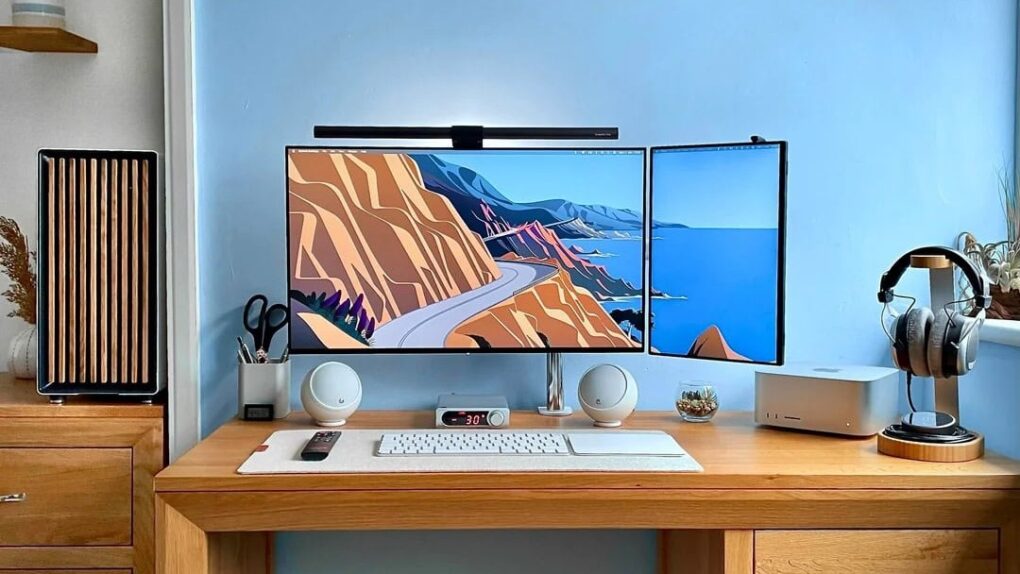
The Mac mini shortage isn’t over. Three months after Apple CEO Tim Cook admitted that the company was caught off guard by demand, buyers are still stuck waiting.
Base models are easier to find now than they were in the spring, but bump up the memory, and you could wait months. Prices have climbed, too, thanks to the ongoing global memory chip shortage.


 July 29, 1993: Apple releases the Macintosh Centris 660av, a computer packed with innovative audiovisual features. These include an AppleVision monitor with microphone and speakers, and a port that can work as a modem with a telecom adapter. It also comes with PlainTalk, the first Apple software to recognize and synthesize speech.
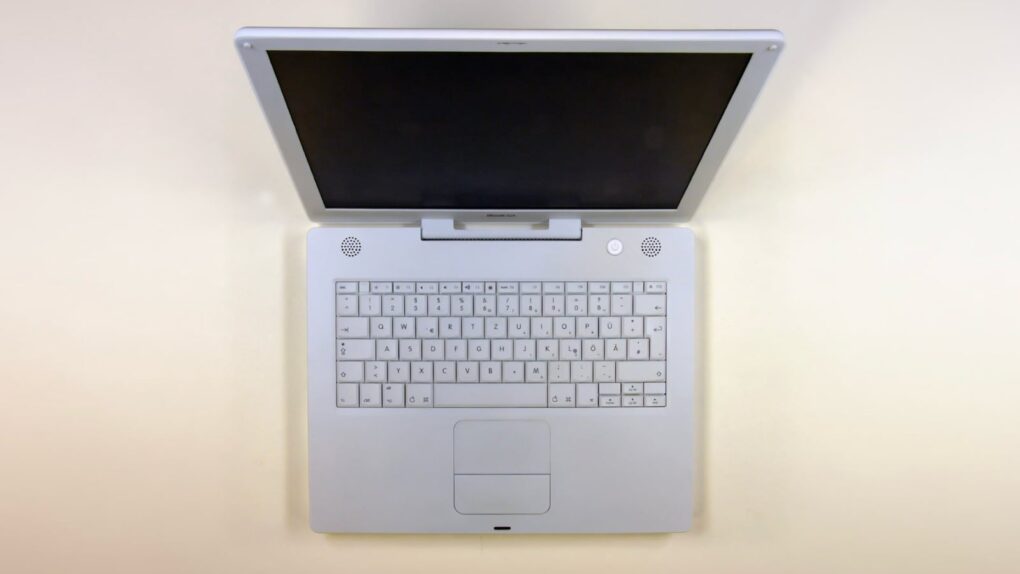
 July 26, 2005: Apple debuts the opaque white iBook G4, the last of its laptops to launch under the iBook name.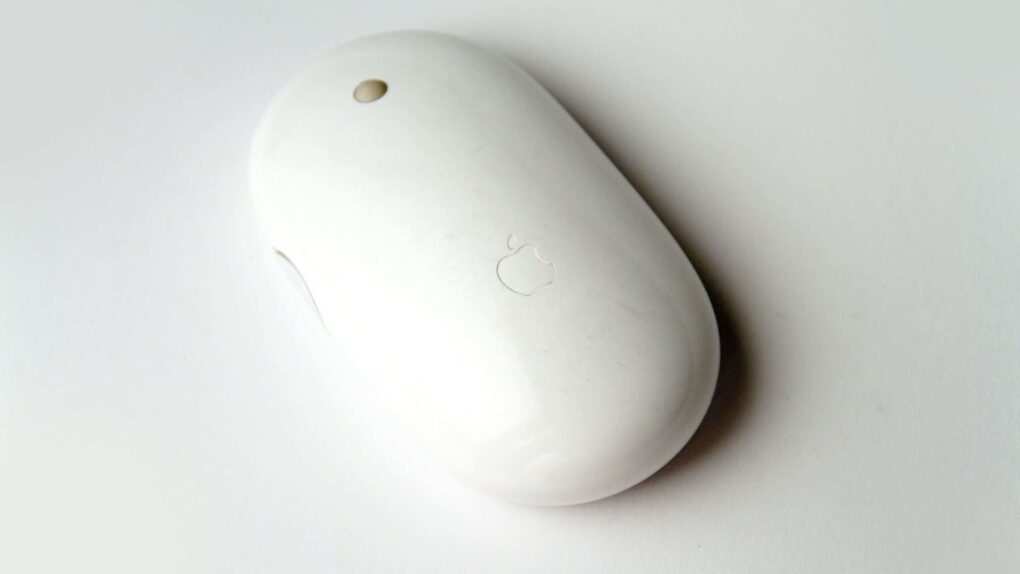
 July 24, 2006: The world gets its first glimpse of Apple’s new wireless Mighty Mouse, a multibutton Bluetooth device with super-accurate laser tracking.
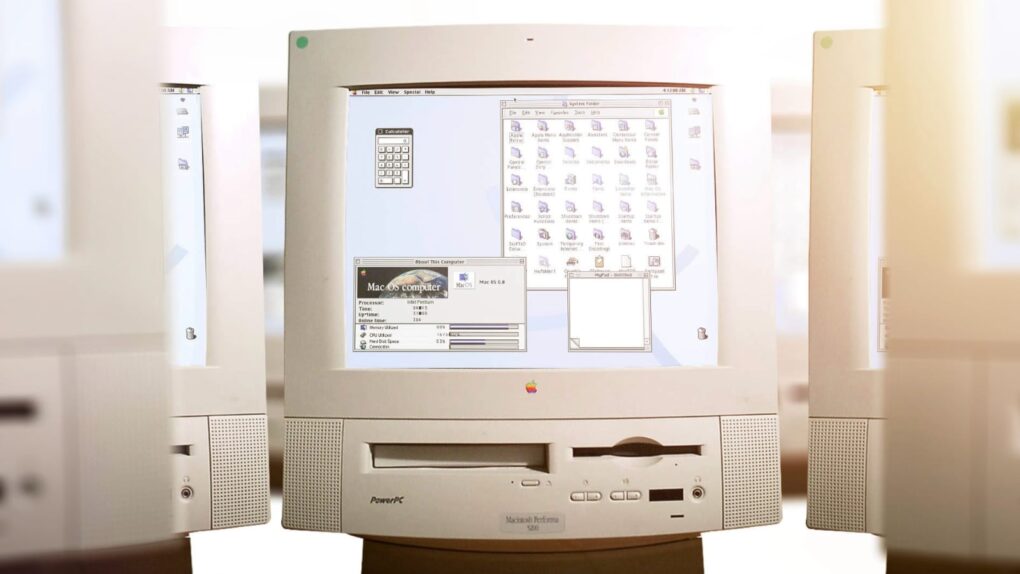
 July 22, 1997: Apple launches Mac OS 8, its next-gen operating system for Macintosh computers. The OS introduces a new three-dimensional look and makes surfing the internet easier than ever.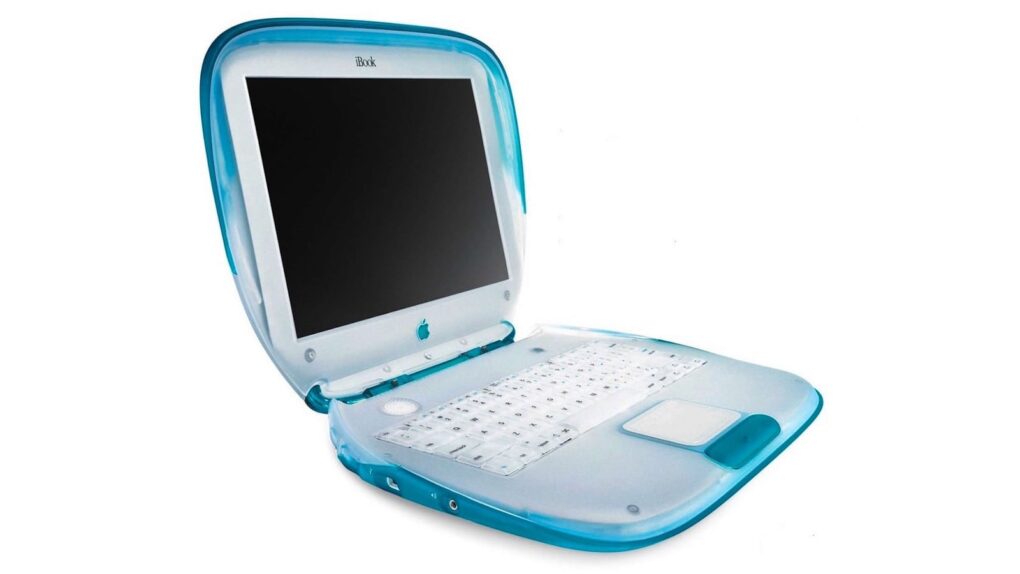
 July 21, 1999: The iBook, Apple’s colorful clamshell laptop that’s a hybrid of the iMac and the PowerBook, arrives and launches a Wi-Fi revolution.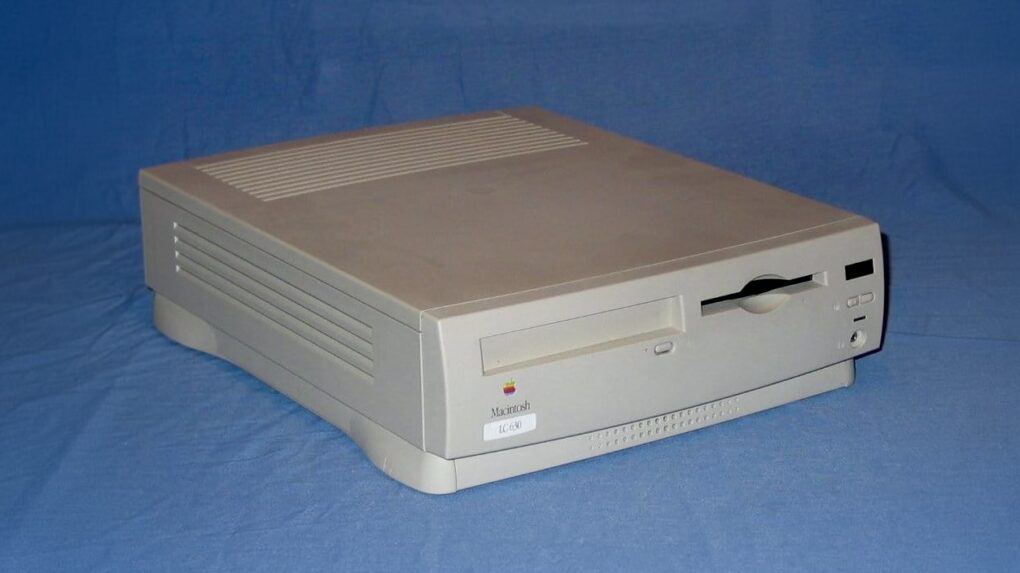
 July 18, 1994: Apple launches the Quadra, LC and Performa 630 Macintoshes, three similar computers with slight differences tailored for the professional, educational and home markets. Aimed at multimedia use, the new 630 series Macs bring innovative hardware and software at a much more affordable price than previous Apple computers.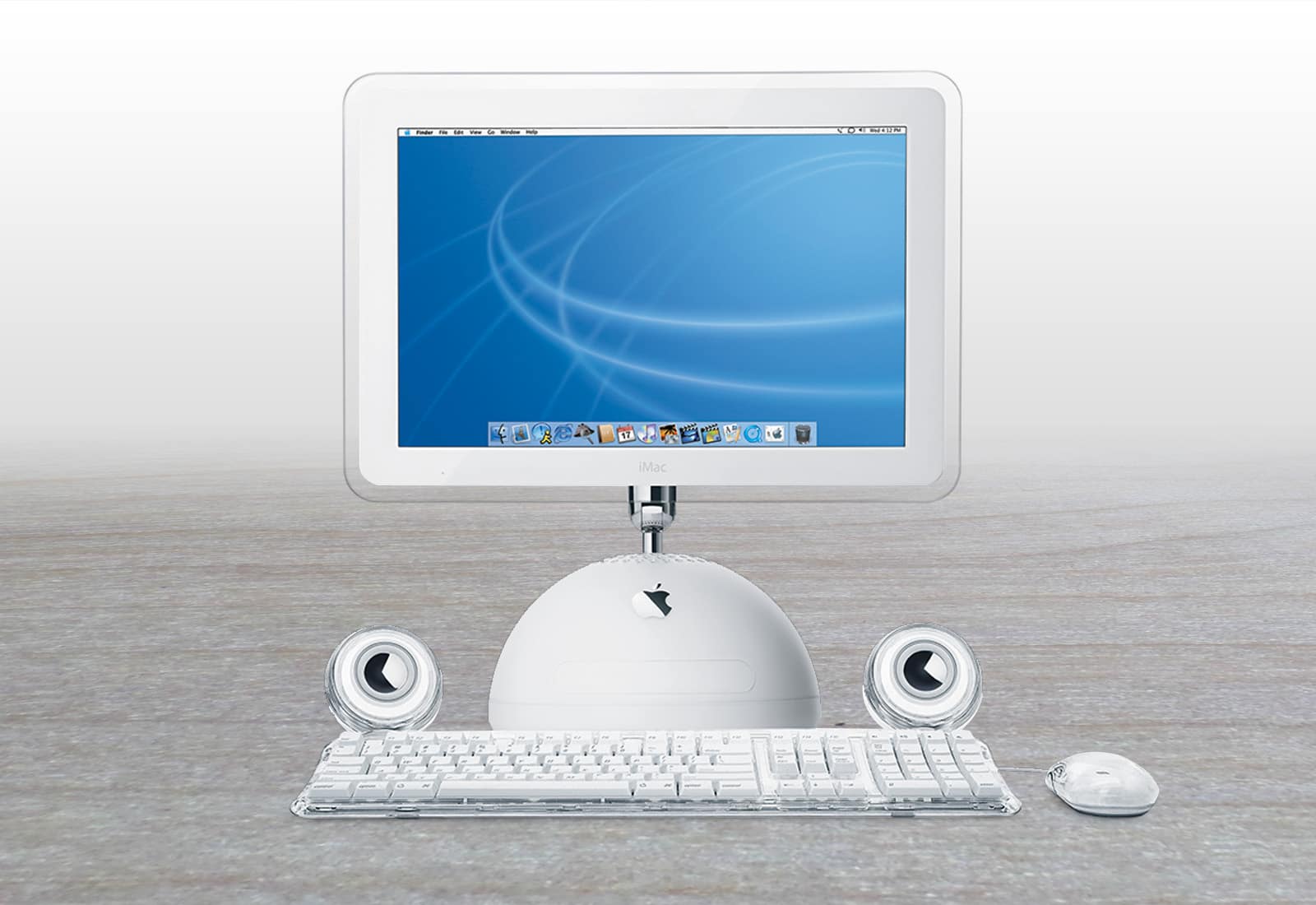
 July 17, 2002: Apple ships a new super-sized iMac G4 with a 17-inch widescreen LCD display that becomes the envy of many computer users at the time.
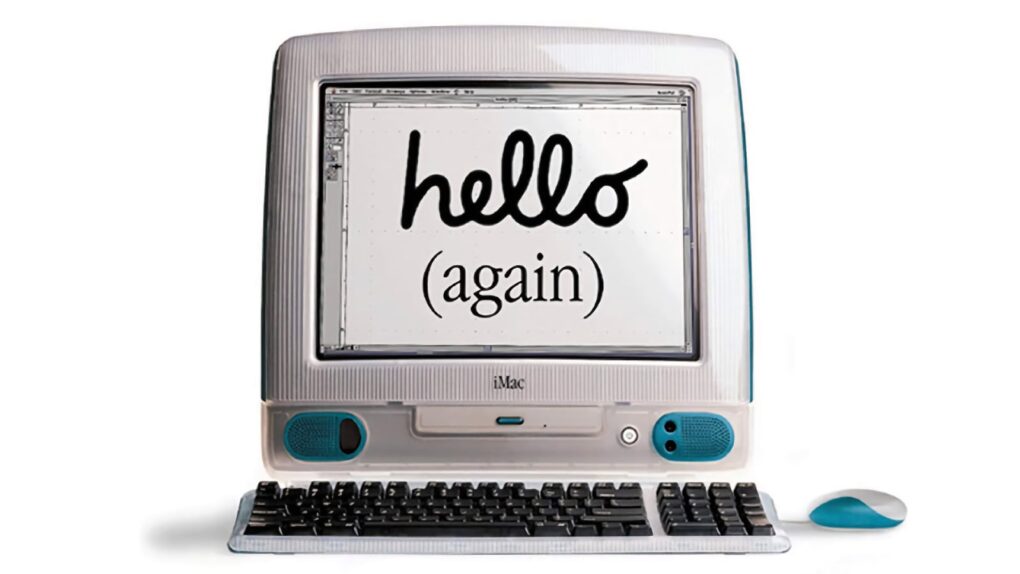
 July 9, 2001: Apple earns the title of No. 1 computer manufacturer in the education market, with twice as many machines in schools as runner-up Dell Computer.
 July 4, 1985: Apple co-founder
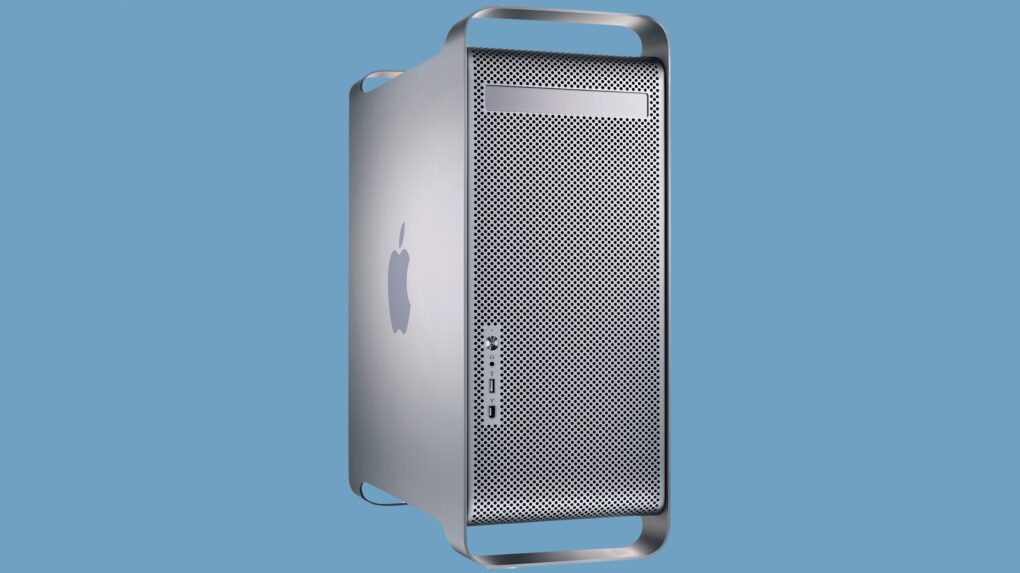
 June 23, 2003: Apple launches its gorgeous Power Mac G5, a powerhouse desktop computer with a perforated aluminum chassis that earns it the affectionate nickname “the cheese grater.”
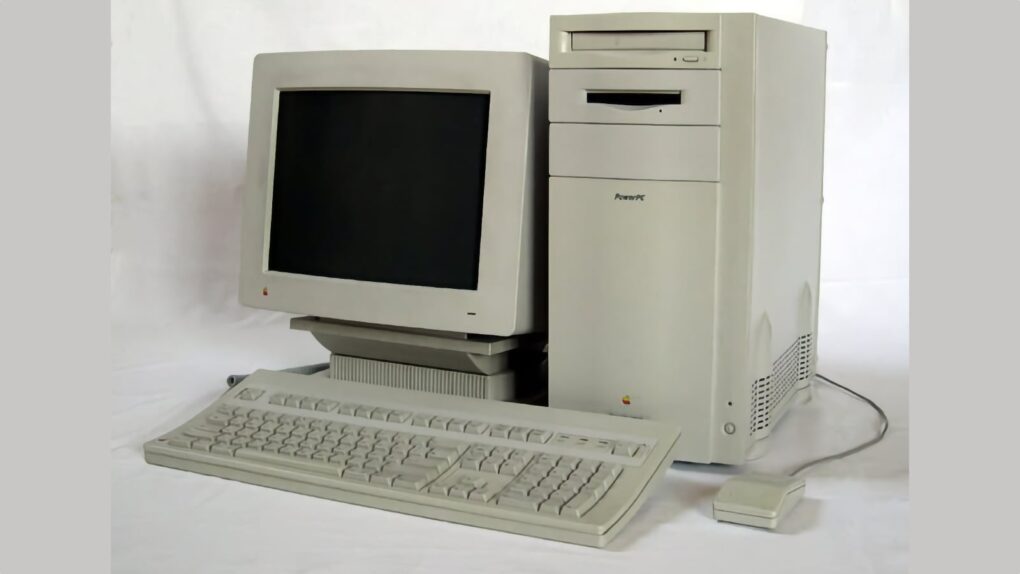
 June 19, 1995: Apple releases the Power Macintosh 9500, a high-end Mac that boasts a second-generation PowerPC chip that’s much faster than its predecessor.