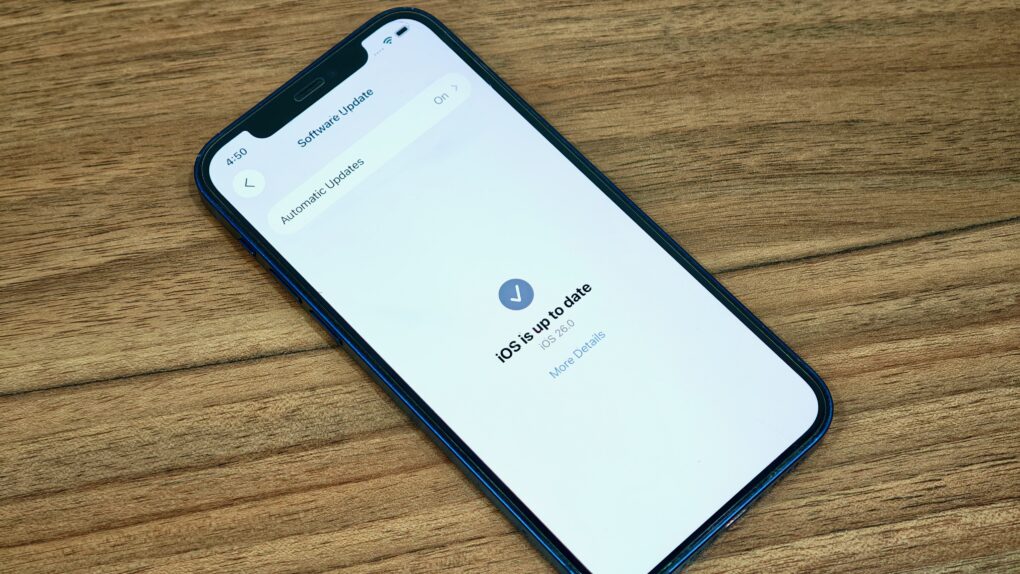
The latest iOS 27 beta is light on changes. Photo: Rajesh Pandey/Cult Of Mac
Apple continues testing iOS 26, releasing the seventh beta build to developers on August 18, Monday. This is the third consecutive beta from the company in three weeks.
Unlike the last few beta builds, iOS 26 beta 7 doesn’t pack any major changes. Check out everything new in the build below.
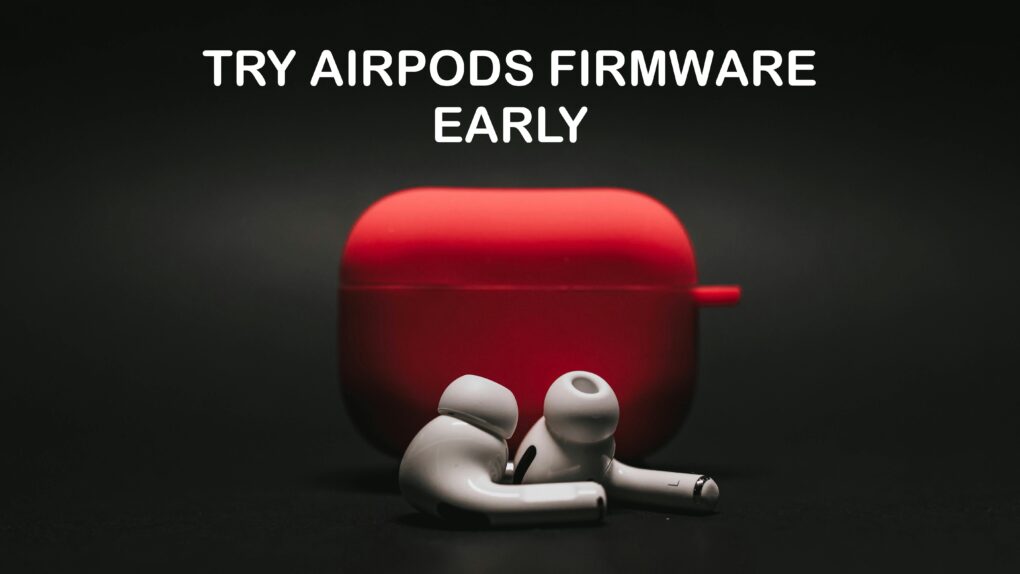
You don’t have to wait. You can easily install pre-release AirPods firmware to try the audio features coming along with iOS 26. Graphic: Soulful Pizza/Pexels/Cult of Mac
Apple now makes it easy to install prerelease AirPods firmware on your wireless earbuds. The company once reserved this option for only a select few developers. But now, anyone willing to put potentially buggy software on their AirPods can try upcoming features early.
The temptation is understandable. The upcoming iOS 26 brings a range of enhancements to Apple earbuds, but you need unreleased AirPods firmware to take advantage of them. Install the beta AirPods software, and you can try out improved audio recording, auto-pause when sleeping, and many other new features.
iOS 26 treats political fundraising texts like any other messages from unknown senders. Image: Cult of Mac
An iOS 26 anti-spam feature intended to protect iPhone users from junk texts is causing a furor among politicians. They point out that political fundraising texts automatically go into a folder where the user might not see them.
“That change has profound implications for our ability to fundraise, mobilize voters, and run digital campaigns,” reads a memo sent by the National Republican Senatorial Committee.
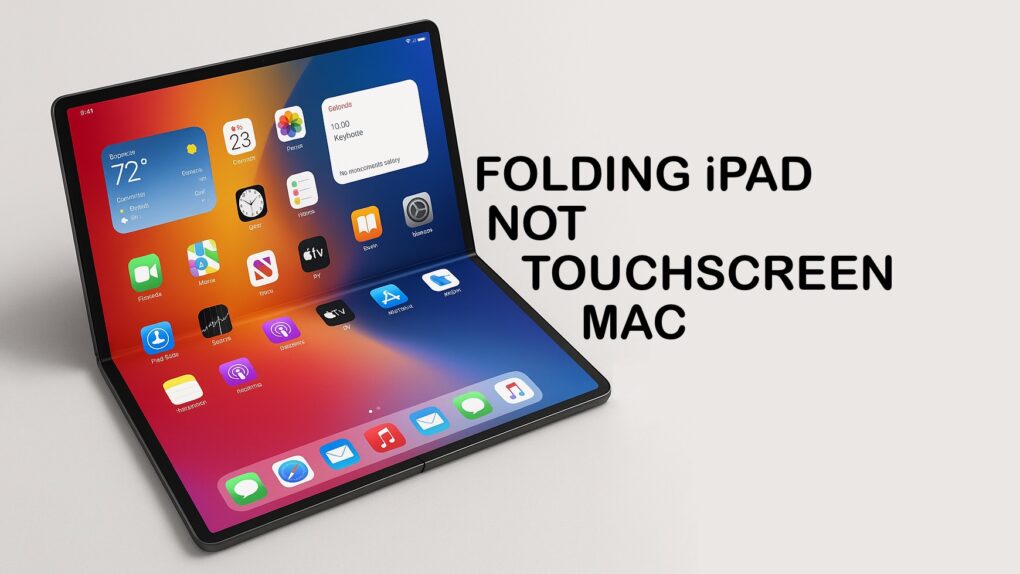
It’s clear Apple plans an extra-large folding iPad, not its first touchscreen Mac. Photo: ChatGPT/Cult of Mac
Early leaks about an upcoming Apple computer with an 18- to 20-inch folding display were vague about whether the device will be an iPad or the first Mac with a touchscreen. In the wake of the introduction of iPadOS 26, the answer now seems obvious: Apple’s extra-large folding tablet will be an iPad.
Recent comments by a high-level Apple executive about not merging macOS and iPadOS add weight to the theory.
An Apple executive says an iPad/Mac combo would be as bad as a spork. Photo: ChatGPT/Cult of Mac
Craig Federighi, Apple’s senior vice president of software engineering, turned to a pair of metaphors in a recent interview to explain why macOS will not replace iPadOS on the iPad. Perhaps the most notable: “We don’t want to build sporks.”
Questions about iPad’s future came up after the unveiling at WWDC last week of iPadOS 26, which moves Apple’s tablet closer to the Mac than ever before.
Older iPhones will get iOS 26 but with some key features missing. Photo: Rajesh Pandey/Cult of Mac
iOS 26, iPadOS 26, watchOS 26 and macOS 26 introduce a host of new features in addition to the Liquid Glass design makeover that will bring glossy, translucent harmony to Apple’s software ecosystem this fall. However, not all of those advanced features will make it to every compatible device when Apple releases its next-gen operating systems.
If you own an old iPhone or Intel-based Mac, you will miss out on several improvements. Here’s a look at what won’t make the cut.
A high-level Apple exec explains why iPad and Mac will stay separate. Image: Cult of Mac
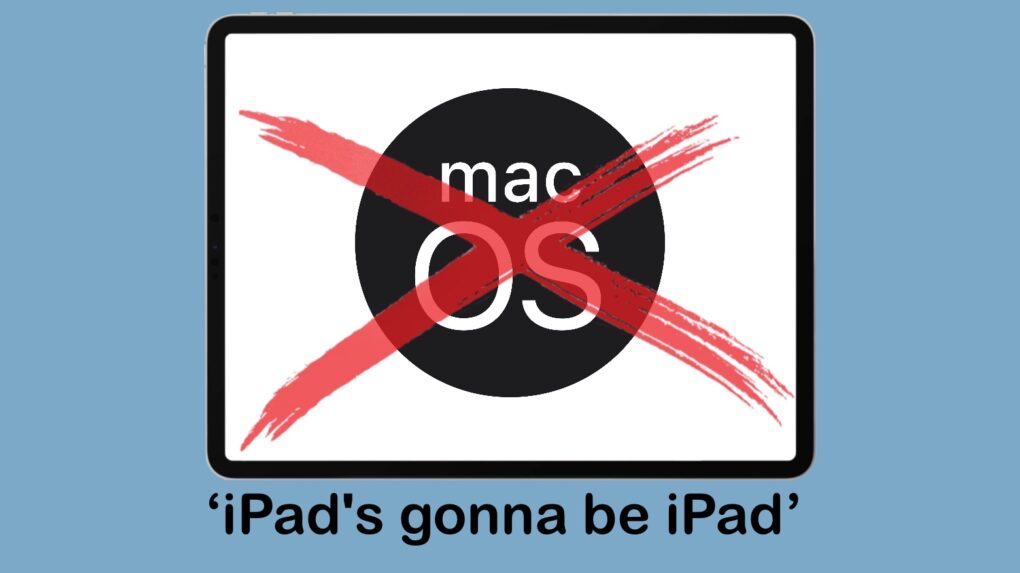
iPadOS 26 moves the iPad closer to the Mac than ever before. But don’t take the upcoming operating system as a stepping stone toward an eventual unification between iPadOS and macOS. That’s clearly not going to happen.
The reason can be summed up with a phrase that Craig Federighi, Apple’s head of software development, used in an interview at WWDC this week: “iPad’s gonna be iPad.”
A new Apple system can securely share the age range of children with apps. Image: Apple/Cult of Mac
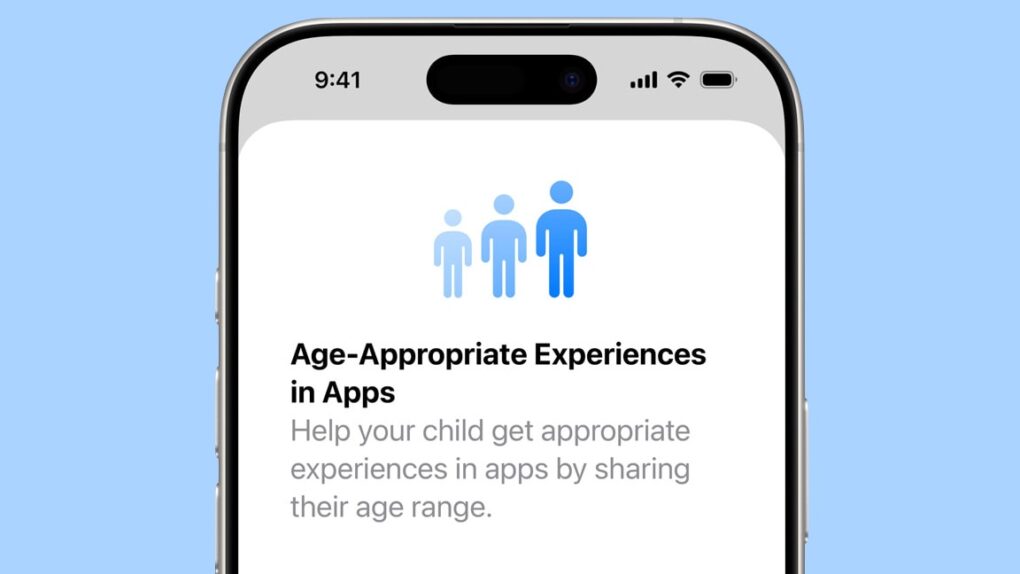
iOS 26, macOS Tahoe 26 and other upcoming Apple operating systems include new tools intended to help parents protect kids and teens online. These include a system that enables parents to share the age range of their children with third-party applications in a way that doesn’t violate the kids’ privacy.
There are also new protections for teens under 18 as they use their Apple devices, and parental controls on communicating with new phone numbers.
New multitasking features are the highlight of iPadOS 26. Screenshot: Apple
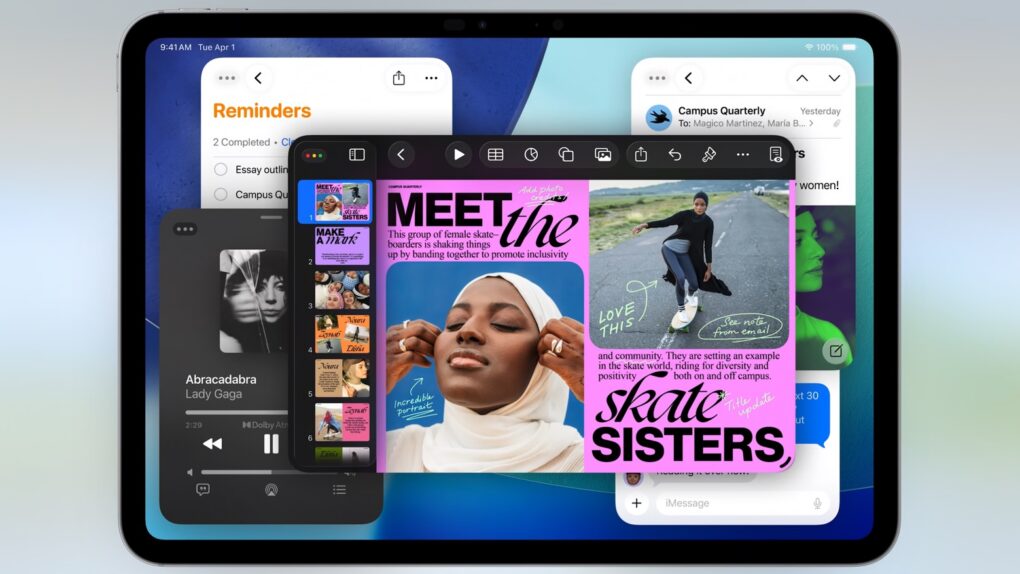
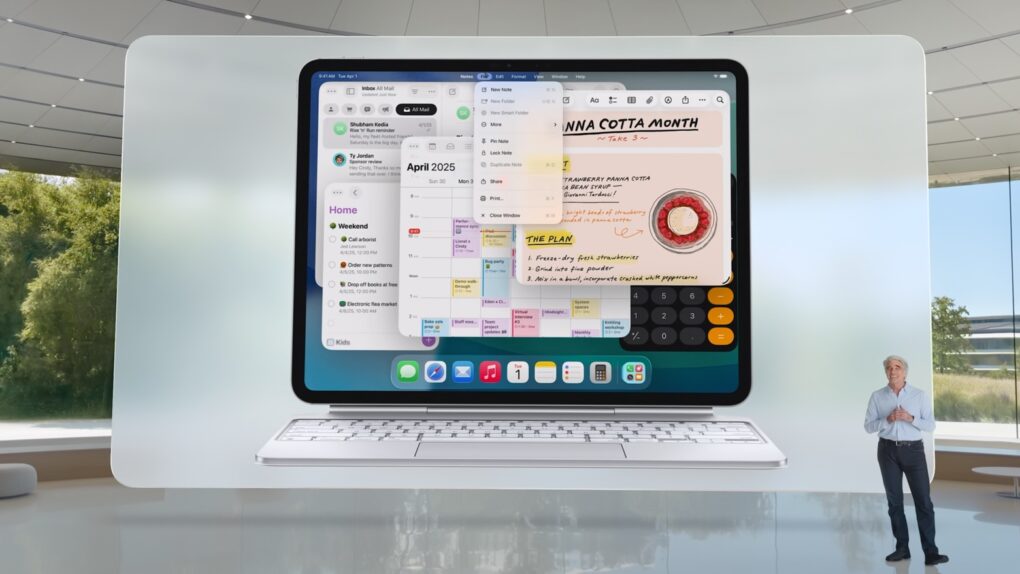
Those who want their iPad to function more like a Mac got their wish: iPadOS 26 includes multitasking features very similar to the ones in macOS. This year’s iPad upgrade also borrows plenty of other things from Apple’s desktop OS.
I loaded the initial iPadOS 26 beta on my iPad Pro. Here’s what it’s like to use it … and why pro users should be excited while non-pro users shouldn’t worry.
iOS 26 will finally tell you how long your iPhone will take for a full charge. Screenshot: Rajesh PandeyCult Of Mac
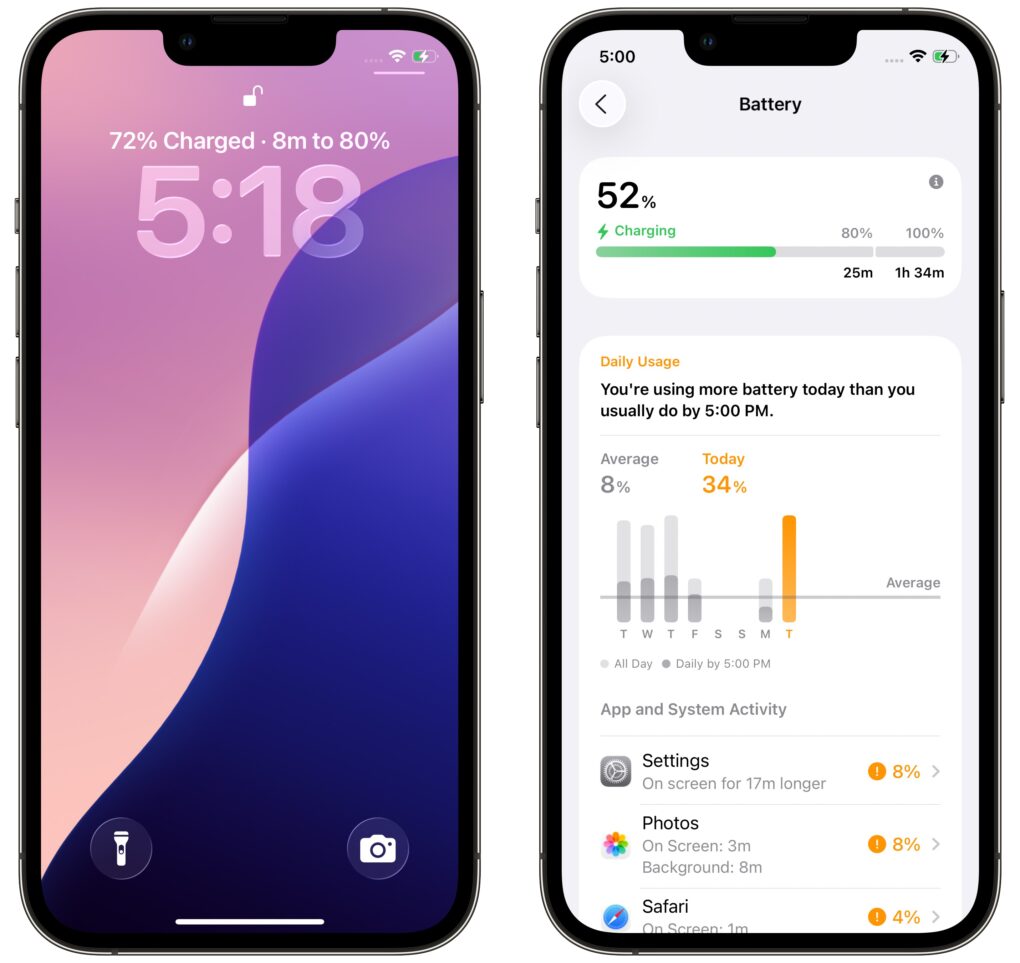
iOS 26 introduces a small but useful feature for iPhone users: the ability to view the estimated time remaining for a full charge. This information appears directly on the Lock Screen while your device is charging, giving you a quick glance at how long you need to wait.
You can get an even more detailed breakdown in the Battery sub-menu in the Settings app.
iOS 26 introduces a new Adaptive Power mode for a longer iPhone battery life. Photo: Apple
iOS 26 adds a new Adaptive Power Mode to newer iPhones to extend their battery life under heavy load. It will achieve this by lowering the display brightness and making other under-the-hood changes.
Additionally, iOS 26 revamps the Battery Usage menu, providing more details about power consumption from various apps.
Watch the Keynote in just 1.6% of the time. Image: Apple/D. Griffin Jones/Cult of Mac
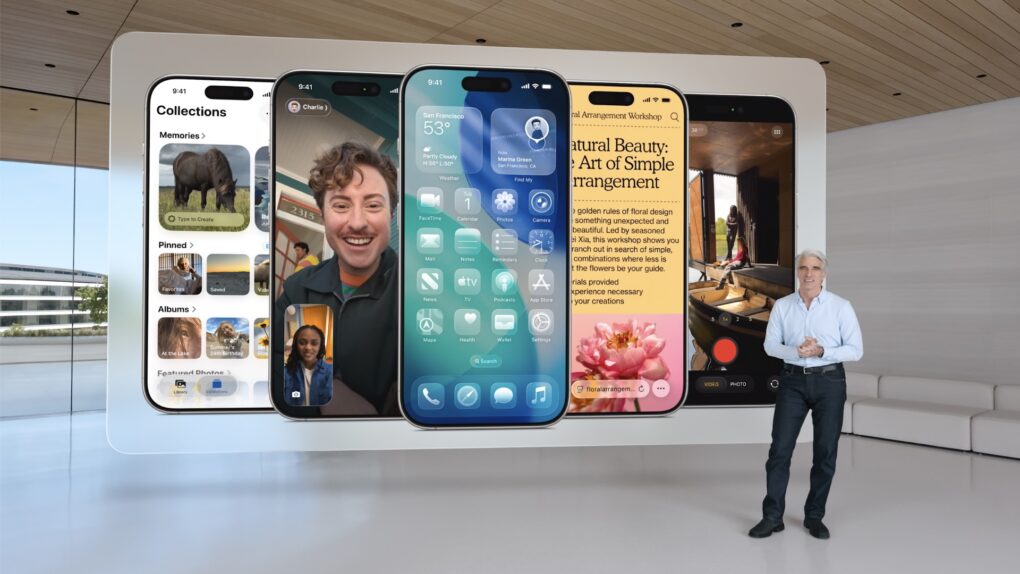
During the WWDC25 keynote on Monday, Apple announced the next versions of every operating system with a new naming scheme and fresh look. iOS has an all-new interface with redesigned Camera, Messages and Phone apps; macOS has a brand-new Spotlight; iPadOS has supercharged multitasking.
Many more options for working with windows is a highlight of iPadOS 26 at WWDC 2025. Screenshot: Apple
iPadOS 26 lets Apple’s tablets act more like a Mac than ever before. It also includes a new design that makes all Apple computers look more similar, further bringing iPads and Macs together.
“iPadOS 26 is our biggest iPadOS release ever, with powerful features that take the experience to the next level and transform what users can do on iPad,” said Craig Federighi, Apple’s senior vice president of software engineering, during Monday’s WWDC25 keynote. “With a beautiful new design, an entirely new powerful and intuitive windowing system, even more features powered by Apple Intelligence, huge improvements to working with files, and new capabilities for creatives to power their workflows, iPadOS 26 makes our most versatile device even more capable.”
Apple's newest operating systems drop support for some older devices. Photo: Apple
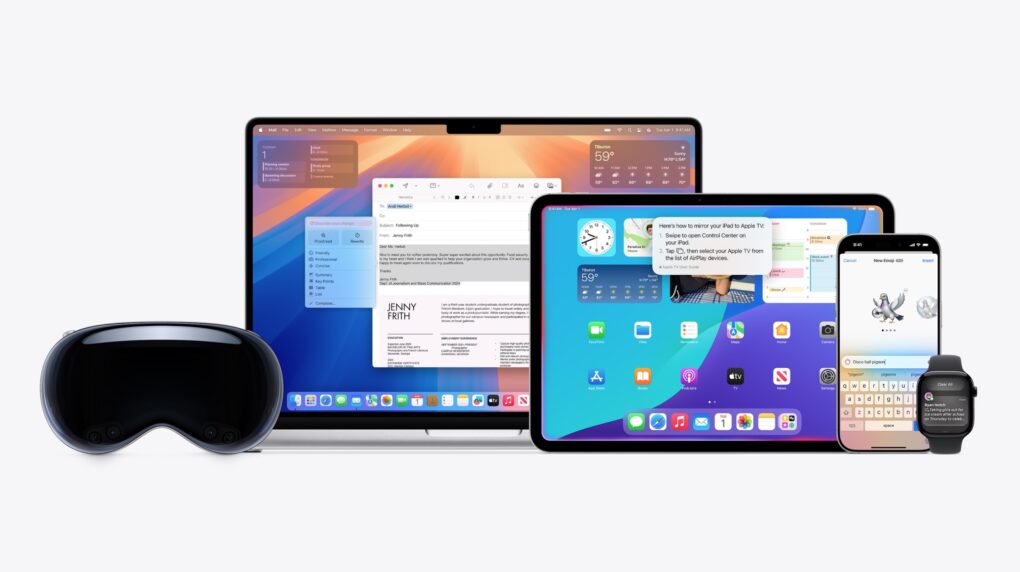
Apple kicked off WWDC25 Monday by showing off iOS 26, iPadOS 26, watchOS 26, and macOS 26. The company’s latest operating systems debut a new unified Liquid Glass visual design and pack several other improvements. Not every iPhone, iPad, or Mac will make the cut this year, though.
Find out the full list of iPhones, iPads, Apple Watches, and Macs eligible for iOS 26, iPadOS 26, watchOS 26 and macOS 26 below.
Apple's Senior VP of Software Craig Federighi introduces Liquid Glass. Photo: Apple
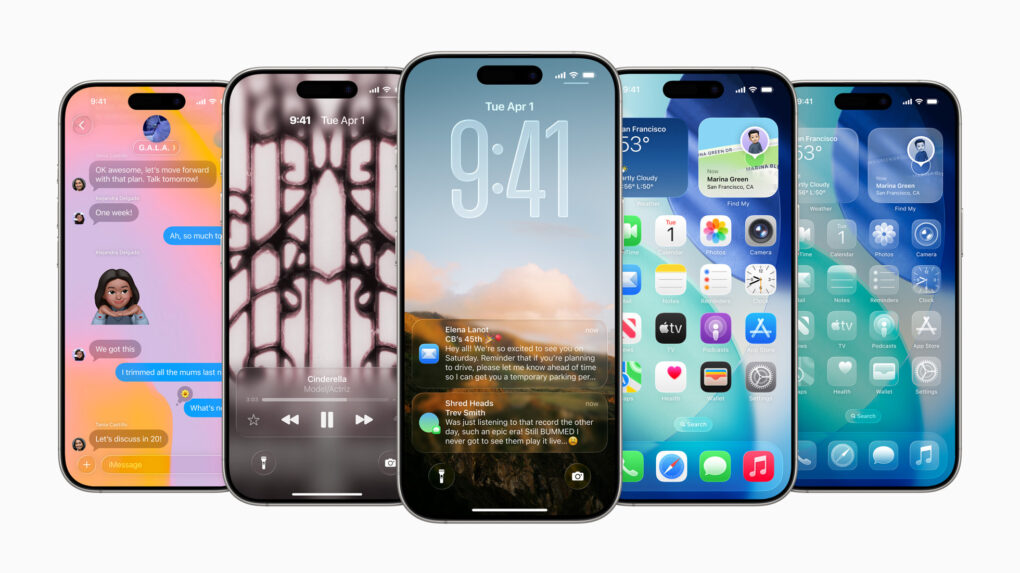
For the first time, Apple will unify software design across it various platforms with a new interface design called Liquid Glass. Inspired by visionOS, Liquid Glass is, as its name implies, a translucent and fluid new interface for iPhone, iPad, Mac and other devices in Apple’s ecosystem.
“It’s the kind of project that only comes along about once per decade,” said Craig Federighi, Apple’s senior vice president of software engineering, as he introduced Liquid Glass during Monday’s WWDC25 keynote.
In demos, conference attendees and online viewers got to see “glassy,” translucent menus, panels and icons throughout the system. The new look and feel creates a more immersive and modern visual experience.
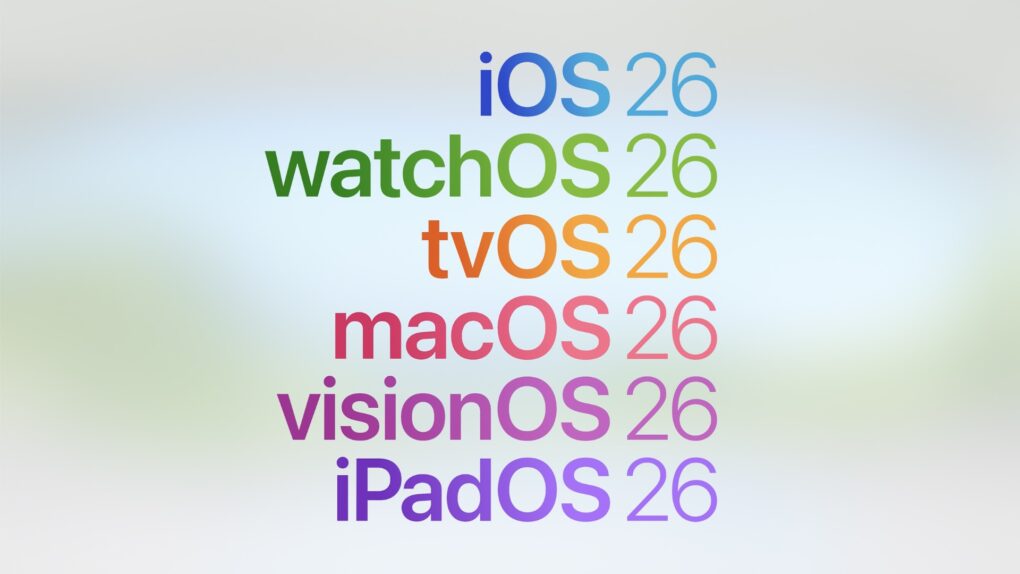
Going forward, Apple operating systems will be named after the upcoming year. Image: Apple
In a significant shift in its software branding strategy, Apple is moving away from its traditional iOS and iPadOS version numbering. Instead, the company announced the move to a year-based naming convention at WWDC25.
So, rather than iOS 19 and iPadOS 19, the company will market its releases this year as iOS 26 and iPadOS 26. Apple’s other operating systems will also adopt the same naming style.
“We’re unifying our version numbers across all our platforms. Our releases for the fall that will power us through the coming year, 2026, will be version 26,” said Craig Fedrighi during WWDC’s opening keynote.