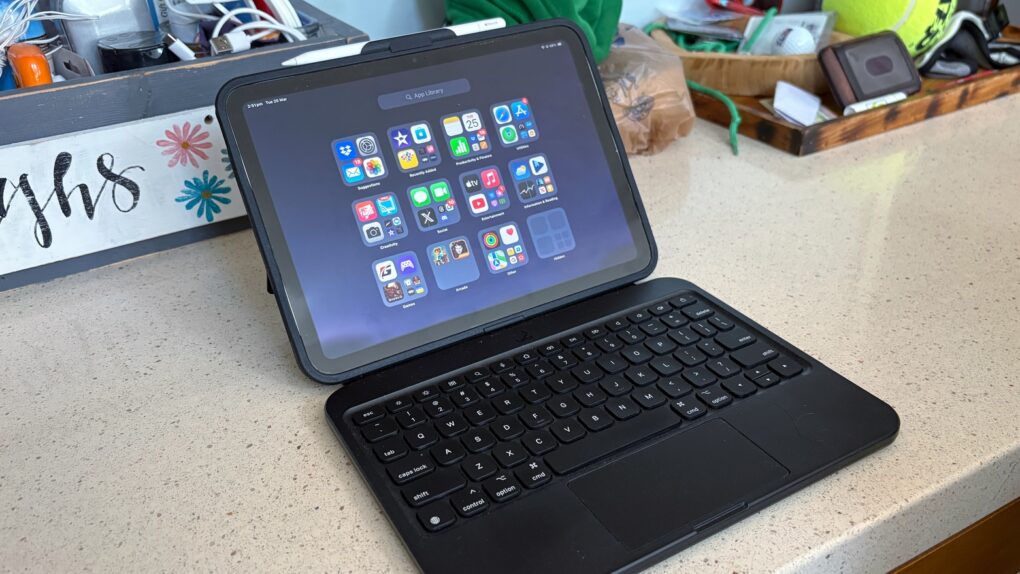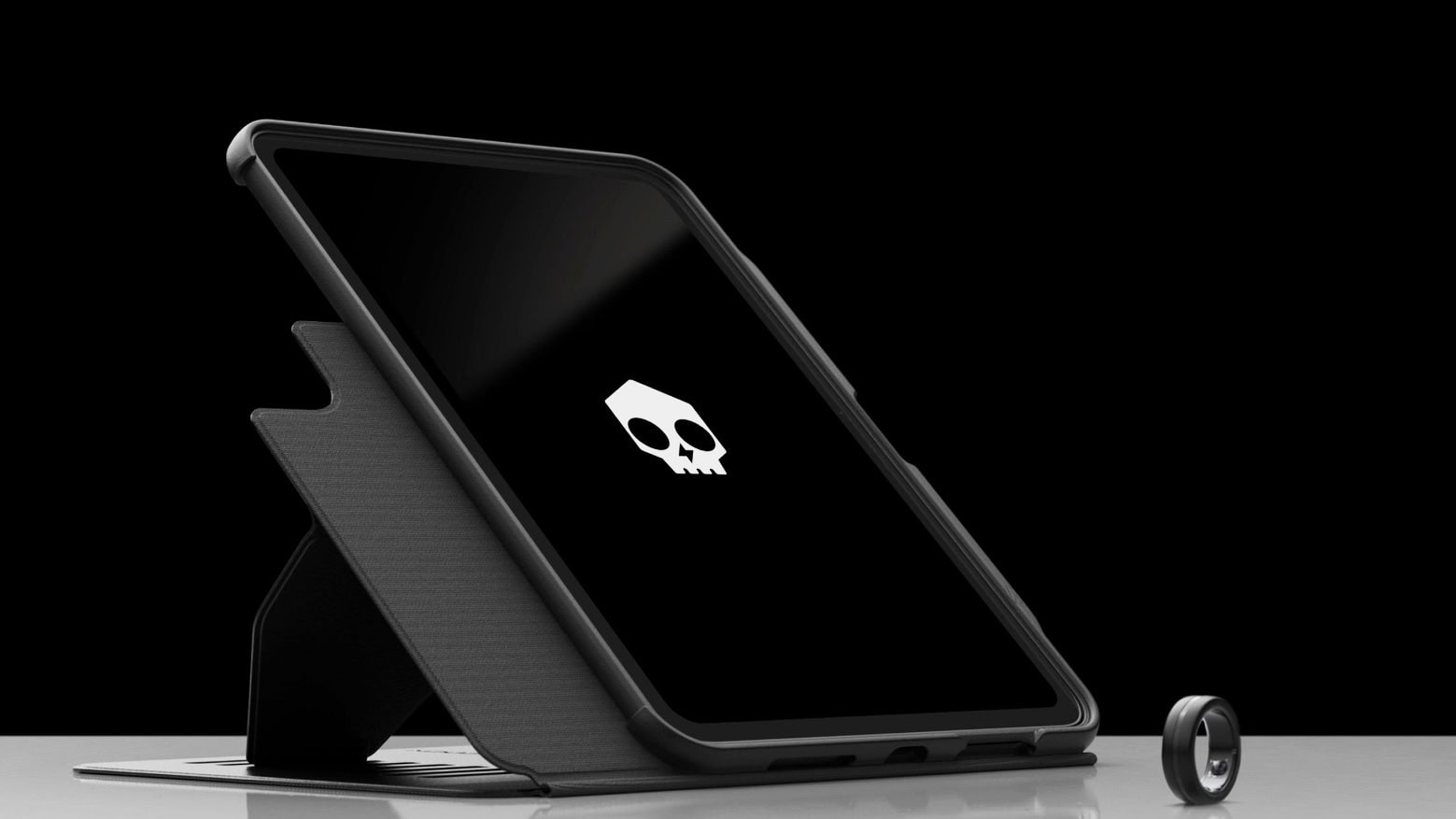
Make your iPad into a light notebook with a Targus VersaVu keyboard case. Photo: Targus
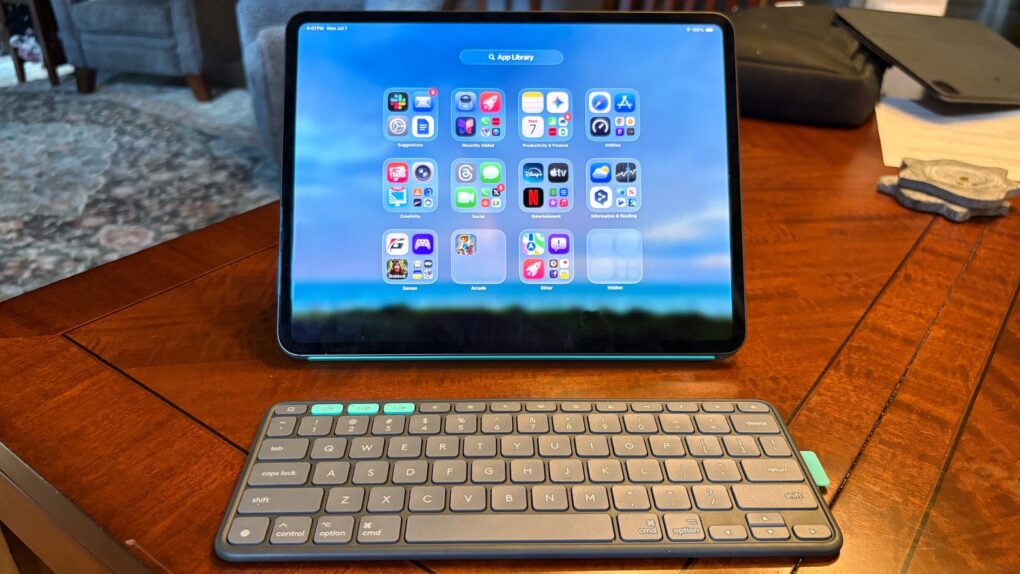
The goal of the new Targus VersaVu line is to upgrade the latest iPad models to a laptop-like experience. Plus, the slim keyboard case allows users to type on their tablet in either landscape or portrait mode.
It boasts a backlit keyboard, a trackpad and an adjustable kickstand.
★★★★☆
The Moft Dynamic Folio case/stand can lift your iPad closer to eye level. Photo: Ed Hardy/Cult of Mac
iPad cases that fold into stands are old news, but the Moft Dynamic Folio takes that idea and builds on it. The front flap can be folded into a variety of shapes to support the tablet at a range of angles, in both landscape and portrait orientations. A highlight is one that lifts the iPad up about 3 inches so it’s easier to see.
Plus, the case/stand is lightweight and very easy to attach and remove. There are versions for all recent Apple tablets.
I tested the flexible iPad accessory for several weeks. Here’s what I found out.
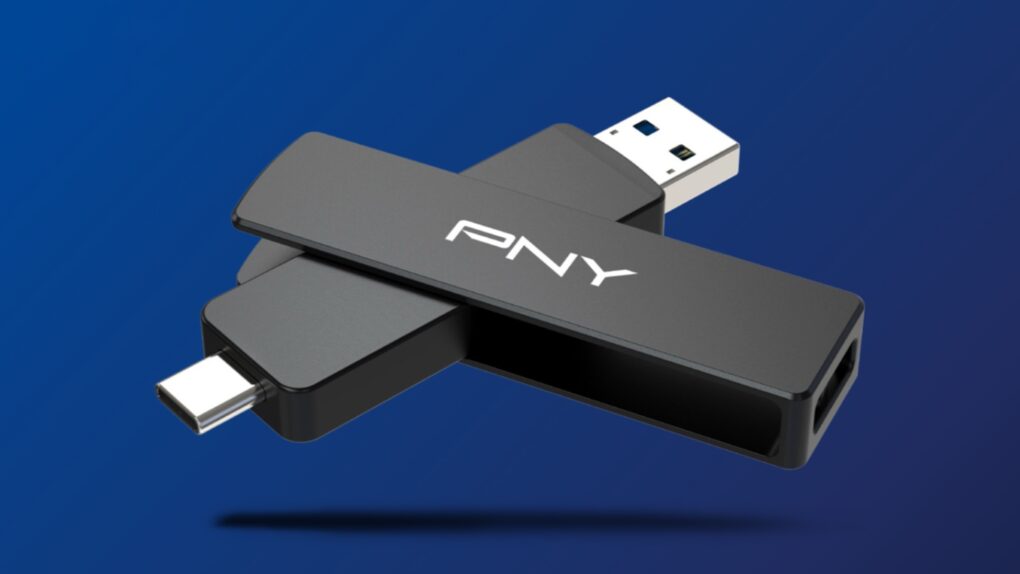
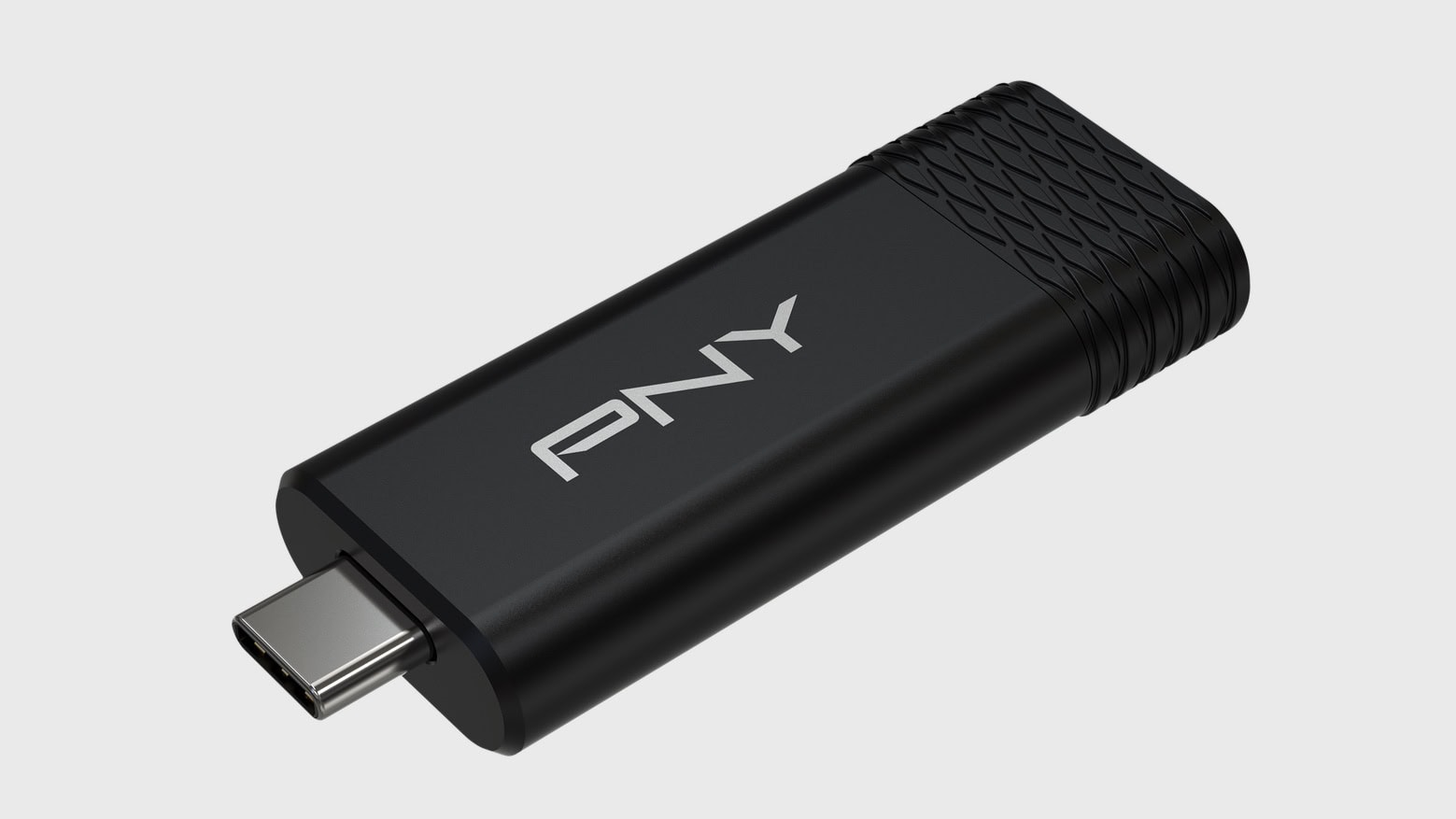
This thumb-size external SSD connects to your Mac or your smartTV, no adapter needed. Image: PNY
The PNY Duo Link V3 external SSD includes both a USB-C and a USB-A connector. That means the flash drive that launched Thursday can plug into any modern Mac, or it can go into a smartTV or other accessory that lacks a USB-C port — no adapter needed.
Even better, it offers 1,000MB/s data transfers, and capacities go up to 2 terabytes. The price is very competitive, too.
★★★★☆
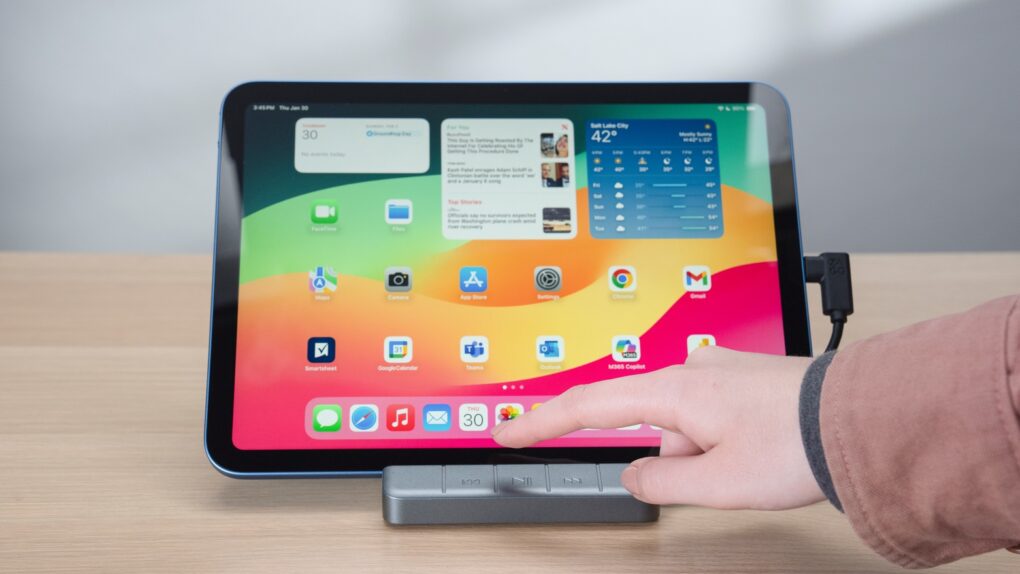
The Zagg 6-port Media Hub features an iPad stand, useful ports plus media controls. Photo: Zagg
The Zagg 6-port Media Hub includes a flip-up iPad stand, an HDMI port, a USB-A port and more, with the standout feature being an easily accessible set of media controls. And all this fits into the same space on your desktop as a more conventional tablet stand.
I used the iPad hub/stand in my home for weeks, and it does its job well. That said, a design quirk might limit its appeal.
★★★★☆
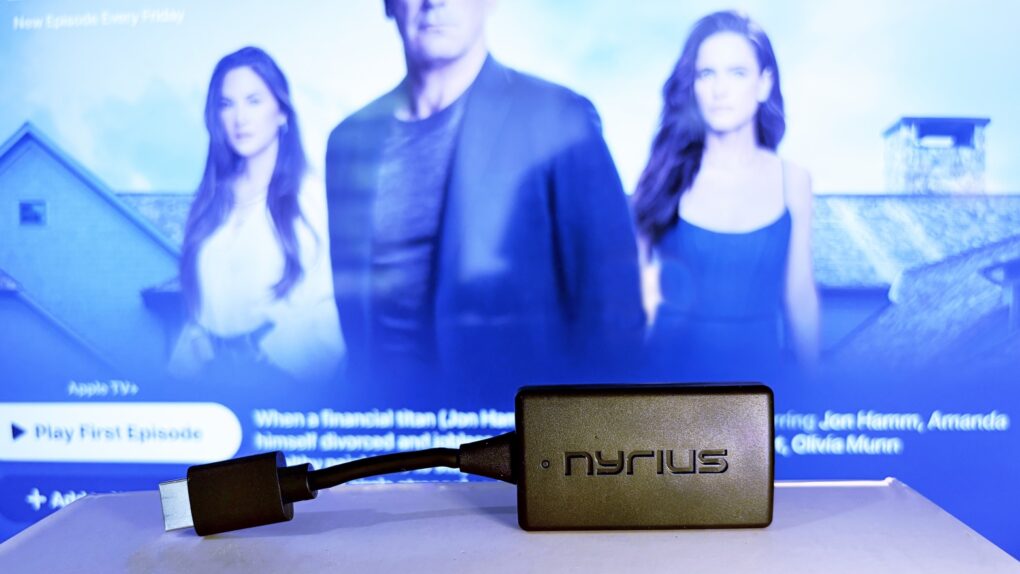
Replace that bulky HDMI cable with a wireless video transmitter. Photo: Ed Hardy/Cult of Mac
The Nyrius Orion Prime Wireless USB-C to HDMI Video Transmitter & Receiver frees you from needing to string an HDMI cable across your office or living room. Plug one gizmo into your MacBook, iPad, or iPhone, and another into your TV, and they’re connected.
The wireless adapter sends HD video a surprising distance and doesn’t require a Wi-Fi network.
I tested the wireless video transmitter out for myself and came away impressed. That said, it does have a limitation that makes it better for entertainment than work.
★★★★★
The Arovia Splay puts a beautiful 25-inch screen anywhere you need one. Photo: Arovia
The Arovia Splay Portable Foldable Monitor and Projector is a truly remarkable piece of kit. Not only does it promise a 25-inch, 1080p screen that can fold down to the size of a book, it actually delivers… with a surprisingly bright, clear image that doesn’t need a darkened room.
As the name indicates, it can also be used as a small portable projector.
I watched hours of TV shows on the Splay, and used it for work, too. I’m truly impressed with the performance. I’m less pleased about the price, though.
Replace that bulky HDMI cable with this wireless video transmitter and receiver. Photo: Nyrius
With the Nyrius Orion Prime Wireless USB-C to HDMI Video Transmitter & Receiver, you don’t need a cable to connect your MacBook, iPad or iPhone to your TV. It can send video up to 150 feet, offers HD resolution, and doesn’t require a Wi-Fi network.
★★★★★
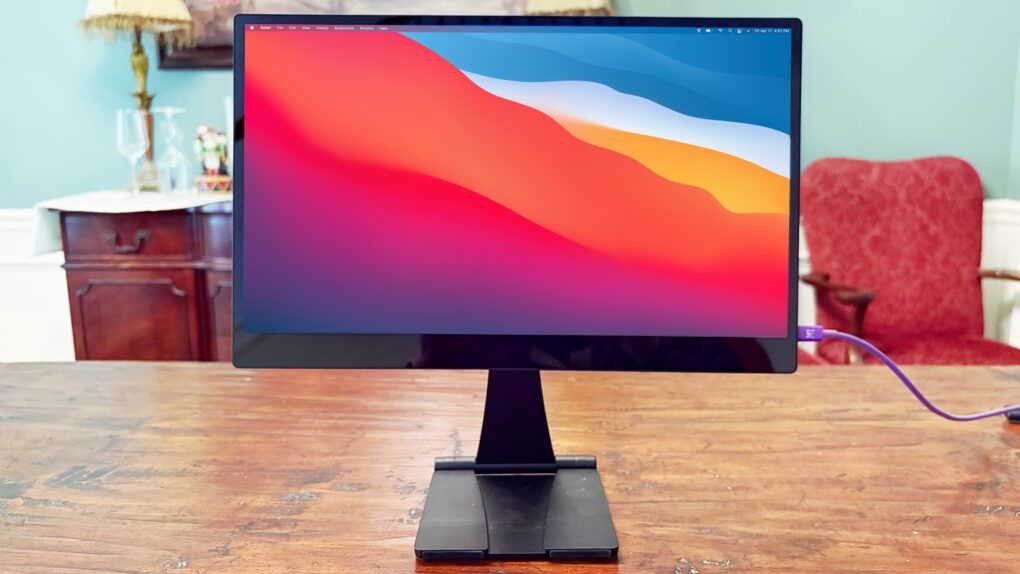
The Espresso 15 Pro looks stunning. Photo: Ed Hardy/Cult of Mac
The Espresso 15 Pro offers everything Apple users want in a high-end portable monitor. 4K? Yes. Gorgeous. Oh, yeah. Touchscreen? Got it. USB-C? Check.
It has an all-aluminum body that makes it look great from any angle. And as a bonus, it comes with an innovative stand that lets you position the screen where you want it, even above your notebook.
I used the Espresso 15 Pro display in my home office and when working remotely, and am simply blown away. Here’s why.
★★★★☆
Zagg Tough Keys is designed for a kid to do homework on. Photo: Ed Hardy/Cult of Mac
Apple made the recently launched iPad 11 (A16) with younger users in mind, and the Zagg Tough Keys expands the tablet with a keyboard and trackpad that provides 6.6 feet of drop protection — something any parent can see the advantage of.
I took the rugged iPad keyboard case for a test drive. It adds quite a bit for young students, but there are limitations for anyone older. Read on to learn more.
The Zagg 6-Port Media Hub is ideal for fans of watching video on an iPad. Photo: Zagg
Don’t buy a separate stand and hub for your iPad until you check out the Zagg 6-port Media Hub that launched Wednesday. Add an HDMI port, a USB-A port and more to your tablet without taking up any more space on your desktop than a stand alone would.
Plus, it got a big brother: the Zagg Pro Dock is a stand for MacBooks with 10 ports, including dual HDMI and Ethernet.
These are part of a collection of new hubs from Zagg with a range of port options.
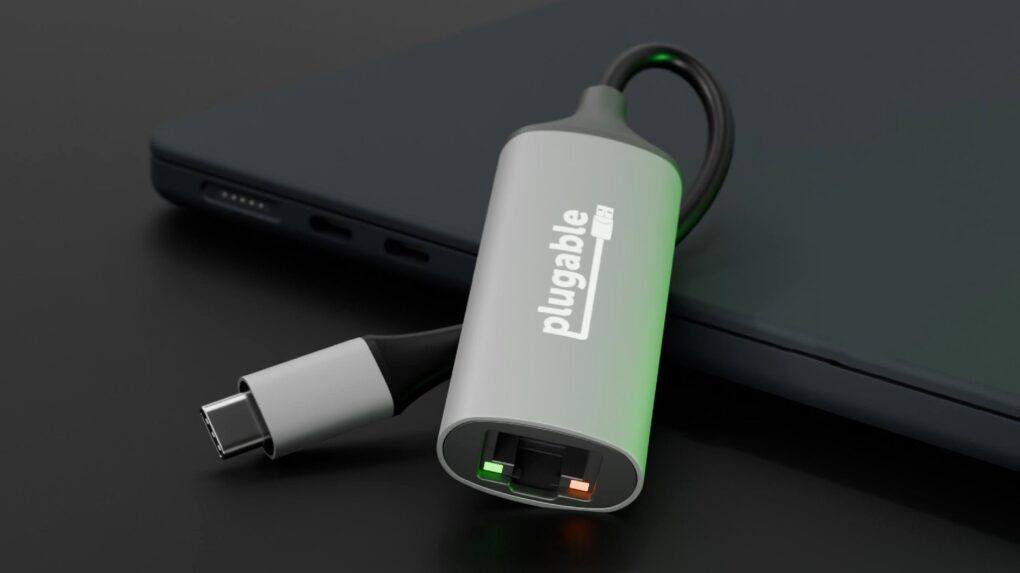
Wi-Fi isn’t your only option with a USB-C Ethernet adapter. Photo: Plugable/Cult of Mac
The new Plugable USBC-E5000 5Gbps USB-C Ethernet Adapter lets you add a wired internet connection to your MacBook. Simply plug it into a USB-C port on your computer for data transfers at up to 5Gbps, or 5000Mbps.
The affordable adapter, which launched Tuesday, also works with iPad and even recent iPhone models.
★★★★☆
Stop missing out on local TV with an affordable Tablo over-the-air DVR with antenna. Photo: Ed Hardy/Cult of Mac
Nuvyyo’s Tablo picks up local TV broadcasts and lets you watch or record them on your TV, phone or tablet. As you’ll see in this Tablo TV review, it’s a brilliant solution for cord-cutters who lost access to CBS, ABC, etc., when they dropped their expensive cable subscriptions.
The device costs less than $100, with no subscriptions required and no hidden fees. For this review, I tested the latest Nuvyyo Tablo with my Apple devices and found the over-the-air DVR to be darn good, if not perfect.
This iPad knows things. Terrible things. Photo: Zugo
Do you harbor terrible secrets that must never get out? Zugu’s new In Case of Death Case for iPad Pro is for you. It’s always ready to automatically brick the tablet if you stop a bullet or get crushed in an “accident.”
Whether you’re a covert agent for British intelligence or just know things about the homeowners association that must never be revealed, Zugu Case has your back.
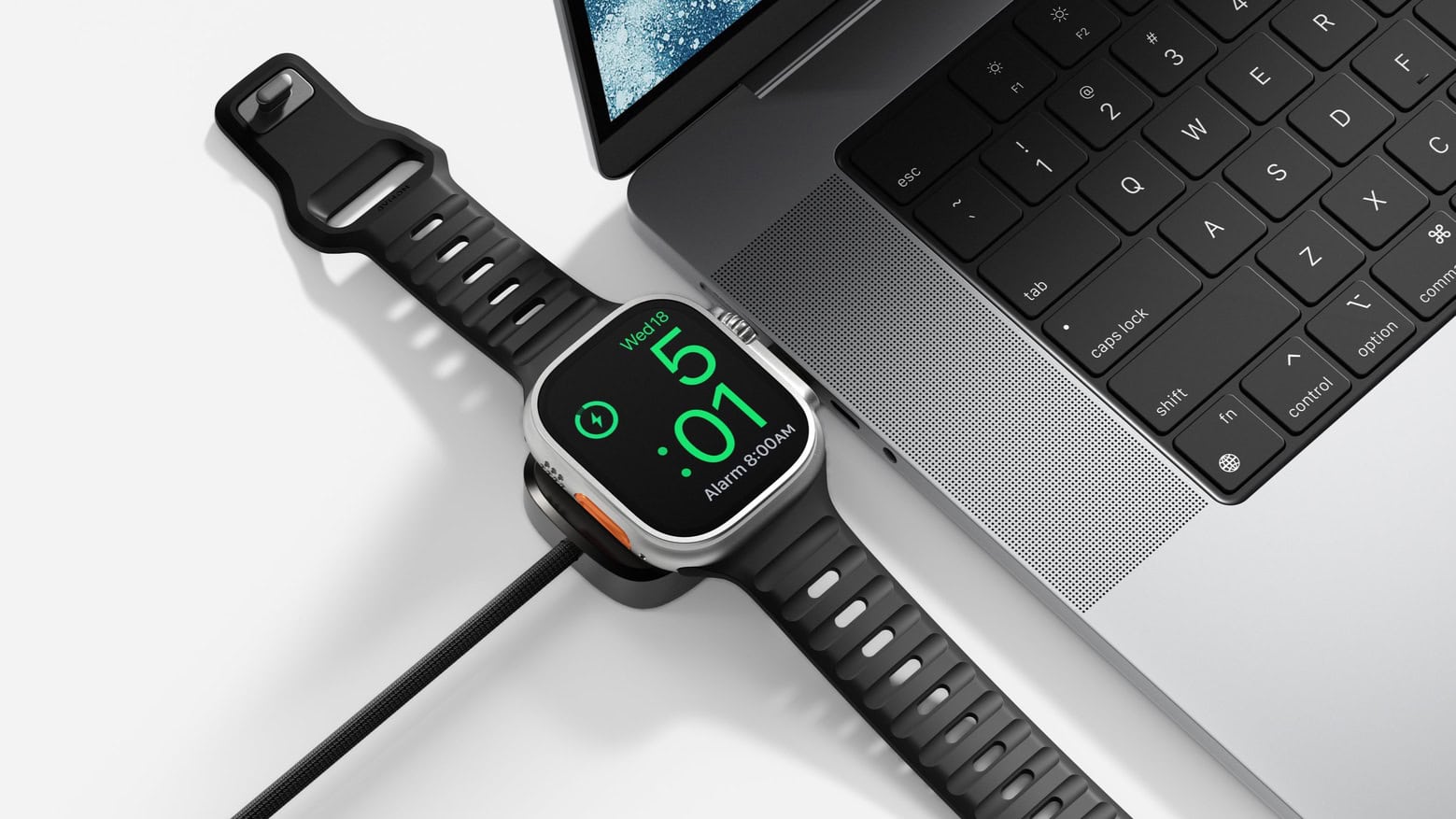
Nomad Universal Cable for Apple Watch charges your wearable and your Mac at once. Photo: Nomad
When you need to juice up your iPhone and Apple Watch, a single cable isn’t going to do you much good… unless it’s the latest innovation from Nomad. The new Universal Cable for Apple Watch charges the wearable while also sending current to another USB-C device, like a MacBook or iPad.
The PNY PRO Elite V3 might be the affordable external storage you’re looking for. Photo: PNY
A new mobile SSD called the PNY Pro Elite V3 holds terabytes of data and can transfer that data at up to 1,000MB/s. But perhaps its standout feature is price: the 2TB variant comes in at just $145.
PNY also just introduced two other speedy USB-C drives that top out at 256GB — but cost less than $25.
★★★★★
espresso Display 15 stands out from its rivals. Photo: Ed Hardy/Cult of Mac
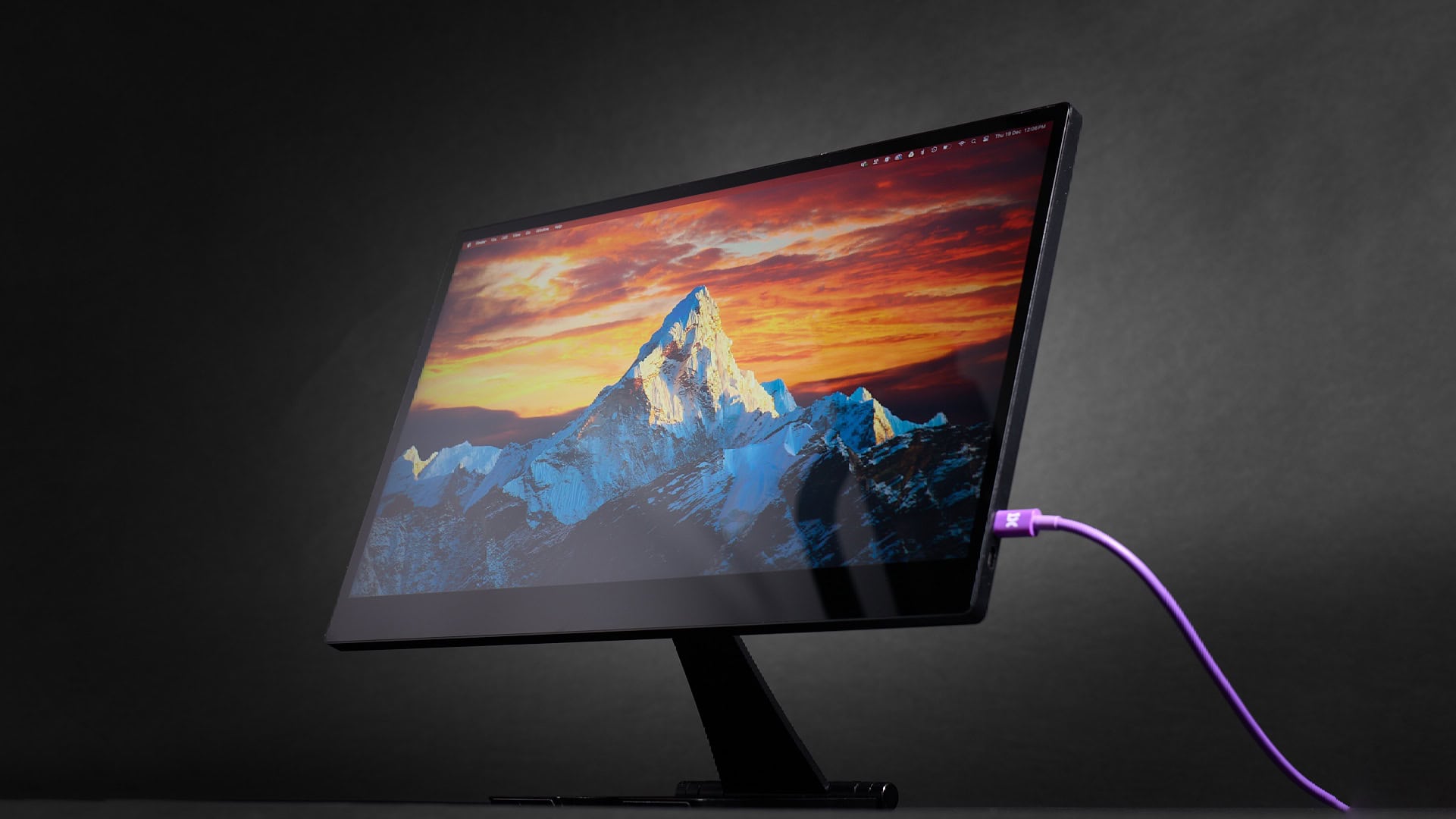
The espresso Display 15 doubles down on appearance. Not only does it have a great-looking LCD, its aluminum-and-glass exterior makes the screen match a MacBook or iPad perfectly.
Even better, it comes with a clever magnetic stand that can hold the display above your notebook, or beside it if you prefer.
espresso’s 17-inch Pro version from 2023 is the best portable monitor I’ve used, so I went into my review of the smaller version with high expectations.
ESR’s Geo Digital Pencil is inexpensive but still offers a range of useful features. Photo: ESR
The Geo Digital Pencil from ESR costs a quarter of what Apple Pencil Pro does, but both iPad styli support Find My so they can be easily located. And they cling magnetically to an iPad, and can be used for writing or sketching.
In addition, ESR also unveiled a mouse that magnetically attaches to a MacBook for easy portability.
Here are my picks for the best iPad cases available now. Image: Cult of Mac
You unwrapped a shiny new iPad for Christmas or Hanukkah — congratulations! — and now you need a case for it. I’ve tested a bunch of these and have recommendations for the best iPad cases.
These protect your computer from life’s little mishaps. But you can also get an iPad case with a built-in keyboard and trackpad to upgrade your table to a ultralight laptop.
Your iPad can be both a tablet and a notebook with the Targus VersaVu Bluetooth Keyboard Case. Photo: Targus
Targus and Macally unveiled iPad folio cases with built-in keyboards and trackpads. Although the designs vary, all can turn an Apple tablet into a slim notebook computer.
Apple makes its own iPad keyboard case, but these new third-party options cost considerably less.
★★★★★
Your iPad is safe and not too bulky in the OtterBox Statement Series Studio. Photo: Ed Hardy/Cult of Mac
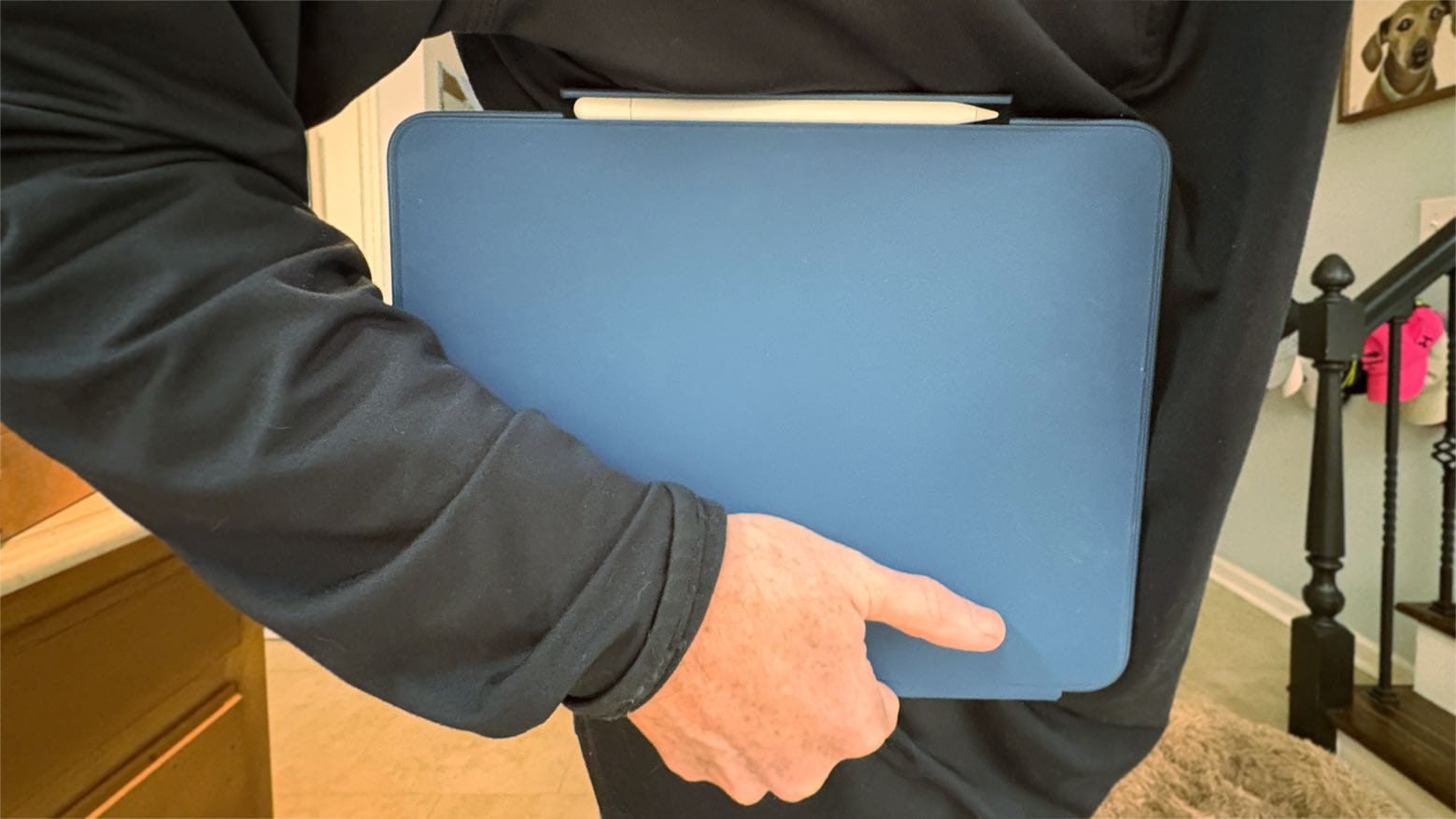
The OtterBox Statement Series Studio case for iPad Pro or iPad Air finds a brilliant balance of protection and portability. It’s slim and relatively lightweight, but wraps completely around the tablet to save it from disaster. And there’s a built-in adjustable kickstand and Apple Pencil holder, too.
I tested it with my M4 iPad Pro, and haven’t found a wraparound folio case I like better. Here’s why:
★★★☆☆
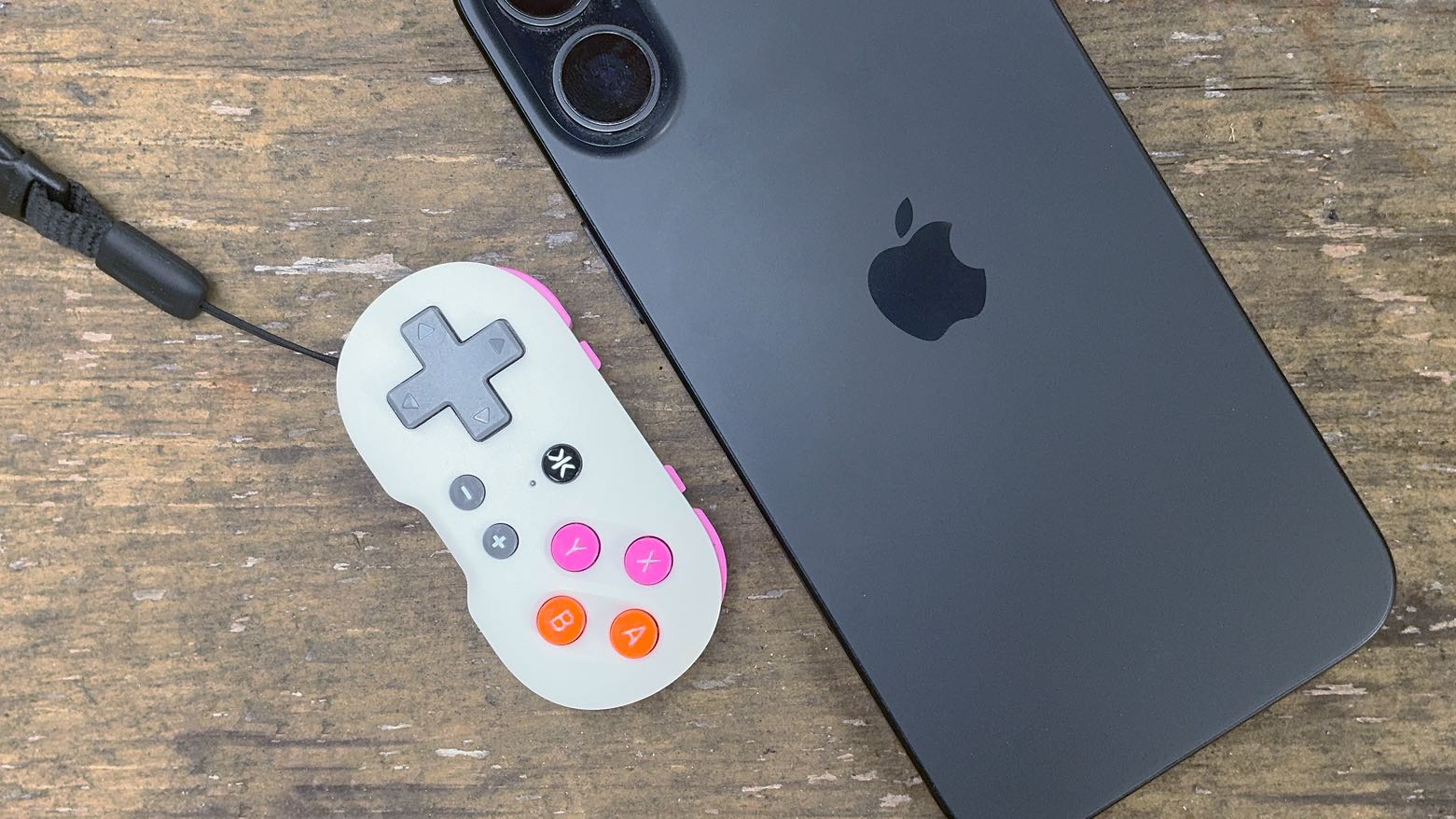
CRKD Atom is a tiny but usable game controller… for the right type of game. Photo: Ed Hardy/Cult of Mac
The CRKD Atom looks small enough to be a game controller for a doll, but it’s designed to clip on your keychain for gameplay wherever you go. It’s a way to have some fun with your iPhone when you find yourself with some unexpected time to kill.
I played with it, and while the complete lack of sticks greatly limits the controller, it’s possible to have fun with retro games.
espresso Display 15 with with Stand+ Photo: espresso Displays
The espresso Display 15, an ultra-thin 15-inch monitor, launched Tuesday. It boasts an aerospace aluminum casing, not the usual plastic, but a lower price than previous high-end portable displays from this company. It gets power and data from a MacBook or iPad via a single USB-C connection.
It’s paired with Stand+, an ergonomic stand with a surprising trick.
You don’t have to pay full price for the brilliant iPad Magic Keyboard. Photo: Ed Hardy/Cult of Mac
A deal on the Apple Magic Keyboard for the new 13-inch M4 iPad Pro knocks 20% off the regular cost, and a coupon sweetens the savings. There’s also a bargain on the 11-inch version.
The regular prices for the accessory are quite high, but you can now save quite a bit.
★★★★☆
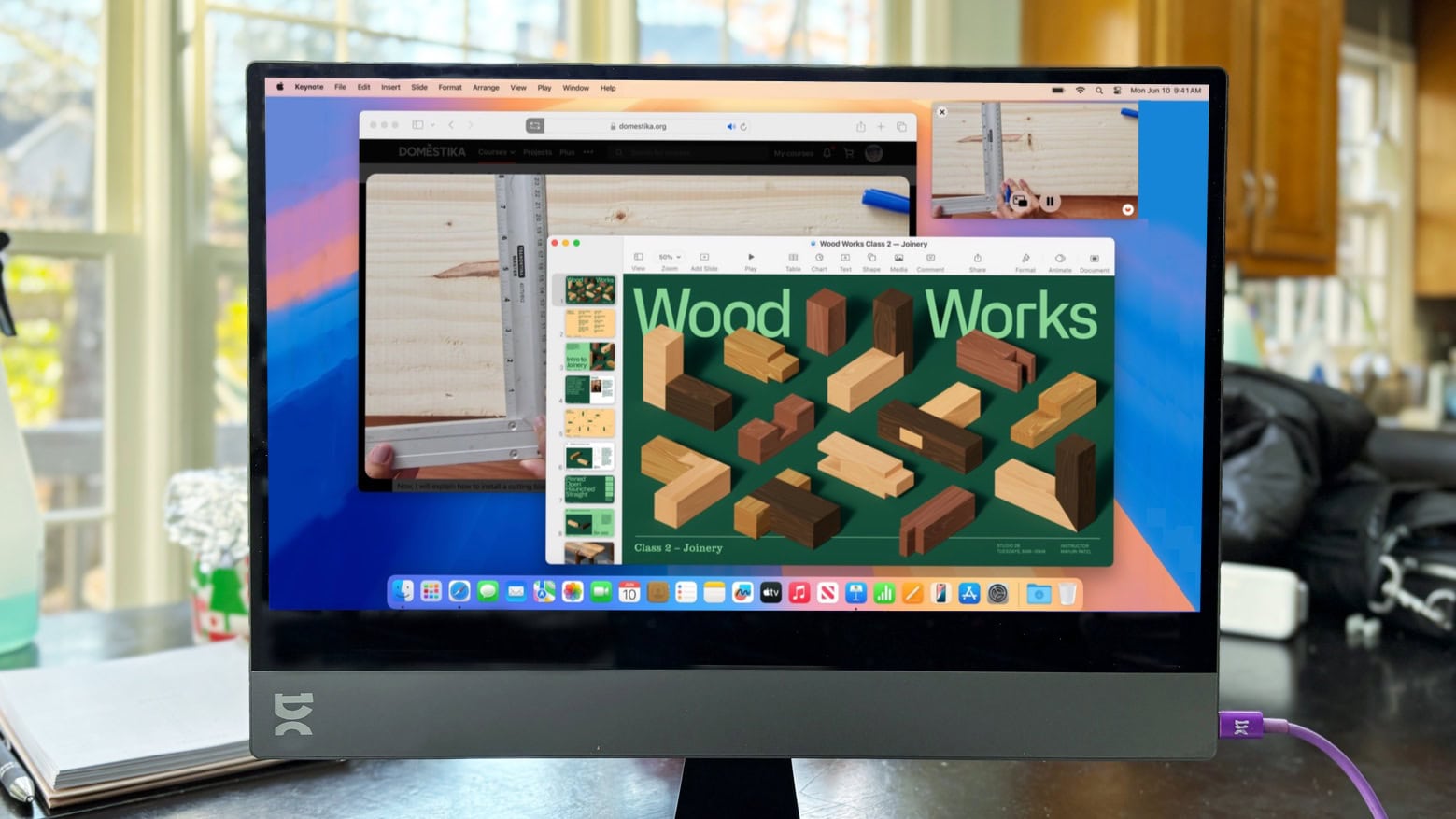
You might not need a USB-C hub if you use this great-looking portable monitor. Photo: Ed Hardy/Cult of Mac
The Plugable 15.6” USB-C Portable Display connects to MacBook or iPad to add more screen space, but that’s only the start: it’s also a hub with a pair of high-speed USB-C ports available for external drives, a keyboard, etc.
As a person who regularly works outside of the office with an iPad Pro, I’m more than qualified to test this accessory for road warriors who are perpetually short of USB-C ports. Here’s why I love it.