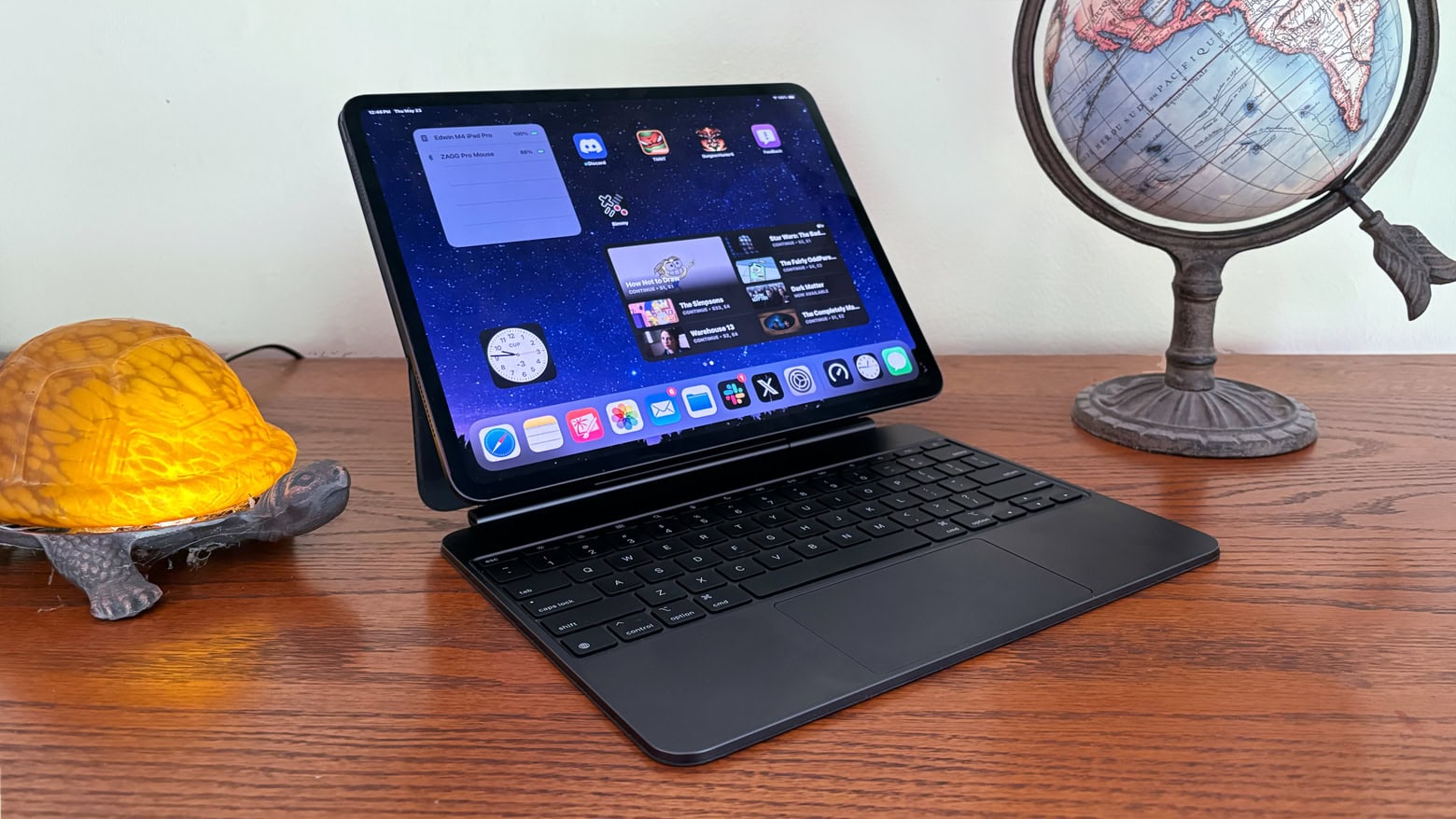
You don’t have to pay full price for the brilliant iPad Magic Keyboard. Photo: Ed Hardy/Cult of Mac
A deal on the Apple Magic Keyboard for the new 13-inch M4 iPad Pro knocks 20% off the regular cost, and a coupon sweetens the savings. There’s also a bargain on the 11-inch version.
The regular prices for the accessory are quite high, but you can now save quite a bit.
★★★★☆
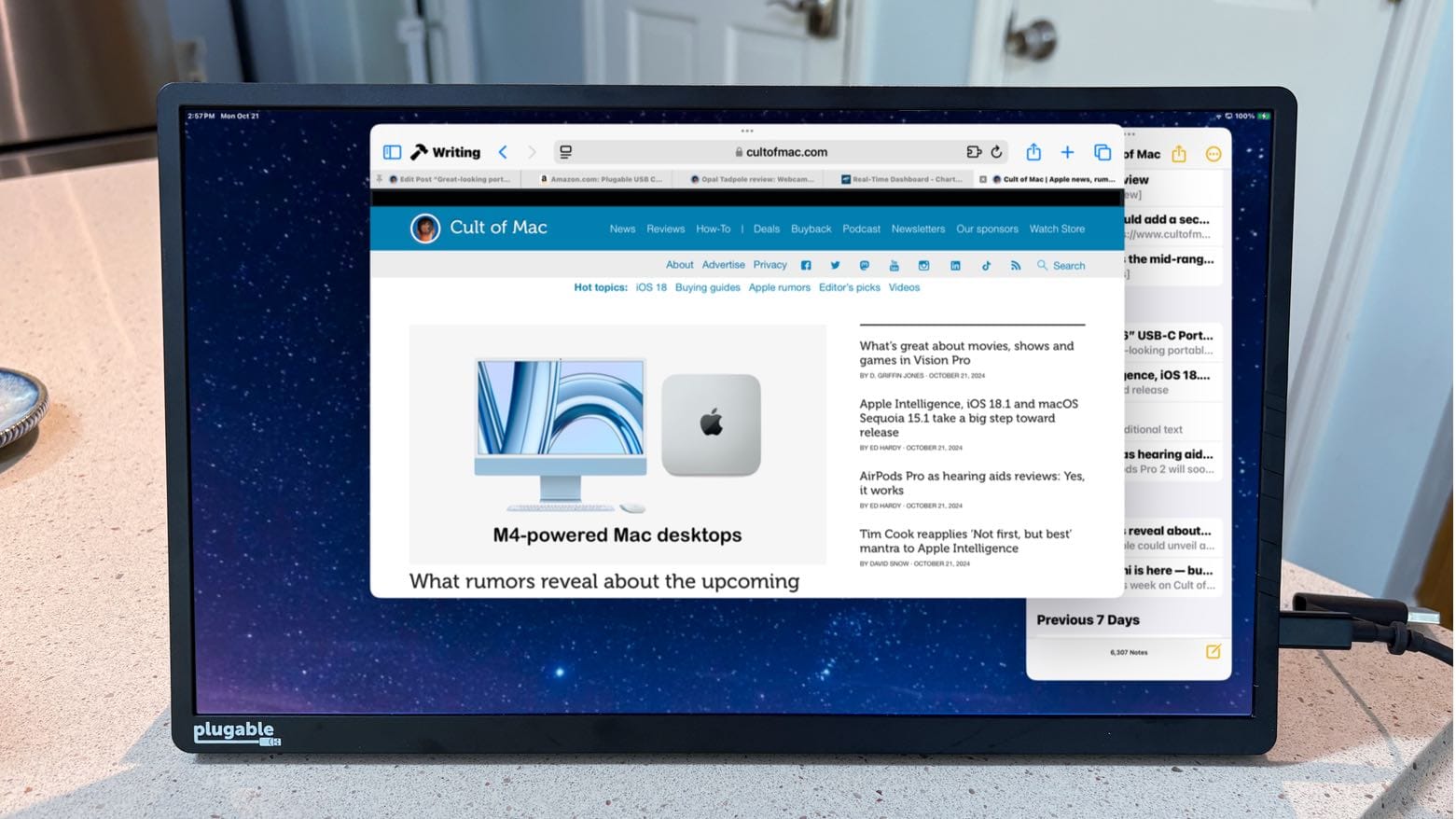
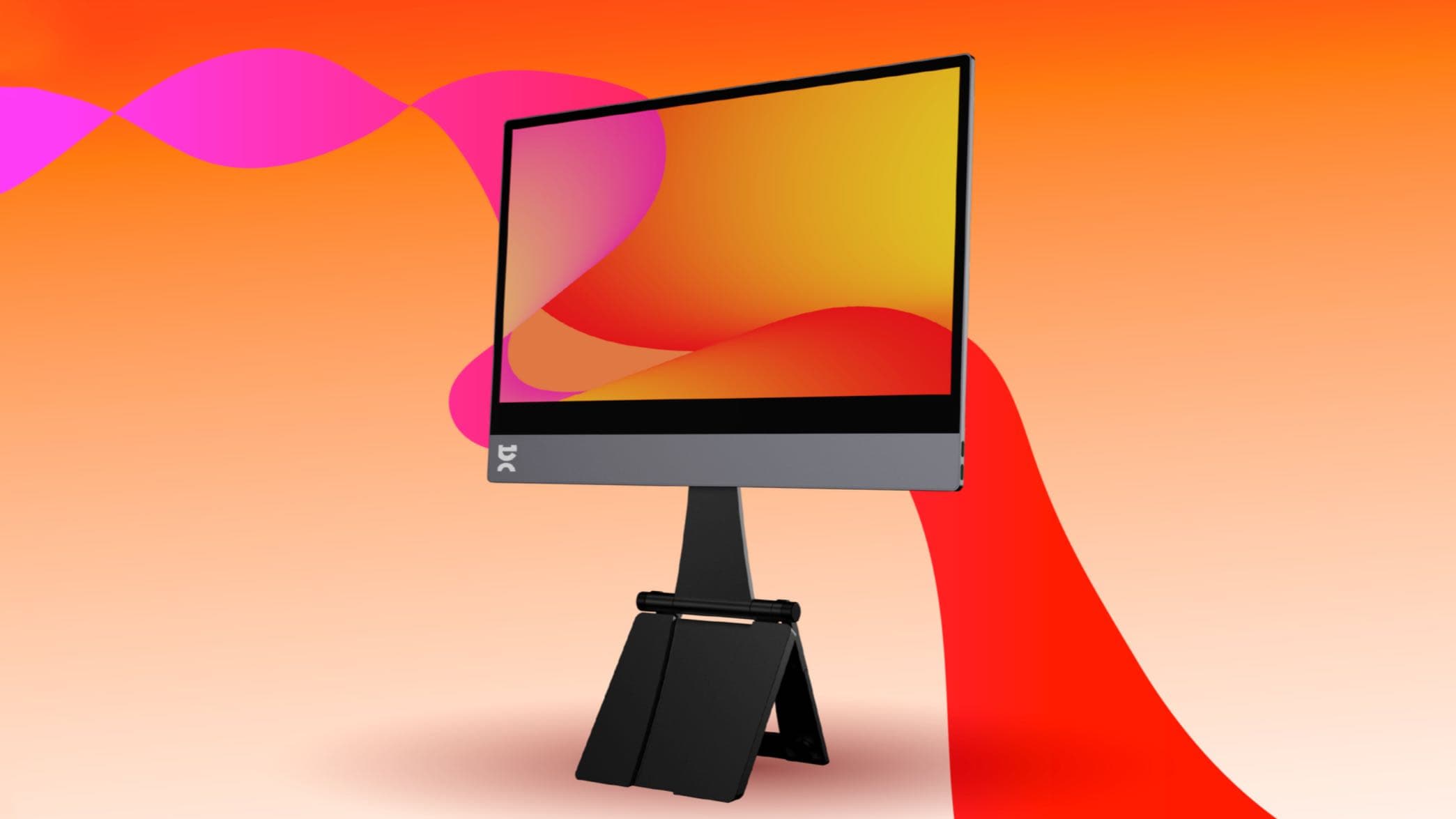
You might not need a USB-C hub if you use this great-looking portable monitor. Photo: Ed Hardy/Cult of Mac
The Plugable 15.6” USB-C Portable Display connects to MacBook or iPad to add more screen space, but that’s only the start: it’s also a hub with a pair of high-speed USB-C ports available for external drives, a keyboard, etc.
As a person who regularly works outside of the office with an iPad Pro, I’m more than qualified to test this accessory for road warriors who are perpetually short of USB-C ports. Here’s why I love it.
★★★★☆
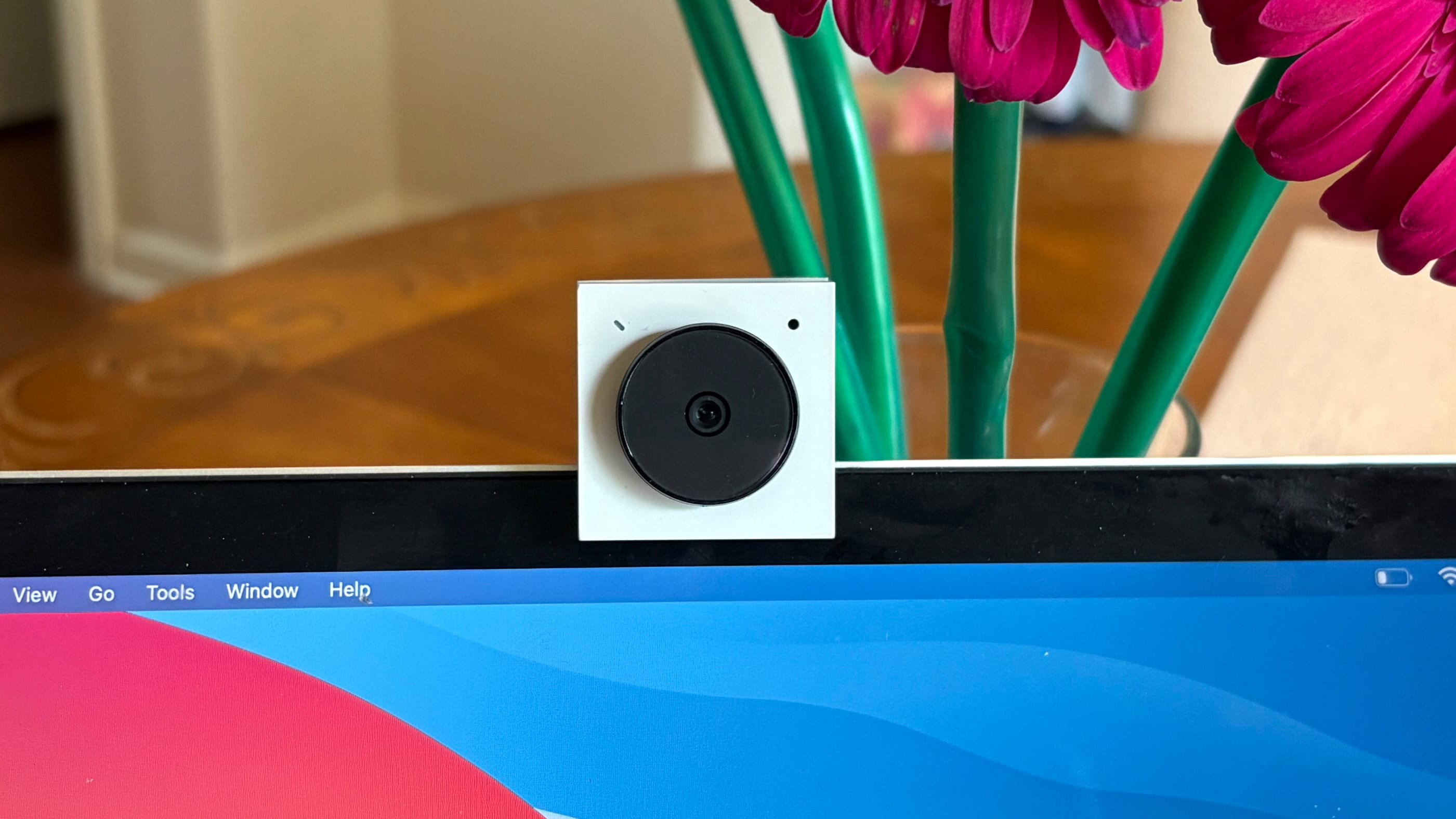
Get big video from the tiny Opal Tadpole webcam. Photo: Ed Hardy/Cult of Mac
Opal Tadpole acts as a replacement for the webcam in your laptop or tablet. Clip the well-built gadget to an older MacBook and you’ll look better on video calls.
I tested one with multiple computers to see how Tadpole stands up in real world use — and whether it might make a good gift this holiday season.
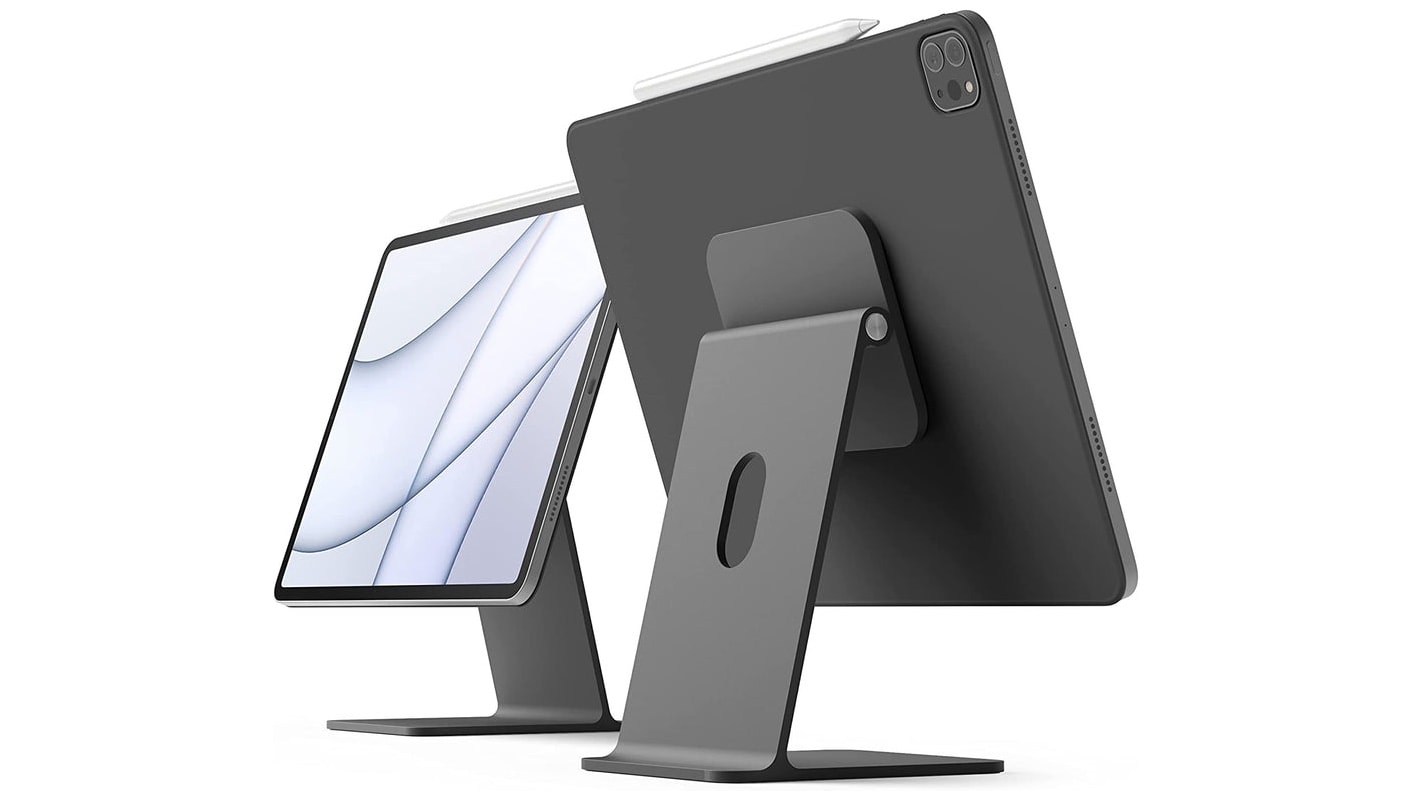
Your iPad can also be a stylish iMac mini with this stand. Photo: Elago
If you love your iPad, there’s no reason to buy a second computer. Add a few accessories and you can quickly transform an iPad into an iMac mini — a small desktop computer easily up to personal use.
I use an iPad as my primary computer, so I have some recommendations for items to take your tablet to the next level.
★★☆☆☆
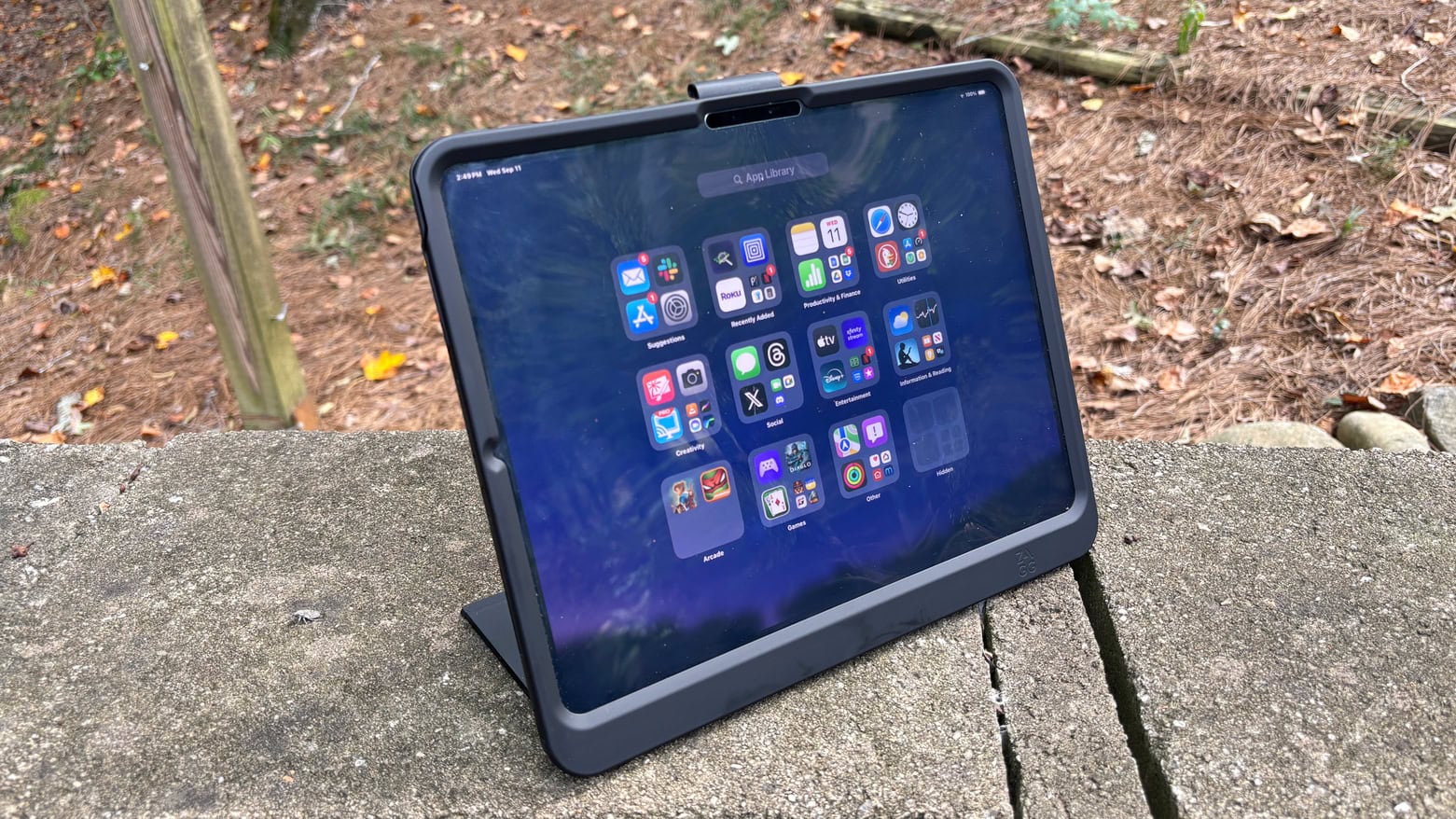
You'd think something really bouncy would be fun. But not when it's your iPad. Photo: Ed Hardy/Cult of Mac
Zagg offers an array of excellent accessories for Apple devices. Its Denali case for the latest iPad Pro models is not one of them. The case protects the tablet from drops of 6.5 feet and includes a snap-on screen protector and kickstand, but a couple of significant design problems make this a product to walk away from.
I (unfortunately) tested the Denali with my 13-inch iPad Pro so I’m well familiar with its issues.
Get a refurbished iPad, Beats Flex earbuds and some great accessories for less than $300.
Photo: Cult of Mac Deals
Want a soup-to-nuts iPad setup that won’t obliterate your bank account? This refurbished iPad 9 and Beats Flex earbuds bundle hits the mark, offering a smart mix of performance, style and value at just $299.99.
In addition to the tablet and the wireless earbuds, you get all the accessories you need to protect and make the most of your new-to-you iPad.
The budget iPad might get a version of the brilliant iPad Magic Keyboard. Photo: Ed Hardy/Cult of Mac
iPad users can look forward to a less expensive version of Apple’s Magic Keyboard, according to information leaking out of Apple. The goal is apparently a variant more appealing to buyers of entry-level tablets.
★★★★☆
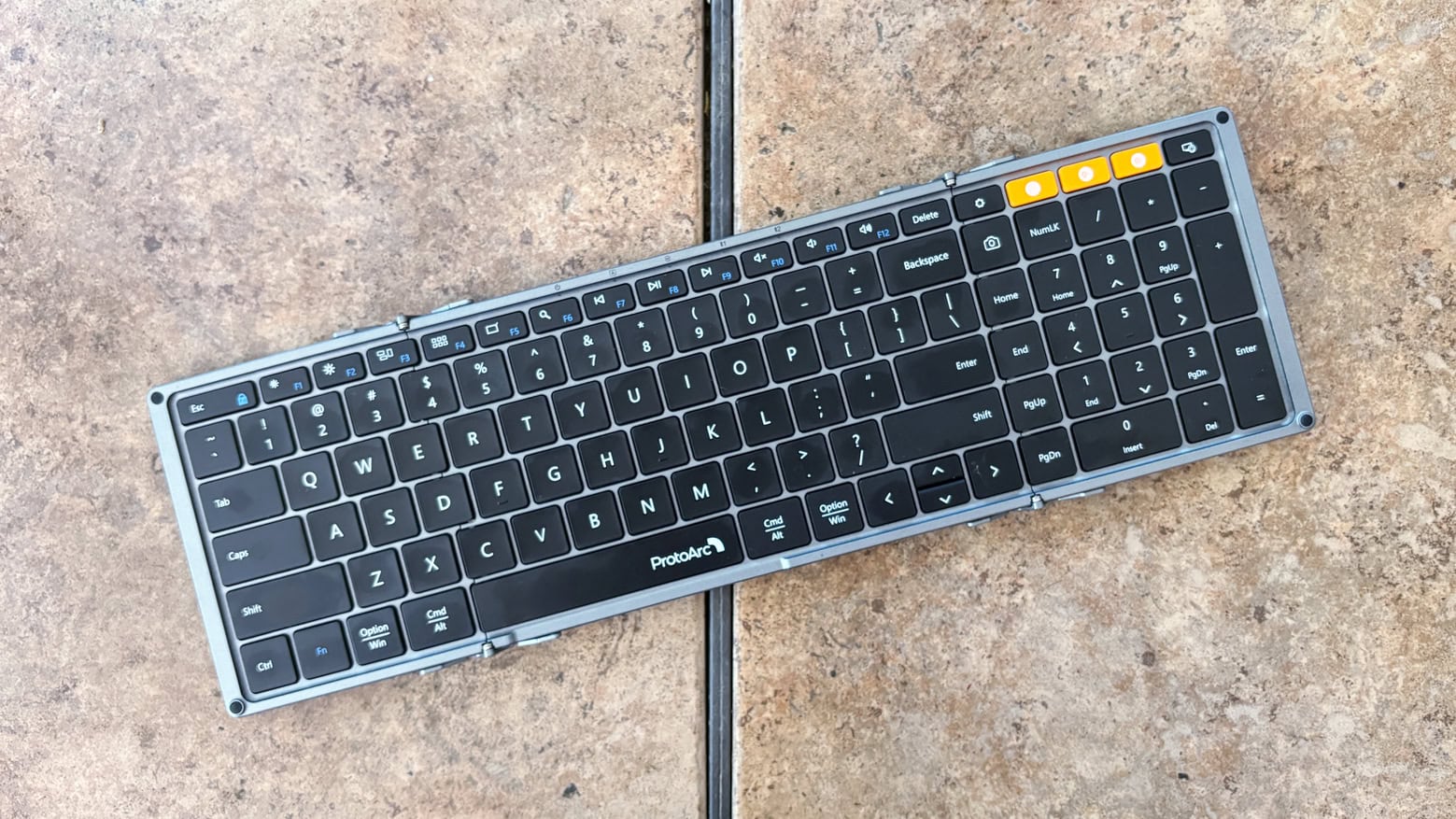
ProtoArc XK01 offers all this but folds for easy stowing. Photo: Ed Hardy/Cult of Mac
The ProtoArc XK01 Tri-Fold Bluetooth Keyboard is ready to make your business trips more productive. It’s full size, with a numpad and function keys, too. But it folds down to fit easily in a briefcase.
It’s available solo, or with a travel mouse, or as the centerpiece of a bundle with the mouse plus a USB-C hub and multi-port wall charger.
I fully tested the folding keyboard with my 13-inch iPad Pro, plus the other components, too.
★★★☆☆
Zagg Crystal Palace protects your iPad while still showing it off. Photo: Ed Hardy/Cult of Mac
The Zagg Crystal Palace solves a vexing problem for iPad users: you want to show off your gorgeous iPad but you need to protect it too. That’s why most of this folio case is transparent. Nevertheless, it provides 6.5 feet of drop protection.
It also acts as a stand, and there’s a useful Apple Pencil holder.
Zagg’s case offers plenty of great features, but an unfortunate design flaw in the cover flap makes it hard for me to recommend this product.
★★★★☆
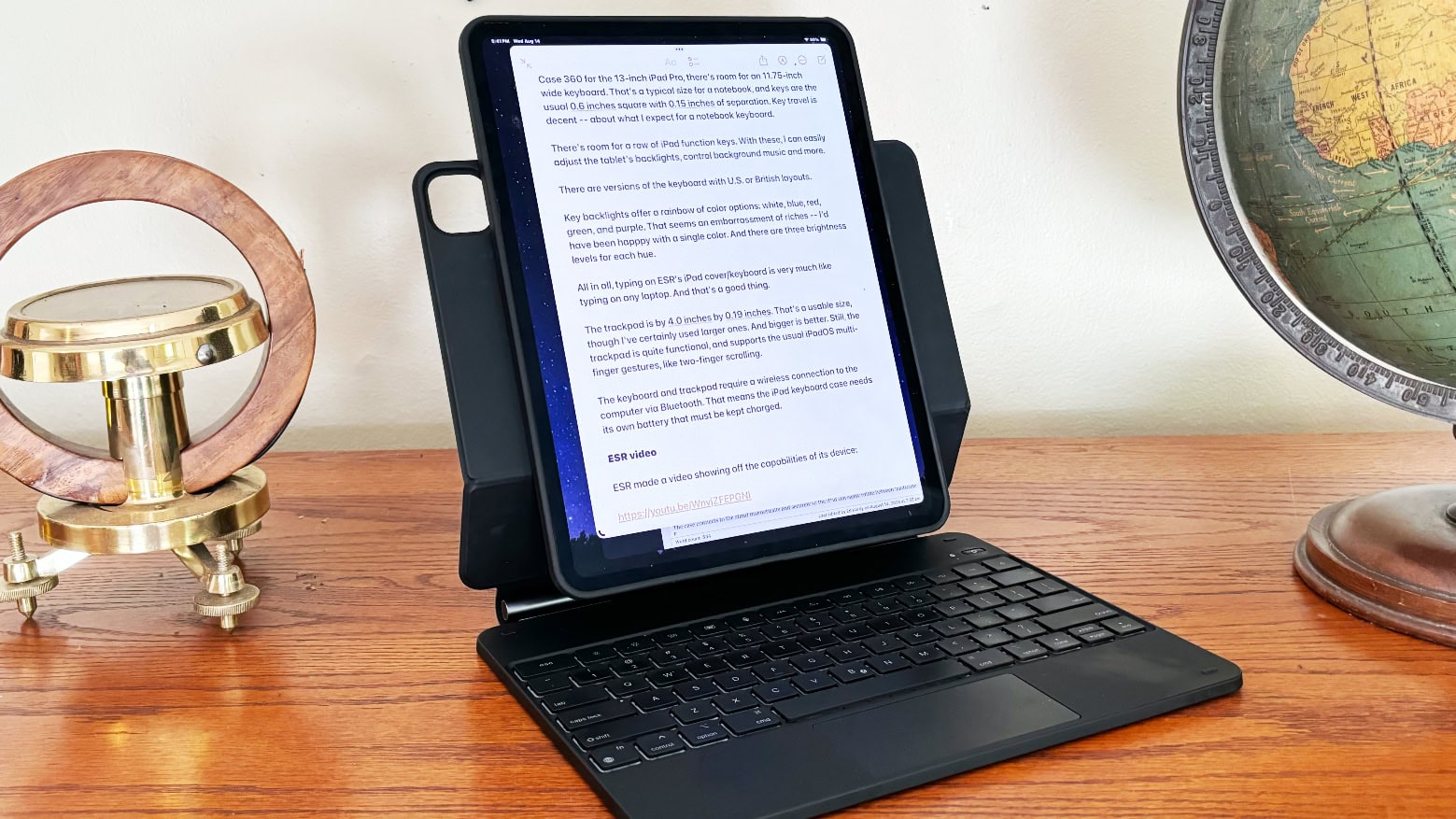
ESR Rebound Magnetic Keyboard Case 360 lets iPad users type in portrait mode, not only landscape. Photo: Ed Hardy/Cult of Mac
ESR’s Rebound Magnetic Keyboard Case 360 includes a protective case for an iPad as well as a keyboard and trackpad. It offers typing with the tablet in portrait or landscape, a trick Apple’s own case/keyboard can’t match. You also can use the case when you leave the keyboard behind.
I tested it with my 13-inch iPad Pro. Here are my hands-on impressions.
★★★★☆
Mageasy Lift case/stand brings your iPad up to nearly eye level. Photo: Ed Hardy/Cult of Mac
Mageasy Lift Standing & Folding Folio iPad Case folds into a stand that raises your tablet screen up closer to eye level. It’s a trick that really helps it stand out from the competition (see what I did there?).
It can also be folded into other shapes to provide a range of viewing angles. And when on the go, the case wraps completely around the iPad to protect it.
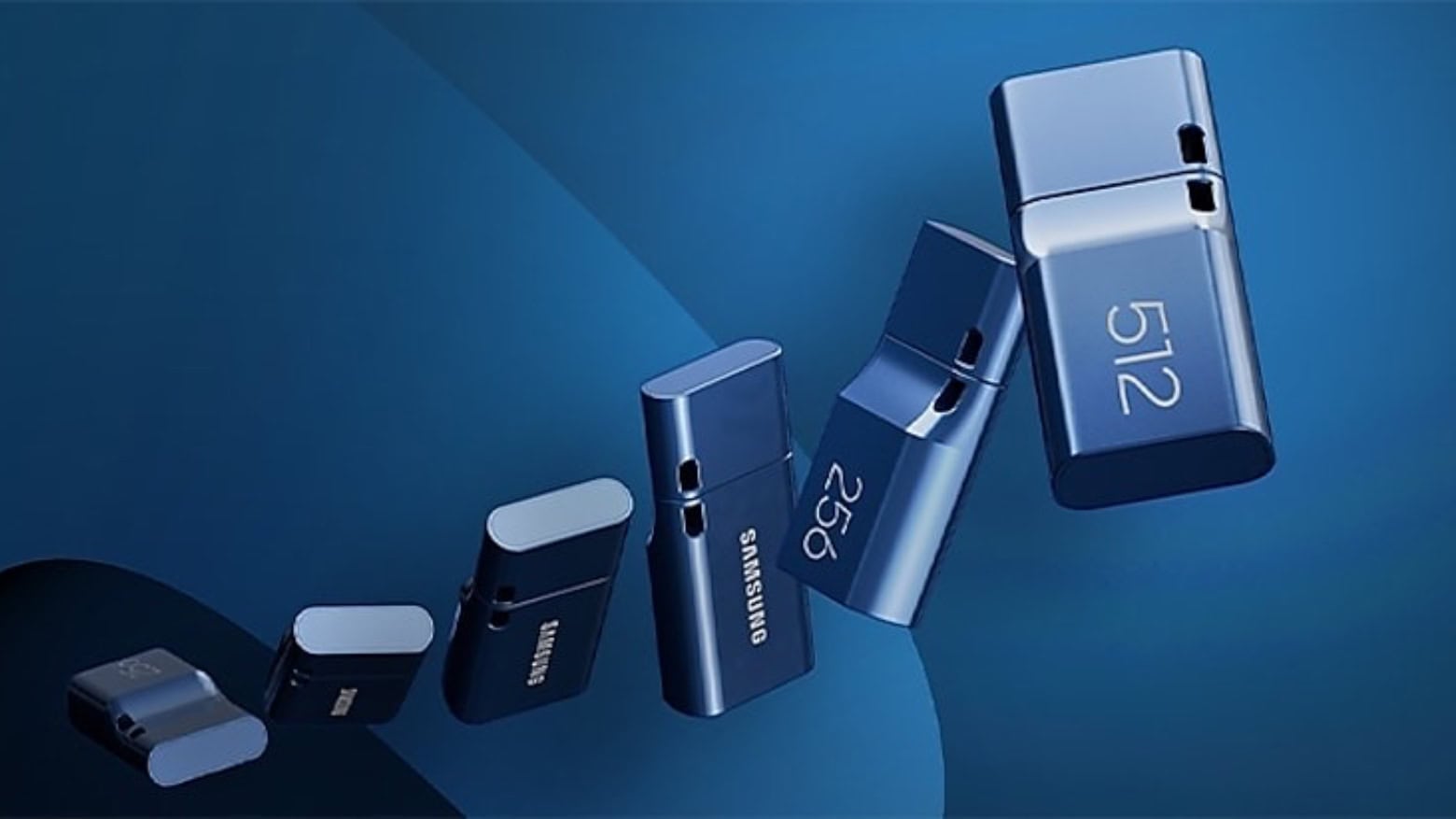
This Samsung USB-C flash drive is small but offers outsized storage capacity. Photo: Samsung
The itty-bitty Samsung USB Type-C Flash Drive is now available with up to 512GB of storage capacity — twice as much as before. And the company’s miniature USB-A version also doubled in capacity.
Plus, the 256GB versions are on sale at some nice discounts.
★★★★☆
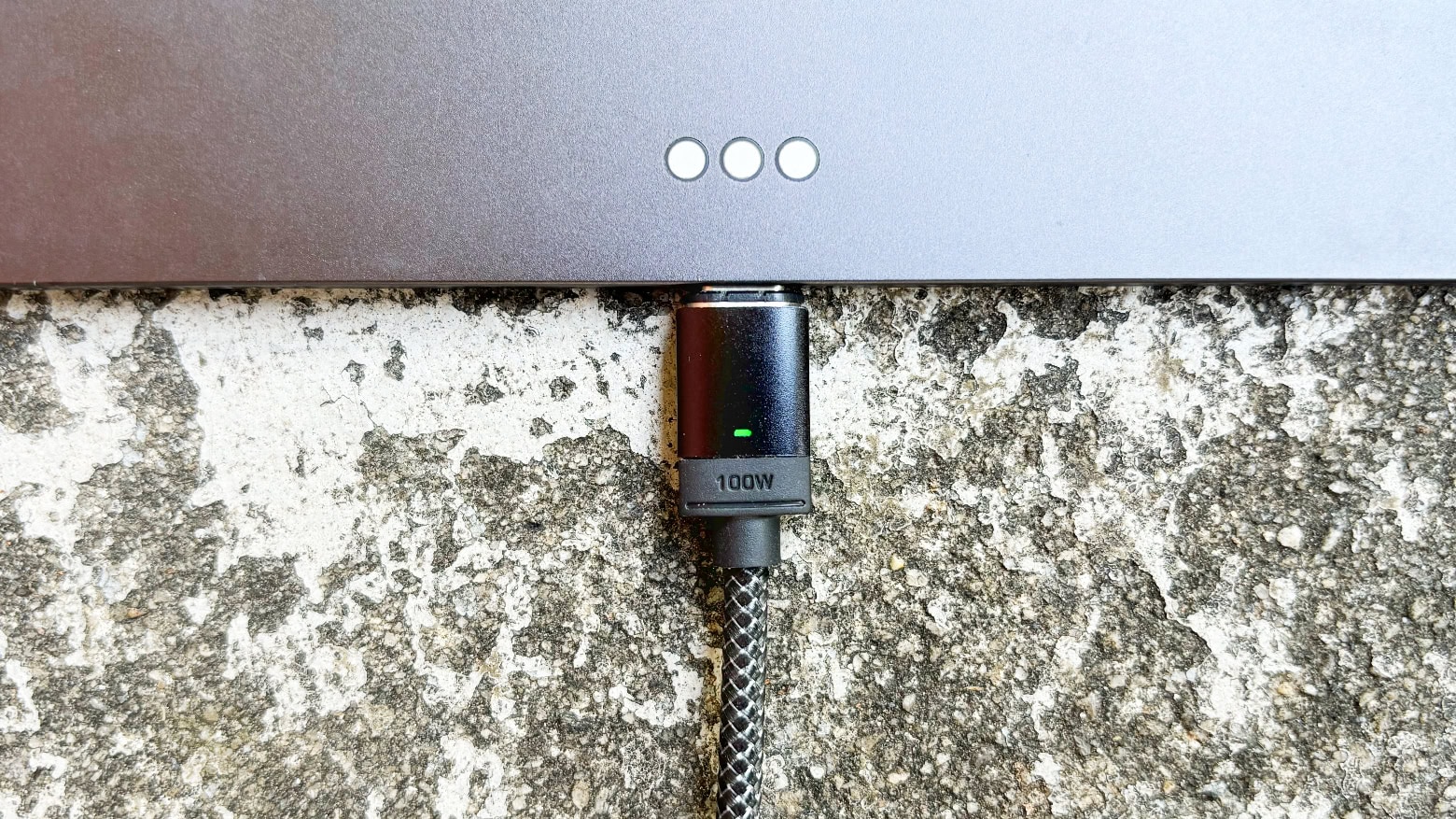
Chargeasap Connect Pro can juice up an iPad but also your old micro-USB devices. Photo: Ed Hardy/Cult of Mac
Chargeasap Connect Pro is a charging and data cable with a built-in power meter and swappable magnetic connectors. It’s ready to power up a broad variety of devices at up to 100W, and iPhone at up to 27W.
The high-quality cable is 4.75 feet long, and it comes with three magnetic connectors. And with the meter, you always know how much current is flowing.
I tested it with my Apple devices, and a bunch of others, too. Here’s how it performed.
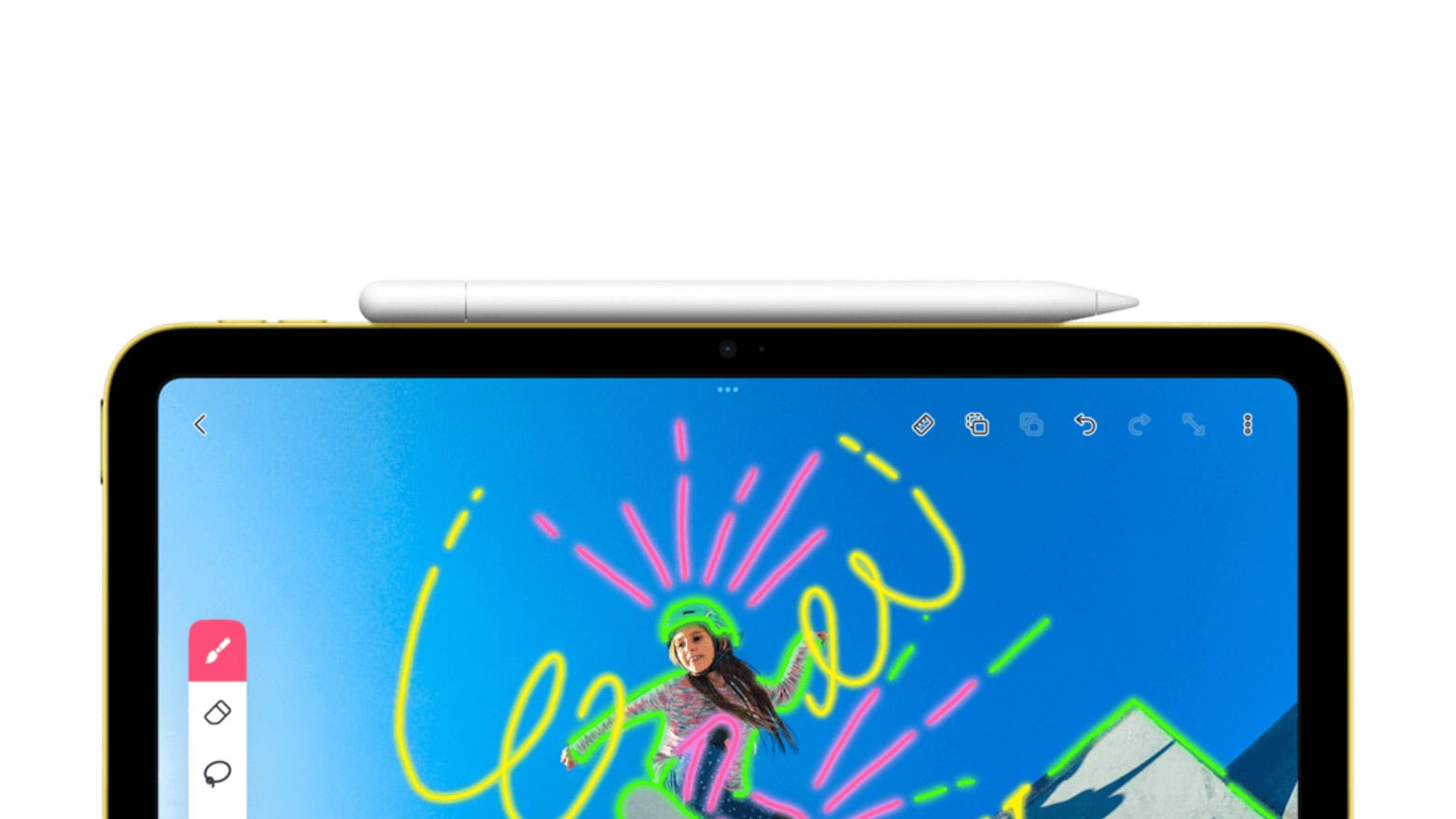
Save on Apple Pencil (USB-C) as a refurb or new. Photo: Apple
Apple began offering refurbished Apple Pencil (USB-C) units Thursday. The stylus, which works with all recent iPads, is available at 12% below the regular cost as a refurb.
★★★★★
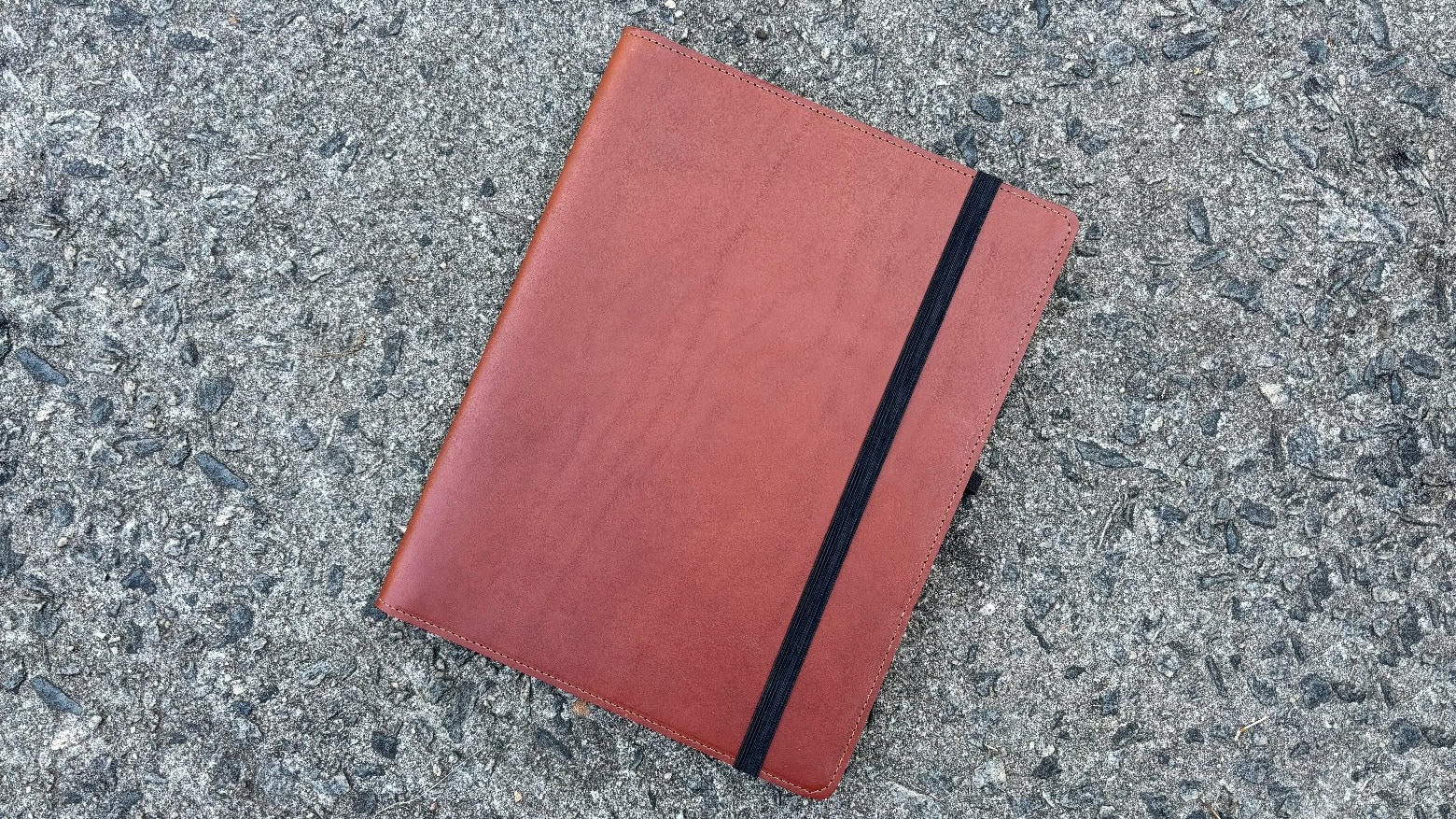
DodoCase English Bridle Leather iPad Case is elegant and professional. Photo: Ed Hardy/Cult of Mac
An iPad is practically a work of art — don’t put it in a cheap plastic case. Wrap your iPad in English Bridle Leather with the latest handcrafted product from DodoCase.
It’s a carrying case, and folds into a stand when you’re ready to work. And there’s an Apple Pencil holder, too.
I’ve been testing one with my M4 iPad Pro, and I’m quite taken with the look. And the design, too.
★★★★☆
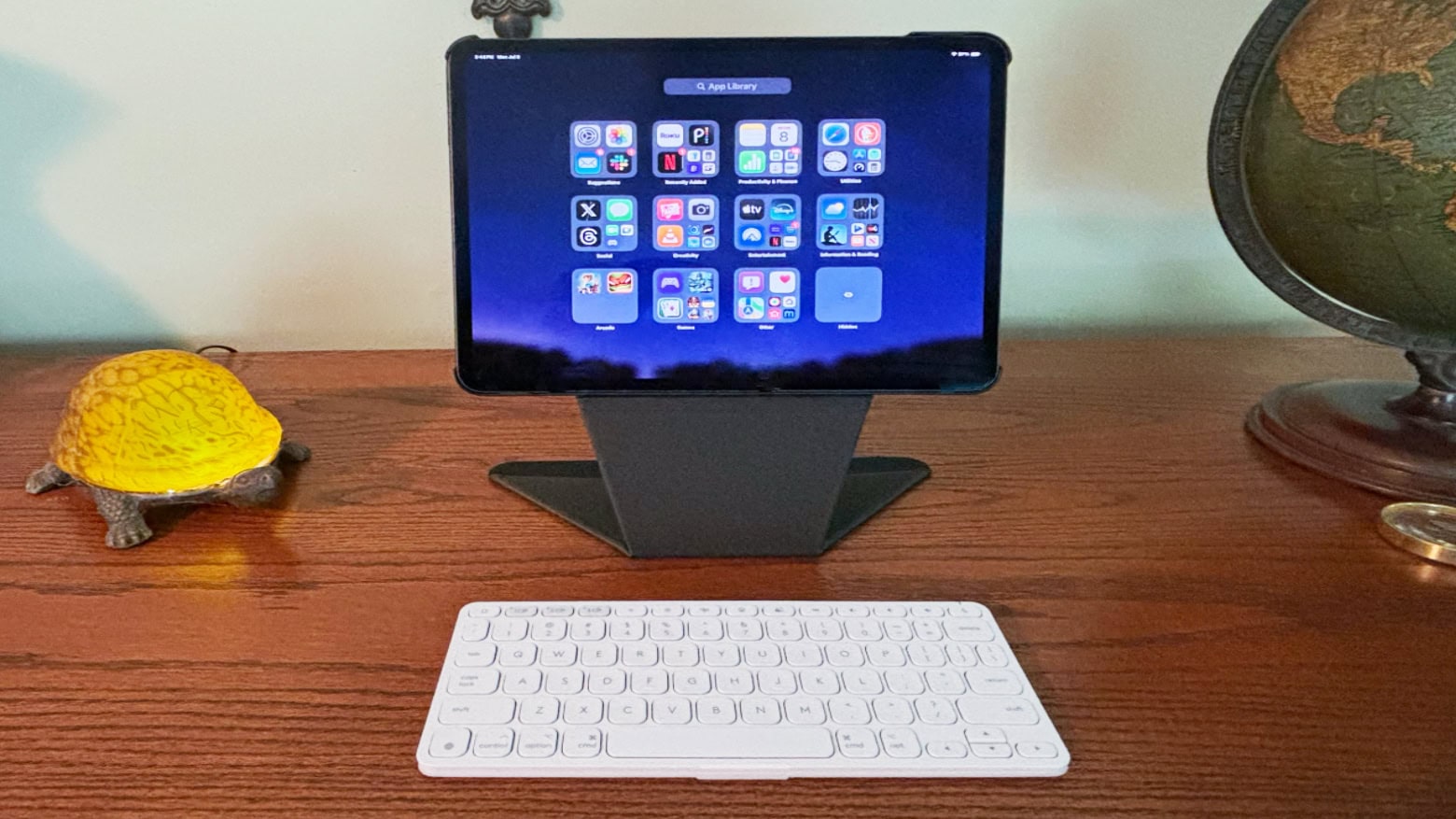
Logitech Keys-to-Go 2 helps make you productive wherever you go. Photo: Ed Hardy/Cult of Mac
Logitech Keys-to-Go 2 for iPad is the portable keyboard for those who need to type on the go but don’t want a keyboard built into their tablet’s case. It’s a standalone accessory designed to travel with a tablet or be left behind when it’s not needed.
I tested the very slim and lightweight product with my iPad Pro and my iPhone 15. Its extreme portability makes it useful in situations that more typical keyboards are not.
This no-frills external hard drive is a Cult of Mac Deals exclusive. Photo: Cult of Mac Deals
Cloud storage is great, but like any technology, it has a time and place. When you want guaranteed storage that doesn’t require an internet connection to access, what you really need is an external drive. This 2TB portable SSD keeps your data close and your devices unclogged. And for a limited time, it costs just $44.97.
This SSD quickly sold out the last few times we offered it. Now it’s back in stock, and it’s available again as a Cult of Mac Deals exclusive … while supplies last!
★★★★☆
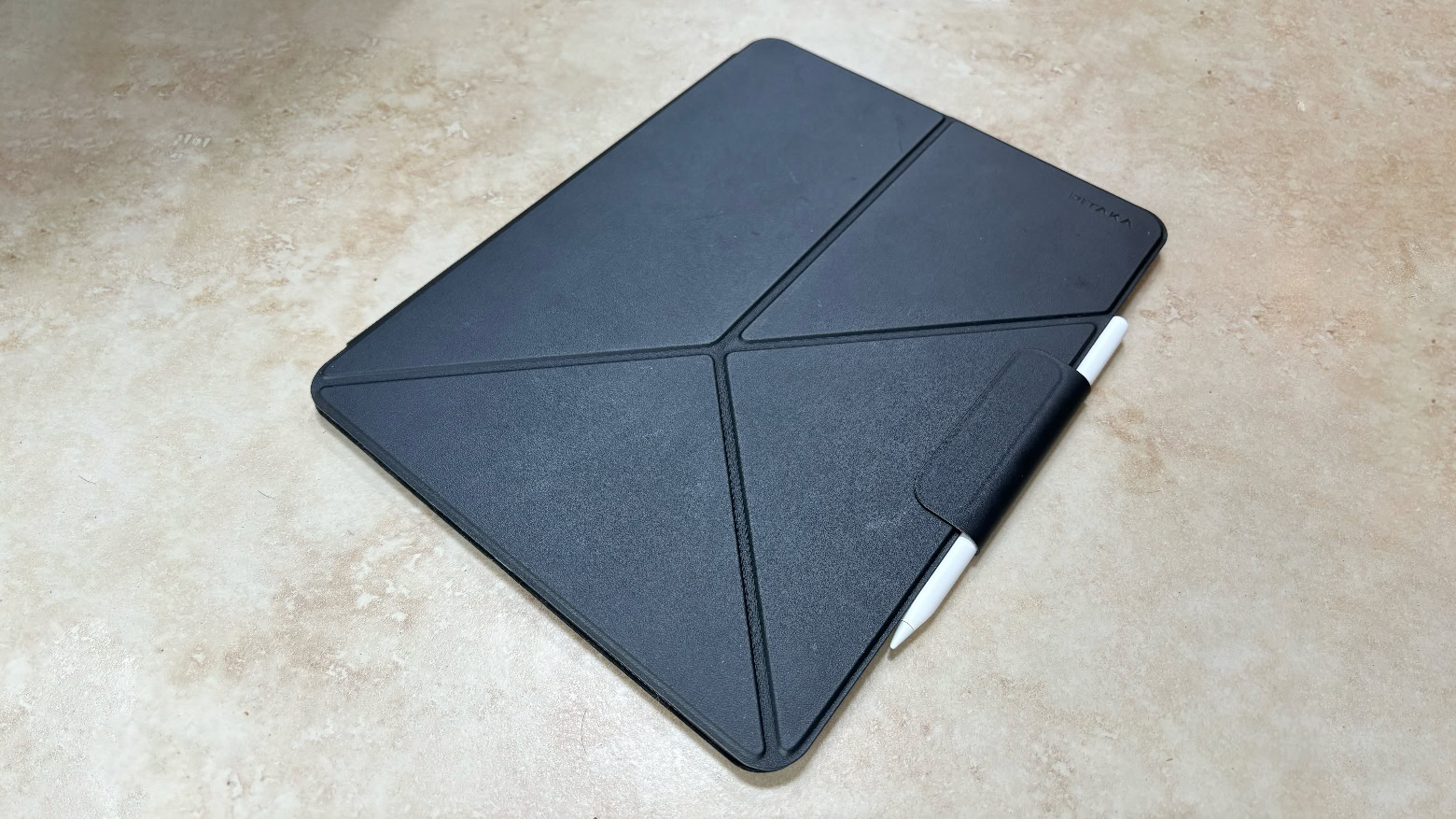
Pitaka MagEZ Folio 2 adds protection and a kickstand to your iPad. Photo: Ed Hardy/Cult of Mac
Pitaka MagEZ Folio 2 case both protects your iPad when you’re carrying it around and offers an origami kickstand when it’s time to use the tablet. It can be configured to hold the tablet at a variety of angles, in both portrait and landscape modes. Plus there’s a strap to hold an Apple Pencil in place.
I tested the version with my new M4 iPad Pro, and I like the sleek, lightweight design. Read on for more of my thoughts on this case.
★★★★☆
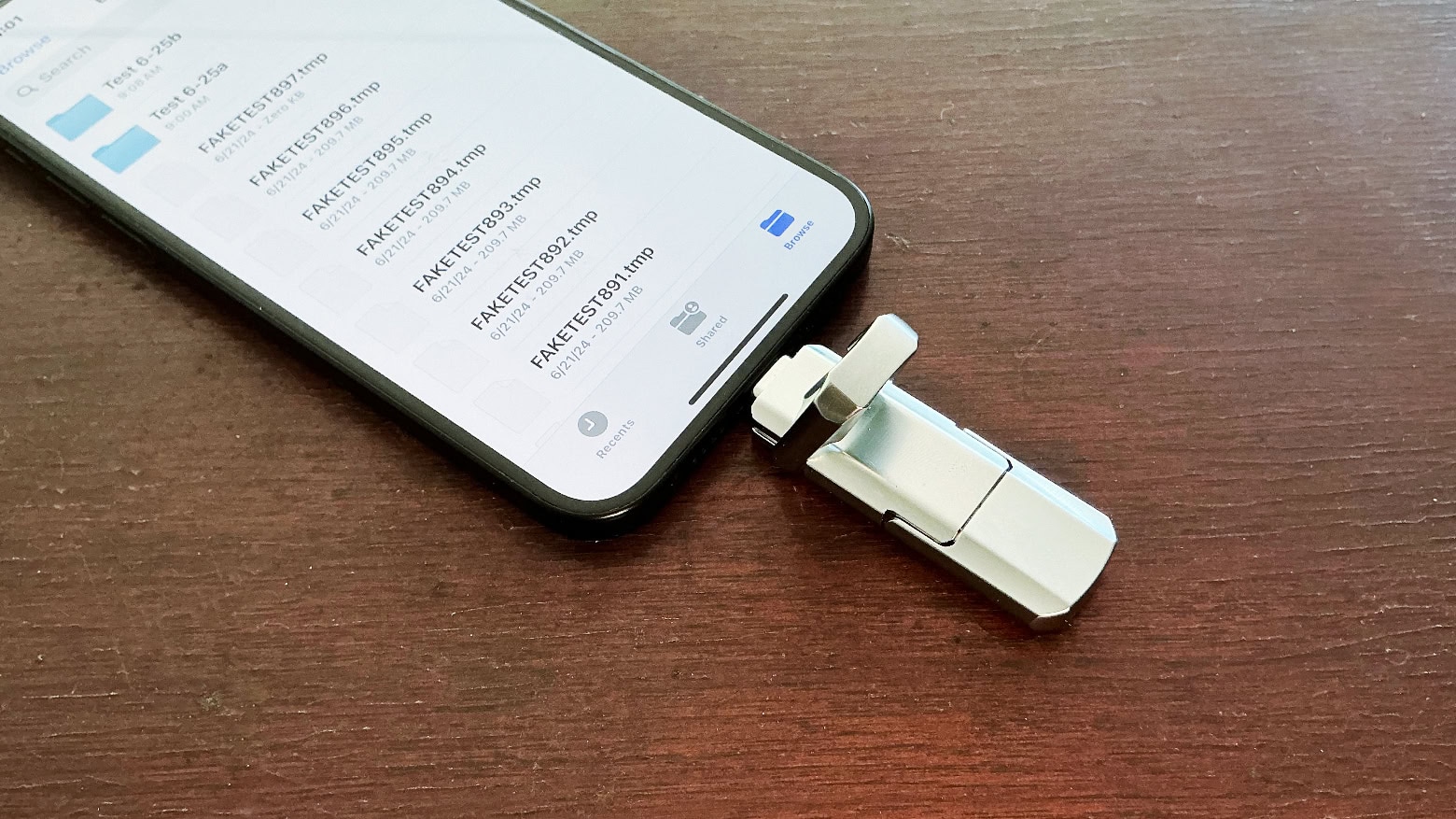
UGR Tech Dual USB-C + USB-A 3.2 High Speed Flash Drive is better than you might think. Photo: Ed Hardy/Cult of Mac
UGR Tech Dual USB-C + USB-A 3.2 High Speed Flash Drive plugs into your new Mac or iPad but it can also be used with devices that still have an old full-size USB port.
It’s a low-cost flash drive so I was very suspicious. But the aluminum exterior is quite rugged, the design is clever and the accessory passed a fraud test.
★★★★☆
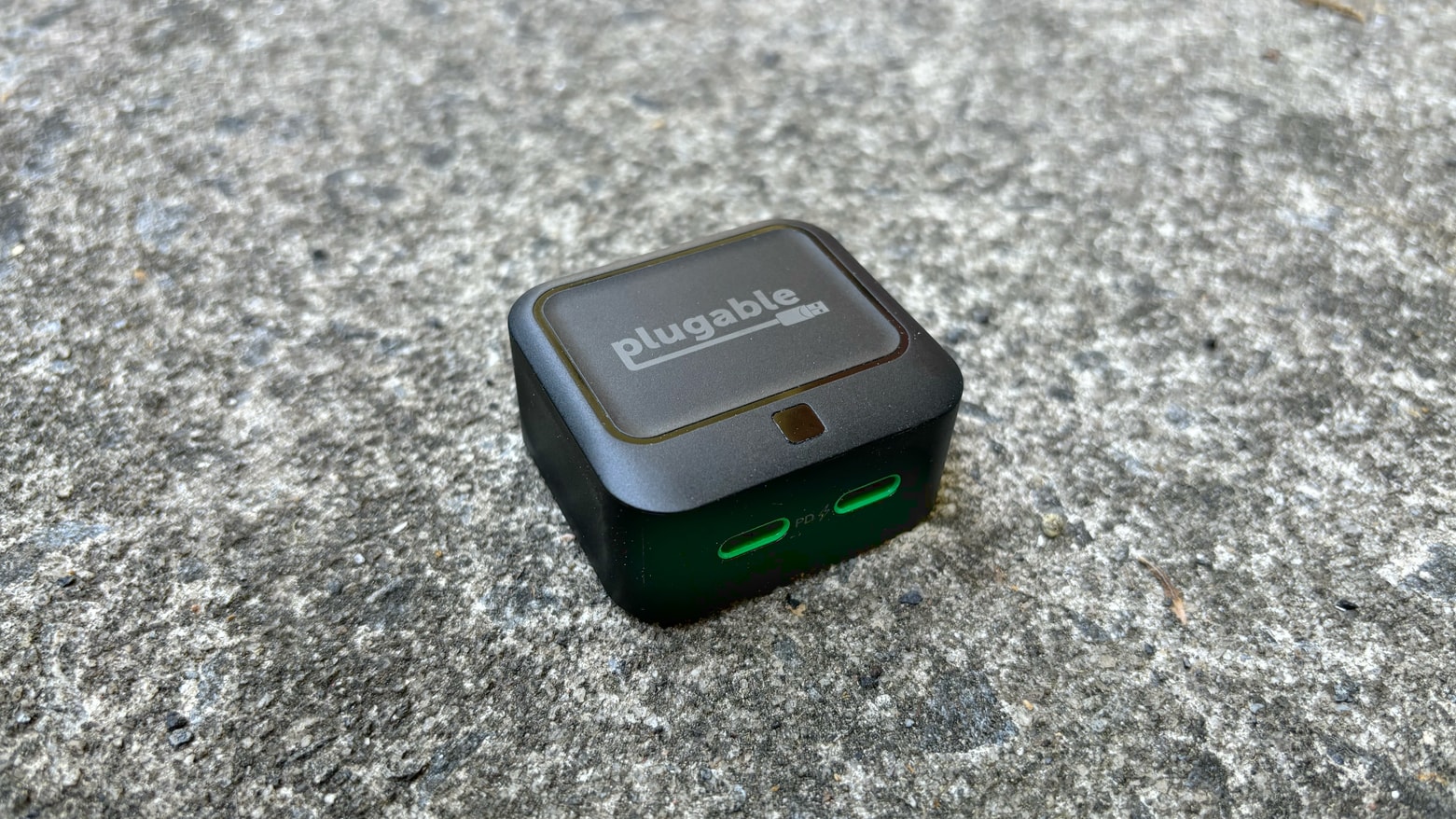
Plugable 40W Dual USB-C Charger: Powerful enough to be useful, small enough to go anywhere Photo: Ed Hardy/Cult of Mac
Happily, powerful USB chargers keep getting smaller. The new Plugable 40W Dual USB-C Charger is the most portable one I’ve ever used, but it still puts out enough juice to keep a MacBook, iPad and/or iPhone going.
I went hands-on to test the capabilities of this affordable accessory.
★★★★☆
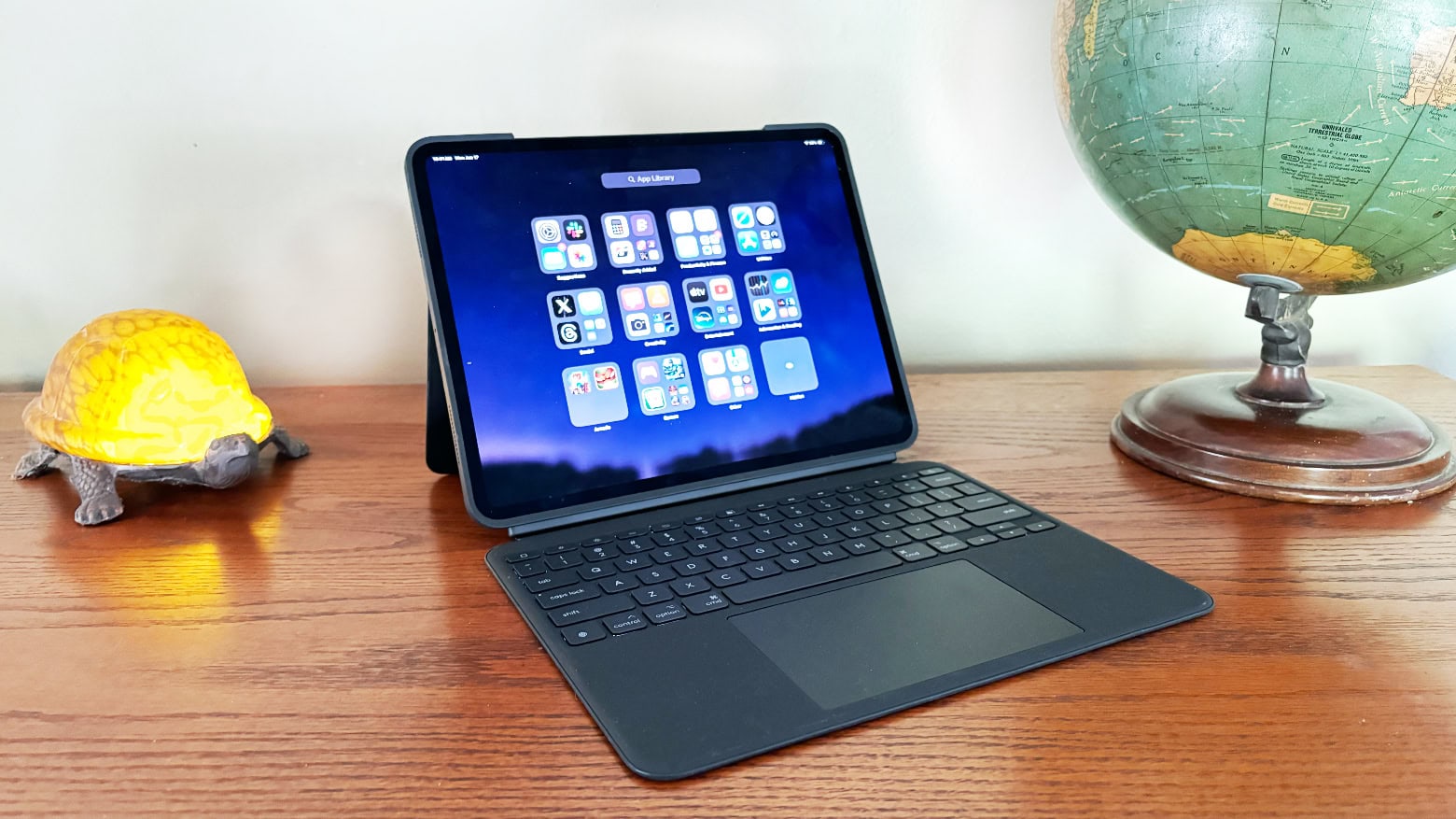
Logitech Combo Touch is one of the best M4 iPad Pro keyboard cases available. Photo: Ed Hardy/Cult of Mac
Logitech’s Combo Touch keyboard case for the new M4 iPad Pro offers nearly everything Apple’s beloved Magic Keyboard case does. And the Logitech version includes features Apple’s does not.
I put both peripherals through hands-on testing. Here’s where the Combo Touch comes out ahead … and where it doesn’t.
★★★★★
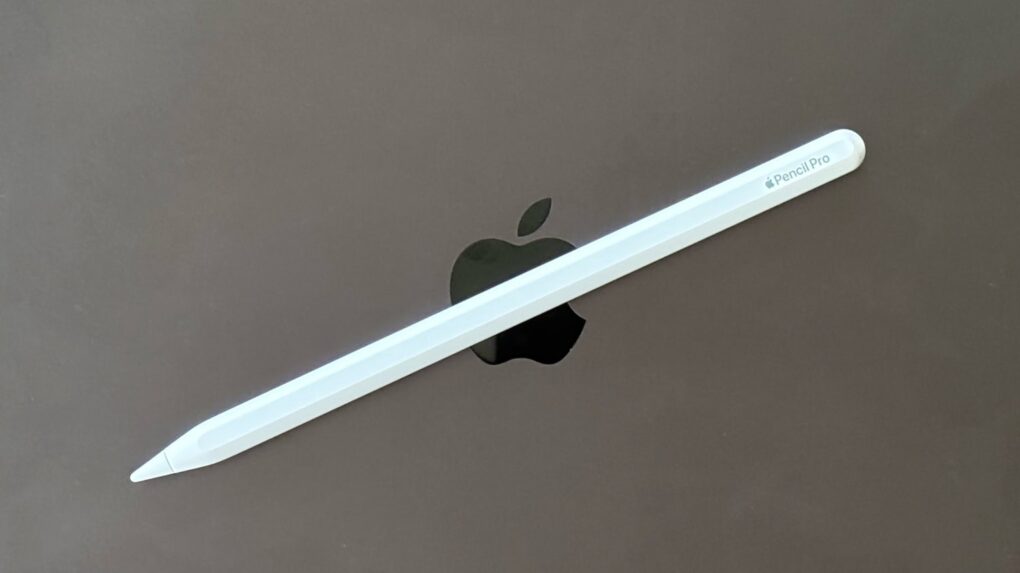
Apple Pencil Pro is brilliant for artists, but what about people who simply want to take notes? Photo: Ed Hardy/Cult of Mac
Apple Pencil Pro is the latest and greatest iPad stylus coming out of Cupertino. It adds a new “squeeze” gesture, an internal gyroscope, haptic feedback and Find My support.
I’m not a digital artist, so for this iPad Pencil review, I tested the stylus by writing notes, entering text with Scribble and doing moderate editing of photographs. Plenty of artists have reviewed the new accessory, so my goal was to answer the question, “Does a typical iPad user need Apple Pencil Pro?” Or would a cheaper alternative suffice?
★★★★☆
Every M4 iPad Pro buyer should at least consider getting the Apple Magic Keyboard. Photo: Ed Hardy/Cult of Mac
With its cool cantilever design, Apple Magic Keyboard was a standout iPad Pro accessory even before its recent upgrade. Now that Apple fixed some of the original’s problems by adding a glass trackpad, a row of function keys and an aluminum palm rest, it’s even better. Especially with an improved USB-C port.
But does the functionality (and sheer coolness) justify the epic price of the Magic Keyboard for iPad Pro? Read on to find out.
★★★★☆
The Ikea Sjöss 45W is the best dual USB-C charger you can buy for cheap. Photo: Rajesh Pandey/Cult of Mac
Plenty of power bricks with dual USB-C ports give you options for charging your Apple devices. But Ikea — yes, the company known for its DIY furniture — has a new offering that trumps them all from a value viewpoint. As you’ll find out in our review of the Ikea Sjöss 45W charger, it packs two USB-C ports and supports all popular fast charging standards.
The effective power adapter stands out for its super-low price, which significantly undercuts the competition. Below is our quick review of the Ikea Sjöss 45W USB-C charger.
M4 iPad Pro absolutely does not work with previous Apple Magic Keyboard. Photo: Ed Hardy/Cult of Mac
A change in the location of magnets built into the M4 iPad Pro breaks compatibility with a wide array of accessories designed for earlier models. That includes many folio cases, clip-on keyboards, and styli. Many of Apple’s own previous offerings are on the incompatible list, too.
Apple had already warned of this, but Wednesday’s launch of the tablet allows real-world tests to confirm the full extent of the affect.