Mobile menu toggle

iPad accessories - page 10

These steel-jacketed Lightning and USB-C cables resist fraying and tangling [Deals]

By

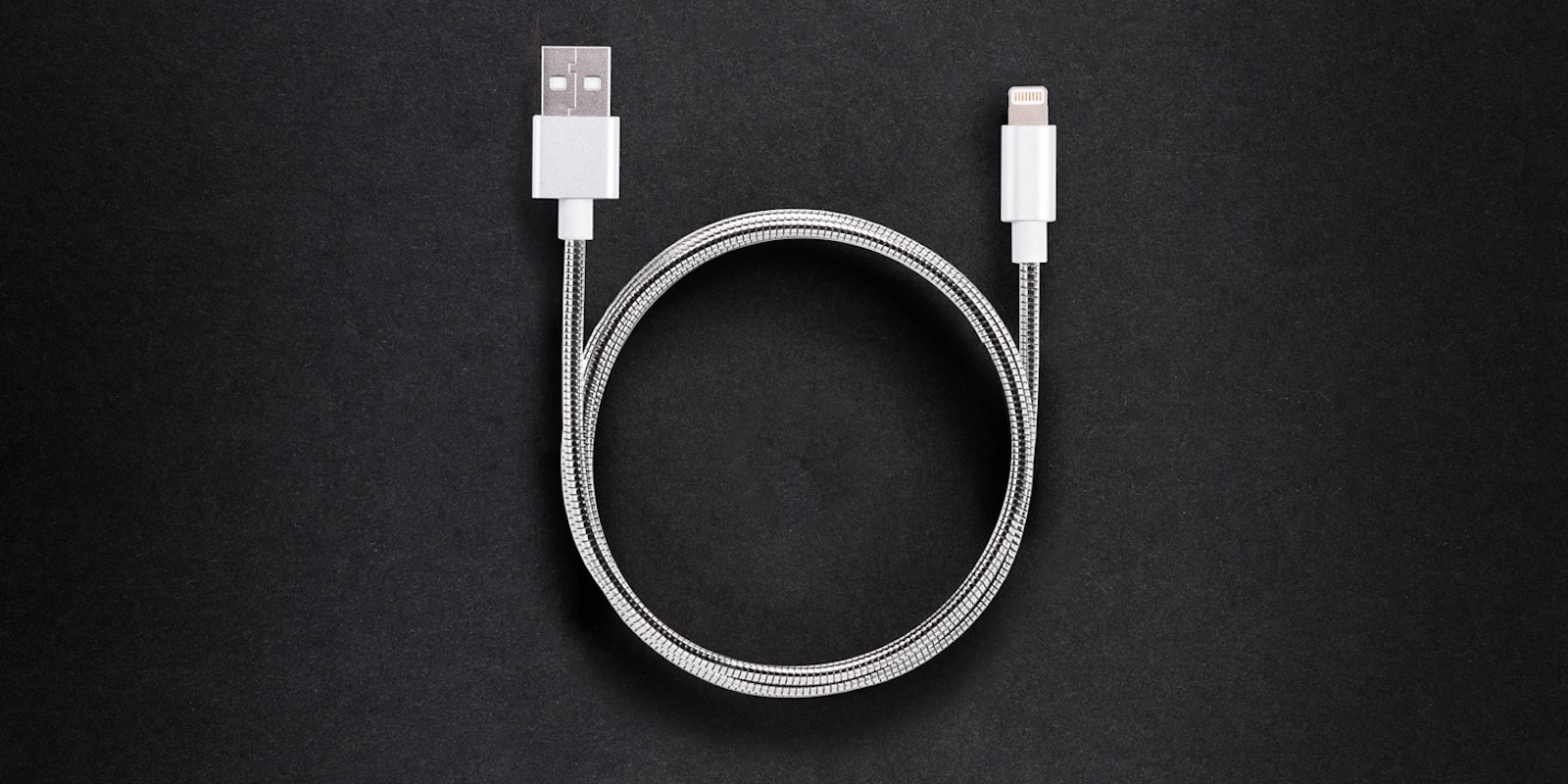
Evercable: Score the world's strongest phone cable, with 4.3 foot length, fast charging and data-transfer speeds.
Score what just might be the world's strongest phone cable, in either Lightning or USB-C.
Photo: Cult of Mac Deals

Mobile devices depend on Lightning and USB cables to stay charged and synced, so it’s a bummer that those cables are so prone to fraying and breaking. Even in perfect shape, standard Apple cables tend to last just a few months. Not so with these Iron Man-worthy cables from Evercable.

Adonit stylus both sterilizes your iPad and writes on it [Review]

By

Adonit Note-UVC review
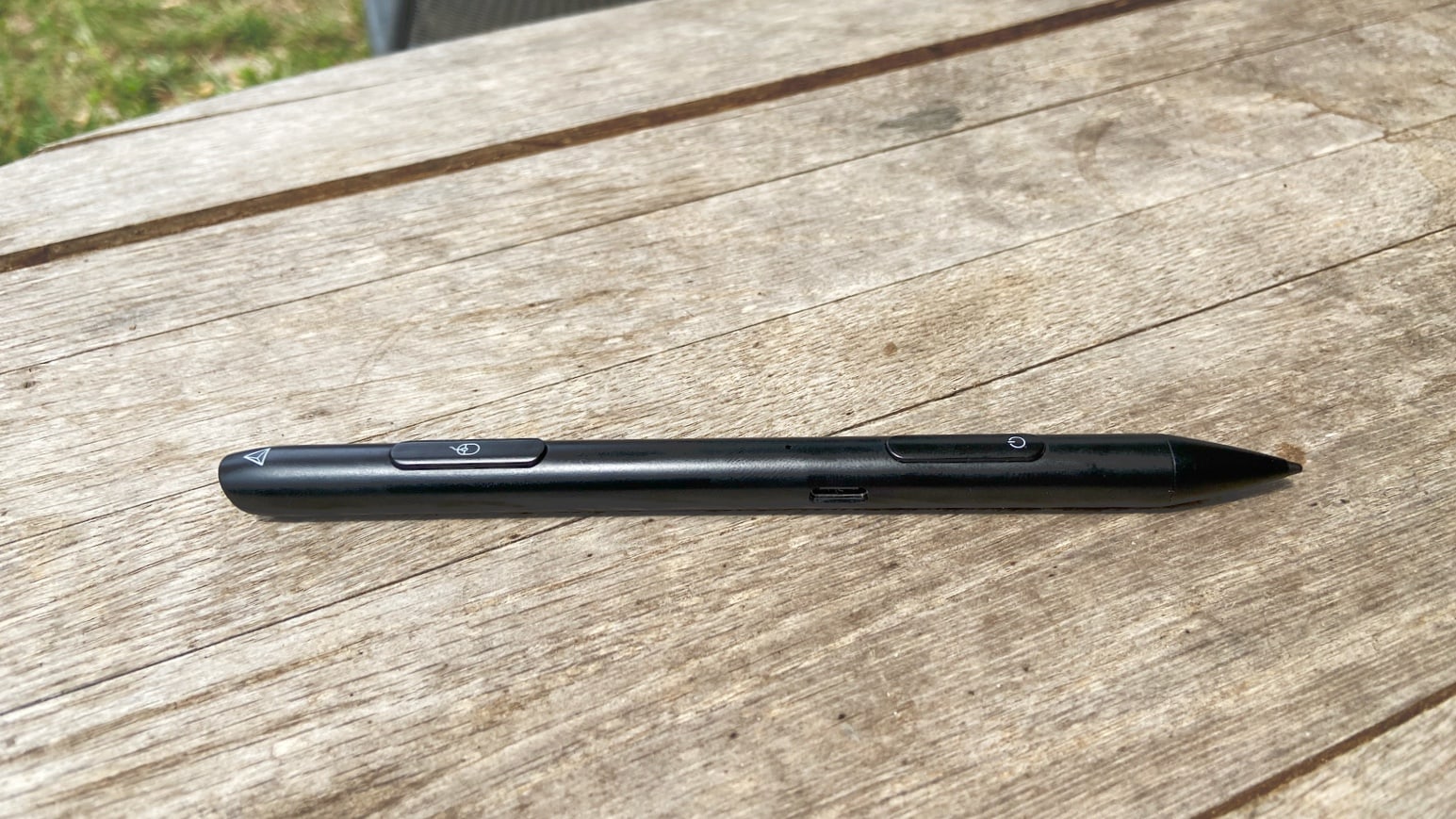
Adonit Note-UVC does two jobs. It’s both an iPad stylus and a UVC sterilizer.
Photo: Ed Hardy/Cult of Mac

Adonit Note-UVC is certainly a product for its time. While this stylus lets you take handwritten notes on a range of iPad and iPad Pro models, the standout feature is a pair of ultraviolet lamps that kill the germs and bacteria on your tablet screen (or any other object). The release is timed just right, with COVID-19 making so many people worried about potential infections.

I tested the Note-UVC as a stylus, and looked into how effective it is at sterilizing surfaces. The results of both might surprise you.

Espresso Displays makes the gorgeous external touchscreen your MacBook needs [Review]

By

Espresso Displays looks great.
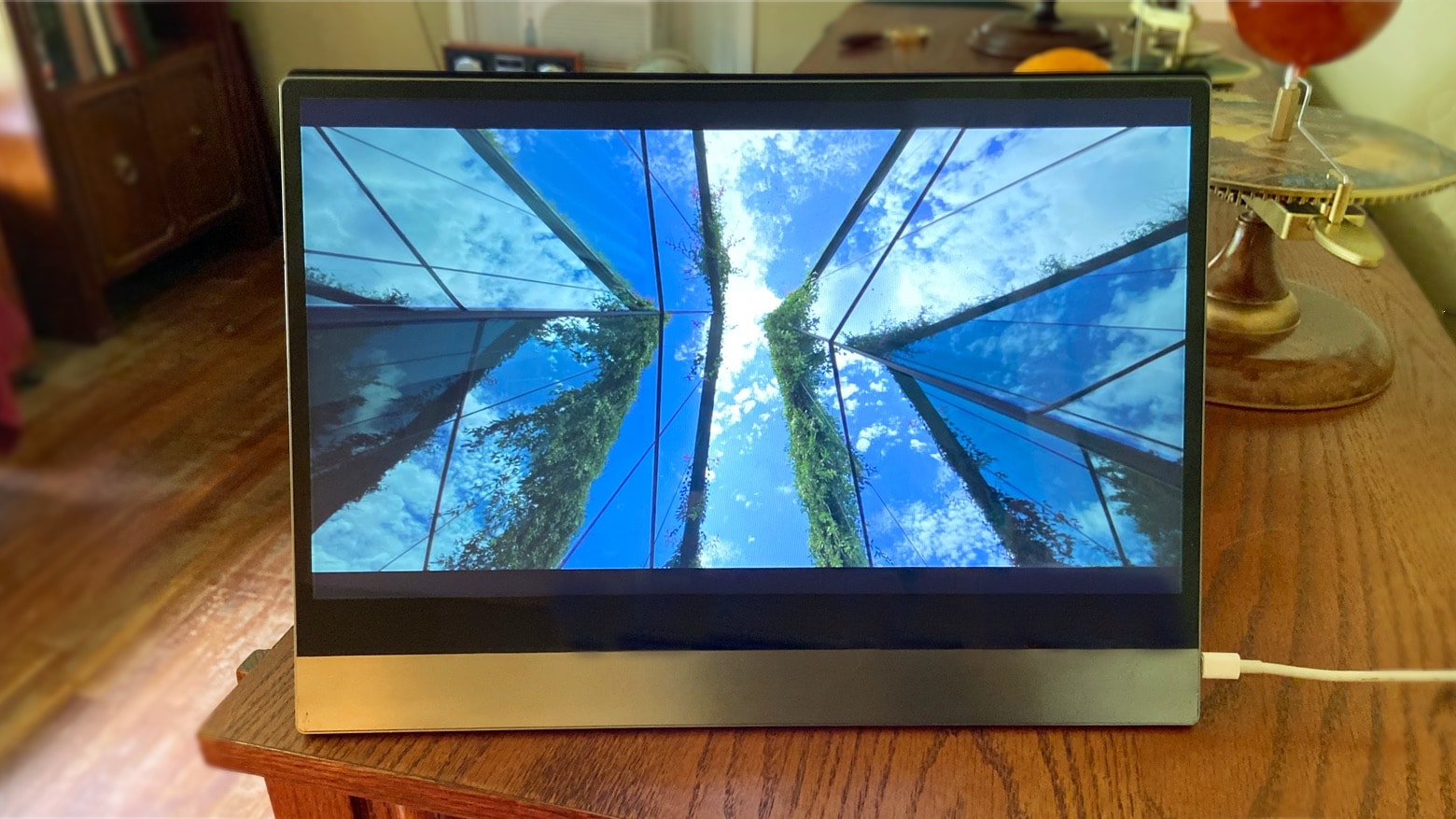
Espresso Displays makes an add-on screen you’ll be happy to use with your Mac for days at a time.
Photo: Ed Hardy/Cult of Mac

Espresso Displays produces premium external screens compatible with both MacBooks and iPad Pro. And these offer 10-point touch, creating the touchscreen Mac so many have asked for.

Studies have shown that a second display can make you up to 50% more productive. We tested a prototype from Espresso Displays to see if this very slim and light LCD monitor lives it up to its promise.

Get 40% off the excellent Meco Stylus for iPad with this exclusive coupon

By

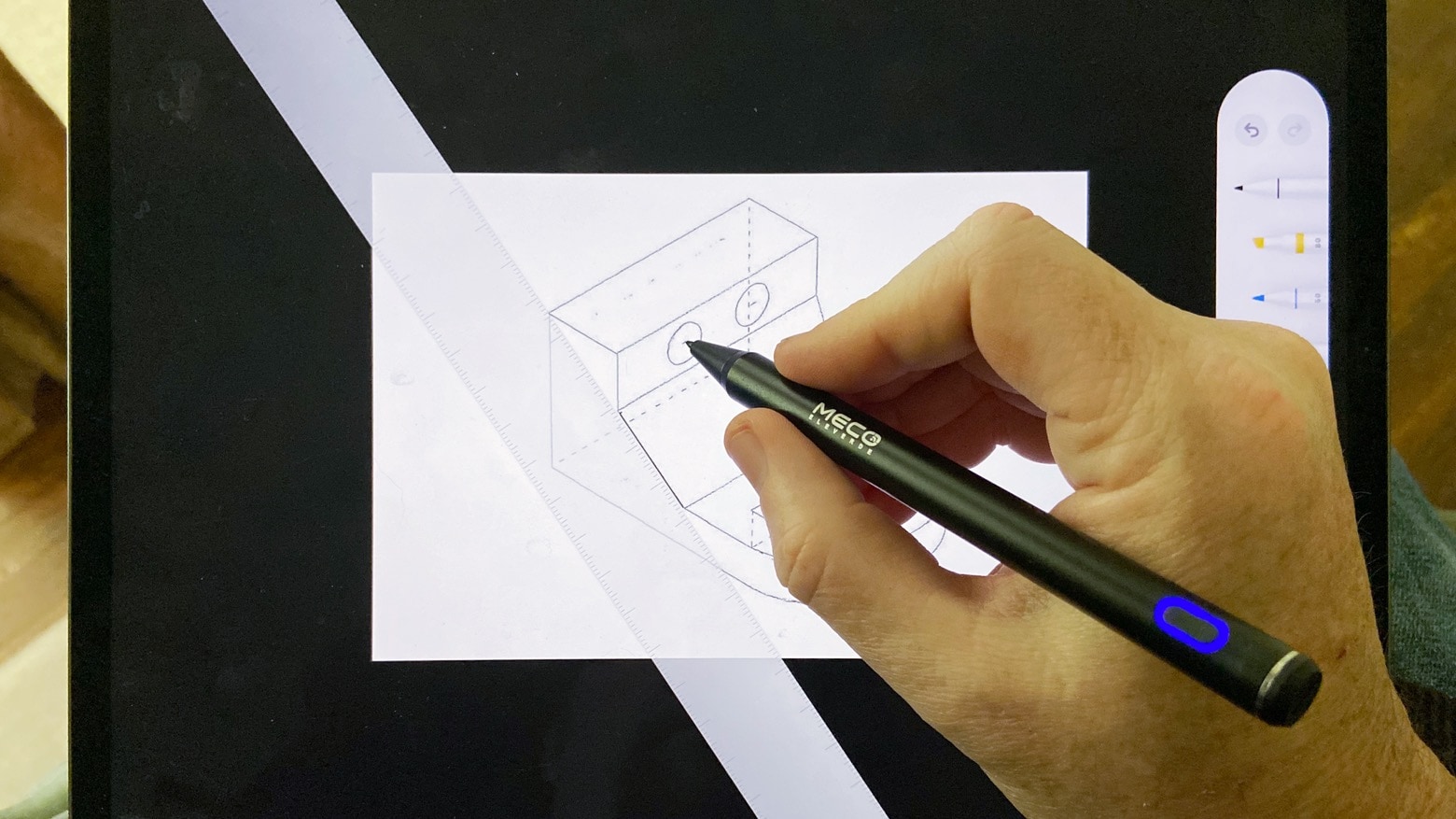
Meco Stylus Pen can handle drawing.
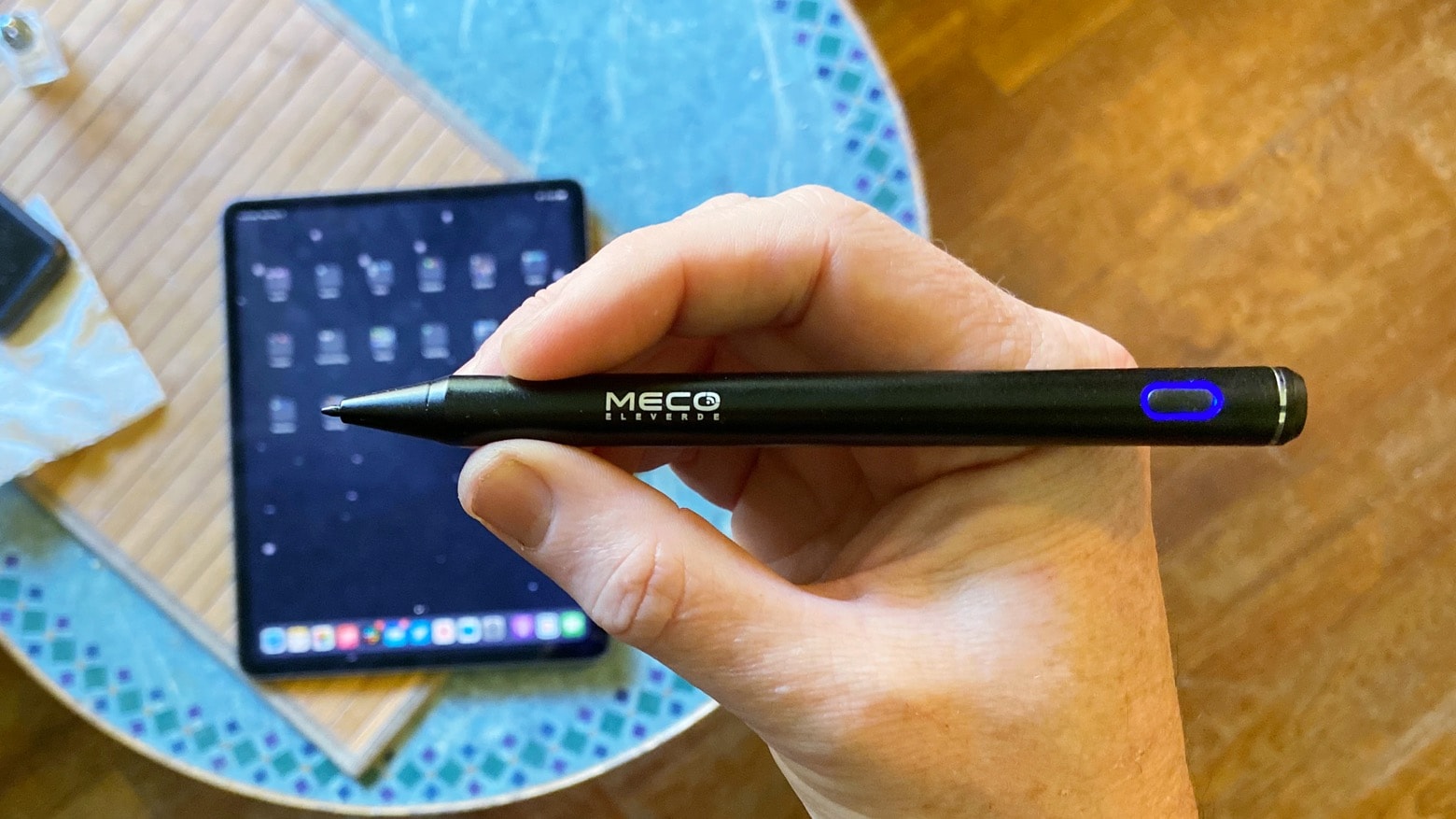
A must-have for anyone who writes on iPad.
Photo: Ed Hardy/Cult of Mac

Pick up the terrific Meco Stylus Pen for iPad today and enjoy 40% off the usual price with this exclusive coupon code for Cult of Mac readers.

The Meco Stylus Pen is great for jotting down notes, quick sketches, and just navigating iPadOS with greater precision. It boasts great battery life and impressive performance — and it’s way more affordable than Apple Pencil.

Mophie’s latest mobile power bank recharges iPhones wirelessly or via USB-C

By

Mophie Powerstation Wireless XL
Mophie Powerstation Wireless XL wirelessly charges an iPhone, and can itself be wirelessly charged.
Photo: Zagg/Mophie

The Mophie Powerstation Wireless XL juices up iPhones with wireless charging or through a USB-C fast charge. And there are even more options to replenish this 10,000mAh power bank, as it receives power through a Lightning port, USB-C or wireless charging.

The product launched Thursday, and Apple likes it enough to add the product to its online store.

Adonit Note-UVC stylus sterilizes your iPad then writes on it

By

Adonit Note-UVC kills germs. And maybe viruses?
The ultraviolet lamp in the Adonit Note-UVC can disinfect your iPad.
Photo: Adonit

Adonit took its iPad stylus and added a feature perfect for a disease-conscious world: an ultraviolet light. The Adonit Note-UVC can kill the germs and bacteria on your tablet screen, then allow you to take handwritten notes or draw on the iPad.

Easily take notes on your iPad with inexpensive Meco Stylus Pen [Review]

By

Meco Stylus Pen review
Meco Stylus Pen costs far less than many rivals, and might be the only stylus you need for your iPad.
Photo: Ed Hardy/Cult of Mac

The Meco Stylus Pen is an affordable alternative to Apple Pencil. It’s well suited for taking handwritten notes on a range of iPad models, and offers palm rejection. And while it doesn’t have the features artists need, it offers a long battery life and is simple to connect to your iPad.

I tested this budget active stylus by taking notes and sketching out ideas. Here’s how it stood up to real-world use.

Turn your iPad into a mini iMac with this elegant stand [Review]

By

Wiplabs Slope iPAd stand
Slope is a stunner!
Photo: Leander Kahney/Cult of Mac

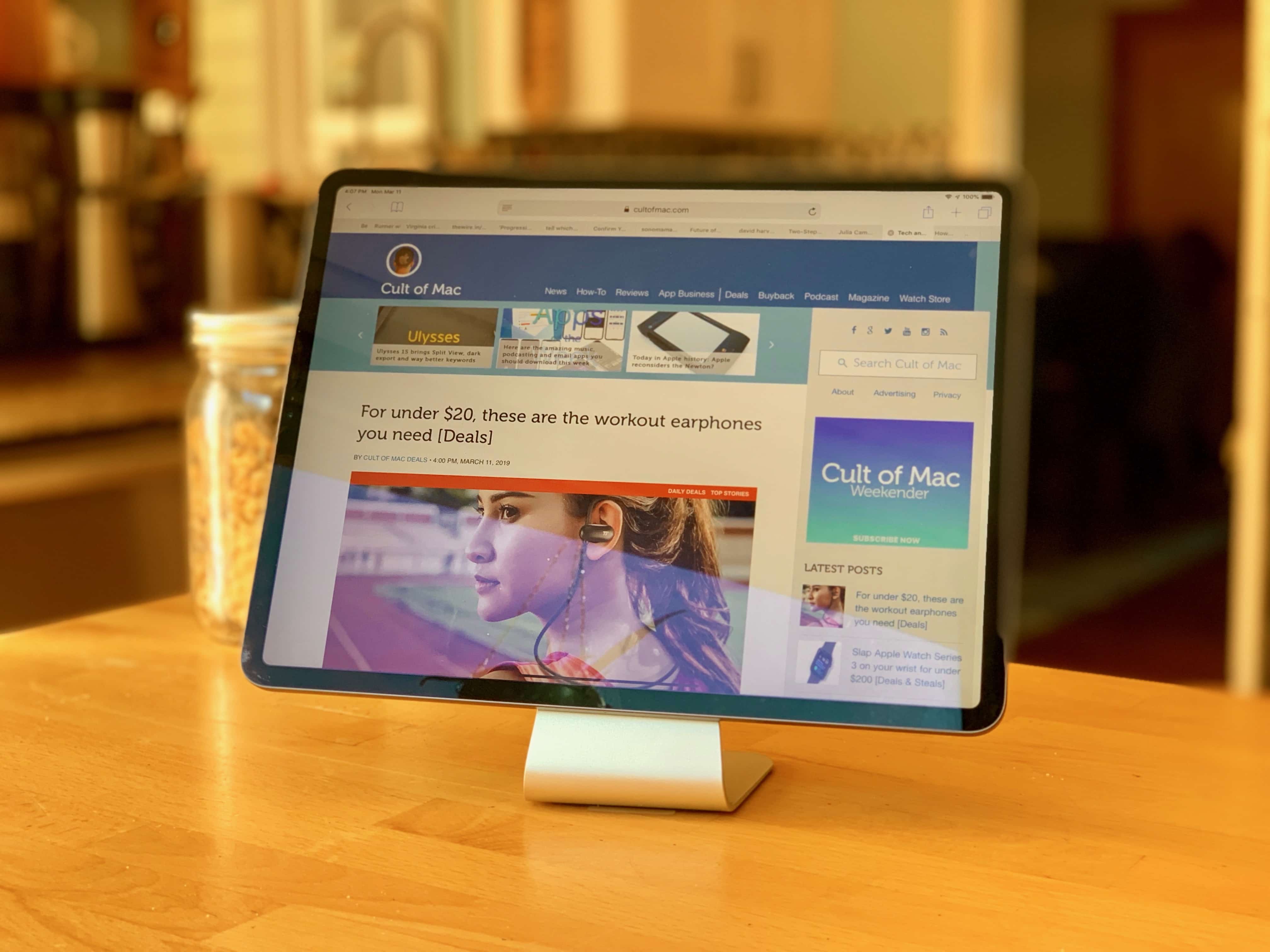
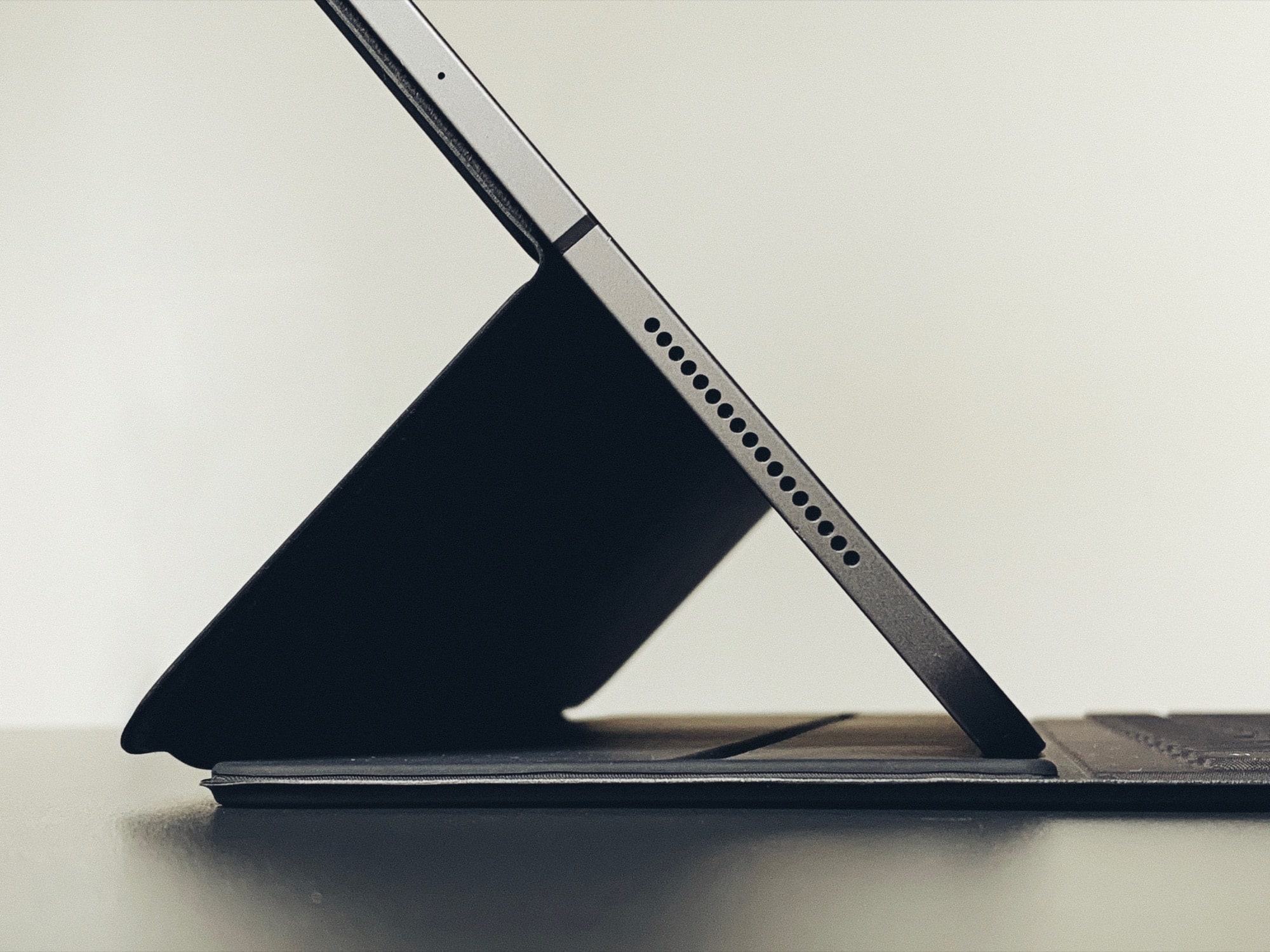
Now that iPadOS supports mice and trackpads, it’s a better time than ever to turn your iPad into a mini iMac. To do that, you need the Slope: a nice-looking stand that props up your iPad at the perfect angle for working. Just slide a keyboard and trackpad underneath, and you have something that resembles Apple’s new Magic Keyboard, but at a fraction of the price.

Made from anodized aluminum, the Slope looks good in the kitchen, on your desk or at bedside. It keeps your iPad out of the muck when cooking, or at the perfect angle for watching videos.

OtterBox Defender protects your iPad Pro like a tank [Review]

By

OtterBox Defender for 2020 iPad Pro review
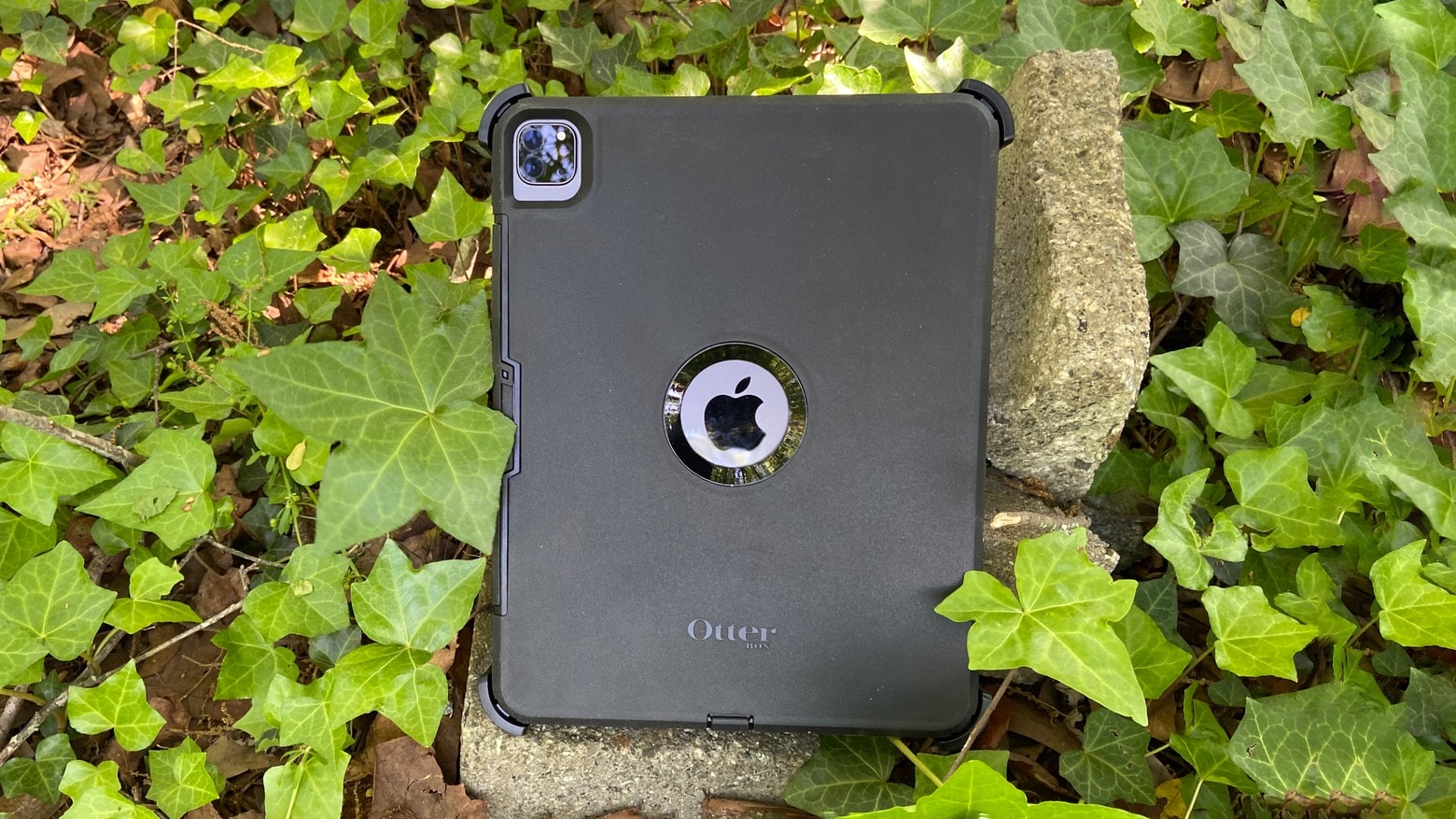
If you use your tablet outside more than in an office, you really need to consider the OtterBox Defender for 2020 iPad Pro.
Photo: Ed Hardy/Cult of Mac

iPad Pros used in the field require hard-core protection, and there’s no better option than the OtterBox Defender. The case wraps the tablet in layer upon layer of plastic to cushion it from serious accidents. There’s even a built-in screen protector.

I encased my 2020 iPad Pro in the latest version of the OtterBox Defender to do some real-world testing. Here’s what I found out.

AppleCare+ for iPad Pro includes coverage for new Magic Keyboard

By

AppleCare+ accidental damage coverage can apply to keyboards under the right circumstances.
An iPad’s AppleCare+ accidental damage coverage plan protects these keyboards too.
Photo: Apple

The just-released iPad Pro Magic Keyboard costs more than some iPads, and it’s possible to get AppleCare+ repair insurance for it. Just not directly.

Purchasing AppleCare+ adds accidental damage coverage to an iPad, as well as some Apple-branded accessories. That includes keyboards, like the very expensive one that debuted last week.

New Logitech keyboard case brings trackpad to regular iPads

By

Logitech-Combo-Touch-iPad
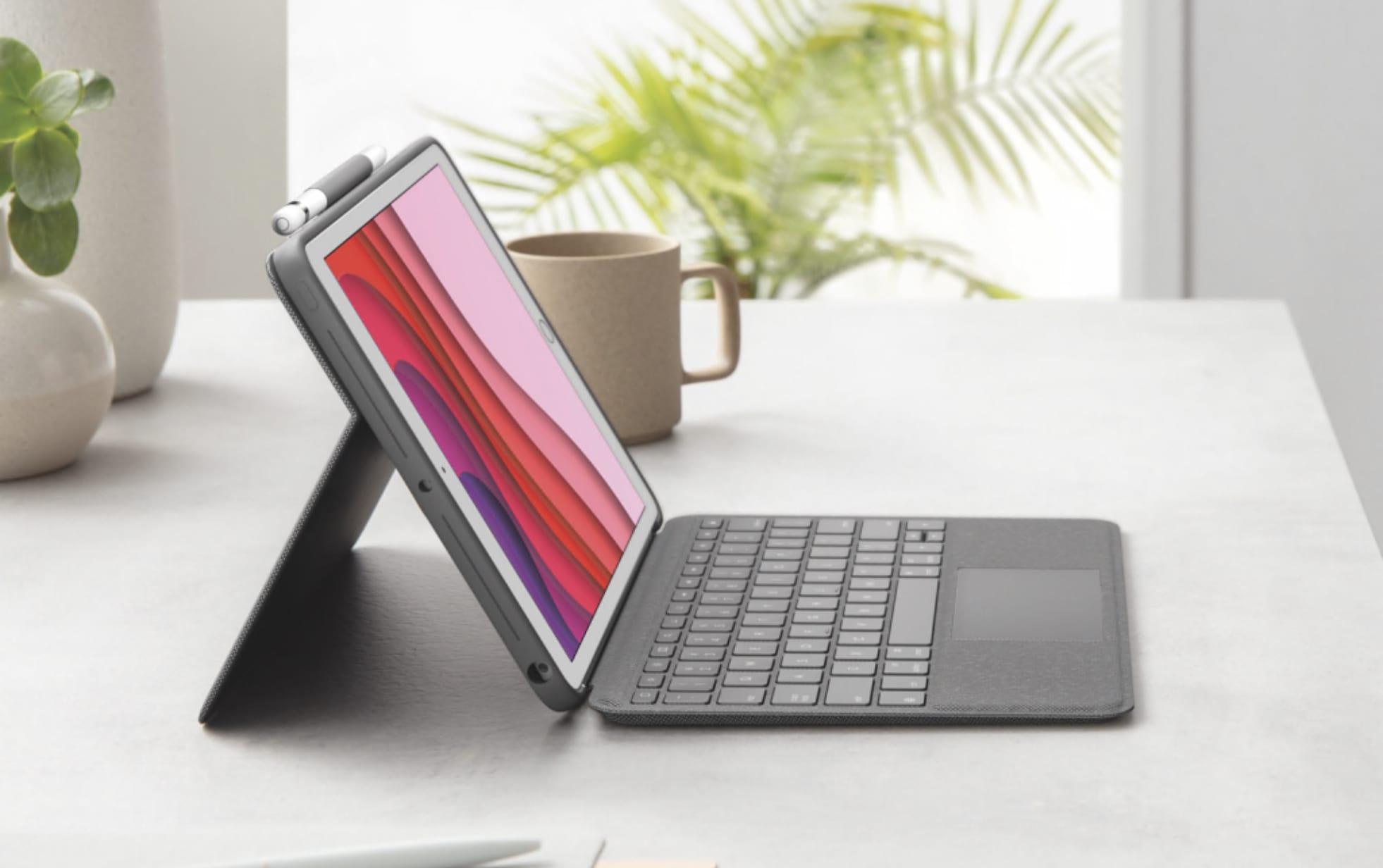
Logitech Combo Touch is like the Magic Keyboard for regular iPads.
Photo: Logitech

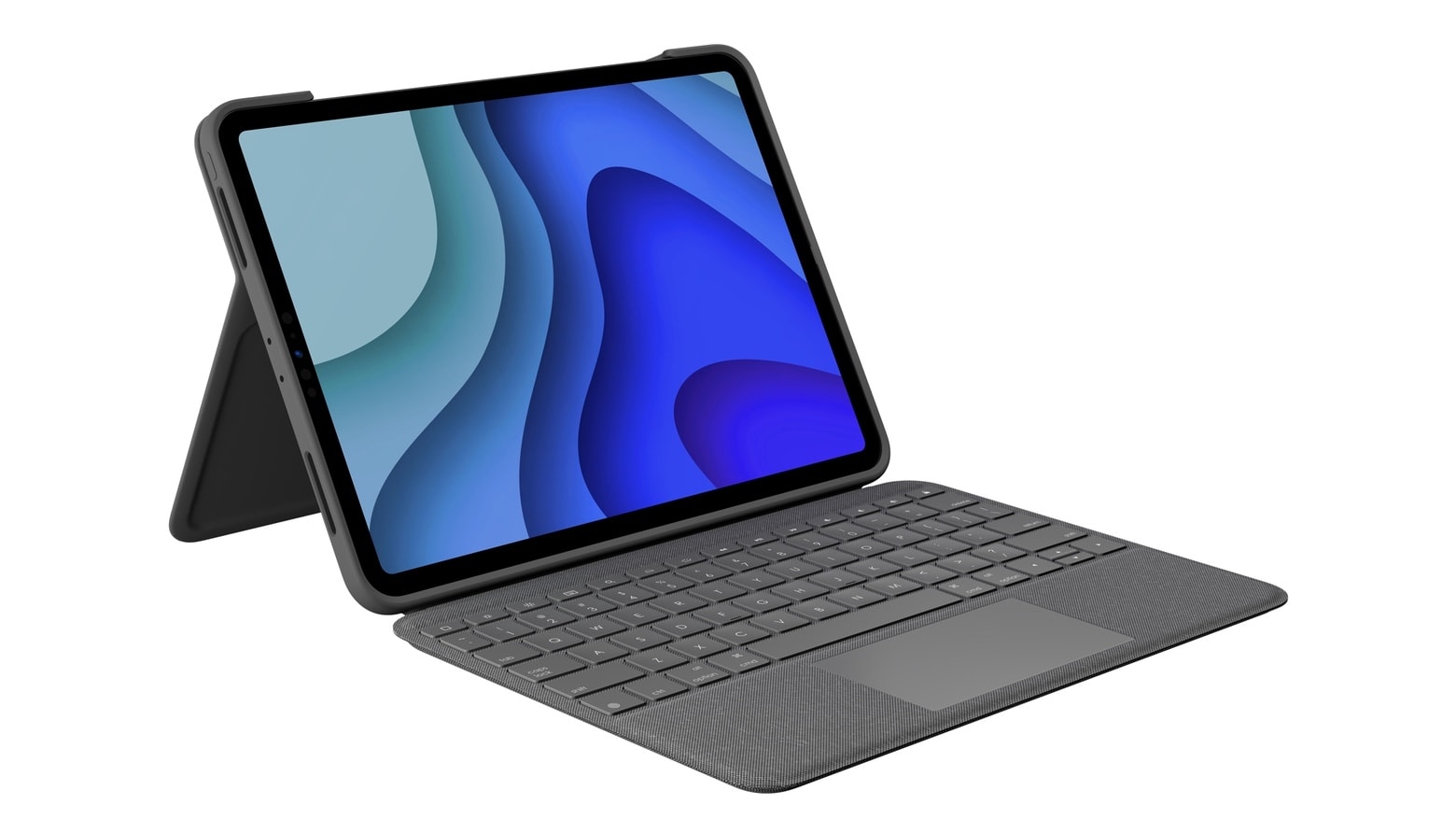
Logitech Combo Touch adds both a keyboard and a trackpad to inexpensive iPad models, because it’s not just Apple’s professional-grade models that can use mice and trackpads. Plus, there’s a flexible kickstand, and the keyboard is removable.

In addition, the Logitech Slim Folio Pro, a more basic keyboard case for the 2020 iPad Pro, is also available now on the Apple Store.

Surprise! Apple Magic Keyboard for iPad Pro launches early

By

iPad-Pro-Magic-Trackpad
The Apple Magic Keyboard isn’t like any other iPad Pro accessory.
Photo: Apple

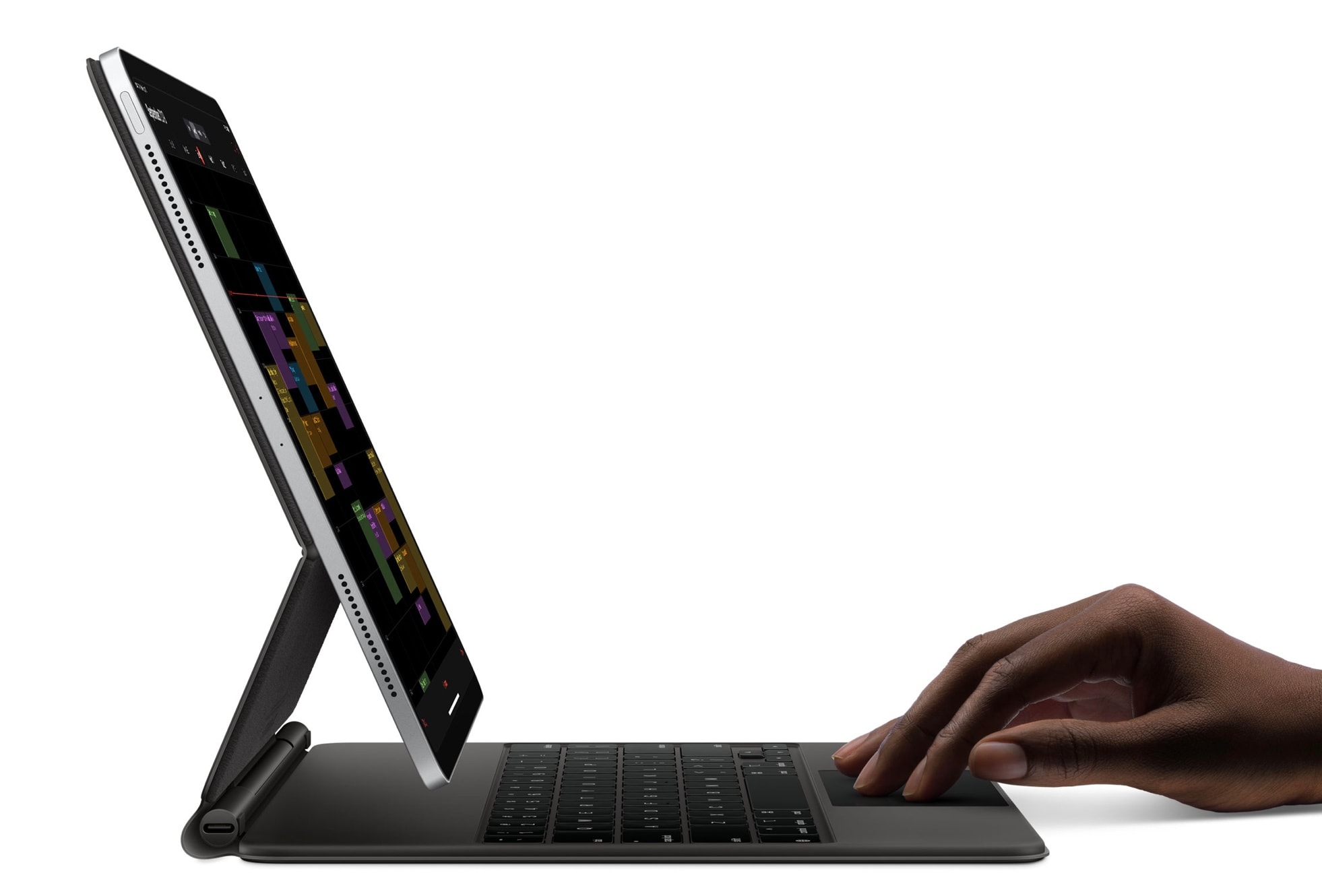
Apple began taking orders for the new Magic Keyboard for iPad Pro on Wednesday, about a month before the expected launch. This is Apple’s first iPad case with a built-in trackpad, and it sports an eye-catching design that leaves the tablet seemingly floating above the keyboard.

Best 2020 iPad Pro keyboard cases available at launch

By

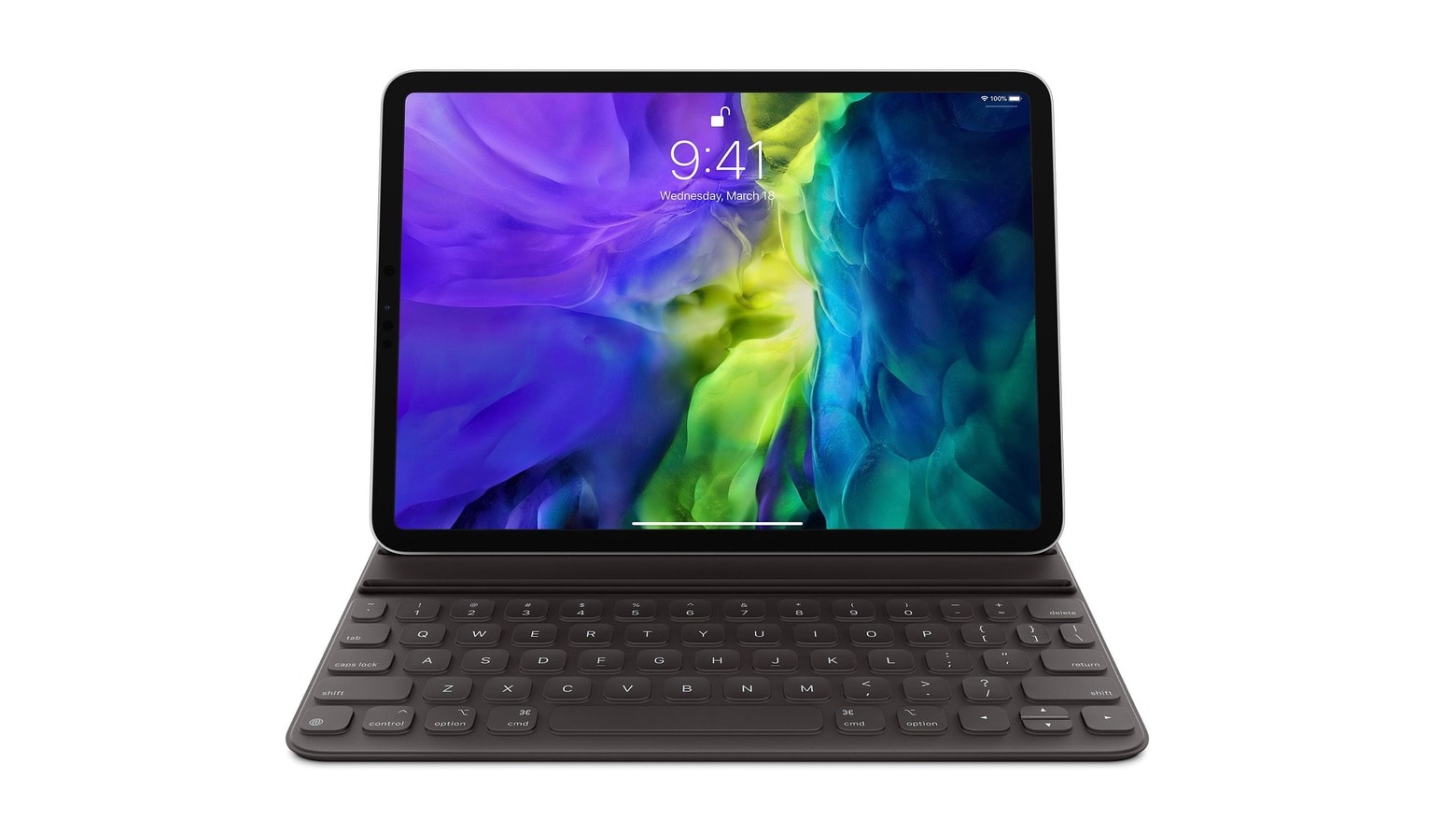
Apple Smart Keyboard Folio for the 2020 iPad Pro
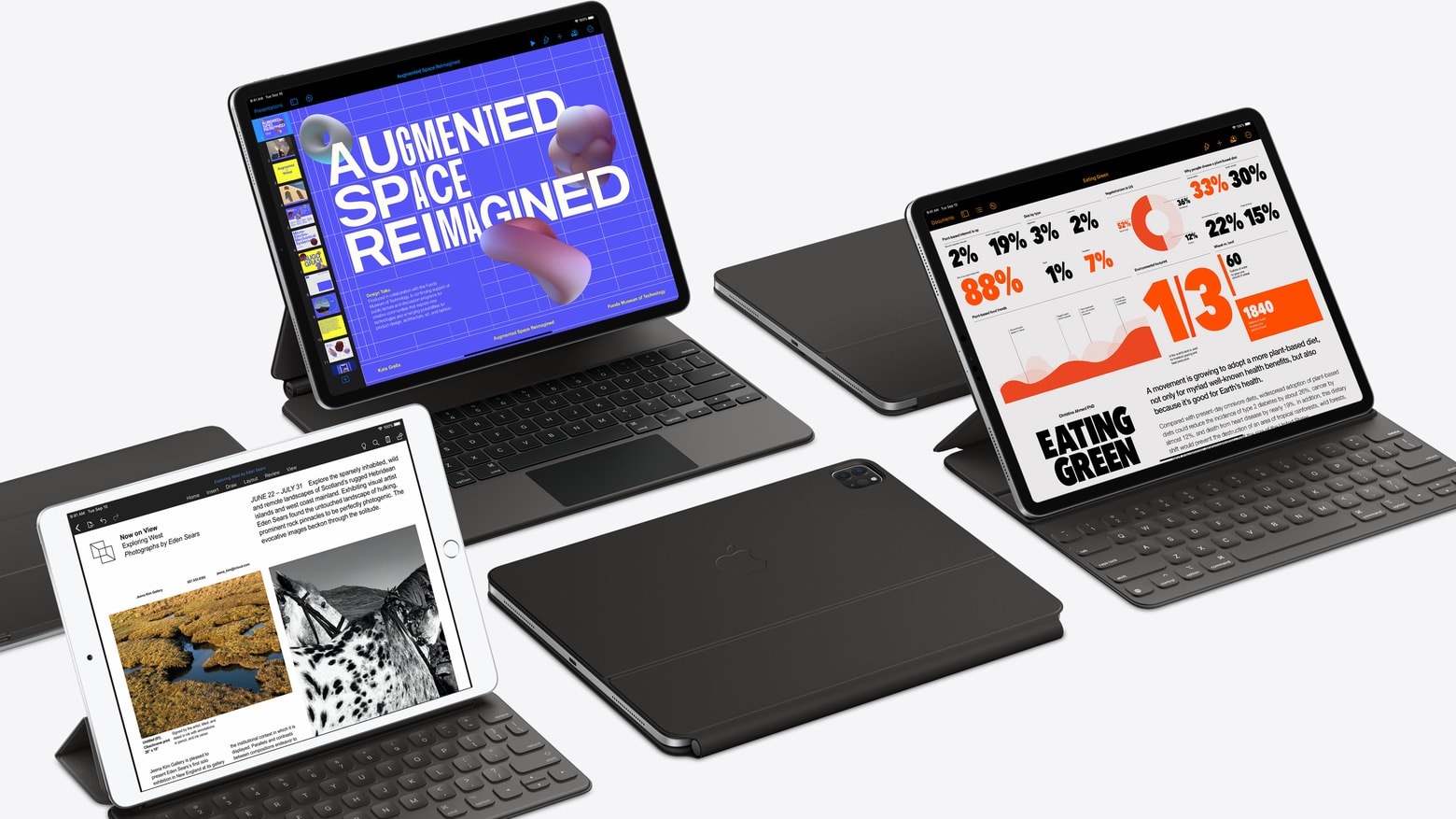
An updated Apple Smart Keyboard Folio is one of the best keyboards available now for the 2020 iPad Pro.
Photo: Apple

Adding an extra camera lens and LiDAR to the 2020 iPad Pro changed the design enough that virtually all keyboard cases designed for its predecessor can’t be used with the new model. And Apple’s own Magic Keyboard won‘t debut for months.

Still, there are already a couple of keyboard cases available for people expecting a new iPad Pro to arrive this week.

Gear up for the new work-from-home normal with these must-haves [Deals]

By

WFH Accessories
We've rounded up some of the best gear and accessories to help make the most from working from home.
Photo: Cult of Mac Deals

Working from home? Welcome to the new normal. Even under the best circumstances, transitions can be difficult, and a lot of it comes down to good habits. But it can also come down to having the right tools. That’s why we rounded up timely deals on some of the best gear for working from home.

Get ready to save on second computer screens, monitor stands, Mac accessories and more. There’s even a hot deal on a refurbished Magic Mouse 2!

This beautiful leather iPad sleeve doubles as a stand [Review]

By

Picaso Lab iPad Pro leather sleeve review
The Picaso Lab iPad Pro leather sleeve is both a case and a stand.
Photo: Ed Hardy/Cult of Mac

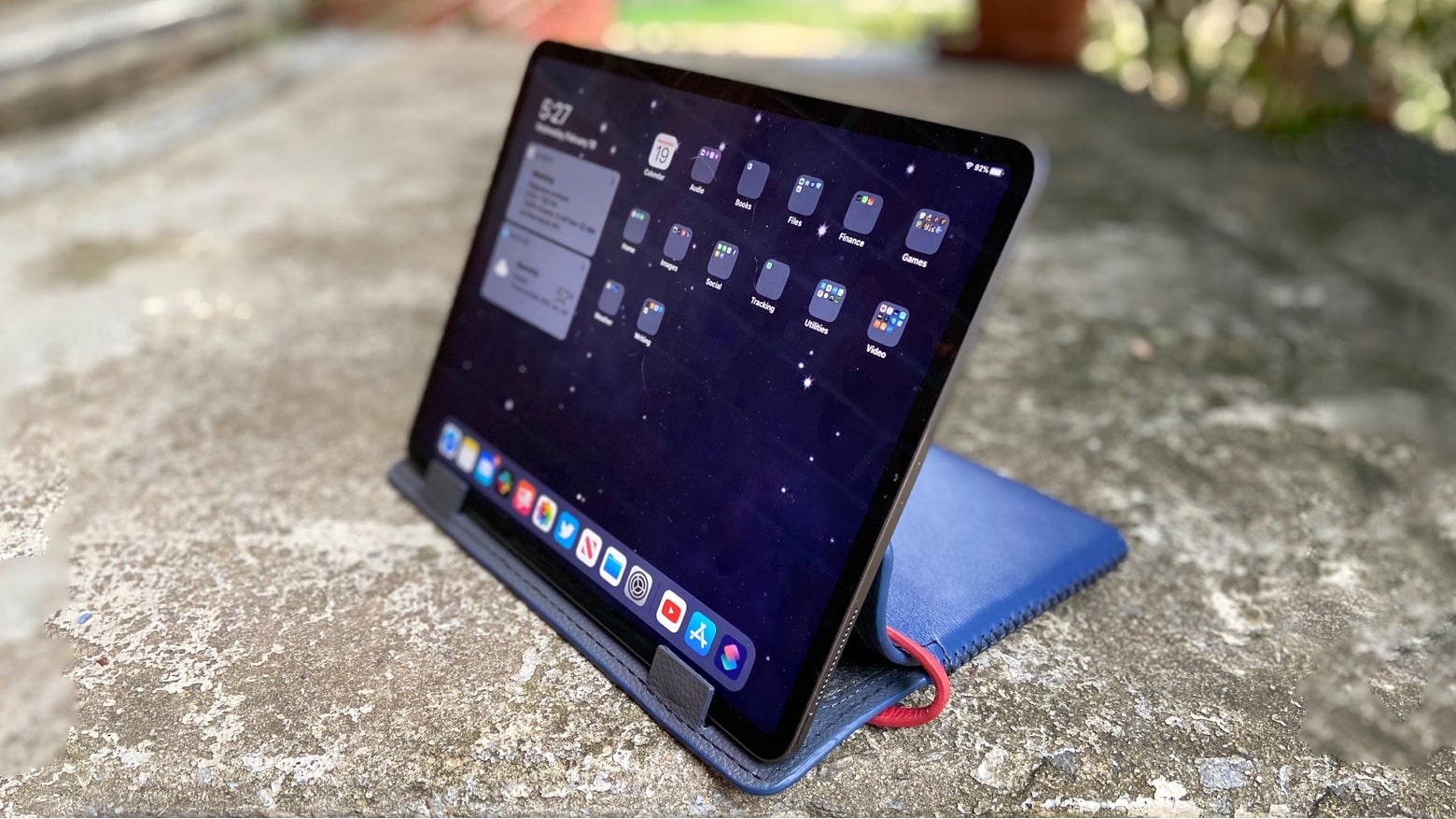
Picaso Lab’s new iPad Pro leather sleeve does more than protect your valuable tablet. Its designers built in an innovative stand, while the leather exterior gives a very stylish look.

I tested this hand-made case for the iPad Pro to see how it stood up to real-world use.

I hated the iPad Pro Smart Folio Keyboard, but now I love it

By

Smart Keyboard Folio
As a keyboard, the Smart Keyboard Folio makes a great stand.
Photo: Charlie Sorrel/Cult of Mac

I picked up the Smart Folio Keyboard for my iPad Pro a few weeks back, because I was traveling and needed to do some work on the go. I’ve avoided the expensive accessory in the past, because a regular Bluetooth keyboard is so much better — on paper anyway. Even the most basic Bluetooth keyboard offers far more essential features than Apple’s own keyboard case. But after trying the Apple keyboard, I like it a lot. The keys themselves are still awful, but the convenience factor is off the charts.

Doqo turns iPad Pro into MacBook with 7 ports [Review]

By

Doqo keyboard with 12.9-inch iPad Pro
The Doqo keyboard with 12.9-inch iPad Pro has advantages even over a MacBook.
Photo: Ed Hardy/Cult of Mac

Anyone who longs for the days when MacBooks came with tons of ports can look to the Doqo, an iPad Pro keyboard case that includes a pair of USB-A ports, HDMI, memory card readers, and more. There’s also a trackpad and full-size keyboard. This could be the touchscreen laptop you’ve been hoping for.

I’ve extensively used the Doqo keyboard with a 12.9-inch iPad Pro, and explore its advantages and problems in this review.

Doqo iPad Pro keyboard with trackpad also offers 7-port hub

By

Doqo keyboard for the 12.9-inch iPad Pro.
Doqo keyboard is designed to make an iPad Pro into a touchscreen MacBook.
Photo: Doqo

Doqo is an upcoming USB-C keyboard for the iPad Pro with a MacBook-sized trackpad, a 7-in-1 hub, and a built-in battery.

It’s one of several clip-on keyboards that promise to give Apple’s professional tablets many of the same features as a MacBook.

Pick the perfect Bluetooth keyboard for your phone or tablet [Deals]

By

Wireless Keyboard Roundup
No matter what kind of Bluetooth keyboard you want, we've got it!
Photo: Cult of Mac Deals

Being attached to our computers doesn’t have to mean literally being attached. Whether for phones or tablets, a portable wireless keyboard offers tons of extra flexibility and accuracy.

That’s exactly what you’ll find in these four great deals on our favorite Bluetooth keyboards. Each is already significantly discounted, but using the promo code MERRYSAVE15 at checkout takes an extra 15% off.

Space-saving USB-C docking stand sports a whopping 11 ports [Review]

By

Brando 11-In-1 Hub Type-C Docking Stand adds all the ports you could want
Brando’s Docking Stand adds nearly a dozen ports, both common and obscure.
Photo: Ed Hardy/Cult of Mac

Forget your frustrations with the minimal number of ports on your MacBook or iPad Pro. The Brando 11-In-1 Hub Type-C Docking Stand lets you connect virtually any peripheral to your computer. There’s a trio of USB-A ports, Ethernet, HDMI and an SD card reader. And that’s only the start.

Get the full list, and see how well this multi-port stands up to real world use, in this review.

RAVpower travel router also connects iPhones to hard drives and SD cards [Review]

By

RAVpower FileHub Travel Router is also a hub.
RAVpower FileHub Travel Router does far more than its name indicates.
Photo: Ed Hardy/Cult of Mac

Life on the road can be a hassle, even with an iPhone, but there’s a lot the RAVpower FileHub Travel Router can do to make it easier. It’s a battery, a hub with a USB port and SD card reader, and (naturally) a travel router.

I road tested every feature of this accessory. Read on to see if it deserves a place in your travel kit.

Pick up great Apple accessories and gear for less than $15 [Deals]

By

iPhone Accessories Under $15
These great iPhone and Mac accessories won't break the bank.
Photo: Cult of Mac Deals

Upgrading your digital gear doesn’t have to mean draining your wallet. For proof, check out these five deals on accessories for under $15. They include camera covers, Lightning cables, iPhone cases and more.

This is the affordable Apple Pencil rival you’ve been looking for [Review]

By

Adonit Note+ review
With Adonit Note+, you can draw Tippy. Or take notes, sign PDFs, and more.
Photo: Ed Hardy/Cult of Mac

Adonit Note+ is a pressure-sensitive iPad stylus that stands up well in a head-to-head competition with Apple Pencil, and even beats it in some areas. It offers tilt detection and pressure sensitivity, as well as shortcut buttons. All at a price definitely lower than Apple’s stylus.

We used this Apple Pencil alternative for both writing and drawing — read our Adonit Note+ review to see how it handles in real-world use.
You might never get to buy this amazing iPad keyboard [Review]

By

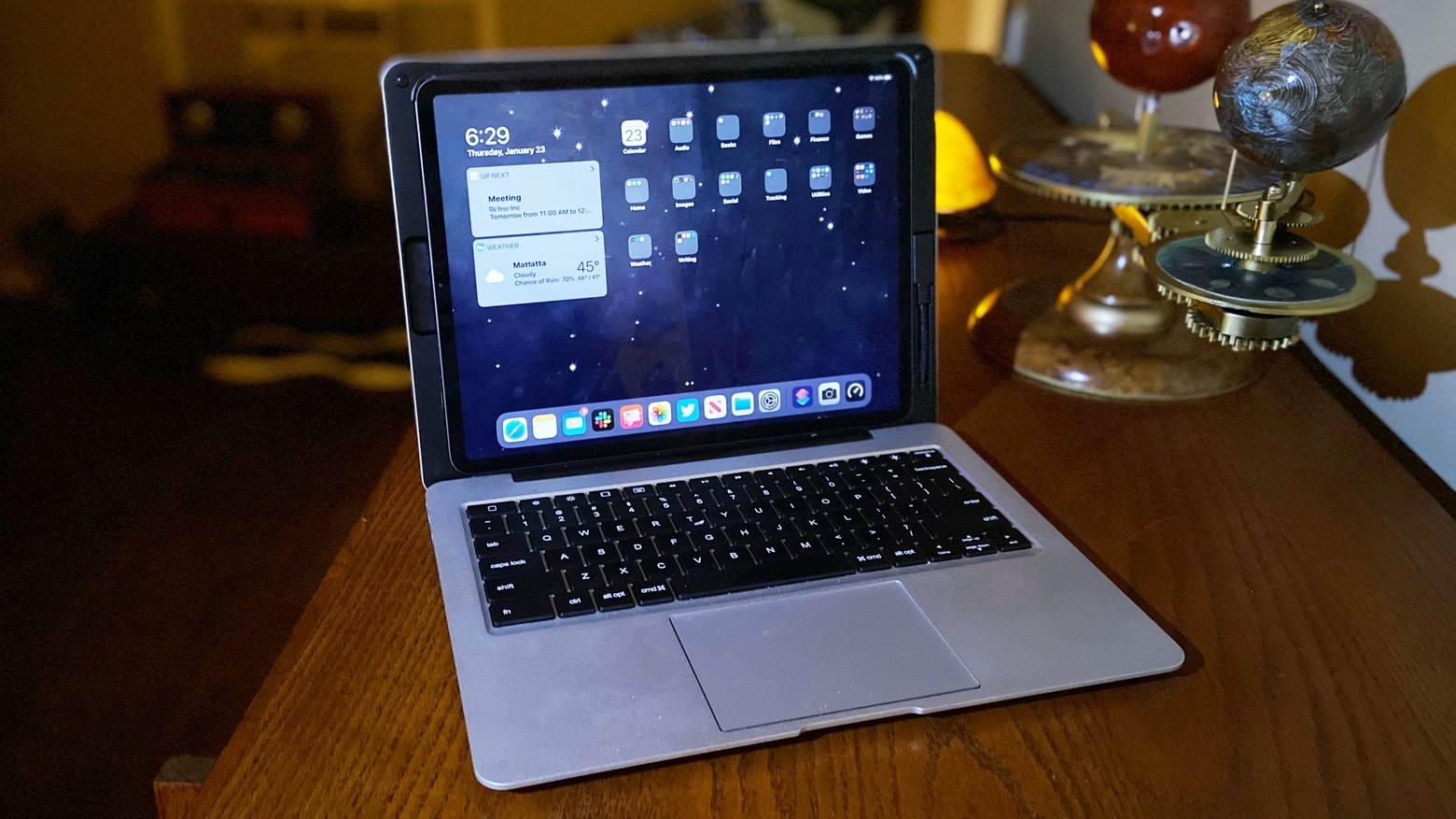
Sentis Libra iPad keyboard with trackpad
An iPad Pro with Sentis Libra attached could be mistaken for a MacBook.
Photo: Ed Hardy/Cult of Mac

The Sentis Libra gives an iPad Pro a keyboard and trackpad, allowing it to act as both a tablet and a laptop — something no MacBook can do.

However, rival keyboard maker Brydge accuses Sentis of using its patented design. Cult of Mac has both a Libra prototype and the most recent Brydge Pro, and we compare the two and let everyone judge whether the accusations made against this device stand up.

The Libra is undoubtedly great, including a highly-functional trackpad. So the real question is, who deserves credit for the design?