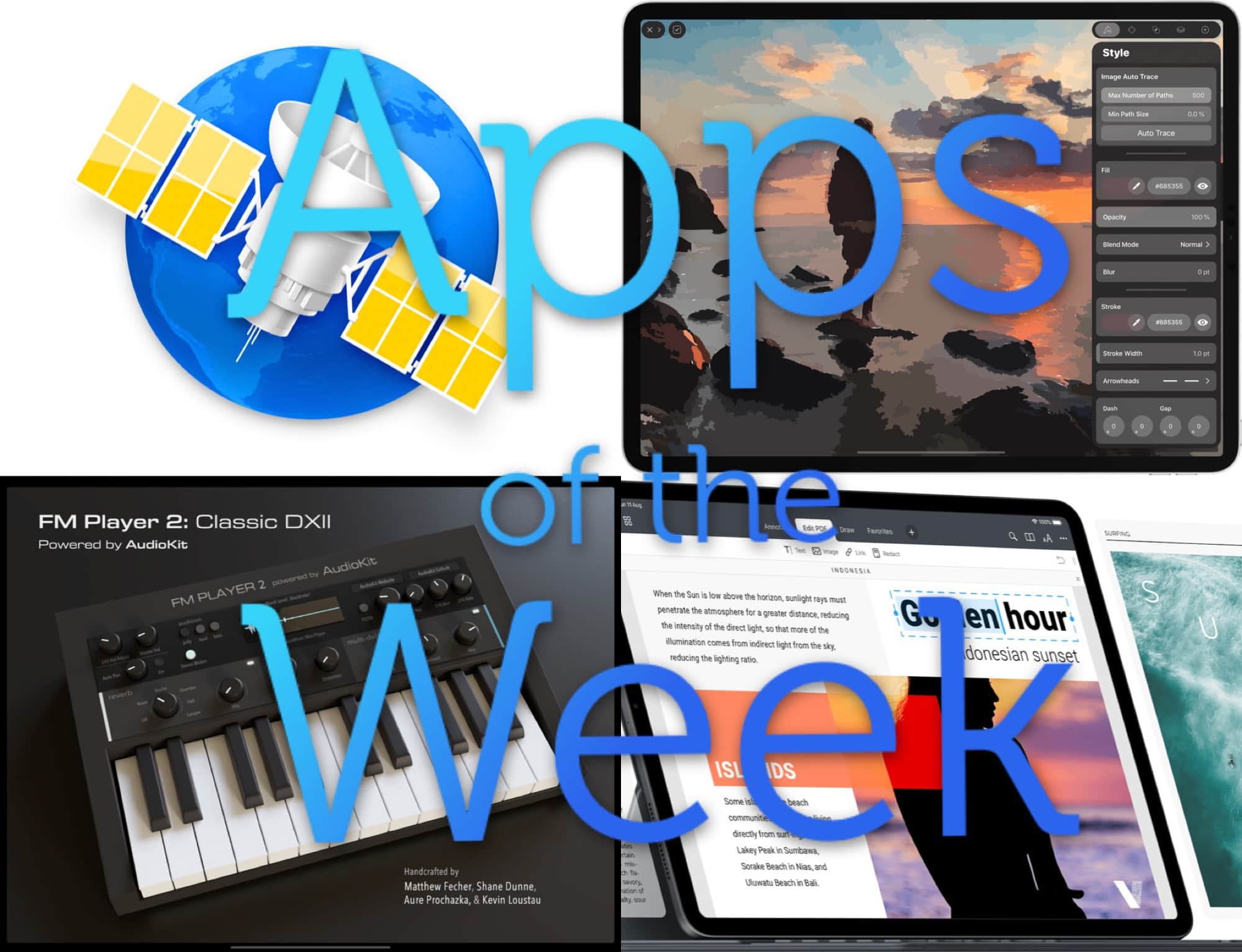
News! Music! Design! Productivity!! Photo: Cult of Mac
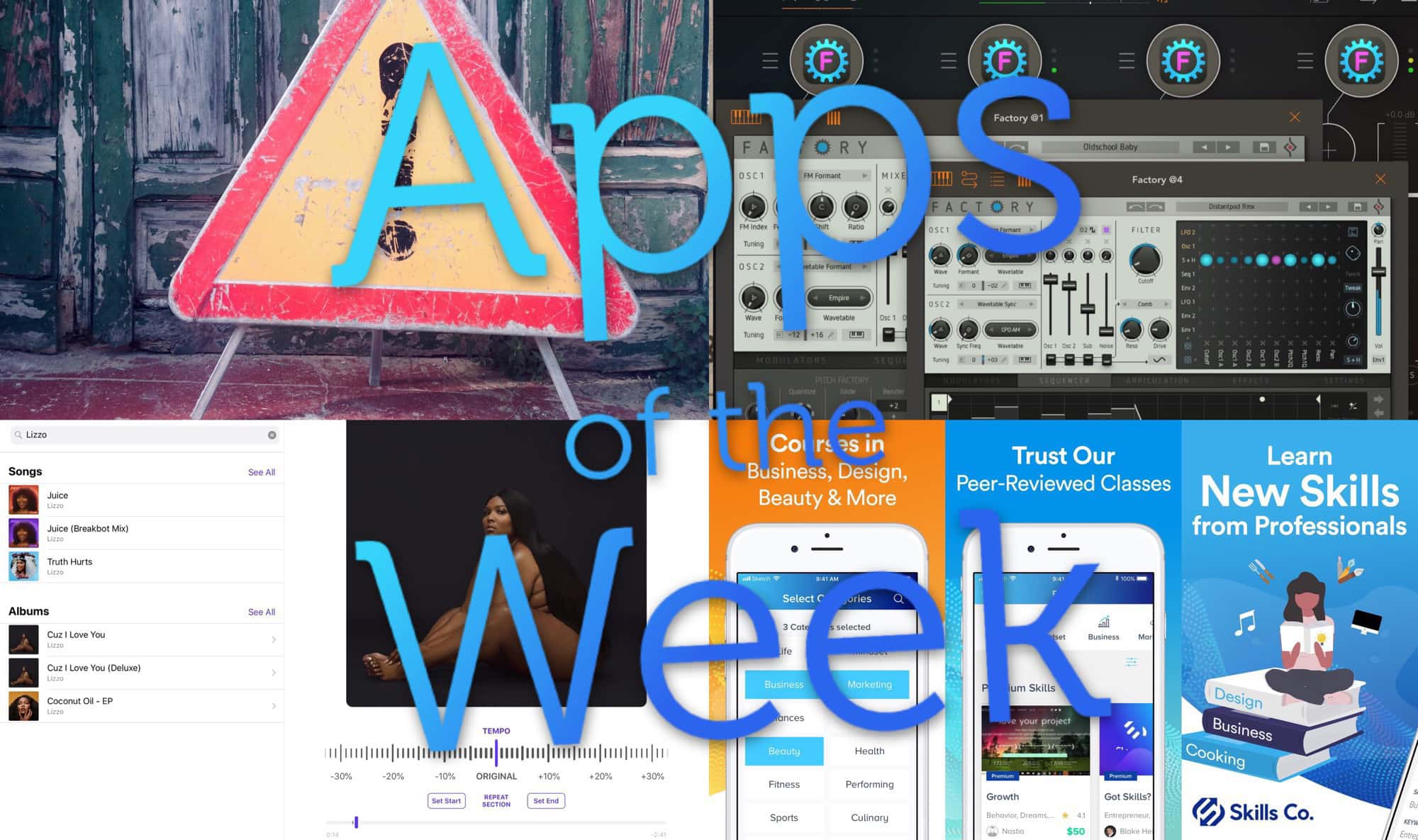
This week we turn photos into vector images with Vectornator X, compose amazing ’80s synth pop with FM Player 2, check out a new beta of an old favorite with NetNewsWire 5.0, and way more.
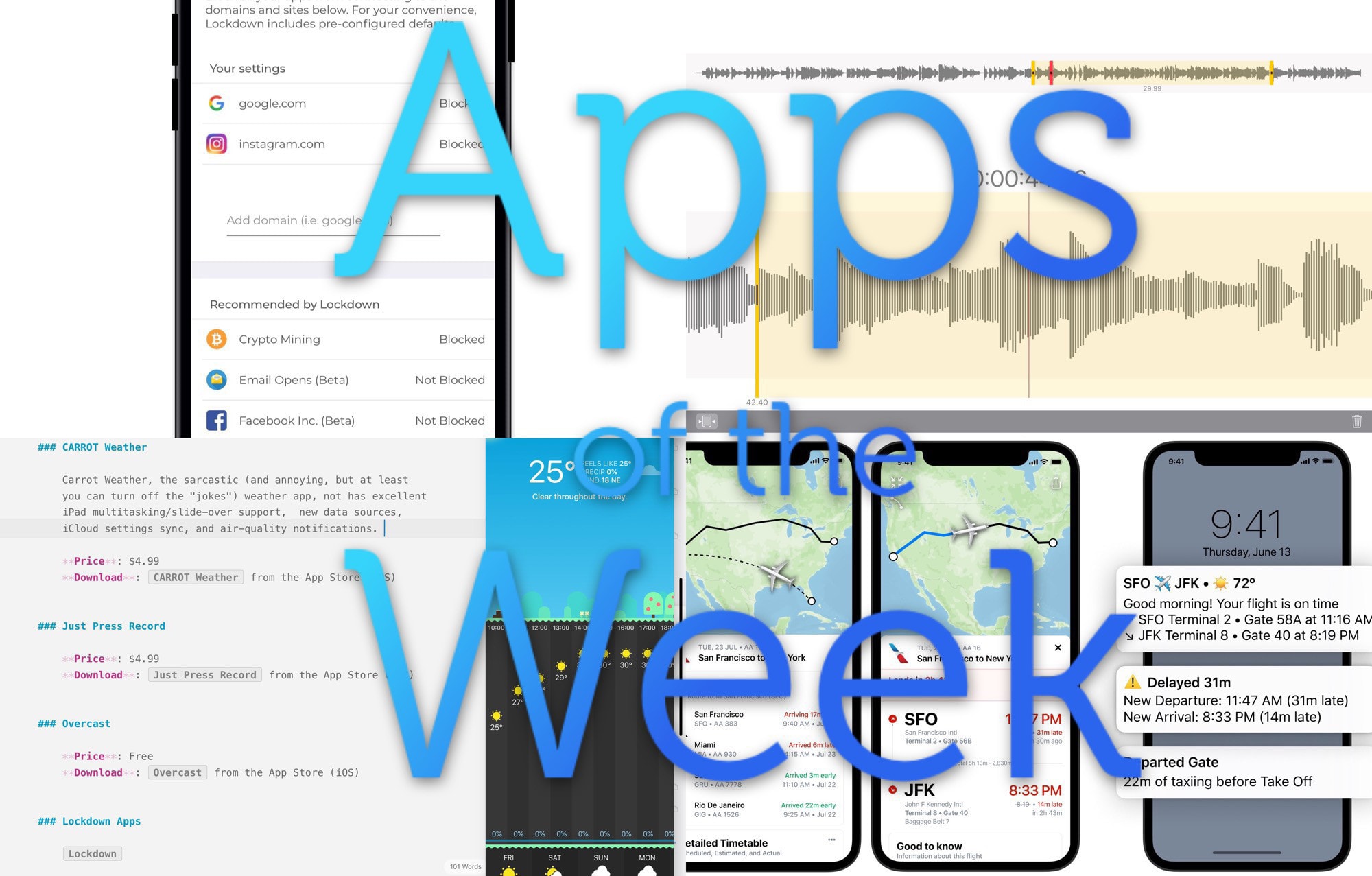
Look at this mess of screenshots! Photo: Cult of Mac
This week we Slide Over the forecast with Carrot Weather, lock down our internet connections with a free firewall, relax at the airport with Flighty, edit our voice memos with Just Press Record, and more.
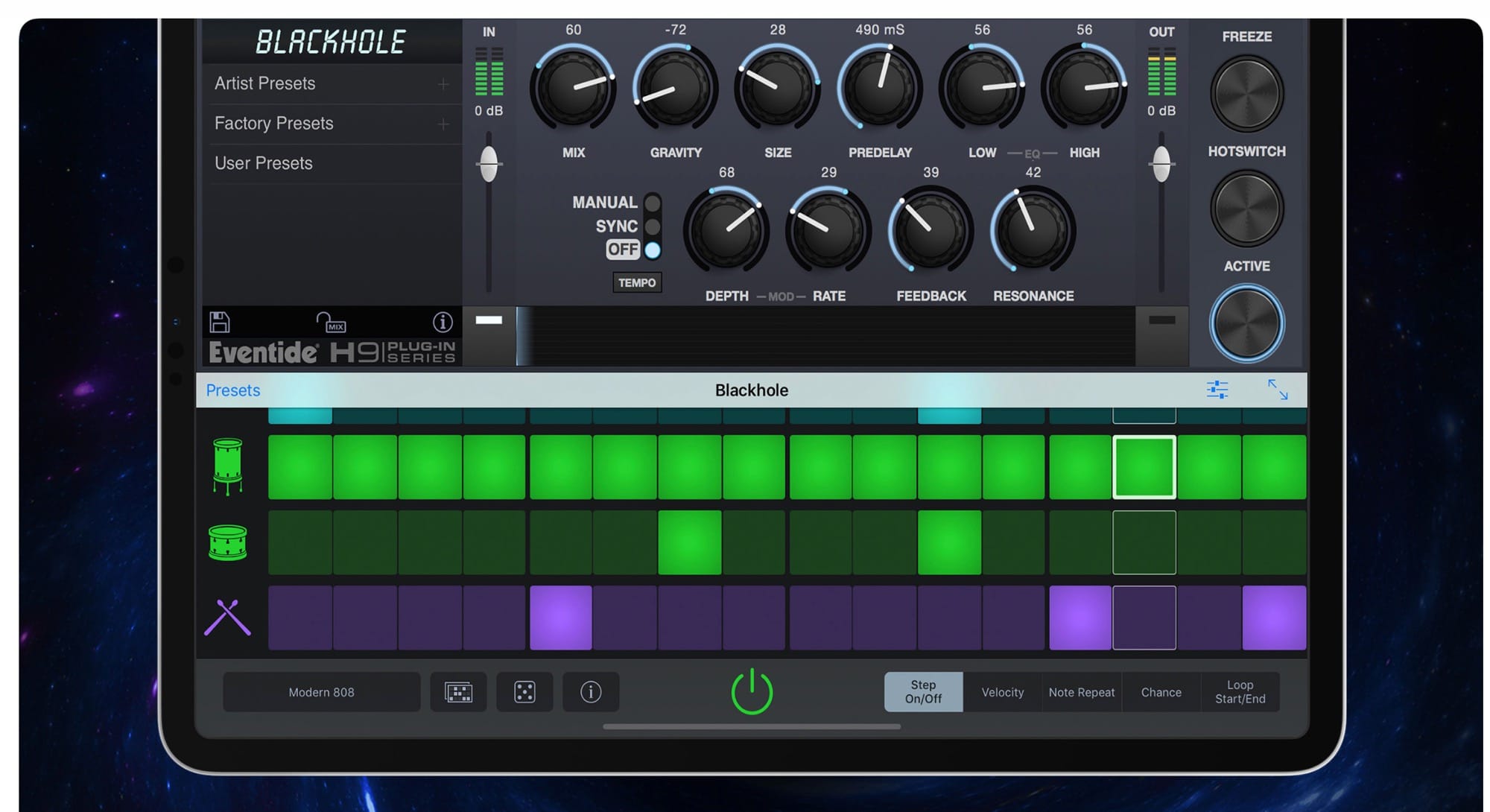
Ths is wild -- you can use Eventide effects inside GarageBand on iPad. Photo: Eventide
Eventide, one of the most important creators of musical effects, and the inventor of many crazy audio-mangling ideas, is now making effects apps for the iPhone and iPad. This is just about as big as news can get for musicians working on iOS. For those outside the world of music-creation, Eventide is roughly equivalent to Adobe, and the release of these apps is like Photoshop’s entry into mobile.
iOS musicians can now enjoy three effects from Eventide, all of which are Audio Units (plugins for other apps), and all of which run on both the iPhone and the iPad.
Hooks, on cranes. Photo: Charlie Sorrel/Cult of Mac
Imagine that you’re working on a document on your Mac. At some point, you’ll need to take a look at those emails about the project, or check that photo you snapped of the whiteboard. Maybe you have them all open already, in your perfectly organized workspace. But what about when you come back to that document tomorrow, or next month?
What if you could tap a key, and a panel would pop up, with all those linked documents listed? You could just click on one to open it. That’s what you get with Hook, a new Mac app that links documents together so you never need to go searching for them again.
The App Store is striking out on its own! Photo: Apple
In a subtle, but significant, change, iOS and Mac app listings on the web now direct users to a URL at apps.apple.com, instead of itunes.apple.com.
This follows WWDC, where Apple shared details of a world beyond iTunes. Apple is breaking up the iTunes app into Music, Podcasts, and TV apps. While you don’t need to worry about your iTunes content, this is the latest example of Apple shifting away from that branding.
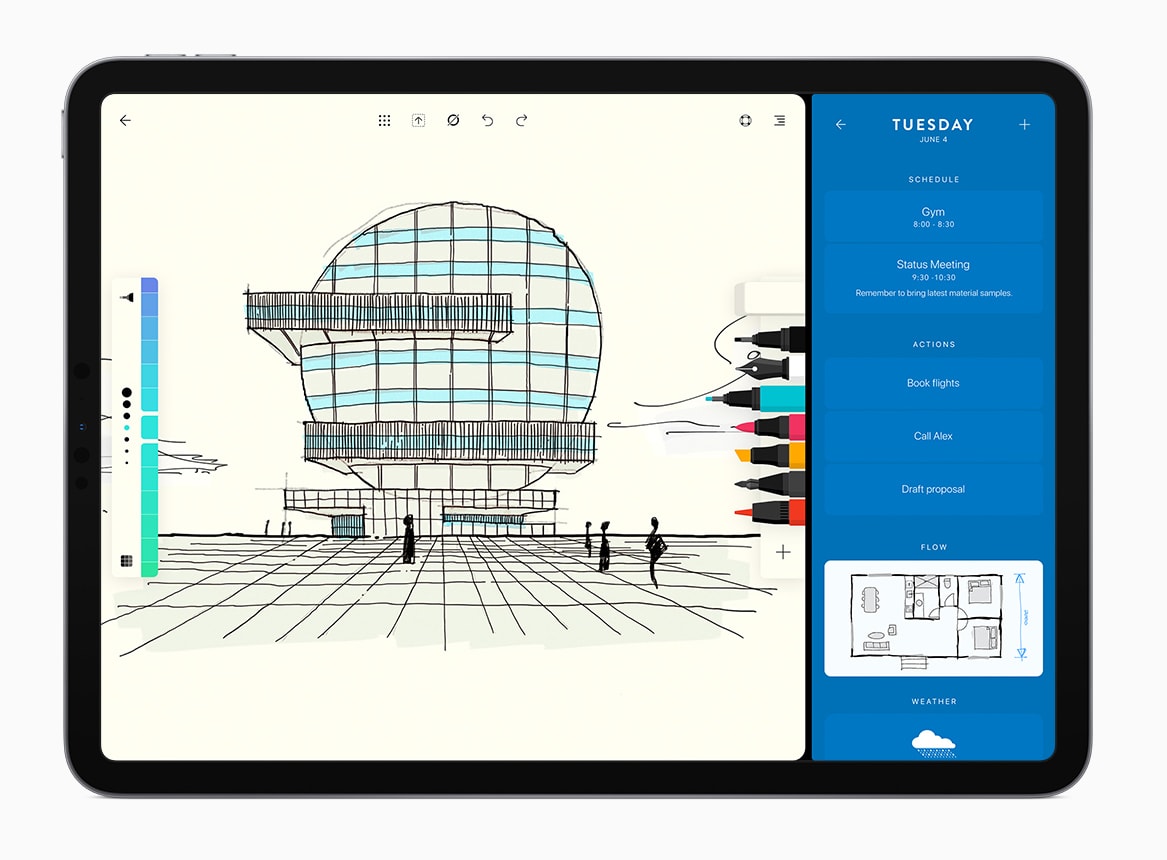
Flow by Moleskin is one of Apple's favorite apps. Photo: Moleskin
Apple revealed the 2019 Design Awards at WWDC highlighting nine apps that offer a unique approach to design.
This year’s selections come from Italy, France, Lituania and the U.S. A lot of games are included in mix but there are also some breakthrough apps for sports, drawing, photo editing and medical imaging.
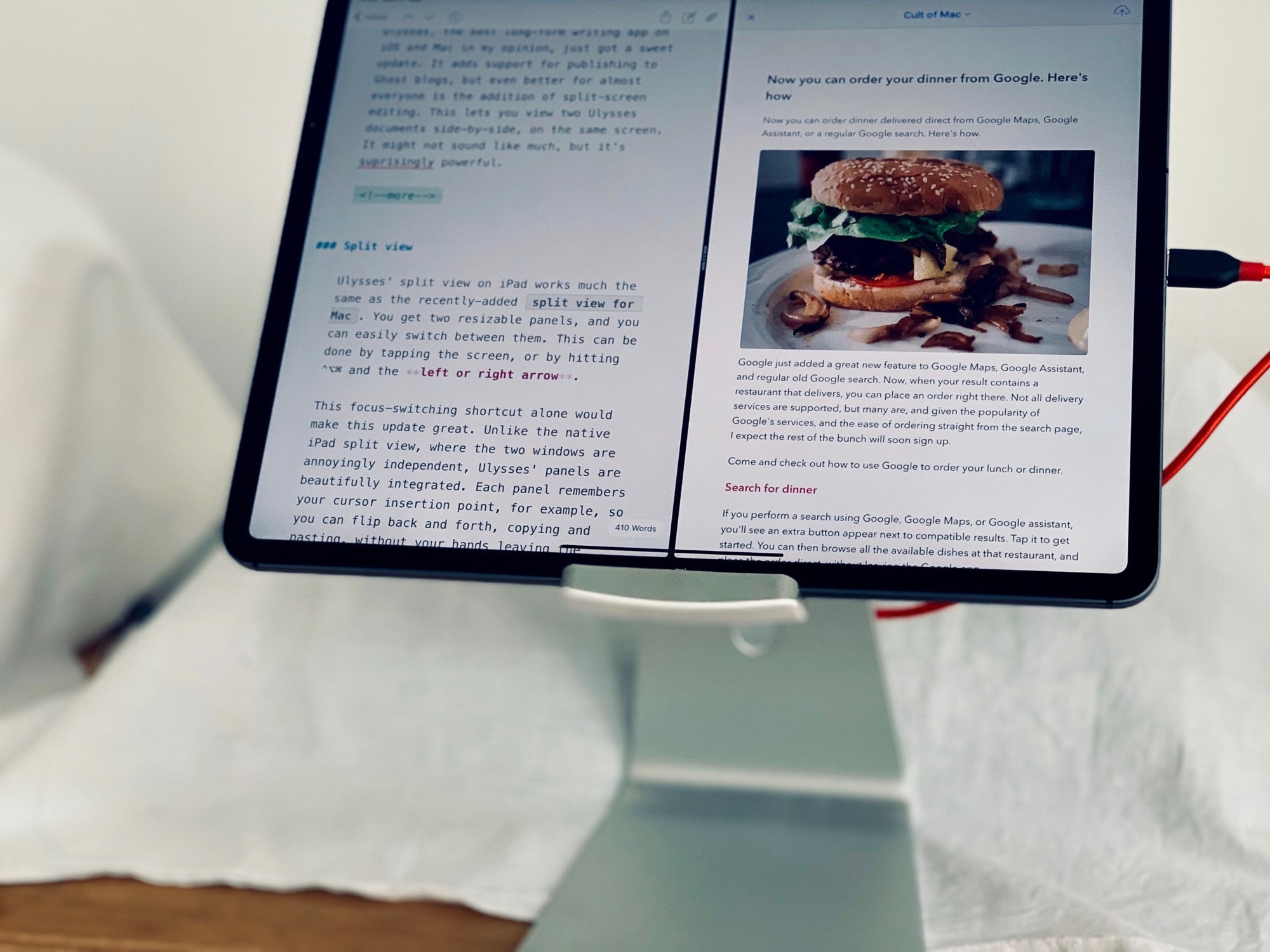
View two documents, or one document and its preview, at the same time. Photo: Charlie Sorrel/Cult of Mac
Ulysses, the best long-form writing app on iOS and Mac in my opinion, just got a sweet update. It adds support for publishing to Ghost blogs, but even better for almost everyone is the addition of split-screen editing. This lets you view two Ulysses documents side by side, on the same screen. It might not sound like much, but it’s surprisingly powerful.
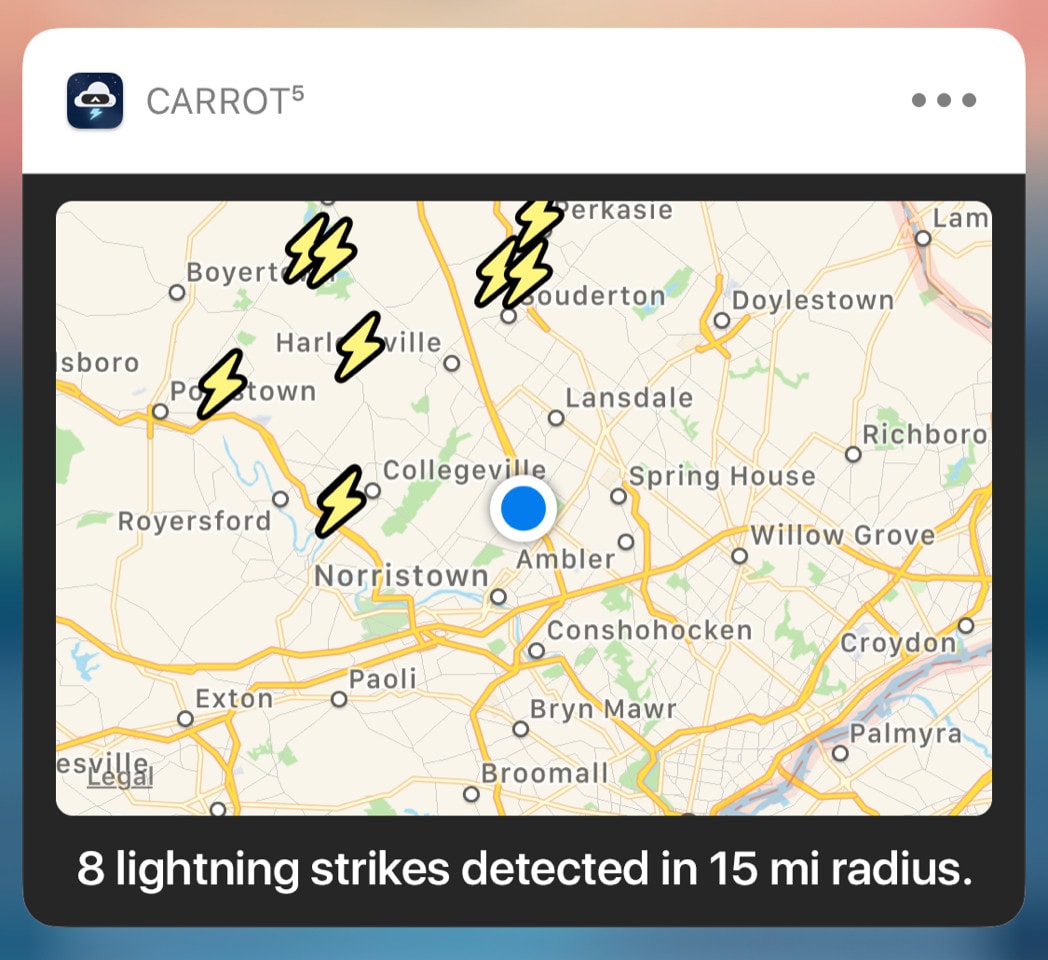
CARROT Weather offers some features you won't find elsewhere. Photo: Grailr LLC
I’ve long been a fan of Brian Mueller’s CARROT apps, which offer everything from fitness-tracking to calorie-counting tools with a sarcastic AI taskmaster keeping you in line. Today, Mueller has released the latest update for CARROT Weather — and it’s pretty darn packed.
Version 4.11 is centered around notifications and adds a plethora of features not available in any other weather app.
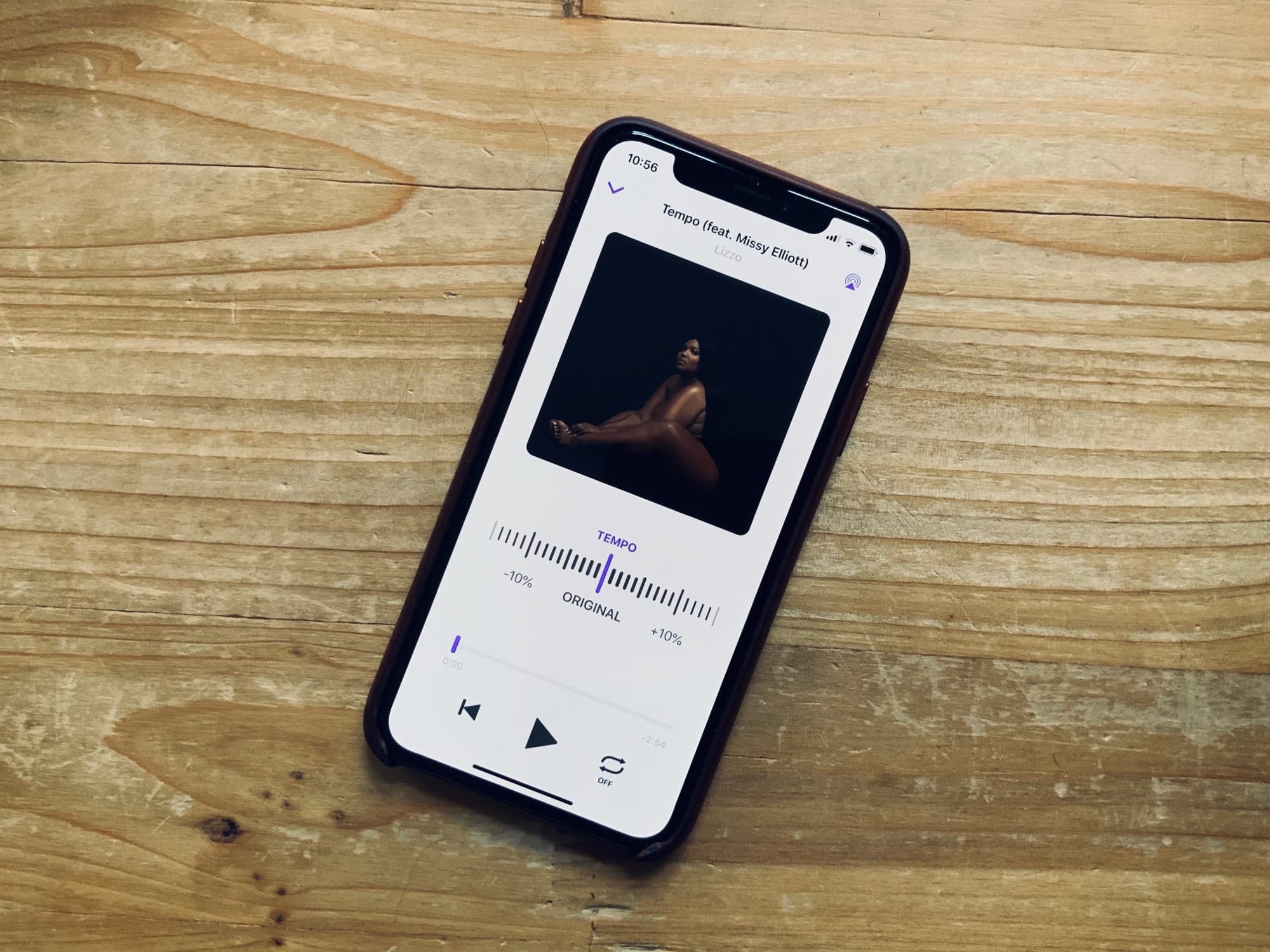
Change the tempo of any song in Apple Music. Photo: Charlie Sorrel/Cult of Mac
Perfect Tempo lets you speed up or slow down any song in Apple Music, so you can learn how to play it. Unlike every other app that does this, Perfect Tempo works on any song on the Apple Music service, not just purchased and/or downloaded songs. It also has a great, easy-to-use design, which is way better than the utilitarian drop-down lists of many other apps.
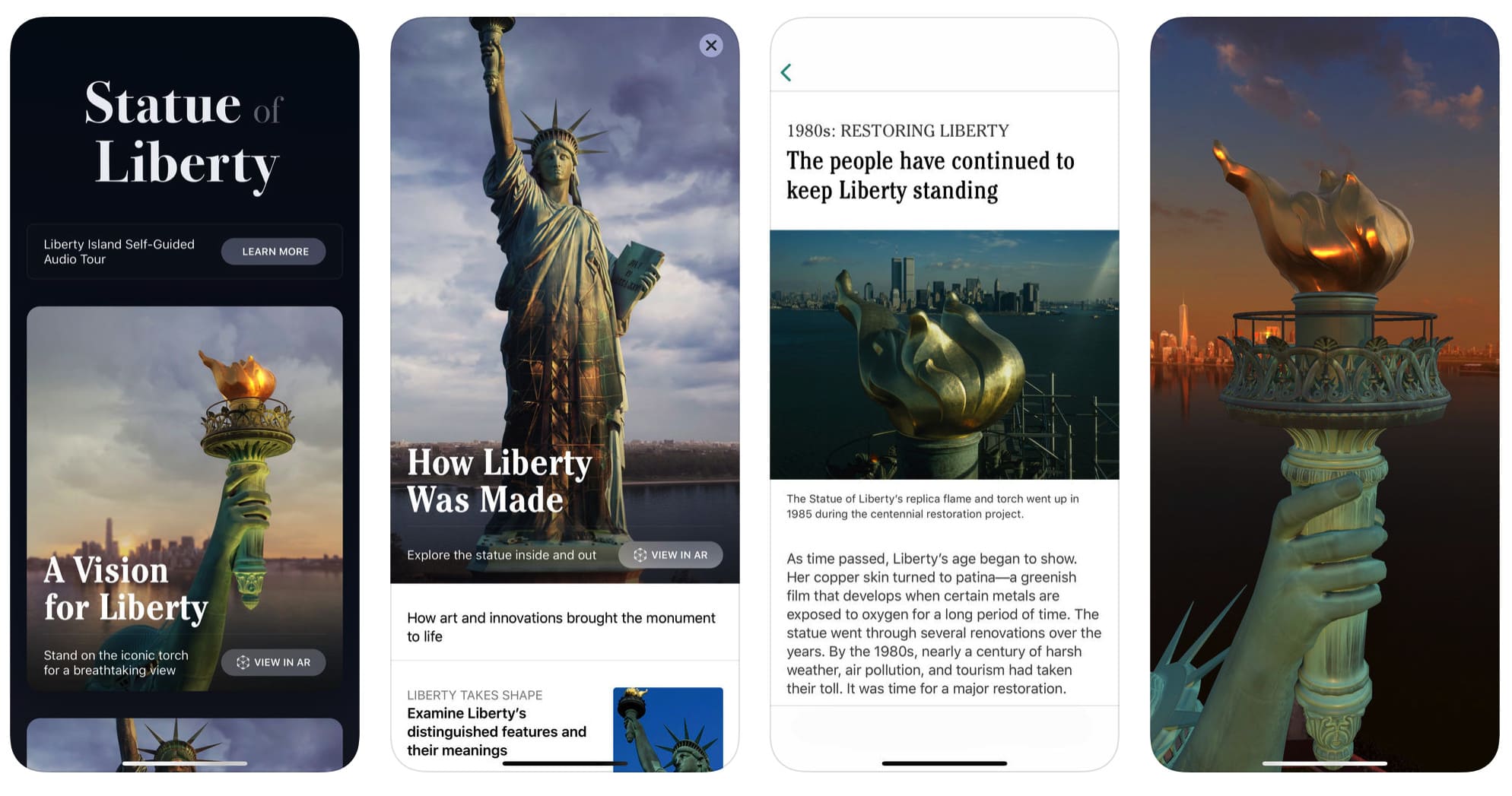
Apple reportedly helped out in the app's development. Photo: Statue of Liberty – Ellis Island
With its innovative Flyover feature for Apple Maps, Apple gave users an eye-popping way of exploring real life places in three dimensions.
Now it’s reportedly leant its AR expertise to a new iOS app for the new Statue of Liberty Museum. For those visiting the iconic location, the app provides a location-based audio tour. For those elsewhere, it provides a way of checking out an AR recreation of Lady Liberty from the comfort of their couch.
You want your app to look as good as possible, right? Photo: Ste Smith/Cult of Mac
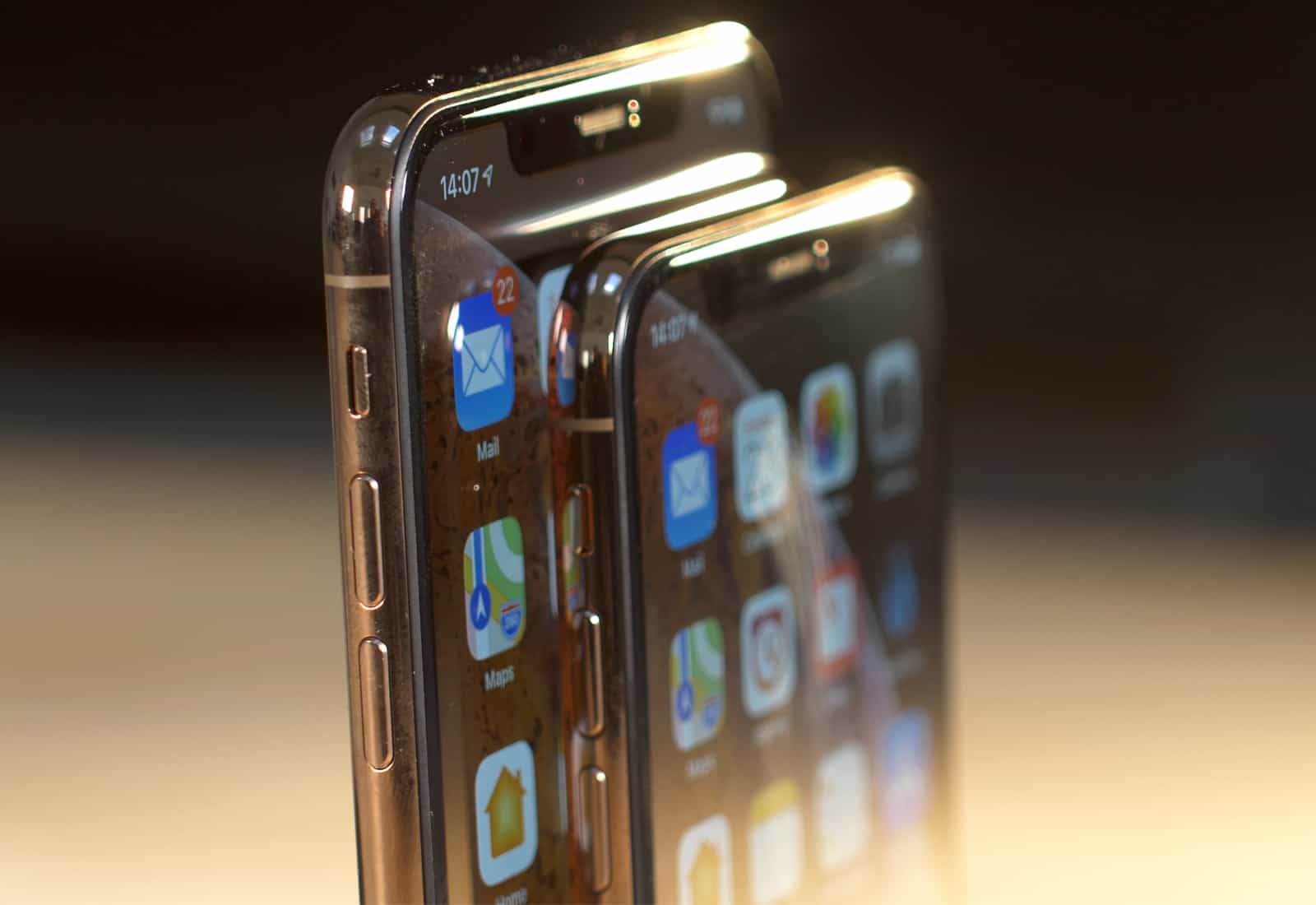
All new apps and app updates must support the iPhone XS Max and latest 12.9-inch iPad Pro starting March 27.
In a post on its developer portal, Apple notes that apps must be built with the iOS 12.1 SDK or later. New Apple Watch apps must also support the Apple Watch Series 4.
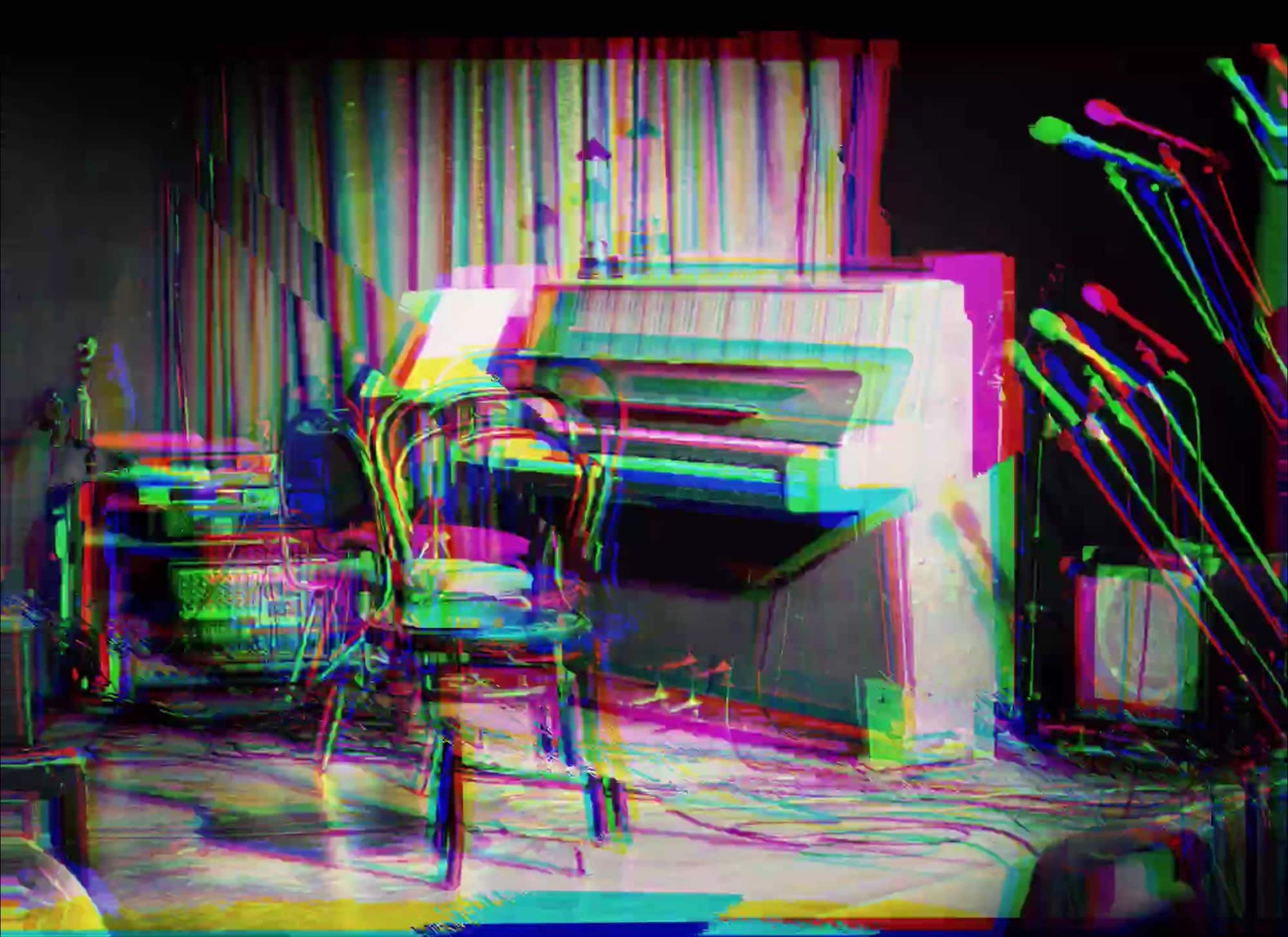
Who needs a whole band when you have PolyPhase? Photo: Charlie Sorrel/Cult of Mac
Instead of just firing up that ambient music playlists again today, why not try the PolyPhase app? It’s a “generative sequencer,” which is an accurate but uninteresting way of describing its purpose: to create great music, automatically.
PolyPhase is intended to be used as a creative tool. A music can manipulate its settings, and listen until she hears something worth saving and turning into a song. But the app is equally good as an ambient soundtrack generator. One that will never stop. Ever.
A hacked version of Pokémon GO was one of the apps available. Photo: Niantic
Apple is currently dealing with a number of apps abusing its enterprise certificate program.
According to a new report, software pirates have used the technology to distribute hacked versions of many popular apps. These include the likes of Spotify, Pokémon GO, Angry Birds, Minecraft, and others. Apple originally introduced its enterprise certificates to let companies make business apps for employees, without going through the App Store.
What a feast of fine apps we have for your this week. Photo: Cult of Mac
This week we blur the background in Skype, edit Photos on the iPad in Obscura, clean up our TV shows and movies with iFlicks 3, and check the forecast on our Apple Watches with Carrot Weather.
Report raises important privacy questions. Photo: Ste Smith/Cult of Mac
Apple came down hard on Facebook when it was found to be behind an iOS app that was gathering large amounts of user data. But it’s not the only app to gather information about what users are up to, and to feed this back to developers.
According to a new report, apps including those for Air Canada, Abercrombie & Fitch, Expedia, Singapore Airlines, Hotels.com, and others utilized analytics software that employed “session replay” technology to reveal how users interact with the apps.
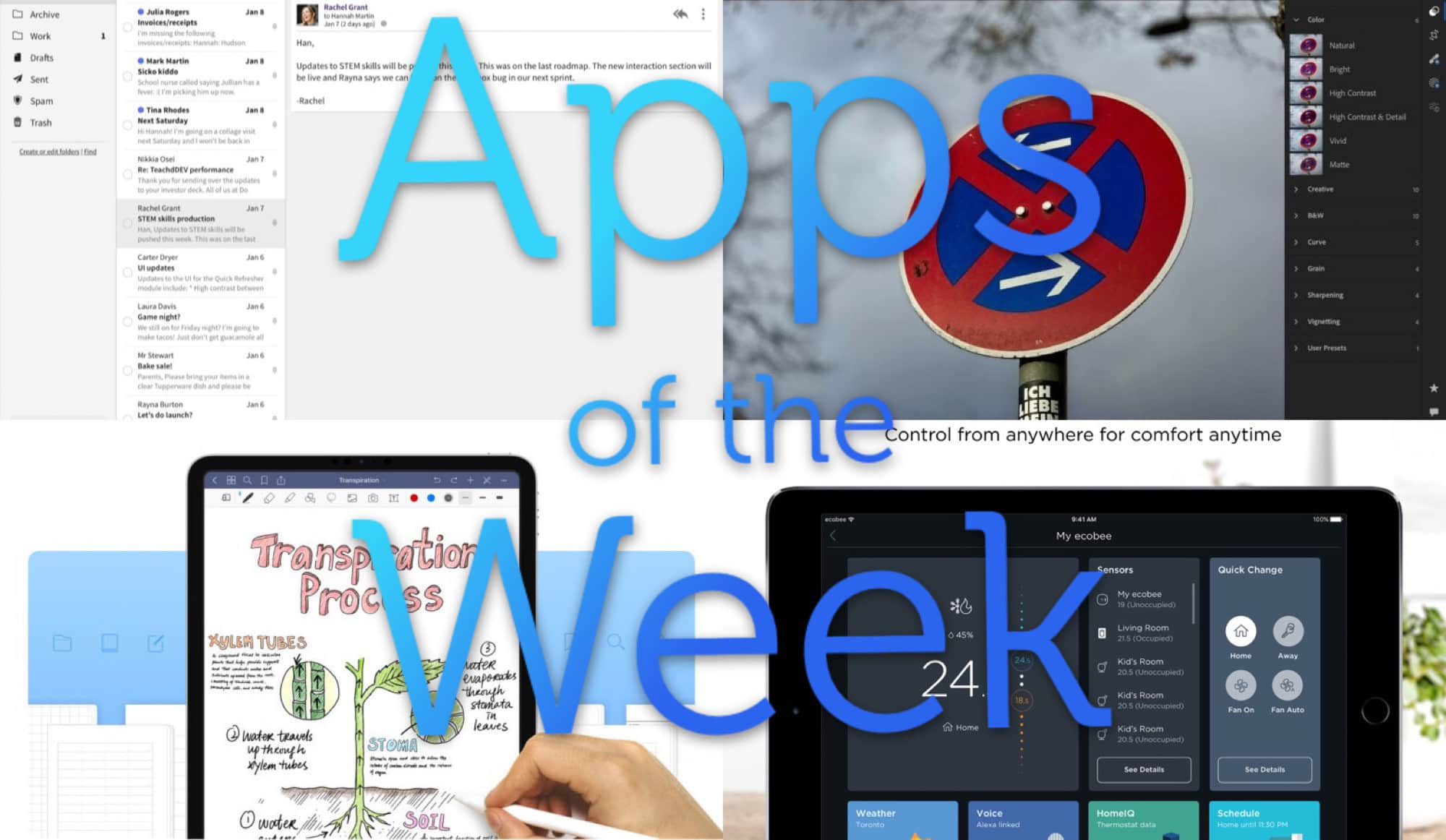
We have a feast of apps for your this week. Photo: Cult of Mac
This week we enjoy Fastmail’s sleek new look, import photos into Lightroom using Shortcuts, control our Ecobee home-automation accessories from the Apple Watch, and get writing with Goodnotes 5. And that’s not even everything!
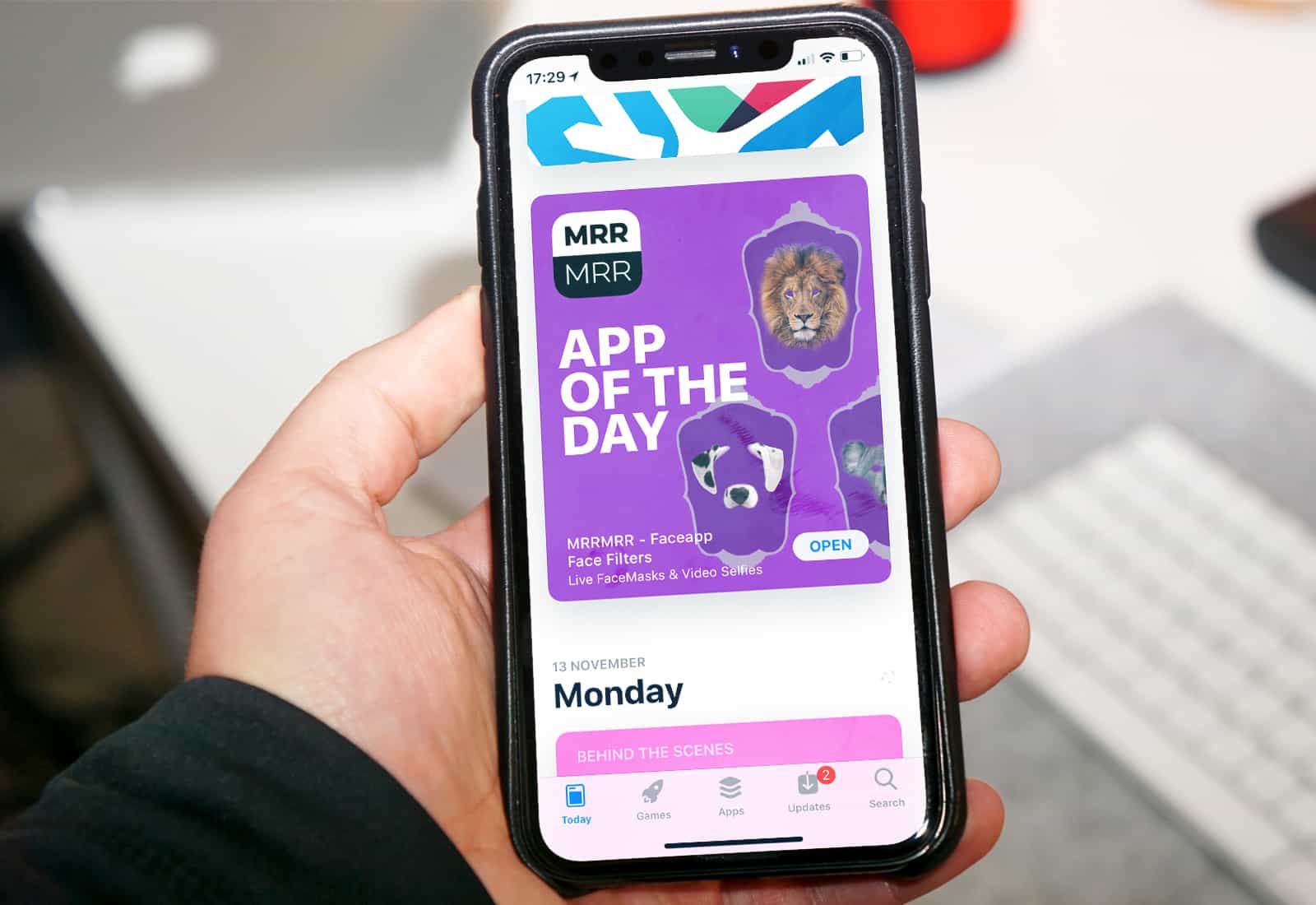
Apple apps no longer dominate App Store search results. Photo: Ste Smith/Cult of Mac
The App Store raked in almost twice as much revenue as Google Play in 2018, despite significantly fewer downloads.
Google’s marketplace did enjoy a 27.3 percent rise in gross app revenue year-over-year — a larger rise than Apple’s — but iOS remains the most lucrative platform for developers by far.
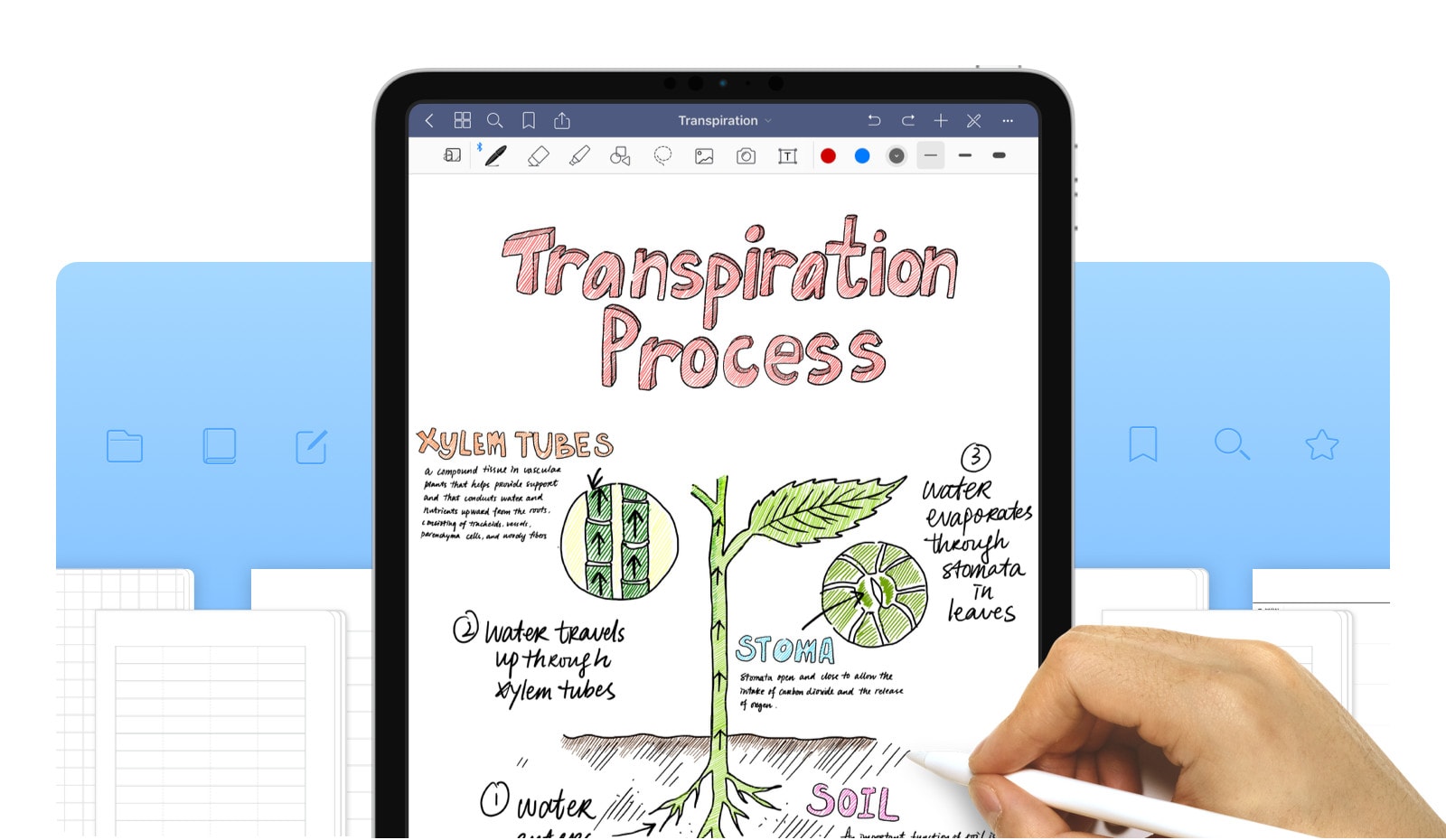
GoodNotes is one of the most popular notes app on iOS, and the Mac. and with good reason. It combines a great PDF viewer with a free form notes app, and mixes the two together. This week, GoodNotes 5 launched, an entirely new app (with upgrade pricing for users of the old app) that blows out the dust, and the olde-timey app UI in favor of a clean and organized view.
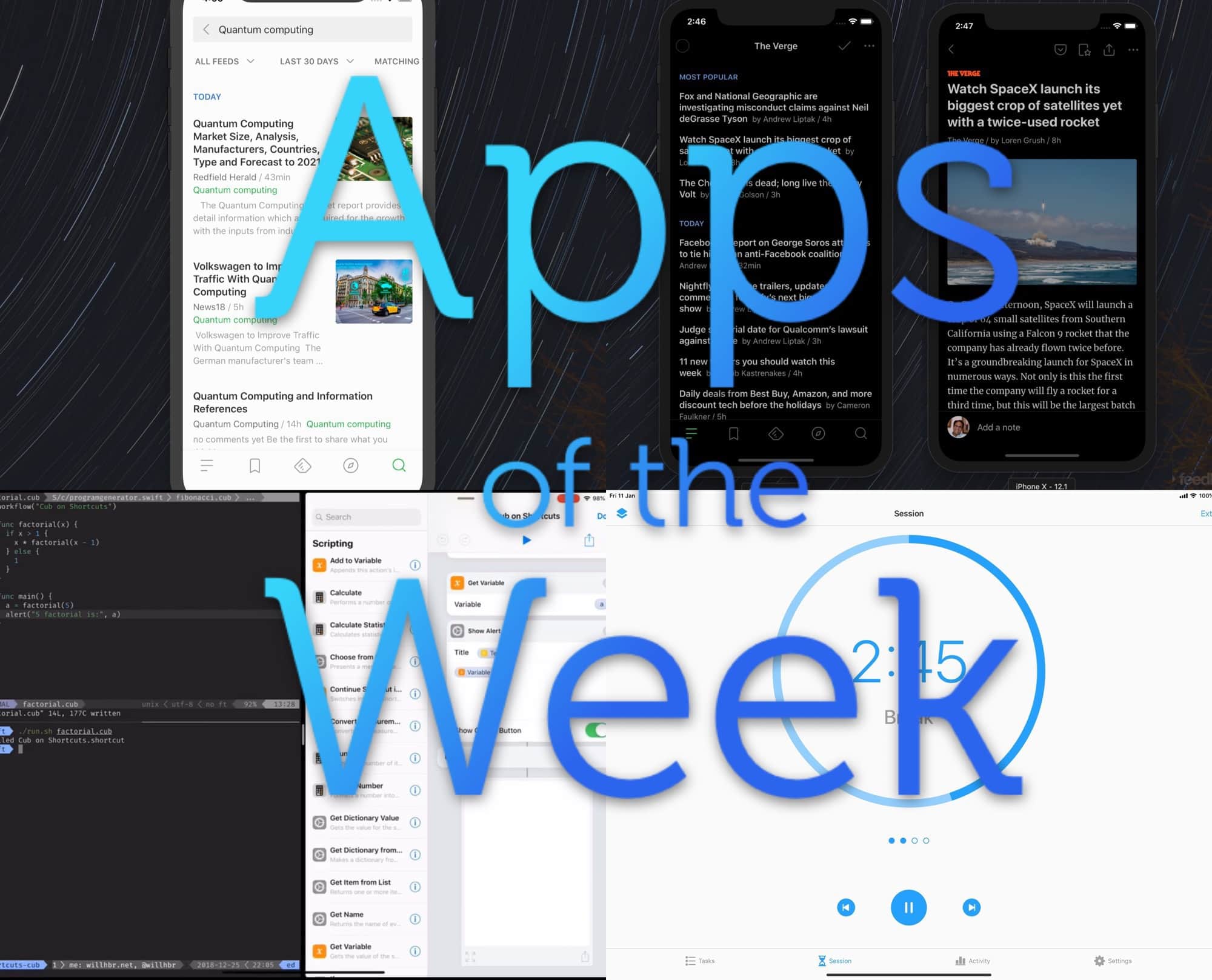
Check out this week’s amazing apps, you lucky people. Photo: Cult of Mac
This week we check out Feedly’s amazing new iOS app, remember to take breaks with Focus, and write shortcuts from scratch, in code (!), with the Shortcuts Cub compiler. Woah, right?
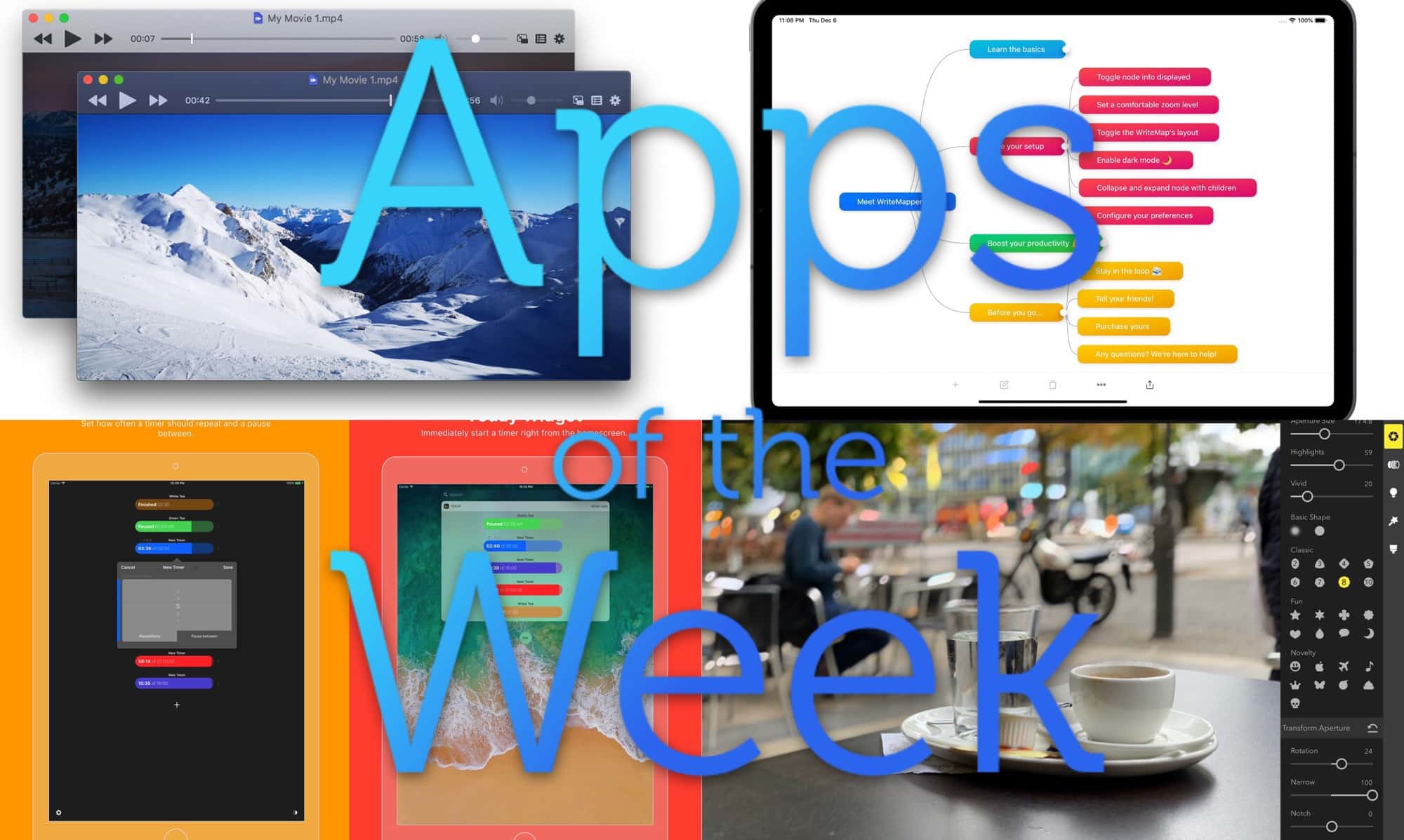
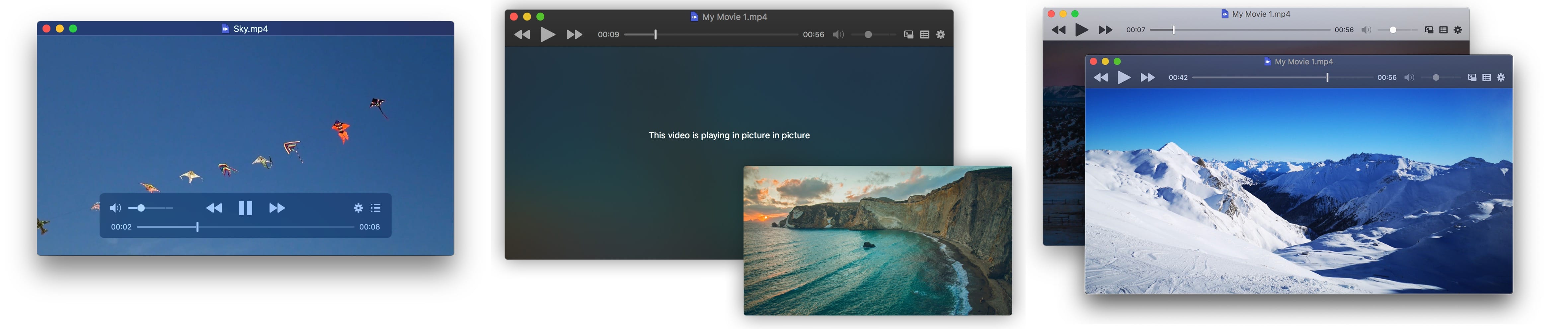
IINA is a super-slick new media player for the Mac. Photo: IINA
Iina is a brand-new video-playing app for the Mac. Like VLC, it can play pretty much any file, and has deep customization options, even in v1.0. Unlike VLC, it feels like a real Mac-first app, and has support for trackpad gestures and bowser extensions right out of the box.
Look at this amazing selection of apps. Photo: Cult of Mac
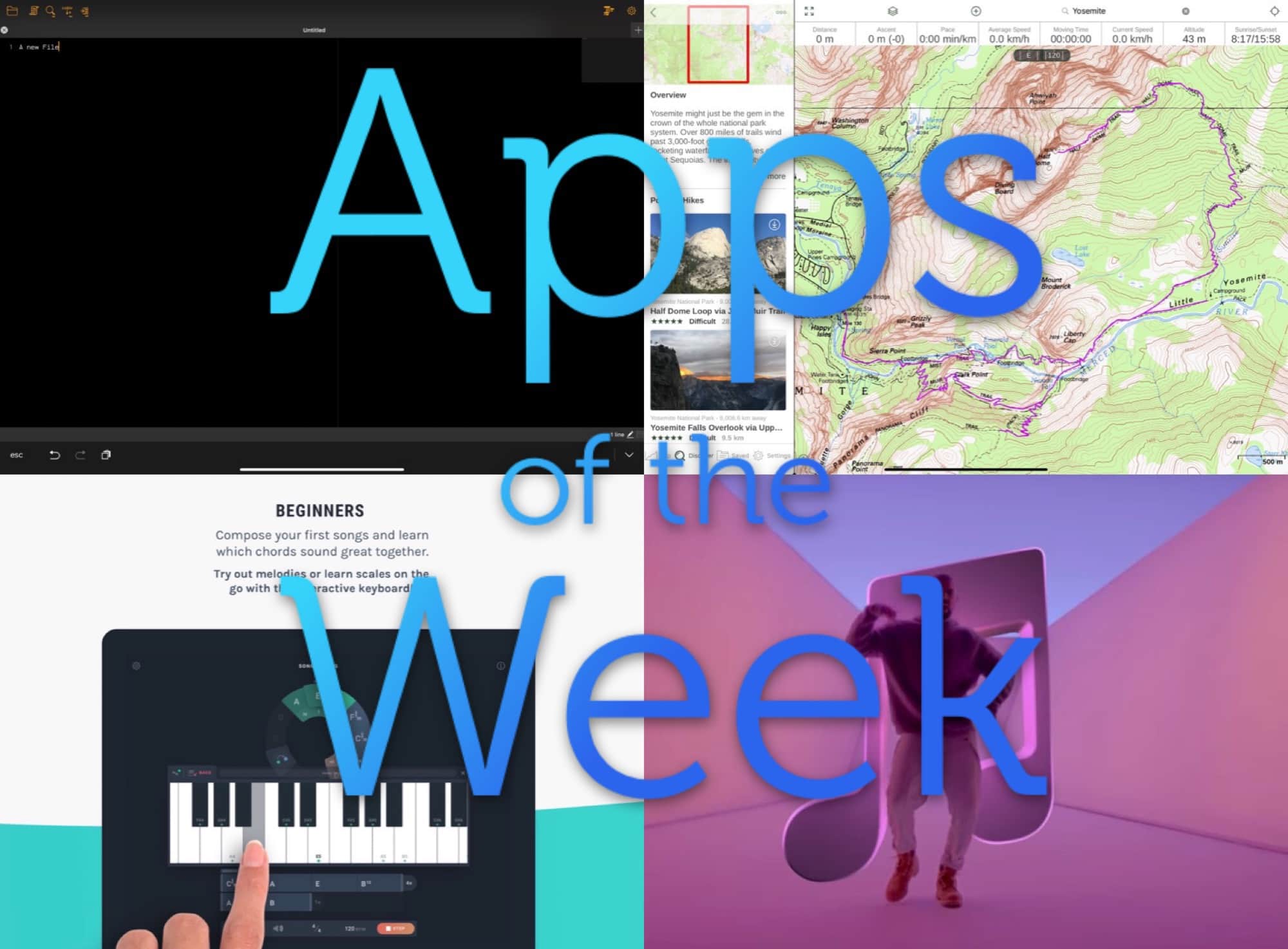
This week we find out what music we’ve loved in 2018 with Music Year in Review, make some music with Ultimate Circle of Fifths, take a walk with the brand new hike search in Gaia GPS, and more.
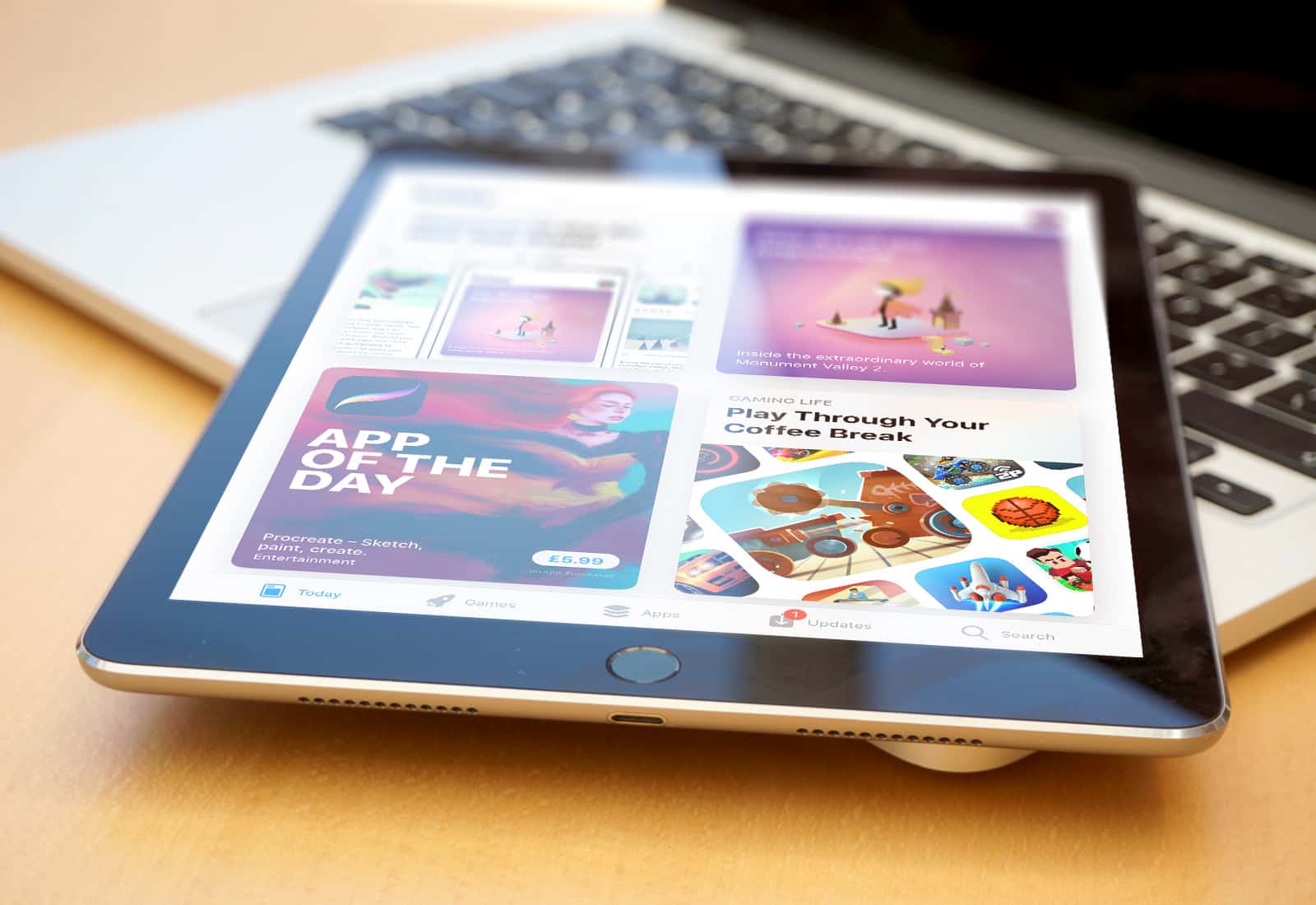
The iPad, home of some of the best apps in existence. Image: Killian Bell/Cult of Mac
The iPad can be so may different things. I use mine for reading, writing, making music, watching movies, and if I have any time to waste, I might play a game. The iPad is pretty much the ultimate creative tool, but that doesn’t mean that you can’t sit back and “consume” the odd “content” every once in a while.
What a festive feast of apps we have for you this week. Photo: Cult of Mac
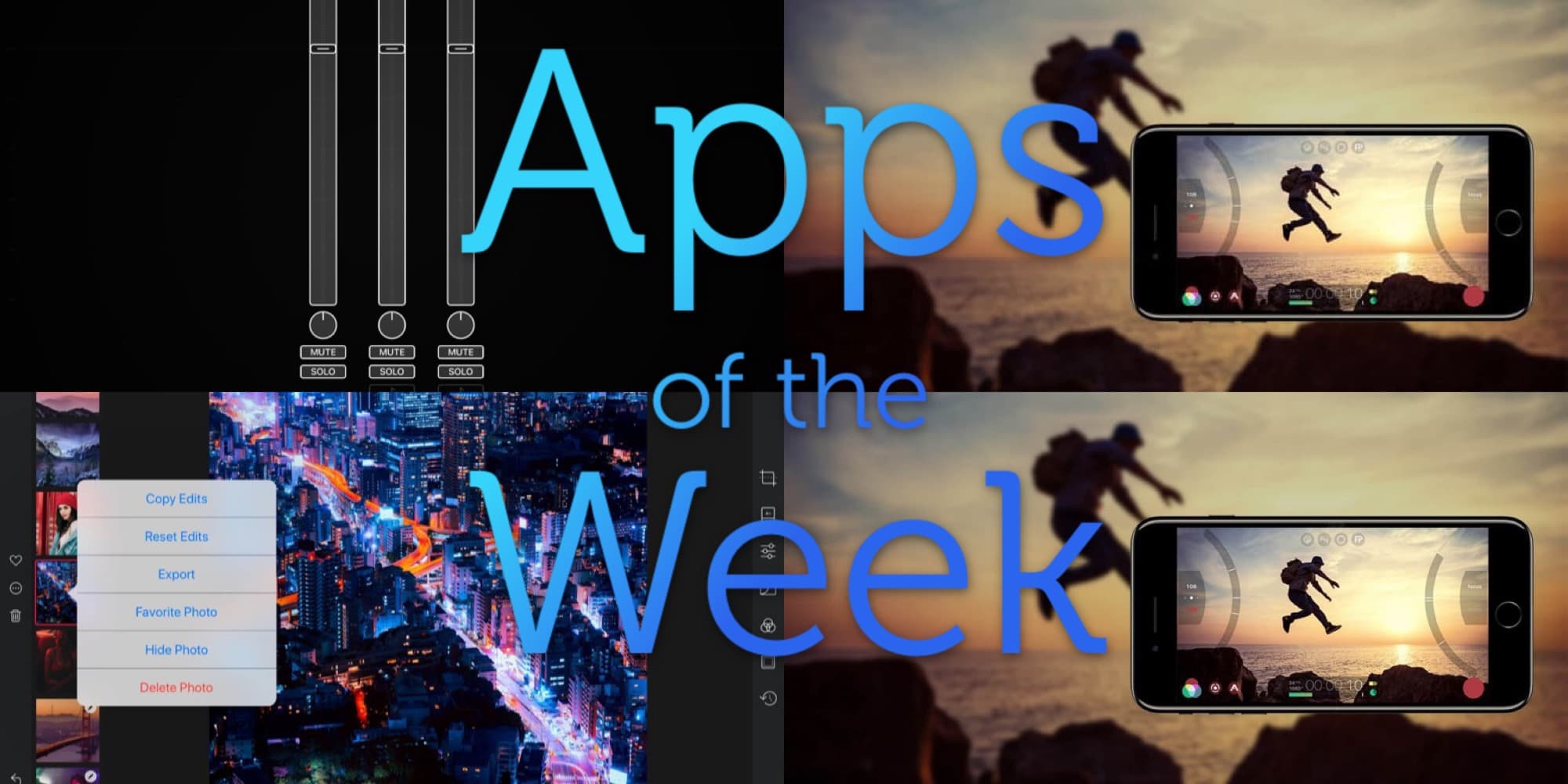
Oh man, just Darkroom for iPad is enough for this week — it’s that good. If you only use it to browse your photo library it’s worth the download. Also check out Audiobus’ new MIDI learn, Filmic Pro’s crazy, storage-filling new high-Bitrate option, and Agenda’s image and file attachments.