I’ll be the first to admit I don’t really like it when people buy new iPhones just to destroy them on camera. It’s extraordinarily wasteful, not just of money but of the craftsmanship Apple puts into every device.
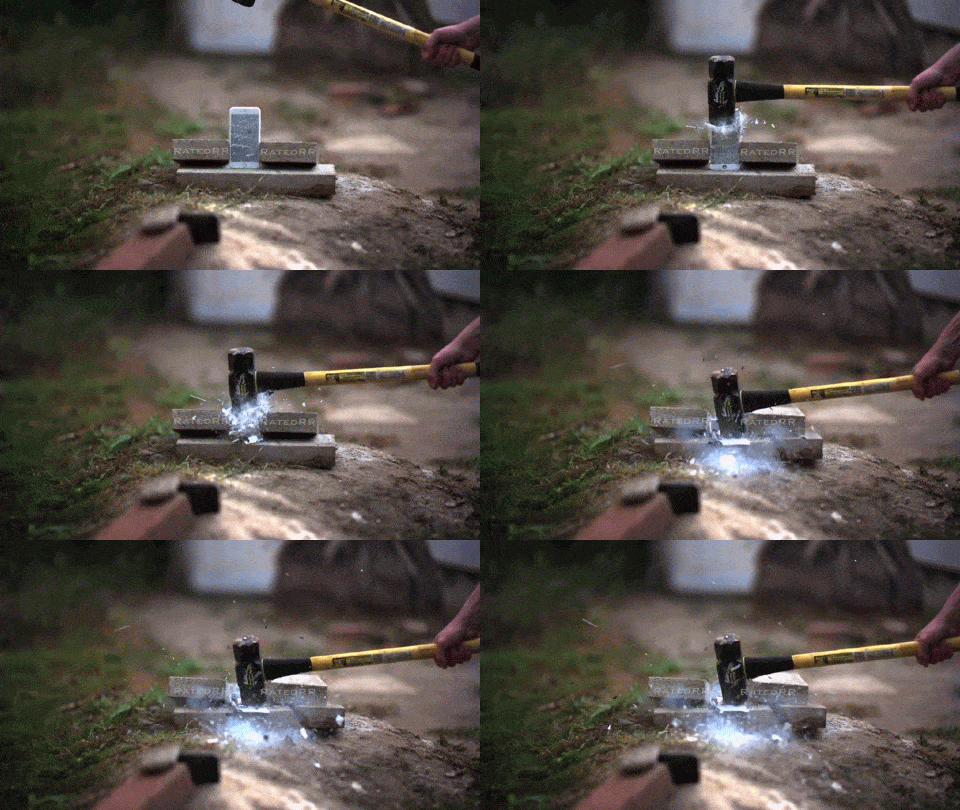
That said, even I have to admit this iPhone 6 torture test is awesome. Dude took an iPhone 6, froze it with liquid nitrogen, and then disintegrated it with a sledgehammer, like some cryogenic Thor.
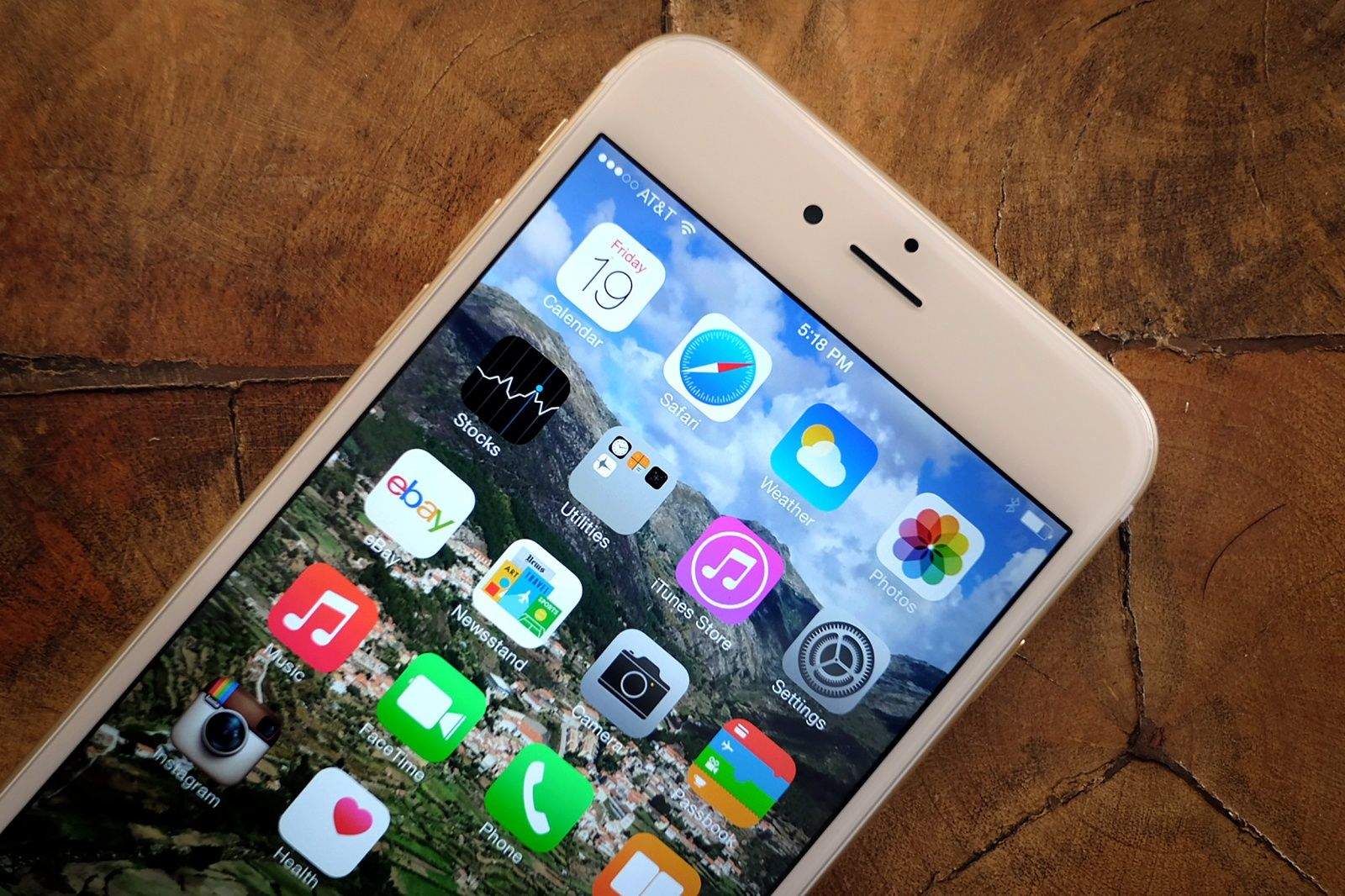
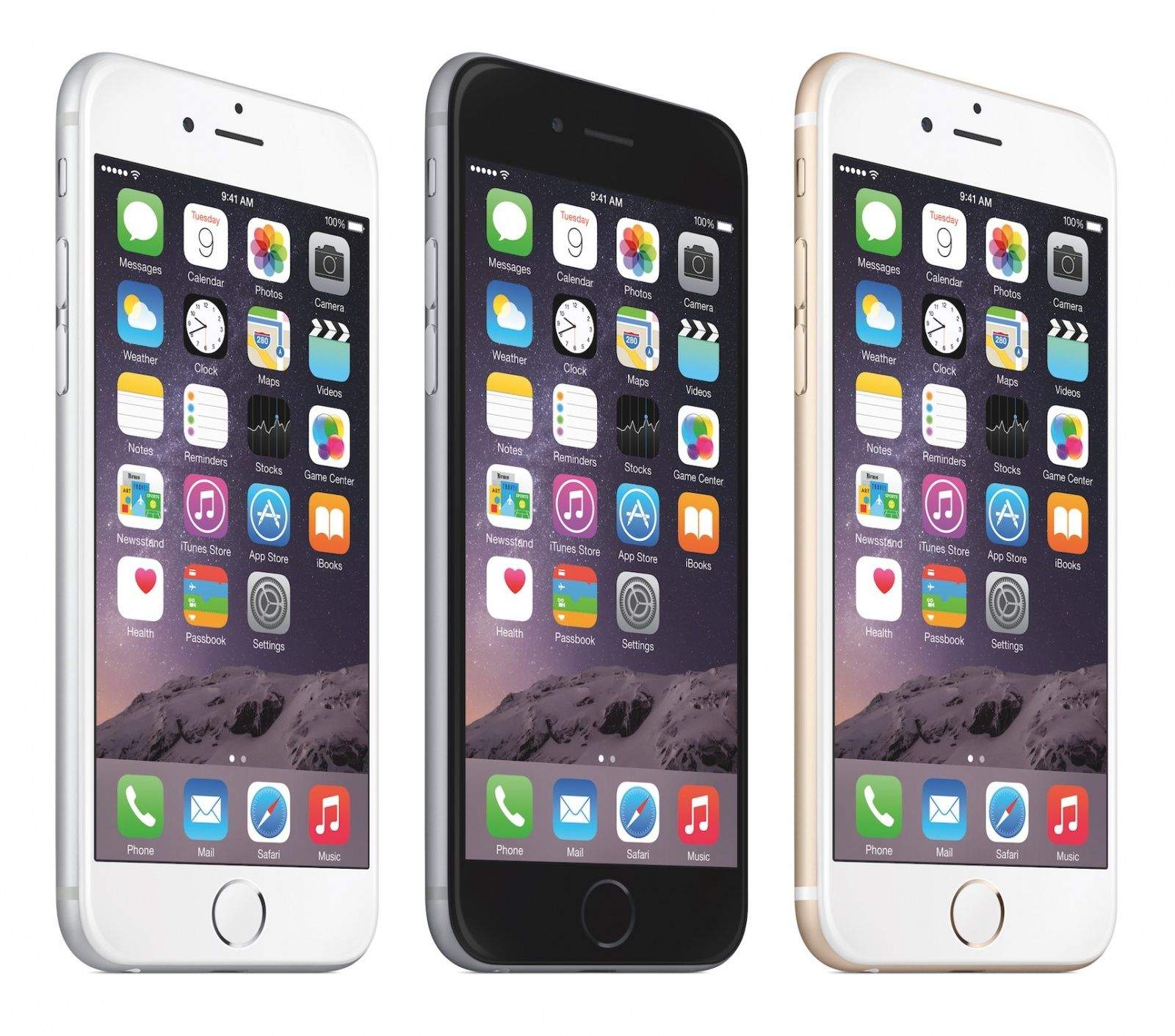
Sorry James Bond: the iPhone's cooler than your Aston Martin. Photo: Apple
Following on from a great weekend for its iPhone 6 and 6 Plus handsets, Apple has been named the coolest brand in Britain for the third year running.
The CoolBrands list is voted for by 2,000 consumers, alongside a panel of 37 people described as “key influencers” — including models Sophie Dahl and Jodie Kidd, and the fashion designer Julien Macdonald.
Voters are asked to consider a brand’s style, innovation, originality, authenticity, desirability and uniqueness when making their choices.
Make the most of iOS 8 with these tips and tricks. Photo: Jim Merithew/Cult of Mac
You don’t need a new iPhone to enjoy the awesome power of iOS 8. Loaded with new features and built-in apps, Apple’s latest mobile OS is its most powerful yet.
As intuitive as it is, there are plenty of tips and tricks that will help you truly get the most out of iOS 8 — even starting before you pull the trigger on the free upgrade. Just in case you don’t feel like reading all 182 pages of Apple’s official iOS 8 user guide, here’s a roundup of Cult of Mac’s most helpful iOS 8 tips and tricks. (We will update this post as we dive deeper into iOS 8 in coming weeks.)
It’s like the whole world has iPhone fever today, with folks everywhere standing in one line or another just to get their mitts on a shiny new iPhone 6 or iPhone 6 Plus.
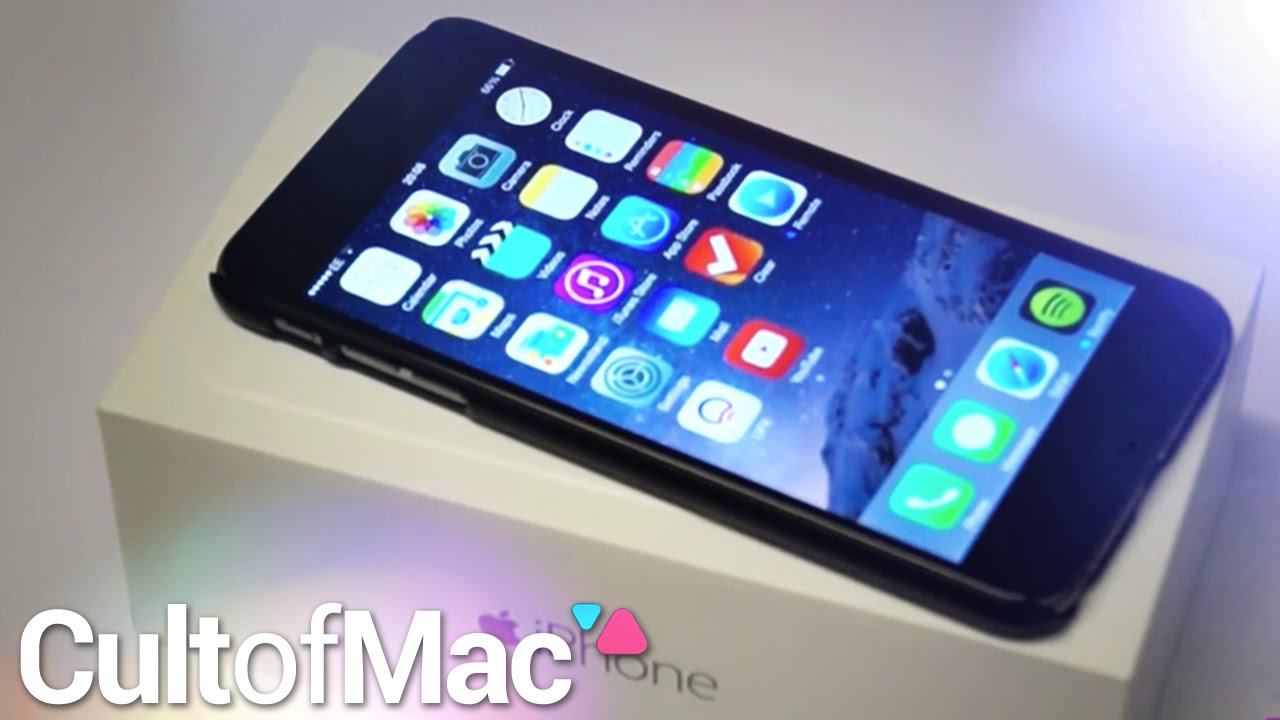
Were you not able to get hold of one? Are you waiting for your shiny new pre-ordered iPhone 6 to arrive at your door? Why not find out what to expect when you get that pristine iPhone 6 Plus box in your hands with our sexy unboxing videos.
We’ve got not just one, but two new videos to get you a peek at the hot new units – click above to see the iPhone 6 Plus with its gloriously large 5.5-inch screen, or below to see the still bigger than big iPhone 6 come out of its box.
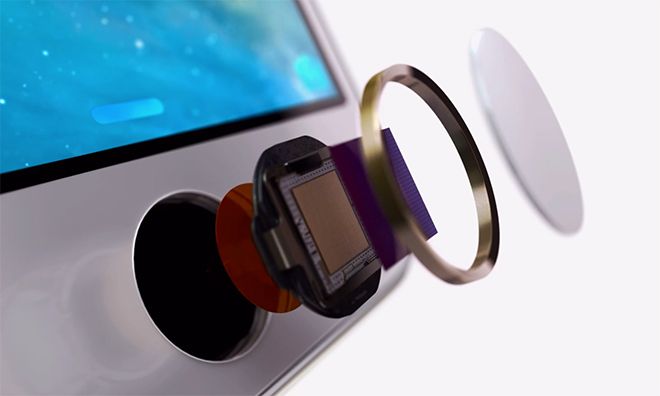
The iPhone 6 has been out for less than a day and already would-be hackers are suggesting that its Touch ID fingerprint sensor can be tricked — thanks to a lifted fingerprint and some latex.
The video, posted to YouTube by Security Research Labs, comes with a description noting that, “Although it was shown immediately that the previous iPhone model’s Touch ID could not stand up to rudimentary attacks, the same technology has been included again in the iPhone 6 without any improvement whatsoever.”
You've got the (force) touch! Photo: Killian Bell/Cult of Mac
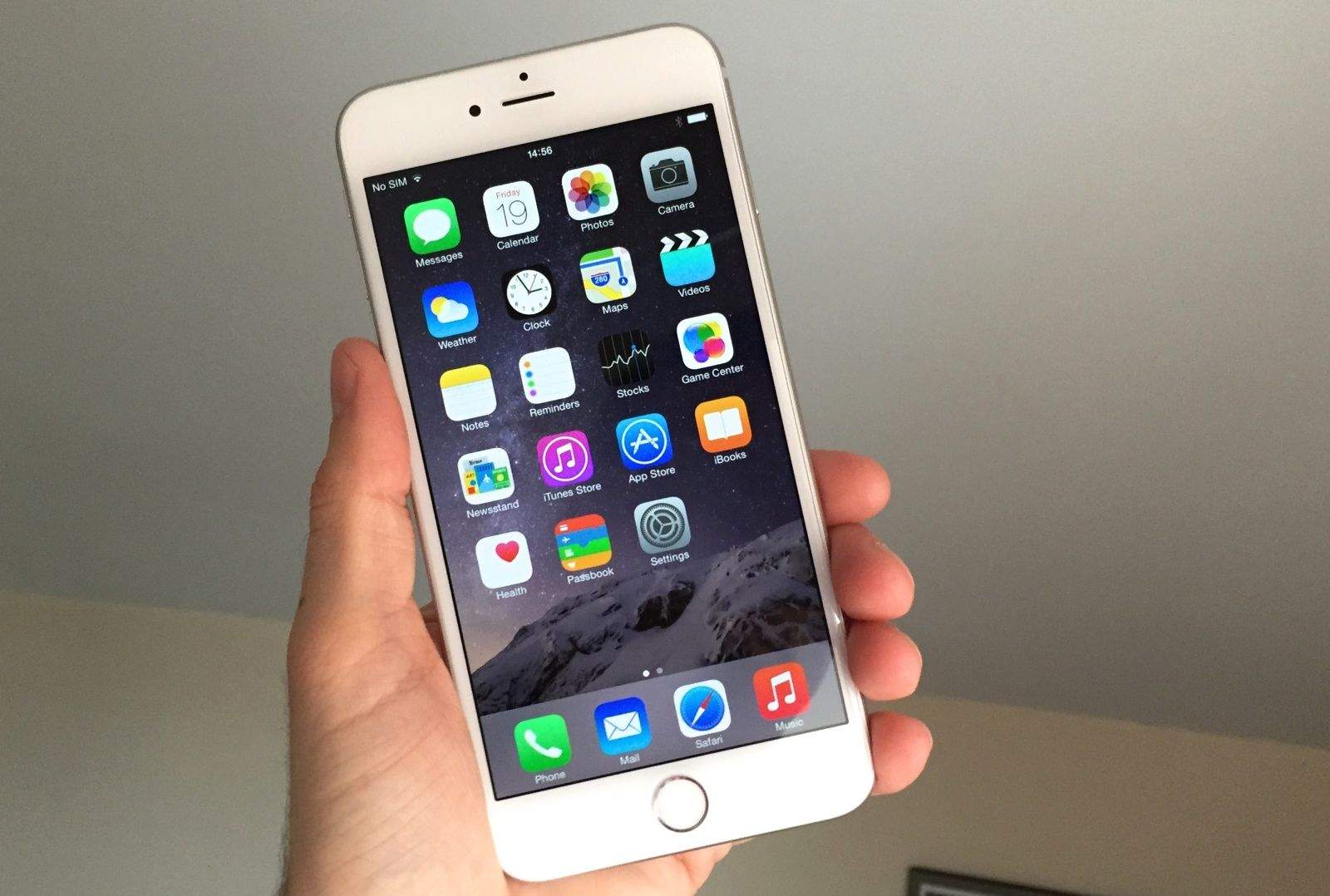
Apple’s new iPhones are finally here, and judging by stock levels in Apple retail stores and reports on Twitter, it’s the iPhone 6 Plus that people are most excited for. Mine arrived about four hours ago, and I’ve hardly put it down since I snatched it out of the hands of the UPS delivery guy.
Having played with many of its features and stared at it lovingly for far too long, I decided to bring you my first impressions of Apple’s first “phablet.” So while you’re sitting beside your door waiting for yours to arrive, or standing outside an Apple Store somewhere with achy legs, you can enjoy a glimpse of what you have to look forward to.
The iPhone 6s and 6s Plus are ten weeks away. Image: Apple
So you’ve gotten your lucky hands on a new iPhone 6 or 6 Plus. Now it’s time to set it up the right way. Apple has done a pretty good job of making the setup process straightforward in recent years, but there are still some things you should know about.
Here are 10 of the best tips for setting up your new iPhone on iOS 8:
Did you get this text from AT&T? If so, your monthly bill is going up. Screenshot: Cult of Mac
Did you buy a shiny new iPhone 6 from AT&T Wireless? You might want to check your next monthly bill for an increased charge.
Some AT&T customers upgrading to the iPhone 6 received a surprising text alert this morning saying the carrier has hiked the monthly “smartphone access charge” to $40 for anyone renewing a two-year Mobile Share Value plan agreement. Naturally, the carrier waited until it was swamped with an unprecedented amount of iPhone 6 pre-orders before telling customers they’d be paying an extra $600 over two years — nearly enough to buy an unlocked iPhone 6 outright.
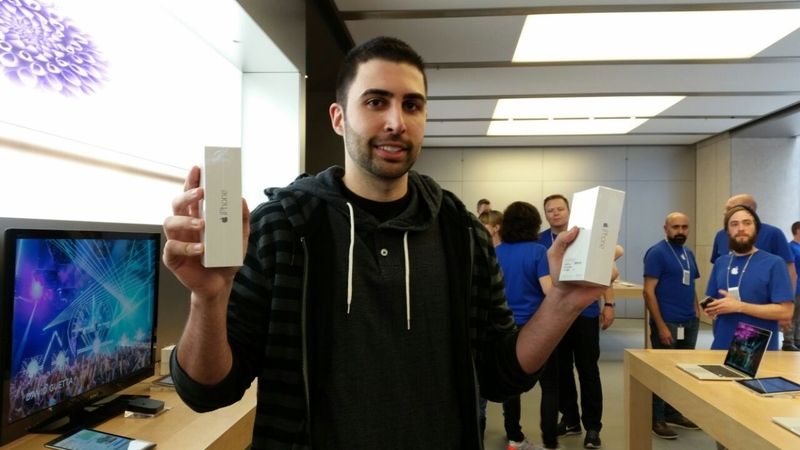
Dave Rahimi scored the first two iPhone 6s in the world. Photo: ARN
UPDATED: We got some comments from Dave Rahimi in Sydney. Blogger Dave Rahimi figured out a clever way to be the first person in the world to buy an iPhone 6.
Rahimi and his girlfriend, Jasmine Juan, flew thousands of miles from California to Sydney, Australia, to purchase the first two iPhone 6s to go on sale worldwide.
The couple just emerged from the Apple Store in Sydney, which was mobbed by a monster crowd of about 2,500 people. Some had camped outside the store for more than a week.
But Rahimi and Juan avoided the crowds and more or less walked right into the store.
Sure, folks have been lining up for several days now, causing equal parts consternation and praise, but with pre-orders selling out in hours – leading to record breaking pre-sales – it’s no wonder that the lines at Apple retail stores around the globe are beginning to super size themselves as well.
Reports of scarce supplies of the iPhone 6 Plus are only adding to the madness and we’re only going to see even crazier lines the countdown nears zero. It can only get more wild from here.
One Apple fan in Arizona told Cult of Mac he wants an iPhone 6 Plus so bad he actually paid a teen for their top spot in line at a local Apple Store. She charged him $80. Half up front as a down payment to hold the spot until 4AM, when he’ll come back and maybe get to buy a gold iPhone 6 Plus.
“Doing an after work drive-by to make sure.” he told us. “They seemed cool, and I grilled them. So, hopefully we are good.”
Other fans aren’t as nearly hopeful, but the lines are just getting crazy around the world. Take a look:
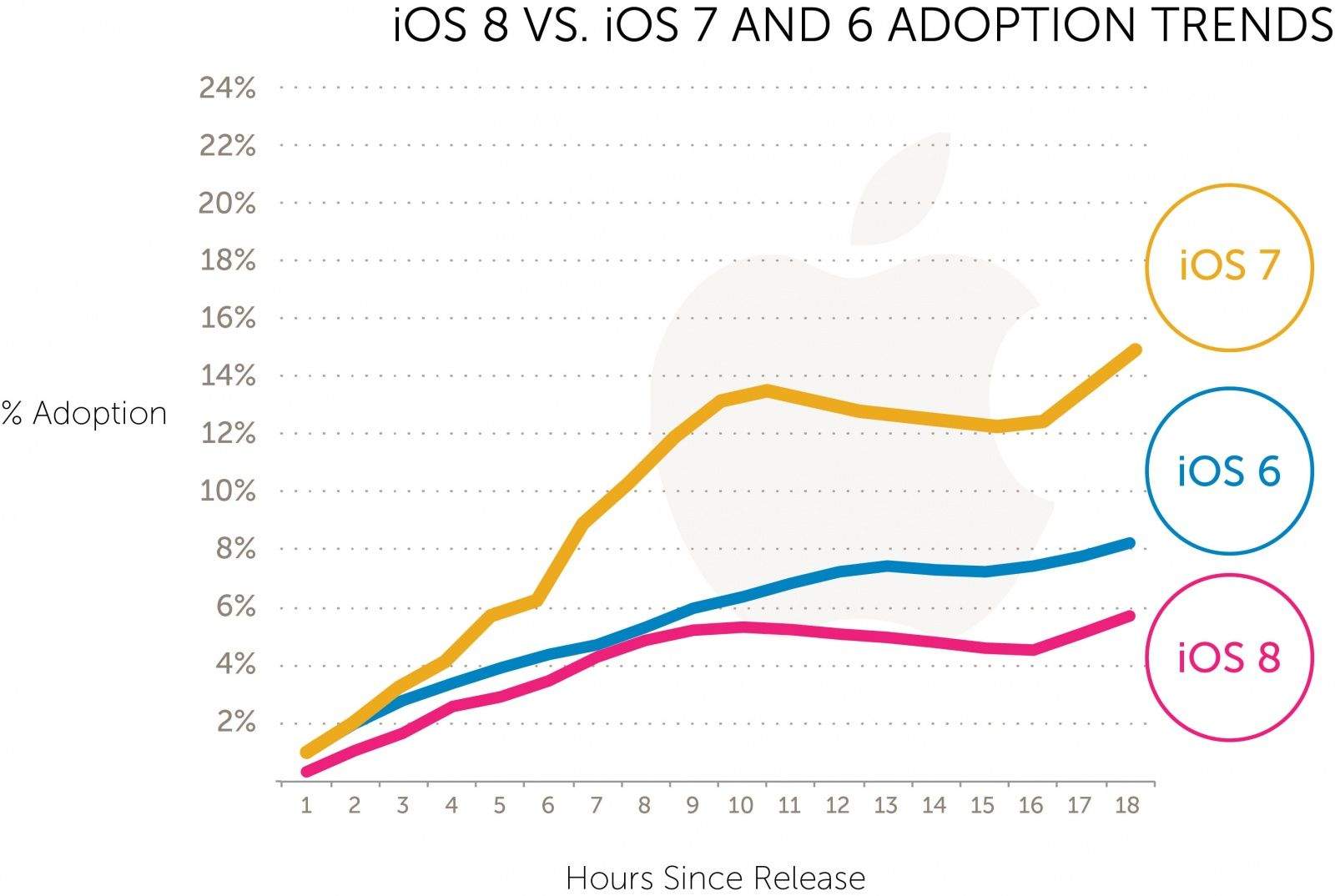
iOS 8 was released just 24 hours ago in what Apple is calling the biggest iOS release ever, but if early adoption numbers are any indication, customers might not feel the same way.
Users are upgrading to iOS 8 at a much slower rate than iOS 7, according to Tapjoy’s data from its app network of 200 million unique iOS users. Not only is iOS 8 lagging behind iOS 7, it’s being adopted even slower than iOS 6 was.
For a certain subset of Apple fans, the only thing more exciting than Cupertino unleashing a new device upon the world is the box they choose to unleash it in. Apple is famous for its sexy, minimalist packaging design, and when the Apple Watch hits the market in 2015, we are expecting it to come in a box worthy of its luxury watch status.
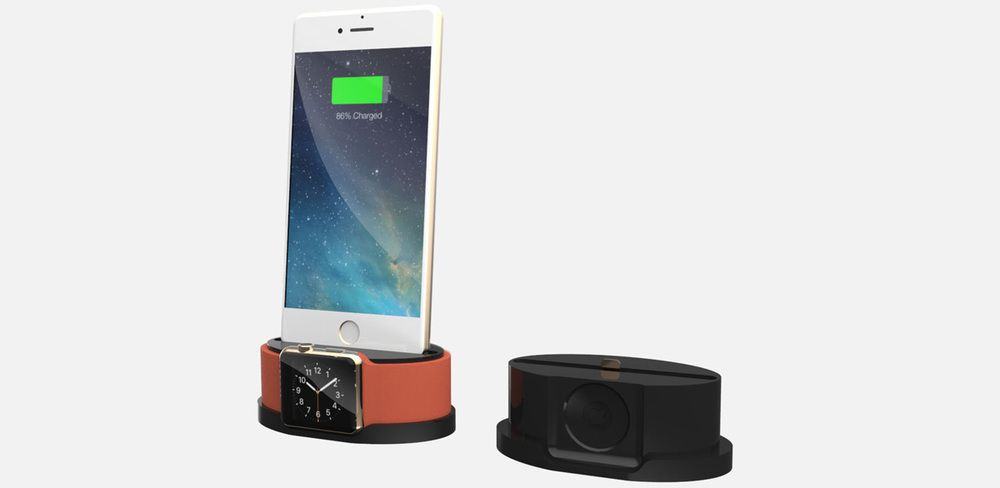
Of course, what that box will actually look like is anyone’s guess. But Evelio Mattos of Design Packaging has released a stunning Apple Watch concept that isn’t just sexy, but has a killer hidden feature: the box doubles as an iPhone dock!
Previously Apple could access a significant amount of data on any iOS device, which it would do if law enforcement approached the company with a seized device and a valid search warrant. Apple’s stronger encryption and updated privacy policy now mean it can no longer pull data from devices that have the latest version of the mobile OS installed.
“On devices running iOS 8, your personal data such as photos, messages (including attachments), email, contacts, call history, iTunes content, notes, and reminders is placed under the protection of your passcode,” Apple notes on its website. “Unlike our competitors, Apple cannot bypass your passcode and therefore cannot access this data. So it’s not technically feasible for us to respond to government warrants for the extraction of this data from devices in their possession running iOS 8.”
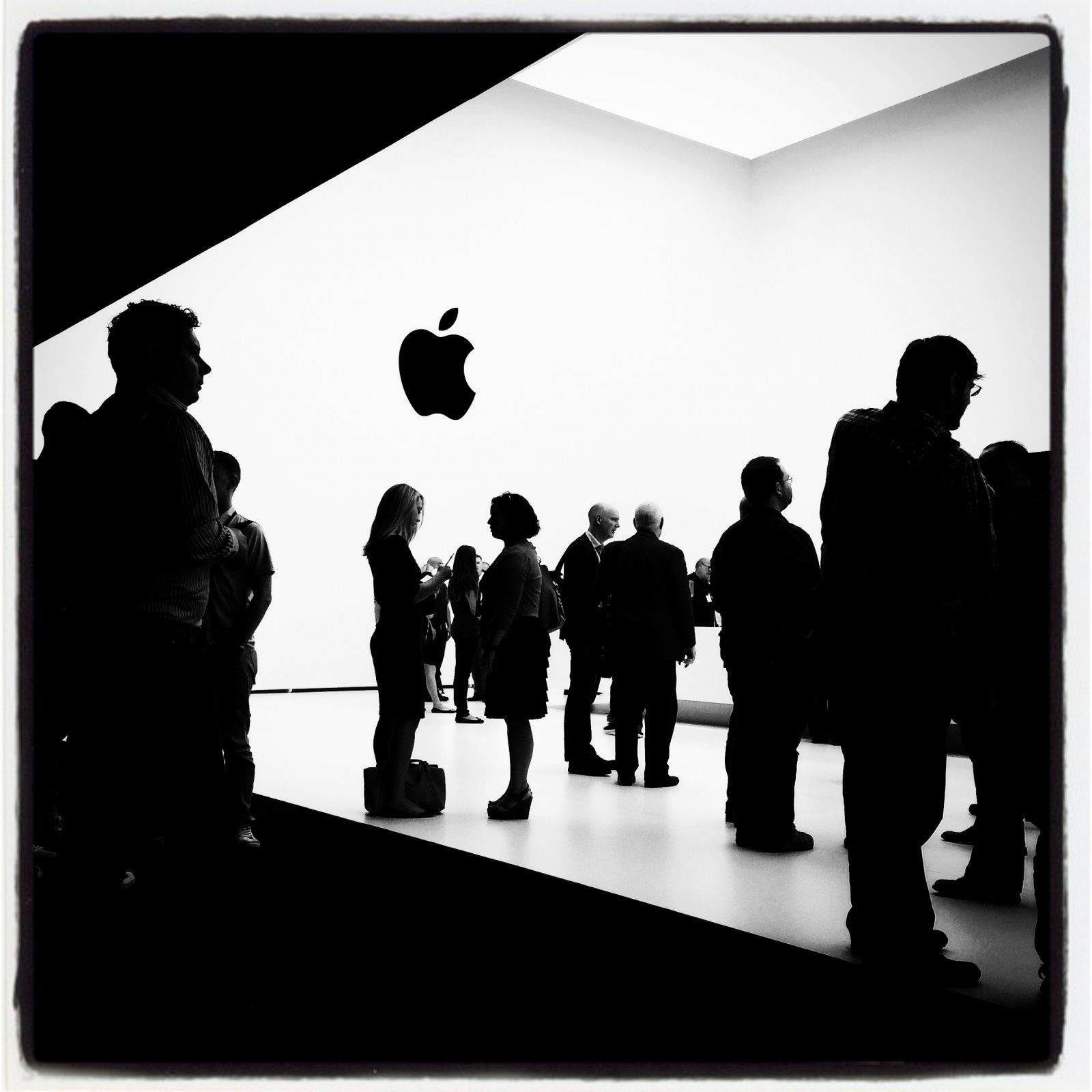
As the hands-on demo sessions wrap up, a few people linger inside Apple's mystery building.
CUPERTINO, California — I’m a sports photographer, not a tech blogger, so I felt out of place shooting Apple’s big iPhone 6 press event with my iPhone 5s.
Baseball is what I do — I’ve shot nine Sports Illustrated covers — but I swear it was easier getting field access to shoot a World Series game at Fenway Park than dealing with all the people and security at Apple’s event.
This thing was a free-for-all. It was crazy. The place was flooded with media types from all over the world, all standing in line to get into the Flint Center for the Performing Arts, where the event was held.
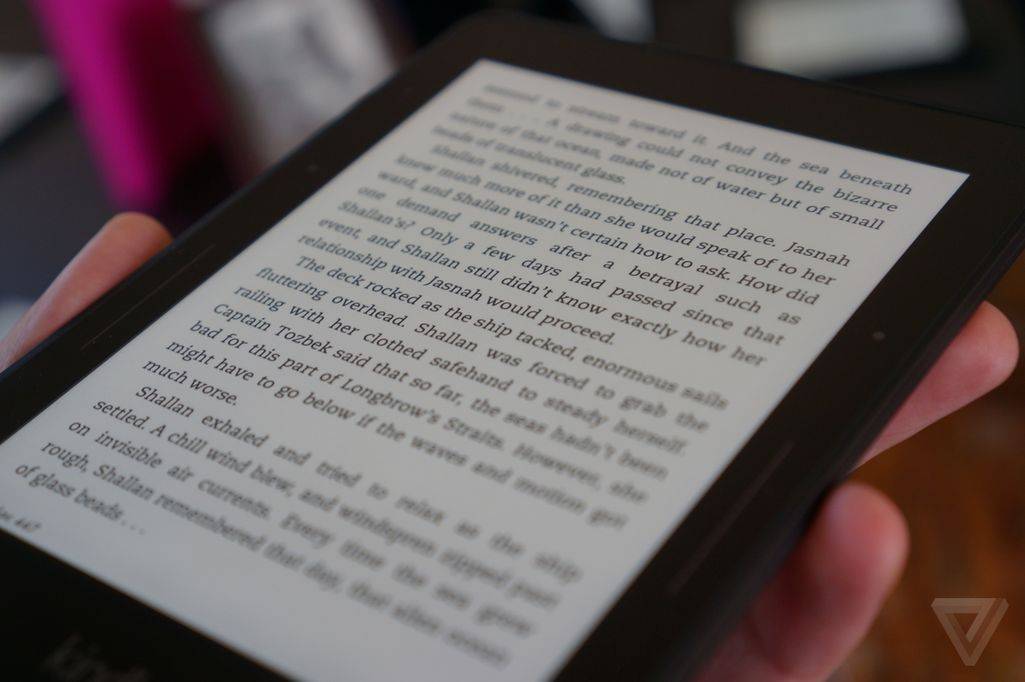
The Kindle Voyage's new micro-etched glass display. Image via the Verge.
I love my iPad mini, but the “tablet” I love reading on most isn’t an iPad, it’s my Amazon Kindle Paperwhite e-reader. It’s just a fantastically pure device that strips away everything that gets in the way of its major purpose: to read digital books as comfortably as possible.
So I was excited when Amazon announced it’s next-generation Kindle e-reader today. Called the Kindle Voyage, it’s a higher resolution Kindle with 300 pixels per inch, a new pressure sensitive bezel for page turning, and intelligent front lighting.
But that’s not why I’m excited about it: I’m excited because it has an awesome new glass panel on the front that boasts technology my iPad could use.
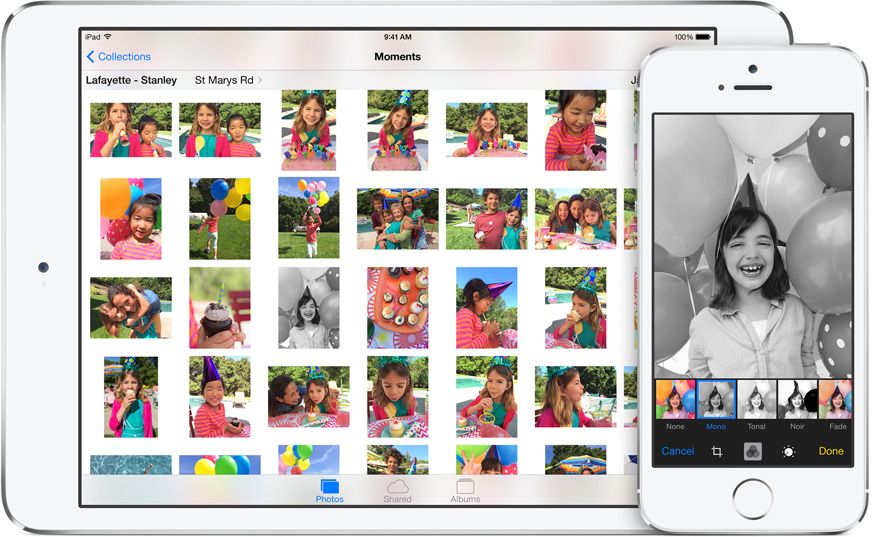
Photos on iOS 8 are so good that you will be able to ditch a whole home-screen folder’s worth of editing and organizing apps. That’s not an exaggeration: Apple’s new mobile OS packs in so many great new features that – even without the extending abilities of iOS 8’s new plug-ins – you can do pretty much any edit right there in the photos app.
The camera, too, has gotten an upgrade, and – maybe the most important for some – so has the iCloud Photo Stream, which will now give access to all your photos, from any device, whenever you want.
Apple has been steadily working to improve its Apple Maps service since its disastrous debut a couple of years ago, and a new patent application published Thursday further cements that.
According to the application, filed in March last year, future iOS devices may scour through your data to warn you of traffic congestion on routes you are predicted to be likely to travel.
These journeys could be learned by your iPhone or Apple Watch by way of a smart artificial intelligence “machine-learning engine,” based on the frequency of previous destinations (say, regular appointments), location of events in a user’s calendar, location of events which users hold electronic tickets for, and addresses gathered by analyzing messages in the form of texts or emails.
iOS 8 introduces a ton of new features and enhancements, including new ways for third-party developers to integrate their apps throughout the iOS experience. With a feature called Extensibility, apps can hook into other apps and areas like Notification Center to enhance their usability and functionality. Third-party keyboards are now possible too, and there are several great ones to choose from already.
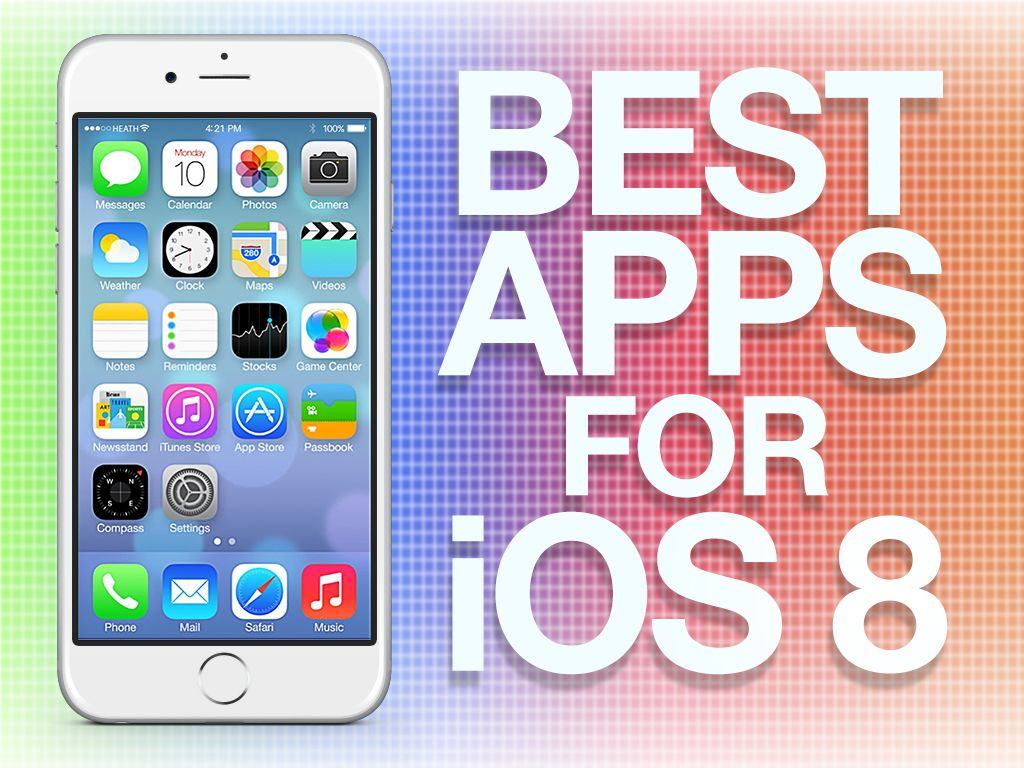
Some of the best apps in the App Store are already updated for iOS 8 with new features, and others will be live in the store shortly. Here are Cult of Mac’s best apps that take advantage of what iOS 8 has to offer:
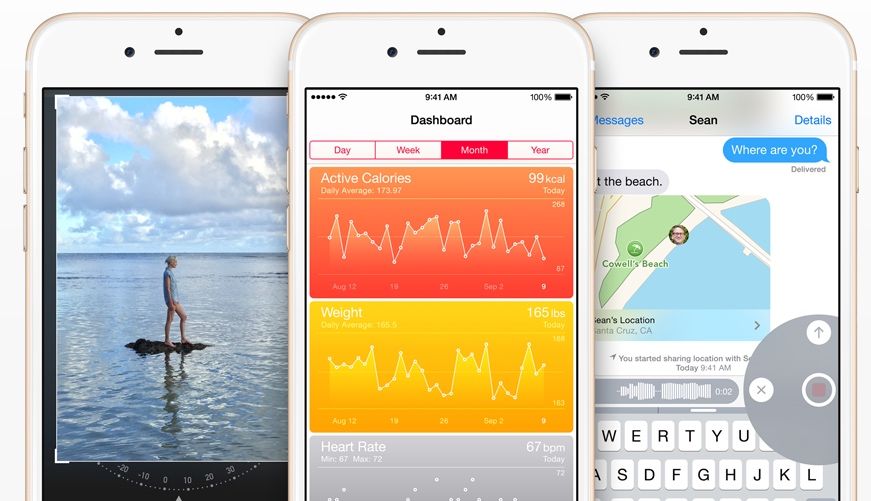
iOS 8 is the biggest release from Apple ever, with hundreds of new APIs and features that will completely change the way you use your iPhone. Features like Handoff, Health and Messages will be huge draws for customers looking for something new from iOS, but Apple’s engineers have also crammed dozens of new little features throughout the mobile OS.
Improved camera tools, battery statistics, new Safari tricks and more are included in today’s gigantic update, but you need to know where to look to find the true gems. Here’s a rundown of 18 incredible iOS 8 features you probably didn’t know about.
Apple's reputation as a mobile health company is growing. Photo: Apple
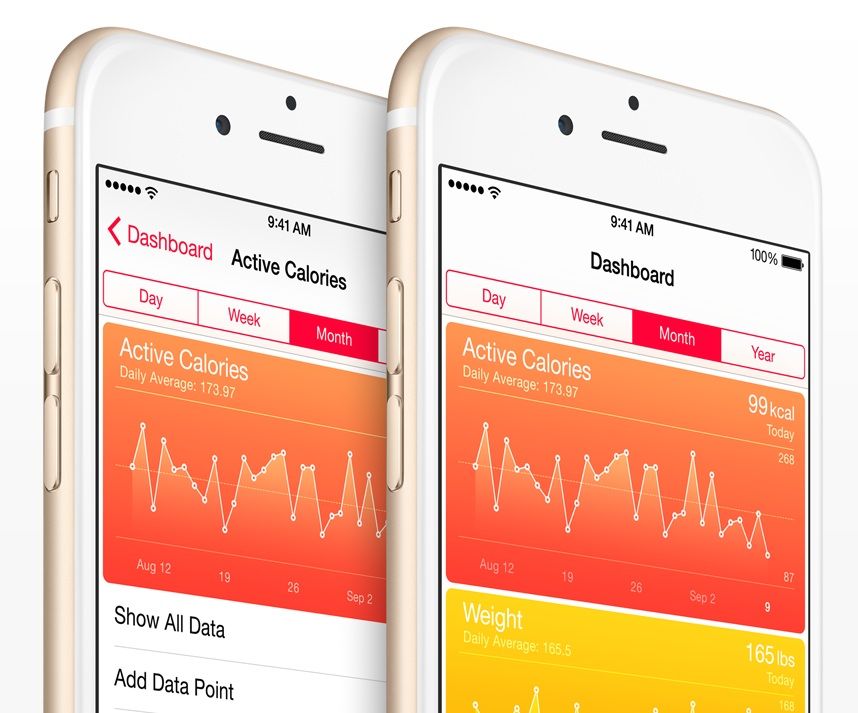
A bug in HealthKit caused Apple to pull several fitness apps from its App Store Wednesday morning, just as the company was rolling out its long-awaited iOS 8 update.
Apple said the problem could keep apps compatible with HealthKit, a key component of iOS 8 that facilitates sharing of data among health and fitness apps and hardware, out of the store for weeks. “We’re working quickly to have the bug fixed in a software update and have HealthKit apps available by the end of the month,” Apple said in a statement to Cult of Mac.
Brian Mueller, developer of Carrot Fit, said Apple called and emailed him to say his fitness app had been removed from the App Store due to a last-minute problem with HealthKit. His app, and several others including My Fitness Pal and WebMD for iPhone, are currently unavailable for download.
“The rep couldn’t clarify what was wrong,” Mueller told Cult of Mac in an email, “though users of the app who had already downloaded the update were able to use the HealthKit features without any issue.”
After months of being in beta, Apple has finally released iOS 8 for free to iPhone, iPad and iPod touch users. You can grab it now in iTunes or through Software Update.
iOS 8 introduces many new features, including the new Health app, Notification Center widgets, Handoff, actionable notifications, and Extensibility for developers. You’ll start to see many of your favorite apps offer features specific for iOS 8, like the ability to interact directly with other apps.
iOS 8 is finally here. Photo: Jim Merithew/Cult of Mac Photo: Photo: Jim Merithew/Cult of Mac
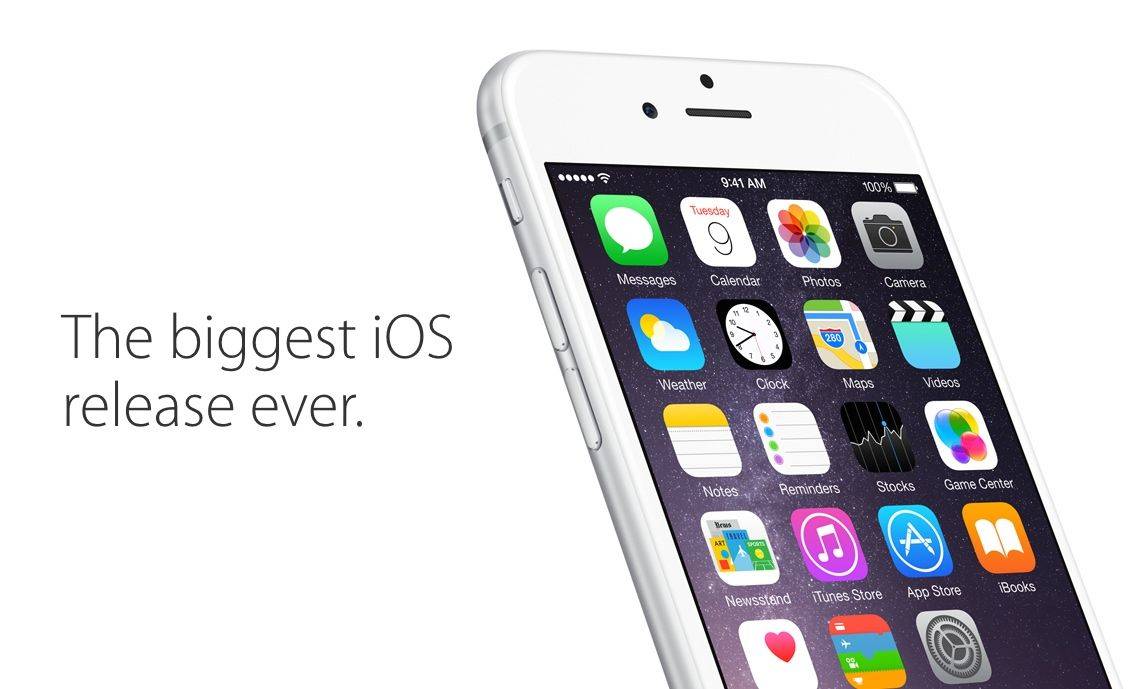
iOS 8 is about to be unleash on the world today after debuting earlier this summer at WWDC. Tim Cook is calling it the biggest iOS update ever and for good reason, as the new OS has been packed with hundreds of new tools for developers, as well as new features that make iOS devices, quicker, more productive, and more seamlessly integrated with Mac than ever before.
You won’t see huge visual changes like Apple made with iOS 7 last year, but there’s plenty of features for everyone to be excited about in iOS 8, whether its the new messaging tools, improved camera features, family sharing, Hand-off, or the sleek new Spotlight.
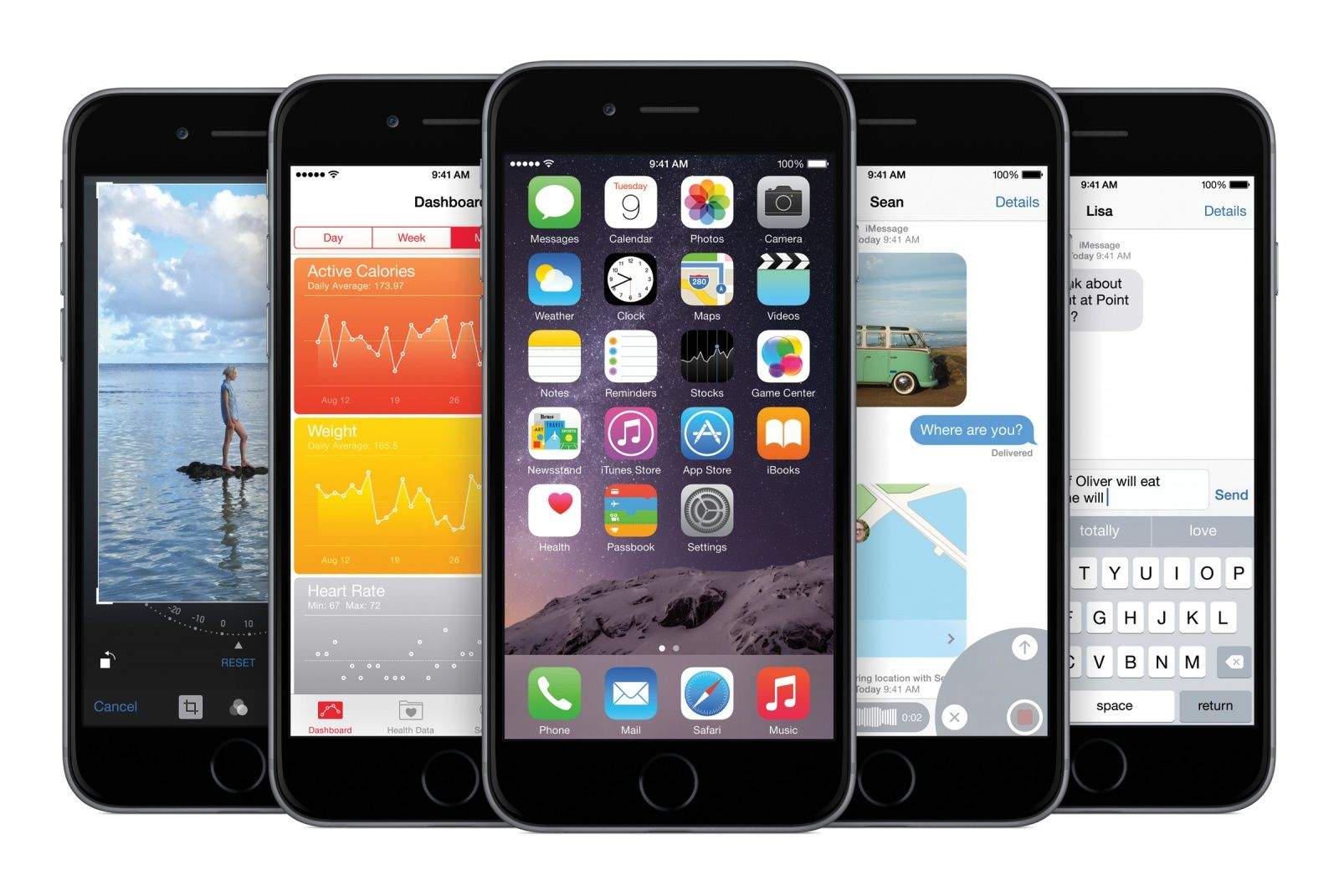
Before you jump headfirst into the biggest iOS release ever, get acquainted with the most important new features in this Cult of Mac guide to iOS 8:
Big and bigger. Warning: profit margins may vary. Photo: Apple. Photo: Apple
Apple might have smashed its record for preorders with the iPhone 6, but according to a new report from Credit Suisse analysts, profit margins are actually down for the device.
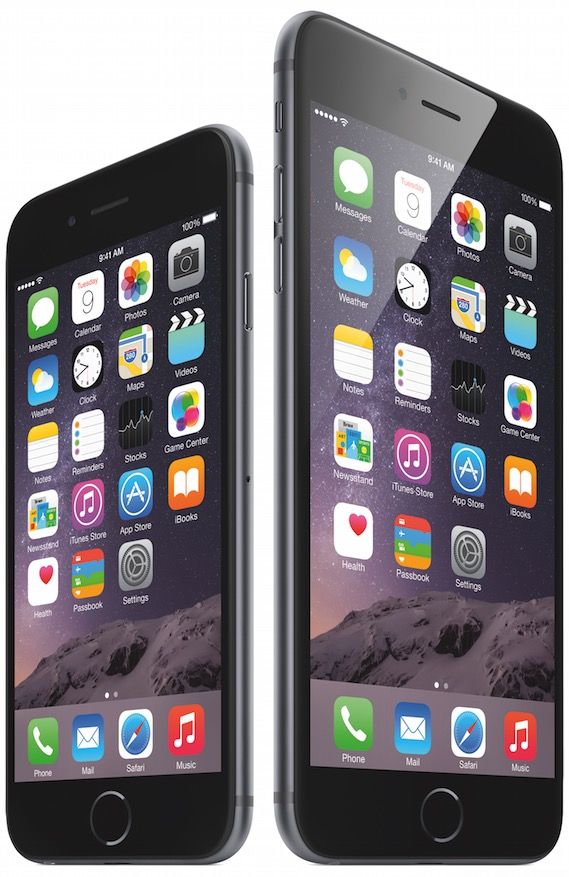
The reason for this is that Apple’s quite literally giving users more for their money: an all-around bigger iPhone which still costs just $649 for its base model.
Production for Apple, however, is considerably more expensive — with the biggest costs being the larger display, improved camera, bluetooth, Wi-Fi and GPS chips.
iOS changed enormously over the last few years. When the first iPhone was released, the most entertaining thing to do was to watch YouTube videos and try to find a few web-based games. This was a time before apps, multi-tasking, or folders. Looking back, it’s amazing to see how iOS has transformed from a simple touch operating system, lacking a lot of key features, to a true computing behemoth with more features and tools than most iPhone owners will probably ever use.
Today, Apple's mobile operating system graduates to iOS 8, but before you dive fingers first into the new features, et’s take a look at how dramatically iOS has changed since its 2007 introduction.