Mobile menu toggle

Top stories - page 753

Stay calm and carry an iPhone: Why Bendgate will blow over

By

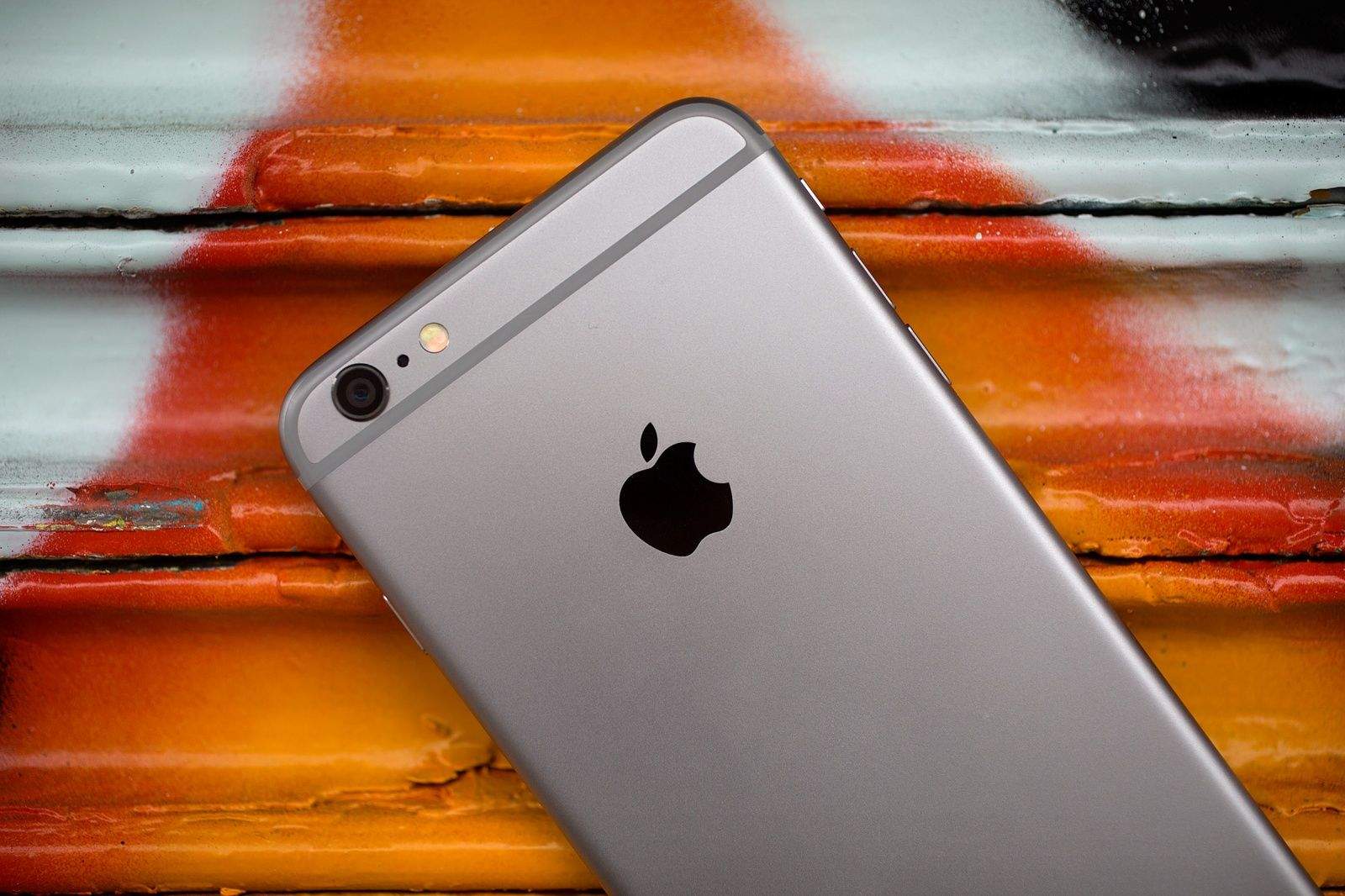
iPhone 6 Photo: Jim Merithew/Cult of Mac
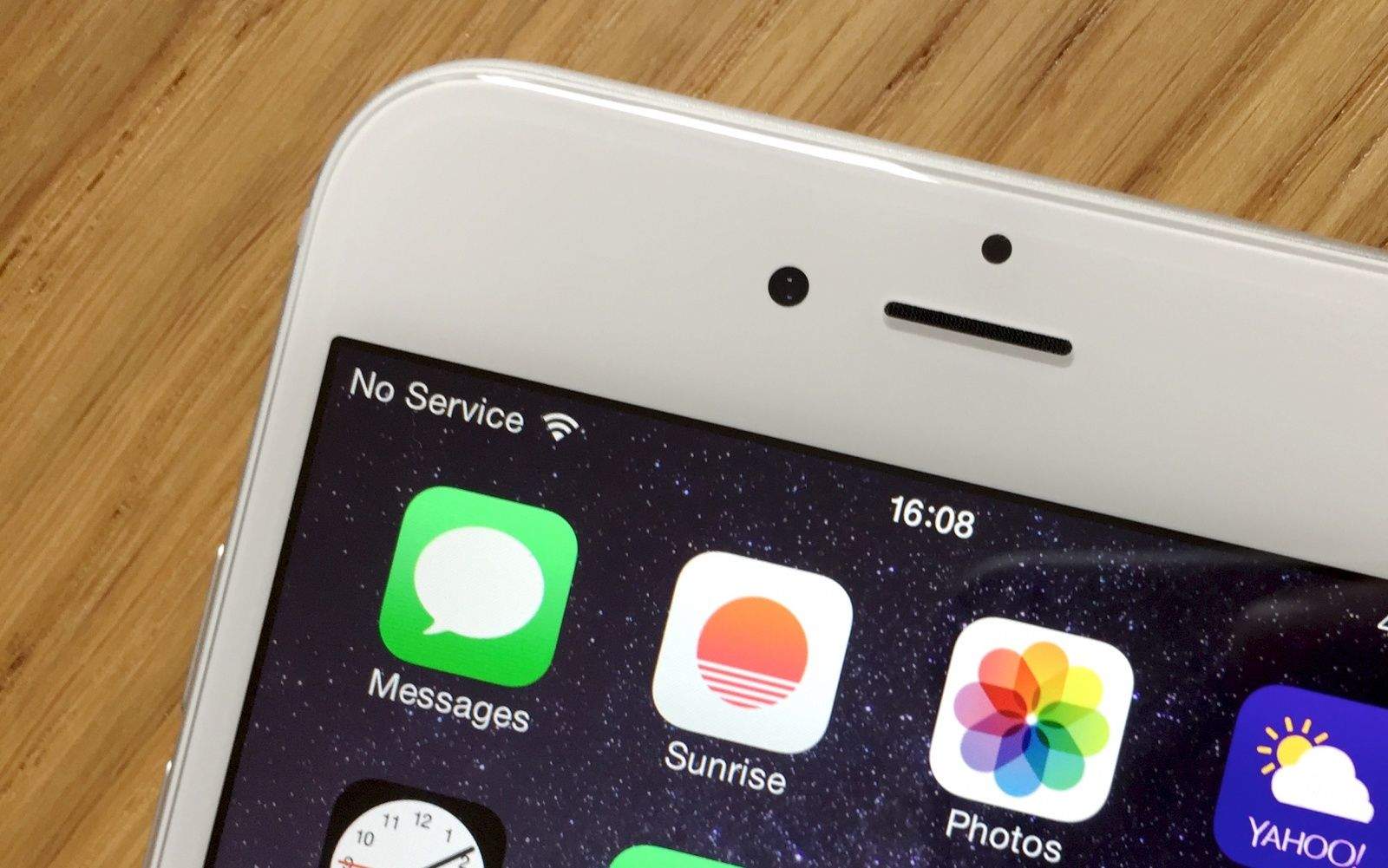
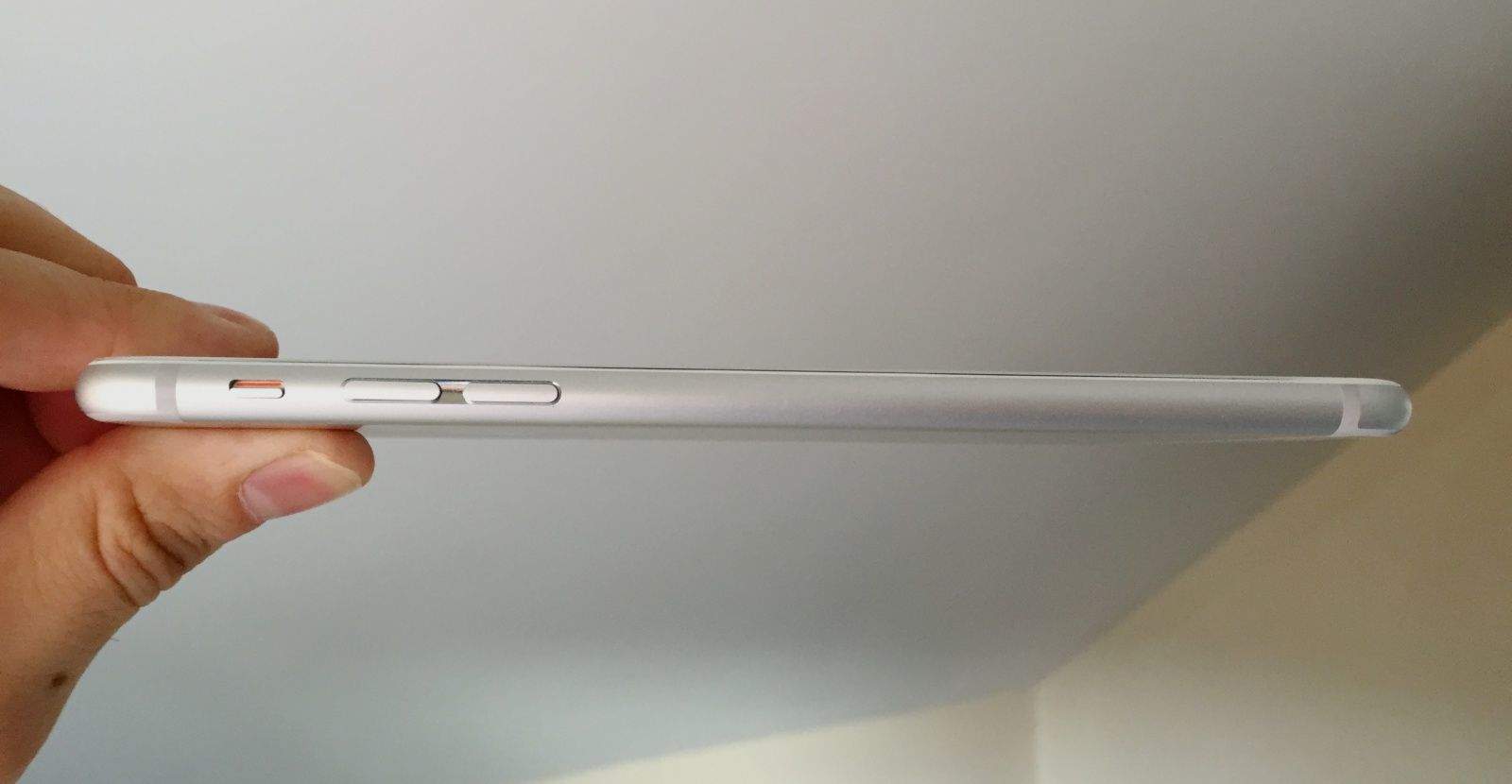
When it comes to Apple, "Bendgate" is just another snafu borne of high expectations. Photo: Jim Merithew/Cult of Mac

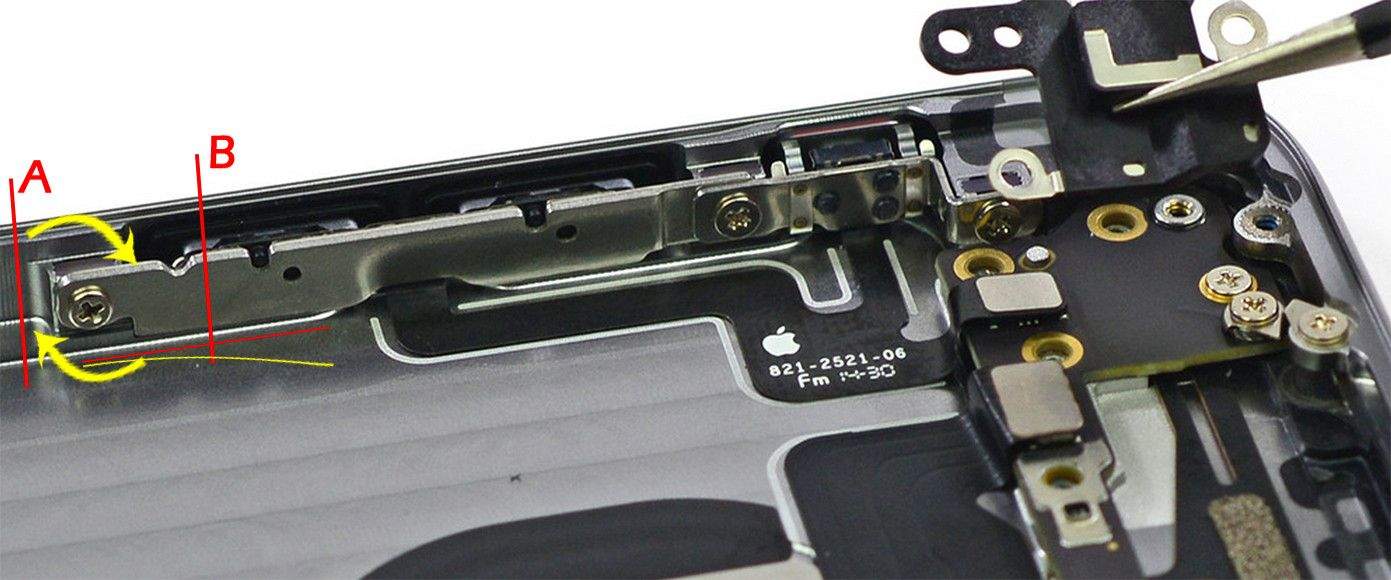
Bendgate is the latest in a long line of minor Apple problems that get blown out of proportion by the Internet’s echo chamber and the media jackals that inevitably swoop in and howl about the latest “crisis.”

The same sort of over-the-top backlash happened with the iPhone 4’s reception issue (Antennagate) and the iPad’s trickle-charge feature (Batterygate). It’s a familiar cycle: Apple’s fantastic new device captures the world’s attention, a glitch arises and suddenly the world is coming to an end — at least until it’s not.

“Apple’s ability to trigger consumer demand is probably without rival across the globe — that’s no small feat,” says Larry Barton, a pioneer in corporate crisis management who studies the causes of and responses to incidents like these. “Their core, loyal customer has proven to be forgiving across several minor incidents, and Bendgate is just that — a relatively minor snafu that’s not uncommon with a first-generation design.”

Crystal Baller: Gold Fanless MacBook Airs and 6 other crazy Apple rumors

By

apple-crystal-ball1

We get slammed 24/7 with new Apple rumors. Some are accurate, most are not. To give you a clue about what’s really coming out of Cupertino in the future, we’re busting out our rumor debunker each week to blow up the nonsense.

iPhone 6 is grabbing all the headlines, but iPad rumor season is heating up with an event rumored to be scheduled next week and whispers of a special A8X processor coming to the iPad Pro. We’ve also got new rumors on 12-inch MacBook Air, a possible Mac Mini update en route, and some new nuggets about Apple Watch.


Jaw-dropping videos showcase iPhone 6’s slo-mo skillz

By

Screengrab: Apple
With the iPhone 6, Apple fans are becoming slo-mo freaks. Screengrab: Cult of Mac

Mesmerizing slow-motion videos have flooded the Internet in the last few days, showcasing the kind of amazing footage you rarely see outside a movie theater or Blu-ray disc.

What opened the floodgates? The iPhone 6. The device’s camera and software allows for a mind-boggling 240 frames-per-second shooting rate, letting videographers of all abilities try their hands at slowing down the action and making an impact.

Slow motion has long been used in your favorite films to convey the intensity of a moment (think The Matrix or anything by John Woo), but this is the first time the average consumer has this kind of stunning tech in their hands.

With more than 10 million iPhone 6 and 6 Plus units sold already, we’ll undoubtedly get slammed with even more beautiful slow-motion videos in the weeks and months to come. Here are a bunch we’ve found that show off the startling capabilities of the iPhone 6 while also proving that, seriously, people will film anything.

iPhone 6 goes on sale in 22 new countries

By

iPhone 6s
Photo: Jim Merithew/Cult of Mac

While customers in the U.S. have been playing with (and bending) their iPhone 6 devices for a week now, today marks the sales debut of the iPhone 6 and 6 Plus in 22 secondary markets.

These include Austria, Belgium, Denmark, Finland, Ireland, Isle of Man, Italy, Liechtenstein, Luxembourg, Netherlands, New Zealand, Norway, Portugal, Qatar, Russia, Saudi Arabia, Spain, Sweden, Switzerland, Taiwan, Turkey, and the United Arab Emirates.

Due to time zone differences, New Zealand customers have had their handsets for a full day already, while Twitter’s now buzzing with reports from plenty more excited customers in Europe and elsewhere.

The iPhone 6 originally launched in the U.S., Australia, Canada, France, Germany, Hong Kong, Japan, Puerto Rico, Singapore and the UK on September 19, racking up a massive 10 million+ sales during its first weekend.

We’ll have to wait and see how it does in today’s 22 new markets, but judging from the below pictures there’s no shortage of enthusiasm.

Use AirDrop to share files between OS X Yosemite and iOS 8

By

AirDrop has a serious problem.
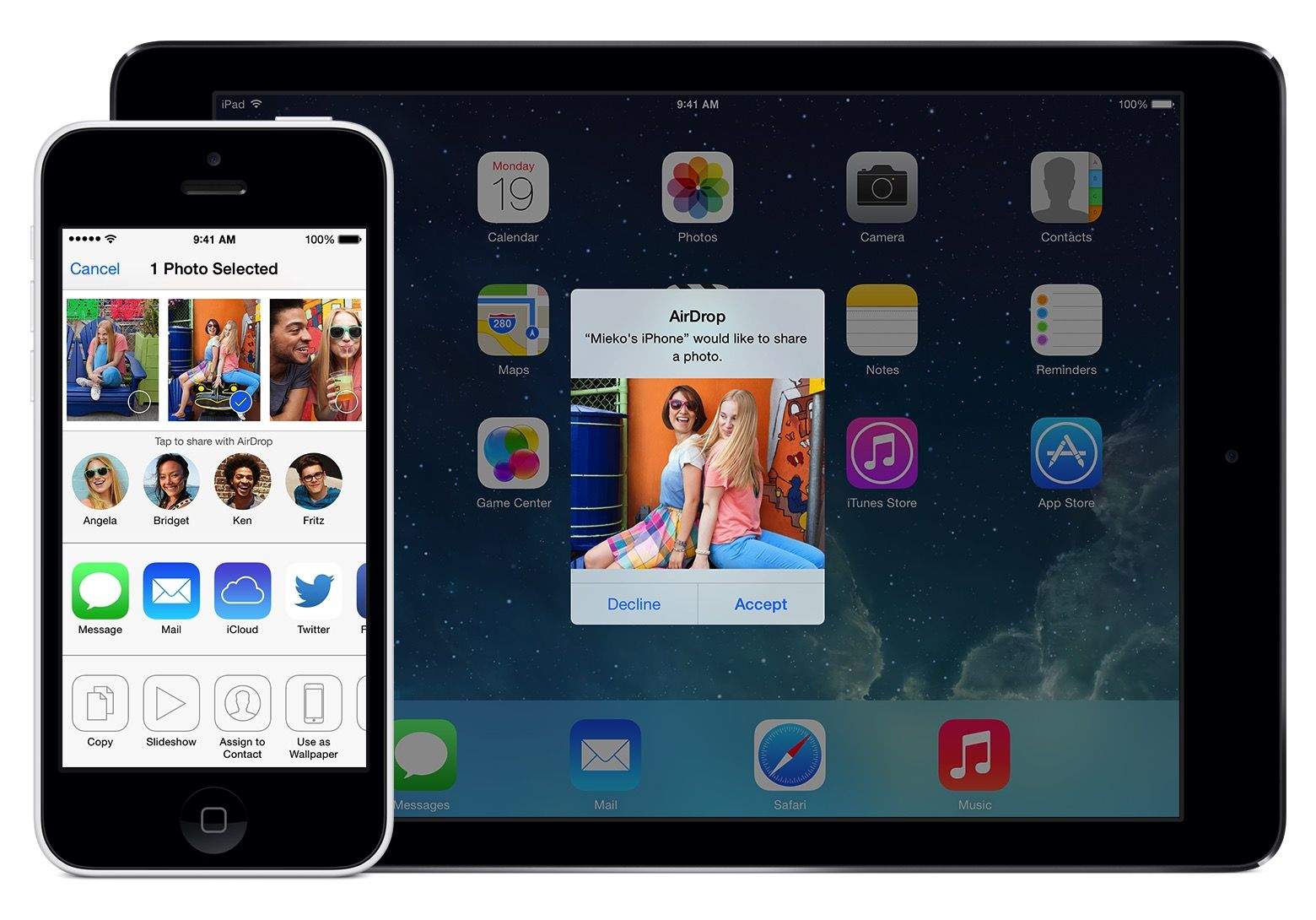
AirDrop gives iOS 8 users no-fuss, no-muss file sharing. Photo: Apple
Photo: Apple

When you need to move files quickly between two Apple devices, AirDrop is an incredibly useful tool. It started out as a Mac-to-Mac thing, and then iPhone-to-iPhone, but with iOS 8 and OS X Yosemite, AirDrop becomes even more powerful: Now you can share files from Mac to iPhone (or iPad) and vice versa.

Here’s how.

iFixit’s CEO on iPhone 6 and ‘Bendgate’ — bend it back yourself

By

Kyle_Wiens
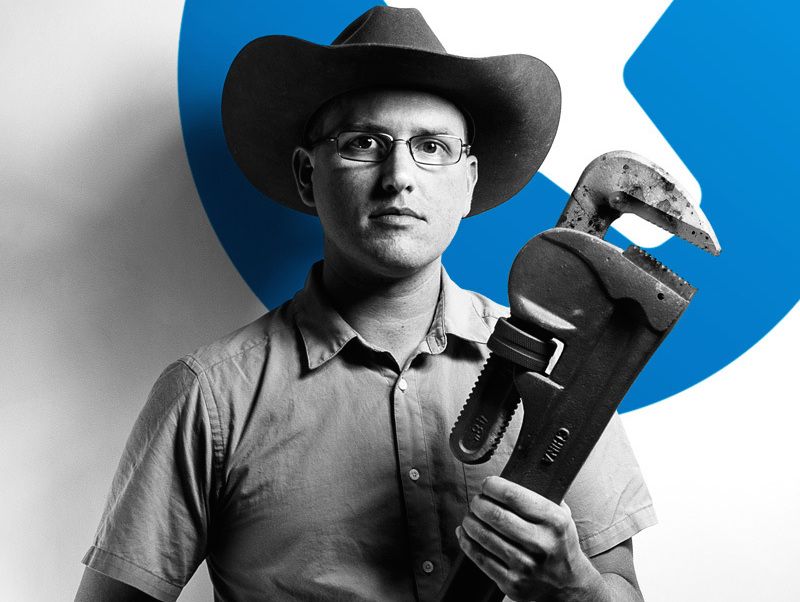
iFixit's CEO Kyle Wiens is ready to bend your iPhone back into shape. Photo courtesy iFixit
Photo: iFixit

Kyle Wiens has seen the insides of just about every gadget under the sun, and he’s not surprised that the iPhone 6 Plus is susceptible to bending.

Wiens is CEO of iFixit, which is famous for its insightful teardowns of Apple products, and he says there’s nothing wrong with the design of the iPhone 6 Plus.

It’s long and thin. Duh — it’ll bend.

“I’m not surprised that it’s happening,” he told Cult of Mac in an email. “It’s thinner than other phones and metal bends.”

Hey, Apple! What happened to ‘It just works’?

By

The iPhone 6s and iPhone 6s plus are coming on September 18th, according to German carriers.
A buggy iOS 8 update that killed cellular connections for iPhone 6 users is far more troubling than Apple's other recent missteps. Photo: Killian Bell/Cult of Mac
Photo: Killian Bell/Cult of Mac

“It just works.”

Those three words are synonymous with Apple. It’s the slogan Apple fanboys use when trying to convince their Android-loving friends that iOS is a better option. And it was used over and over by Steve Jobs as he unveiled new products at Apple keynotes.

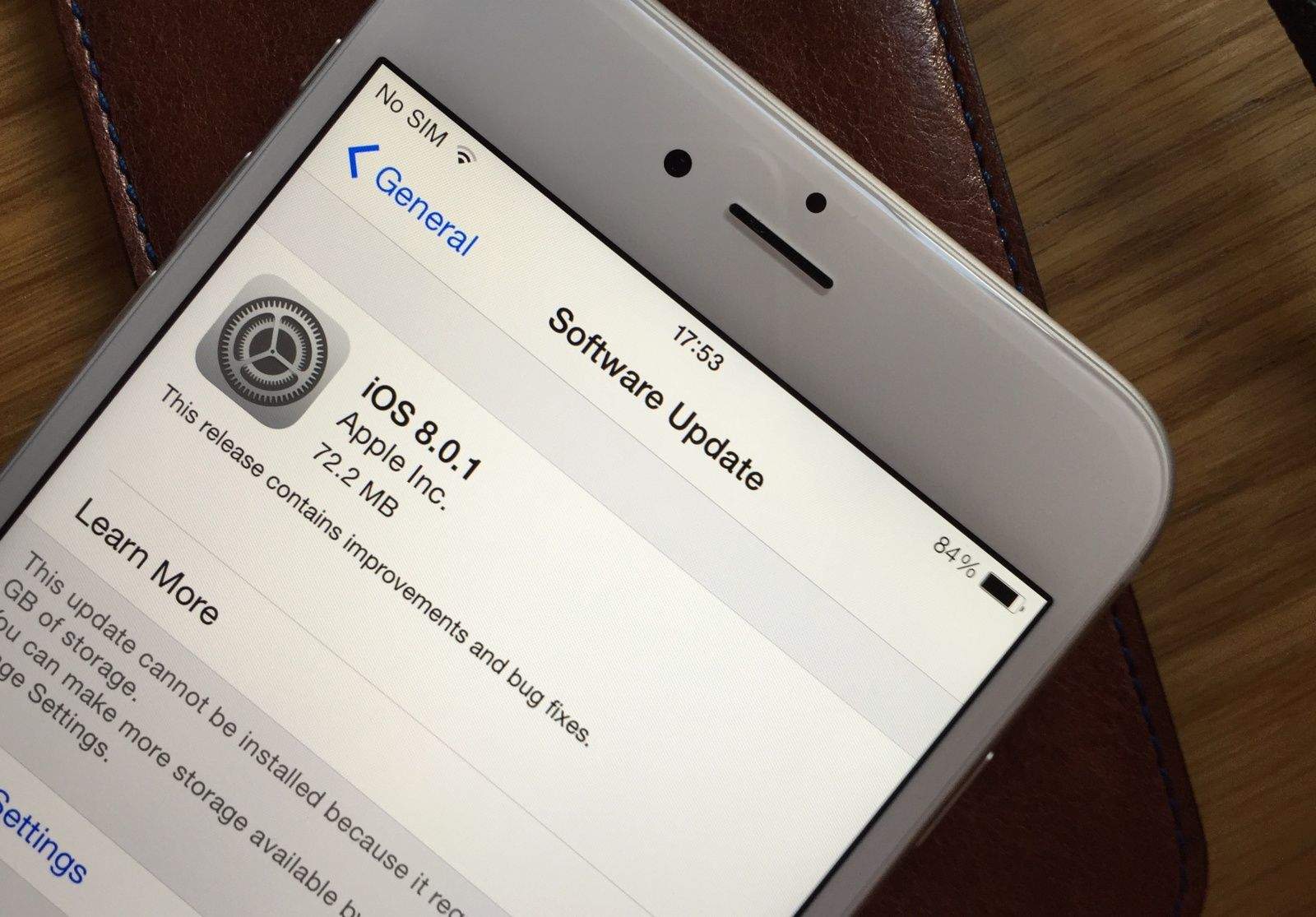
That makes it even more embarrassing for the Cupertino company when things don’t “just work.” Especially when it royally screws things up — as it did with the hideously half-baked iOS 8.0.1 update that rolled out to millions of users Wednesday morning.

Apple isn’t ignoring ‘Bendgate,’ will replace affected devices

By

Is your iPhone 6 Plus still as straight as it was the day you got it? Photo: Killian Bell/Cult of Mac

It turns out that things made out of thin pieces of aluminum will bend under enough force. Who’d have thought it? But fortunately for those who are experiencing the well-documented “Bendgate” issue with a new iPhone 6 and 6 Plus, Apple is not ignoring the problem: The company will replace devices under warranty so long as they pass a visual inspection.

How Cupertino’s rivals plan to survive the Apple Watch

By

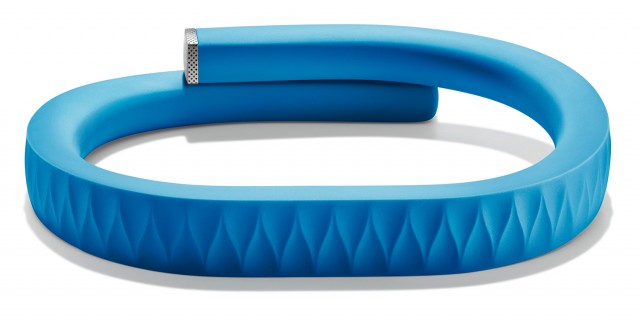
How does a wearables company survive being Sherlocked? Jawbone has some ideas.

In the business world, Apple entering your product category is a little bit like a tsunami crashing into a home aquarium. What had previously seemed like a nice, small and self-contained ecosystem suddenly runs the risk of being obliterated by a giant wave-maker.

When Tim Cook announced the Apple Watch at Apple’s recent media event, the crowd went wild. But exciting as it was for consumers, it represents a seismic shift for the currently $330 million wearable tech industry.

Devices that can serve up smartphone notifications, track fitness goals and even advise us on health matters have the potential to be huge — but they’re not yet. That’s about to change, according to Juniper Research, which forecasts that wearable devices like smartwatches could hit sales of $19 billion by 2018.

What happens to Apple’s marketplace rivals as this sea change takes place? Cult of Mac did some digging to find out how companies like Jawbone and Fitbit plan to survive Apple’s smartwatch revolution.

Apple will fix iPhone 6 issues with iOS 8.0.2 in the ‘next few days’

By

ios_update
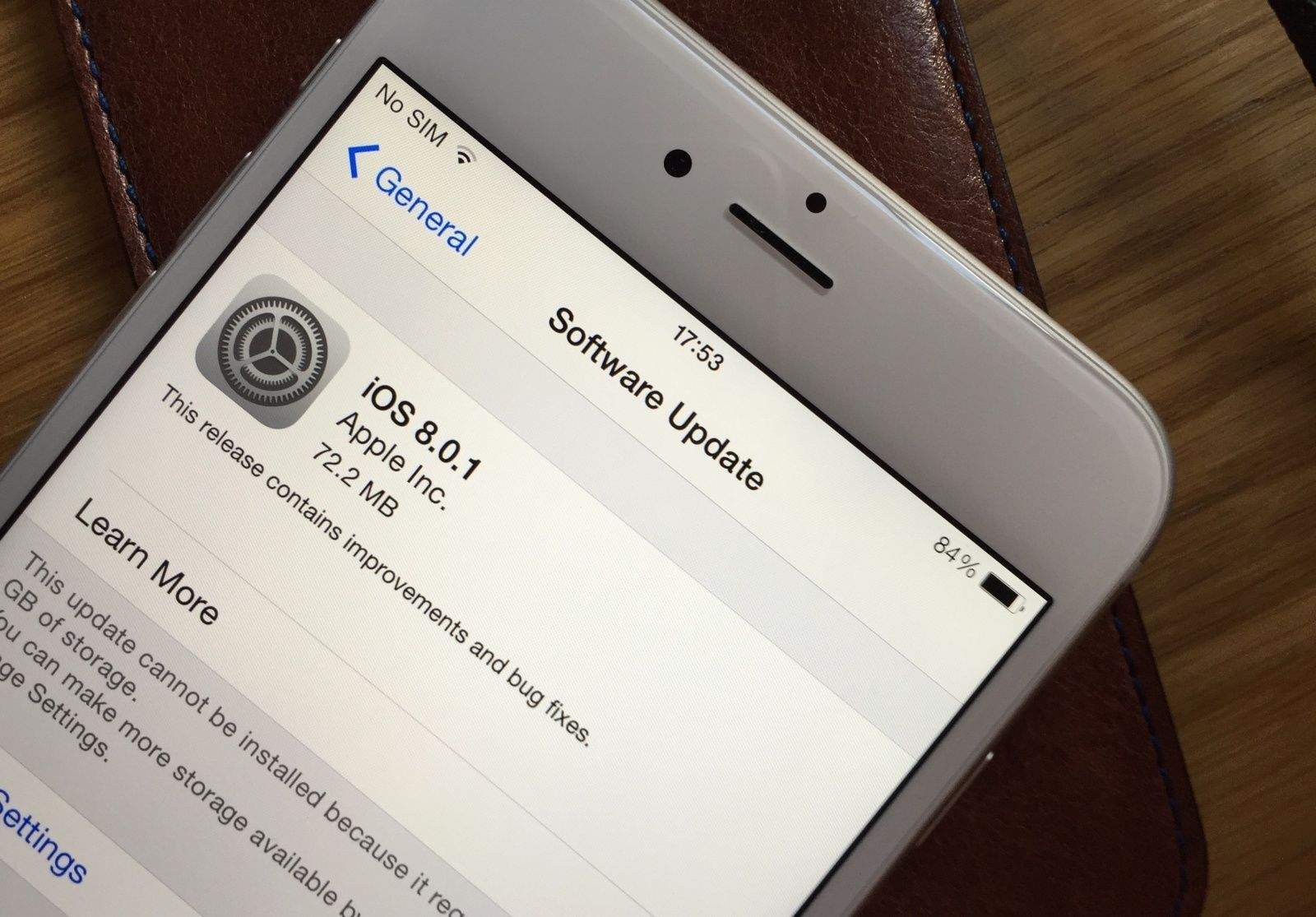
iOS 8.0.1 broke more than it fixed for those with an iPhone 6. Photo: Killian Bell/Cult of Mac

Apple has promised to roll out a new iOS 8 update in the “next few days” that will fix the issues plaguing iPhone 6 and iPhone 6 Plus users who updated to iOS 8.0.1. In the meantime, users are being advised to downgrade to the initial iOS 8 release that came pre-installed on their devices.

A definitive guide to third-party keyboards in iOS 8

By

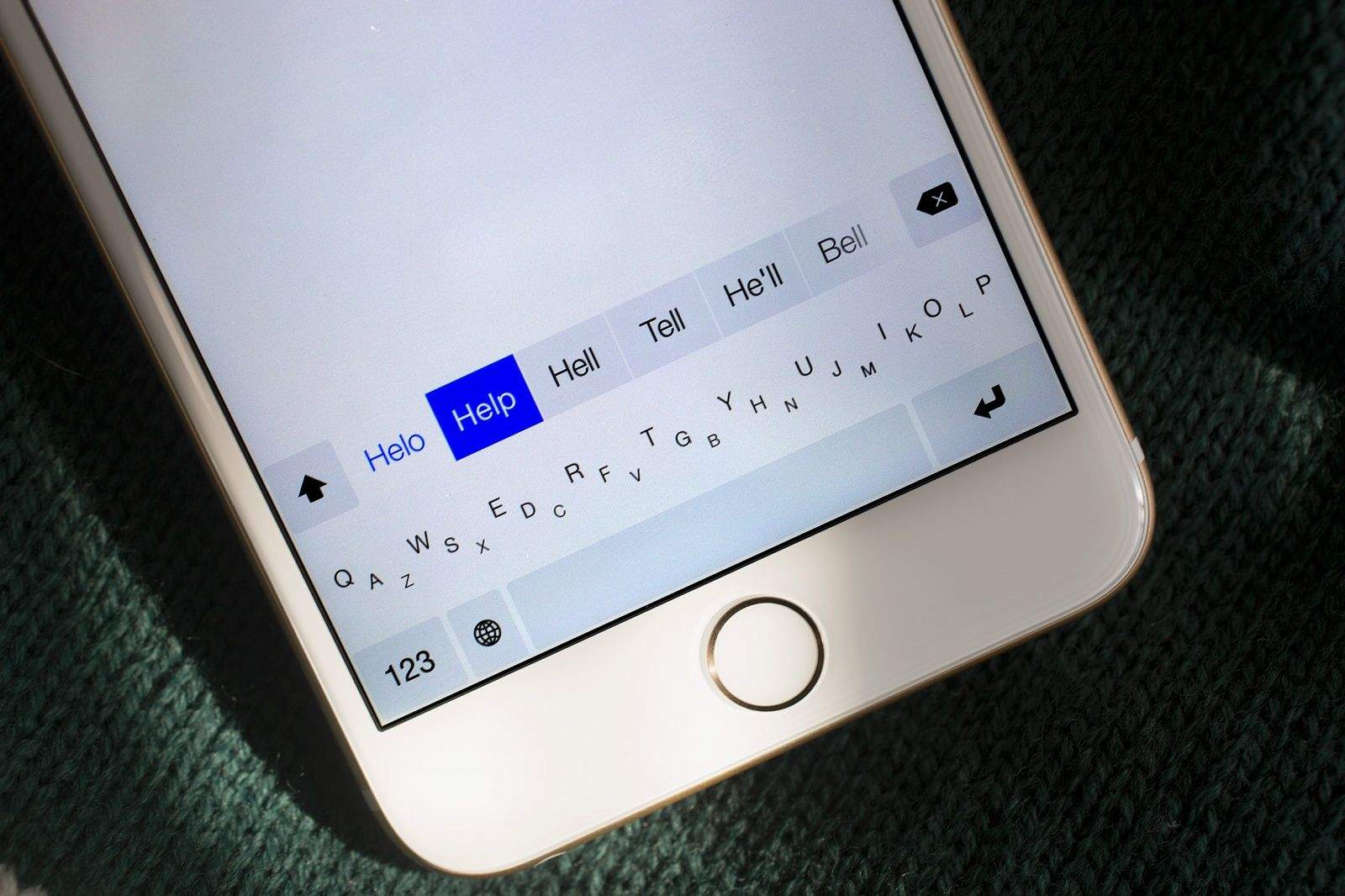
Minuum is one of the many third-party keyboards for iOS 8. Photo: Jim Merithew/Cult of Mac

With iOS 8, iPhone and iPad owners for the first time ever can replace Apple’s default virtual keyboard with a third-party alternative.

Doing so — with keyboards made by SwiftKey, Swype, Fleksy and others — could vastly improve your touchscreen typing experience. Not only do some of these keyboards make typing easier, but they also boast innovative features, like the ability to type words using simple swipes instead of taps. Many of these keyboards are completely customizable, so you can set their size and color scheme to suit you.

If you haven’t already installed a third-party keyboard, you’re missing out on one of iOS 8’s best features. In this guide, first we’ll tell you about the best keyboards available from the App Store right now. We’ll also run through the features that make them unique, show you how you can customize them and make them work for you, and explain some important concepts, such as “Full Access.”

How to downgrade from Apple’s buggy iOS 8.0.1 update

By

iOS8

Apple just rolled out its first update for iOS 8 with a bunch of bug fixes to resolve problems with third-party keyboards, HealthKit, and other features, but what Apple failed mention is that the update also knocks out your cellular connectivity and breaks Touch ID.

If you haven’t updated already, WAIT! It seems that the bugs might be just affecting users of the iPhone 6 and 6 Plus but we’ve reached out to Apple for confirmation.

In the meantime, if you’ve already upgraded to iOS 8.0.1 and want your cellular service back, here’s how to manually restore your device to iOS 8.0.

Apple pulls iOS 8.0.1 update that fixed HealthKit but broke Touch ID, cell service

By

Download iOS 8.0.1 now. Photo: Killian Bell/Cult of Mac.

Update: iOS 8.0.1 upgraders are reporting problems with Touch ID and cellular connectivity after installing Apple’s update. You should wait before taking the plunge. If you’ve already installed iOS 8.0.1, here’s how to downgrade to iOS 8.

Apple has pulled an iOS 8.0.1 update that fixed problems with HealthKit and various other features after iPhone 6 and 6 Plus users discovered the update broke Touch ID and blocked cellular connectivity.

The iOS 8.0.1 update was also supposed to improve Reachability on the iPhone 6, but it has already been removed while Apple addresses the nest of new bugs it unleashed.

Your iPhone 6 could commit suicide if you ignore it

By

post-297479-image-7fad59e1c96f406ffbbd26c21df1c16e-jpg

The iPhone 6’s sleek design is undeniably sexy, but the big glass display and those sexy curved edges can cause problems if you leave your phone sitting on a smooth surface.

If you’re not careful, you could find your iPhone in pieces on the floor.

From Dick Tracy to Apple Watch: 70 years of smartwatches

By

The Pulsar might have been the reality of digital watches around the time that Apple started, but what was predicted by the age’s futurists? The 1979 Usborne book Future Cities: Homes & Living Into the 21st Century describes the arrival of

The Pulsar might have been the reality of digital watches around the time that Apple started, but what was predicted by the age’s futurists? The 1979 Usborne book Future Cities: Homes & Living Into the 21st Century describes the arrival of "wrist-phones" or “ristos.” These devices, the authors predicted, would work with cellphones and GPS equipment.

"City dwellers of tomorrow could have a small gadget of enormous benefit — a wristwatch radio-telephone,” the book notes. "With a wristwatch radio, you could talk to anyone, wherever you happened to be.... If you were late for an appointment, it would be easy to let the other people know.... It ought to be impossible to get lost in tomorrow's world, in a city or out of it.... The wrist-phone can provide guidance back to the nearest town.” Pretty accurate, no?

Picture: EDC Publishing


How to use Continuity and Handoff with iOS 8 and OS X Yosemite

By

Photo: Rob LeFebvre/Cult of Mac
Continuity and Handoff are great — at least the parts that work. Photo: Rob LeFebvre/Cult of Mac

Continuity and Handoff sound great on paper. They let you transfer certain documents and data between your Mac and your iPhone or iPad, provided both are running the latest Apple system software — iOS 8 and OS X Yosemite, which is currently in public beta.

When Continuity and Handoff work, it’s a brilliant display of Apple’s vision for truly interconnected devices. When they don’t, it’s frustrating. Some of the features work flawlessly for me, while others don’t function as advertised (at least on my gear — here’s a compatibility chart that will tell you if your gear is new enough to work with Handoff and Continuity). It’s probably because Yosemite’s in beta — it makes sense that not all features work right now. Your mileage may vary, as they say.

Ready to take the plunge? Here’s how to get set started, plus a brief look at the Handoff and Continuity features I was able to get working (and a few more that I was not).

Get bent: The shocking history of bent smartphones

By

Apple's new aluminum will kill Bendgate.
Photo: Unbox Therapy

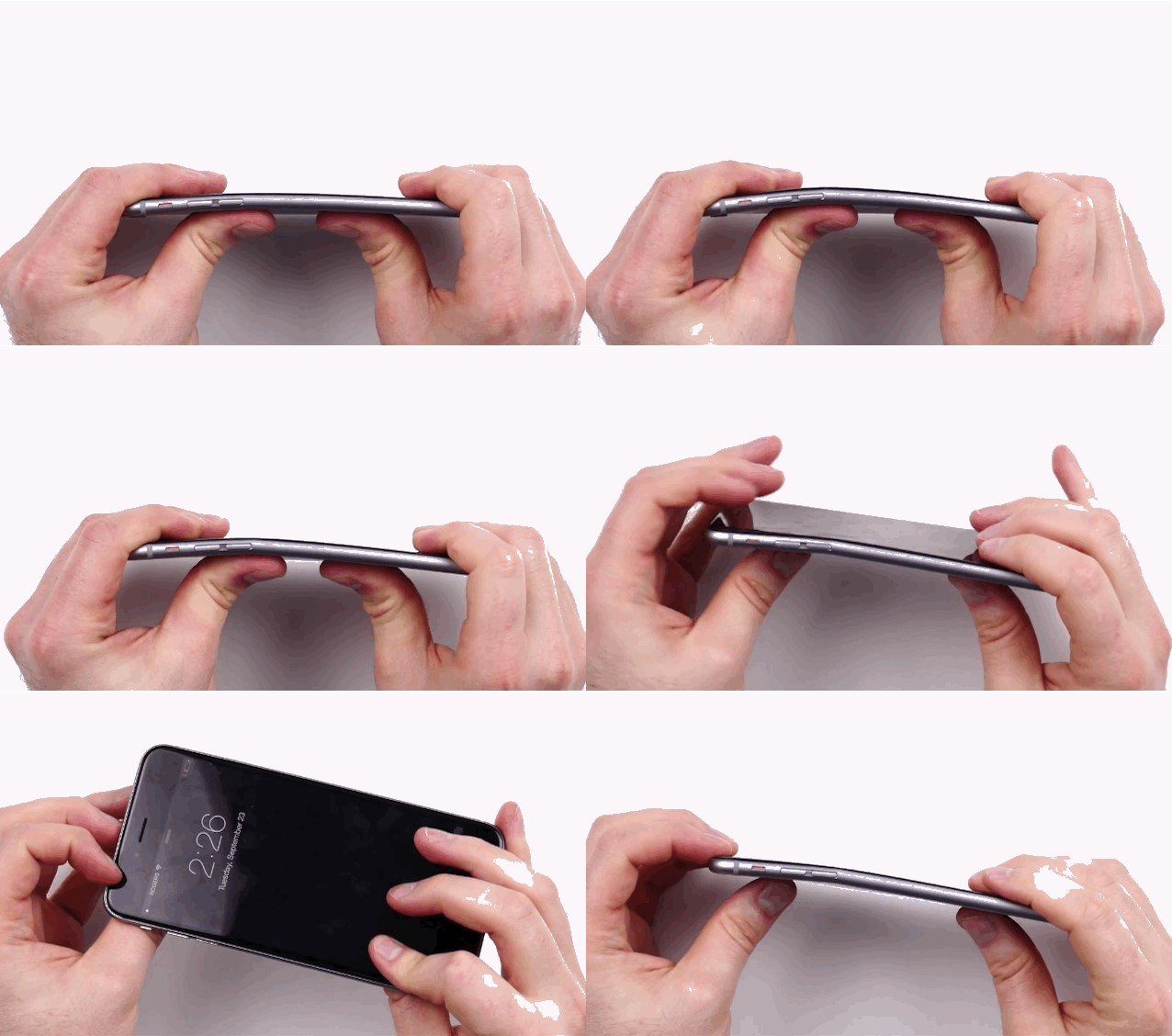
Bend-Gate is slowly taking over the Internet this morning as Apple fans discover the startling fact that when pressure is applied to an iPhone 6 or 6 Plus frame, it bends – just like every other smartphone ever made of metal.

The bending problem has been reported by a number of iPhone 6 owners who pocketed their big iPhone 6 only to retrieve it later with a significant curve in the frame. Some sites are deeming the new iPhones “more fragile than expected,” but the truth is we’ve seen this problem almost every year.

In fact, last year ran we an article titled “iPhone 5s Bending in People’s Pockets.” Any phone made of metal is still subject to the laws of physics, but to reiterate that this isn’t exactly a problem exclusive to the iPhone 6, here’s a look at other Android and Apple phones that have bending problems.

How to use iCloud Drive the right way

By

Hacker who tried to extort Apple for $100k is spared prison
With these handy tips (and warnings), you'll master iCloud Drive in no time. Photo: Jim Merithew/Cult of Mac
Photo: Jim Merithew/Cult of Mac

If you haven’t been scared off cloud services by the Fappening or past horrors like MobileMe, you might want to try iCloud Drive, Apple’s answer to Dropbox and Google Drive. It’s a pretty great concept, an extension of the Apple philosophy from way back – documents are identified by the apps they were created by. Before, though, you needed to export a file from a drawing app to use it with a painting app. With iCloud Drive, you’ll be able to move from one app to another much more easily.

Before you begin, make sure you’ve read and understand the warning about using iCloud Drive if you haven’t yet installed OS X Yosemite on your Mac. If you haven’t installed the Yosemite public beta, apps on your iOS 8 devices will be unable to share data with companion apps on your Mac. Consider yourself warned.

If you choose to enable iCloud Drive on your iOS 8 device, and you have an OS X Yosemite beta installed on your Mac, here’s how to use it the right way.

This killer trick will charge your iPhone 6 in half the time

By

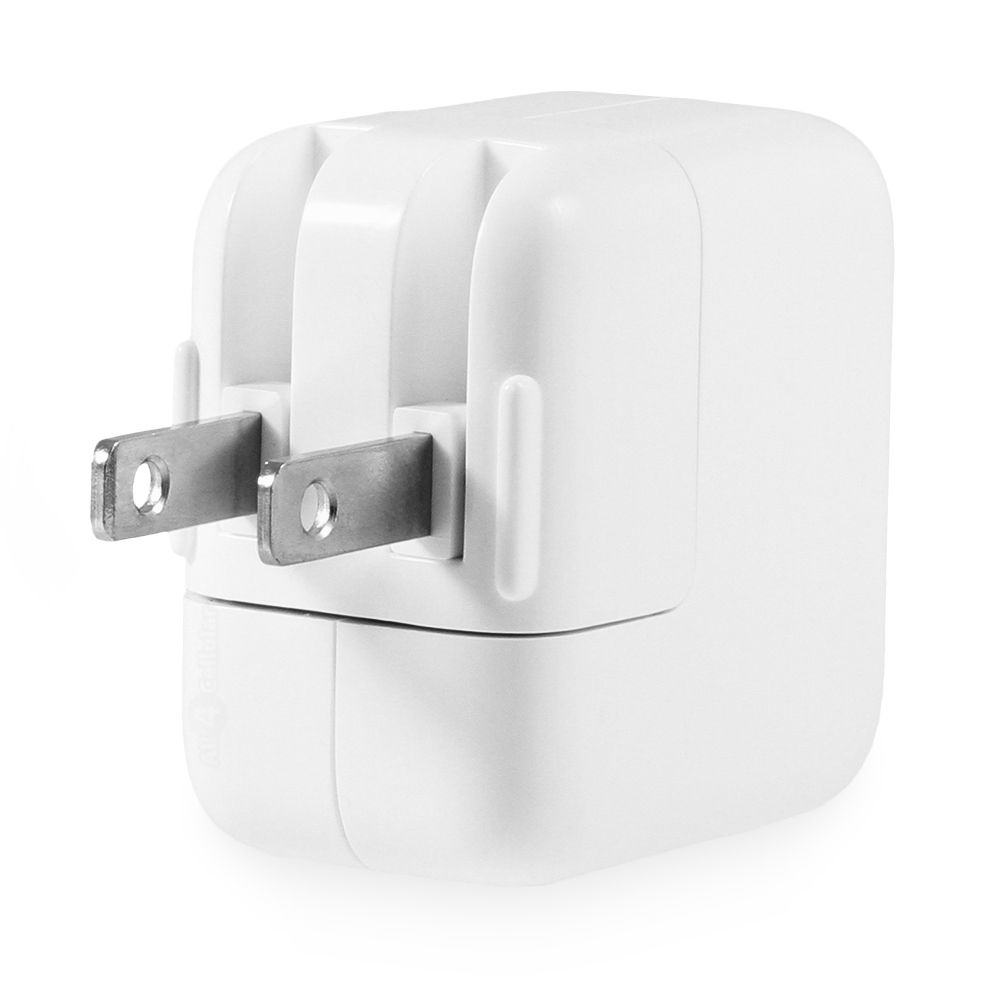
apple-ipad-12w-power-adapter-view-of-plug_1

Photo: Apple

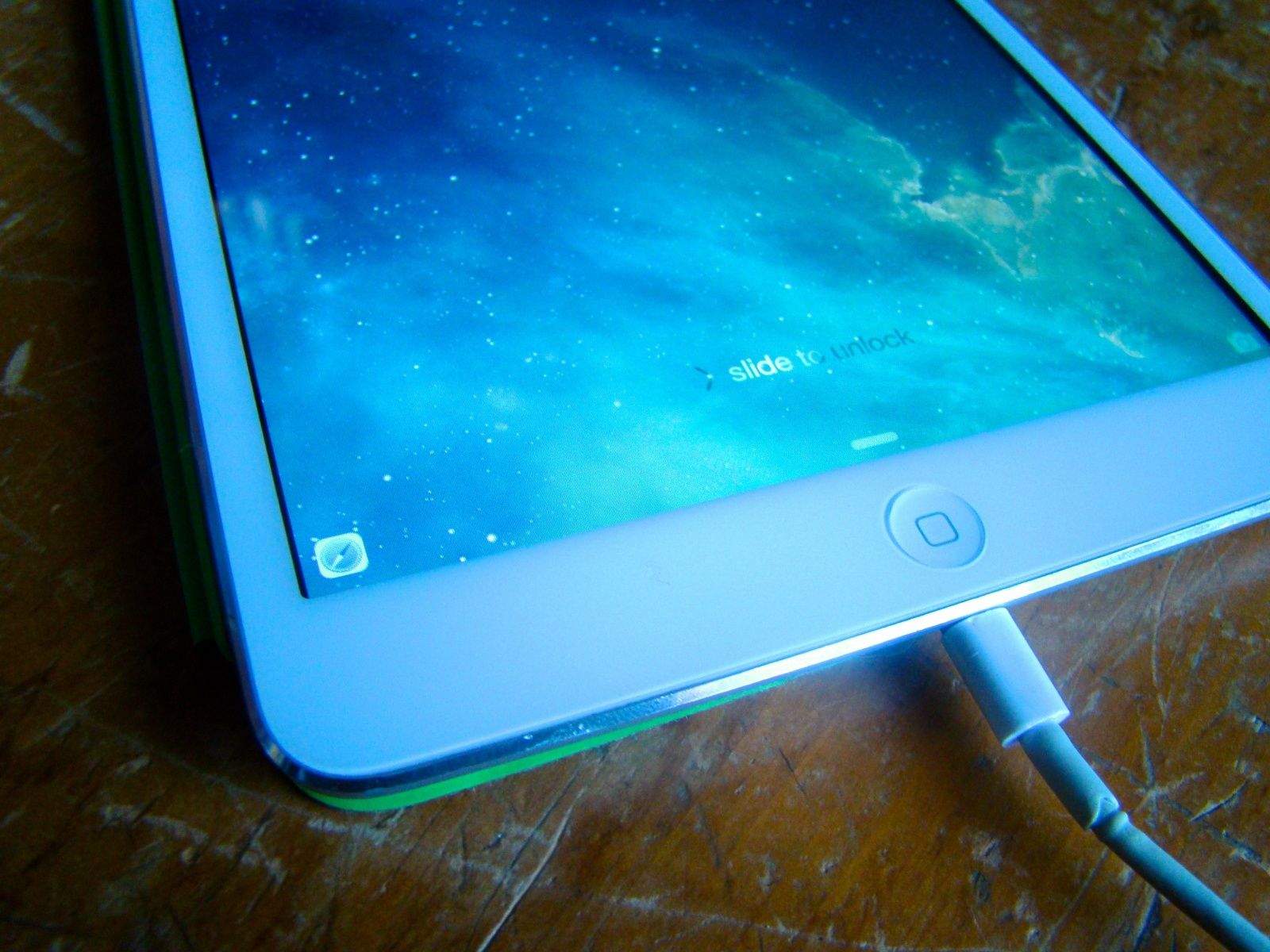
The iPhone 6 and iPhone 6 Plus are the biggest iPhones yet. But that comes with a drawback: Since they have bigger batteries than any iPhone ever, they also take longer to charge.

But here’s a killer trick. You can use a 12-watt iPad charger to juice up the iPhone 6 and iPhone 6 Plus in half the time when compared to the 5-watt iPhone charger your device ships with by default.

Review: Smaller iPhone 6 proves bigger isn’t always better

By

20130919_iphone6-review_0060
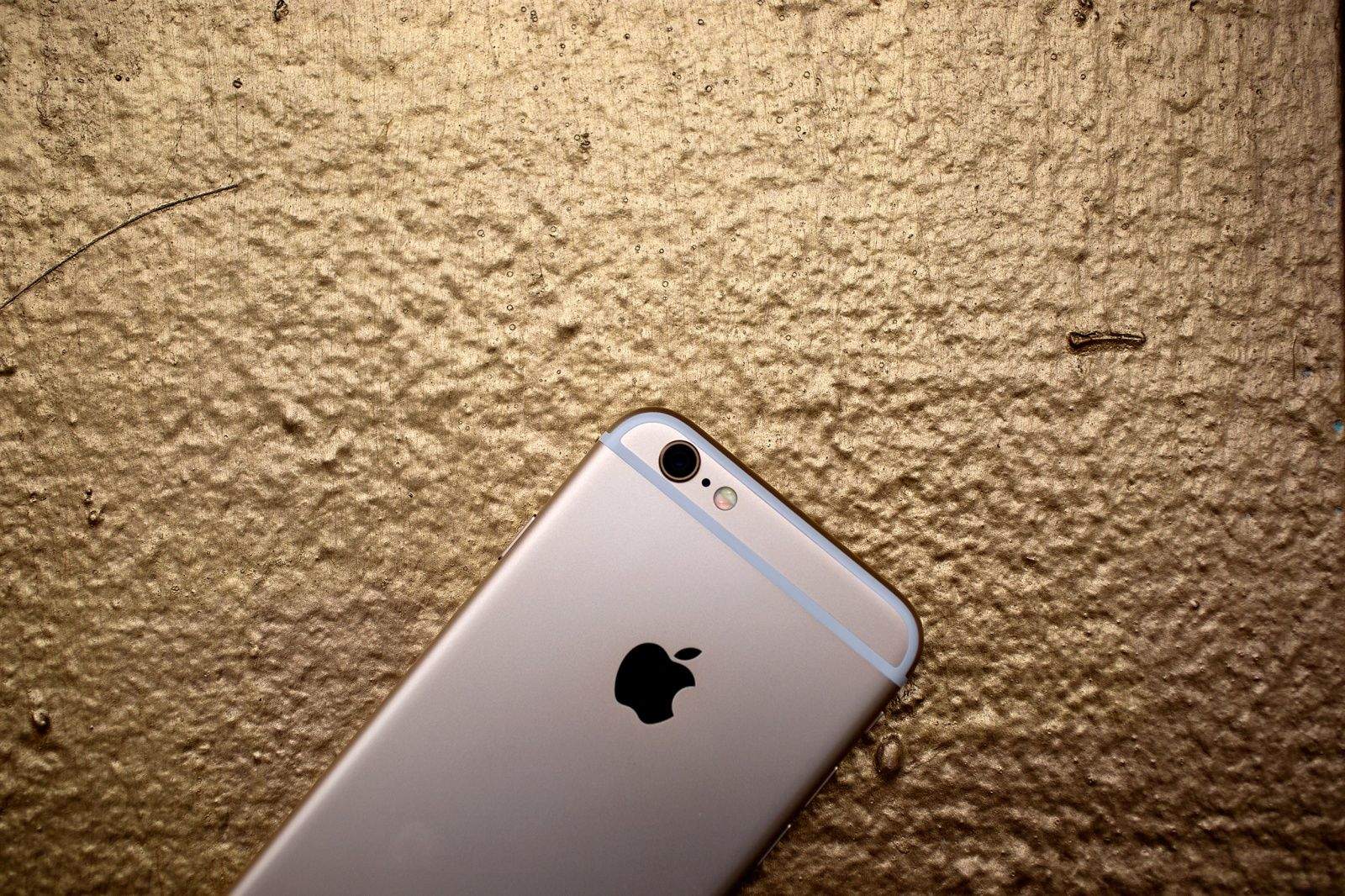
The iPhone 6 is as good as gold. Photo: Jim Merithew/Cult of Mac
Photo: Jim Merithew/Cult of Mac

My first impression? My goodness, this is the small one?

The iPhone 6 is a big step up. It makes older iPhones look small. Ridiculously small. Even after a few days, my old iPhone 5s feels positively Lilliputian. The 6 dwarfs the 5s, which felt big and expansive at the time. Now it looks like a little dolls’ phone.

I’ve been really digging the 6. It’s a big bright slab of glass and metal. It feels impossibly thin, almost like an oversize credit card in your hand. But it’s solid and stiff — it’s not going to snap in my back pocket if I sit on it.

The 6 is not a gob-smacker like the 6 Plus, which stops people in the street. But it’s more manageable, especially with one hand.

I’m a big fan. I like it a lot, except for one design flaw that’s been driving me crazy.

World’s first 24-karat gold iPhone 6 is ready for masters of the universe

By

Photo: GOLDS & Co
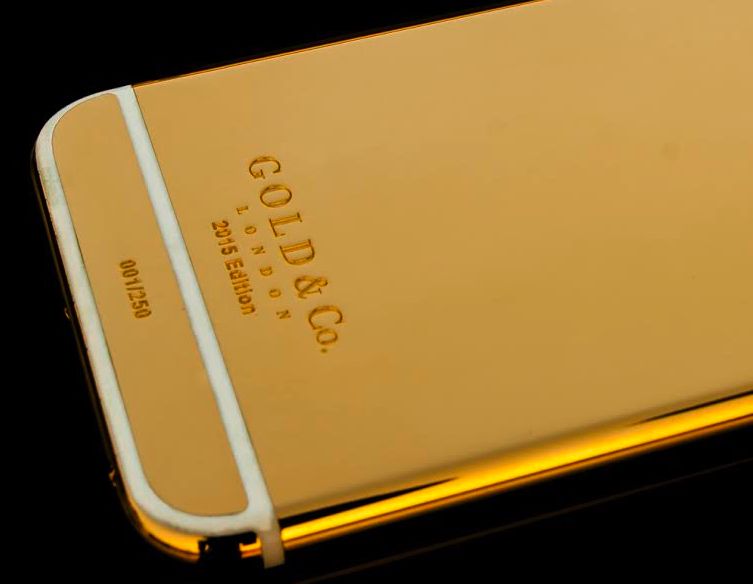
Think your iPhone 6 is a head-turner? Try one plated in 24-karat gold. Photo: Gold & Co.

While the rest of us waited to get an iPhone 6 over launch weekend, an elite few were anticipating an exclusive variant: a custom 24-karat gold version of Apple’s next-generation handset.

The waiting list of exclusive customers includes music industry heavy hitters, boxing champ Floyd Mayweather Jr., Russian oligarchs and practically every royal family member in the United Arab Emirates — people for whom nothing short of a gold iPhone 6 is acceptable.

“Believe you me, we have a lot of very big-name clients, but we don’t like to publicly reveal their names,” says creator Amjad Ali. “As a British company, we just don’t think it’s the polite thing to do.”

How to master Messages in iOS 8

By

Photo: Rob LeFebvre/Cult of Mac
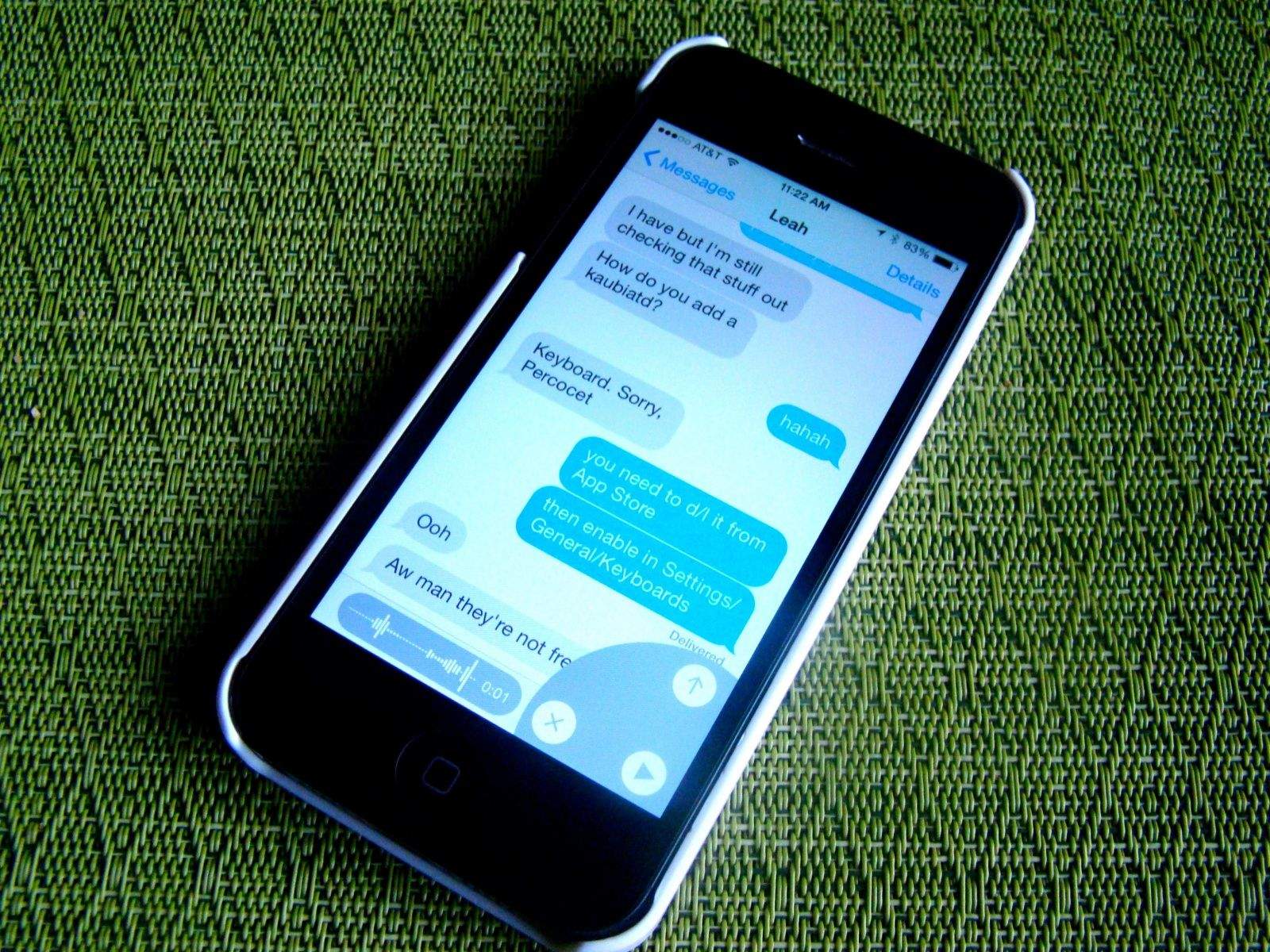
Tons of new features make iOS 8's Messages app more powerful than ever. Photo: Rob LeFebvre/Cult of Mac

I’ve pretty much become a full-time texter these days, using Apple’s Messages app on my Mac and iPhone to send iMessages (to friends and contacts who use iOS or OS X) as well as regular text messages (to people outside the Apple ecosystem).

iOS 8 brings great new changes to the mobile version of the Messages app, some of which might not be immediately apparent. Here’s a look at the new features and how best to use them.

Apple sold 10 million+ iPhone 6 and 6 Plus handsets over launch weekend

By

iphone6plus
Apple's biggest ever iPhones achieved its biggest ever sales this weekend. Photo: Apple

After an “unprecedented” order for manufacturers, record-breaking preorders, and a monster first day on sale, how did the iPhone 6 and 6 Plus do over its first weekend?

Incredibly well, says proud parent Apple, which put out a press release this morning noting that more than 10 million new iPhone 6 family devices were snapped up by customers at the weekend — signalling a new record for Apple.

“Sales for iPhone 6 and iPhone 6 Plus exceeded our expectations for the launch weekend, and we couldn’t be happier,” Tim Cook is quoted as saying. “We would like to thank all of our customers for making this our best launch ever, shattering all previous sell-through records by a large margin.”

Review: iPhone 6 Plus slays its giant Android rivals

By

The iPhone 6s is selling like hotcakes.
Photo: Jim Merithew/Cult of Mac

After claiming no one would buy big phones during his iPhone 4 reveal in 2010, Steve Jobs made it pretty clear Apple had no interest in making a substantially larger smartphone anytime soon. But fast-forward to 2014, and the company Jobs founded in his parents’ garage has been forced to do just that.

Having watched customers flock to Android in pursuit of bigger screens, Apple could no longer ignore our demands. It had to build new iPhones that would win back users it lost, and prevent any more from wandering.

And boy has Apple done that in style.