As far as secret identities go, Daredevil's cover as a blind lawyer is pretty solid. Photo: Netflix
Marvel’s new show about blind superhero Daredevil swoops into your Netflix queue this Friday, and the looming arrival of “the man without fear” got us in the mood to watch some other comic-inspired TV shows and movies. To make it interesting, however, we’re avoiding the obvious Marvel and DC characters and focusing on lesser-known and original characters.
Here are a few more metahuman stories to help you get your fix of “BIFFs!” and “POWs!” Be sure to tell us some of your favorites in the comments.
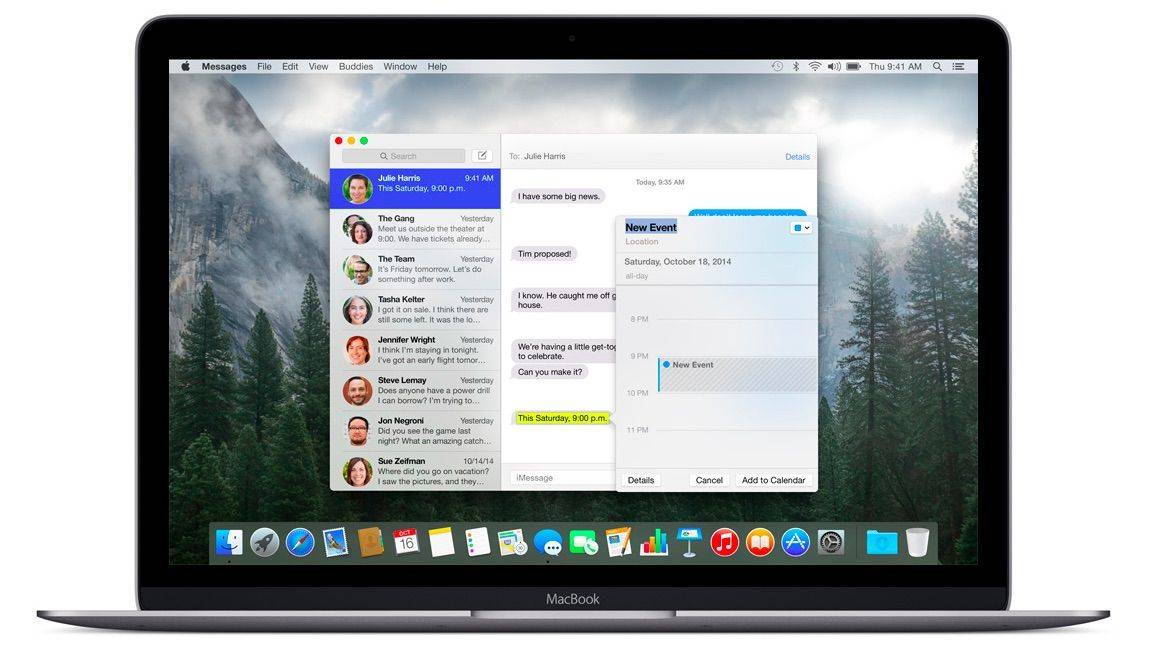
Apple Watch has been hogging so much of the tech spotlight lately that you could be forgiven for forgetting that Apple is also about to release a revolutionary new computer.
The first reviews of the new MacBook landed on the web to remind us that the first gold MacBook will be available to order tomorrow, too. According to the experts, it’s the most beautiful computer ever created. But should you buy it?
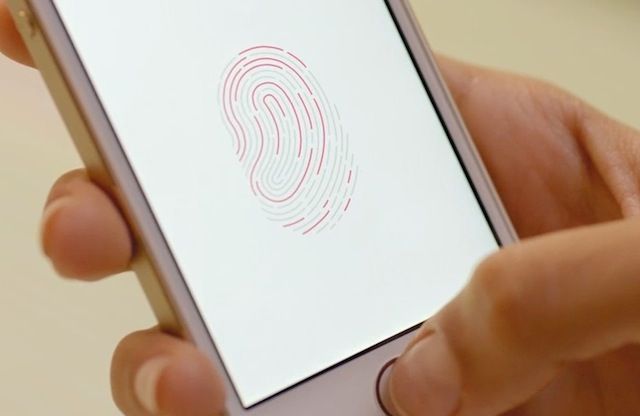
Apple's fingerprint scanner is experiencing a Touch of bother. Photo: Apple Photo: Apple
Apple dropped its third major update for iOS 8 yesterday, and along with racially diverse emoji, two-factor authentication for Google and new Siri languages came another altogether unwelcome addition: a fault that is stopping Touch ID from working for many users.
Sadly, this is the kind of thing that is becoming a more regular occurrence for Apple. Despite exciting new hardware developments like the Apple Watch, the company has been getting increasingly sloppy with software updates — with routine and sometimes crucial functionality taking a hit on what feels like a regular basis.
The company is preemptively trying to meet Watch demand by limiting orders to its online store. Photo: Apple
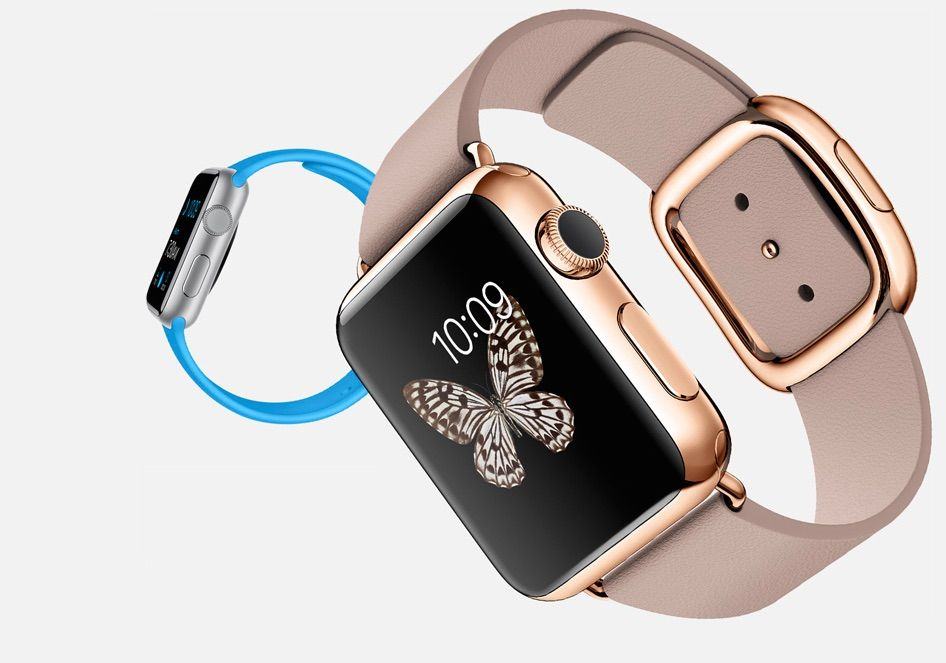
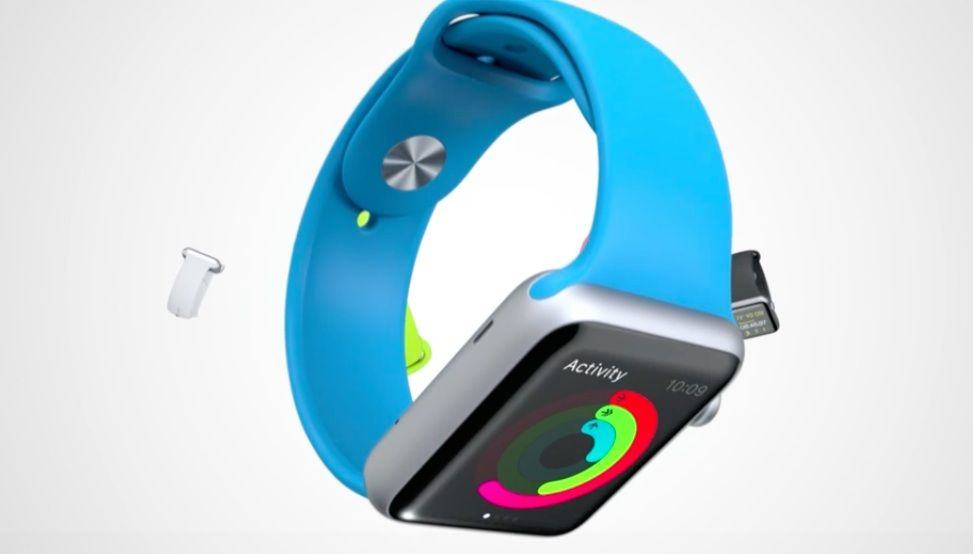
Apple is clearly expecting the Apple Watch to be a big hit, because it’s already limiting orders to just its online store.
In an effort to help meet expected demand, Apple has announced that you won’t be able to go into your local store and walk out with a Watch for the foreseeable future.
Want to be among the first to strap on an Apple Watch? These tips will help. Photo: Apple
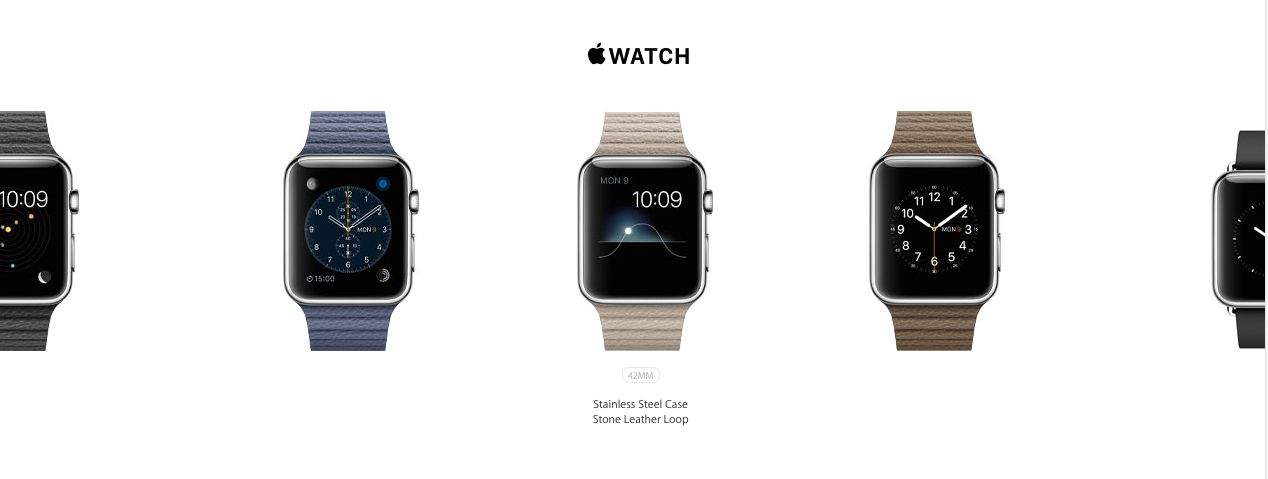
The Apple Watch launch might be Cupertino’s most innovative — and complicated — product rollout ever. Usually you just pick between a colors and tech specs, but for Apple’s “most personal device yet,” things aren’t so straightforward.
Even the actual purchasing process is different: Lining up at the store a couple days early isn’t going to help you this time, but this guide to buying an Apple Watch definitely will. It’s loaded with tips for beating the odds and wrapping an Apple Watch around your wrist on launch day.
Here’s everything you need to know about how to preorder and buy an Apple Watch.
(Editor’s note: This post has been updated and stickied to the top of Cult of Mac’s homepage. You’ll find fresh Apple news by scrolling down the page.)
Apple released big updates to iOS and OS X today, and among the changes is a whole lot of new emojis.
There are over 300 emojis added by Apple as part of an update to the Unicode standard, and most of them focus on racially diversifying the existing emojis we all know and love. There’s also an awesome Spock emoji for when you’re wanting the world to live long and prosper.
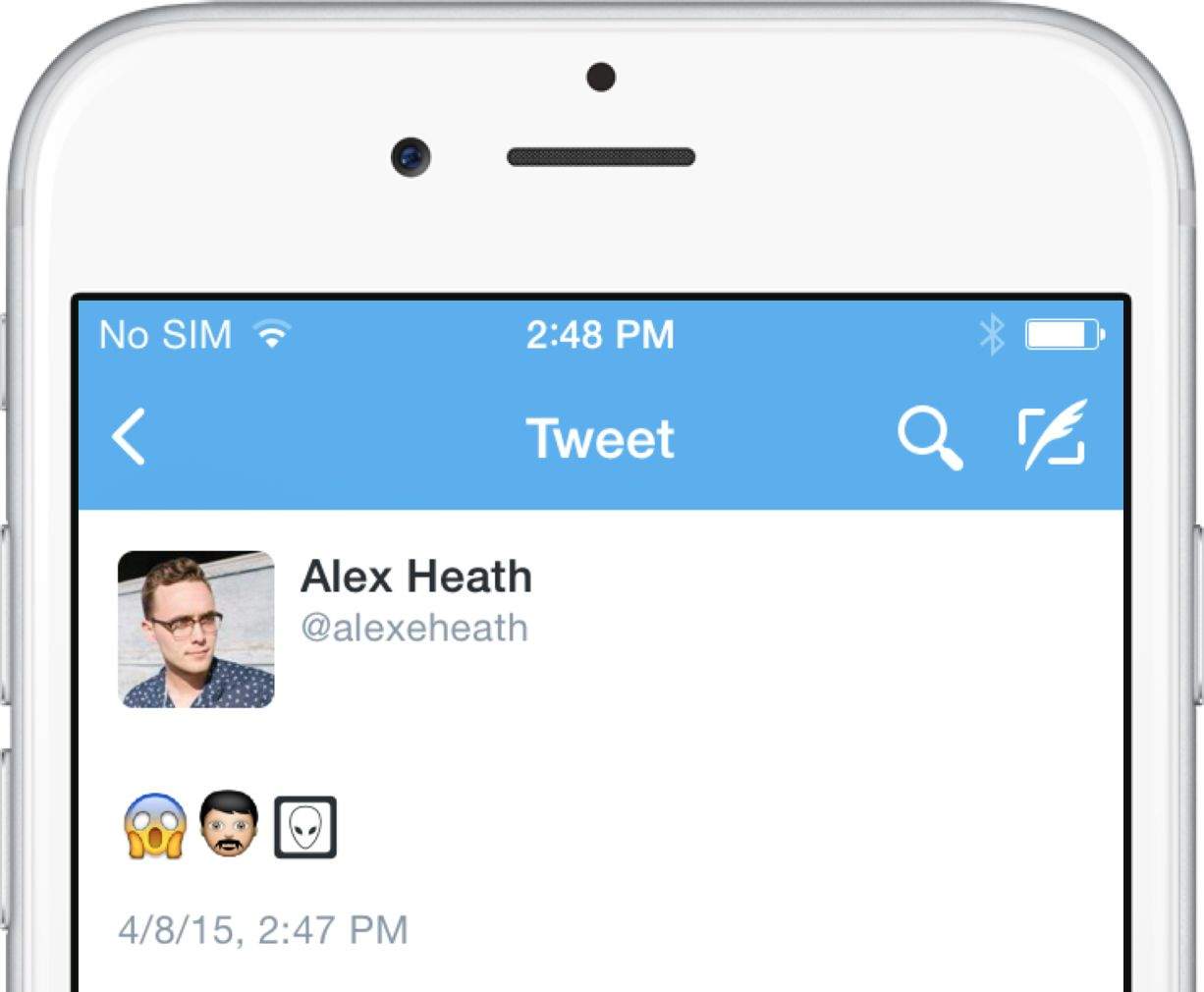
But the catch is that if you’re not on the newest iOS 8.3 and OS X 10.10.3, you won’t see these new emojis. Instead, you’ll see an alien or an empty box!
So many shortcuts, save a little time. Photo: DeclanTM/Flickr CC
There are a ton of Mac keyboard shortcuts to make your digital life easier and more productive. Last week, we showed you 10 of the best shortcuts to keep in mind when using your Mac, and you responded with even more.
Here are Cult of Mac readers’ suggestions for even more fantastic Mac keyboard shortcuts.
Early reviewers are in love with Apple Watch. Photo: Apple Photo: Apple
The first wave of Apple Watch reviews landed this morning with the consensus that Apple has created the best smartwatch ever. Now whether you actually need a smartwatch is still being heavily debated, but the early Apple Watch reviews have highlighted some pretty compelling cases.
Reviews from tech news sites have praised Apple Watch for its innovative UI and incredible design. After slogging through the first reviews though, the most interesting insights I found about Apple Watch came from non-tech sites. What will it be like for normal, non-tech nerds to use Apple’s timepiece?
Here’s everything new I learned about Apple Watch from reading all the reviews:
iOS 8.3 is here. Photo: Jim Merithew/Cult of Mac Photo: Jim Merithew/Cult of Mac
Apple released the third major update to iOS 8 today with the public launch of 8.3, which brings a host of new features to iPhones and iPads.
The iOS 8.3 update is available as an over-the-air update or via iTunes. Some of the new features include racially diverse emoji, two-factor authentication for Google, new Siri languages, and tons of bug fixes.
Here’s a run down of the biggest features you’ll find:
The next big thing? Photo: Leander Kahney/Cult of Mac
The first reactions to the Apple Watch are hot off the presses and, to be honest, they’re pretty much what I was expecting.
There are some nice revelations (battery life isn’t as bad as we feared), some areas to improve on (activating the screen carries a lag, although Apple promises it can fix it though software updates), praise for how easy it is to manage notifications, and a general sense of reviewers trying desperately to figure out what the hell a smartwatch should try and do.
And concluding that — despite being unclear about quite what that is — Apple has done it pretty well.
Check out the highlights of the early hands-on impressions from Re/Code, the Wall Street Journal, David Pogue, and the other people lucky enough to get an early review unit:
The Resident Evil franchise has suffered a bit of an identity crisis in recent years, straying from its survival-horror roots toward something considerably more action-based. The latest entry, Resident Evil: Revelations 2, tries to have it both ways by splitting its four-chapter tale between two storylines. One features two frantic survivors struggling for resources, and the other has you playing as a heavily armed man of action.
It seems like mixing these two extremes would end up diluting them both, but somehow developer Capcom managed to take the best of both play styles and create something distinctive, harrowing and still damned scary.
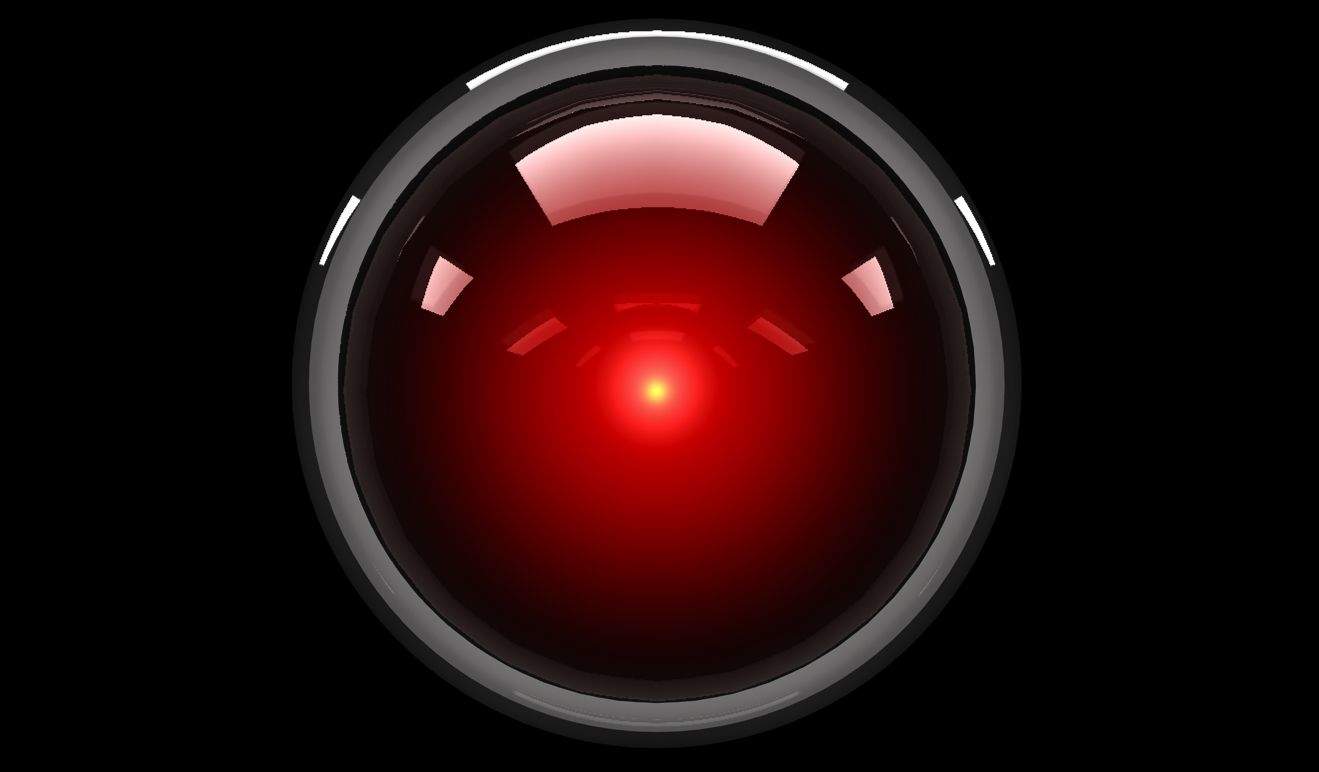
HAL 9000 is the spiritual antecedent of CARROT. Photo: Metro-Goldwyn-Mayer
Most apps are way too nice to us. “Don’t worry that you missed your 10,000 steps today,” they say. “There’s always tomorrow.”
CARROT apps are different. Whether you’re using a CARROT calorie counter or a CARROT weather forecaster, all the apps in the growing line have one thing in common: an hilariously sadistic AI character that serves as your in-app guide, dishing out harsh punishments if you miss your targets.
“So many of the apps out there are just cloyingly sweet, CARROT creator Brian Mueller tells Cult of Mac. “They’re always telling you that you’re doing a good job, no matter what you’re doing. I wondered what would happen if you did the opposite and created a sarcastic, irreverent personality who would yell at you if you don’t get stuff done. And, to my surprise, people really, really responded to it.”
The Netflix of piracy is coming to iPhone. Photo: Popcorn Time Photo: Popcorn Time
Sometimes described as “Netflix for pirates,” the video streaming service Popcorn Time is coming to iPhone. The standalone Popcorn Time iOS app will launch imminently — quite possibly as early as today — and will allow users to watch pirated TV shows and movies on the move.
While it won’t be allowed in the App Store for obvious reasons, a workaround means users can install the app without having to jailbreak their handsets first — although, for now, you’ll need to have access to a Windows computer.
Instagram quietly enabled an option today that makes it super-easy to keep track of your favorite accounts.
You can now set up push notifications for whenever a specific account posts a new photo. The timing of the new feature makes perfect sense with the impending release of the Apple Watch.
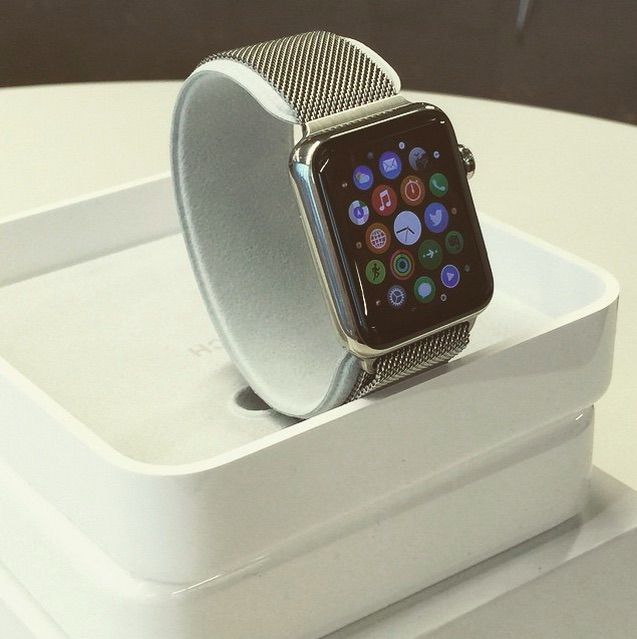
Just three days before Apple’s smartwatch will be on display in stores around the world, new pictures have revealed what Apple Watch packaging will look like.
Images of the Apple Watch box, which doubles as a charging stand, were posted on Instagram today. With the first review units already out in the wild, we’re learning new details about the Apple Watch nearly every day, like how Apple Watch bands will be packaged.
That looks like a Professor Layton ... card game? Ugh. Photo: Level-5
Level-5, the game developer behind adored Nintendo 3DS gaming franchises Professor Layton and Fantasy Life, is making the rough transition to mobile devices.
At a press conference in Japan, Level-5 CEO Akihiro Hino said Layton 7, the next installment in the Professor Layton series, and Fantasy Life 2, sequel to the much-loved Fantasy Life sim game, would be coming to iOS and Android smartphones.
Unfortunately, both games show signs of becoming shallow mobile experiences, the biggest reason companies like Nintendo have cited as a reason not to bring handheld titles into the mobile arena.
HBO Now on the big screen. Photo: Rob LeFebvre/Cult of Mac
Want a free month of HBO Now on your Apple TV, iPad or iPhone? If you sign up for the standalone service now, you can watch the premier of Game of Thrones on April 15 absolutely free.
I’m a long-time cord cutter and I’m super-excited that I can now purchase HBO directly from the television network, via iTunes, instead of having to sign up for a local cable TV package and then pay for HBO on top of that.
If you’ve got an Apple TV or an iOS device, you can get your own free month. Here’s how.
Mechawhales are the creation of 3-D artist Hauke Scheer. Photo: Hauke Scheer
If you want to skip out on posing for photos during the next family vacation, do what Hauke Scheer plans to do — use a 3-D-printed version of yourself as a stand-in.
The Scheer family might let him get away with it, since the fully articulated action figure of himself that he created is a pretty good likeness. The quality of his miniature plastic doppelganger — and the geeky scheme to get out of family portraits — tell you something about Scheer, 39, who earns a living making 3-D-printed figures of mechanized whales and other crazy characters from his home in Frankfurt, Germany.
“I am a total geek with a huge collection of comics, science fiction and fantasy movies and, of course, action figures,” Scheer, who runs Deep Fried Figures, told Cult of Mac. “I started sculpting my own figures during my early teenage years at a time when lots of characters I loved were not available in figure form. After a while, I realized it was even more fun to make characters of my own.”
These may not be the droids you're looking for, but it could be the patent you want. Photo: Lucasfilm
Apple may have already used the name “Force Touch” for its touch-sensitive tech, but if you’re a sci-fi fan who’s ever dreamed of wielding The Force to control your Mac with an Obi Wan-like sweep of the hand, you could be in luck.
Apple today published a patent for a technology which describes in-air 3D gesturing which allows it to accurately establish not only where a user’s hand might be, but also what it is doing. As such, it opens up the possibility of creating detailed hand poses for triggering different actions.
Throwing up a pair of hand horns to get AC/DC blaring out on iTunes? Yes please.
Snapchat used to have a “Best Friends” list that showed you who each of your friends snapped with the most. It was a weird, slightly stalkerish part of the app that was removed last year.
Now Snapchat has brought back a way to see top friends, but in a more fun way that relies totally on emojis (and won’t destroy your relationships). Here’s how to decode what the new Snapchat emojis mean.
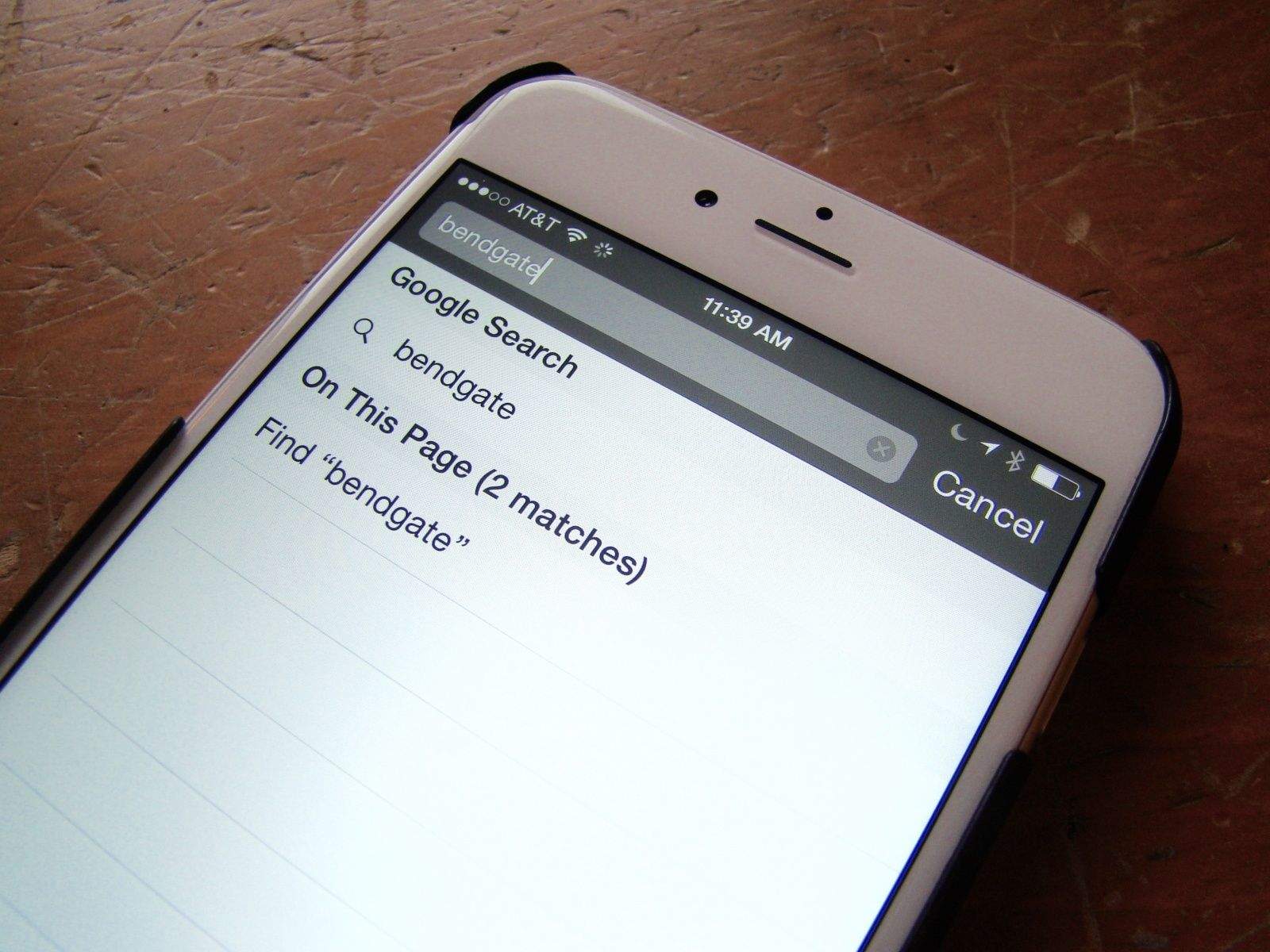
Searching within Safari pages is pretty easy, but well-hidden. Photo: Rob LeFebvre
On the Mac, it’s super-easy to search for a word or phrase within the currently loaded page. You simply hit Command-F on your keyboard and Safari, Chrome or any other web browser will open up a little field to type your search terms into.
But what about when you’re using mobile Safari on your iPhone or iPad? How do you find a specific word or phrase there?
It’s pretty simple, but not super-intuitive. Here’s our recipe for finding search terms on your iPhone’s version of Safari.
We're finally going to get the TV we deserve. Just not quite the resolution we want. Photo: Jim Merithew/Cult of Mac
Both the iPad Air 2 and iPhone 6 secretly support 4K video, but don’t expect the same from the next-generation Apple TV, according to one new report.
Citing “sources in position to know,” BuzzFeed News claims that the much-speculated-upon 4th generation Apple TV isn’t going to go out of its way to support a video resolution “still in its infancy” — despite the fact that rivals Netflix and Amazon already offer this service, albeit in limited supply.
Adobe’s latest app is a powerful brainstorming and publishing tool for laying out words and images in a beautiful web layout. Whether you’re a student working on a project or a businessman creating an office presentation, Slate is designed to be flexible with pre-installed themes and plenty of tools.
The easiest way to summarize Slate is a dumbed-down version of InDesign for the iPad. It’s nice to see powerhouses like Adobe continuing to invest in the tablet as a content creation tool. For an example of what you can make with Slate, check out this gorgeous story on Snowy Owls.
Swatch has an answer for Apple Watch. Photo: Apple
With Apple Watch about to become a reality, recent reports have questioned the benefits of fitness trackers, highlighting their inaccuracy and even claiming they make you fat.
So can wearables like Apple Watch really help you get fit? From my experience, what’s in your heart is more important than what’s on your wrist — but gadgets still have a role to play.