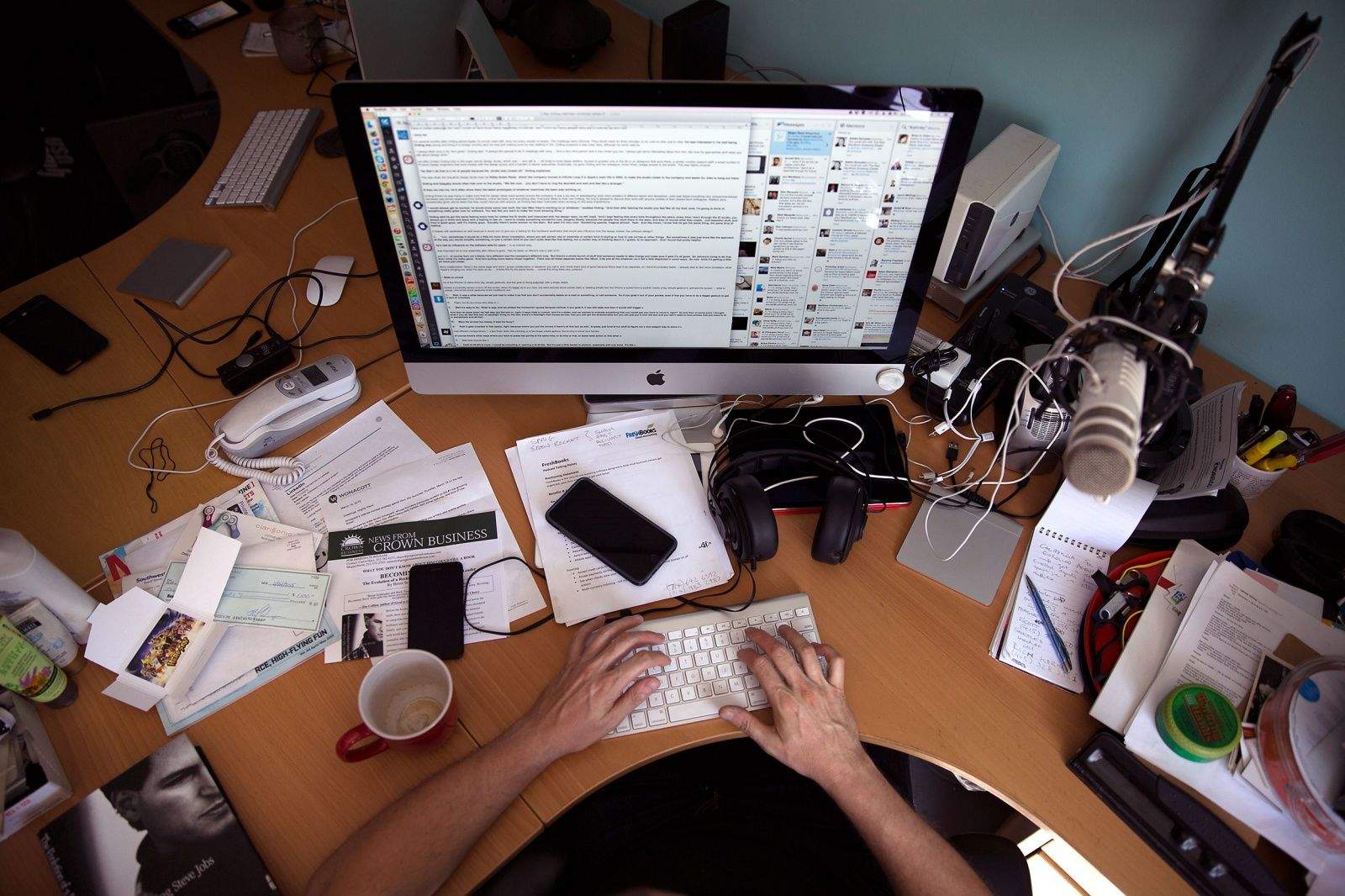
It's time to go paperless. Photo: Jim Merithew/Cult of Mac Photo:
Sick of the mountains of paper stacking up in your inbox? You’ve probably heard about the joys of having a paperless office, maybe even thought about setting one up, but didn’t know how.
Well, here’s how. Not only is it easy to set to do, it can totally change your life.
Here’s how to use your Mac and iPhone to effortlessly set up your own idiot-proof paperless office … the right way.
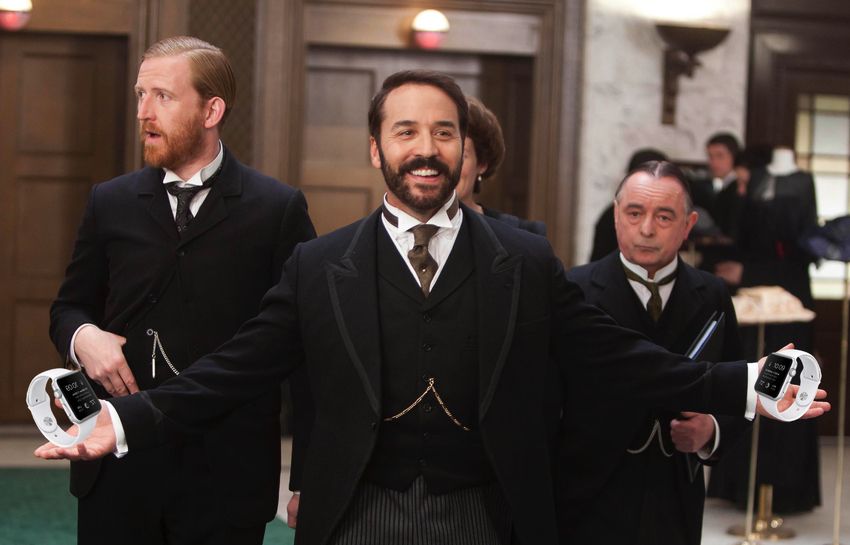
Mr. Selfridge will be selling Apple Watches. Sort of. Photo: Cult of Mac/ITV
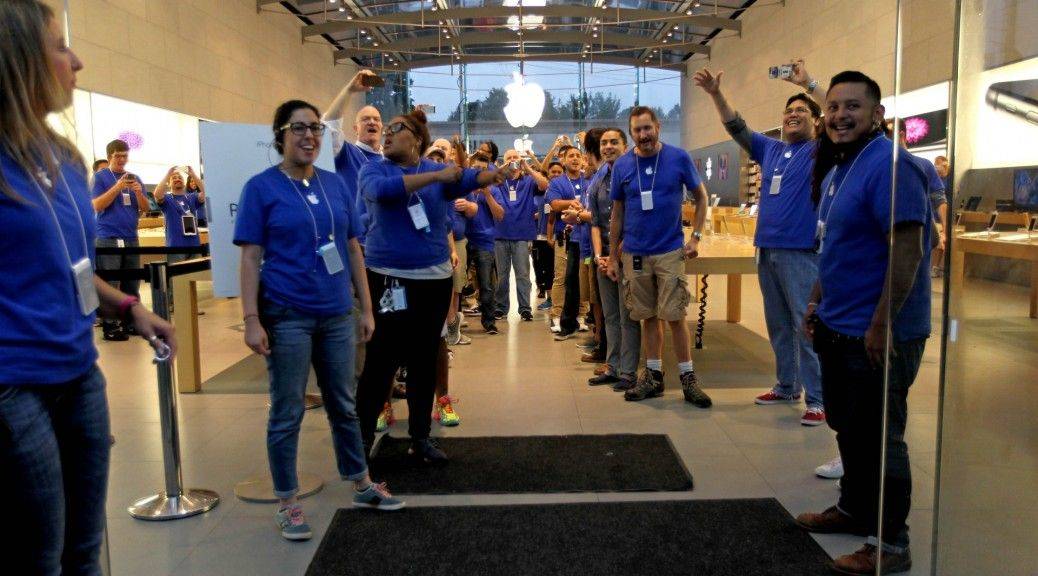
If you’re in the market for an Apple Watch, and you live in London, Paris or Tokyo, consider yourself in luck: Apple will be opening mini store-within-store kiosks in luxury local department stores, dedicated to selling its eagerly-anticipated smartwatch.
The pop-up stores are planned to open Friday, April 10, when the Apple Watch first goes on preorder, which means you can be among the first to see the Apple Watch in person.
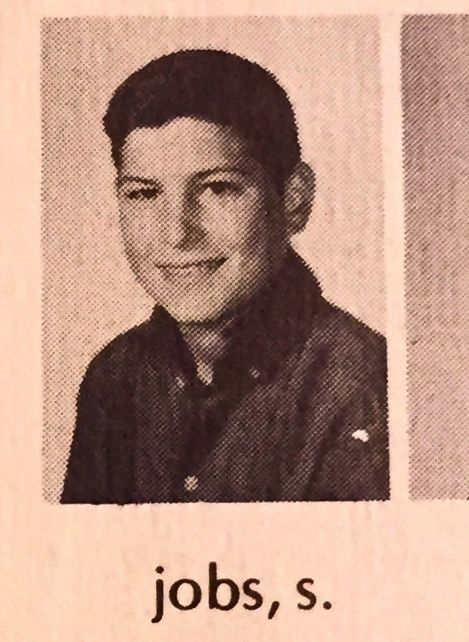
Steve Jobs back when he had the same net worth as you or I. It didn't last long. Photo: Austin Belisle/Homestead High
When I think of young Steve Jobs, I typically picture the long-haired hippie who worked at Atari or the brilliant-but-immature co-founder who started Apple with Steve Wozniak. But here’s something I’ve not seen before: a photo of Jobs as a cherubic-but-undeniably-recognizable high school freshman.
The photo comes from the Homestead High yearbook from 1969, when Jobs was 14, and is far less well-known than the high school senior picture with which I’m already familiar.
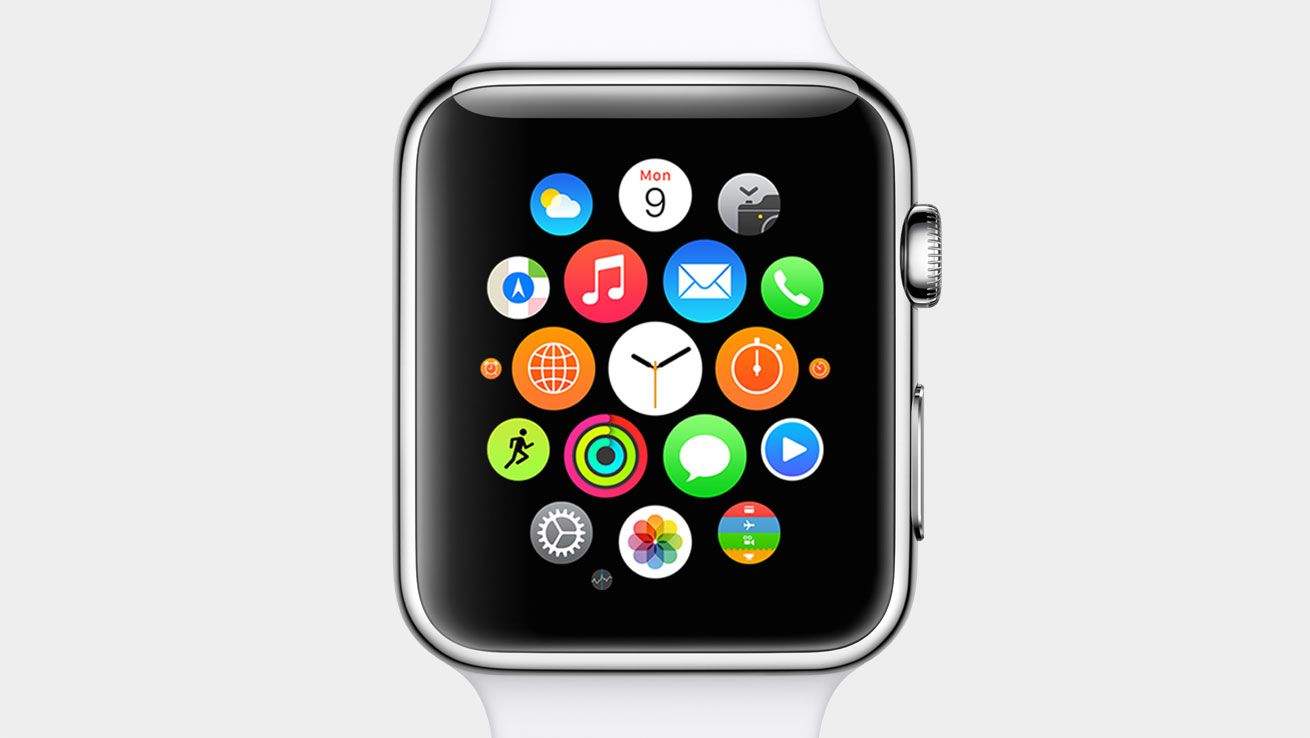
Apple Watch apps are ready for your wrist. Photo: Apple
Apple Stores won’t have the Apple Watch on display for a few weeks, but anyone eager to see what the world of wrist apps will offer can already download them to their iPhone.
The first wave of Apple Watch-supported apps started hitting iTunes today, with big names like Target, Evernote, WeChat and Expedia being some of the first out of the gate. You can’t actually use the Apple Watch functionality on the apps yet (unless Tim Cook hooked you up with an early unit), but you can get an early glimpse of how some apps will dramatically change your life.
Here are some of the first Apple Watch apps you can download and their features:
Fortune names Tim Cook the "world's greatest leader." Here's why. Photo: Apple
Tim Cook had enormous shoes to fill when he took over as Apple CEO. After Steve Jobs’ death in 2011, doubters questioned whether the Southern engineer could keep Apple relevant. But Cook has led Apple to become the world’s most valuable company — he might be even better at running the company than Jobs ever was.
Now Fortune has named Cook the “world’s greatest leader” and published a profile full of exclusive details about Cook’s journey as Apple CEO. In the interview, Cook reveals how he developed thick skin, why he’s giving all his money to charity, and the real reasons he opened up about his sexuality.
The massive profile is well worth a read, but we’ve picked out the most interesting bits for you below.
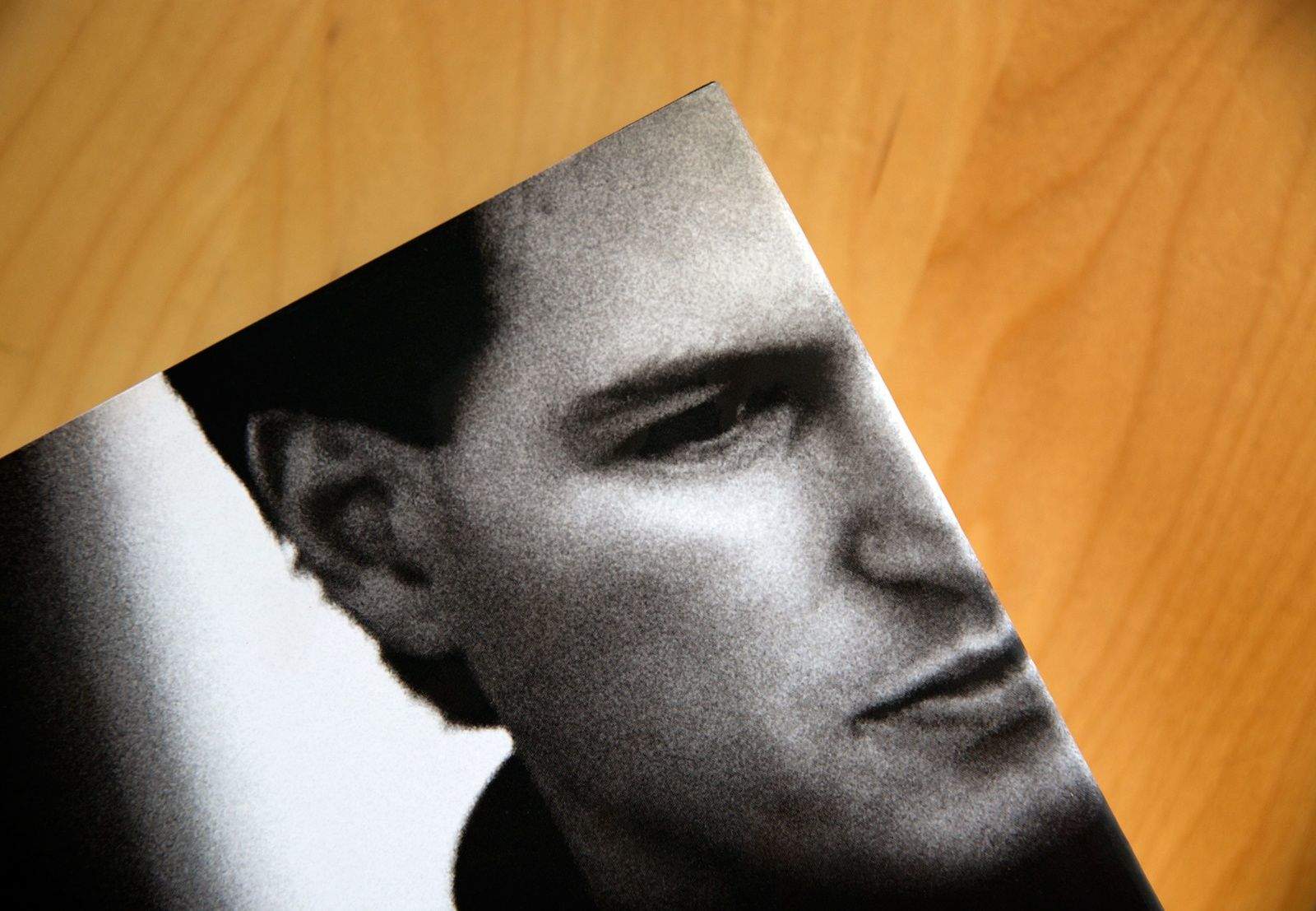
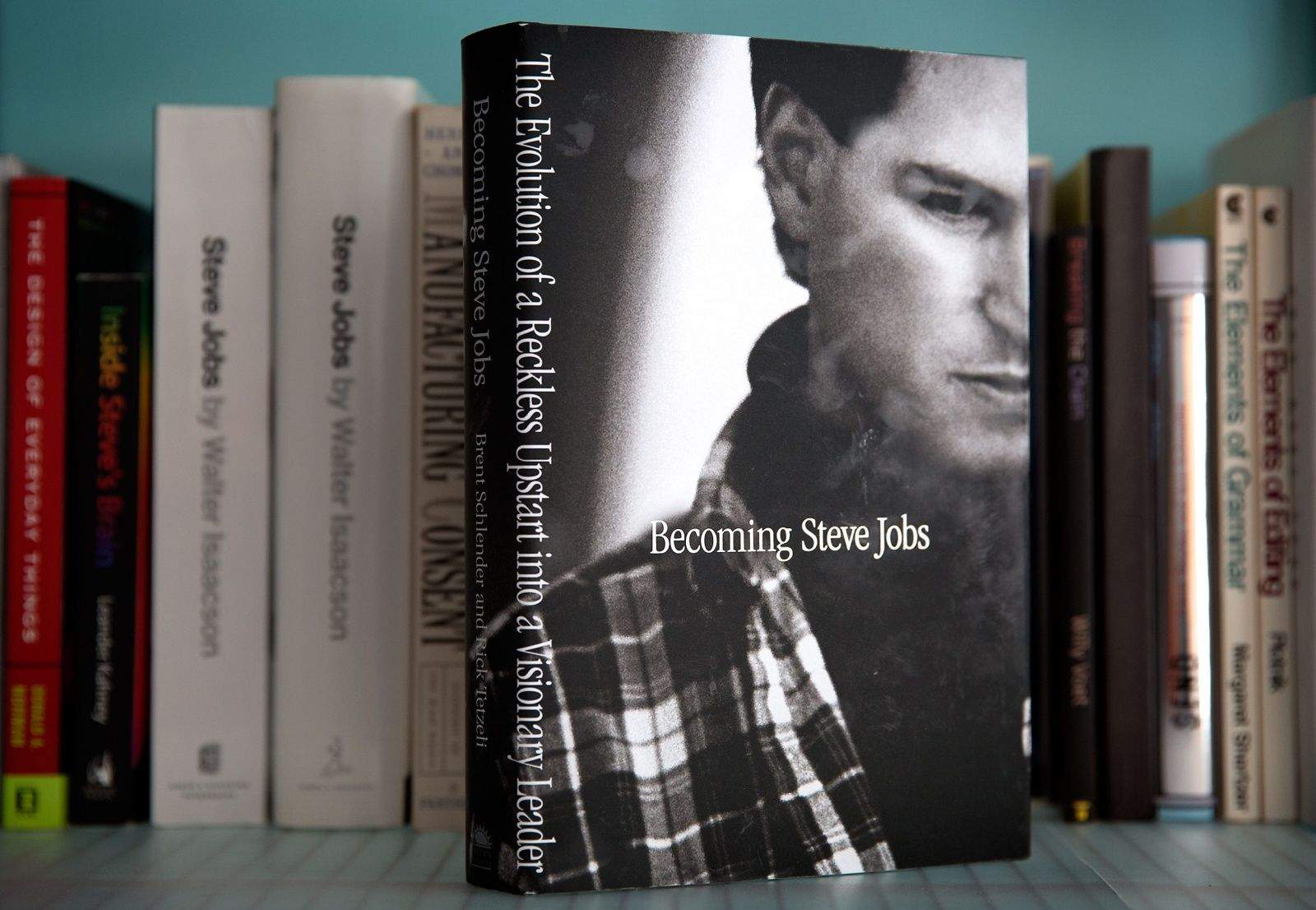
The world needs fresh insight into how Apple works, but you won't find much of that in Becoming Steve Jobs. Photo: Jim Merithew/Cult of Mac Photo: Jim Merithew/Cult of Mac
One of Steve Jobs’ favorite recordings was The Beatles working on version after version of “Strawberry Fields Forever.”
The new Jobs biography, Becoming Steve Jobs, is like that recording: It serves up fresh takes on oft-told stories from Apple’s history, this time with more sugarcoating.
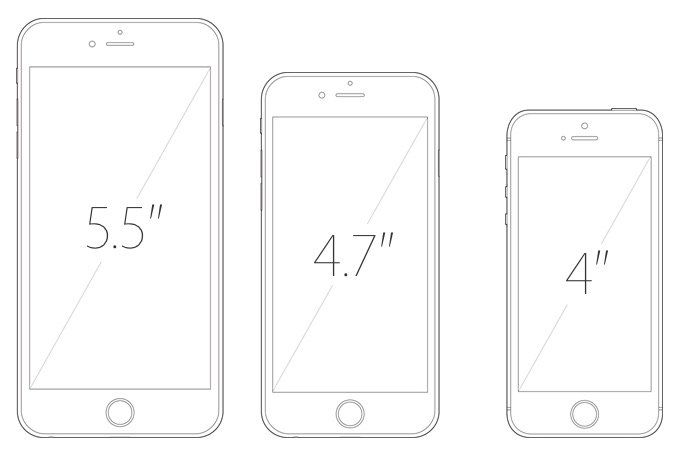
The projected sizes of Apple's next generation of iPhones. Photo: ModMyI Photo: ModMyI
Whispers about three new iPhones set to arrive this September are emanating from Apple’s Chinese supply chain — suggesting that we may be set to receive the expected iPhone 6s and 6s Plus, alongside a 4-inch iPhone referred to currently as the iPhone 6c.
Check out details about internal components, possible pricing and projected sales below.
Becoming Steve Jobs explores Steve Jobs' exile from Apple. Photo: Jim Merithew/Cult of Mac Photo:
New biography Becoming Steve Jobs attempts to answer an important question: What happened to Steve Jobs during his wilderness years outside Apple that turned him from a gifted-but-impossible-to-work-with youngster into the seasoned digital emperor he would be following his return to the company he founded?
It’s a question that’s crucial to understanding Apple’s rise back to prominence from the late 1990s onward — but one that was ignored by previous Jobs’ biographer Walter Isaacson, whose 2011 book Steve Jobs sold a gajillion copies, but is now (perhaps unfairly) being recast as an unqualified failure.
In Isaacson’s book, these crucial years away from Apple take up just five chapters out of 42 — and that section also includes Jobs’ marriage to Laurene Powell and the birth of his children. In Becoming Steve Jobs, the lessons from that era permeate almost every page.
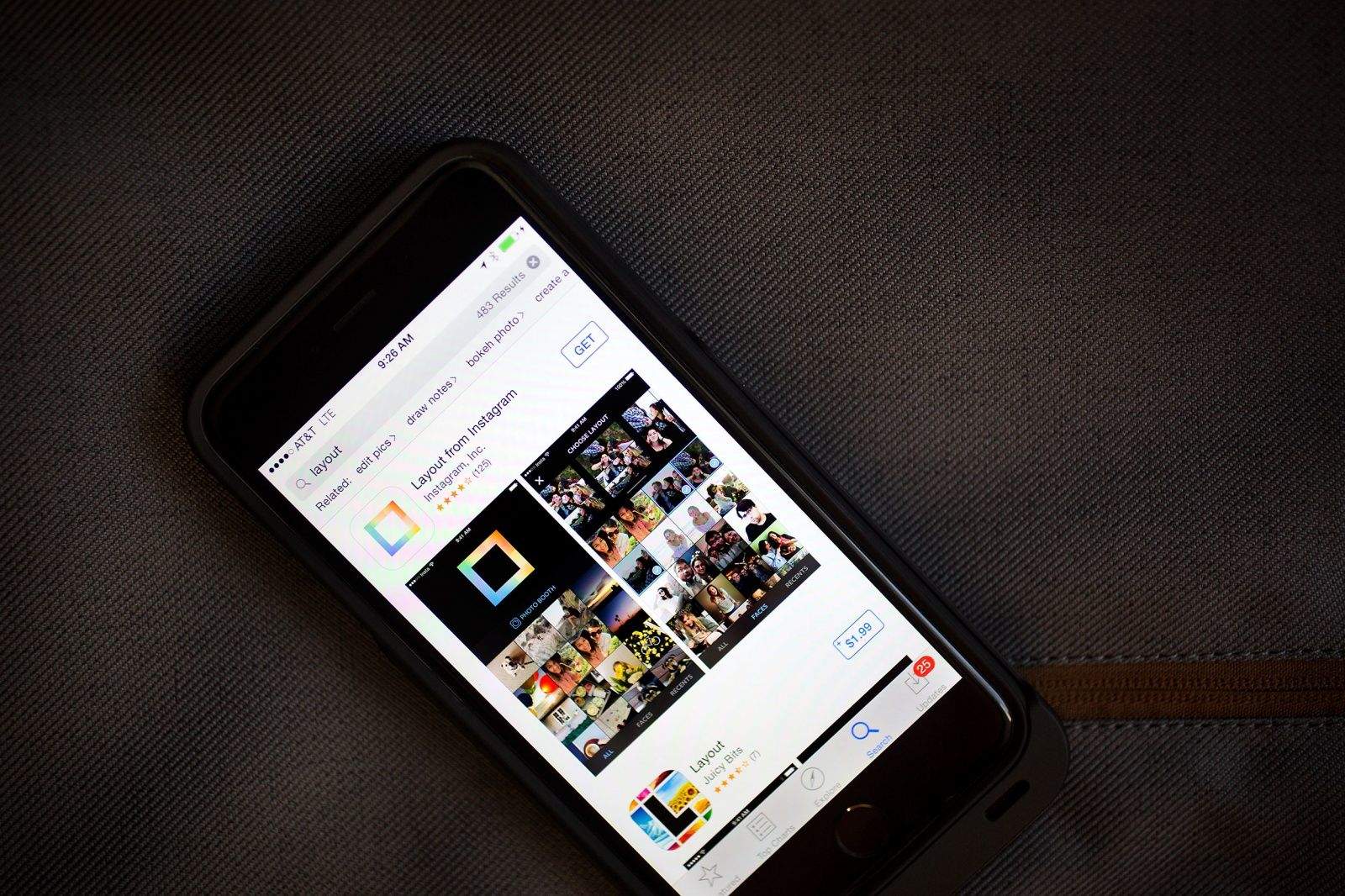
Layout from Instagram? That name sounds oddly familiar. Photo: Jim Merithew/Cult of Mac Photo:
What happens when a multi-billion-dollar social network steals your app’s name?
Independent developer Mike Swanson asked that question Monday when he learned that Instagram had released Layout, the Facebook-owned company’s new iPhone app for creating photo collages.
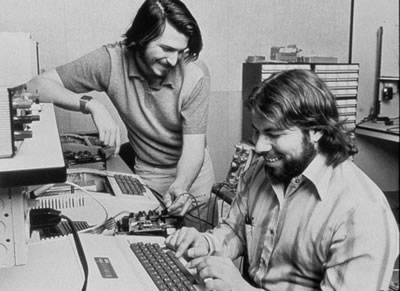
Woz and Jobs in their early days at Apple. Today, they'd have been looking at job rejection letters. Photo: Apple
Steve Wozniak thinks he and co-founder Steve Jobs could never have found employment at the company they created together, had they been in their twenties in 2015.
“I look at the experience and education levels you need to get a job at Apple today and I think, ‘Well, Steve Jobs and I never could’ve gotten a job at Apple today,'” Woz told The Australian Financial Review in an interview.
The reason, he says, is that the rigorous Apple hiring process (like the ones at other tech giants like Google and Microsoft) would never have favored two college dropouts like himself and Jobs. This bias means the companies are potentially missing out on finding the next person to come along with a world-changing idea.
Welcome to the Apple Store. Would you like to buy a Samsung? Photo: NelkFilmz
I’ve always found the people who work in Apple Stores to be incredibly helpful and, considering that their job is to sell you on expensive products, honest. One thing that’s never happened to me, however, is having an Apple Store employee suggest that I consider choosing a Samsung handset or Windows Phone over an Apple device.
But that’s exactly what happened the day that YouTube pranksters NelkFilmz dressed up as Apple employees and hit their local Apple Store, with the aim of selling Surfaces instead of iPads. They’re quickly weeded out by the real store employees, of course — at which point things just get awkward.
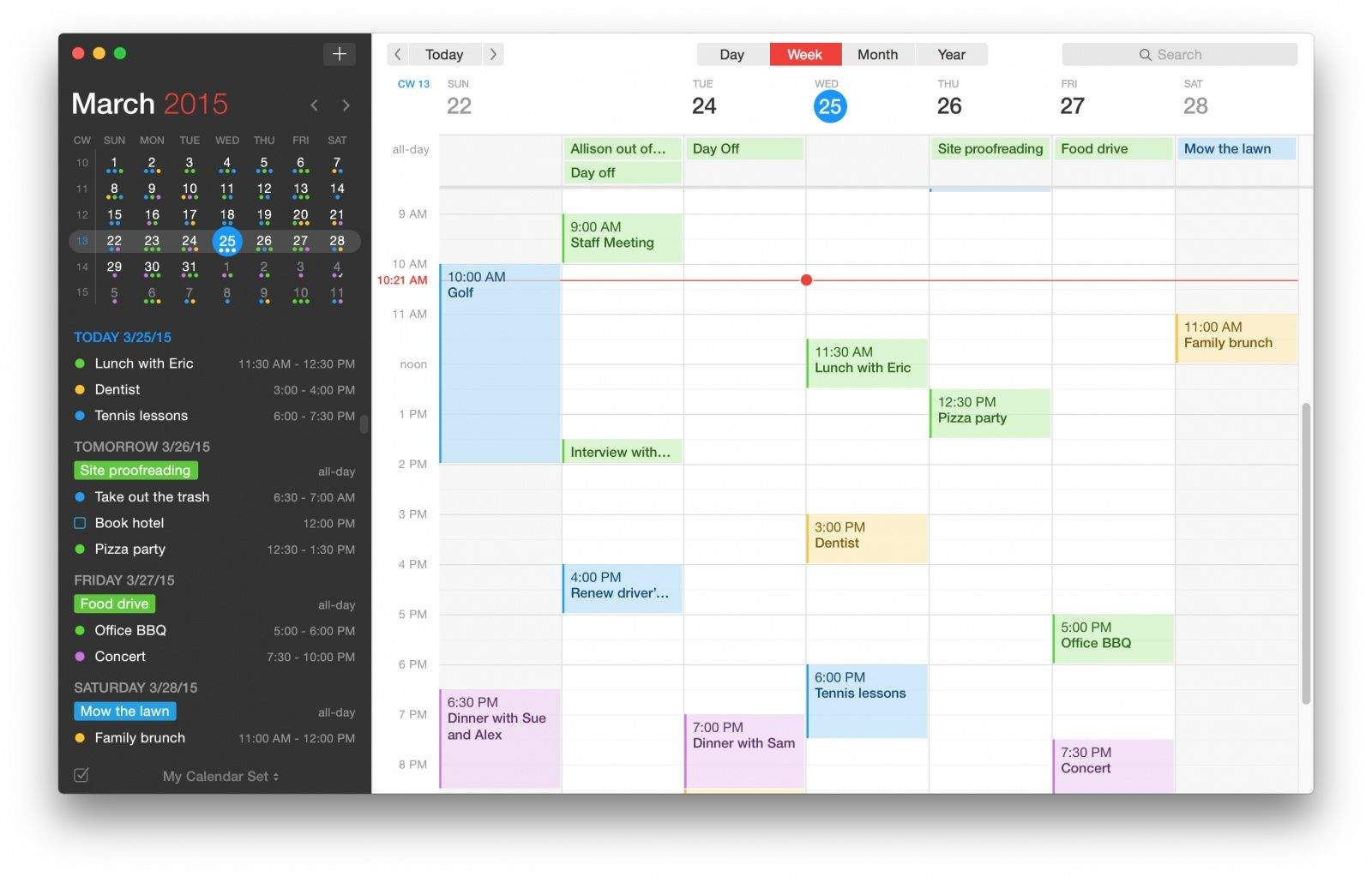
The best calendar app just got way better on the Mac.
Fantastical has been my go-to calendar app for years. It’s interface and ease of use is second to none, especially Apple’s terrible Calendar app.
But Fantastical hasn’t received much love on the Mac in awhile. While the iOS version has continued to steadily iterate, the app’s design and basic feature set on the desktop has basically stayed the same.
Today Fantastical 2 for Mac arrives, bringing a complete design revamp for OS X Yosemite and several major new features.
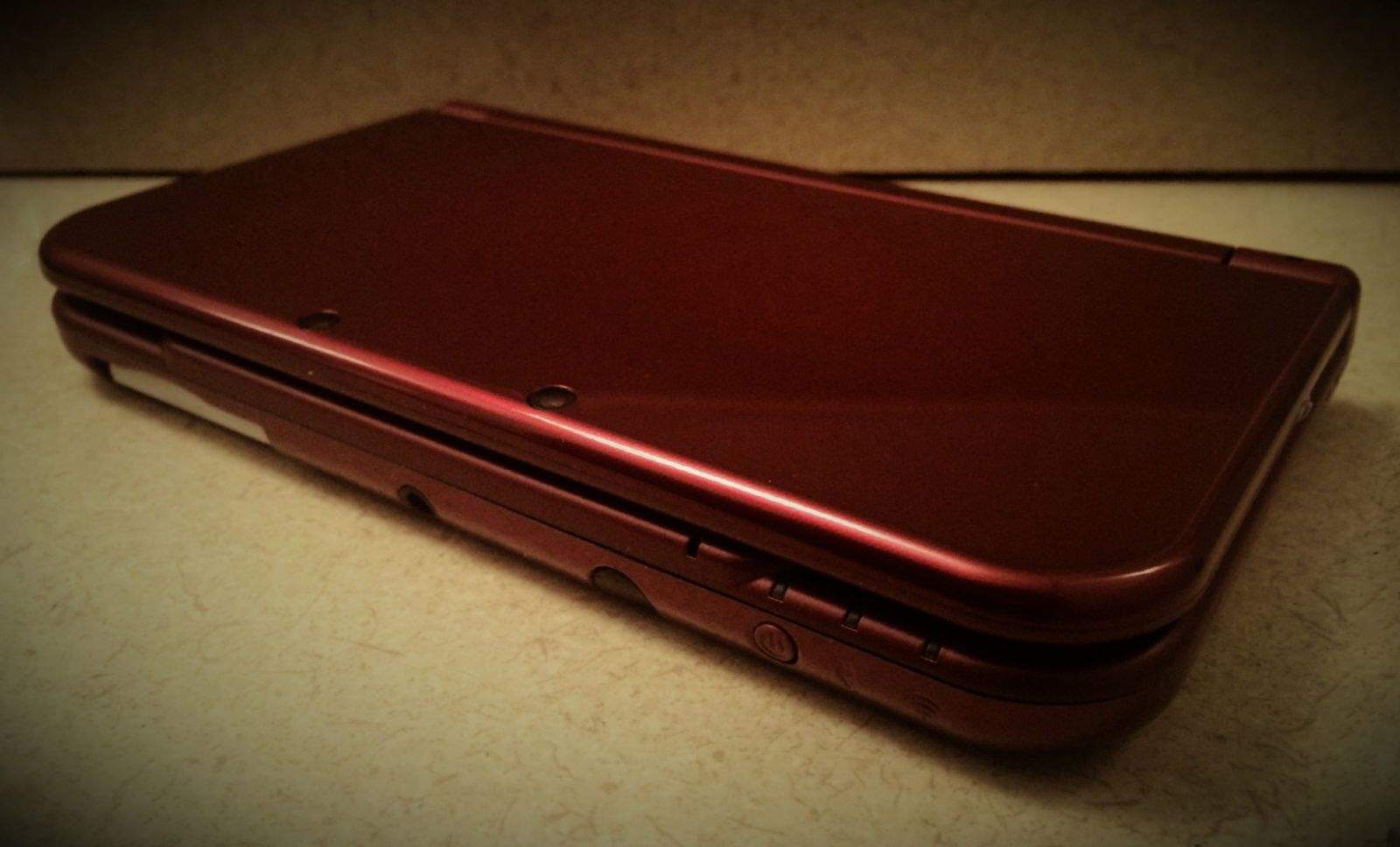
It's bigger and shinier than any Nintendo handheld ever made. Photo: Evan Killham/Cult of Mac
Your iPhone and iPad are decent options for gaming on the go, but they can’t do everything. Sometimes touch controls work, and sometimes they don’t.
If you’re a dedicated gamer who wants something that combines the simplicity of touch controls with the precision of actual buttons, I recommend Nintendo’s newest handheld gaming device.
The latest incarnation of the 3DS handheld system is appropriately named the New Nintendo 3DS XL (North America didn’t get the smaller version, but my massive man hands and I are not complaining). It offers a wider viewing angle for its glasses-free stereoscopic 3D graphics, a faster processor and even more buttons than the old one. And if you can swing the $200 price, you’ll be buying a lot of fun. But as commenters love to point out to me, this is Cult of Mac and not Cult of Whatever I’m Writing About, so we’ll skip to the big question:
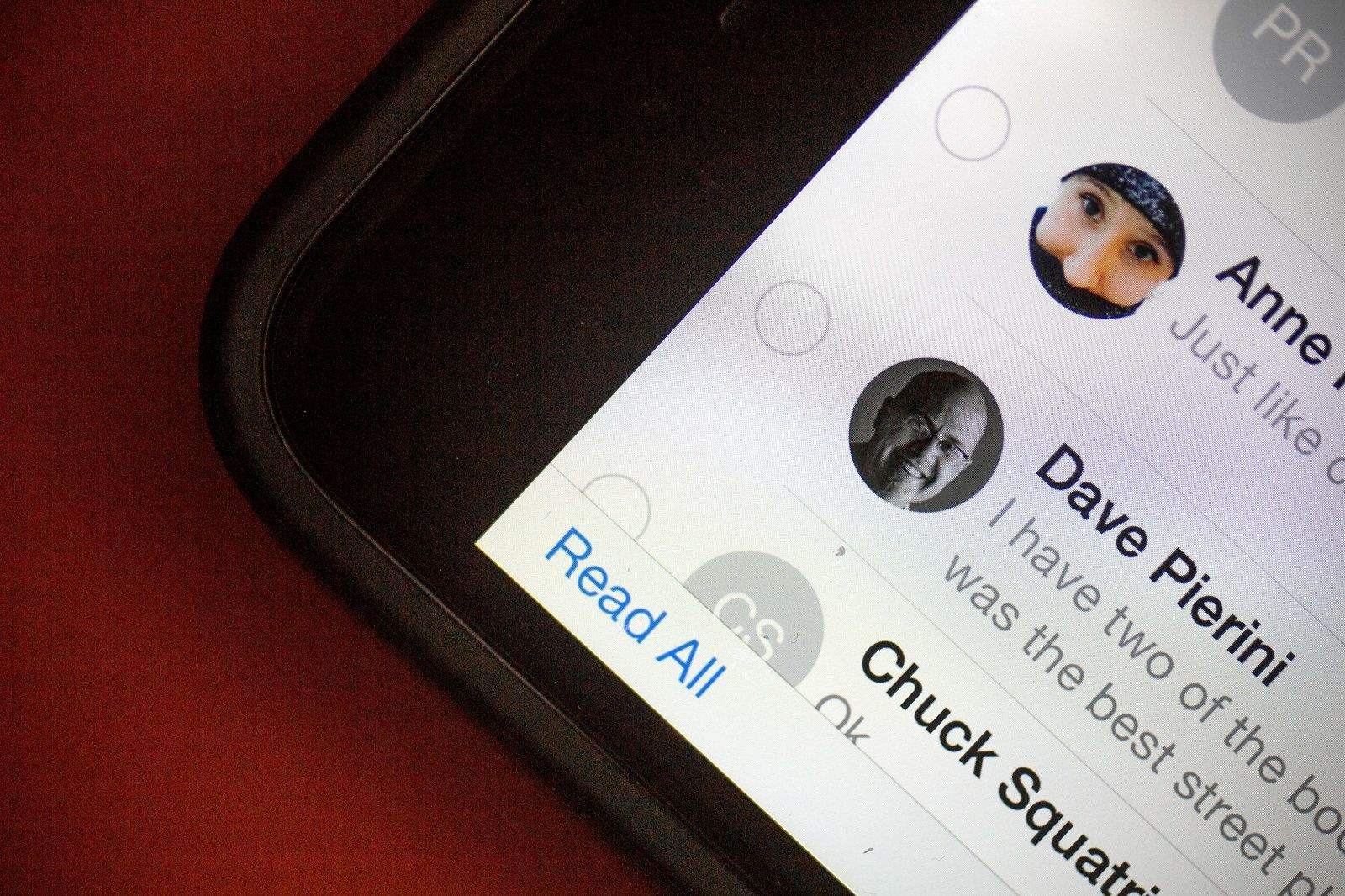
Too many unread iMessages? Try this simple trick. Photo: Jim Merithew/Cult of Mac Photo: Photo: Jim Merithew/Cult of Mac
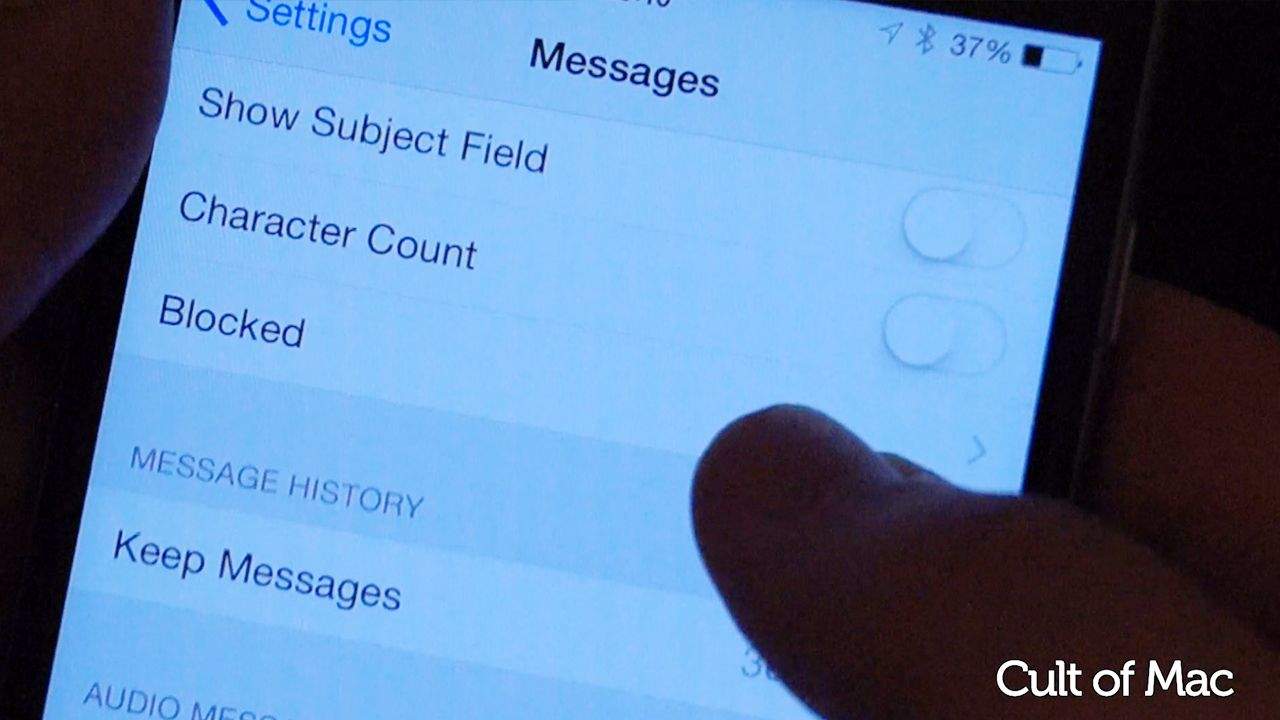
If you’re like me, you’ve got a ton of unread iMessages on your iPhone and tapping through them all just to get rid of your app badge anxiety seems like a bit too much effort.
Apple has your back, though, with a nicely designed way to mark all your iMessages as read. It might not be apparent at first glance where to find this magic trick. Here’s how.
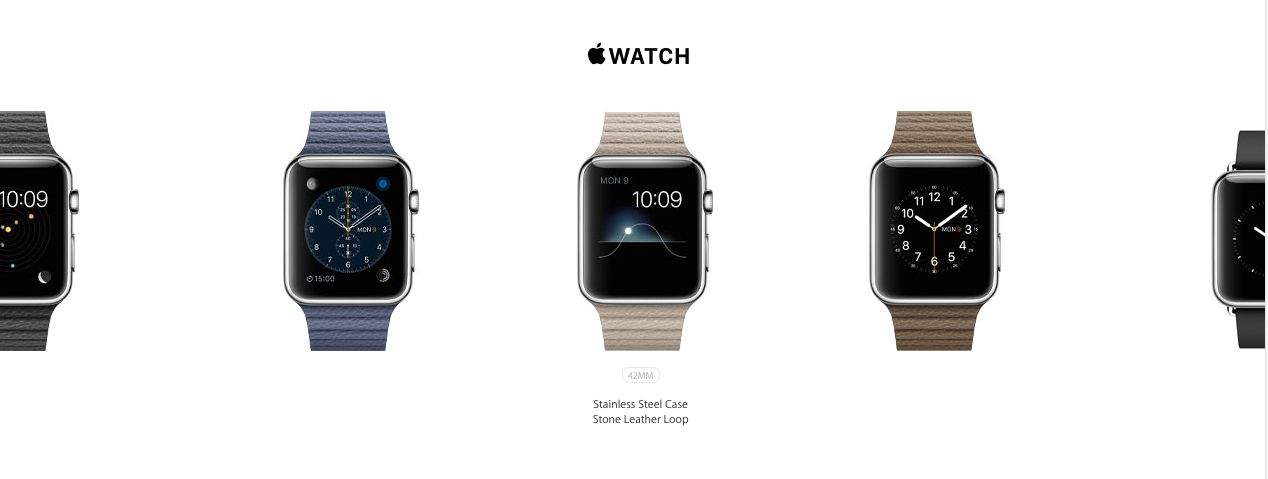
We’re just weeks away from the Apple Watch’s launch, but maybe you’re not as excited about it as some of us are. It’s understandable; not everyone needs a $550 watch that offers many of the same capabilities your phone already does (albeit more conveniently).
If you’re in the market for a cool new watch and don’t need all the smart features and gadgetiness of Apple’s offering, here are a few less-shiny options you could check out. And they are, in fact, far less shiny than the Apple Watch. Because they’re made of wood.
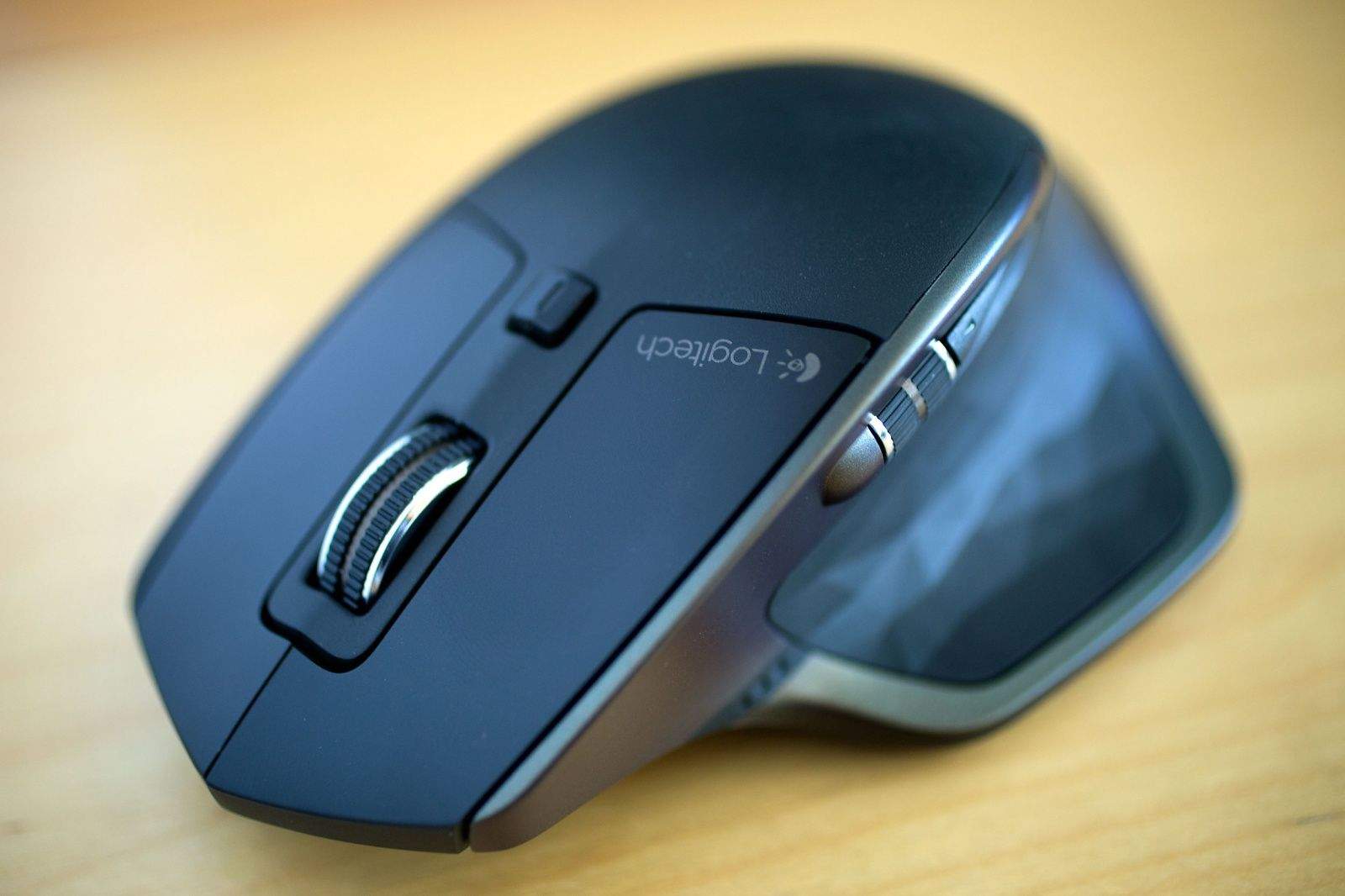
The new Logitech MX Master takes pains to be a great Mac mouse. Photo: Jim Merithew/Cult of Mac
SAN FRANCISCO — To make its mouse of the future, Logitech looked to the past. The MX Master, a reboot of a classic Logitech mouse that brings back a long-lost feature while adding significant modern upgrades, is perfect for the port-deficient new MacBook.
The MX Master resurrects the nifty scroll wheel that was a killer feature of the MX Revolution, which Logitech released in 2006. The Revolution’s clever scroll wheel seemed to shift gears on the fly, going from slow to speedy and letting you zip through long webpages and documents. The feature helped turned the Revolution into a hit, but the scroll wheel went away in subsequent Logitech mice, causing fans to weep for their loss when their beloved mouse finally crapped out.
The MX Master brings back the innovative scroll wheel with a vengeance.
Shouting can be an important part of your internet experience. Photo: Rob LeFebvre/Cult of Mac
Sometimes you just need to emphasize something. One of the best ways to do so when you’re texting is to make the words you really need to get across in all capitals. Or maybe you just want to shout at someone, and an ALL CAPS sentence will certainly get that across for you.
Before now, I’ve always just deleted the word I was trying to emphasize and re-typed it after double-tapping the Shift key in iOS (for Caps Lock). Now, however, it looks like you can change the case of the word after you’ve typed it without deleting anything.
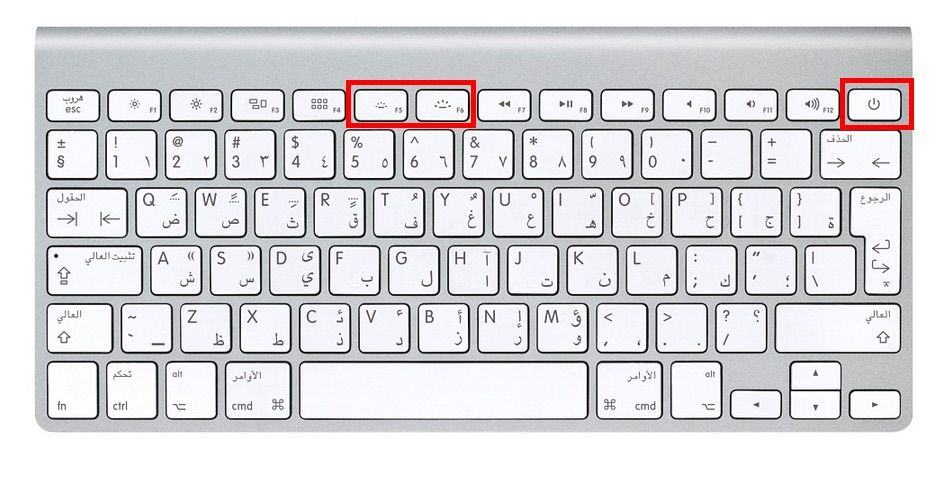
Apple redesigned the LED backlights for the new MacBook keyboard, and it appears a similar update could be coming soon to the Apple Wireless Keyboard.
Several images of an updated keyboard appeared on the online Apple Store for the Czech Republic as well as an Arabic keyboard in the U.S. store. Some of the images of the keyboard have already been pulled, but the redesign adds toggles for brightness to the F5 and F6 keys, as well as a power button on in the upper right corner.
Becoming Steve Jobs? More like Forgetting Walter Isaacson. Photo: Penguin Random House
You may have suspected that the new biography Becoming Steve Jobs had Apple’s official endorsement the moment it was revealed that Jony Ive, Tim Cook, Eddy Cue, Pixar’s John Lasseter and Jobs’ widow, Laurene Powell Jobs, offered their participation.
However, with just one day to go until the book’s release, the word is now officially out: This is Apple’s sanctioned version of the Steve Jobs story.
“After a long period of reflection following Steve’s death, we felt a sense of responsibility to say more about the Steve we knew,” Apple spokesman Steve Dowling said. “We decided to participate in [the] book because of [author Brent Schlender’s] long relationship with Steve, which gave him a unique perspective on Steve’s life. The book captures Steve better than anything else we’ve seen, and we are happy we decided to participate.”
Siri thinks it's about time the Apple Watch arrived. Photo: Apple
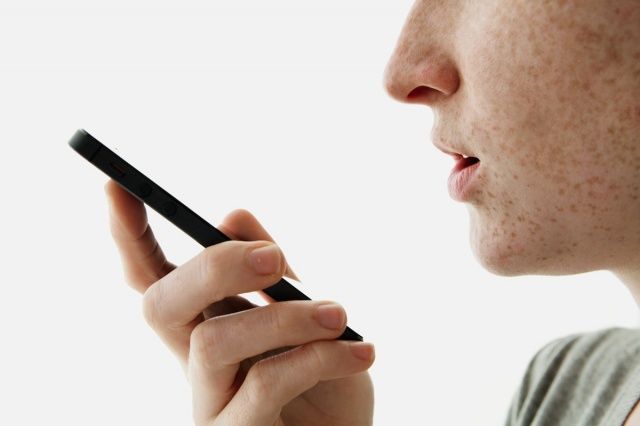
The tech world is eagerly awaiting the arrival of the Apple Watch and Siri, it seems, isn’t any different. With the launch of Apple’s debut wearable just a month away, the iOS virtual assistant is apparently just as obsessed with the device as we are — as a simple “What are you doing now, Siri?” question will attest.
Check out some of the amusingly geeky responses below.
It’s the weekend, which means it’s time to catch up on all of the hot new apps you might have missed throughout the week.
Don’t worry, we’ve got you covered.
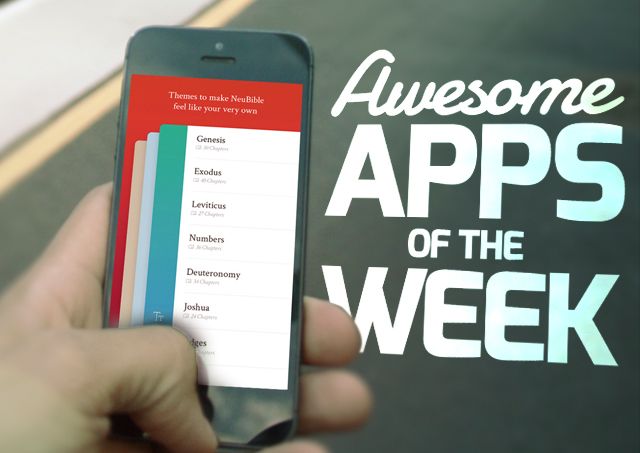
Can reading the Bible be sexy? There’s a new app from an ex-Apple designer that argues it can. We’ve also got the snakiness weather app you ever did see, the long-awaited return of an App Store reject, and other indie goodies you don’t want to miss.
Without further ado, here are this week’s awesome apps!
Are Apple Watch apps an 18-karat opportunity for indie developers? Photo: Apple Photo: Apple
With high development costs and uncertain prospects, now is a risky time to build Apple Watch apps. But like many other indie developers, I’m working on one anyway.
The Apple Watch gold rush is about more than money.
Steve Jobs planned to boot Jony Ive out of Apple the very first time he met him, according to an explosive new revelation from the forthcoming biography Becoming Steve Jobs.
“He came over to the studio, I think, essentially to fire me,” Ive told the book’s authors, Brent Schlender and Rick Tetzeli, in an interview.
Where no camera crew has gone before. Photo: ABC News
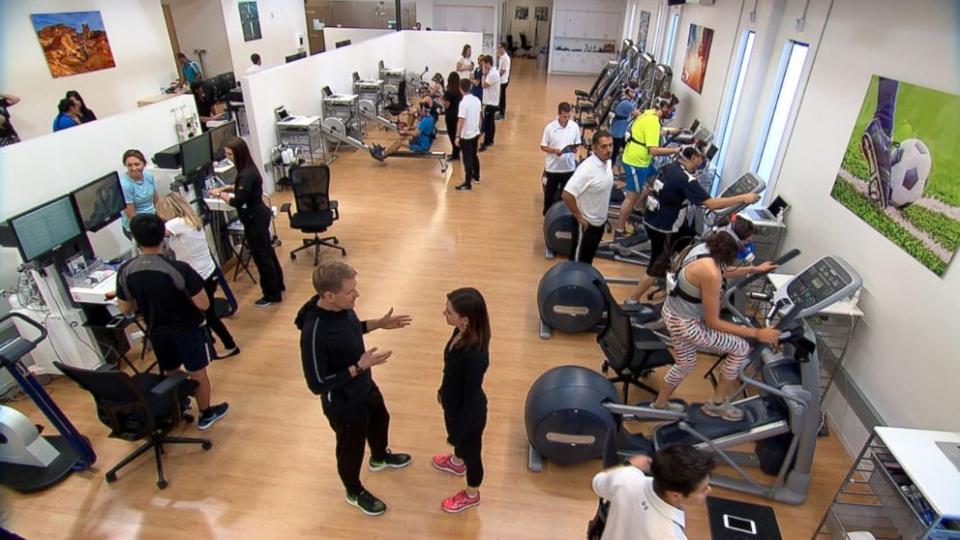
Apple rarely gives tours of its facilities, but it showed ABC News the inner workings of its top secret health lab for the purpose of hyping the upcoming Apple Watch.
Located in an unassuming lot near its Cupertino headquarters on 1 Infinite Loop, Apple employees have been working out for years in secret to collect valuable health and fitness data.
The new messaging capabilities built into OS X Yosemite make your Mac even more useful for day-to-day communication. With this new set of features (part of Continuity), you can send SMS text messages and make phone calls from your Mac. Than can be super-helpful if you’re forgetful and leave your iPhone in another room.
It doesn’t take too long to set it all up; in fact, we’re going to show you how to set up Continuity in less than two and a half minutes! Check it all out in our video below.