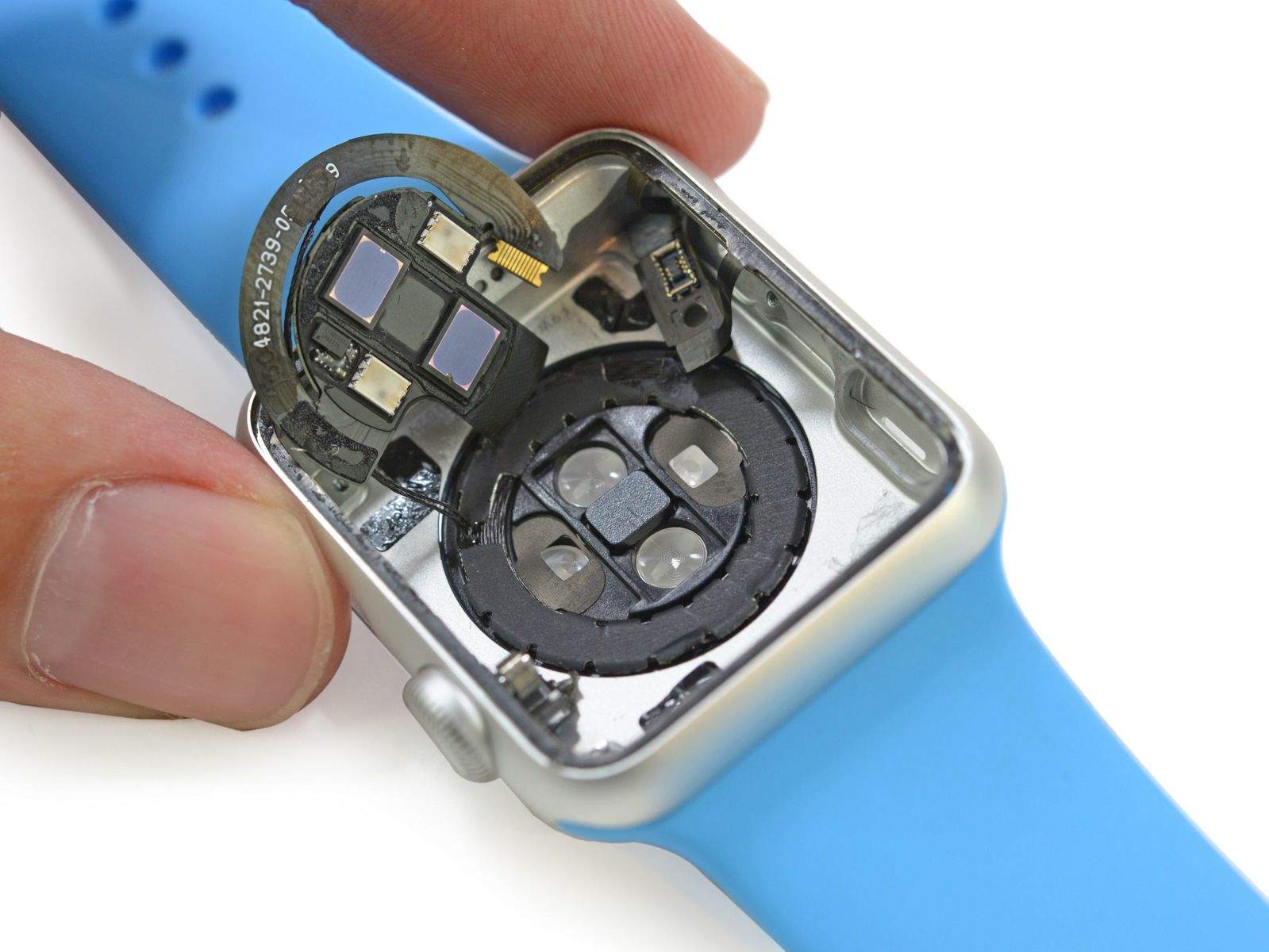
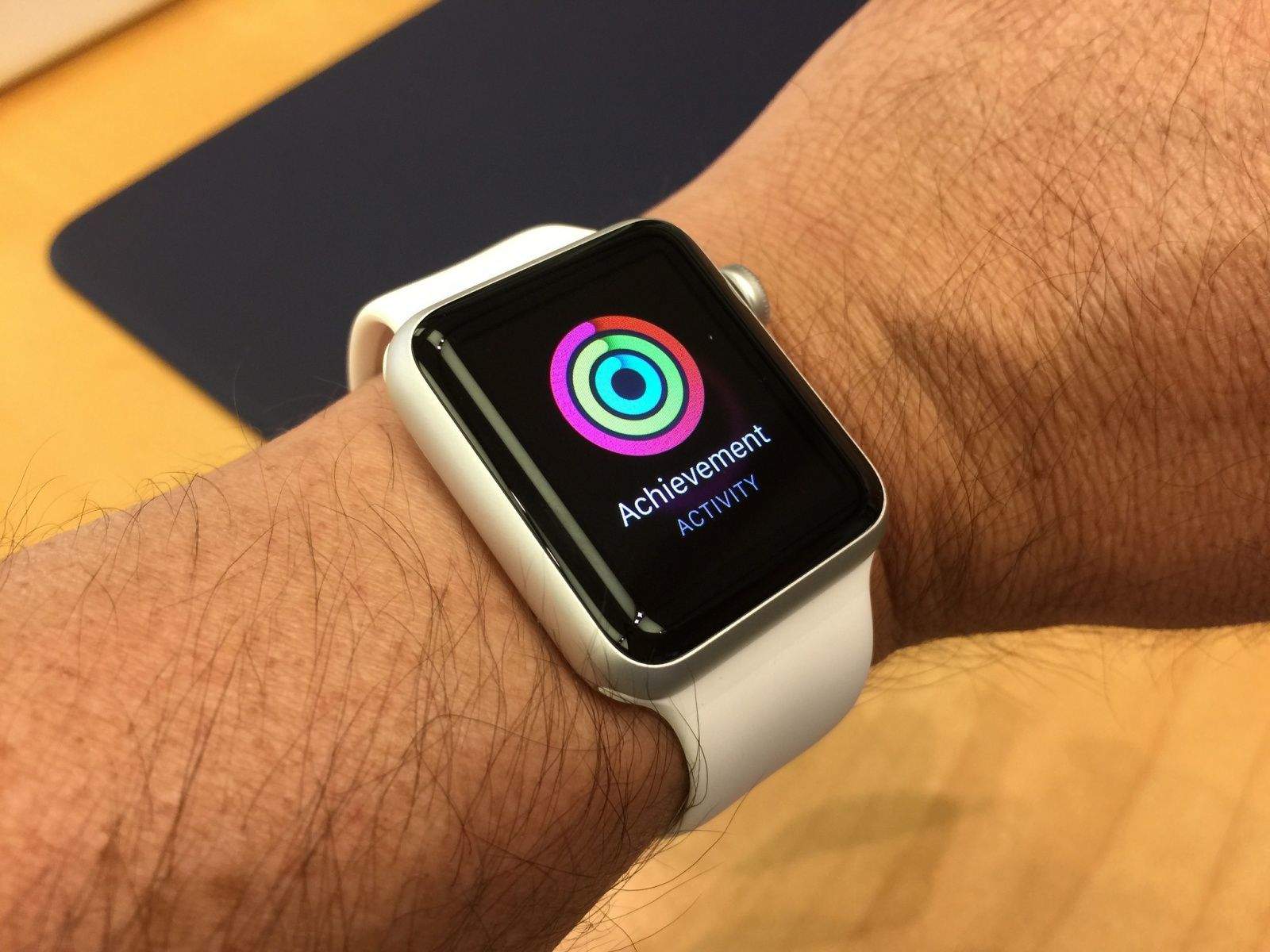
These sensors don't just measure heart rate. Photo: iFixit
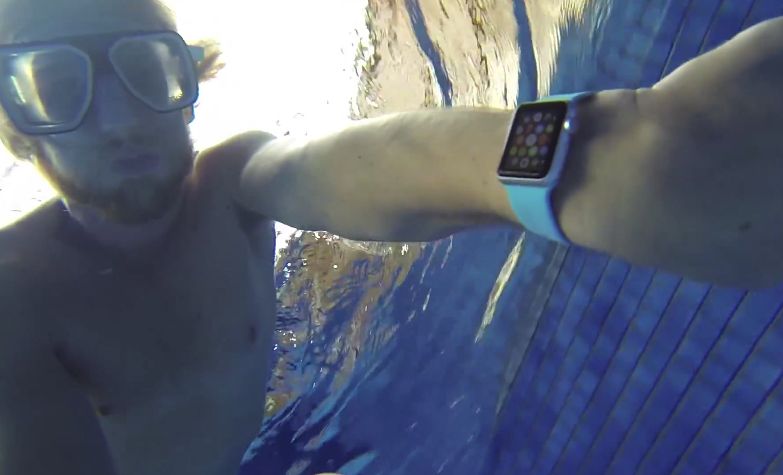
It would seem Apple Watch’s heart rate monitor is much more intelligent than Apple is letting on. Not only can it read your pulse, but it’s also capable of measuring blood oxygen — a feature Apple could enable in a future Watch update.
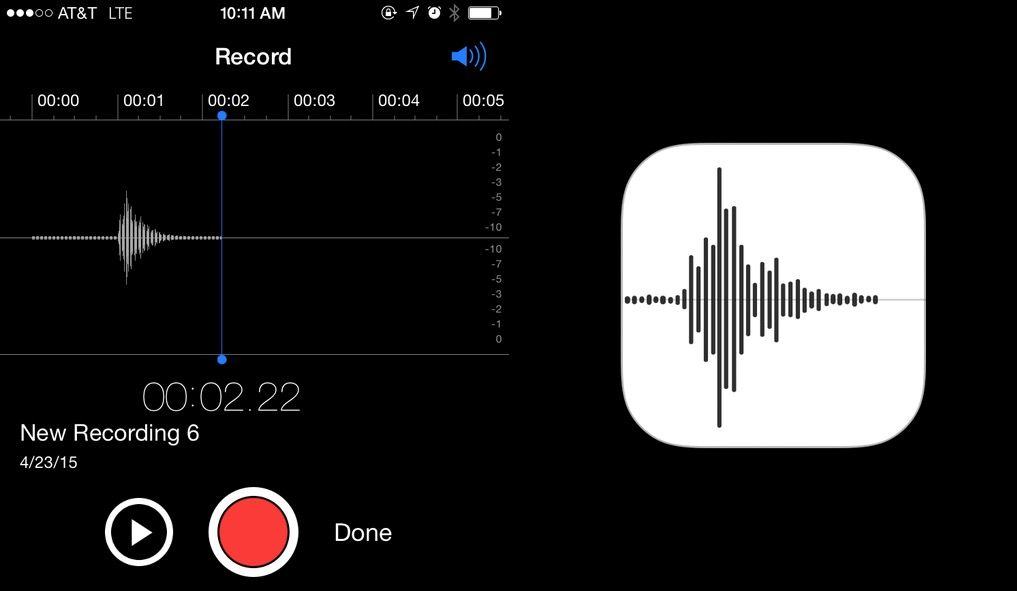
Say "Apple" into Voice Memos and you get its logo. Photo: Mike Rundle
Apple is known for placing its fair share of Easter eggs into iOS and OS X, but this is the coolest one we’ve seen in a while.
You know the new Voice Memos icon Apple introduced in iOS 7 Beta 2? It turns out the icon is designed after the waveform representation of someone saying “Apple.”
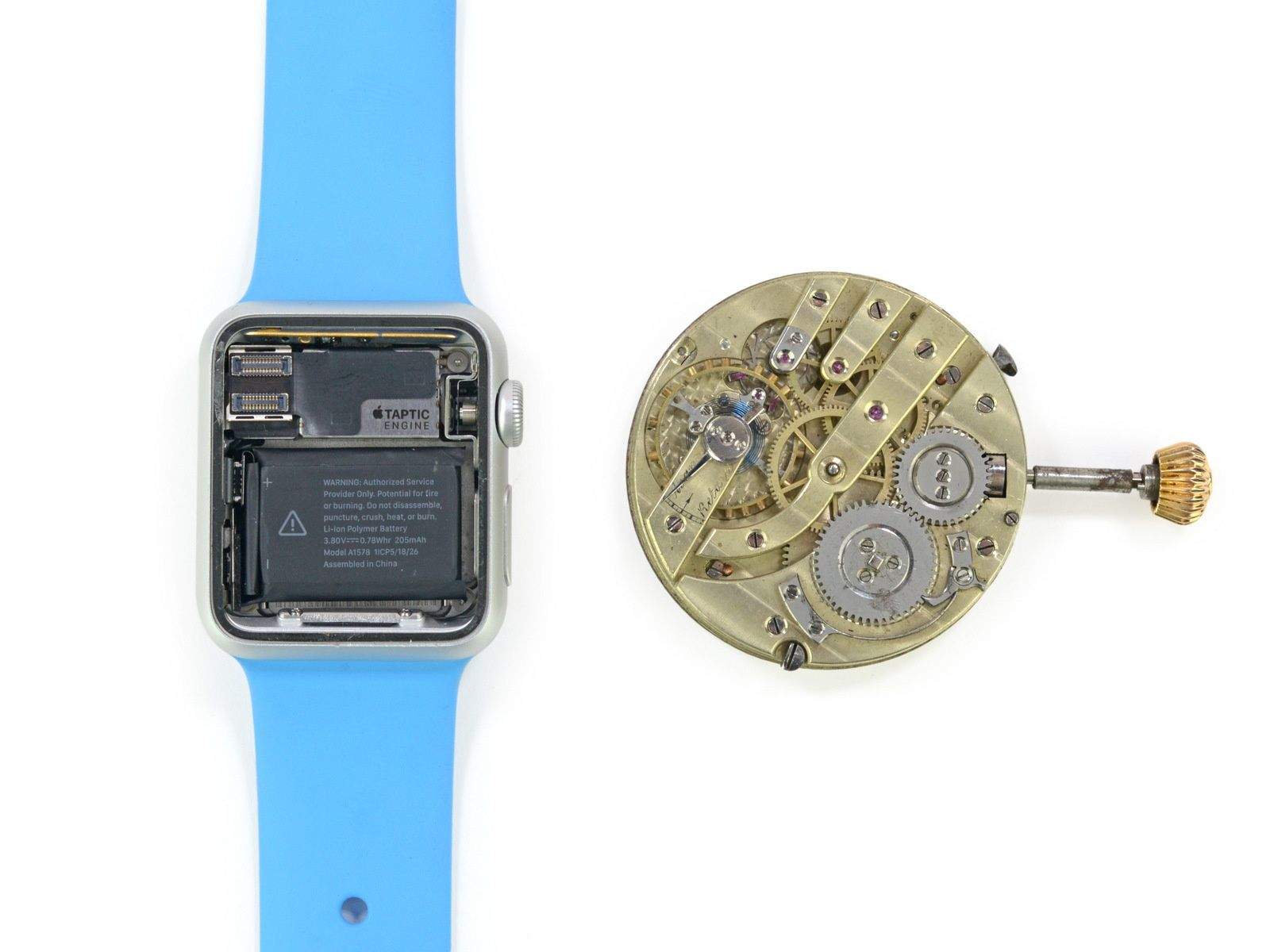
The Apple Watch next to a classic mechanical watch. Photo: iFixit
The folks at iFixit wasted no time gutting their new Apple timepiece.
Their Apple Watch teardown confirms that the device comes with a hidden diagnostic port. They’ve also exposed the watch’s Taptic Engine, located the tiny battery, and found some gold highlights on the Apple Watch Sport.
Soon, this sight won't be so strange. Photo: Ryan Ozawa/Flickr CC
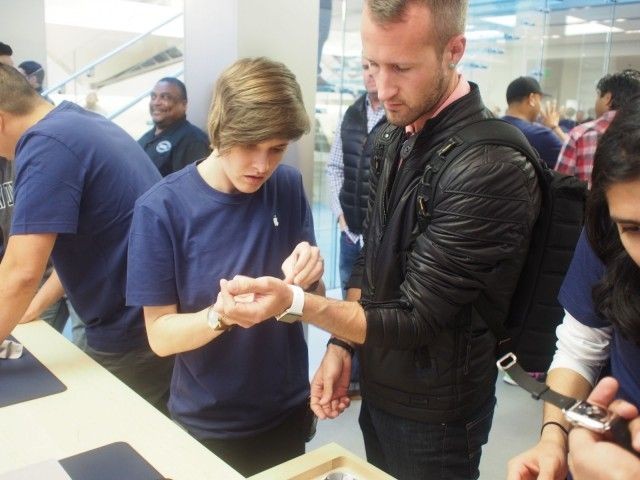
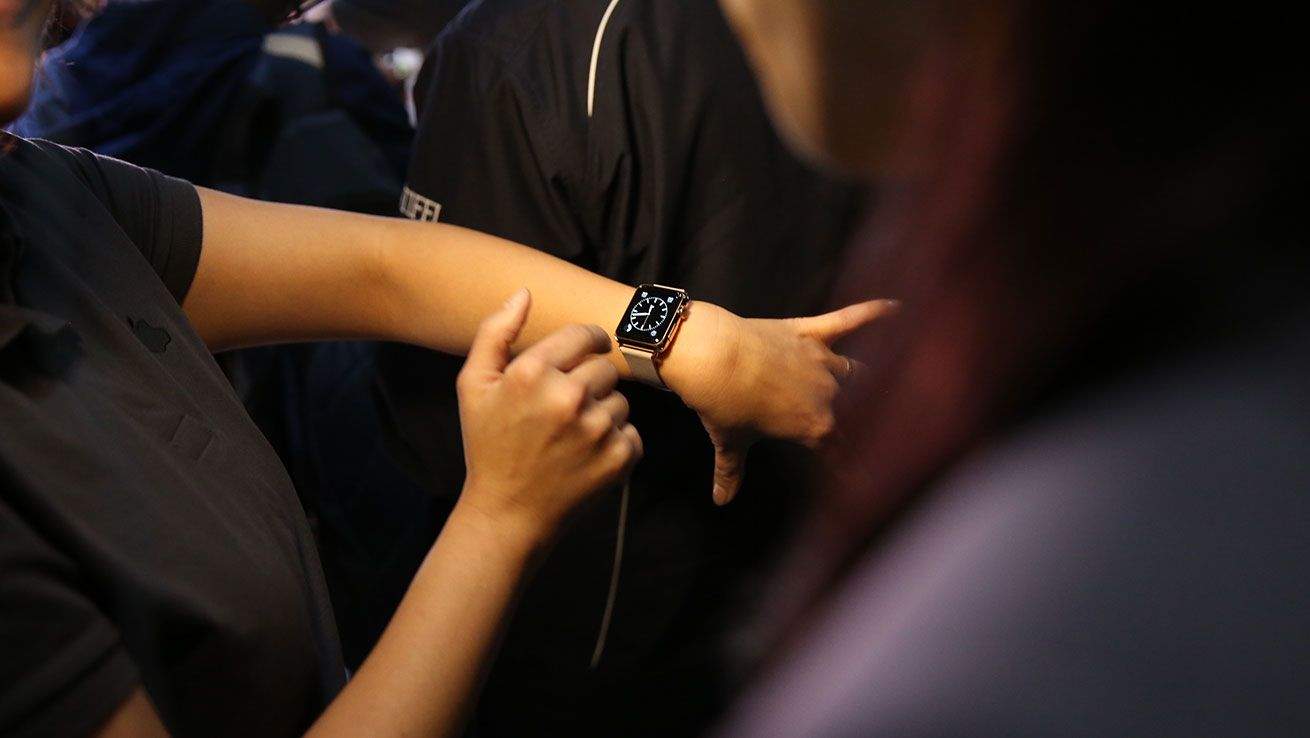
Can you hear that giant “Squeeeeee!”? That’s the sound of Apple fans in Asia and Australian taking delivery of the very first Apple Watches.
In time zones where it’s already April 24, the wearable now adorns the wrists of delighted buyers who put in their orders immediately after Apple Watch went on sale earlier this month. These earliest of Apple Watch adopters were only too happy to show off their purchases on Twitter, Instagram and other services.
Apple has rolled out a new update for the iMac that promises to fix a Yosemite bug that can cause the all-in-one to freeze up when opening large JPEG files.
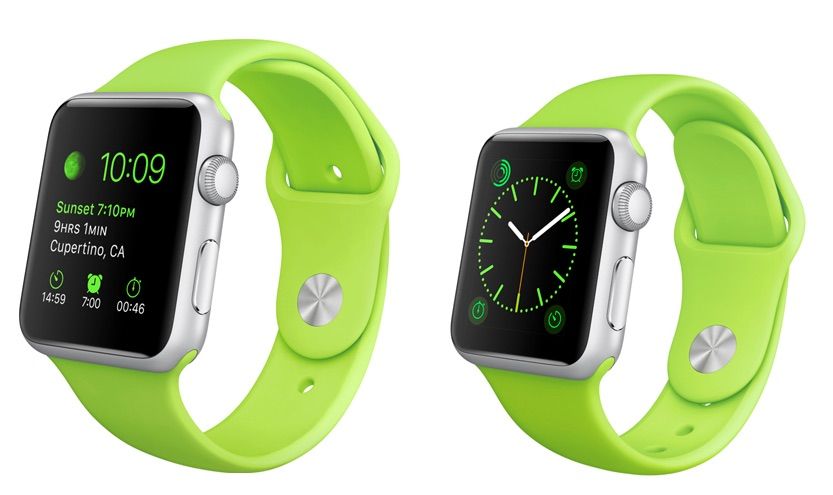
Do your homework now so you'll be a master of Apple Watch on Day 1. Photo: Apple
Once your Apple Watch arrives, you’re going to slap it on your wrist ASAP. But then what?
There’s a fairly steep learning curve for the Apple Watch, since Apple came up with innovations like Force Touch and the Digital Crown to make wrist computing more manageable. Luckily, there’s an easy way you can avoid being baffled by your shiny new Apple Watch — and it won’t take more than a half-hour of your precious time.
Crafting a tiny icon for an Apple Watch app is a huge design challenge. Coming up with one that’s truly adorable – even at 80 pixels by 80 pixels – requires something like a graphic design miracle.
Lucky for anyone strapping an Apple Watch on their wrists this Friday, some designers have been working wonders. Behold the cutest Apple Watch app icons in the world!
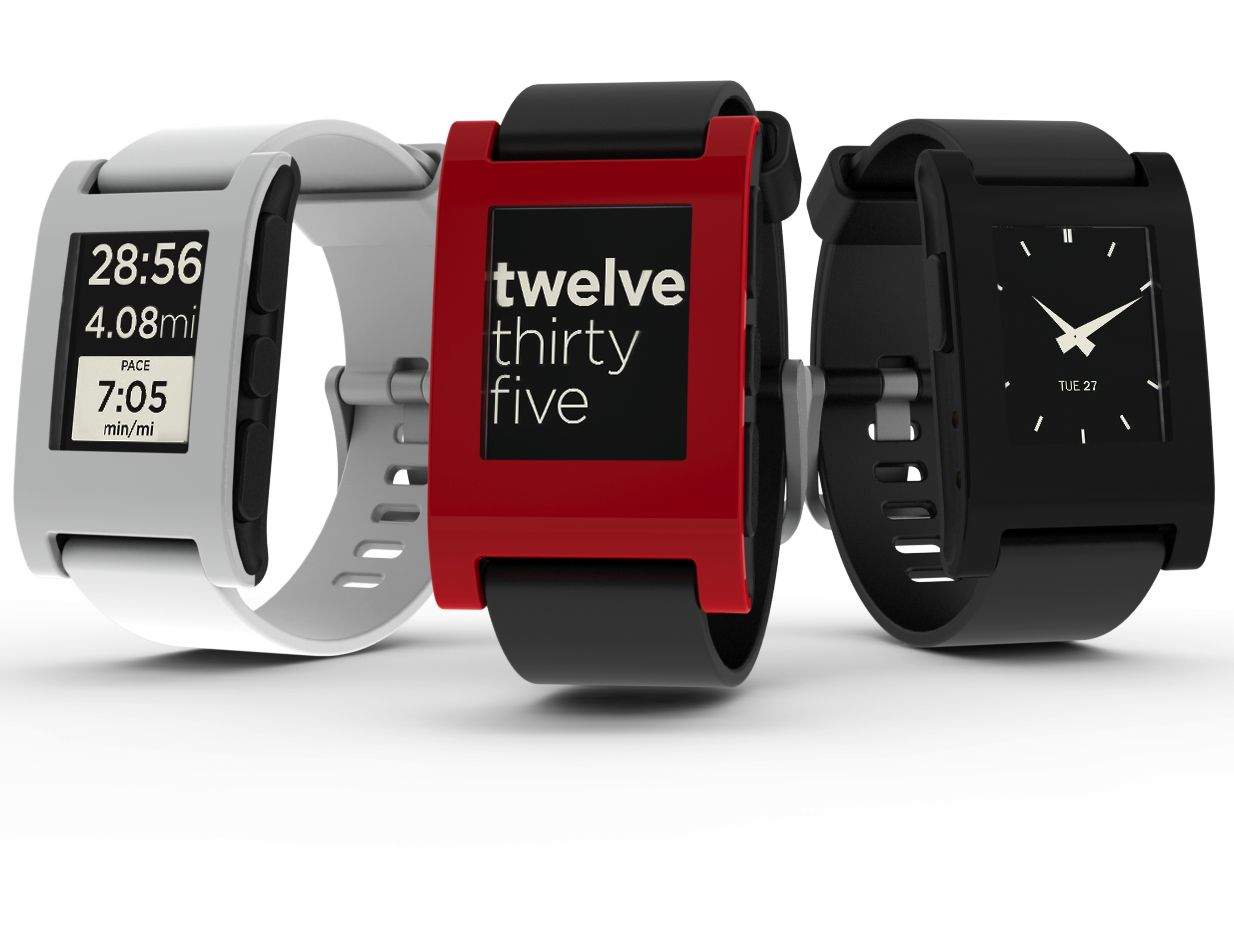
Investors and consumers alike are skipping Pebble Photo: Pebble
Apple has begun rejecting iOS apps that support Pebble, the immensely popular and more affordable alternative to Apple Watch.
One developer received an email to say that their app, SeaNav US, was no longer welcome in the App Store because it mentions the Pebble — a third-party mobile platform — in its description.
Your Apple Watch could be on the way! Photo: Apple
Apple has started notifying numerous Apple Watch customers who preordered the device that their orders have shipped, and that they can expect to receive the eagerly anticipated device tomorrow.
Will you get your Apple Watch by Friday? Photo: Leander Kahney/Cult of Mac
Were you hoping to get your Apple Watch preorder on Friday? We were, but based on the shipment status of our orders here at Cult of Mac HQ, all our watches are still stuck at “Preparing for Shipment” despite the fact we’ve already been charged for the orders.
We asked Apple fans this morning if they’re starting to worry that their preorders might not arrive as quickly as expected and the responses bordered closer to panic than simply worried.
Apple Watch might be the most controversial product Cupertino’s ever launched, but according to Jony Ive, Apple’s been on this path since the Jobs and Woz founded the company.
The Apple design boss and Marc Newson opened the inaugural Condé Nast International Luxury Conference today in Florence, Italy, to talk about their smartwatch that’s part fashion item, part tech gadget. Ive and Newson sat down with conference host Suzy Menkes and explained how they approached the development of Apple WAtch.
“We don’t look at the world through predetermined market opportunities,” said Ive. “What we’ve done fairly consistently is try to invest tremendous care in the development of our products.”
Here are the eight most important bits we learned about the Apple Watch’s development:
Police and security experts recommend being aware of your surroundings when interacting with your new Apple Watch. Photo: Apple
When you hold up your wrist to admire your new Apple Watch, the shiny new device might also catch the eye of an opportunistic thief.
Police and security experts are urging common sense and awareness of surroundings when interacting in public with the new smartwatch, which will begin arriving on doorsteps and adorning wrists Friday.
Can you imagine coming home to this? Photo: Foolishnessfly2/Twitter
If you’re looking for a picture to illustrate the difference between water-resistant (like the Apple Watch) and waterproof (like no Apple product yet), this one will do perfectly!
The traumatizing photo was posted on Twitter by jilted lover @foolishnessfly2, who decided to get revenge against an ex who had cheated on her by dumping his entire Apple collection in a bathtub full of water.
Needless to say, this is one breakup he’s going to remember. Hope he’s got AppleCare+!
WhatsApp is no longer just an instant messaging service. In a new update now rolling out to users on iOS, the company is introducing new voice calling capabilities that allow you to phone family and friends anywhere and at no extra cost.
The update also brings an iOS 8 share extension and other new features and improvements.
Transfer all of your Android contacts and photos to iOS in no time. Photo: Ste Smith/Cult of Mac
You’re finally making the move, getting rid of your old Android phone in favor of a shiny new iPhone. The only problem is transferring all your valuable contacts and photographs from one device to the other.
Well, in today’s video I’m going to show you how to do just that — and luckily it’s a lot quicker and easier than you may think.
Tim Cook addresses the White House Summit on Cybersecurity and Consumer Protection. Photo: White House
A significant security flaw affecting OS X Yosemite hasn’t been fixed as previously thought, according to a former NSA staffer.
The flaw, known as Rootpipe, is said to have existed since 2011, and could allow an attacker to gain full control of another user’s Mac without requiring authentication.
Is your iPhone running compromised apps? Photo: Rob LeFebvre/Cult of Mac Photo:
A serious security flaw affecting approximately 1,500 iOS apps makes them vulnerable to hackers looking to swipe passwords, bank account info and other sensitive data, according to a new report.
The bug, which security analytics firm SourceDNA identified last month, has been fixed in an update to the open-source code that contained the vulnerability. However, some app makers have not yet updated to the newer version.
Luckily, you can search to see if your favorite apps are vulnerable.
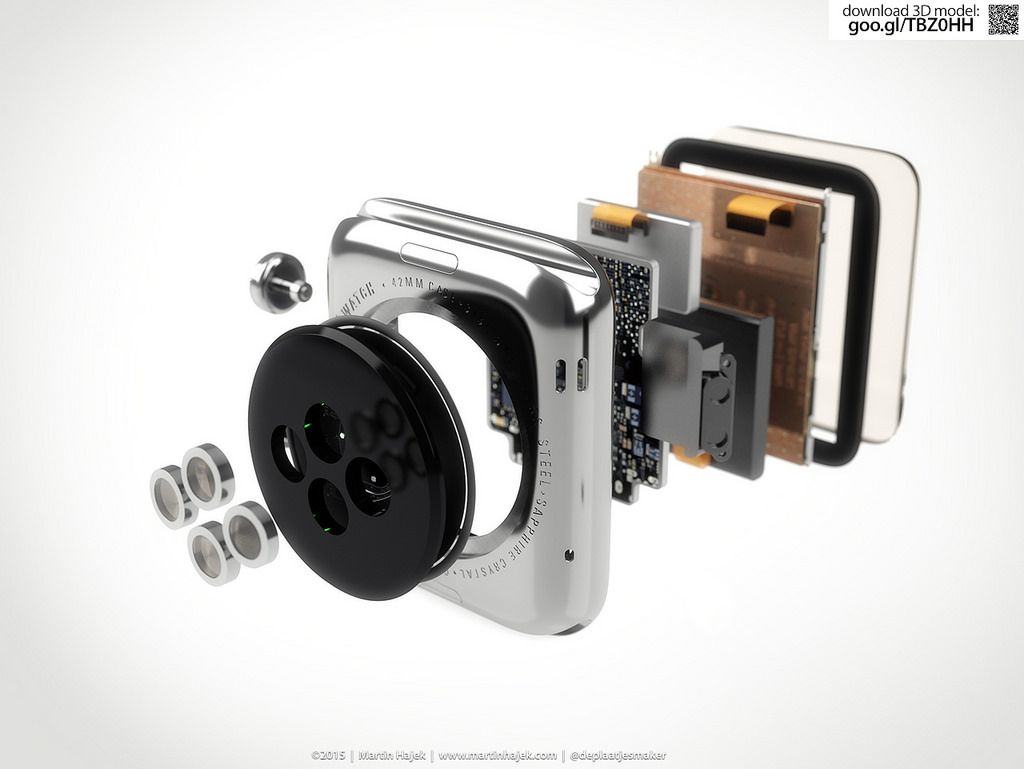
A series of renderings show what the Apple Watch could look like on the inside. Photo: Martin Hajek
Like an autopsy performed on a cadaver that’s yet to be born, slick new renderings dissect the Apple Watch and show off its shiny guts.
Since few normal people have an actual Apple Watch in hand, concept artist Martin Hajek created the images using information gleaned from Apple’s website and industrial porn videos about the making of the smartwatch.
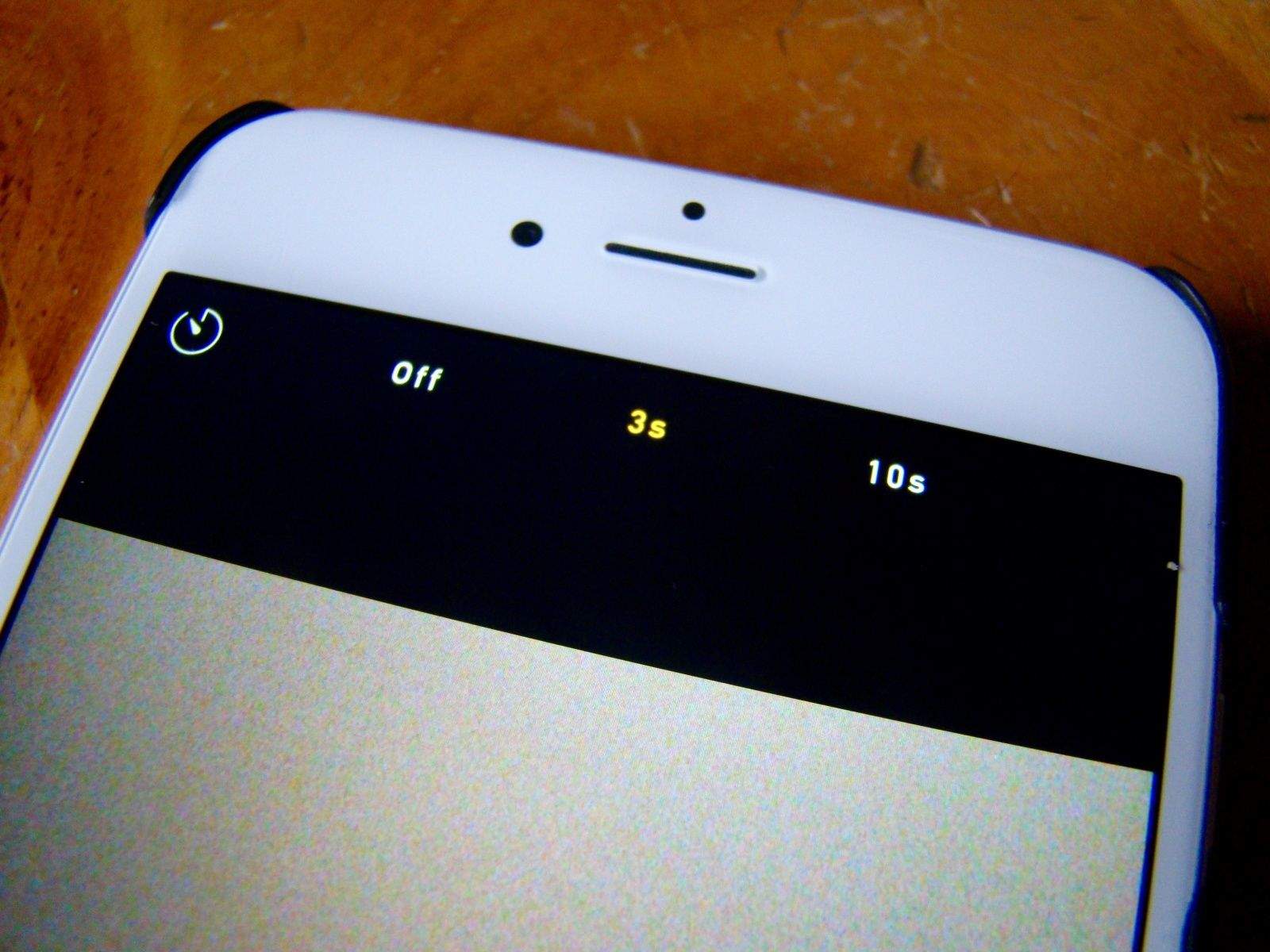
Gather all your friends for a groupie with the timer on your iPhone. Photo: Rob LeFebvre/Cult of Mac
It can be tricky to get the best shot when taking a selfie or group shot with your iPhone. If you want a better angle than the length of your arm can provide (or your ridiculous selfie stick will telescope to), you might consider setting your iPhone on a ledge or tripod and using the built-in timer mode to get yourself and everyone else into position before the shutter goes off.
It’s not super-tricky, but you do need to know where to look. Here’s our recipe to enable timer mode on your iPhone.
Spotlight got a major upgrade with OS X Yosemite, but what if it could do even more?
The new 1.0 release of Flashlight is so good that Apple hired its developer, Nate Parrott, to work as an intern on Spotlight.
Flashlight is a little like Alfred and LaunchBar, expect it hooks directly into Spotlight and adds over 160 actions. That means you may need to never use a third-party app launcher utility again, although many power users will likely stick with their current setup.
So what exactly can Flashlight do? The list is too long to put here, but some options include: creating calendar events, creating reminders, opening URLs, translating text, calling numbers, sending iMessages, checking the weather, ejecting disks, copying emojis, and turning on a screensaver.
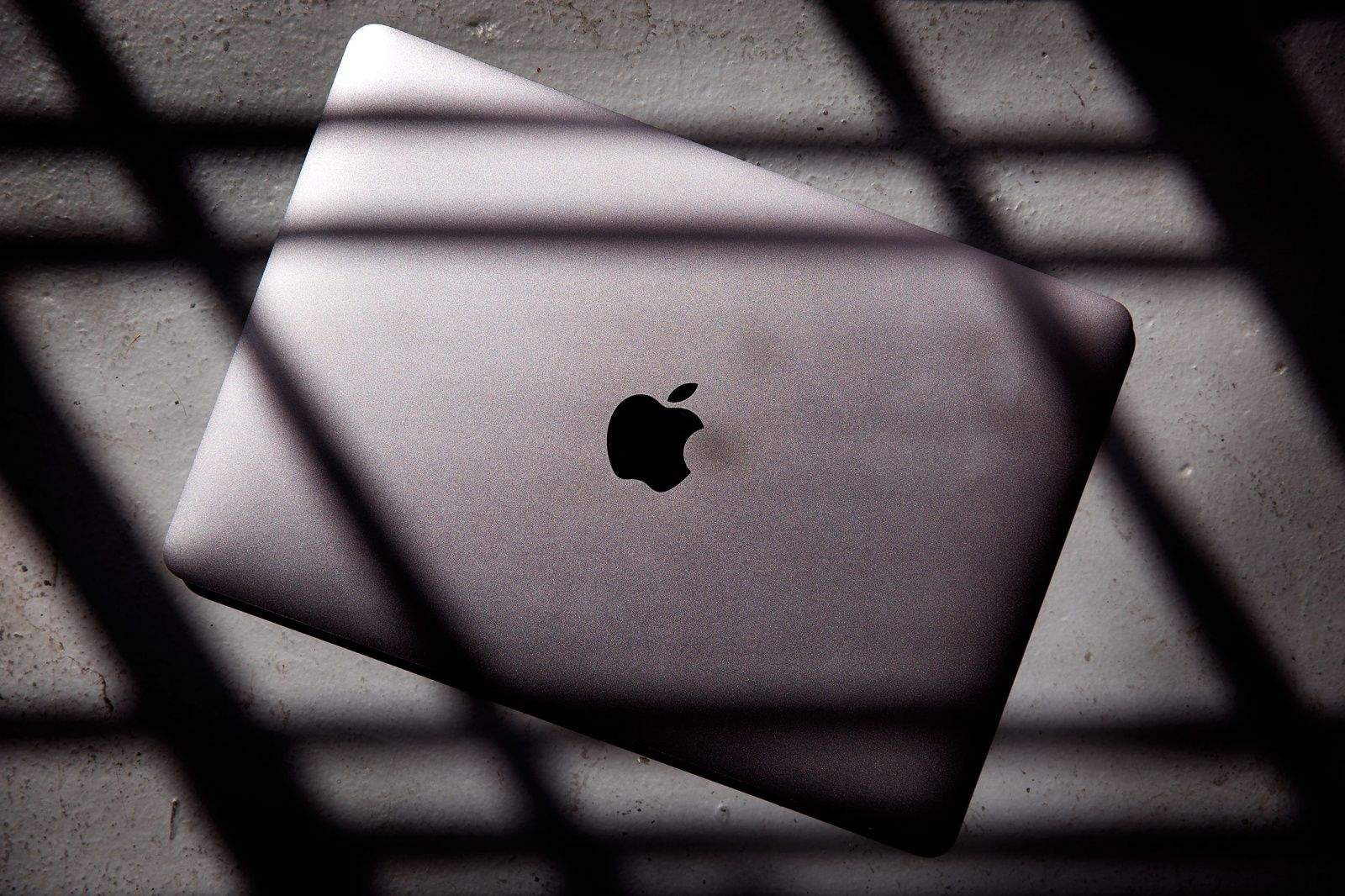
No USB, no problem. The new 2015 MacBook rocks. Photo: Jim Merithew/Cult of Mac Photo: Jim Merithew/Cult of Mac
Imagine an iPad Air sliced in half. The top half peels up to reveal a pin-sharp high-res screen. The other half has a full-size keyboard that’s almost flat.
This is the new MacBook. As usual, Apple’s latest crazy-thin laptop is dividing the tech punditsphere.
Because it comes with only one port, some think this machine is too radical, too new. It’s been called a glorified netbook — short on features, and, to really rub it in, high on price.
But I’m smitten. We have one in here at the Cult of Mac offices, and I’ve been putting it through its paces. Here’s what I found.
Master your Mac with these 10 Finder tips. Photo: Yeray Hdez Guerra/Flickr CC
In Mac OS X, you’ll spend much of your time in the Finder, the part of your operating system that manages files and such. While you might think you know all there is to know about it, the Finder is a complex and wonderful app — with its own special tricks to master.
Here are 10 essential Finder tips that will help you get the most out of your time working or playing on your Mac.
J.J. Abrams whetted our appetite for more lightsaber dueling action with the first Episode VII teaser last year, but today’s release of a new trailer has got us counting down the days until Christmas.
We’re still eight months away from Star Wars: The Force Awakens‘ public release, and while plot details for the highly anticipated movie are being kept under wraps, there’s a ton of fresh info to glean from the new trailer. We’ve diced the entire trailer up into GIFs so you can rewatch each scene to look for new clues.
Here are 18 things we learned from the new trailer:
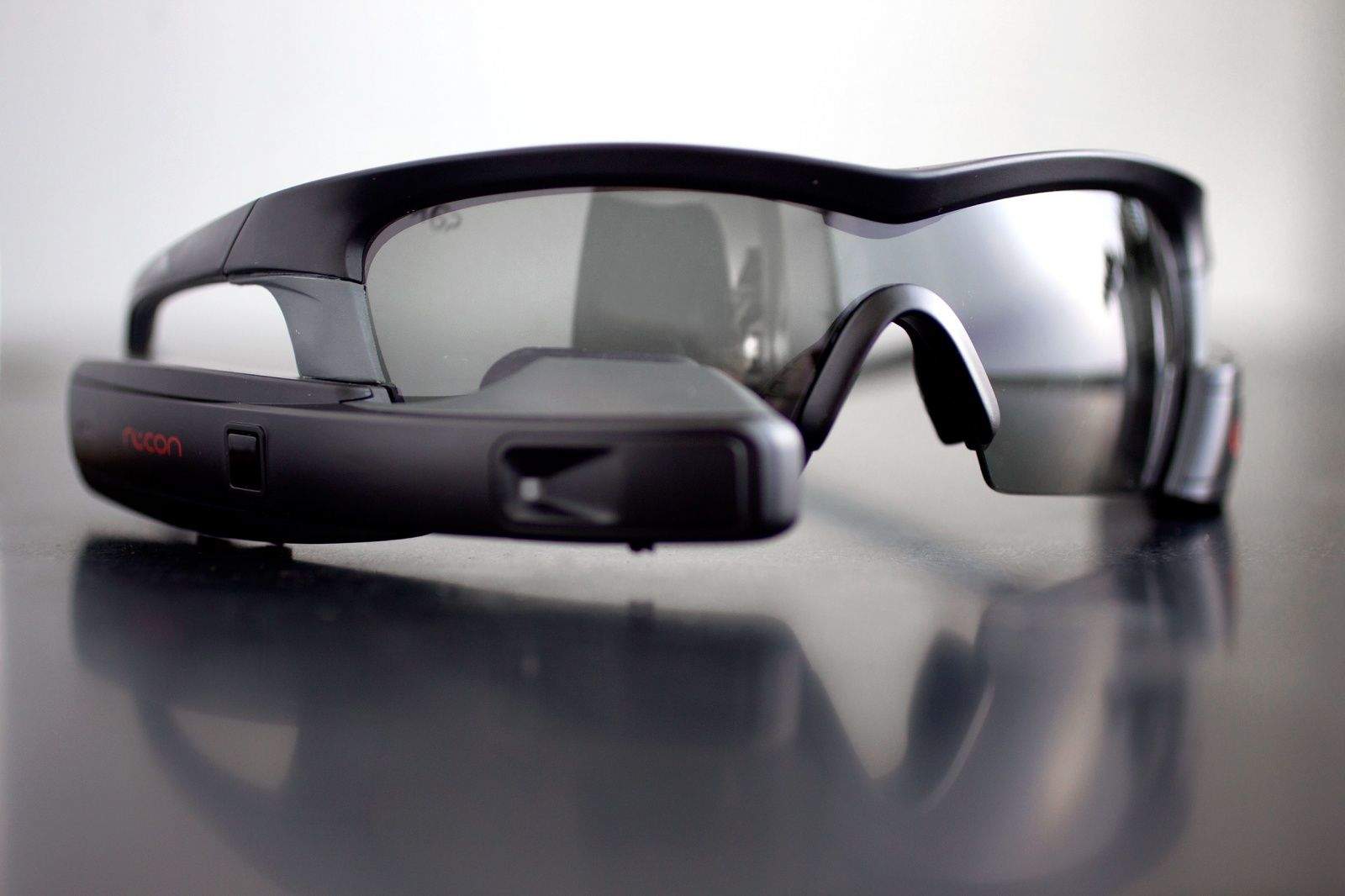
The Recon Jet is Google Glass for sports like running and cycling. It's highly functional and works well, but still suffers from the Glasshole effect. Photo: Jim Merithew/Cult of Mac Photo:
You rarely see Google Glass anymore, but if Recon Instruments has its way, you’ll be seeing plenty more head-mounted displays in the future.
The Recon Jet, launched Thursday, is a pair of smart eyeglasses for sporty activities like running and biking. Bristling with sensors, the device shows all kinds of biometric data and social stats on its tiny heads-up display. Paired with a smartphone, it can take pictures and video, send and receive status updates, find friends and family on the piste and much more.
But sports is just a start. If Recon is successful — and that’s a big if — we may be seeing smart glasses in a lot more places. Recon is betting hard that the face is the place for smart wearables.