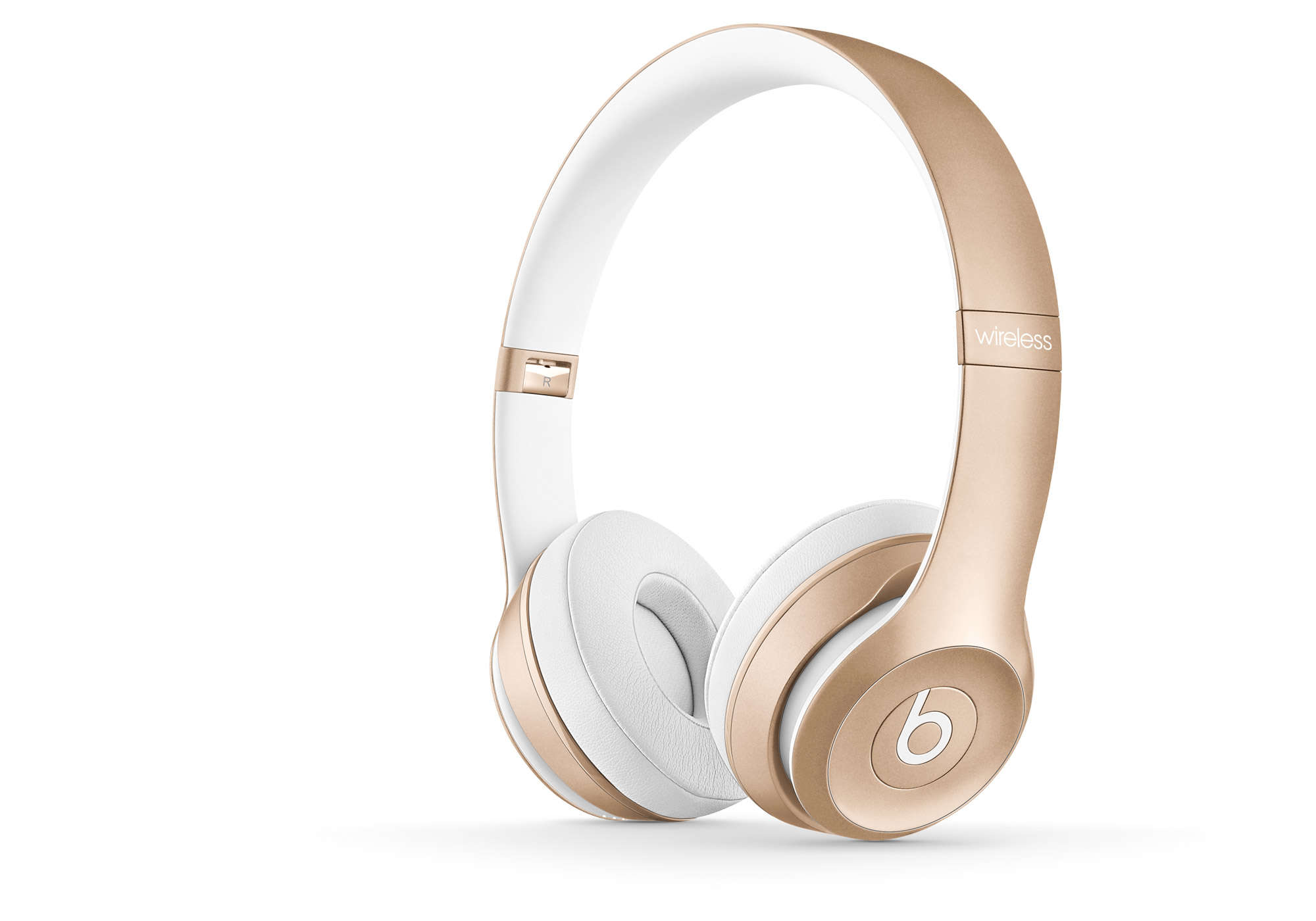
Apple’s new headphones are guaranteed. Photo: Apple
Sources familiar with Apple’s plans have corroborated reports that the company is working on new over-the-ear headphones. The high-end cans are scheduled to launch later this year, but Apple is currently facing “challenges” in development that could lead to a delay.
The EU is looking for a way to clamp down on tax avoidance. Photo: Ste Smith/Cult of Mac
Apple is among the tech giants which could be affected by a new European Union initiative that aims to tax tech multinationals at between 2 to 6 percent of their global revenue.
News of the massive potential tax shift was shared by French Finance Minister Bruno Le Maire in a newspaper interview. Le Maire said that the total amount is likely to be “closer to 2 percent than 6 percent,” and will be announced in the coming weeks.
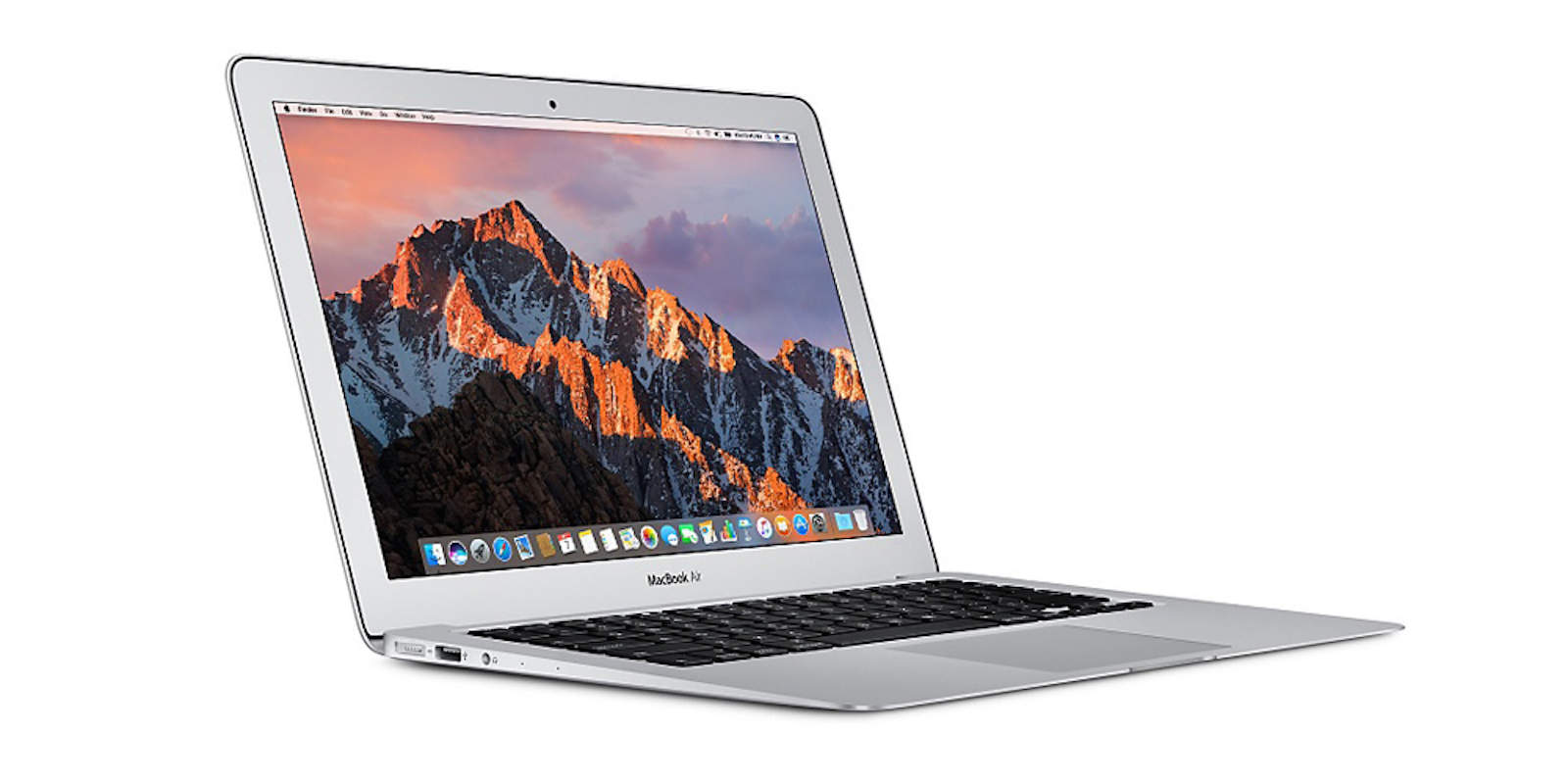
It’s about time we saw that new MacBook Air. Photo: Apple
Apple will deliver a “more affordable” MacBook Air this year, according to one reliable analyst.
The existing MacBook Air lineup remains pricey, despite being incredibly outdated. Apple asks customers to cough up at least $999 for fifth-generation Intel processors and a low-resolution display.
Transcripts have been released for three of the emergency calls made earlier this year as the result of employees at Apple Park injuring themselves by walking into glass doors and walls.
More than 3,000 gigantic curved glass panes have been used to form the walls on both side of Apple’s four-story campus, measuring over a mile around. In all, Apple Park uses more than six kilometers of curved glass, in addition to interior glass accessories like doors.
'Appy weekend everyone! Image: Ste Smith/Cult of Mac
A great instant markup app for Mac that lets you easily annotate screenshots is just one of our selections for this week’s “Awesome Apps of the Week.”
In addition, we’ve got a great multifaceted journey through video game history, a music mastering app for iOS, and a card battler based around one of the all-time great console fighting game franchises. Check out our picks below.
The HealthKit Sperm tester. Yup. That's a real thing. Photo: Graham Bower/Cult of Mac
A reliable source says Apple is working on audiophile-grade headphones with built-in AirPods magic. AirPods Pro? SIGN US UP. Catch the discussion on The CultCast. And stay tuned for: How Apple plans to revolutionize healthcare; the cool, weird and wacky HealthKit gadgets you’ve never heard of; and we wrap up with pro-level whistling, rock accordion, and the best actors of all time in an all-new Get to Know Ur Cultist.
Our thanks to Squarespace for supporting this episode. It’s simple to accept Apple Pay and sell your wares with your very own Squarespace.com website. Enter offer code CultCast at checkout to get 10% off any hosting plan.
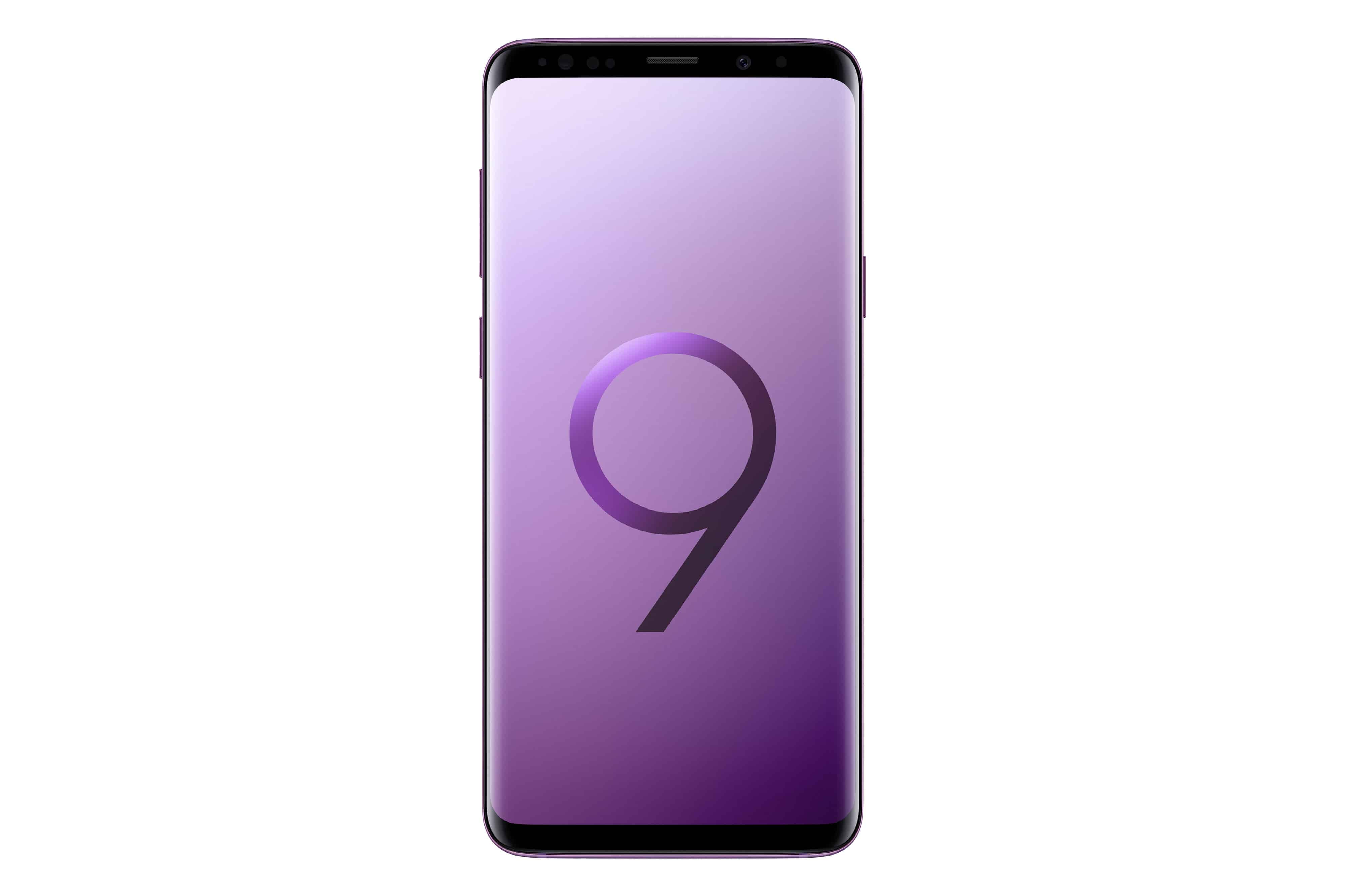
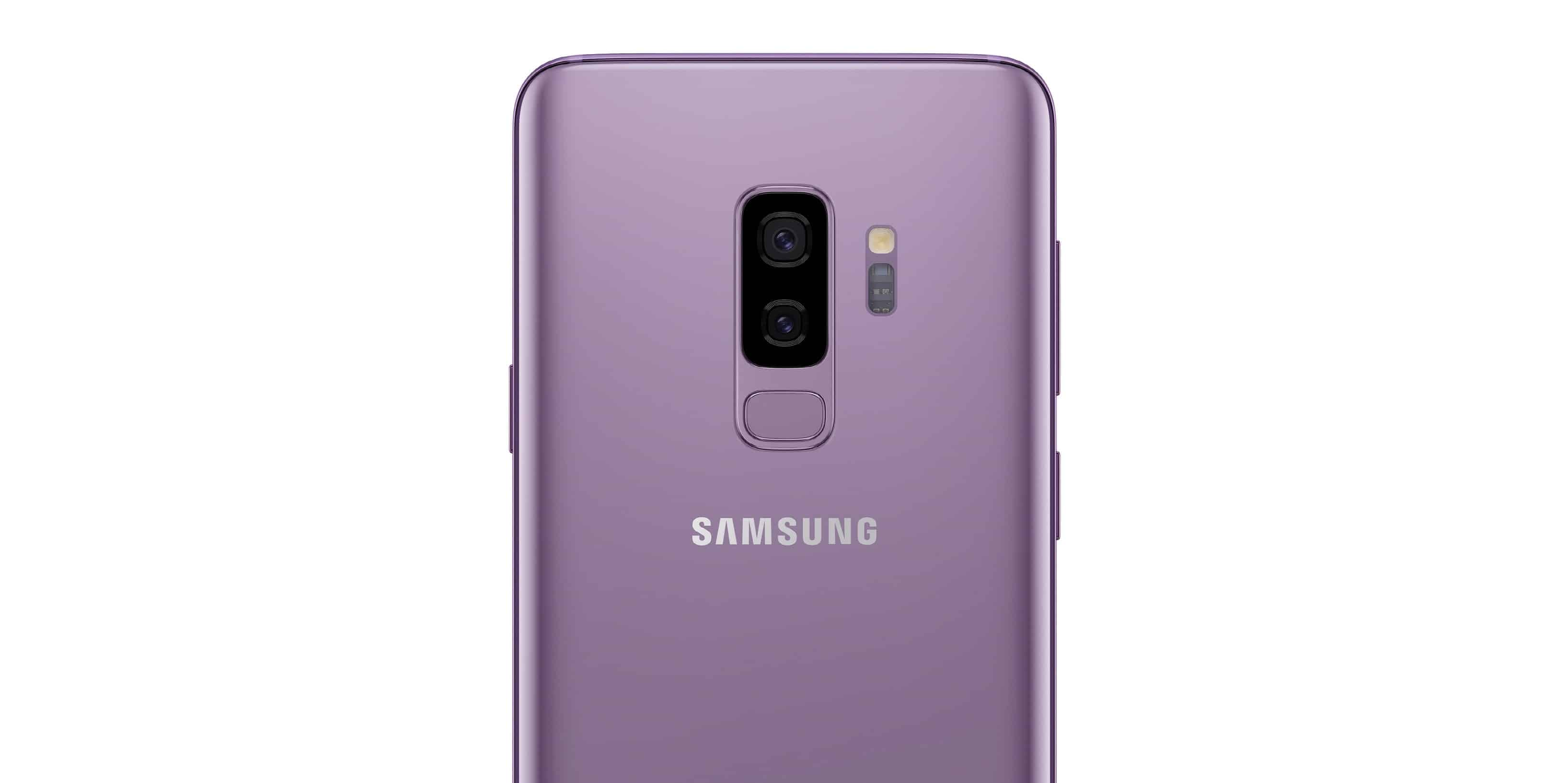
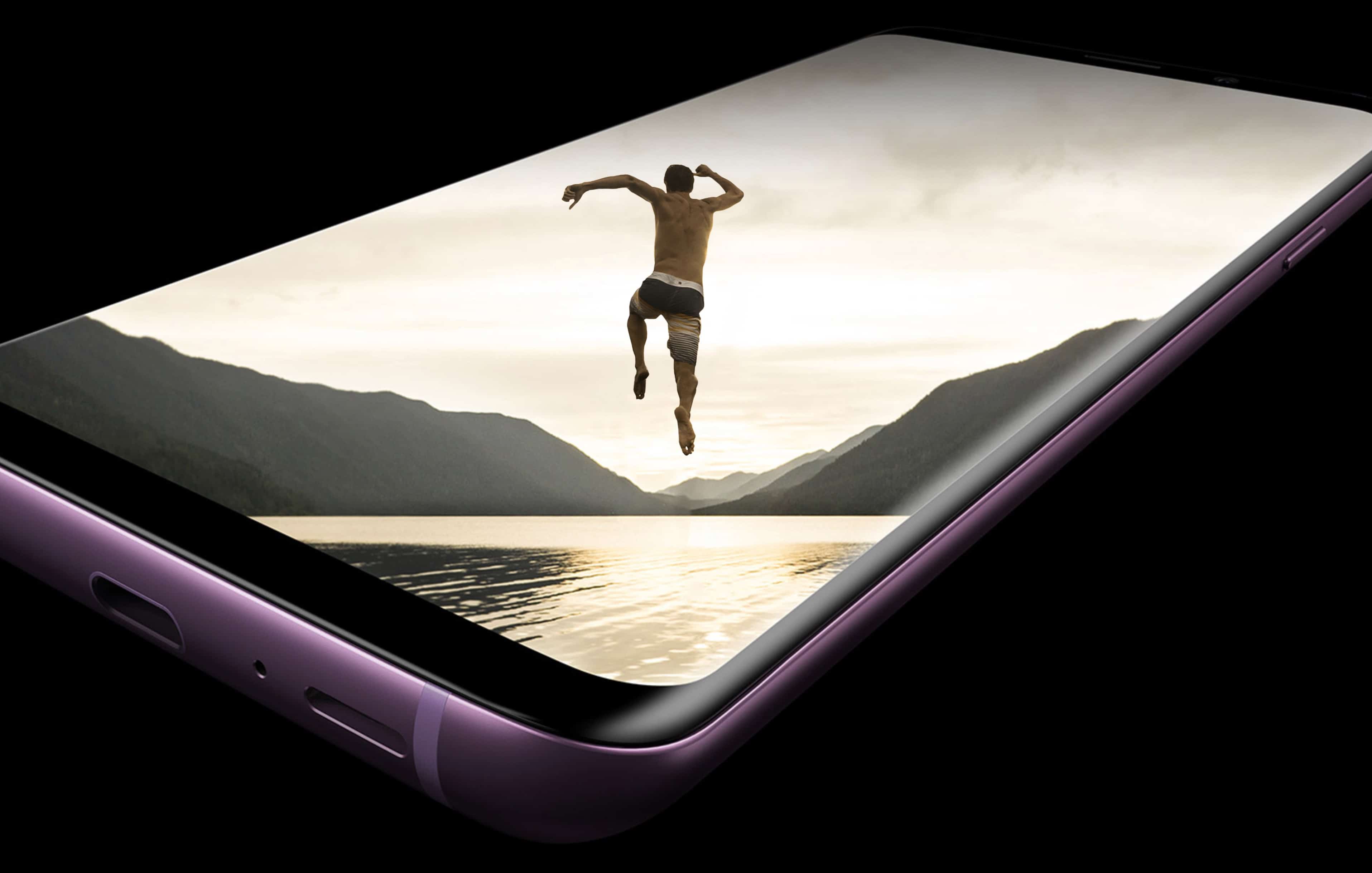
Does the Galaxy S9 have what it takes to take on iPhone X? Photo: Samsung
Samsung’s Galaxy S8 series, with its edge-to-edge display and features like iris scanning, offered smartphone buyers a refreshing alternative to an all-too familiar iPhone experience in early 2017. Now the Galaxy S9 is here and things are a little different.
The iPhone isn’t boring anymore. With an edge-to-edge display of its own, as well as Face ID, dual cameras, and the incredible A11 Bionic chip, iPhone X has made Apple the smartphone maker to beat once again. Does the Galaxy S9 have what it takes?
Check out our in-depth comparison to find out which is better.
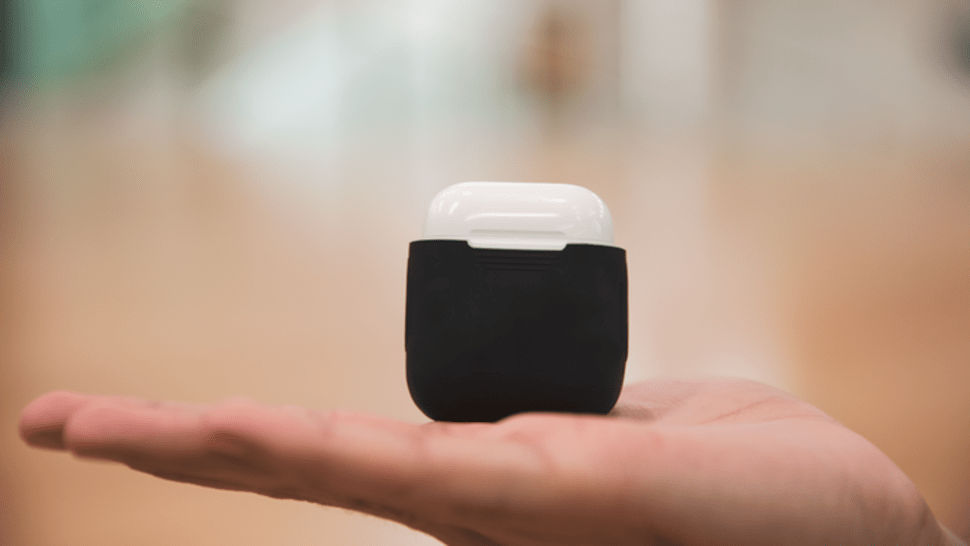
PowerPod adds wireless charging to your AirPods. Photo: PowerPod
Why wait for Apple to sell you another expensive AirPods case when you can add wireless charging capabilities to the one you already have? PowerPod is a silicone sleeve for your AirPods case that adds a Qi-compatible charging coil for next to nothing.
It’s just one of the awesome ideas in this week’s Crowdfund Roundup. We also have the ultimate charging system, a handheld console that’s perfect for retro game addicts, and more!
This photo is not email, nor is it even regular mail, but it has to do with directions. Photo: Charlie Sorrel/Cult of Mac
We all know about forwarding email. It’s the electronic equivalent of putting a received letter in a new envelope and sending it on to someone else. But did you know that you can also redirect emails so that it seems like they arrived from the original sender? You could, for instance:
Redirect instructions from your boss to a co-worker.
Pass an email to someone else without getting caught in an inevitable and endless Reply All mess.
Send a customer enquiry to the correct person, with their reply going direct to the customer.
Unless the final recipient is really brain-dead, then this will never work as a scam to trick them into doing all the work your boss assigned to you, but it’s a very practical alternative to just forwarding emails.
Leather looks good on iPhone X. Photo: Killian Bell/Cult of Mac
You don’t buy a $1,000 smartphone and stick it in a $4 silicone shell you bought on eBay. You either leave it exposed so that you can enjoy its gorgeous glass and stainless steel, or you sensibly stick it in a beautiful case that complements its premium design.
Mujjo’s leather cases are perfect for iPhone X. Made from full-grain leather with a super-slim profile, they rival Apple’s own leather cases in looks and durability. I’ve been using two of them for over a month now; here’s what I think of them.
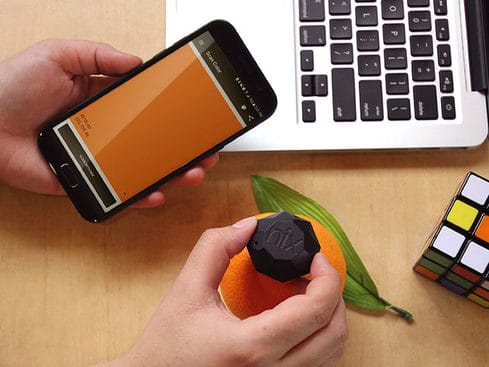
Give your iPhone an eye for color with this portable, durable sensor. Photo: Cult of Mac Deals
For everything from graphic design to home decoration, it pays to work with precise colors. Even a trained eye can only see colors with limited precision, so it pays to get help.
Galaxy S9 can shoot 4K video at 60 fps, but not for long. Photo: Samsung
Samsung tries desperately to outdo the iPhone every year, but it doesn’t always work. Its bid to battle the iPhone X with the Galaxy S9 looks a little weak, with early benchmarks suggesting the South Korean company’s flagship is nowhere near as powerful.
That might explain why the Galaxy S9 can’t match Apple’s latest devices in 4K video recording.
TodayFlights tracks flights, and nothing else. Photo: Charlie Sorrel/Cult of Mac
Tracking flights is a bit of a pain. Siri can do it, and if you’re a real plane spotter, you might even trouble yourself to find an app to do it. But for most of us, we track a flight once in a while, whenever someone’s coming to visit. We just want something that is simple to use, and the disappears. That something is TodayFlights, a neat app that adds a flight tracker to the Mac’s Notification Center Today View.
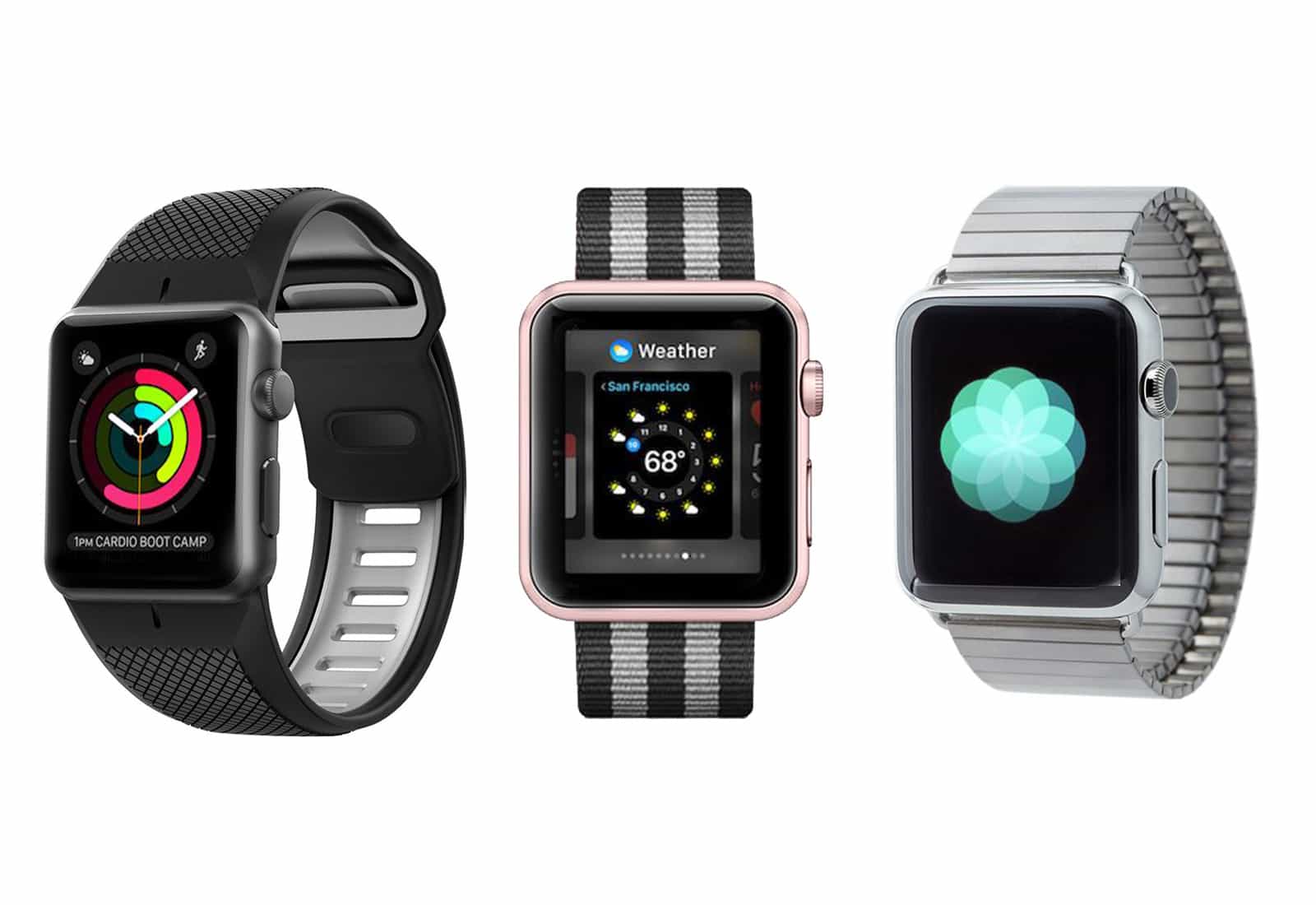
These are some of the best-selling straps for Apple Watch — bands we personally love and recommend for their quality, craftsmanship, value and style. Photo: Ste Smith/Cult of Mac
Whether you got the Apple Watch Series 3 or just want to up the game of an older model, we’ve got you covered with our Watch Store customers’ favorite bands. These are some of the best-selling straps for Apple Watch — bands we personally love and recommend for their quality, craftsmanship, value and style.
All of the newest bands and many more from each brand are available in our Watch Store. Read on to check out 10 customer favorites.
With a couple of taps, you can convert any audio or video file to MP3 Photo: Cult of Mac
Converting an audio track to MP3 on the Mac is dead easy. Just open it with iTunes, and choose the File > Convert option from the menu bar. On iOS, though, there’s no native way to do this. There are lots of shonky-looking apps in the App Store that offer to create MP3s for you, but it’s likely that you already have the answer installed on your iPhone or iPad.
That’s right. Apple’s own WorkFlow app can quickly and easily convert any audio (or video) file to MP3.
Get hands on education in developing apps for iOS 11, by building working apps. Photo: Cult of Mac Deals
Learning to build apps is obviously one of today’s hottest skills. But one does not simply walk into a software development job. So you’re going to want some guidance.
Hold gives discounts on products if you put down your iPhone. Photo: Ste Smith/Cult of Mac
Not looking at your smartphone is the new looking at your smartphone. Or, at least, that’s the idea driving an intriguing app which aims to reward students with discounts on movie tickets and other services if they don’t keep checking their iPhones.
Here’s how it works, and why its creators think it matters.
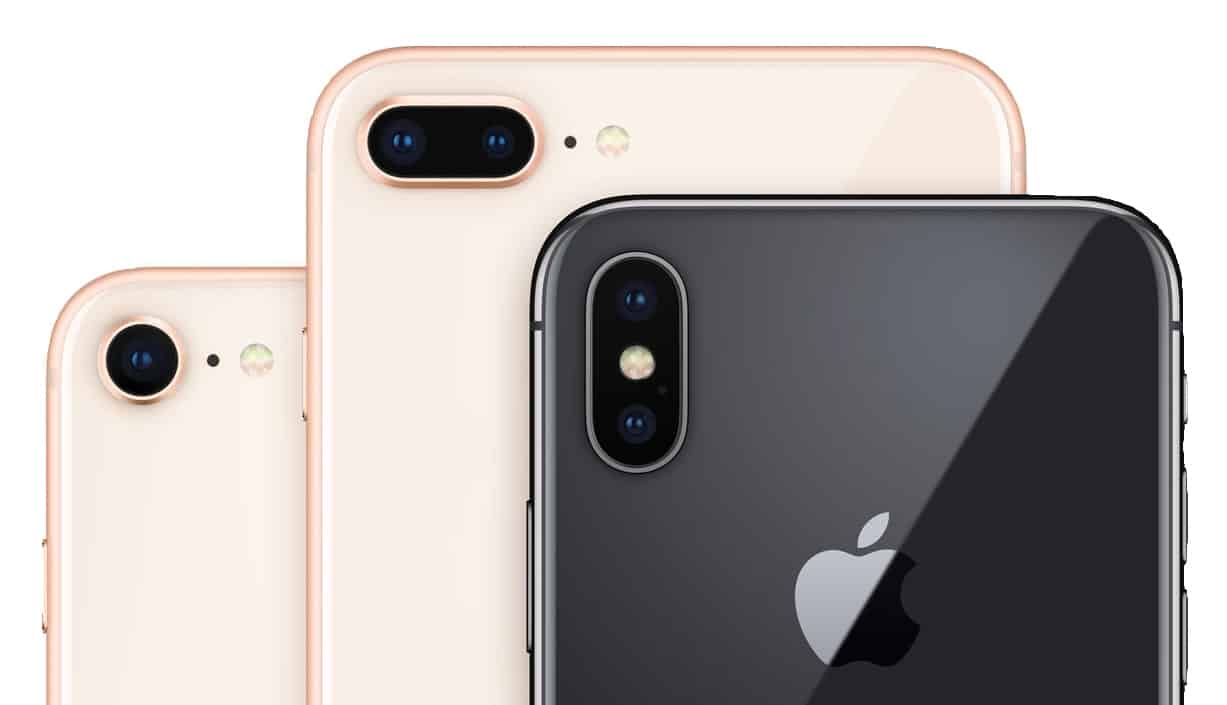
iPhone X, iPhone 8, and iPhone 8 Plus cameras are the best Photo: Apple
The camera is a major feature of any smartphone, and Consumer Reports says Apple makes the best. All three of top models in the magazine’s latest ranking of top phone cameras are iPhones, as are six of the top ten.
Mastering music mixes makes musicians mad. Photo: Charlie Sorrel/Cult of Mac
Mastering is the final stage of making a record. After all the playing, recordings, and mixing is done, you send the stereo track off to the best mixing guru you can afford, and they work their special magic, probably surrounded by all kinds of fancy machines.
And while you probably don’t have the experts’ golden ears, or their golden years of experience, now you can have a crack at mastering right there on your iPad (or even iPhone), with Klevgränd’s new mastering app, Grand Finale.
New HealthKit gadgets make health and fitness easier than ever. Photos: Graham Bower/Cult of Mac
BARCELONA, Spain — Smart sperm testers, body cavity inspectors, Bluetooth pillows, holographic jump ropes and contactless thermometers. It’s all just another day at Mobile World Congress, where more and more companies show off their new HealthKit-compatible gadgets.
If you want your iPhone to know absolutely everything about what’s going on with your body, these handy medical devices are for you. Here’s what they do — and why they’re cool.
Stage performers don't want their iPads launching Facebook mid-show. Photo: Charlie Sorrel/Cult of Mac
Apple’s iOS accessibility features might be hidden away in the Settings app, but they are useful for everyone. For instance, Guided Access lets you lock your iPhone or iPad so it can use only one app, and you can even disable parts of the screen just by drawing on them. If you’re looking for a feature similar to iPad guest mode, Guided Access can be a great way to limit app access for kids or individuals with specific needs. This is handy for giving the iPad to kids, or to people with impaired motor skills, but it is also fantastic for stage performers.
A musician, for instance, might be using the iPad to produce or process their sound. The last thing you want to do in the heat of a performance is to accidentally do a four-finger swipe and end up on your Facebook page.
Today, then, we’ll see how to use Guided Access to keep your iPad safe on stage, but the same tips apply if you’re deploying an iPad as a cash register in your coffee shop, or as an information point at an exhibition.
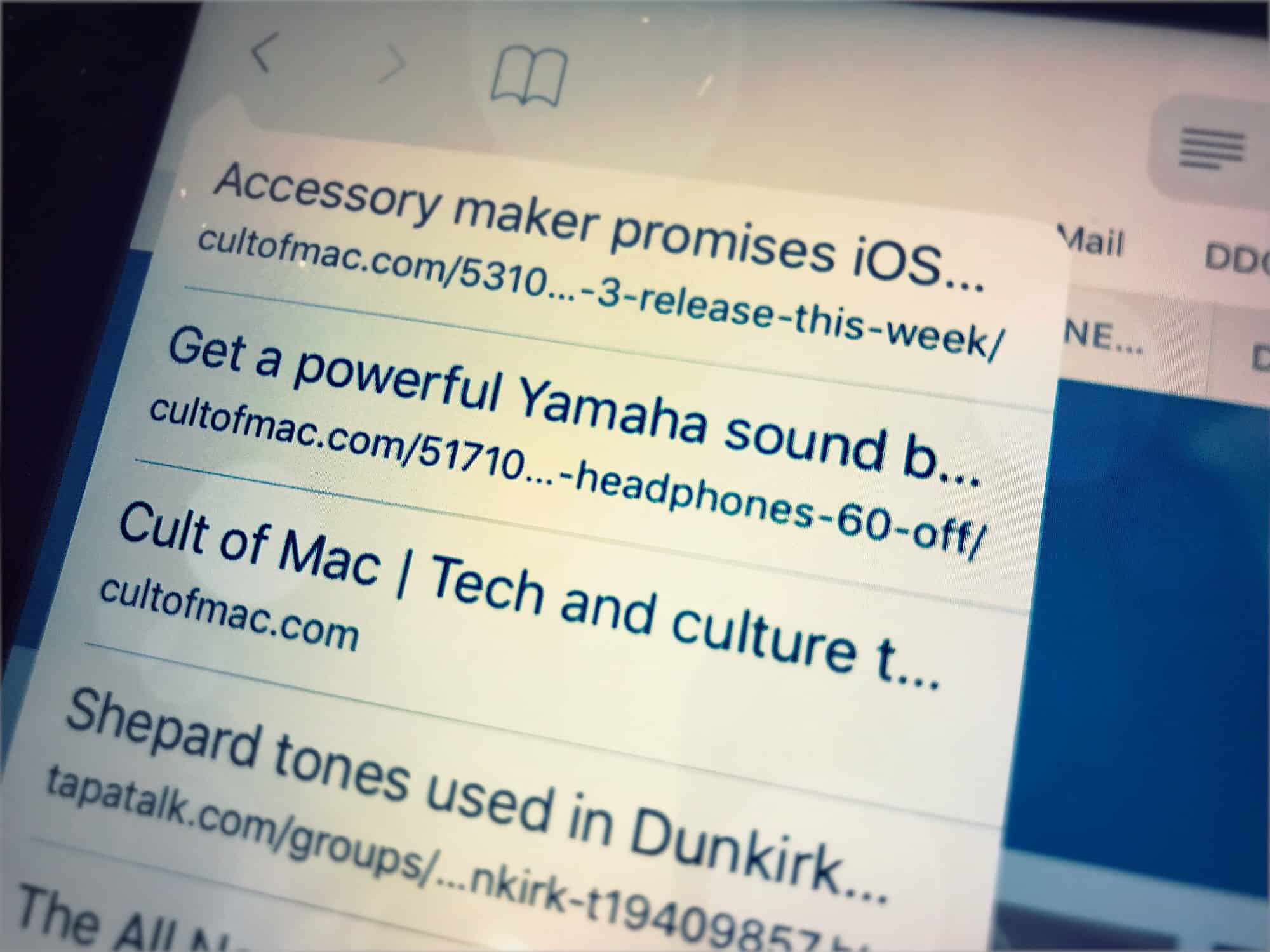
Here's Safari's pop-up tab history Photo: Cult of Mac
When you want to get back to a previously viewed page in Safari on your iPhone, what do you do? Do you keep tapping the back button until you find the page you want?
If so, you can forget that nonsense right now, because there’s a super-quick way to see a list of all the web pages you’ve recently viewed in a Safari browser tab.
"I don't have these features. Would you like me to search the web for you?" Photo: Ste Smith/Cult of Mac
Siri kind of sucks, despite its increasingly prominent role in the Apple ecosystem.
With the general verdict on the HomePod being “great speaker, shame about Siri,” what does Apple need to do in order to catch up with its rivals? Here are six Siri improvements we’d love to see Apple implement as soon as possible.