Mobile menu toggle

Top stories - page 508

HomePod mini and the end of iTunes, this week on The CultCast

By

MacBook Pro

Photo: Apple

This week’s episode of The CultCast is packed with great Apple stories. We talk: Reports of a cheaper, smaller HomePod; the end of iTunes; MoviePass tracking your every move; the first security camera for your car; and more! Hit play to catch the discussion.

Our thanks to Casper for supporting this episode. Learn why Casper makes the internet’s favorite mattress, and save $50 off your order at casper.com/cultcast.


Fortnite Battle Royale is coming to iPhone and iPad

By

Epic is putting Fortnite in your pocket.
Photo: Epic Games

Epic Games is bringing its insanely popular Fornight Battle Royale to iPhone and iPad.

It will be exactly the same 100-player game you’ve been enjoying on consoles, with the same map and the same weapons — and it will support cross-platform play between PlayStation 4 and PC. You can sign up to join the beta on Monday, March 12.

Hands on with Ottm’s wonderful wooden Apple Watch bands [Video]

By

ottm
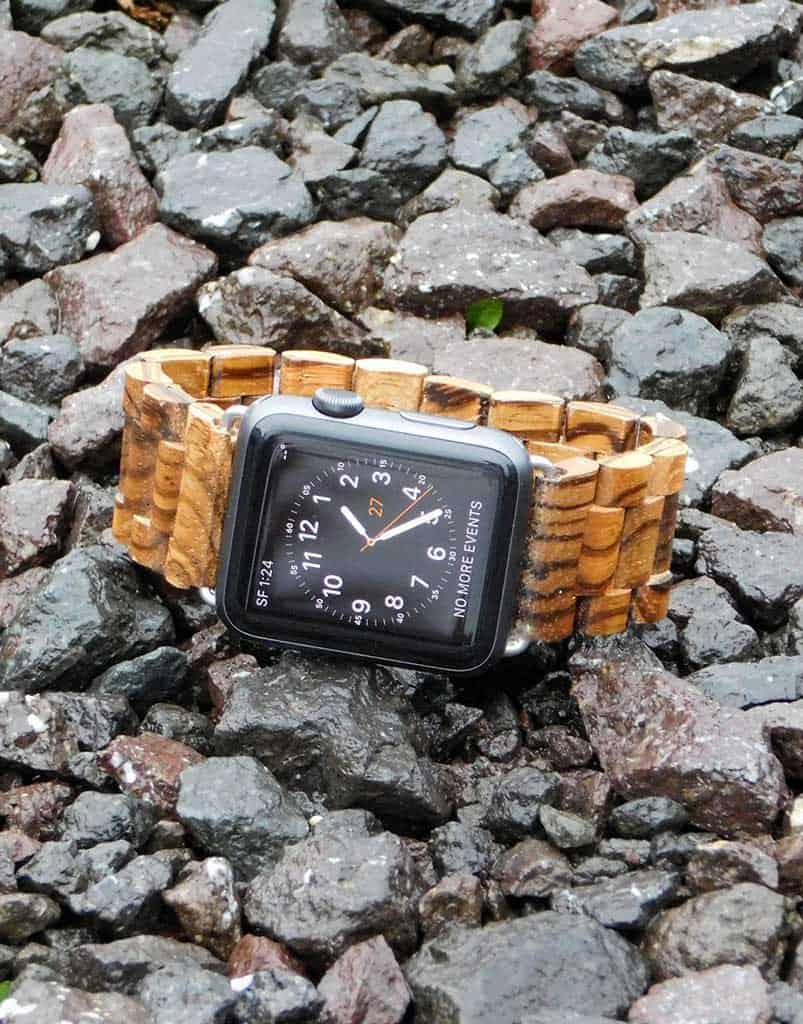
The Ottm wooden Apple Watch band in Gabonese Zebrawood.
Photo: Ottm

In the world of watch straps, we think Ottm, a manufacturer of wooden Apple Watch bands, offers one of the best unboxing experiences.

The box itself is plain and simple, but the package is thoughtfully designed, containing extra links and a pin removal tool that makes it very easy to adjust your new band.

The bands are awesome, too. Made from zebrawood and/or sandalwood, each hand-finished strap is eye-catching, comfortable and unique.

We made a video to show you what to expect. And, check out Ottm’s wooden Apple Watch bands in the Watch Store.

These are the best music memo apps for iPhone

By

alternative to voice memos
We've come a long way.
Photo: YunHo LEE/Flickr Public Domain

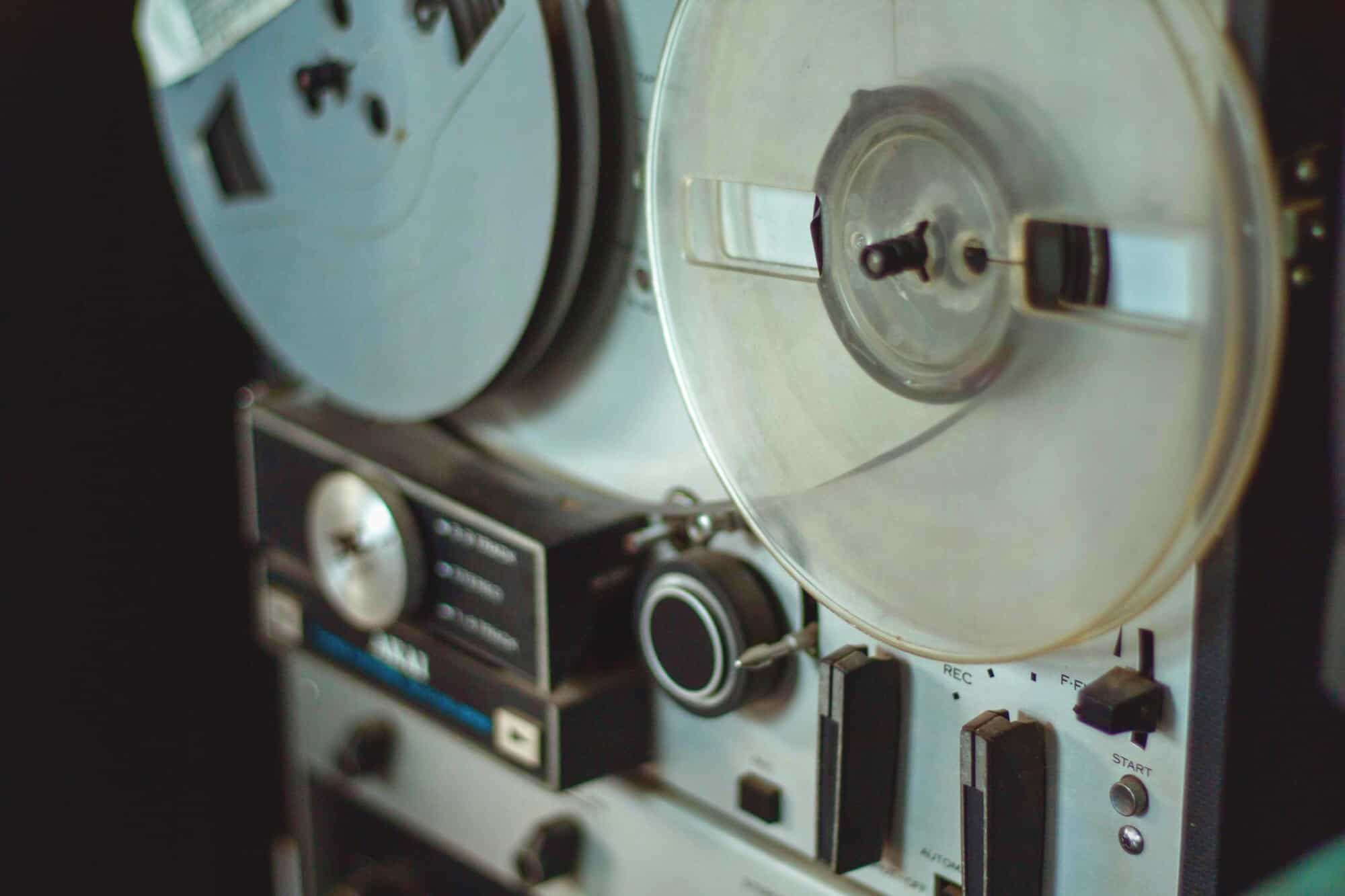
If you like to pretend you’re in a private detective movie, recording yourself with voice-memos as you go about your everyday business, then your app choice is obvious: Voice Memos from Apple. It’s built into your iPhone, it’s simple, quick to use, and rock solid. But if you’re a musician, and you want to quickly capture ideas, the choice is more complicated. Let’s take a look at the best iOS apps for recording music memos.

How the iPhone accelerated the career of an unknown photographer

By

iPhone photos
Little league pitcher Mone Davis, one of the subjects Luisa Dörr photographed for TIME
Photo: Luisa Dörr

We post our iPhone photos on Instagram and are often content if an image gets a few dozen likes. Luisa Dörr’s iPhone pictures got her a gig at TIME magazine. With the assignment, she landed the magazine’s cover — 12 of them to be precise.

The resulting work featuring some of the world’s most powerful women was published late last year and accelerated the career of the young unknown photographer from a small village in Brazil.

How to create a sleep playlist for your HomePod

By

Siri speaker
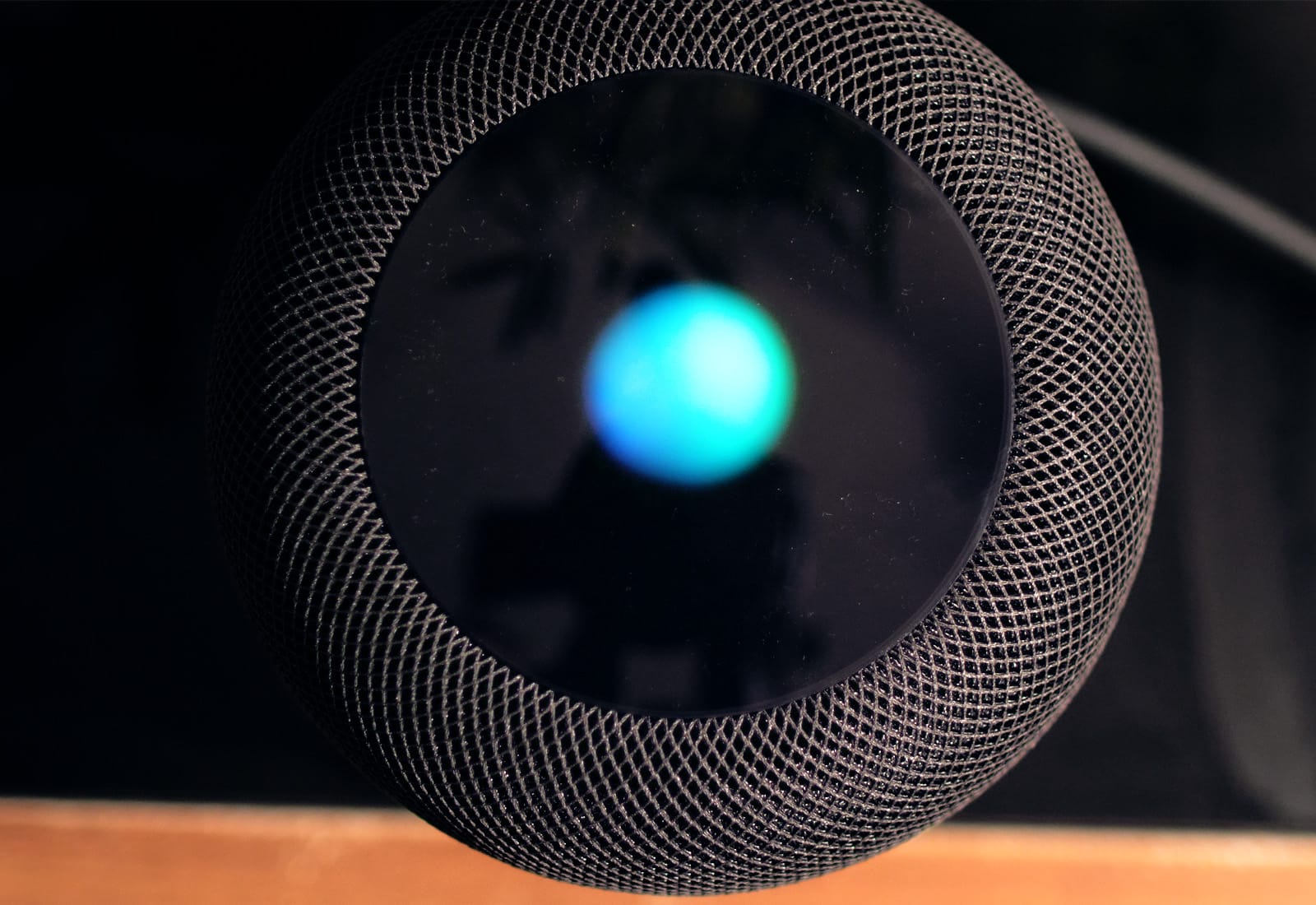
Look into my eye. You are feeling sleepy…
Photo: Ste Smith/Cult of Mac

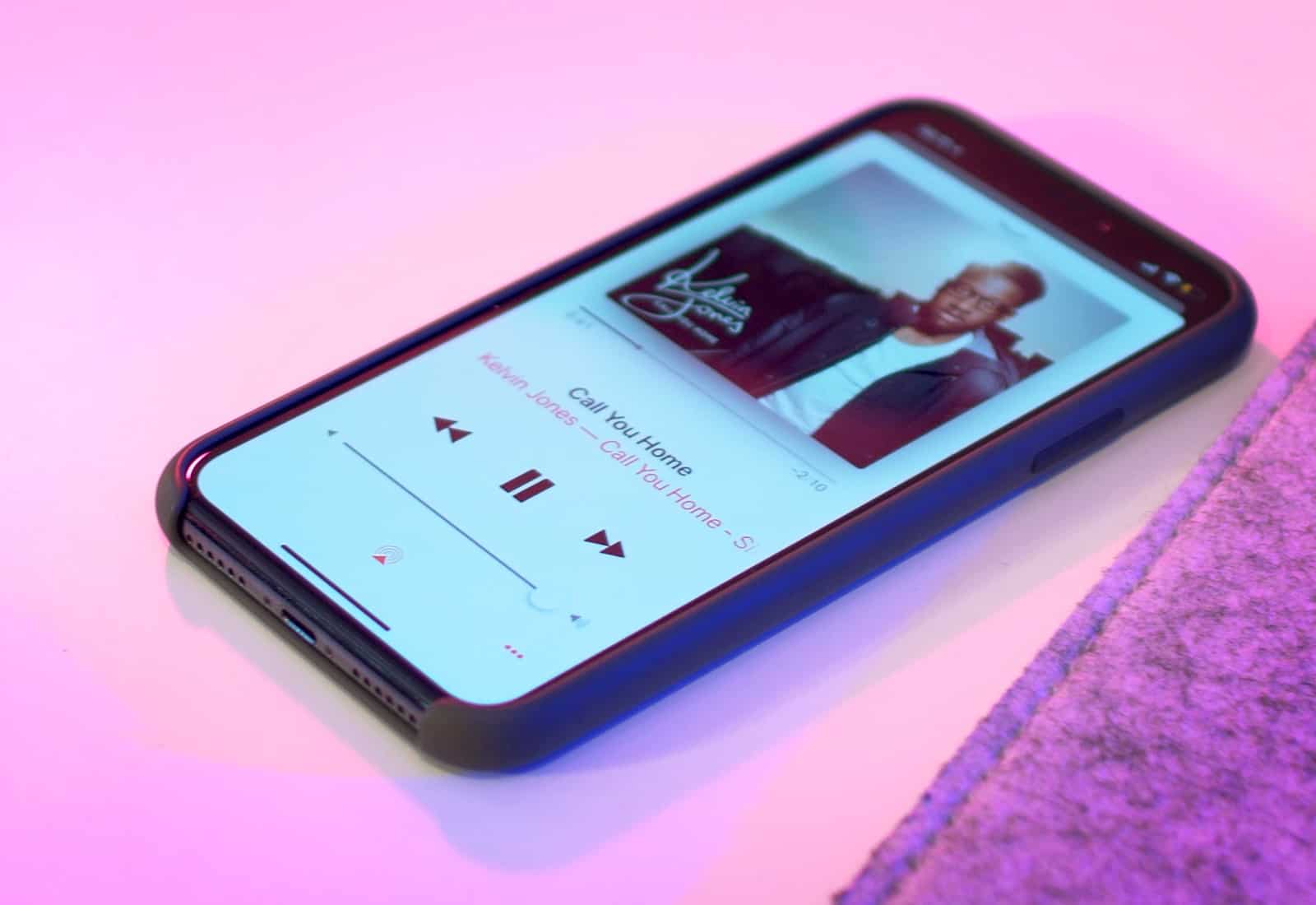
This tip is less of a how-to, and more of a why-to. Did you ever think about creating a sleep playlist for your HomePod? It’s a great idea for a few reasons.

  • You can control the HomePod with your voice, from your bed.
  • The HomePod is silent when it’s not playing back audio, so you don’t have to turn it off or listen to it hiss.

Let’s see how it’s done.

Check out these amazing, creative iPhone home screens

By

squeeze iPhone
Grip and squeeze could be a feature on future iPhones.
Photo: Dan Rubin/Twitter

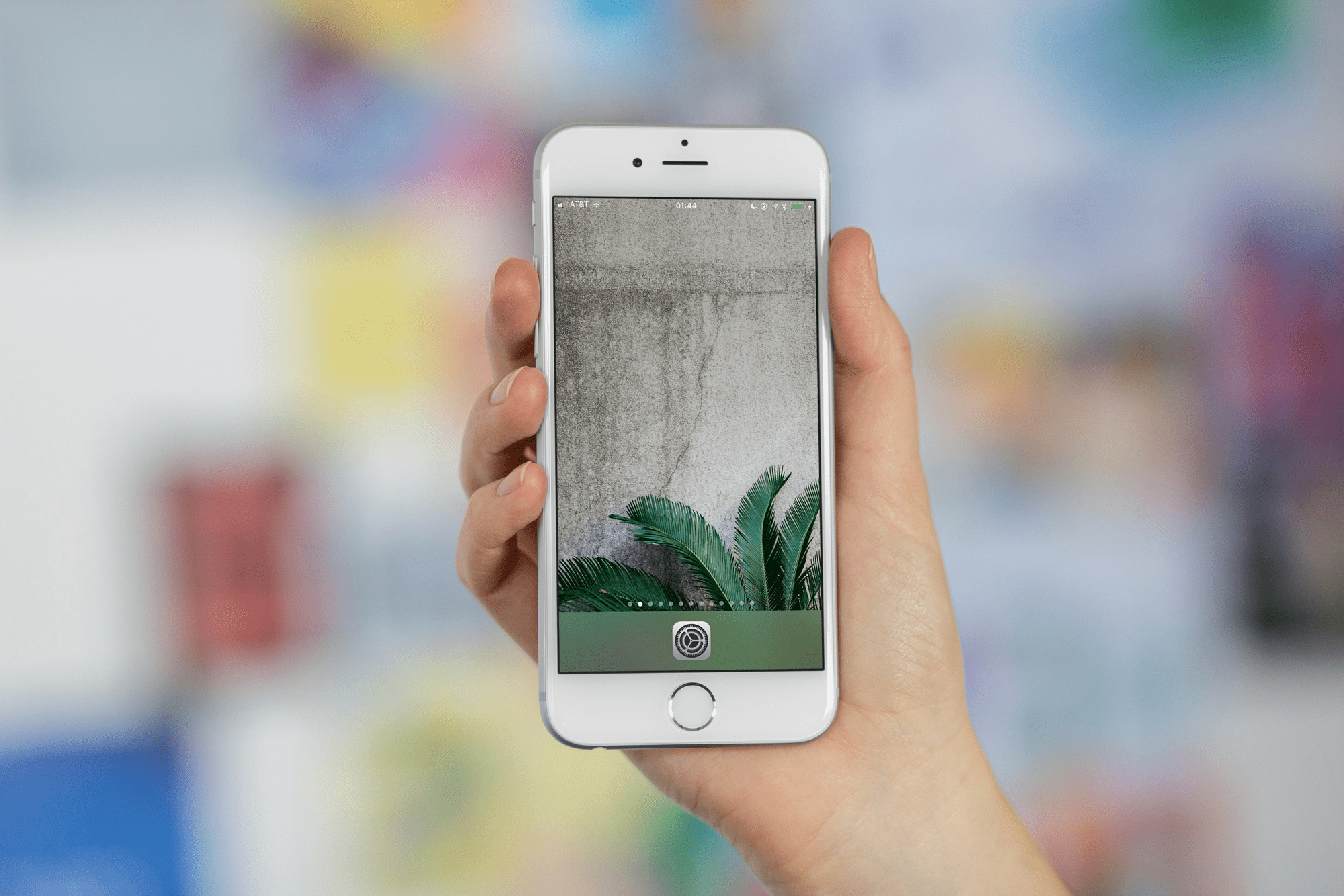
It’s not like you can ever find the app you’re looking for on your various home screens anyway, so why not do something fancy with those icons instead? Like, making your home screen an expression of your inner chakra, man. Or getting in tune with the color harmonies of the universe or whatever.

Whatever hippie crap you’re using to justify it, the results can be amazing. And who knows — if you arrange your home screens by color, then maybe you’ll actually end up finding things faster.

Apple might drop new iPad Pro with Face ID in June

By

bezel free
Prepare for an all-new iPad Pro.
Photo: Ste Smith/Cult of Mac

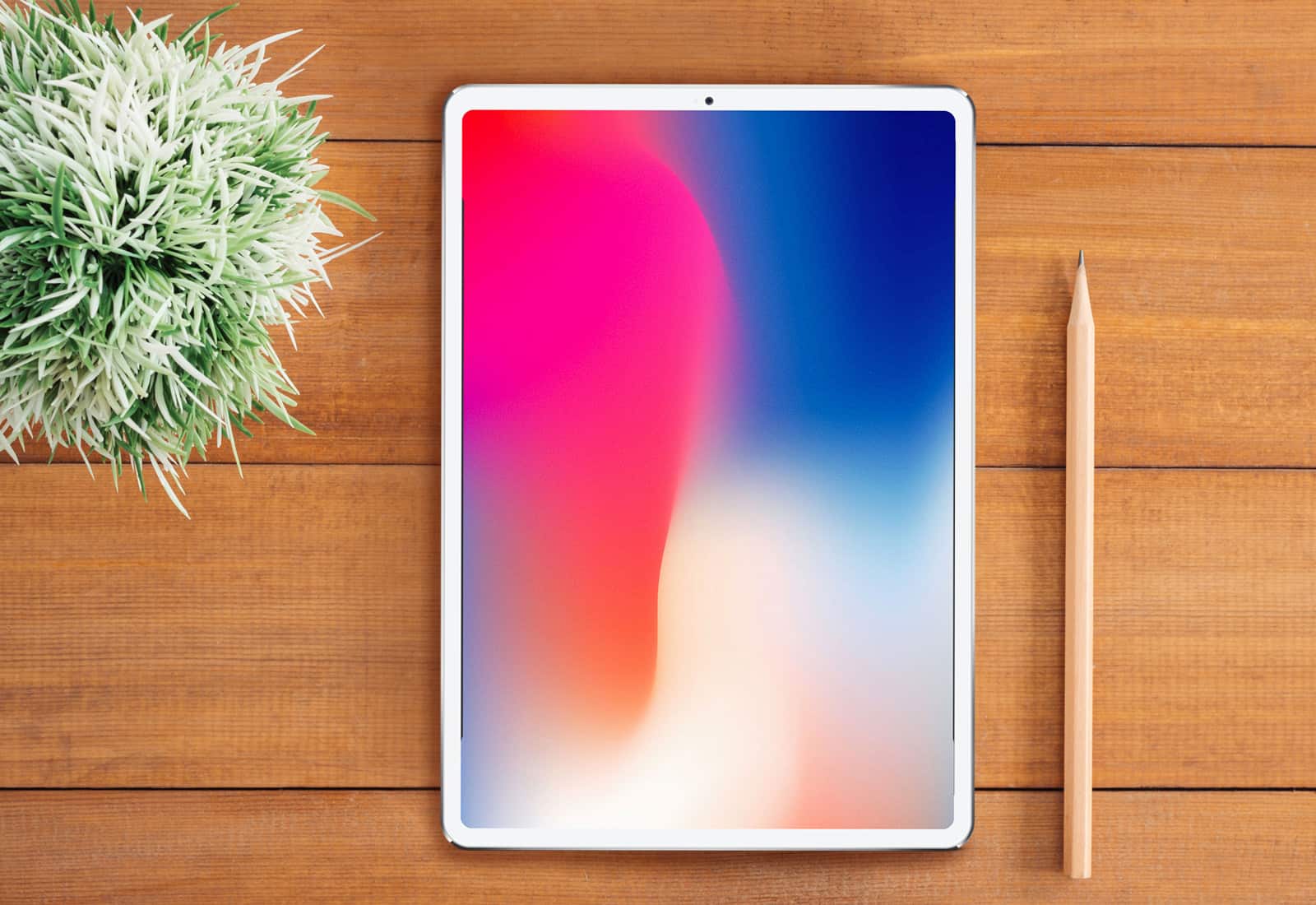
Apple will deliver a revamped iPad Pro during the June quarter of this year, according to a new report.

Inspired by the iPhone X, the device is expected to have significantly slimmer bezels and Face ID, and could make up for weaker-than-expected demand for Apple’s latest smartphones. Apple could also be planning a smaller, more affordable version of HomePod.

How to give your Finder window superpowers

By

finder
No wonder this little chap is so happy...
Photo: Cult of Mac

The Finder has been with the Mac since day one, way back in 1984. But just because it’s old, doesn’t mean that it doesn’t have some new tricks. Did you know, for instance, that you can add a path bar to the bottom of the window to show the path of the current folder on your Mac? Or that you can add a status bar in the same spot so you always know how full your drive is? Or that you can add a permanent preview pane over on the right side of a Finder window, even in icon and list views?

Let’s take a look, and see what else you can do.

How to make your iPhone speakers louder [Quick Tips]

By

Tweak this iOS setting to make iPhone speakers louder. (Works with iPad and iPod, too!)
Tweak this setting to make your iPhone speakers louder. (Works with iPad and iPod, too!)
Photo: Ste Smith/Cult of Mac

Apple improves the speakers in iPhones, iPads and iPods with each release — usually making them louder than the previous generation. Still, people constantly complain that iPhones are not loud enough.

In our latest Quick Tips video, I’ll show you a super-easy way to boost those tiny speakers. Check out the video below to see how to make iPhone speakers louder!

For augmented reality maps to succeed, just add accuracy

By

ARkit
New AR framework makes it easier to build mapping apps.
Photo: Dent Reality

The augmented reality revolution sparked by Apple’s ARKit needs a dash of accuracy if it’s really going to catch fire — especially when it comes to mapping.

That’s why London developer Andrew Hart created a location-aware toolkit that uses artificial intelligence to punch up the precision in apps built with ARKit.

“One problem with AR location experiences is the low accuracy of phone GPS and compasses, which makes it difficult to ensure that things line up,” Hart told Cult of Mac. “The toolkit uses computer vision techniques to recognize landscapes from tagged imagery, and then aligns the AR environment upon recognition. It works in different weather conditions, and means you can have really precise experiences.”

Get a massive bundle of tools featuring Bizplan and lessons for startups [Deals]

By

Get the tools and knowledge you need to launch a successful startup.
Photo: Cult of Mac Deals

We’re still in the midst of a startup boom. The model of small, scrappy business-building has resulted in a body of knowledge about how to succeed. It’s also led to a bevy of tools that can help anyone, whatever they’re building. So we’ve gathered some of the best of them into a bundle of biz-boosting software.

Bidding for rare Mac prototype starts at 99 cents

By

Hap Plain
This early backlit Mac laptop sold on eBay for more than $16,000.
Photo: Hap Plain

A rare Macintosh prototype that was once rescued from the trash recently sold for more than $10,000 on eBay.

But the winning bidder backed out and now, the clear-plastic Macintosh Portable M5126 laptop is back on the auction site. Bidding started at 99 cents with no reserve.

Pro Tip: Use Safari’s secret page-reload options

By

safari reload
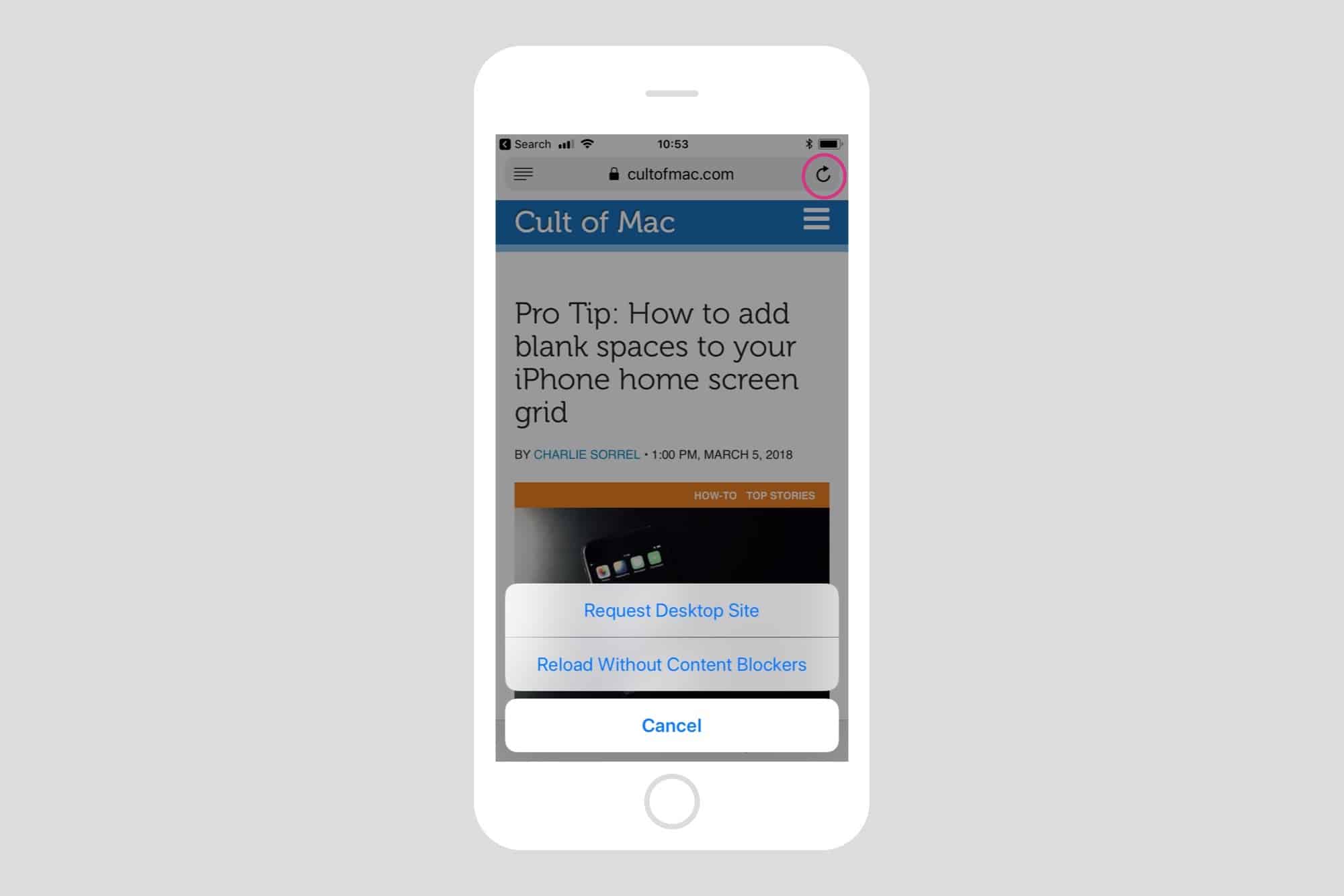
Long press Safari's buttons to access secret extras.
Photo: Cult of Mac

Pro Tip Cult of Mac bugSafari is a pretty full-featured mobile browser, but if you tap the time to long-press on its buttons and icons, you’ll discover a whole lot of neat extra tricks. These aren’t esoteric power-user tricks either. Pretty much every button on a safari page has an extra function, and it is almost always something you’ll find yourself using every day. Today we’ll see what the plain old reload button can offer us.

Xiaomi’s copycats could invade the U.S. this year

By

Xiaomi Mi Notebook Air
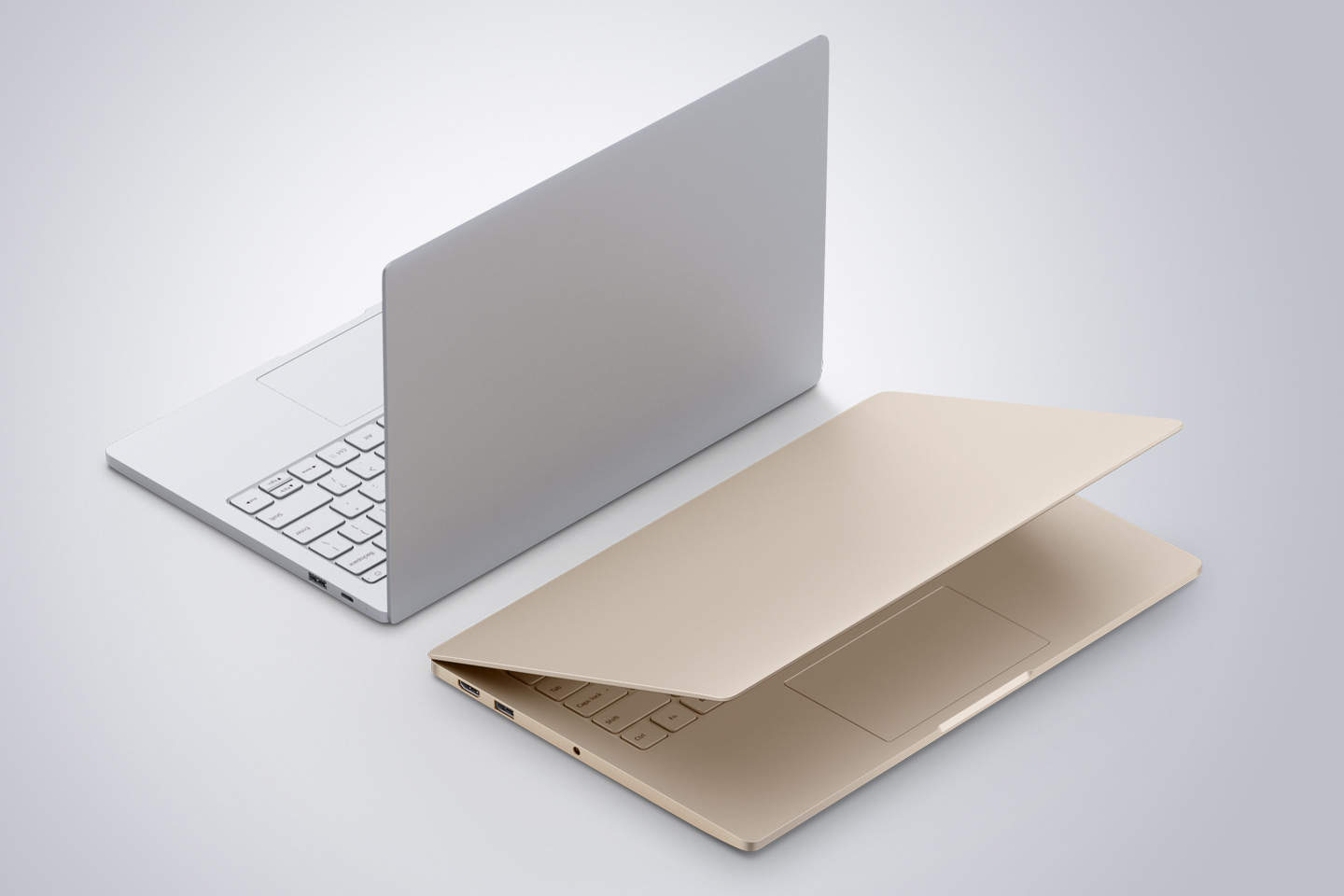
Xiaomi products could soon be on sale near you.
Photo: Xiaomi

Xiaomi is gearing up to invade the U.S. with its Apple clones.

We’ve been waiting years for the Chinese company to make its most popular gadgets available outside of Asia. Now Xiaomi has confirmed that it plans to enter the U.S. market in late 2018 or early 2019.

How to use iCloud Drive to free up storage on your Mac

By

clouds
Clouds. Perfect for the storage of information.
Photo: Charlie Sorrel/Cult of Mac

Is your Mac stuffed fit to burst? Do you look at the Finder’s Status Bar, see “1GB available,” and then give up what you were doing and go check Twitter instead? What if I told you that you could offload much of the junk/important data on your Mac to iCloud, just like you do with your iCloud Photo Library? Well, you can, and it’s easy. It’s called Optimized Storage.

How to save $1 on every coffee you buy [Review]

By

The Square Cash Card is changing the game with coffee discounts.
It's shockingly simple to save $1 on every coffee you buy.
Photo: Chevanon Photography/Pexels CC

Square Cash is the world’s best coffee loyalty program — and it’s time you knew about it.

The Square Cash Coffee Reward program has been the highlight of my last six months. You can either take that as an indictment of my quality of life, or a resounding recommendation for this coffee cash-back program.

iOS 11.3 beta 4 brings back ‘iBooks’ app

By

iBooks
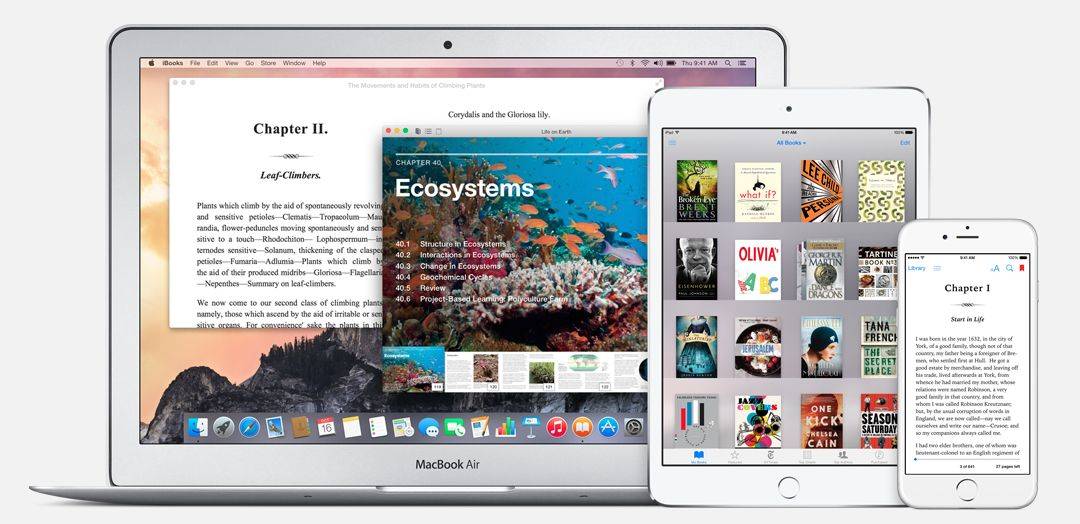
iBooks may not be ready for a big revamp.
Photo: Apple

The latest iOS 11.3 beta, rolled out to registered developers Monday, includes a small but significant change to one of Apple’s apps. “iBooks” has returned after briefly being renamed “Books.” The move could suggest a rumored revamp is currently on hold.

Pro Tip: How to add blank spaces to your iPhone home screen grid

By

blank icon
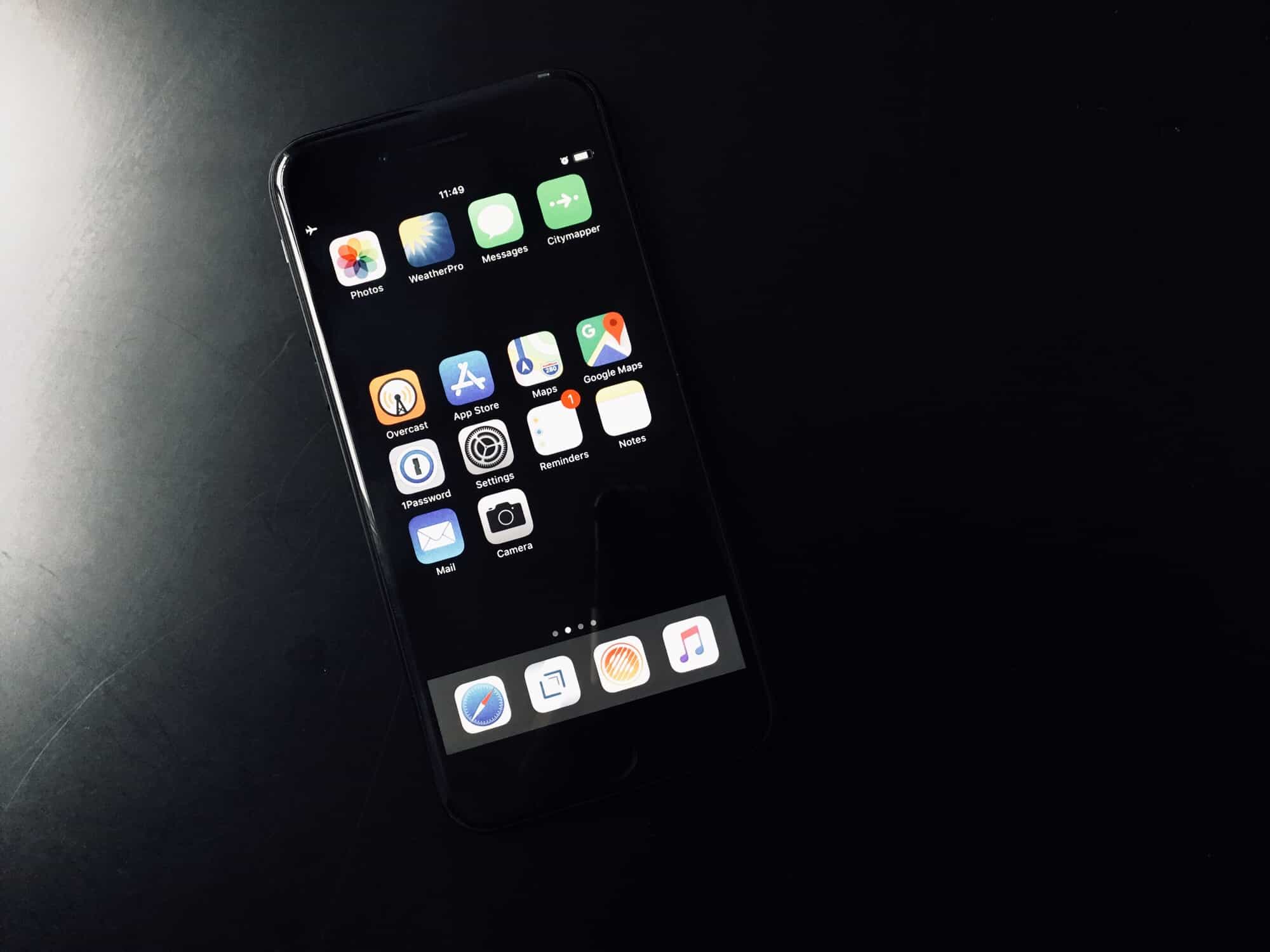
A blank row helps organize your home screen.
Photo: Charlie Sorrel/Cult of Mac

Pro Tip Cult of Mac bug Some of the most creative iPhone home screen designs we’ve ever seen use blank gaps to separate icons into groups or to create interesting stepped patterns. But how is that even possible? After all, if you delete a home screen icon, the others close ranks to fill in the space.

The answer is to add blank icons to create those gaps. Then, you can add a blank row to organize your iPhone home screen, or move all your apps the the bottom of the screen instead of the top.

How to control any app or website with your Mac’s media keys

By

BeardedSpice
Take back control of your Mac's media keys with BeardedSpice.
Photo: Cult of Mac

Did you ever hit your macBook’s play/pause key to pause that YouTube video, only to have iTunes launch instead, and start playing that embarrassing tune from your last home workout session? Then you may be interested in a way to have your media keys control the site or app you want to control, instead of the app that Apple decides it will control. Luckily, there’s an app for that, called BeardedSpice.

iPad magician wows Oscars crowd

By

Simon Pierro
The iPad magician liked this woman's outfit, so he gave her an Oscar out of his iPad.
Photo: Simon Pierro/YouTube

Simon Pierro presented an Oscar for a new category: best reaction to a magician pulling an actual golden statuette from an iPad.

Pierro, who travels the world as the iPad magician, capitalized on the buzz leading up to Sunday’s Academy Awards by strolling the Walk of Fame performing tricks for dumbfounded onlookers.

This awesome iPhone case doubles as a retro gaming console [Deals]

By

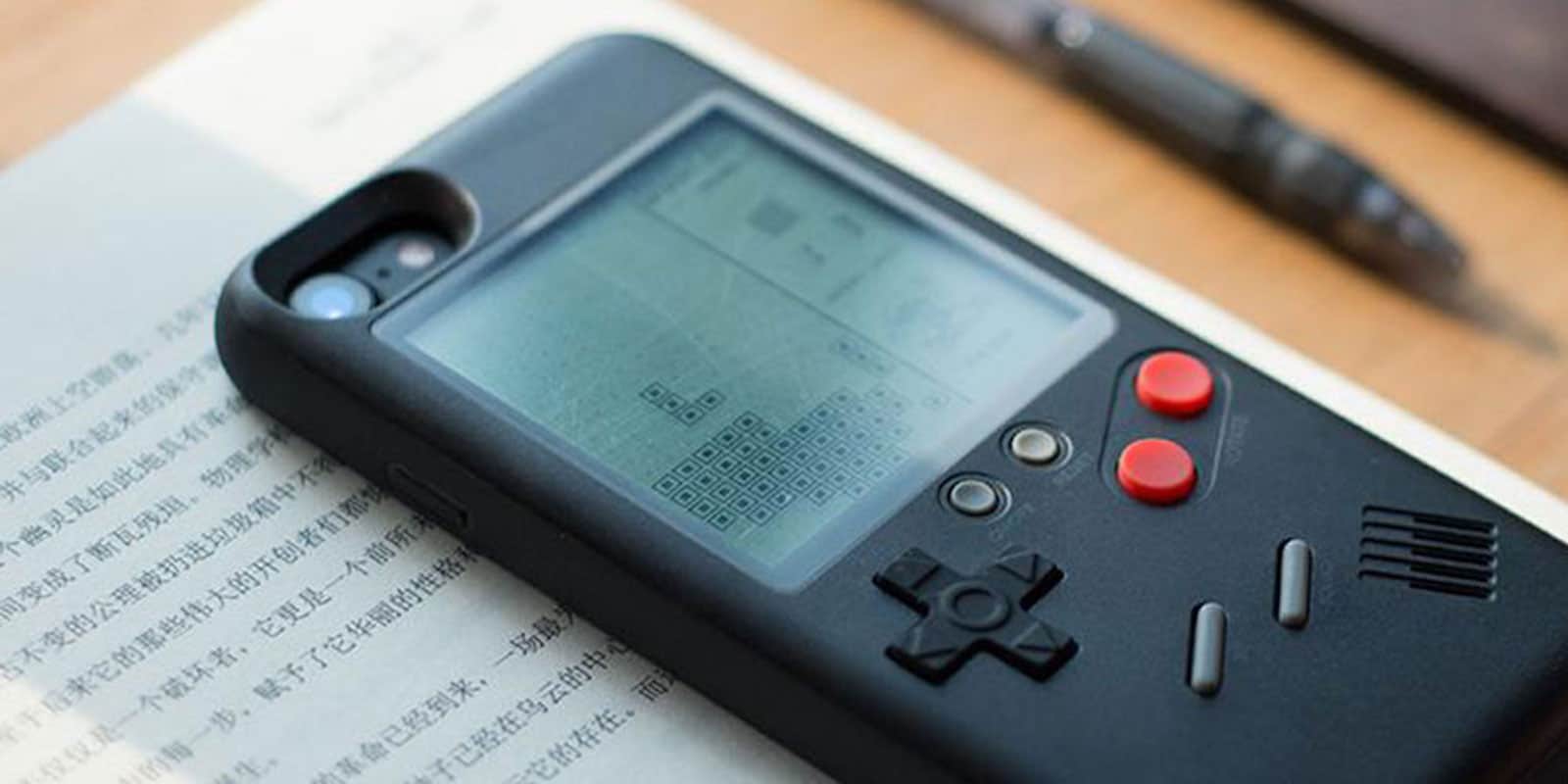
Turn your iPhone into a game machine.
Photo: Cult of Mac Deals

There was a time when the little glowing bricks we carried around were called Game Boys. In those simpler days, passing time meant burning through Tetris, not swiping through Tinder. The graphics weren’t great, but the gameplay sure was.

With the Wanle Gamers Console, you can reclaim the nostalgia of portable gaming, and protect your iPhone at the same time.