Mobile menu toggle

Top stories - page 511

Use these smart Apple Music playlists to find old forgotten favorites

By

record player smart playlists
The good old days etc.
Photo: Charlie Sorrel/Cult of Mac

Apple Music is great, but sometimes swiping and tapping around on your iPhone to find the right track is the opposite of great. That’s where Smart Playlists come in. These playlists automatically update themselves, based on criteria you choose, so you can quickly listen to, say, all the songs you have Loved, or everything you’ve added recently. If you’re exploring different subscription options, you might want to look into the Apple Music package, which offers various plans suited for different listening needs. Also, don’t miss out on this hand-picked playlist for fresh discoveries.

Let’s take a look at some of the best Smart Playlists for Apple Music on your iPhone.

How to fix your AirPods after iOS 11.2.6 broke them

By

airpods
Fixing your AirPods is easy.
Photo: Ste Smith/ Cult of Mac

The latest iOS version 11.2.6 is making some users’ AirPods stream in mono, instead of stereo. That is, the same audio channel is coming out of both AirPods. If you only ever listen to podcasts, you may not have noticed this as most podcasts are recorded in mono, but if you listen to music it might be driving you nuts.

The update may also be screwing with the AirPods’ tap controls.

Either way, the fix is easy.

Apple repair centers are accidentally calling 911 dozens of times a day

By

Apple Watch Emergency SOS
Emergency SOS isn’t always useful.
Photo: Ste Smith/Cult of Mac

Emergency responders in Elk Grove and Sacramento Country have received over 1,600 accidental 911 calls from Apple repair facilities in the past four months.

The calls waste valuable time and resources and potentially slow down the response to genuine emergencies. The problem seems to have been introduced by iOS 11, which added an Emergency SOS shortcut to iPhone and Apple Watch.

Pro Tip: Use iOS Spotlight as a keyboard app launcher

By

spotlight keyboard ap launcher
A spotlight helps find things.
Photo: Charlie Sorrel/Cult of Mac

Pro Tip Cult of Mac bugDid you know that you can use Spotlight on iOS as an app launcher? It works just like Launchbar or Alfred on the Mac. You just hit a keyboard shortcut and start typing, then hit enter to launch the app. If you have a wireless (or wired) keyboard attached to your iPad, you’re going to love this tip.

Tiny Spotify players, smart sleep masks and more [Crowdfund Roundup]

By

Mighty
The on-the-go Spotify player.
Photo: Mighty

Crowdfund Roundup bugYou don’t need to carry your smartphone to enjoy Spotify on the go anymore. Mighty is the tiny, lightweight Spotify player that’s ideal for runners and outdoor adventurers who want to leave their hefty smartphone at home.

It’s just one of the awesome ideas in this week’s Crowdfund Roundup. We also have the world’s smartest sleep mask, an iPhone battery case that brings back the headphone jack, and more.

This great iOS Spotlight trick lets you know everything about a person

By

spotlight contact search
Several spotlights.
Photo: Charlie Sorrel/Cult of Mac

Somewhere after the launch of iOS 11, Apple tweaked Spotlight search to be way more useful. Now, when you search for a person, you can trigger a sub-search that lets you find everything you have on them, from emails, to iMessages, to their contact details, through WhatsApp messages, to calendar events. Anywhere that your selected contact exists on your iPhone or iPad will show up in the list.

And then, you can narrow the results with a sub search.

This stainless steel Apple Watch band is super-shiny and sleek [Watch Store]

By

casetify
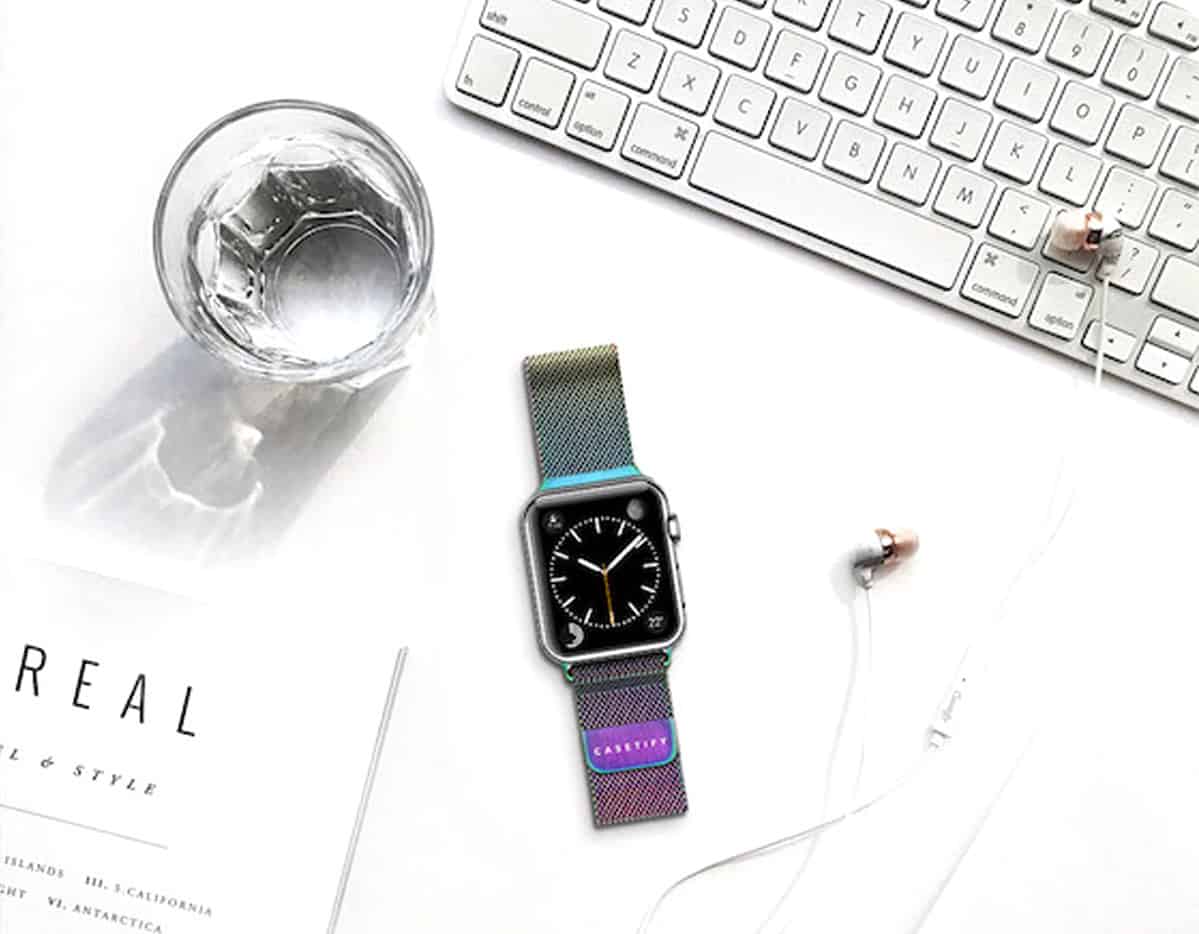
Take your pick of any two Casetify Apple Watch bands and get 20% off! Includes Stainless Steel, Woven Nylon and Saffiano Leather bands.
Photo: Courtesy of Casetify

Stainless steel meticulously weaves its way through the Mesh Band for Apple Watch — Casetify’s answer to the significantly more expensive Milanese Loop by Apple. Casetify’s version is just as stylish and functional as the behemoth brand’s band, and now comes in two brand-new finishes: Iridescent and Gold (that matches the Series 3).

For penny-counters, you’ll save from $67 to $117 on Casetify’s silver and black stainless steel mesh bands, respectively, and gain three additional colors not offered by Apple: gold, rose gold and iridescent.

The Stainless Steel Mesh Bands are for both men and women. Check out the latest colors in our Watch Store, and read on to learn more.

New AirPods will bring water-resistant design, ‘Hey Siri’ support

By

AirPods sales
35 million pairs of AIrPods sold in 2018.
Photo: Ste Smith/Cult of Mac

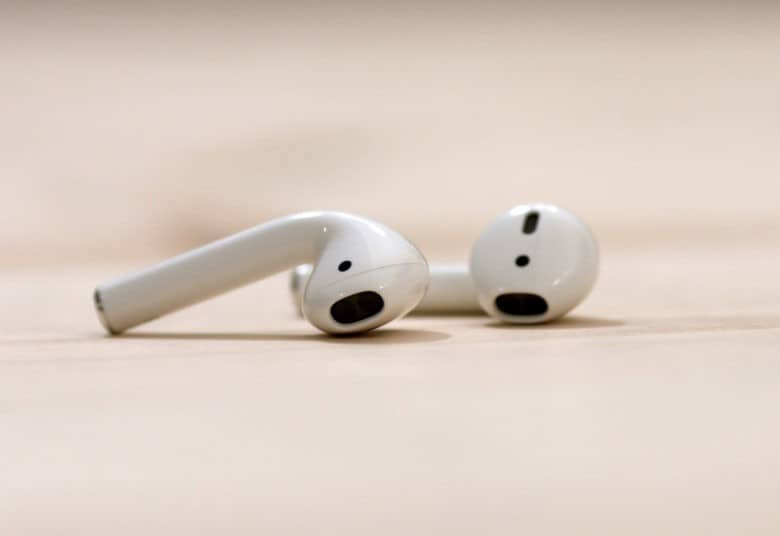
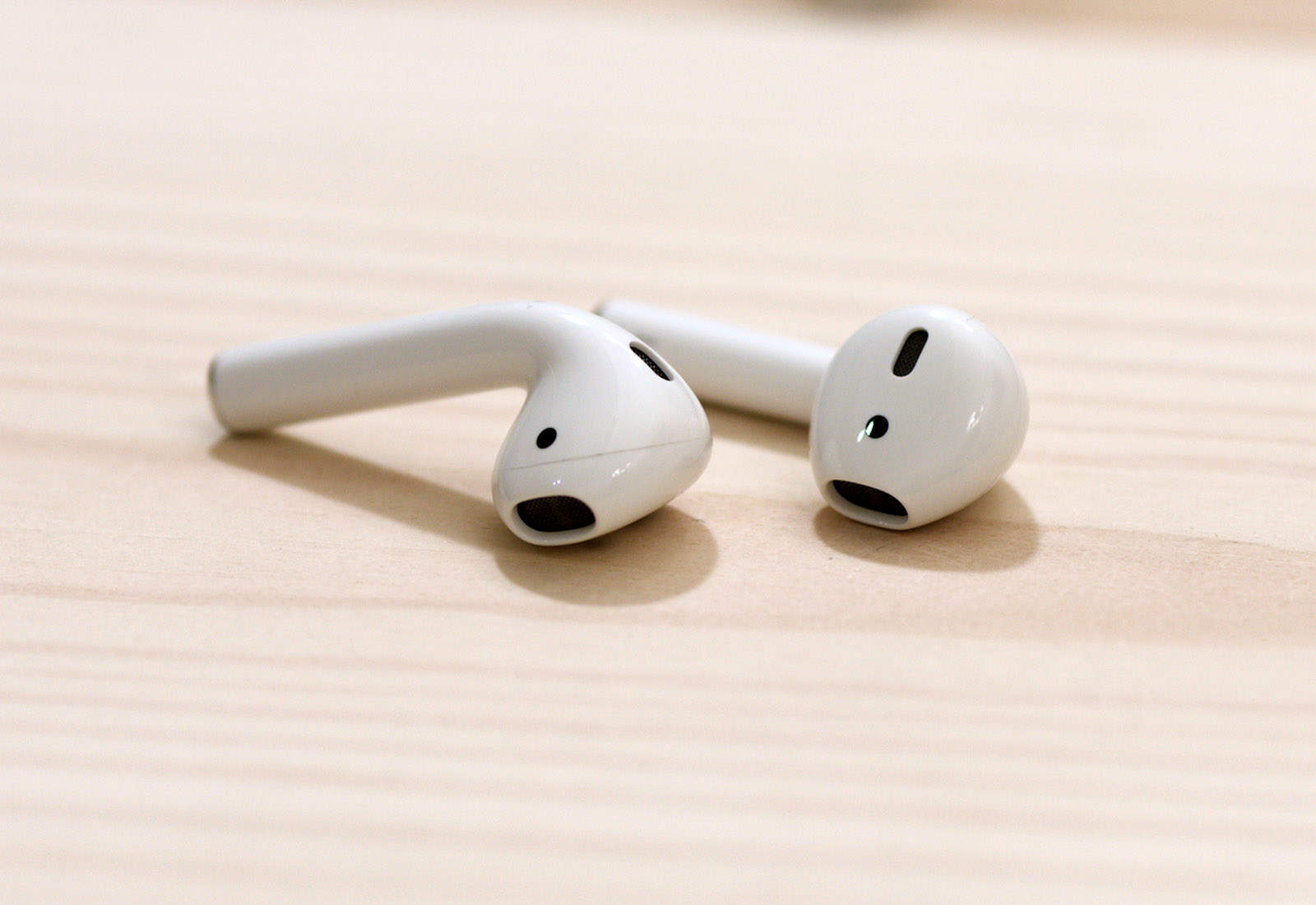
Apple is working on upgraded AirPods with a new wireless chip and “Hey Siri” support, according to a new report.

The refresh will arrive “as early as this year,” according to sources familiar with the matter. A future refresh, pegged for early 2019, will also bring a water-resistant design.

This app can type every Unicode character ever on your iPhone

By

Unichar works everywhere
A great new Unicode app.
Photo: Jordan Hipwell

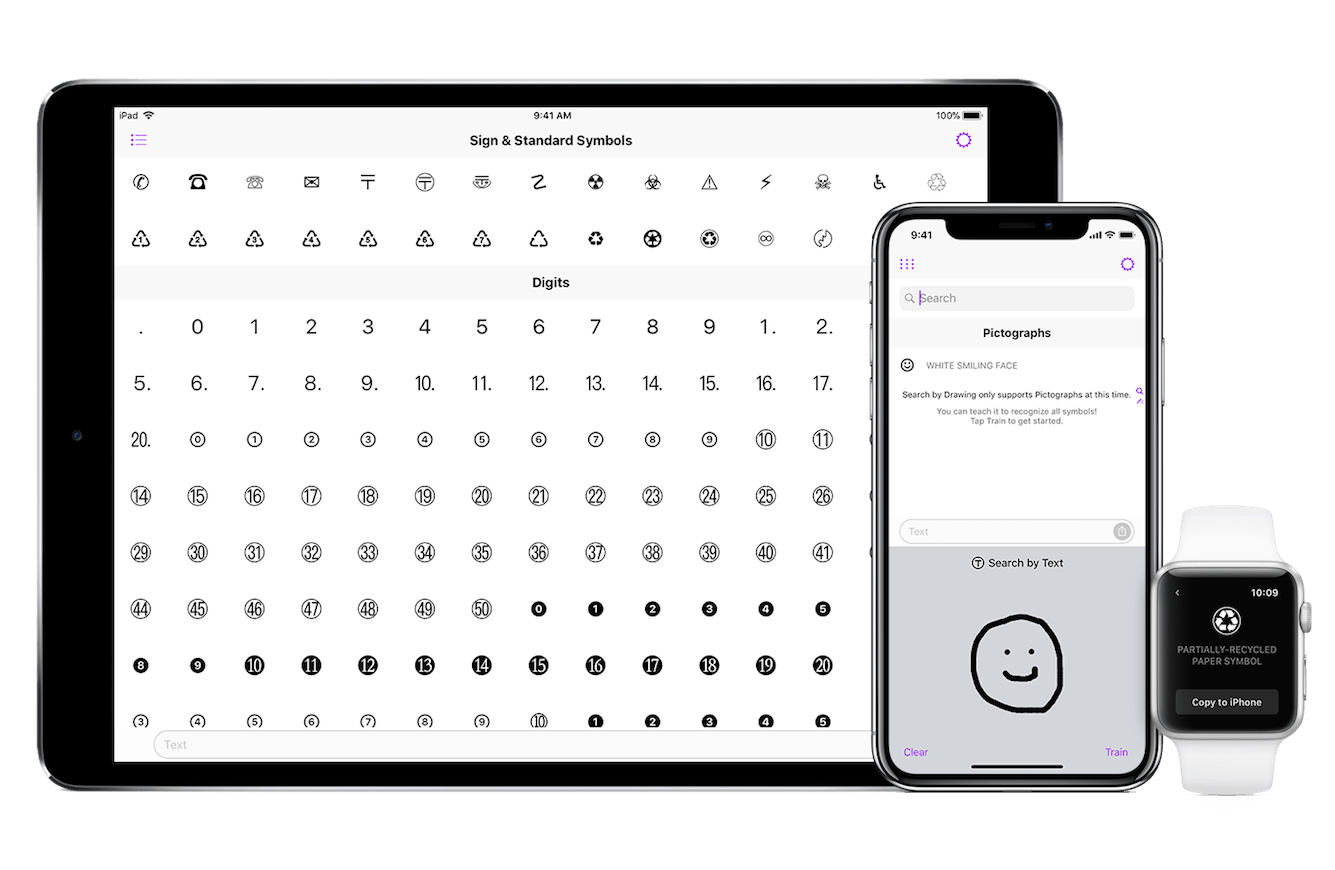
On the Mac, you can type any character available in there Unicode standard, just by opening up the Emoji & Symbols viewer (Control-Command-Space) and picking the one you want. The selection on iOS is much more limited. Even finding an ellipsis is such an odyssey I can never remember whether it’s available or not. But UniChar changes that. It’s a Universal iOS app that brings every single Unicode character to your device.

Why I switched from 1Password to Dashlane [Review]

By

Dashlane's password manager on a MacBook Pro
Dashlane reveals the state of password security across America.
Photo: Stephen Smith/Cult of Mac

Late last year, I switched password managers. I traded in trusty old 1Password for relative newcomer Dashlane, and I haven’t looked back.

Dashlane is a well-designed, fully functional and easy-to-use password manager that tops 1Password in one key respect: a Security Dashboard that makes it dead easy to track your online security and update it as necessary.

How to adjust EQ on HomePod

By

HomePod Siri Speaker
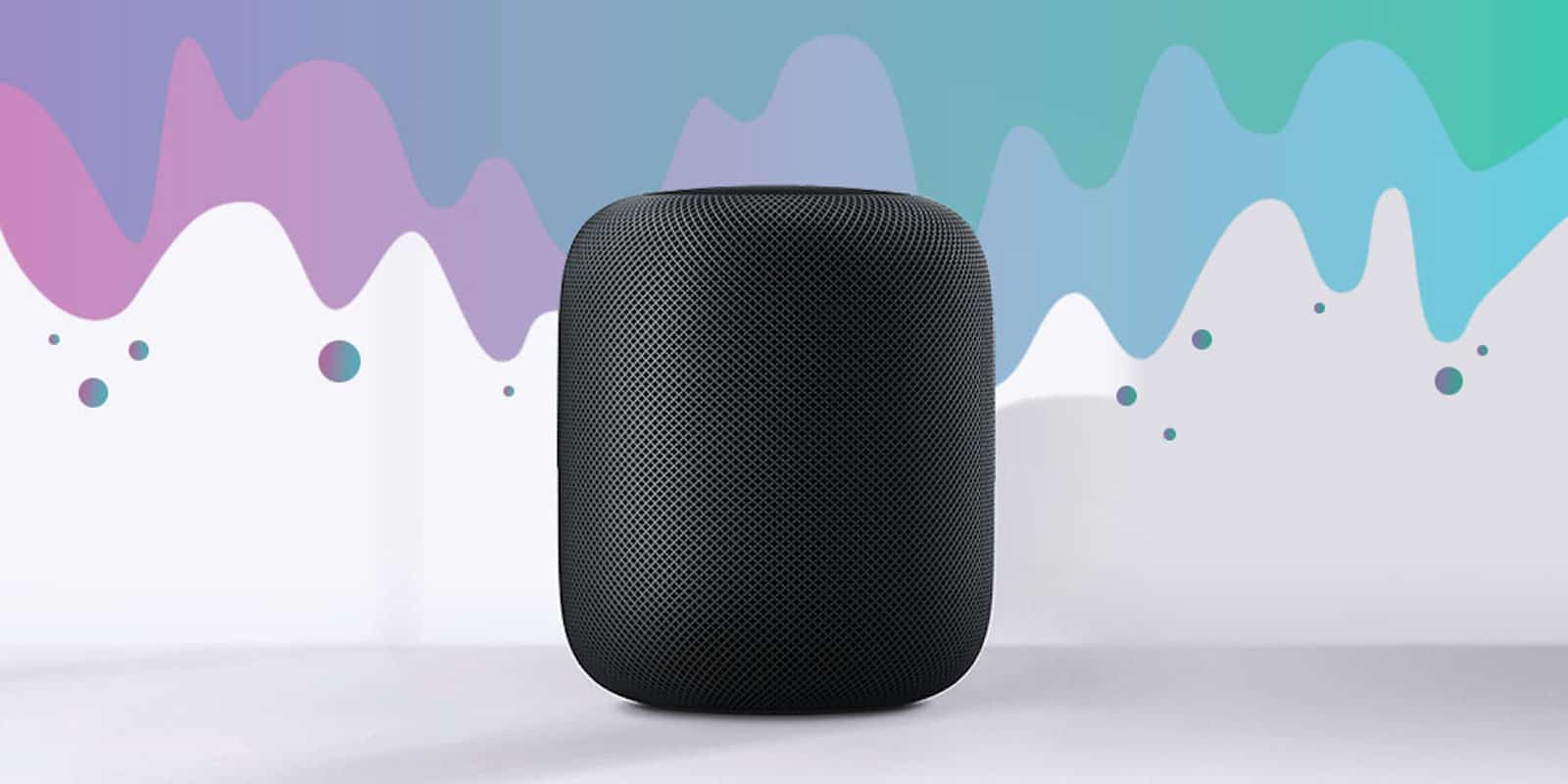
The HomePod automatically adjusts it EQ to suit the music and the room.
Photo: Ste Smith/Cult of Mac

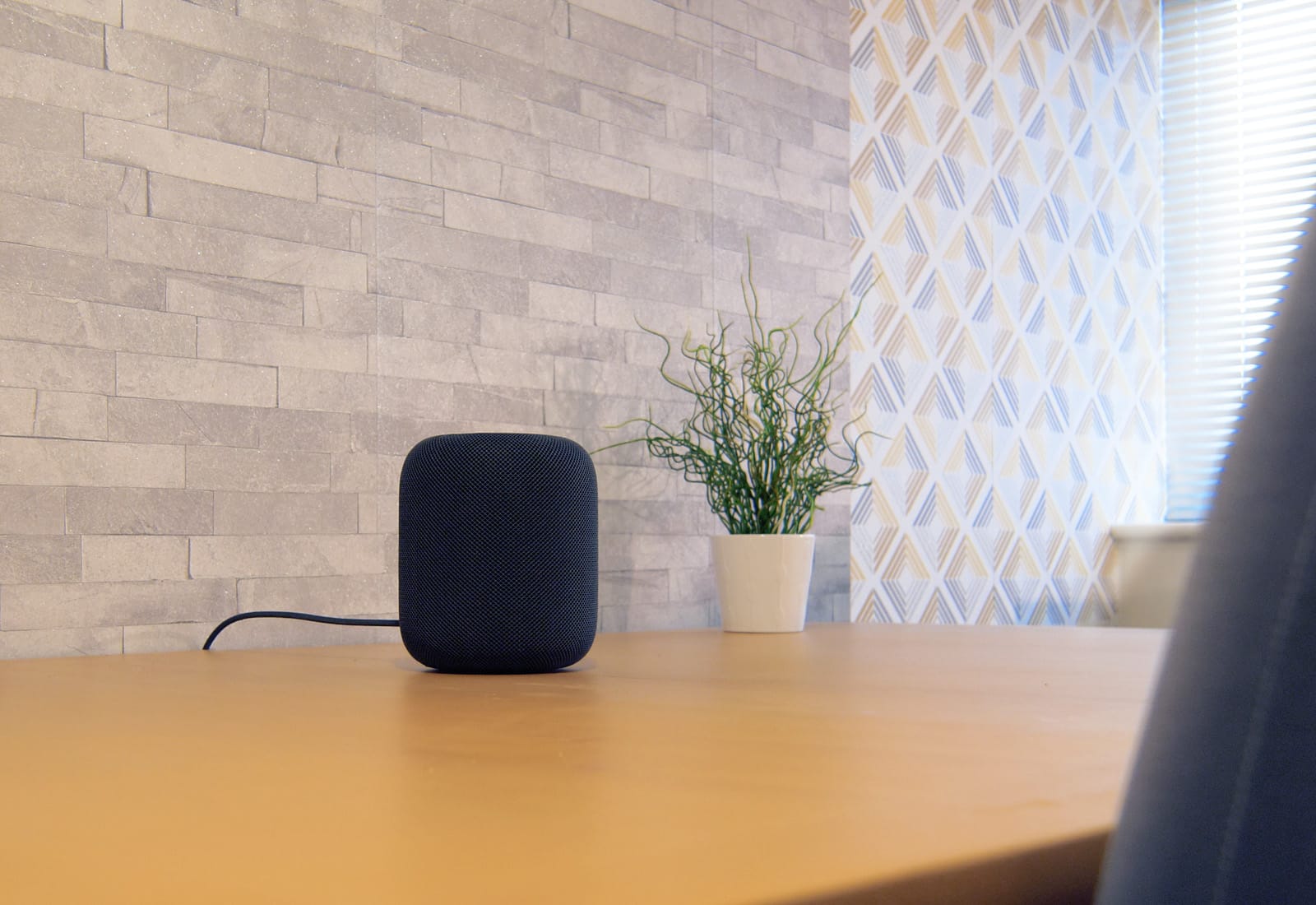
Theoretically, you shouldn’t have to adjust the sound of the music playing to your HomePod. Between all the fancy music processing, and the HomePod’s ability to tailor its audio to the size and shape of your room, music should come out sounding pretty great already. But that doesn’t account for taste. Maybe you like a whole lot of extra bass? Or maybe a certain frequency is booming in your room, and the HomePod isn’t doing anything about it.

Then you should try equalization — tweaking the balance of audio frequencies put out by the speaker. The bad news is that the HomePod offers no native EQ. The good news is that it’s easy to adjust on your Mac or iPhone.

Snapchat promises changes after fierce backlash

By

Snapchat
Snapchat lets you video chat with up to 16 people.
Photo: Snapchat

Snapchat has promised to make changes to its app after a Change.org petition attracted more than 1.2 million signatures from disgruntled users.

Snap has endured growing backlash from fans following a controversial redesign, with many calling for the company to revert to its old user interface. Now the company says it is planning adjustments to the Friends and Discover sections.

Apple gets go-ahead for two new iPads

By

ipad
An iPad refresh could be right around the corner.
Photo: Apple

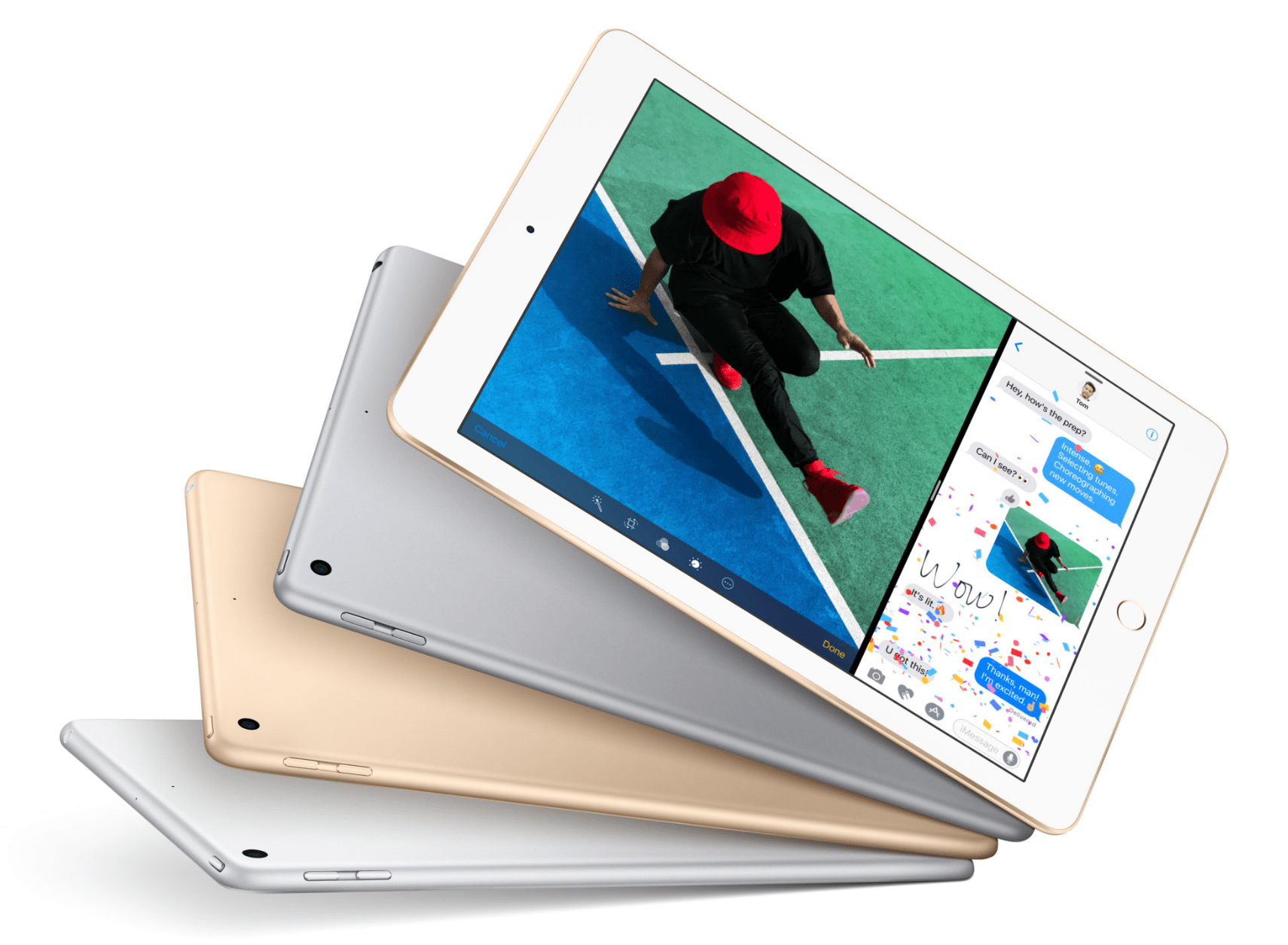
Apple has been given the go-ahead for two new iPads, hinting at an imminent refresh.

The company filed for approval with the Eurasian Economic Commission (EEC), and both devices were granted permission this week. Apple has also been given approval to bring several iPhone and iPad “samples” into the region.

How to use Type to Siri on your Mac

By

HomePod siri
Siri -- not just good to talk to.
Photo: Charlie Sorrel/Cult of Mac

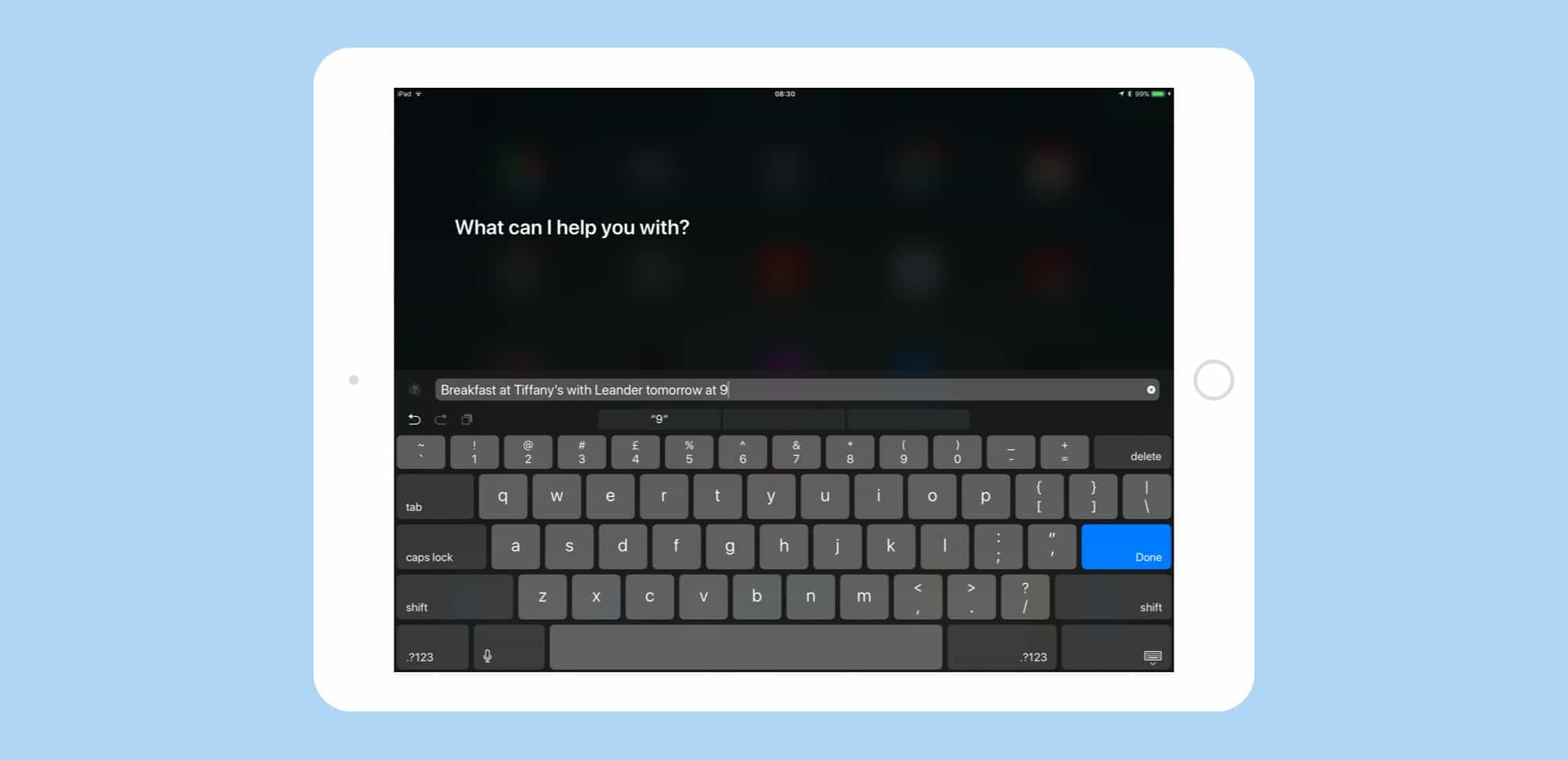
Type to Siri isn’t just for iOS 11. You can also turn on this super-useful feature on your Mac if it’s running macOS High Sierra. Type to Siri lets you do everything you can with normal Siri — call people, send iMessages, look stuff up on the web, do math, set reminders, and so on — only you type the command into a box instead of saying it. Type to Siri is classified as an accessibility feature, but it’s useful for anyone who works in a busy office, or just feels like a dork when they talk to their Mac.

Pro Tip: Drag and drop text between apps on iPad

By

drag and drop text ipad
Dragging text works just like dragging anything else on iOS 11.
Photo: Charlie Sorrel/Cult of Mac

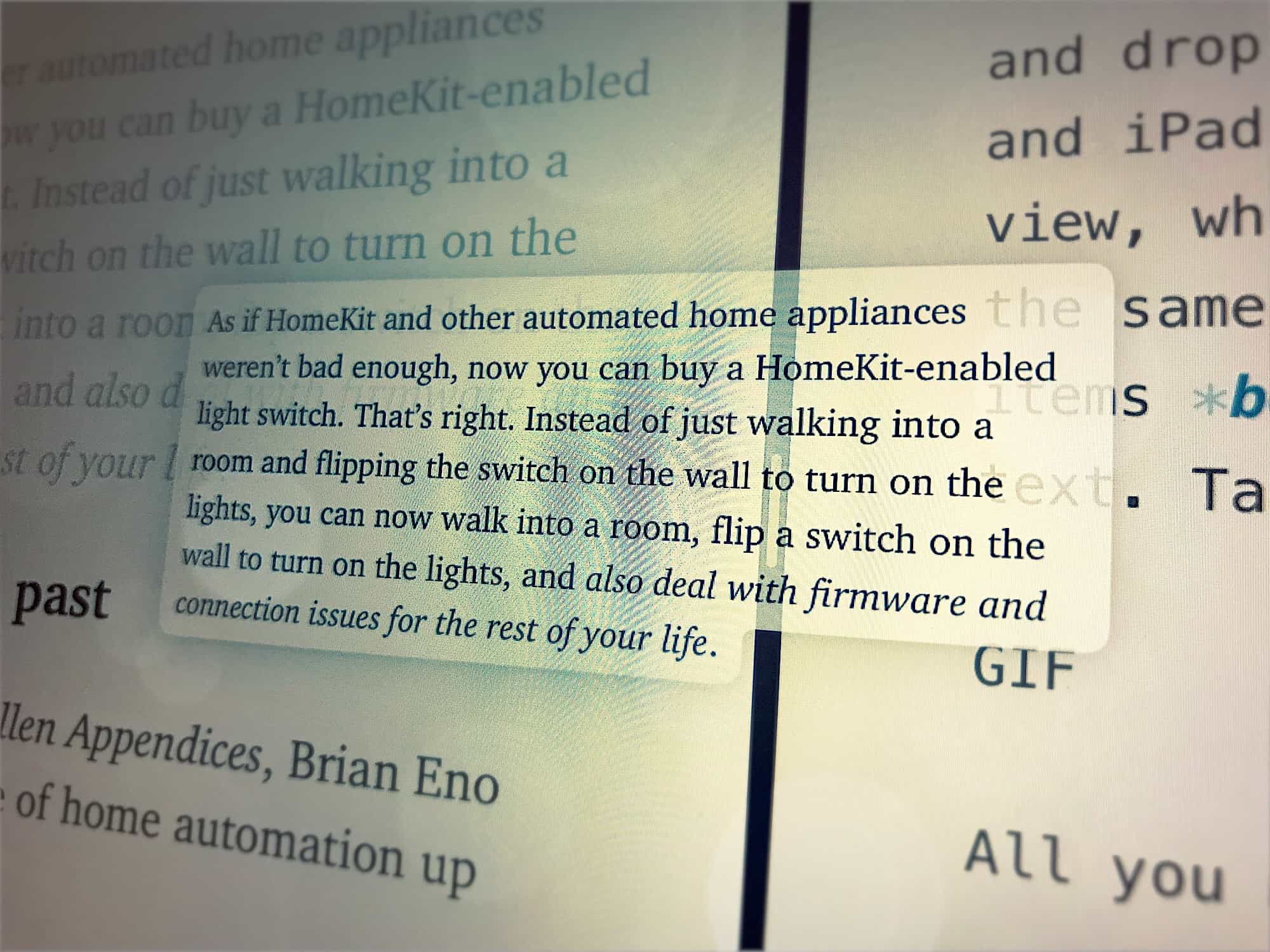
Pro Tip Cult of Mac bug Do you want to grab a chunk of text from Safari and put it into your Notes app? Do you want to clip sections from a long Word document and comment on them in email? Or maybe you just want to collect snippets of text for research. If so, you should try drag-and-drop text on iPad.

It’s so easy and useful to put two apps side-by-side on one screen, and drag text between them, that you’ll wonder how you got by without it.

Apple seeds third betas of iOS 11.3 and macOS 10.13.4

By

iOS 11.3 Beta 1
iOS 11.3 adds Messages on iCloud, new animojis and more.
Photo: Ste Smith/Cult of Mac

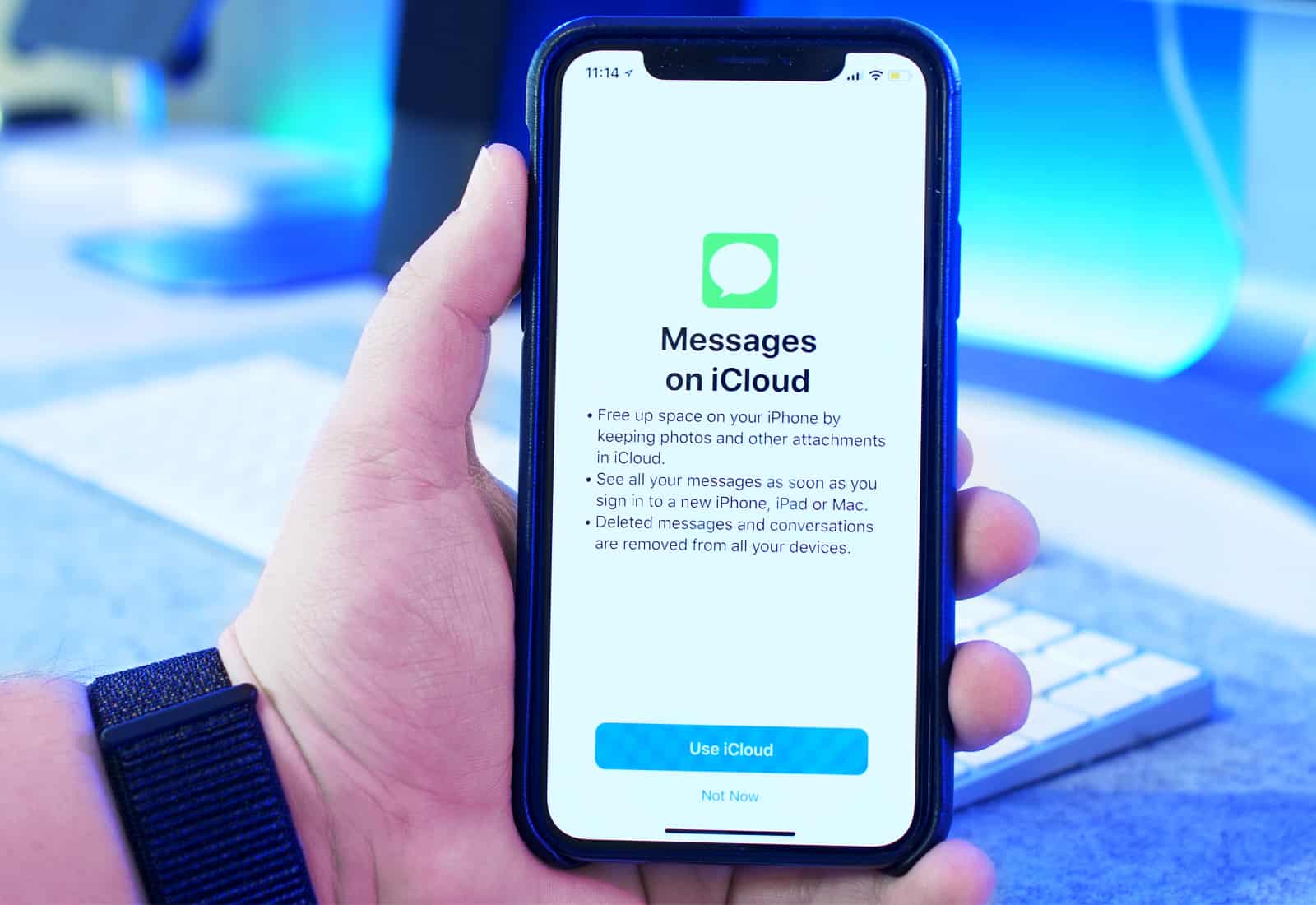
Apple developers received a fresh batch of new beta builds this morning, including the third beta of iOS 11.3, which is set to bring a host of new features and emoji to the public later this year.

Other new beta builds seeded today includes macOS High Sierra 10.13.4 beta 3 and tvOS 11.3 beta 3, both contain a number of bug fixes, under-the-hood improvements and other changes for the Mac and Apple TV.

Apple named world’s most innovative company for 2018

By

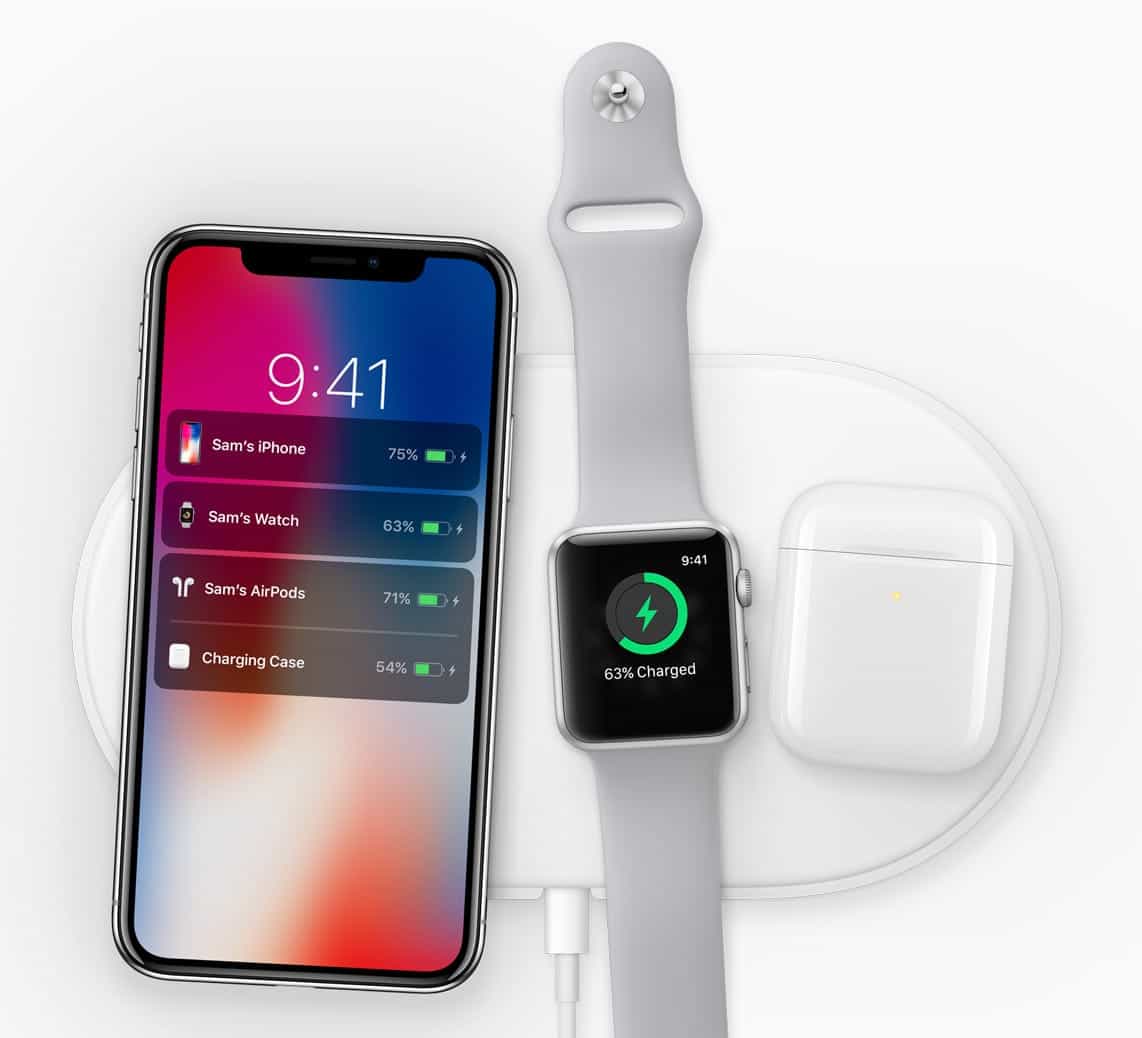
AirPower
Will we finally get a release date for AirPower?
Photo: Apple

Who said innovation was dead at Apple? Certainly not Fast Company, which just named the iPhone-maker the world’s most innovative company for 2018.

Apple secured the top spot “for delivering the future today.” AirPods, Apple Watch Series 3, ARKit, and iPhone X were recognized as its best products from the past year.

Rivals like Google and Samsung didn’t make the list.

Apple may reveal new iPhone at WWDC 2018

By

iPhone SE encryption
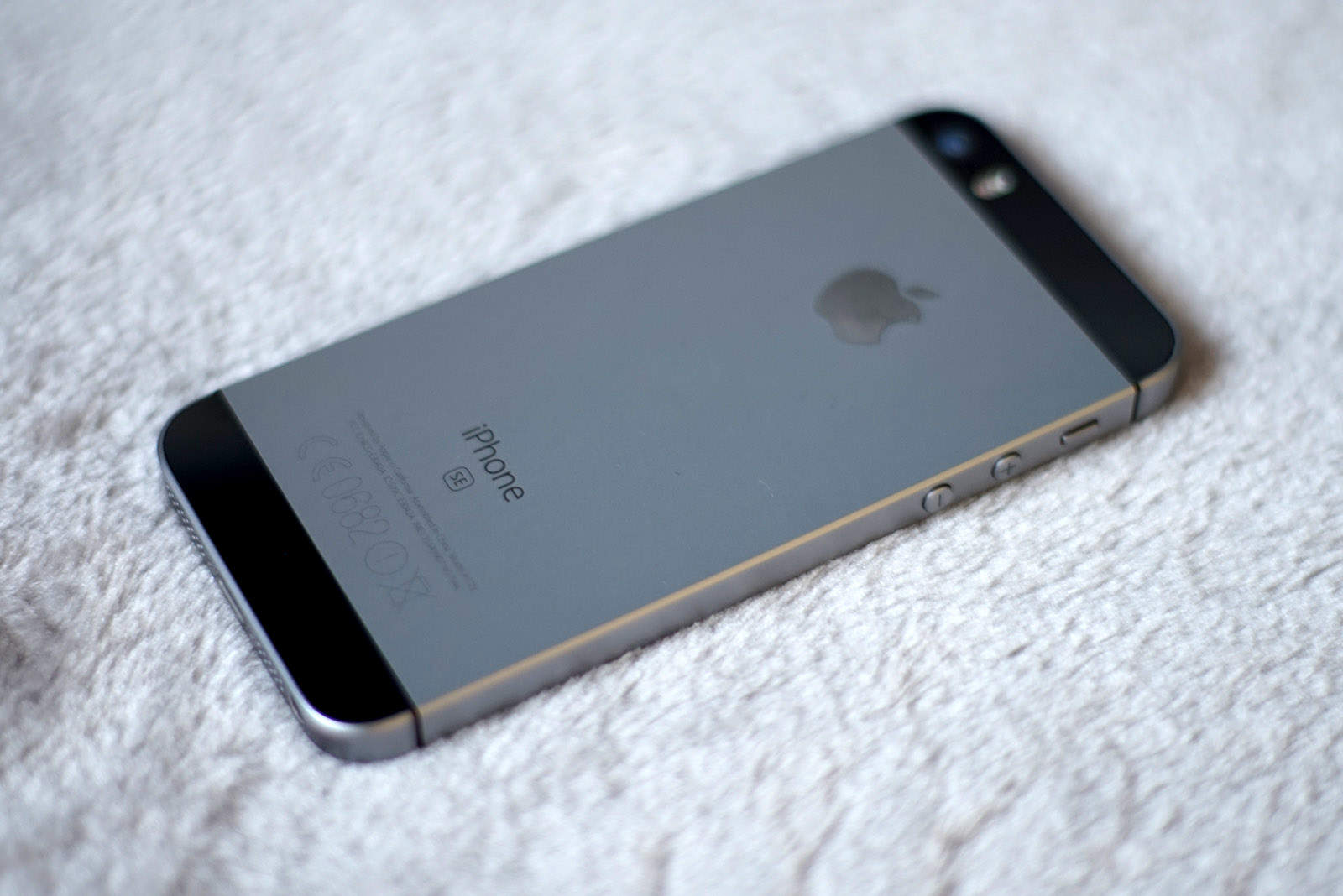
iPhone SE set for biggest upgrade yet.
Photo: Ste Smith/Cult of Mac

A sketchy rumor out of China claims Apple will unveil a new iPhone SE at this year’s Worldwide Developers Conference.

The device is expected to pack a larger display and more powerful components, but no Face ID.

How to use Type to Siri in iOS 11 (and why you’ll love it)

By

type to siri prompt
Type to Siri really shines on the iPad.
Photo: Cult of Mac

iOS 11 is Apple’s most keyboard-friendly version of its mobile software yet, but that doesn’t mean you have to hook up an external keyboard to use its best new keyboard-centric features. Today we’ll look at Type to Siri, which can be used whenever you’d usually talk to your favorite digital assistant just by tapping on the usual on-screen keyboard.